
Network+ Guide to Networks 7th Edition Chapter 12
YM
Published · 46 slides · 0 views
1 / 1
Description
Network Guide to Networks 7th Edition Chapter 12 Industrial and Enterprise Networking 2016 Cengage Learning. May not be scanned, copied or duplicated, or posted to a publicly accessible website, in whole or in part. Objectives Identify
Related Topics
Share
Embed code
Download this presentation From Below
"Network+ Guide to Networks 7th Edition Chapter 12" is the property of its rightful owner. Permission is granted to download and print the materials on this website for personal, non-commercial use only, and to display it on your personal computer provided you do not modify the materials and that you retain all copyright notices contained in the materials. By downloading content from our website, you accept the terms of this agreement.
Presentation Transcript
01
Network+ Guide to Networks
7th Edition Chapter 12
Industrial and Enterprise Networking © 2016 Cengage Learning®. May not be scanned, copied or duplicated, or posted to a publicly accessible website, in whole or in part.<br>
Industrial and Enterprise Networking © 2016 Cengage Learning®. May not be scanned, copied or duplicated, or posted to a publicly accessible website, in whole or in part.<br>
02
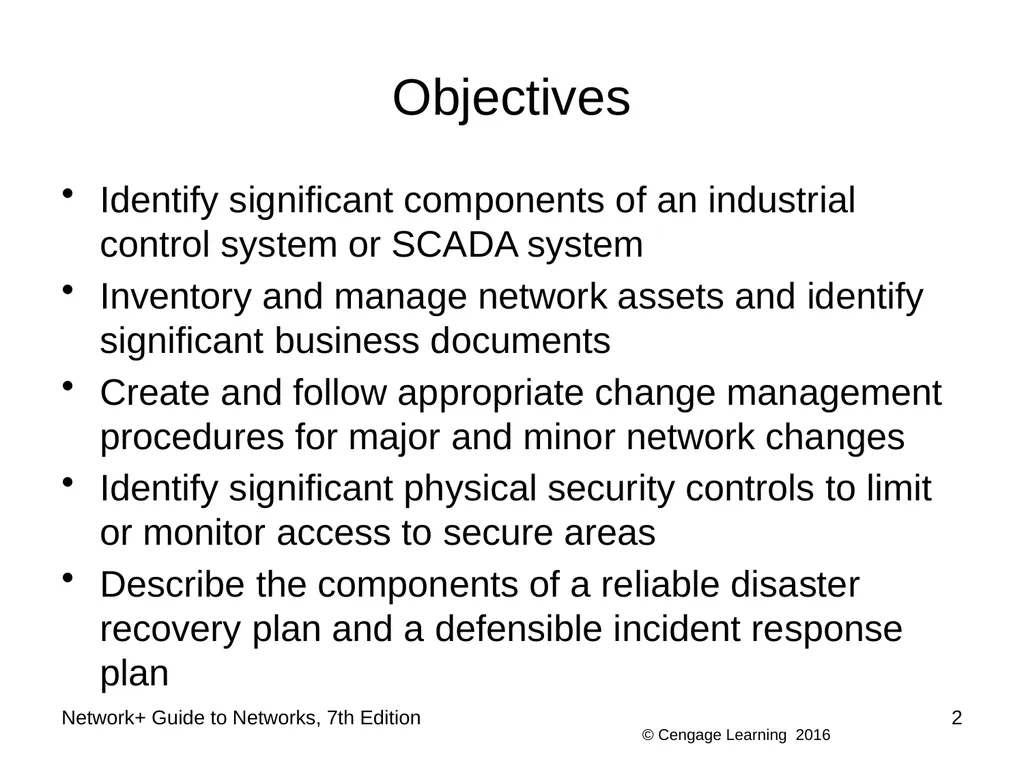
Objectives Identify significant components of an industrial control system or SCADA system
Inventory and manage network assets and identify significant business documents
Create and follow appropriate change management procedures for major and minor network changes
Identify significant physical security controls to limit or monitor access to secure areas
Describe the components of a reliable disaster recovery plan and a defensible incident response plan 2 Network+ Guide to Networks, 7th Edition<br>
Inventory and manage network assets and identify significant business documents
Create and follow appropriate change management procedures for major and minor network changes
Identify significant physical security controls to limit or monitor access to secure areas
Describe the components of a reliable disaster recovery plan and a defensible incident response plan 2 Network+ Guide to Networks, 7th Edition<br>
03
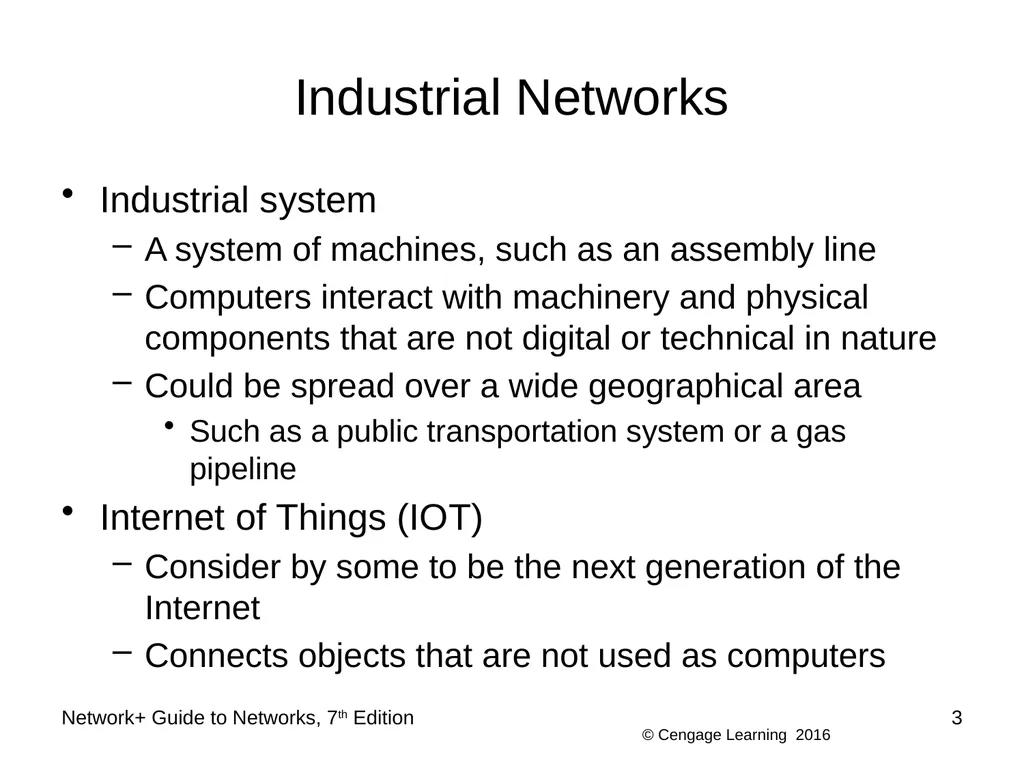
Industrial Networks Industrial system
A system of machines, such as an assembly line
Computers interact with machinery and physical components that are not digital or technical in nature
Could be spread over a wide geographical area
Such as a public transportation system or a gas pipeline
Internet of Things (IOT)
Consider by some to be the next generation of the Internet
Connects objects that are not used as computers Network+ Guide to Networks, 7th Edition 3<br>
A system of machines, such as an assembly line
Computers interact with machinery and physical components that are not digital or technical in nature
Could be spread over a wide geographical area
Such as a public transportation system or a gas pipeline
Internet of Things (IOT)
Consider by some to be the next generation of the Internet
Connects objects that are not used as computers Network+ Guide to Networks, 7th Edition 3<br>
04
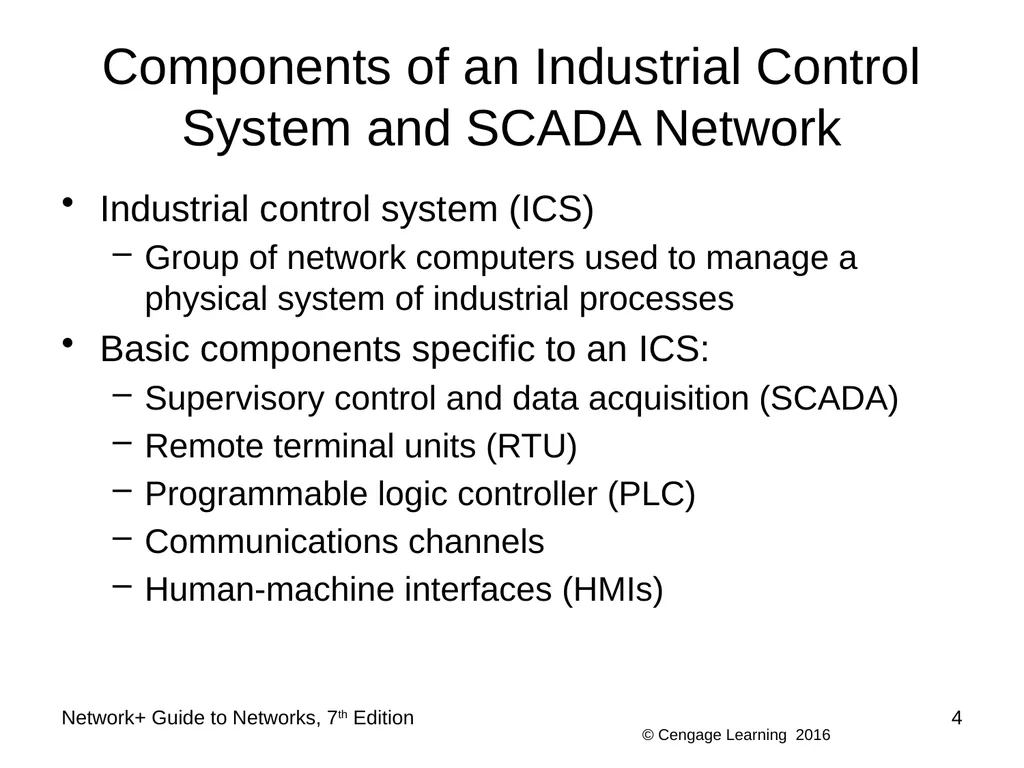
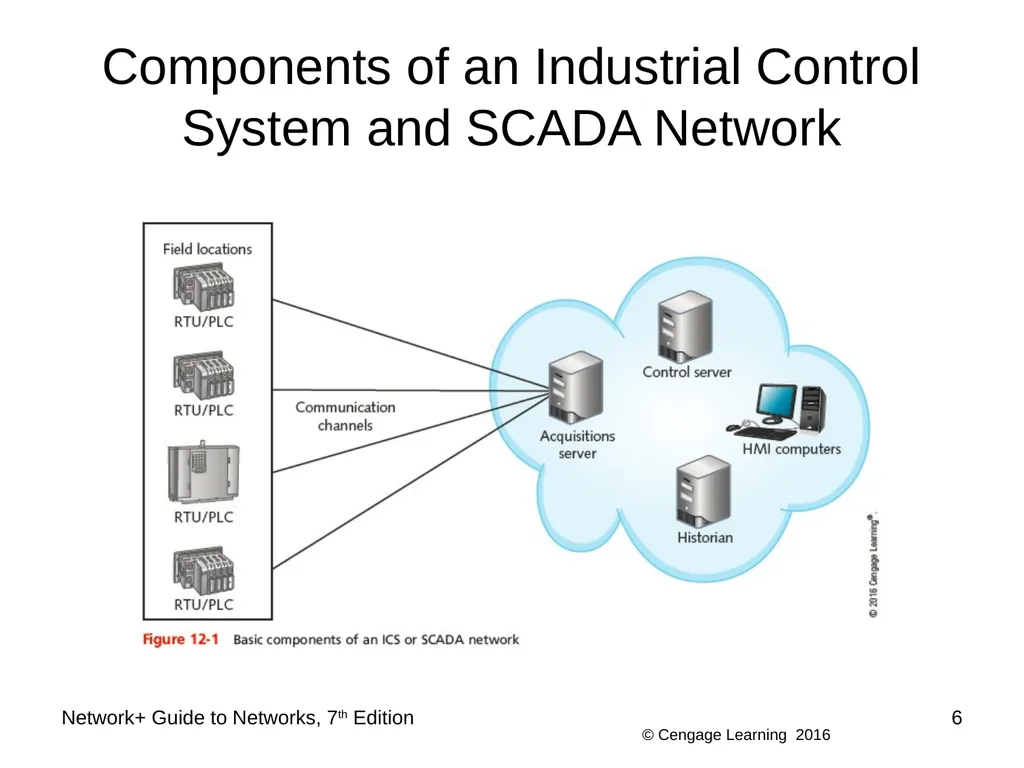
Components of an Industrial Control System and SCADA Network Industrial control system (ICS)
Group of network computers used to manage a physical system of industrial processes
Basic components specific to an ICS:
Supervisory control and data acquisition (SCADA)
Remote terminal units (RTU)
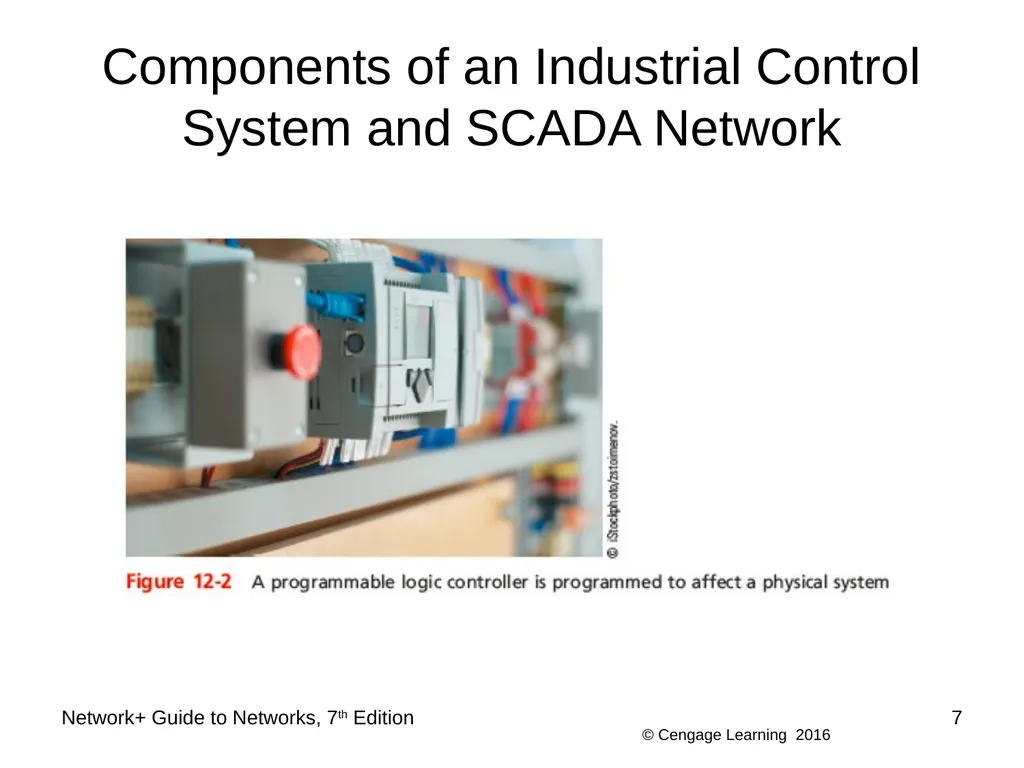
Programmable logic controller (PLC)
Communications channels
Human-machine interfaces (HMIs) Network+ Guide to Networks, 7th Edition 4<br>
Group of network computers used to manage a physical system of industrial processes
Basic components specific to an ICS:
Supervisory control and data acquisition (SCADA)
Remote terminal units (RTU)
Programmable logic controller (PLC)
Communications channels
Human-machine interfaces (HMIs) Network+ Guide to Networks, 7th Edition 4<br>
05
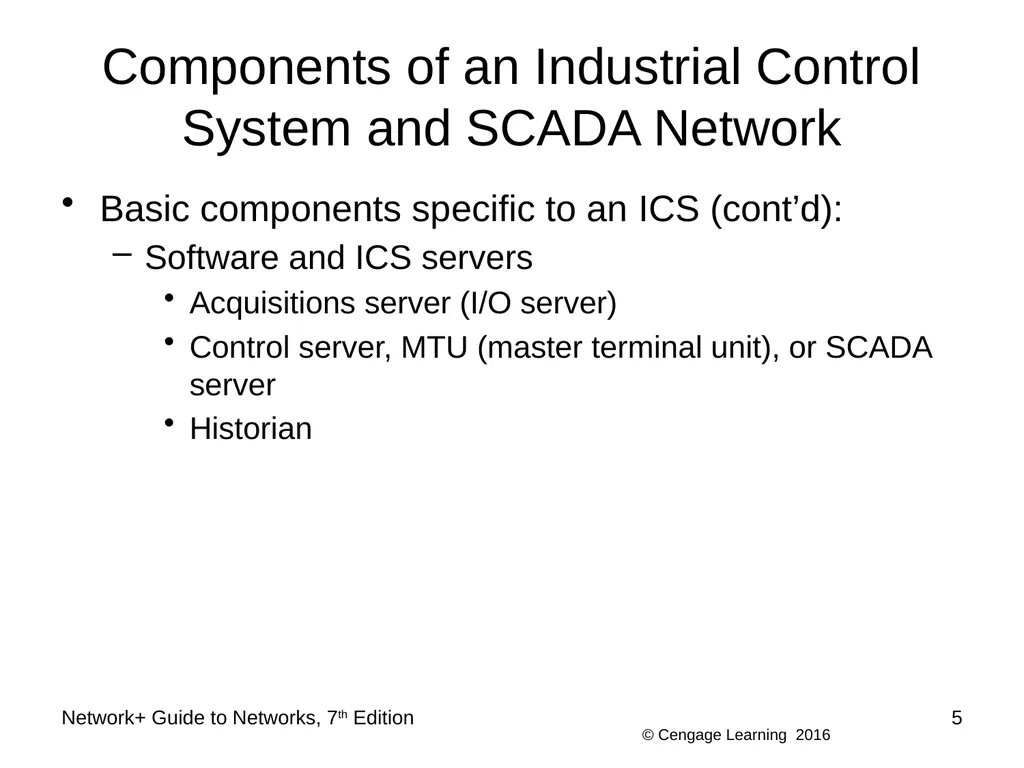
Components of an Industrial Control System and SCADA Network Basic components specific to an ICS (cont’d):
Software and ICS servers
Acquisitions server (I/O server)
Control server, MTU (master terminal unit), or SCADA server
Historian Network+ Guide to Networks, 7th Edition 5<br>
Software and ICS servers
Acquisitions server (I/O server)
Control server, MTU (master terminal unit), or SCADA server
Historian Network+ Guide to Networks, 7th Edition 5<br>
06
Components of an Industrial Control System and SCADA Network Network+ Guide to Networks, 7th Edition 6<br>
07
Components of an Industrial Control System and SCADA Network Network+ Guide to Networks, 7th Edition 7<br>
08
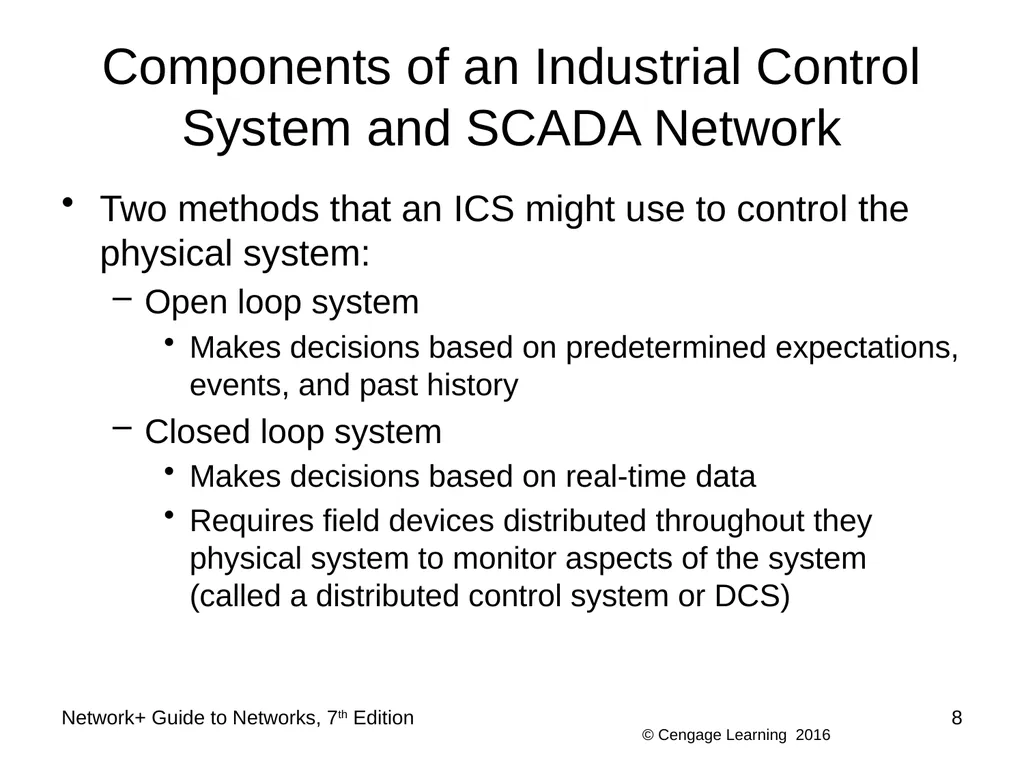
Components of an Industrial Control System and SCADA Network Two methods that an ICS might use to control the physical system:
Open loop system
Makes decisions based on predetermined expectations, events, and past history
Closed loop system
Makes decisions based on real-time data
Requires field devices distributed throughout they physical system to monitor aspects of the system (called a distributed control system or DCS) Network+ Guide to Networks, 7th Edition 8<br>
Open loop system
Makes decisions based on predetermined expectations, events, and past history
Closed loop system
Makes decisions based on real-time data
Requires field devices distributed throughout they physical system to monitor aspects of the system (called a distributed control system or DCS) Network+ Guide to Networks, 7th Edition 8<br>
09
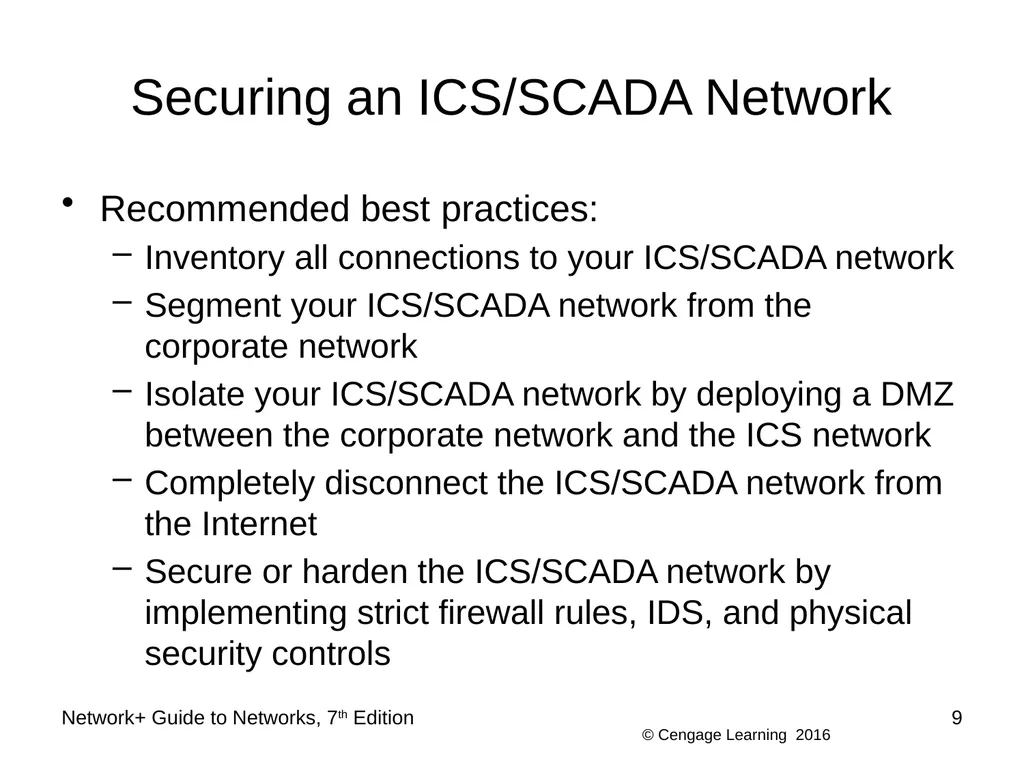
Securing an ICS/SCADA Network Recommended best practices:
Inventory all connections to your ICS/SCADA network
Segment your ICS/SCADA network from the corporate network
Isolate your ICS/SCADA network by deploying a DMZ between the corporate network and the ICS network
Completely disconnect the ICS/SCADA network from the Internet
Secure or harden the ICS/SCADA network by implementing strict firewall rules, IDS, and physical security controls Network+ Guide to Networks, 7th Edition 9<br>
Inventory all connections to your ICS/SCADA network
Segment your ICS/SCADA network from the corporate network
Isolate your ICS/SCADA network by deploying a DMZ between the corporate network and the ICS network
Completely disconnect the ICS/SCADA network from the Internet
Secure or harden the ICS/SCADA network by implementing strict firewall rules, IDS, and physical security controls Network+ Guide to Networks, 7th Edition 9<br>
10
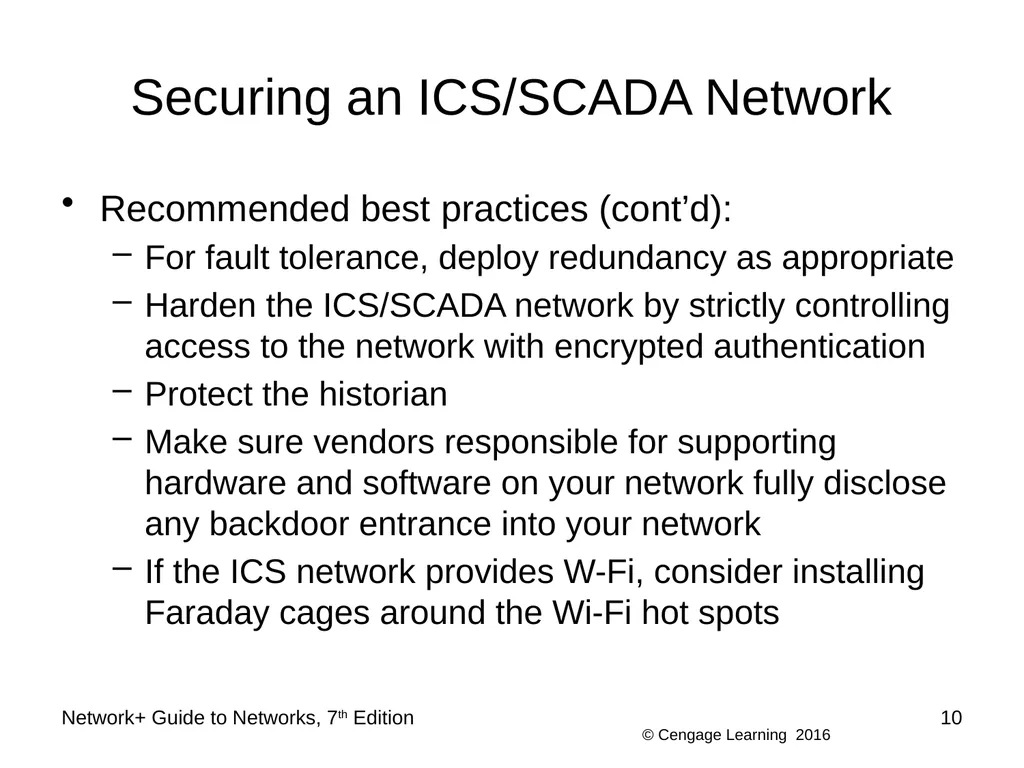
Securing an ICS/SCADA Network Recommended best practices (cont’d):
For fault tolerance, deploy redundancy as appropriate
Harden the ICS/SCADA network by strictly controlling access to the network with encrypted authentication
Protect the historian
Make sure vendors responsible for supporting hardware and software on your network fully disclose any backdoor entrance into your network
If the ICS network provides W-Fi, consider installing Faraday cages around the Wi-Fi hot spots Network+ Guide to Networks, 7th Edition 10<br>
For fault tolerance, deploy redundancy as appropriate
Harden the ICS/SCADA network by strictly controlling access to the network with encrypted authentication
Protect the historian
Make sure vendors responsible for supporting hardware and software on your network fully disclose any backdoor entrance into your network
If the ICS network provides W-Fi, consider installing Faraday cages around the Wi-Fi hot spots Network+ Guide to Networks, 7th Edition 10<br>
11
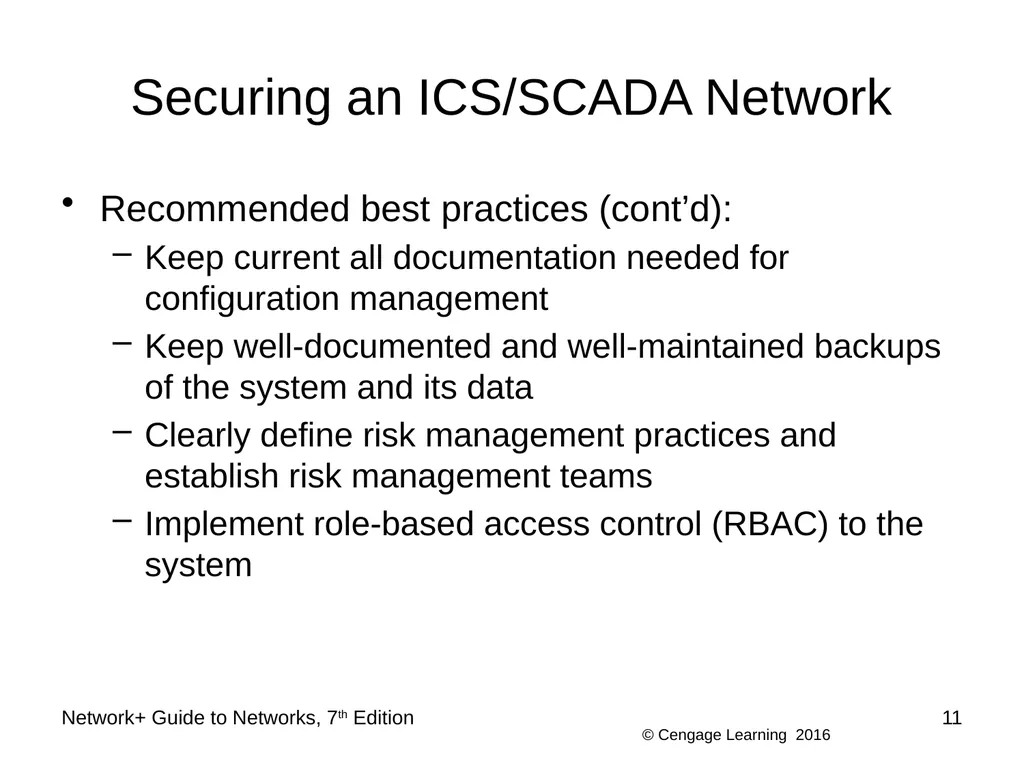
Securing an ICS/SCADA Network Recommended best practices (cont’d):
Keep current all documentation needed for configuration management
Keep well-documented and well-maintained backups of the system and its data
Clearly define risk management practices and establish risk management teams
Implement role-based access control (RBAC) to the system Network+ Guide to Networks, 7th Edition 11<br>
Keep current all documentation needed for configuration management
Keep well-documented and well-maintained backups of the system and its data
Clearly define risk management practices and establish risk management teams
Implement role-based access control (RBAC) to the system Network+ Guide to Networks, 7th Edition 11<br>
12
Asset Management and Business Documents Asset management documentation
Important when managing large numbers of devices
Essential in an enterprise environment Network+ Guide to Networks, 7th Edition 12<br>
Important when managing large numbers of devices
Essential in an enterprise environment Network+ Guide to Networks, 7th Edition 12<br>
13
Asset Management Refers to monitoring and maintaining all assets that make up a network
First step is to inventory all network components:
Nodes or hardware devices
Software
Organization needs determine appropriate asset management tool
Benefits
Simplifies maintaining and upgrading network
Provides information about hardware and software costs and benefits Network+ Guide to Networks, 7th Edition 13<br>
First step is to inventory all network components:
Nodes or hardware devices
Software
Organization needs determine appropriate asset management tool
Benefits
Simplifies maintaining and upgrading network
Provides information about hardware and software costs and benefits Network+ Guide to Networks, 7th Edition 13<br>
14
Business Documents Standard business documents you may encounter:
RFP (request for proposal)
Request to vendors to submit a proposal for a product or service your company wants to purchase
MOU (memorandum of understanding)
Documents the intentions of two or more parties to enter into a binding agreement, or contract
SOW (statement of work)
Documents in detail the work that must be completed for a particular project Network+ Guide to Networks, 7th Edition 14<br>
RFP (request for proposal)
Request to vendors to submit a proposal for a product or service your company wants to purchase
MOU (memorandum of understanding)
Documents the intentions of two or more parties to enter into a binding agreement, or contract
SOW (statement of work)
Documents in detail the work that must be completed for a particular project Network+ Guide to Networks, 7th Edition 14<br>
15
Business Documents Standard business documents you may encounter (cont’d):
SLA (service-level agreement)
A legally binding contract or part of a contract that defines the aspects of a service provided to a customer
Example: the service provided by an ISP
MLA (master license agreement)
Grants a license from a creator, developer, or producer to a third party for the purposes of marketing or sublicensing, or distributing the product to consumers Network+ Guide to Networks, 7th Edition 15<br>
SLA (service-level agreement)
A legally binding contract or part of a contract that defines the aspects of a service provided to a customer
Example: the service provided by an ISP
MLA (master license agreement)
Grants a license from a creator, developer, or producer to a third party for the purposes of marketing or sublicensing, or distributing the product to consumers Network+ Guide to Networks, 7th Edition 15<br>
16
Change Management Managing change while maintaining network’s efficiency and availability:
Requires good planning
Common software and hardware changes
Range from installing patches to replacing network backbone
Several ways to approach changes Network+ Guide to Networks, 7th Edition 16<br>
Requires good planning
Common software and hardware changes
Range from installing patches to replacing network backbone
Several ways to approach changes Network+ Guide to Networks, 7th Edition 16<br>
17
Software and Hardware Changes Three types of changes to existing software:
Patch
A correction, improvement, or enhancement
Upgrade
A major change to a software package that enhances the functionality and features of the software
Rollback
Also called backleveling or downgrading
Process of reverting to a previous version after attempting to patch or upgrade it Network+ Guide to Networks, 7th Edition 17<br>
Patch
A correction, improvement, or enhancement
Upgrade
A major change to a software package that enhances the functionality and features of the software
Rollback
Also called backleveling or downgrading
Process of reverting to a previous version after attempting to patch or upgrade it Network+ Guide to Networks, 7th Edition 17<br>
18
Software and Hardware Changes General steps to change software or hardware
Don’t allow patches to be automatically installed
Determine whether patch or upgrade is necessary
Research change purpose, compatibility, and effects
Test the patch or upgrade in a testing lab to make sure it acts as expected
Determine whether changes should apply to all users, network segments, or devices
Schedule change for completion during off-hours
Called the maintenance window Network+ Guide to Networks, 7th Edition 18<br>
Don’t allow patches to be automatically installed
Determine whether patch or upgrade is necessary
Research change purpose, compatibility, and effects
Test the patch or upgrade in a testing lab to make sure it acts as expected
Determine whether changes should apply to all users, network segments, or devices
Schedule change for completion during off-hours
Called the maintenance window Network+ Guide to Networks, 7th Edition 18<br>
19
Software and Hardware Changes General steps to change software or hardware (cont’d)
Notify appropriate personnel of intent to change
Back up current system
Prevent users from accessing system during change
Keep instructions handy as you install revision
Implement the change and test system fully
Re-enable access to the system
Or revert to previous version
Inform personnel that change is complete
Record change in the change management system Network+ Guide to Networks, 7th Edition 19<br>
Notify appropriate personnel of intent to change
Back up current system
Prevent users from accessing system during change
Keep instructions handy as you install revision
Implement the change and test system fully
Re-enable access to the system
Or revert to previous version
Inform personnel that change is complete
Record change in the change management system Network+ Guide to Networks, 7th Edition 19<br>
20
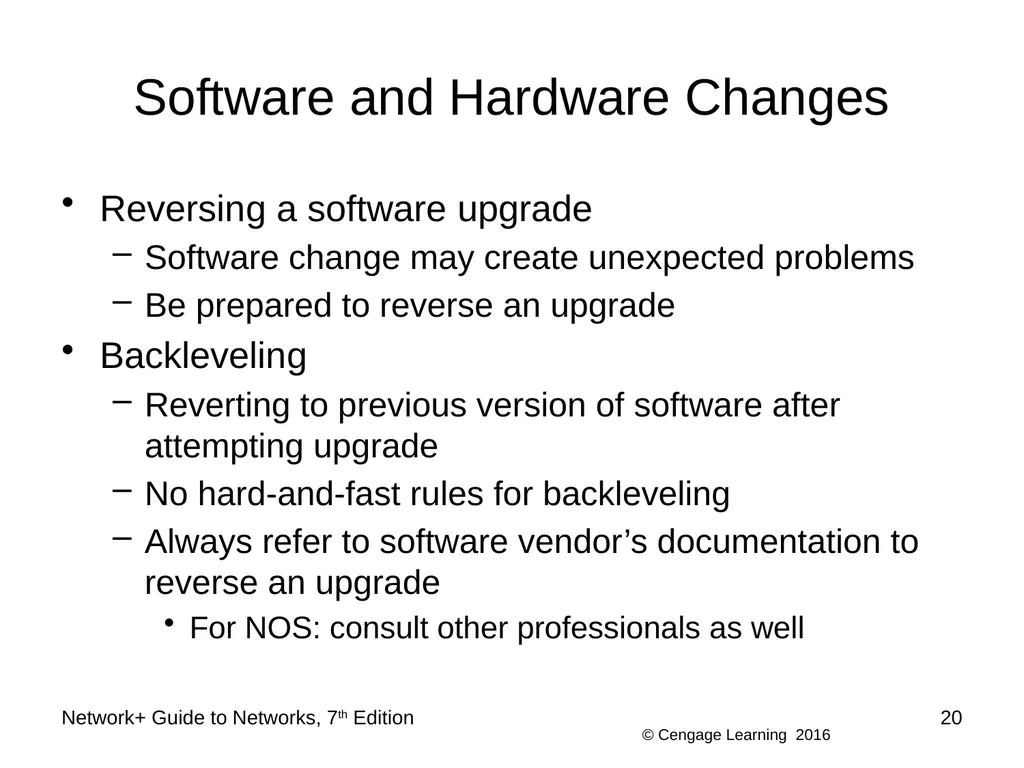
Software and Hardware Changes Reversing a software upgrade
Software change may create unexpected problems
Be prepared to reverse an upgrade
Backleveling
Reverting to previous version of software after attempting upgrade
No hard-and-fast rules for backleveling
Always refer to software vendor’s documentation to reverse an upgrade
For NOS: consult other professionals as well Network+ Guide to Networks, 7th Edition 20<br>
Software change may create unexpected problems
Be prepared to reverse an upgrade
Backleveling
Reverting to previous version of software after attempting upgrade
No hard-and-fast rules for backleveling
Always refer to software vendor’s documentation to reverse an upgrade
For NOS: consult other professionals as well Network+ Guide to Networks, 7th Edition 20<br>
21
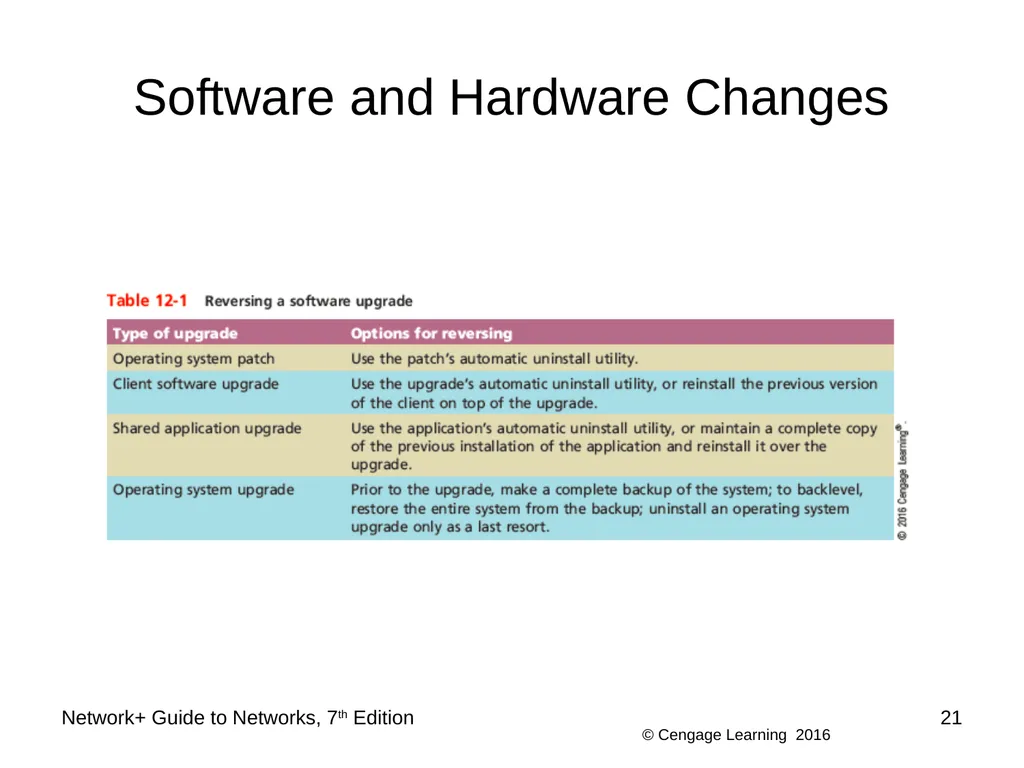
Software and Hardware Changes Network+ Guide to Networks, 7th Edition 21<br>
22
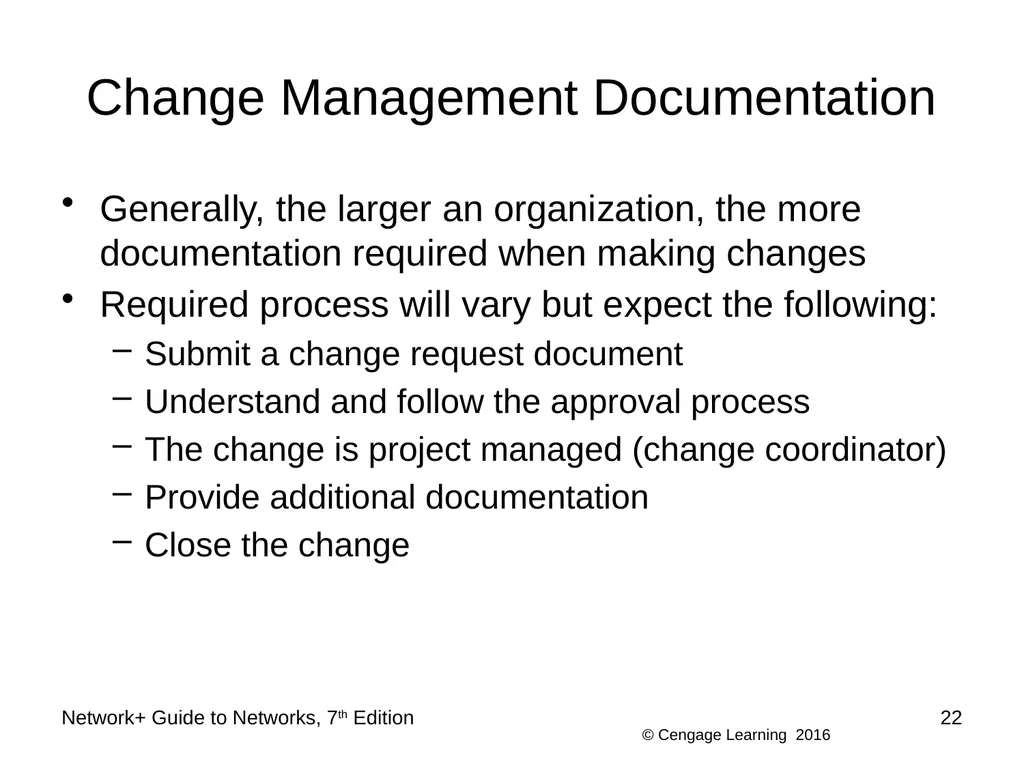
Change Management Documentation Generally, the larger an organization, the more documentation required when making changes
Required process will vary but expect the following:
Submit a change request document
Understand and follow the approval process
The change is project managed (change coordinator)
Provide additional documentation
Close the change Network+ Guide to Networks, 7th Edition 22<br>
Required process will vary but expect the following:
Submit a change request document
Understand and follow the approval process
The change is project managed (change coordinator)
Provide additional documentation
Close the change Network+ Guide to Networks, 7th Edition 22<br>
23
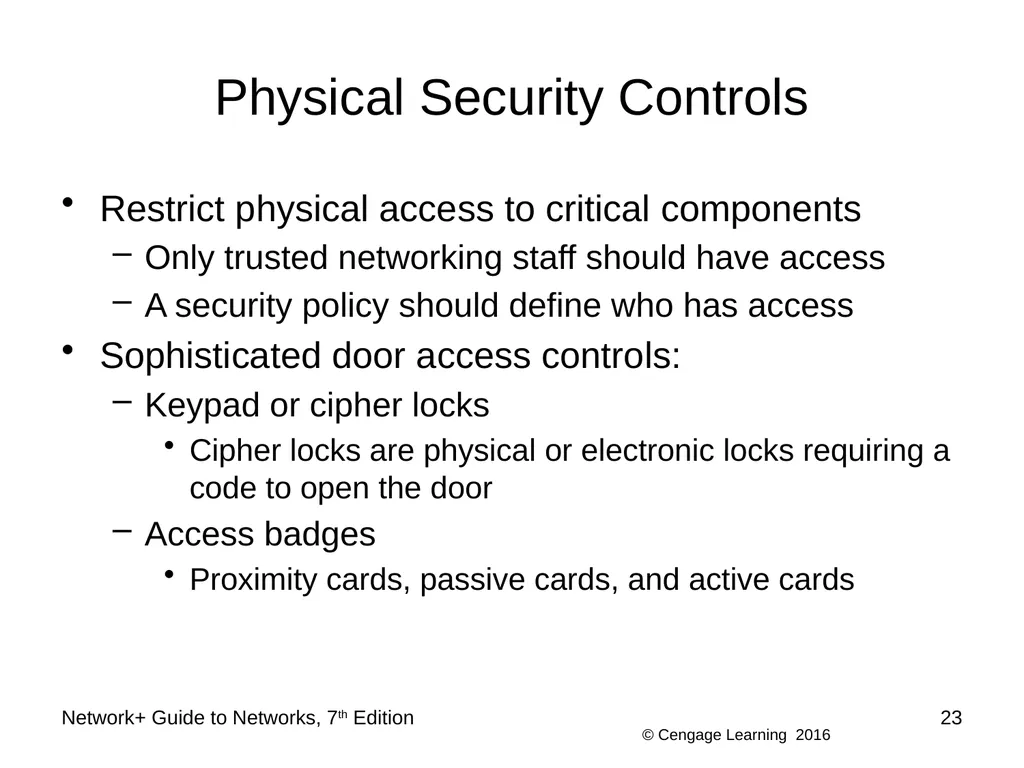
Physical Security Controls Restrict physical access to critical components
Only trusted networking staff should have access
A security policy should define who has access
Sophisticated door access controls:
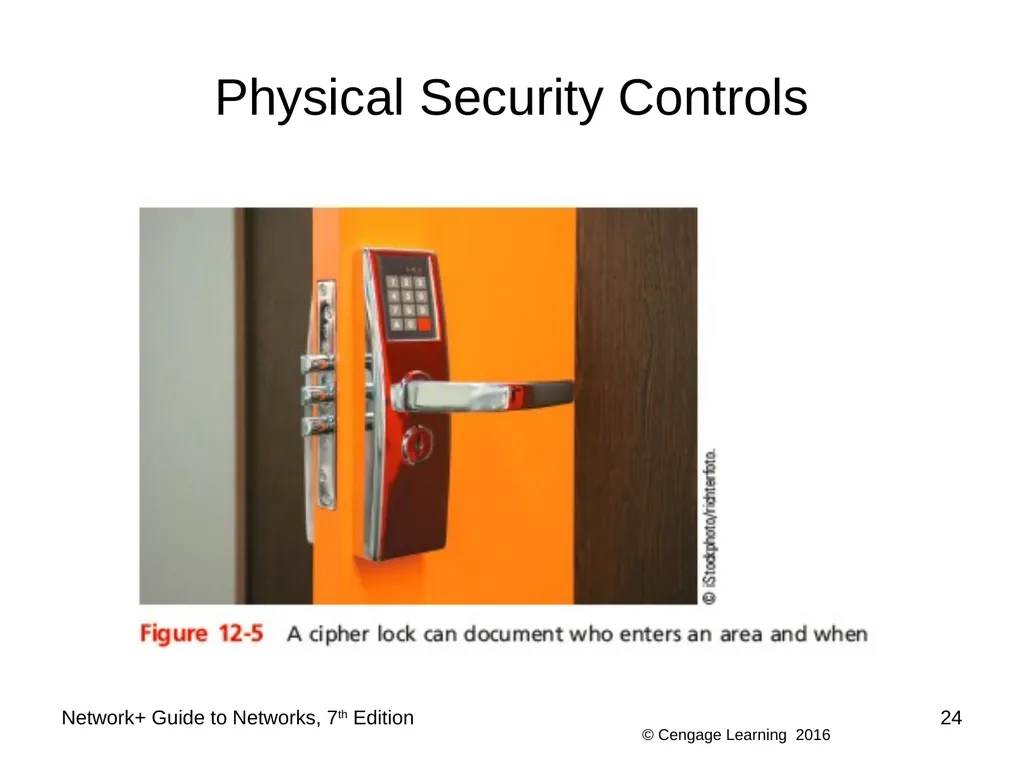
Keypad or cipher locks
Cipher locks are physical or electronic locks requiring a code to open the door
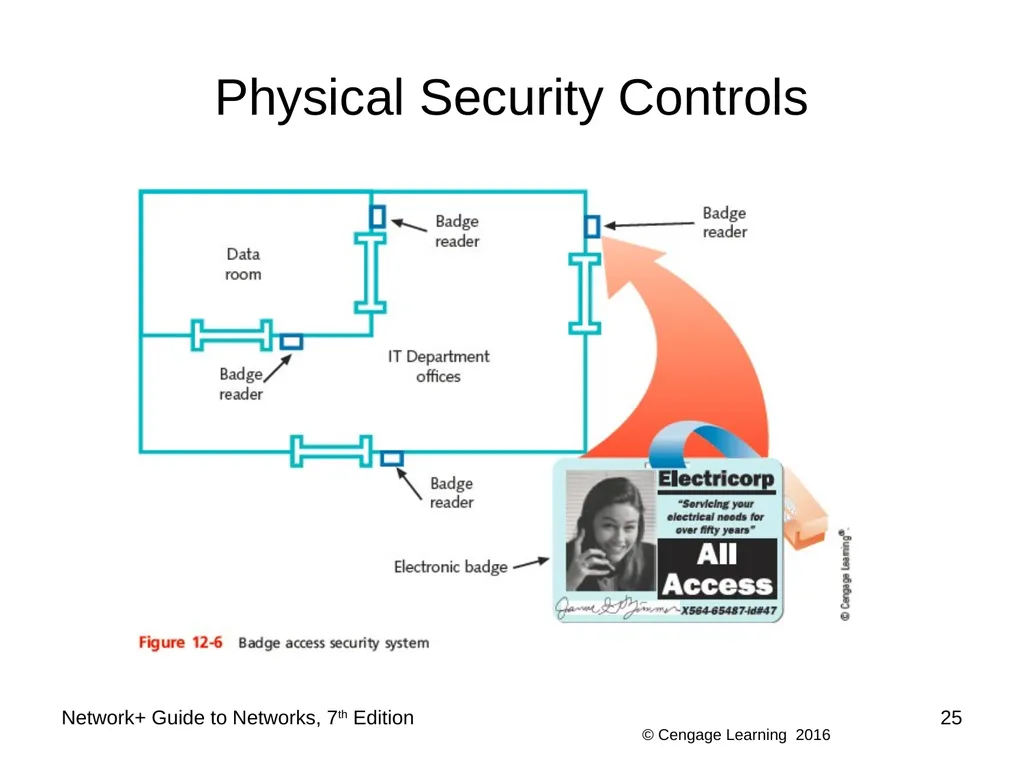
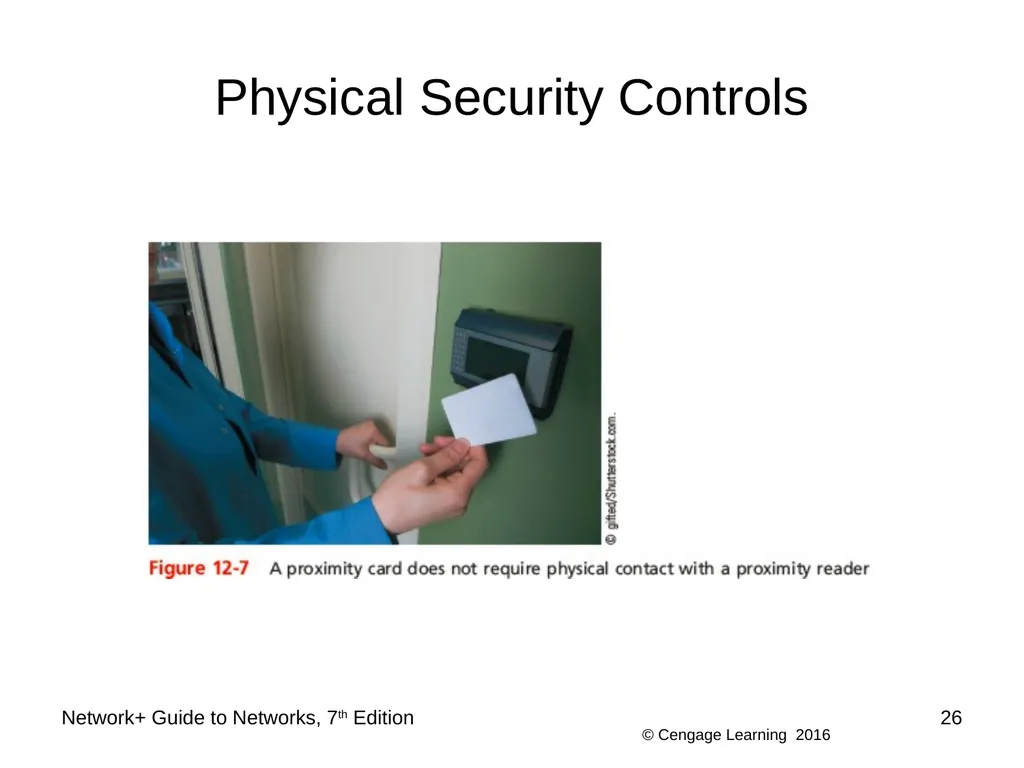
Access badges
Proximity cards, passive cards, and active cards Network+ Guide to Networks, 7th Edition 23<br>
Only trusted networking staff should have access
A security policy should define who has access
Sophisticated door access controls:
Keypad or cipher locks
Cipher locks are physical or electronic locks requiring a code to open the door
Access badges
Proximity cards, passive cards, and active cards Network+ Guide to Networks, 7th Edition 23<br>
24
Physical Security Controls Network+ Guide to Networks, 7th Edition 24<br>
25
Physical Security Controls Network+ Guide to Networks, 7th Edition 25<br>
26
Physical Security Controls Network+ Guide to Networks, 7th Edition 26<br>
27
Physical Security Controls Sophisticated door access controls (cont’d):
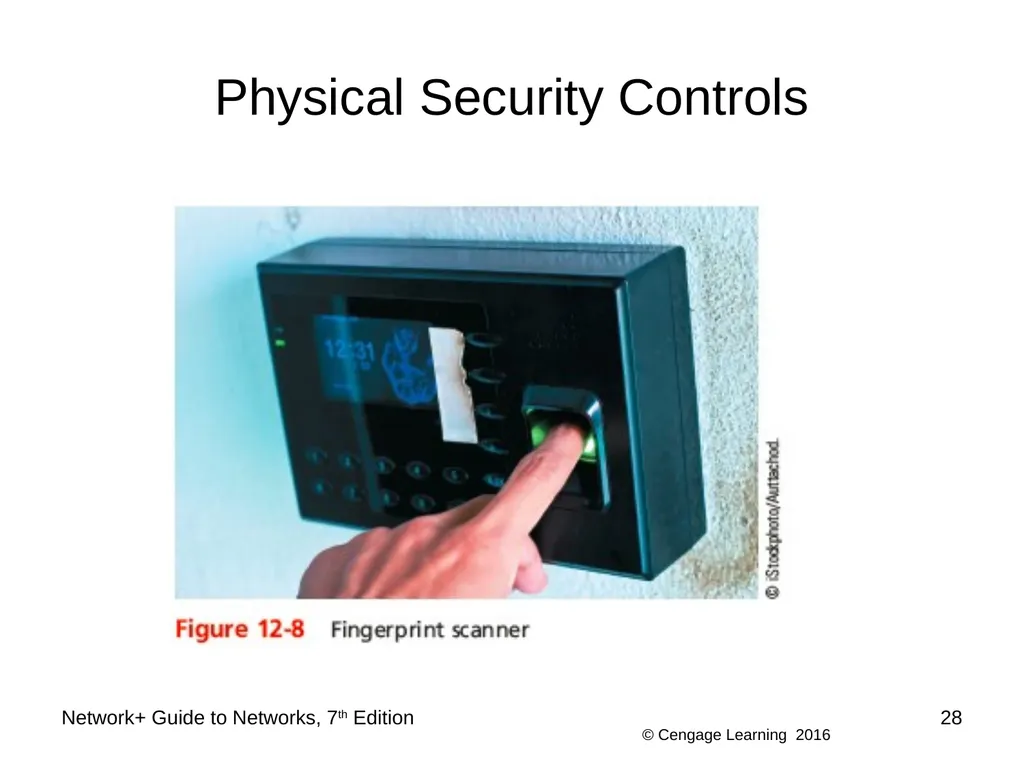
Biometrics
Scans an individual’s unique physical characteristics
Mantraps
Consists of two doors on either end of a small entryway
First door must close before the second door can open
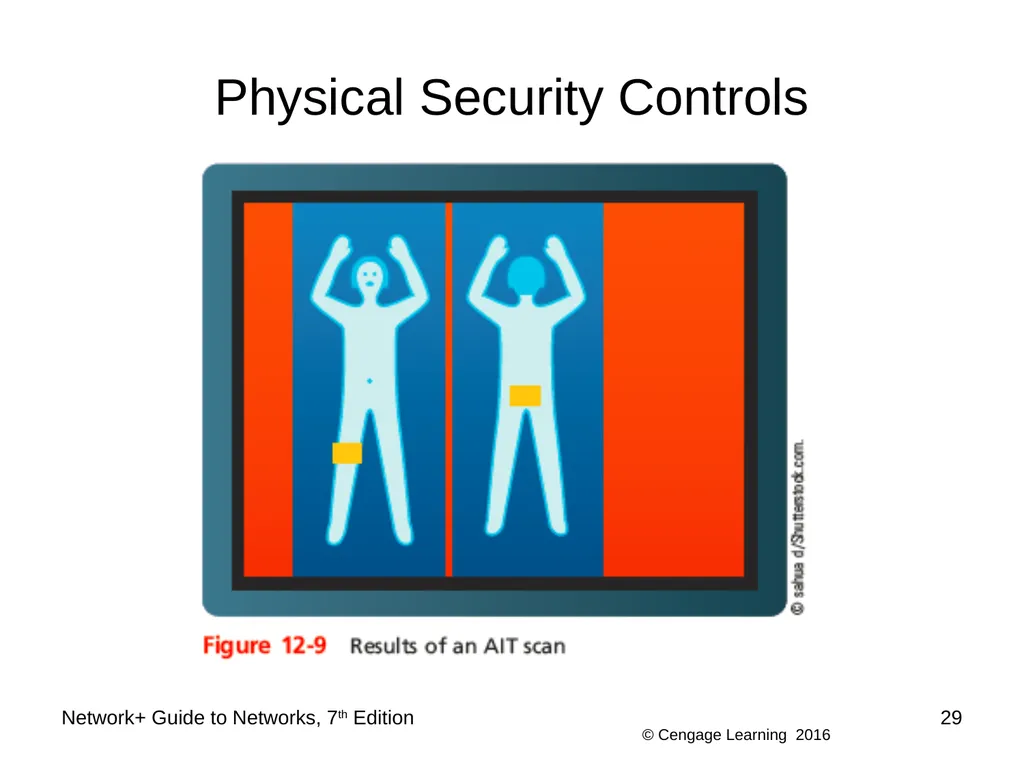
AIT (advanced imaging technology) machines
Use millimeter-wave scanners to indicate on cartoonlike images any areas of concern to security personnel Network+ Guide to Networks, 7th Edition 27<br>
Biometrics
Scans an individual’s unique physical characteristics
Mantraps
Consists of two doors on either end of a small entryway
First door must close before the second door can open
AIT (advanced imaging technology) machines
Use millimeter-wave scanners to indicate on cartoonlike images any areas of concern to security personnel Network+ Guide to Networks, 7th Edition 27<br>
28
Physical Security Controls Network+ Guide to Networks, 7th Edition 28<br>
29
Physical Security Controls Network+ Guide to Networks, 7th Edition 29<br>
30
Physical Security Controls Many IT departments use video surveillance systems (closed-circuit TV) to monitor activity in secured rooms
IP cameras can be placed in data centers
A central security office might display several camera views at once
Or it might switch from camera to camera Network+ Guide to Networks, 7th Edition 30<br>
IP cameras can be placed in data centers
A central security office might display several camera views at once
Or it might switch from camera to camera Network+ Guide to Networks, 7th Edition 30<br>
31
Physical Security Controls Important questions to ask when planning for physical security:
Which rooms contain critical systems or data and must be secured?
Through what means might intruders gain access to the facility, computer room, data room, network closet, or data storage areas?
How and to what extent are authorized personnel granted entry?
Are employees instructed to ensure security after entering or leaving secured areas? Network+ Guide to Networks, 7th Edition 31<br>
Which rooms contain critical systems or data and must be secured?
Through what means might intruders gain access to the facility, computer room, data room, network closet, or data storage areas?
How and to what extent are authorized personnel granted entry?
Are employees instructed to ensure security after entering or leaving secured areas? Network+ Guide to Networks, 7th Edition 31<br>
32
Physical Security Controls Important questions to ask when planning for physical security (cont’d):
Are authentication methods difficult to forge or circumvent?
Do supervisors or security personnel make periodic physical security checks?
Are all combinations, codes, or other access means to computer facilities protected at all times, and are those combinations changed frequently?
Do you have a plan for documenting and responding to physical security breaches? Network+ Guide to Networks, 7th Edition 32<br>
Are authentication methods difficult to forge or circumvent?
Do supervisors or security personnel make periodic physical security checks?
Are all combinations, codes, or other access means to computer facilities protected at all times, and are those combinations changed frequently?
Do you have a plan for documenting and responding to physical security breaches? Network+ Guide to Networks, 7th Edition 32<br>
33
Physical Security Controls To guard against information being stolen from a decommissioned hard drive
Run a specialized drive sanitizer program to make file recovery impossible
Degausser
A magnetic hard drive eraser Network+ Guide to Networks, 7th Edition 33<br>
Run a specialized drive sanitizer program to make file recovery impossible
Degausser
A magnetic hard drive eraser Network+ Guide to Networks, 7th Edition 33<br>
34
Troubleshooting and Response Policies Disasters and security breaches to happen
Training and preparation can make all the difference in your company’s ability to respond and adapt to these situations Network+ Guide to Networks, 7th Edition 34<br>
Training and preparation can make all the difference in your company’s ability to respond and adapt to these situations Network+ Guide to Networks, 7th Edition 34<br>
35
Disaster Recovery Disaster recovery
Restoring critical functionality, data
After enterprise-wide outage
Affecting more than single system, limited group
Consider possible extremes
Enterprise-wide outage
Failures
Security breaches
Data corruption Network+ Guide to Networks, 7th Edition 35<br>
Restoring critical functionality, data
After enterprise-wide outage
Affecting more than single system, limited group
Consider possible extremes
Enterprise-wide outage
Failures
Security breaches
Data corruption Network+ Guide to Networks, 7th Edition 35<br>
36
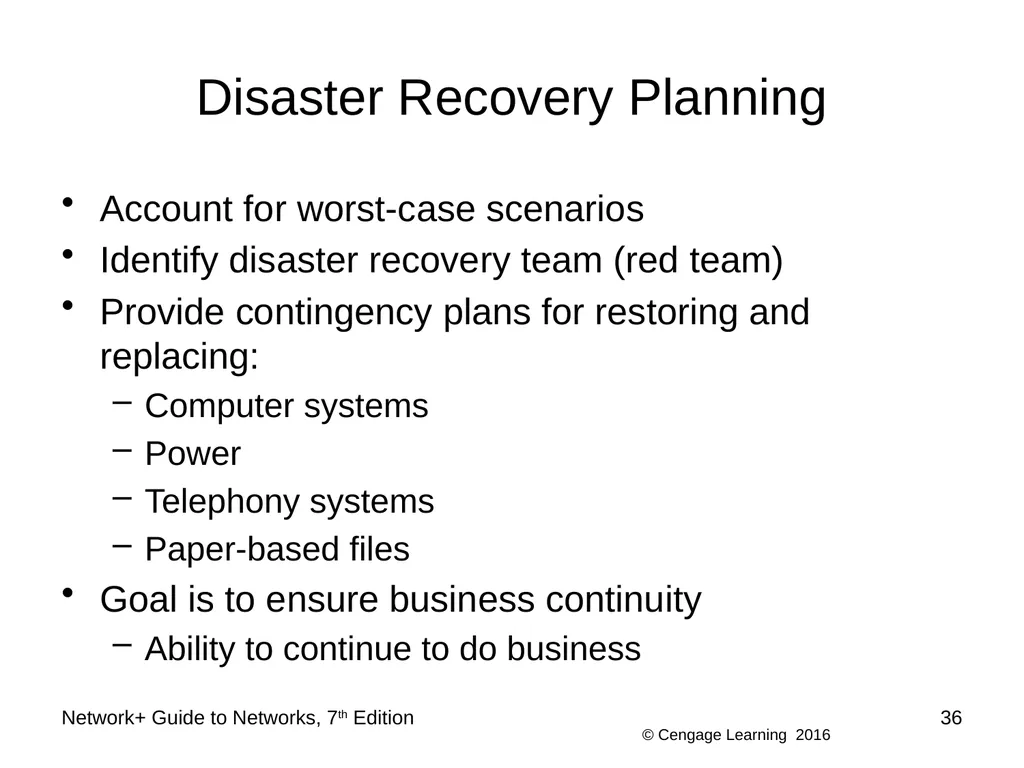
Disaster Recovery Planning Account for worst-case scenarios
Identify disaster recovery team (red team)
Provide contingency plans for restoring and replacing:
Computer systems
Power
Telephony systems
Paper-based files
Goal is to ensure business continuity
Ability to continue to do business Network+ Guide to Networks, 7th Edition 36<br>
Identify disaster recovery team (red team)
Provide contingency plans for restoring and replacing:
Computer systems
Power
Telephony systems
Paper-based files
Goal is to ensure business continuity
Ability to continue to do business Network+ Guide to Networks, 7th Edition 36<br>
37
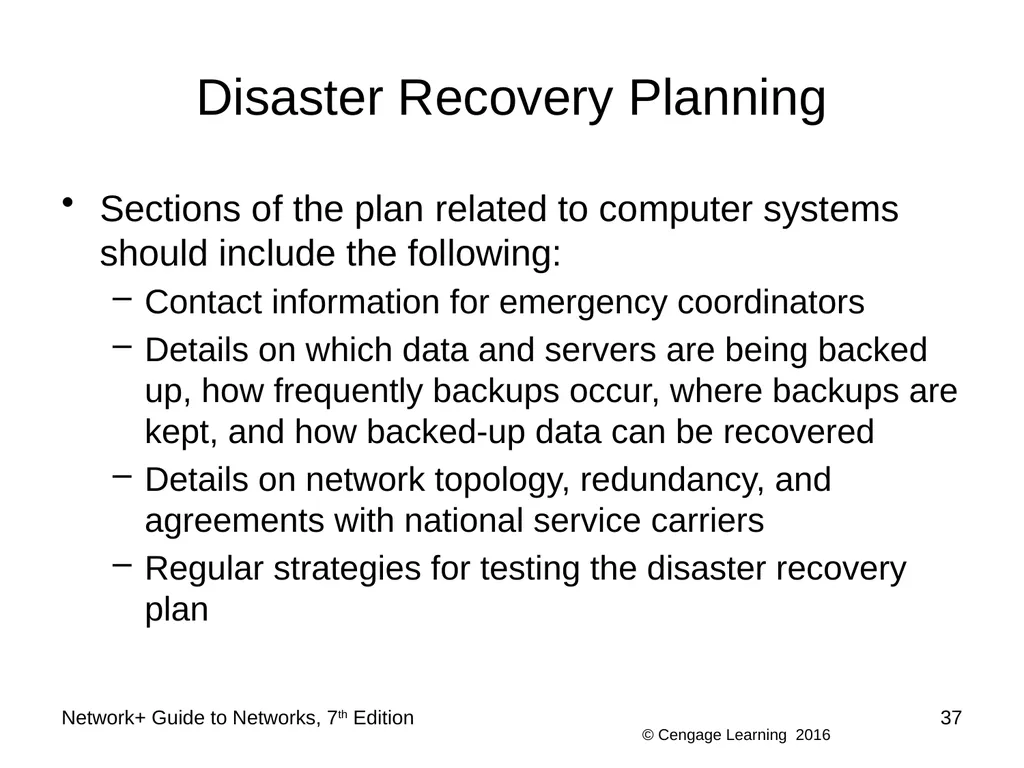
Disaster Recovery Planning Sections of the plan related to computer systems should include the following:
Contact information for emergency coordinators
Details on which data and servers are being backed up, how frequently backups occur, where backups are kept, and how backed-up data can be recovered
Details on network topology, redundancy, and agreements with national service carriers
Regular strategies for testing the disaster recovery plan Network+ Guide to Networks, 7th Edition 37<br>
Contact information for emergency coordinators
Details on which data and servers are being backed up, how frequently backups occur, where backups are kept, and how backed-up data can be recovered
Details on network topology, redundancy, and agreements with national service carriers
Regular strategies for testing the disaster recovery plan Network+ Guide to Networks, 7th Edition 37<br>
38
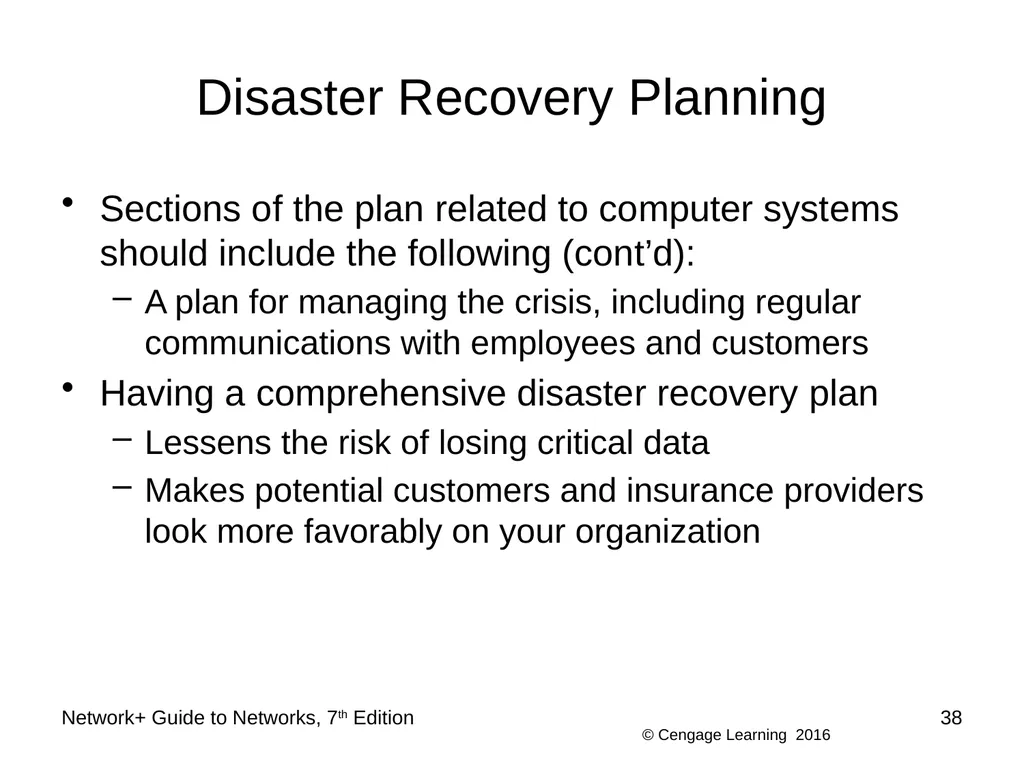
Disaster Recovery Planning Sections of the plan related to computer systems should include the following (cont’d):
A plan for managing the crisis, including regular communications with employees and customers
Having a comprehensive disaster recovery plan
Lessens the risk of losing critical data
Makes potential customers and insurance providers look more favorably on your organization Network+ Guide to Networks, 7th Edition 38<br>
A plan for managing the crisis, including regular communications with employees and customers
Having a comprehensive disaster recovery plan
Lessens the risk of losing critical data
Makes potential customers and insurance providers look more favorably on your organization Network+ Guide to Networks, 7th Edition 38<br>
39
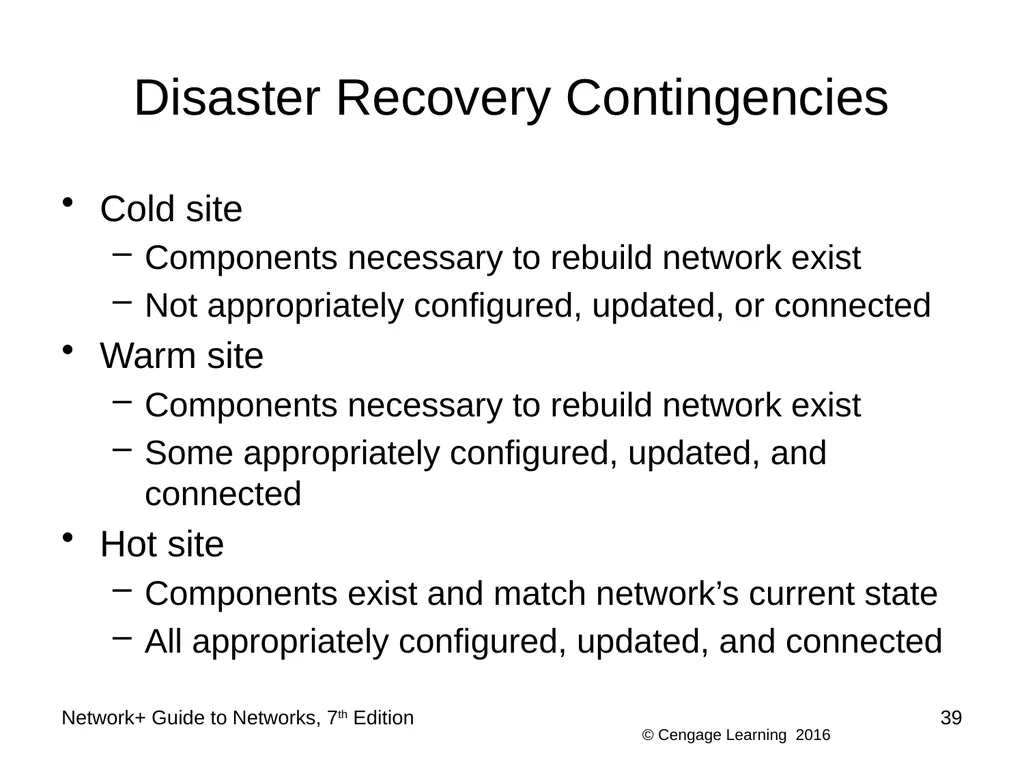
Disaster Recovery Contingencies Cold site
Components necessary to rebuild network exist
Not appropriately configured, updated, or connected
Warm site
Components necessary to rebuild network exist
Some appropriately configured, updated, and connected
Hot site
Components exist and match network’s current state
All appropriately configured, updated, and connected Network+ Guide to Networks, 7th Edition 39<br>
Components necessary to rebuild network exist
Not appropriately configured, updated, or connected
Warm site
Components necessary to rebuild network exist
Some appropriately configured, updated, and connected
Hot site
Components exist and match network’s current state
All appropriately configured, updated, and connected Network+ Guide to Networks, 7th Edition 39<br>
40
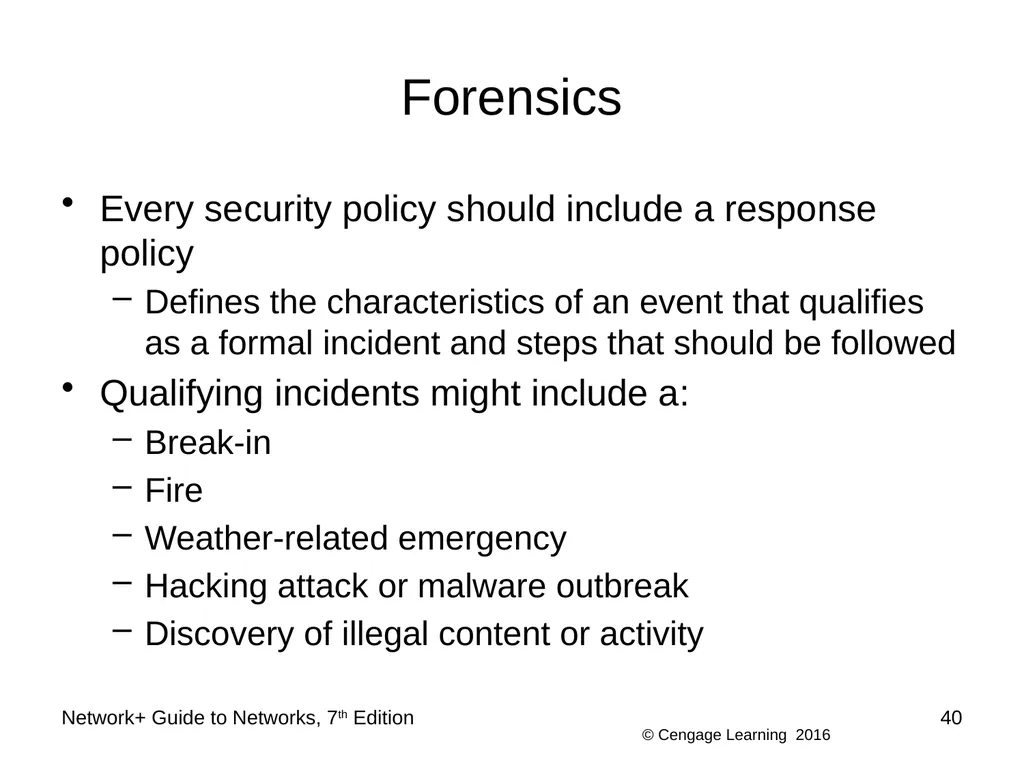
Forensics Every security policy should include a response policy
Defines the characteristics of an event that qualifies as a formal incident and steps that should be followed
Qualifying incidents might include a:
Break-in
Fire
Weather-related emergency
Hacking attack or malware outbreak
Discovery of illegal content or activity Network+ Guide to Networks, 7th Edition 40<br>
Defines the characteristics of an event that qualifies as a formal incident and steps that should be followed
Qualifying incidents might include a:
Break-in
Fire
Weather-related emergency
Hacking attack or malware outbreak
Discovery of illegal content or activity Network+ Guide to Networks, 7th Edition 40<br>
41
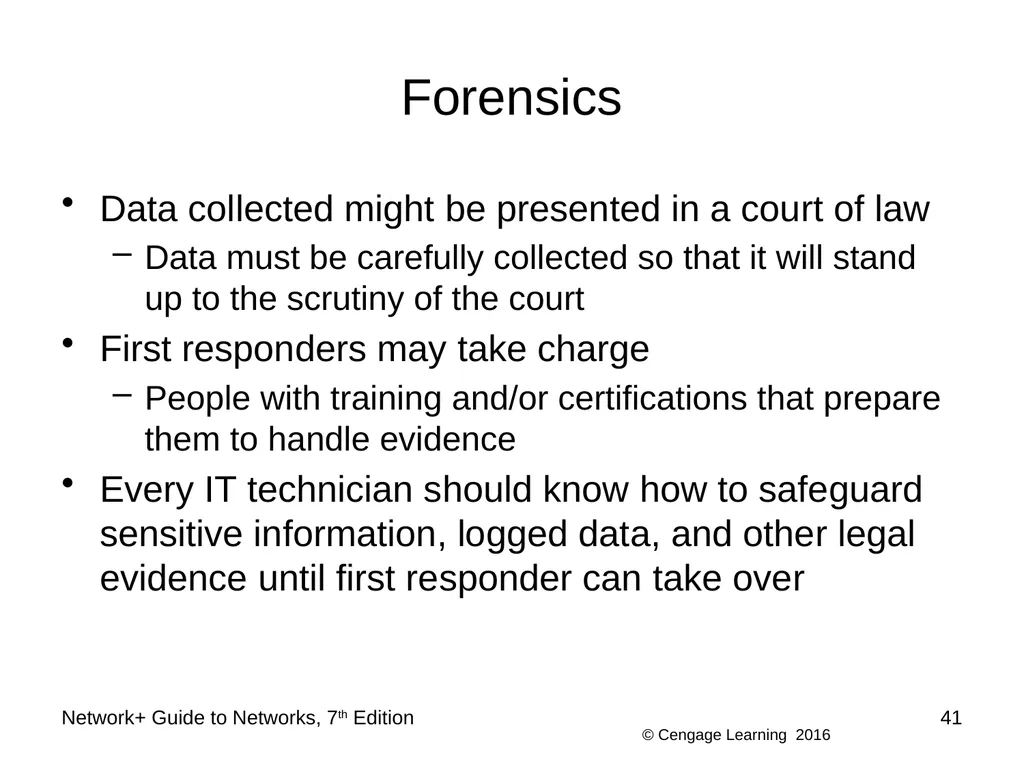
Forensics Data collected might be presented in a court of law
Data must be carefully collected so that it will stand up to the scrutiny of the court
First responders may take charge
People with training and/or certifications that prepare them to handle evidence
Every IT technician should know how to safeguard sensitive information, logged data, and other legal evidence until first responder can take over Network+ Guide to Networks, 7th Edition 41<br>
Data must be carefully collected so that it will stand up to the scrutiny of the court
First responders may take charge
People with training and/or certifications that prepare them to handle evidence
Every IT technician should know how to safeguard sensitive information, logged data, and other legal evidence until first responder can take over Network+ Guide to Networks, 7th Edition 41<br>
42
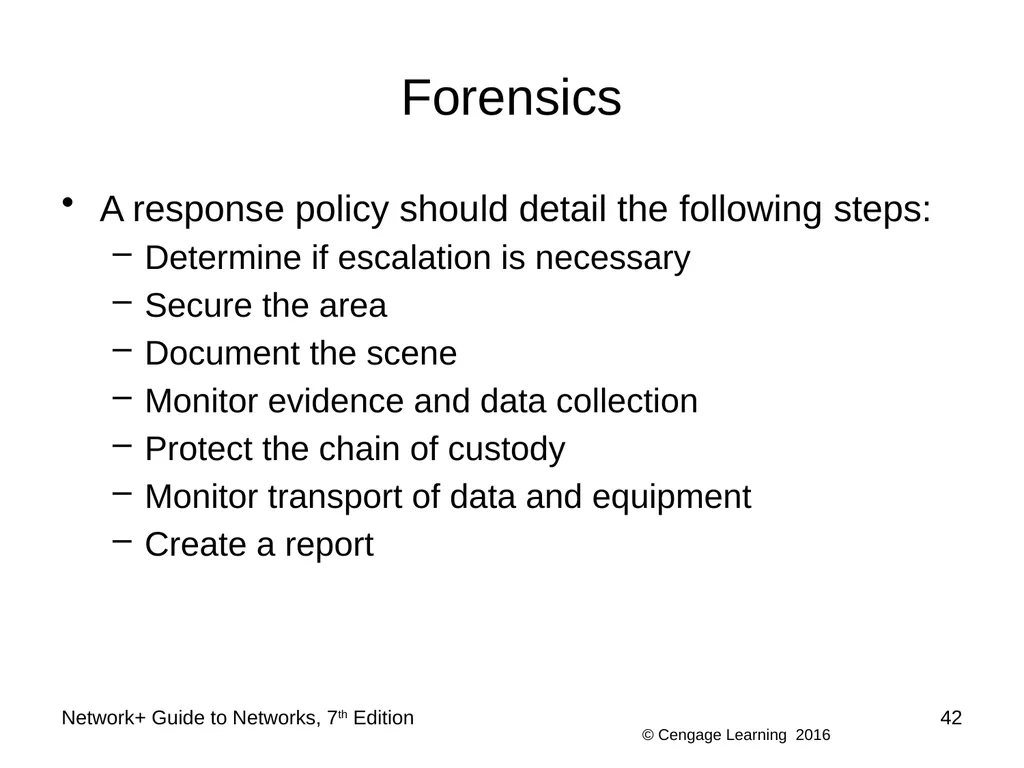
Forensics A response policy should detail the following steps:
Determine if escalation is necessary
Secure the area
Document the scene
Monitor evidence and data collection
Protect the chain of custody
Monitor transport of data and equipment
Create a report Network+ Guide to Networks, 7th Edition 42<br>
Determine if escalation is necessary
Secure the area
Document the scene
Monitor evidence and data collection
Protect the chain of custody
Monitor transport of data and equipment
Create a report Network+ Guide to Networks, 7th Edition 42<br>
43
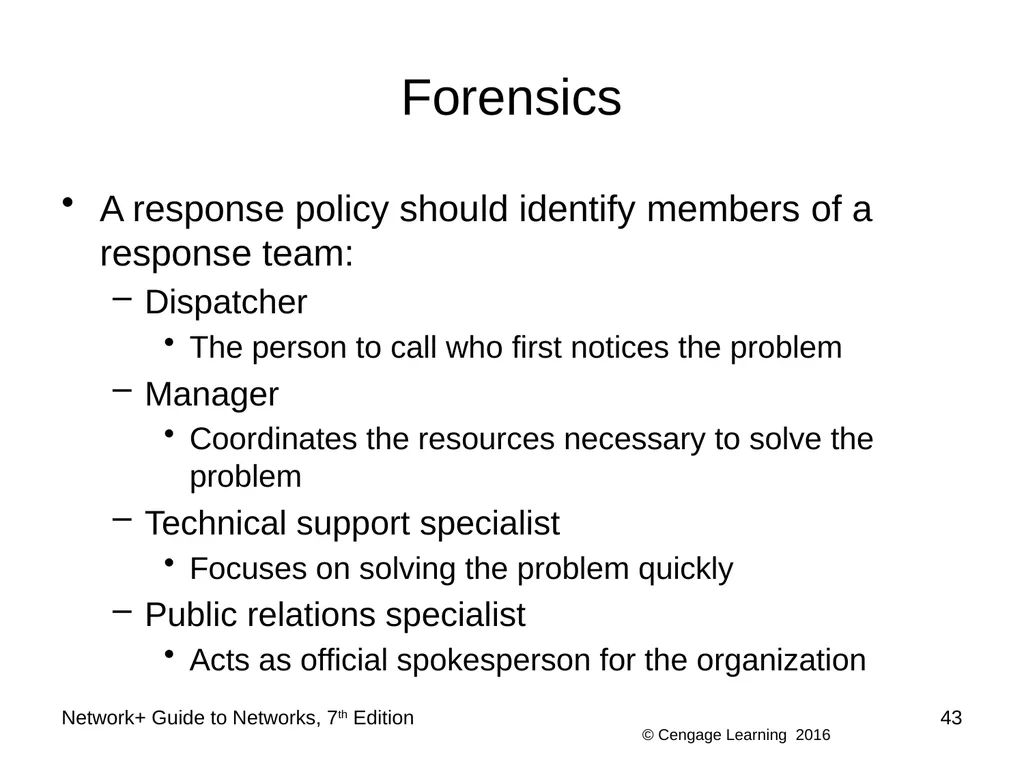
Forensics A response policy should identify members of a response team:
Dispatcher
The person to call who first notices the problem
Manager
Coordinates the resources necessary to solve the problem
Technical support specialist
Focuses on solving the problem quickly
Public relations specialist
Acts as official spokesperson for the organization Network+ Guide to Networks, 7th Edition 43<br>
Dispatcher
The person to call who first notices the problem
Manager
Coordinates the resources necessary to solve the problem
Technical support specialist
Focuses on solving the problem quickly
Public relations specialist
Acts as official spokesperson for the organization Network+ Guide to Networks, 7th Edition 43<br>
44
Network+ Guide to Networks, 7th Edition 44 Summary An industrial system is a system of machines, such as an assembly line at a tire manufacturing plant
An industrial control system (ICS) is a group of networked computers used to manage a physical system of industrial processes
Isolate an ICS/SCADA network by deploying a DMZ between the corporate network and the ICS network
First step in managing assets is to inventory all the components on the network
Be familiar with the following business documents: RFP, MOU, SOW, SLA, and MLA<br>
An industrial control system (ICS) is a group of networked computers used to manage a physical system of industrial processes
Isolate an ICS/SCADA network by deploying a DMZ between the corporate network and the ICS network
First step in managing assets is to inventory all the components on the network
Be familiar with the following business documents: RFP, MOU, SOW, SLA, and MLA<br>
45
Network+ Guide to Networks, 7th Edition 45 Summary Managing change while maintaining your network’s efficiency and availability requires good planning
Three types of changes to existing software include patches, upgrades or updates, and rollbacks
The complexity of a change approval process is usually determined by the cost and time involved in making the change, the number of users affected, potential risk to work productivity, and difficulty of rolling back the change<br>
Three types of changes to existing software include patches, upgrades or updates, and rollbacks
The complexity of a change approval process is usually determined by the cost and time involved in making the change, the number of users affected, potential risk to work productivity, and difficulty of rolling back the change<br>
46
Network+ Guide to Networks, 7th Edition 46 Summary A security policy defines who has access to the computer room
A disaster recovery plan should identify a disaster recovery team, sometimes called the red team, with an appointed coordinator
Every contingency plan necessitates a site other than the building where the network’s main components normally reside
Some forensic data available for analysis can be damaged or destroyed if improperly handled<br>
A disaster recovery plan should identify a disaster recovery team, sometimes called the red team, with an appointed coordinator
Every contingency plan necessitates a site other than the building where the network’s main components normally reside
Some forensic data available for analysis can be damaged or destroyed if improperly handled<br>