1 Shifts to Improve Digital Accessibility Kate DeForest, WebDigital Content Coordinator State University of New York at Oswego Atomic Habits By James Clear Small Shifts Big Impact Small shifts are more easily implemented and accepted
"1% Shifts to Improve Digital Accessibility Kate" is the property of its rightful owner. Permission is granted to
download and print the materials on this website for personal, non-commercial use only, and to display it
on your personal computer provided you do not modify the materials and that you retain all copyright
notices contained in the materials. By downloading content from our website, you accept the terms of this
agreement.
Presentation Transcript
01
1% Shifts to Improve Digital Accessibility Kate DeForest, Web/Digital Content Coordinator
State University of New York at Oswego<br>
02
Atomic Habits By James Clear<br>
03
Small Shifts = Big Impact Small shifts are more easily implemented and accepted
Change is significant over time
Good systems are more important than the end goals<br>
04
“The purpose of setting goals is to win the game. The purpose of building systems is to continue playing the game.”<br>
05
Objectives Share tips on how to make digital accessibility:
Obvious
Attractive
Easy
Satisfying<br>
06
#1 Make It Obvious “Environment is the invisible hand that shapes human behavior.”<br>
07
Create a supportive environment Fruit on the table
Sit-up bench in bedroom
Forefront of the conversation<br>
08
Front and Center Make it automatic, not an add-on or afterthought
Be direct, clear, and specific
Provide step-by-step information<br>
09
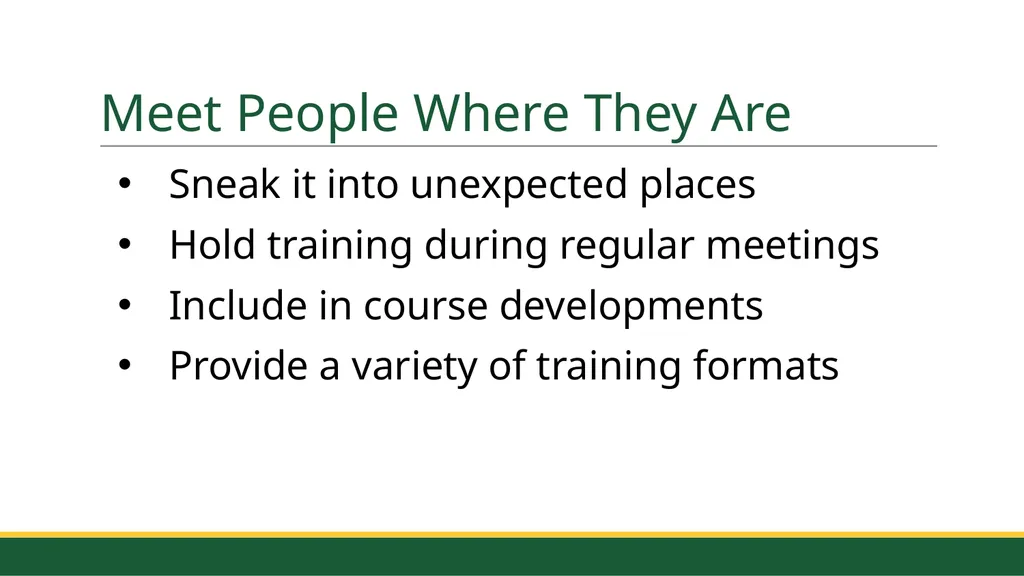
Meet People Where They Are Sneak it into unexpected places
Hold training during regular meetings
Include in course developments
Provide a variety of training formats<br>
10
#2 Make It Attractive “We can find evidence for whatever mindset we choose.”<br>
11
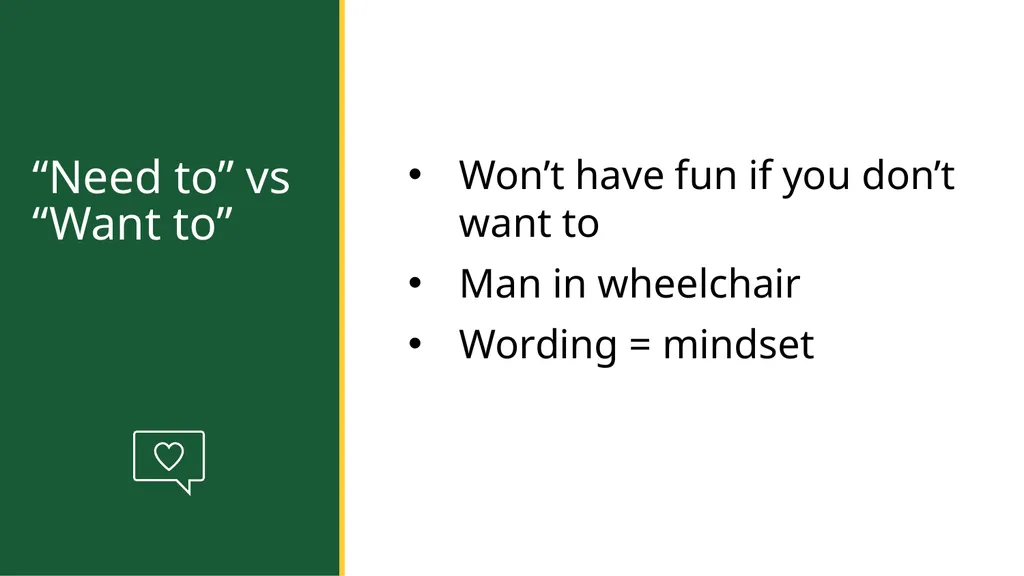
“Need to” vs “Want to” Won’t have fun if you don’t want to
Man in wheelchair
Wording = mindset<br>
12
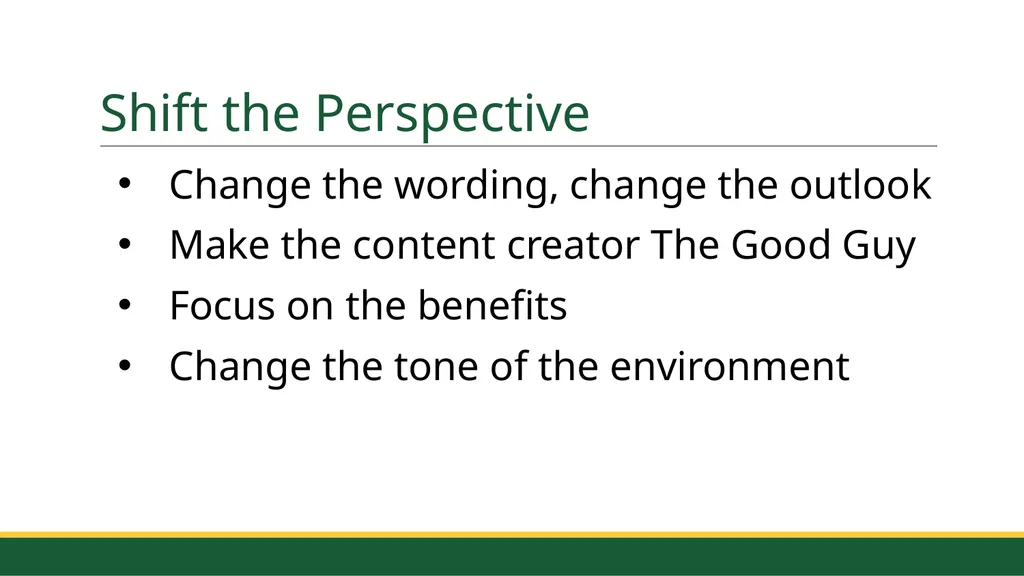
Shift the Perspective Change the wording, change the outlook
Make the content creator The Good Guy
Focus on the benefits
Change the tone of the environment<br>
13
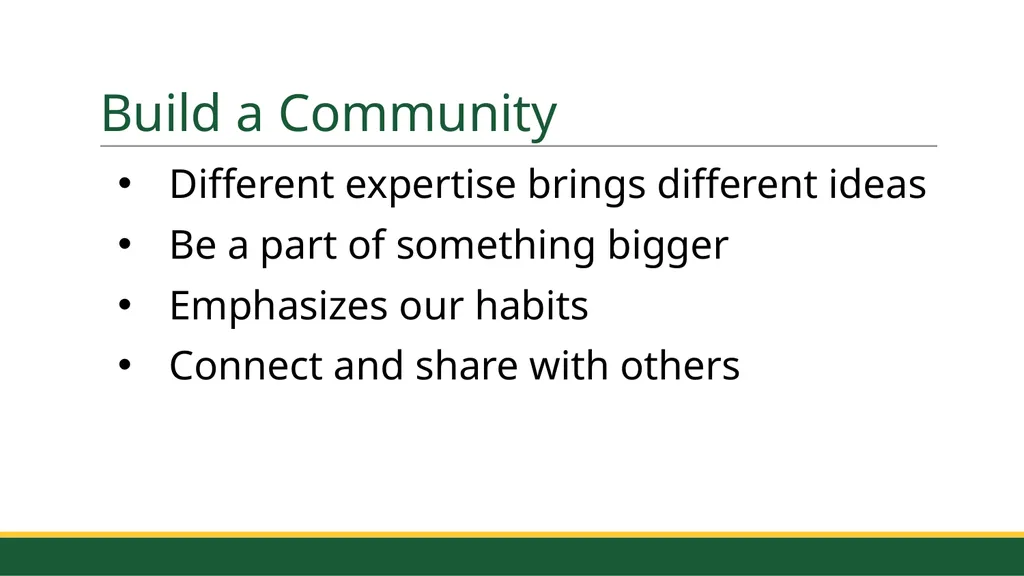
Build a Community Different expertise brings different ideas
Be a part of something bigger
Emphasizes our habits
Connect and share with others<br>
14
#3 Make It Easy “If you want to master a habit, the key is to start with repetition, not perfection.”<br>
15
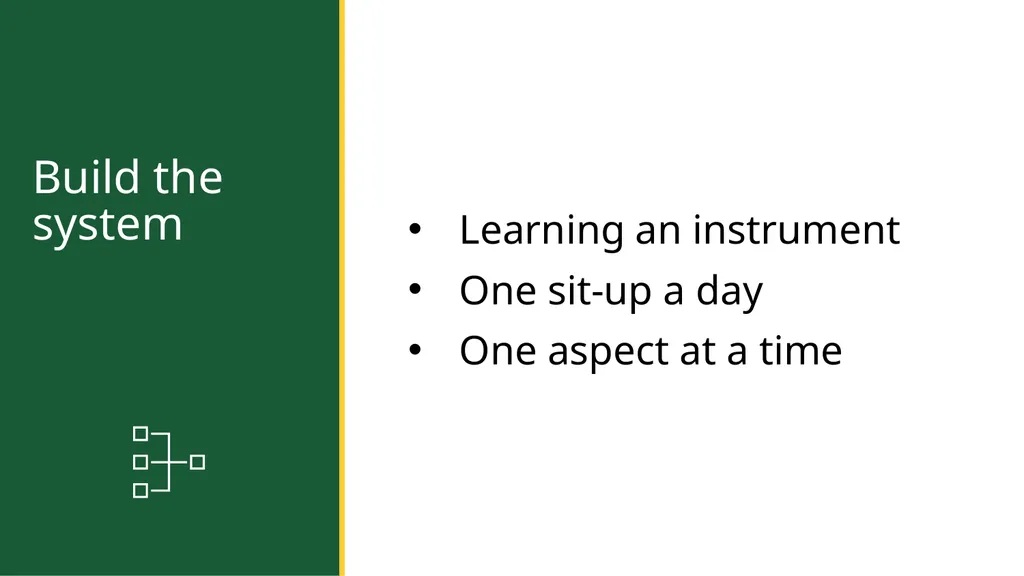
Build the system Learning an instrument
One sit-up a day
One aspect at a time<br>
16
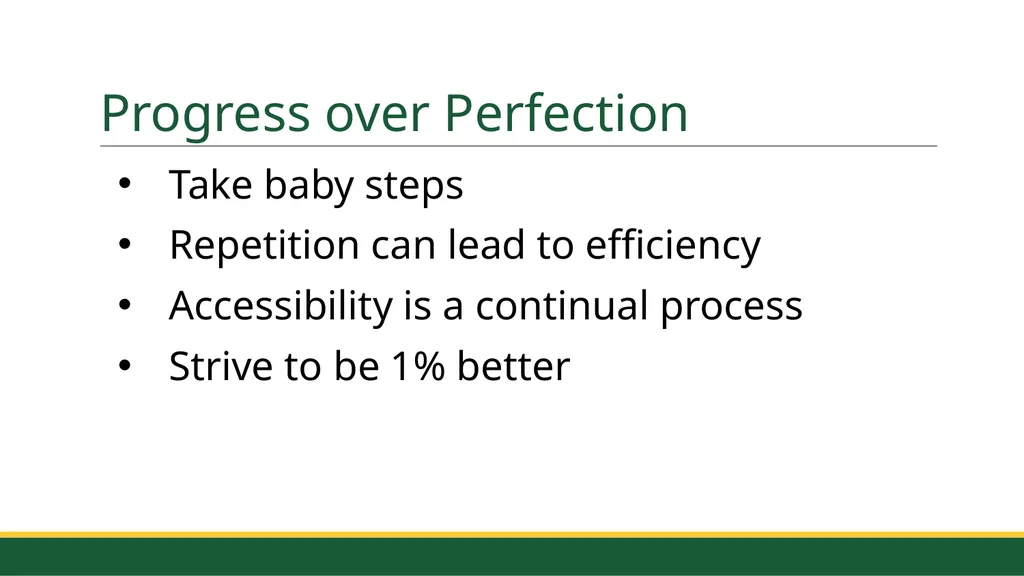
Progress over Perfection Take baby steps
Repetition can lead to efficiency
Accessibility is a continual process
Strive to be 1% better<br>
17
Provide Resources Create an accessibility hub
Offer Q&A or office hours
Piggyback off other opportunities<br>
18
#4 Make It Satisfying “Pleasure teaches your brain that a behavior is worth remembering and repeating.”<br>
19
Immediate vs delayed gratification Eating donuts vs working out
Present Self vs Future Self
Reward for mini-goals<br>
20
Small, Immediate Rewards Add gamification
Incentivize showing up
Offer giveaways
Make the experience fun<br>
21
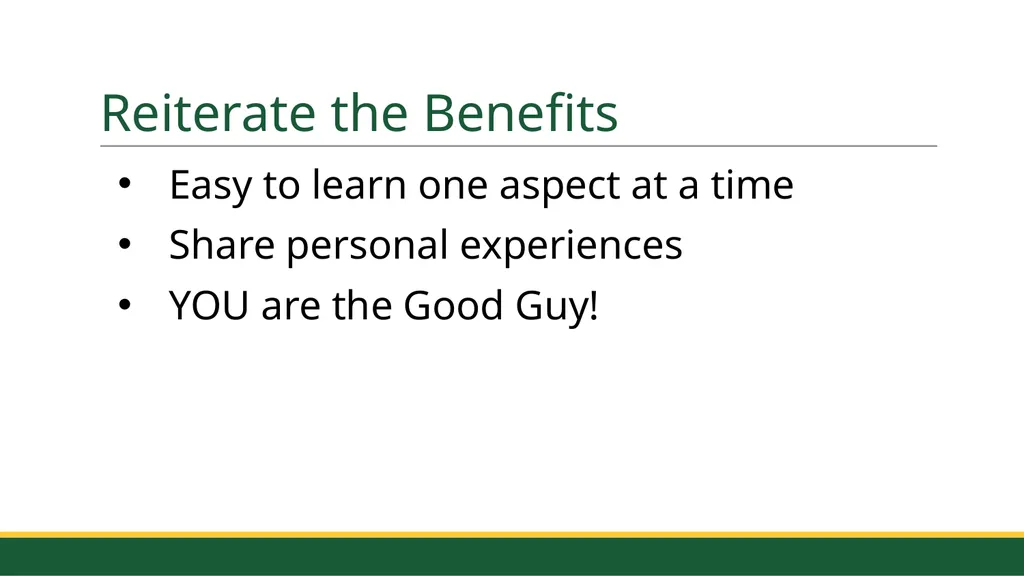
Reiterate the Benefits Easy to learn one aspect at a time
Share personal experiences
YOU are the Good Guy!<br>
22
Putting It All Together<br>
23
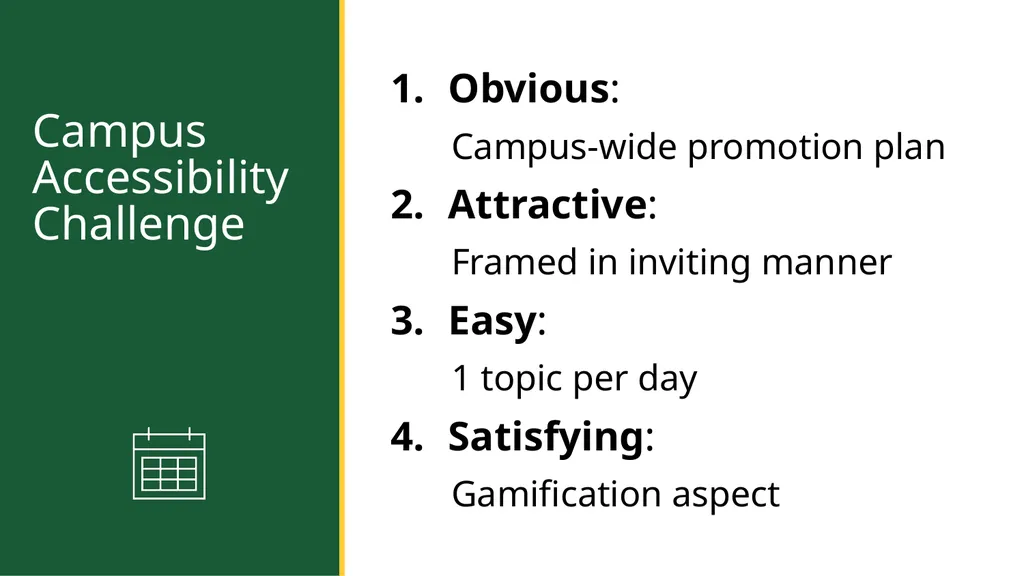
Campus Accessibility Challenge Obvious:
Campus-wide promotion plan
Attractive:
Framed in inviting manner
Easy:
1 topic per day
Satisfying:
Gamification aspect<br>
Conclusion “Success is not a goal to reach or a finish line to cross. It is a system to improve, an endless process to refine.”<br>
26
Focus on System “There is no finish line”
Shift our approach
1% improvements<br>
27
The Goldilocks Zone Find just the right amount of challenge
Fall in love with boredom
Advance in small ways<br>
28
Reflect and Review Don’t just “set it and forget it”
Compare notes with others
Invest in the digital accessibility culture
Not a question of “if,” but “when”<br>