
10/30/18 Lecture 5 1 User interface design
MY
Published · 38 slides · 0 views
1 / 1
Description
103018 Lecture 5 1 User interface design Designing graphical interfaces for software systems 103018 Lecture 5 2 User interface System users often judge a system by its interface A poorly designed interface can cause a user to make
Related Topics
Share
Embed code
Download this presentation From Below
"10/30/18 Lecture 5 1 User interface design" is the property of its rightful owner. Permission is granted to download and print the materials on this website for personal, non-commercial use only, and to display it on your personal computer provided you do not modify the materials and that you retain all copyright notices contained in the materials. By downloading content from our website, you accept the terms of this agreement.
Presentation Transcript
01
10/30/18 Lecture 5 1 User interface design Designing graphical interfaces for software systems<br>
02
10/30/18 Lecture 5 2 User interface System users often judge a system by its interface
A poorly designed interface can cause a user to make catastrophic errors
Poor user interface design is the reason why so many software systems are never used<br>
A poorly designed interface can cause a user to make catastrophic errors
Poor user interface design is the reason why so many software systems are never used<br>
03
10/30/18 Lecture 5 3 User Centred Design Software development should focus on the needs of users
Understand your users
Design software based on an understanding of the users’ tasks
Ensure users are involved in decision making processes
Design the user interface following guidelines for good usability
Have users work with and give their feedback about prototypes, on-line help and draft user manuals<br>
Understand your users
Design software based on an understanding of the users’ tasks
Ensure users are involved in decision making processes
Design the user interface following guidelines for good usability
Have users work with and give their feedback about prototypes, on-line help and draft user manuals<br>
04
10/30/18 Lecture 5 4 The importance of focusing on users Reduced training and support costs
Reduced time to learn the system
Greater efficiency of use
Reduced costs by only developing features that are needed
Reduced costs associated with changing the system later
Better prioritizing of work for iterative development
Greater attractiveness of the system, so users will be more willing to buy and use it<br>
Reduced time to learn the system
Greater efficiency of use
Reduced costs by only developing features that are needed
Reduced costs associated with changing the system later
Better prioritizing of work for iterative development
Greater attractiveness of the system, so users will be more willing to buy and use it<br>
05
10/30/18 Lecture 5 5 Characteristics of Users Software engineers must develop an understanding of the users
Goals for using the system
Potential patterns of use
Demographics
Knowledge of the domain and of computers
Physical ability
Psychological traits and emotional feelings<br>
Goals for using the system
Potential patterns of use
Demographics
Knowledge of the domain and of computers
Physical ability
Psychological traits and emotional feelings<br>
06
10/30/18 Lecture 5 6 Basics of User Interface Design User interface design should be done in conjunction with other software engineering activities
Do use case analysis to help define the tasks that the UI must help the user perform
Do iterative UI prototyping to address the use cases
Results of prototyping will enable you to finalize the requirements<br>
Do use case analysis to help define the tasks that the UI must help the user perform
Do iterative UI prototyping to address the use cases
Results of prototyping will enable you to finalize the requirements<br>
07
10/30/18 Lecture 5 7 Usability vs. Utility Does the system provide the raw capabilities to allow the user to achieve their goal?
This is utility
Does the system allow the user to learn and to use the raw capabilities easily?
This is usability
Both utility and usability are essential
They must be measured in the context of particular types of users<br>
This is utility
Does the system allow the user to learn and to use the raw capabilities easily?
This is usability
Both utility and usability are essential
They must be measured in the context of particular types of users<br>
08
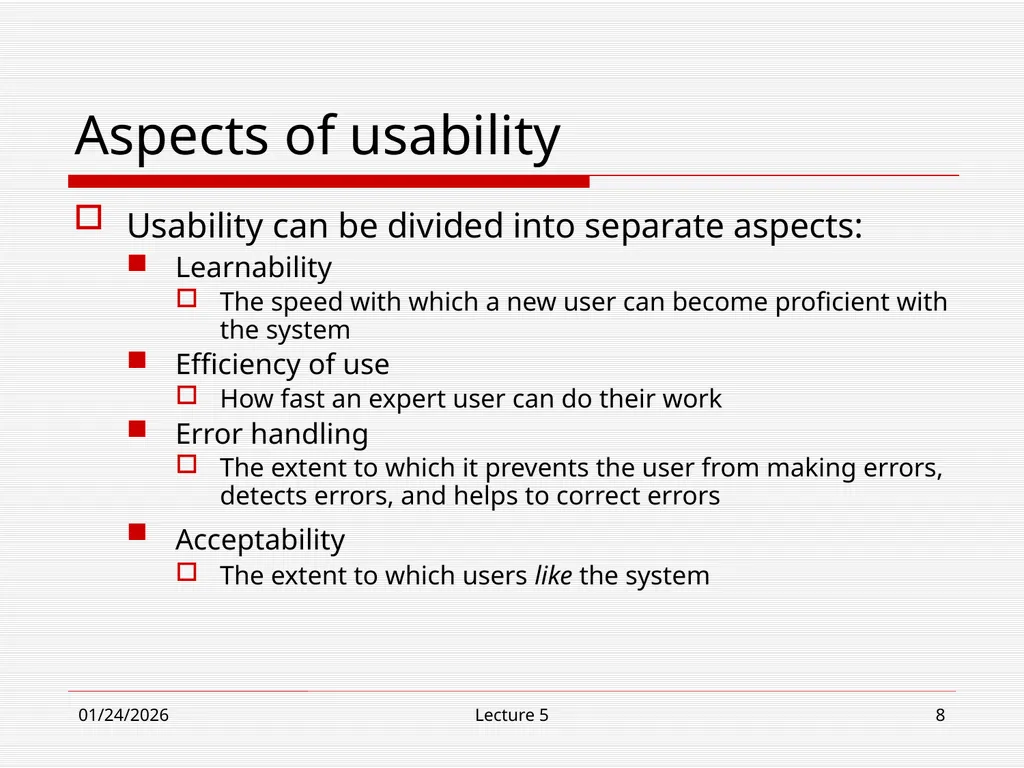
10/30/18 Lecture 5 8 Aspects of usability Usability can be divided into separate aspects:
Learnability
The speed with which a new user can become proficient with the system
Efficiency of use
How fast an expert user can do their work
Error handling
The extent to which it prevents the user from making errors, detects errors, and helps to correct errors
Acceptability
The extent to which users like the system<br>
Learnability
The speed with which a new user can become proficient with the system
Efficiency of use
How fast an expert user can do their work
Error handling
The extent to which it prevents the user from making errors, detects errors, and helps to correct errors
Acceptability
The extent to which users like the system<br>
09
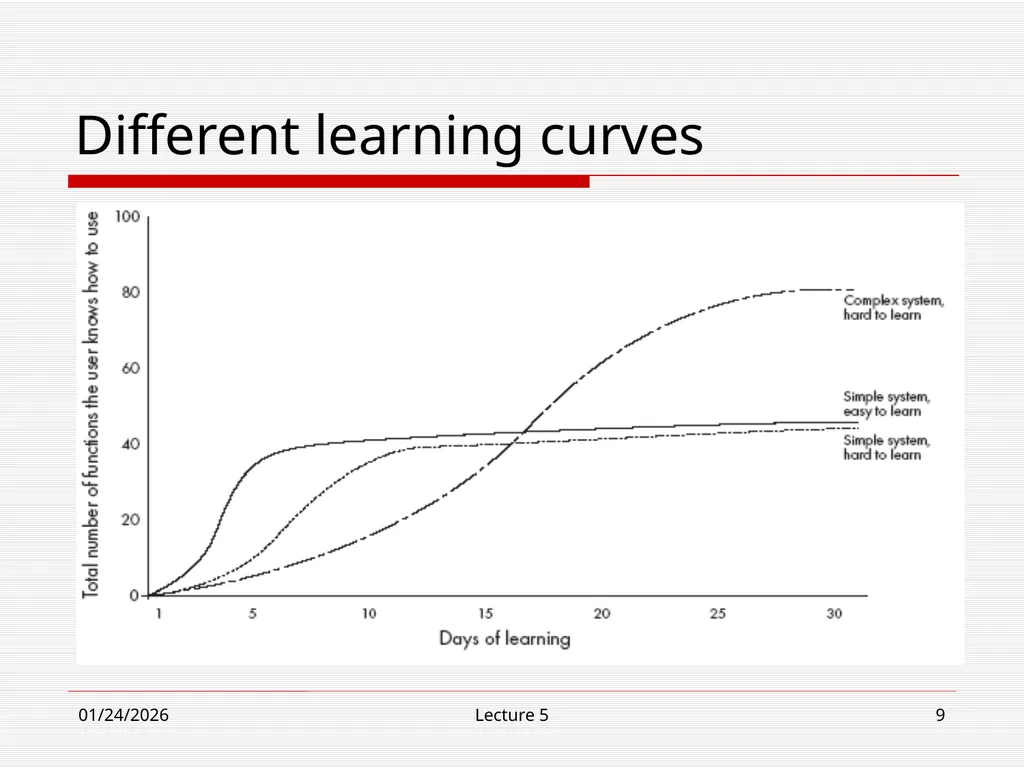
10/30/18 Lecture 5 9 Different learning curves<br>
10
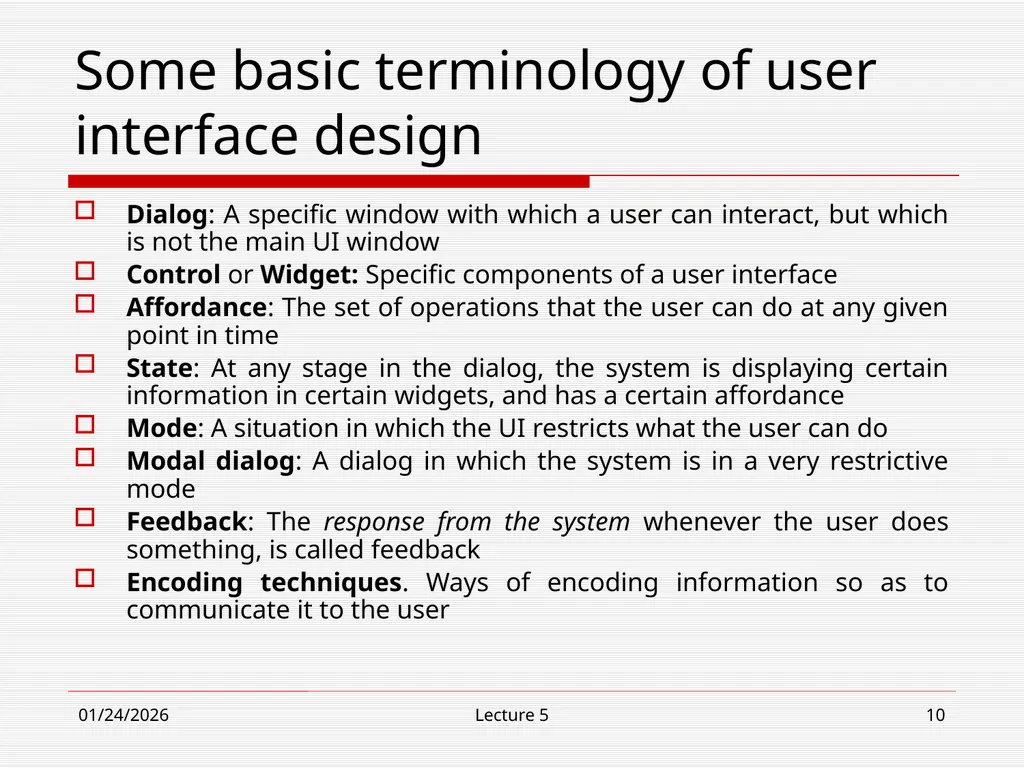
10/30/18 Lecture 5 10 Some basic terminology of user interface design Dialog: A specific window with which a user can interact, but which is not the main UI window
Control or Widget: Specific components of a user interface
Affordance: The set of operations that the user can do at any given point in time
State: At any stage in the dialog, the system is displaying certain information in certain widgets, and has a certain affordance
Mode: A situation in which the UI restricts what the user can do
Modal dialog: A dialog in which the system is in a very restrictive mode
Feedback: The response from the system whenever the user does something, is called feedback
Encoding techniques. Ways of encoding information so as to communicate it to the user<br>
Control or Widget: Specific components of a user interface
Affordance: The set of operations that the user can do at any given point in time
State: At any stage in the dialog, the system is displaying certain information in certain widgets, and has a certain affordance
Mode: A situation in which the UI restricts what the user can do
Modal dialog: A dialog in which the system is in a very restrictive mode
Feedback: The response from the system whenever the user does something, is called feedback
Encoding techniques. Ways of encoding information so as to communicate it to the user<br>
11
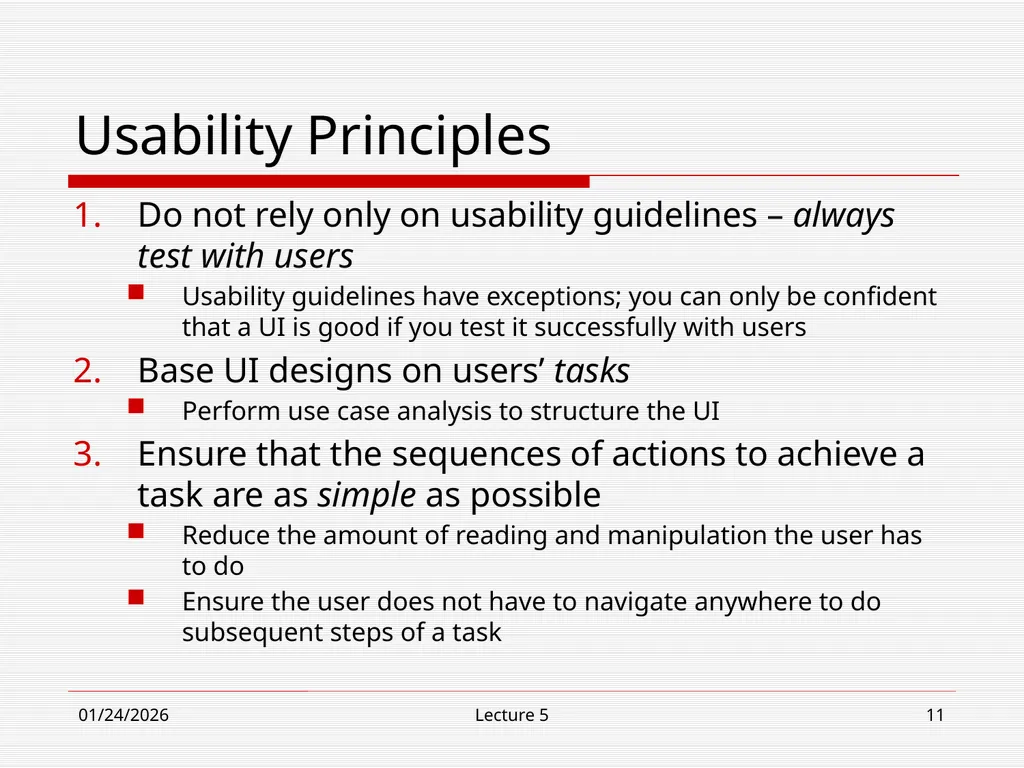
10/30/18 Lecture 5 11 Usability Principles Do not rely only on usability guidelines – always test with users
Usability guidelines have exceptions; you can only be confident that a UI is good if you test it successfully with users
Base UI designs on users’ tasks
Perform use case analysis to structure the UI
Ensure that the sequences of actions to achieve a task are as simple as possible
Reduce the amount of reading and manipulation the user has to do
Ensure the user does not have to navigate anywhere to do subsequent steps of a task<br>
Usability guidelines have exceptions; you can only be confident that a UI is good if you test it successfully with users
Base UI designs on users’ tasks
Perform use case analysis to structure the UI
Ensure that the sequences of actions to achieve a task are as simple as possible
Reduce the amount of reading and manipulation the user has to do
Ensure the user does not have to navigate anywhere to do subsequent steps of a task<br>
12
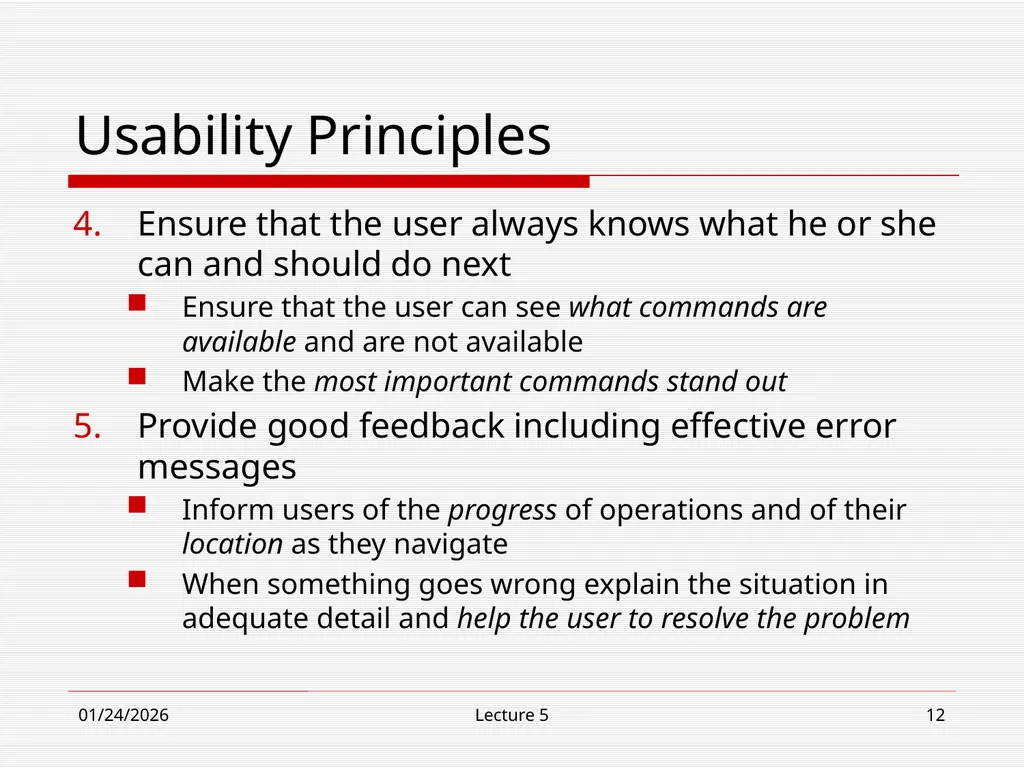
10/30/18 Lecture 5 12 Usability Principles Ensure that the user always knows what he or she can and should do next
Ensure that the user can see what commands are available and are not available
Make the most important commands stand out
Provide good feedback including effective error messages
Inform users of the progress of operations and of their location as they navigate
When something goes wrong explain the situation in adequate detail and help the user to resolve the problem<br>
Ensure that the user can see what commands are available and are not available
Make the most important commands stand out
Provide good feedback including effective error messages
Inform users of the progress of operations and of their location as they navigate
When something goes wrong explain the situation in adequate detail and help the user to resolve the problem<br>
13
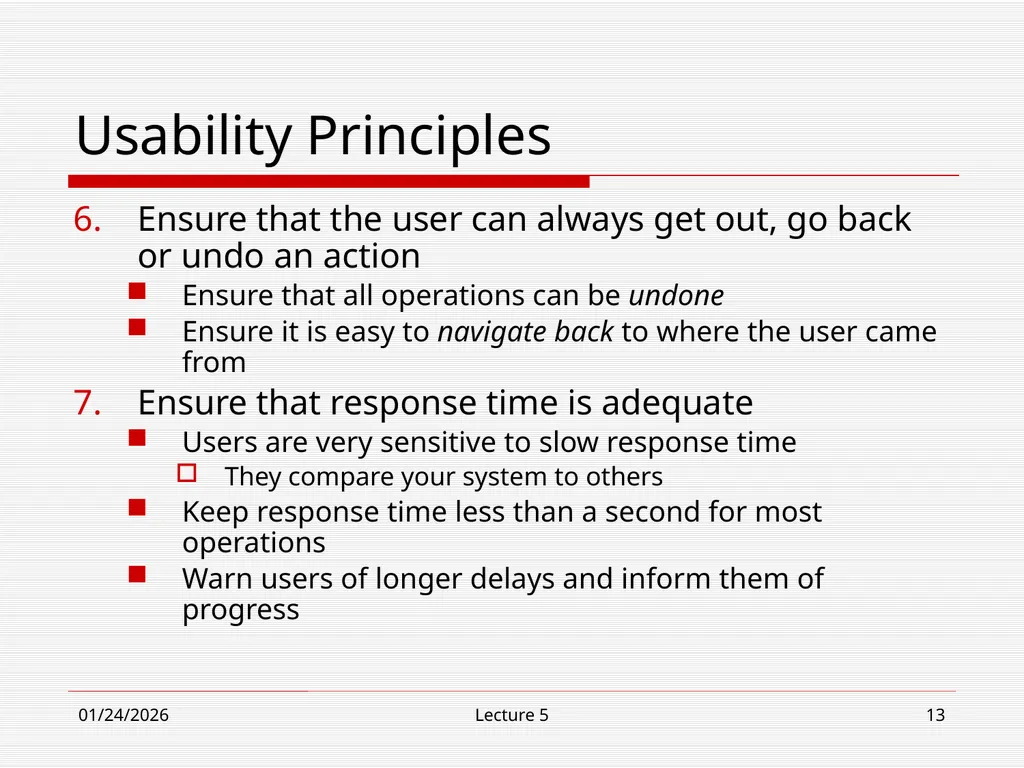
10/30/18 Lecture 5 13 Usability Principles Ensure that the user can always get out, go back or undo an action
Ensure that all operations can be undone
Ensure it is easy to navigate back to where the user came from
Ensure that response time is adequate
Users are very sensitive to slow response time
They compare your system to others
Keep response time less than a second for most operations
Warn users of longer delays and inform them of progress<br>
Ensure that all operations can be undone
Ensure it is easy to navigate back to where the user came from
Ensure that response time is adequate
Users are very sensitive to slow response time
They compare your system to others
Keep response time less than a second for most operations
Warn users of longer delays and inform them of progress<br>
14
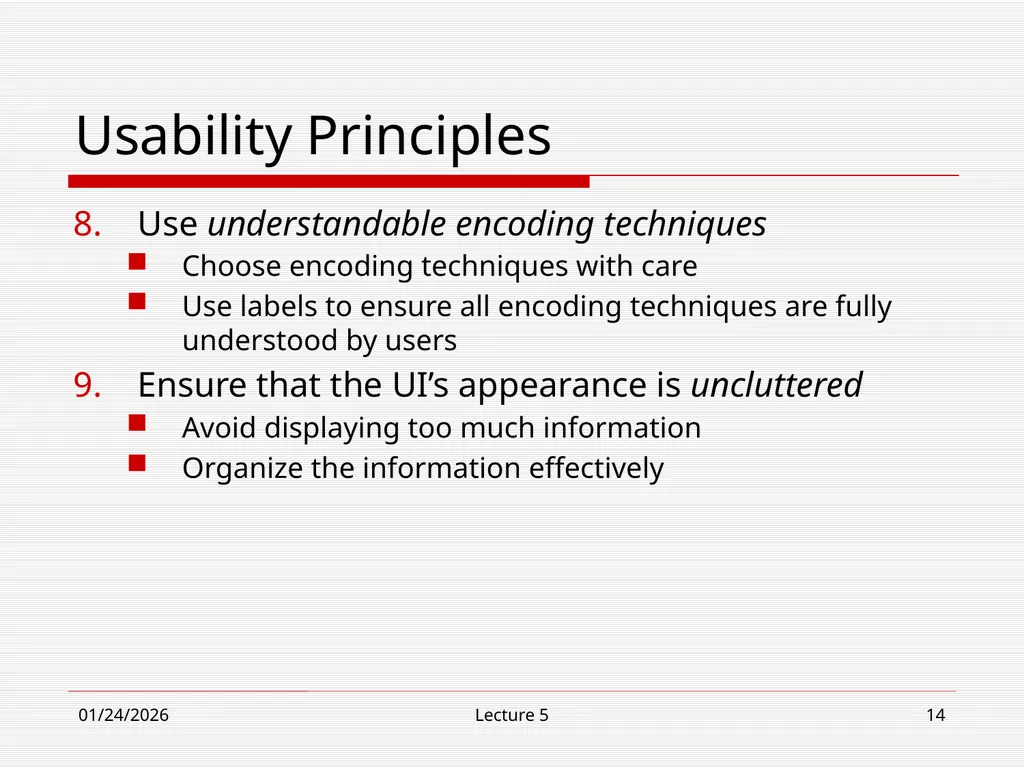
10/30/18 Lecture 5 14 Usability Principles Use understandable encoding techniques
Choose encoding techniques with care
Use labels to ensure all encoding techniques are fully understood by users
Ensure that the UI’s appearance is uncluttered
Avoid displaying too much information
Organize the information effectively<br>
Choose encoding techniques with care
Use labels to ensure all encoding techniques are fully understood by users
Ensure that the UI’s appearance is uncluttered
Avoid displaying too much information
Organize the information effectively<br>
15
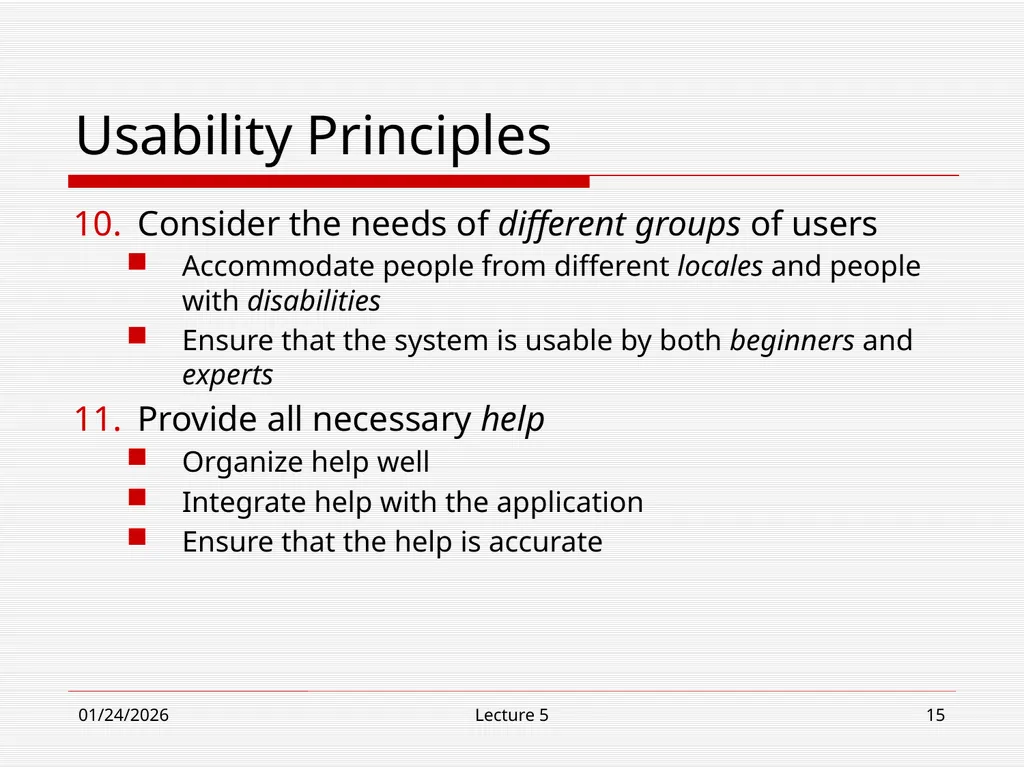
10/30/18 Lecture 5 15 Usability Principles Consider the needs of different groups of users
Accommodate people from different locales and people with disabilities
Ensure that the system is usable by both beginners and experts
Provide all necessary help
Organize help well
Integrate help with the application
Ensure that the help is accurate<br>
Accommodate people from different locales and people with disabilities
Ensure that the system is usable by both beginners and experts
Provide all necessary help
Organize help well
Integrate help with the application
Ensure that the help is accurate<br>
16
10/30/18 Lecture 5 16 Usability Principles Be consistent
Use similar layouts and graphic designs throughout your application
Follow look-and-feel standards
Consider mimicking other applications<br>
Use similar layouts and graphic designs throughout your application
Follow look-and-feel standards
Consider mimicking other applications<br>
17
10/30/18 Lecture 5 17 Some encoding techniques Text and fonts
Icons
Photographs
Diagrams and abstract graphics
Colors
Grouping and bordering
Spoken words
Music
Other sounds
Animations and video
Flashing<br>
Icons
Photographs
Diagrams and abstract graphics
Colors
Grouping and bordering
Spoken words
Music
Other sounds
Animations and video
Flashing<br>
18
10/30/18 Lecture 5 18 UI Design principles UI design must take into account the needs, experience and capabilities of system users
Users should be involved in the UI design process and UI designs should be refined through prototyping
There are cognitive factors, such as the size of short-term memory, which user interface designers must be aware of<br>
Users should be involved in the UI design process and UI designs should be refined through prototyping
There are cognitive factors, such as the size of short-term memory, which user interface designers must be aware of<br>
19
10/30/18 Lecture 5 19 UI Design principles (continued) An interface should be based on user-oriented terms and concepts rather than computer concepts
For example, a book-keeping system in a hospital should use terms such as patient profile, case record etc. rather than directories, file identifiers, etc.
The system should display an appropriate level of consistency
Commands and menus should have the same format, command punctuation should be similar, and so on<br>
For example, a book-keeping system in a hospital should use terms such as patient profile, case record etc. rather than directories, file identifiers, etc.
The system should display an appropriate level of consistency
Commands and menus should have the same format, command punctuation should be similar, and so on<br>
20
10/30/18 Lecture 5 20 UI Design principles (continued) The system should not surprise the user
If a command is executed in a known way (in some familiar context), a user should be able to predict the operation of comparable commands.
E.g., ‘delete’ and ‘remove’ are somewhat synonymous in the sense that they are both concerned with erasing something
The system should provide some resilience to user errors and allow the user to recover from errors
This might include an undo facilities, confirmation of destructive actions, 'soft' deletes, etc.
Some user guidance should be provided
Help systems, on-line manuals, etc.<br>
If a command is executed in a known way (in some familiar context), a user should be able to predict the operation of comparable commands.
E.g., ‘delete’ and ‘remove’ are somewhat synonymous in the sense that they are both concerned with erasing something
The system should provide some resilience to user errors and allow the user to recover from errors
This might include an undo facilities, confirmation of destructive actions, 'soft' deletes, etc.
Some user guidance should be provided
Help systems, on-line manuals, etc.<br>
21
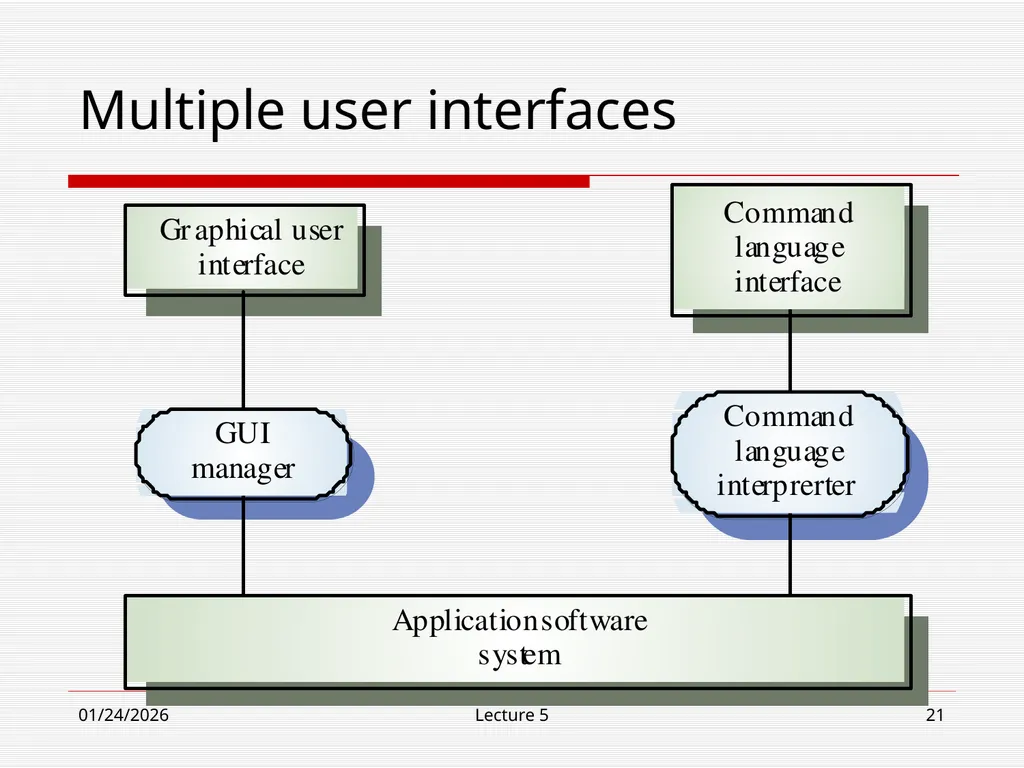
10/30/18 Lecture 5 21 Multiple user interfaces<br>
22
10/30/18 Lecture 5 22 Information display factors Is user interested in precise information or
data relationships?
How quickly do information values change? Must a change be indicated immediately?
Must user take some action in response to a change?
Is there a direct manipulation interface?
Is the information textual or numeric? Are relative values important?<br>
How quickly do information values change? Must a change be indicated immediately?
Must user take some action in response to a change?
Is there a direct manipulation interface?
Is the information textual or numeric? Are relative values important?<br>
23
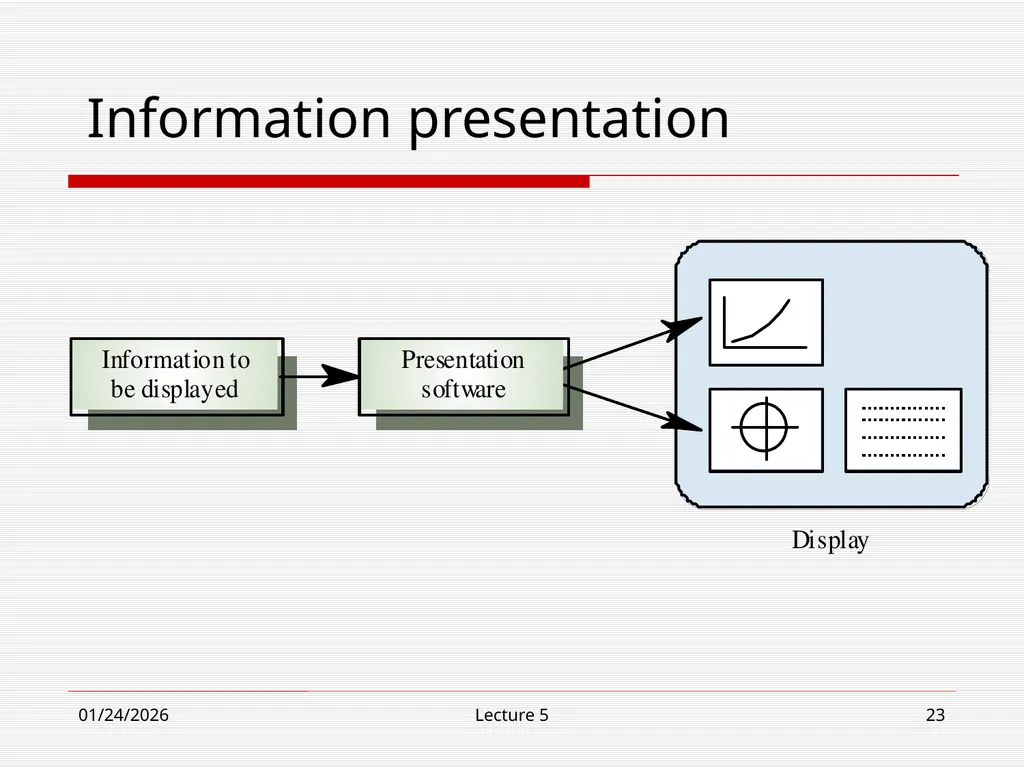
10/30/18 Lecture 5 23 Information presentation<br>
24
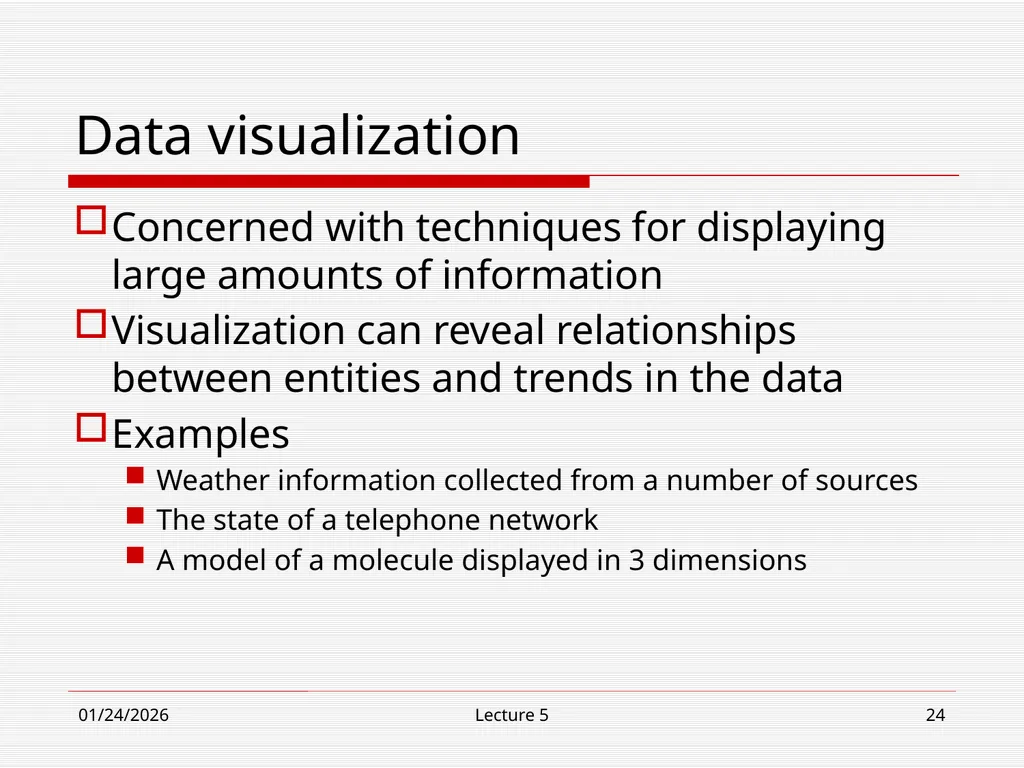
10/30/18 Lecture 5 24 Data visualization Concerned with techniques for displaying large amounts of information
Visualization can reveal relationships between entities and trends in the data
Examples
Weather information collected from a number of sources
The state of a telephone network
A model of a molecule displayed in 3 dimensions<br>
Visualization can reveal relationships between entities and trends in the data
Examples
Weather information collected from a number of sources
The state of a telephone network
A model of a molecule displayed in 3 dimensions<br>
25
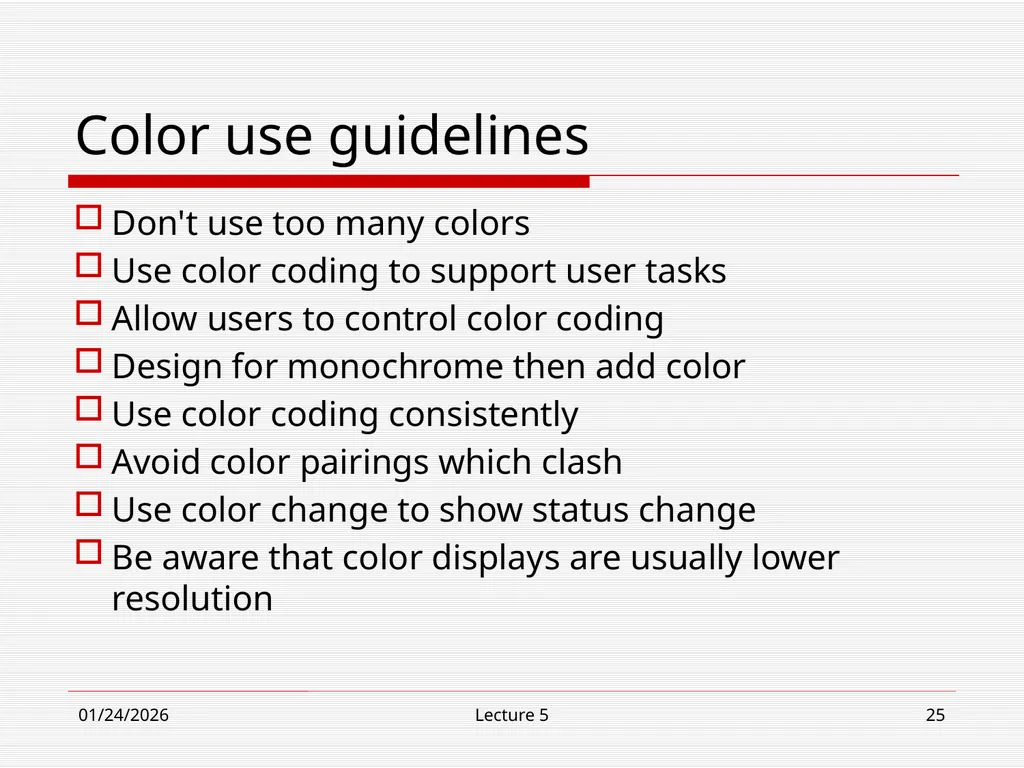
10/30/18 Lecture 5 25 Color use guidelines Don't use too many colors
Use color coding to support user tasks
Allow users to control color coding
Design for monochrome then add color
Use color coding consistently
Avoid color pairings which clash
Use color change to show status change
Be aware that color displays are usually lower resolution<br>
Use color coding to support user tasks
Allow users to control color coding
Design for monochrome then add color
Use color coding consistently
Avoid color pairings which clash
Use color change to show status change
Be aware that color displays are usually lower resolution<br>
26
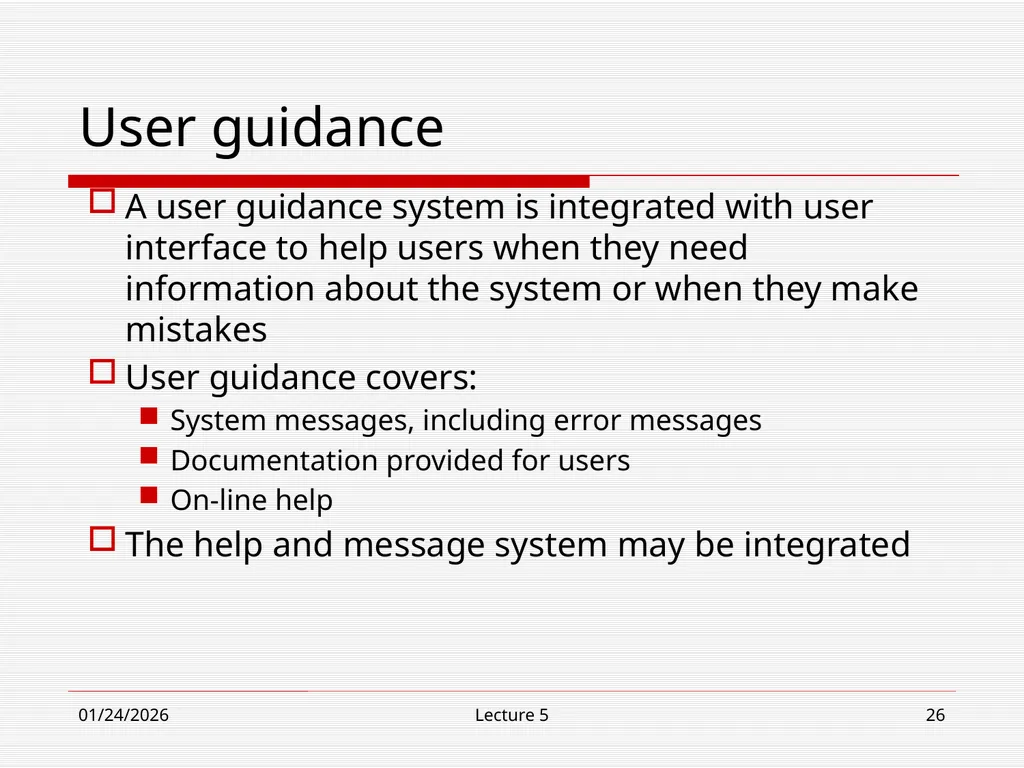
10/30/18 Lecture 5 26 User guidance A user guidance system is integrated with user interface to help users when they need information about the system or when they make mistakes
User guidance covers:
System messages, including error messages
Documentation provided for users
On-line help
The help and message system may be integrated<br>
User guidance covers:
System messages, including error messages
Documentation provided for users
On-line help
The help and message system may be integrated<br>
27
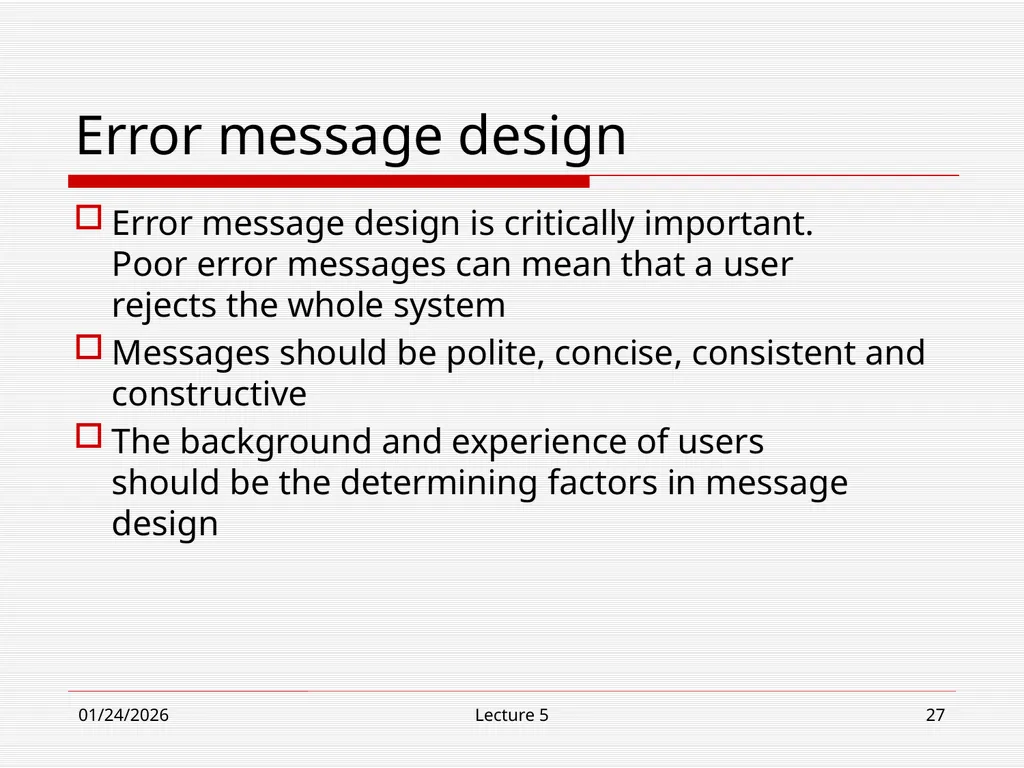
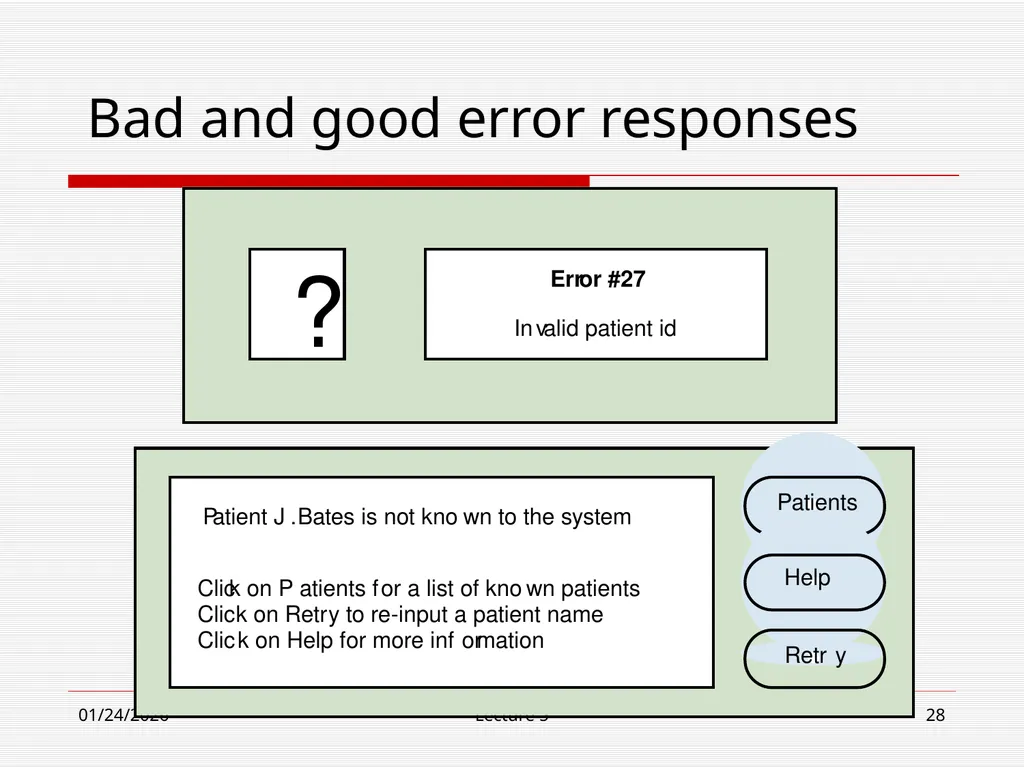
10/30/18 Lecture 5 27 Error message design Error message design is critically important.
Poor error messages can mean that a user
rejects the whole system
Messages should be polite, concise, consistent and constructive
The background and experience of users should be the determining factors in message design<br>
Messages should be polite, concise, consistent and constructive
The background and experience of users should be the determining factors in message design<br>
28
10/30/18 Lecture 5 28 Bad and good error responses Err or #27 In v alid patient id ? P atient J . Bates is not kno wn to the system Clic k on P atients f or a list of kno wn patients Clic k on Retr y to re-input a patient name Clic k on Help f or more inf or mation Patients Help Retr y<br>
29
10/30/18 Lecture 5 29 User documentation As well as on-line information, paper documentation should be supplied with a system
Documentation should be designed for a range of users from inexperienced to experienced
As well as manuals, other easy-to-use documentation such as a quick reference card may be provided<br>
Documentation should be designed for a range of users from inexperienced to experienced
As well as manuals, other easy-to-use documentation such as a quick reference card may be provided<br>
30
10/30/18 Lecture 5 30 User Interface Design Easy to learn?
Easy to use?
Easy to understand?<br>
Easy to use?
Easy to understand?<br>
31
10/30/18 Lecture 5 31 Typical Design Errors Lack of Consistency
Too much memorization
No guidance / help
No context sensitivity
Poor response
Unfriendly<br>
Too much memorization
No guidance / help
No context sensitivity
Poor response
Unfriendly<br>
32
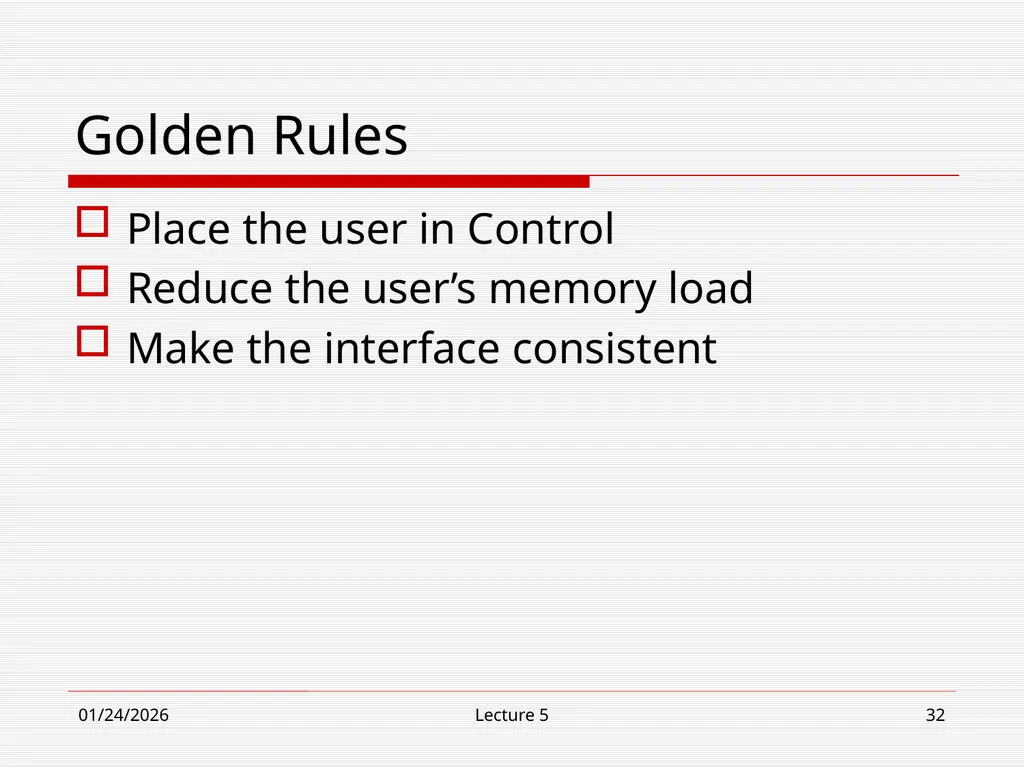
10/30/18 Lecture 5 32 Golden Rules Place the user in Control
Reduce the user’s memory load
Make the interface consistent<br>
Reduce the user’s memory load
Make the interface consistent<br>
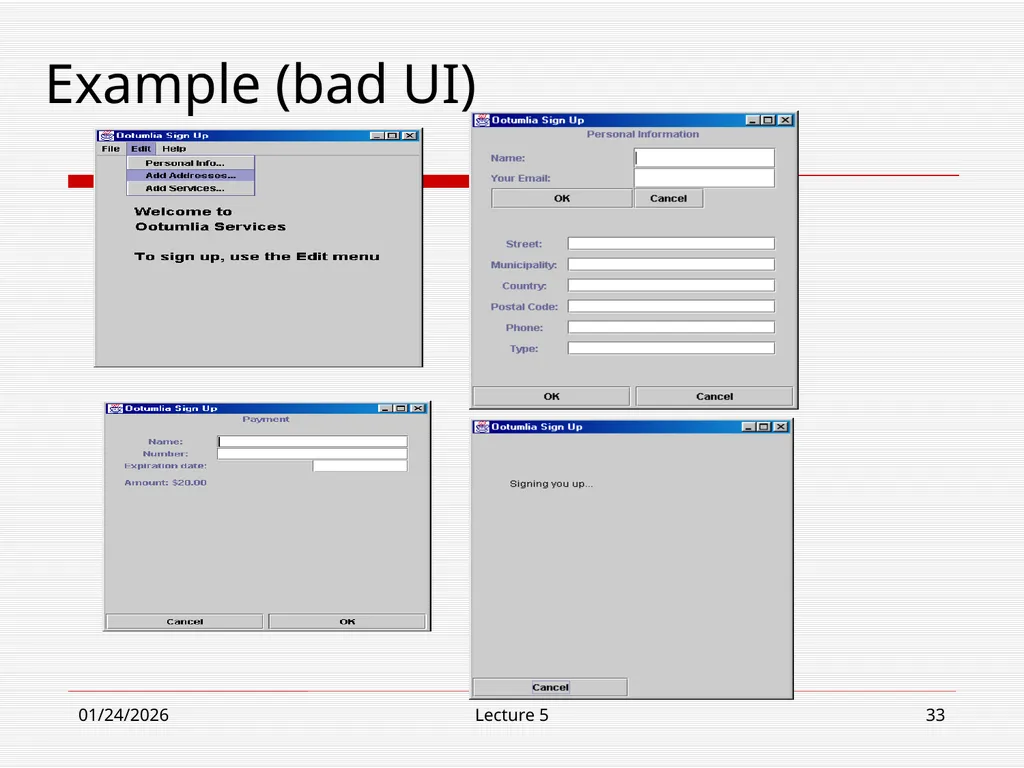
33
10/30/18 Lecture 5 33 Example (bad UI)<br>
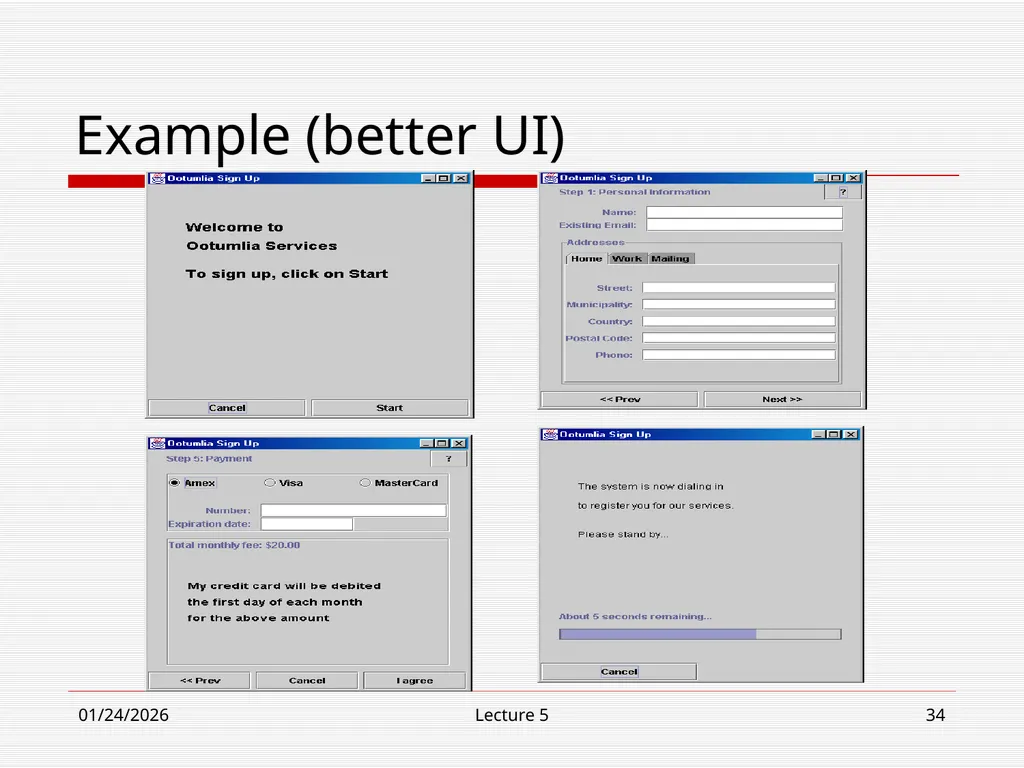
34
10/30/18 Lecture 5 34 Example (better UI)<br>
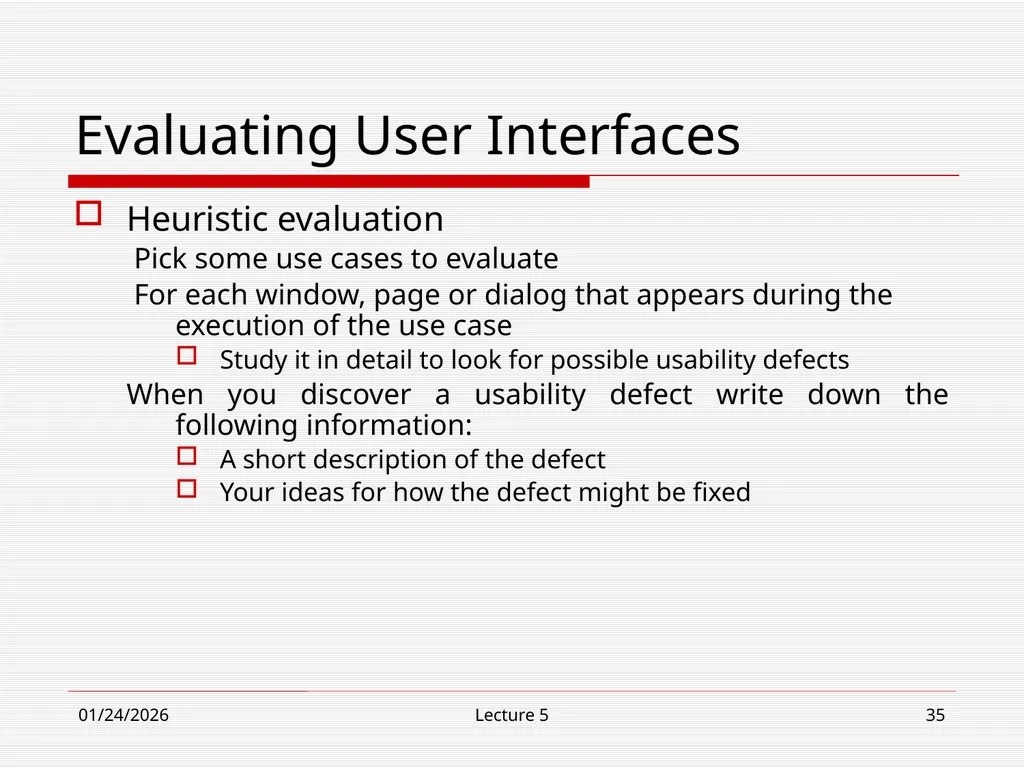
35
10/30/18 Lecture 5 35 Evaluating User Interfaces Heuristic evaluation
Pick some use cases to evaluate
For each window, page or dialog that appears during the execution of the use case
Study it in detail to look for possible usability defects
When you discover a usability defect write down the following information:
A short description of the defect
Your ideas for how the defect might be fixed<br>
Pick some use cases to evaluate
For each window, page or dialog that appears during the execution of the use case
Study it in detail to look for possible usability defects
When you discover a usability defect write down the following information:
A short description of the defect
Your ideas for how the defect might be fixed<br>
36
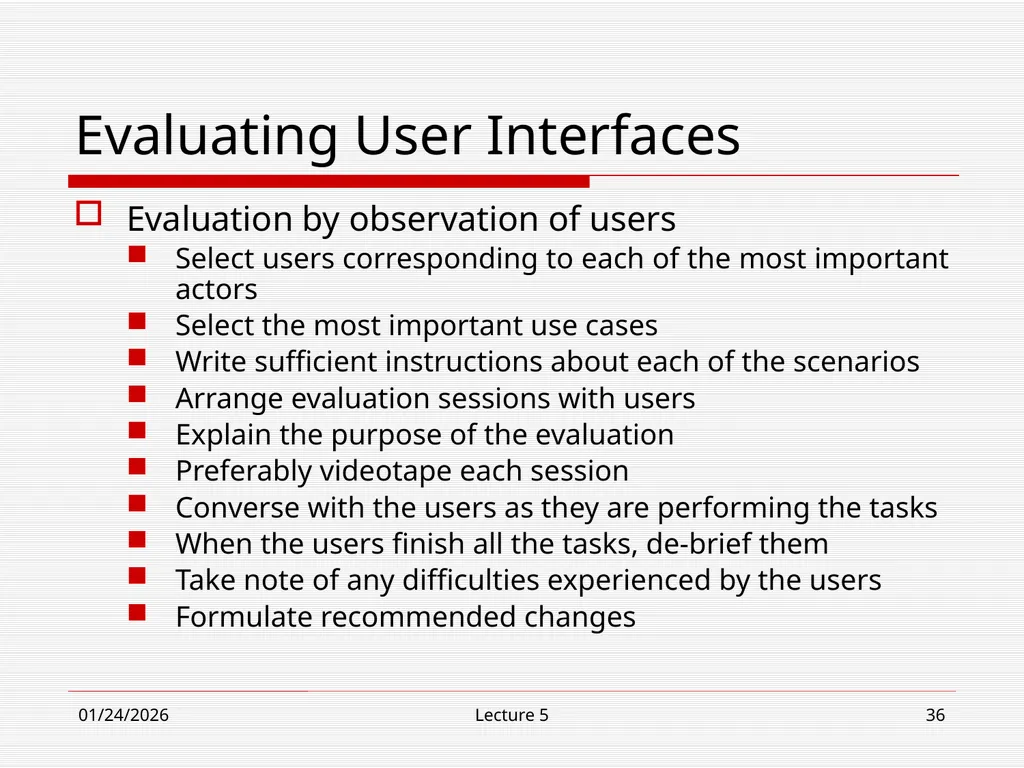
10/30/18 Lecture 5 36 Evaluating User Interfaces Evaluation by observation of users
Select users corresponding to each of the most important actors
Select the most important use cases
Write sufficient instructions about each of the scenarios
Arrange evaluation sessions with users
Explain the purpose of the evaluation
Preferably videotape each session
Converse with the users as they are performing the tasks
When the users finish all the tasks, de-brief them
Take note of any difficulties experienced by the users
Formulate recommended changes<br>
Select users corresponding to each of the most important actors
Select the most important use cases
Write sufficient instructions about each of the scenarios
Arrange evaluation sessions with users
Explain the purpose of the evaluation
Preferably videotape each session
Converse with the users as they are performing the tasks
When the users finish all the tasks, de-brief them
Take note of any difficulties experienced by the users
Formulate recommended changes<br>
37
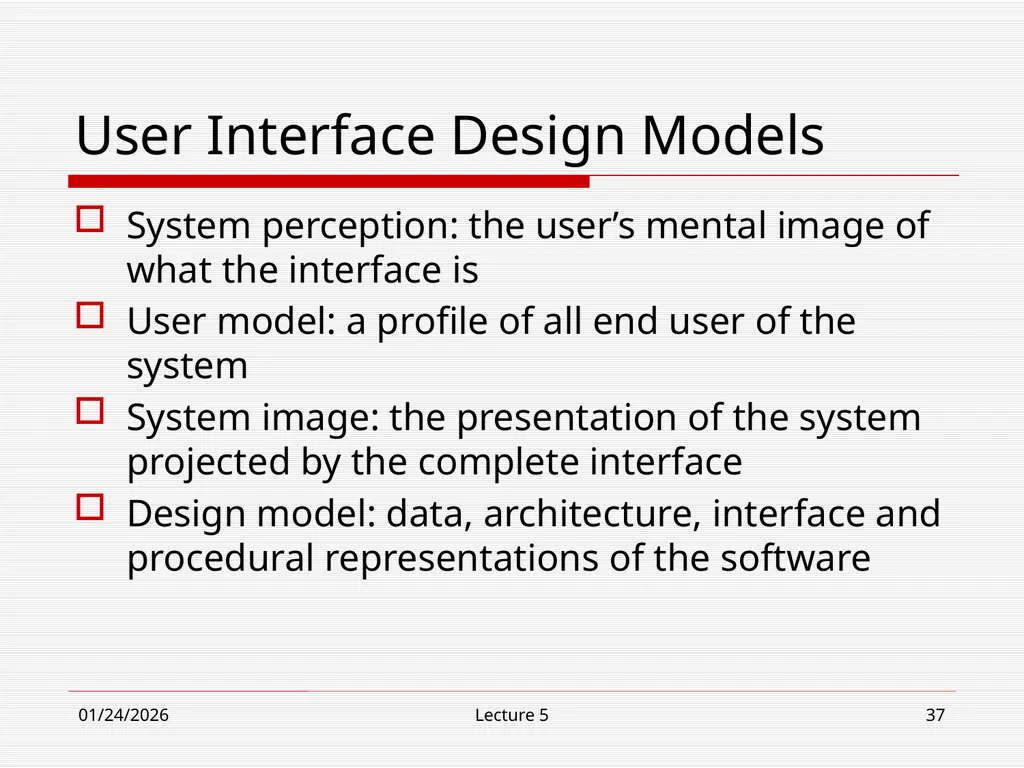
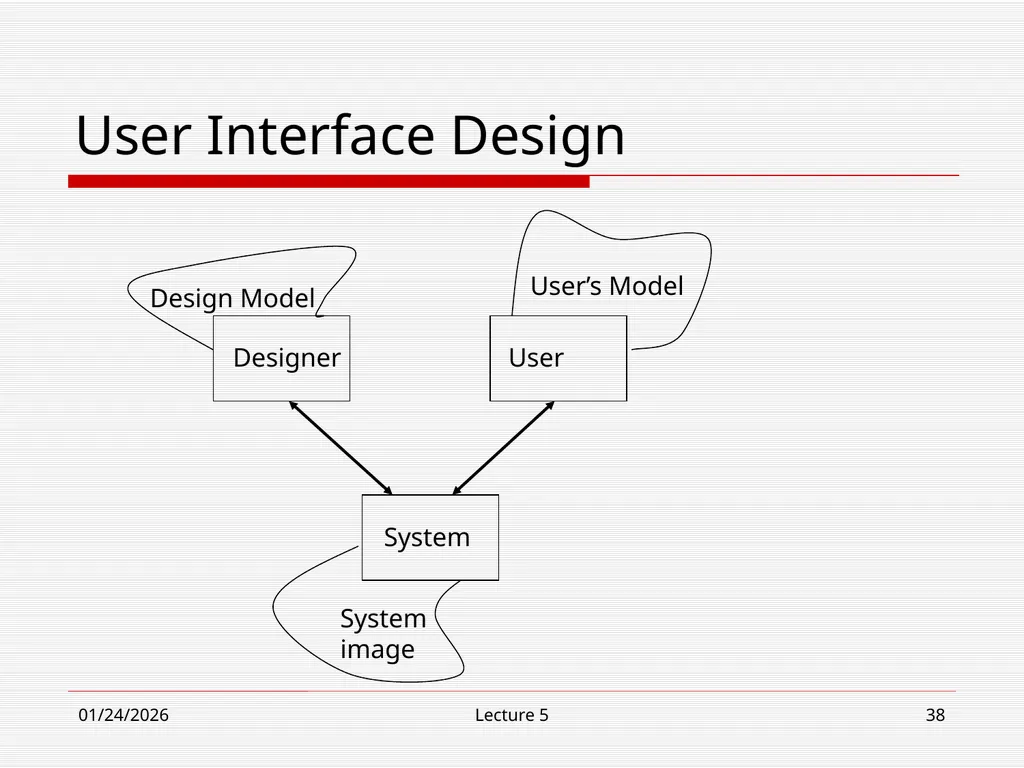
10/30/18 Lecture 5 37 User Interface Design Models System perception: the user’s mental image of what the interface is
User model: a profile of all end user of the system
System image: the presentation of the system projected by the complete interface
Design model: data, architecture, interface and procedural representations of the software<br>
User model: a profile of all end user of the system
System image: the presentation of the system projected by the complete interface
Design model: data, architecture, interface and procedural representations of the software<br>
38
10/30/18 Lecture 5 38 User Interface Design<br>