
10/4/10 11:00 Lecture 1: Overview James Hook CS
AM
Published · 77 slides · 0 views

1 / 1

Description
10410 11:00 Lecture 1: Overview James Hook CS 591: Introduction to Computer Security 10410 11:14 Course Mechanics Course web page: http:web.cecs.pdx.eduhookcs491f10index.html Contains: Instructor contact information Term paper
Related Topics
Share
Embed code
Download this presentation From Below
"10/4/10 11:00 Lecture 1: Overview James Hook CS" is the property of its rightful owner. Permission is granted to download and print the materials on this website for personal, non-commercial use only, and to display it on your personal computer provided you do not modify the materials and that you retain all copyright notices contained in the materials. By downloading content from our website, you accept the terms of this agreement.
Presentation Transcript
01
10/4/10 11:00 Lecture 1:
Overview James Hook CS 591: Introduction to Computer Security<br>
02
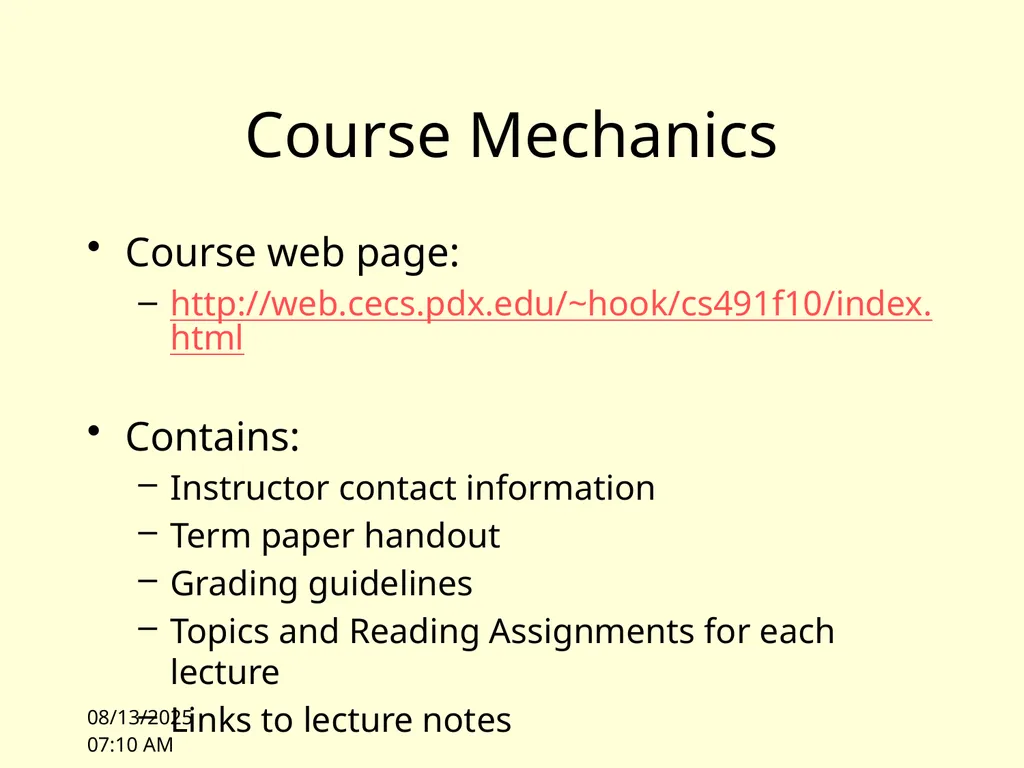
10/4/10 11:14 Course Mechanics Course web page:
http://web.cecs.pdx.edu/~hook/cs491f10/index.html
Contains:
Instructor contact information
Term paper handout
Grading guidelines
Topics and Reading Assignments for each lecture
Links to lecture notes<br>
http://web.cecs.pdx.edu/~hook/cs491f10/index.html
Contains:
Instructor contact information
Term paper handout
Grading guidelines
Topics and Reading Assignments for each lecture
Links to lecture notes<br>
03
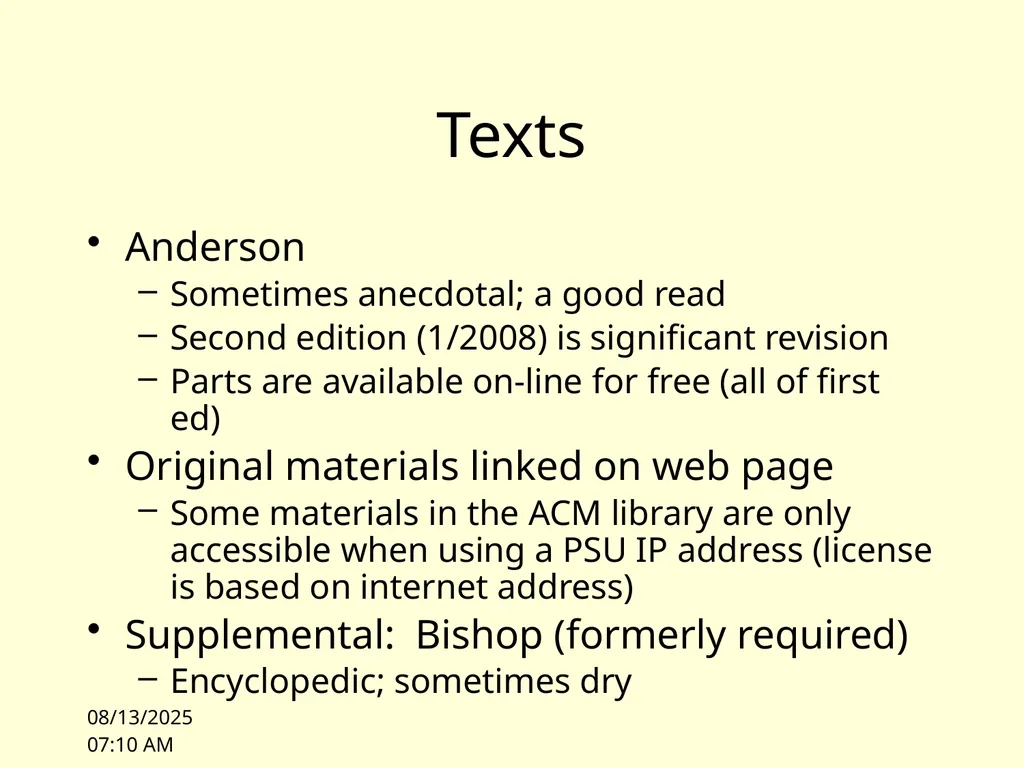
10/4/10 11:00 Texts Anderson
Sometimes anecdotal; a good read
Second edition (1/2008) is significant revision
Parts are available on-line for free (all of first ed)
Original materials linked on web page
Some materials in the ACM library are only accessible when using a PSU IP address (license is based on internet address)
Supplemental: Bishop (formerly required)
Encyclopedic; sometimes dry<br>
Sometimes anecdotal; a good read
Second edition (1/2008) is significant revision
Parts are available on-line for free (all of first ed)
Original materials linked on web page
Some materials in the ACM library are only accessible when using a PSU IP address (license is based on internet address)
Supplemental: Bishop (formerly required)
Encyclopedic; sometimes dry<br>
04
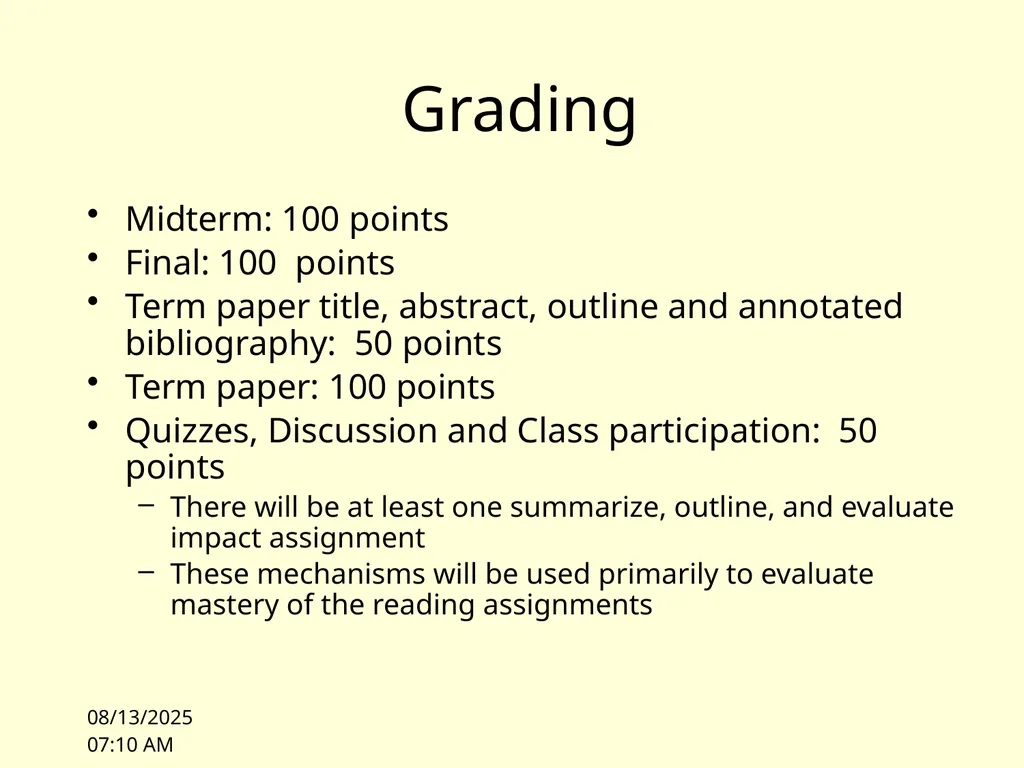
10/4/10 11:00 Grading Midterm: 100 points
Final: 100 points
Term paper title, abstract, outline and annotated bibliography: 50 points
Term paper: 100 points
Quizzes, Discussion and Class participation: 50 points
There will be at least one summarize, outline, and evaluate impact assignment
These mechanisms will be used primarily to evaluate mastery of the reading assignments<br>
Final: 100 points
Term paper title, abstract, outline and annotated bibliography: 50 points
Term paper: 100 points
Quizzes, Discussion and Class participation: 50 points
There will be at least one summarize, outline, and evaluate impact assignment
These mechanisms will be used primarily to evaluate mastery of the reading assignments<br>
05
10/4/10 11:00 Academic Integrity Be truthful
Always hand in your own work
Never present the work of others as your own
Give proper credit to sources
Present your data accurately
Violations of academic integrity will be taken very seriously. Grade of 0 on the assignment. Reported to the university in a manner consistent with university policy.<br>
Always hand in your own work
Never present the work of others as your own
Give proper credit to sources
Present your data accurately
Violations of academic integrity will be taken very seriously. Grade of 0 on the assignment. Reported to the university in a manner consistent with university policy.<br>
06
10/4/10 11:00 Term Paper Select a topic of your choice on computer security
Explore:
Problem space
Solution space
Identify original sources
Integrate knowledge; organize; critique<br>
Explore:
Problem space
Solution space
Identify original sources
Integrate knowledge; organize; critique<br>
07
10/4/10 11:00 Term Paper Midterm:
Title
Abstract (short description of paper)
Outline (identifies structure of paper)
Annotated bibliography
Author
Title
Complete bibliographic reference
Short description of contribution of paper in your own words<br>
Title
Abstract (short description of paper)
Outline (identifies structure of paper)
Annotated bibliography
Author
Title
Complete bibliographic reference
Short description of contribution of paper in your own words<br>
08
10/4/10 11:00 Term Paper Due at beginning of last class
Final paper
10 - 15 pages (no more than 20!)
Paper should have a proper bibliography, references, and should be presented in a manner similar to papers appearing in conferences
Paper is not expected to present original research results, but is to be written in your own words and represent what you believe based on your study of the literature<br>
Final paper
10 - 15 pages (no more than 20!)
Paper should have a proper bibliography, references, and should be presented in a manner similar to papers appearing in conferences
Paper is not expected to present original research results, but is to be written in your own words and represent what you believe based on your study of the literature<br>
09
10/4/10 11:00 Plagiarism Copying text or presenting ideas without attribution is plagiarism
Plagiarism is a violation of academic integrity
If you commit plagiarism you will get a grade of 0 and be reported to the university
I know how to use google
I will accept no excuses
There will be no second chances<br>
Plagiarism is a violation of academic integrity
If you commit plagiarism you will get a grade of 0 and be reported to the university
I know how to use google
I will accept no excuses
There will be no second chances<br>
10
10/4/10 11:00 Exams Midterm will cover first half of the class
Probably similar to past mid-terms (I will prepare it)
Blue book exam
I have collected past exam questions and study questions into a “guide” organized by lecture topic
Please consult these for continuous self-assessment and midterm exam preparation
Final will cover second half of the class
The final will be prepared by Professor Binkley
It will not be a blue book exam<br>
Probably similar to past mid-terms (I will prepare it)
Blue book exam
I have collected past exam questions and study questions into a “guide” organized by lecture topic
Please consult these for continuous self-assessment and midterm exam preparation
Final will cover second half of the class
The final will be prepared by Professor Binkley
It will not be a blue book exam<br>
11
10/4/10 11:00 Readings Reading assignments are on the web page
Please come to class prepared to discuss the readings
You will learn more
The person sitting next to you will learn more
I may institute pop quizzes at any time to evaluate your preparation for class<br>
Please come to class prepared to discuss the readings
You will learn more
The person sitting next to you will learn more
I may institute pop quizzes at any time to evaluate your preparation for class<br>
12
10/4/10 11:00 Class Mailing List Please sign up for the class mailing list<br>
13
Last Sunday’s NY Times A Code for Chaos
By JOHN MARKOFF
IN June, a Belarus-based computer security firm identified a new computer malware program, Stuxnet, which was repeatedly crashing the computers of one of its clients. Then, last month, a German security researcher suggested that the program’s real target might be the Iranian nuclear program — and that clues in the coding suggested that Israel was the creator.
http://www.nytimes.com/2010/10/03/weekinreview/03markoff.html 10/4/10 13:48<br>
By JOHN MARKOFF
IN June, a Belarus-based computer security firm identified a new computer malware program, Stuxnet, which was repeatedly crashing the computers of one of its clients. Then, last month, a German security researcher suggested that the program’s real target might be the Iranian nuclear program — and that clues in the coding suggested that Israel was the creator.
http://www.nytimes.com/2010/10/03/weekinreview/03markoff.html 10/4/10 13:48<br>
14
NYT 3 October 2010 Since then, there has been growing alarm about the worm, as its target and sophistication have become more apparent. The code has appeared in many countries, notably China, India, Indonesia and Iran. It appears designed to attack a certain type of Siemens industrial control computer, used widely to manage oil pipelines, electrical power grids and many kinds of nuclear plants. The question is: Just how dangerous has this worm and cyberwarfare become?
http://www.nytimes.com/2010/10/03/weekinreview/03markoff.html 10/4/10<br>
http://www.nytimes.com/2010/10/03/weekinreview/03markoff.html 10/4/10<br>
15
Other perspectives Bruce Schneier
Schneier on Security blog; September 22, 2010, “the Stuxnet Worm”
It's impressive:
The Stuxnet worm is a "groundbreaking" piece of malware so devious in its use of unpatched vulnerabilities, so sophisticated in its multipronged approach, that the security researchers who tore it apart believe it may be the work of state-backed professionals.
"It's amazing, really, the resources that went into this worm," said Liam O Murchu, manager of operations with Symantec's security response team.
"I'd call it groundbreaking," said Roel Schouwenberg, a senior antivirus researcher at Kaspersky Lab. In comparison, other notable attacks, like the one dubbed Aurora that hacked Google's network and those of dozens of other major companies, were child's play. 10/4/10<br>
Schneier on Security blog; September 22, 2010, “the Stuxnet Worm”
It's impressive:
The Stuxnet worm is a "groundbreaking" piece of malware so devious in its use of unpatched vulnerabilities, so sophisticated in its multipronged approach, that the security researchers who tore it apart believe it may be the work of state-backed professionals.
"It's amazing, really, the resources that went into this worm," said Liam O Murchu, manager of operations with Symantec's security response team.
"I'd call it groundbreaking," said Roel Schouwenberg, a senior antivirus researcher at Kaspersky Lab. In comparison, other notable attacks, like the one dubbed Aurora that hacked Google's network and those of dozens of other major companies, were child's play. 10/4/10<br>
16
Schneier continues: EDITED TO ADD (9/22): Here's an interesting theory:
By August, researchers had found something more disturbing: Stuxnet appeared to be able to take control of the automated factory control systems it had infected – and do whatever it was programmed to do with them. That was mischievous and dangerous.
But it gets worse. Since reverse engineering chunks of Stuxnet's massive code, senior US cyber security experts confirm what Mr. Langner, the German researcher, told the Monitor: Stuxnet is essentially a precision, military-grade cyber missile deployed early last year to seek out and destroy one real-world target of high importance – a target still unknown.
The article speculates that the target is Iran's Bushehr nuclear power plant, but there's not much in the way of actual evidence to support that.
http://www.schneier.com/blog/archives/2010/09/the_stuxnet_wor.html 10/4/10<br>
By August, researchers had found something more disturbing: Stuxnet appeared to be able to take control of the automated factory control systems it had infected – and do whatever it was programmed to do with them. That was mischievous and dangerous.
But it gets worse. Since reverse engineering chunks of Stuxnet's massive code, senior US cyber security experts confirm what Mr. Langner, the German researcher, told the Monitor: Stuxnet is essentially a precision, military-grade cyber missile deployed early last year to seek out and destroy one real-world target of high importance – a target still unknown.
The article speculates that the target is Iran's Bushehr nuclear power plant, but there's not much in the way of actual evidence to support that.
http://www.schneier.com/blog/archives/2010/09/the_stuxnet_wor.html 10/4/10<br>
17
Findings from the Field blog Stuxnet Target Speculations (Posted on 23rd September 2010 by Andrew Ginter)
Stuxnet is the biggest thing to hit industrial control system security since Maroochy. It is unfortunate that it took Ralph Langner’s “complete speculation” to get the attention of the press, and now various media are reporting nonsense like:
“Secrity experts now believe that Stuxnet was built to specifically target Iran’s Bushehr nuclear reactor …”
“… cyber security experts say that the worm was, in fact, a search and destroy cyber weapon meant to hit a single target --- Iran’s Bushehr reactor …”
What control systems security experts agree on, is that the intent behind Stuxnet was sabotage. Beyond this, there is only speculation. There is no compelling evidence a nation-state military authored the worm. There is no compelling evidence the Iranian reactor or Iranian uranium processing facilities were the target of the worm. This is all speculation based on circumstantial evidence.
http://findingsfromthefield.com/?p=591 10/4/10<br>
Stuxnet is the biggest thing to hit industrial control system security since Maroochy. It is unfortunate that it took Ralph Langner’s “complete speculation” to get the attention of the press, and now various media are reporting nonsense like:
“Secrity experts now believe that Stuxnet was built to specifically target Iran’s Bushehr nuclear reactor …”
“… cyber security experts say that the worm was, in fact, a search and destroy cyber weapon meant to hit a single target --- Iran’s Bushehr reactor …”
What control systems security experts agree on, is that the intent behind Stuxnet was sabotage. Beyond this, there is only speculation. There is no compelling evidence a nation-state military authored the worm. There is no compelling evidence the Iranian reactor or Iranian uranium processing facilities were the target of the worm. This is all speculation based on circumstantial evidence.
http://findingsfromthefield.com/?p=591 10/4/10<br>
18
Other sources http://www.zdnet.com/blog/security/inside-stuxnet-researcher-drops-new-clues-about-origin-of-worm/7409
http://www.sophos.com/blogs/duck/g/2010/10/01/stuxnet-security-theatre-blows-balloon/ 10/4/10<br>
http://www.sophos.com/blogs/duck/g/2010/10/01/stuxnet-security-theatre-blows-balloon/ 10/4/10<br>
19
Computing and Society There is a consensus that stuxnet is serious and very specific in its target
There is concern that information in the mass media freely combines facts and speculation
However, this is a newsworthy worm, and it wasn’t covered until the speculation got juicy 10/4/10<br>
There is concern that information in the mass media freely combines facts and speculation
However, this is a newsworthy worm, and it wasn’t covered until the speculation got juicy 10/4/10<br>
20
SCADA: Not just a computer Stuxnet targets Siemens Programmable Logic Controllers, an industrial control computer “widely used in … industrial plants and factories to regulate and operate machinery.”
Example of a “Supervisory Control and Data Acquisition” (SCADA) system
Dams; Power plants; Reactors; Power grid 10/4/10<br>
Example of a “Supervisory Control and Data Acquisition” (SCADA) system
Dams; Power plants; Reactors; Power grid 10/4/10<br>
21
SCADA evolved dangerously Initially assumed physical security of plant, no communication
Programmed by domain engineers (not security engineers or computer scientists)
Low level programming on vulnerable platforms
Then:
add a modem (attack by phone)
replace a computer and accidentally add a wireless network (drive-by attack by wireless)
connect to the internet (attack from home!) 10/4/10<br>
Programmed by domain engineers (not security engineers or computer scientists)
Low level programming on vulnerable platforms
Then:
add a modem (attack by phone)
replace a computer and accidentally add a wireless network (drive-by attack by wireless)
connect to the internet (attack from home!) 10/4/10<br>
22
Stuxnet raises stakes Launched in January 2009
Creates a carrier infection on PC’s using exploits in MS operating systems
Jumps to the SCADA system by infecting a memory stick
September 2010 hits popular press 10/4/10<br>
Creates a carrier infection on PC’s using exploits in MS operating systems
Jumps to the SCADA system by infecting a memory stick
September 2010 hits popular press 10/4/10<br>
23
Stuxnet Information warfare can create physical hazards, not “just” blue screens of death and user inconvenience
What are the reasonable expectations of society about the state of our information infrastructure? Are we meeting those expectations as a discipline? 10/4/10<br>
What are the reasonable expectations of society about the state of our information infrastructure? Are we meeting those expectations as a discipline? 10/4/10<br>
24
10/4/10 14:03 Objectives Discuss the scope of Computer Security
Introduce a vocabulary to discuss security
Sketch the course<br>
Introduce a vocabulary to discuss security
Sketch the course<br>
25
10/4/10 14:03 CS as Engineering Is Computer Science, or Computer Security, an engineering discipline?
What is Engineering?
http://en.wikipedia.org/wiki/Engineering<br>
What is Engineering?
http://en.wikipedia.org/wiki/Engineering<br>
26
10/4/10 14:03 Engineering (Wikipedia) Engineering is the discipline and profession of applying technical and scientific knowledge and utilizing natural laws and physical resources in order to design and implement materials, structures, machines, devices, systems, and processes that realize a desired objective and meet specified criteria. The American Engineers' Council for Professional Development (ECPD, the predecessor of ABET[1]) has defined engineering as follows:
“[T]he creative application of scientific principles to design or develop structures, machines, apparatus, or manufacturing processes, or works utilizing them singly or in combination; or to construct or operate the same with full cognizance of their design; or to forecast their behavior under specific operating conditions; all as respects an intended function, economics of operation and safety to life and property.”[2][3][4]<br>
“[T]he creative application of scientific principles to design or develop structures, machines, apparatus, or manufacturing processes, or works utilizing them singly or in combination; or to construct or operate the same with full cognizance of their design; or to forecast their behavior under specific operating conditions; all as respects an intended function, economics of operation and safety to life and property.”[2][3][4]<br>
27
10/4/10 14:03 CS as Engineering Are we meeting the reasonable expectations of society to
Appropriately apply relevant science to the construction of artifacts
forecast their behavior under specific operating conditions<br>
Appropriately apply relevant science to the construction of artifacts
forecast their behavior under specific operating conditions<br>
28
10/4/10 14:03 Case Study Voting
Do electronic voting machines meet the reasonable expectations of society to provide a technology that is trustworthy and cost effective? Trustworthy: Worthy of confidence; dependable [Webster’s on-line]<br>
Do electronic voting machines meet the reasonable expectations of society to provide a technology that is trustworthy and cost effective? Trustworthy: Worthy of confidence; dependable [Webster’s on-line]<br>
29
10/4/10 14:04 NY Times, January 2008: “The 2000 election illustrated the cardinal rule of voting systems: if they produce ambiguous results, they are doomed to suspicion. The election is never settled in the mind of the public. To this date, many Gore supporters refuse to accept the legitimacy of George W. Bush’s presidency; and by ultimately deciding the 2000 presidential election, the Supreme Court was pilloried for appearing overly partisan.”<br>
30
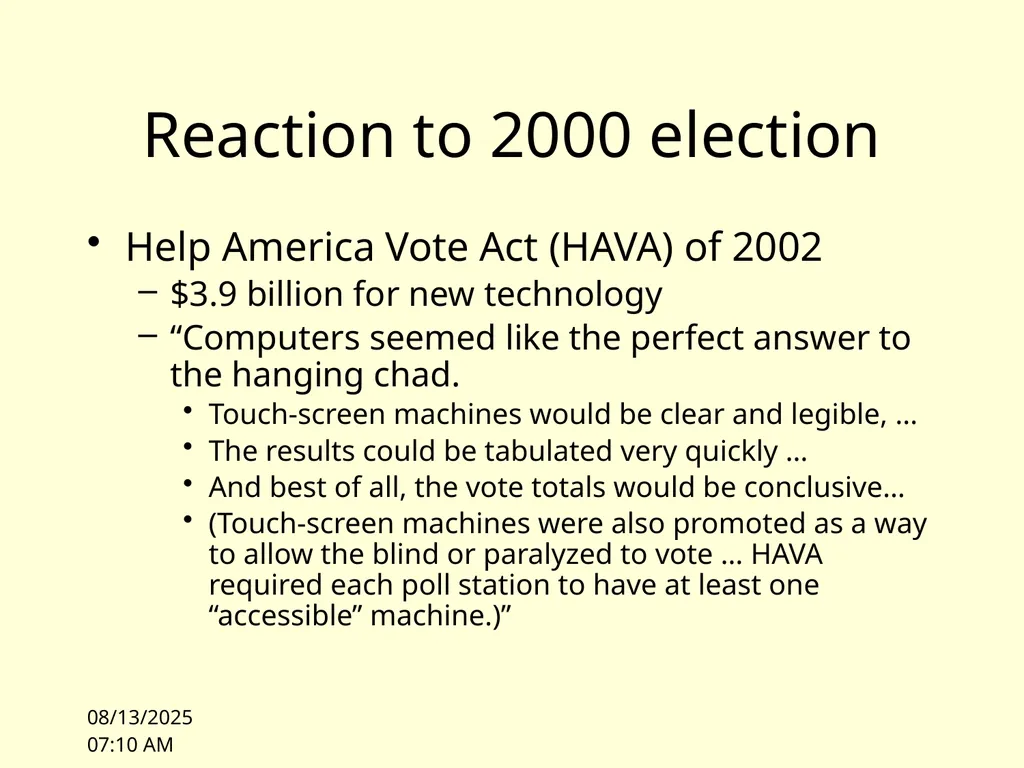
10/4/10 14:04 Reaction to 2000 election Help America Vote Act (HAVA) of 2002
$3.9 billion for new technology
“Computers seemed like the perfect answer to the hanging chad.
Touch-screen machines would be clear and legible, …
The results could be tabulated very quickly …
And best of all, the vote totals would be conclusive…
(Touch-screen machines were also promoted as a way to allow the blind or paralyzed to vote … HAVA required each poll station to have at least one “accessible” machine.)”<br>
$3.9 billion for new technology
“Computers seemed like the perfect answer to the hanging chad.
Touch-screen machines would be clear and legible, …
The results could be tabulated very quickly …
And best of all, the vote totals would be conclusive…
(Touch-screen machines were also promoted as a way to allow the blind or paralyzed to vote … HAVA required each poll station to have at least one “accessible” machine.)”<br>
31
10/4/10 14:04 Touch Screen Voting Today Computers have not solved the problem
There is still a crisis of confidence in voting
http://news.google.com/news?hl=en&ned=us&q=voting+machines&btnG=Search<br>
There is still a crisis of confidence in voting
http://news.google.com/news?hl=en&ned=us&q=voting+machines&btnG=Search<br>
32
10/4/10 14:04 New Jersey In February 2008, New Jersey used Sequoia voting machines in their primary election
Election officials noted anomalies<br>
Election officials noted anomalies<br>
33
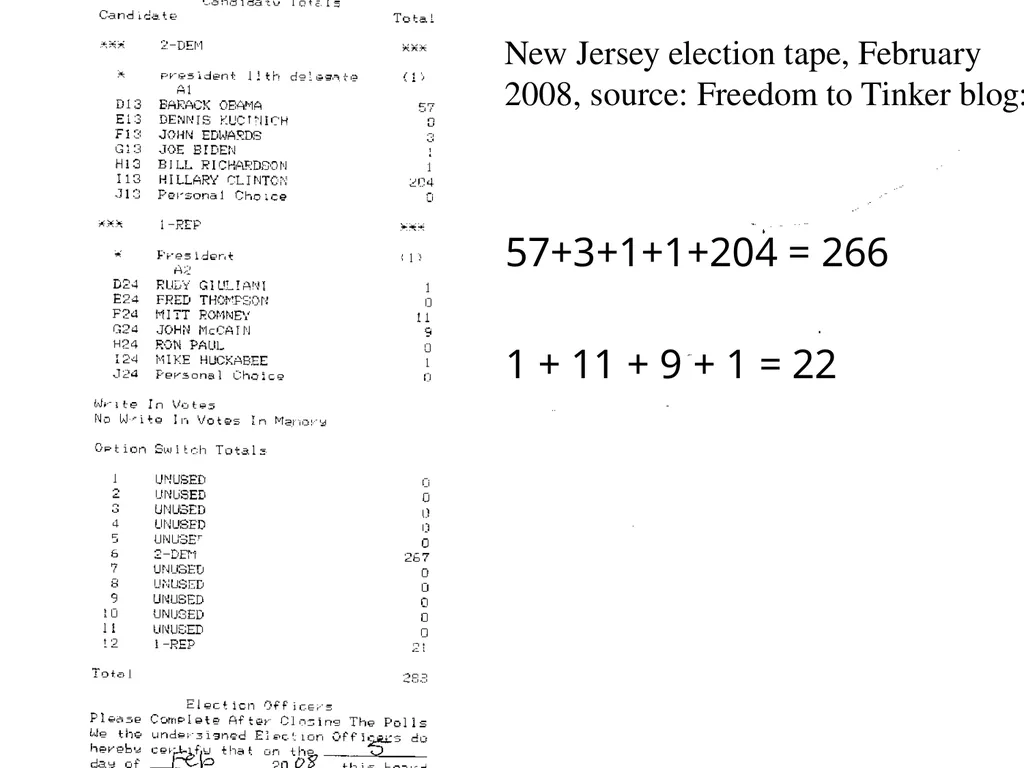
10/4/10 14:04 57+3+1+1+204 = 266
1 + 11 + 9 + 1 = 22 New Jersey election tape, February 2008, source: Freedom to Tinker blog:<br>
1 + 11 + 9 + 1 = 22 New Jersey election tape, February 2008, source: Freedom to Tinker blog:<br>
34
10/4/10 14:25 Several incidents The web site http://citp.princeton.edu/njvotingdocuments/ includes nine tapes from Union County New Jersey (and now several other counties)
Union County election officials solicited the help of Ed Felten’s lab at Princeton<br>
Union County election officials solicited the help of Ed Felten’s lab at Princeton<br>
35
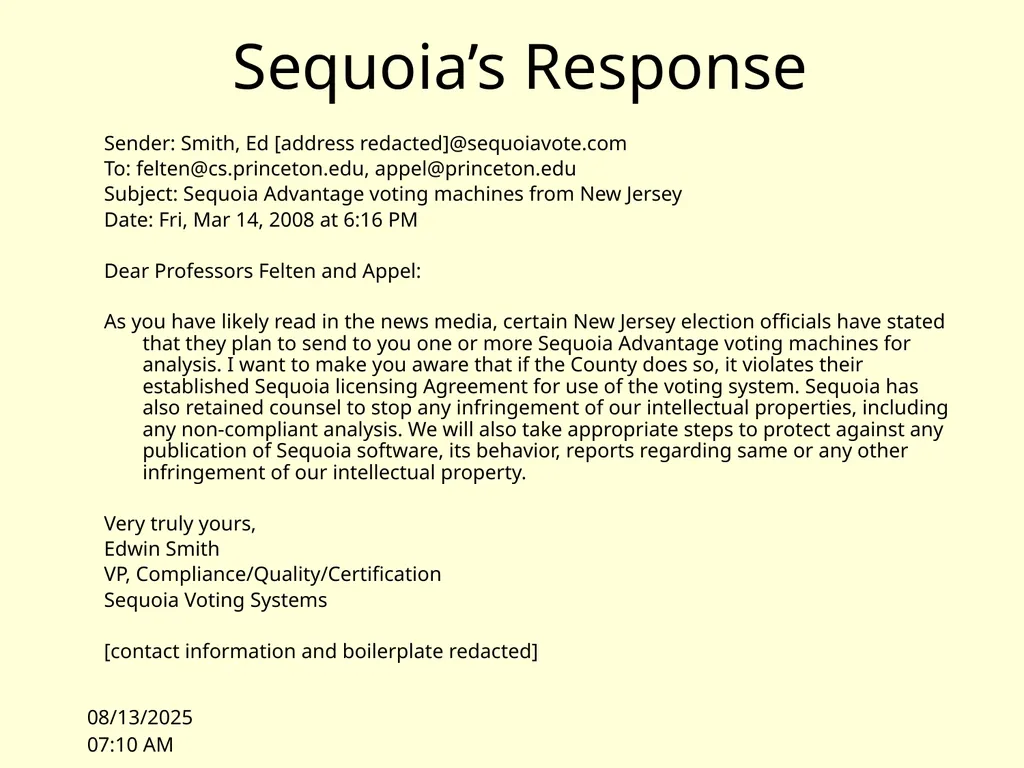
10/4/10 14:25 Sequoia’s Response Sender: Smith, Ed [address redacted]@sequoiavote.com
To: felten@cs.princeton.edu, appel@princeton.edu
Subject: Sequoia Advantage voting machines from New Jersey
Date: Fri, Mar 14, 2008 at 6:16 PM
Dear Professors Felten and Appel:
As you have likely read in the news media, certain New Jersey election officials have stated that they plan to send to you one or more Sequoia Advantage voting machines for analysis. I want to make you aware that if the County does so, it violates their established Sequoia licensing Agreement for use of the voting system. Sequoia has also retained counsel to stop any infringement of our intellectual properties, including any non-compliant analysis. We will also take appropriate steps to protect against any publication of Sequoia software, its behavior, reports regarding same or any other infringement of our intellectual property.
Very truly yours,
Edwin Smith
VP, Compliance/Quality/Certification
Sequoia Voting Systems
[contact information and boilerplate redacted]<br>
To: felten@cs.princeton.edu, appel@princeton.edu
Subject: Sequoia Advantage voting machines from New Jersey
Date: Fri, Mar 14, 2008 at 6:16 PM
Dear Professors Felten and Appel:
As you have likely read in the news media, certain New Jersey election officials have stated that they plan to send to you one or more Sequoia Advantage voting machines for analysis. I want to make you aware that if the County does so, it violates their established Sequoia licensing Agreement for use of the voting system. Sequoia has also retained counsel to stop any infringement of our intellectual properties, including any non-compliant analysis. We will also take appropriate steps to protect against any publication of Sequoia software, its behavior, reports regarding same or any other infringement of our intellectual property.
Very truly yours,
Edwin Smith
VP, Compliance/Quality/Certification
Sequoia Voting Systems
[contact information and boilerplate redacted]<br>
36
Princeton gains access Law suit originally filed in 2004 was brought to trial in 2008
Trial judge ordered machines be made available to Princeton affiliated expert witnesses (Appel et al.)
Machines were studied in July and August 2008
Findings released October 17, 2008 http://citp.princeton.edu/voting/advantage/ 10/4/10 14:25<br>
Trial judge ordered machines be made available to Princeton affiliated expert witnesses (Appel et al.)
Machines were studied in July and August 2008
Findings released October 17, 2008 http://citp.princeton.edu/voting/advantage/ 10/4/10 14:25<br>
37
10/4/10 14:25 Why? “THE QUESTION, OF COURSE, is whether the machines should be trusted to record votes accurately. Ed Felten doesn’t think so.
Felten is a computer scientist at Princeton University, and he has become famous for analyzing — and criticizing — touch-screen machines.
In fact, the first serious critics of the machines — beginning 10 years ago — were computer scientists.” [NY Times; January 2008]<br>
Felten is a computer scientist at Princeton University, and he has become famous for analyzing — and criticizing — touch-screen machines.
In fact, the first serious critics of the machines — beginning 10 years ago — were computer scientists.” [NY Times; January 2008]<br>
38
10/4/10 14:25 Why? (cont) “One might expect computer scientists to be fans of computer-based vote-counting devices, but it turns out that the more you know about computers, the more likely you are to be terrified that they’re running elections.”
[NY Times; January 2008]<br>
[NY Times; January 2008]<br>
39
10/4/10 14:25 Leading Critics David Dill, Stanford: http://www.verifiedvotingfoundation.org/
Matt Bishop, UC Davis http://evote.cs.ucdavis.edu/
Ed Felten http://itpolicy.princeton.edu/voting/<br>
Matt Bishop, UC Davis http://evote.cs.ucdavis.edu/
Ed Felten http://itpolicy.princeton.edu/voting/<br>
40
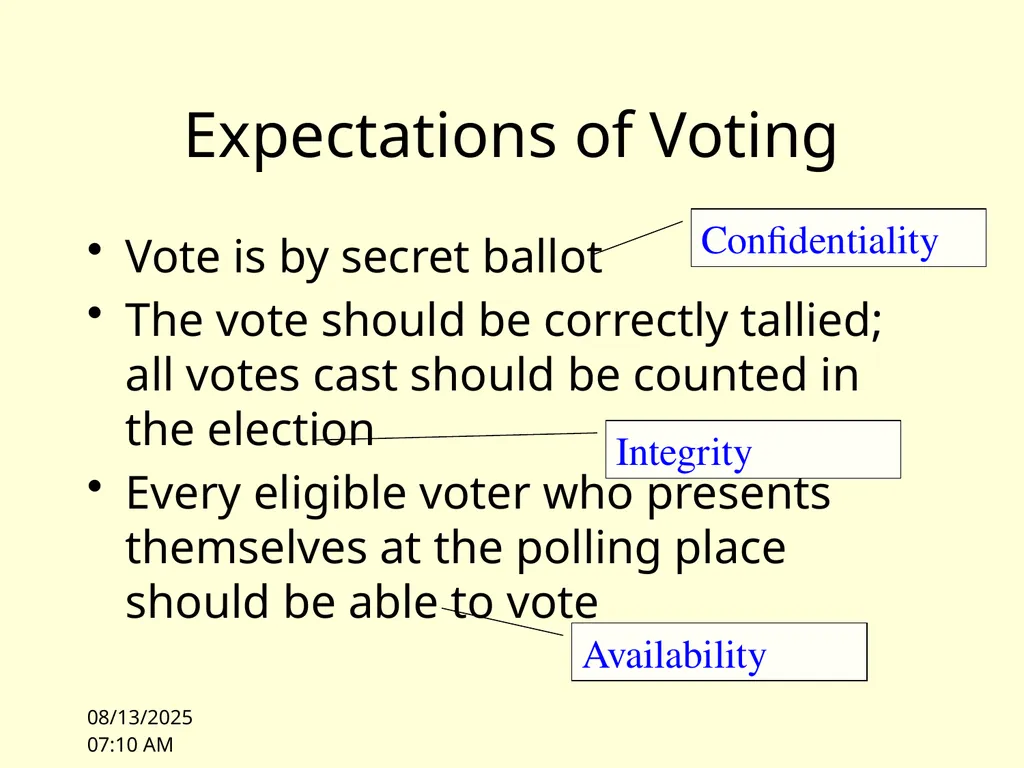
10/4/10 14:25 Expectations of Voting Vote is by secret ballot
The vote should be correctly tallied; all votes cast should be counted in the election
Every eligible voter who presents themselves at the polling place should be able to vote Confidentiality Integrity Availability<br>
The vote should be correctly tallied; all votes cast should be counted in the election
Every eligible voter who presents themselves at the polling place should be able to vote Confidentiality Integrity Availability<br>
41
10/4/10 14:25 Security or
Computer Security? Are the expectations of integrity, confidentiality, and availability specific to computers?
Can the properties of the computer system be considered independently of its use?
Can a voting machine be secure if the voting process is corrupt?
Ultimately, security is an end-to-end concern
[Note Anderson section 1.7]<br>
Can the properties of the computer system be considered independently of its use?
Can a voting machine be secure if the voting process is corrupt?
Ultimately, security is an end-to-end concern
[Note Anderson section 1.7]<br>
42
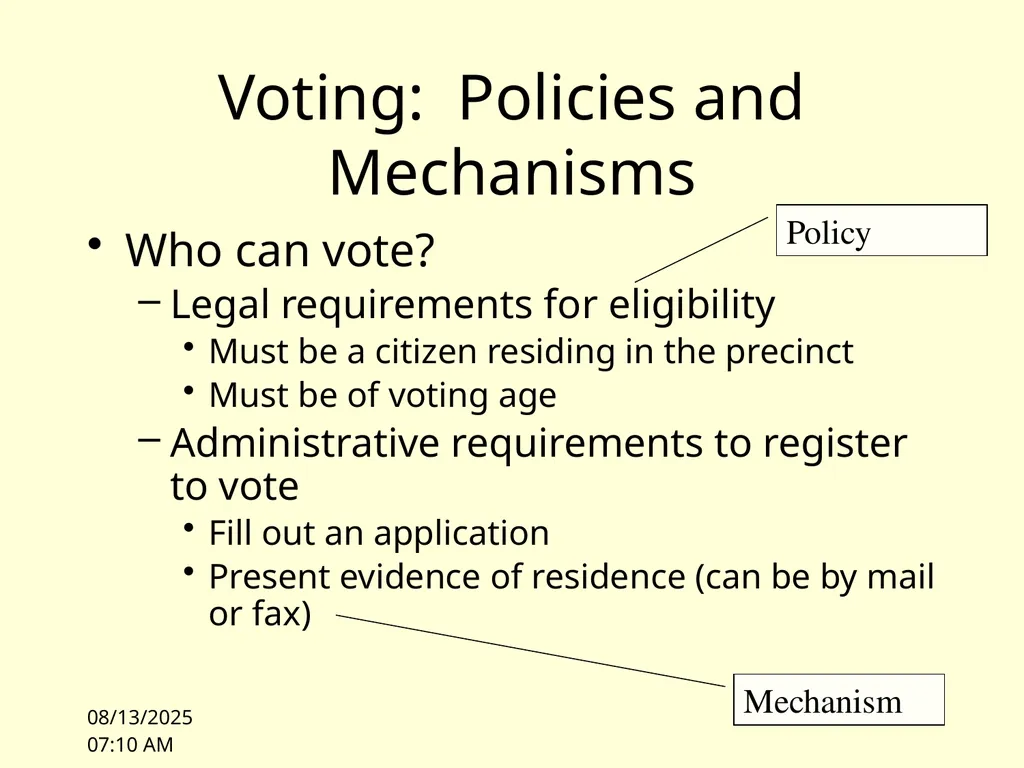
10/4/10 14:25 Voting: Policies and Mechanisms Who can vote?
Legal requirements for eligibility
Must be a citizen residing in the precinct
Must be of voting age
Administrative requirements to register to vote
Fill out an application
Present evidence of residence (can be by mail or fax) Policy Mechanism<br>
Legal requirements for eligibility
Must be a citizen residing in the precinct
Must be of voting age
Administrative requirements to register to vote
Fill out an application
Present evidence of residence (can be by mail or fax) Policy Mechanism<br>
43
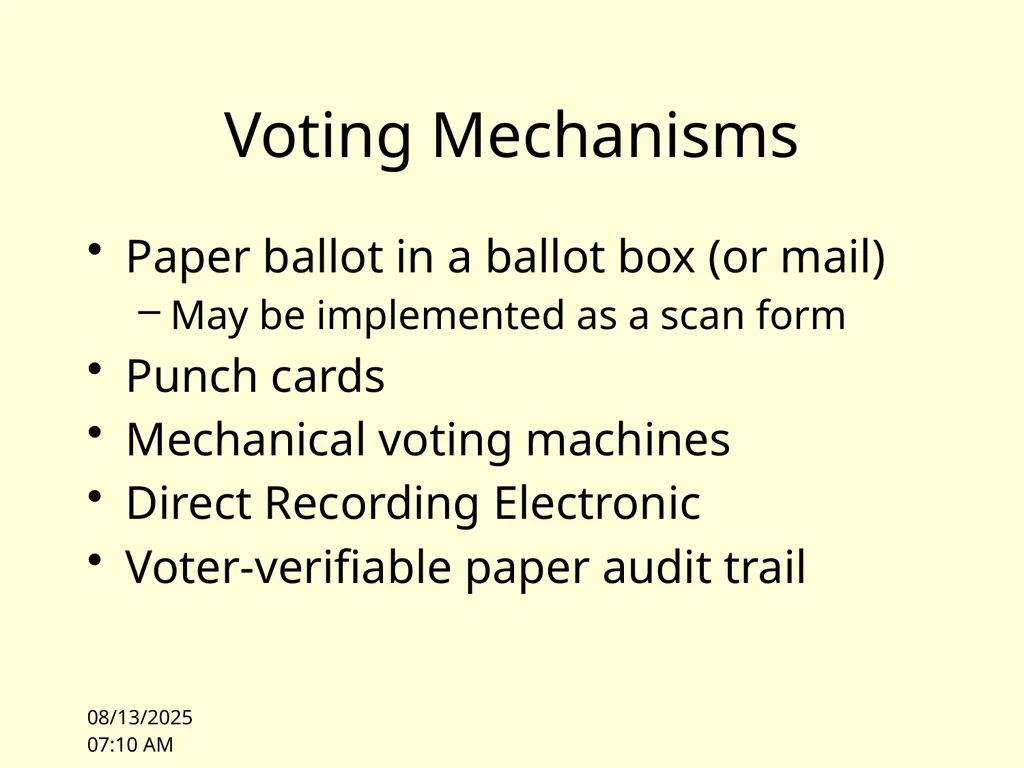
10/4/10 14:26 Voting Mechanisms Paper ballot in a ballot box (or mail)
May be implemented as a scan form
Punch cards
Mechanical voting machines
Direct Recording Electronic
Voter-verifiable paper audit trail<br>
May be implemented as a scan form
Punch cards
Mechanical voting machines
Direct Recording Electronic
Voter-verifiable paper audit trail<br>
44
10/4/10 14:26 Evaluating mechanisms How do we evaluate these options?
Evaluation must be relevant to a threat model<br>
Evaluation must be relevant to a threat model<br>
45
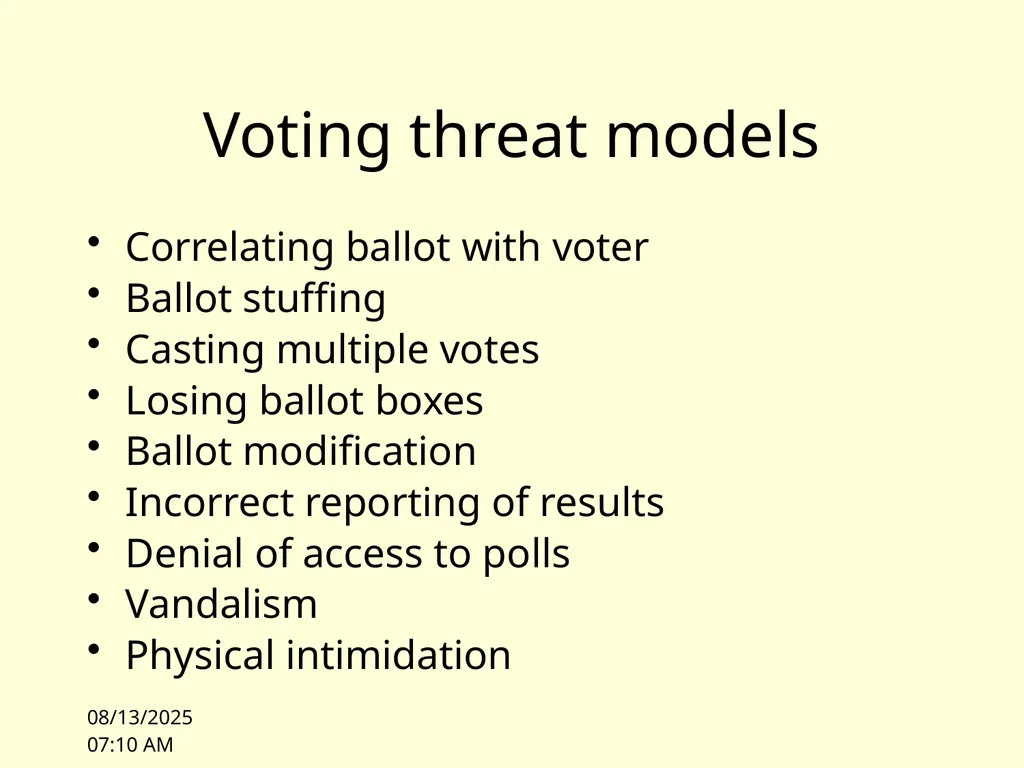
10/4/10 14:26 Voting threat models Correlating ballot with voter
Ballot stuffing
Casting multiple votes
Losing ballot boxes
Ballot modification
Incorrect reporting of results
Denial of access to polls
Vandalism
Physical intimidation<br>
Ballot stuffing
Casting multiple votes
Losing ballot boxes
Ballot modification
Incorrect reporting of results
Denial of access to polls
Vandalism
Physical intimidation<br>
46
10/4/10 14:26 Felten’s paper Security Analysis of the Diebold AccuVote-TS Voting Machine
Felton’s team injected malware in a voting machine that could alter the outcome of an election or disable a voting machine during an election
Malware was spread by sharing memory cards<br>
Felton’s team injected malware in a voting machine that could alter the outcome of an election or disable a voting machine during an election
Malware was spread by sharing memory cards<br>
47
10/4/10 14:26 Video http://itpolicy.princeton.edu/voting/videos.html<br>
48
10/4/10 14:26 Goals of the class: Provide a vocabulary to discuss issues relevant to the trustworthiness of systems that include computers
Provide a set of models and design rules to assist in building and assessing trustworthy systems
Introduce mechanisms that, when used correctly, can increase trust (e.g. crypto, access control)
Survey common exploitable vulnerabilities (stack attacks, malware, bots)<br>
Provide a set of models and design rules to assist in building and assessing trustworthy systems
Introduce mechanisms that, when used correctly, can increase trust (e.g. crypto, access control)
Survey common exploitable vulnerabilities (stack attacks, malware, bots)<br>
49
10/4/10 14:26 Facets of Security Confidentiality
Keeping secrets
Integrity
Users trust the system
Availability
The system must be ready when needed<br>
Keeping secrets
Integrity
Users trust the system
Availability
The system must be ready when needed<br>
50
10/4/10 14:27 Confidentiality Concealment of information or resources
Government/Military: “Need to Know”
Mechanisms:
Access Control<br>
Government/Military: “Need to Know”
Mechanisms:
Access Control<br>
51
10/4/10 14:27 Integrity Trustworthiness of data or resources
Data Integrity
Integrity of content (the vote talleys add up)
Origin Integrity
Source of data is known (each vote was cast by a voter)
Mechanisms
Prevention: block unauthorized changes
Detection: analyze data to verify expected properties (e.g. file system consistency check)<br>
Data Integrity
Integrity of content (the vote talleys add up)
Origin Integrity
Source of data is known (each vote was cast by a voter)
Mechanisms
Prevention: block unauthorized changes
Detection: analyze data to verify expected properties (e.g. file system consistency check)<br>
52
10/4/10 14:27 Availability If an adversary can cause information or resources to become unavailable they have compromised system security
Denial of Service attacks compromise Availability<br>
Denial of Service attacks compromise Availability<br>
53
10/4/10 14:27 Trust Every time I drive I trust the brake system on my car
Before I drive, I do not systematically check the brake system in any way
The brake system is a “trusted component” of my car
The safety of my operation of the car assumes the brake system is functioning correctly
In contrast, I inspect the brakes on my bicycle before I ride and typically test them before I go down a hill<br>
Before I drive, I do not systematically check the brake system in any way
The brake system is a “trusted component” of my car
The safety of my operation of the car assumes the brake system is functioning correctly
In contrast, I inspect the brakes on my bicycle before I ride and typically test them before I go down a hill<br>
54
10/4/10 14:27 Trustworthy Are the brakes on my car “trustworthy”? I.e. is that trust justified?
Car is well maintained
Brake system “idiot light” is off
Brake system hydraulics meet modern standards for redundancy and independence
Independent “emergency brake” system is available if primary braking system fails<br>
Car is well maintained
Brake system “idiot light” is off
Brake system hydraulics meet modern standards for redundancy and independence
Independent “emergency brake” system is available if primary braking system fails<br>
55
10/4/10 14:27 Trustworthy What about my bike brakes?
Bike is also well maintained
Front and Rear brake systems are independent
Simplicity of system affords reduction of “trust base” (the set of “trusted components” that I assume to work) to cables, rims, brake calipers, and pads (and structural integrity of bike, tires)<br>
Bike is also well maintained
Front and Rear brake systems are independent
Simplicity of system affords reduction of “trust base” (the set of “trusted components” that I assume to work) to cables, rims, brake calipers, and pads (and structural integrity of bike, tires)<br>
56
10/4/10 14:27 Threat environment Threats to my brakes:
Normal wear
Extraordinary wear due to maladjustment
Manufacturing defect
Corrosion and rust
Loss of integrity of other components
How are these threats mitigated?<br>
Normal wear
Extraordinary wear due to maladjustment
Manufacturing defect
Corrosion and rust
Loss of integrity of other components
How are these threats mitigated?<br>
57
Malicious threats What if I’m worried about sabotage? 10/4/10 14:27<br>
58
Prioritizing Threats “Security engineers … need to be able to put risks and threats in context, make realistic assessments of what might go wrong, and give our clients good advice. That depends on a wide understanding of what worked, what their consequences were, and how they were stopped (if it was worthwhile to do so).”
Ross Anderson, Section 1.2 10/4/10 14:28<br>
Ross Anderson, Section 1.2 10/4/10 14:28<br>
59
10/4/10 14:28 Definitions Trust: a relationship, typically with respect to a property
I trust the brake cables on my bike
My integrity depends upon the integrity of my bike brakes
The fact that I trust something does not make it trustworthy!
Trusted component: one whose failure can break the property (security policy)
Frame, wheelset, cables, tires, brake mechanism<br>
I trust the brake cables on my bike
My integrity depends upon the integrity of my bike brakes
The fact that I trust something does not make it trustworthy!
Trusted component: one whose failure can break the property (security policy)
Frame, wheelset, cables, tires, brake mechanism<br>
60
10/4/10 14:28 Definitions Trustworthy: an attribute of an object
Is the object worthy of trust?<br>
Is the object worthy of trust?<br>
61
10/4/10 14:28 Definitions Trusted Base: A set of components that are trusted as an assumption
Trusted Computing Base (TCB): the set of components in a computer system (including hardware and software) that are assumed to work as part of a security analysis<br>
Trusted Computing Base (TCB): the set of components in a computer system (including hardware and software) that are assumed to work as part of a security analysis<br>
62
10/4/10 14:28 Example The TCB often includes
Correct function of the hardware (CPU and memory)
The low level boot code
The operating system (or at least parts of the operating system)
Exercise
As you read the Princeton paper, consider what the TCB of the Diebold machine actually is
Could you make it smaller?<br>
Correct function of the hardware (CPU and memory)
The low level boot code
The operating system (or at least parts of the operating system)
Exercise
As you read the Princeton paper, consider what the TCB of the Diebold machine actually is
Could you make it smaller?<br>
63
10/4/10 14:28 Policy and Mechanism Security Policy: A statement of what is, and what is not, allowed
Security Mechanism: A method, tool, or procedure for enforcing a security policy<br>
Security Mechanism: A method, tool, or procedure for enforcing a security policy<br>
64
10/4/10 14:29 Goals of Security Prevention: Guarantee that an attack will fail
Detection: Determine that a system is under attack, or has been attacked, and report it
Recovery:
Off-line recovery: stop an attack, assess and repair damage
On-line recovery: respond to an attack reactively to maintain essential services<br>
Detection: Determine that a system is under attack, or has been attacked, and report it
Recovery:
Off-line recovery: stop an attack, assess and repair damage
On-line recovery: respond to an attack reactively to maintain essential services<br>
65
10/4/10 14:29 Assumptions Since the adversary or attacker is unconstrained, the security problem is always “open”
Assumptions, either explicit or implicit, are the only constraints on the adversary<br>
Assumptions, either explicit or implicit, are the only constraints on the adversary<br>
66
10/4/10 14:29 Trust Every system must trust something
Trust is an underlying assumption
To understand a system we must know what it trusts
Typical examples of trusted entities:
We trust the system administrator to not abuse the ability to bypass mechanisms that enforce policy (e.g. access control)
We trust the hardware to behave as expected<br>
Trust is an underlying assumption
To understand a system we must know what it trusts
Typical examples of trusted entities:
We trust the system administrator to not abuse the ability to bypass mechanisms that enforce policy (e.g. access control)
We trust the hardware to behave as expected<br>
67
10/4/10 14:29 Minimizing what we trust How little can we trust?
If we trust the processor do we have to trust the boot loader?
Can we verify that we have the expected operating system before executing it?<br>
If we trust the processor do we have to trust the boot loader?
Can we verify that we have the expected operating system before executing it?<br>
68
10/4/10 14:29 Assurance An attempt to quantify “how much” to trust a system
Baseline:
What you expect it to do
Why you expect it to do that
Trust the process
Studied the artifact
Experience<br>
Baseline:
What you expect it to do
Why you expect it to do that
Trust the process
Studied the artifact
Experience<br>
69
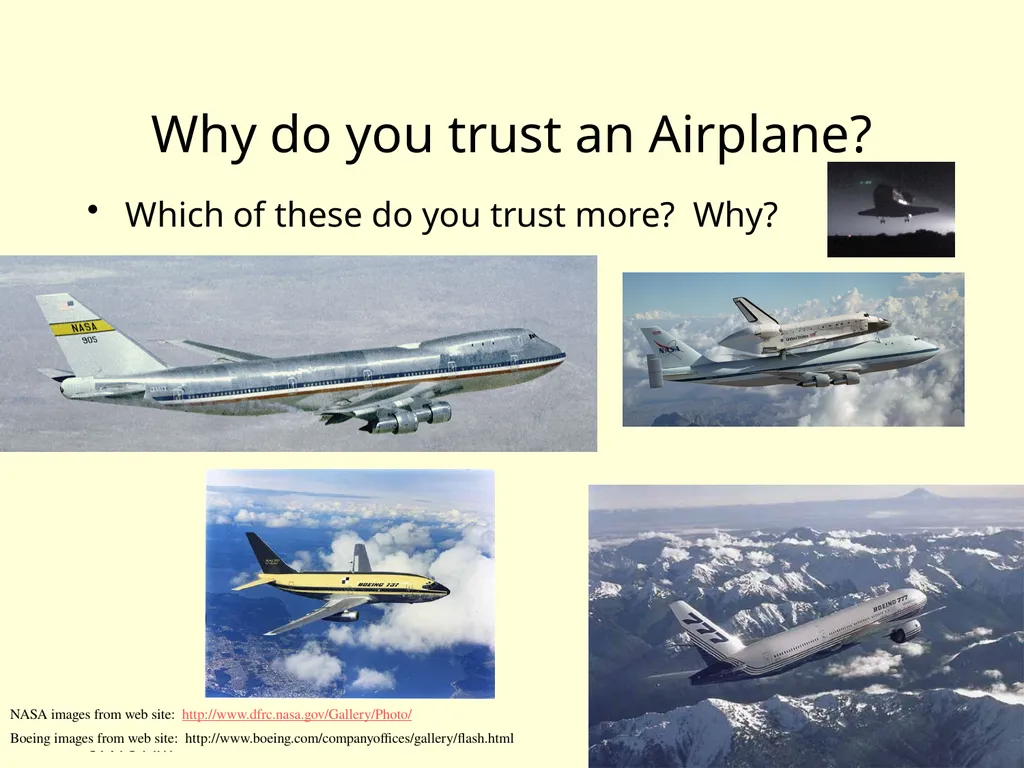
10/4/10 14:30 Why do you trust an Airplane? Which of these do you trust more? Why? NASA images from web site: http://www.dfrc.nasa.gov/Gallery/Photo/
Boeing images from web site: http://www.boeing.com/companyoffices/gallery/flash.html<br>
Boeing images from web site: http://www.boeing.com/companyoffices/gallery/flash.html<br>
70
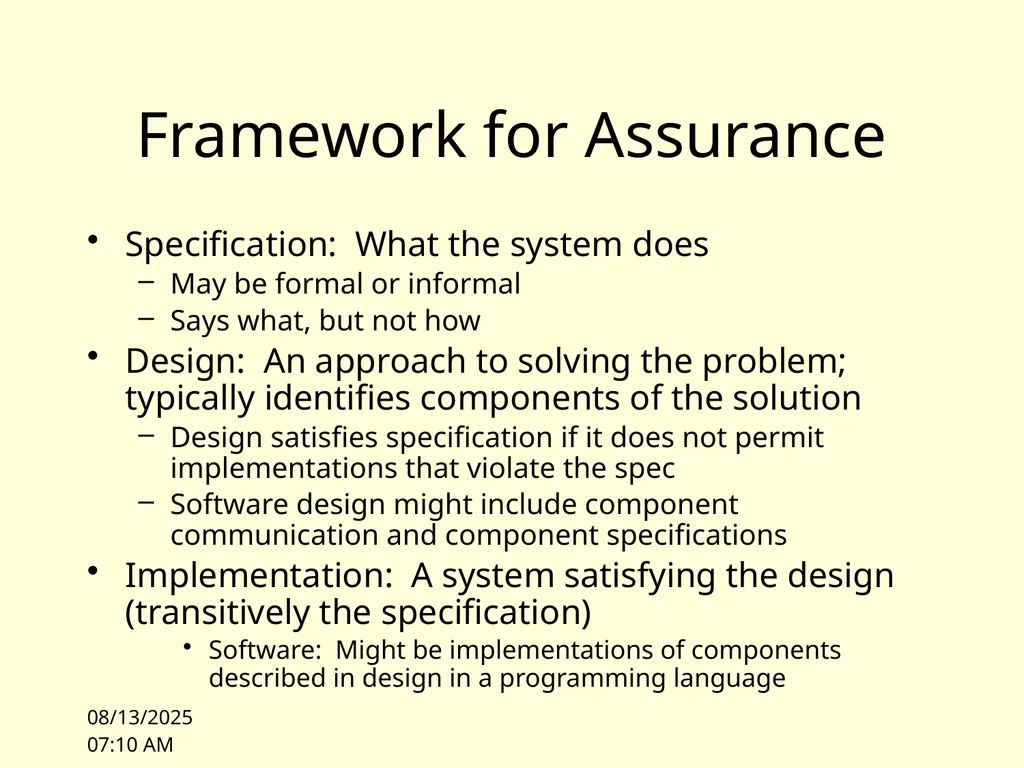
10/4/10 14:30 Framework for Assurance Specification: What the system does
May be formal or informal
Says what, but not how
Design: An approach to solving the problem; typically identifies components of the solution
Design satisfies specification if it does not permit implementations that violate the spec
Software design might include component communication and component specifications
Implementation: A system satisfying the design (transitively the specification)
Software: Might be implementations of components described in design in a programming language<br>
May be formal or informal
Says what, but not how
Design: An approach to solving the problem; typically identifies components of the solution
Design satisfies specification if it does not permit implementations that violate the spec
Software design might include component communication and component specifications
Implementation: A system satisfying the design (transitively the specification)
Software: Might be implementations of components described in design in a programming language<br>
71
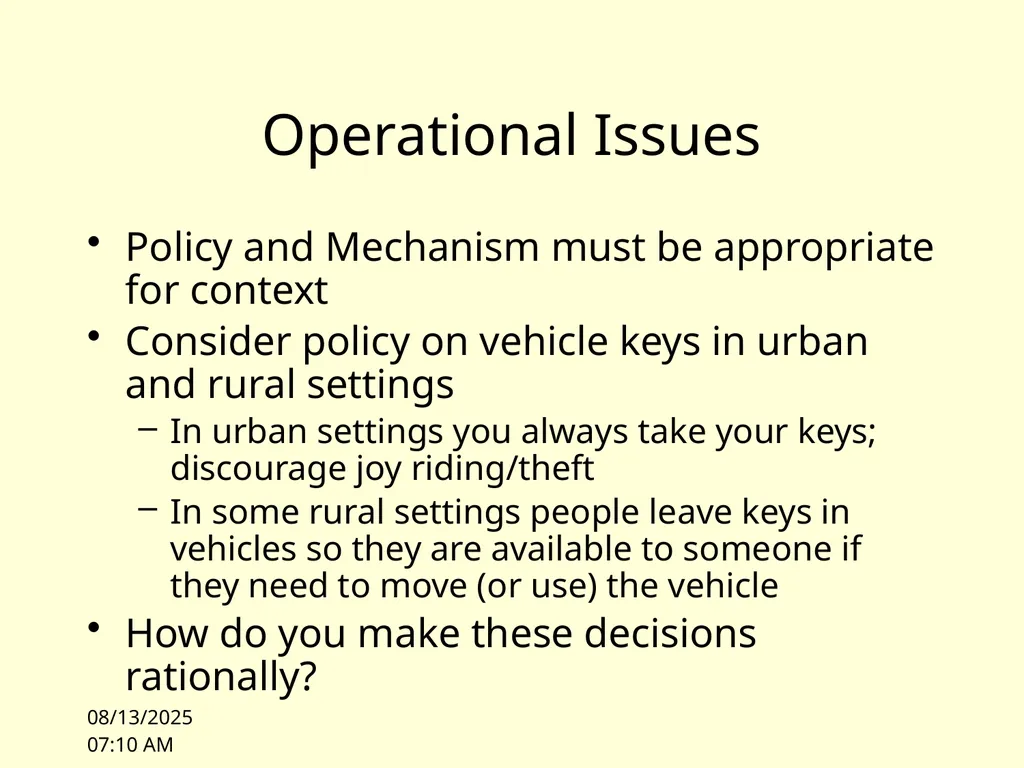
10/4/10 14:32 Operational Issues Policy and Mechanism must be appropriate for context
Consider policy on vehicle keys in urban and rural settings
In urban settings you always take your keys; discourage joy riding/theft
In some rural settings people leave keys in vehicles so they are available to someone if they need to move (or use) the vehicle
How do you make these decisions rationally?<br>
Consider policy on vehicle keys in urban and rural settings
In urban settings you always take your keys; discourage joy riding/theft
In some rural settings people leave keys in vehicles so they are available to someone if they need to move (or use) the vehicle
How do you make these decisions rationally?<br>
72
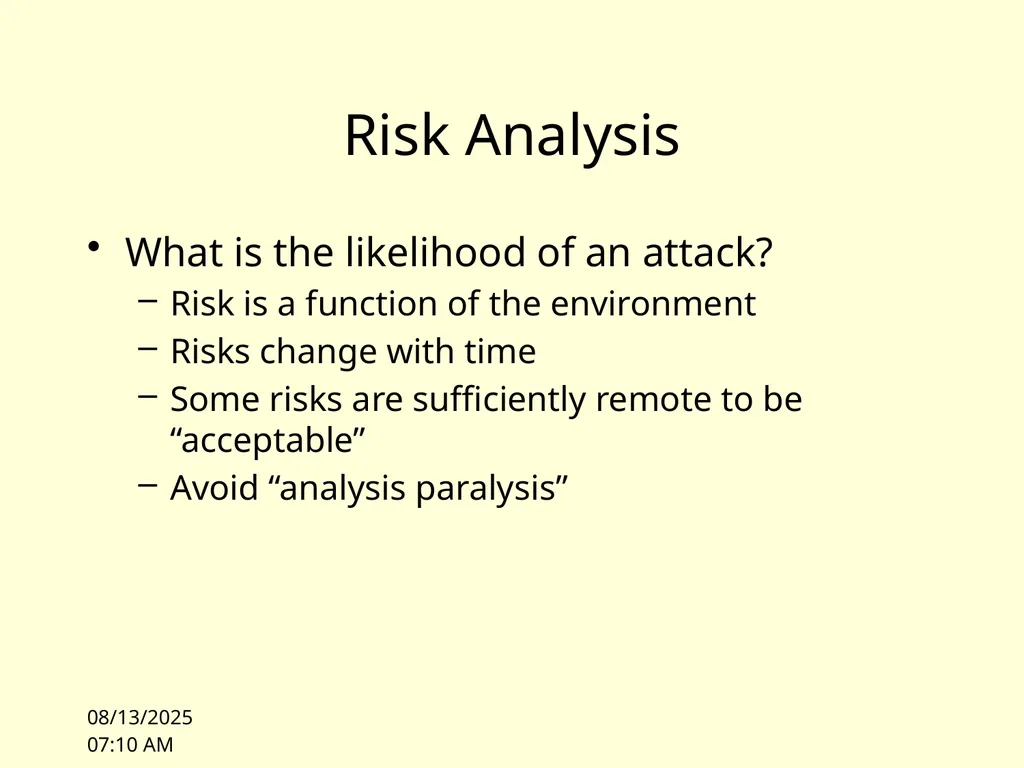
10/4/10 14:32 Risk Analysis What is the likelihood of an attack?
Risk is a function of the environment
Risks change with time
Some risks are sufficiently remote to be “acceptable”
Avoid “analysis paralysis”<br>
Risk is a function of the environment
Risks change with time
Some risks are sufficiently remote to be “acceptable”
Avoid “analysis paralysis”<br>
73
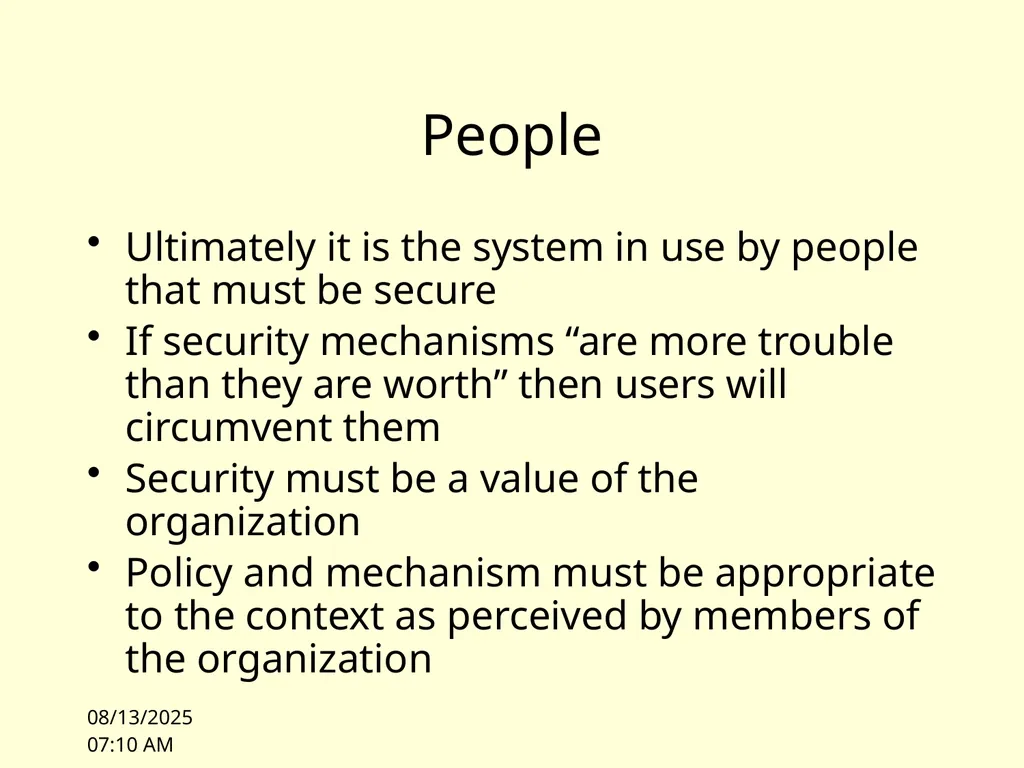
10/4/10 14:32 People Ultimately it is the system in use by people that must be secure
If security mechanisms “are more trouble than they are worth” then users will circumvent them
Security must be a value of the organization
Policy and mechanism must be appropriate to the context as perceived by members of the organization<br>
If security mechanisms “are more trouble than they are worth” then users will circumvent them
Security must be a value of the organization
Policy and mechanism must be appropriate to the context as perceived by members of the organization<br>
74
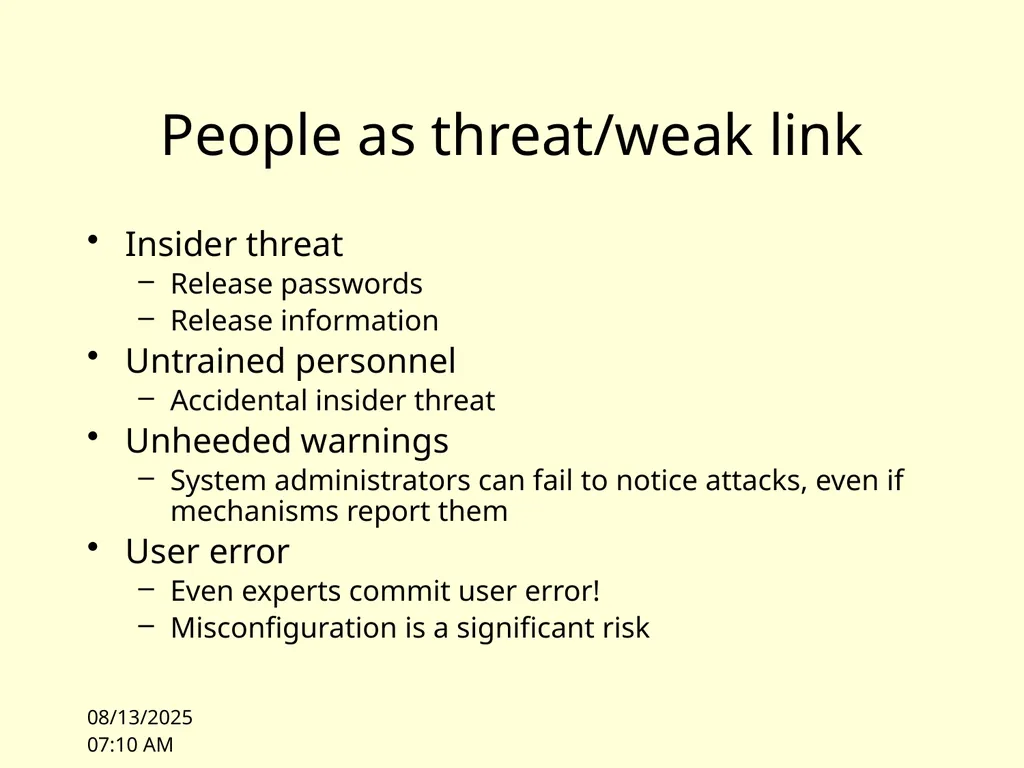
10/4/10 14:32 People as threat/weak link Insider threat
Release passwords
Release information
Untrained personnel
Accidental insider threat
Unheeded warnings
System administrators can fail to notice attacks, even if mechanisms report them
User error
Even experts commit user error!
Misconfiguration is a significant risk<br>
Release passwords
Release information
Untrained personnel
Accidental insider threat
Unheeded warnings
System administrators can fail to notice attacks, even if mechanisms report them
User error
Even experts commit user error!
Misconfiguration is a significant risk<br>
75
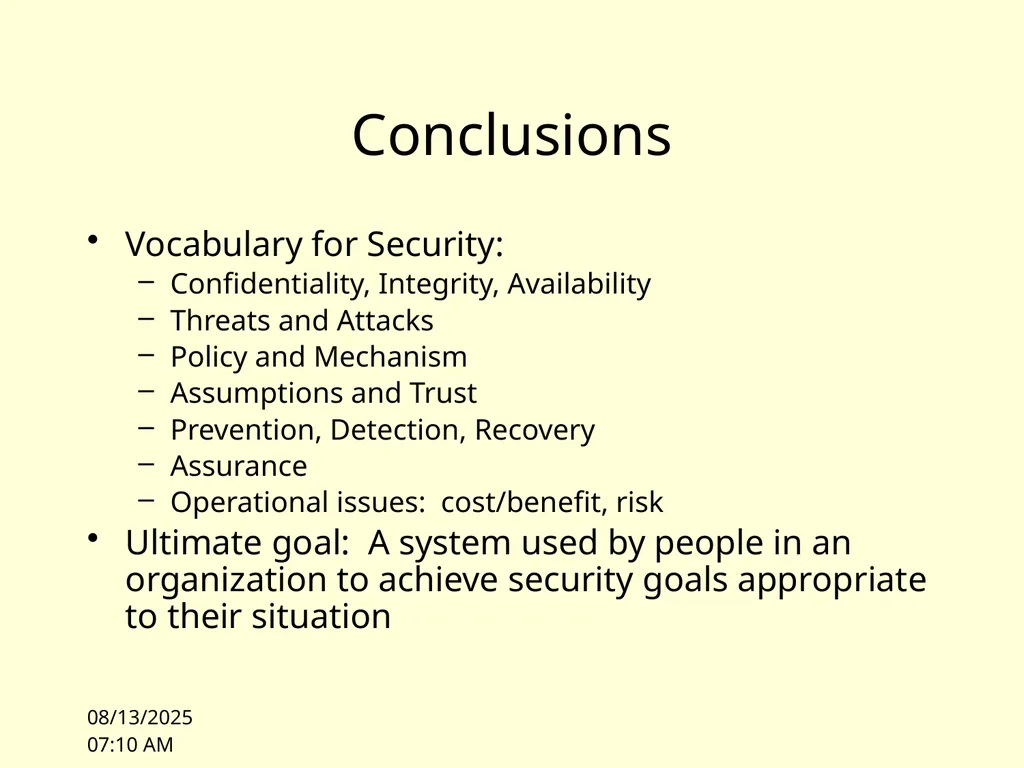
10/4/10 14:32 Conclusions Vocabulary for Security:
Confidentiality, Integrity, Availability
Threats and Attacks
Policy and Mechanism
Assumptions and Trust
Prevention, Detection, Recovery
Assurance
Operational issues: cost/benefit, risk
Ultimate goal: A system used by people in an organization to achieve security goals appropriate to their situation<br>
Confidentiality, Integrity, Availability
Threats and Attacks
Policy and Mechanism
Assumptions and Trust
Prevention, Detection, Recovery
Assurance
Operational issues: cost/benefit, risk
Ultimate goal: A system used by people in an organization to achieve security goals appropriate to their situation<br>
76
Next Lecture Format:
Next lecture will begin with a discussion section on the reading
Please be prepared to participate in the discussion
I will supply name tags
I will call on individuals 10/4/10 14:32<br>
Next lecture will begin with a discussion section on the reading
Please be prepared to participate in the discussion
I will supply name tags
I will call on individuals 10/4/10 14:32<br>
77
10/4/10 14:32 Next Lecture Voting Case Study and Access Control
Reading:
Voting Discussion:
NY Times article on voting
Felten paper on Diebold voting machines
Anderson, Section 23.5 [Bleeding edge: Elections]
Freedom to Tinker blog on voting
Access Control
Anderson Chapter 1, particularly 1.7
Anderson Sections 4.1 and 4.2<br>
Reading:
Voting Discussion:
NY Times article on voting
Felten paper on Diebold voting machines
Anderson, Section 23.5 [Bleeding edge: Elections]
Freedom to Tinker blog on voting
Access Control
Anderson Chapter 1, particularly 1.7
Anderson Sections 4.1 and 4.2<br>