7.2 Resume Writing 1 Create, format, and distribute a complete resume that accurately represents your skills, experience, and educational background Objective 2 Objective Introduction A document that summarizes your skills, experience, and
Related Topics
Share
Embed code
Download this presentation From Below
"7.2 Resume Writing 1 Create, format, and" is the property of its rightful owner. Permission is granted to
download and print the materials on this website for personal, non-commercial use only, and to display it
on your personal computer provided you do not modify the materials and that you retain all copyright
notices contained in the materials. By downloading content from our website, you accept the terms of this
agreement.
Presentation Transcript
01
7.2 Resume Writing 1<br>
02
Create, format, and distribute a complete resume that accurately represents your skills, experience, and educational background Objective 2 Objective<br>
03
Introduction A document that summarizes your skills, experience, and educational experience.
Employers look at resumes to find qualified employees. Q. What is a resume? 3 Introduction<br>
04
Introduction EVERYBODY who wants a job needs a resume! Q. Who needs a resume? It is the first step to getting an interview. Q. Why is a resume important? 4 Instroduction<br>
05
Introduction Resumes are created and distributed using computers. Q. How have resumes changed with technology? A good resume should tell your story
Concise and easy to read Q. What makes a resume “good?” 5 Instroduction<br>
06
Introduction Q. How long does an employer typically look at a resume? Less than one minute! 6 Instroduction<br>
07
Anatomy of a Resume 7<br>
08
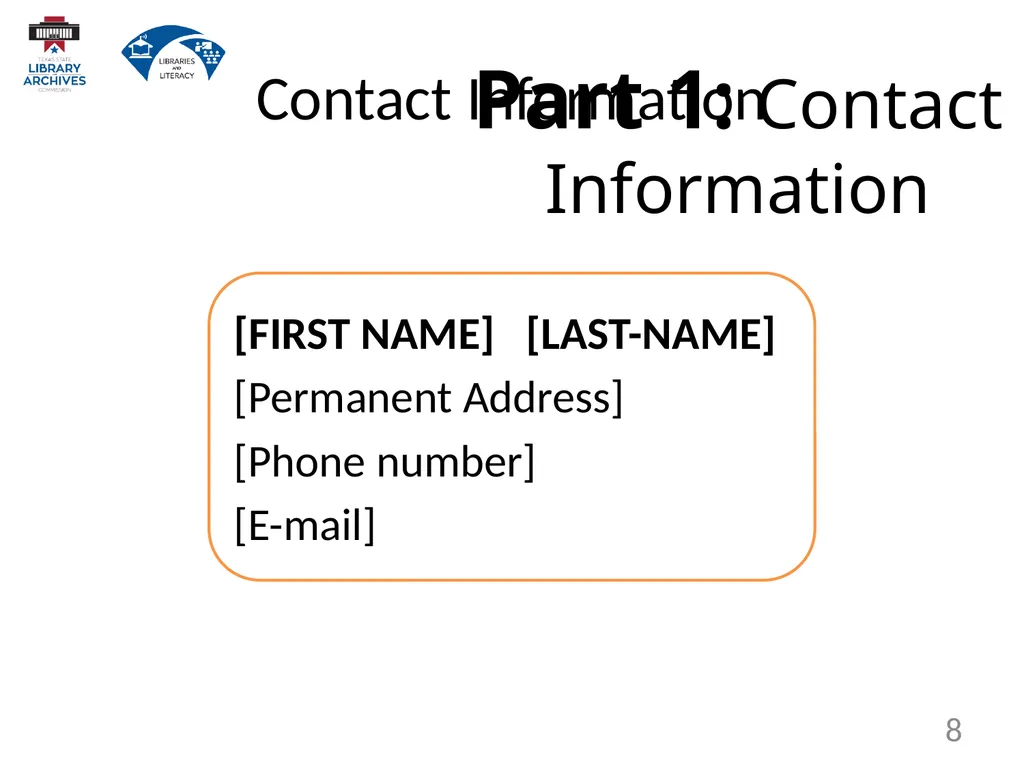
[FIRST NAME] [LAST-NAME]
[Permanent Address]
[Phone number]
[E-mail] Part 1: Contact Information 8 Contact Information<br>
09
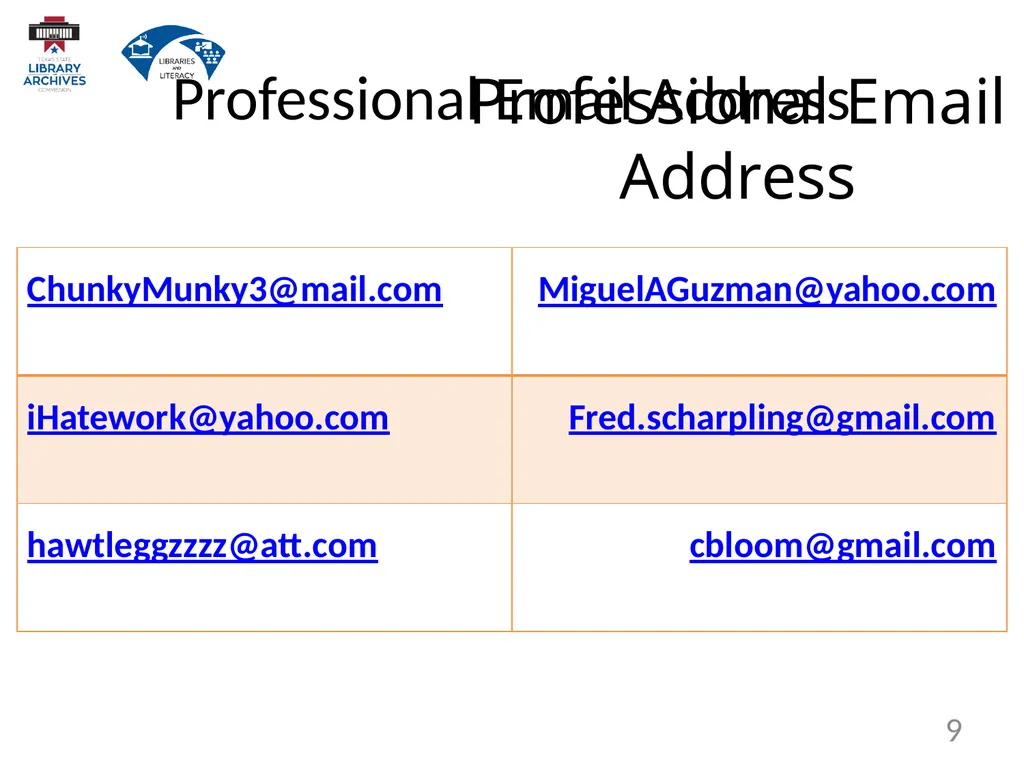
Professional Email Address 9 Professional Email Address<br>
10
Part 2:
Professional Summary
or
Career Objective? 10 Professional Summary or Career Objective<br>
11
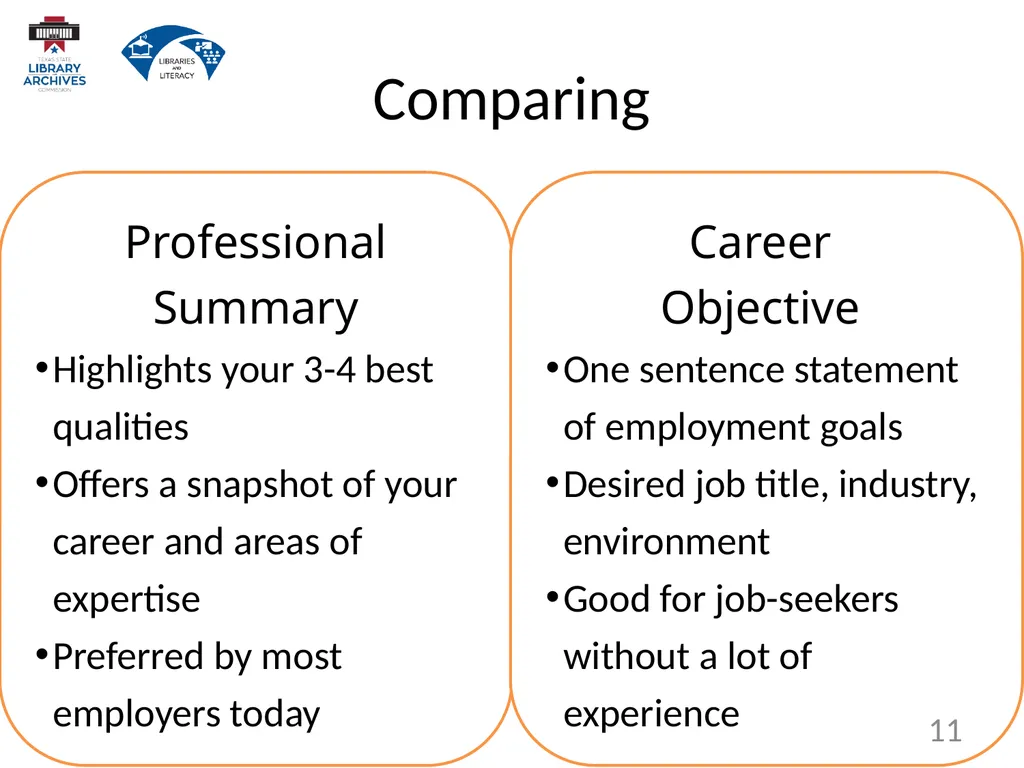
Professional Summary
Highlights your 3-4 best qualities
Offers a snapshot of your career and areas of expertise
Preferred by most employers today Career
Objective
One sentence statement of employment goals
Desired job title, industry, environment
Good for job-seekers without a lot of experience 11 Comparing<br>
12
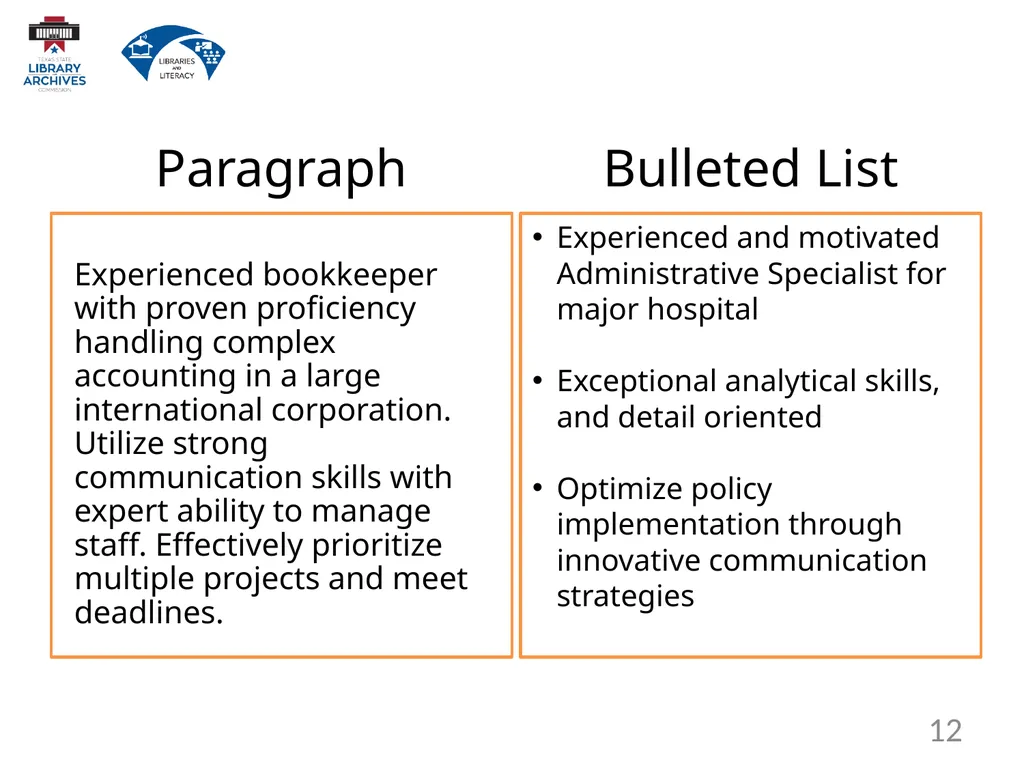
Bulleted List Paragraph Experienced and motivated Administrative Specialist for major hospital
Exceptional analytical skills, and detail oriented
Optimize policy implementation through innovative communication strategies Experienced bookkeeper with proven proficiency handling complex accounting in a large international corporation. Utilize strong communication skills with expert ability to manage staff. Effectively prioritize multiple projects and meet deadlines. 12<br>
13
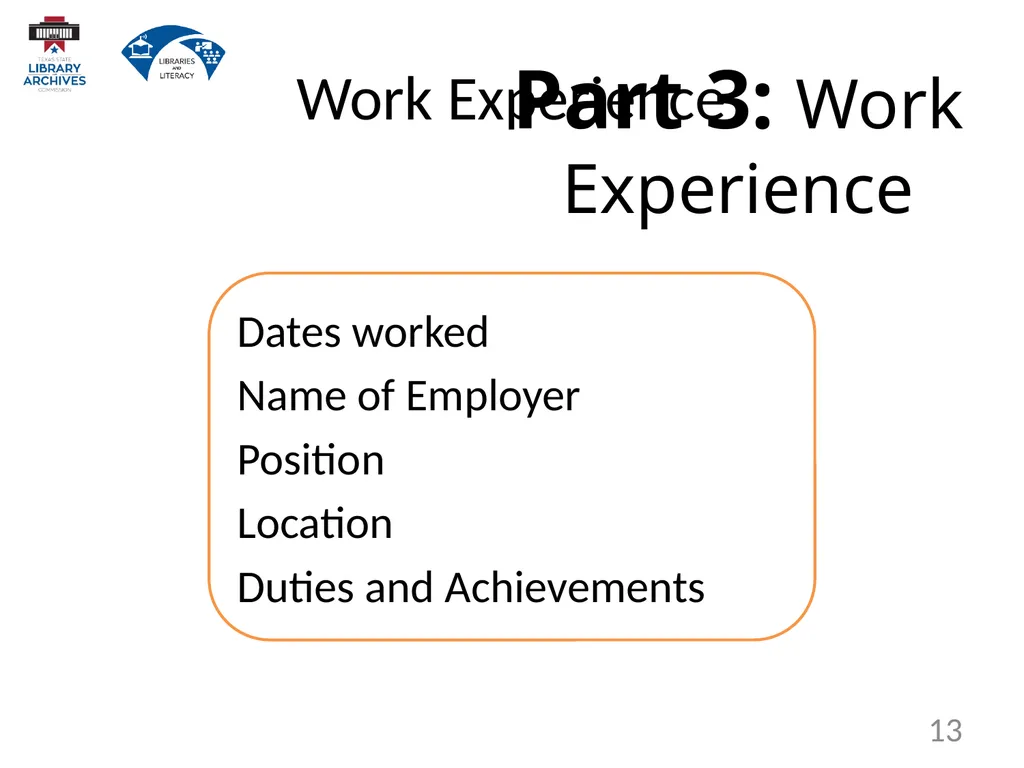
Dates worked
Name of Employer
Position
Location
Duties and Achievements Part 3: Work Experience 13 Work Experience<br>
14
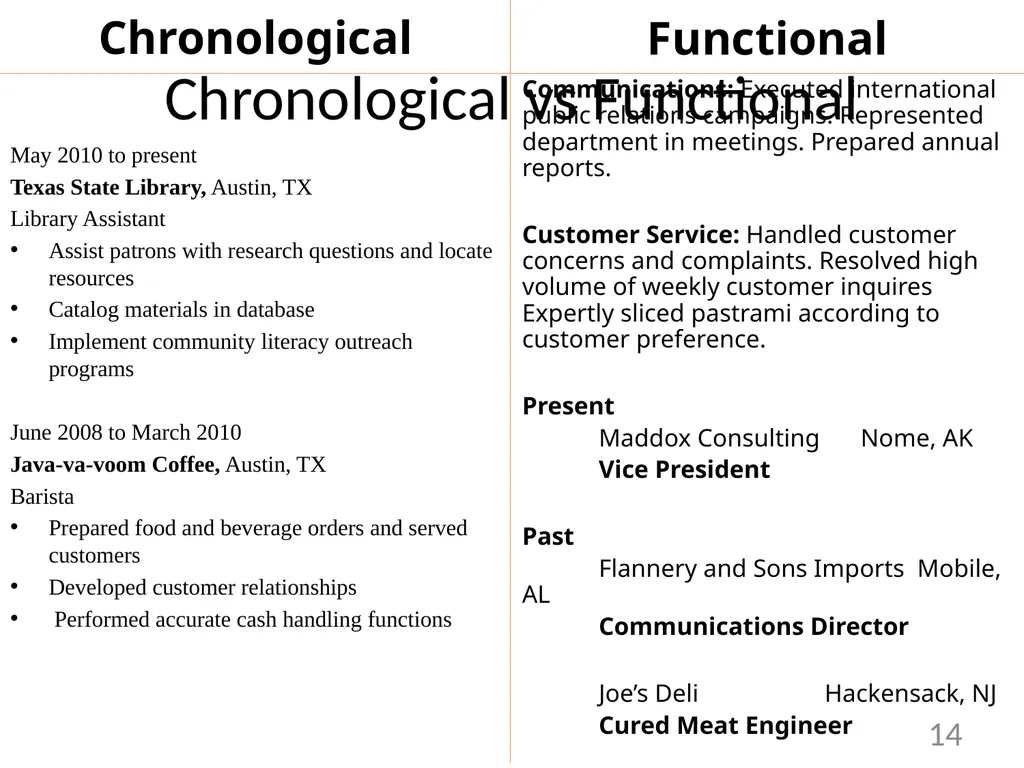
Chronological May 2010 to present
Texas State Library, Austin, TX
Library Assistant
Assist patrons with research questions and locate resources
Catalog materials in database
Implement community literacy outreach programs
June 2008 to March 2010
Java-va-voom Coffee, Austin, TX
Barista
Prepared food and beverage orders and served customers
Developed customer relationships
Performed accurate cash handling functions Functional Communications: Executed international public relations campaigns. Represented department in meetings. Prepared annual reports.
Customer Service: Handled customer concerns and complaints. Resolved high volume of weekly customer inquires Expertly sliced pastrami according to customer preference.
Present
Maddox Consulting Nome, AK
Vice President
Past
Flannery and Sons Imports Mobile, AL
Communications Director
Joe’s Deli Hackensack, NJ
Cured Meat Engineer 14 Chronological vs Functional<br>
15
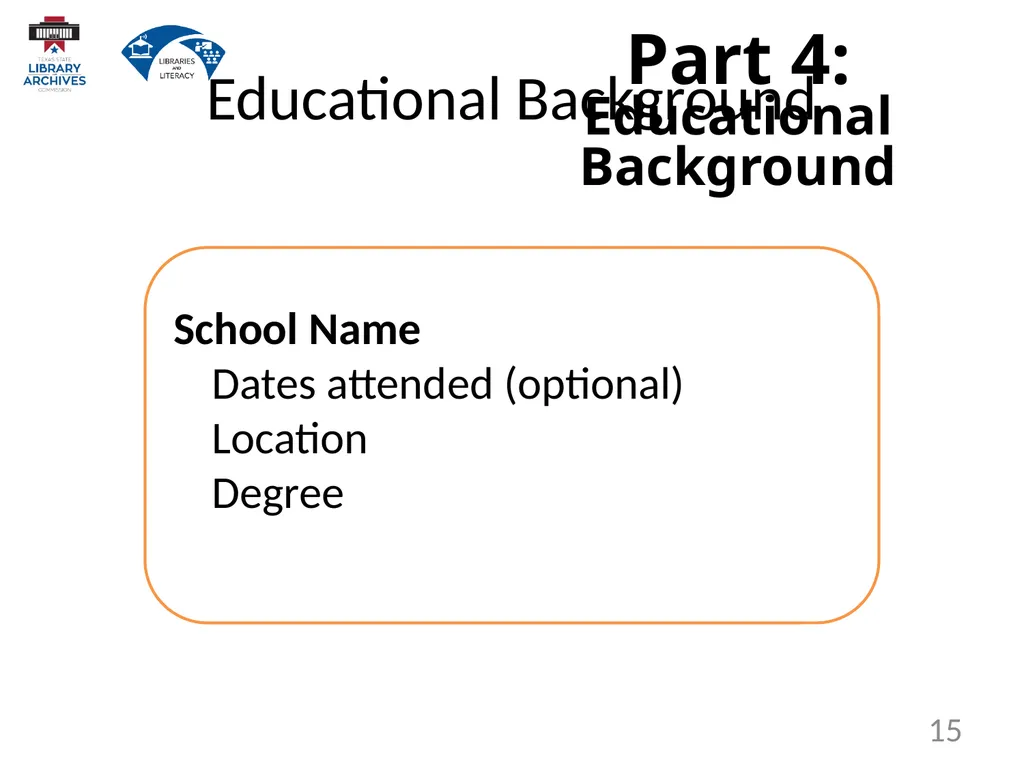
Part 4: Educational Background School Name Dates attended (optional) Location Degree 15 Educational Background<br>
16
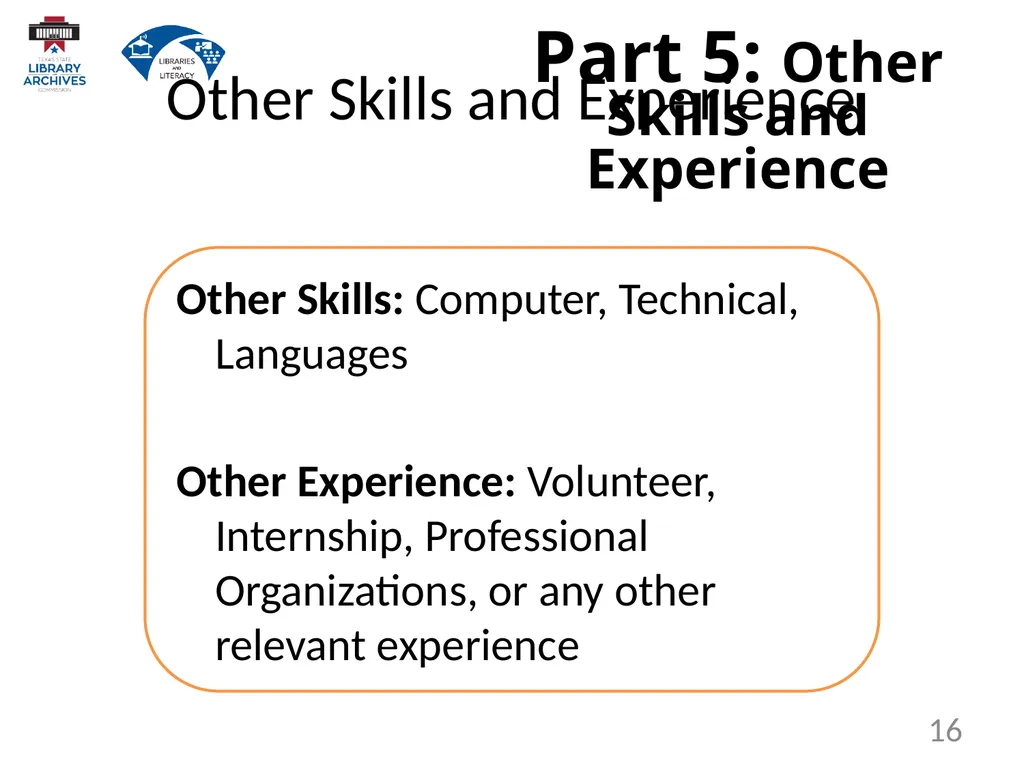
Part 5: Other Skills and Experience Other Skills: Computer, Technical, Languages
Other Experience: Volunteer, Internship, Professional Organizations, or any other relevant experience 16 Other Skills and Experience<br>
17
Resume Strategies 17<br>
18
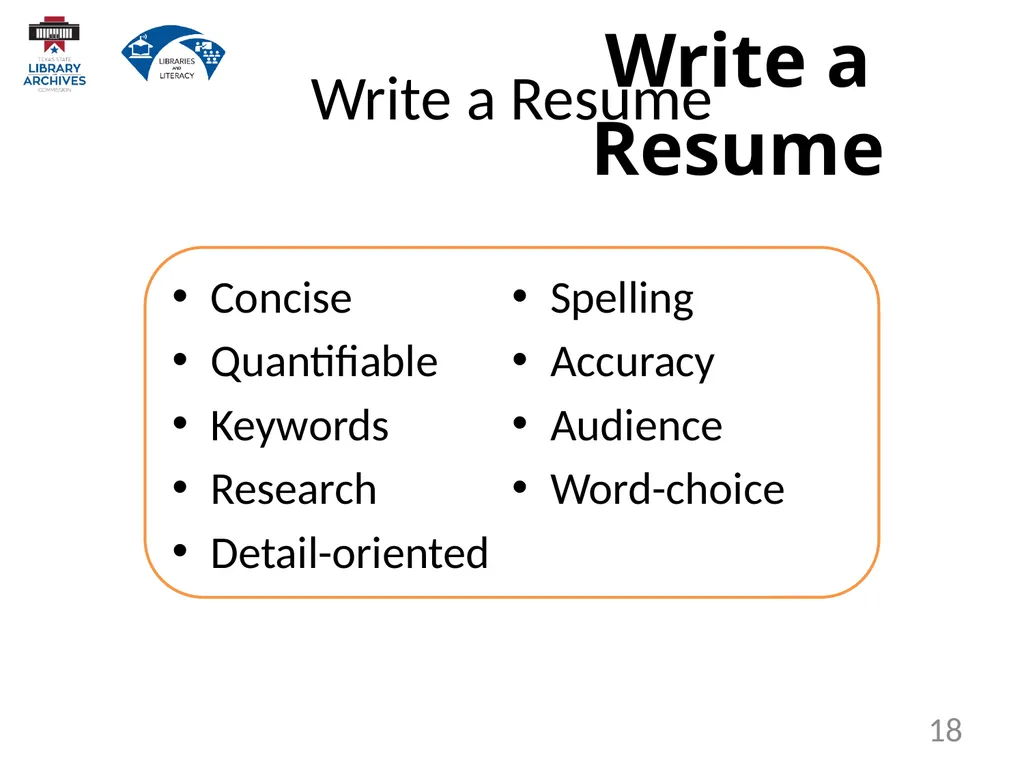
Write a Resume Concise
Quantifiable
Keywords
Research
Detail-oriented
Spelling
Accuracy
Audience
Word-choice 18 Write a Resume<br>
19
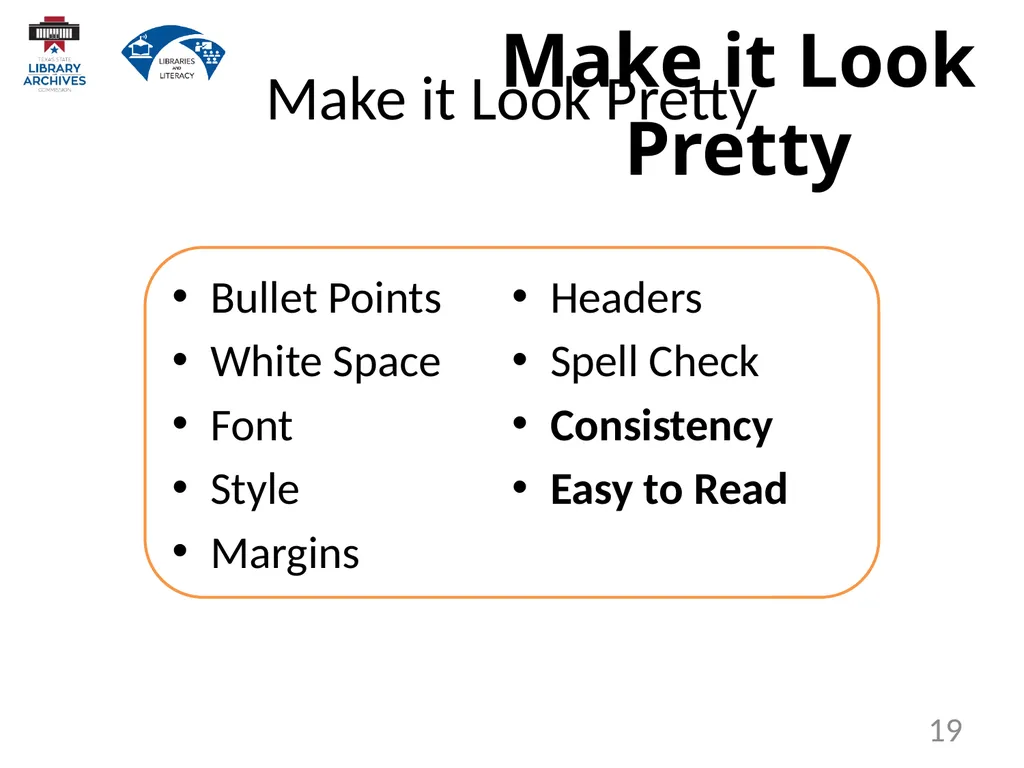
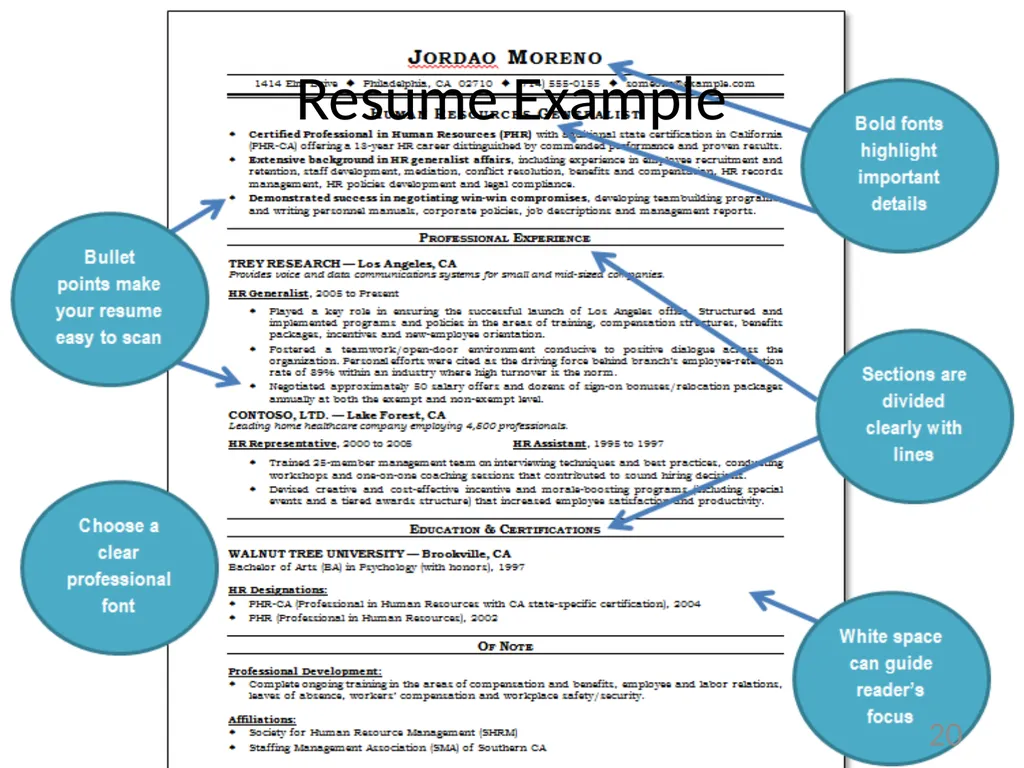
Make it Look Pretty Bullet Points
White Space
Font
Style
Margins
Headers
Spell Check
Consistency
Easy to Read 19 Make it Look Pretty<br>
20
20 Resume Example<br>
21
But don’t do these! Lie
Use multiple fonts
Pictures
Personal details
Salary requests
Typos
Unprofessional Email Address
More than 2 pages
Overuse abbreviations 21 But Don’t Do These<br>
22
21st Century Resumes 22<br>
23
Common Formats Microsoft Word Document
Printable Document Format (PDF) 23 Common Formats<br>
24
Sending your Resume Send as an email attachment
Submit over website
Post on online job board
Which format should you use? 24 Sending your Resume<br>