
A little Software Engineering: Agile Software
TF
Published · 41 slides · 0 views
1 / 1

Description
A little Software Engineering: Agile Software Development, Practices through Values C Sc 335 Rick Mercer 2 Goal and Outline Main Goal: Suggest practices, values, and some process for completing a final project on time that is better than
Related Topics
Share
Embed code
Download this presentation From Below
"A little Software Engineering: Agile Software" is the property of its rightful owner. Permission is granted to download and print the materials on this website for personal, non-commercial use only, and to display it on your personal computer provided you do not modify the materials and that you retain all copyright notices contained in the materials. By downloading content from our website, you accept the terms of this agreement.
Presentation Transcript
01
A little Software Engineering:
Agile Software Development,
Practices through Values C Sc 335
Rick Mercer<br>
Rick Mercer<br>
02
2 Goal and Outline Main Goal:
Suggest practices, values, and some process for completing a final project on time that is better than any one person could do in four times the time
Outline
Distinguish Waterfall (plan driven) from Agile
Practices and Values of quality software development<br>
Suggest practices, values, and some process for completing a final project on time that is better than any one person could do in four times the time
Outline
Distinguish Waterfall (plan driven) from Agile
Practices and Values of quality software development<br>
03
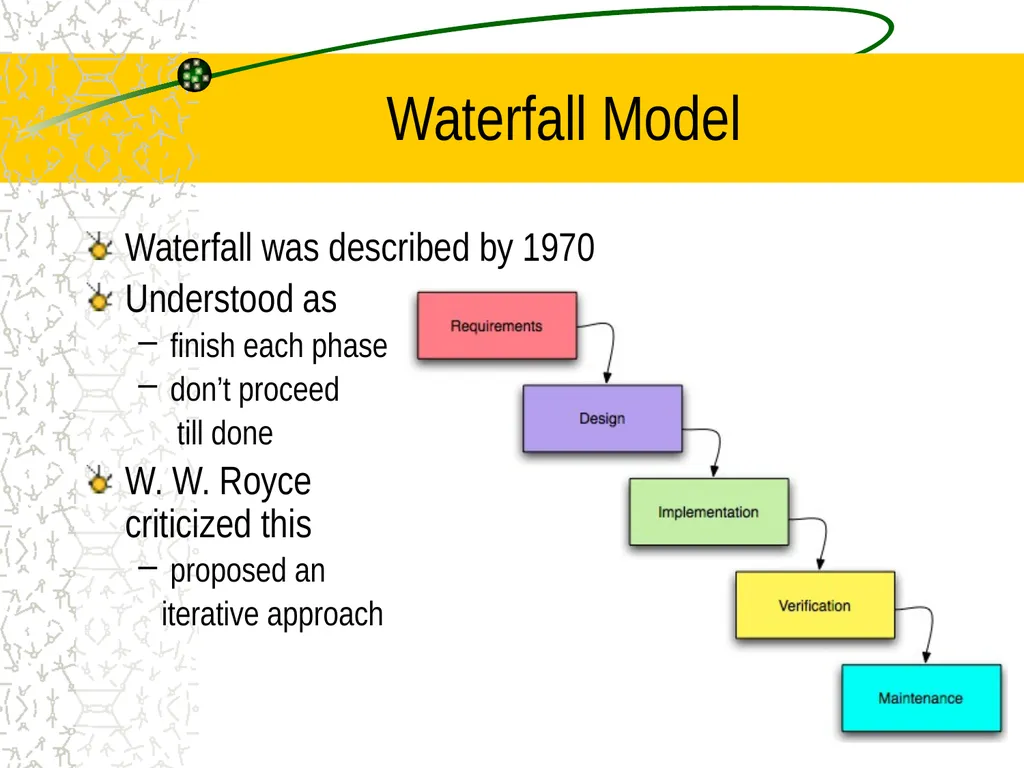
3 Waterfall Model Waterfall was described by 1970
Understood as
finish each phase
don’t proceed
till done
W. W. Royce criticized this
proposed an
iterative approach<br>
Understood as
finish each phase
don’t proceed
till done
W. W. Royce criticized this
proposed an
iterative approach<br>
04
4 Waterfall Became Popular Management (usually software ignorant) like phases
to easily set deadlines
Customers provide all requirements
Analysts translate requirements into specification
Coders implement the specification
Testing is performed by testers (not the devs) (QA)
Maintenance means modifying as little as possible
old code is good code
Change is hard (and costly)<br>
to easily set deadlines
Customers provide all requirements
Analysts translate requirements into specification
Coders implement the specification
Testing is performed by testers (not the devs) (QA)
Maintenance means modifying as little as possible
old code is good code
Change is hard (and costly)<br>
05
5 To waterfall or not Waterfall became popular for few good reasons
But this process is still is used a lot
Craig Larman's book [1] provides proof that waterfall is a terrible way to develop software
In his study, 87% of all projects failed
The waterfall process was the "single largest contributing factor for failure, being cited in 81% of the projects as the number one problem."
[1] Agile and Iterative Development:
a Manager's Guide, Addison-Wesley Professional, 2003<br>
But this process is still is used a lot
Craig Larman's book [1] provides proof that waterfall is a terrible way to develop software
In his study, 87% of all projects failed
The waterfall process was the "single largest contributing factor for failure, being cited in 81% of the projects as the number one problem."
[1] Agile and Iterative Development:
a Manager's Guide, Addison-Wesley Professional, 2003<br>
06
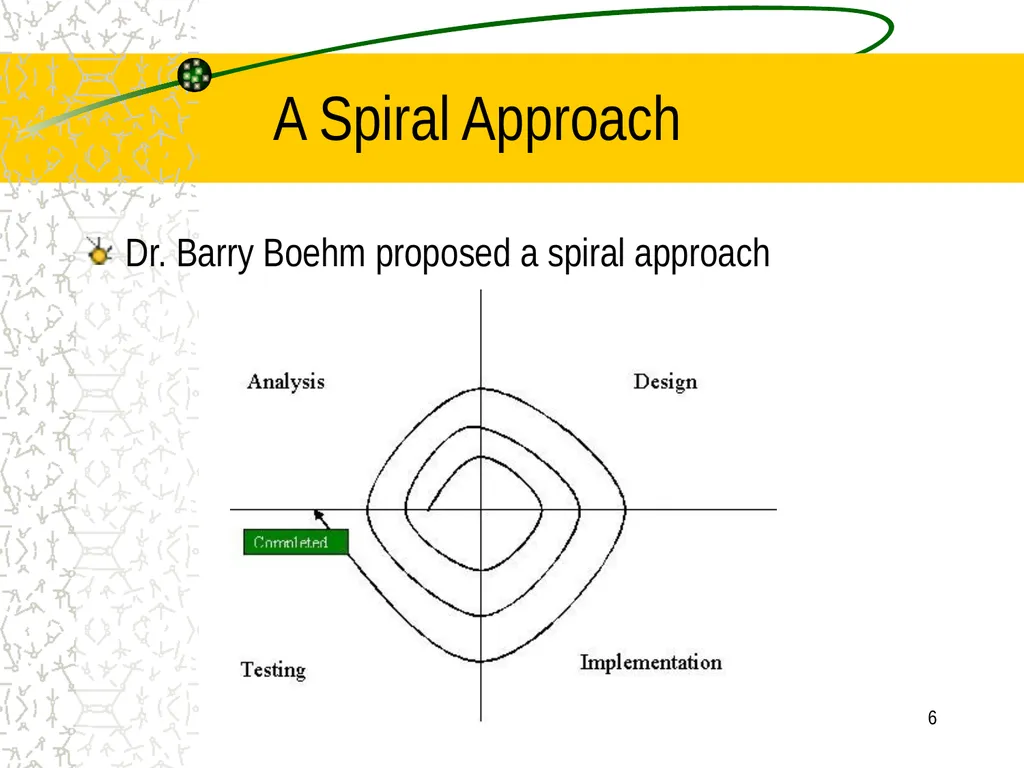
6 A Spiral Approach Dr. Barry Boehm proposed a spiral approach<br>
07
7 Agile Software Development Set of practices to produce high-quality software
Disciplined approach to software development
Successful because it emphasizes customer involvement and promotes team work
Not a solution looking for a problem
59% of 2013 survey respondents use Agile
83% planned to use agile this year<br>
Disciplined approach to software development
Successful because it emphasizes customer involvement and promotes team work
Not a solution looking for a problem
59% of 2013 survey respondents use Agile
83% planned to use agile this year<br>
08
The Agile Manifesto:
a statement of values That is, while there is value in the items on the right, we value the items on the left more.<br>
09
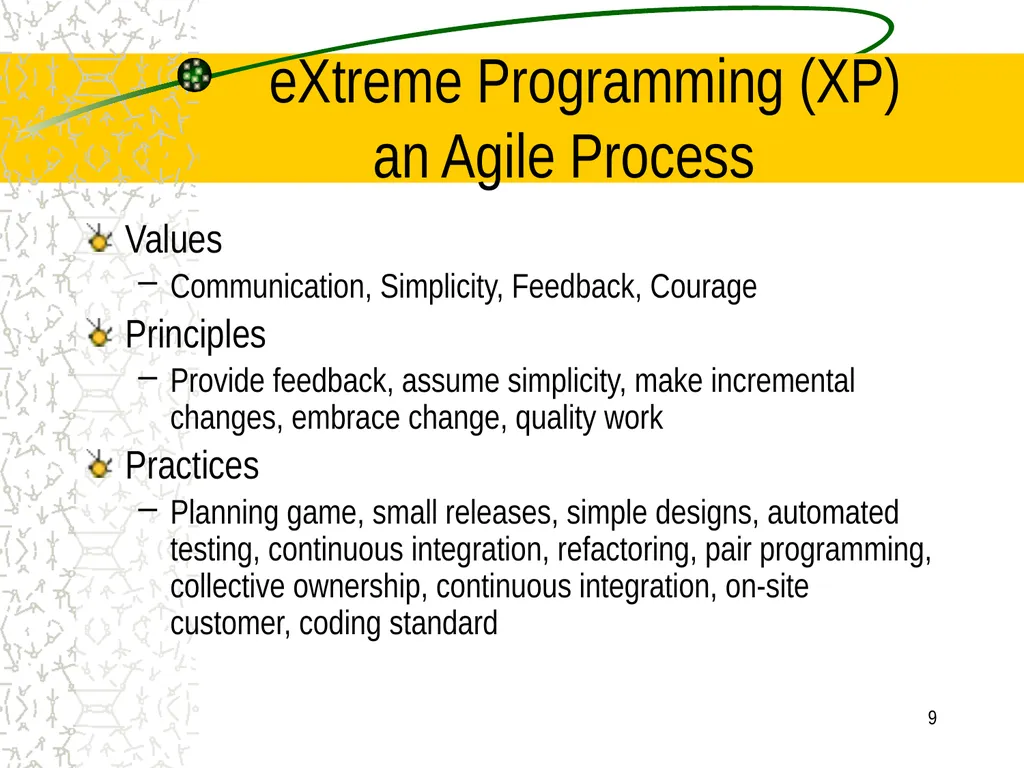
9 eXtreme Programming (XP)
an Agile Process Values
Communication, Simplicity, Feedback, Courage
Principles
Provide feedback, assume simplicity, make incremental changes, embrace change, quality work
Practices
Planning game, small releases, simple designs, automated testing, continuous integration, refactoring, pair programming, collective ownership, continuous integration, on-site customer, coding standard<br>
Communication, Simplicity, Feedback, Courage
Principles
Provide feedback, assume simplicity, make incremental changes, embrace change, quality work
Practices
Planning game, small releases, simple designs, automated testing, continuous integration, refactoring, pair programming, collective ownership, continuous integration, on-site customer, coding standard<br>
10
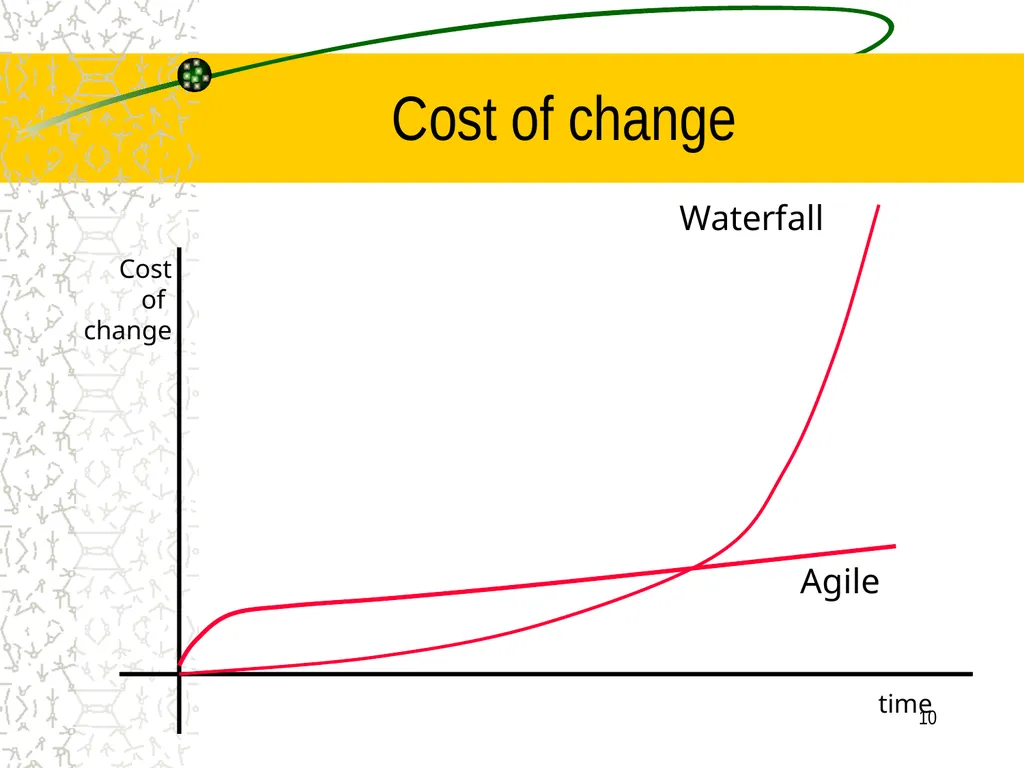
10 Cost of change Cost
of
change time Waterfall Agile<br>
of
change time Waterfall Agile<br>
11
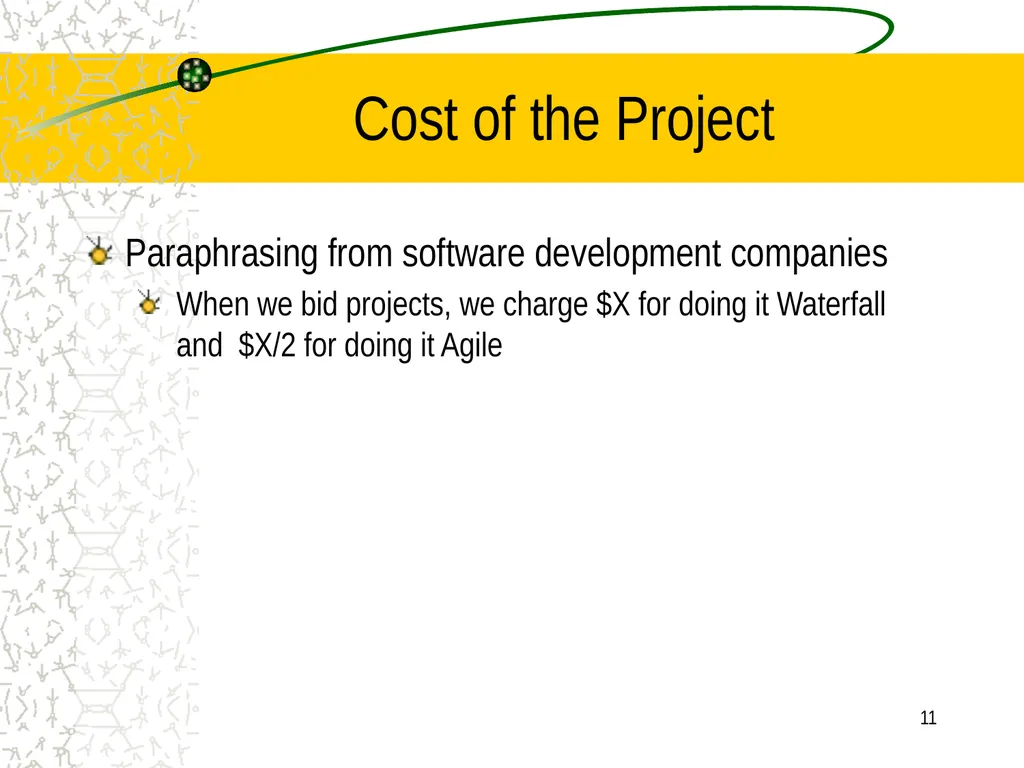
11 Cost of the Project Paraphrasing from software development companies
When we bid projects, we charge $X for doing it Waterfall and $X/2 for doing it Agile<br>
When we bid projects, we charge $X for doing it Waterfall and $X/2 for doing it Agile<br>
12
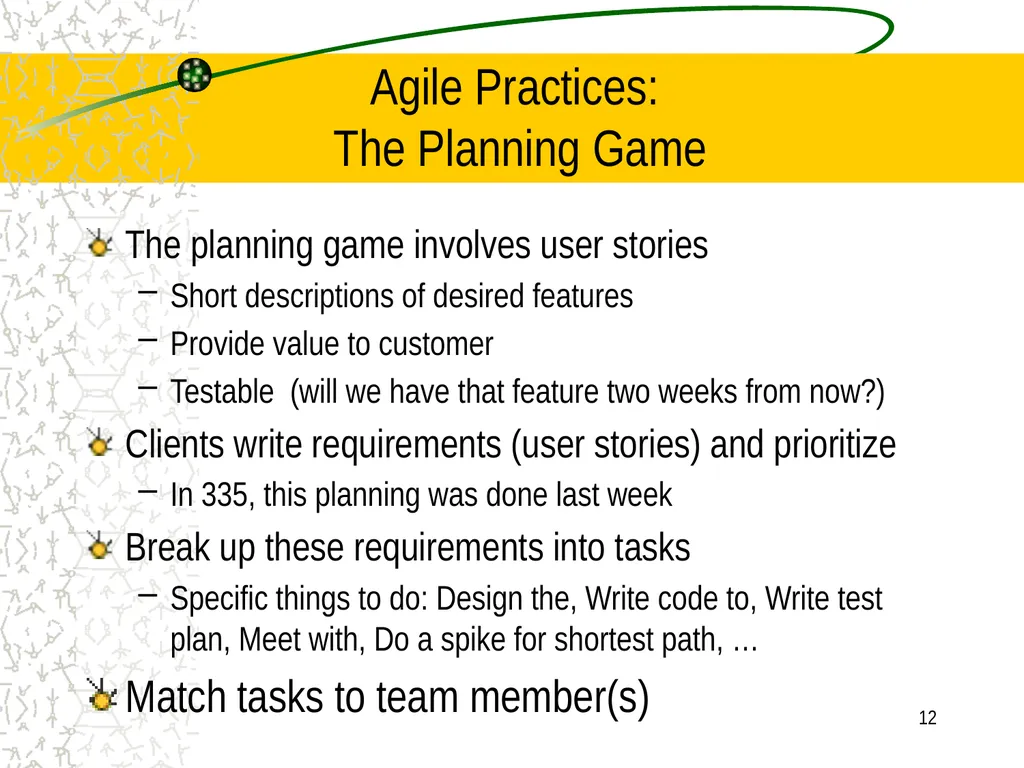
12 Agile Practices:
The Planning Game The planning game involves user stories
Short descriptions of desired features
Provide value to customer
Testable (will we have that feature two weeks from now?)
Clients write requirements (user stories) and prioritize
In 335, this planning was done last week
Break up these requirements into tasks
Specific things to do: Design the, Write code to, Write test plan, Meet with, Do a spike for shortest path, …
Match tasks to team member(s)<br>
Short descriptions of desired features
Provide value to customer
Testable (will we have that feature two weeks from now?)
Clients write requirements (user stories) and prioritize
In 335, this planning was done last week
Break up these requirements into tasks
Specific things to do: Design the, Write code to, Write test plan, Meet with, Do a spike for shortest path, …
Match tasks to team member(s)<br>
13
13 Values: Communication Simply talking about the project
Determining who will do what
Understand Requirements
Write user stories to represent what the system will do
Analysis & Design sessions
Happening whenever the team is together<br>
Determining who will do what
Understand Requirements
Write user stories to represent what the system will do
Analysis & Design sessions
Happening whenever the team is together<br>
14
14 Values: Communication Pair programming
A good thing. You are doing code review!
Iteration planning
What to do in the next iteration. We have 2 iterations
Retrospectives, for example what should the team
Stop doing
Continue doing
Start doing<br>
A good thing. You are doing code review!
Iteration planning
What to do in the next iteration. We have 2 iterations
Retrospectives, for example what should the team
Stop doing
Continue doing
Start doing<br>
15
15 Values: Feedback Small Iterations
Pair programming
Constant code review (pair programming)
Continuous integration (add often to the build—sync your code with the system)
Pull the project from GitHub, run all tests including your new tests and code, if all pass, commit locally, and push your project
Automated unit tests (JUnit)<br>
Pair programming
Constant code review (pair programming)
Continuous integration (add often to the build—sync your code with the system)
Pull the project from GitHub, run all tests including your new tests and code, if all pass, commit locally, and push your project
Automated unit tests (JUnit)<br>
16
16 Values: Feedback Compiler feedback: seconds
Pair programming feedback: half minutes
Complete all tasks completed in a pair programming mode.
Unit test feedback: few minutes
Acceptance testing: Each Iteration
Your PM has accepted Iteration 1 or told you what’s missing
For a better grade, first have your team ensure you have all requirements working<br>
Pair programming feedback: half minutes
Complete all tasks completed in a pair programming mode.
Unit test feedback: few minutes
Acceptance testing: Each Iteration
Your PM has accepted Iteration 1 or told you what’s missing
For a better grade, first have your team ensure you have all requirements working<br>
17
17 Practices: Simple design Runs all tests
No code duplication, No code duplication, No code duplication
Composed methods
More on this later when we talk about refactoring<br>
No code duplication, No code duplication, No code duplication
Composed methods
More on this later when we talk about refactoring<br>
18
18 Practices: Testing Software should be tested, but it is often spotty or overlooked
Automatic testing (JUnit, for example) helps us know that a feature works and it will work after refactoring, additional code, and other changes
Provides confidence in the program<br>
Automatic testing (JUnit, for example) helps us know that a feature works and it will work after refactoring, additional code, and other changes
Provides confidence in the program<br>
19
19 Testing Write tests at the same time as production code
Unit tests developer
Feature/acceptance tests grader in 335
Don't need a test for every method
Testing can be used to drive development and design of code
But it helps to have an overall architecture first (see your UML class diagram, which is subject to change
Allows for regression testing
Did my change break previously working code?
If well-tested, you see the red bar when you break your code<br>
Unit tests developer
Feature/acceptance tests grader in 335
Don't need a test for every method
Testing can be used to drive development and design of code
But it helps to have an overall architecture first (see your UML class diagram, which is subject to change
Allows for regression testing
Did my change break previously working code?
If well-tested, you see the red bar when you break your code<br>
20
20 Regression Testing Re-testing of a previously tested program following modification to ensure that faults have not been introduced or uncovered as a result of changes.
Regression tests are designed for repeatability, and are often used when testing a second or later version of the system under test
Regression testing can be carried out on any applications, including e-Commerce and web-based systems<br>
Regression tests are designed for repeatability, and are often used when testing a second or later version of the system under test
Regression testing can be carried out on any applications, including e-Commerce and web-based systems<br>
21
21 Testing Strong emphasis on regression testing
Unit tests need to execute all the time
Unit tests pass 100%
Other testing frameworks include
SUnit (Smalltalk), HttpUnit (WebApps), AceUnit (C), CPPUnit (C++), PyUnit (Python)
For a complete list, see
http://en.wikipedia.org/wiki/List_of_unit_testing_frameworks<br>
Unit tests need to execute all the time
Unit tests pass 100%
Other testing frameworks include
SUnit (Smalltalk), HttpUnit (WebApps), AceUnit (C), CPPUnit (C++), PyUnit (Python)
For a complete list, see
http://en.wikipedia.org/wiki/List_of_unit_testing_frameworks<br>
22
22 Can't unit test always Won’t have unit tests for
GUIs: There are testing frameworks to simulate and test user interaction, but not this course
Just added to WebCat
Network, use visual inspection while running
Views, animation, drawing: visually inspect
this is system verification too
Randomness: Some strategies might have some randomness, which can be hard to work with
Use “tournaments” to see which AI wins, print results<br>
GUIs: There are testing frameworks to simulate and test user interaction, but not this course
Just added to WebCat
Network, use visual inspection while running
Views, animation, drawing: visually inspect
this is system verification too
Randomness: Some strategies might have some randomness, which can be hard to work with
Use “tournaments” to see which AI wins, print results<br>
23
23 Practices: On-site customer Many software projects fail because they do not deliver software that meets needs
A real client should be part of the team
Defines / decides the needs
Answers questions and resolves issues
Prioritizes features
Helps prevents devs from making decisions like: "They probably wanted us to ....”
Consider your PM playing this role<br>
A real client should be part of the team
Defines / decides the needs
Answers questions and resolves issues
Prioritizes features
Helps prevents devs from making decisions like: "They probably wanted us to ....”
Consider your PM playing this role<br>
24
24 Practices: Refactoring Restructure code without changing the functionality
Goal: Keep design simple
Change bad design when you find it
Remove “dead” code
Examples at Martin Fowler's Web site:
http://www.refactoring.com/ see online catalog<br>
Goal: Keep design simple
Change bad design when you find it
Remove “dead” code
Examples at Martin Fowler's Web site:
http://www.refactoring.com/ see online catalog<br>
25
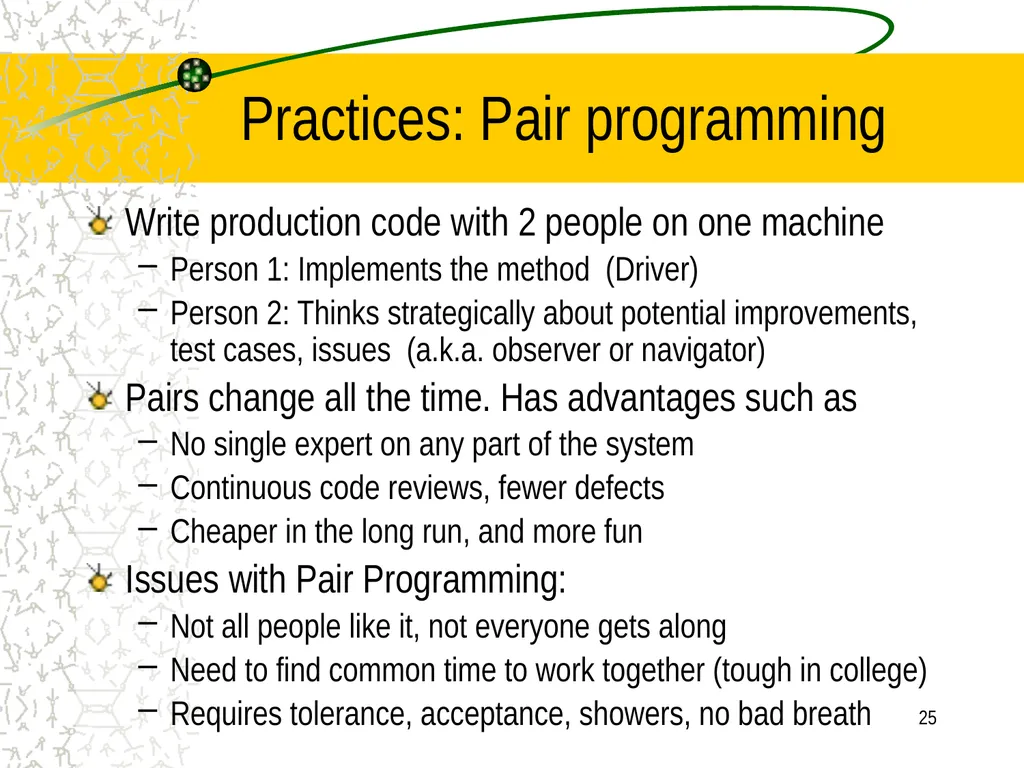
25 Practices: Pair programming Write production code with 2 people on one machine
Person 1: Implements the method (Driver)
Person 2: Thinks strategically about potential improvements, test cases, issues (a.k.a. observer or navigator)
Pairs change all the time. Has advantages such as
No single expert on any part of the system
Continuous code reviews, fewer defects
Cheaper in the long run, and more fun
Issues with Pair Programming:
Not all people like it, not everyone gets along
Need to find common time to work together (tough in college)
Requires tolerance, acceptance, showers, no bad breath<br>
Person 1: Implements the method (Driver)
Person 2: Thinks strategically about potential improvements, test cases, issues (a.k.a. observer or navigator)
Pairs change all the time. Has advantages such as
No single expert on any part of the system
Continuous code reviews, fewer defects
Cheaper in the long run, and more fun
Issues with Pair Programming:
Not all people like it, not everyone gets along
Need to find common time to work together (tough in college)
Requires tolerance, acceptance, showers, no bad breath<br>
26
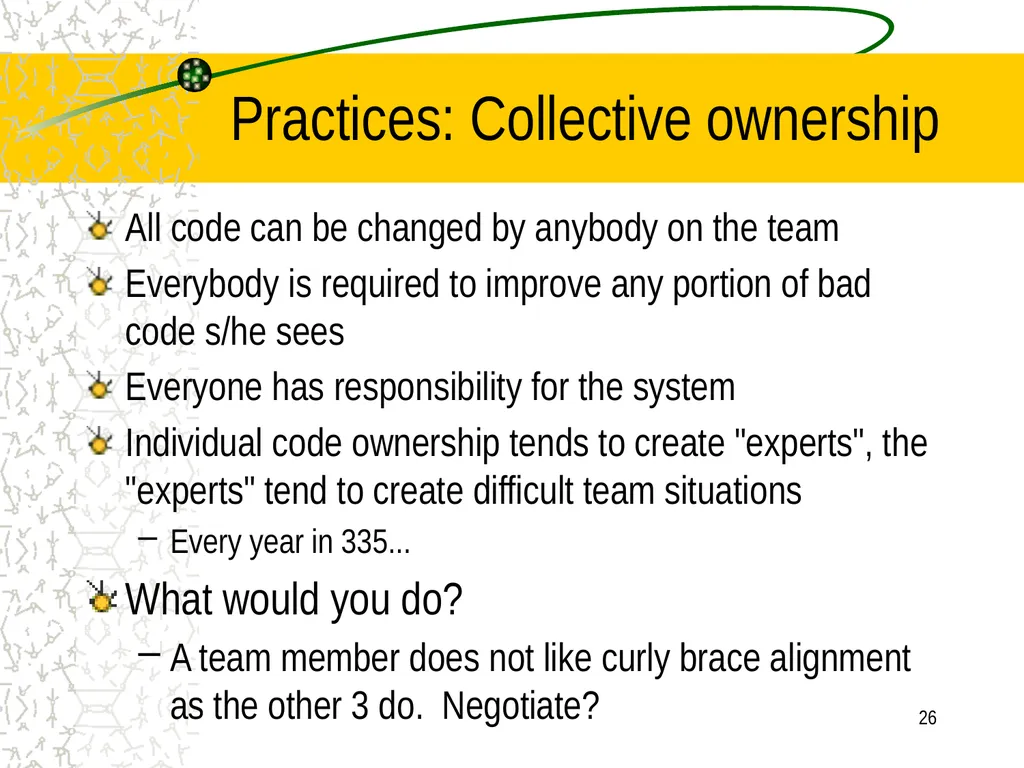
26 Practices: Collective ownership All code can be changed by anybody on the team
Everybody is required to improve any portion of bad code s/he sees
Everyone has responsibility for the system
Individual code ownership tends to create "experts", the "experts" tend to create difficult team situations
Every year in 335...
What would you do?
A team member does not like curly brace alignment as the other 3 do. Negotiate?<br>
Everybody is required to improve any portion of bad code s/he sees
Everyone has responsibility for the system
Individual code ownership tends to create "experts", the "experts" tend to create difficult team situations
Every year in 335...
What would you do?
A team member does not like curly brace alignment as the other 3 do. Negotiate?<br>
27
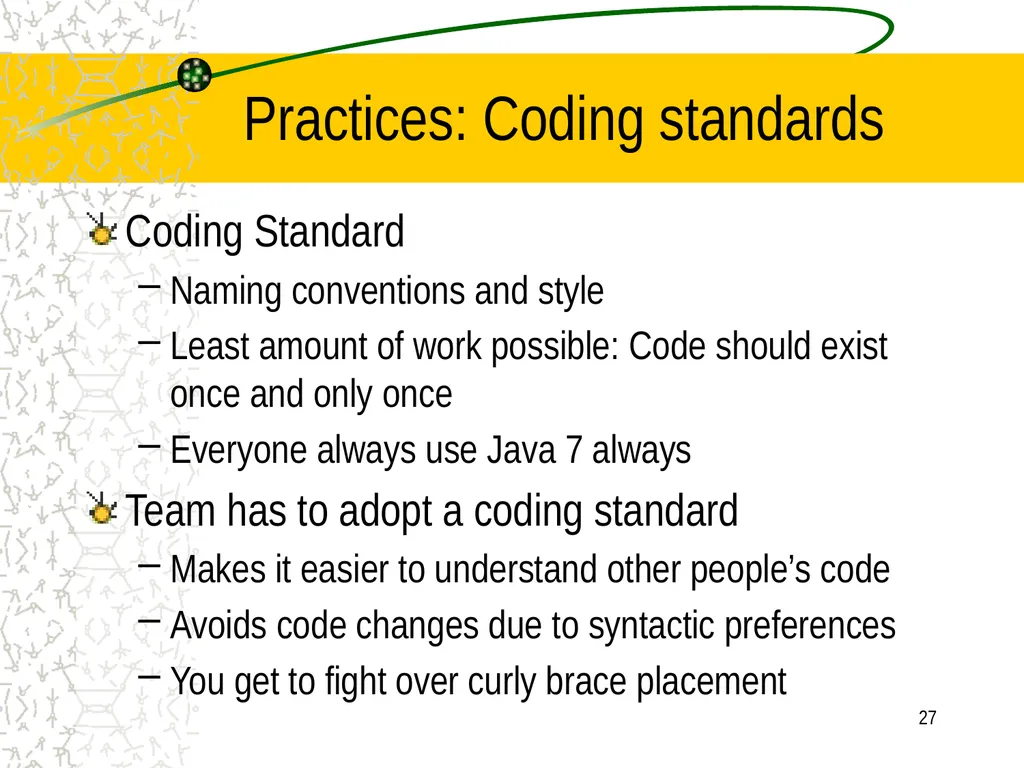
27 Practices: Coding standards Coding Standard
Naming conventions and style
Least amount of work possible: Code should exist once and only once
Everyone always use Java 7 always
Team has to adopt a coding standard
Makes it easier to understand other people’s code
Avoids code changes due to syntactic preferences
You get to fight over curly brace placement<br>
Naming conventions and style
Least amount of work possible: Code should exist once and only once
Everyone always use Java 7 always
Team has to adopt a coding standard
Makes it easier to understand other people’s code
Avoids code changes due to syntactic preferences
You get to fight over curly brace placement<br>
28
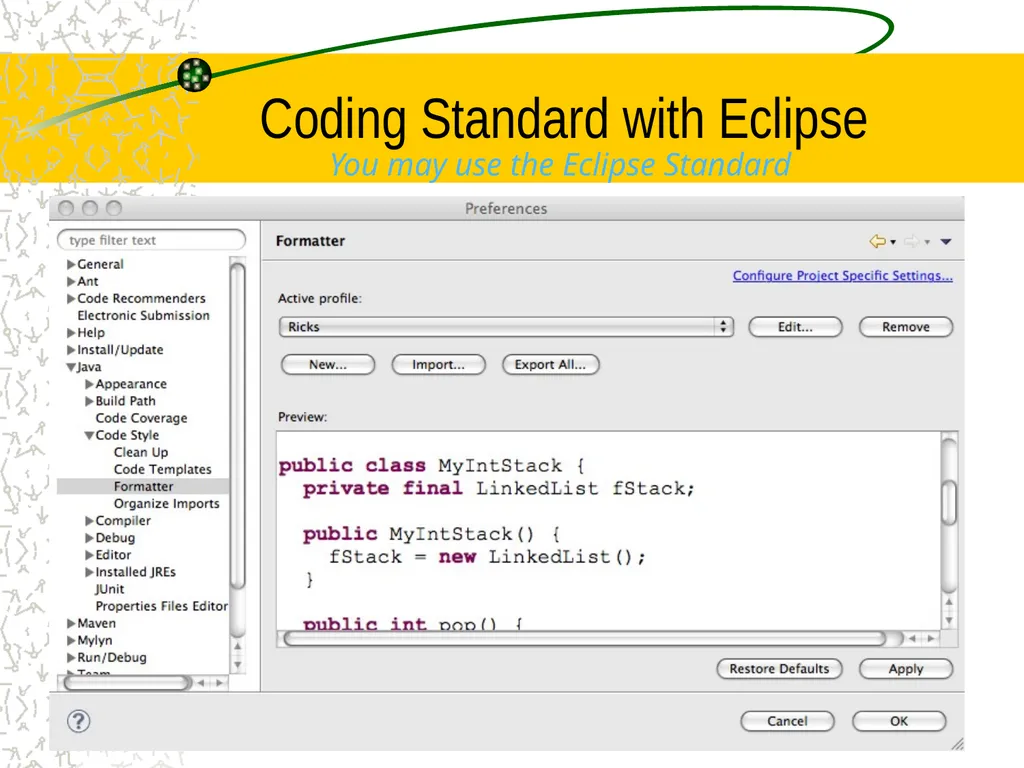
Coding Standard with Eclipse 28 You may use the Eclipse Standard<br>
29
29 Practices: Continuous integration Integration happens after a few hours of development
Checkout repo with your changes,
which may require handling conflicts of two people have modified the same class or method– don’t do it!
Make sure all tests pass (green bar)
In case of errors:
Do not put changes into the repo, fix them first
Check in the system to the common repository
Repeat
Your team should be using Git from command line
Recommended: do not use the EGit plugin<br>
Checkout repo with your changes,
which may require handling conflicts of two people have modified the same class or method– don’t do it!
Make sure all tests pass (green bar)
In case of errors:
Do not put changes into the repo, fix them first
Check in the system to the common repository
Repeat
Your team should be using Git from command line
Recommended: do not use the EGit plugin<br>
30
30 Continuous Integration Find problems early
Can see if a change breaks the system more quickly -- while you remember the details
Add to the build on GitHub in small increments
Every few hours, or
after any new feature, or
When it feels right
Nice to have all 4 in the same room so everyone knows<br>
Can see if a change breaks the system more quickly -- while you remember the details
Add to the build on GitHub in small increments
Every few hours, or
after any new feature, or
When it feels right
Nice to have all 4 in the same room so everyone knows<br>
31
Why Source Control? Source control is the bedrock of software development
“Without some sort of version control system in place, you can't reasonably call yourself a software engineer” Jeff Atwood<br>
“Without some sort of version control system in place, you can't reasonably call yourself a software engineer” Jeff Atwood<br>
32
Why Git? Need a place to store code when team size > 1
There are many Revision Control Systems
Could be proprietary: IBM and MS have their own
Could have used CVS, Subversion, Mercurial
We use Git because
It is very popular with more than 11.2 millions repos
offers free private repos for students on GitHub<br>
There are many Revision Control Systems
Could be proprietary: IBM and MS have their own
Could have used CVS, Subversion, Mercurial
We use Git because
It is very popular with more than 11.2 millions repos
offers free private repos for students on GitHub<br>
33
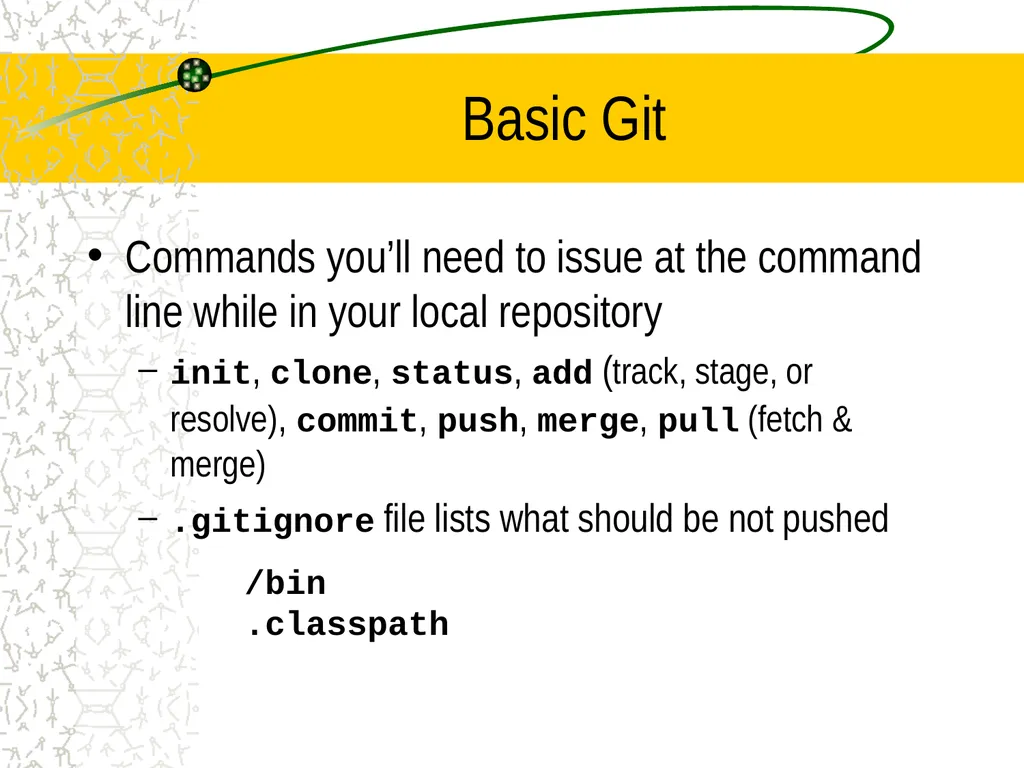
Basic Git Commands you’ll need to issue at the command line while in your local repository
init, clone, status, add (track, stage, or resolve), commit, push, merge, pull (fetch & merge)
.gitignore file lists what should be not pushed
/bin
.classpath<br>
init, clone, status, add (track, stage, or resolve), commit, push, merge, pull (fetch & merge)
.gitignore file lists what should be not pushed
/bin
.classpath<br>
34
Git has a Shared Repository Model Prevalent with small teams and organizations collaborating on private projects
Everyone is granted push access to a single shared repository
We are pulling from and pushing to GitHub<br>
Everyone is granted push access to a single shared repository
We are pulling from and pushing to GitHub<br>
35
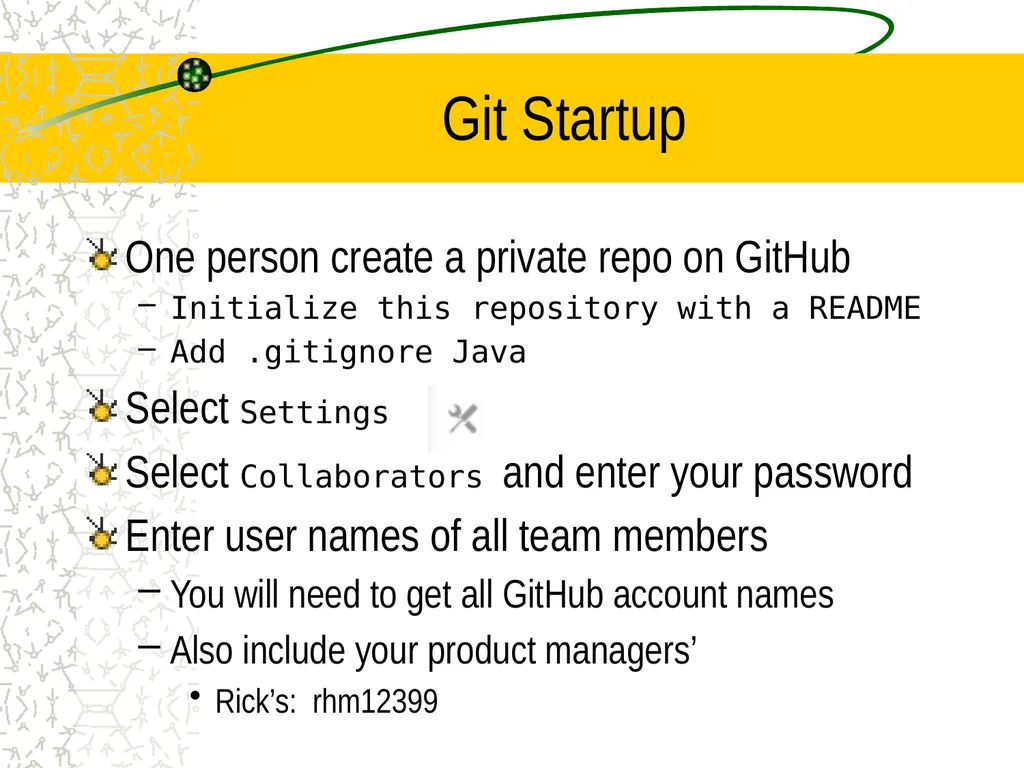
Git Startup One person create a private repo on GitHub
Initialize this repository with a README
Add .gitignore Java
Select Settings
Select Collaborators and enter your password
Enter user names of all team members
You will need to get all GitHub account names
Also include your product managers’
Rick’s: rhm12399<br>
Initialize this repository with a README
Add .gitignore Java
Select Settings
Select Collaborators and enter your password
Enter user names of all team members
You will need to get all GitHub account names
Also include your product managers’
Rick’s: rhm12399<br>
36
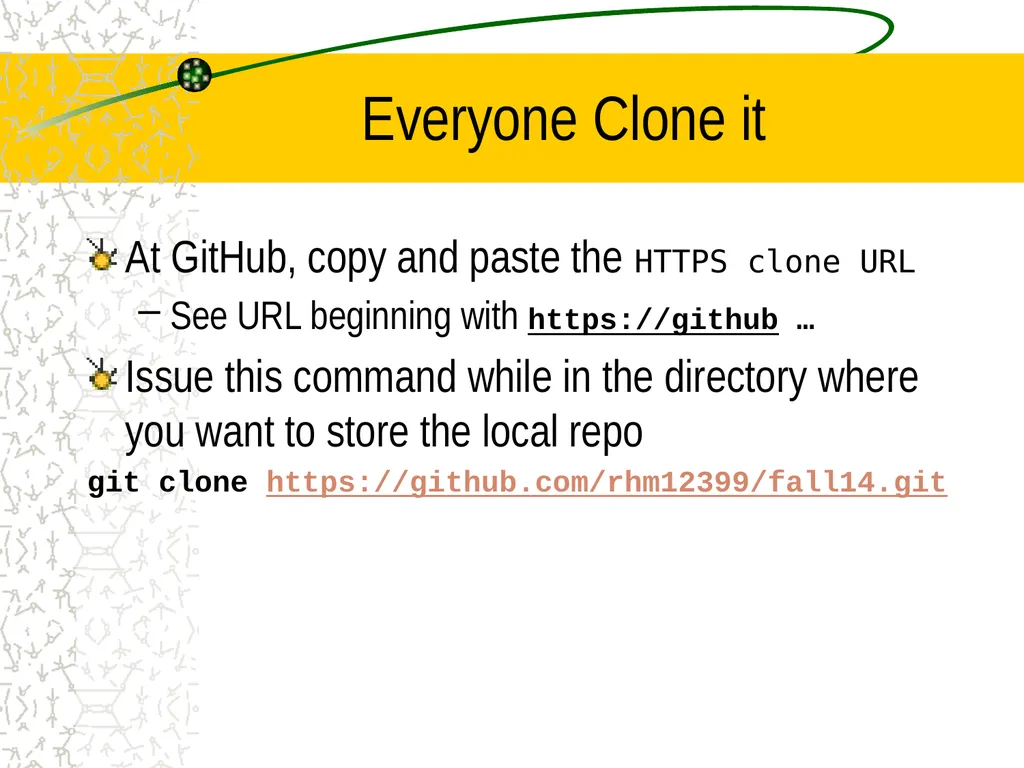
Everyone Clone it At GitHub, copy and paste the HTTPS clone URL
See URL beginning with https://github …
Issue this command while in the directory where you want to store the local repo
git clone https://github.com/rhm12399/fall14.git<br>
See URL beginning with https://github …
Issue this command while in the directory where you want to store the local repo
git clone https://github.com/rhm12399/fall14.git<br>
37
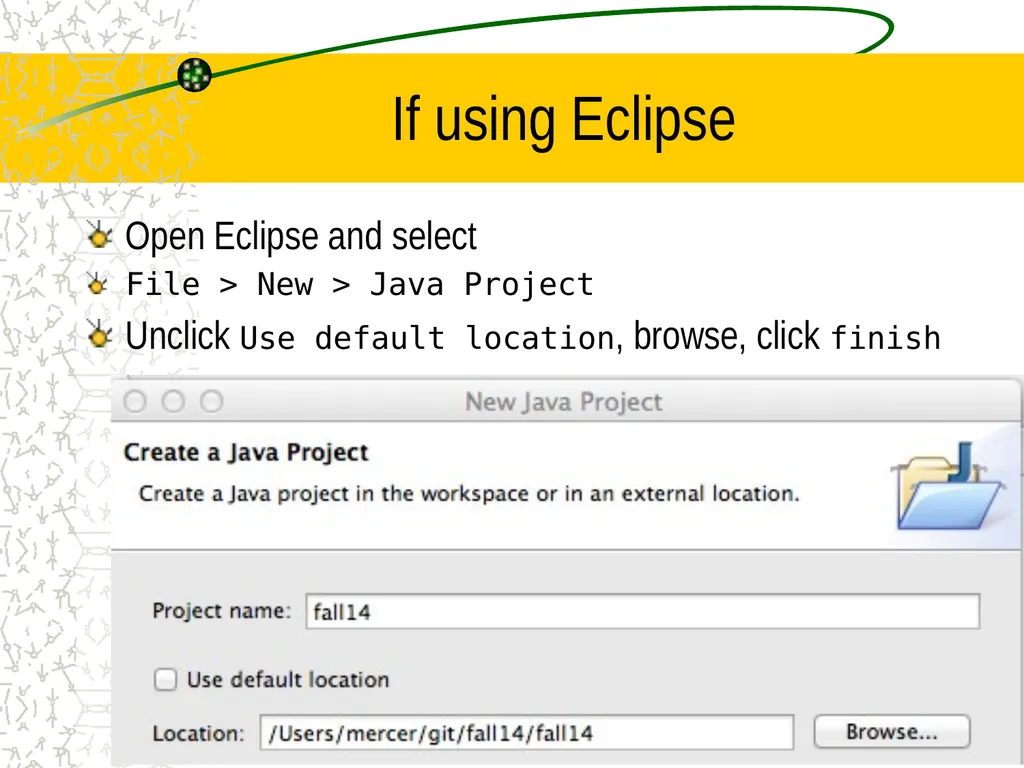
If using Eclipse Open Eclipse and select
File > New > Java Project
Unclick Use default location, browse, click finish<br>
File > New > Java Project
Unclick Use default location, browse, click finish<br>
38
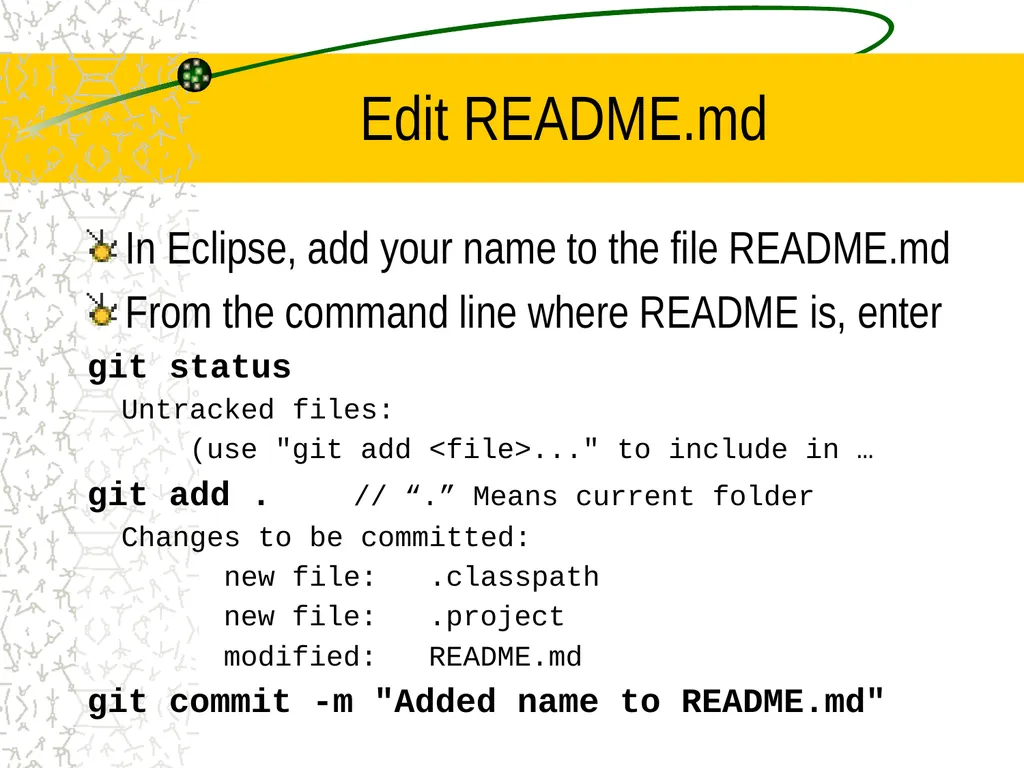
Edit README.md In Eclipse, add your name to the file README.md
From the command line where README is, enter
git status
Untracked files:
(use "git add <file>..." to include in …
git add . // “.” Means current folder
Changes to be committed:
new file: .classpath
new file: .project
modified: README.md
git commit -m "Added name to README.md"<br>
From the command line where README is, enter
git status
Untracked files:
(use "git add <file>..." to include in …
git add . // “.” Means current folder
Changes to be committed:
new file: .classpath
new file: .project
modified: README.md
git commit -m "Added name to README.md"<br>
39
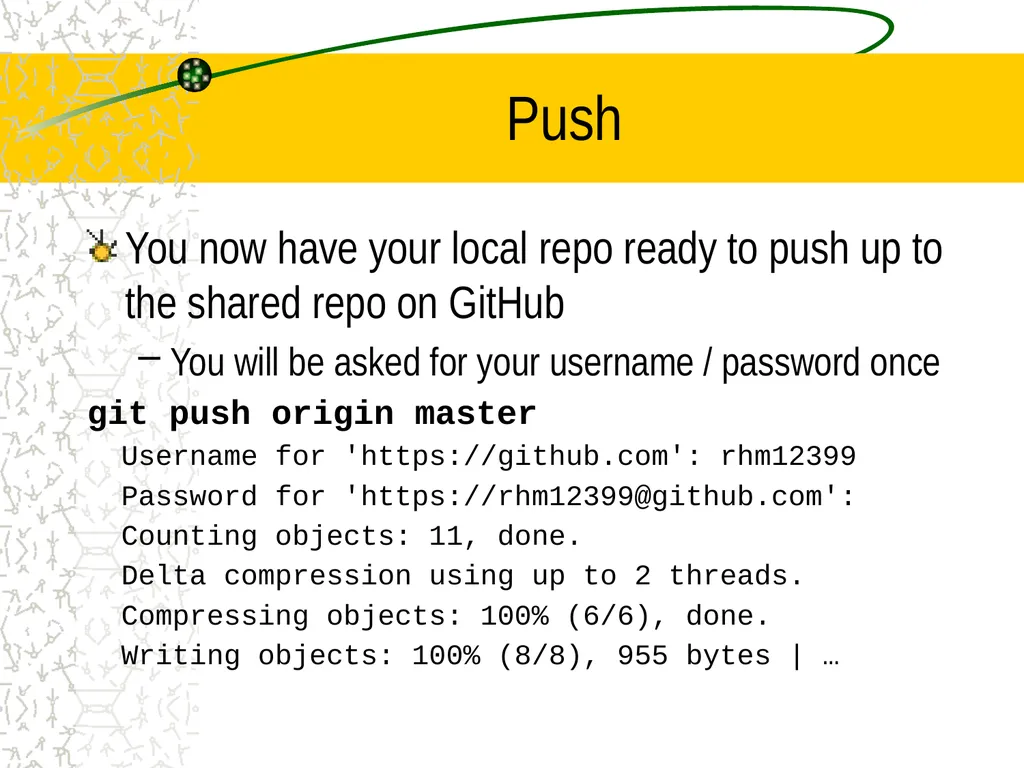
Push You now have your local repo ready to push up to the shared repo on GitHub
You will be asked for your username / password once
git push origin master
Username for 'https://github.com': rhm12399
Password for 'https://rhm12399@github.com':
Counting objects: 11, done.
Delta compression using up to 2 threads.
Compressing objects: 100% (6/6), done.
Writing objects: 100% (8/8), 955 bytes | …<br>
You will be asked for your username / password once
git push origin master
Username for 'https://github.com': rhm12399
Password for 'https://rhm12399@github.com':
Counting objects: 11, done.
Delta compression using up to 2 threads.
Compressing objects: 100% (6/6), done.
Writing objects: 100% (8/8), 955 bytes | …<br>
40
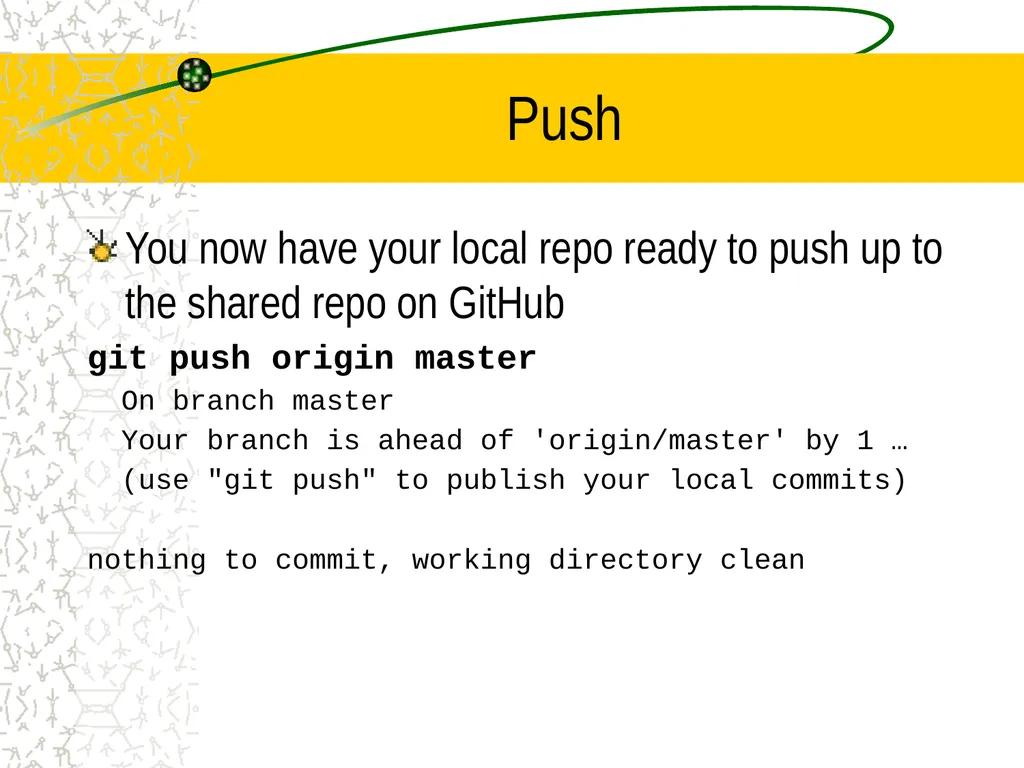
Push You now have your local repo ready to push up to the shared repo on GitHub
git push origin master
On branch master
Your branch is ahead of 'origin/master' by 1 …
(use "git push" to publish your local commits)
nothing to commit, working directory clean<br>
git push origin master
On branch master
Your branch is ahead of 'origin/master' by 1 …
(use "git push" to publish your local commits)
nothing to commit, working directory clean<br>
41
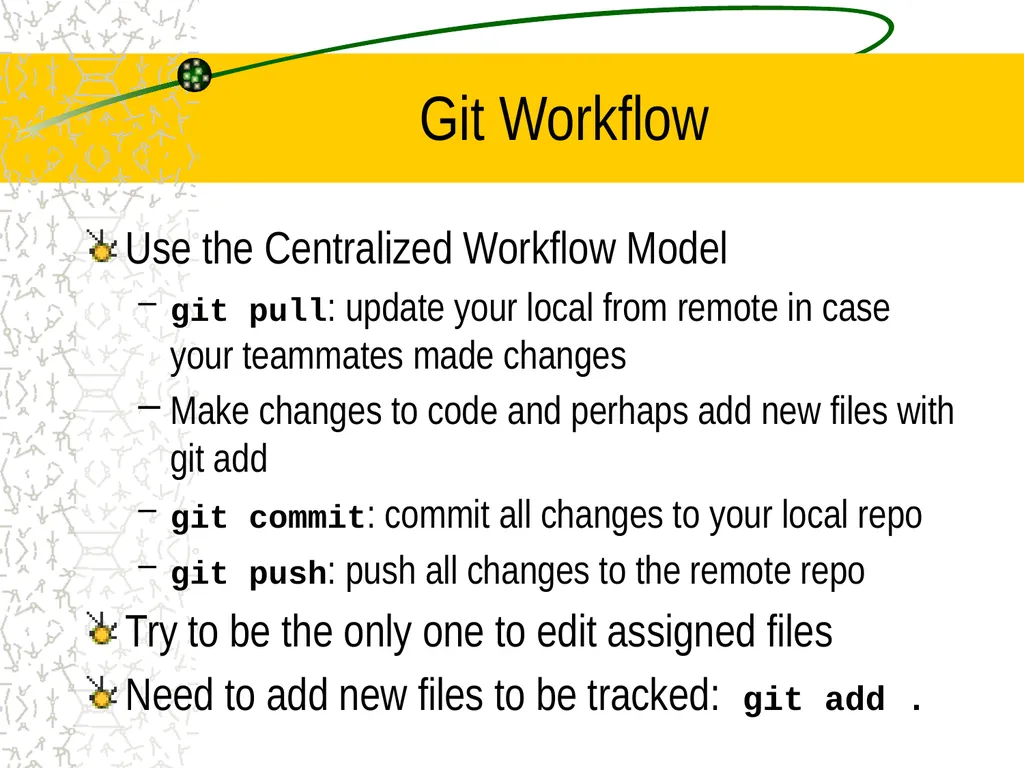
Git Workflow Use the Centralized Workflow Model
git pull: update your local from remote in case your teammates made changes
Make changes to code and perhaps add new files with git add
git commit: commit all changes to your local repo
git push: push all changes to the remote repo
Try to be the only one to edit assigned files
Need to add new files to be tracked: git add .<br>
git pull: update your local from remote in case your teammates made changes
Make changes to code and perhaps add new files with git add
git commit: commit all changes to your local repo
git push: push all changes to the remote repo
Try to be the only one to edit assigned files
Need to add new files to be tracked: git add .<br>