
Annual Physical Inventory Thoughts and Tips
SB
Published · 32 slides · 0 views
1 / 1

Description
Annual Physical Inventory Thoughts and Tips Sections of this Thoughts and Tips Document Slide 3 - Overall Inventory Process Slide 13 - BSIP Slide 17 - Count Review Slide 24 - Fix Count Problems (Before Posting the Count) Slide 28 - Fix
Related Topics
Share
Embed code
Download this presentation From Below
"Annual Physical Inventory Thoughts and Tips" is the property of its rightful owner. Permission is granted to download and print the materials on this website for personal, non-commercial use only, and to display it on your personal computer provided you do not modify the materials and that you retain all copyright notices contained in the materials. By downloading content from our website, you accept the terms of this agreement.
Presentation Transcript
01
Annual Physical Inventory Thoughts and Tips<br>
02
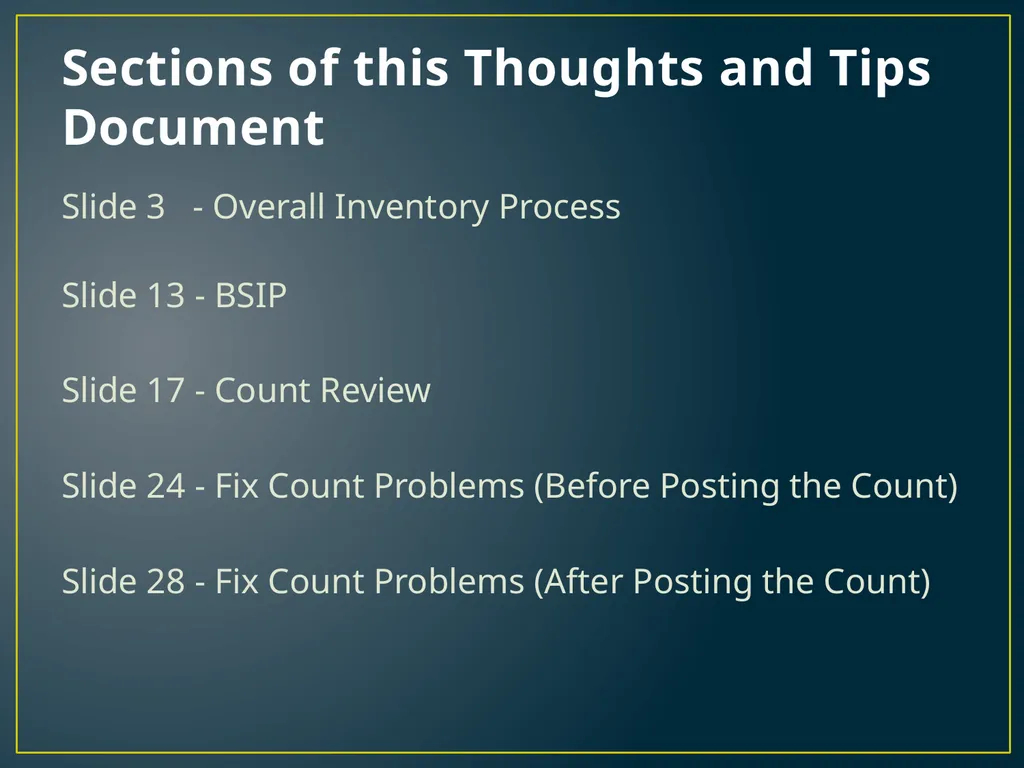
Sections of this Thoughts and Tips Document Slide 3 - Overall Inventory Process
Slide 13 - BSIP
Slide 17 - Count Review
Slide 24 - Fix Count Problems (Before Posting the Count)
Slide 28 - Fix Count Problems (After Posting the Count)<br>
Slide 13 - BSIP
Slide 17 - Count Review
Slide 24 - Fix Count Problems (Before Posting the Count)
Slide 28 - Fix Count Problems (After Posting the Count)<br>
03
On Overall Inventory Process<br>
04
What to count first? Count and get Service Trucks right first
From an accountability perspective it is best if a truck is counted by someone other than the person whose truck it is
Make the trucks right using a combination of tactics
Reclaim overstock
Restock an item that is short
MIGO to transfer parts to and from the truck storage location
Inventory Count Adjustments
Incorrect trucks may be making your main storage location wrong, but it is also possible that making the truck correct will pass the inventory problem to your main storage location.
Stay aware of where problems are coming from
Can give an early look at accountability of the technicians
Tackle Main Inventory Second
If you don’t, it’s easy to make a lot of inventory adjustments up in one storage location and down in another (depending on everyday processes)<br>
From an accountability perspective it is best if a truck is counted by someone other than the person whose truck it is
Make the trucks right using a combination of tactics
Reclaim overstock
Restock an item that is short
MIGO to transfer parts to and from the truck storage location
Inventory Count Adjustments
Incorrect trucks may be making your main storage location wrong, but it is also possible that making the truck correct will pass the inventory problem to your main storage location.
Stay aware of where problems are coming from
Can give an early look at accountability of the technicians
Tackle Main Inventory Second
If you don’t, it’s easy to make a lot of inventory adjustments up in one storage location and down in another (depending on everyday processes)<br>
05
Word of Caution Inventory is simplest when nothing is moving
Allowing parts to move in the parts room while counting is occurring is tricky but manageable
A special procedure which accounts for the parts that moved during inventory counting is recommended
Allowing parts to move and work to be done in BSIP while counting inventory is an extremely delicate balance
For that reason it is recommended that the posting block be set, or that all data entry personnel cease all actions related to parts
For future reference it will be assumed this action is taken. If it is not, then various aspects talked about throughout this presentation will change and become more conditional
Additional Assumption: Stock on service trucks is indicated as such in various BSIP storage locations. If it is not, any recounting becomes more complex as it must include recounting of all locations (various other aspects of inventory also become slightly different)<br>
Allowing parts to move in the parts room while counting is occurring is tricky but manageable
A special procedure which accounts for the parts that moved during inventory counting is recommended
Allowing parts to move and work to be done in BSIP while counting inventory is an extremely delicate balance
For that reason it is recommended that the posting block be set, or that all data entry personnel cease all actions related to parts
For future reference it will be assumed this action is taken. If it is not, then various aspects talked about throughout this presentation will change and become more conditional
Additional Assumption: Stock on service trucks is indicated as such in various BSIP storage locations. If it is not, any recounting becomes more complex as it must include recounting of all locations (various other aspects of inventory also become slightly different)<br>
06
Terminology Book Count – The count that BSIP believes should be on hand at the time the inventory count (count quantity) is entered. It is determined by BSIP when the first official count for the item is saved
Count Quantity – The count that the user reports is on hand at the time the inventory count is entered (can include outstanding paperwork as applicable)
Inventory Difference – The difference between book and count quantities
Negative Inventory Differences or Adjustments – Losses – Things that should be there but cannot be found
Positive Inventory Difference – Extra Stuff – Things that should NOT be there but are found despite that<br>
Count Quantity – The count that the user reports is on hand at the time the inventory count is entered (can include outstanding paperwork as applicable)
Inventory Difference – The difference between book and count quantities
Negative Inventory Differences or Adjustments – Losses – Things that should be there but cannot be found
Positive Inventory Difference – Extra Stuff – Things that should NOT be there but are found despite that<br>
07
Correct Count of an Item A count and associated inventory adjustment are correct as long as they will not result in the need for more adjustments after inventory is complete and paperwork is caught up
If there is no outstanding paperwork, the correct count of an item is the count on the shelf (or other shop location)
Easiest Scenario, but not always feasible
If there is outstanding paperwork, then getting the correct count requires accounting for that outstanding paperwork<br>
If there is no outstanding paperwork, the correct count of an item is the count on the shelf (or other shop location)
Easiest Scenario, but not always feasible
If there is outstanding paperwork, then getting the correct count requires accounting for that outstanding paperwork<br>
08
Correct Count of an Item - Outstanding Work Orders (Or parts moving while inventory count in progress) At the time of the count, if there is a work order outstanding where the part was used but that order has not been recorded in BSIP, then the quantity must be added to the count
Example:
Count of New 11R22.5 Tires in the stack is 8
Before the count was taken 4 were removed and placed on work orders that are still outstanding
After the count was taken 1 was removed and placed on a work order that is still outstanding
The correct count for entry on the inventory document is 12 (8 stocked + 4 outstanding at the time of count)<br>
Example:
Count of New 11R22.5 Tires in the stack is 8
Before the count was taken 4 were removed and placed on work orders that are still outstanding
After the count was taken 1 was removed and placed on a work order that is still outstanding
The correct count for entry on the inventory document is 12 (8 stocked + 4 outstanding at the time of count)<br>
09
Example Explanation:
How is that the right count? Situation: 8 counted, 4 issued before count, 1 issued after count
Once you enter the outstanding paperwork after inventory is complete, 5 tires will be issued from inventory and 7 will be remaining in the stack (Stack count of 8 minus 1 issued after the count)
Count Options:
8 (The actual count)
5 are issued on outstanding paperwork; 3 remain in BSIP
But… we need 7 remaining (Not Good!)
8+4+1 (The count plus all outstanding paperwork) -> 13
5 are issued on outstanding paperwork; 8 remain in BSIP
But… we need 7 remaining (Not Good!)
8+4 (The count plus outstanding paperwork at the time of the count) -> 12
5 are issue on outstanding paperwork; 7 remain in BSIP
Perfect!<br>
Once you enter the outstanding paperwork after inventory is complete, 5 tires will be issued from inventory and 7 will be remaining in the stack (Stack count of 8 minus 1 issued after the count)
Count Options:
8 (The actual count)
5 are issued on outstanding paperwork; 3 remain in BSIP
But… we need 7 remaining (Not Good!)
8+4+1 (The count plus all outstanding paperwork) -> 13
5 are issued on outstanding paperwork; 8 remain in BSIP
But… we need 7 remaining (Not Good!)
8+4 (The count plus outstanding paperwork at the time of the count) -> 12
5 are issue on outstanding paperwork; 7 remain in BSIP
Perfect!<br>
10
Correct Count of an Item - Outstanding Purchase Order Generally it is best if items are stocked on the shelf after they are received into inventory in BSIP
If however something is on the shelf before being received into inventory in BSIP, then it must be subtracted from the count
Example:
Count of 42 MT Starters is 11 on the shelf
Before the count was taken 10 were put on the shelf but not received into inventory in BSIP
The correct count for entry on the inventory document is 1 (11 stocked – 10 on outstanding receipts at the time of count)
Why? A count of one and a receipt of 10 after inventory yields a stock level of 11 (which is the number on the shelf)<br>
If however something is on the shelf before being received into inventory in BSIP, then it must be subtracted from the count
Example:
Count of 42 MT Starters is 11 on the shelf
Before the count was taken 10 were put on the shelf but not received into inventory in BSIP
The correct count for entry on the inventory document is 1 (11 stocked – 10 on outstanding receipts at the time of count)
Why? A count of one and a receipt of 10 after inventory yields a stock level of 11 (which is the number on the shelf)<br>
11
When In Doubt! Recount! Recounting allows you to wipe the count clean on that DOT number and start over with a new book inventory and a new count of stock and outstanding paperwork
Create a recount document for the item in BSIP
Print the new inventory document
Recount the shelf and all outstanding paperwork for the item
Remember it’s Shelf +/- outstanding at the time of the new count
Enter the count / Review the count / Post the differences
In between printing the document and recounting you can even fix any issues discovered! Don’t post an adjustment when you know the problem that needs to be fixed.<br>
Create a recount document for the item in BSIP
Print the new inventory document
Recount the shelf and all outstanding paperwork for the item
Remember it’s Shelf +/- outstanding at the time of the new count
Enter the count / Review the count / Post the differences
In between printing the document and recounting you can even fix any issues discovered! Don’t post an adjustment when you know the problem that needs to be fixed.<br>
12
On BSIP<br>
13
Before Inventory - Things to make life easier Storage Bin Descriptions
Use them. They’re worth it. Really
Once you have them you can
Count top to bottom and left to right, one after another on your blind count sheets! (AKA – A lot faster than someone who doesn’t)
Do inventory one row/area at a time (if you so choose)
Obsolete parts you have no use for
Get what money you can, clear the shelves, and make room for things you actually need on the shelf
Plus you won’t need to keep counting the same dusty circuit board for a 1972 gas burning bus every year!
Use ZMM06 to flag unused DOT numbers for deletion
If you’re not using the DOT number any more then you don’t need to count it
Keeps your parts lists clean and easier to read and understand<br>
Use them. They’re worth it. Really
Once you have them you can
Count top to bottom and left to right, one after another on your blind count sheets! (AKA – A lot faster than someone who doesn’t)
Do inventory one row/area at a time (if you so choose)
Obsolete parts you have no use for
Get what money you can, clear the shelves, and make room for things you actually need on the shelf
Plus you won’t need to keep counting the same dusty circuit board for a 1972 gas burning bus every year!
Use ZMM06 to flag unused DOT numbers for deletion
If you’re not using the DOT number any more then you don’t need to count it
Keeps your parts lists clean and easier to read and understand<br>
14
Most Useful Physical Inventory Transaction MI20 can be used as the gateway to all other inventory transactions (In addition to using it for count review and posting)
You can check any item you need to deal with and then choose the appropriate menu item (under Goto) to jump right into different transactions
Find missing document numbers
Enter a count where one was missed
Change a count where one was entered wrong
Create a recount document (Because when in doubt recount!)
Change a document to remove an item, delete the whole document and start over, or add a missing item
Post differences once review is complete
Check for completion
The only things it won’t do are create the initial documents and print them<br>
You can check any item you need to deal with and then choose the appropriate menu item (under Goto) to jump right into different transactions
Find missing document numbers
Enter a count where one was missed
Change a count where one was entered wrong
Create a recount document (Because when in doubt recount!)
Change a document to remove an item, delete the whole document and start over, or add a missing item
Post differences once review is complete
Check for completion
The only things it won’t do are create the initial documents and print them<br>
15
During Count Entry When the count is zero
Check the ZC checkbox
You don’t have to enter 0
Periodically review DOT number and count to make sure you haven’t missed or skipped a line on the paper or computer
If you receive a yellow warning/error message during entry
Usually a warning message about obsolete or about flagged for deletion
Press enter and it will proceed (Anytime you do this make sure you don’t lose a checkbox, or miss a line)
You may get multiple warning messages for different DOT numbers, just keep pressing enter until you are able to continue
This also applies when you try to change counts or post counts<br>
Check the ZC checkbox
You don’t have to enter 0
Periodically review DOT number and count to make sure you haven’t missed or skipped a line on the paper or computer
If you receive a yellow warning/error message during entry
Usually a warning message about obsolete or about flagged for deletion
Press enter and it will proceed (Anytime you do this make sure you don’t lose a checkbox, or miss a line)
You may get multiple warning messages for different DOT numbers, just keep pressing enter until you are able to continue
This also applies when you try to change counts or post counts<br>
16
Most Useful Material Transactions ZMB19 – Current Stock Level and Value
How much you should have and what it is worth
ZMB20 – Part History
Every goods receipt, issue, transfer, or adjustment that has been done with a part (or multiple parts) since mid-2003
Who did what when, as well as the material document, work order, and vehicle numbers associated with all movements
If the last inventory count was good you should only have to look for problems from the last count until the current date
Do include the last inventory count in your search for problems, however, in case it wasn’t right
These are mostly used for research (in the next section!)<br>
How much you should have and what it is worth
ZMB20 – Part History
Every goods receipt, issue, transfer, or adjustment that has been done with a part (or multiple parts) since mid-2003
Who did what when, as well as the material document, work order, and vehicle numbers associated with all movements
If the last inventory count was good you should only have to look for problems from the last count until the current date
Do include the last inventory count in your search for problems, however, in case it wasn’t right
These are mostly used for research (in the next section!)<br>
17
Before or After Counts are Posted On Count Review<br>
18
Why review before posting?
What difference does it make really? It’s easier.
Before posting typos are a simple change in number and fixes due to work order/purchase order problems are a recount document and MIGO away from being done
After posting it’s a whole new review
Determining what BSIP says you now have (just to check)
Determining what you actually should have in BSIP based on count and outstanding paperwork
Putting in a new count for the item
Fixing the issue using MIGO if the problem was with a work order or purchase order
Prepping various document numbers for a loss explanation as to why the reported losses (negative adjustments) weren’t really losses<br>
Before posting typos are a simple change in number and fixes due to work order/purchase order problems are a recount document and MIGO away from being done
After posting it’s a whole new review
Determining what BSIP says you now have (just to check)
Determining what you actually should have in BSIP based on count and outstanding paperwork
Putting in a new count for the item
Fixing the issue using MIGO if the problem was with a work order or purchase order
Prepping various document numbers for a loss explanation as to why the reported losses (negative adjustments) weren’t really losses<br>
19
Why review after posting?
What difference does it make really? You’ve run out of time in June and have to post the counts
If you find issues with work orders or purchase orders they can still be corrected even if the year has changed
Local groups can still be billed in the current or next year
Adjustments (negative and the offsetting positive) will be near each other and can be found easily for filling out the loss offset request form
It’s your last chance before the losses are reported as questioned costs<br>
If you find issues with work orders or purchase orders they can still be corrected even if the year has changed
Local groups can still be billed in the current or next year
Adjustments (negative and the offsetting positive) will be near each other and can be found easily for filling out the loss offset request form
It’s your last chance before the losses are reported as questioned costs<br>
20
Overall Strategies for Review – MI20 Hopefully good strategies during the year will have kept things in good shape and limit reviews (topic for another presentation)
Review all large monetary discrepancies first
Spend your limited time where the biggest chunk of money was lost
Review the count for typos (compare to paper copy)
Recount shelf, paperwork, and any alternative place in the shop that the part may be located (be careful, the change in the shelf itself could be items taken after the initial count)
If the discrepancy quantity is high (like a restocking quantity) it is definitely worth checking purchase orders
If the discrepancy is smaller it is more likely to be an issue with one or more work orders
Use ZMB20 to review goods movements for the year for highly visible or potential issues (such as issuing half of something that is usually paired)<br>
Review all large monetary discrepancies first
Spend your limited time where the biggest chunk of money was lost
Review the count for typos (compare to paper copy)
Recount shelf, paperwork, and any alternative place in the shop that the part may be located (be careful, the change in the shelf itself could be items taken after the initial count)
If the discrepancy quantity is high (like a restocking quantity) it is definitely worth checking purchase orders
If the discrepancy is smaller it is more likely to be an issue with one or more work orders
Use ZMB20 to review goods movements for the year for highly visible or potential issues (such as issuing half of something that is usually paired)<br>
21
Sources of Error – Purchase Orders Parts that were provided to the county were different than what the county was billed and received into inventory
It is essential that this error not make it to the shelf, it cannot be resolved after the fact without the vendor recognizing the discrepancy in their own inventory
Incorrect or Duplicate Receipt
Missing Receipt
Finding a PO error is a big find as it effects larger quantities and potentially multiple parts (if it was a duplicate PO)
The good news is that reviewing for PO errors is the easiest type of review
ZMB20 to see all the receipts done
Receipts are a much shorter list to verify than orders
TD-21 forms and invoices should be readily available for comparison
Vendors can assist if for some reason paperwork was lost
The bad news is that purchase orders are much less likely to be wrong because they deal with financial paperwork and are centrally handled<br>
It is essential that this error not make it to the shelf, it cannot be resolved after the fact without the vendor recognizing the discrepancy in their own inventory
Incorrect or Duplicate Receipt
Missing Receipt
Finding a PO error is a big find as it effects larger quantities and potentially multiple parts (if it was a duplicate PO)
The good news is that reviewing for PO errors is the easiest type of review
ZMB20 to see all the receipts done
Receipts are a much shorter list to verify than orders
TD-21 forms and invoices should be readily available for comparison
Vendors can assist if for some reason paperwork was lost
The bad news is that purchase orders are much less likely to be wrong because they deal with financial paperwork and are centrally handled<br>
22
Sources of Error – Work Orders Missing Paperwork
No record of the work done means there’s nothing to look for
Chances improve greatly if the county is using a process where material issues are cross-checked against incoming paperwork
Last shot is to check with the technicians
Chances improve if it was a big and/or infrequently used item
Chances improve if it was recent
Incorrect Paperwork
Easiest to resolve when the supervisor signs off on the work order as they are most capable of understanding whether the parts, labor, and vehicle make sense together
Can be found after the fact by thorough or targeted review of orders
Incorrect Data Entry
Paperwork will be a mismatch for the BSIP data
Will likely result in an overage in one part and a shortage in another
Involve the technicians/shop supervisor
They may be able to limit the search to a particular group of buses that could use the part<br>
No record of the work done means there’s nothing to look for
Chances improve greatly if the county is using a process where material issues are cross-checked against incoming paperwork
Last shot is to check with the technicians
Chances improve if it was a big and/or infrequently used item
Chances improve if it was recent
Incorrect Paperwork
Easiest to resolve when the supervisor signs off on the work order as they are most capable of understanding whether the parts, labor, and vehicle make sense together
Can be found after the fact by thorough or targeted review of orders
Incorrect Data Entry
Paperwork will be a mismatch for the BSIP data
Will likely result in an overage in one part and a shortage in another
Involve the technicians/shop supervisor
They may be able to limit the search to a particular group of buses that could use the part<br>
23
Don’t Ignore Having Too Many on Hand Having more on the shelf than are in BSIP (Positive Inventory Adj.)
Missing a purchase order (Quantity and Current Price will be wrong)
Issuing too many of something to a work order
Issuing the wrong part to a work order
Failing to cancel a part off an order when it is returned to the stock room
No direct fiscal consequence to having MORE on hand and having to adjust stock upward however
Potential Indirect costs (wrong refund rate, incorrect billing)
Incorrect repair history
BUT!!! In many cases, if a part was issued to a work order and shouldn’t have been there is a good chance that the part that SHOULD have been issued to that order WASN’T issued
If it wasn’t issued, that causes stock loss in the other DOT number
A quick ZMB20 on issues of the ‘too-many-on-hand’ part will point you towards a set of orders to recheck for sources of stock loss in other parts!<br>
Missing a purchase order (Quantity and Current Price will be wrong)
Issuing too many of something to a work order
Issuing the wrong part to a work order
Failing to cancel a part off an order when it is returned to the stock room
No direct fiscal consequence to having MORE on hand and having to adjust stock upward however
Potential Indirect costs (wrong refund rate, incorrect billing)
Incorrect repair history
BUT!!! In many cases, if a part was issued to a work order and shouldn’t have been there is a good chance that the part that SHOULD have been issued to that order WASN’T issued
If it wasn’t issued, that causes stock loss in the other DOT number
A quick ZMB20 on issues of the ‘too-many-on-hand’ part will point you towards a set of orders to recheck for sources of stock loss in other parts!<br>
24
Before Counts Are Posted How to Fix Count Problems<br>
25
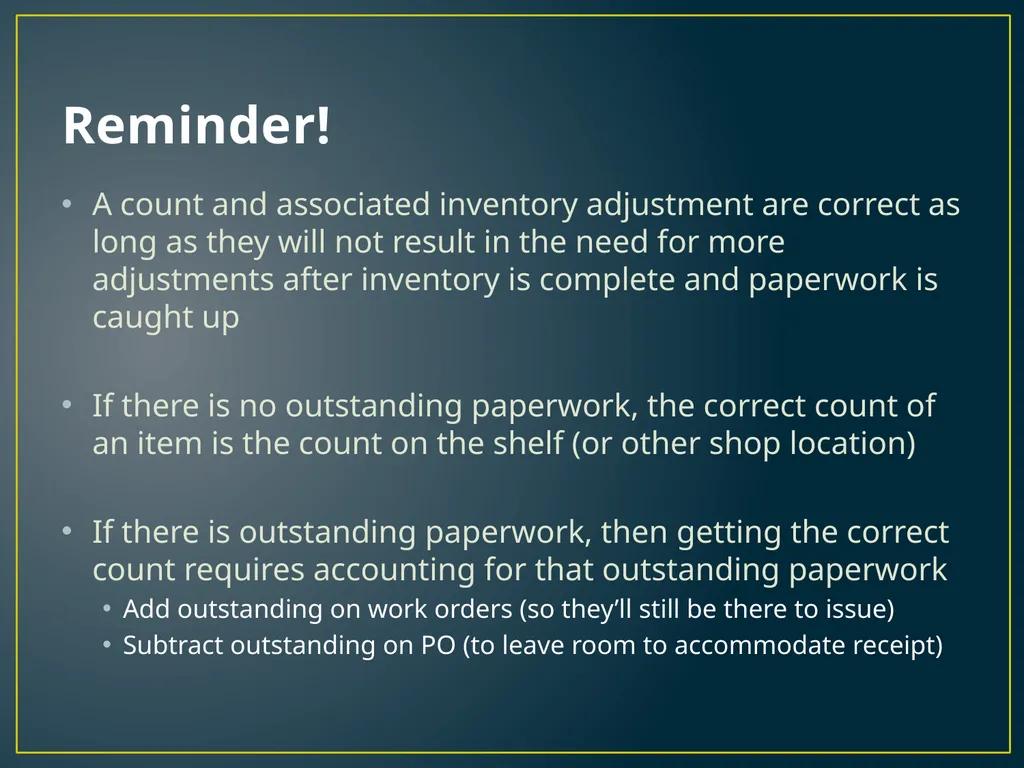
Reminder! A count and associated inventory adjustment are correct as long as they will not result in the need for more adjustments after inventory is complete and paperwork is caught up
If there is no outstanding paperwork, the correct count of an item is the count on the shelf (or other shop location)
If there is outstanding paperwork, then getting the correct count requires accounting for that outstanding paperwork
Add outstanding on work orders (so they’ll still be there to issue)
Subtract outstanding on PO (to leave room to accommodate receipt)<br>
If there is no outstanding paperwork, the correct count of an item is the count on the shelf (or other shop location)
If there is outstanding paperwork, then getting the correct count requires accounting for that outstanding paperwork
Add outstanding on work orders (so they’ll still be there to issue)
Subtract outstanding on PO (to leave room to accommodate receipt)<br>
26
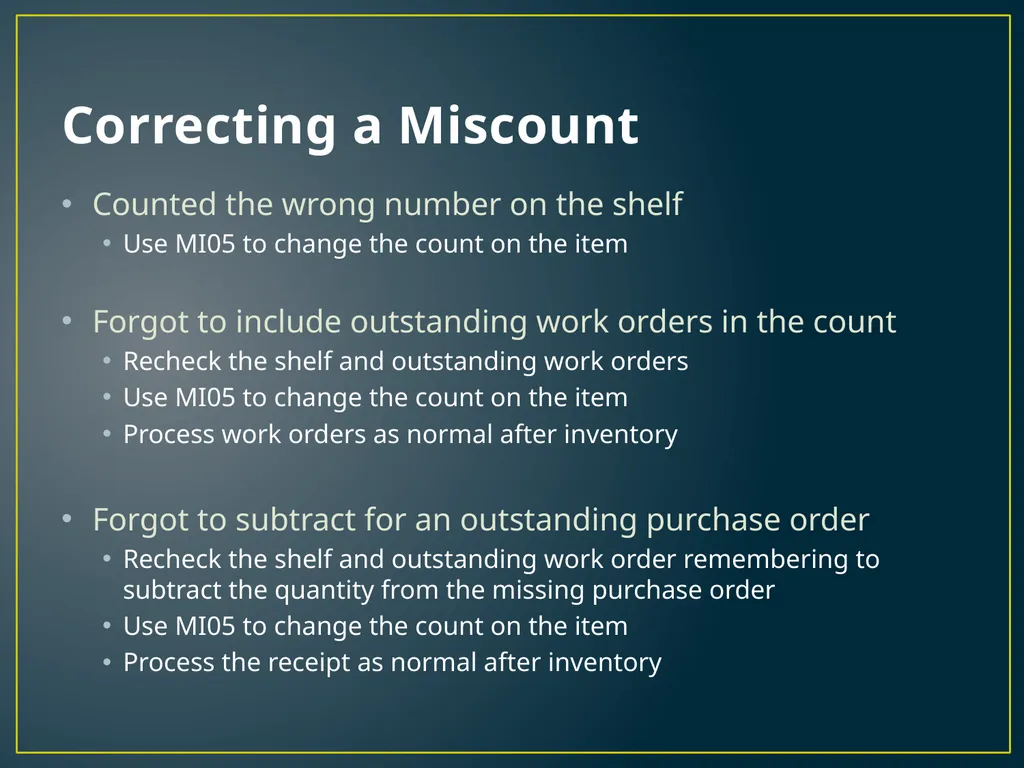
Correcting a Miscount Counted the wrong number on the shelf
Use MI05 to change the count on the item
Forgot to include outstanding work orders in the count
Recheck the shelf and outstanding work orders
Use MI05 to change the count on the item
Process work orders as normal after inventory
Forgot to subtract for an outstanding purchase order
Recheck the shelf and outstanding work order remembering to subtract the quantity from the missing purchase order
Use MI05 to change the count on the item
Process the receipt as normal after inventory<br>
Use MI05 to change the count on the item
Forgot to include outstanding work orders in the count
Recheck the shelf and outstanding work orders
Use MI05 to change the count on the item
Process work orders as normal after inventory
Forgot to subtract for an outstanding purchase order
Recheck the shelf and outstanding work order remembering to subtract the quantity from the missing purchase order
Use MI05 to change the count on the item
Process the receipt as normal after inventory<br>
27
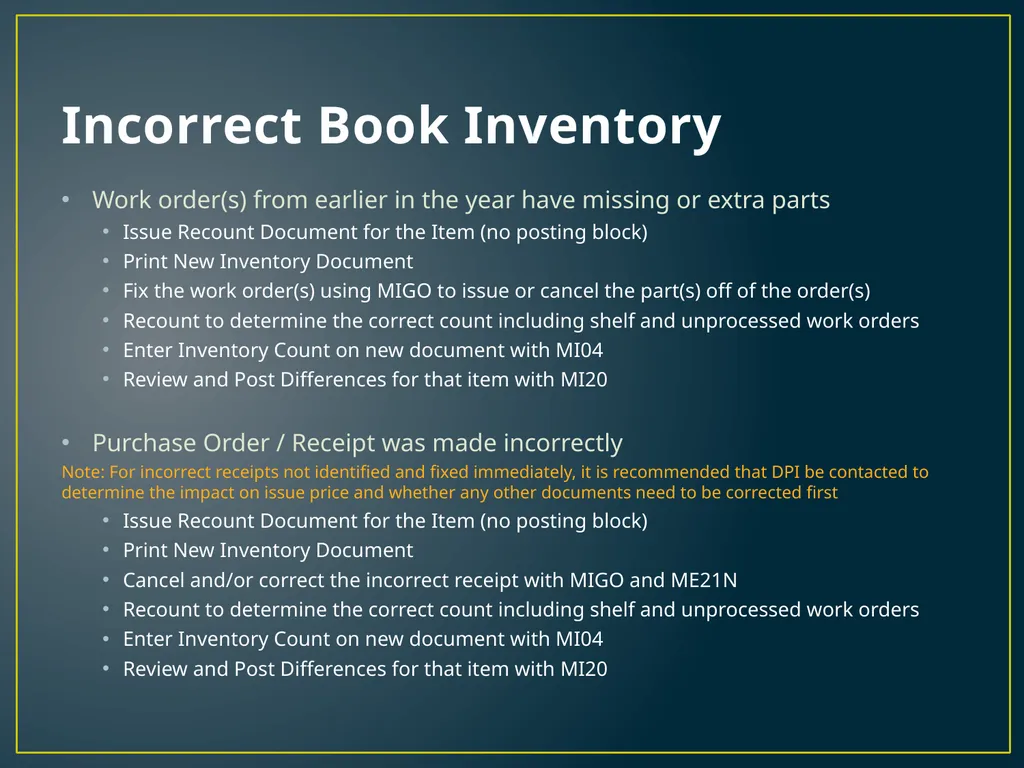
Incorrect Book Inventory Work order(s) from earlier in the year have missing or extra parts
Issue Recount Document for the Item (no posting block)
Print New Inventory Document
Fix the work order(s) using MIGO to issue or cancel the part(s) off of the order(s)
Recount to determine the correct count including shelf and unprocessed work orders
Enter Inventory Count on new document with MI04
Review and Post Differences for that item with MI20
Purchase Order / Receipt was made incorrectly
Note: For incorrect receipts not identified and fixed immediately, it is recommended that DPI be contacted to determine the impact on issue price and whether any other documents need to be corrected first
Issue Recount Document for the Item (no posting block)
Print New Inventory Document
Cancel and/or correct the incorrect receipt with MIGO and ME21N
Recount to determine the correct count including shelf and unprocessed work orders
Enter Inventory Count on new document with MI04
Review and Post Differences for that item with MI20<br>
Issue Recount Document for the Item (no posting block)
Print New Inventory Document
Fix the work order(s) using MIGO to issue or cancel the part(s) off of the order(s)
Recount to determine the correct count including shelf and unprocessed work orders
Enter Inventory Count on new document with MI04
Review and Post Differences for that item with MI20
Purchase Order / Receipt was made incorrectly
Note: For incorrect receipts not identified and fixed immediately, it is recommended that DPI be contacted to determine the impact on issue price and whether any other documents need to be corrected first
Issue Recount Document for the Item (no posting block)
Print New Inventory Document
Cancel and/or correct the incorrect receipt with MIGO and ME21N
Recount to determine the correct count including shelf and unprocessed work orders
Enter Inventory Count on new document with MI04
Review and Post Differences for that item with MI20<br>
28
After Counts Are Posted How to Fix Count Problems<br>
29
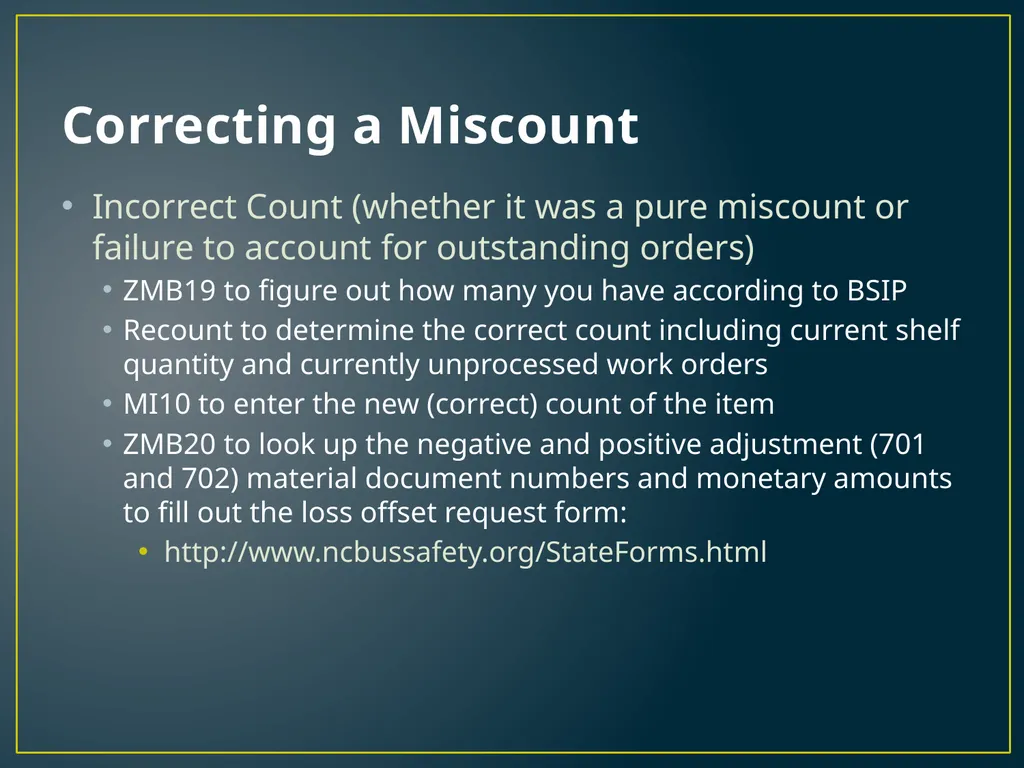
Correcting a Miscount Incorrect Count (whether it was a pure miscount or failure to account for outstanding orders)
ZMB19 to figure out how many you have according to BSIP
Recount to determine the correct count including current shelf quantity and currently unprocessed work orders
MI10 to enter the new (correct) count of the item
ZMB20 to look up the negative and positive adjustment (701 and 702) material document numbers and monetary amounts to fill out the loss offset request form:
http://www.ncbussafety.org/StateForms.html<br>
ZMB19 to figure out how many you have according to BSIP
Recount to determine the correct count including current shelf quantity and currently unprocessed work orders
MI10 to enter the new (correct) count of the item
ZMB20 to look up the negative and positive adjustment (701 and 702) material document numbers and monetary amounts to fill out the loss offset request form:
http://www.ncbussafety.org/StateForms.html<br>
30
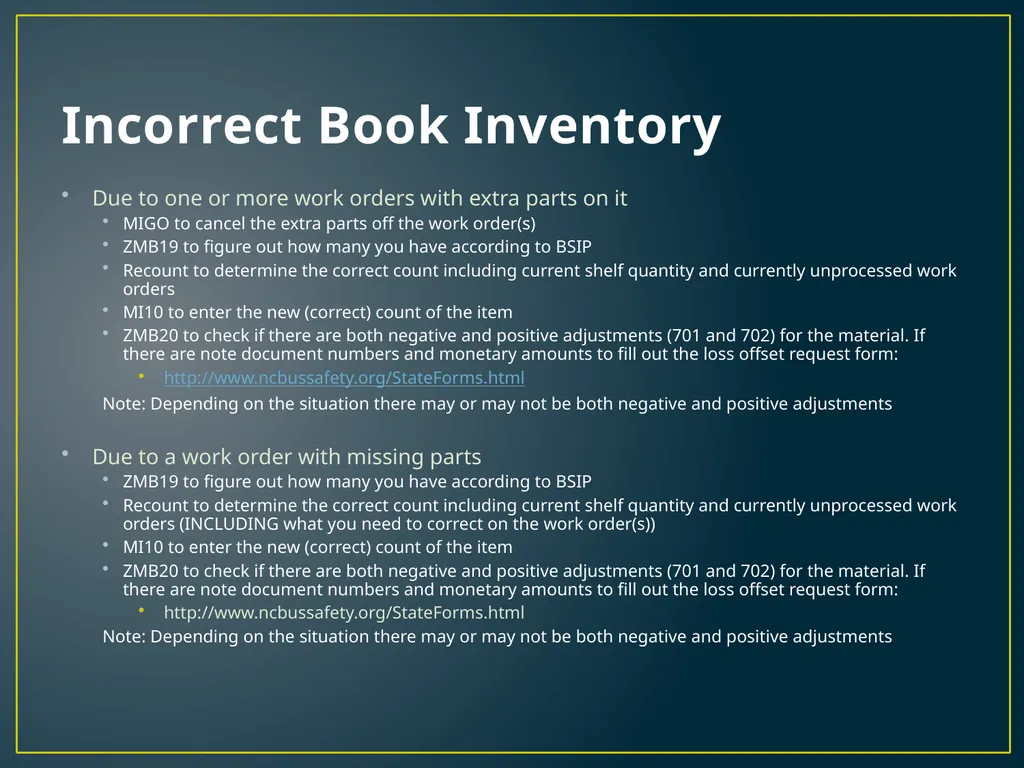
Incorrect Book Inventory Due to one or more work orders with extra parts on it
MIGO to cancel the extra parts off the work order(s)
ZMB19 to figure out how many you have according to BSIP
Recount to determine the correct count including current shelf quantity and currently unprocessed work orders
MI10 to enter the new (correct) count of the item
ZMB20 to check if there are both negative and positive adjustments (701 and 702) for the material. If there are note document numbers and monetary amounts to fill out the loss offset request form:
http://www.ncbussafety.org/StateForms.html
Note: Depending on the situation there may or may not be both negative and positive adjustments
Due to a work order with missing parts
ZMB19 to figure out how many you have according to BSIP
Recount to determine the correct count including current shelf quantity and currently unprocessed work orders (INCLUDING what you need to correct on the work order(s))
MI10 to enter the new (correct) count of the item
ZMB20 to check if there are both negative and positive adjustments (701 and 702) for the material. If there are note document numbers and monetary amounts to fill out the loss offset request form:
http://www.ncbussafety.org/StateForms.html
Note: Depending on the situation there may or may not be both negative and positive adjustments<br>
MIGO to cancel the extra parts off the work order(s)
ZMB19 to figure out how many you have according to BSIP
Recount to determine the correct count including current shelf quantity and currently unprocessed work orders
MI10 to enter the new (correct) count of the item
ZMB20 to check if there are both negative and positive adjustments (701 and 702) for the material. If there are note document numbers and monetary amounts to fill out the loss offset request form:
http://www.ncbussafety.org/StateForms.html
Note: Depending on the situation there may or may not be both negative and positive adjustments
Due to a work order with missing parts
ZMB19 to figure out how many you have according to BSIP
Recount to determine the correct count including current shelf quantity and currently unprocessed work orders (INCLUDING what you need to correct on the work order(s))
MI10 to enter the new (correct) count of the item
ZMB20 to check if there are both negative and positive adjustments (701 and 702) for the material. If there are note document numbers and monetary amounts to fill out the loss offset request form:
http://www.ncbussafety.org/StateForms.html
Note: Depending on the situation there may or may not be both negative and positive adjustments<br>
31
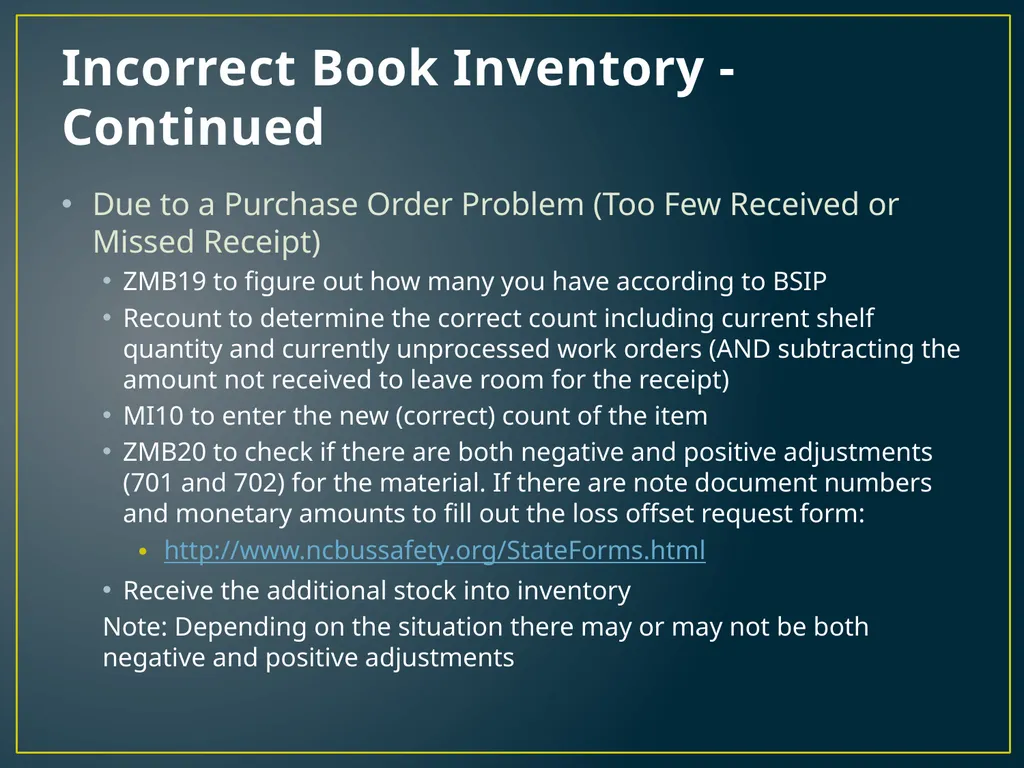
Incorrect Book Inventory - Continued Due to a Purchase Order Problem (Too Few Received or Missed Receipt)
ZMB19 to figure out how many you have according to BSIP
Recount to determine the correct count including current shelf quantity and currently unprocessed work orders (AND subtracting the amount not received to leave room for the receipt)
MI10 to enter the new (correct) count of the item
ZMB20 to check if there are both negative and positive adjustments (701 and 702) for the material. If there are note document numbers and monetary amounts to fill out the loss offset request form:
http://www.ncbussafety.org/StateForms.html
Receive the additional stock into inventory
Note: Depending on the situation there may or may not be both negative and positive adjustments<br>
ZMB19 to figure out how many you have according to BSIP
Recount to determine the correct count including current shelf quantity and currently unprocessed work orders (AND subtracting the amount not received to leave room for the receipt)
MI10 to enter the new (correct) count of the item
ZMB20 to check if there are both negative and positive adjustments (701 and 702) for the material. If there are note document numbers and monetary amounts to fill out the loss offset request form:
http://www.ncbussafety.org/StateForms.html
Receive the additional stock into inventory
Note: Depending on the situation there may or may not be both negative and positive adjustments<br>
32
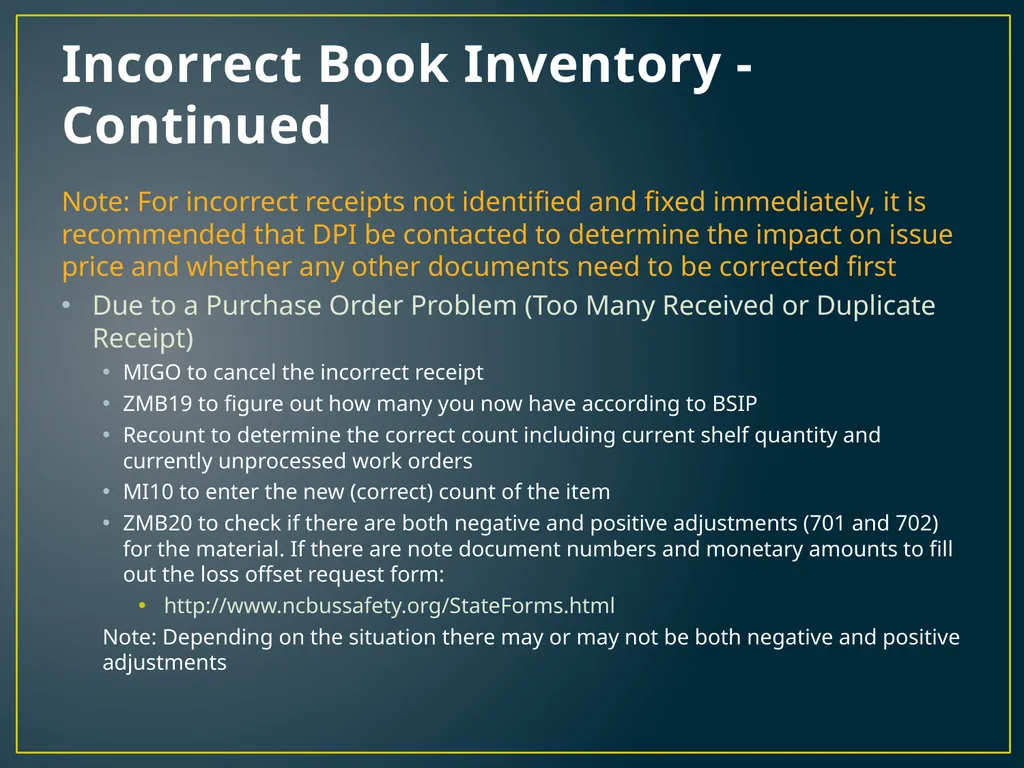
Incorrect Book Inventory - Continued Note: For incorrect receipts not identified and fixed immediately, it is recommended that DPI be contacted to determine the impact on issue price and whether any other documents need to be corrected first
Due to a Purchase Order Problem (Too Many Received or Duplicate Receipt)
MIGO to cancel the incorrect receipt
ZMB19 to figure out how many you now have according to BSIP
Recount to determine the correct count including current shelf quantity and currently unprocessed work orders
MI10 to enter the new (correct) count of the item
ZMB20 to check if there are both negative and positive adjustments (701 and 702) for the material. If there are note document numbers and monetary amounts to fill out the loss offset request form:
http://www.ncbussafety.org/StateForms.html
Note: Depending on the situation there may or may not be both negative and positive adjustments<br>
Due to a Purchase Order Problem (Too Many Received or Duplicate Receipt)
MIGO to cancel the incorrect receipt
ZMB19 to figure out how many you now have according to BSIP
Recount to determine the correct count including current shelf quantity and currently unprocessed work orders
MI10 to enter the new (correct) count of the item
ZMB20 to check if there are both negative and positive adjustments (701 and 702) for the material. If there are note document numbers and monetary amounts to fill out the loss offset request form:
http://www.ncbussafety.org/StateForms.html
Note: Depending on the situation there may or may not be both negative and positive adjustments<br>