
Best Programming Practices Ashish Mahabal, Caltech
JO
Published · 63 slides · 0 views
1 / 1


Description
Best Programming Practices Ashish Mahabal, Caltech AyBi 199b 31 Mar 2011 The zen of bug-free programming If debugging is the process of removing bugs, programming must be the process of introducing them. - Edsger W. Dijkstra (1930-2002)
Related Topics
Share
Embed code
Download this presentation From Below
"Best Programming Practices Ashish Mahabal, Caltech" is the property of its rightful owner. Permission is granted to download and print the materials on this website for personal, non-commercial use only, and to display it on your personal computer provided you do not modify the materials and that you retain all copyright notices contained in the materials. By downloading content from our website, you accept the terms of this agreement.
Presentation Transcript
01
Best Programming Practices Ashish Mahabal, Caltech
Ay/Bi 199b
31 Mar 2011<br>
Ay/Bi 199b
31 Mar 2011<br>
02
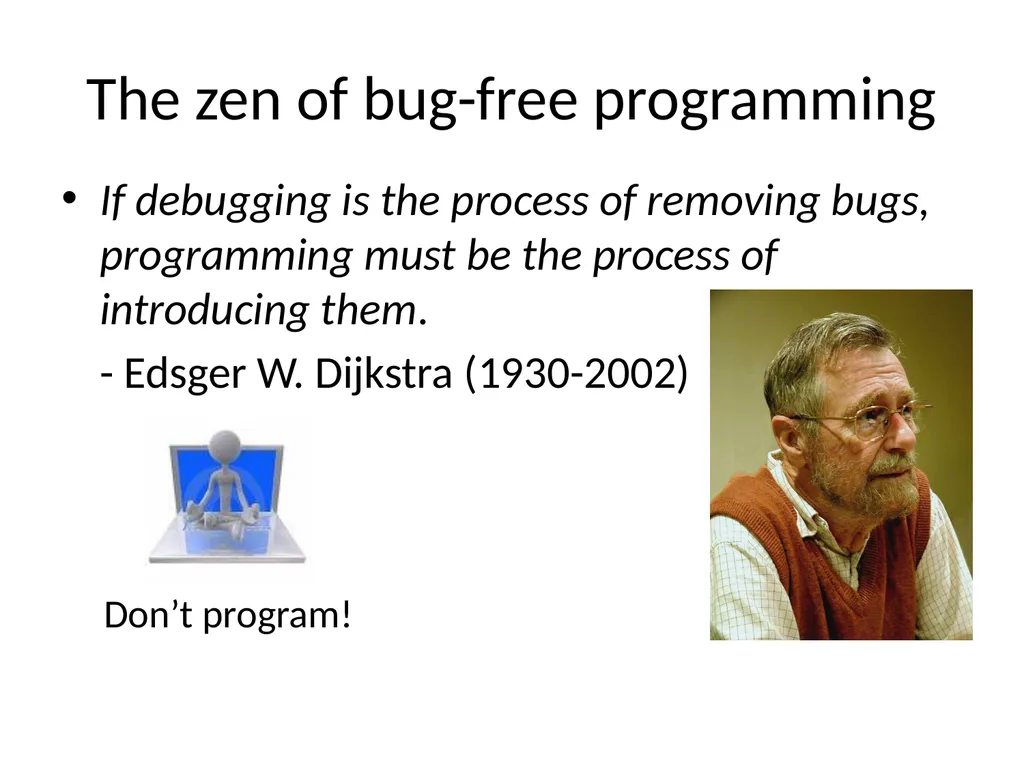
The zen of bug-free programming If debugging is the process of removing bugs, programming must be the process of introducing them.
- Edsger W. Dijkstra (1930-2002) Don’t program!<br>
- Edsger W. Dijkstra (1930-2002) Don’t program!<br>
03
Obfuscated programming contests touch selfreproducingprogram.c
makefile:
cp selfreproducingprogram.c a.out
chmod 755 a.out
./a.out<br>
makefile:
cp selfreproducingprogram.c a.out
chmod 755 a.out
./a.out<br>
04
Programming style
Programming tools
My own experience/mistakes
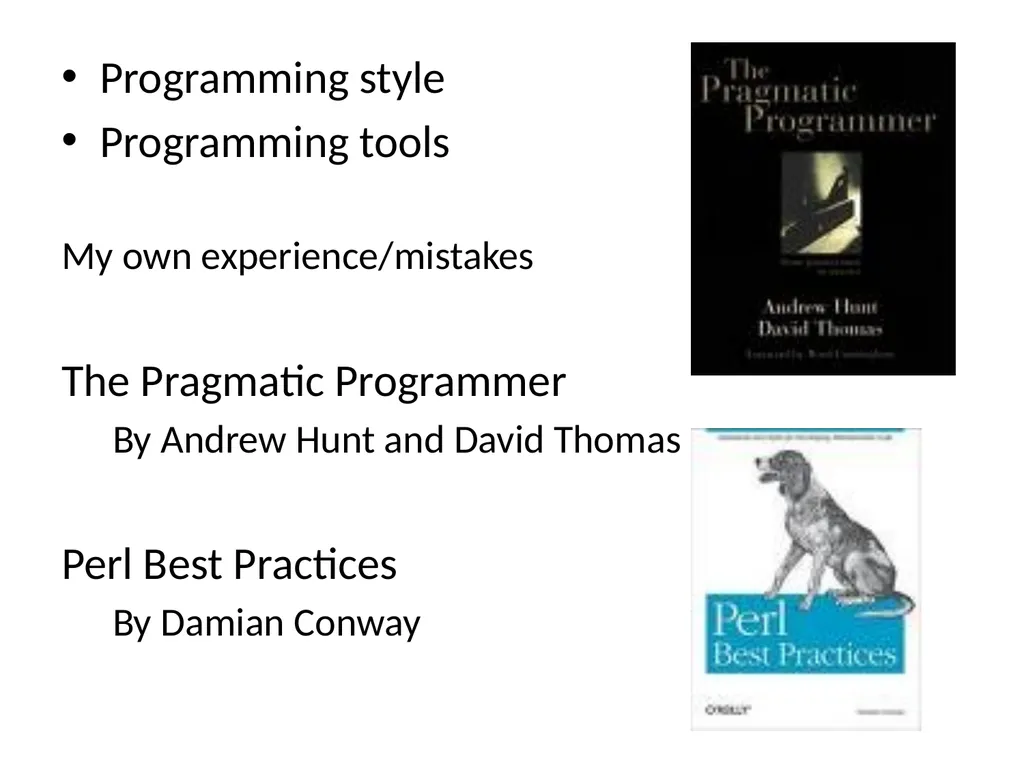
The Pragmatic Programmer
By Andrew Hunt and David Thomas
Perl Best Practices
By Damian Conway<br>
Programming tools
My own experience/mistakes
The Pragmatic Programmer
By Andrew Hunt and David Thomas
Perl Best Practices
By Damian Conway<br>
05
The scene keeps changing Drupal http://drupal.org/node/287350
Django http://www.djangoproject.com/
iphone apps
http://mashable.com/2009/06/10/build-iphone-app/
Android apps: http://developer.android.com/guide/webapps/best-practices.html
Chrome extensions: http://blog.chromium.org/2010/06/making-chrome-more-accessible-with.html … and yet the basics stay the same<br>
Django http://www.djangoproject.com/
iphone apps
http://mashable.com/2009/06/10/build-iphone-app/
Android apps: http://developer.android.com/guide/webapps/best-practices.html
Chrome extensions: http://blog.chromium.org/2010/06/making-chrome-more-accessible-with.html … and yet the basics stay the same<br>
06
Coding by instinct Variable names (caps, underscores, …)
Types of loops (for, while, …)
Formatting
Indents, brackets, braces, semicolons
Procedural versus object oriented approach
Conscious and consistent programming style<br>
Types of loops (for, while, …)
Formatting
Indents, brackets, braces, semicolons
Procedural versus object oriented approach
Conscious and consistent programming style<br>
07
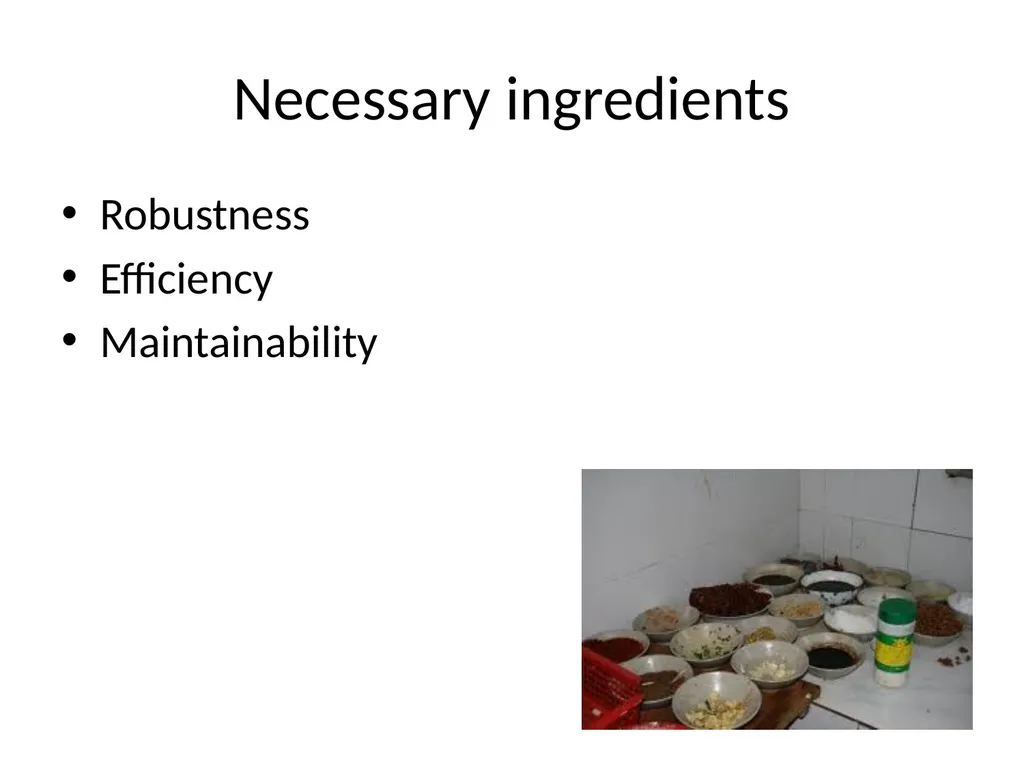
Necessary ingredients Robustness
Efficiency
Maintainability<br>
Efficiency
Maintainability<br>
08
Robustness Introducing errors
checking for existence (uniform style)
Edge cases
0? 1? last?
Error handling
exceptions? Verifying terminal input
Reporting failure
Traces? Errors don’t get quietly ignored<br>
checking for existence (uniform style)
Edge cases
0? 1? last?
Error handling
exceptions? Verifying terminal input
Reporting failure
Traces? Errors don’t get quietly ignored<br>
09
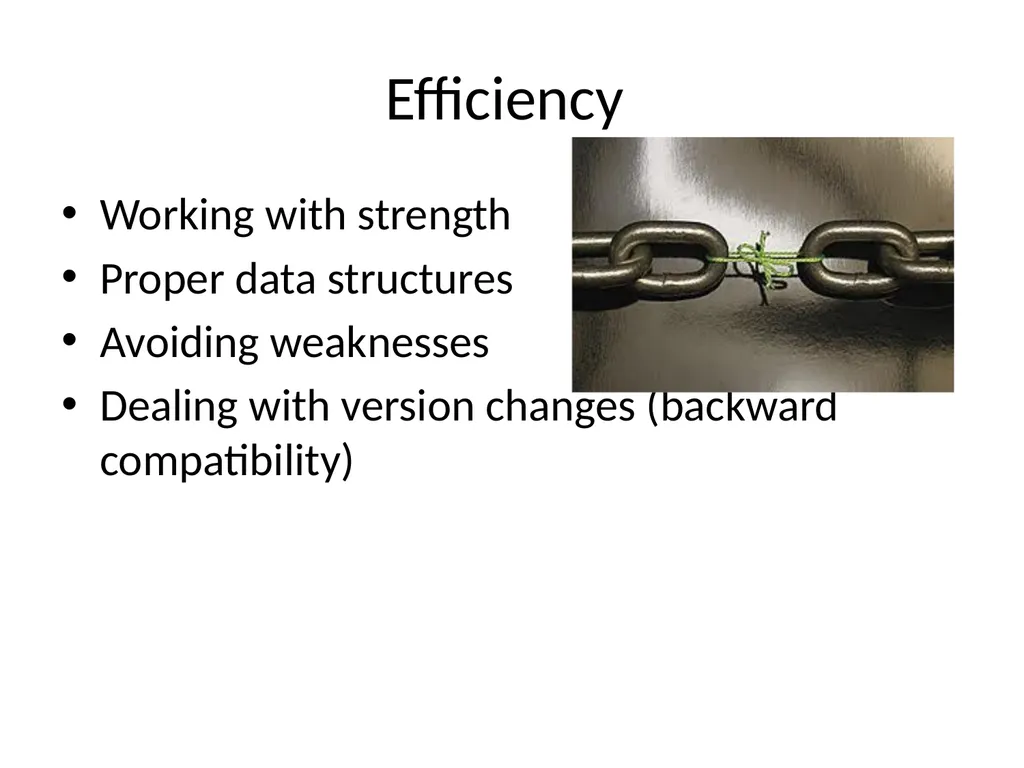
Efficiency Working with strength
Proper data structures
Avoiding weaknesses
Dealing with version changes (backward compatibility)<br>
Proper data structures
Avoiding weaknesses
Dealing with version changes (backward compatibility)<br>
10
Maintainability More time than writing
You don’t understand your own code
You yourself will maintain it
Consistent practices
Braces, brackets, spaces
Semicolon (after last statement)
Trailing , in lists
Linelengths, tabs, blank lines
cb, bcpp, perltidy, jacobe, Jxbeauty<br>
You don’t understand your own code
You yourself will maintain it
Consistent practices
Braces, brackets, spaces
Semicolon (after last statement)
Trailing , in lists
Linelengths, tabs, blank lines
cb, bcpp, perltidy, jacobe, Jxbeauty<br>
11
my @countries = (
USA,
UK,
UAE,
Ukraine
); my @countries = (
USA,
UK,
UAE,
Ukraine,
);<br>
USA,
UK,
UAE,
Ukraine
); my @countries = (
USA,
UK,
UAE,
Ukraine,
);<br>
12
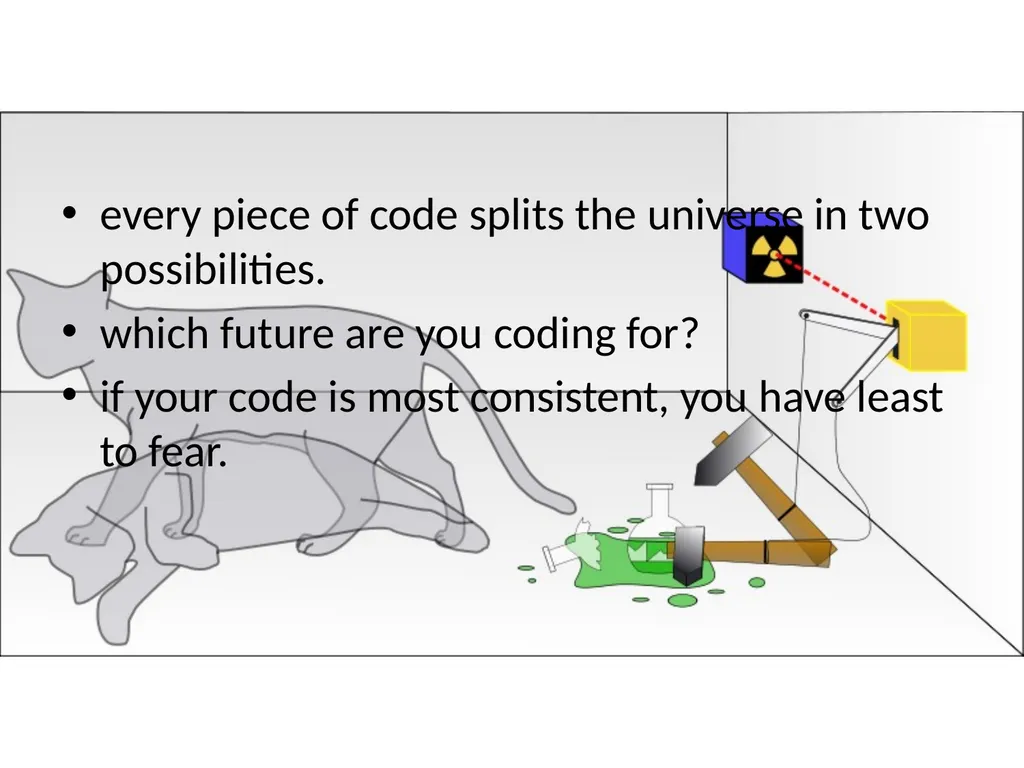
every piece of code splits the universe in two possibilities.
which future are you coding for?
if your code is most consistent, you have least to fear.<br>
which future are you coding for?
if your code is most consistent, you have least to fear.<br>
13
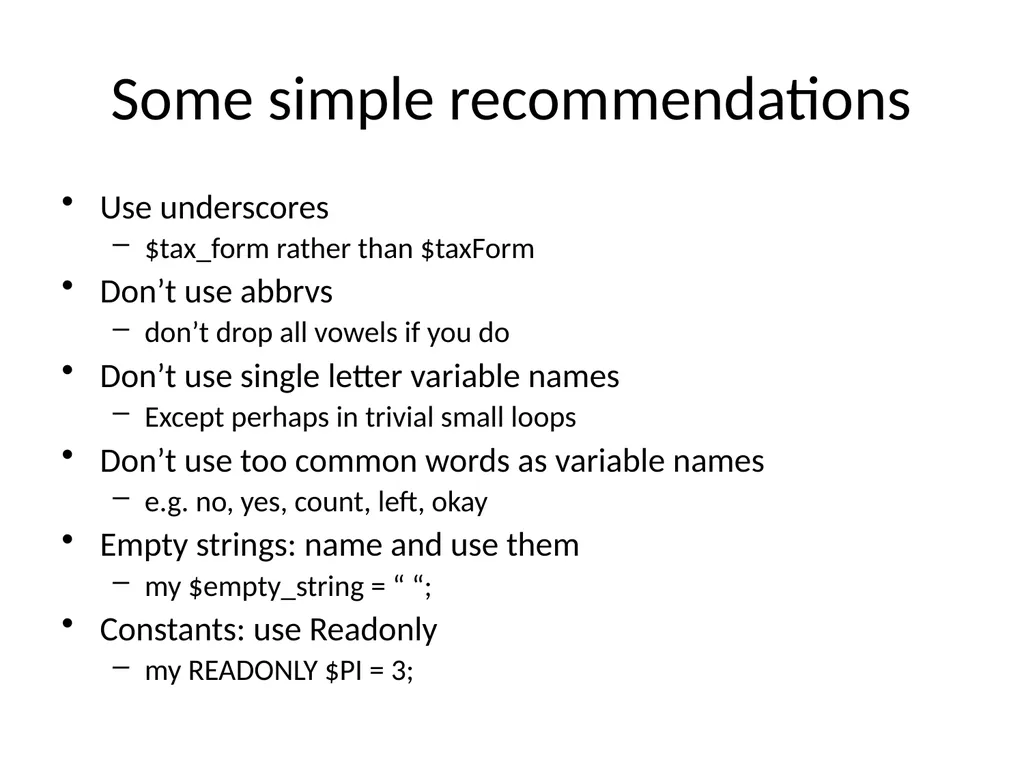
Some simple recommendations Use underscores
$tax_form rather than $taxForm
Don’t use abbrvs
don’t drop all vowels if you do
Don’t use single letter variable names
Except perhaps in trivial small loops
Don’t use too common words as variable names
e.g. no, yes, count, left, okay
Empty strings: name and use them
my $empty_string = “ “;
Constants: use Readonly
my READONLY $PI = 3;<br>
$tax_form rather than $taxForm
Don’t use abbrvs
don’t drop all vowels if you do
Don’t use single letter variable names
Except perhaps in trivial small loops
Don’t use too common words as variable names
e.g. no, yes, count, left, okay
Empty strings: name and use them
my $empty_string = “ “;
Constants: use Readonly
my READONLY $PI = 3;<br>
14
easy development versus easy maintenance
projects live much longer than intended
adopt more complex and readable language
check requirements
design, implement, integrate
validate<br>
projects live much longer than intended
adopt more complex and readable language
check requirements
design, implement, integrate
validate<br>
15
Don’t trust the work of others
Validate data (numbers, chars etc.)
Put constraints (-90 <= dec <= 90)
Check consistency<br>
Validate data (numbers, chars etc.)
Put constraints (-90 <= dec <= 90)
Check consistency<br>
16
Don’t trust the work of others
Validate data
Put constraints
Check consistency
Don’t trust yourself
Do all the above to your code too<br>
Validate data
Put constraints
Check consistency
Don’t trust yourself
Do all the above to your code too<br>
17
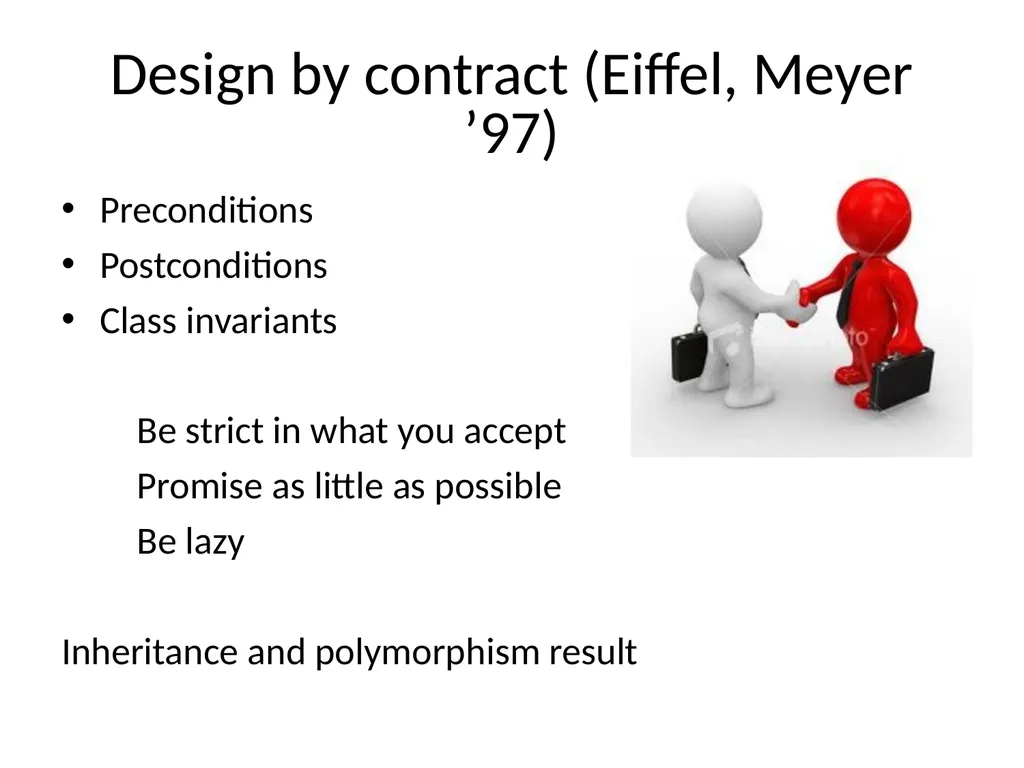
Design by contract (Eiffel, Meyer ’97) Preconditions
Postconditions
Class invariants
Be strict in what you accept
Promise as little as possible
Be lazy
Inheritance and polymorphism result<br>
Postconditions
Class invariants
Be strict in what you accept
Promise as little as possible
Be lazy
Inheritance and polymorphism result<br>
18
Crash early
Sqrt of negative numbers (require, ensure, NaN)
Crash, don’t trash
Die
Croak (blaming the caller)
Confess (more details)
Try/catch (own error handlers e.g. HTML 404)
Exceptions – when to raise them
should it have existed?
Don’t know?<br>
Sqrt of negative numbers (require, ensure, NaN)
Crash, don’t trash
Die
Croak (blaming the caller)
Confess (more details)
Try/catch (own error handlers e.g. HTML 404)
Exceptions – when to raise them
should it have existed?
Don’t know?<br>
19
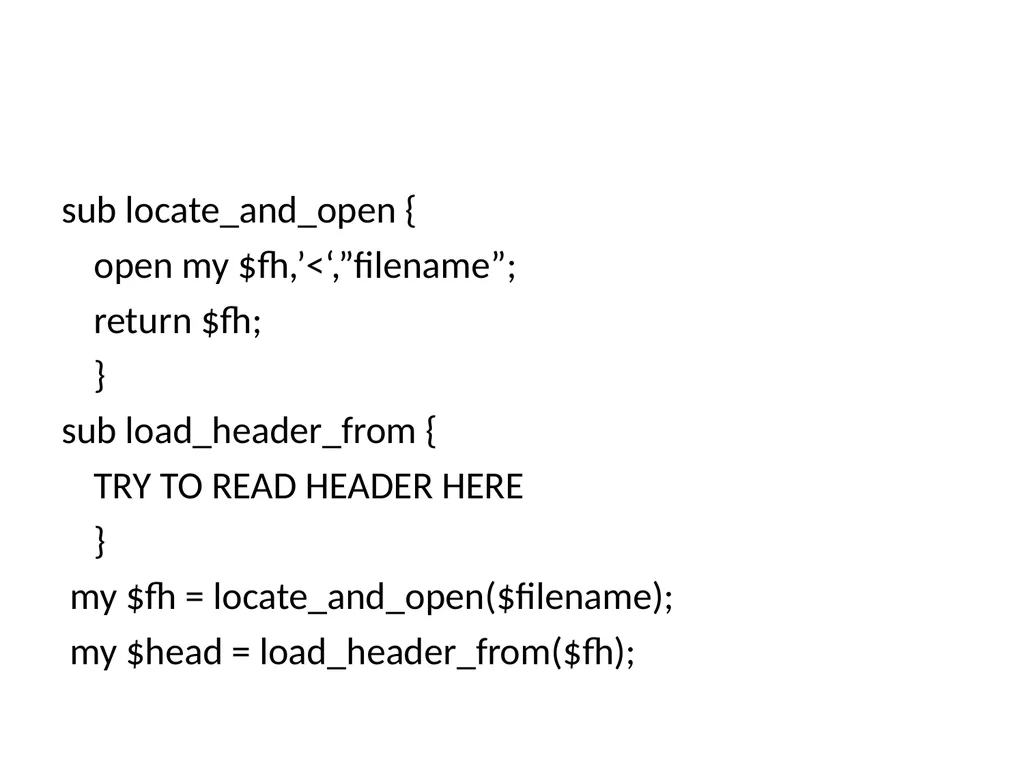
sub locate_and_open {
open my $fh,’<‘,”filename”;
return $fh;
}
sub load_header_from {
TRY TO READ HEADER HERE
}
my $fh = locate_and_open($filename);
my $head = load_header_from($fh);<br>
open my $fh,’<‘,”filename”;
return $fh;
}
sub load_header_from {
TRY TO READ HEADER HERE
}
my $fh = locate_and_open($filename);
my $head = load_header_from($fh);<br>
20
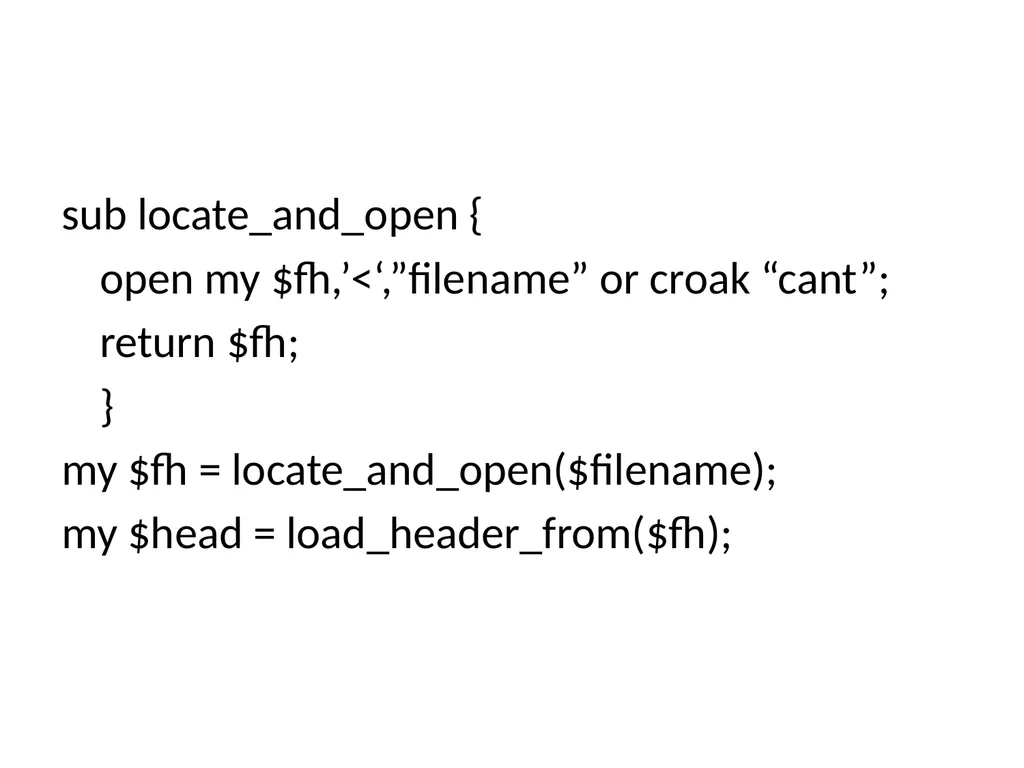
sub locate_and_open {
open my $fh,’<‘,”filename” or croak “cant”;
return $fh;
}
my $fh = locate_and_open($filename);
my $head = load_header_from($fh);<br>
open my $fh,’<‘,”filename” or croak “cant”;
return $fh;
}
my $fh = locate_and_open($filename);
my $head = load_header_from($fh);<br>
21
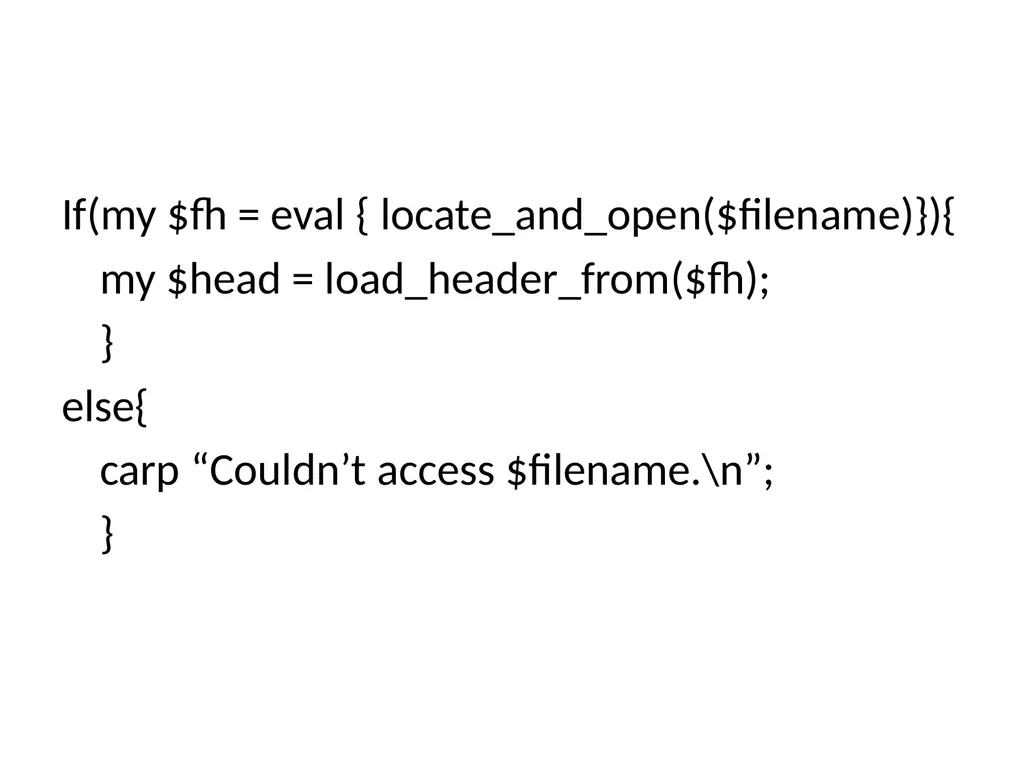
If(my $fh = eval { locate_and_open($filename)}){
my $head = load_header_from($fh);
}
else{
carp “Couldn’t access $filename.\n”;
}<br>
my $head = load_header_from($fh);
}
else{
carp “Couldn’t access $filename.\n”;
}<br>
22
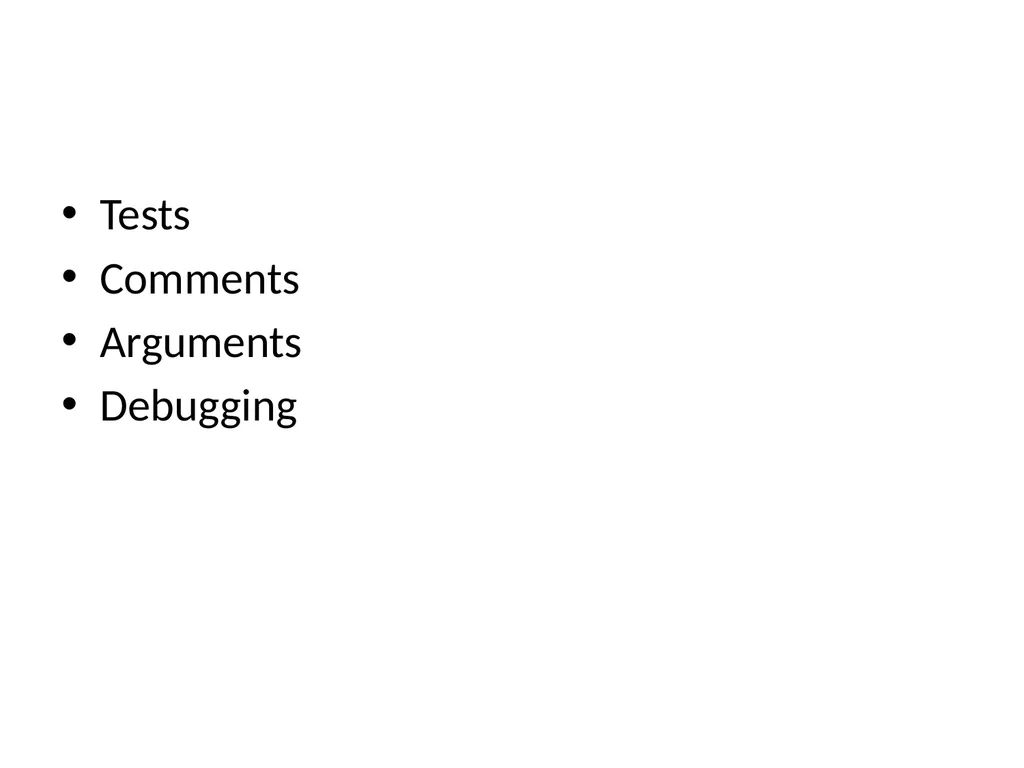
Tests
Comments
Arguments
Debugging<br>
Comments
Arguments
Debugging<br>
23
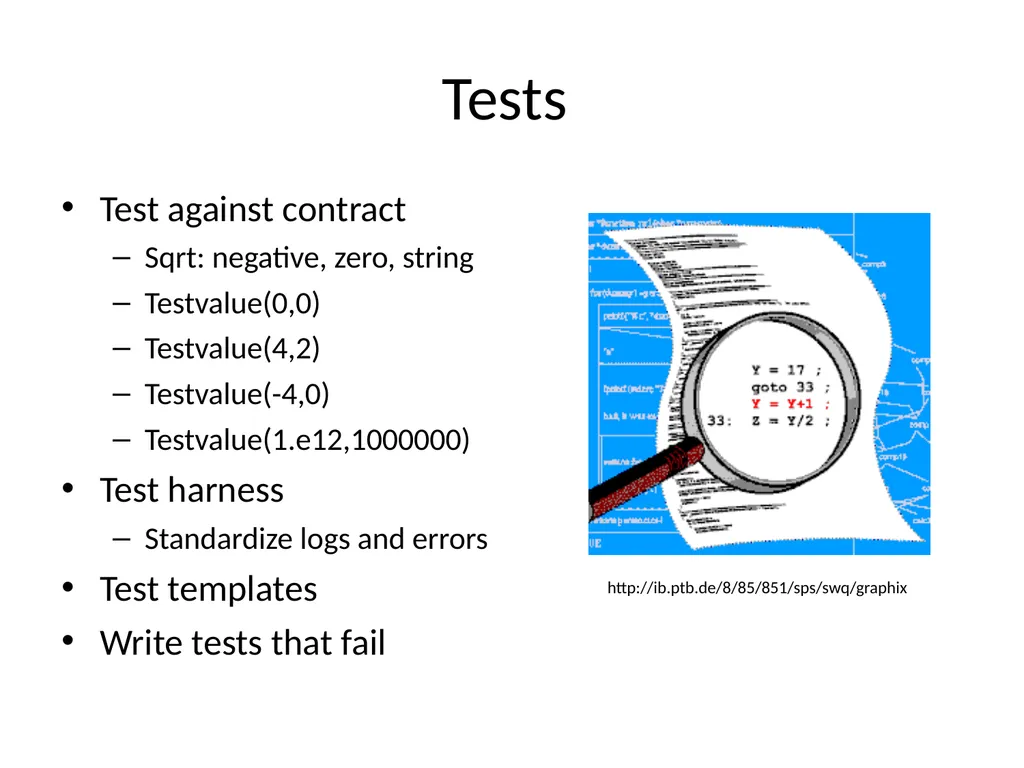
Tests Test against contract
Sqrt: negative, zero, string
Testvalue(0,0)
Testvalue(4,2)
Testvalue(-4,0)
Testvalue(1.e12,1000000)
Test harness
Standardize logs and errors
Test templates
Write tests that fail http://ib.ptb.de/8/85/851/sps/swq/graphix<br>
Sqrt: negative, zero, string
Testvalue(0,0)
Testvalue(4,2)
Testvalue(-4,0)
Testvalue(1.e12,1000000)
Test harness
Standardize logs and errors
Test templates
Write tests that fail http://ib.ptb.de/8/85/851/sps/swq/graphix<br>
24
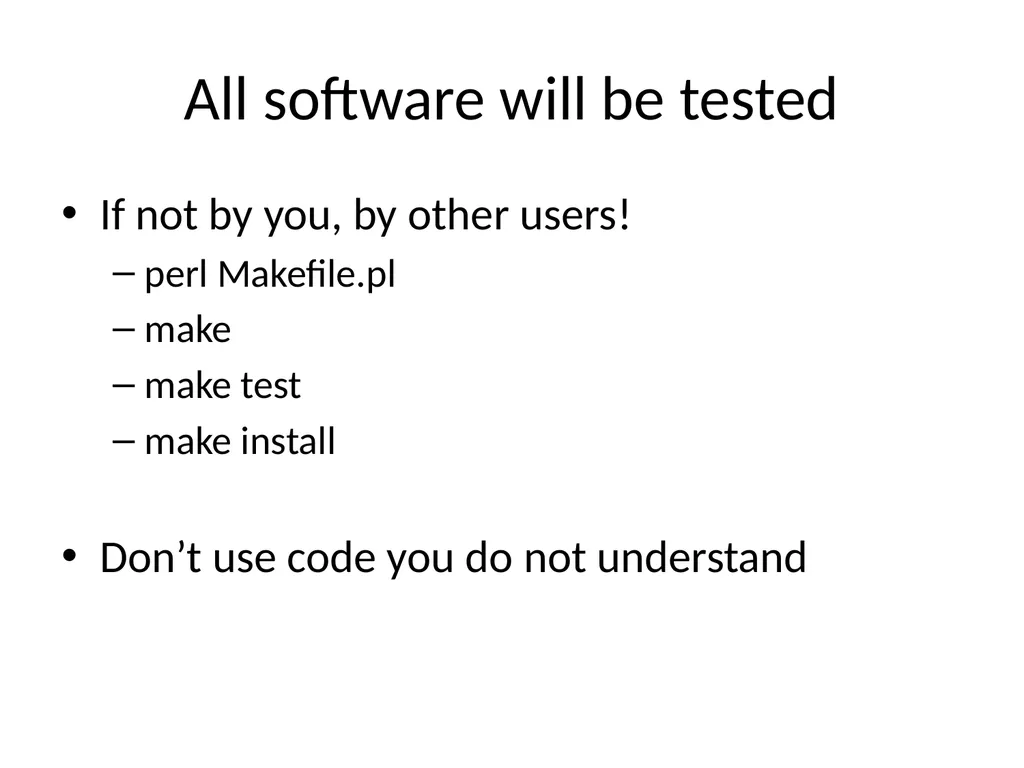
All software will be tested If not by you, by other users!
perl Makefile.pl
make
make test
make install
Don’t use code you do not understand<br>
perl Makefile.pl
make
make test
make install
Don’t use code you do not understand<br>
25
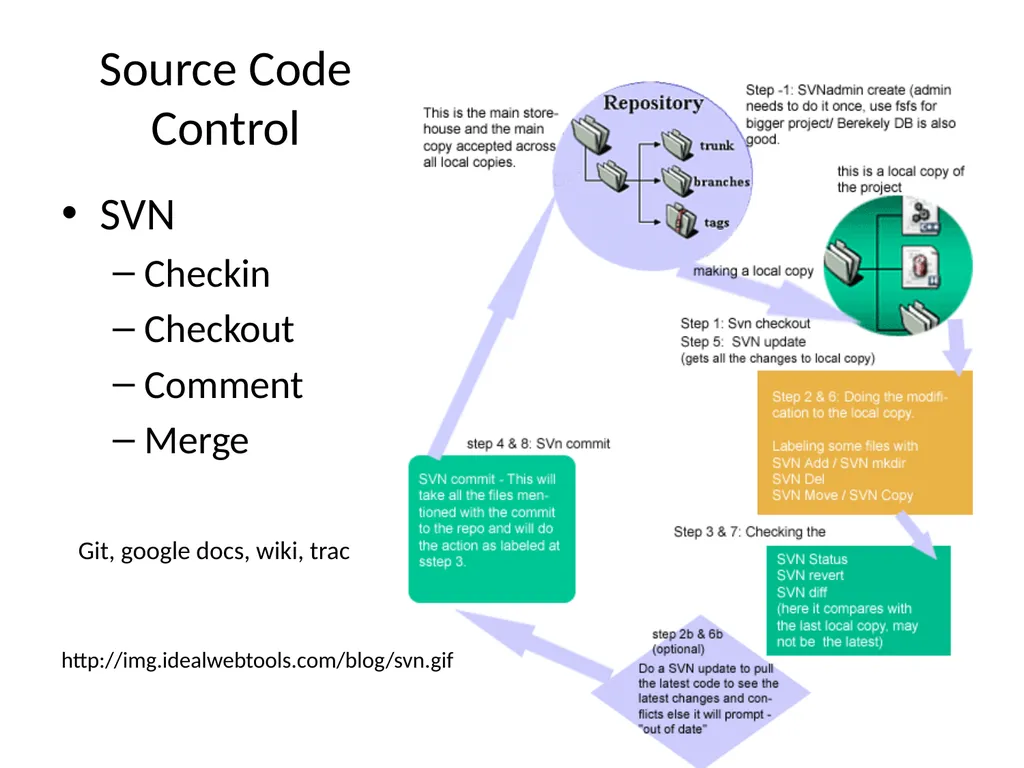
Source Code Control SVN
Checkin
Checkout
Comment
Merge http://img.idealwebtools.com/blog/svn.gif Git, google docs, wiki, trac<br>
Checkin
Checkout
Comment
Merge http://img.idealwebtools.com/blog/svn.gif Git, google docs, wiki, trac<br>
26
Modification cycle write test
run and make sure it fails
Checkout
change, comment, edit readme etc.
Compile
run: make sure test passes
checkin<br>
run and make sure it fails
Checkout
change, comment, edit readme etc.
Compile
run: make sure test passes
checkin<br>
27
Comments If it was difficult to write, it must be difficult to understand
bad code requires more comments
tying documentation and code
use Euclid;<br>
bad code requires more comments
tying documentation and code
use Euclid;<br>
28
Documentation/comments in code List of functions exported
Revision history
List of other files used
Name of the file<br>
Revision history
List of other files used
Name of the file<br>
29
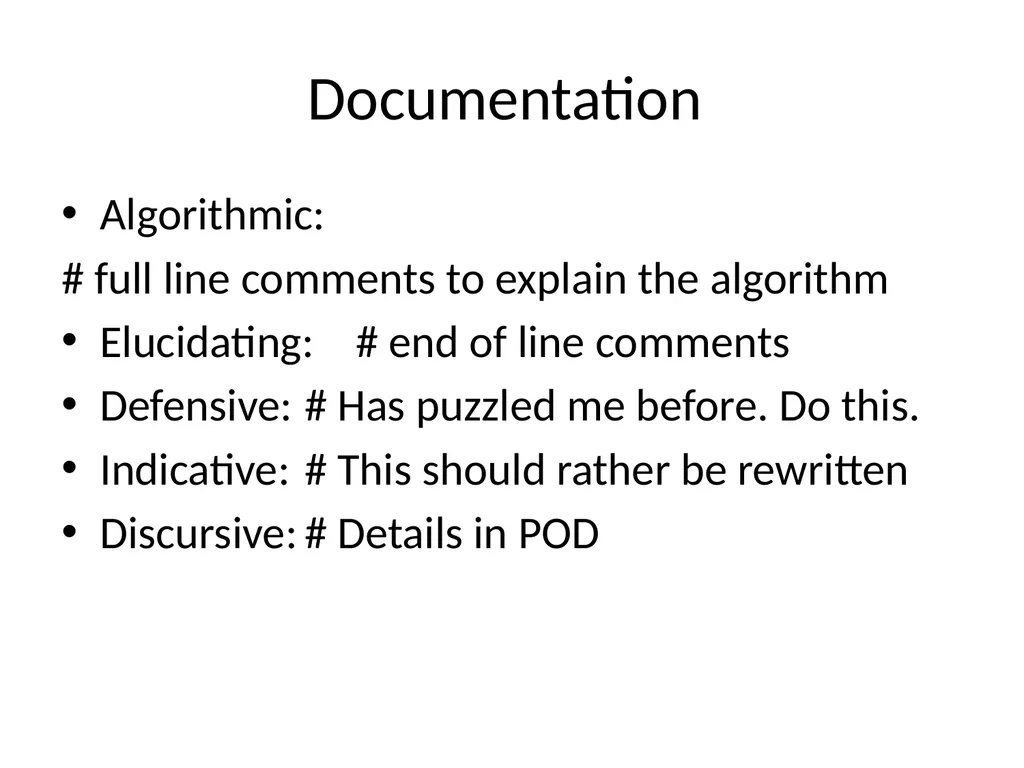
Documentation Algorithmic:
# full line comments to explain the algorithm
Elucidating: # end of line comments
Defensive: # Has puzzled me before. Do this.
Indicative: # This should rather be rewritten
Discursive: # Details in POD<br>
# full line comments to explain the algorithm
Elucidating: # end of line comments
Defensive: # Has puzzled me before. Do this.
Indicative: # This should rather be rewritten
Discursive: # Details in POD<br>
30
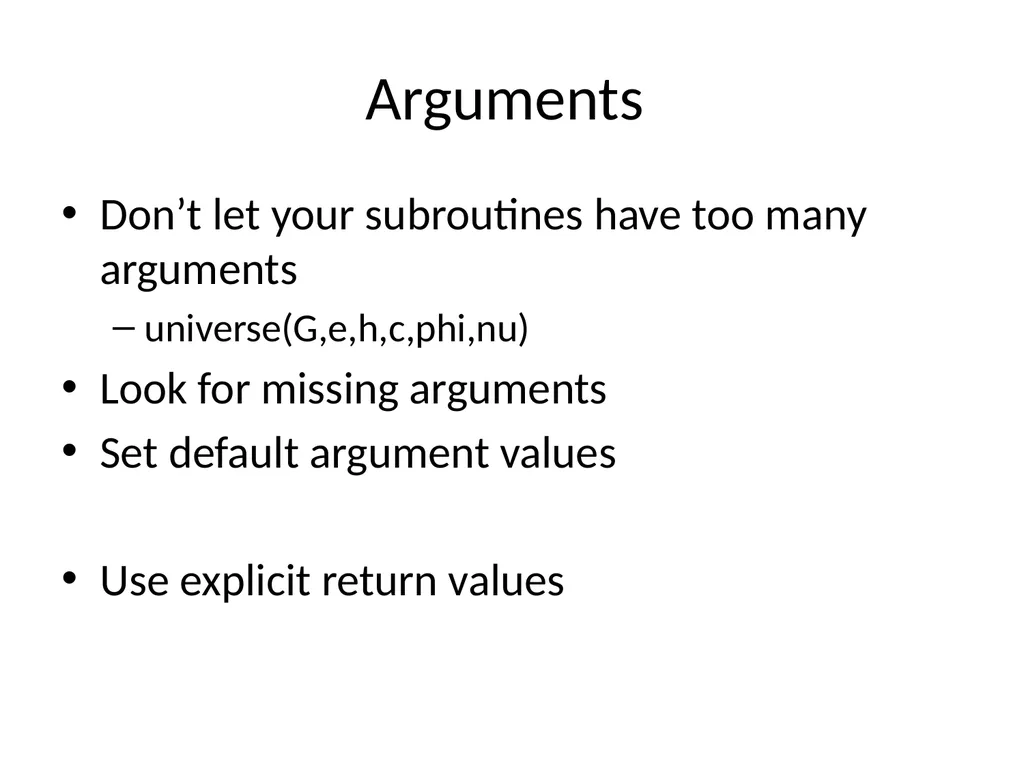
Arguments Don’t let your subroutines have too many arguments
universe(G,e,h,c,phi,nu)
Look for missing arguments
Set default argument values
Use explicit return values<br>
universe(G,e,h,c,phi,nu)
Look for missing arguments
Set default argument values
Use explicit return values<br>
31
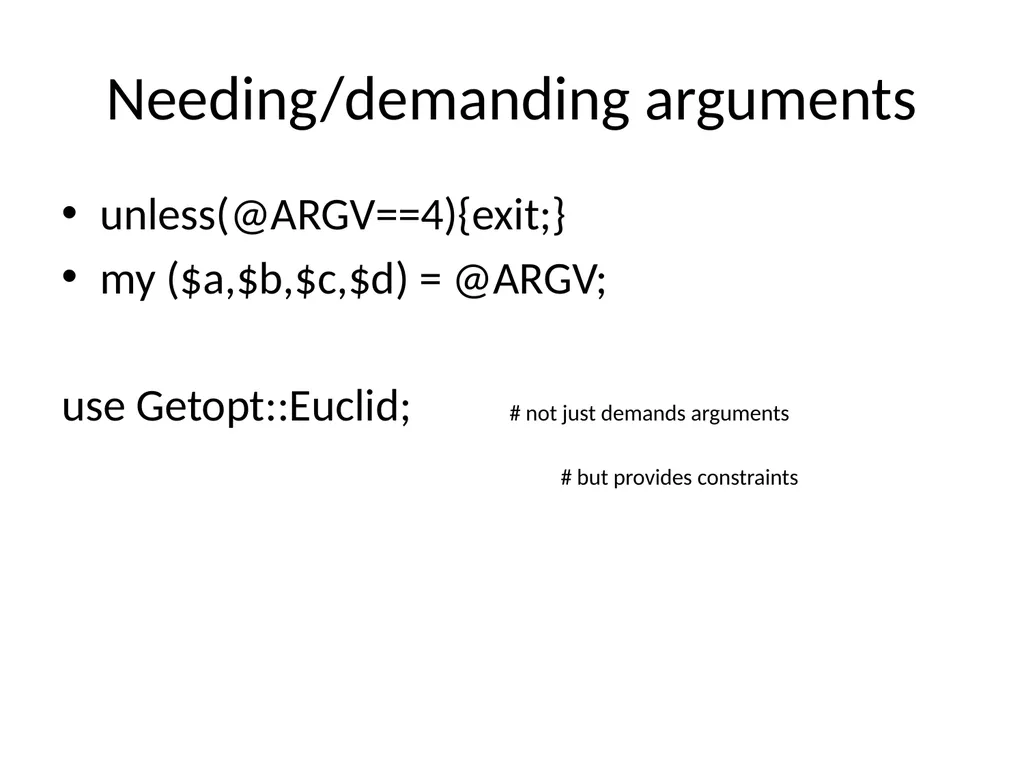
Needing/demanding arguments unless(@ARGV==4){exit;}
my ($a,$b,$c,$d) = @ARGV;
use Getopt::Euclid; # not just demands arguments
# but provides constraints<br>
my ($a,$b,$c,$d) = @ARGV;
use Getopt::Euclid; # not just demands arguments
# but provides constraints<br>
32
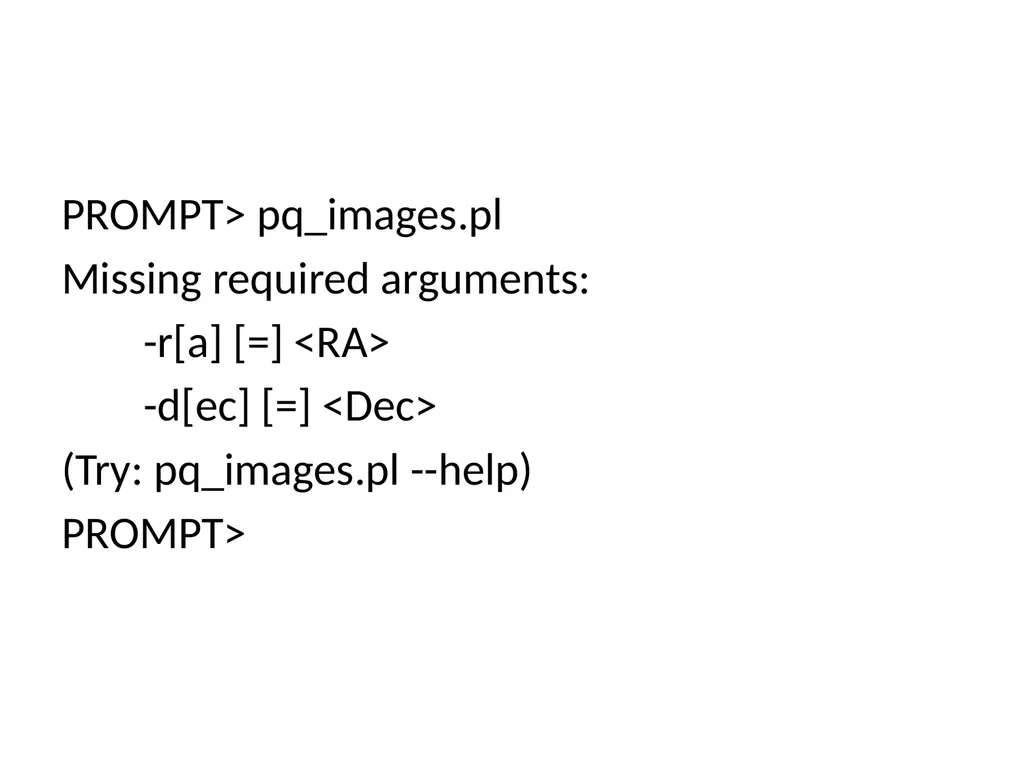
PROMPT> pq_images.pl
Missing required arguments:
-r[a] [=] <RA>
-d[ec] [=] <Dec>
(Try: pq_images.pl --help)
PROMPT><br>
Missing required arguments:
-r[a] [=] <RA>
-d[ec] [=] <Dec>
(Try: pq_images.pl --help)
PROMPT><br>
33
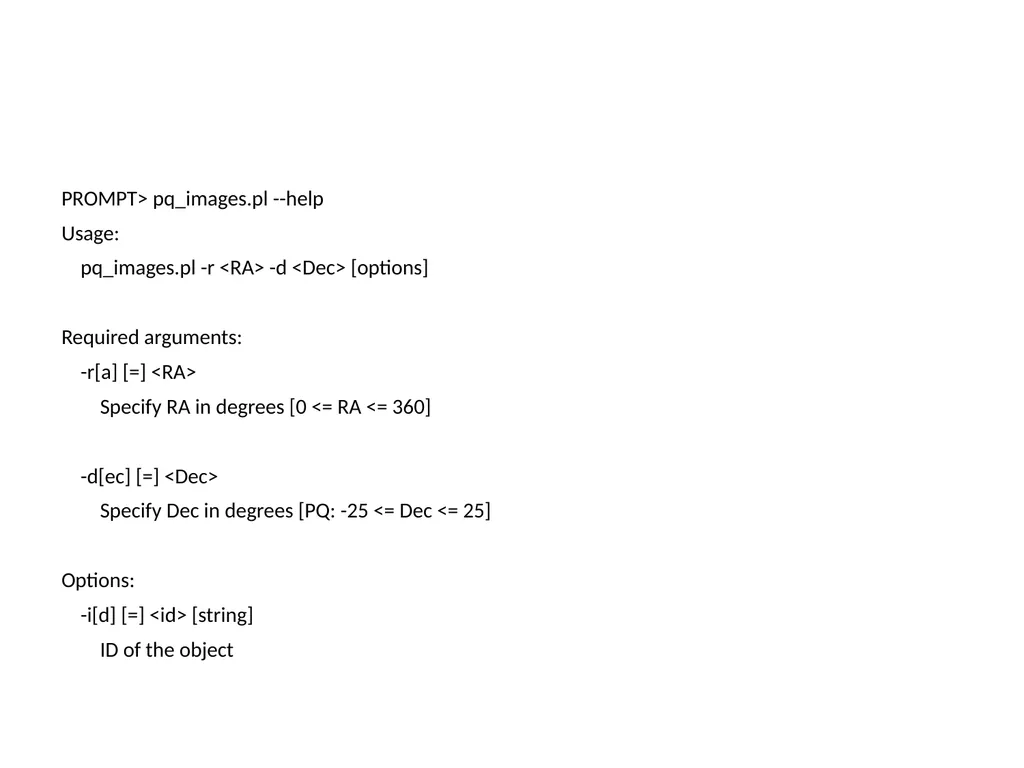
PROMPT> pq_images.pl --help
Usage:
pq_images.pl -r <RA> -d <Dec> [options]
Required arguments:
-r[a] [=] <RA>
Specify RA in degrees [0 <= RA <= 360]
-d[ec] [=] <Dec>
Specify Dec in degrees [PQ: -25 <= Dec <= 25]
Options:
-i[d] [=] <id> [string]
ID of the object<br>
Usage:
pq_images.pl -r <RA> -d <Dec> [options]
Required arguments:
-r[a] [=] <RA>
Specify RA in degrees [0 <= RA <= 360]
-d[ec] [=] <Dec>
Specify Dec in degrees [PQ: -25 <= Dec <= 25]
Options:
-i[d] [=] <id> [string]
ID of the object<br>
34
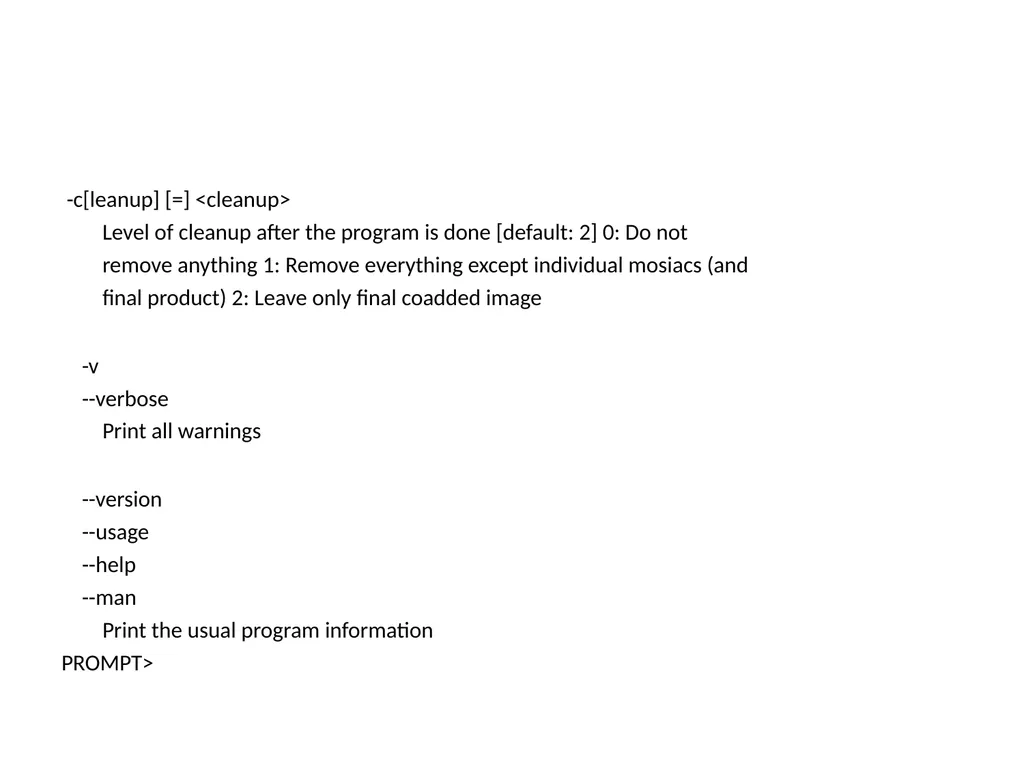
-c[leanup] [=] <cleanup>
Level of cleanup after the program is done [default: 2] 0: Do not
remove anything 1: Remove everything except individual mosiacs (and
final product) 2: Leave only final coadded image
-v
--verbose
Print all warnings
--version
--usage
--help
--man
Print the usual program information
PROMPT><br>
Level of cleanup after the program is done [default: 2] 0: Do not
remove anything 1: Remove everything except individual mosiacs (and
final product) 2: Leave only final coadded image
-v
--verbose
Print all warnings
--version
--usage
--help
--man
Print the usual program information
PROMPT><br>
35
PROMPT>pq_images.pl --man
AUTHOR
Ashish Mahabal <aam@astro.caltech.edu>
BUGS
There are undoubtedly serious bugs lurking somewhere in this code. Bug
reports and other feedback are most welcome.
COPYRIGHT
Copyright (c) 2007, Ashish Mahabal. All Rights Reserved. This module is
free software. It may be used, redistributed and/or modified under the
terms of the Perl Artistic License (see
http://www.perl.com/perl/misc/Artistic.html)<br>
AUTHOR
Ashish Mahabal <aam@astro.caltech.edu>
BUGS
There are undoubtedly serious bugs lurking somewhere in this code. Bug
reports and other feedback are most welcome.
COPYRIGHT
Copyright (c) 2007, Ashish Mahabal. All Rights Reserved. This module is
free software. It may be used, redistributed and/or modified under the
terms of the Perl Artistic License (see
http://www.perl.com/perl/misc/Artistic.html)<br>
36
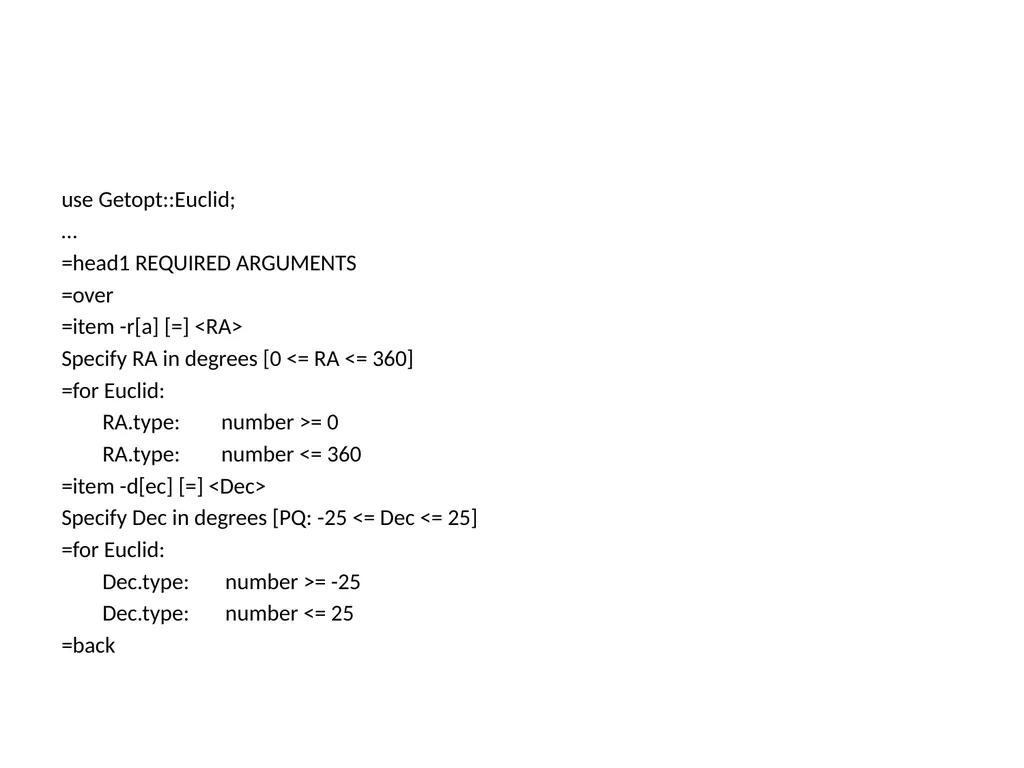
use Getopt::Euclid;
…
=head1 REQUIRED ARGUMENTS
=over
=item -r[a] [=] <RA>
Specify RA in degrees [0 <= RA <= 360]
=for Euclid:
RA.type: number >= 0
RA.type: number <= 360
=item -d[ec] [=] <Dec>
Specify Dec in degrees [PQ: -25 <= Dec <= 25]
=for Euclid:
Dec.type: number >= -25
Dec.type: number <= 25
=back<br>
…
=head1 REQUIRED ARGUMENTS
=over
=item -r[a] [=] <RA>
Specify RA in degrees [0 <= RA <= 360]
=for Euclid:
RA.type: number >= 0
RA.type: number <= 360
=item -d[ec] [=] <Dec>
Specify Dec in degrees [PQ: -25 <= Dec <= 25]
=for Euclid:
Dec.type: number >= -25
Dec.type: number <= 25
=back<br>
37
Debugging there will be bugs!
the only bugfree program is one that does not do anything
tests: write unit tests first
make sure the program compiles without warnings (perl -c)<br>
the only bugfree program is one that does not do anything
tests: write unit tests first
make sure the program compiles without warnings (perl -c)<br>
38
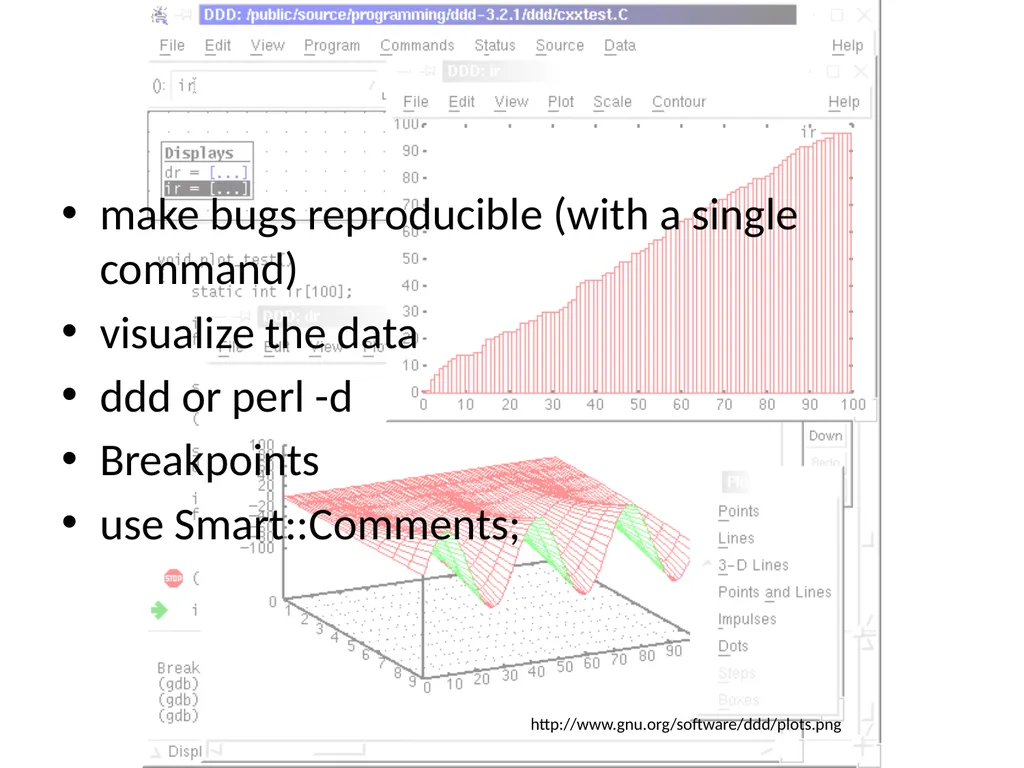
make bugs reproducible (with a single command)
visualize the data
ddd or perl -d
Breakpoints
use Smart::Comments; http://www.gnu.org/software/ddd/plots.png<br>
visualize the data
ddd or perl -d
Breakpoints
use Smart::Comments; http://www.gnu.org/software/ddd/plots.png<br>
39
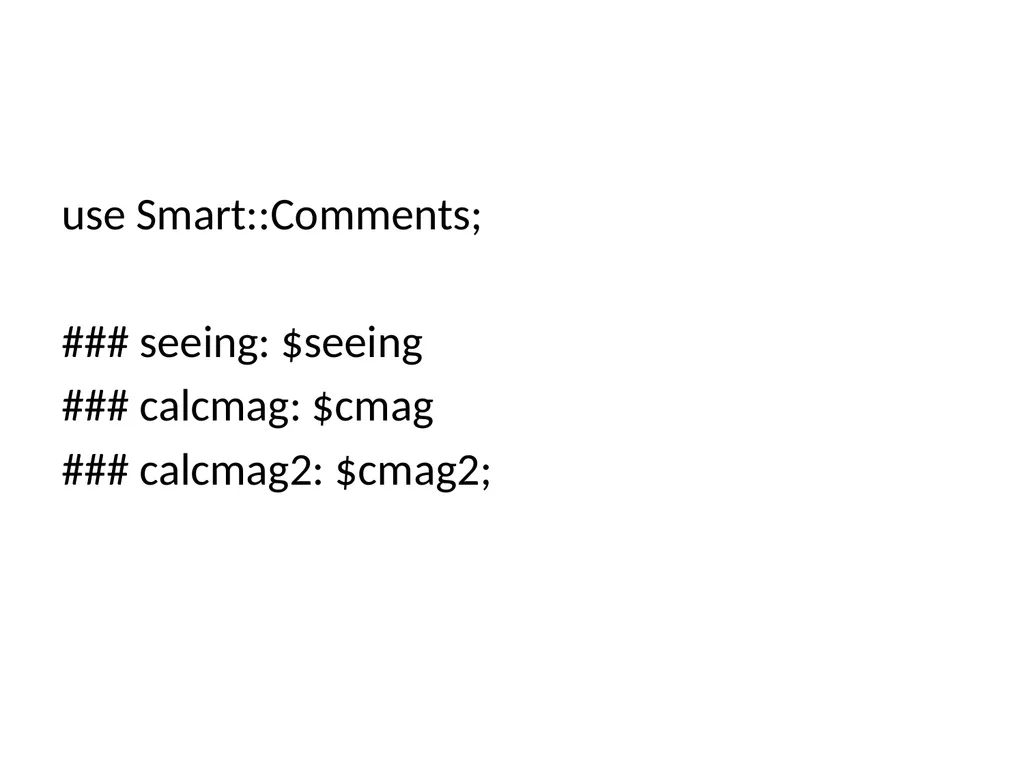
use Smart::Comments;
### seeing: $seeing
### calcmag: $cmag
### calcmag2: $cmag2;<br>
### seeing: $seeing
### calcmag: $cmag
### calcmag2: $cmag2;<br>
40
When you find a bug … check boundary conditions
first and last elements of lists
describe the problem to someone else
why wasn't it caught before
could it be lurking elsewhere (orthogonality!)
if tests ran fine, are the tests bad?<br>
first and last elements of lists
describe the problem to someone else
why wasn't it caught before
could it be lurking elsewhere (orthogonality!)
if tests ran fine, are the tests bad?<br>
41
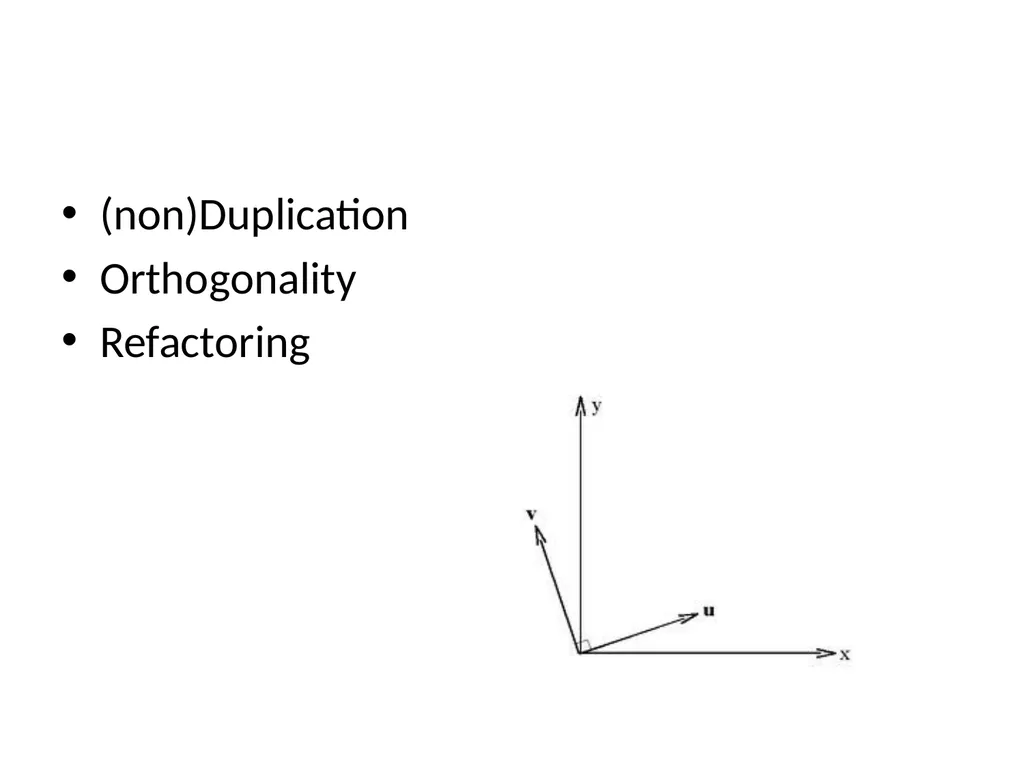
(non)Duplication
Orthogonality
Refactoring<br>
Orthogonality
Refactoring<br>
42
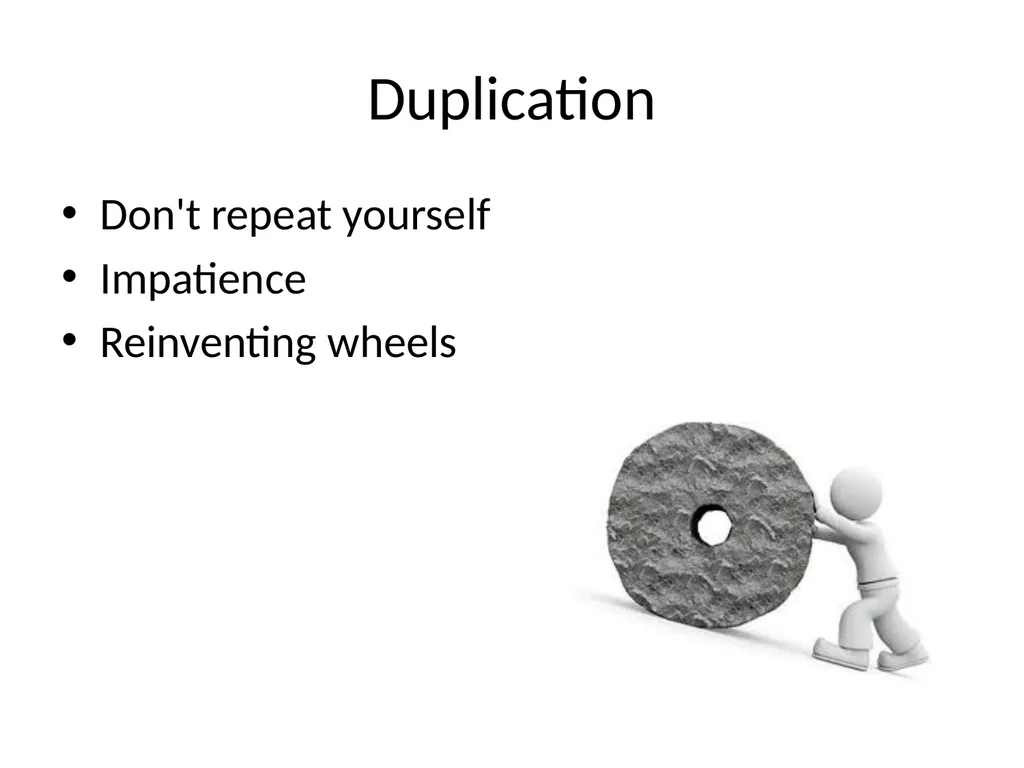
Duplication Don't repeat yourself
Impatience
Reinventing wheels<br>
Impatience
Reinventing wheels<br>
43
Orthogonality Decouple routines
Make them independent
Change in one should not affect the other
Changes are localized
Unit testing is easy
Reuse is easy
If requirements change for one function, how many modules should be affected? 1
Configurable<br>
Make them independent
Change in one should not affect the other
Changes are localized
Unit testing is easy
Reuse is easy
If requirements change for one function, how many modules should be affected? 1
Configurable<br>
44
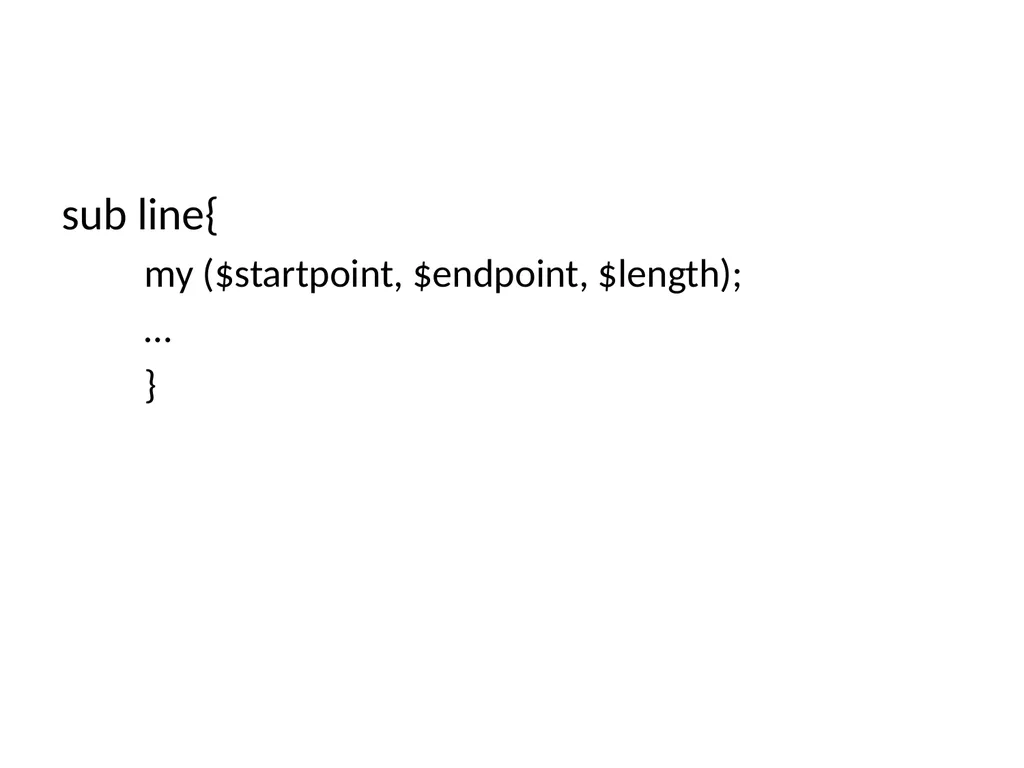
sub line{
my ($startpoint, $endpoint, $length);
…
}<br>
my ($startpoint, $endpoint, $length);
…
}<br>
45
if while entertaining libraries you need to write/handle special code, it is not good.
avoid global data
avoid similar functions
even if you are coding for a particular flavor of a particular OS, be flexible<br>
avoid global data
avoid similar functions
even if you are coding for a particular flavor of a particular OS, be flexible<br>
46
Refactoring Early and often
Duplication
Non-orthogonal design
Outdated knowledge
Performance
Don’t add functionality at the same time
Good tests
Short deliberate steps<br>
Duplication
Non-orthogonal design
Outdated knowledge
Performance
Don’t add functionality at the same time
Good tests
Short deliberate steps<br>
47
Portfolio building learn general tools, invest in different ones
plain text
easier to test (config files, for instance)
Shells
find, sed, awk, grep, locate
.tcshrc, .Xdefaults
learn different (types of) languages
Editor
if you know emacs, learn just a little bit of vi
Configurable, extensible, programmable (cheat sheet)
syntax highlighting
auto completion
auto indentation
Boilerplates
built-in help<br>
plain text
easier to test (config files, for instance)
Shells
find, sed, awk, grep, locate
.tcshrc, .Xdefaults
learn different (types of) languages
Editor
if you know emacs, learn just a little bit of vi
Configurable, extensible, programmable (cheat sheet)
syntax highlighting
auto completion
auto indentation
Boilerplates
built-in help<br>
48
Text manipulation
perl and ruby are very powerful<br>
perl and ruby are very powerful<br>
49
Metaprogramming Configure
Abstraction in code, details in metadata
Decode design
Pod files (plain old documentation)<br>
Abstraction in code, details in metadata
Decode design
Pod files (plain old documentation)<br>
50
Code generators
make files, config files, shell scripts., …
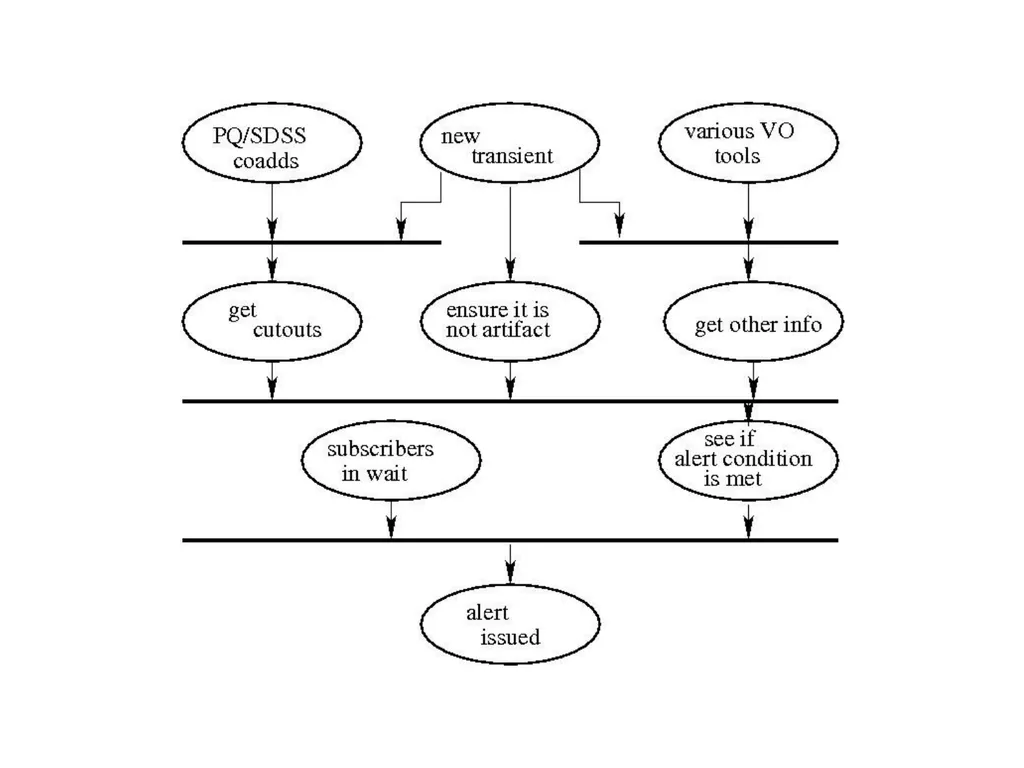
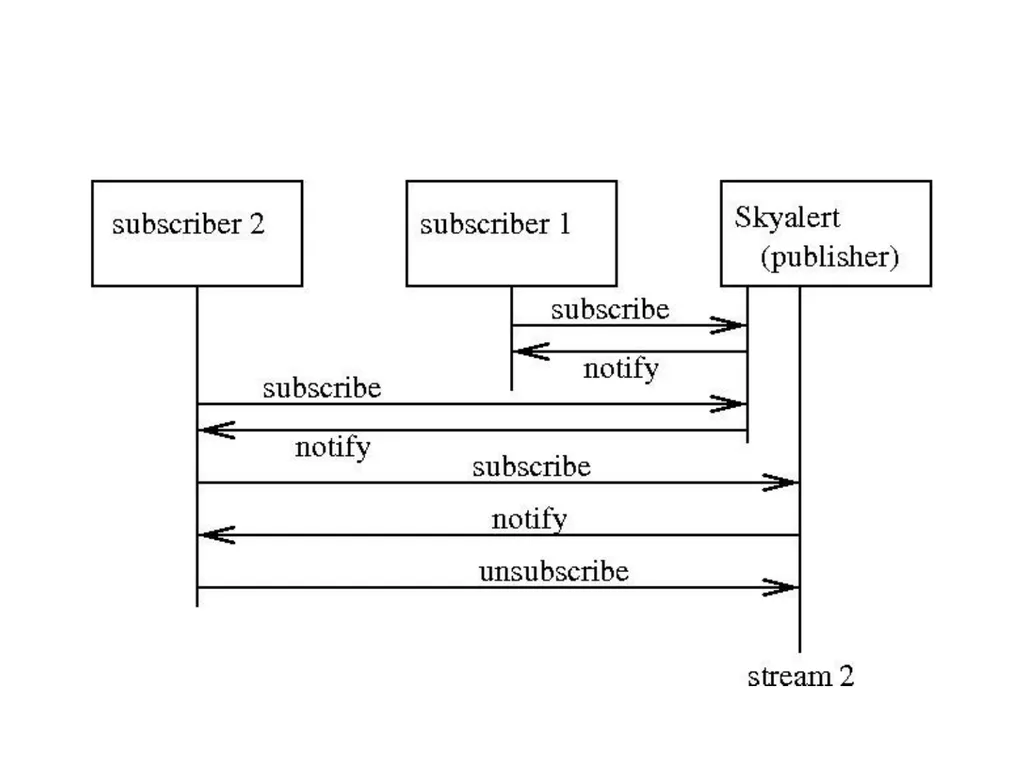
Active code generator:
Skyalert (streams)
new transient
obtain new data
incorporate it
if certain conditions met,
run other programs
or raise alerts
drive other telescopes
and obtain feedback<br>
make files, config files, shell scripts., …
Active code generator:
Skyalert (streams)
new transient
obtain new data
incorporate it
if certain conditions met,
run other programs
or raise alerts
drive other telescopes
and obtain feedback<br>
51
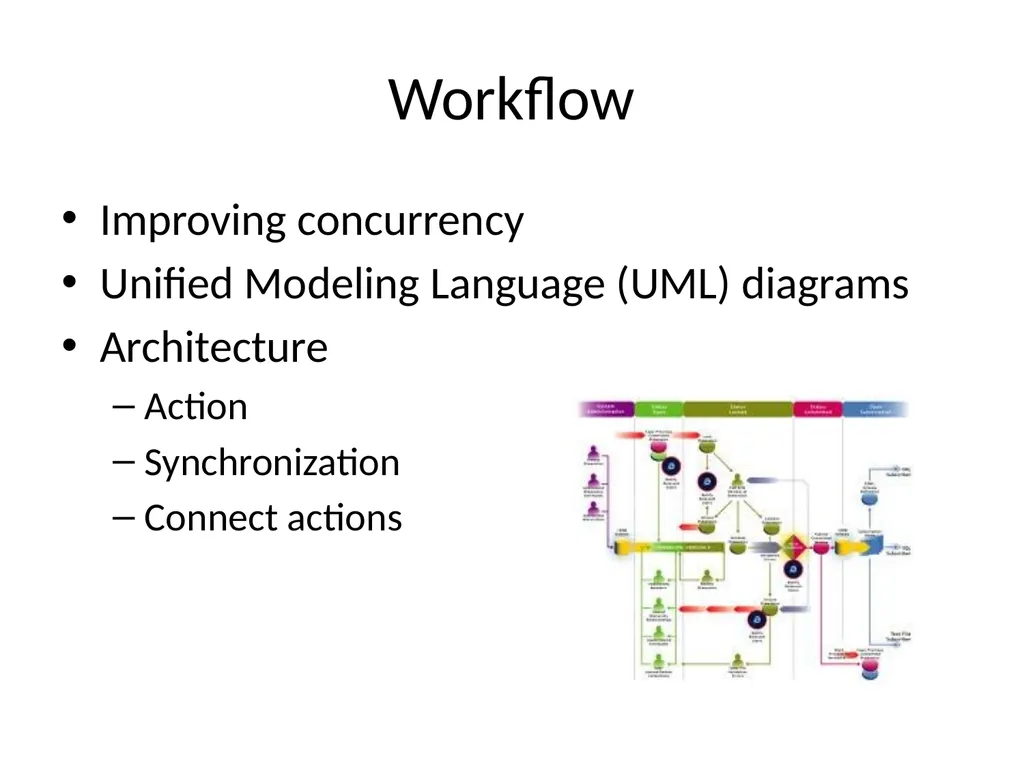
Workflow Improving concurrency
Unified Modeling Language (UML) diagrams
Architecture
Action
Synchronization
Connect actions<br>
Unified Modeling Language (UML) diagrams
Architecture
Action
Synchronization
Connect actions<br>
52
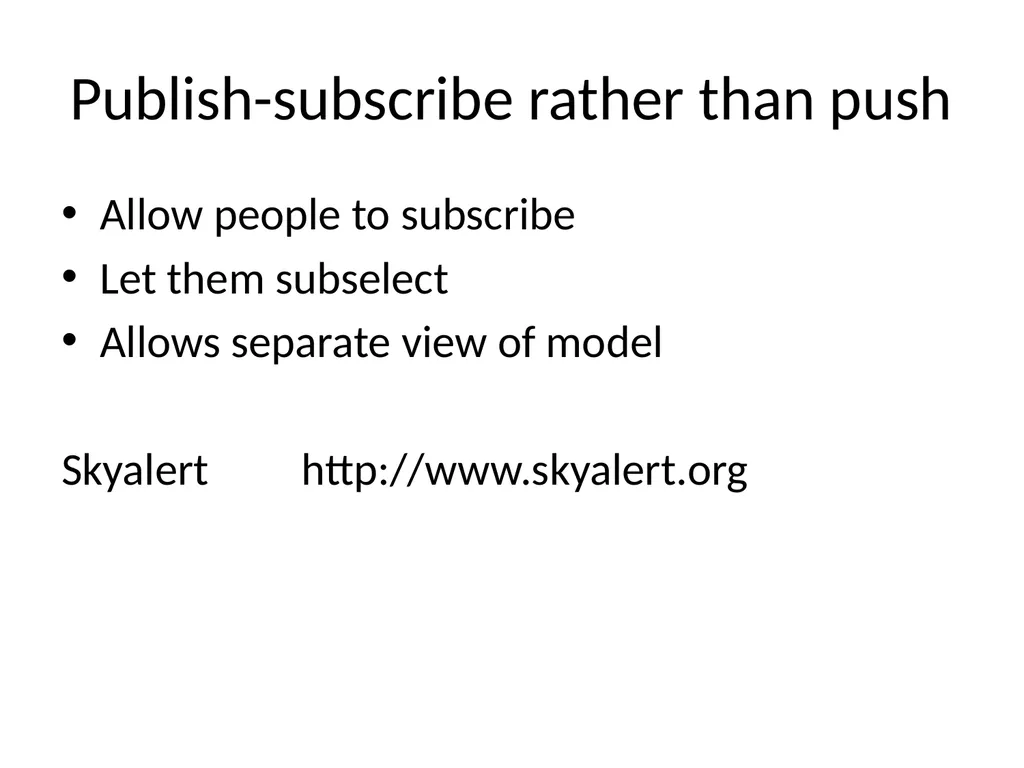
Publish-subscribe rather than push Allow people to subscribe
Let them subselect
Allows separate view of model
Skyalert http://www.skyalert.org<br>
Let them subselect
Allows separate view of model
Skyalert http://www.skyalert.org<br>
53
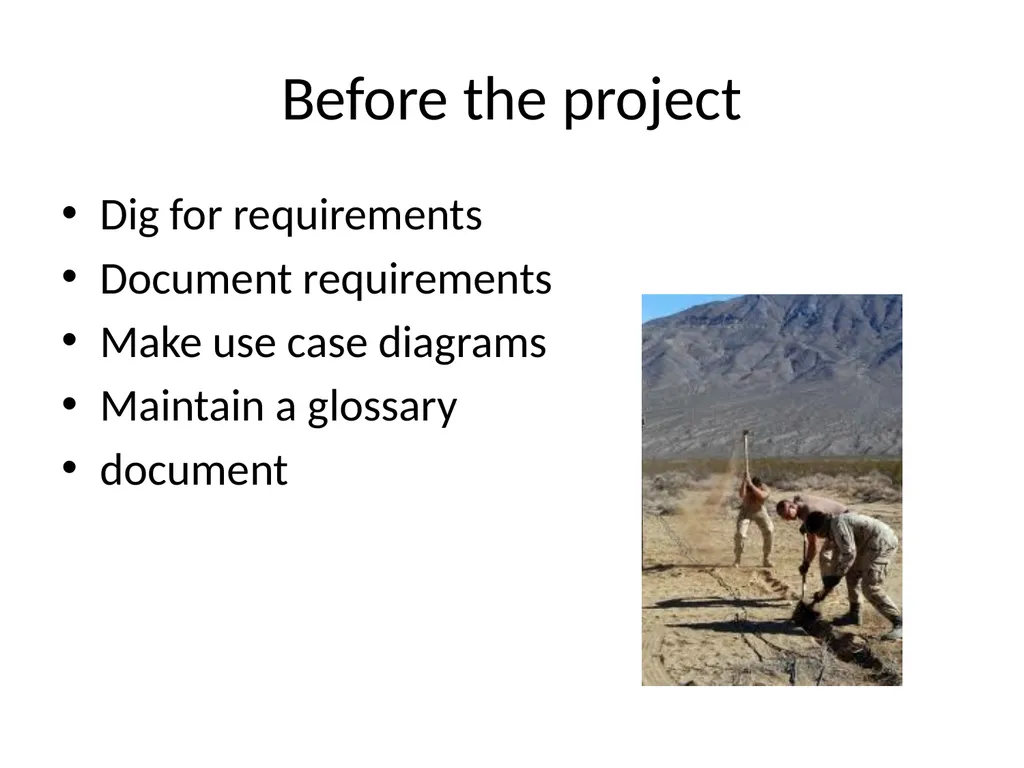
Before the project Dig for requirements
Document requirements
Make use case diagrams
Maintain a glossary
document<br>
Document requirements
Make use case diagrams
Maintain a glossary
document<br>
54
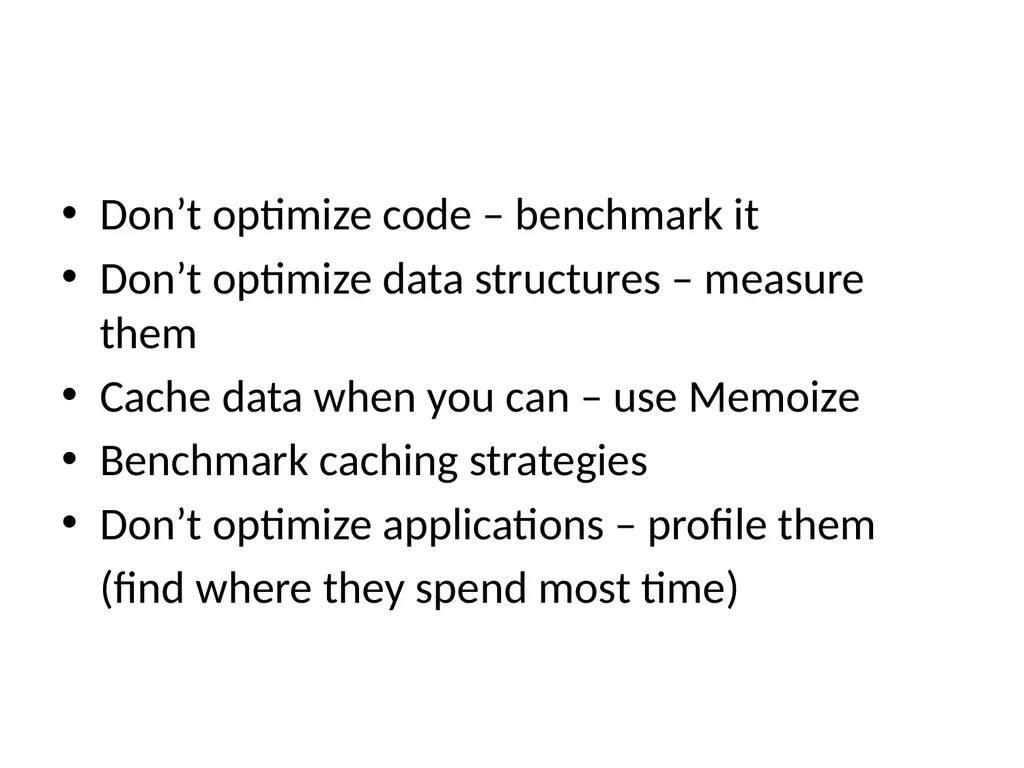
Don’t optimize code – benchmark it
Don’t optimize data structures – measure them
Cache data when you can – use Memoize
Benchmark caching strategies
Don’t optimize applications – profile them
(find where they spend most time)<br>
Don’t optimize data structures – measure them
Cache data when you can – use Memoize
Benchmark caching strategies
Don’t optimize applications – profile them
(find where they spend most time)<br>
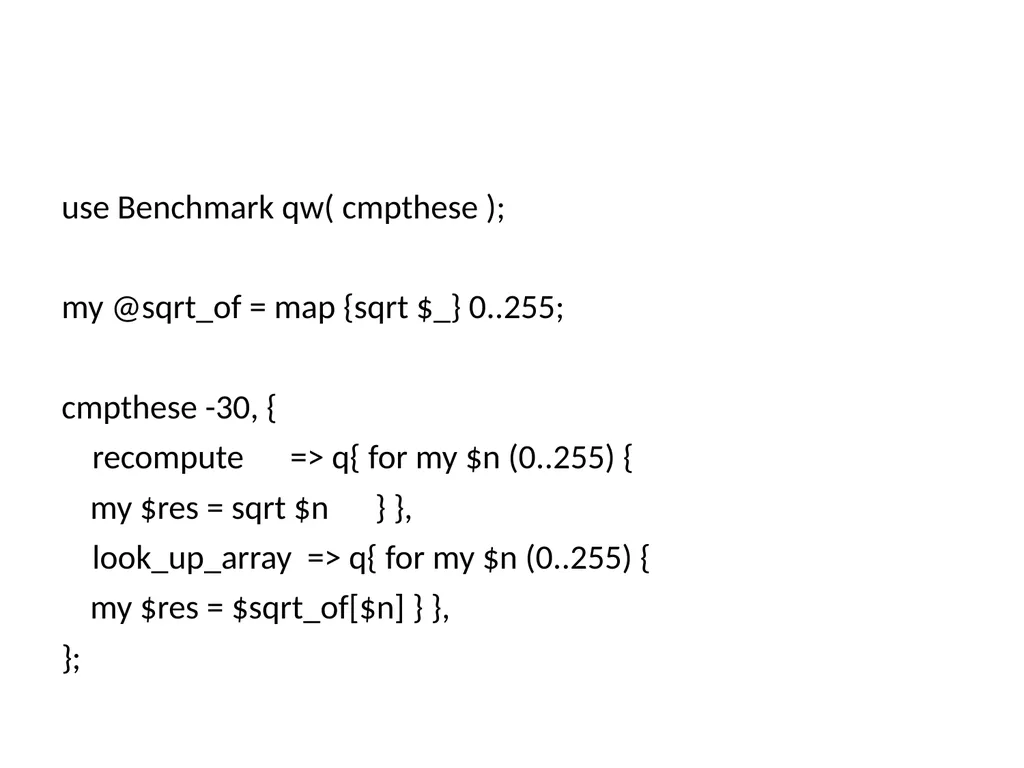
55
use Benchmark qw( cmpthese );
my @sqrt_of = map {sqrt $_} 0..255;
cmpthese -30, {
recompute => q{ for my $n (0..255) {
my $res = sqrt $n } },
look_up_array => q{ for my $n (0..255) {
my $res = $sqrt_of[$n] } },
};<br>
my @sqrt_of = map {sqrt $_} 0..255;
cmpthese -30, {
recompute => q{ for my $n (0..255) {
my $res = sqrt $n } },
look_up_array => q{ for my $n (0..255) {
my $res = $sqrt_of[$n] } },
};<br>
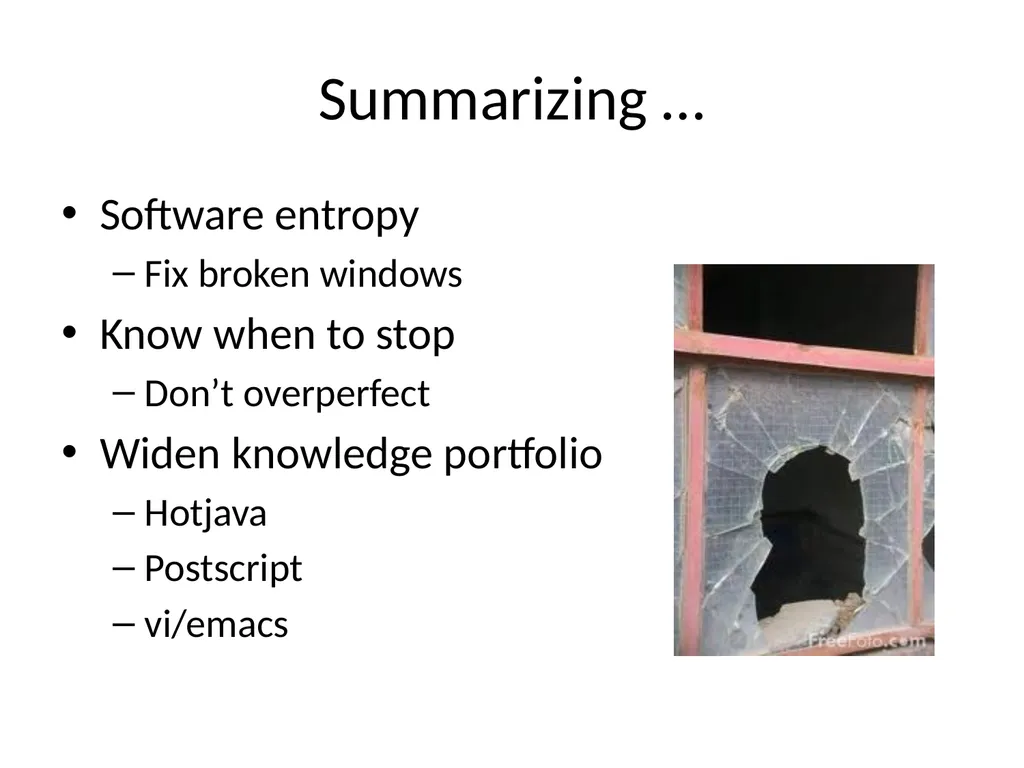
56
Summarizing … Software entropy
Fix broken windows
Know when to stop
Don’t overperfect
Widen knowledge portfolio
Hotjava
Postscript
vi/emacs<br>
Fix broken windows
Know when to stop
Don’t overperfect
Widen knowledge portfolio
Hotjava
Postscript
vi/emacs<br>
57
Languages/tools/OSes/editors
99 bottles of beer
Programming shootout
Project Euler
Python
Perl
J
Haskell<br>
99 bottles of beer
Programming shootout
Project Euler
Python
Perl
J
Haskell<br>
58
Whats the lesson? Chain as weak as its weakest link
Comment! For others and for yourself
Tests!
Orthogonality
Don’t duplicate
Designing by contract
Know the features<br>
Comment! For others and for yourself
Tests!
Orthogonality
Don’t duplicate
Designing by contract
Know the features<br>
59
Review/balance
Public forums
Ask specific things
Check FAQs, webresults etc.
Maintain your own bookmarks
Use wikis
Use SVN, trac
CHECK REPOSITORIES (like CPAN)<br>
Public forums
Ask specific things
Check FAQs, webresults etc.
Maintain your own bookmarks
Use wikis
Use SVN, trac
CHECK REPOSITORIES (like CPAN)<br>
60
Law 1: Every program can be optimized to be smaller.
Law 2: There's always one more bug.
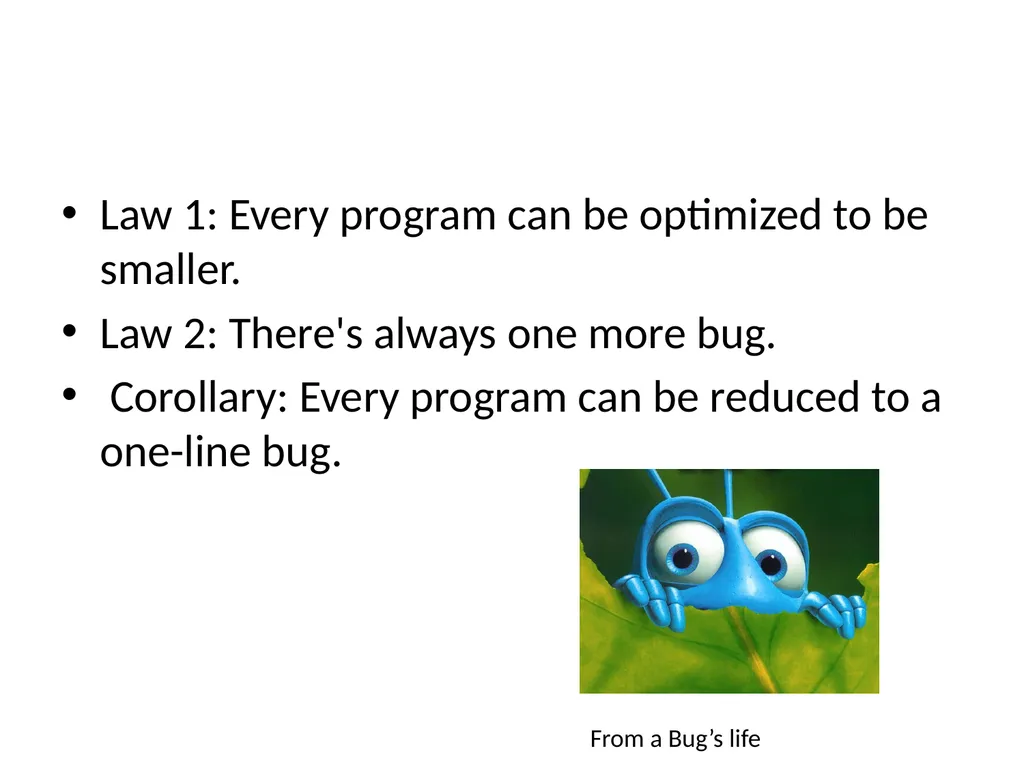
Corollary: Every program can be reduced to a one-line bug. From a Bug’s life<br>
Law 2: There's always one more bug.
Corollary: Every program can be reduced to a one-line bug. From a Bug’s life<br>