
Ch 8: Mobile Development Security CNIT 128:

Description: Ch 8: Mobile Development Security CNIT 128: Hacking Mobile Devices App Security Constraints Built-in security features of the mobile platform Possibility of device theft Mobile App Threat Modeling Threat Modeling A pencil-and-paper exercise
Related Topics
Download Presentation
"Ch 8: Mobile Development Security CNIT 128:" is the property of its rightful owner. Permission is granted to download and print the materials on this website for personal, non-commercial use only, and to display it on your personal computer provided you do not modify the materials and that you retain all copyright notices contained in the materials. By downloading content from our website, you accept the terms of this agreement.
Presentation Transcript
slide1. Ch 8: Mobile Development Security CNIT 128:
Hacking Mobile Devices<br>
slide2. App Security Constraints Built-in security features of the mobile platform
Possibility of device theft<br>
slide3. Mobile App Threat Modeling<br>
slide4. Threat Modeling A pencil-and-paper exercise
Identifying security risks
Helps developer identify most critical risks
Focus on features and/or controls to mitigate those risks
The alternative is endless, aimless, bug-squashing<br>
slide5. Threat Modeling Technologies Microsoft Threat Modeling
From 1999 (link Ch 8a)
Trike
Open-source, began in 2006 (link Ch 8b)
More traditional risk management philosophy<br>
slide6. Threat Modeling Technologies OCTAVE (Operationally Critical Threat, Asset, and Vulnerability Evaluation)
From CERT (link Ch 8c)
Cigital Threat Modeling
Based on software architecture (link Ch 8d)
P.A.S.T.A. (Process for Attack Simulation and Threat Analysis)<br>
slide7. Similar Approach Diagram the app
Understand where information assets flow
Document risks to the assets and security controls
Rank the risks by probability and impact
Remediate and verify highest-scored risks<br>
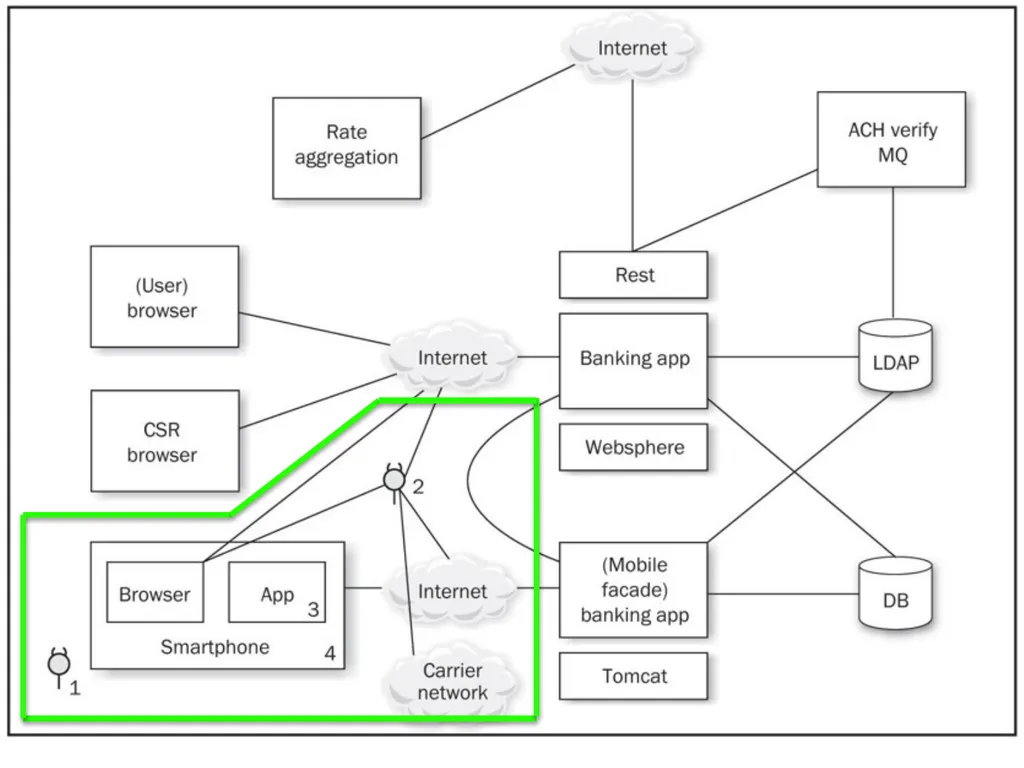
slide8. Example: Adding a Mobile Client to an Existing Web App New client will support end users and Customer Support Representatives (CSRs)
How do existing threats change when a mobile app is added?
Enumerate threats
Outline assets mobile devices possess
Discuss how the mobile tech stacks create opportunities for threats<br>
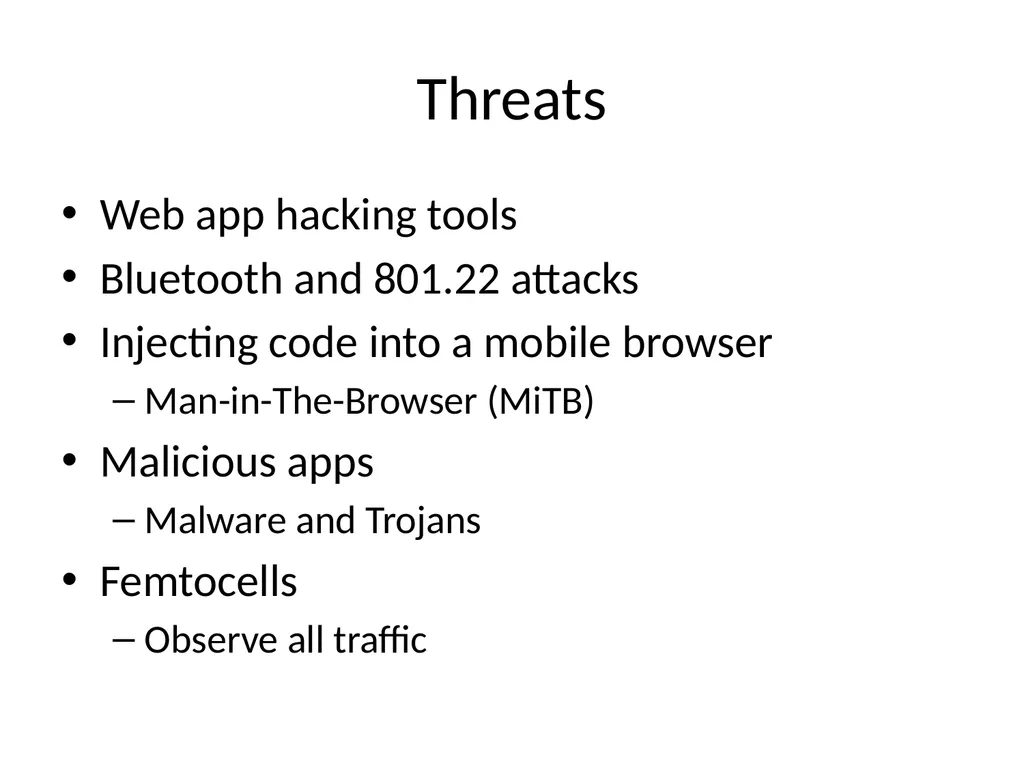
slide10. Threats Web app hacking tools
Bluetooth and 801.22 attacks
Injecting code into a mobile browser
Man-in-The-Browser (MiTB)
Malicious apps
Malware and Trojans
Femtocells
Observe all traffic<br>
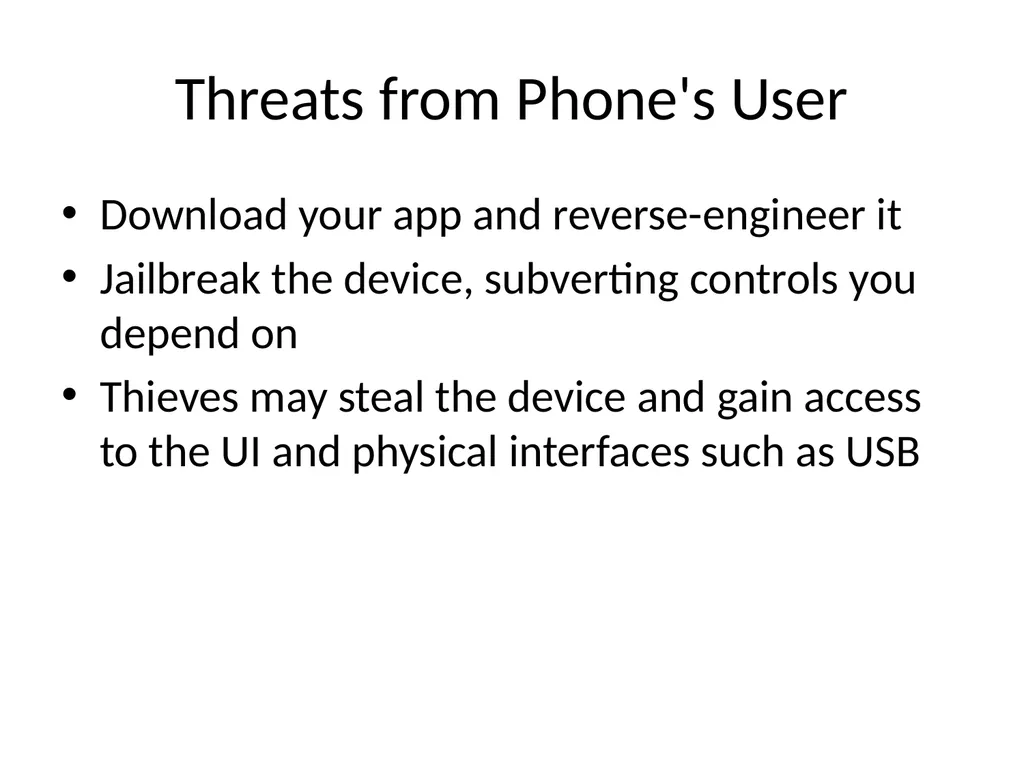
slide11. Threats from Phone's User Download your app and reverse-engineer it
Jailbreak the device, subverting controls you depend on
Thieves may steal the device and gain access to the UI and physical interfaces such as USB<br>
slide12. 1. Users as Threats What evil or insidious things could a user do?
Steal encryption keys or credentials from apps
Reverse-engineer apps
What obnoxious or stupid things could a user do to cause trouble?<br>
slide13. Other Device "Owners" as Threats Other stakeholders
App store account owner
App publisher, who provides the user experience and access to mobile services
Mobile carrier, e.g. AT&T
Device manufacturer: Samsung, etc.
App store curator: Apple, Google, Amazon, etc.
Company's IT dept. that administers the device<br>
slide14. Importance of Other Stakeholders Operate apps and underlying software
Control credentials
Operate services
Carriers and handset manufacturers place apps on the device
May customize the OS
May place code beneath the OS in firmware<br>
slide15. Importance of Other Stakeholders App store curators control a large portion of the app lifecycle
Packaging and deployment
Update and removal
When stakeholder goals differ
Opportunity for one "owner" to do something that another stakeholder considers a violation of security or privacy
Like collecting and storing personal information<br>
slide16. Assets Each stakeholder protects its assets
End-users may value privacy
App publisher and carrier want to collect and use personal and usage information<br>
slide17. Types of Data Offline access
Available when phone is not connected to a network
Personal data
Contacts, voicemails
Sensor-based data
Location data (GPS and tower telemetry)
Camera and microphone data<br>
slide18. Identity Data App publishers are reluctant to force users to authenticate using small virtual keyboards
Identity data includes
Persistent credentials
Bearer tokens (such as OAuth)
Usernames
Device-, user-, or application-specific UUIDs<br>
slide19. Usernames If a web-based service uses a mobile device for "out-of-band" password reset
And a user has an app for that service
Attacker with a stolen phone can reset the password<br>
slide20. Threat Modeling Derive the attack surface and potential attacks
List assets and stakeholders
Brainstorm how each stakeholder might cause a security or privacy breach for another
Prioritize attacks by likelihood and impact
Implement mitigations
Use the list of attacks to drive Secure Software Development Lifecycle<br>
slide21. Secure Mobile Development Guidance<br>
slide22. Threat modeling Mobile app has two main components
Mobile client
Mobile Web services that support it
Both can be attacked<br>
slide23. Native APIs or Mobile Web? Apps written specifically for the platform, using native APIs
Take full advantage of the platform's features
User interface consistent with platform
Mobile Web apps
Same as web app, but optimized for a smaller screen
Cross-platform mobile development frameworks try to provide the best of both worlds<br>
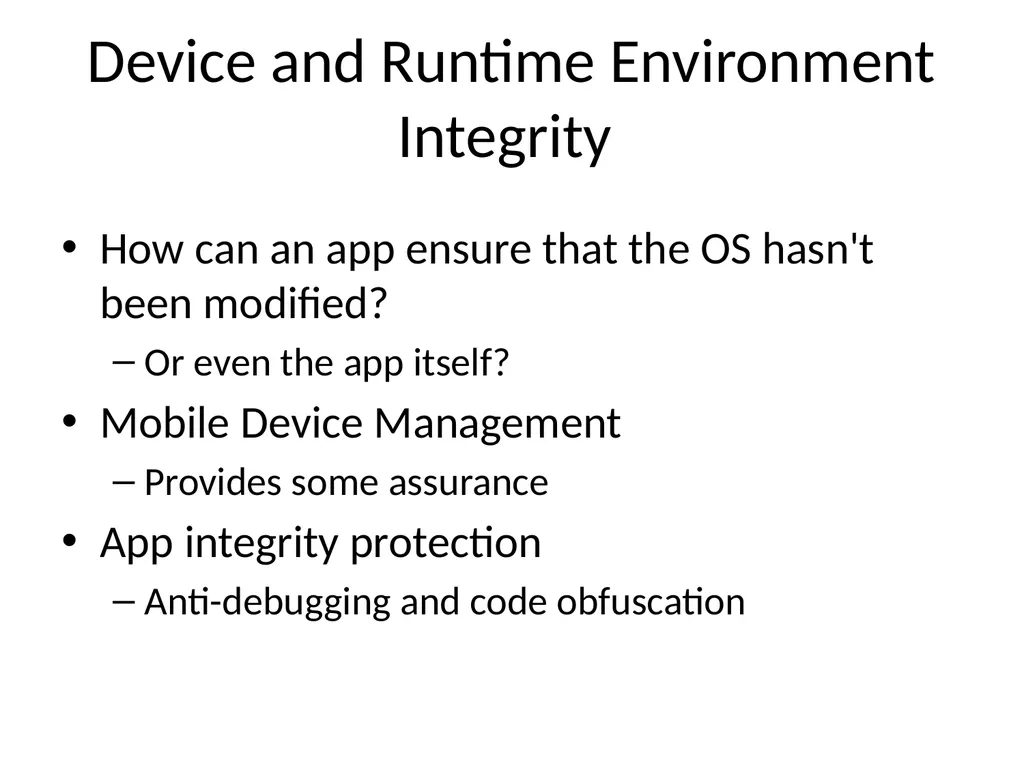
slide24. Device and Runtime Environment Integrity How can an app ensure that the OS hasn't been modified?
Or even the app itself?
Mobile Device Management
Provides some assurance
App integrity protection
Anti-debugging and code obfuscation<br>
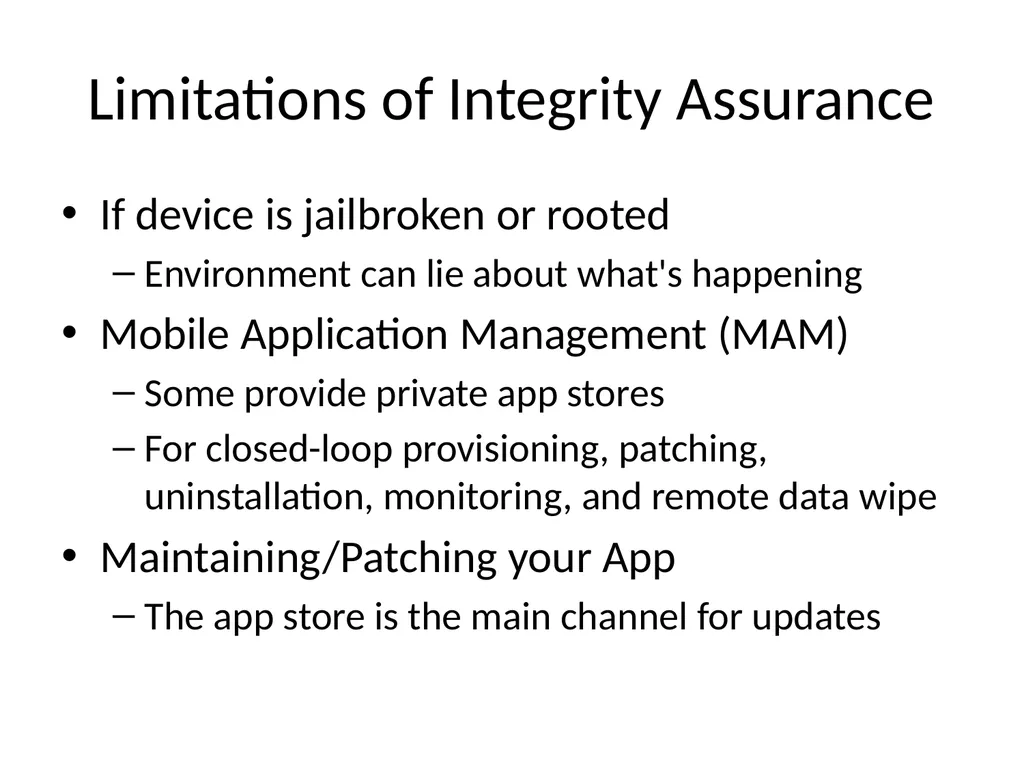
slide25. Limitations of Integrity Assurance If device is jailbroken or rooted
Environment can lie about what's happening
Mobile Application Management (MAM)
Some provide private app stores
For closed-loop provisioning, patching, uninstallation, monitoring, and remote data wipe
Maintaining/Patching your App
The app store is the main channel for updates<br>
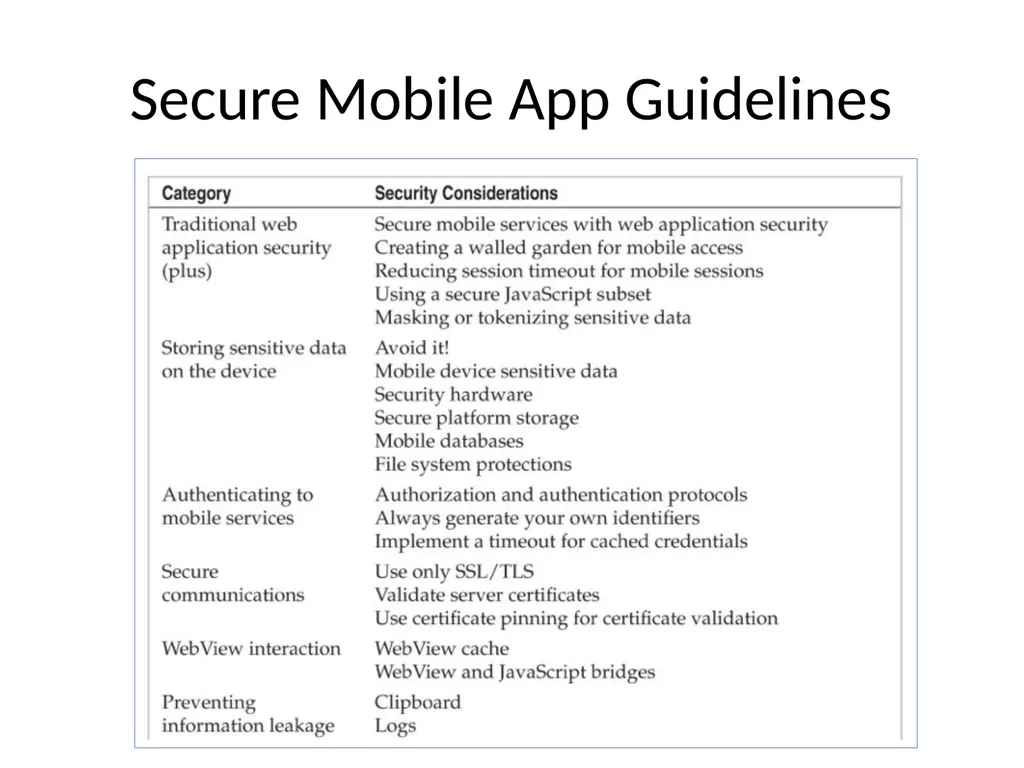
slide26. Secure Mobile App Guidelines<br>
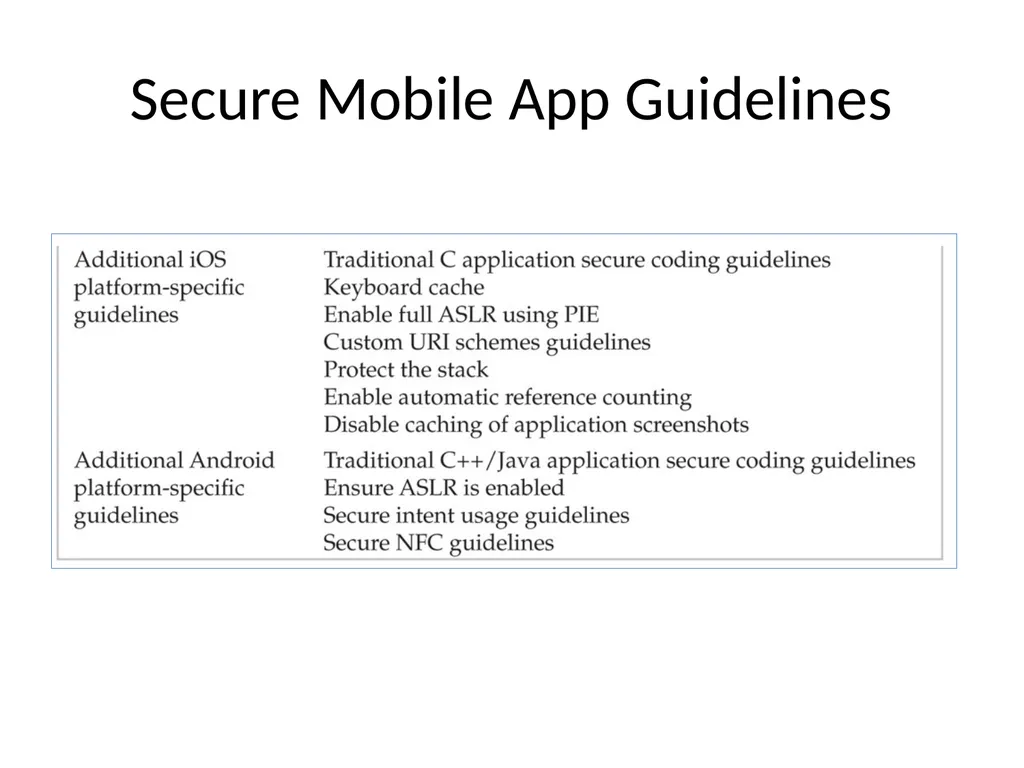
slide27. Secure Mobile App Guidelines<br>
slide28. Secure Mobile App Guidelines Web app security
OWASP Top Ten
Create a walled garden
Requests to Web app should parse the user-agent string
Redirect traffic to mobile interfaces/services
Don't serve mobile apps same content as computers
Legacy content may be aggressively cached by mobile browsers<br>
slide29. Secure Mobile App Guidelines Reduce session timeout for mobile devices
Greater risk of MiTM attacks
Greater risk of device theft
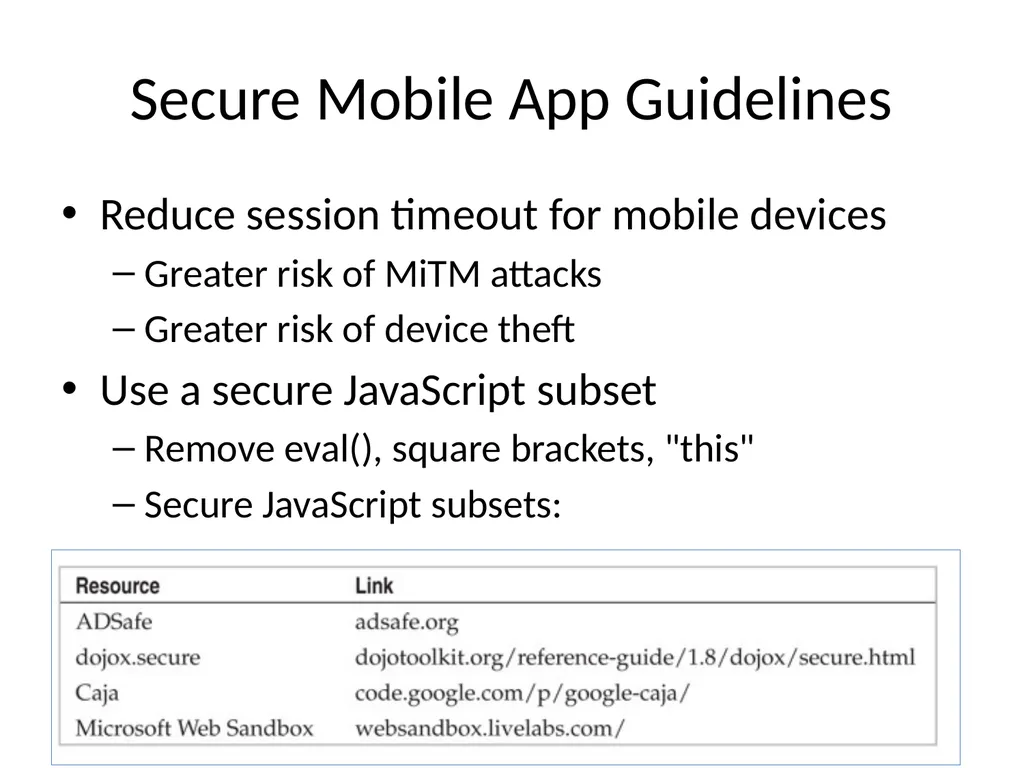
Use a secure JavaScript subset
Remove eval(), square brackets, "this"
Secure JavaScript subsets:<br>
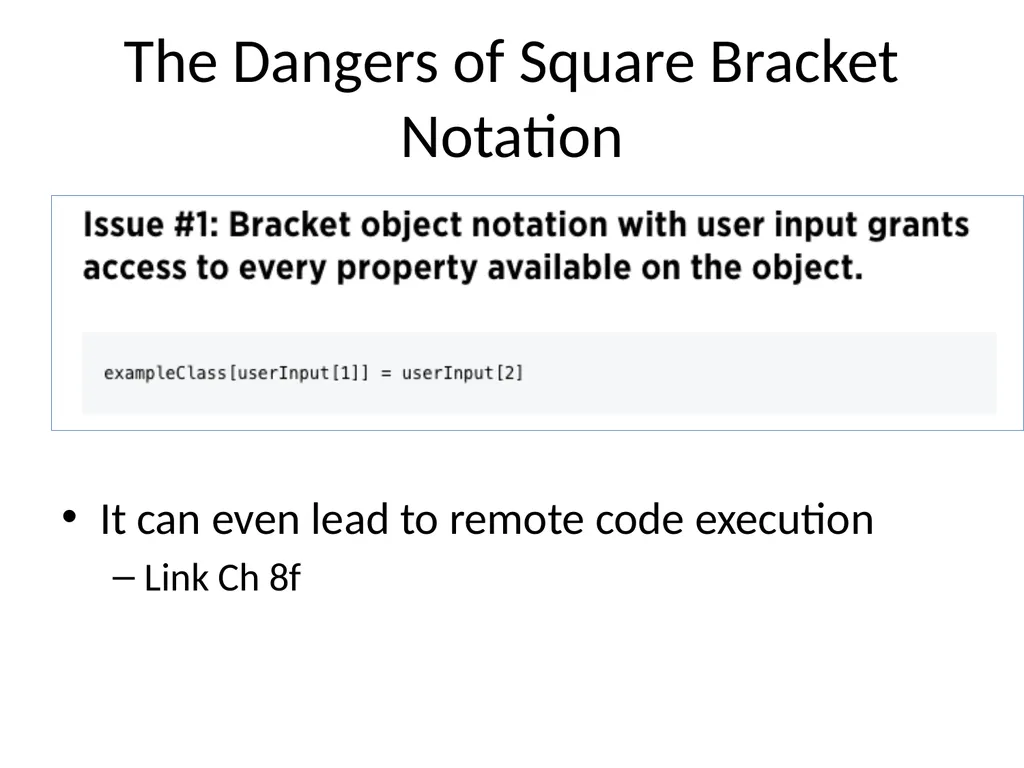
slide30. The Dangers of Square Bracket Notation It can even lead to remote code execution
Link Ch 8f<br>
slide31. Secure Mobile App Guidelines Mask or Tokenize Sensitive Data
Mobile devices have aggressive data caching
Increased risk of data exposure
Replace sensitive data with an alternate representation "mask" or "token"<br>
slide32. Secure Mobile App Guidelines Storing sensitive data on the device
Avoid storing sensitive data when possible
Places to store data, strongest to weakest
Security hardware
Secure platform storage
Mobile databases
File system<br>
slide33. Mobile Device Sensitive Data Personal data
Contacts, pictures, call data, voicemails, etc.
Sensor-based data
GPS, camera, microphone
Identity data
Persistent credentials
Bearer tokens (like OAuth)
Usernames
Device-, user-, or application-specific UUIDs<br>
slide34. Security Hardware Secure Element (SE) microprocessor
Used for mobile payment systems
Accessed using existing smartcard standards
ISO 7816 (contact)
ISO 14443 (contactless)
Considered fairly secure
Locks out after 5 to 10 failed PIN attempts
When used for a virtual wallet
BUT general-purpose apps don't have access to the SE<br>
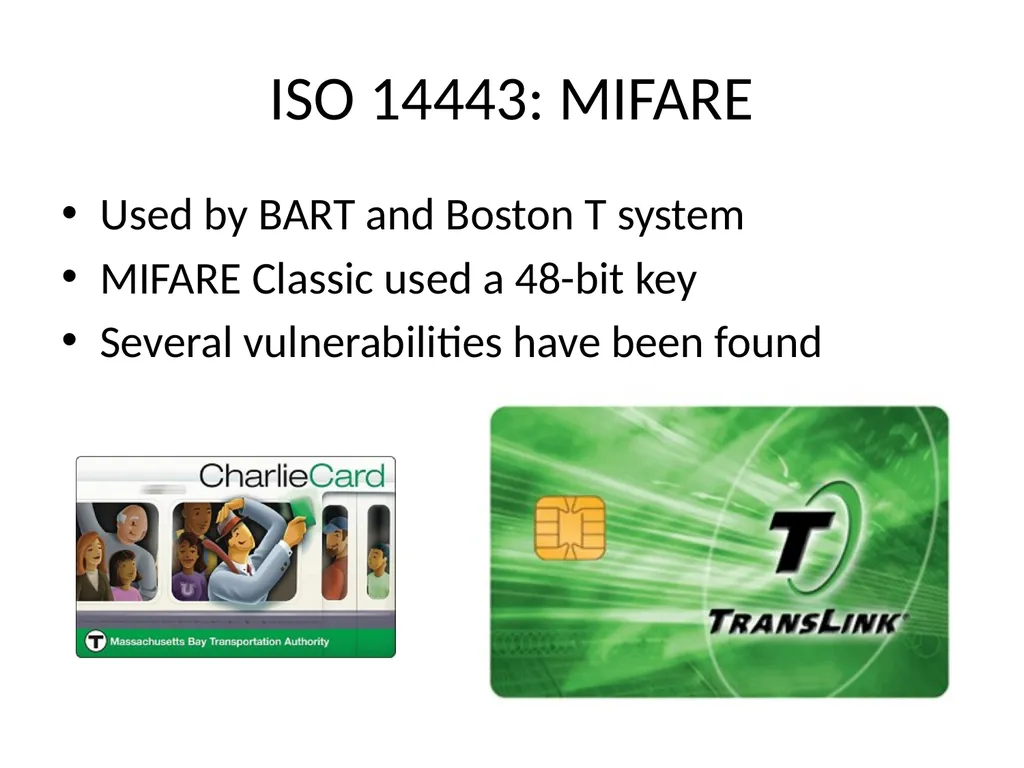
slide35. ISO 14443: MIFARE Used by BART and Boston T system
MIFARE Classic used a 48-bit key
Several vulnerabilities have been found<br>
slide36. Link Ch 8k<br>
slide37. Secure Platform Storage Apple's keychain
SQLite database
Protected by an OS service that limits access
Keychain items can only be accessed by the app that stored them
And other apps from the same developer
BUT root user can read the keychain<br>
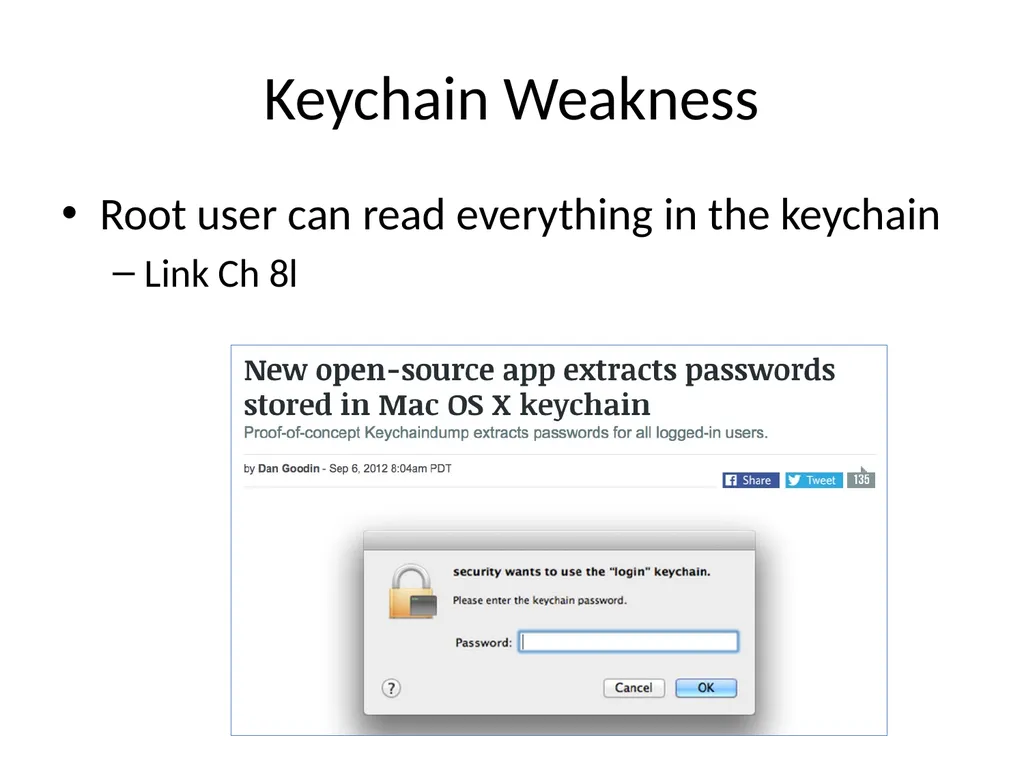
slide38. Keychain Weakness Root user can read everything in the keychain
Link Ch 8l<br>
slide39. Android KeyStore Intended to store cryptographic keys
Has no inherent protection mechanism such as a password
Apps must provide a mechanism like this to protect sensitive information;
Password from user
Use Password-Based Key Derivation Function 2 (PBKDF2) to generate an AES key
Encrypt data with AES<br>
slide40. Mobile Databases Database can be encrypted with a single secret with third-party extensions to SQLite
SEE, SQLCipher, CEROD
Apparently innocent data may expose personal identity
Such as images
SQL injection attacks are possible
Via intents or network traffic
So use parameterized queries<br>
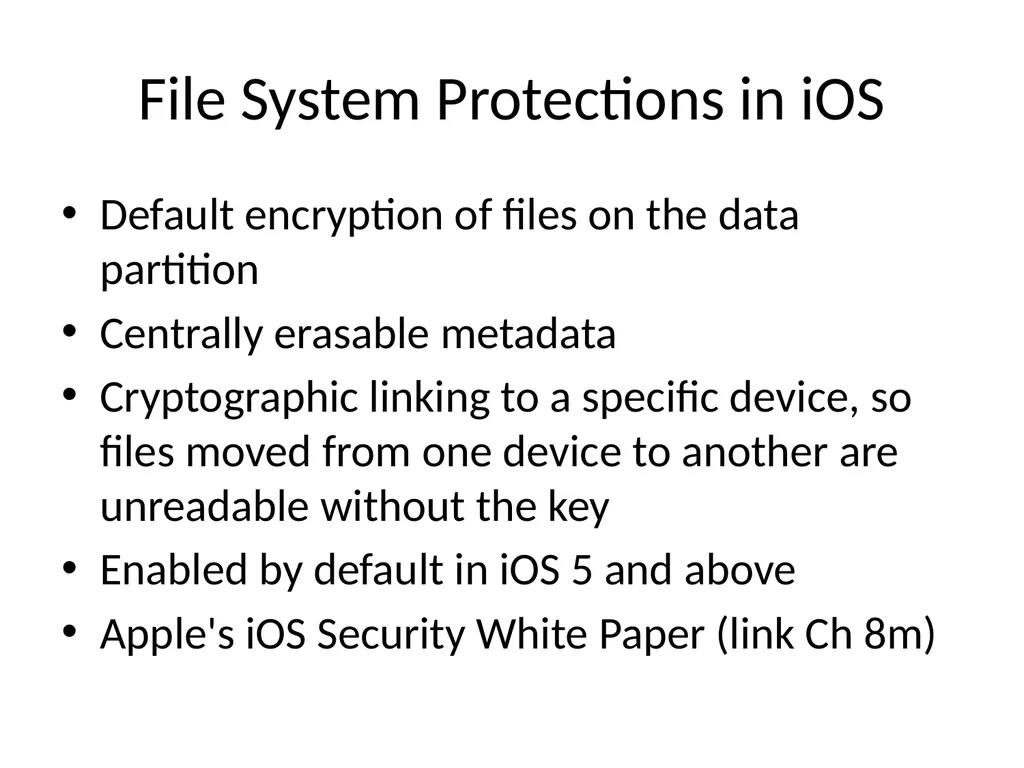
slide41. File System Protections in iOS Default encryption of files on the data partition
Centrally erasable metadata
Cryptographic linking to a specific device, so files moved from one device to another are unreadable without the key
Enabled by default in iOS 5 and above
Apple's iOS Security White Paper (link Ch 8m)<br>
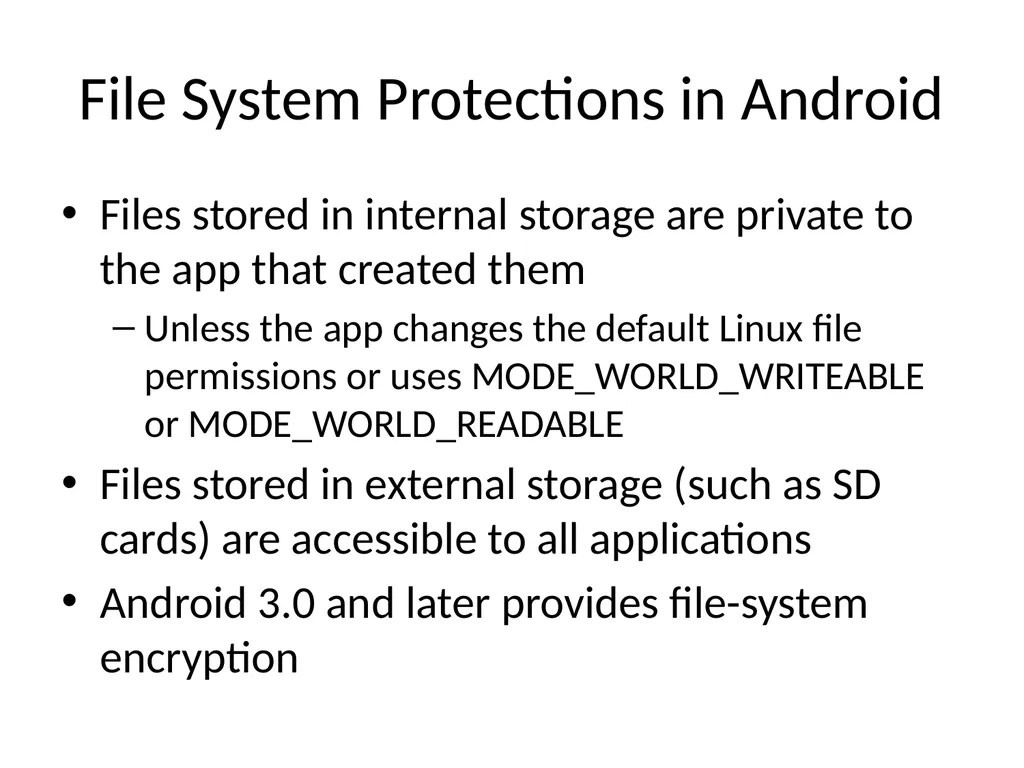
slide42. File System Protections in Android Files stored in internal storage are private to the app that created them
Unless the app changes the default Linux file permissions or uses MODE_WORLD_WRITEABLE or MODE_WORLD_READABLE
Files stored in external storage (such as SD cards) are accessible to all applications
Android 3.0 and later provides file-system encryption<br>
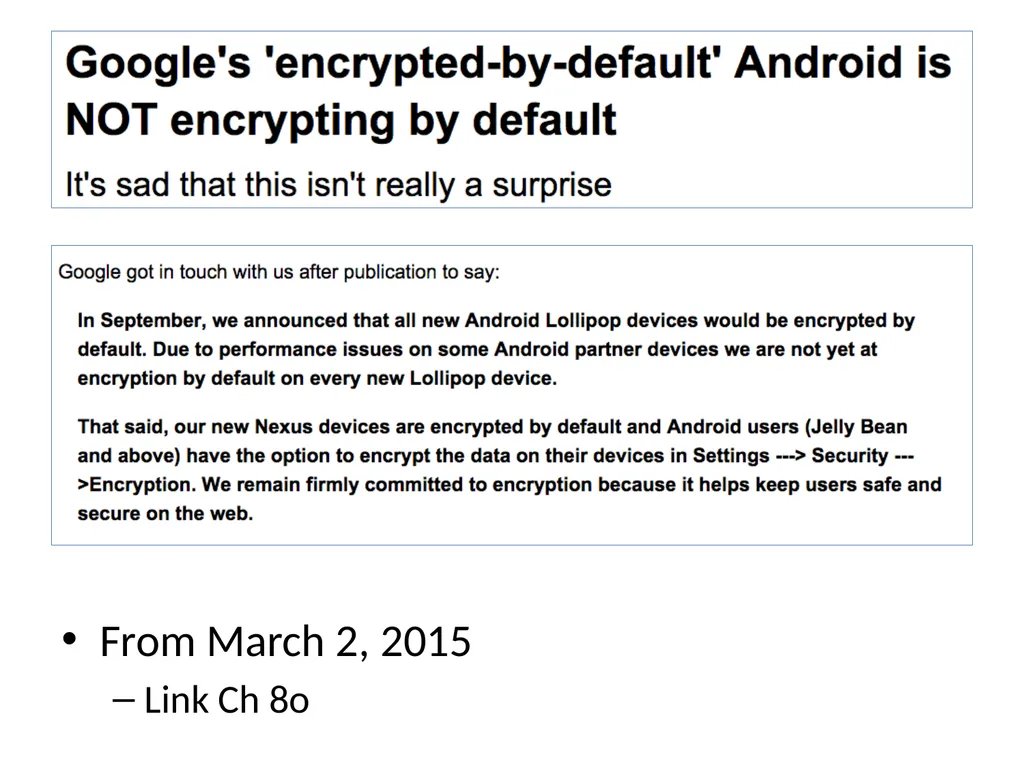
slide43. From March 2, 2015
Link Ch 8o<br>
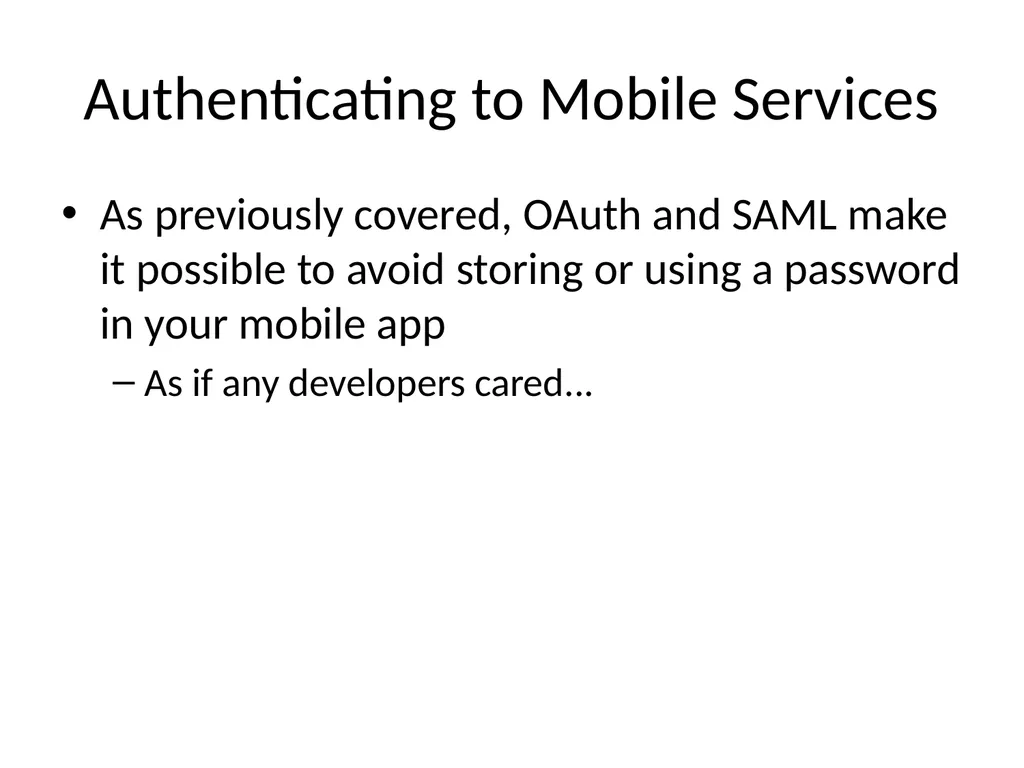
slide44. Authenticating to Mobile Services As previously covered, OAuth and SAML make it possible to avoid storing or using a password in your mobile app
As if any developers cared...<br>
slide45. Always Generate Your Own Identifiers Apps have used existing identifiers like
IMEI number, MAC address, phone number, etc.
To identify users and devices
But what happens when a device is stolen or sold?
Also such identifiers often lack secrecy and entropy
Phone number is often publicly listed on Facebook, etc.<br>
slide46. More Recommendations Implement a Timeout for Cached Credentials
Good for security but inconvenient
Rarely done
Secure Communications
Use Only TLS
Direct HTTPS communications resist man-in-the-middle attacks including sslstrip
Validate Server Certificates<br>
slide47. Use Certificate Pinning for Validating Certificates Adds another step to verifying a server certificate
Compares the certificate to a trusted copy of the certificate included in the app
Exploits the special relationship between the app and the server
The app can be more secure than a Web browser because it knows which server it should be connecting to<br>
slide48. WebView Interaction WebView Cache Threats
May contain sensitive web form and authentication pages
If a user chooses to save credentials in the browser, they are in the cache
WebView cookies database could be used to hijack sessions with banks and other websites<br>
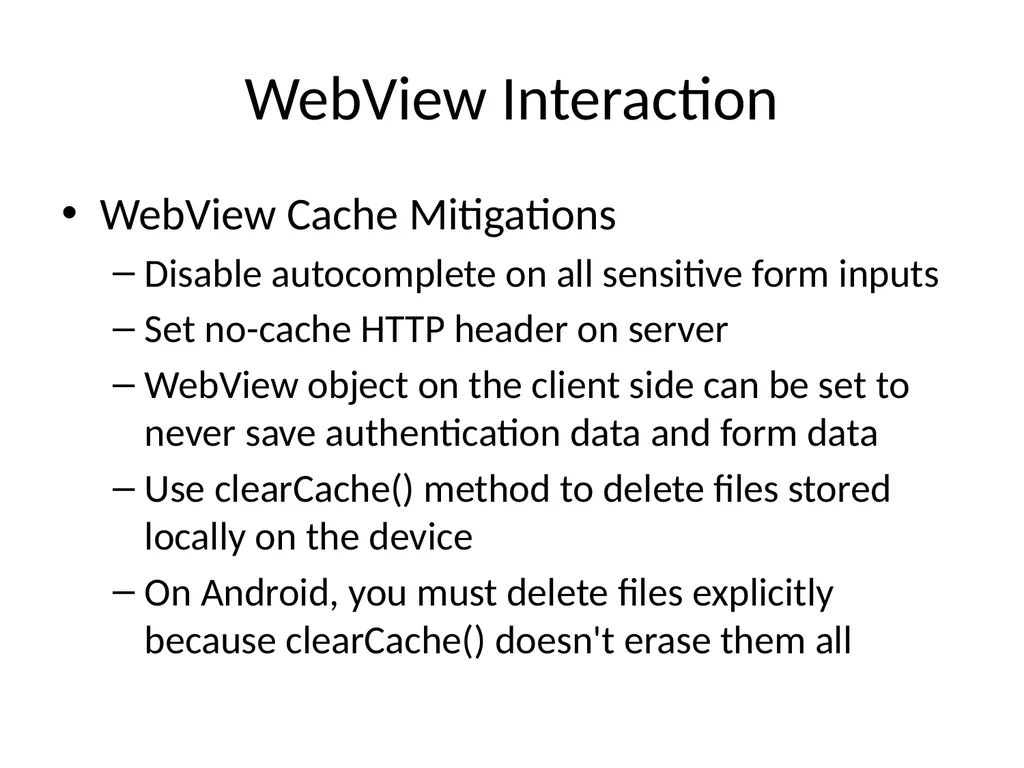
slide49. WebView Interaction WebView Cache Mitigations
Disable autocomplete on all sensitive form inputs
Set no-cache HTTP header on server
WebView object on the client side can be set to never save authentication data and form data
Use clearCache() method to delete files stored locally on the device
On Android, you must delete files explicitly because clearCache() doesn't erase them all<br>
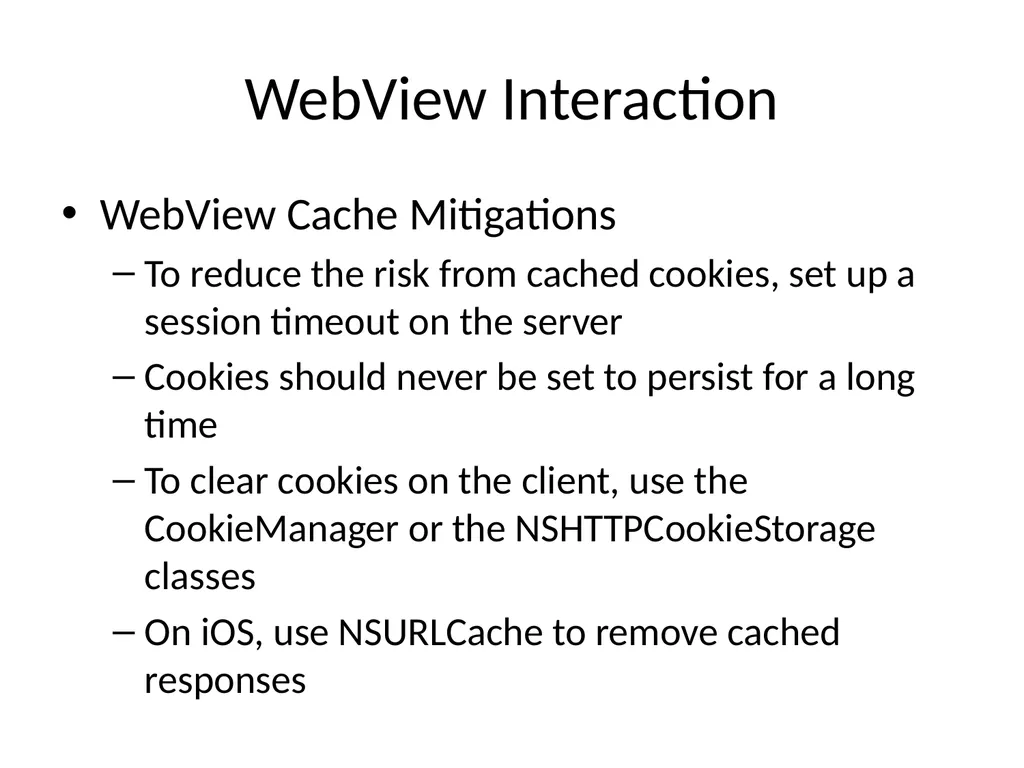
slide50. WebView Interaction WebView Cache Mitigations
To reduce the risk from cached cookies, set up a session timeout on the server
Cookies should never be set to persist for a long time
To clear cookies on the client, use the CookieManager or the NSHTTPCookieStorage classes
On iOS, use NSURLCache to remove cached responses<br>
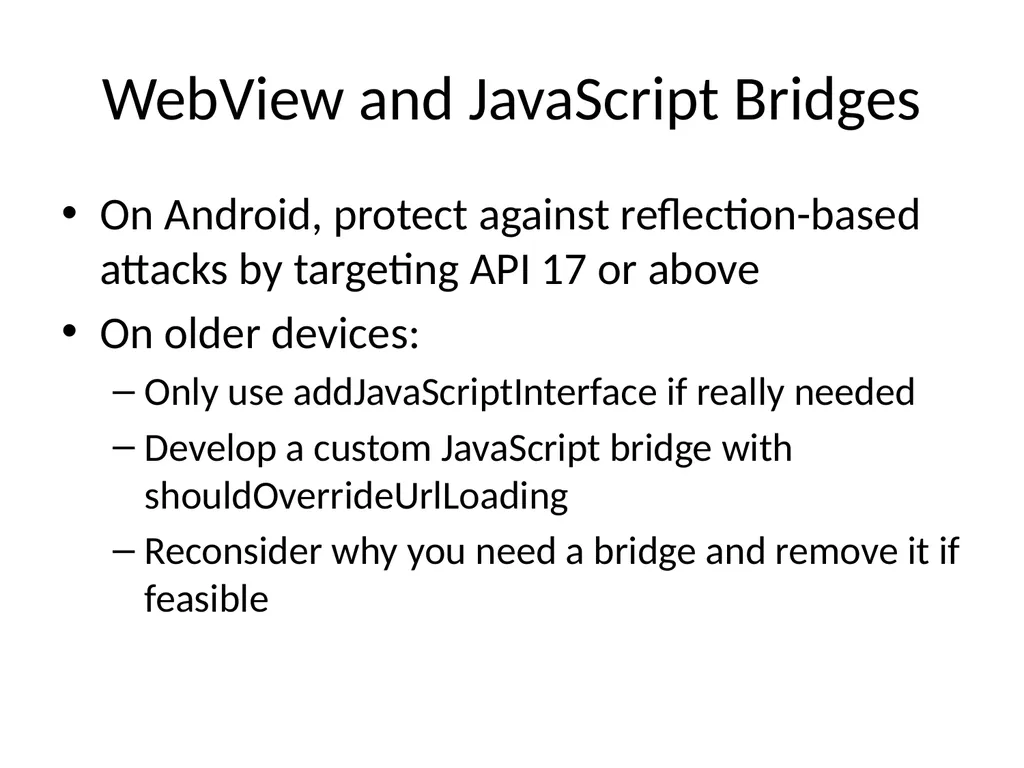
slide51. WebView and JavaScript Bridges On Android, protect against reflection-based attacks by targeting API 17 or above
On older devices:
Only use addJavaScriptInterface if really needed
Develop a custom JavaScript bridge with shouldOverrideUrlLoading
Reconsider why you need a bridge and remove it if feasible<br>
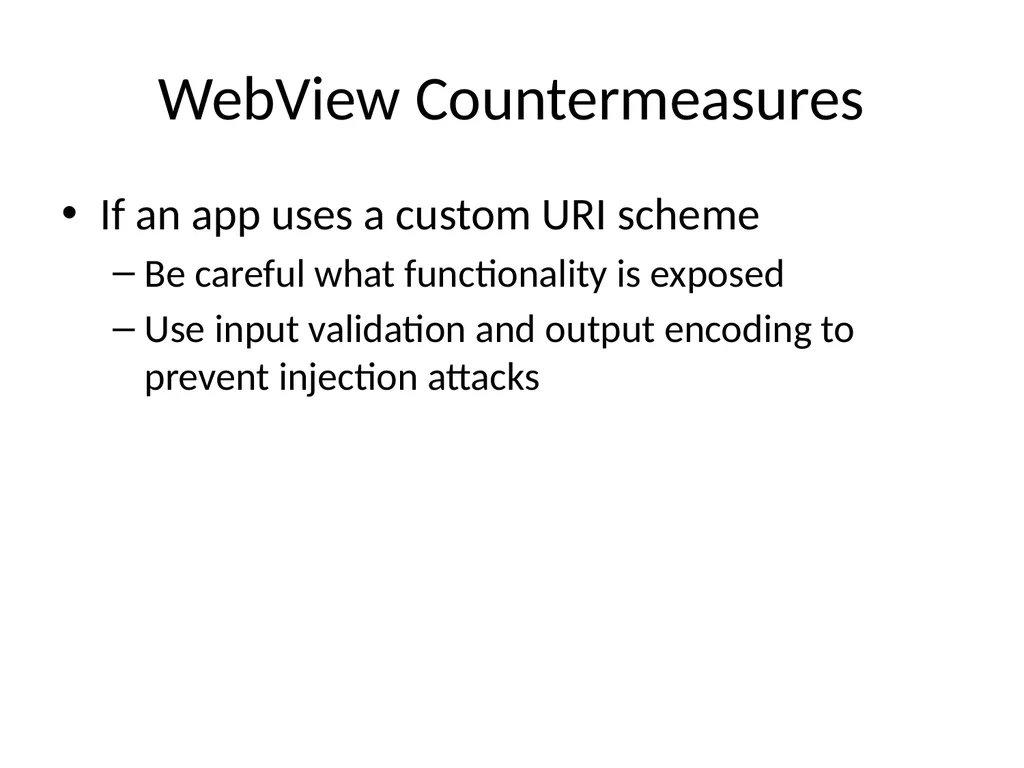
slide52. WebView Countermeasures If an app uses a custom URI scheme
Be careful what functionality is exposed
Use input validation and output encoding to prevent injection attacks<br>
slide53. Preventing Information Leakage Clipboard
Android and iOS support copy-and-paste
Access to clipboard is fairly unrestricted
Take explicit precautions to avoid sensitive data entering the clipboard
On Android, cell setLongClickable(false) on a field
On iOS, subclass UITextView to disable copy/paste<br>
slide54. Preventing Information Leakage Logs
Watch for sensitive data in system and debug logs
Or the device driver dmesg buffer
Any Android app with the READ_LOGS permission can view the system log
On iOS, disable NSLog statements
X:Y coordinate buffers can expose PINs or passwords<br>
slide55. iOS-Specific Guidelines<br>
slide56. iOS-Specific Guidelines Keyboard cache
MDMs can add an enterprise policy to clear the keyboard dictionary at regular intervals
Users can do this with Settings, General, Reset, "Reset Keyboard Dictionary"
Enable full ASLR
Usually on by default
Sometimes developer must explicitly code for it<br>
slide57. iOS-Specific Guidelines Custom URI Scheme Guidelines
Use openURL instead of the deprecated handleOpenURL
Validate the sourceApplication parameter to restrict access to the custom URI to a specific set of applications
Validate the URL parameter; assume it contains malicious input<br>
slide58. iOS-Specific Guidelines Protect the stack
With gcc, use –fstack-protector-all to enable Stack Smashing Protection (SSP)
Apple LLVM compiler automatically enables SSP
Enable automatic reference counting
Automatically manages memory for Objective-C objects and blocks
Reduces chance of use-after-free vulnerabilities
And other C memory-allocation problems<br>
slide59. iOS-Specific Guidelines Disable caching of application screenshots
iOS captures the screen when an app is suspended
Such as when user clicks the Home button or the Sleep/Wake button
Or the system launches another app
It does this to show transition animations
This could capture sensitive data
Prevent this by specifying a splash screen to display upon entering the background<br>
slide60. Android-Specific Guidelines<br>
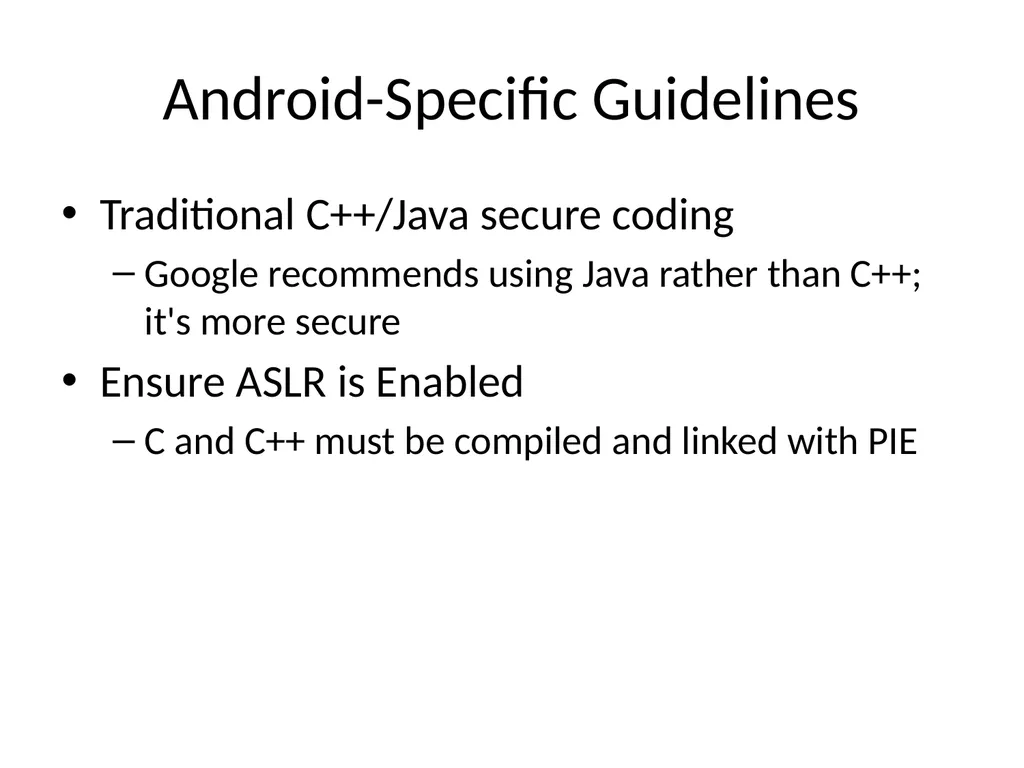
slide61. Android-Specific Guidelines Traditional C++/Java secure coding
Google recommends using Java rather than C++; it's more secure
Ensure ASLR is Enabled
C and C++ must be compiled and linked with PIE<br>
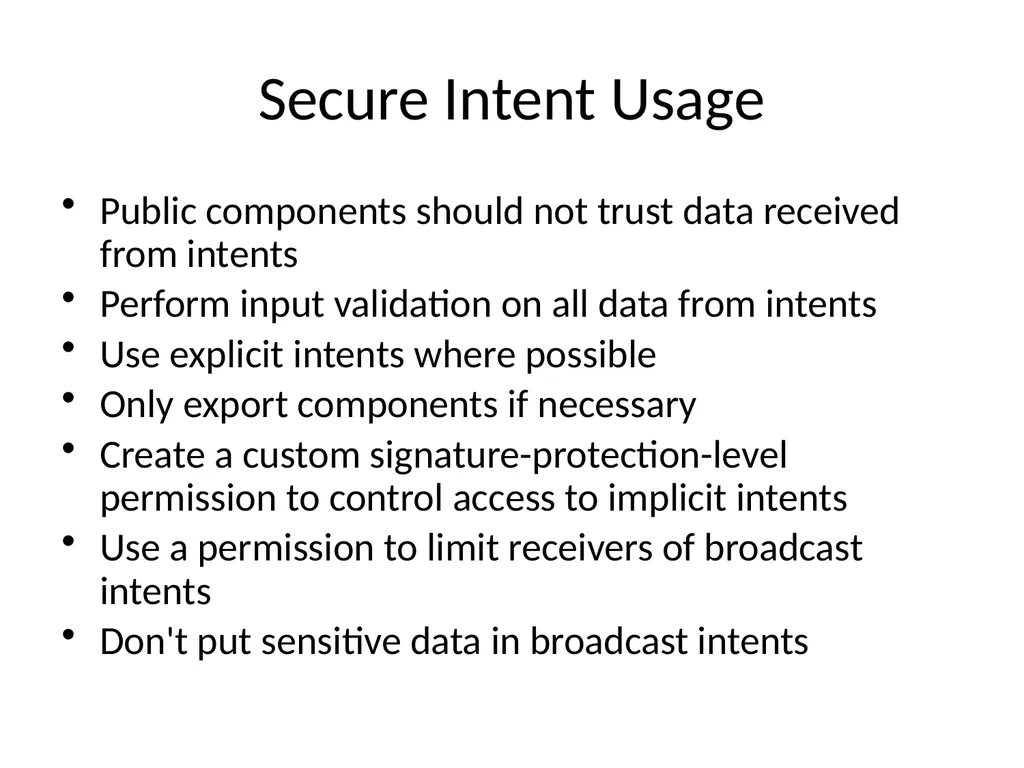
slide62. Secure Intent Usage Public components should not trust data received from intents
Perform input validation on all data from intents
Use explicit intents where possible
Only export components if necessary
Create a custom signature-protection-level permission to control access to implicit intents
Use a permission to limit receivers of broadcast intents
Don't put sensitive data in broadcast intents<br>
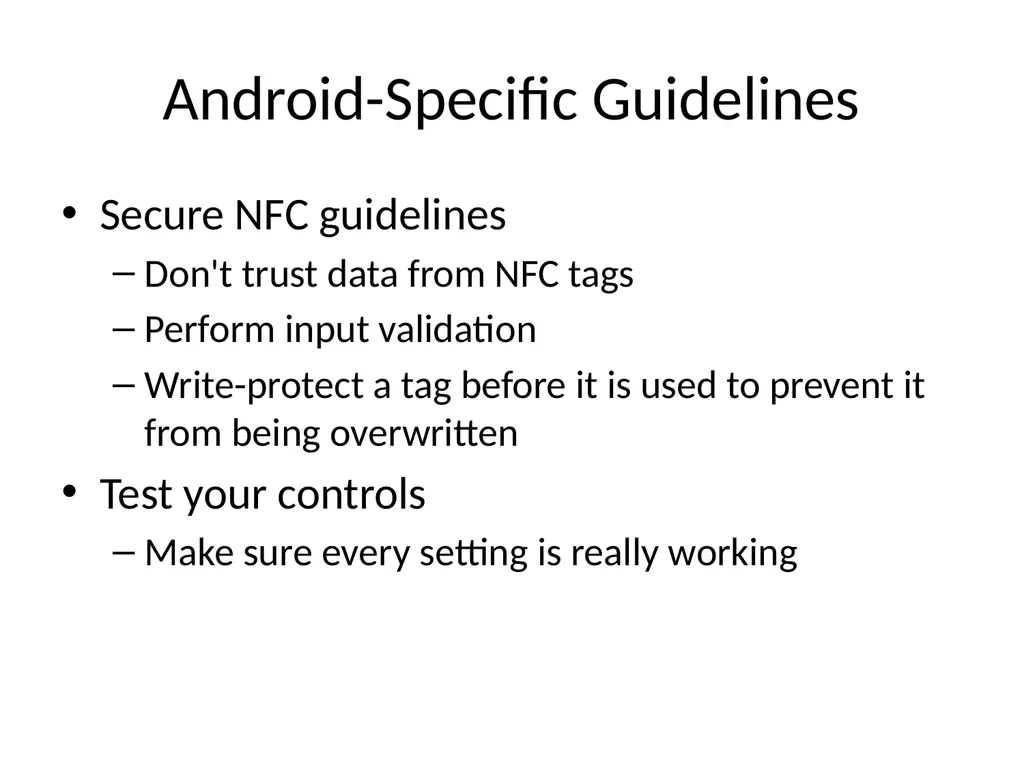
slide63. Android-Specific Guidelines Secure NFC guidelines
Don't trust data from NFC tags
Perform input validation
Write-protect a tag before it is used to prevent it from being overwritten
Test your controls
Make sure every setting is really working<br>
Hacking Mobile Devices<br>
slide2. App Security Constraints Built-in security features of the mobile platform
Possibility of device theft<br>
slide3. Mobile App Threat Modeling<br>
slide4. Threat Modeling A pencil-and-paper exercise
Identifying security risks
Helps developer identify most critical risks
Focus on features and/or controls to mitigate those risks
The alternative is endless, aimless, bug-squashing<br>
slide5. Threat Modeling Technologies Microsoft Threat Modeling
From 1999 (link Ch 8a)
Trike
Open-source, began in 2006 (link Ch 8b)
More traditional risk management philosophy<br>
slide6. Threat Modeling Technologies OCTAVE (Operationally Critical Threat, Asset, and Vulnerability Evaluation)
From CERT (link Ch 8c)
Cigital Threat Modeling
Based on software architecture (link Ch 8d)
P.A.S.T.A. (Process for Attack Simulation and Threat Analysis)<br>
slide7. Similar Approach Diagram the app
Understand where information assets flow
Document risks to the assets and security controls
Rank the risks by probability and impact
Remediate and verify highest-scored risks<br>
slide8. Example: Adding a Mobile Client to an Existing Web App New client will support end users and Customer Support Representatives (CSRs)
How do existing threats change when a mobile app is added?
Enumerate threats
Outline assets mobile devices possess
Discuss how the mobile tech stacks create opportunities for threats<br>
slide10. Threats Web app hacking tools
Bluetooth and 801.22 attacks
Injecting code into a mobile browser
Man-in-The-Browser (MiTB)
Malicious apps
Malware and Trojans
Femtocells
Observe all traffic<br>
slide11. Threats from Phone's User Download your app and reverse-engineer it
Jailbreak the device, subverting controls you depend on
Thieves may steal the device and gain access to the UI and physical interfaces such as USB<br>
slide12. 1. Users as Threats What evil or insidious things could a user do?
Steal encryption keys or credentials from apps
Reverse-engineer apps
What obnoxious or stupid things could a user do to cause trouble?<br>
slide13. Other Device "Owners" as Threats Other stakeholders
App store account owner
App publisher, who provides the user experience and access to mobile services
Mobile carrier, e.g. AT&T
Device manufacturer: Samsung, etc.
App store curator: Apple, Google, Amazon, etc.
Company's IT dept. that administers the device<br>
slide14. Importance of Other Stakeholders Operate apps and underlying software
Control credentials
Operate services
Carriers and handset manufacturers place apps on the device
May customize the OS
May place code beneath the OS in firmware<br>
slide15. Importance of Other Stakeholders App store curators control a large portion of the app lifecycle
Packaging and deployment
Update and removal
When stakeholder goals differ
Opportunity for one "owner" to do something that another stakeholder considers a violation of security or privacy
Like collecting and storing personal information<br>
slide16. Assets Each stakeholder protects its assets
End-users may value privacy
App publisher and carrier want to collect and use personal and usage information<br>
slide17. Types of Data Offline access
Available when phone is not connected to a network
Personal data
Contacts, voicemails
Sensor-based data
Location data (GPS and tower telemetry)
Camera and microphone data<br>
slide18. Identity Data App publishers are reluctant to force users to authenticate using small virtual keyboards
Identity data includes
Persistent credentials
Bearer tokens (such as OAuth)
Usernames
Device-, user-, or application-specific UUIDs<br>
slide19. Usernames If a web-based service uses a mobile device for "out-of-band" password reset
And a user has an app for that service
Attacker with a stolen phone can reset the password<br>
slide20. Threat Modeling Derive the attack surface and potential attacks
List assets and stakeholders
Brainstorm how each stakeholder might cause a security or privacy breach for another
Prioritize attacks by likelihood and impact
Implement mitigations
Use the list of attacks to drive Secure Software Development Lifecycle<br>
slide21. Secure Mobile Development Guidance<br>
slide22. Threat modeling Mobile app has two main components
Mobile client
Mobile Web services that support it
Both can be attacked<br>
slide23. Native APIs or Mobile Web? Apps written specifically for the platform, using native APIs
Take full advantage of the platform's features
User interface consistent with platform
Mobile Web apps
Same as web app, but optimized for a smaller screen
Cross-platform mobile development frameworks try to provide the best of both worlds<br>
slide24. Device and Runtime Environment Integrity How can an app ensure that the OS hasn't been modified?
Or even the app itself?
Mobile Device Management
Provides some assurance
App integrity protection
Anti-debugging and code obfuscation<br>
slide25. Limitations of Integrity Assurance If device is jailbroken or rooted
Environment can lie about what's happening
Mobile Application Management (MAM)
Some provide private app stores
For closed-loop provisioning, patching, uninstallation, monitoring, and remote data wipe
Maintaining/Patching your App
The app store is the main channel for updates<br>
slide26. Secure Mobile App Guidelines<br>
slide27. Secure Mobile App Guidelines<br>
slide28. Secure Mobile App Guidelines Web app security
OWASP Top Ten
Create a walled garden
Requests to Web app should parse the user-agent string
Redirect traffic to mobile interfaces/services
Don't serve mobile apps same content as computers
Legacy content may be aggressively cached by mobile browsers<br>
slide29. Secure Mobile App Guidelines Reduce session timeout for mobile devices
Greater risk of MiTM attacks
Greater risk of device theft
Use a secure JavaScript subset
Remove eval(), square brackets, "this"
Secure JavaScript subsets:<br>
slide30. The Dangers of Square Bracket Notation It can even lead to remote code execution
Link Ch 8f<br>
slide31. Secure Mobile App Guidelines Mask or Tokenize Sensitive Data
Mobile devices have aggressive data caching
Increased risk of data exposure
Replace sensitive data with an alternate representation "mask" or "token"<br>
slide32. Secure Mobile App Guidelines Storing sensitive data on the device
Avoid storing sensitive data when possible
Places to store data, strongest to weakest
Security hardware
Secure platform storage
Mobile databases
File system<br>
slide33. Mobile Device Sensitive Data Personal data
Contacts, pictures, call data, voicemails, etc.
Sensor-based data
GPS, camera, microphone
Identity data
Persistent credentials
Bearer tokens (like OAuth)
Usernames
Device-, user-, or application-specific UUIDs<br>
slide34. Security Hardware Secure Element (SE) microprocessor
Used for mobile payment systems
Accessed using existing smartcard standards
ISO 7816 (contact)
ISO 14443 (contactless)
Considered fairly secure
Locks out after 5 to 10 failed PIN attempts
When used for a virtual wallet
BUT general-purpose apps don't have access to the SE<br>
slide35. ISO 14443: MIFARE Used by BART and Boston T system
MIFARE Classic used a 48-bit key
Several vulnerabilities have been found<br>
slide36. Link Ch 8k<br>
slide37. Secure Platform Storage Apple's keychain
SQLite database
Protected by an OS service that limits access
Keychain items can only be accessed by the app that stored them
And other apps from the same developer
BUT root user can read the keychain<br>
slide38. Keychain Weakness Root user can read everything in the keychain
Link Ch 8l<br>
slide39. Android KeyStore Intended to store cryptographic keys
Has no inherent protection mechanism such as a password
Apps must provide a mechanism like this to protect sensitive information;
Password from user
Use Password-Based Key Derivation Function 2 (PBKDF2) to generate an AES key
Encrypt data with AES<br>
slide40. Mobile Databases Database can be encrypted with a single secret with third-party extensions to SQLite
SEE, SQLCipher, CEROD
Apparently innocent data may expose personal identity
Such as images
SQL injection attacks are possible
Via intents or network traffic
So use parameterized queries<br>
slide41. File System Protections in iOS Default encryption of files on the data partition
Centrally erasable metadata
Cryptographic linking to a specific device, so files moved from one device to another are unreadable without the key
Enabled by default in iOS 5 and above
Apple's iOS Security White Paper (link Ch 8m)<br>
slide42. File System Protections in Android Files stored in internal storage are private to the app that created them
Unless the app changes the default Linux file permissions or uses MODE_WORLD_WRITEABLE or MODE_WORLD_READABLE
Files stored in external storage (such as SD cards) are accessible to all applications
Android 3.0 and later provides file-system encryption<br>
slide43. From March 2, 2015
Link Ch 8o<br>
slide44. Authenticating to Mobile Services As previously covered, OAuth and SAML make it possible to avoid storing or using a password in your mobile app
As if any developers cared...<br>
slide45. Always Generate Your Own Identifiers Apps have used existing identifiers like
IMEI number, MAC address, phone number, etc.
To identify users and devices
But what happens when a device is stolen or sold?
Also such identifiers often lack secrecy and entropy
Phone number is often publicly listed on Facebook, etc.<br>
slide46. More Recommendations Implement a Timeout for Cached Credentials
Good for security but inconvenient
Rarely done
Secure Communications
Use Only TLS
Direct HTTPS communications resist man-in-the-middle attacks including sslstrip
Validate Server Certificates<br>
slide47. Use Certificate Pinning for Validating Certificates Adds another step to verifying a server certificate
Compares the certificate to a trusted copy of the certificate included in the app
Exploits the special relationship between the app and the server
The app can be more secure than a Web browser because it knows which server it should be connecting to<br>
slide48. WebView Interaction WebView Cache Threats
May contain sensitive web form and authentication pages
If a user chooses to save credentials in the browser, they are in the cache
WebView cookies database could be used to hijack sessions with banks and other websites<br>
slide49. WebView Interaction WebView Cache Mitigations
Disable autocomplete on all sensitive form inputs
Set no-cache HTTP header on server
WebView object on the client side can be set to never save authentication data and form data
Use clearCache() method to delete files stored locally on the device
On Android, you must delete files explicitly because clearCache() doesn't erase them all<br>
slide50. WebView Interaction WebView Cache Mitigations
To reduce the risk from cached cookies, set up a session timeout on the server
Cookies should never be set to persist for a long time
To clear cookies on the client, use the CookieManager or the NSHTTPCookieStorage classes
On iOS, use NSURLCache to remove cached responses<br>
slide51. WebView and JavaScript Bridges On Android, protect against reflection-based attacks by targeting API 17 or above
On older devices:
Only use addJavaScriptInterface if really needed
Develop a custom JavaScript bridge with shouldOverrideUrlLoading
Reconsider why you need a bridge and remove it if feasible<br>
slide52. WebView Countermeasures If an app uses a custom URI scheme
Be careful what functionality is exposed
Use input validation and output encoding to prevent injection attacks<br>
slide53. Preventing Information Leakage Clipboard
Android and iOS support copy-and-paste
Access to clipboard is fairly unrestricted
Take explicit precautions to avoid sensitive data entering the clipboard
On Android, cell setLongClickable(false) on a field
On iOS, subclass UITextView to disable copy/paste<br>
slide54. Preventing Information Leakage Logs
Watch for sensitive data in system and debug logs
Or the device driver dmesg buffer
Any Android app with the READ_LOGS permission can view the system log
On iOS, disable NSLog statements
X:Y coordinate buffers can expose PINs or passwords<br>
slide55. iOS-Specific Guidelines<br>
slide56. iOS-Specific Guidelines Keyboard cache
MDMs can add an enterprise policy to clear the keyboard dictionary at regular intervals
Users can do this with Settings, General, Reset, "Reset Keyboard Dictionary"
Enable full ASLR
Usually on by default
Sometimes developer must explicitly code for it<br>
slide57. iOS-Specific Guidelines Custom URI Scheme Guidelines
Use openURL instead of the deprecated handleOpenURL
Validate the sourceApplication parameter to restrict access to the custom URI to a specific set of applications
Validate the URL parameter; assume it contains malicious input<br>
slide58. iOS-Specific Guidelines Protect the stack
With gcc, use –fstack-protector-all to enable Stack Smashing Protection (SSP)
Apple LLVM compiler automatically enables SSP
Enable automatic reference counting
Automatically manages memory for Objective-C objects and blocks
Reduces chance of use-after-free vulnerabilities
And other C memory-allocation problems<br>
slide59. iOS-Specific Guidelines Disable caching of application screenshots
iOS captures the screen when an app is suspended
Such as when user clicks the Home button or the Sleep/Wake button
Or the system launches another app
It does this to show transition animations
This could capture sensitive data
Prevent this by specifying a splash screen to display upon entering the background<br>
slide60. Android-Specific Guidelines<br>
slide61. Android-Specific Guidelines Traditional C++/Java secure coding
Google recommends using Java rather than C++; it's more secure
Ensure ASLR is Enabled
C and C++ must be compiled and linked with PIE<br>
slide62. Secure Intent Usage Public components should not trust data received from intents
Perform input validation on all data from intents
Use explicit intents where possible
Only export components if necessary
Create a custom signature-protection-level permission to control access to implicit intents
Use a permission to limit receivers of broadcast intents
Don't put sensitive data in broadcast intents<br>
slide63. Android-Specific Guidelines Secure NFC guidelines
Don't trust data from NFC tags
Perform input validation
Write-protect a tag before it is used to prevent it from being overwritten
Test your controls
Make sure every setting is really working<br>