Christopher Chapman MCT Content PM, Microsoft Learning, PDG Planning , Microsoft Understanding Active Directory Active Directory Domain Services (AD DS) Overview of AD DS AD DS Physical Components AD DS Logical Components Module Overview
"Christopher Chapman | MCT Content PM, Microsoft" is the property of its rightful owner. Permission is granted to
download and print the materials on this website for personal, non-commercial use only, and to display it
on your personal computer provided you do not modify the materials and that you retain all copyright
notices contained in the materials. By downloading content from our website, you accept the terms of this
agreement.
Presentation Transcript
01
Christopher Chapman | MCT
Content PM, Microsoft Learning, PDG Planning , Microsoft Understanding Active Directory<br>
02
Active Directory Domain Services
(AD DS)<br>
03
Overview of AD DS
AD DS Physical Components
AD DS Logical Components Module Overview<br>
04
Protocol
What is Authentication?
What is Authorization?
Why Deploy AD DS?
Centralized Network Management
Requirements for Installing AD DS
Overview of AD DS and DNS
Overview of AD DS Components Lesson 1: Overview of AD DS<br>
05
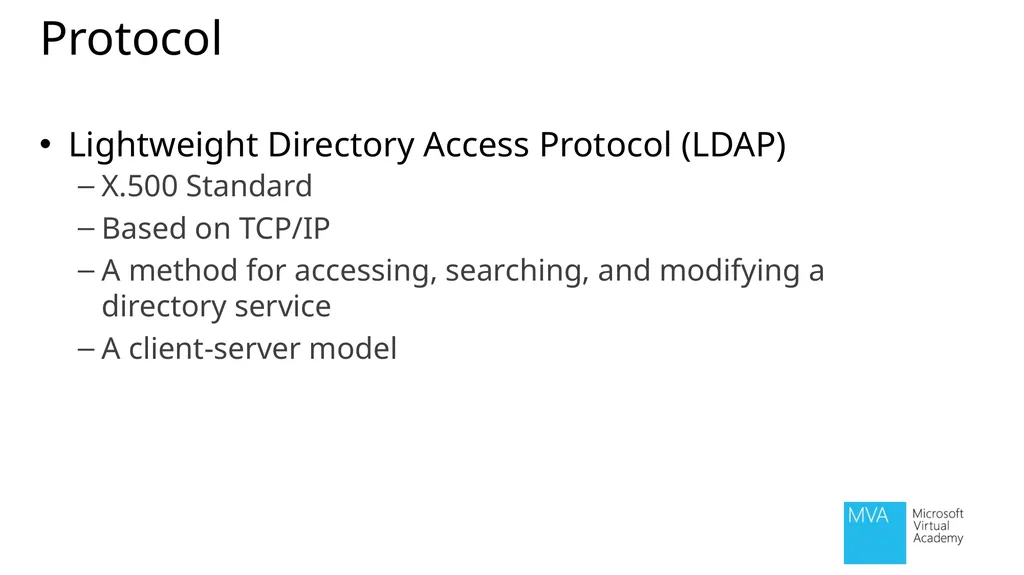
Protocol Lightweight Directory Access Protocol (LDAP)
X.500 Standard
Based on TCP/IP
A method for accessing, searching, and modifying a directory service
A client-server model<br>
06
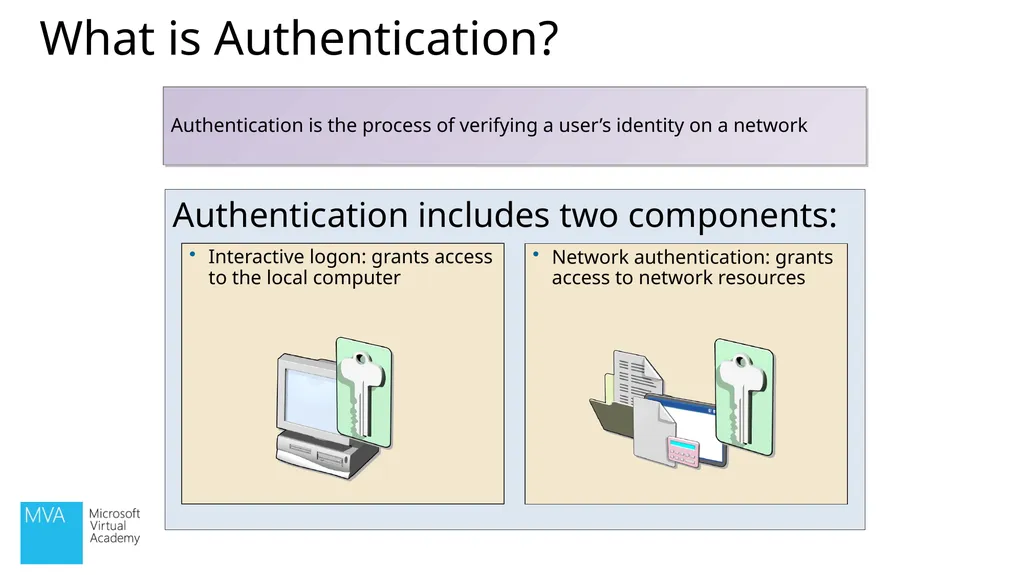
What is Authentication? Authentication includes two components: Authentication is the process of verifying a user’s identity on a network<br>
07
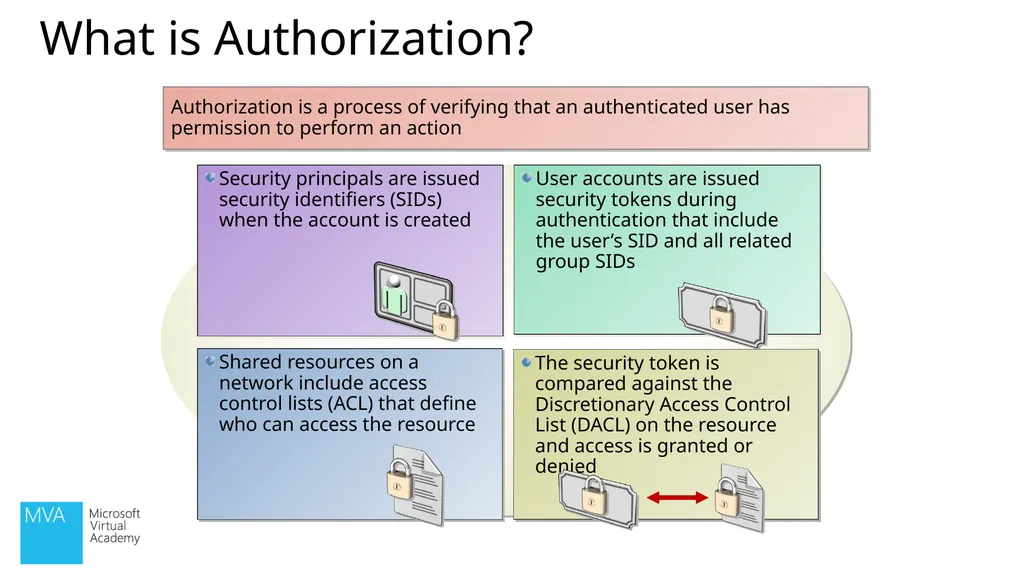
What is Authorization? Authorization is a process of verifying that an authenticated user has permission to perform an action<br>
08
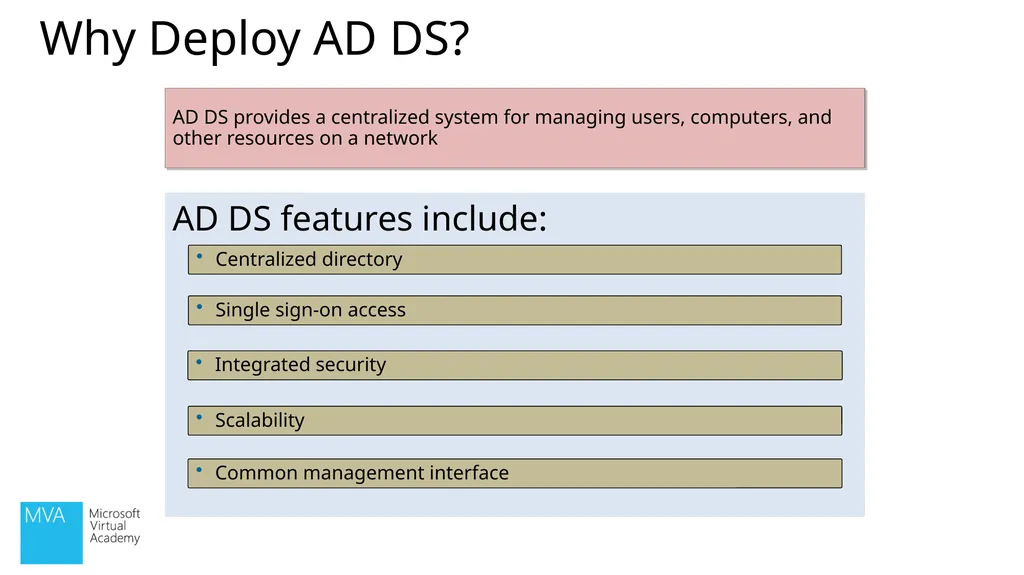
Why Deploy AD DS? AD DS features include: Centralized directory Single sign-on access Integrated security Scalability AD DS provides a centralized system for managing users, computers, and other resources on a network Common management interface<br>
09
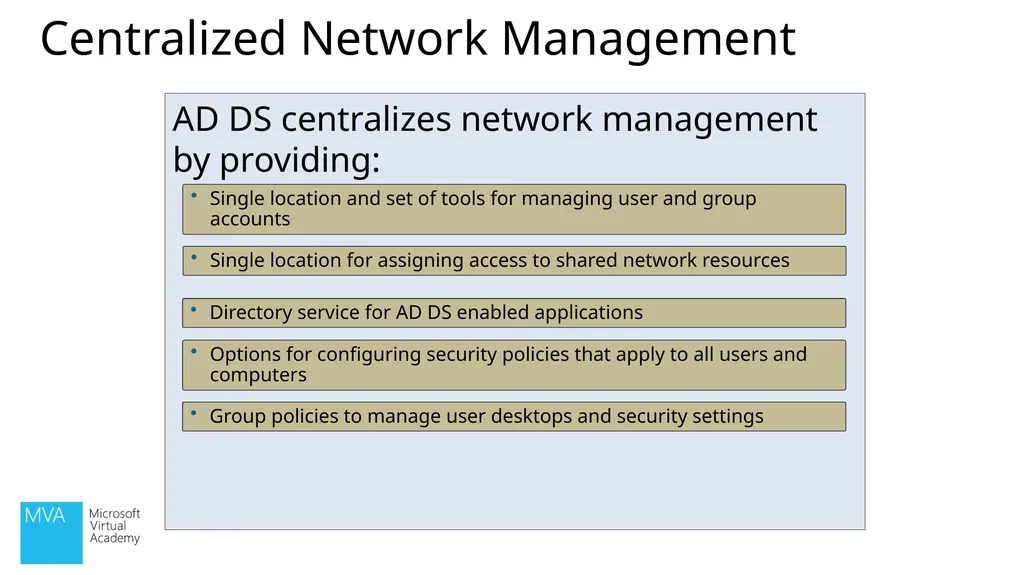
Centralized Network Management AD DS centralizes network management by providing: Single location and set of tools for managing user and group accounts Single location for assigning access to shared network resources Directory service for AD DS enabled applications Options for configuring security policies that apply to all users and computers Group policies to manage user desktops and security settings<br>
10
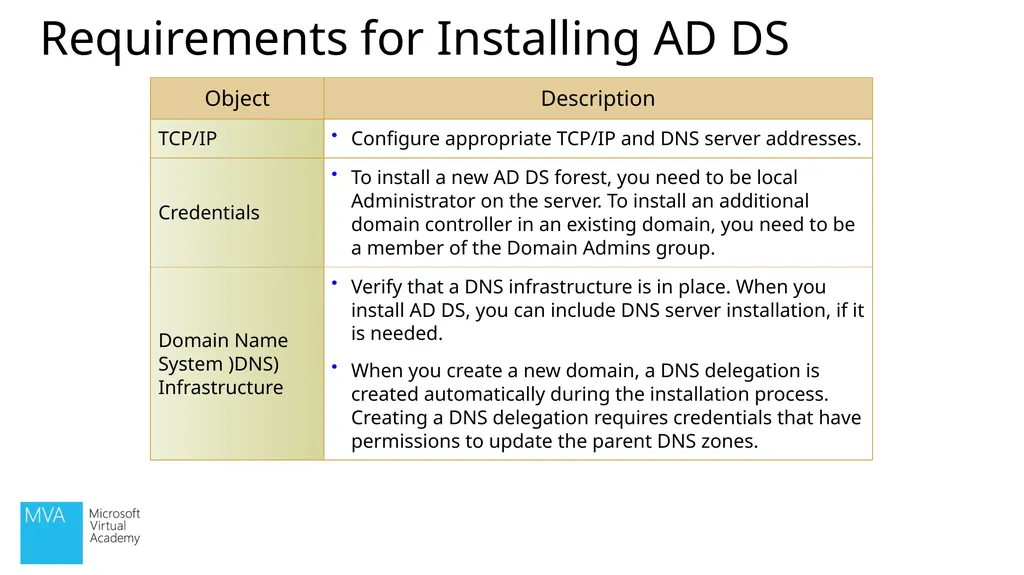
Requirements for Installing AD DS<br>
11
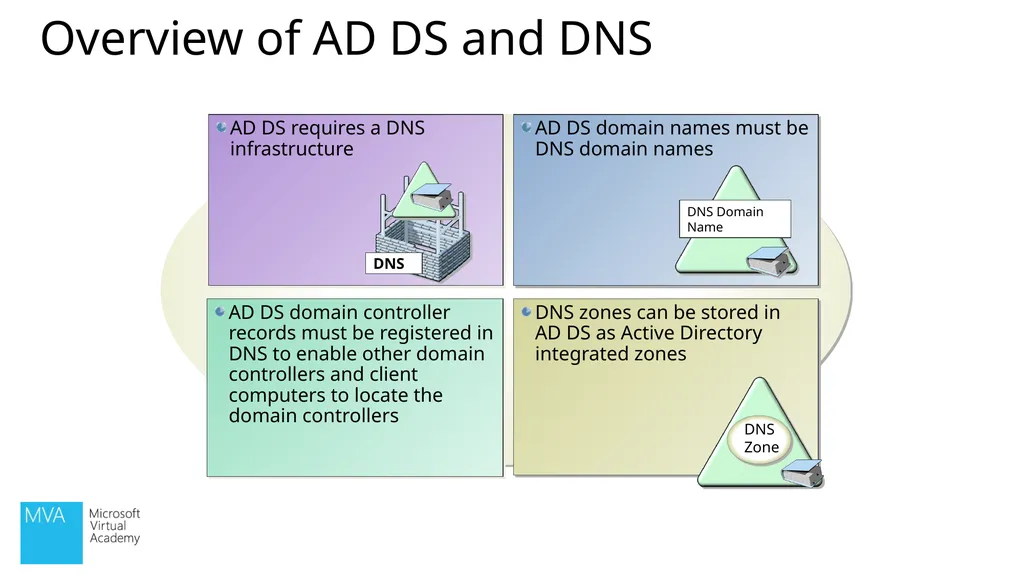
Overview of AD DS and DNS AD DS domain controller records must be registered in DNS to enable other domain controllers and client computers to locate the domain controllers<br>
12
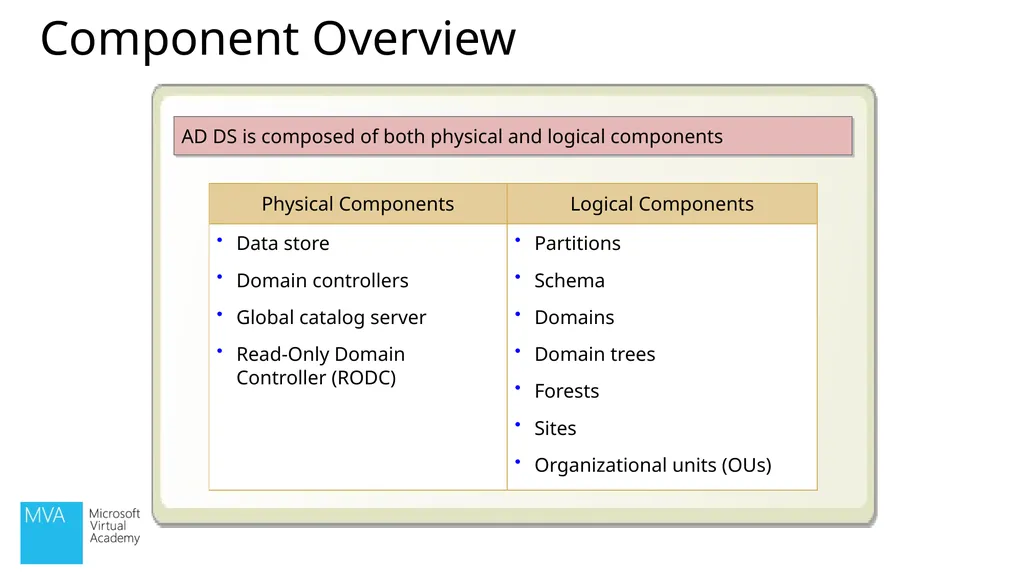
AD DS is composed of both physical and logical components Component Overview<br>
13
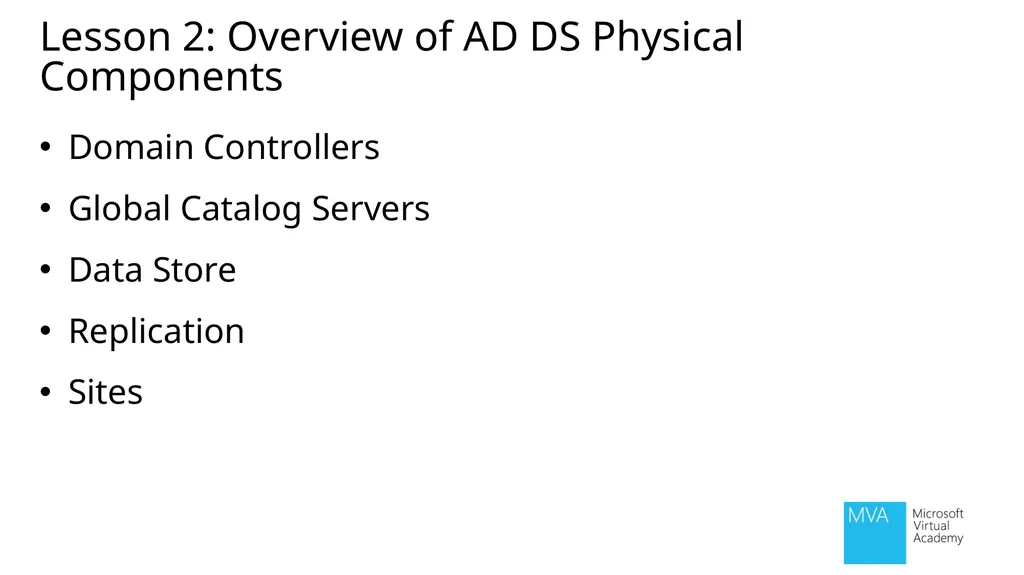
Lesson 2: Overview of AD DS Physical Components Domain Controllers
Global Catalog Servers
Data Store
Replication
Sites<br>
14
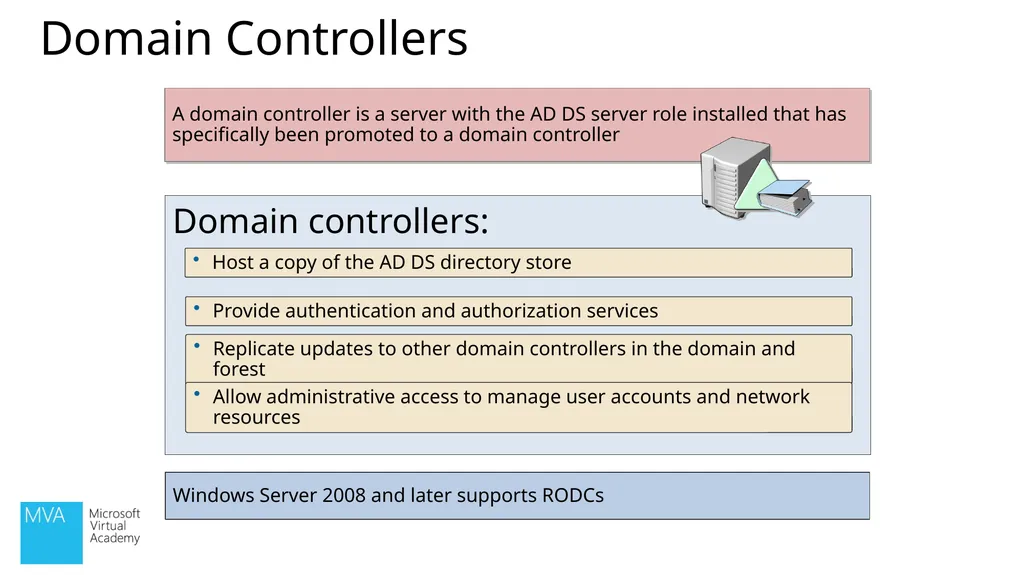
Domain Controllers Domain controllers: Host a copy of the AD DS directory store Provide authentication and authorization services Replicate updates to other domain controllers in the domain and forest A domain controller is a server with the AD DS server role installed that has specifically been promoted to a domain controller Allow administrative access to manage user accounts and network resources Windows Server 2008 and later supports RODCs<br>
15
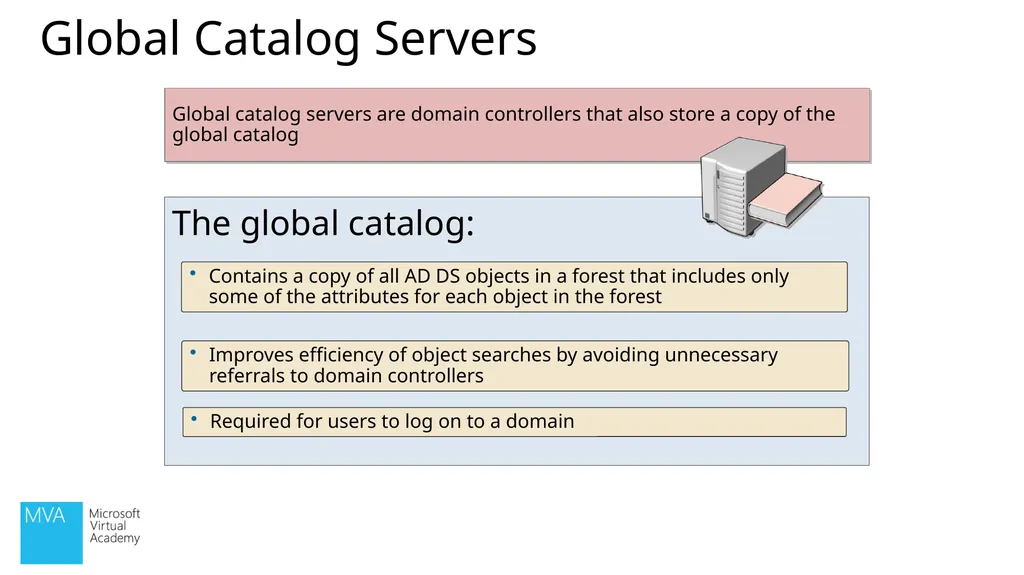
Global Catalog Servers The global catalog: Contains a copy of all AD DS objects in a forest that includes only some of the attributes for each object in the forest Improves efficiency of object searches by avoiding unnecessary referrals to domain controllers Required for users to log on to a domain Global catalog servers are domain controllers that also store a copy of the global catalog<br>
16
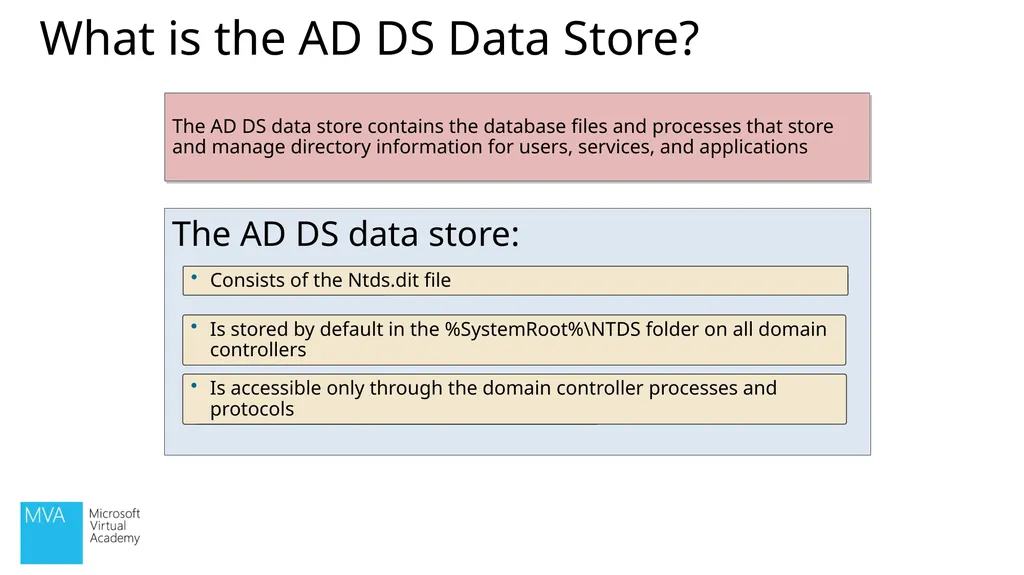
What is the AD DS Data Store? The AD DS data store: Consists of the Ntds.dit file Is stored by default in the %SystemRoot%\NTDS folder on all domain controllers Is accessible only through the domain controller processes and protocols The AD DS data store contains the database files and processes that store and manage directory information for users, services, and applications<br>
17
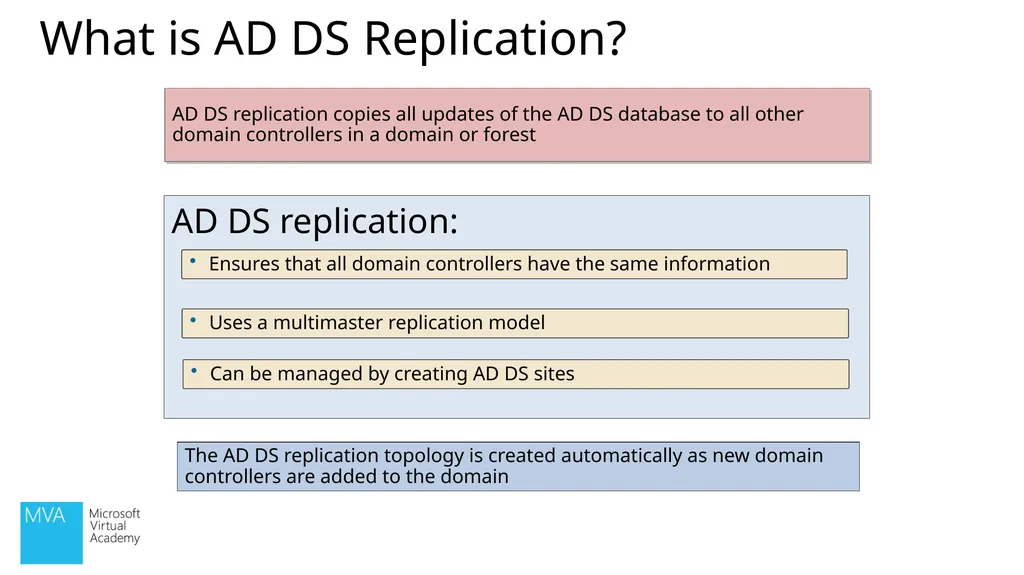
What is AD DS Replication? AD DS replication: Ensures that all domain controllers have the same information Uses a multimaster replication model Can be managed by creating AD DS sites AD DS replication copies all updates of the AD DS database to all other domain controllers in a domain or forest The AD DS replication topology is created automatically as new domain controllers are added to the domain<br>
18
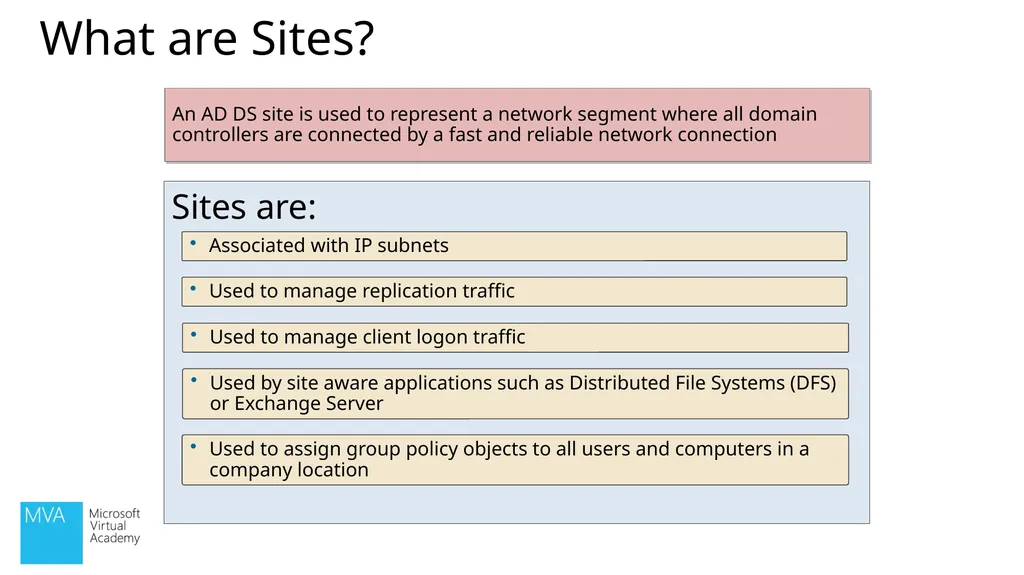
What are Sites? Sites are: Associated with IP subnets Used to manage replication traffic Used to manage client logon traffic An AD DS site is used to represent a network segment where all domain controllers are connected by a fast and reliable network connection Used by site aware applications such as Distributed File Systems (DFS) or Exchange Server Used to assign group policy objects to all users and computers in a company location<br>
19
Units of Replication
Maintained by Domain Controllers
Millions of Objects Domains<br>
20
Trees<br>
21
Lesson 3: Overview of AD DS Logical Components AD DS Schema
The Basics
Trusts
AD DS Objects
Demo: Installation and Management<br>
22
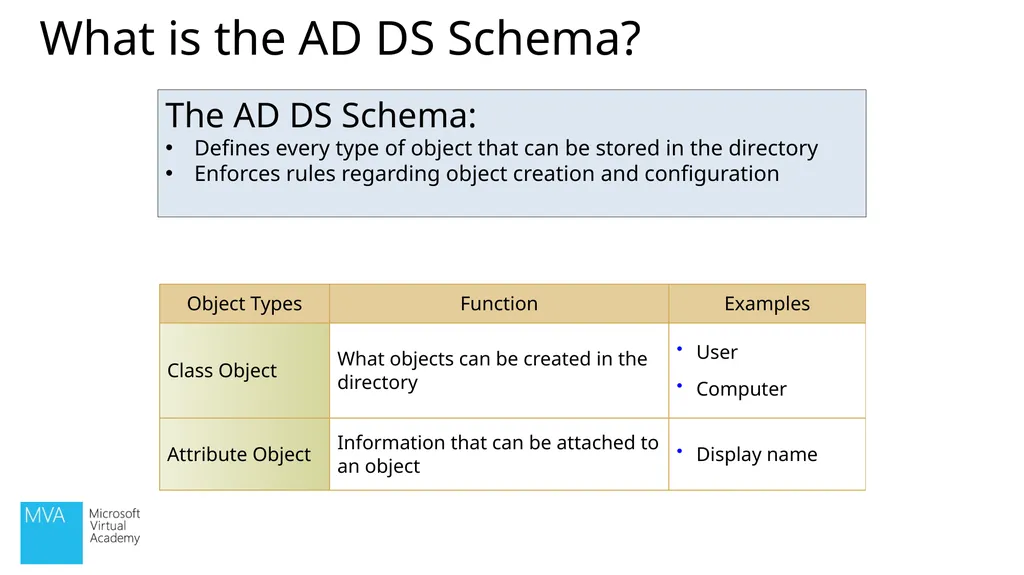
The AD DS Schema:
Defines every type of object that can be stored in the directory
Enforces rules regarding object creation and configuration What is the AD DS Schema?<br>
23
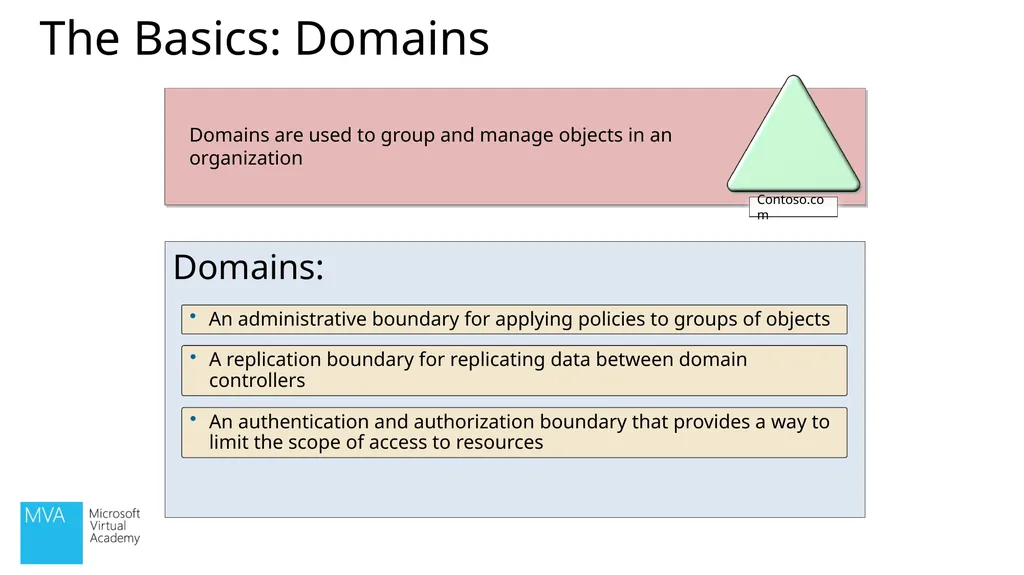
The Basics: Domains Domains: An administrative boundary for applying policies to groups of objects A replication boundary for replicating data between domain controllers An authentication and authorization boundary that provides a way to limit the scope of access to resources Domains are used to group and manage objects in an organization<br>
24
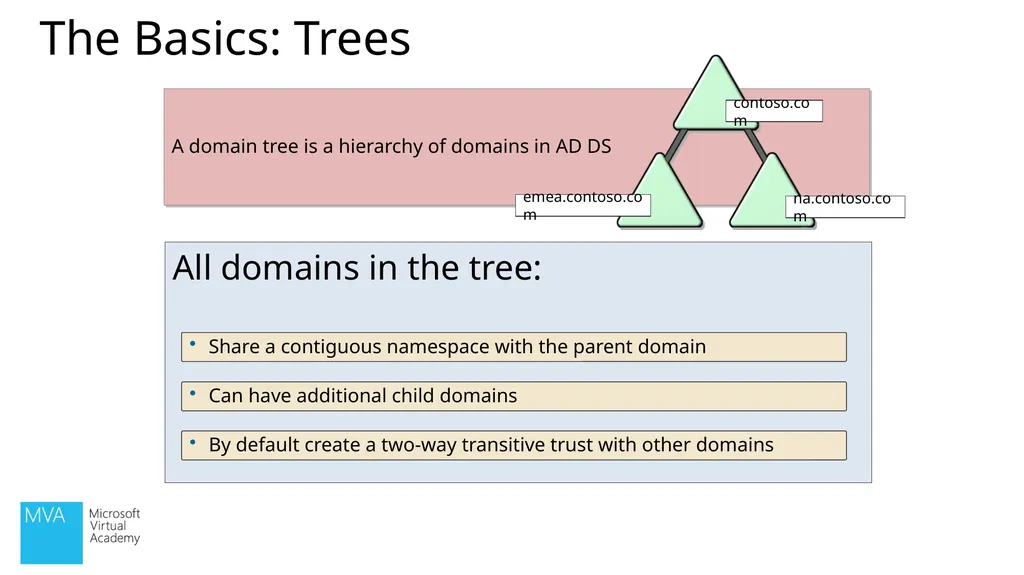
The Basics: Trees All domains in the tree: Share a contiguous namespace with the parent domain Can have additional child domains By default create a two-way transitive trust with other domains A domain tree is a hierarchy of domains in AD DS contoso.com na.contoso.com emea.contoso.com<br>
25
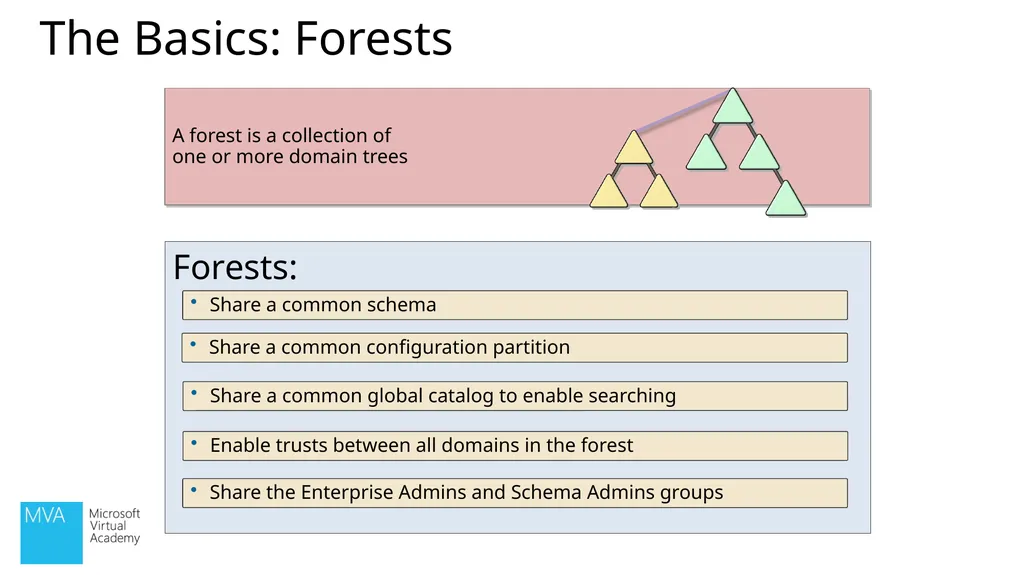
The Basics: Forests Forests: Share a common schema Share a common configuration partition Share a common global catalog to enable searching A forest is a collection of one or more domain trees Enable trusts between all domains in the forest Share the Enterprise Admins and Schema Admins groups<br>
26
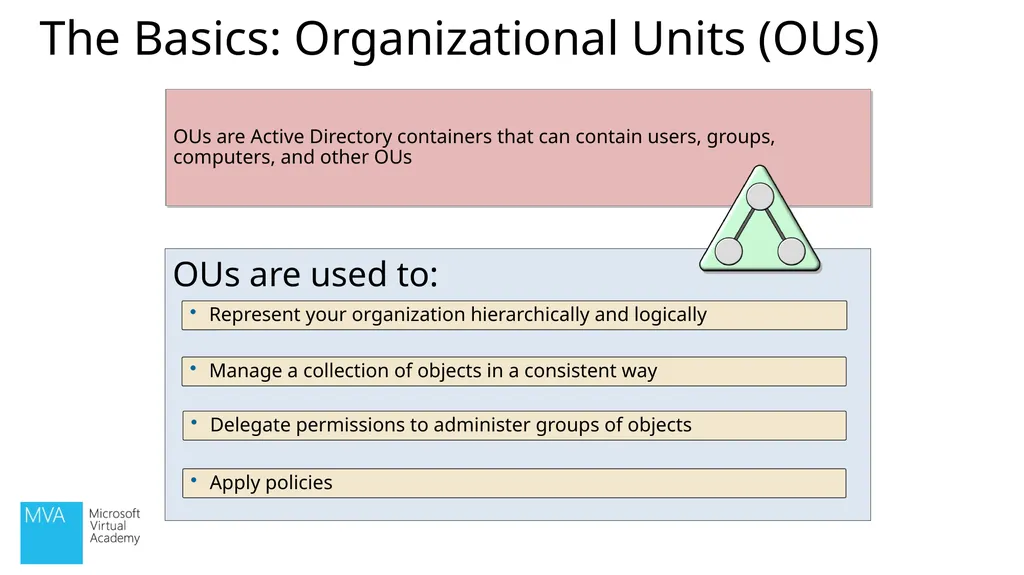
The Basics: Organizational Units (OUs) OUs are used to: Represent your organization hierarchically and logically Manage a collection of objects in a consistent way Delegate permissions to administer groups of objects OUs are Active Directory containers that can contain users, groups, computers, and other OUs Apply policies<br>
27
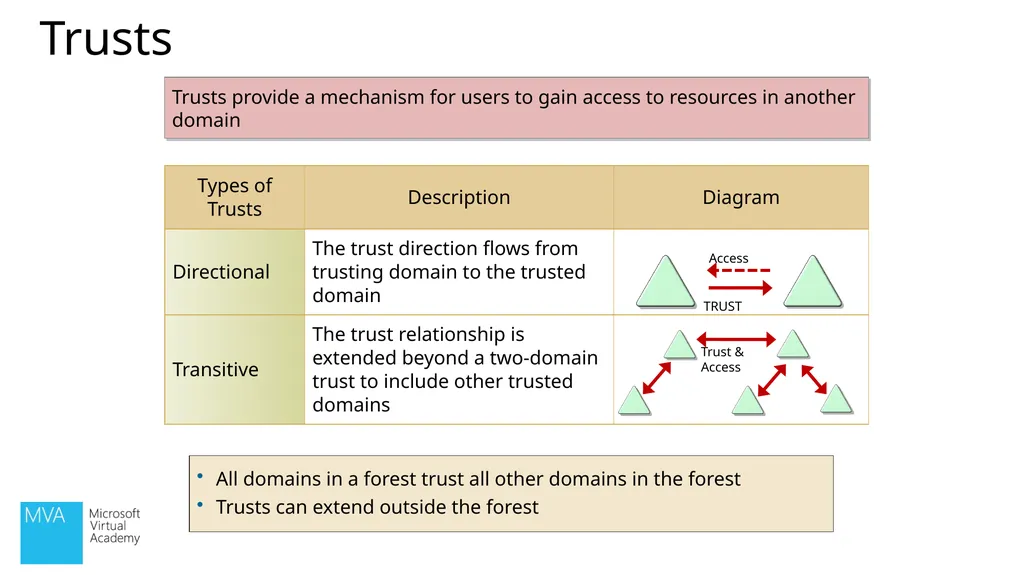
Trusts provide a mechanism for users to gain access to resources in another domain All domains in a forest trust all other domains in the forest
Trusts can extend outside the forest Trusts<br>
28
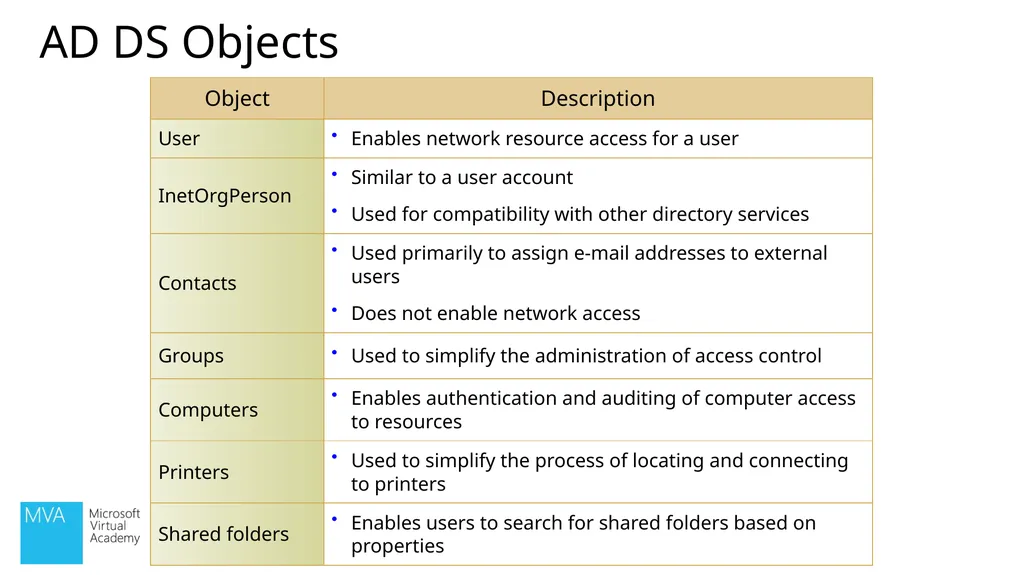
AD DS Objects<br>
29
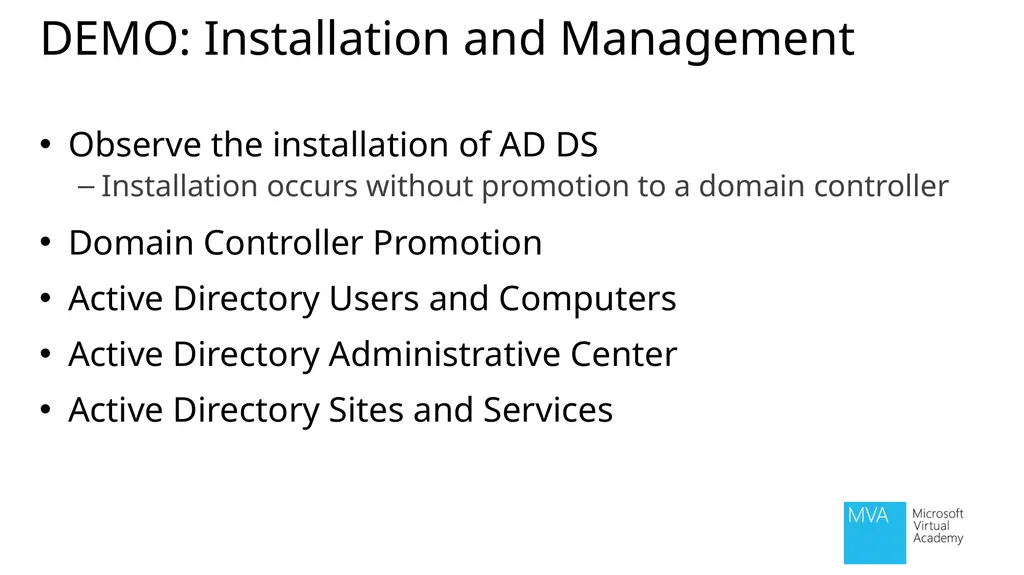
DEMO: Installation and Management Observe the installation of AD DS
Installation occurs without promotion to a domain controller
Domain Controller Promotion
Active Directory Users and Computers
Active Directory Administrative Center
Active Directory Sites and Services<br>
30
Module Review and Takeaways Review Questions
Summary of AD DS<br>