
Com 1008 an overview of cloud computing
CP
Published · 55 slides · 0 views
1 / 1
Description
Com 1008 an overview of cloud computing (non-technical) Hans Yip Learning Objectives History and Development As-a-service models: IaaS, PaaS, SaaS Cloud deployment models: private, public, and hybrid clouds Cloud platform: Microsoft Azure
Related Topics
Share
Embed code
Download this presentation From Below
"Com 1008 an overview of cloud computing" is the property of its rightful owner. Permission is granted to download and print the materials on this website for personal, non-commercial use only, and to display it on your personal computer provided you do not modify the materials and that you retain all copyright notices contained in the materials. By downloading content from our website, you accept the terms of this agreement.
Presentation Transcript
01
Com 1008 an overview of cloud computing (non-technical) Hans Yip<br>
02
Learning Objectives History and Development
As-a-service models: IaaS, PaaS, SaaS
Cloud deployment models: private, public, and hybrid clouds
Cloud platform:
Microsoft Azure
Amazon Web Services (AWS)<br>
As-a-service models: IaaS, PaaS, SaaS
Cloud deployment models: private, public, and hybrid clouds
Cloud platform:
Microsoft Azure
Amazon Web Services (AWS)<br>
03
Cloud Services<br>
04
What are Cloud Services? Cloud services are (1) infrastructure, (2) platforms, or (3) software that are hosted by third-party providers and made available to users through the internet.
Cloud services facilitate the flow of user data from front-end clients (e.g. users’ servers, tablets, desktops, laptops—any hardware on the users’ ends), through the internet, to the provider’s systems, and back.
Users can access cloud services with nothing more than a computer, an operating system, and a network connection to the internet.
It includes the following as-a-Service solutions.<br>
Cloud services facilitate the flow of user data from front-end clients (e.g. users’ servers, tablets, desktops, laptops—any hardware on the users’ ends), through the internet, to the provider’s systems, and back.
Users can access cloud services with nothing more than a computer, an operating system, and a network connection to the internet.
It includes the following as-a-Service solutions.<br>
05
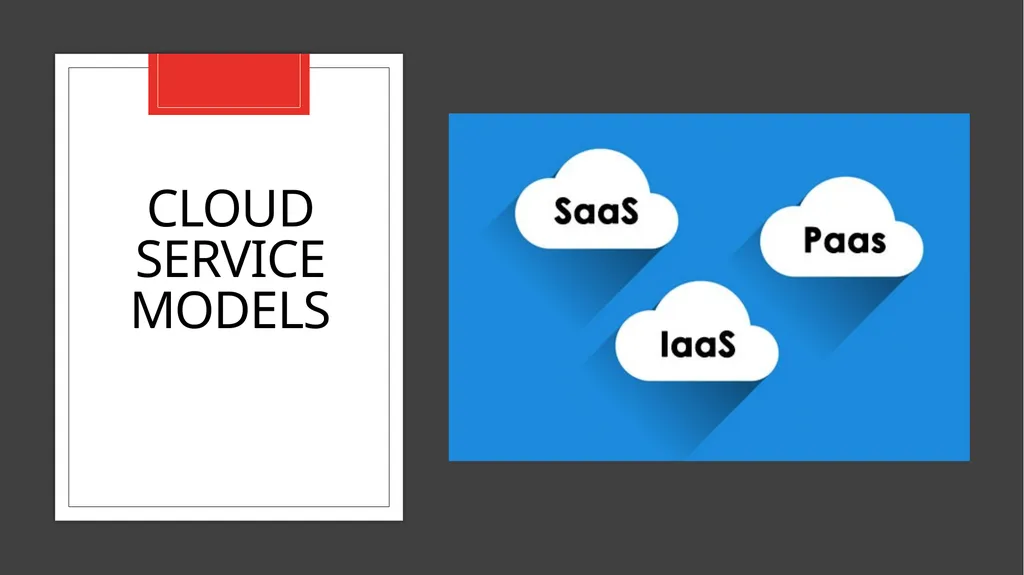
Cloud Service Models<br>
06
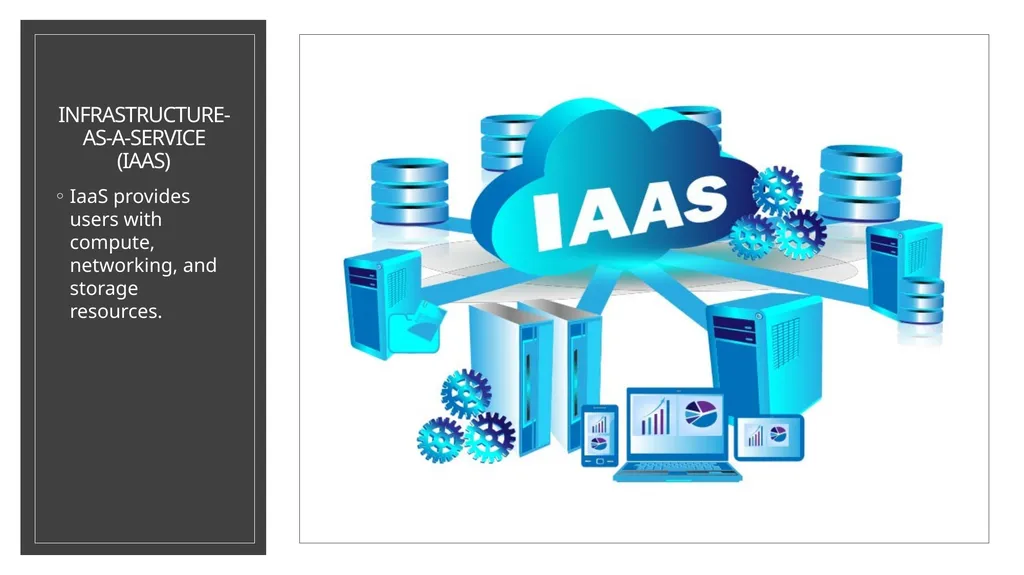
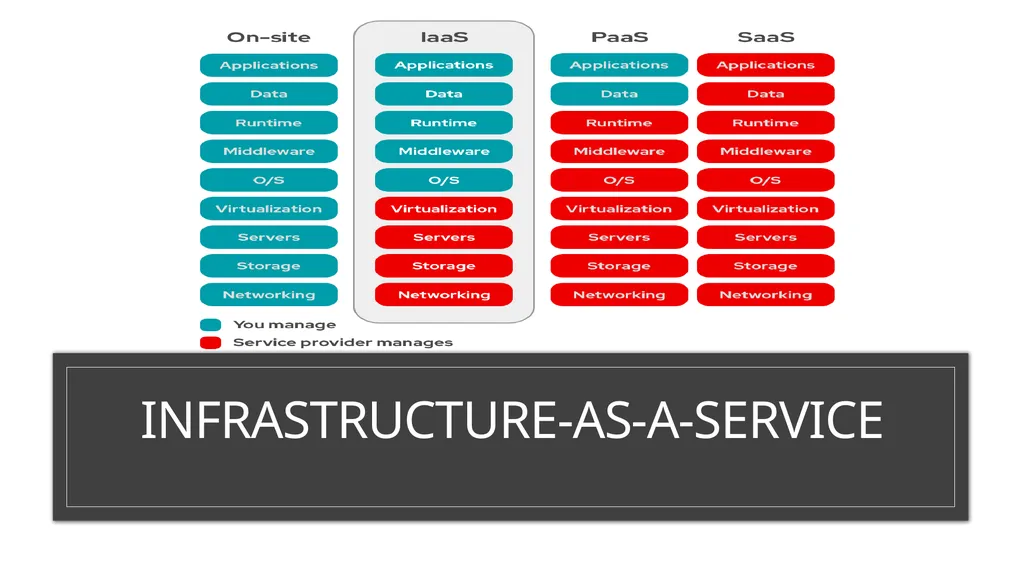
Infrastructure-as-a-Service (IaaS) IaaS provides users with compute, networking, and storage resources.<br>
07
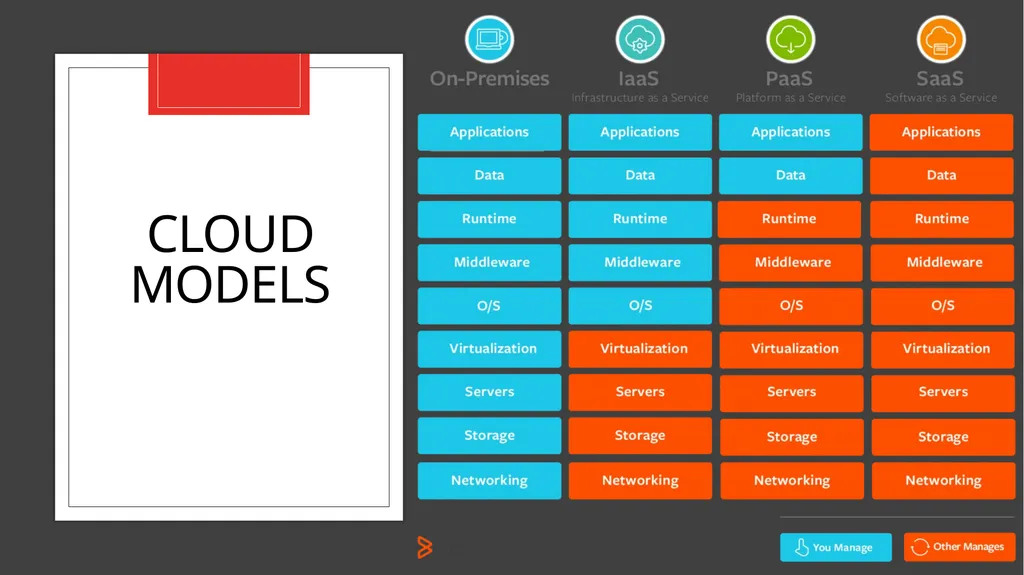
Infrastructure-as-a-Service (IaaS) Infrastructure-as-a-service (IaaS), also known as cloud infrastructure services, is a form of cloud computing in which infrastructure services are provided to the user via a cloud, through the internet.
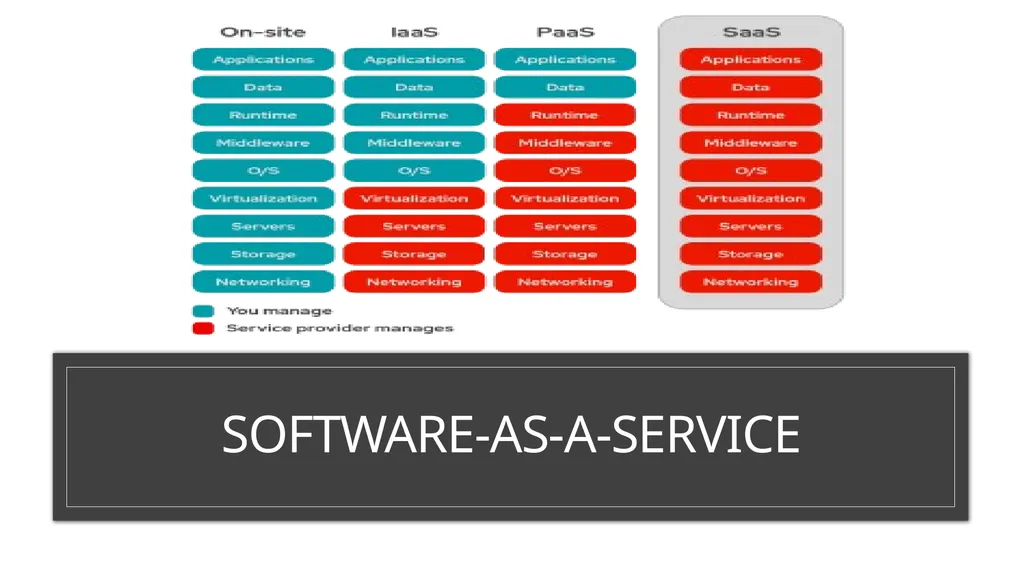
The user handles any applications, data, operating system(s), middleware, and runtimes.
The user relies on the provider to manage the virtualization, storage, network, and servers for them.
This way, the user doesn’t have to have an on-site datacenter and doesn’t have to worry about physically updating or maintaining these components themselves—it’s all handled by the provider.<br>
The user handles any applications, data, operating system(s), middleware, and runtimes.
The user relies on the provider to manage the virtualization, storage, network, and servers for them.
This way, the user doesn’t have to have an on-site datacenter and doesn’t have to worry about physically updating or maintaining these components themselves—it’s all handled by the provider.<br>
08
Infrastructure-as-a-Service<br>
09
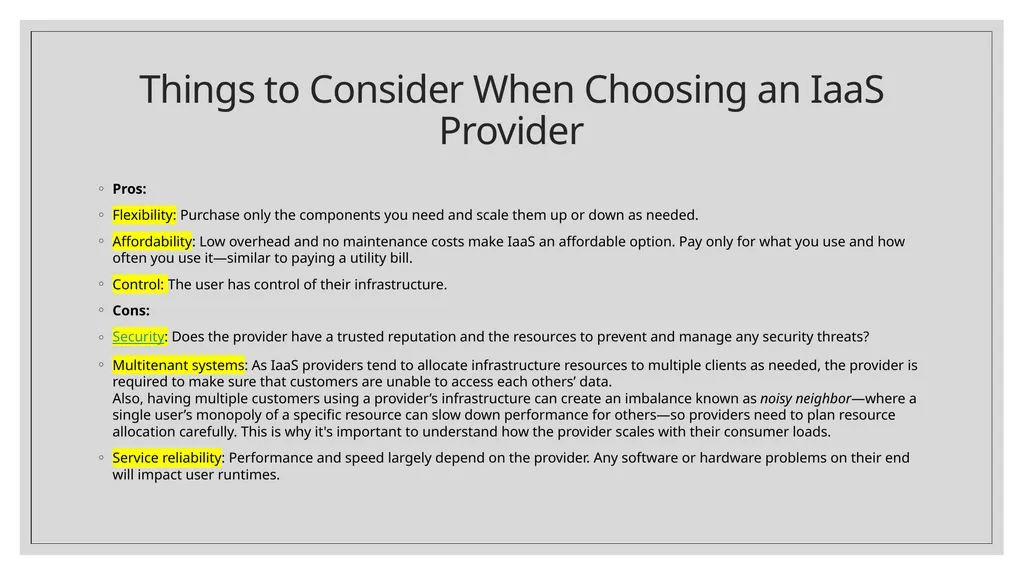
Things to Consider When Choosing an IaaS Provider Pros:
Flexibility: Purchase only the components you need and scale them up or down as needed.
Affordability: Low overhead and no maintenance costs make IaaS an affordable option. Pay only for what you use and how often you use it—similar to paying a utility bill.
Control: The user has control of their infrastructure.
Cons:
Security: Does the provider have a trusted reputation and the resources to prevent and manage any security threats?
Multitenant systems: As IaaS providers tend to allocate infrastructure resources to multiple clients as needed, the provider is required to make sure that customers are unable to access each others’ data. Also, having multiple customers using a provider’s infrastructure can create an imbalance known as noisy neighbor—where a single user’s monopoly of a specific resource can slow down performance for others—so providers need to plan resource allocation carefully. This is why it's important to understand how the provider scales with their consumer loads.
Service reliability: Performance and speed largely depend on the provider. Any software or hardware problems on their end will impact user runtimes.<br>
Flexibility: Purchase only the components you need and scale them up or down as needed.
Affordability: Low overhead and no maintenance costs make IaaS an affordable option. Pay only for what you use and how often you use it—similar to paying a utility bill.
Control: The user has control of their infrastructure.
Cons:
Security: Does the provider have a trusted reputation and the resources to prevent and manage any security threats?
Multitenant systems: As IaaS providers tend to allocate infrastructure resources to multiple clients as needed, the provider is required to make sure that customers are unable to access each others’ data. Also, having multiple customers using a provider’s infrastructure can create an imbalance known as noisy neighbor—where a single user’s monopoly of a specific resource can slow down performance for others—so providers need to plan resource allocation carefully. This is why it's important to understand how the provider scales with their consumer loads.
Service reliability: Performance and speed largely depend on the provider. Any software or hardware problems on their end will impact user runtimes.<br>
10
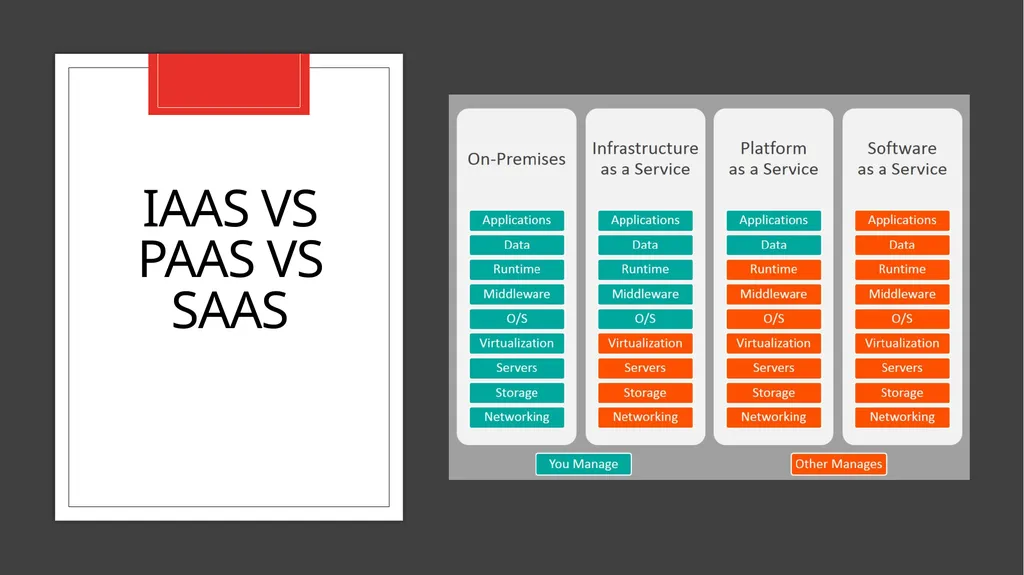
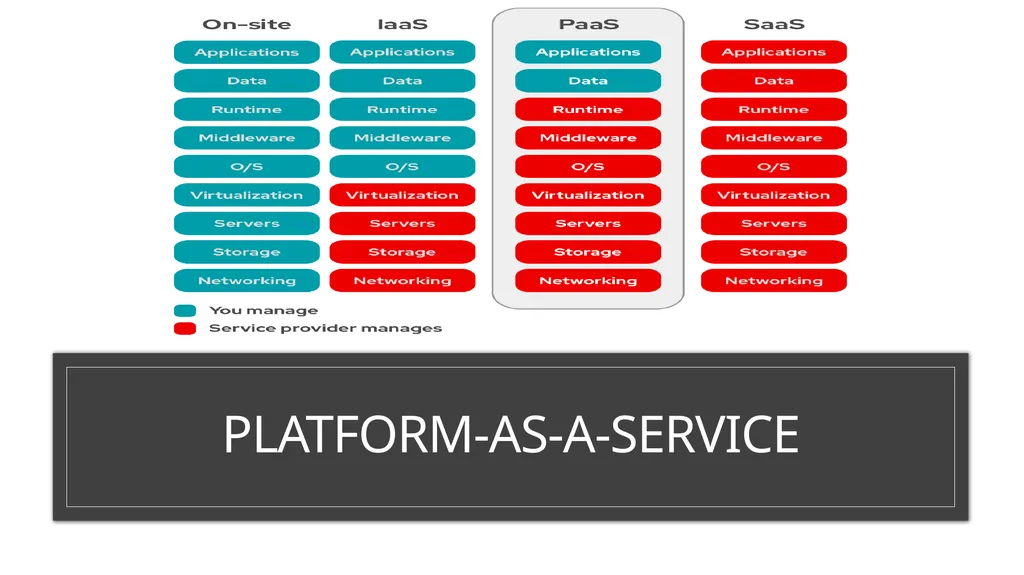
IaaS vs. PaaS vs. SaaS The term as-a-Service generally means a service that is managed for you so that you can focus on what’s more important, like your code and relationships with your customers.
In addition to Infrastructure-as-a-Service (IaaS), there are two other major as-a-Service options: Platform-as-a-Service (PaaS) and Software-as-a-Service (SaaS).<br>
In addition to Infrastructure-as-a-Service (IaaS), there are two other major as-a-Service options: Platform-as-a-Service (PaaS) and Software-as-a-Service (SaaS).<br>
11
IaaS vs PaaS vs SaaS<br>
12
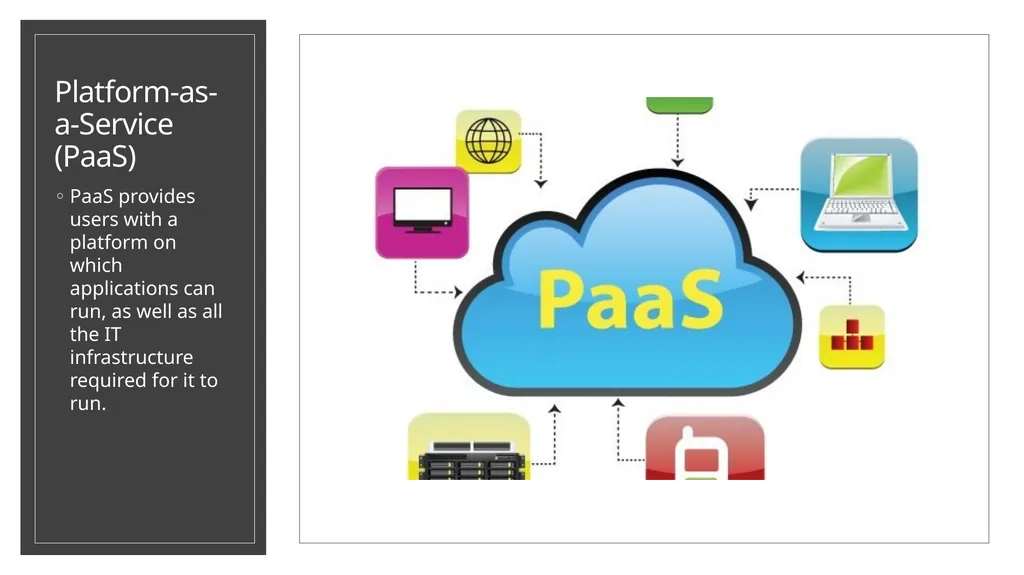
Platform-as-a-Service (PaaS) PaaS provides users with a platform on which applications can run, as well as all the IT infrastructure required for it to run.<br>
13
Platform-as-a-Service (PaaS) Platform-as-a-service (PaaS) is a form of cloud computing where hardware and an application software platform is provided by another party.
Primarily for developers and programmers, a PaaS allows the user to develop, run, and manage their own apps without having to build and maintain the infrastructure or platform usually associated with the process.
A PaaS provider hosts the hardware and software on its own infrastructure and delivers this platform to the user as an integrated solution, solution stack, or service through an internet connection.<br>
Primarily for developers and programmers, a PaaS allows the user to develop, run, and manage their own apps without having to build and maintain the infrastructure or platform usually associated with the process.
A PaaS provider hosts the hardware and software on its own infrastructure and delivers this platform to the user as an integrated solution, solution stack, or service through an internet connection.<br>
14
platform-as-a-Service<br>
15
Benefits of PaaS For developers and programmers who have ideas and write the code to make those ideas reality—but who don’t have or want the equipment and the hassle of maintaining that equipment in their own facilities—PaaS is a great option.
They can sync their code with a PaaS and run their app using the provider’s hardware and software—the maintenance and upkeep of which are handled for them. This clears the way for further development and innovation with less distraction, while also reducing the amount of infrastructural setup and coding. PaaS also allows for scalability and easy migration because it exists in a cloud.<br>
They can sync their code with a PaaS and run their app using the provider’s hardware and software—the maintenance and upkeep of which are handled for them. This clears the way for further development and innovation with less distraction, while also reducing the amount of infrastructural setup and coding. PaaS also allows for scalability and easy migration because it exists in a cloud.<br>
16
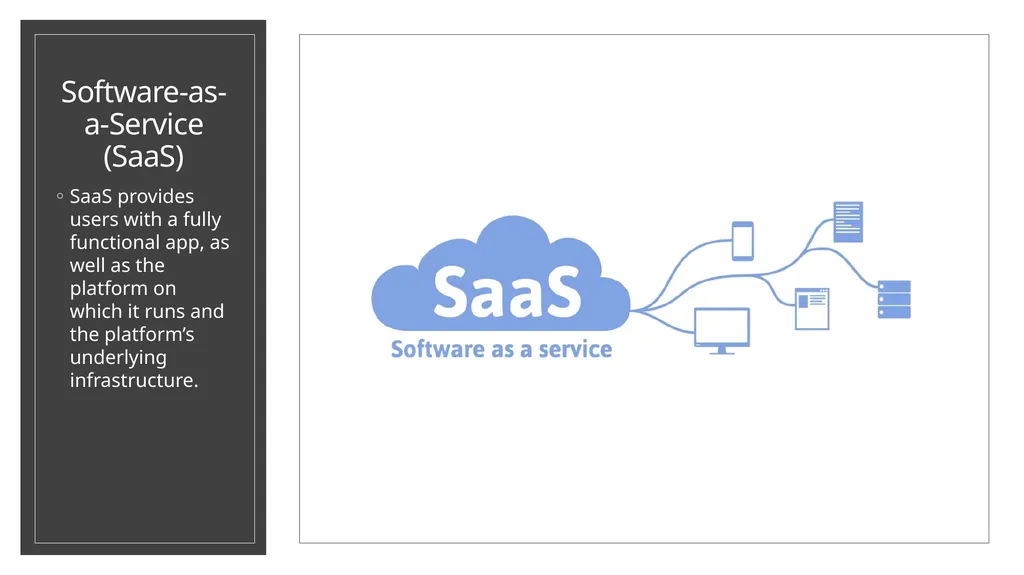
Software-as-a-Service (SaaS) SaaS provides users with a fully functional app, as well as the platform on which it runs and the platform’s underlying infrastructure.<br>
17
Software-as-a-Service (SaaS) Software-as-a-service (SaaS) is a form of cloud computing that delivers an application—and all its underlying IT infrastructure and platforms—to users.
It can be an ideal solution for businesses or individuals that:
Do not want the responsibility of maintaining infrastructure, platforms, and software.
Have challenges that require minimal customization to solve.
Favor software subscription models.
SaaS reduces users’ upfront costs by eliminating the need to permanently purchase software or invest a robust on-premise IT infrastructure—although users should invest in fast network hardware, since service performance is determined by internet connection speeds.<br>
It can be an ideal solution for businesses or individuals that:
Do not want the responsibility of maintaining infrastructure, platforms, and software.
Have challenges that require minimal customization to solve.
Favor software subscription models.
SaaS reduces users’ upfront costs by eliminating the need to permanently purchase software or invest a robust on-premise IT infrastructure—although users should invest in fast network hardware, since service performance is determined by internet connection speeds.<br>
18
software-as-a-Service<br>
19
Examples of Software-as-a-Service (SaaS) Examples of SaaS include consumer-facing services like Google Docs and Microsoft Office 365, as well as enterprise services that deliver human resource software, content management systems, customer relationship management tools, and integrated development environments (IDEs).<br>
20
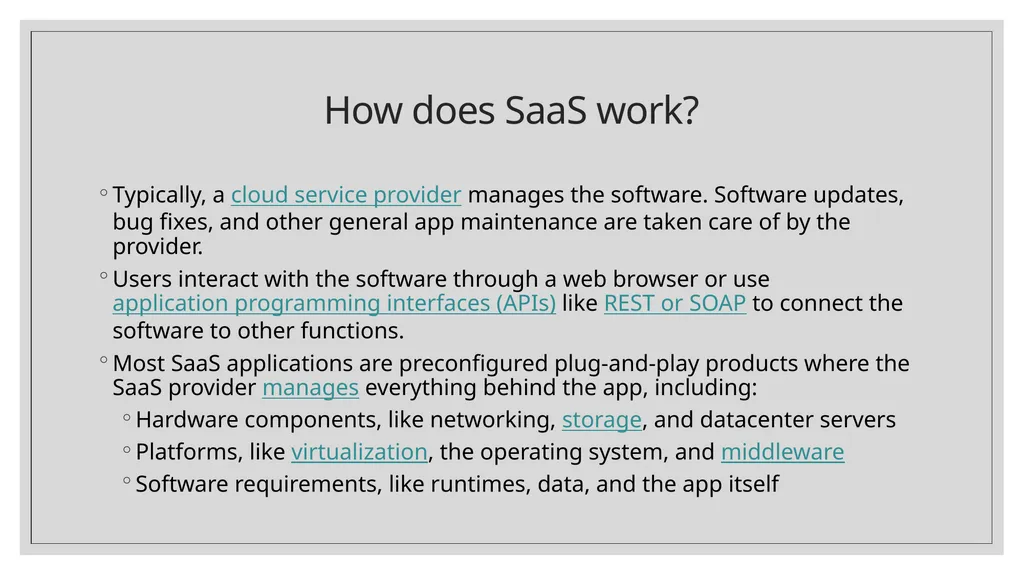
How does SaaS work? Typically, a cloud service provider manages the software. Software updates, bug fixes, and other general app maintenance are taken care of by the provider.
Users interact with the software through a web browser or use application programming interfaces (APIs) like REST or SOAP to connect the software to other functions.
Most SaaS applications are preconfigured plug-and-play products where the SaaS provider manages everything behind the app, including:
Hardware components, like networking, storage, and datacenter servers
Platforms, like virtualization, the operating system, and middleware
Software requirements, like runtimes, data, and the app itself<br>
Users interact with the software through a web browser or use application programming interfaces (APIs) like REST or SOAP to connect the software to other functions.
Most SaaS applications are preconfigured plug-and-play products where the SaaS provider manages everything behind the app, including:
Hardware components, like networking, storage, and datacenter servers
Platforms, like virtualization, the operating system, and middleware
Software requirements, like runtimes, data, and the app itself<br>
21
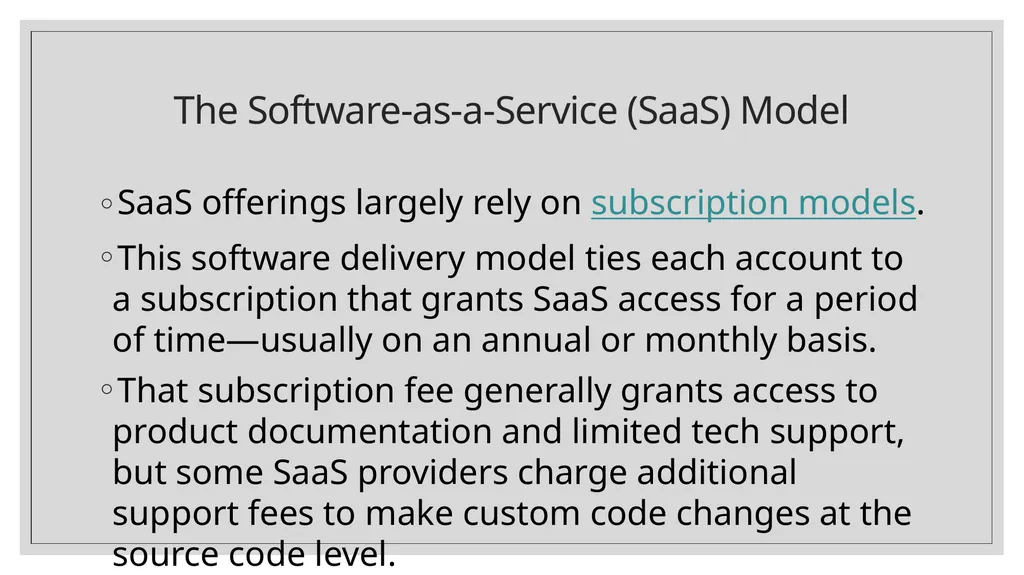
The Software-as-a-Service (SaaS) Model SaaS offerings largely rely on subscription models.
This software delivery model ties each account to a subscription that grants SaaS access for a period of time—usually on an annual or monthly basis.
That subscription fee generally grants access to product documentation and limited tech support, but some SaaS providers charge additional support fees to make custom code changes at the source code level.<br>
This software delivery model ties each account to a subscription that grants SaaS access for a period of time—usually on an annual or monthly basis.
That subscription fee generally grants access to product documentation and limited tech support, but some SaaS providers charge additional support fees to make custom code changes at the source code level.<br>
22
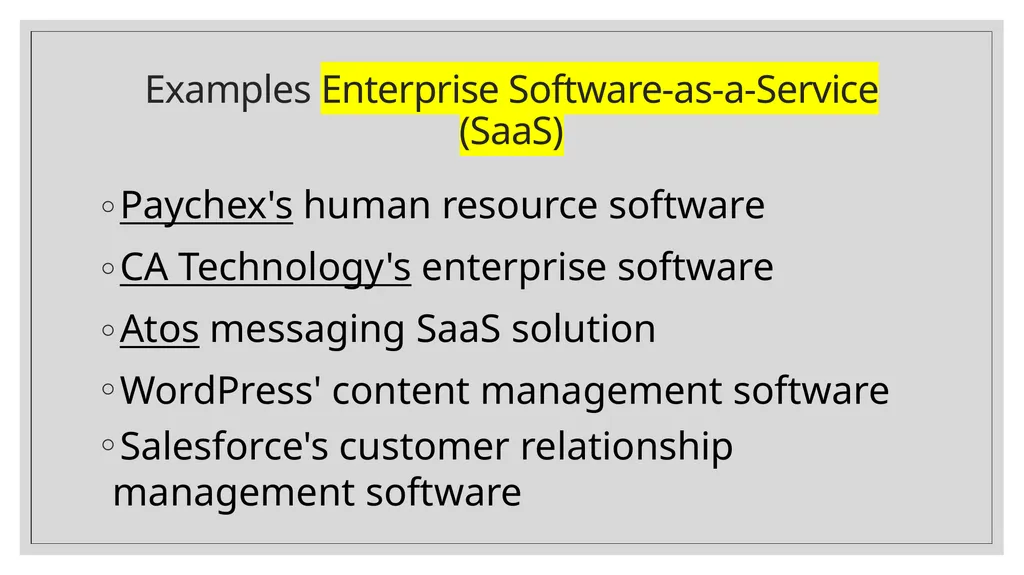
Examples Enterprise Software-as-a-Service (SaaS) Paychex's human resource software
CA Technology's enterprise software
Atos messaging SaaS solution
WordPress' content management software
Salesforce's customer relationship management software<br>
CA Technology's enterprise software
Atos messaging SaaS solution
WordPress' content management software
Salesforce's customer relationship management software<br>
23
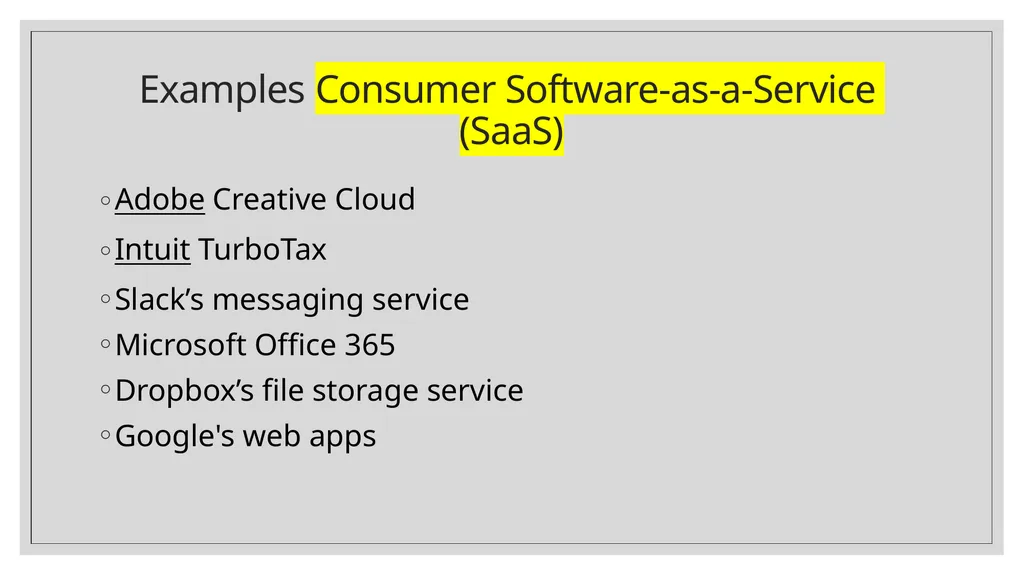
Examples Consumer Software-as-a-Service (SaaS) Adobe Creative Cloud
Intuit TurboTax
Slack’s messaging service
Microsoft Office 365
Dropbox’s file storage service
Google's web apps<br>
Intuit TurboTax
Slack’s messaging service
Microsoft Office 365
Dropbox’s file storage service
Google's web apps<br>
24
Cloud Models<br>
25
Cloud Deployment Models<br>
26
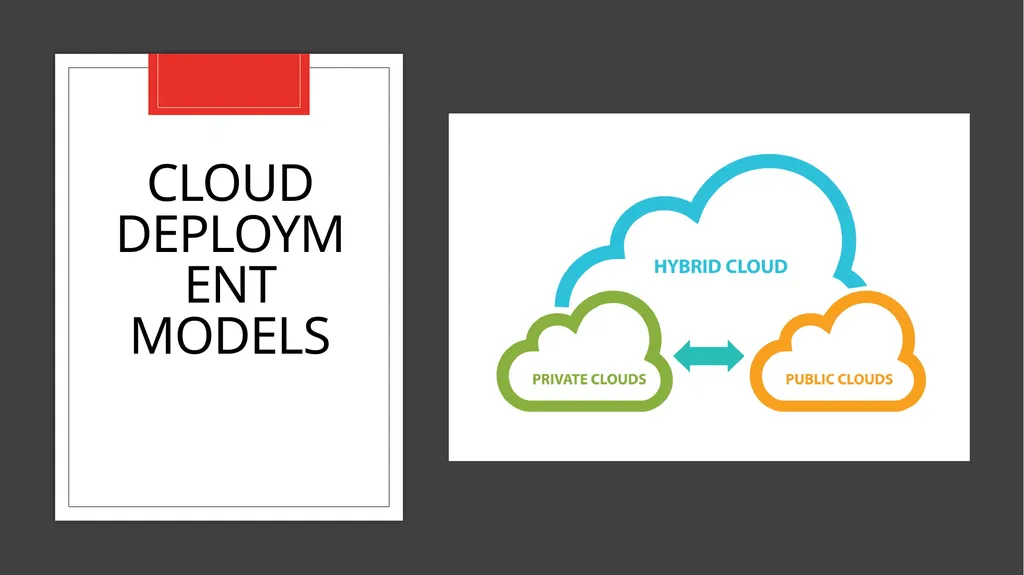
Cloud Deployment Models When deciding how to host data and apps on the cloud, companies often choose between sharing a server on the cloud with other organizations, configuring a dedicated server on the cloud, or using both options.
Companies must consider the type of data involved and the level of security required to keep it safe. Public, private, and hybrid clouds are examples of IaaS (infrastructure as a service), a service of cloud computing that uses a provider’s hardware to manage, store and access files and apps over the Internet.
On a private cloud, a company has its own servers in the cloud to host its apps and data.
On a public cloud, several companies store data or apps on the same physical server on the cloud.
On a hybrid cloud, organizations may host confidential data on a private cloud and rely on a public cloud for information that does not require such a high degree of security.<br>
Companies must consider the type of data involved and the level of security required to keep it safe. Public, private, and hybrid clouds are examples of IaaS (infrastructure as a service), a service of cloud computing that uses a provider’s hardware to manage, store and access files and apps over the Internet.
On a private cloud, a company has its own servers in the cloud to host its apps and data.
On a public cloud, several companies store data or apps on the same physical server on the cloud.
On a hybrid cloud, organizations may host confidential data on a private cloud and rely on a public cloud for information that does not require such a high degree of security.<br>
27
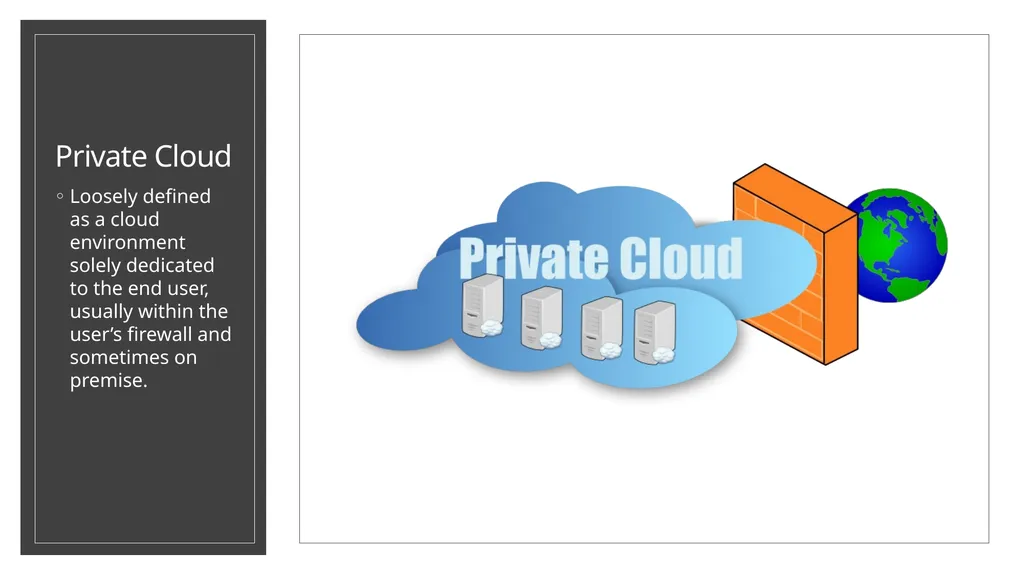
Private Cloud Loosely defined as a cloud environment solely dedicated to the end user, usually within the user’s firewall and sometimes on premise.<br>
28
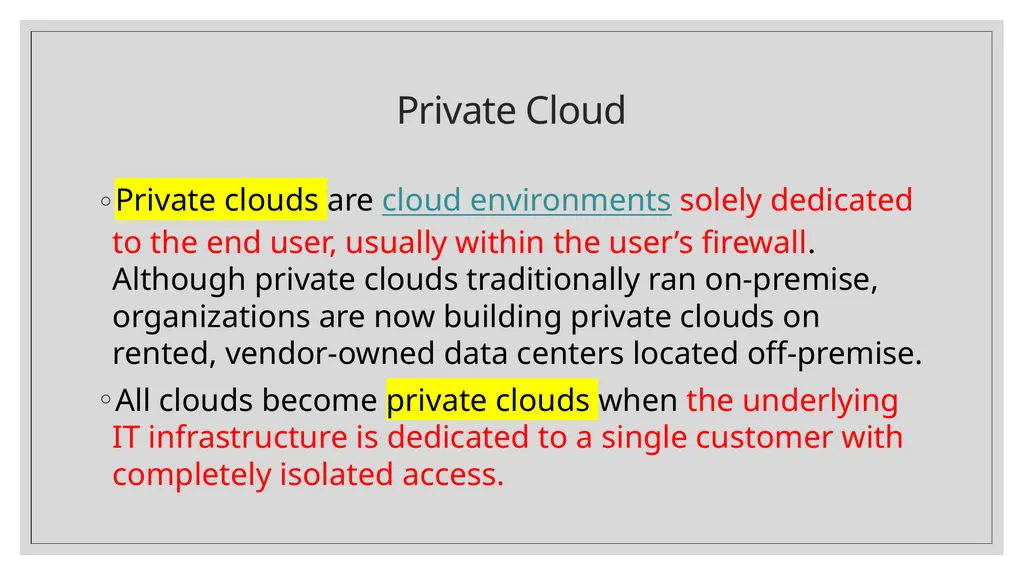
Private Cloud Private clouds are cloud environments solely dedicated to the end user, usually within the user’s firewall. Although private clouds traditionally ran on-premise, organizations are now building private clouds on rented, vendor-owned data centers located off-premise.
All clouds become private clouds when the underlying IT infrastructure is dedicated to a single customer with completely isolated access.<br>
All clouds become private clouds when the underlying IT infrastructure is dedicated to a single customer with completely isolated access.<br>
29
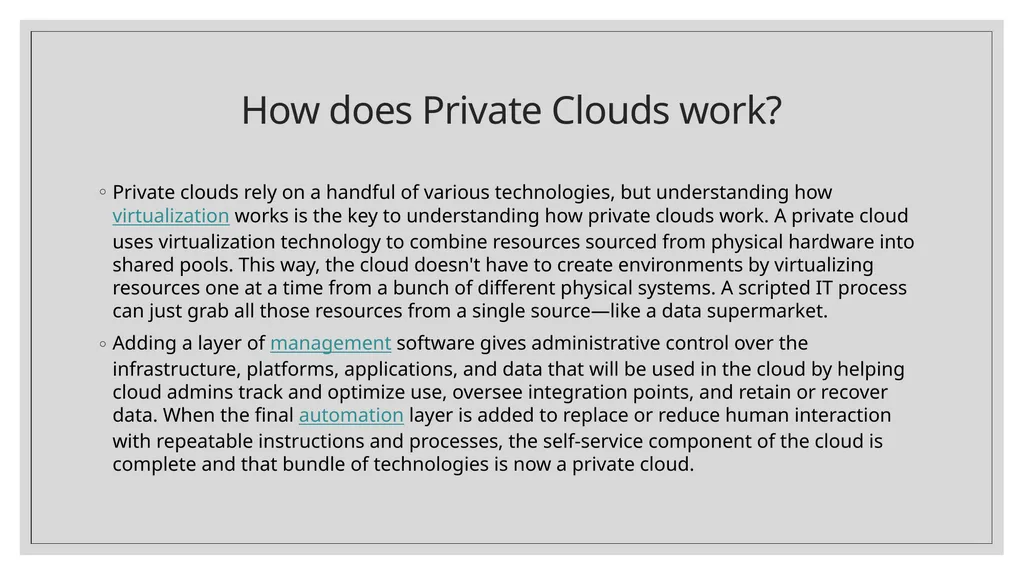
How does Private Clouds work? Private clouds rely on a handful of various technologies, but understanding how virtualization works is the key to understanding how private clouds work. A private cloud uses virtualization technology to combine resources sourced from physical hardware into shared pools. This way, the cloud doesn't have to create environments by virtualizing resources one at a time from a bunch of different physical systems. A scripted IT process can just grab all those resources from a single source—like a data supermarket.
Adding a layer of management software gives administrative control over the infrastructure, platforms, applications, and data that will be used in the cloud by helping cloud admins track and optimize use, oversee integration points, and retain or recover data. When the final automation layer is added to replace or reduce human interaction with repeatable instructions and processes, the self-service component of the cloud is complete and that bundle of technologies is now a private cloud.<br>
Adding a layer of management software gives administrative control over the infrastructure, platforms, applications, and data that will be used in the cloud by helping cloud admins track and optimize use, oversee integration points, and retain or recover data. When the final automation layer is added to replace or reduce human interaction with repeatable instructions and processes, the self-service component of the cloud is complete and that bundle of technologies is now a private cloud.<br>
30
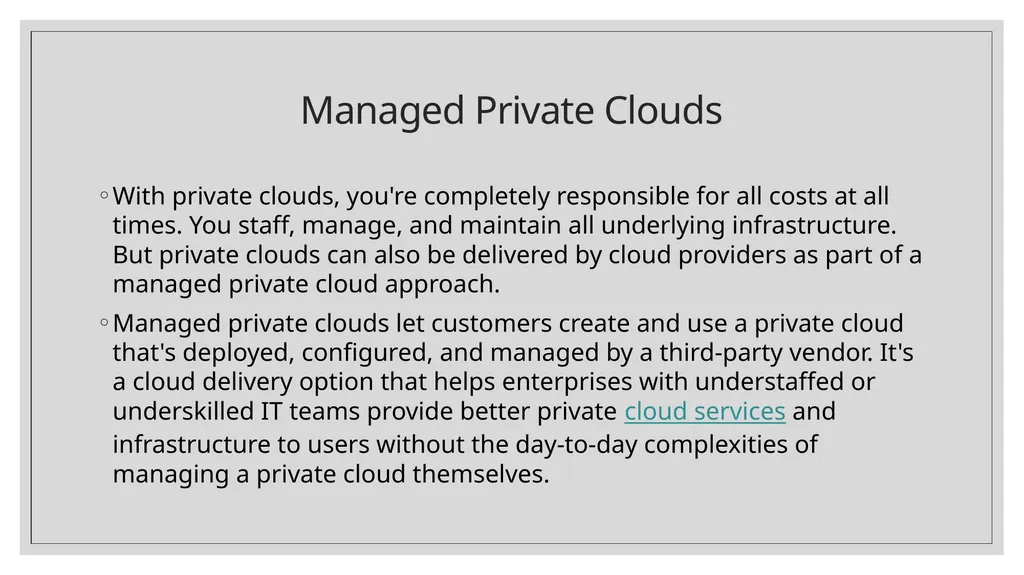
Managed Private Clouds With private clouds, you're completely responsible for all costs at all times. You staff, manage, and maintain all underlying infrastructure. But private clouds can also be delivered by cloud providers as part of a managed private cloud approach.
Managed private clouds let customers create and use a private cloud that's deployed, configured, and managed by a third-party vendor. It's a cloud delivery option that helps enterprises with understaffed or underskilled IT teams provide better private cloud services and infrastructure to users without the day-to-day complexities of managing a private cloud themselves.<br>
Managed private clouds let customers create and use a private cloud that's deployed, configured, and managed by a third-party vendor. It's a cloud delivery option that helps enterprises with understaffed or underskilled IT teams provide better private cloud services and infrastructure to users without the day-to-day complexities of managing a private cloud themselves.<br>
31
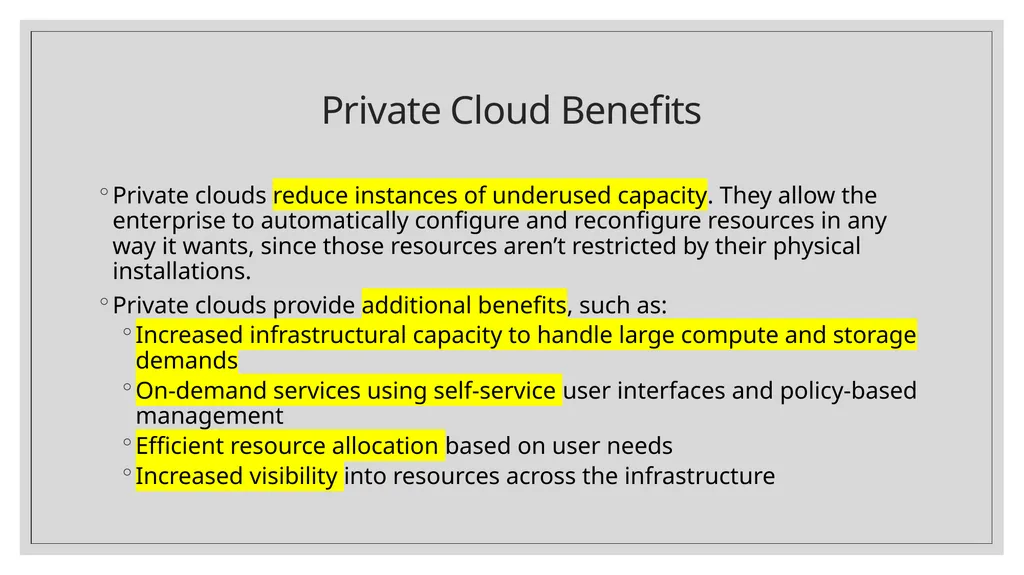
Private Cloud Benefits Private clouds reduce instances of underused capacity. They allow the enterprise to automatically configure and reconfigure resources in any way it wants, since those resources aren’t restricted by their physical installations.
Private clouds provide additional benefits, such as:
Increased infrastructural capacity to handle large compute and storage demands
On-demand services using self-service user interfaces and policy-based management
Efficient resource allocation based on user needs
Increased visibility into resources across the infrastructure<br>
Private clouds provide additional benefits, such as:
Increased infrastructural capacity to handle large compute and storage demands
On-demand services using self-service user interfaces and policy-based management
Efficient resource allocation based on user needs
Increased visibility into resources across the infrastructure<br>
32
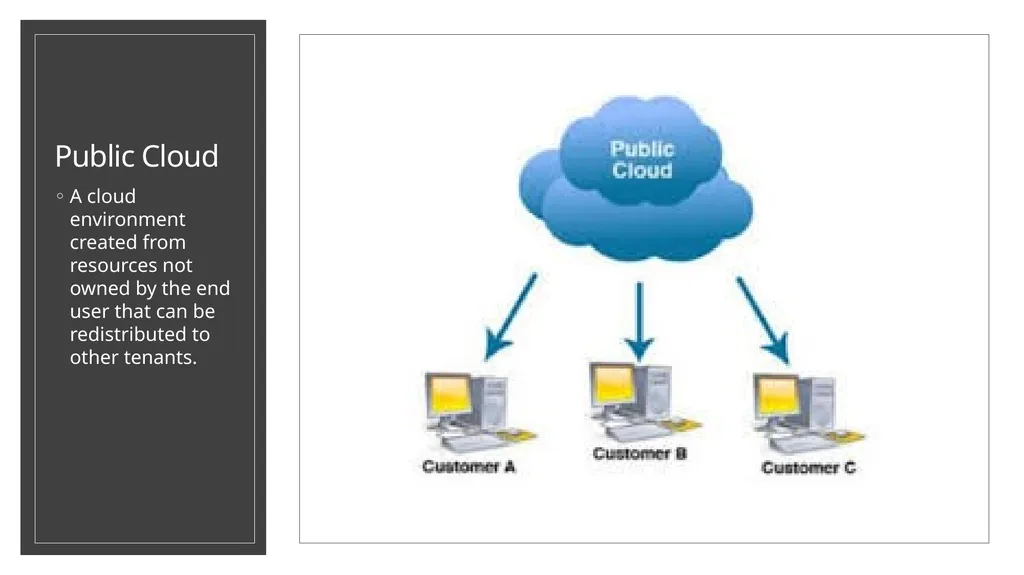
Public Cloud A cloud environment created from resources not owned by the end user that can be redistributed to other tenants.<br>
33
Public Cloud A public cloud is a pool of virtual resources—developed from hardware owned and managed by a third-party company—that is automatically provisioned and allocated among multiple clients through a self-service interface. It’s a straightforward way to scale out workloads that experience unexpected demand fluctuations.
Today’s public clouds aren’t usually deployed as a standalone infrastructure solution, but rather as part of a heterogeneous mix of environments that leads to higher security and performance; lower cost; and a wider availability of infrastructure, services, and applications.<br>
Today’s public clouds aren’t usually deployed as a standalone infrastructure solution, but rather as part of a heterogeneous mix of environments that leads to higher security and performance; lower cost; and a wider availability of infrastructure, services, and applications.<br>
34
How do Public Clouds Work? Public clouds are set up the same way as private clouds. Both use a handful of technologies to virtualize resources into shared pools, add a layer of administrative control over everything, and create automated self-service functions. Together, those technologies create a cloud:
private if it’s sourced from systems dedicated to and managed by the people using them,
public if you provide it as a shared resource to multiple users.
And hybrid cloud is a combination of 2 or more interconnected cloud environments—public or private.<br>
private if it’s sourced from systems dedicated to and managed by the people using them,
public if you provide it as a shared resource to multiple users.
And hybrid cloud is a combination of 2 or more interconnected cloud environments—public or private.<br>
35
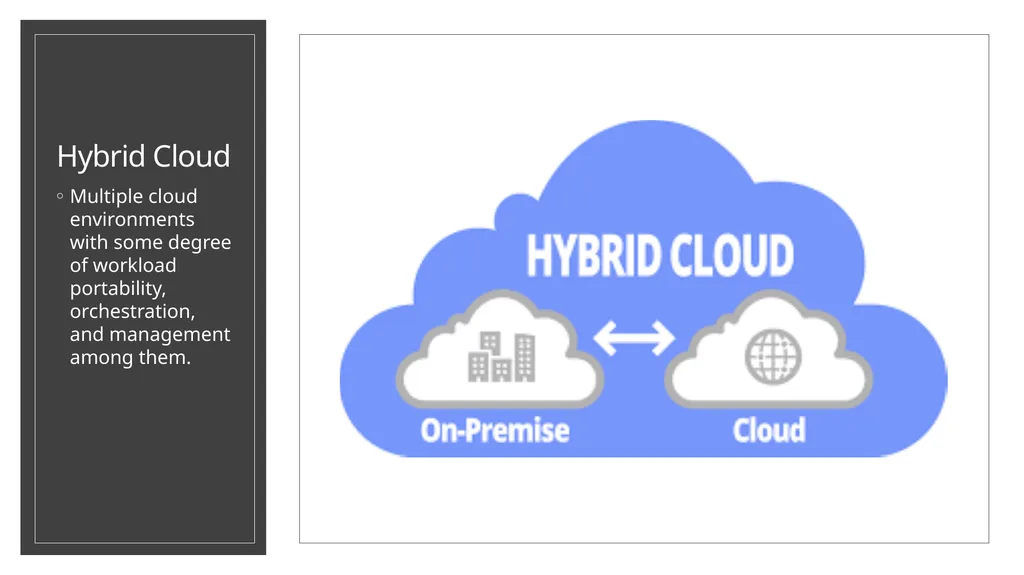
Hybrid Cloud Multiple cloud environments with some degree of workload portability, orchestration, and management among them.<br>
36
Hybrid Cloud The earlier age of cloud computing, where the differences between public clouds and private clouds were easily defined by location and ownership.
But today’s cloud types are far more complex, because location and ownership are abstract considerations. For example:
Public clouds traditionally ran off-premises, but public cloud providers are now running cloud services on their clients’ on-premise data centers.
Private clouds traditionally ran on-premises, but organizations are now building private clouds on rented, vendor-owned data centers located off-premises.<br>
But today’s cloud types are far more complex, because location and ownership are abstract considerations. For example:
Public clouds traditionally ran off-premises, but public cloud providers are now running cloud services on their clients’ on-premise data centers.
Private clouds traditionally ran on-premises, but organizations are now building private clouds on rented, vendor-owned data centers located off-premises.<br>
37
Hybrid Cloud This is why it can be more helpful to define hybrid cloud computing by what it does. All hybrid clouds should:
Connect multiple computers through a network.
Consolidate IT resources.
Scale out and quickly provision new resources.
Be able to move workloads between environments.
Incorporate a single, unified management tool.
Orchestrate processes with the help of automation.<br>
Connect multiple computers through a network.
Consolidate IT resources.
Scale out and quickly provision new resources.
Be able to move workloads between environments.
Incorporate a single, unified management tool.
Orchestrate processes with the help of automation.<br>
38
How do I build a Hybrid Cloud? There are 2 general ways of building a hybrid cloud environment:
The traditional way and the modern way.<br>
The traditional way and the modern way.<br>
39
Traditional Hybrid Cloud Architecture Hybrid clouds used to be the result of connecting a private cloud to a public cloud.
Finally, you would need to link the public cloud to the private cloud.
Moving huge amounts of resources among these environments require powerful middleware, or a preconfigured VPN that many cloud service providers give customers as part of their subscription packages.<br>
Finally, you would need to link the public cloud to the private cloud.
Moving huge amounts of resources among these environments require powerful middleware, or a preconfigured VPN that many cloud service providers give customers as part of their subscription packages.<br>
40
Modern Hybrid Cloud Architecture Today’s hybrid clouds no longer require huge middleware instances to move resources and workloads. Modern IT teams build hybrid clouds by running the same operating system in every IT environment; developing and deploying apps as collections of small, independent, and loosely coupled services; and managing everything through a unified platform. In more practical terms, a hybrid cloud can be the result of:
Running Linux® everywhere
Building and deploying cloud-native apps
Managing everything using an orchestration engine like Kubernetes
This interconnectivity allows development and operations teams to work together in a DevOps model: A process by which teams work collaboratively across integrated environments using a microservice architecture supported by containers.<br>
Running Linux® everywhere
Building and deploying cloud-native apps
Managing everything using an orchestration engine like Kubernetes
This interconnectivity allows development and operations teams to work together in a DevOps model: A process by which teams work collaboratively across integrated environments using a microservice architecture supported by containers.<br>
41
Are Hybrid Cloud Secure? A properly designed, integrated, and managed hybrid cloud can be as secure as traditional on-premise IT infrastructure.
While there are some unique hybrid cloud security challenges (like data migration, increased complexity, and a larger attack surface), the presence of multiple environments can be one of the strongest defenses against security risks.
All those interconnected environments let enterprises choose where to place sensitive data based on requirements, and it lets security teams standardize redundant cloud storage that can augment disaster recovery efforts.<br>
While there are some unique hybrid cloud security challenges (like data migration, increased complexity, and a larger attack surface), the presence of multiple environments can be one of the strongest defenses against security risks.
All those interconnected environments let enterprises choose where to place sensitive data based on requirements, and it lets security teams standardize redundant cloud storage that can augment disaster recovery efforts.<br>
42
Microsoft Azure<br>
43
Microsoft Cloud Computing - Azure What is Azure?
Azure is a comprehensive set of cloud services that developers and IT professionals use to build, deploy, and manage applications through our global network of datacenters. Integrated tools, DevOps, and a marketplace support you in efficiently building anything from simple mobile apps to internet-scale solutions.<br>
Azure is a comprehensive set of cloud services that developers and IT professionals use to build, deploy, and manage applications through our global network of datacenters. Integrated tools, DevOps, and a marketplace support you in efficiently building anything from simple mobile apps to internet-scale solutions.<br>
44
Microsoft Azure Solutions Microsoft Azure providing the following solutions:
Digital marketing: Connect with customers worldwide with digital campaigns that are personalized and scalable.
Mobile: Reach your customers everywhere, on every device, with a single mobile app build.
E-commerce: Give customers what they want with a personalized, scalable, and secure shopping experience.
LOB applications: Modernize your internal line of business (LOB) apps to meet today’s IT challenges.
SharePoint on Azure: Deploy SharePoint servers rapidly and scale as needed with a cost-effective infrastructure.<br>
Digital marketing: Connect with customers worldwide with digital campaigns that are personalized and scalable.
Mobile: Reach your customers everywhere, on every device, with a single mobile app build.
E-commerce: Give customers what they want with a personalized, scalable, and secure shopping experience.
LOB applications: Modernize your internal line of business (LOB) apps to meet today’s IT challenges.
SharePoint on Azure: Deploy SharePoint servers rapidly and scale as needed with a cost-effective infrastructure.<br>
45
Microsoft Azure Solutions Dynamics on Azure: Fuel business growth by bringing together enterprise resource planning (ERP) and cloud services.
SAP on Azure: Bring cloud scale and agility to your mission-critical SAP workloads.
Red Hat on Azure: Achieve hybrid cloud agility for your enterprise with Red Hat solutions on Azure.
DevOps: Bring together people, processes and products to enable continuous delivery of value to your end users.
Development and test: Simplify and speed up the process of building and testing applications across every platform.
Monitoring: Gain visibility into the health, performance, and utilization of your applications, workloads, and infrastructure.
Business intelligence: Drive better, faster decision making by analyzing your data for deeper insights<br>
SAP on Azure: Bring cloud scale and agility to your mission-critical SAP workloads.
Red Hat on Azure: Achieve hybrid cloud agility for your enterprise with Red Hat solutions on Azure.
DevOps: Bring together people, processes and products to enable continuous delivery of value to your end users.
Development and test: Simplify and speed up the process of building and testing applications across every platform.
Monitoring: Gain visibility into the health, performance, and utilization of your applications, workloads, and infrastructure.
Business intelligence: Drive better, faster decision making by analyzing your data for deeper insights<br>
46
Microsoft Azure Solutions Big data and analytics: Make the most informed decision possible by analyzing all of the data you need in real time.
Data warehouse: Handle exponential data growth without leaving security, scalability, or analytics behind.
Business SaaS apps: Use business insights and intelligence from Azure to build software as a service (SaaS) apps.
Hybrid integration: Seamlessly integrate applications, data, and processes across both on-premises and cloud.
Backup and archive: Protect your data and applications no matter where they reside to avoid costly business interruptions.
Disaster recovery: Protect all your major IT systems while ensuring apps work when you need them most.<br>
Data warehouse: Handle exponential data growth without leaving security, scalability, or analytics behind.
Business SaaS apps: Use business insights and intelligence from Azure to build software as a service (SaaS) apps.
Hybrid integration: Seamlessly integrate applications, data, and processes across both on-premises and cloud.
Backup and archive: Protect your data and applications no matter where they reside to avoid costly business interruptions.
Disaster recovery: Protect all your major IT systems while ensuring apps work when you need them most.<br>
47
Microsoft Azure Solutions Internet of Things: Create the Internet of Your Things by connecting your devices, assets, and sensors to collect untapped data.
Digital Media: Deliver high-quality videos to your customers anywhere, anytime, on any device.
High Performance computing: Tap into unlimited resources to scale your high performance computing (HPC) jobs.
Blockchain: Quickly develop and deploy distributed apps on the blockchain of your choice.
Microservice applications: Deliver scalable, reliable applications faster to meet the ever-changing demands of your customers.
Gaming: Build, quickly launch, and reliably scale your games across platforms, and refine based on analytics.<br>
Digital Media: Deliver high-quality videos to your customers anywhere, anytime, on any device.
High Performance computing: Tap into unlimited resources to scale your high performance computing (HPC) jobs.
Blockchain: Quickly develop and deploy distributed apps on the blockchain of your choice.
Microservice applications: Deliver scalable, reliable applications faster to meet the ever-changing demands of your customers.
Gaming: Build, quickly launch, and reliably scale your games across platforms, and refine based on analytics.<br>
48
Microsoft Azure Solutions Mainframe migration: Gain reliability, agility, and scalability by bringing your mission-critical mainframe applications to the cloud.
Serverless computing: Build apps faster, focusing on innovation instead of infrastructure management<br>
Serverless computing: Build apps faster, focusing on innovation instead of infrastructure management<br>
49
Amazon Web Services (AWS)<br>
50
Amazon Cloud Computing - AWS What is Amazon Web Services (AWS)?
Amazon Web Services (AWS) is a secure cloud services platform, offering compute power, database storage, content delivery and other functionality to help businesses scale and grow. Users are leveraging AWS cloud products and solutions to build sophisticated applications with increased flexibility, scalability and reliability.<br>
Amazon Web Services (AWS) is a secure cloud services platform, offering compute power, database storage, content delivery and other functionality to help businesses scale and grow. Users are leveraging AWS cloud products and solutions to build sophisticated applications with increased flexibility, scalability and reliability.<br>
51
Amazon AWS Solutions Amazon AWS provides the following solutions:
Websites: Reliable, highly scalable, and low cost website and web application hosting.
Backup and recovery: Durable, cost-effective options for backup and disaster recovery.
Archiving: Affordable solutions for data archiving from gigabytes to petabytes.
DevOps: Rapidly and reliably build and deliver products using DevOps practices.
Big data: Build and deploy highly scalable and secure Big Data applications fast.
Serverless computing: Build and run applications without thinking about servers.<br>
Websites: Reliable, highly scalable, and low cost website and web application hosting.
Backup and recovery: Durable, cost-effective options for backup and disaster recovery.
Archiving: Affordable solutions for data archiving from gigabytes to petabytes.
DevOps: Rapidly and reliably build and deliver products using DevOps practices.
Big data: Build and deploy highly scalable and secure Big Data applications fast.
Serverless computing: Build and run applications without thinking about servers.<br>
52
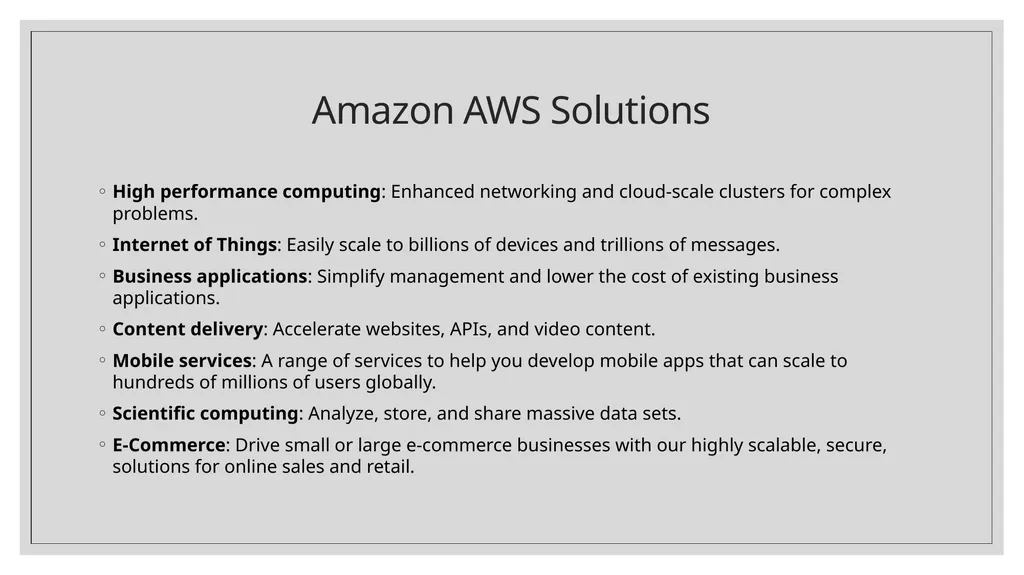
Amazon AWS Solutions High performance computing: Enhanced networking and cloud-scale clusters for complex problems.
Internet of Things: Easily scale to billions of devices and trillions of messages.
Business applications: Simplify management and lower the cost of existing business applications.
Content delivery: Accelerate websites, APIs, and video content.
Mobile services: A range of services to help you develop mobile apps that can scale to hundreds of millions of users globally.
Scientific computing: Analyze, store, and share massive data sets.
E-Commerce: Drive small or large e-commerce businesses with our highly scalable, secure, solutions for online sales and retail.<br>
Internet of Things: Easily scale to billions of devices and trillions of messages.
Business applications: Simplify management and lower the cost of existing business applications.
Content delivery: Accelerate websites, APIs, and video content.
Mobile services: A range of services to help you develop mobile apps that can scale to hundreds of millions of users globally.
Scientific computing: Analyze, store, and share massive data sets.
E-Commerce: Drive small or large e-commerce businesses with our highly scalable, secure, solutions for online sales and retail.<br>
53
References https://azure.microsoft.com/en-us/overview/what-is-cloud-computing/
https://aws.amazon.com/what-is-cloud-computing/
https://www.redhat.com/en/topics/cloud-computing/what-are-cloud-services<br>
https://aws.amazon.com/what-is-cloud-computing/
https://www.redhat.com/en/topics/cloud-computing/what-are-cloud-services<br>
54
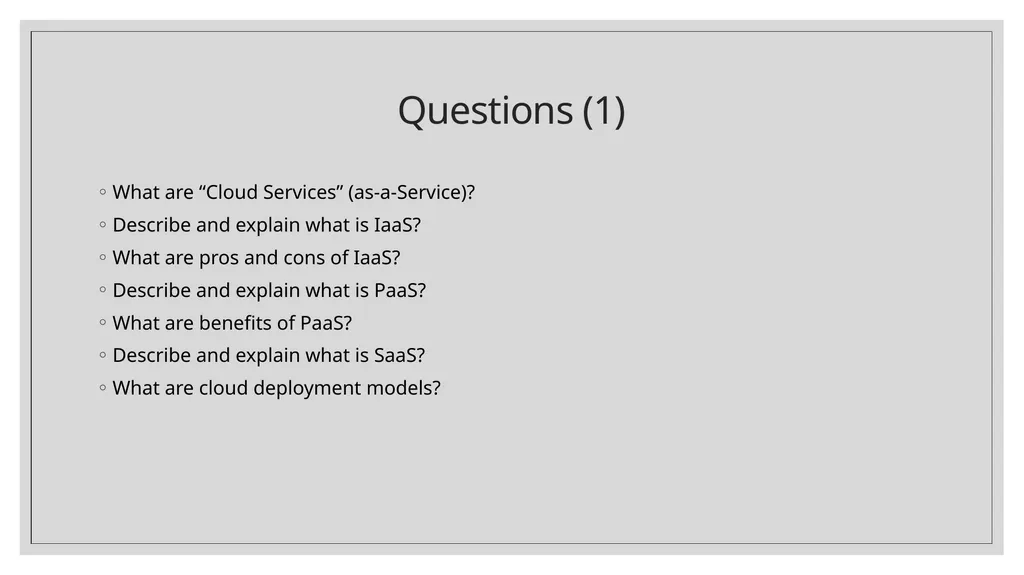
Questions (1) What are “Cloud Services” (as-a-Service)?
Describe and explain what is IaaS?
What are pros and cons of IaaS?
Describe and explain what is PaaS?
What are benefits of PaaS?
Describe and explain what is SaaS?
What are cloud deployment models?<br>
Describe and explain what is IaaS?
What are pros and cons of IaaS?
Describe and explain what is PaaS?
What are benefits of PaaS?
Describe and explain what is SaaS?
What are cloud deployment models?<br>
55
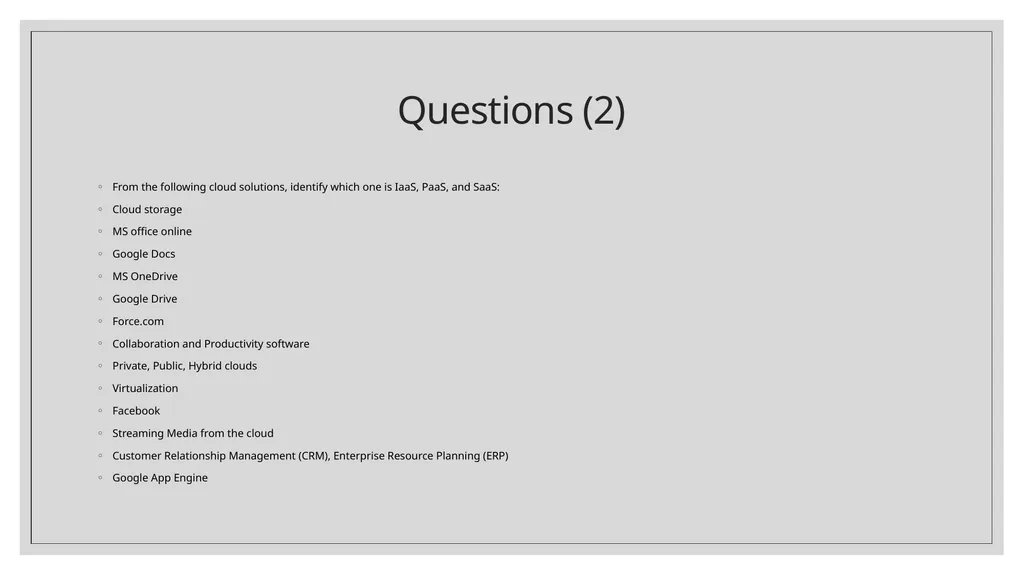
Questions (2) From the following cloud solutions, identify which one is IaaS, PaaS, and SaaS:
Cloud storage
MS office online
Google Docs
MS OneDrive
Google Drive
Force.com
Collaboration and Productivity software
Private, Public, Hybrid clouds
Virtualization
Facebook
Streaming Media from the cloud
Customer Relationship Management (CRM), Enterprise Resource Planning (ERP)
Google App Engine<br>
Cloud storage
MS office online
Google Docs
MS OneDrive
Google Drive
Force.com
Collaboration and Productivity software
Private, Public, Hybrid clouds
Virtualization
Streaming Media from the cloud
Customer Relationship Management (CRM), Enterprise Resource Planning (ERP)
Google App Engine<br>