
Controller’s Office/Quality Assurance Kim Coates
EM
Published · 31 slides · 0 views
1 / 1
Description
Controllers OfficeQuality Assurance Kim Coates General Ledger Reconciliation Course Topics Ledger Reconciliation Objective Types of Funds Printing Financials OMNI Reports OBI Reports Source Documents Omni Financials Queries Hummingbird
Related Topics
Share
Embed code
Download this presentation From Below
"Controller’s Office/Quality Assurance Kim Coates" is the property of its rightful owner. Permission is granted to download and print the materials on this website for personal, non-commercial use only, and to display it on your personal computer provided you do not modify the materials and that you retain all copyright notices contained in the materials. By downloading content from our website, you accept the terms of this agreement.
Presentation Transcript
01
Controller’s Office/Quality Assurance
Kim Coates General Ledger Reconciliation<br>
Kim Coates General Ledger Reconciliation<br>
02
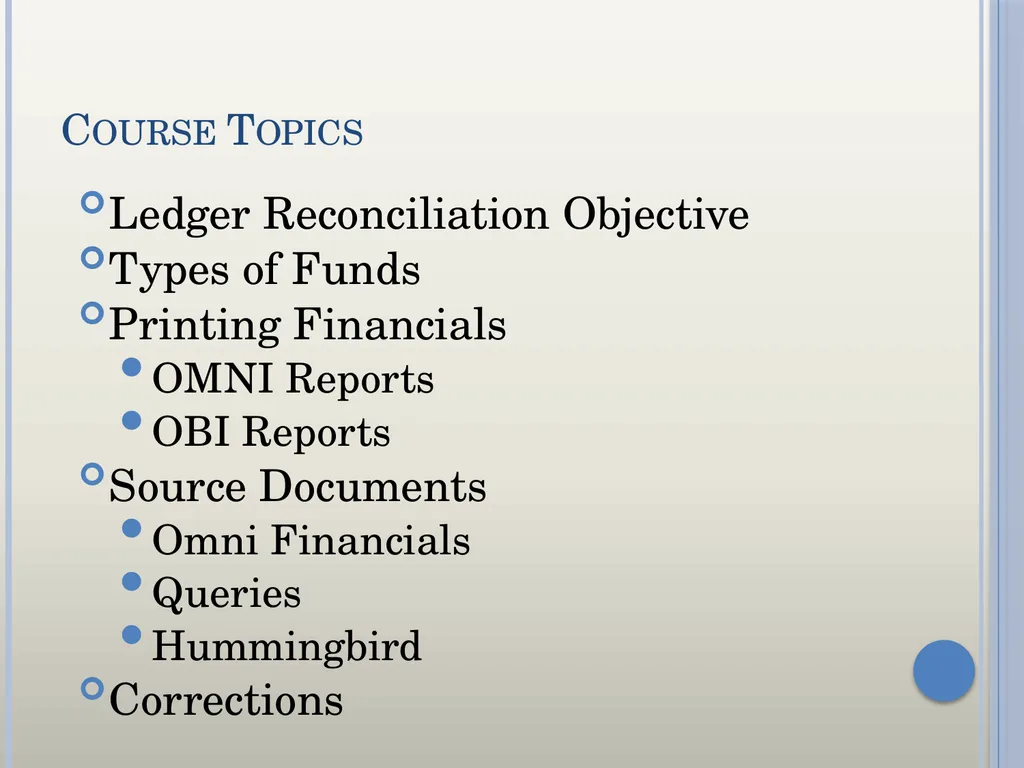
Course Topics Ledger Reconciliation Objective
Types of Funds
Printing Financials
OMNI Reports
OBI Reports
Source Documents
Omni Financials
Queries
Hummingbird
Corrections<br>
Types of Funds
Printing Financials
OMNI Reports
OBI Reports
Source Documents
Omni Financials
Queries
Hummingbird
Corrections<br>
03
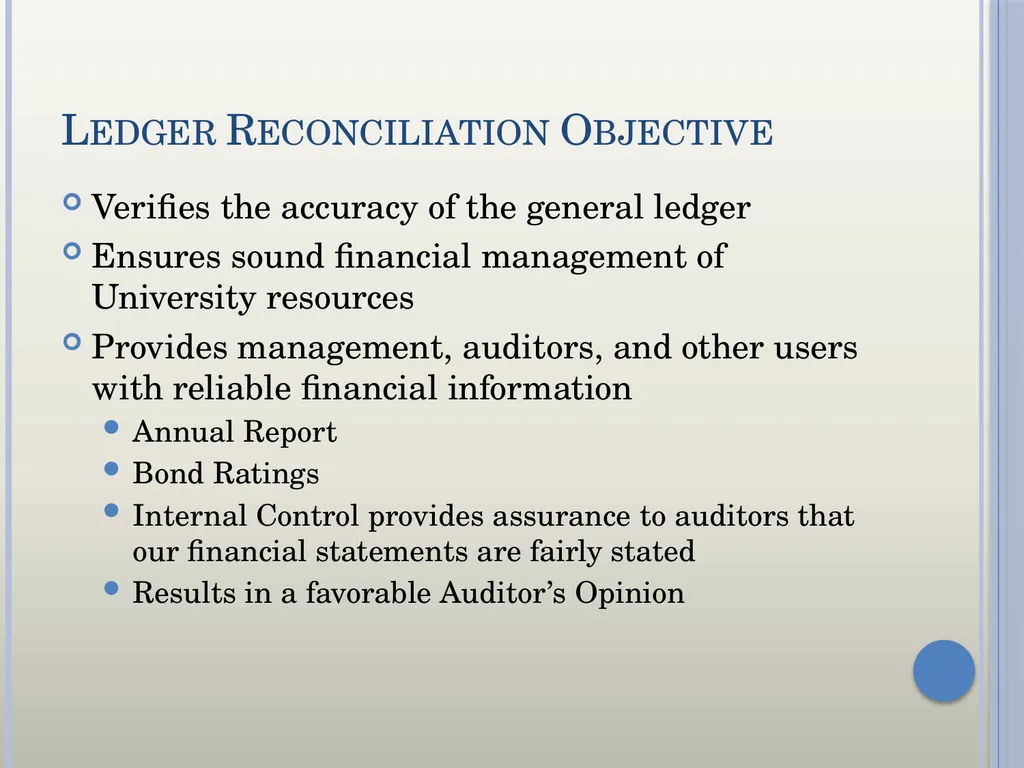
Ledger Reconciliation Objective Verifies the accuracy of the general ledger
Ensures sound financial management of University resources
Provides management, auditors, and other users with reliable financial information
Annual Report
Bond Ratings
Internal Control provides assurance to auditors that our financial statements are fairly stated
Results in a favorable Auditor’s Opinion<br>
Ensures sound financial management of University resources
Provides management, auditors, and other users with reliable financial information
Annual Report
Bond Ratings
Internal Control provides assurance to auditors that our financial statements are fairly stated
Results in a favorable Auditor’s Opinion<br>
04
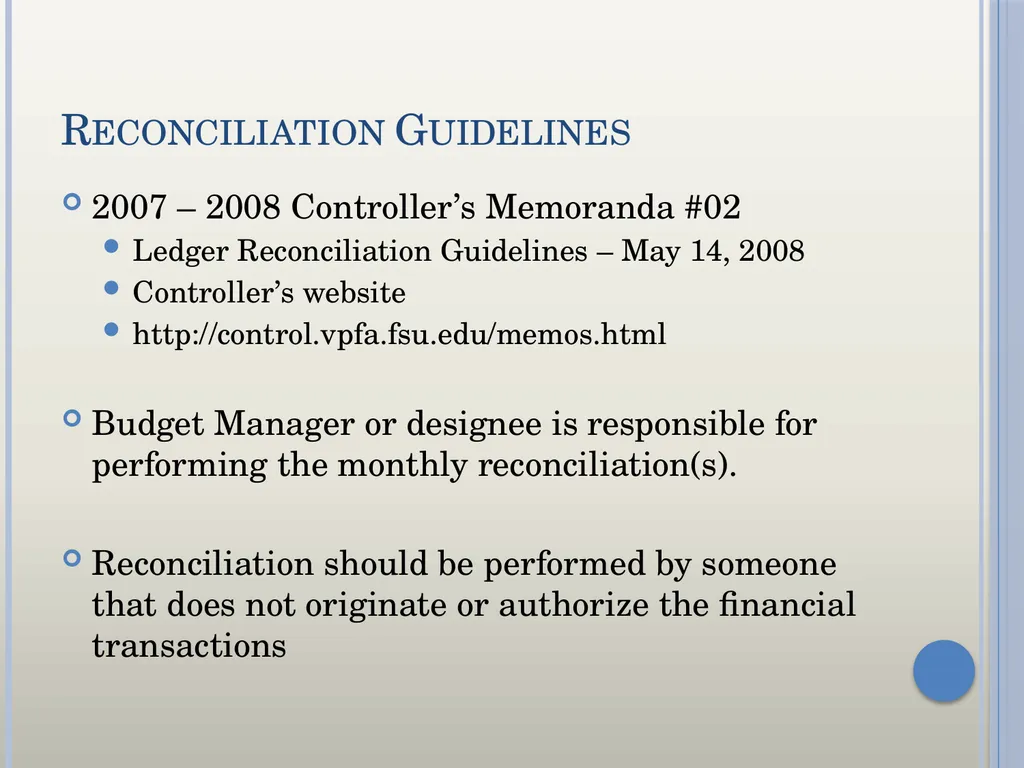
Reconciliation Guidelines 2007 – 2008 Controller’s Memoranda #02
Ledger Reconciliation Guidelines – May 14, 2008
Controller’s website
http://control.vpfa.fsu.edu/memos.html
Budget Manager or designee is responsible for performing the monthly reconciliation(s).
Reconciliation should be performed by someone that does not originate or authorize the financial transactions<br>
Ledger Reconciliation Guidelines – May 14, 2008
Controller’s website
http://control.vpfa.fsu.edu/memos.html
Budget Manager or designee is responsible for performing the monthly reconciliation(s).
Reconciliation should be performed by someone that does not originate or authorize the financial transactions<br>
05
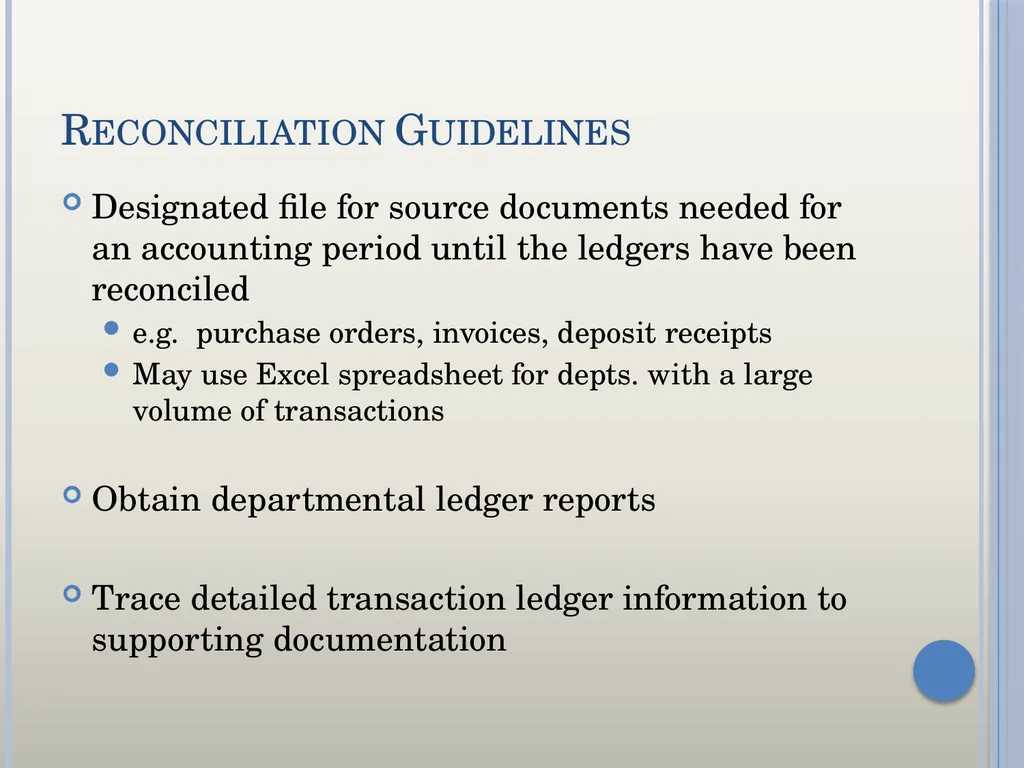
Reconciliation Guidelines Designated file for source documents needed for an accounting period until the ledgers have been reconciled
e.g. purchase orders, invoices, deposit receipts
May use Excel spreadsheet for depts. with a large volume of transactions
Obtain departmental ledger reports
Trace detailed transaction ledger information to supporting documentation<br>
e.g. purchase orders, invoices, deposit receipts
May use Excel spreadsheet for depts. with a large volume of transactions
Obtain departmental ledger reports
Trace detailed transaction ledger information to supporting documentation<br>
06
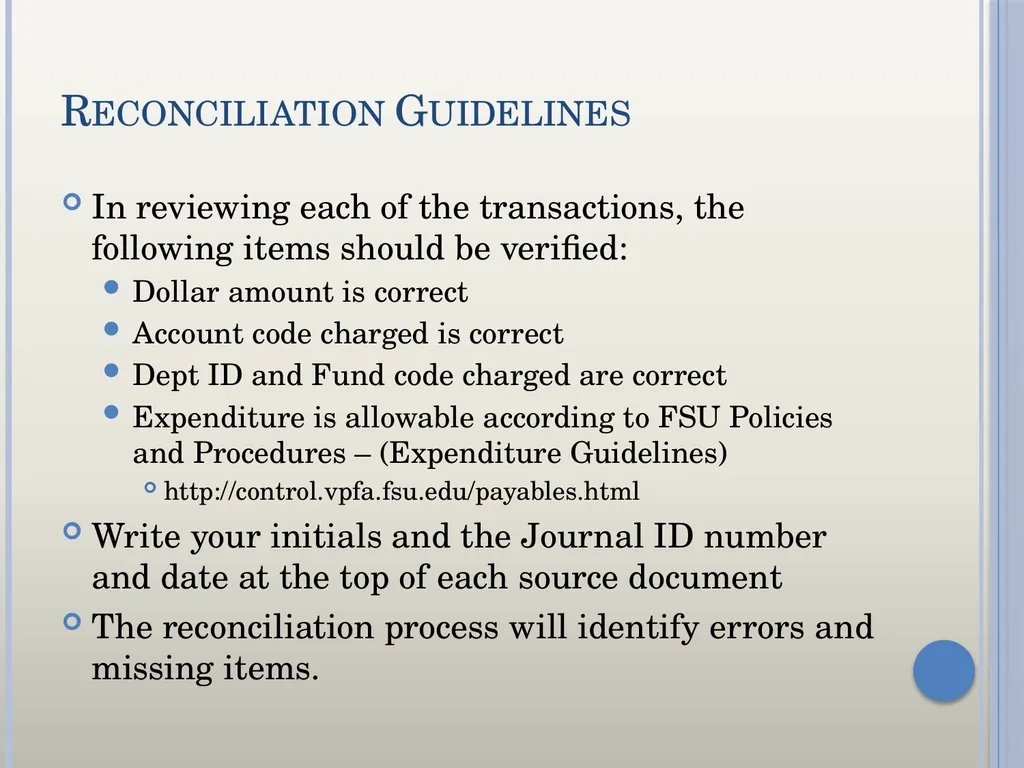
Reconciliation Guidelines In reviewing each of the transactions, the following items should be verified:
Dollar amount is correct
Account code charged is correct
Dept ID and Fund code charged are correct
Expenditure is allowable according to FSU Policies and Procedures – (Expenditure Guidelines)
http://control.vpfa.fsu.edu/payables.html
Write your initials and the Journal ID number and date at the top of each source document
The reconciliation process will identify errors and missing items.<br>
Dollar amount is correct
Account code charged is correct
Dept ID and Fund code charged are correct
Expenditure is allowable according to FSU Policies and Procedures – (Expenditure Guidelines)
http://control.vpfa.fsu.edu/payables.html
Write your initials and the Journal ID number and date at the top of each source document
The reconciliation process will identify errors and missing items.<br>
07
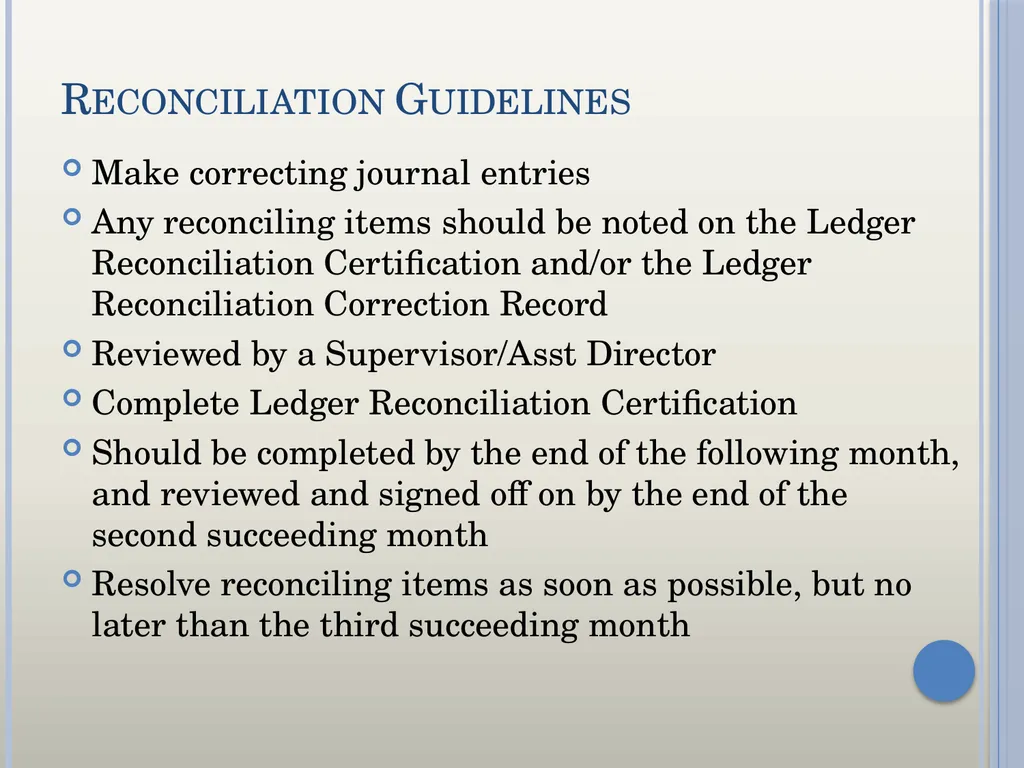
Reconciliation Guidelines Make correcting journal entries
Any reconciling items should be noted on the Ledger Reconciliation Certification and/or the Ledger Reconciliation Correction Record
Reviewed by a Supervisor/Asst Director
Complete Ledger Reconciliation Certification
Should be completed by the end of the following month, and reviewed and signed off on by the end of the second succeeding month
Resolve reconciling items as soon as possible, but no later than the third succeeding month<br>
Any reconciling items should be noted on the Ledger Reconciliation Certification and/or the Ledger Reconciliation Correction Record
Reviewed by a Supervisor/Asst Director
Complete Ledger Reconciliation Certification
Should be completed by the end of the following month, and reviewed and signed off on by the end of the second succeeding month
Resolve reconciling items as soon as possible, but no later than the third succeeding month<br>
08
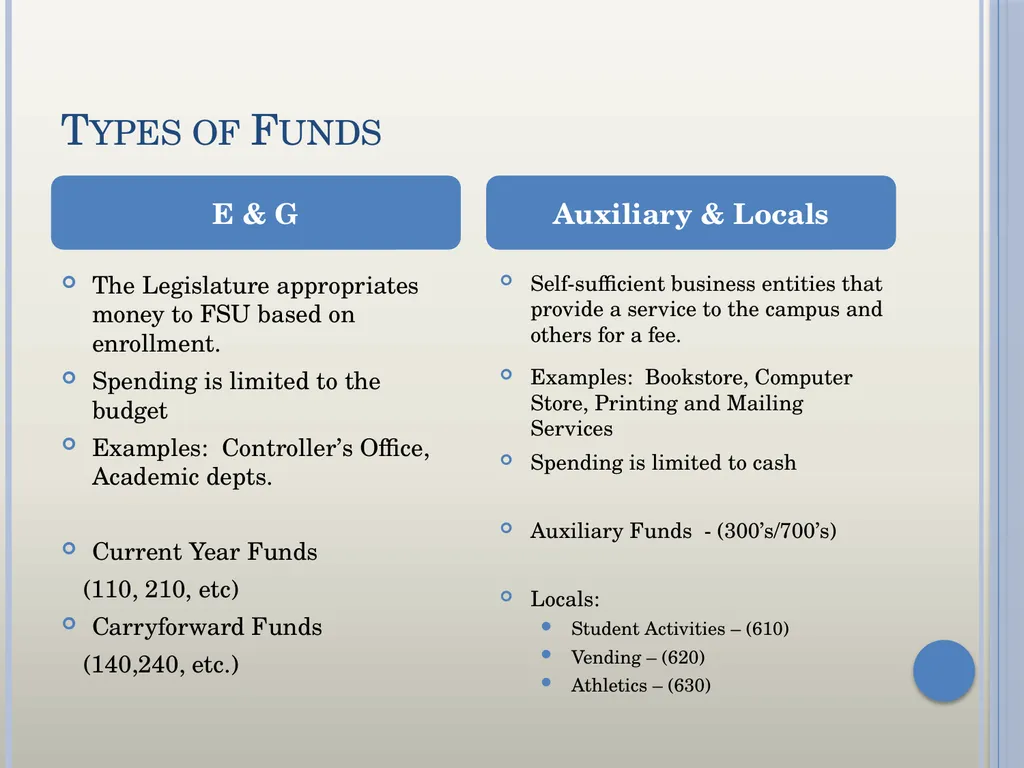
Types of Funds The Legislature appropriates money to FSU based on enrollment.
Spending is limited to the budget
Examples: Controller’s Office, Academic depts.
Current Year Funds
(110, 210, etc)
Carryforward Funds
(140,240, etc.) Self-sufficient business entities that provide a service to the campus and others for a fee.
Examples: Bookstore, Computer Store, Printing and Mailing Services
Spending is limited to cash
Auxiliary Funds - (300’s/700’s)
Locals:
Student Activities – (610)
Vending – (620)
Athletics – (630) E & G Auxiliary & Locals<br>
Spending is limited to the budget
Examples: Controller’s Office, Academic depts.
Current Year Funds
(110, 210, etc)
Carryforward Funds
(140,240, etc.) Self-sufficient business entities that provide a service to the campus and others for a fee.
Examples: Bookstore, Computer Store, Printing and Mailing Services
Spending is limited to cash
Auxiliary Funds - (300’s/700’s)
Locals:
Student Activities – (610)
Vending – (620)
Athletics – (630) E & G Auxiliary & Locals<br>
09
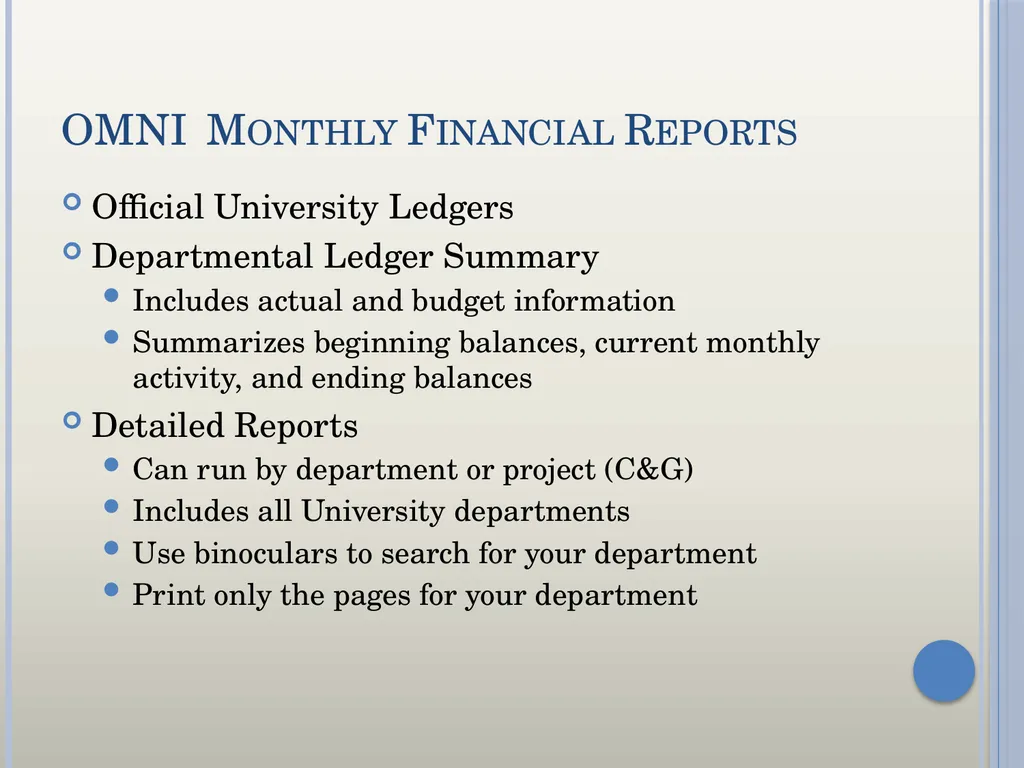
OMNI Monthly Financial Reports Official University Ledgers
Departmental Ledger Summary
Includes actual and budget information
Summarizes beginning balances, current monthly activity, and ending balances
Detailed Reports
Can run by department or project (C&G)
Includes all University departments
Use binoculars to search for your department
Print only the pages for your department<br>
Departmental Ledger Summary
Includes actual and budget information
Summarizes beginning balances, current monthly activity, and ending balances
Detailed Reports
Can run by department or project (C&G)
Includes all University departments
Use binoculars to search for your department
Print only the pages for your department<br>
10
OBI Reporting
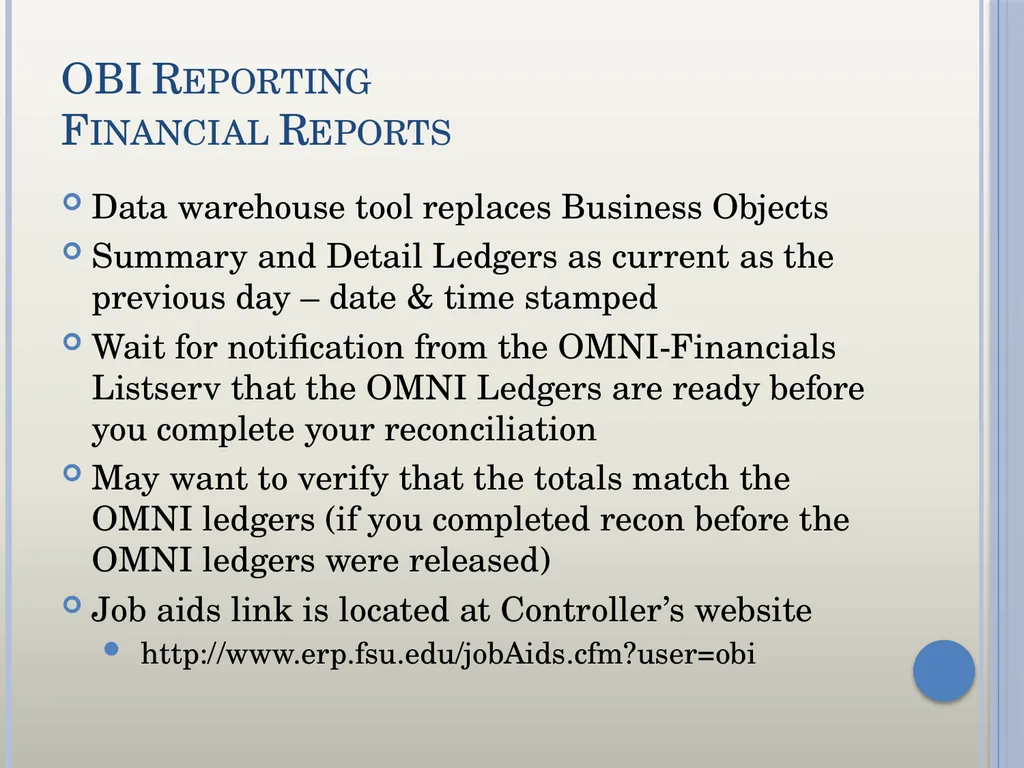
Financial Reports Data warehouse tool replaces Business Objects
Summary and Detail Ledgers as current as the previous day – date & time stamped
Wait for notification from the OMNI-Financials Listserv that the OMNI Ledgers are ready before you complete your reconciliation
May want to verify that the totals match the OMNI ledgers (if you completed recon before the OMNI ledgers were released)
Job aids link is located at Controller’s website
http://www.erp.fsu.edu/jobAids.cfm?user=obi<br>
Summary and Detail Ledgers as current as the previous day – date & time stamped
Wait for notification from the OMNI-Financials Listserv that the OMNI Ledgers are ready before you complete your reconciliation
May want to verify that the totals match the OMNI ledgers (if you completed recon before the OMNI ledgers were released)
Job aids link is located at Controller’s website
http://www.erp.fsu.edu/jobAids.cfm?user=obi<br>
11
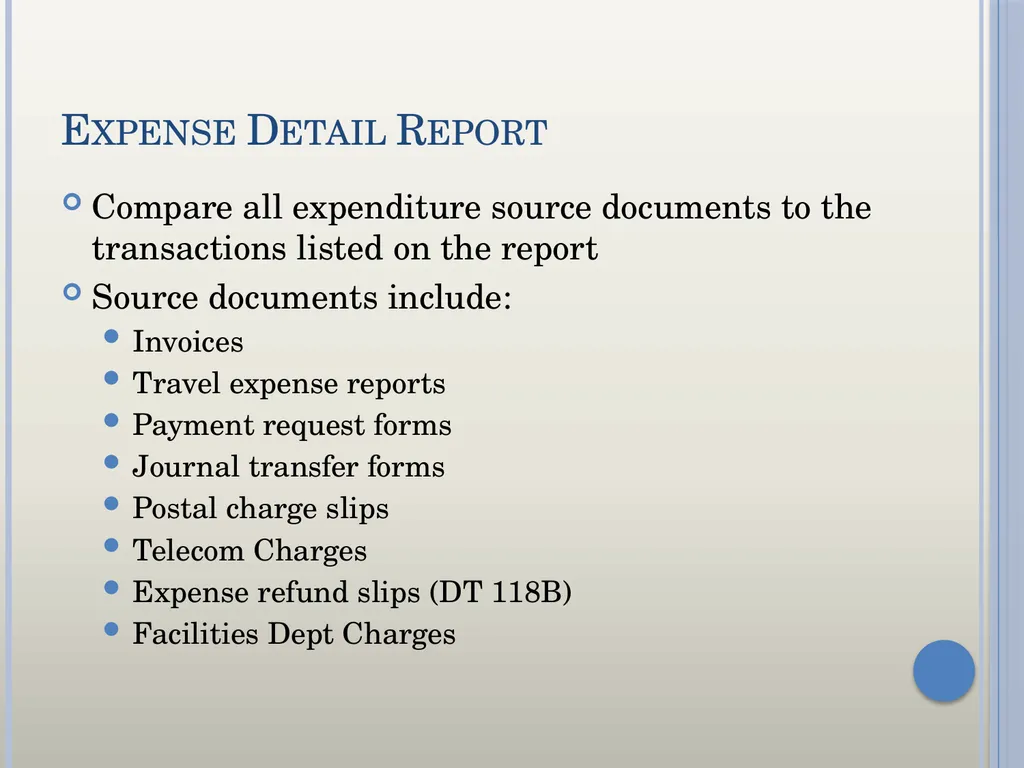
Expense Detail Report Compare all expenditure source documents to the transactions listed on the report
Source documents include:
Invoices
Travel expense reports
Payment request forms
Journal transfer forms
Postal charge slips
Telecom Charges
Expense refund slips (DT 118B)
Facilities Dept Charges<br>
Source documents include:
Invoices
Travel expense reports
Payment request forms
Journal transfer forms
Postal charge slips
Telecom Charges
Expense refund slips (DT 118B)
Facilities Dept Charges<br>
12
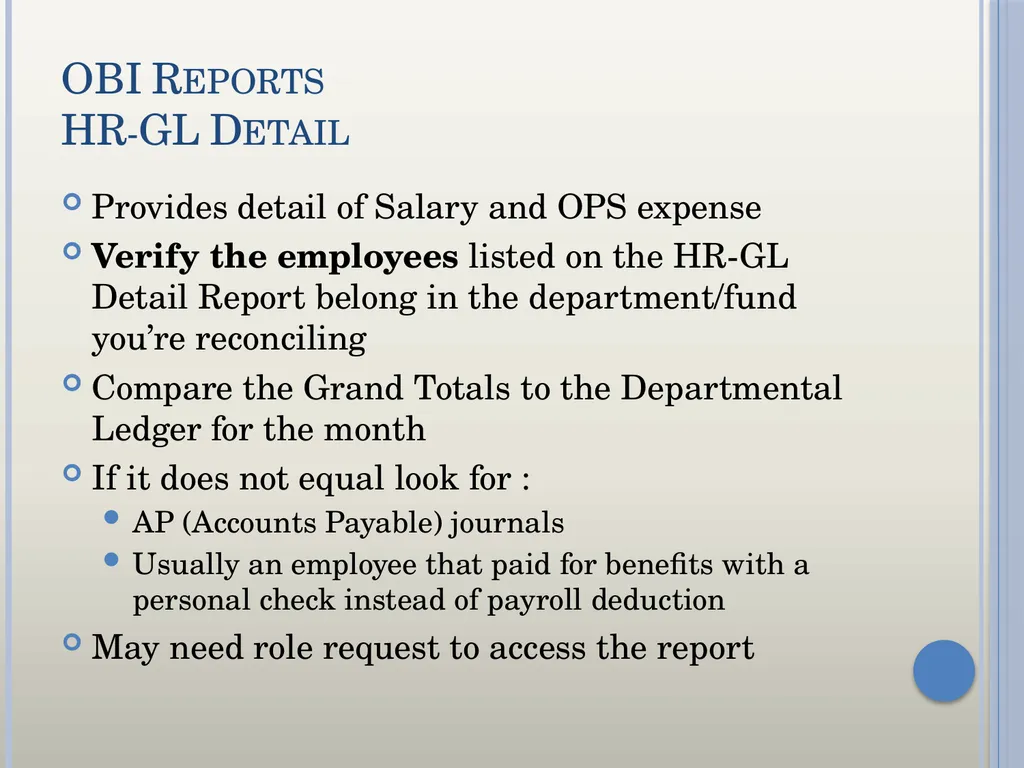
OBI Reports
HR-GL Detail Provides detail of Salary and OPS expense
Verify the employees listed on the HR-GL Detail Report belong in the department/fund you’re reconciling
Compare the Grand Totals to the Departmental Ledger for the month
If it does not equal look for :
AP (Accounts Payable) journals
Usually an employee that paid for benefits with a personal check instead of payroll deduction
May need role request to access the report<br>
Verify the employees listed on the HR-GL Detail Report belong in the department/fund you’re reconciling
Compare the Grand Totals to the Departmental Ledger for the month
If it does not equal look for :
AP (Accounts Payable) journals
Usually an employee that paid for benefits with a personal check instead of payroll deduction
May need role request to access the report<br>
13
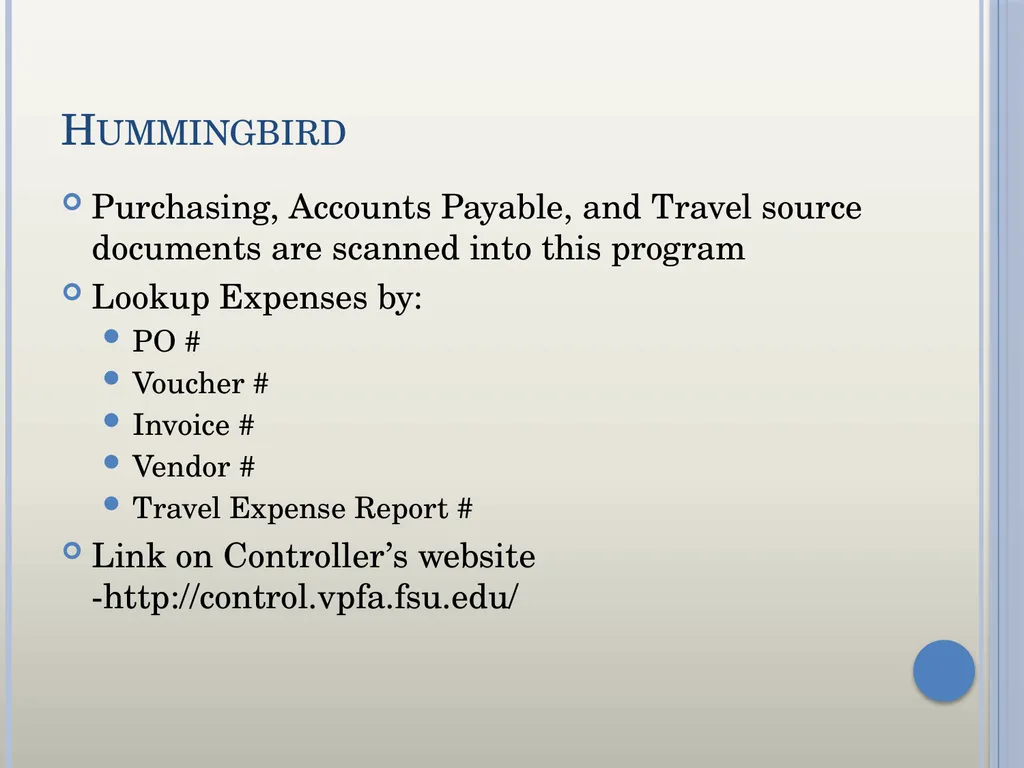
Hummingbird Purchasing, Accounts Payable, and Travel source documents are scanned into this program
Lookup Expenses by:
PO #
Voucher #
Invoice #
Vendor #
Travel Expense Report #
Link on Controller’s website -http://control.vpfa.fsu.edu/<br>
Lookup Expenses by:
PO #
Voucher #
Invoice #
Vendor #
Travel Expense Report #
Link on Controller’s website -http://control.vpfa.fsu.edu/<br>
14
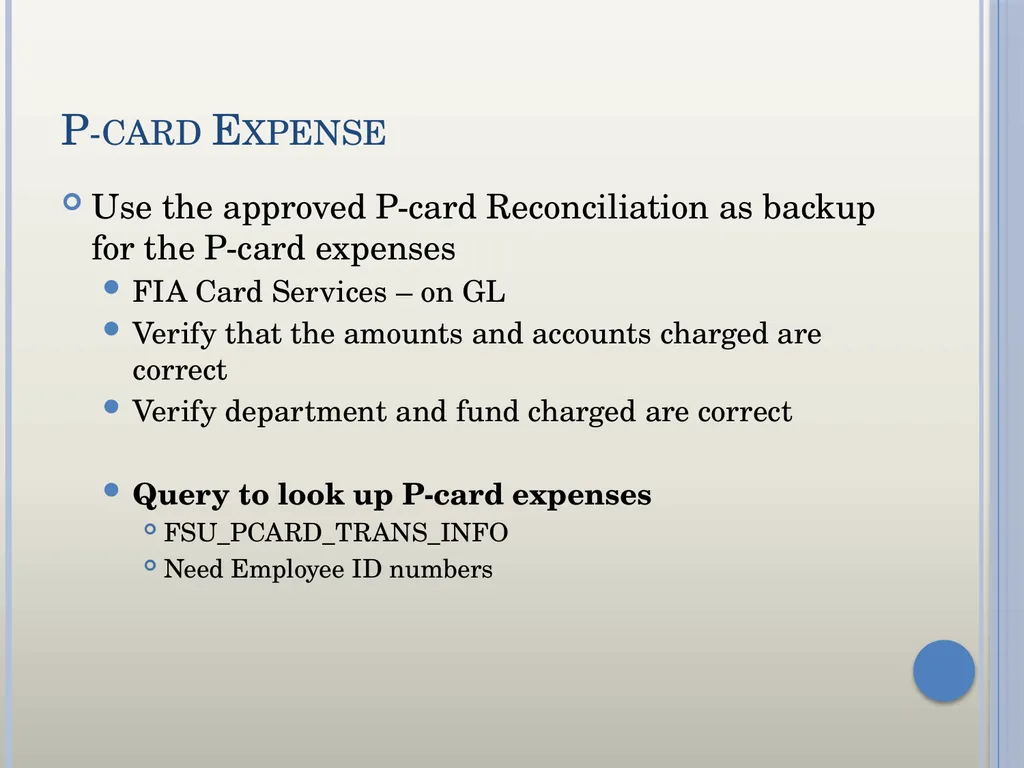
P-card Expense Use the approved P-card Reconciliation as backup for the P-card expenses
FIA Card Services – on GL
Verify that the amounts and accounts charged are correct
Verify department and fund charged are correct
Query to look up P-card expenses
FSU_PCARD_TRANS_INFO
Need Employee ID numbers<br>
FIA Card Services – on GL
Verify that the amounts and accounts charged are correct
Verify department and fund charged are correct
Query to look up P-card expenses
FSU_PCARD_TRANS_INFO
Need Employee ID numbers<br>
15
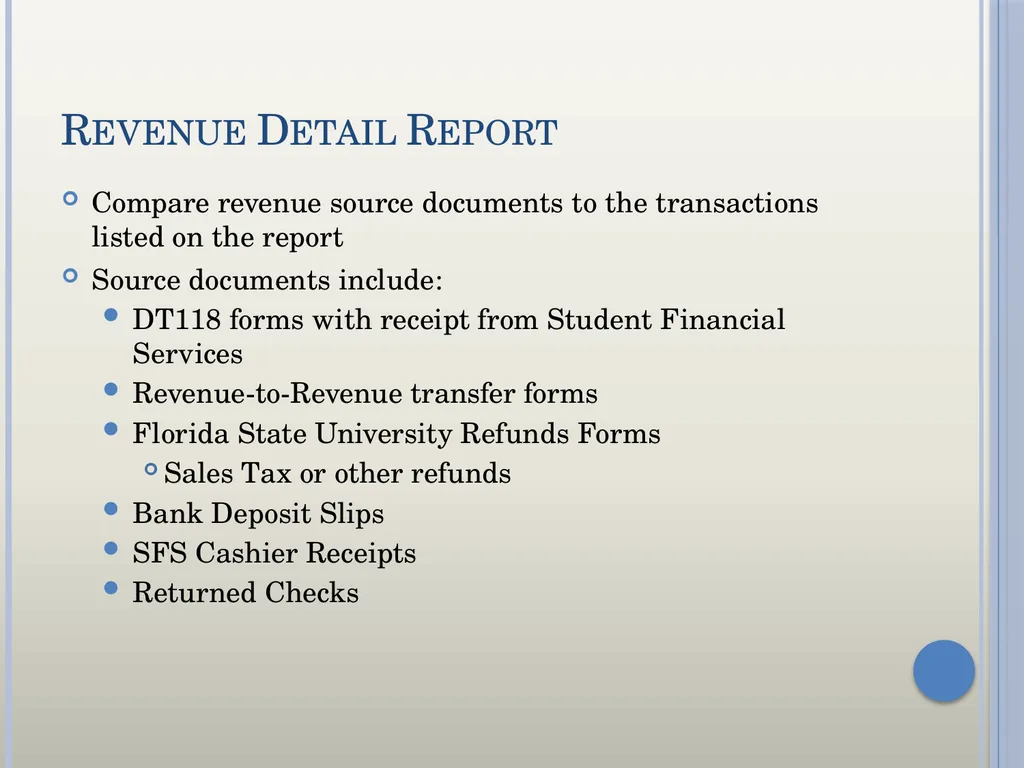
Revenue Detail Report Compare revenue source documents to the transactions listed on the report
Source documents include:
DT118 forms with receipt from Student Financial Services
Revenue-to-Revenue transfer forms
Florida State University Refunds Forms
Sales Tax or other refunds
Bank Deposit Slips
SFS Cashier Receipts
Returned Checks<br>
Source documents include:
DT118 forms with receipt from Student Financial Services
Revenue-to-Revenue transfer forms
Florida State University Refunds Forms
Sales Tax or other refunds
Bank Deposit Slips
SFS Cashier Receipts
Returned Checks<br>
16
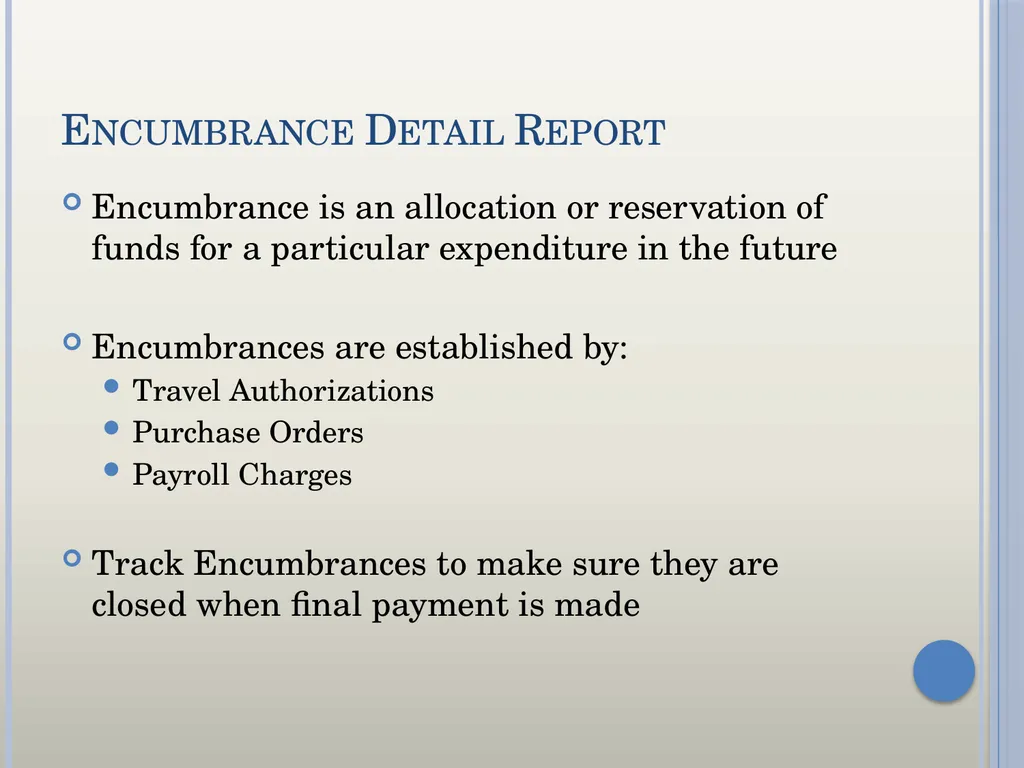
Encumbrance Detail Report Encumbrance is an allocation or reservation of funds for a particular expenditure in the future
Encumbrances are established by:
Travel Authorizations
Purchase Orders
Payroll Charges
Track Encumbrances to make sure they are closed when final payment is made<br>
Encumbrances are established by:
Travel Authorizations
Purchase Orders
Payroll Charges
Track Encumbrances to make sure they are closed when final payment is made<br>
17
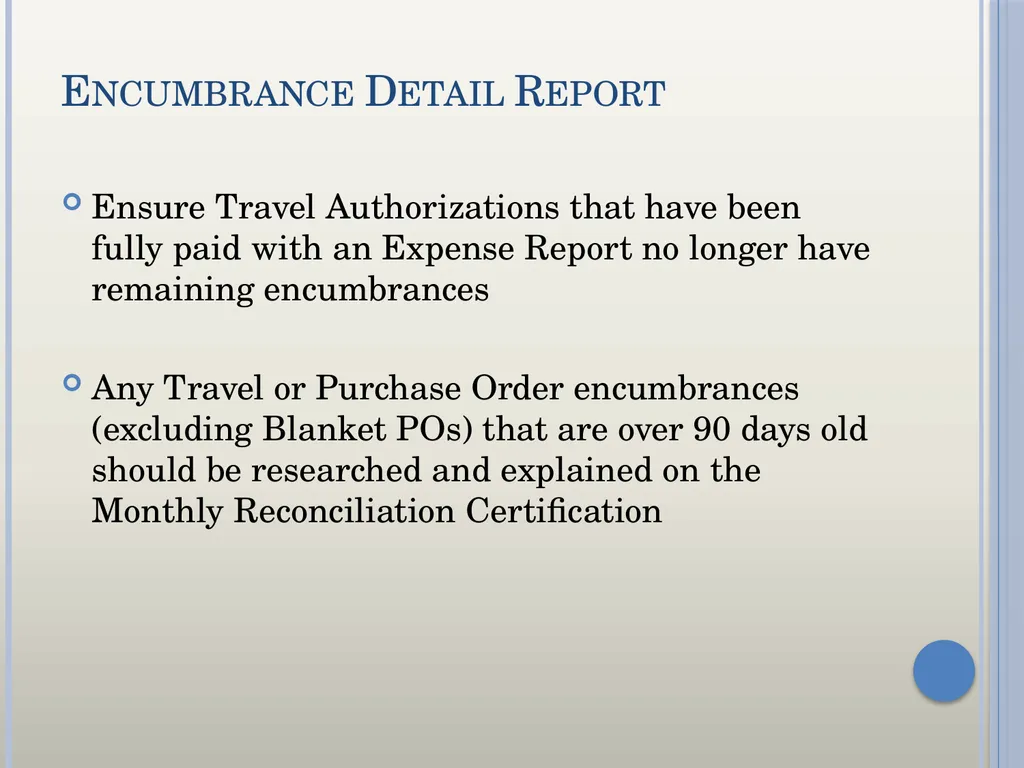
Encumbrance Detail Report Ensure Travel Authorizations that have been fully paid with an Expense Report no longer have remaining encumbrances
Any Travel or Purchase Order encumbrances (excluding Blanket POs) that are over 90 days old should be researched and explained on the Monthly Reconciliation Certification<br>
Any Travel or Purchase Order encumbrances (excluding Blanket POs) that are over 90 days old should be researched and explained on the Monthly Reconciliation Certification<br>
18
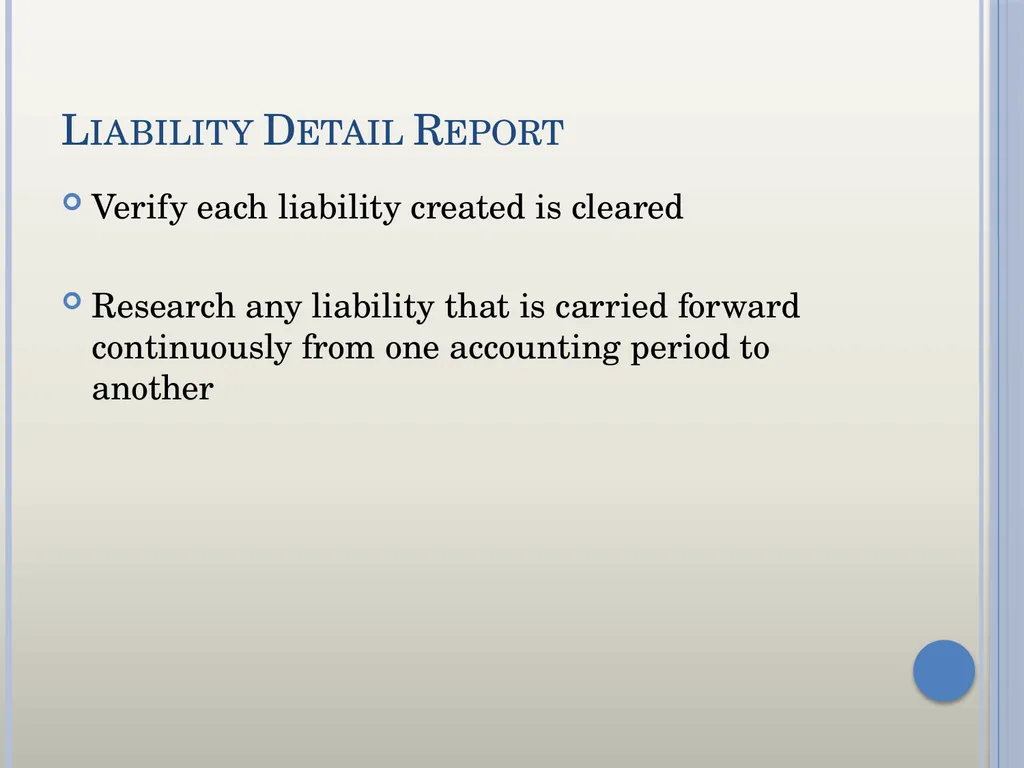
Liability Detail Report Verify each liability created is cleared
Research any liability that is carried forward continuously from one accounting period to another<br>
Research any liability that is carried forward continuously from one accounting period to another<br>
19
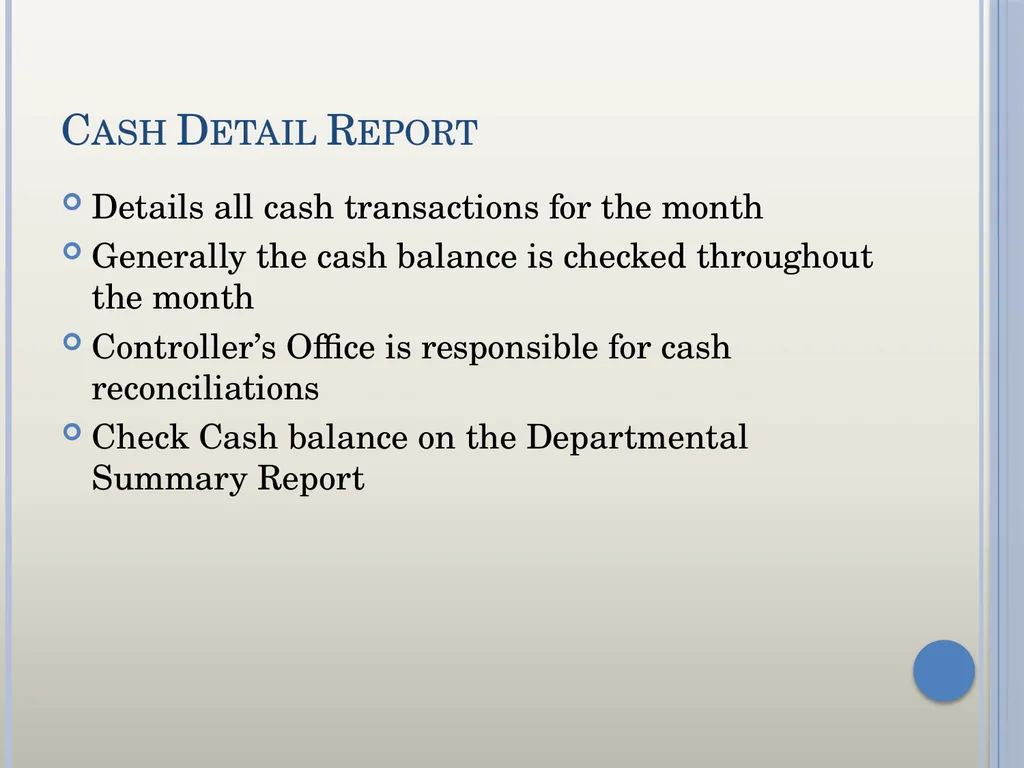
Cash Detail Report Details all cash transactions for the month
Generally the cash balance is checked throughout the month
Controller’s Office is responsible for cash reconciliations
Check Cash balance on the Departmental Summary Report<br>
Generally the cash balance is checked throughout the month
Controller’s Office is responsible for cash reconciliations
Check Cash balance on the Departmental Summary Report<br>
20
Transaction Details Report Download Detail Departmental Ledgers to:
Excel
PowerPoint
Excel 2000
Data
Web Page
Print Option<br>
Excel
PowerPoint
Excel 2000
Data
Web Page
Print Option<br>
21
OMNI Financials Travel and Expense Center
Lookup Travel Authorizations or Expense Reports
Financials 8.9>Travel and Expenses>Travel and Expense Center>select Travel Authorization or Expense Report>View
General Ledger Center
Lookup Journals
OMNI Financials 8.9>General Ledger>Review Financial Information>select Journals<br>
Lookup Travel Authorizations or Expense Reports
Financials 8.9>Travel and Expenses>Travel and Expense Center>select Travel Authorization or Expense Report>View
General Ledger Center
Lookup Journals
OMNI Financials 8.9>General Ledger>Review Financial Information>select Journals<br>
22
Queries OMNI Navigation
FINANCIALS 8.9>Reporting Tools>Query Viewer
Useful Queries (FSU_DPT)
Cash Balance (Auxiliaries)
GL Journals
Trial Balance
GL Source Codes
P-Card Transactions
Complete list of FSU_DPT queries at http://control.vpfa.fsu.edu/queries.html<br>
FINANCIALS 8.9>Reporting Tools>Query Viewer
Useful Queries (FSU_DPT)
Cash Balance (Auxiliaries)
GL Journals
Trial Balance
GL Source Codes
P-Card Transactions
Complete list of FSU_DPT queries at http://control.vpfa.fsu.edu/queries.html<br>
23
Corrections Correcting Outstanding Travel Authorizations
If the travel did not occur, have the travel rep that originated the TAuth delete the Travel Authorization.
If the travel did occur, but was paid from another funding source, have the travel rep that originated the TAuth cancel the Travel Authorization
If the travel did occur, but the travel rep did not choose the Quick-Start option “A Travel Authorization” to copy- from TAuth when creating the ER, have the travel rep print/copy an Expense Receipts page for the ER, write a note to file on the blank page referencing the canceled TAuth, fax the page to Hummingbird DM, and then cancel TAuth<br>
If the travel did not occur, have the travel rep that originated the TAuth delete the Travel Authorization.
If the travel did occur, but was paid from another funding source, have the travel rep that originated the TAuth cancel the Travel Authorization
If the travel did occur, but the travel rep did not choose the Quick-Start option “A Travel Authorization” to copy- from TAuth when creating the ER, have the travel rep print/copy an Expense Receipts page for the ER, write a note to file on the blank page referencing the canceled TAuth, fax the page to Hummingbird DM, and then cancel TAuth<br>
24
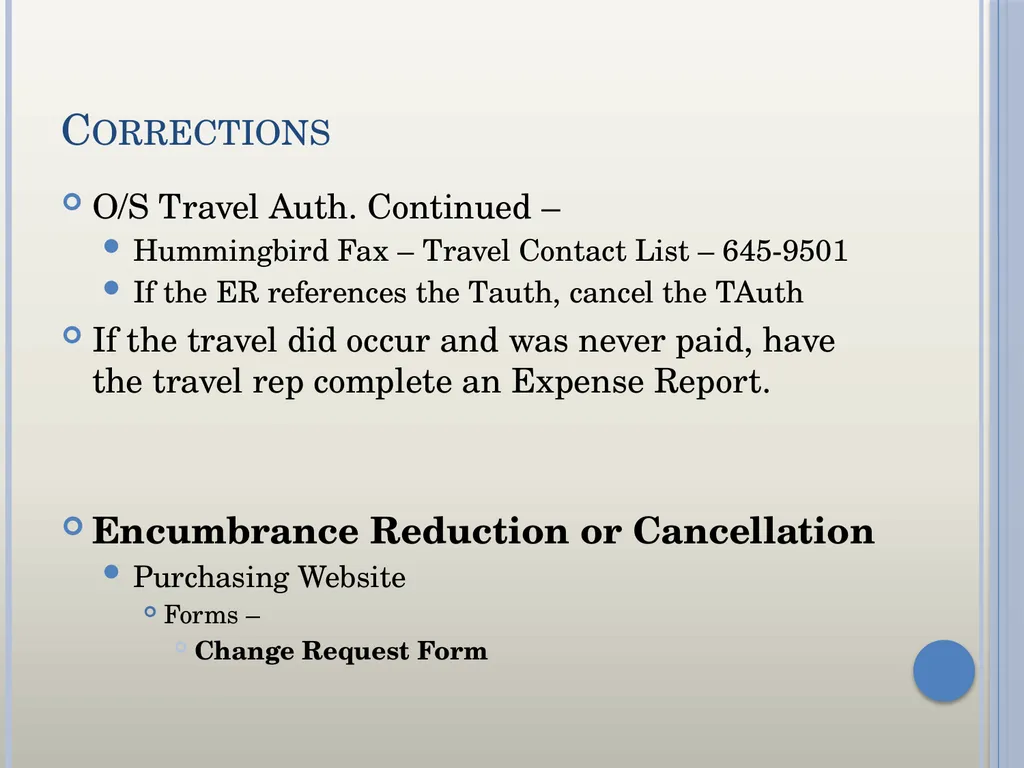
Corrections O/S Travel Auth. Continued –
Hummingbird Fax – Travel Contact List – 645-9501
If the ER references the Tauth, cancel the TAuth
If the travel did occur and was never paid, have the travel rep complete an Expense Report.
Encumbrance Reduction or Cancellation
Purchasing Website
Forms –
Change Request Form<br>
Hummingbird Fax – Travel Contact List – 645-9501
If the ER references the Tauth, cancel the TAuth
If the travel did occur and was never paid, have the travel rep complete an Expense Report.
Encumbrance Reduction or Cancellation
Purchasing Website
Forms –
Change Request Form<br>
25
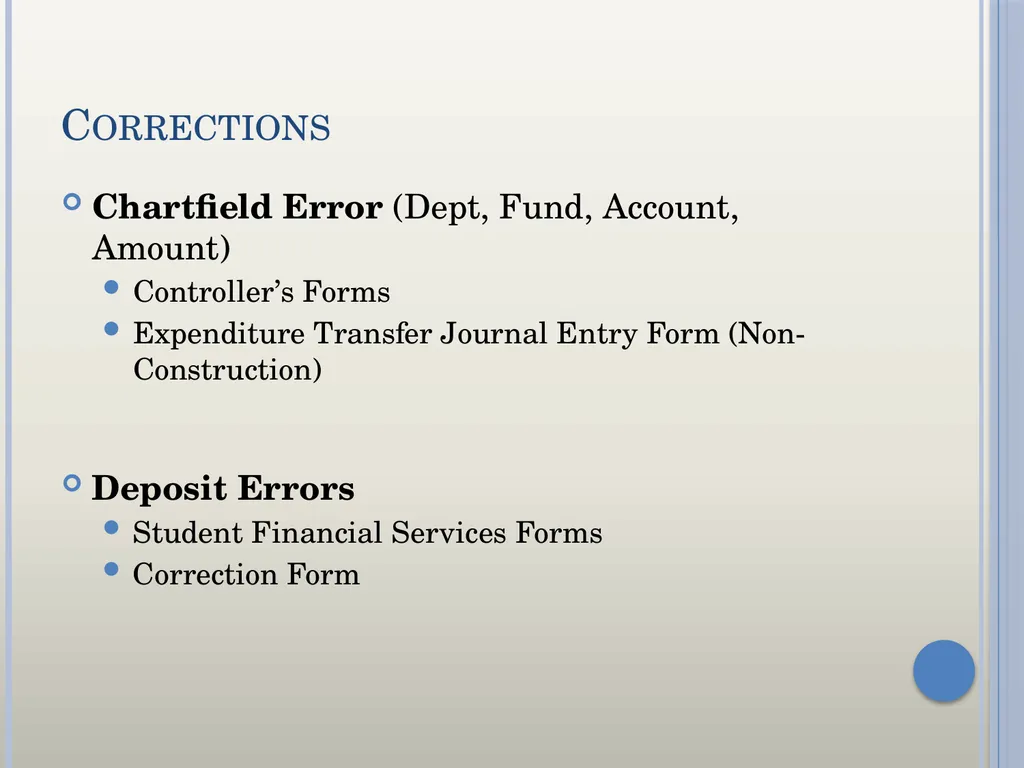
Corrections Chartfield Error (Dept, Fund, Account, Amount)
Controller’s Forms
Expenditure Transfer Journal Entry Form (Non-Construction)
Deposit Errors
Student Financial Services Forms
Correction Form<br>
Controller’s Forms
Expenditure Transfer Journal Entry Form (Non-Construction)
Deposit Errors
Student Financial Services Forms
Correction Form<br>
26
Retain Records Reconciliations should be retained indefinitely<br>
27
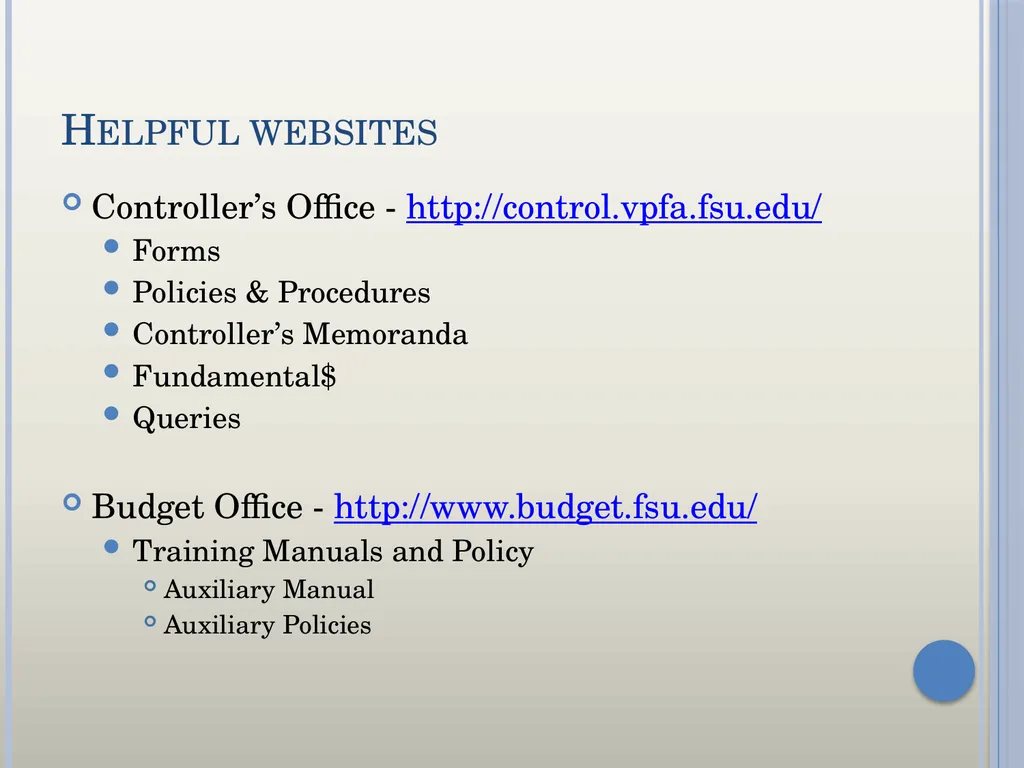
Helpful websites Controller’s Office - http://control.vpfa.fsu.edu/
Forms
Policies & Procedures
Controller’s Memoranda
Fundamental$
Queries
Budget Office - http://www.budget.fsu.edu/
Training Manuals and Policy
Auxiliary Manual
Auxiliary Policies<br>
Forms
Policies & Procedures
Controller’s Memoranda
Fundamental$
Queries
Budget Office - http://www.budget.fsu.edu/
Training Manuals and Policy
Auxiliary Manual
Auxiliary Policies<br>
28
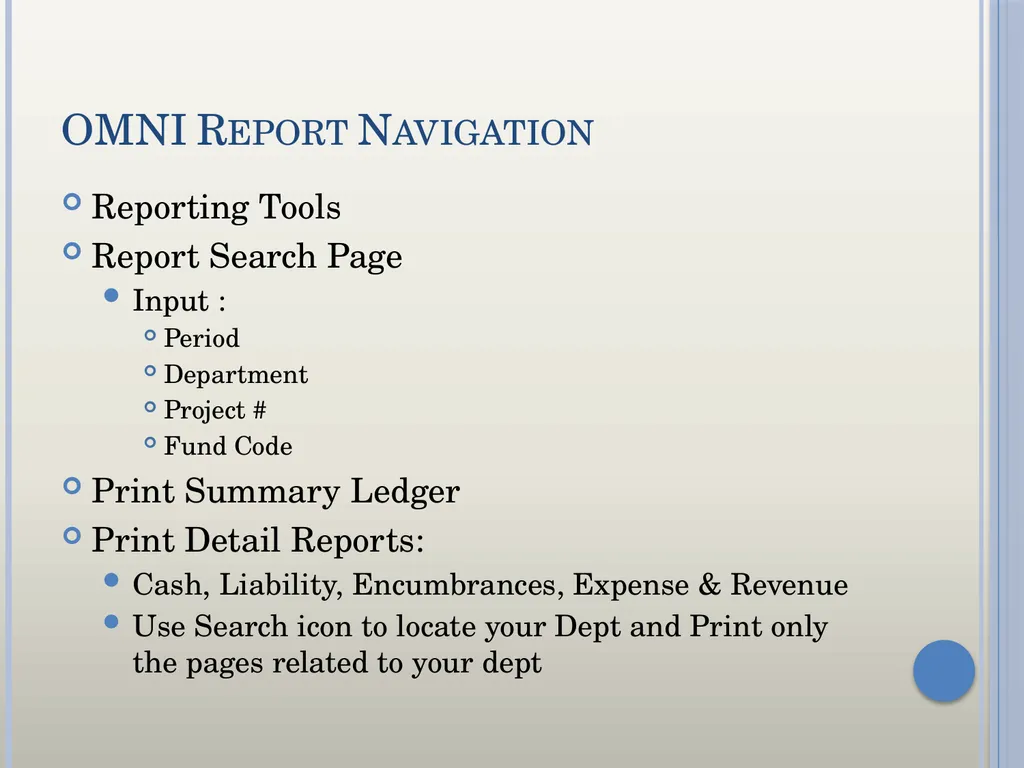
OMNI Report Navigation Reporting Tools
Report Search Page
Input :
Period
Department
Project #
Fund Code
Print Summary Ledger
Print Detail Reports:
Cash, Liability, Encumbrances, Expense & Revenue
Use Search icon to locate your Dept and Print only the pages related to your dept<br>
Report Search Page
Input :
Period
Department
Project #
Fund Code
Print Summary Ledger
Print Detail Reports:
Cash, Liability, Encumbrances, Expense & Revenue
Use Search icon to locate your Dept and Print only the pages related to your dept<br>
29
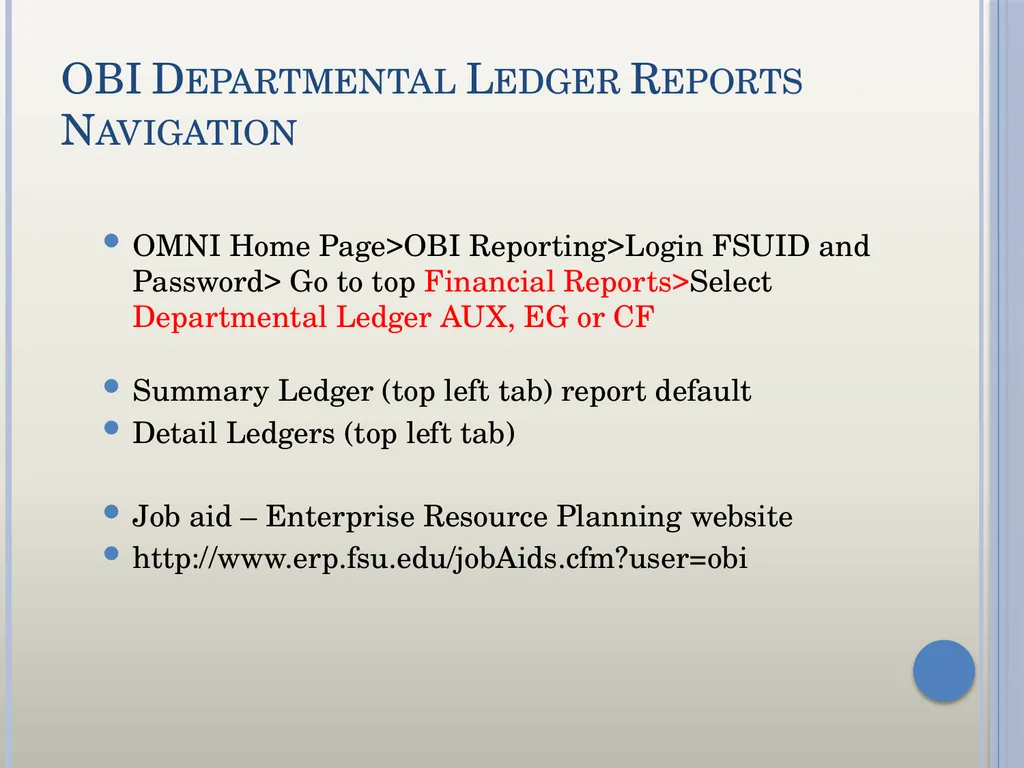
OBI Departmental Ledger Reports
Navigation OMNI Home Page>OBI Reporting>Login FSUID and Password> Go to top Financial Reports>Select Departmental Ledger AUX, EG or CF
Summary Ledger (top left tab) report default
Detail Ledgers (top left tab)
Job aid – Enterprise Resource Planning website
http://www.erp.fsu.edu/jobAids.cfm?user=obi<br>
Summary Ledger (top left tab) report default
Detail Ledgers (top left tab)
Job aid – Enterprise Resource Planning website
http://www.erp.fsu.edu/jobAids.cfm?user=obi<br>
30
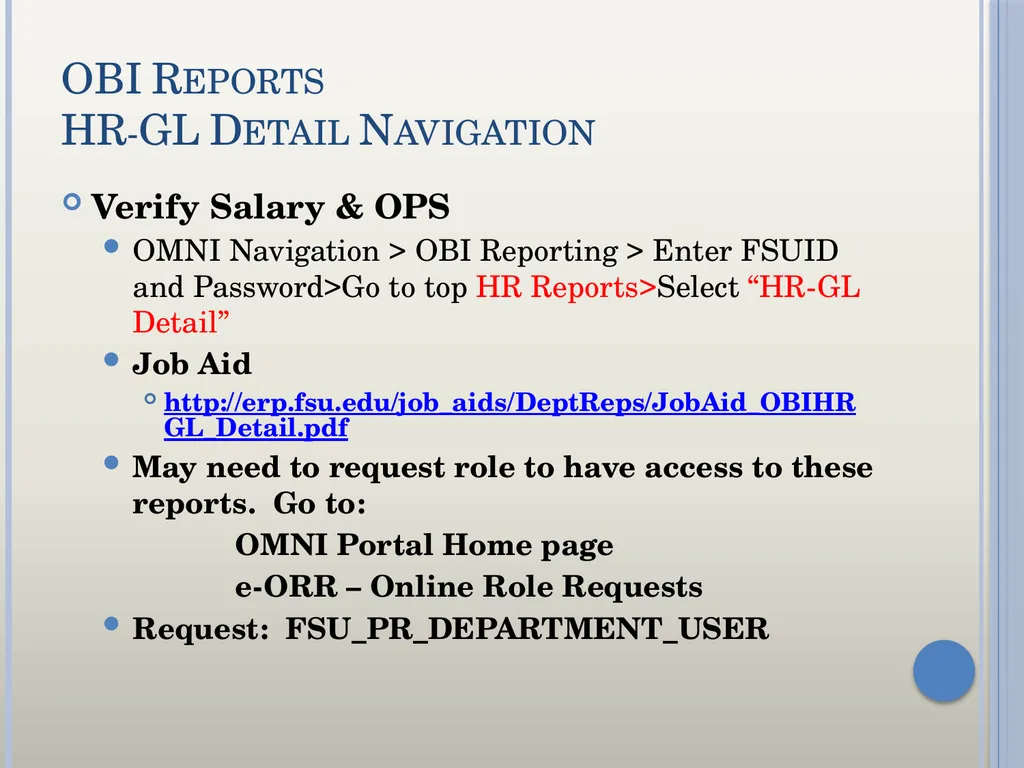
OBI Reports
HR-GL Detail Navigation Verify Salary & OPS
OMNI Navigation > OBI Reporting > Enter FSUID and Password>Go to top HR Reports>Select “HR-GL Detail”
Job Aid
http://erp.fsu.edu/job_aids/DeptReps/JobAid_OBIHRGL_Detail.pdf
May need to request role to have access to these reports. Go to:
OMNI Portal Home page
e-ORR – Online Role Requests
Request: FSU_PR_DEPARTMENT_USER<br>
OMNI Navigation > OBI Reporting > Enter FSUID and Password>Go to top HR Reports>Select “HR-GL Detail”
Job Aid
http://erp.fsu.edu/job_aids/DeptReps/JobAid_OBIHRGL_Detail.pdf
May need to request role to have access to these reports. Go to:
OMNI Portal Home page
e-ORR – Online Role Requests
Request: FSU_PR_DEPARTMENT_USER<br>
31
Contact Information Please contact me with any questions or suggestions.
Kim Coates
Controller’s Office/Quality Assurance
644-9482
kcoates@admin.fsu.edu
Handouts may be downloaded at …..
Controller’s Office Training Materials/Job Aids
GL-4000
http://control.vpfa.fsu.edu/Controller-s-Office-Training-Materials-Job-Aids<br>
Kim Coates
Controller’s Office/Quality Assurance
644-9482
kcoates@admin.fsu.edu
Handouts may be downloaded at …..
Controller’s Office Training Materials/Job Aids
GL-4000
http://control.vpfa.fsu.edu/Controller-s-Office-Training-Materials-Job-Aids<br>