Data Movement ‹#› Data Movement Considerations
Description: Data Movement Data Movement Considerations Source Destination Where the data currently is and where youre trying to move it Network Path The best route from the source to the destination Transfer Nodes The systems that move the data
Related Topics
Download Presentation
"Data Movement ‹#› Data Movement Considerations" is the property of its rightful owner. Permission is granted to download and print the materials on this website for personal, non-commercial use only, and to display it on your personal computer provided you do not modify the materials and that you retain all copyright notices contained in the materials. By downloading content from our website, you accept the terms of this agreement.
Presentation Transcript
slide1. Data Movement<br>
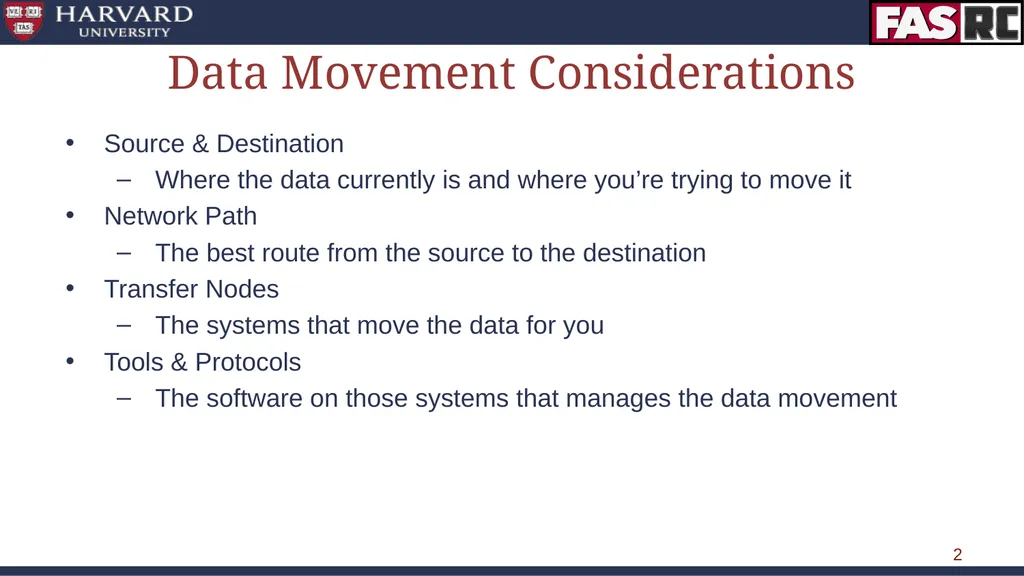
slide2. ‹#› Data Movement Considerations Source & Destination
Where the data currently is and where you’re trying to move it
Network Path
The best route from the source to the destination
Transfer Nodes
The systems that move the data for you
Tools & Protocols
The software on those systems that manages the data movement<br>
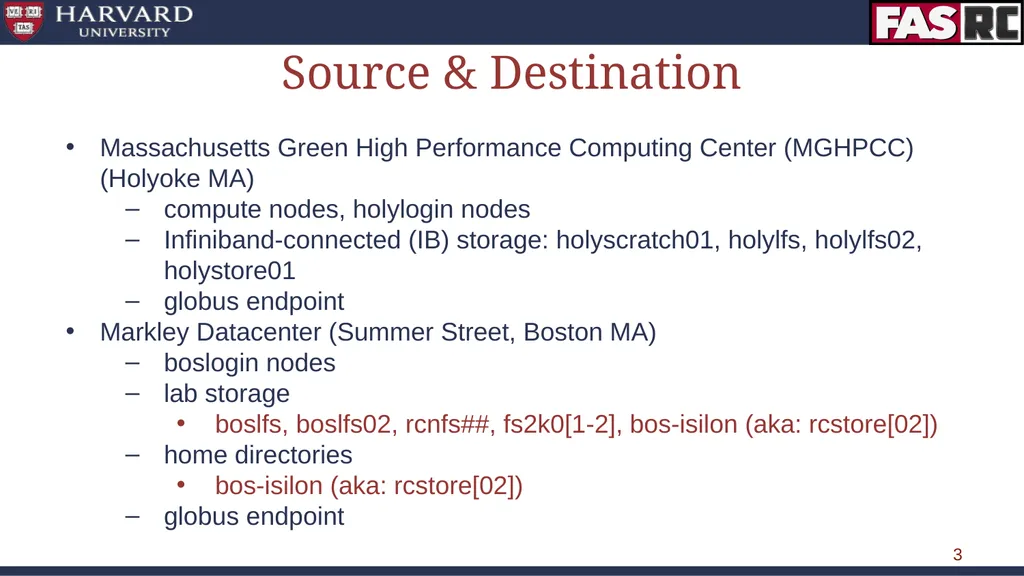
slide3. ‹#› Source & Destination Massachusetts Green High Performance Computing Center (MGHPCC) (Holyoke MA)
compute nodes, holylogin nodes
Infiniband-connected (IB) storage: holyscratch01, holylfs, holylfs02, holystore01
globus endpoint
Markley Datacenter (Summer Street, Boston MA)
boslogin nodes
lab storage
boslfs, boslfs02, rcnfs##, fs2k0[1-2], bos-isilon (aka: rcstore[02])
home directories
bos-isilon (aka: rcstore[02])
globus endpoint<br>
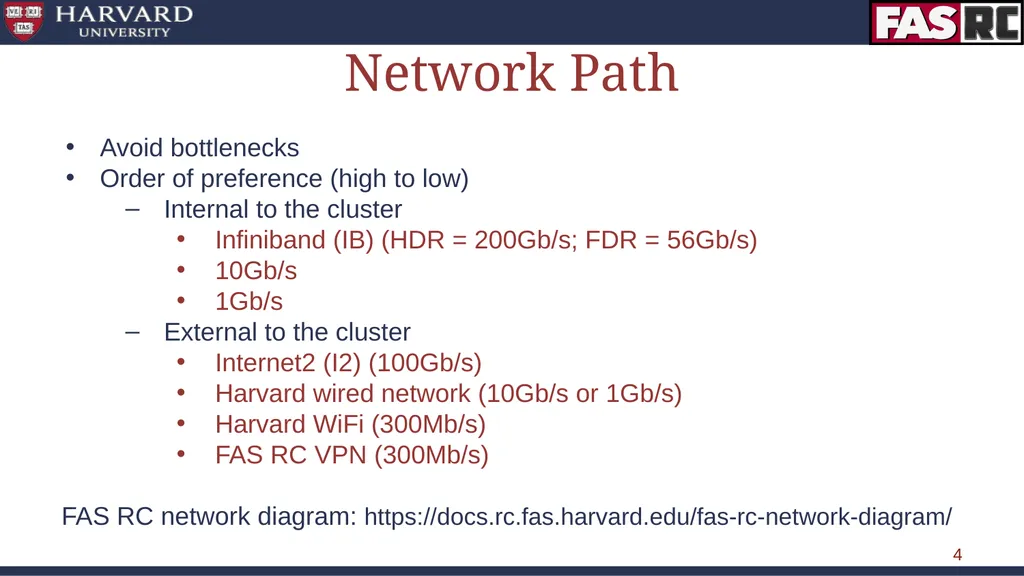
slide4. ‹#› Network Path Avoid bottlenecks
Order of preference (high to low)
Internal to the cluster
Infiniband (IB) (HDR = 200Gb/s; FDR = 56Gb/s)
10Gb/s
1Gb/s
External to the cluster
Internet2 (I2) (100Gb/s)
Harvard wired network (10Gb/s or 1Gb/s)
Harvard WiFi (300Mb/s)
FAS RC VPN (300Mb/s)
FAS RC network diagram: https://docs.rc.fas.harvard.edu/fas-rc-network-diagram/<br>
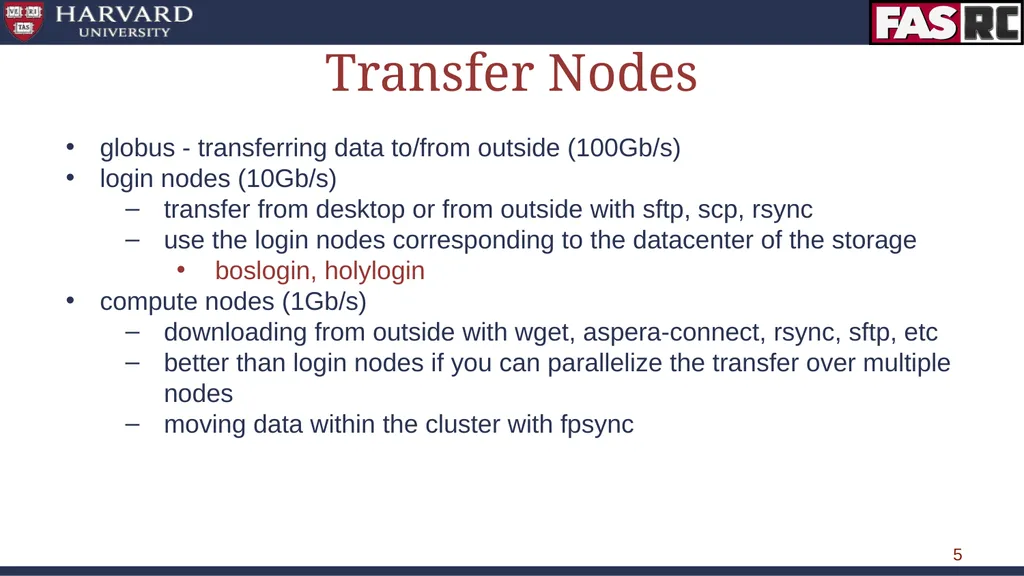
slide5. ‹#› Transfer Nodes globus - transferring data to/from outside (100Gb/s)
login nodes (10Gb/s)
transfer from desktop or from outside with sftp, scp, rsync
use the login nodes corresponding to the datacenter of the storage
boslogin, holylogin
compute nodes (1Gb/s)
downloading from outside with wget, aspera-connect, rsync, sftp, etc
better than login nodes if you can parallelize the transfer over multiple nodes
moving data within the cluster with fpsync<br>
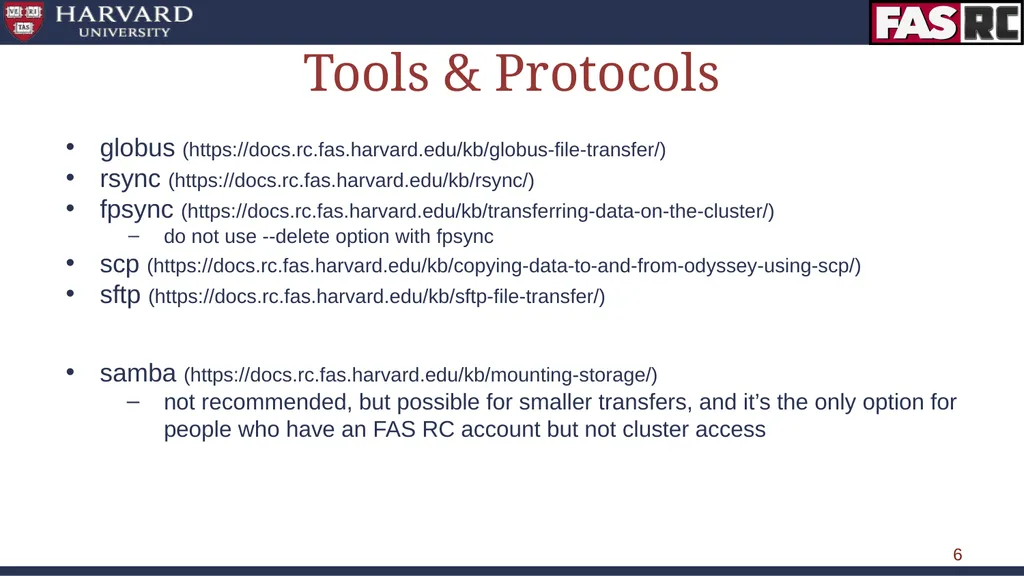
slide6. ‹#› Tools & Protocols globus (https://docs.rc.fas.harvard.edu/kb/globus-file-transfer/)
rsync (https://docs.rc.fas.harvard.edu/kb/rsync/)
fpsync (https://docs.rc.fas.harvard.edu/kb/transferring-data-on-the-cluster/)
do not use --delete option with fpsync
scp (https://docs.rc.fas.harvard.edu/kb/copying-data-to-and-from-odyssey-using-scp/)
sftp (https://docs.rc.fas.harvard.edu/kb/sftp-file-transfer/)
samba (https://docs.rc.fas.harvard.edu/kb/mounting-storage/)
not recommended, but possible for smaller transfers, and it’s the only option for people who have an FAS RC account but not cluster access<br>
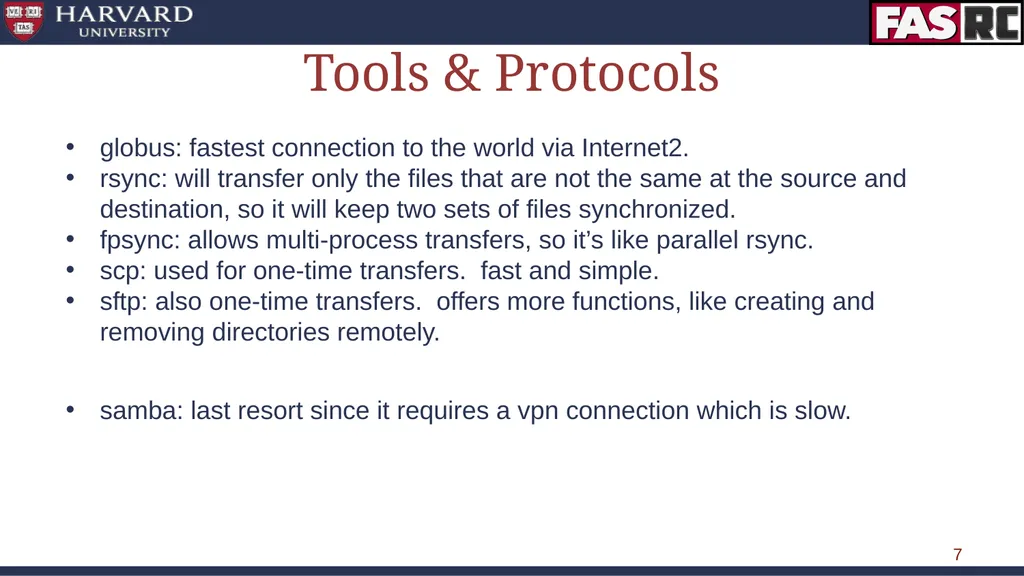
slide7. ‹#› Tools & Protocols globus: fastest connection to the world via Internet2.
rsync: will transfer only the files that are not the same at the source and destination, so it will keep two sets of files synchronized.
fpsync: allows multi-process transfers, so it’s like parallel rsync.
scp: used for one-time transfers. fast and simple.
sftp: also one-time transfers. offers more functions, like creating and removing directories remotely.
samba: last resort since it requires a vpn connection which is slow.<br>
slide8. ‹#› Demo Scenario 1: transfer data from laptop to jharvard_lab share
Scenario 2: transfer data from jharvard_lab to holyscratch01<br>
slide9. ‹#› Request Help - Resources https://docs.rc.fas.harvard.edu/kb/support/
Documentation
https://docs.rc.fas.harvard.edu/
Portal
http://portal.rc.fas.harvard.edu/rcrt/submit_ticket
Email
rchelp@rc.fas.harvard.edu
Office Hours
Wednesday noon-3pm 38 Oxford - Room 100
Consulting Calendar
https://www.rc.fas.harvard.edu/consulting-calendar/
Training
https://www.rc.fas.harvard.edu/upcoming-training/<br>
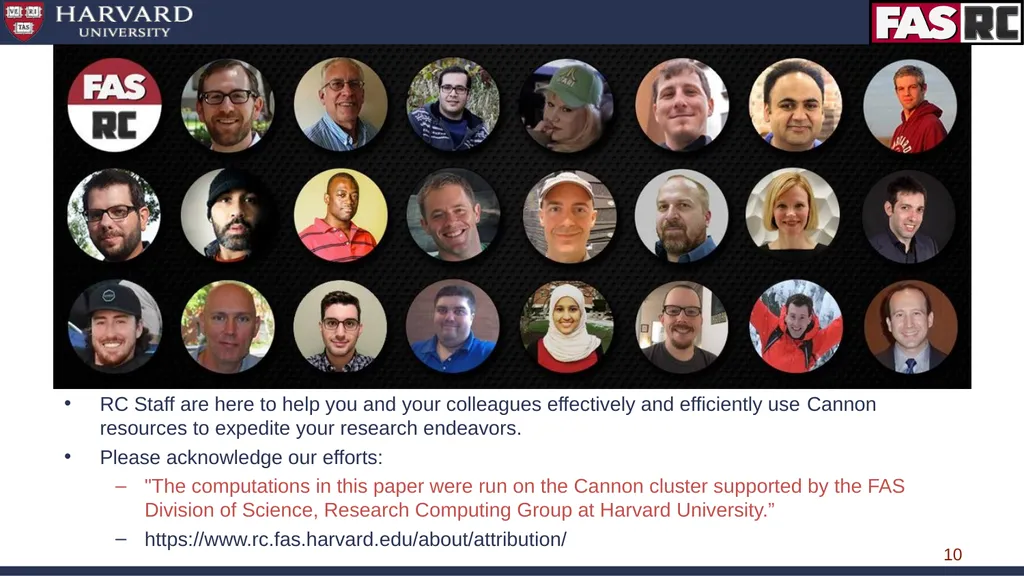
slide10. ‹#› RC Staff are here to help you and your colleagues effectively and efficiently use Cannon resources to expedite your research endeavors.
Please acknowledge our efforts:
"The computations in this paper were run on the Cannon cluster supported by the FAS Division of Science, Research Computing Group at Harvard University.”
https://www.rc.fas.harvard.edu/about/attribution/<br>
slide11. ‹#› Documentation: docs.rc.fas.harvard.edu Here you will find all our user documentation.
Of particular interest:
Access and Login : https://docs.rc.fas.harvard.edu/kb/access-and-login/
Running Jobs : https://docs.rc.fas.harvard.edu/resources/running-jobs/
Software modules available :https://portal.rc.fas.harvard.edu/apps/modules
Cannon Storage:https://docs.rc.fas.harvard.edu/kb/cluster-storage/
Interactive Computing Portalhttps://docs.rc.fas.harvard.edu/kb/virtual-desktop/
Singularity Containers:
https://docs.rc.fas.harvard.edu/kb/singularity-on-the-cluster/
gpu computinghttps://docs.rc.fas.harvard.edu/kb/gpgpu-computing-on-the-cluster/
How to get help :
https://docs.rc.fas.harvard.edu/kb/support/<br>

slide12. ‹#›<br>
slide2. ‹#› Data Movement Considerations Source & Destination
Where the data currently is and where you’re trying to move it
Network Path
The best route from the source to the destination
Transfer Nodes
The systems that move the data for you
Tools & Protocols
The software on those systems that manages the data movement<br>
slide3. ‹#› Source & Destination Massachusetts Green High Performance Computing Center (MGHPCC) (Holyoke MA)
compute nodes, holylogin nodes
Infiniband-connected (IB) storage: holyscratch01, holylfs, holylfs02, holystore01
globus endpoint
Markley Datacenter (Summer Street, Boston MA)
boslogin nodes
lab storage
boslfs, boslfs02, rcnfs##, fs2k0[1-2], bos-isilon (aka: rcstore[02])
home directories
bos-isilon (aka: rcstore[02])
globus endpoint<br>
slide4. ‹#› Network Path Avoid bottlenecks
Order of preference (high to low)
Internal to the cluster
Infiniband (IB) (HDR = 200Gb/s; FDR = 56Gb/s)
10Gb/s
1Gb/s
External to the cluster
Internet2 (I2) (100Gb/s)
Harvard wired network (10Gb/s or 1Gb/s)
Harvard WiFi (300Mb/s)
FAS RC VPN (300Mb/s)
FAS RC network diagram: https://docs.rc.fas.harvard.edu/fas-rc-network-diagram/<br>
slide5. ‹#› Transfer Nodes globus - transferring data to/from outside (100Gb/s)
login nodes (10Gb/s)
transfer from desktop or from outside with sftp, scp, rsync
use the login nodes corresponding to the datacenter of the storage
boslogin, holylogin
compute nodes (1Gb/s)
downloading from outside with wget, aspera-connect, rsync, sftp, etc
better than login nodes if you can parallelize the transfer over multiple nodes
moving data within the cluster with fpsync<br>
slide6. ‹#› Tools & Protocols globus (https://docs.rc.fas.harvard.edu/kb/globus-file-transfer/)
rsync (https://docs.rc.fas.harvard.edu/kb/rsync/)
fpsync (https://docs.rc.fas.harvard.edu/kb/transferring-data-on-the-cluster/)
do not use --delete option with fpsync
scp (https://docs.rc.fas.harvard.edu/kb/copying-data-to-and-from-odyssey-using-scp/)
sftp (https://docs.rc.fas.harvard.edu/kb/sftp-file-transfer/)
samba (https://docs.rc.fas.harvard.edu/kb/mounting-storage/)
not recommended, but possible for smaller transfers, and it’s the only option for people who have an FAS RC account but not cluster access<br>
slide7. ‹#› Tools & Protocols globus: fastest connection to the world via Internet2.
rsync: will transfer only the files that are not the same at the source and destination, so it will keep two sets of files synchronized.
fpsync: allows multi-process transfers, so it’s like parallel rsync.
scp: used for one-time transfers. fast and simple.
sftp: also one-time transfers. offers more functions, like creating and removing directories remotely.
samba: last resort since it requires a vpn connection which is slow.<br>
slide8. ‹#› Demo Scenario 1: transfer data from laptop to jharvard_lab share
Scenario 2: transfer data from jharvard_lab to holyscratch01<br>
slide9. ‹#› Request Help - Resources https://docs.rc.fas.harvard.edu/kb/support/
Documentation
https://docs.rc.fas.harvard.edu/
Portal
http://portal.rc.fas.harvard.edu/rcrt/submit_ticket
rchelp@rc.fas.harvard.edu
Office Hours
Wednesday noon-3pm 38 Oxford - Room 100
Consulting Calendar
https://www.rc.fas.harvard.edu/consulting-calendar/
Training
https://www.rc.fas.harvard.edu/upcoming-training/<br>
slide10. ‹#› RC Staff are here to help you and your colleagues effectively and efficiently use Cannon resources to expedite your research endeavors.
Please acknowledge our efforts:
"The computations in this paper were run on the Cannon cluster supported by the FAS Division of Science, Research Computing Group at Harvard University.”
https://www.rc.fas.harvard.edu/about/attribution/<br>
slide11. ‹#› Documentation: docs.rc.fas.harvard.edu Here you will find all our user documentation.
Of particular interest:
Access and Login : https://docs.rc.fas.harvard.edu/kb/access-and-login/
Running Jobs : https://docs.rc.fas.harvard.edu/resources/running-jobs/
Software modules available :https://portal.rc.fas.harvard.edu/apps/modules
Cannon Storage:https://docs.rc.fas.harvard.edu/kb/cluster-storage/
Interactive Computing Portalhttps://docs.rc.fas.harvard.edu/kb/virtual-desktop/
Singularity Containers:
https://docs.rc.fas.harvard.edu/kb/singularity-on-the-cluster/
gpu computinghttps://docs.rc.fas.harvard.edu/kb/gpgpu-computing-on-the-cluster/
How to get help :
https://docs.rc.fas.harvard.edu/kb/support/<br>
slide12. ‹#›<br>