
Database-Backed Internet Applications Chapter 7
A
Published · 123 slides · 0 views

1 / 1
Description
Database-Backed Internet Applications Chapter 7 Lecture Overview Internet Concepts Web data formats HTML, XML, DTDs (Document Type Definition) Introduction to three-tier architectures The presentation layer HTML forms; HTTP Get and POST,
Related Topics
Share
Embed code
Download this presentation From Below
"Database-Backed Internet Applications Chapter 7" is the property of its rightful owner. Permission is granted to download and print the materials on this website for personal, non-commercial use only, and to display it on your personal computer provided you do not modify the materials and that you retain all copyright notices contained in the materials. By downloading content from our website, you accept the terms of this agreement.
Presentation Transcript
01
Database-Backed Internet Applications Chapter 7<br>
02
Lecture Overview Internet Concepts
Web data formats
HTML, XML, DTDs (Document Type Definition)
Introduction to three-tier architectures
The presentation layer
HTML forms; HTTP Get and POST, URL encoding; Javascript; Stylesheets. XSLT
The middle tier
CGI, application servers, Servlets, JavaServerPages, passing arguments, maintaining state (cookies)<br>
Web data formats
HTML, XML, DTDs (Document Type Definition)
Introduction to three-tier architectures
The presentation layer
HTML forms; HTTP Get and POST, URL encoding; Javascript; Stylesheets. XSLT
The middle tier
CGI, application servers, Servlets, JavaServerPages, passing arguments, maintaining state (cookies)<br>
03
Two Key Internet Issues How to locate sites on the internet?
URI
How programs on one site communicate with other sites?
HTTP<br>
URI
How programs on one site communicate with other sites?
HTTP<br>
04
1. Uniform Resource Identifiers URI is a string providing a Uniform naming schema to identify resources on the Internet
A resource can be anything:
Index.html
mysong.mp3
picture.jpg
Example URIs:
C:\Documents and Settings\Facullty\Desktop\XPS Desktop\Test 1.htm
http://www.cs.wisc.edu/~dbbook/index.html mailto:webmaster@bookstore.com<br>
A resource can be anything:
Index.html
mysong.mp3
picture.jpg
Example URIs:
C:\Documents and Settings\Facullty\Desktop\XPS Desktop\Test 1.htm
http://www.cs.wisc.edu/~dbbook/index.html mailto:webmaster@bookstore.com<br>
05
1. Structure of URIs URI has three parts:
Name of the protocol (http)
Name of the host computer (www.cs.wisc.edu)
Name of the resource (~dbbook/index.html)
Example: http://www.cs.wisc.edu/~dbbook/index.html
URLs are a subset of URIs.<br>
Name of the protocol (http)
Name of the host computer (www.cs.wisc.edu)
Name of the resource (~dbbook/index.html)
Example: http://www.cs.wisc.edu/~dbbook/index.html
URLs are a subset of URIs.<br>
06
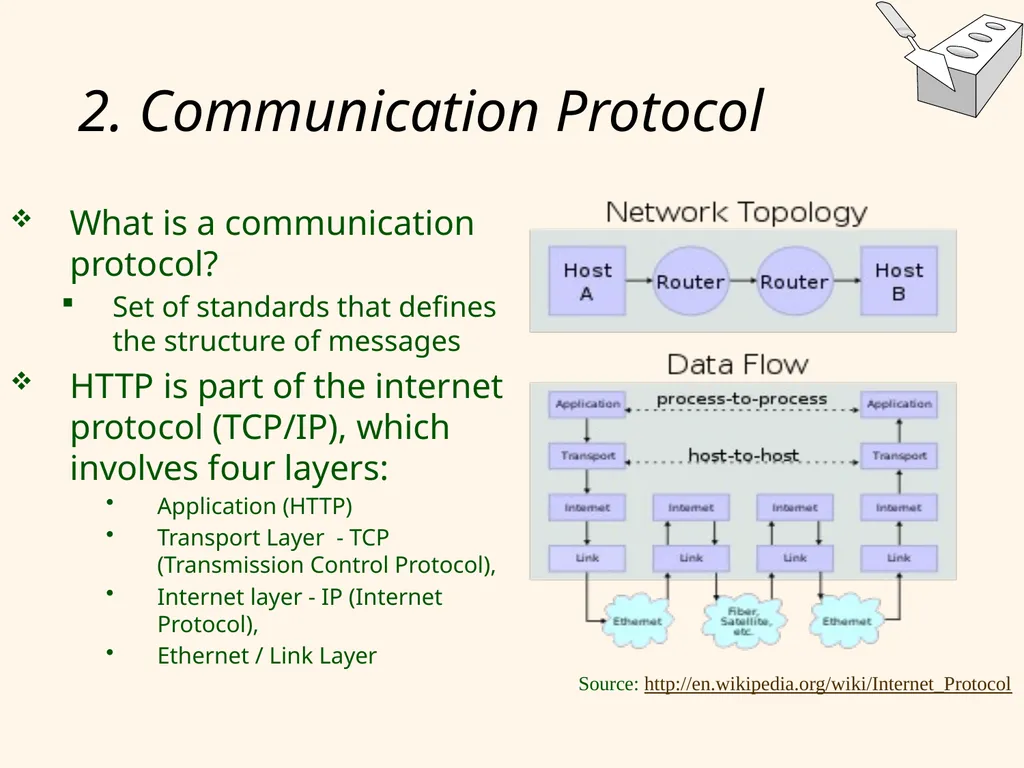
2. Communication Protocol What is a communication protocol?
Set of standards that defines the structure of messages
HTTP is part of the internet protocol (TCP/IP), which involves four layers:
Application (HTTP)
Transport Layer - TCP (Transmission Control Protocol),
Internet layer - IP (Internet Protocol),
Ethernet / Link Layer Source: http://en.wikipedia.org/wiki/Internet_Protocol<br>
Set of standards that defines the structure of messages
HTTP is part of the internet protocol (TCP/IP), which involves four layers:
Application (HTTP)
Transport Layer - TCP (Transmission Control Protocol),
Internet layer - IP (Internet Protocol),
Ethernet / Link Layer Source: http://en.wikipedia.org/wiki/Internet_Protocol<br>
07
2. Hypertext Transfer Protocol (HTTP) HTTP is the most common way to communicate on the internet
It is a client-server protocol.
What happens if you click on
webfea.fea.aub.edu.lb/hhajj/
Client (web browser) requests a page, and sends the HTTP request to server (looking for webfea.fea.aub.edu.lb/hhajj/index.html)
Server receives request and replies
Client receives reply; makes new requests
SSL (Secure Sockets Layer) is a variant of HTTP that uses encryption to exchange info (Ch. 21)<br>
It is a client-server protocol.
What happens if you click on
webfea.fea.aub.edu.lb/hhajj/
Client (web browser) requests a page, and sends the HTTP request to server (looking for webfea.fea.aub.edu.lb/hhajj/index.html)
Server receives request and replies
Client receives reply; makes new requests
SSL (Secure Sockets Layer) is a variant of HTTP that uses encryption to exchange info (Ch. 21)<br>
08
2. Structure of HTTP Request Client to Server(example):
GET ~/index.html HTTP/1.1
User-agent: Chrome /10.0
Accept: text/html, image/gif, image/jpeg Client Request - Several lines of ASCII text
Request Line has three parts:
HTTP method (GET/POST),
HTTP URI,
HTTP version used by the client.
Client version (e.g. Chrome / 10.0)
Line describing formats accepted by the client<br>
GET ~/index.html HTTP/1.1
User-agent: Chrome /10.0
Accept: text/html, image/gif, image/jpeg Client Request - Several lines of ASCII text
Request Line has three parts:
HTTP method (GET/POST),
HTTP URI,
HTTP version used by the client.
Client version (e.g. Chrome / 10.0)
Line describing formats accepted by the client<br>
09
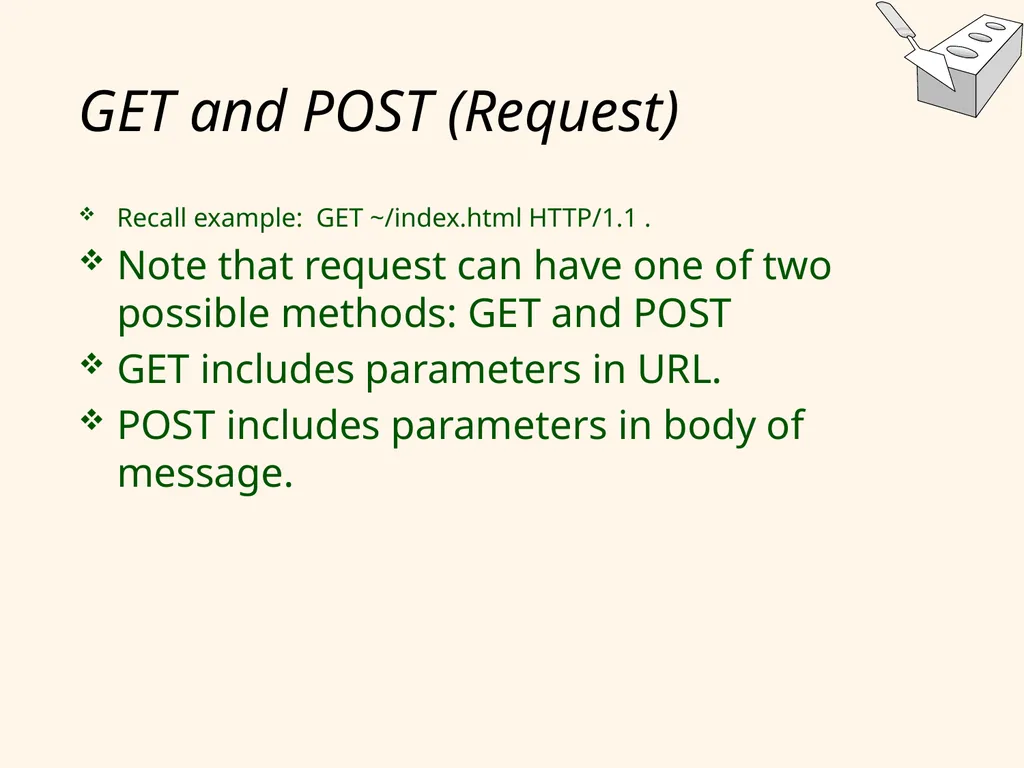
GET and POST (Request) Recall example: GET ~/index.html HTTP/1.1 .
Note that request can have one of two possible methods: GET and POST
GET includes parameters in URL.
POST includes parameters in body of message.<br>
Note that request can have one of two possible methods: GET and POST
GET includes parameters in URL.
POST includes parameters in body of message.<br>
10
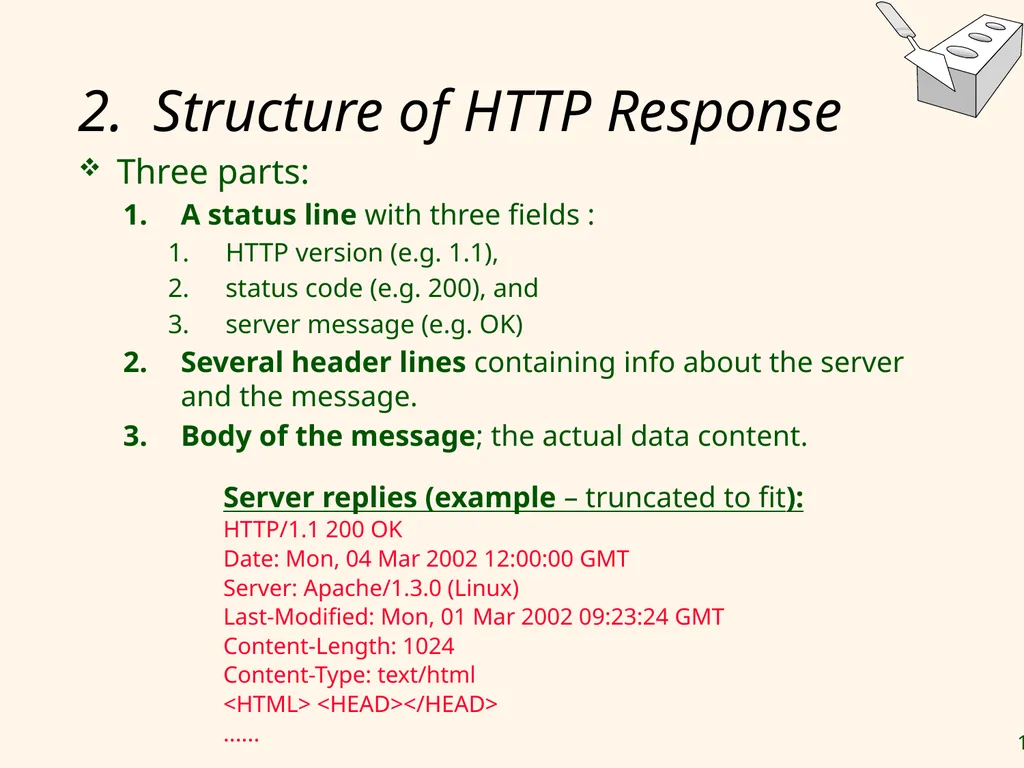
2. Structure of HTTP Response Three parts:
A status line with three fields :
HTTP version (e.g. 1.1),
status code (e.g. 200), and
server message (e.g. OK)
Several header lines containing info about the server and the message.
Body of the message; the actual data content. Server replies (example – truncated to fit):
HTTP/1.1 200 OK
Date: Mon, 04 Mar 2002 12:00:00 GMT
Server: Apache/1.3.0 (Linux)
Last-Modified: Mon, 01 Mar 2002 09:23:24 GMT
Content-Length: 1024
Content-Type: text/html
<HTML> <HEAD></HEAD>
......<br>
A status line with three fields :
HTTP version (e.g. 1.1),
status code (e.g. 200), and
server message (e.g. OK)
Several header lines containing info about the server and the message.
Body of the message; the actual data content. Server replies (example – truncated to fit):
HTTP/1.1 200 OK
Date: Mon, 04 Mar 2002 12:00:00 GMT
Server: Apache/1.3.0 (Linux)
Last-Modified: Mon, 01 Mar 2002 09:23:24 GMT
Content-Length: 1024
Content-Type: text/html
<HTML> <HEAD></HEAD>
......<br>
11
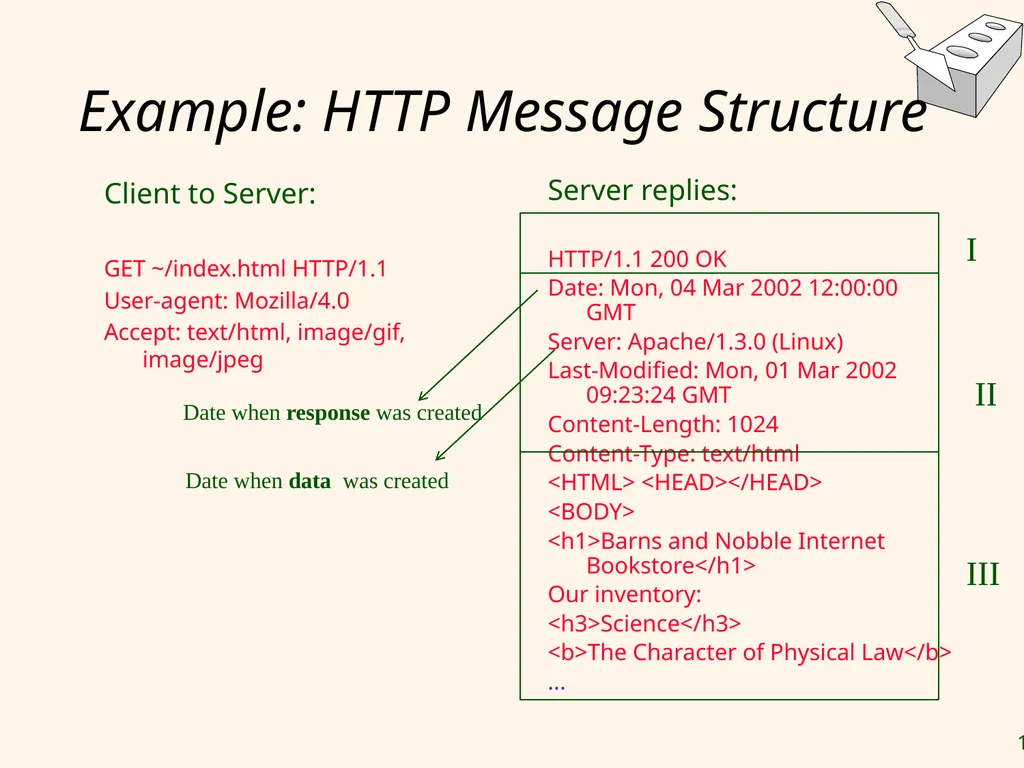
Example: HTTP Message Structure Client to Server:
GET ~/index.html HTTP/1.1
User-agent: Mozilla/4.0
Accept: text/html, image/gif, image/jpeg Server replies:
HTTP/1.1 200 OK
Date: Mon, 04 Mar 2002 12:00:00 GMT
Server: Apache/1.3.0 (Linux)
Last-Modified: Mon, 01 Mar 2002 09:23:24 GMT
Content-Length: 1024
Content-Type: text/html
<HTML> <HEAD></HEAD>
<BODY>
<h1>Barns and Nobble Internet Bookstore</h1>
Our inventory:
<h3>Science</h3>
<b>The Character of Physical Law</b>
... I II III Date when response was created Date when data was created<br>
GET ~/index.html HTTP/1.1
User-agent: Mozilla/4.0
Accept: text/html, image/gif, image/jpeg Server replies:
HTTP/1.1 200 OK
Date: Mon, 04 Mar 2002 12:00:00 GMT
Server: Apache/1.3.0 (Linux)
Last-Modified: Mon, 01 Mar 2002 09:23:24 GMT
Content-Length: 1024
Content-Type: text/html
<HTML> <HEAD></HEAD>
<BODY>
<h1>Barns and Nobble Internet Bookstore</h1>
Our inventory:
<h3>Science</h3>
<b>The Character of Physical Law</b>
... I II III Date when response was created Date when data was created<br>
12
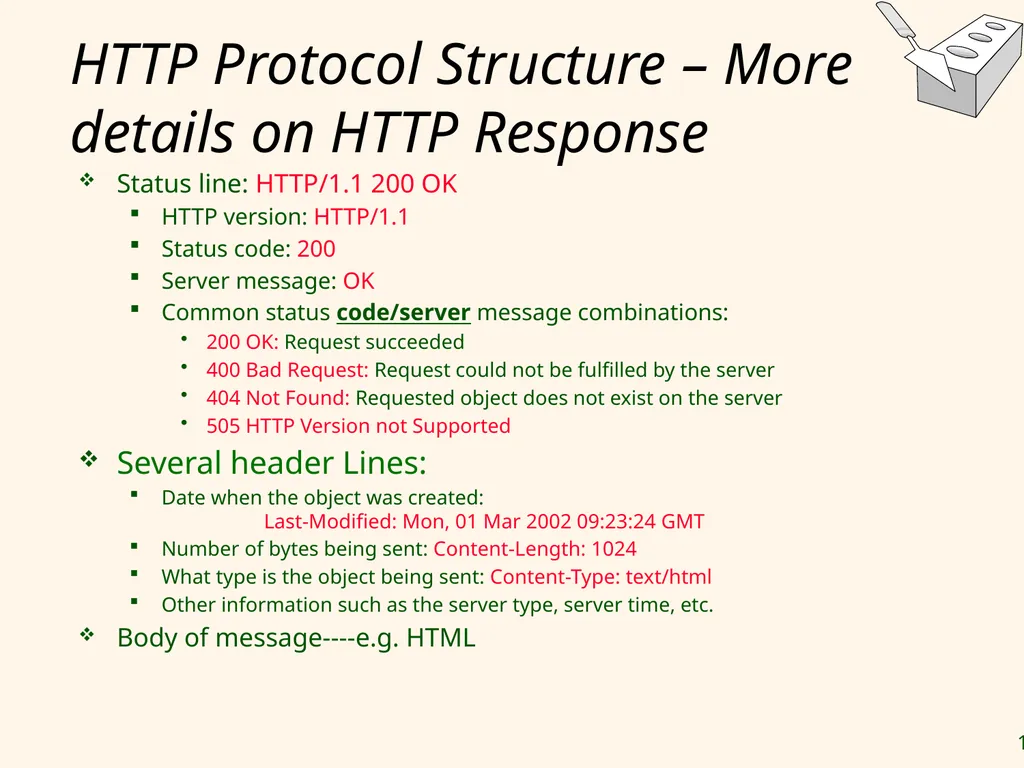
HTTP Protocol Structure – More details on HTTP Response Status line: HTTP/1.1 200 OK
HTTP version: HTTP/1.1
Status code: 200
Server message: OK
Common status code/server message combinations:
200 OK: Request succeeded
400 Bad Request: Request could not be fulfilled by the server
404 Not Found: Requested object does not exist on the server
505 HTTP Version not Supported
Several header Lines:
Date when the object was created: Last-Modified: Mon, 01 Mar 2002 09:23:24 GMT
Number of bytes being sent: Content-Length: 1024
What type is the object being sent: Content-Type: text/html
Other information such as the server type, server time, etc.
Body of message----e.g. HTML<br>
HTTP version: HTTP/1.1
Status code: 200
Server message: OK
Common status code/server message combinations:
200 OK: Request succeeded
400 Bad Request: Request could not be fulfilled by the server
404 Not Found: Requested object does not exist on the server
505 HTTP Version not Supported
Several header Lines:
Date when the object was created: Last-Modified: Mon, 01 Mar 2002 09:23:24 GMT
Number of bytes being sent: Content-Length: 1024
What type is the object being sent: Content-Type: text/html
Other information such as the server type, server time, etc.
Body of message----e.g. HTML<br>
13
Some Remarks About HTTP HTTP is stateless
No “sessions”
Every message is completely self-contained
No previous interaction is “remembered” by the protocol
Tradeoff between ease of implementation and ease of application development: Other functionality has to be built on top
Implications for applications:
Any state information (shopping carts, user login-information) need to be encoded in every HTTP request and response!
Popular methods on how to maintain state:
Cookies (discussed later)
Dynamically generate unique URL’s at the server level (discussed later )<br>
No “sessions”
Every message is completely self-contained
No previous interaction is “remembered” by the protocol
Tradeoff between ease of implementation and ease of application development: Other functionality has to be built on top
Implications for applications:
Any state information (shopping carts, user login-information) need to be encoded in every HTTP request and response!
Popular methods on how to maintain state:
Cookies (discussed later)
Dynamically generate unique URL’s at the server level (discussed later )<br>
14
Lecture Overview Internet Concepts
Web data formats
HTML, XML, DTDs (Document Type Definition)
Introduction to three-tier architectures
The presentation layer
HTML forms; HTTP Get and POST, URL encoding; Javascript; Stylesheets. XSLT
The middle tier
CGI, application servers, Servlets, JavaServerPages, passing arguments, maintaining state (cookies)<br>
Web data formats
HTML, XML, DTDs (Document Type Definition)
Introduction to three-tier architectures
The presentation layer
HTML forms; HTTP Get and POST, URL encoding; Javascript; Stylesheets. XSLT
The middle tier
CGI, application servers, Servlets, JavaServerPages, passing arguments, maintaining state (cookies)<br>
15
Web Data Formats HTML
The presentation language for the Internet
Xml
A self-describing, hierarchal data model
DTD
Standardizing schemas for Xml
XSLT (not covered in the book)
How to transform XML into other formats<br>
The presentation language for the Internet
Xml
A self-describing, hierarchal data model
DTD
Standardizing schemas for Xml
XSLT (not covered in the book)
How to transform XML into other formats<br>
16
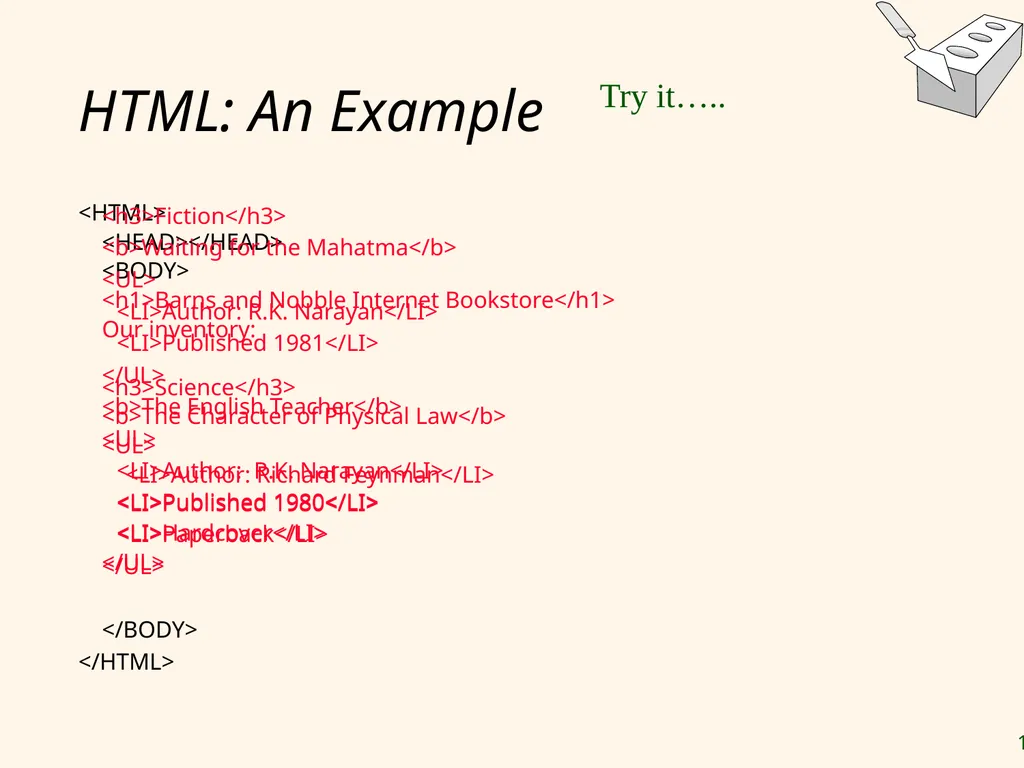
HTML: An Example <HTML>
<HEAD></HEAD>
<BODY>
<h1>Barns and Nobble Internet Bookstore</h1>
Our inventory:
<h3>Science</h3>
<b>The Character of Physical Law</b>
<UL>
<LI>Author: Richard Feynman</LI>
<LI>Published 1980</LI>
<LI>Hardcover</LI>
</UL> <h3>Fiction</h3>
<b>Waiting for the Mahatma</b>
<UL>
<LI>Author: R.K. Narayan</LI>
<LI>Published 1981</LI>
</UL>
<b>The English Teacher</b>
<UL>
<LI>Author: R.K. Narayan</LI>
<LI>Published 1980</LI>
<LI>Paperback</LI>
</UL>
</BODY>
</HTML> Try it…..<br>
<HEAD></HEAD>
<BODY>
<h1>Barns and Nobble Internet Bookstore</h1>
Our inventory:
<h3>Science</h3>
<b>The Character of Physical Law</b>
<UL>
<LI>Author: Richard Feynman</LI>
<LI>Published 1980</LI>
<LI>Hardcover</LI>
</UL> <h3>Fiction</h3>
<b>Waiting for the Mahatma</b>
<UL>
<LI>Author: R.K. Narayan</LI>
<LI>Published 1981</LI>
</UL>
<b>The English Teacher</b>
<UL>
<LI>Author: R.K. Narayan</LI>
<LI>Published 1980</LI>
<LI>Paperback</LI>
</UL>
</BODY>
</HTML> Try it…..<br>
17
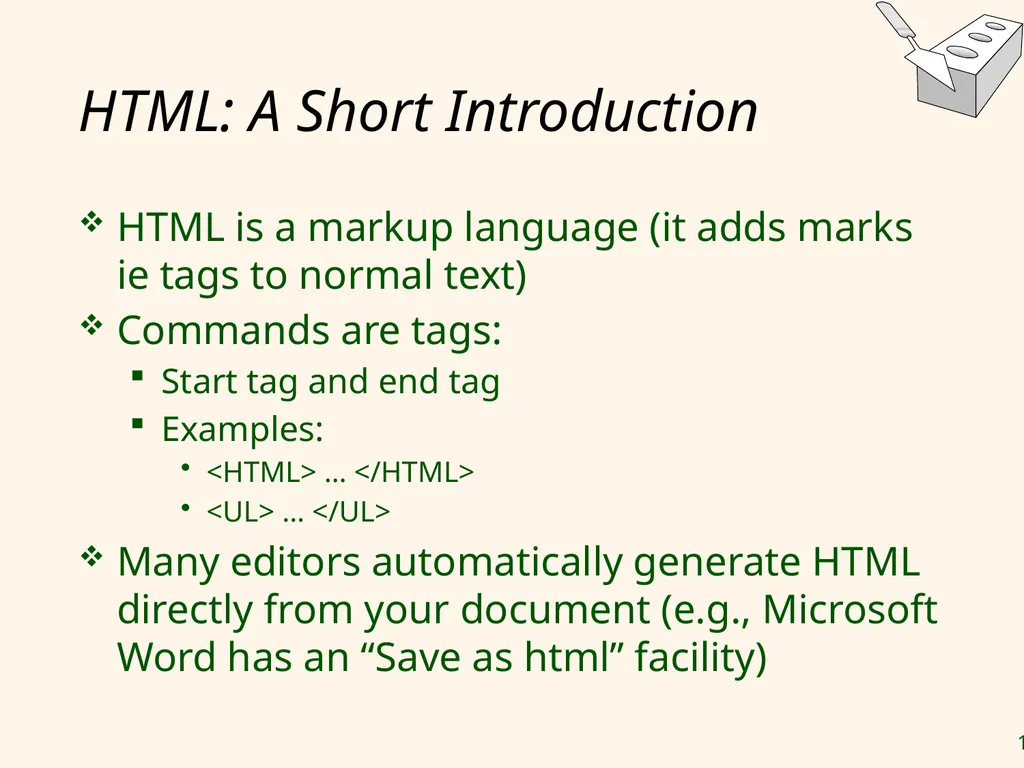
HTML: A Short Introduction HTML is a markup language (it adds marks ie tags to normal text)
Commands are tags:
Start tag and end tag
Examples:
<HTML> … </HTML>
<UL> … </UL>
Many editors automatically generate HTML directly from your document (e.g., Microsoft Word has an “Save as html” facility)<br>
Commands are tags:
Start tag and end tag
Examples:
<HTML> … </HTML>
<UL> … </UL>
Many editors automatically generate HTML directly from your document (e.g., Microsoft Word has an “Save as html” facility)<br>
18
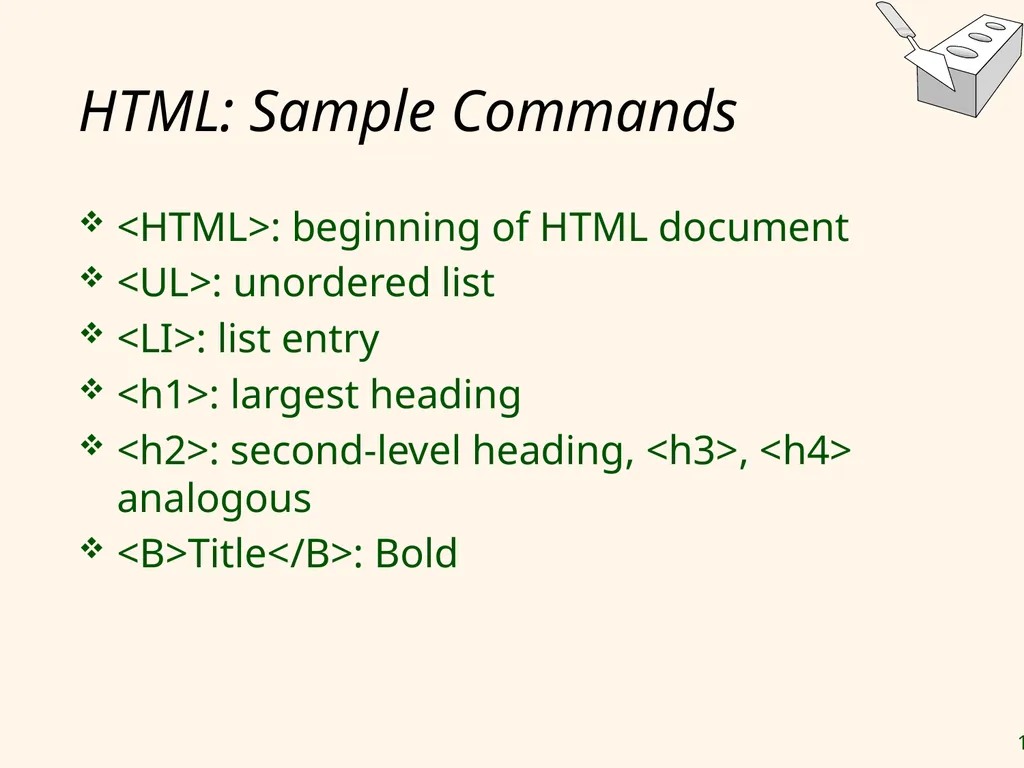
HTML: Sample Commands <HTML>: beginning of HTML document
<UL>: unordered list
<LI>: list entry
<h1>: largest heading
<h2>: second-level heading, <h3>, <h4> analogous
<B>Title</B>: Bold<br>
<UL>: unordered list
<LI>: list entry
<h1>: largest heading
<h2>: second-level heading, <h3>, <h4> analogous
<B>Title</B>: Bold<br>
19
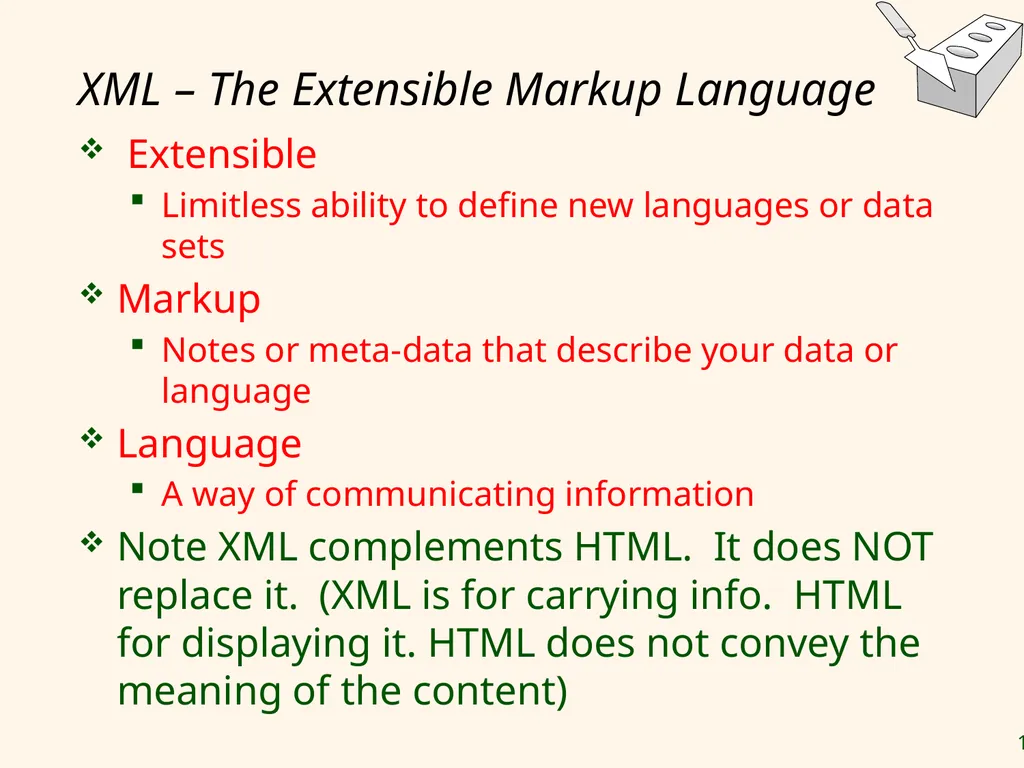
XML – The Extensible Markup Language Extensible
Limitless ability to define new languages or data sets
Markup
Notes or meta-data that describe your data or language
Language
A way of communicating information
Note XML complements HTML. It does NOT replace it. (XML is for carrying info. HTML for displaying it. HTML does not convey the meaning of the content)<br>
Limitless ability to define new languages or data sets
Markup
Notes or meta-data that describe your data or language
Language
A way of communicating information
Note XML complements HTML. It does NOT replace it. (XML is for carrying info. HTML for displaying it. HTML does not convey the meaning of the content)<br>
20
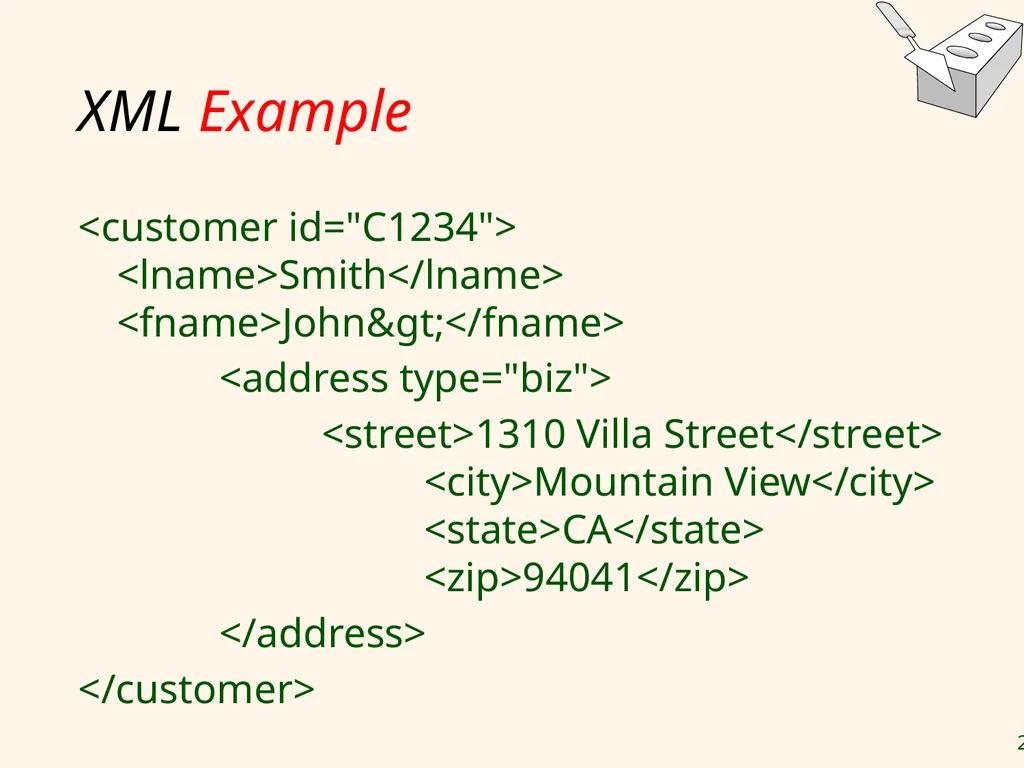
XML Example <customer id="C1234"> <lname>Smith</lname> <fname>John></fname>
<address type="biz">
<street>1310 Villa Street</street> <city>Mountain View</city> <state>CA</state> <zip>94041</zip>
</address>
</customer><br>
<address type="biz">
<street>1310 Villa Street</street> <city>Mountain View</city> <state>CA</state> <zip>94041</zip>
</address>
</customer><br>
21
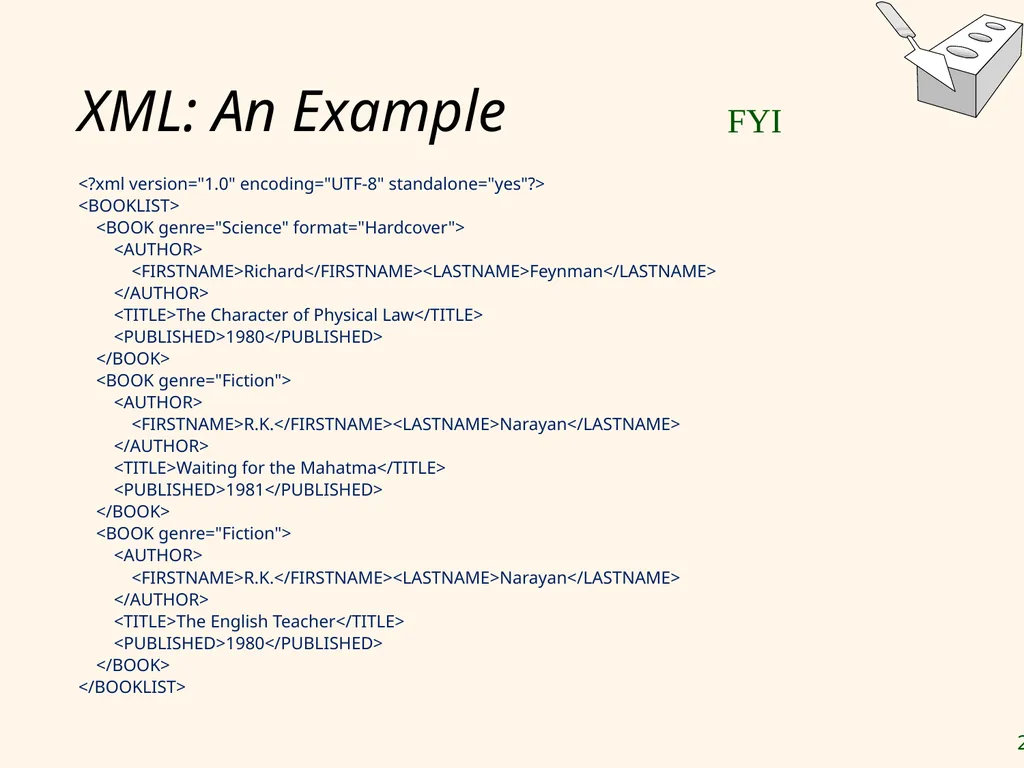
XML: An Example <?xml version="1.0" encoding="UTF-8" standalone="yes"?>
<BOOKLIST>
<BOOK genre="Science" format="Hardcover">
<AUTHOR>
<FIRSTNAME>Richard</FIRSTNAME><LASTNAME>Feynman</LASTNAME>
</AUTHOR>
<TITLE>The Character of Physical Law</TITLE>
<PUBLISHED>1980</PUBLISHED>
</BOOK>
<BOOK genre="Fiction">
<AUTHOR>
<FIRSTNAME>R.K.</FIRSTNAME><LASTNAME>Narayan</LASTNAME>
</AUTHOR>
<TITLE>Waiting for the Mahatma</TITLE>
<PUBLISHED>1981</PUBLISHED>
</BOOK>
<BOOK genre="Fiction">
<AUTHOR>
<FIRSTNAME>R.K.</FIRSTNAME><LASTNAME>Narayan</LASTNAME>
</AUTHOR>
<TITLE>The English Teacher</TITLE>
<PUBLISHED>1980</PUBLISHED>
</BOOK>
</BOOKLIST> FYI<br>
<BOOKLIST>
<BOOK genre="Science" format="Hardcover">
<AUTHOR>
<FIRSTNAME>Richard</FIRSTNAME><LASTNAME>Feynman</LASTNAME>
</AUTHOR>
<TITLE>The Character of Physical Law</TITLE>
<PUBLISHED>1980</PUBLISHED>
</BOOK>
<BOOK genre="Fiction">
<AUTHOR>
<FIRSTNAME>R.K.</FIRSTNAME><LASTNAME>Narayan</LASTNAME>
</AUTHOR>
<TITLE>Waiting for the Mahatma</TITLE>
<PUBLISHED>1981</PUBLISHED>
</BOOK>
<BOOK genre="Fiction">
<AUTHOR>
<FIRSTNAME>R.K.</FIRSTNAME><LASTNAME>Narayan</LASTNAME>
</AUTHOR>
<TITLE>The English Teacher</TITLE>
<PUBLISHED>1980</PUBLISHED>
</BOOK>
</BOOKLIST> FYI<br>
22
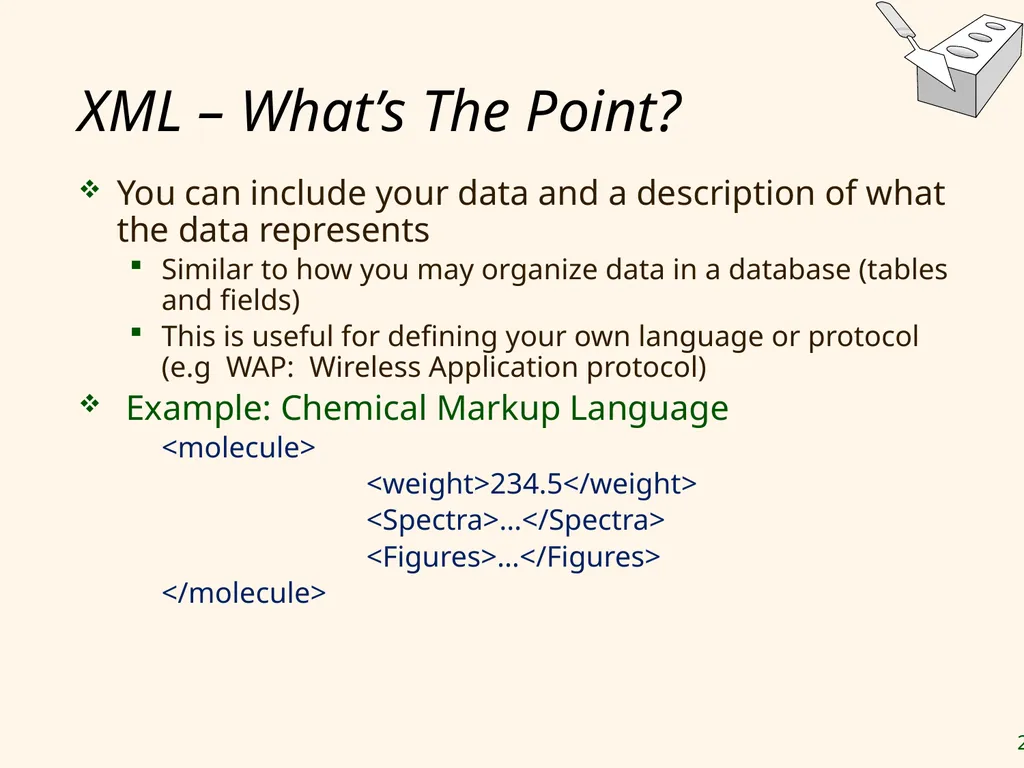
XML – What’s The Point? You can include your data and a description of what the data represents
Similar to how you may organize data in a database (tables and fields)
This is useful for defining your own language or protocol (e.g WAP: Wireless Application protocol)
Example: Chemical Markup Language
<molecule>
<weight>234.5</weight>
<Spectra>…</Spectra>
<Figures>…</Figures>
</molecule><br>
Similar to how you may organize data in a database (tables and fields)
This is useful for defining your own language or protocol (e.g WAP: Wireless Application protocol)
Example: Chemical Markup Language
<molecule>
<weight>234.5</weight>
<Spectra>…</Spectra>
<Figures>…</Figures>
</molecule><br>
23
XML – What’s The Point? (cont-d) XML design goals:
XML should be compatible with SGML (Standard Generalized Markup Language).
SGML was developed to provide a meta-language that allows definition of data and document.
It should be easy to write XML processors
The design should be formal and precise
XML uses XSL (Extensible Style Language) to describe how XML content will be displayed on the browser. FYI<br>
XML should be compatible with SGML (Standard Generalized Markup Language).
SGML was developed to provide a meta-language that allows definition of data and document.
It should be easy to write XML processors
The design should be formal and precise
XML uses XSL (Extensible Style Language) to describe how XML content will be displayed on the browser. FYI<br>
24
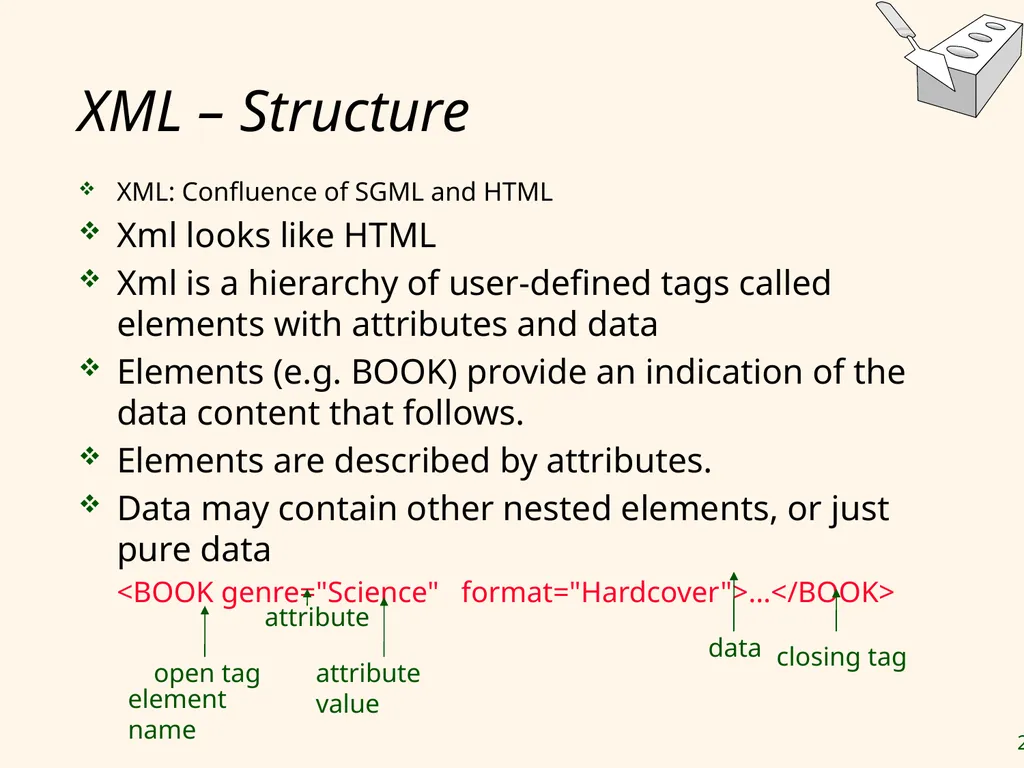
XML – Structure XML: Confluence of SGML and HTML
Xml looks like HTML
Xml is a hierarchy of user-defined tags called elements with attributes and data
Elements (e.g. BOOK) provide an indication of the data content that follows.
Elements are described by attributes.
Data may contain other nested elements, or just pure data
<BOOK genre="Science" format="Hardcover">…</BOOK><br>
Xml looks like HTML
Xml is a hierarchy of user-defined tags called elements with attributes and data
Elements (e.g. BOOK) provide an indication of the data content that follows.
Elements are described by attributes.
Data may contain other nested elements, or just pure data
<BOOK genre="Science" format="Hardcover">…</BOOK><br>
25
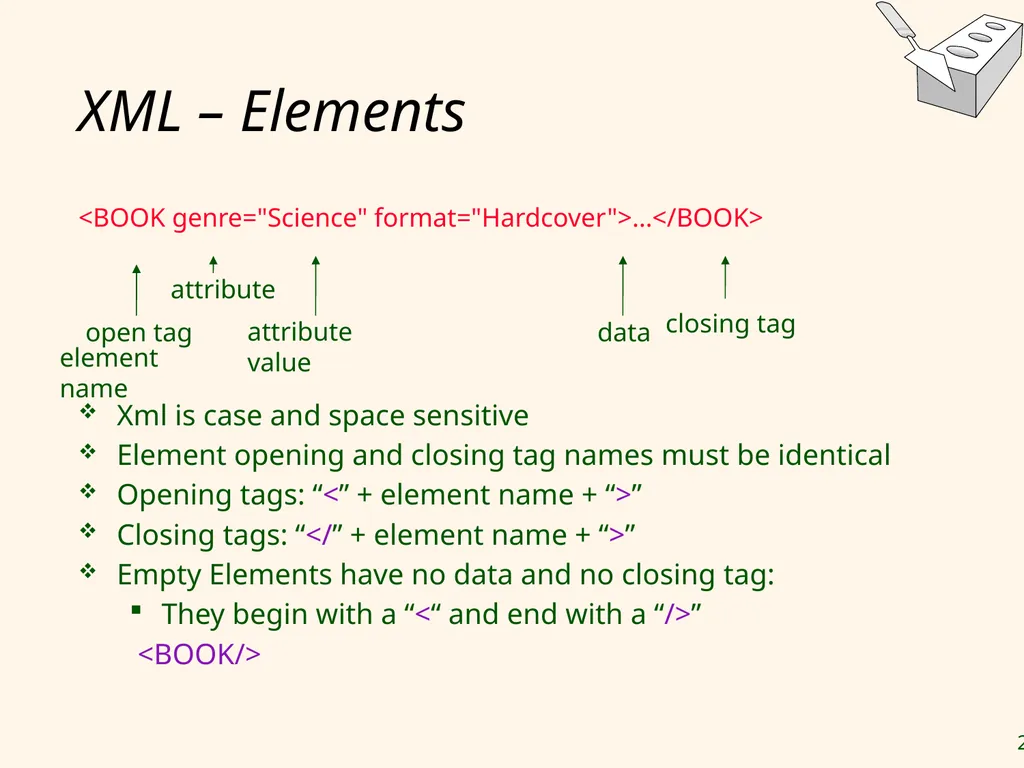
XML – Elements <BOOK genre="Science" format="Hardcover">…</BOOK>
Xml is case and space sensitive
Element opening and closing tag names must be identical
Opening tags: “<” + element name + “>”
Closing tags: “</” + element name + “>”
Empty Elements have no data and no closing tag:
They begin with a “<“ and end with a “/>”
<BOOK/><br>
Xml is case and space sensitive
Element opening and closing tag names must be identical
Opening tags: “<” + element name + “>”
Closing tags: “</” + element name + “>”
Empty Elements have no data and no closing tag:
They begin with a “<“ and end with a “/>”
<BOOK/><br>
26
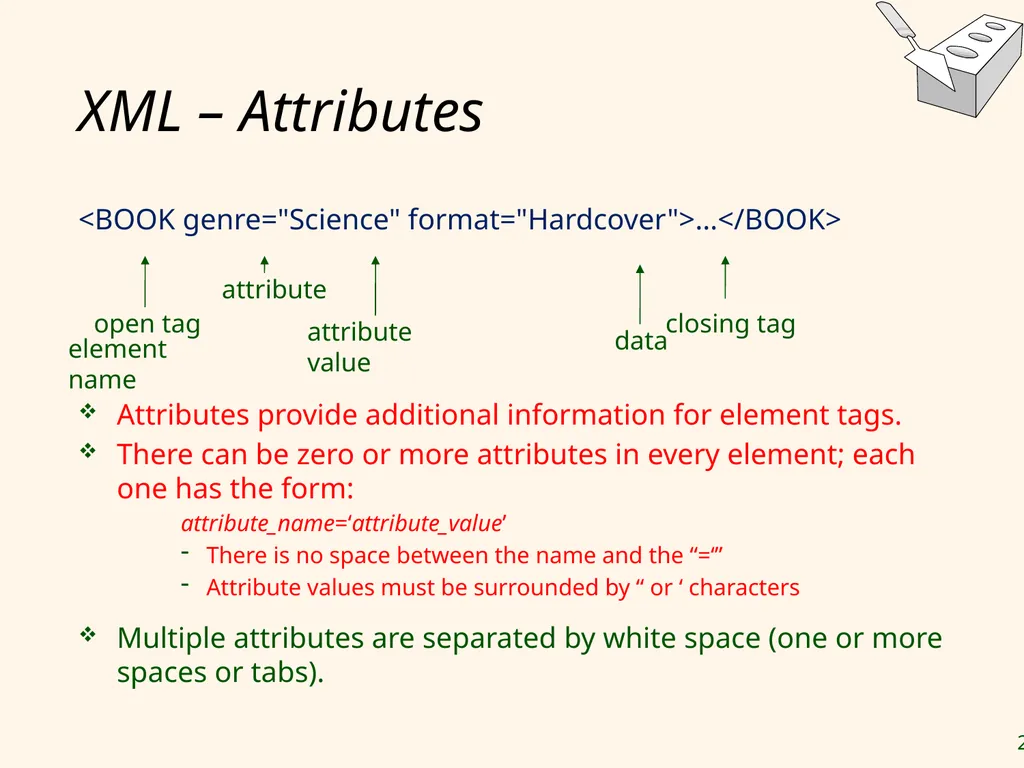
XML – Attributes <BOOK genre="Science" format="Hardcover">…</BOOK>
Attributes provide additional information for element tags.
There can be zero or more attributes in every element; each one has the form:
attribute_name=‘attribute_value’
There is no space between the name and the “=‘”
Attribute values must be surrounded by “ or ‘ characters
Multiple attributes are separated by white space (one or more spaces or tabs).<br>
Attributes provide additional information for element tags.
There can be zero or more attributes in every element; each one has the form:
attribute_name=‘attribute_value’
There is no space between the name and the “=‘”
Attribute values must be surrounded by “ or ‘ characters
Multiple attributes are separated by white space (one or more spaces or tabs).<br>
27
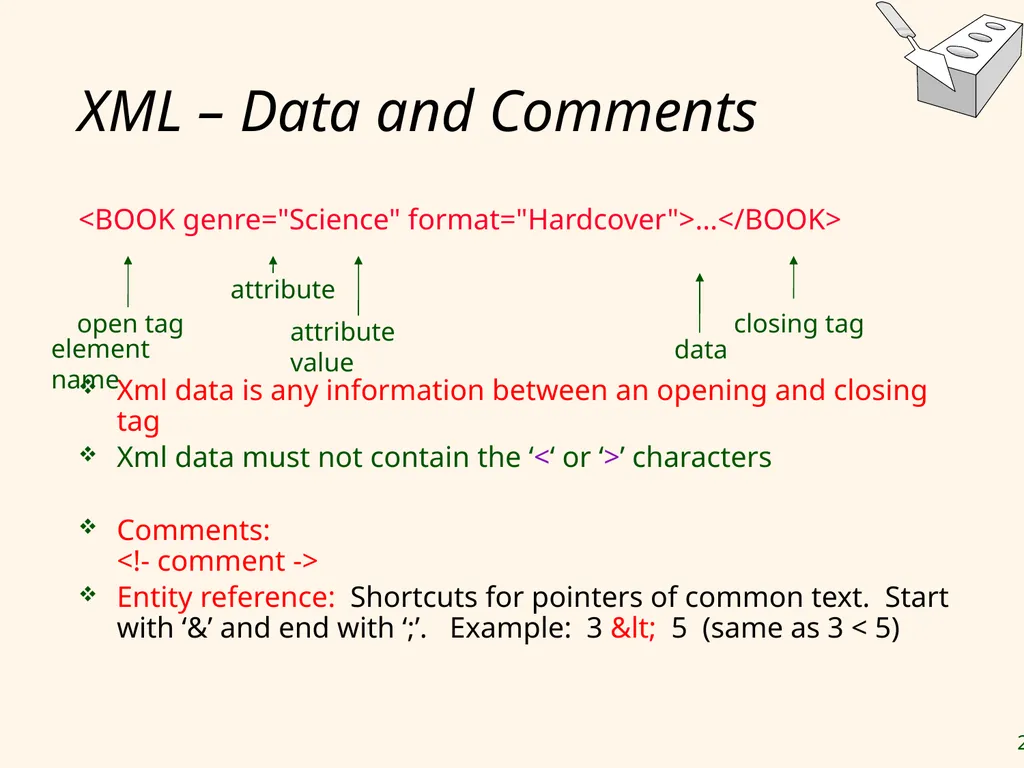
XML – Data and Comments <BOOK genre="Science" format="Hardcover">…</BOOK>
Xml data is any information between an opening and closing tag
Xml data must not contain the ‘<‘ or ‘>’ characters
Comments: <!- comment ->
Entity reference: Shortcuts for pointers of common text. Start with ‘&’ and end with ‘;’. Example: 3 < 5 (same as 3 < 5)<br>
Xml data is any information between an opening and closing tag
Xml data must not contain the ‘<‘ or ‘>’ characters
Comments: <!- comment ->
Entity reference: Shortcuts for pointers of common text. Start with ‘&’ and end with ‘;’. Example: 3 < 5 (same as 3 < 5)<br>
28
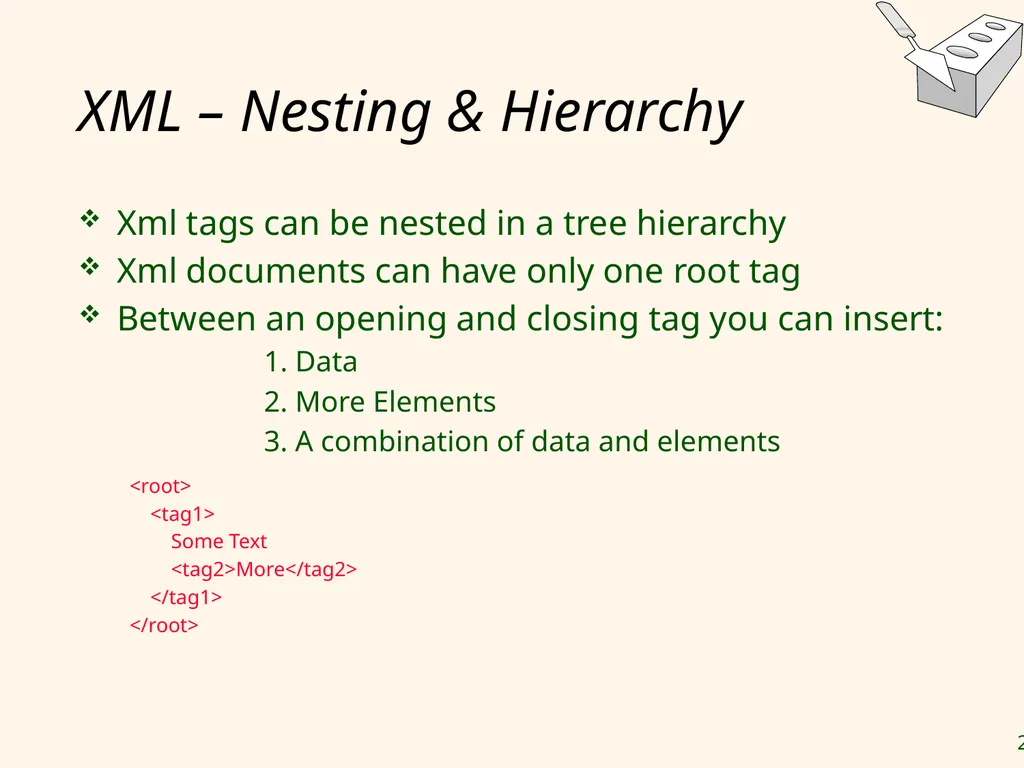
XML – Nesting & Hierarchy Xml tags can be nested in a tree hierarchy
Xml documents can have only one root tag
Between an opening and closing tag you can insert:
1. Data
2. More Elements
3. A combination of data and elements
<root>
<tag1>
Some Text
<tag2>More</tag2>
</tag1>
</root><br>
Xml documents can have only one root tag
Between an opening and closing tag you can insert:
1. Data
2. More Elements
3. A combination of data and elements
<root>
<tag1>
Some Text
<tag2>More</tag2>
</tag1>
</root><br>
29
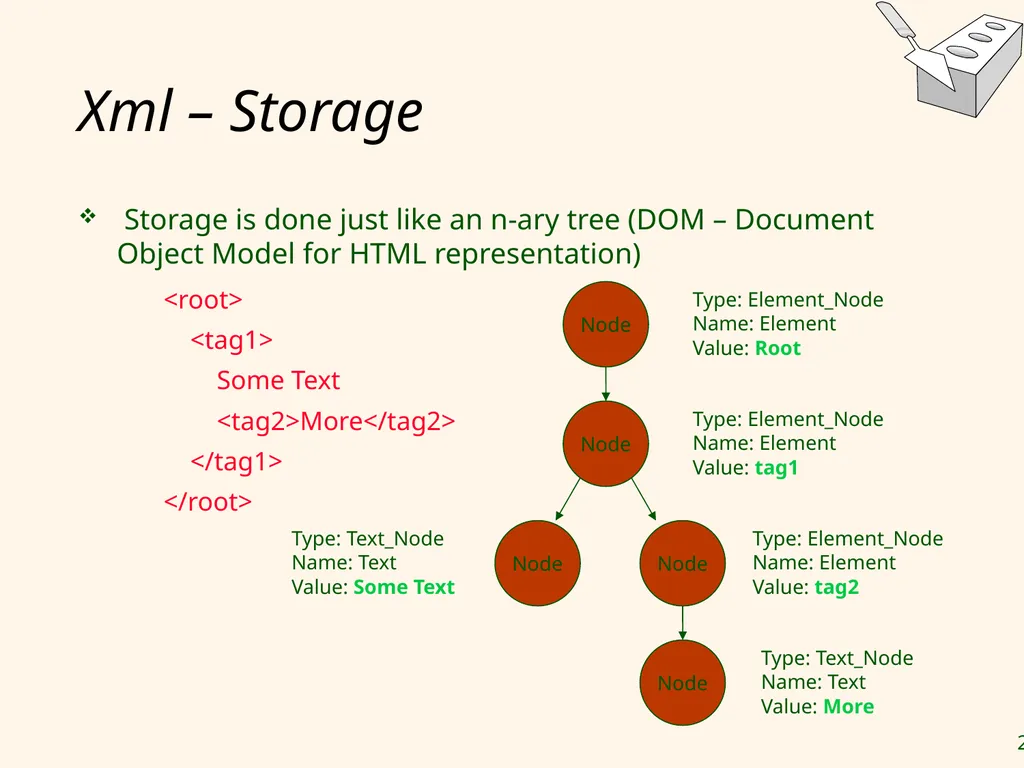
Xml – Storage Storage is done just like an n-ary tree (DOM – Document Object Model for HTML representation) <root>
<tag1>
Some Text
<tag2>More</tag2>
</tag1>
</root><br>
<tag1>
Some Text
<tag2>More</tag2>
</tag1>
</root><br>
30
DTD – Document Type Definition A DTD is a schema for Xml data
Allows us to define our own rules for tags.
A DTD says what elements and attributes are required or optional
Defines the formal structure of the language
Xml protocols and languages can be standardized with DTD files
A document that obeys standard XML guidelines, does not need a DTD file; and is called well-formed.
For examples, see backup<br>
Allows us to define our own rules for tags.
A DTD says what elements and attributes are required or optional
Defines the formal structure of the language
Xml protocols and languages can be standardized with DTD files
A document that obeys standard XML guidelines, does not need a DTD file; and is called well-formed.
For examples, see backup<br>
31
Lecture Overview Internet Concepts
Web data formats
HTML, XML, DTDs
Introduction to three-tier architectures
The presentation layer
HTML forms; HTTP Get and POST, URL encoding; Javascript; Stylesheets. XSLT
The middle tier
CGI, application servers, Servlets, JavaServerPages, passing arguments, maintaining state (cookies)<br>
Web data formats
HTML, XML, DTDs
Introduction to three-tier architectures
The presentation layer
HTML forms; HTTP Get and POST, URL encoding; Javascript; Stylesheets. XSLT
The middle tier
CGI, application servers, Servlets, JavaServerPages, passing arguments, maintaining state (cookies)<br>
32
Components of Data-Intensive Systems Three separate types of functionality:
Data management
Application logic
Presentation
The system architecture determines whether these three components reside on a single system (“tier) or are distributed across several tiers<br>
Data management
Application logic
Presentation
The system architecture determines whether these three components reside on a single system (“tier) or are distributed across several tiers<br>
33
Single-Tier Architectures All functionality combined into a single tier, usually on a mainframe
User access through dumb terminals
Advantages:
Easy maintenance and administration
Disadvantages:
Today, users expect graphical user interfaces.
Centralized computation of all of them is too much for a central system<br>
User access through dumb terminals
Advantages:
Easy maintenance and administration
Disadvantages:
Today, users expect graphical user interfaces.
Centralized computation of all of them is too much for a central system<br>
34
Client-Server Architectures Work division: Thin client
Client implements only the graphical user interface
Server implements business logic and data management
Work division: Thick client
Client implements both the graphical user interface and the business logic
Server implements data management<br>
Client implements only the graphical user interface
Server implements business logic and data management
Work division: Thick client
Client implements both the graphical user interface and the business logic
Server implements data management<br>
35
Client-Server Architectures (Contd.) Disadvantages of thick clients
No central place to update the business logic
Security issues: Server needs to trust clients
Access control and authentication needs to be managed at the server
Clients need to leave server database in consistent state
One possibility: Encapsulate all database access into stored procedures
Does not scale to more than several 100s of clients
Large data transfer between server and client
More than one server creates a problem: x clients, y servers: x*y connections<br>
No central place to update the business logic
Security issues: Server needs to trust clients
Access control and authentication needs to be managed at the server
Clients need to leave server database in consistent state
One possibility: Encapsulate all database access into stored procedures
Does not scale to more than several 100s of clients
Large data transfer between server and client
More than one server creates a problem: x clients, y servers: x*y connections<br>
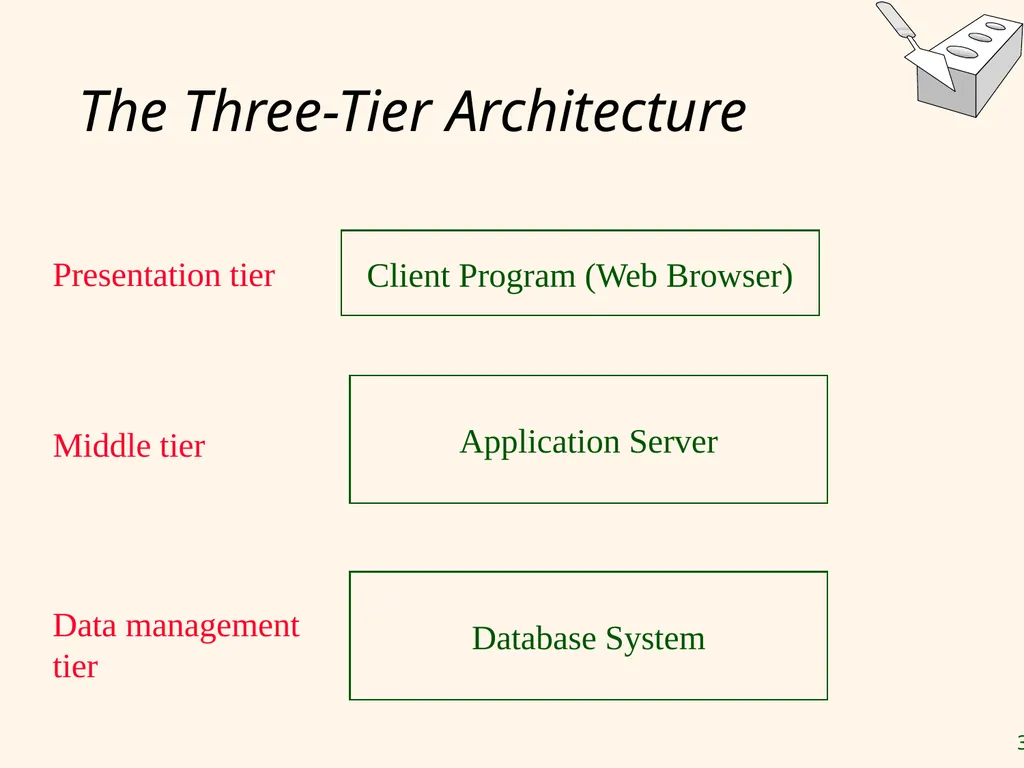
36
The Three-Tier Architecture Database System Application Server Client Program (Web Browser) Presentation tier Middle tier Data management
tier<br>
37
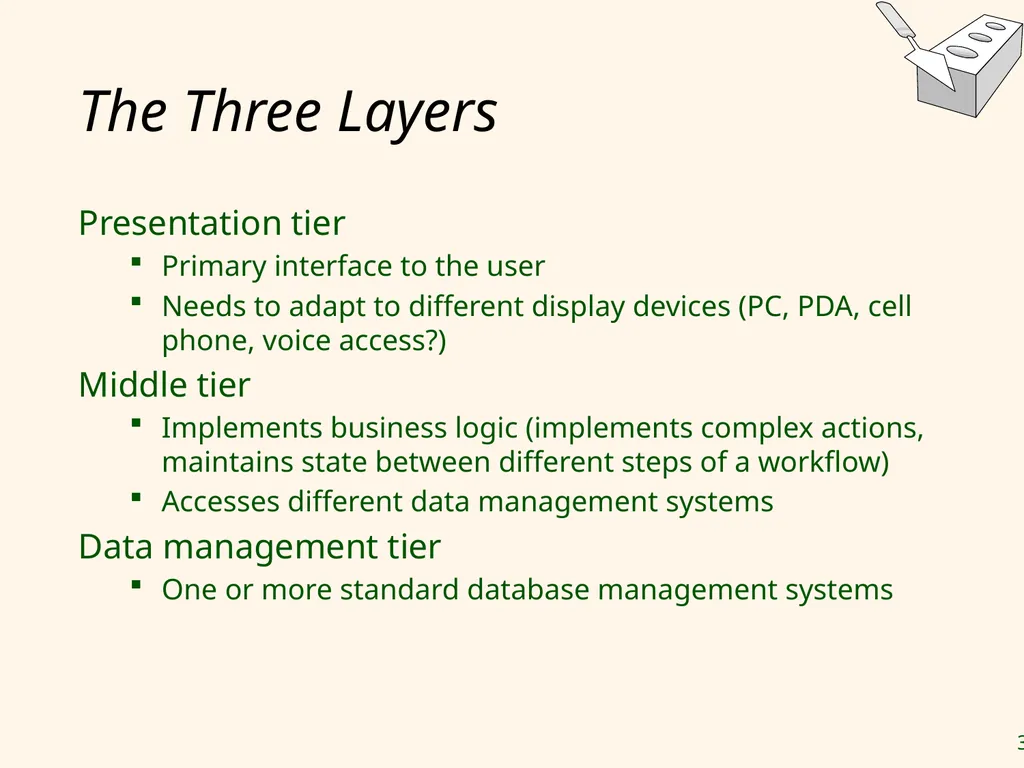
The Three Layers Presentation tier
Primary interface to the user
Needs to adapt to different display devices (PC, PDA, cell phone, voice access?)
Middle tier
Implements business logic (implements complex actions, maintains state between different steps of a workflow)
Accesses different data management systems
Data management tier
One or more standard database management systems<br>
Primary interface to the user
Needs to adapt to different display devices (PC, PDA, cell phone, voice access?)
Middle tier
Implements business logic (implements complex actions, maintains state between different steps of a workflow)
Accesses different data management systems
Data management tier
One or more standard database management systems<br>
38
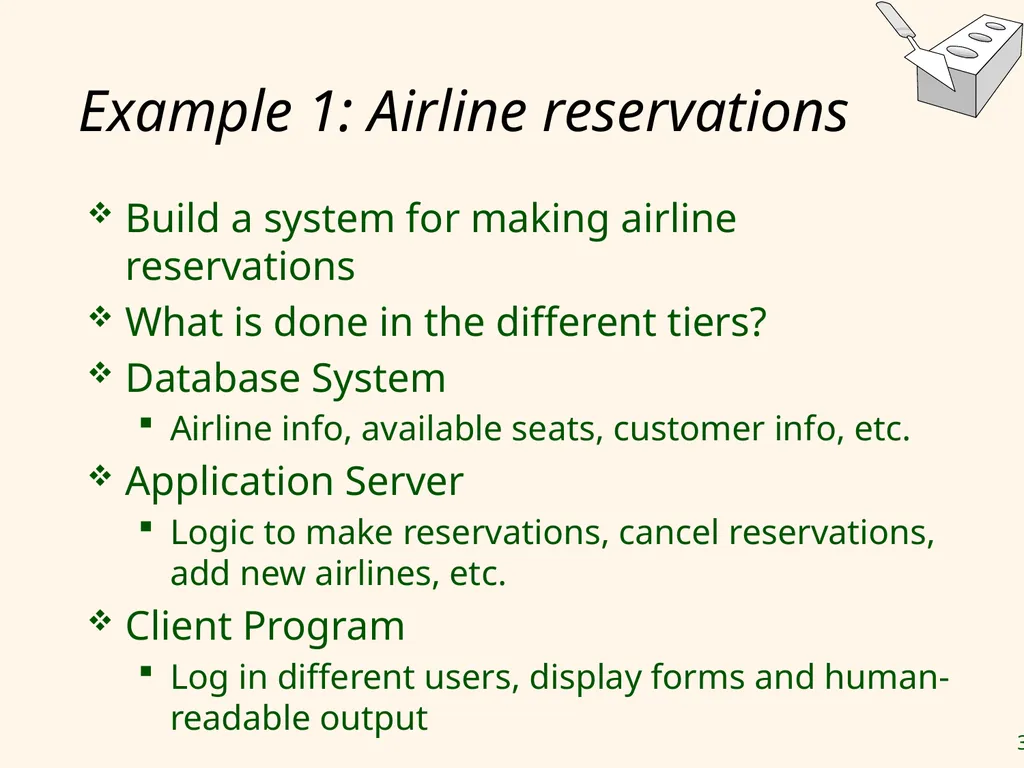
Example 1: Airline reservations Build a system for making airline reservations
What is done in the different tiers?
Database System
Airline info, available seats, customer info, etc.
Application Server
Logic to make reservations, cancel reservations, add new airlines, etc.
Client Program
Log in different users, display forms and human-readable output<br>
What is done in the different tiers?
Database System
Airline info, available seats, customer info, etc.
Application Server
Logic to make reservations, cancel reservations, add new airlines, etc.
Client Program
Log in different users, display forms and human-readable output<br>
39
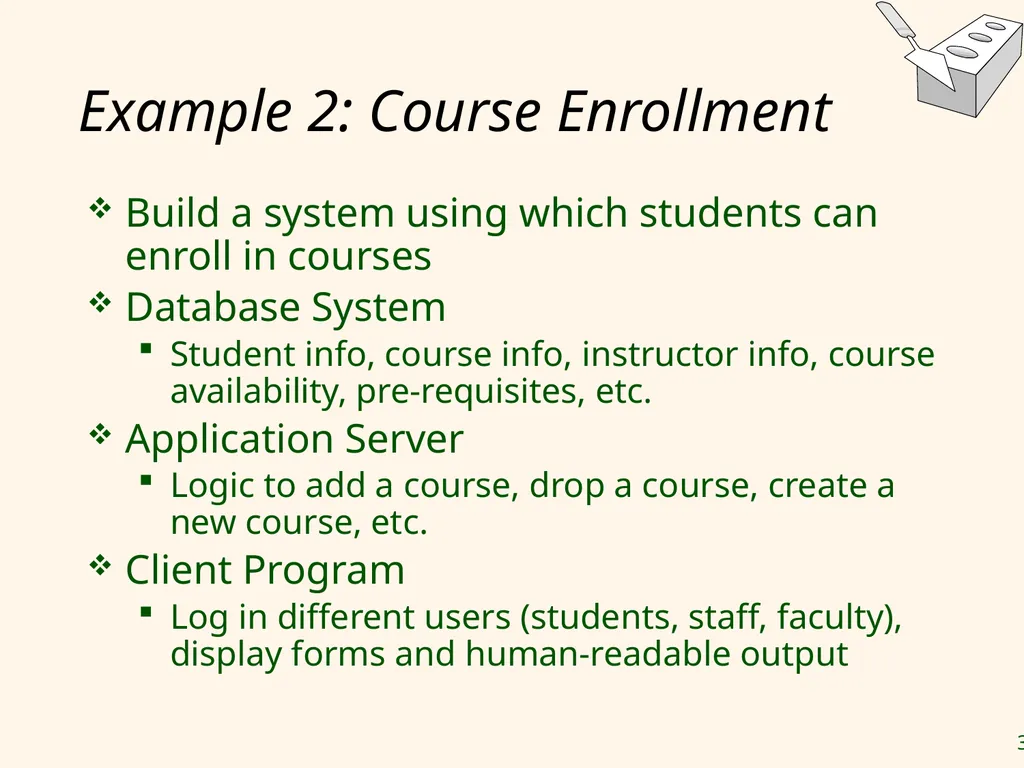
Example 2: Course Enrollment Build a system using which students can enroll in courses
Database System
Student info, course info, instructor info, course availability, pre-requisites, etc.
Application Server
Logic to add a course, drop a course, create a new course, etc.
Client Program
Log in different users (students, staff, faculty), display forms and human-readable output<br>
Database System
Student info, course info, instructor info, course availability, pre-requisites, etc.
Application Server
Logic to add a course, drop a course, create a new course, etc.
Client Program
Log in different users (students, staff, faculty), display forms and human-readable output<br>
40
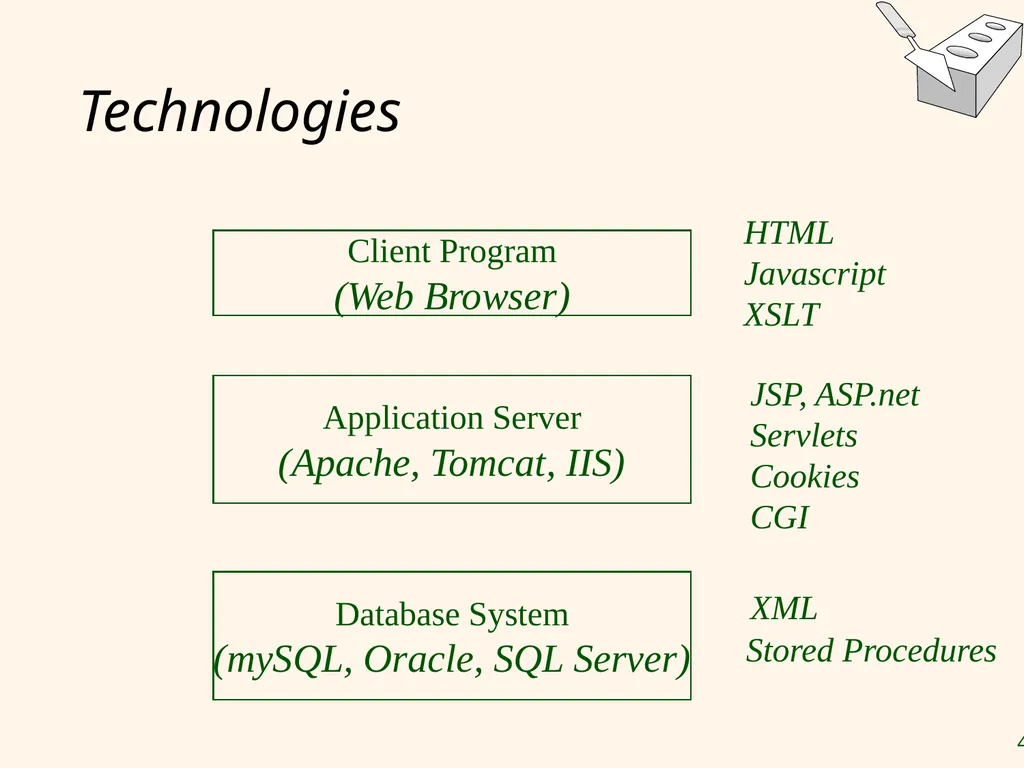
Technologies Database System
(mySQL, Oracle, SQL Server) Application Server
(Apache, Tomcat, IIS) Client Program
(Web Browser) HTML
Javascript
XSLT JSP, ASP.net Servlets
Cookies
CGI XML Stored Procedures<br>
Javascript
XSLT JSP, ASP.net Servlets
Cookies
CGI XML Stored Procedures<br>
41
Advantages of the Three-Tier Architecture Heterogeneous systems
Tiers can be independently maintained, modified, and replaced
Thin clients
Only presentation layer at clients (web browsers)
Integrated data access
Several database systems can be handled transparently at the middle tier
Central management of connections
Scalability
Replication at middle tier permits scalability of business logic
Software development
Code for business logic is centralized
Interaction between tiers through well-defined APIs: Can reuse standard components at each tier<br>
Tiers can be independently maintained, modified, and replaced
Thin clients
Only presentation layer at clients (web browsers)
Integrated data access
Several database systems can be handled transparently at the middle tier
Central management of connections
Scalability
Replication at middle tier permits scalability of business logic
Software development
Code for business logic is centralized
Interaction between tiers through well-defined APIs: Can reuse standard components at each tier<br>
42
Lecture Overview Internet Concepts
Web data formats
HTML, XML, DTDs
Introduction to three-tier architectures
The presentation layer
HTML forms; HTTP Get and POST, URL encoding; Javascript; Stylesheets. XSLT
The middle tier
CGI, application servers, Servlets, JavaServerPages, passing arguments, maintaining state (cookies)<br>
Web data formats
HTML, XML, DTDs
Introduction to three-tier architectures
The presentation layer
HTML forms; HTTP Get and POST, URL encoding; Javascript; Stylesheets. XSLT
The middle tier
CGI, application servers, Servlets, JavaServerPages, passing arguments, maintaining state (cookies)<br>
43
Overview of the Presentation Tier Functionality of the presentation tier
Primary interface to the user
Needs to adapt to different display devices (PC, PDA, cell phone, voice access?)
Simple functionality, such as field validity checking
We will cover:
HTML Forms: How to pass data to the middle tier
JavaScript: Simple functionality at the presentation tier. NOTE: It is Client side scripting.
Style sheets: Separating data from formatting<br>
Primary interface to the user
Needs to adapt to different display devices (PC, PDA, cell phone, voice access?)
Simple functionality, such as field validity checking
We will cover:
HTML Forms: How to pass data to the middle tier
JavaScript: Simple functionality at the presentation tier. NOTE: It is Client side scripting.
Style sheets: Separating data from formatting<br>
44
HTML FORMS<br>
45
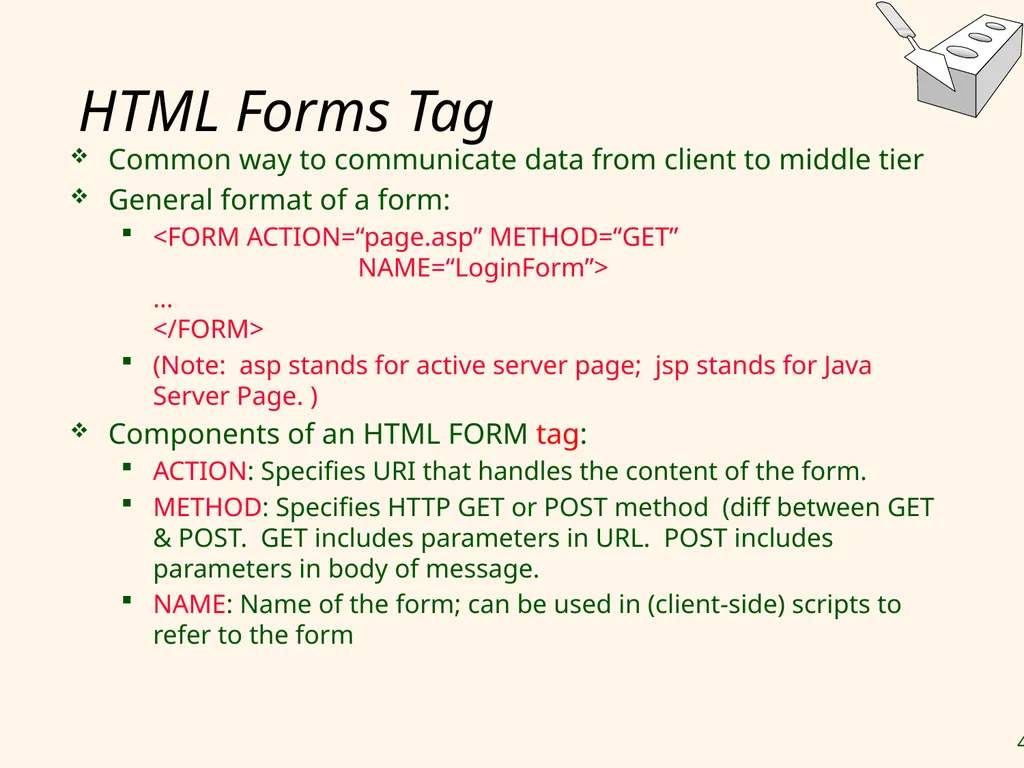
HTML Forms Tag Common way to communicate data from client to middle tier
General format of a form:
<FORM ACTION=“page.asp” METHOD=“GET” NAME=“LoginForm”> … </FORM>
(Note: asp stands for active server page; jsp stands for Java Server Page. )
Components of an HTML FORM tag:
ACTION: Specifies URI that handles the content of the form.
METHOD: Specifies HTTP GET or POST method (diff between GET & POST. GET includes parameters in URL. POST includes parameters in body of message.
NAME: Name of the form; can be used in (client-side) scripts to refer to the form<br>
General format of a form:
<FORM ACTION=“page.asp” METHOD=“GET” NAME=“LoginForm”> … </FORM>
(Note: asp stands for active server page; jsp stands for Java Server Page. )
Components of an HTML FORM tag:
ACTION: Specifies URI that handles the content of the form.
METHOD: Specifies HTTP GET or POST method (diff between GET & POST. GET includes parameters in URL. POST includes parameters in body of message.
NAME: Name of the form; can be used in (client-side) scripts to refer to the form<br>
46
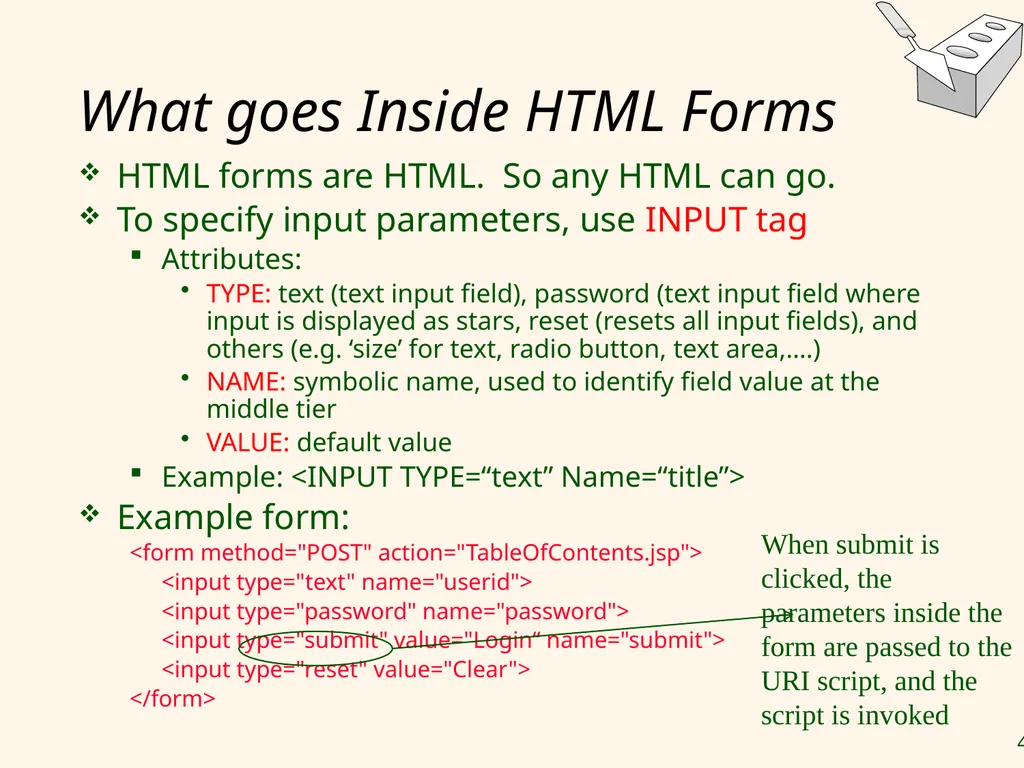
What goes Inside HTML Forms HTML forms are HTML. So any HTML can go.
To specify input parameters, use INPUT tag
Attributes:
TYPE: text (text input field), password (text input field where input is displayed as stars, reset (resets all input fields), and others (e.g. ‘size’ for text, radio button, text area,….)
NAME: symbolic name, used to identify field value at the middle tier
VALUE: default value
Example: <INPUT TYPE=“text” Name=“title”>
Example form:
<form method="POST" action="TableOfContents.jsp">
<input type="text" name="userid">
<input type="password" name="password">
<input type="submit" value="Login“ name="submit">
<input type="reset" value="Clear">
</form> When submit is clicked, the parameters inside the form are passed to the URI script, and the script is invoked<br>
To specify input parameters, use INPUT tag
Attributes:
TYPE: text (text input field), password (text input field where input is displayed as stars, reset (resets all input fields), and others (e.g. ‘size’ for text, radio button, text area,….)
NAME: symbolic name, used to identify field value at the middle tier
VALUE: default value
Example: <INPUT TYPE=“text” Name=“title”>
Example form:
<form method="POST" action="TableOfContents.jsp">
<input type="text" name="userid">
<input type="password" name="password">
<input type="submit" value="Login“ name="submit">
<input type="reset" value="Clear">
</form> When submit is clicked, the parameters inside the form are passed to the URI script, and the script is invoked<br>
47
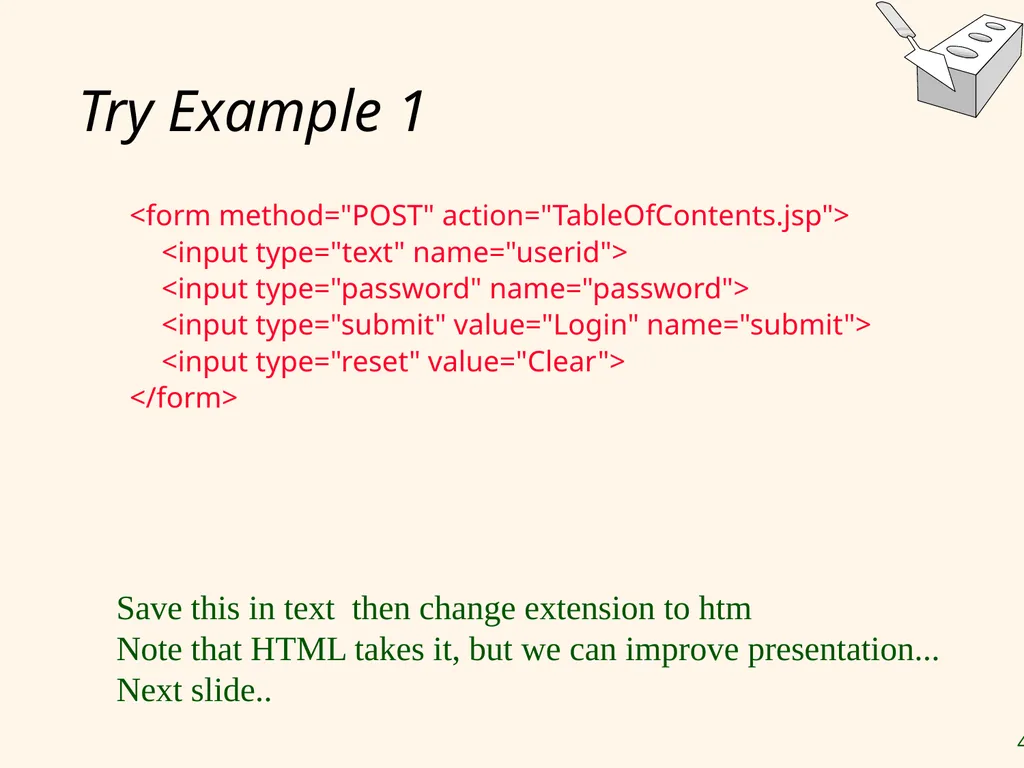
Try Example 1 <form method="POST" action="TableOfContents.jsp">
<input type="text" name="userid">
<input type="password" name="password">
<input type="submit" value="Login" name="submit">
<input type="reset" value="Clear">
</form> Save this in text then change extension to htm
Note that HTML takes it, but we can improve presentation...
Next slide..<br>
<input type="text" name="userid">
<input type="password" name="password">
<input type="submit" value="Login" name="submit">
<input type="reset" value="Clear">
</form> Save this in text then change extension to htm
Note that HTML takes it, but we can improve presentation...
Next slide..<br>
48
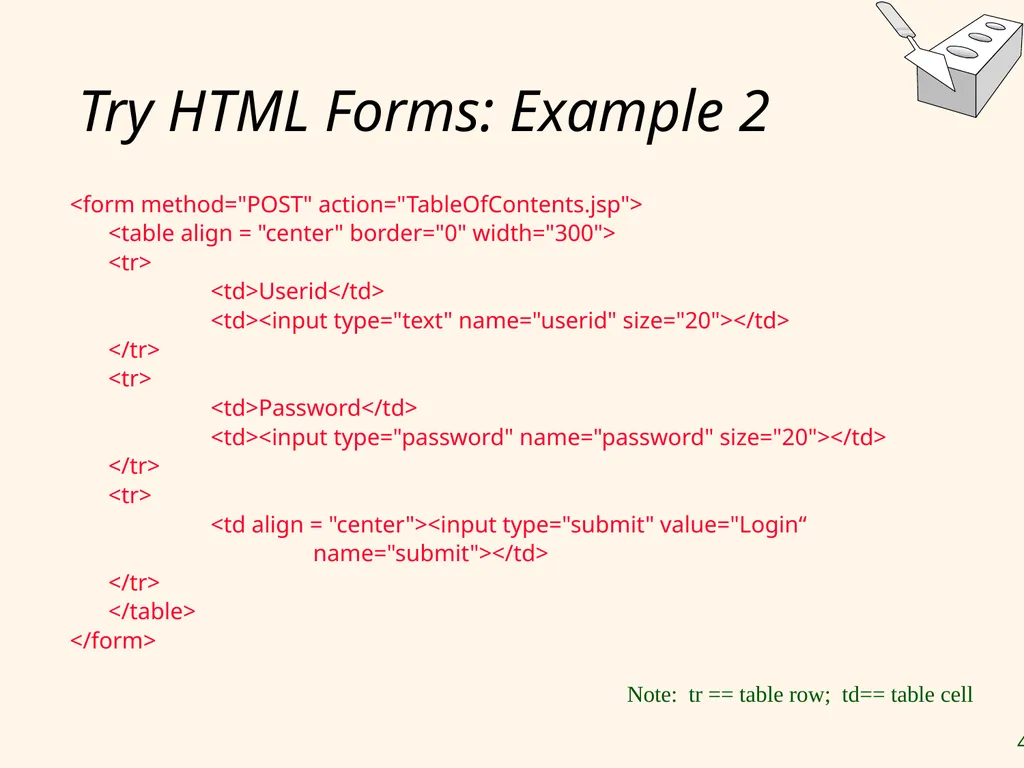
Try HTML Forms: Example 2 <form method="POST" action="TableOfContents.jsp">
<table align = "center" border="0" width="300">
<tr>
<td>Userid</td>
<td><input type="text" name="userid" size="20"></td>
</tr>
<tr>
<td>Password</td>
<td><input type="password" name="password" size="20"></td>
</tr>
<tr>
<td align = "center"><input type="submit" value="Login“
name="submit"></td>
</tr>
</table>
</form> Note: tr == table row; td== table cell<br>
<table align = "center" border="0" width="300">
<tr>
<td>Userid</td>
<td><input type="text" name="userid" size="20"></td>
</tr>
<tr>
<td>Password</td>
<td><input type="password" name="password" size="20"></td>
</tr>
<tr>
<td align = "center"><input type="submit" value="Login“
name="submit"></td>
</tr>
</table>
</form> Note: tr == table row; td== table cell<br>
49
Passing Arguments Two methods: GET and POST lead to encoded URIs that get passed (by the browser) to middle tier or client script
GET
Form contents go into the submitted URI
Structure of the encoded URI: action?name1=value1&name2=value2&name3=value3
Action: name of the URI specified in the form
(name,value)-pairs come from INPUT fields in the form; empty fields have empty values (“name=“)
Example from previous password form: TableOfContents.jsp?userid=john&password=johnpw
Note that the page named action needs to be a program, script, or page that will process the user input<br>
GET
Form contents go into the submitted URI
Structure of the encoded URI: action?name1=value1&name2=value2&name3=value3
Action: name of the URI specified in the form
(name,value)-pairs come from INPUT fields in the form; empty fields have empty values (“name=“)
Example from previous password form: TableOfContents.jsp?userid=john&password=johnpw
Note that the page named action needs to be a program, script, or page that will process the user input<br>
50
HTTP GET: Encoding Form Fields Form fields can contain general ASCII characters, but the resulting URI has to be a single consecutive string with no spaces
Therefore, a special encoding convention converts such field values into “URI-compatible” characters:
Convert all “special” characters to %xyz, were xyz is the ASCII code of the character. Special characters include &, =, +, %, etc.
Convert all spaces to the “+” character
Glue (name,value)-pairs from the form INPUT tags together with “&” to form the URI<br>
Therefore, a special encoding convention converts such field values into “URI-compatible” characters:
Convert all “special” characters to %xyz, were xyz is the ASCII code of the character. Special characters include &, =, +, %, etc.
Convert all spaces to the “+” character
Glue (name,value)-pairs from the form INPUT tags together with “&” to form the URI<br>
51
JavaScript<br>
52
JavaScript – Client Based scripting (Though may have some similarity But really) Independent of Java
Goal: Add functionality to the presentation tier.
Sample applications:
Form validation: Validate form input fields
Browser control: Open new windows, close existing windows (example: pop-up ads)
Detect browser type and load browser-specific page
Usually embedded directly inside the HTML with the <SCRIPT> … </SCRIPT> tag.
<SCRIPT> tag has several attributes:
LANGUAGE: specifies language of the script (such as javascript)
SRC: external file with script code
Example: <SCRIPT LANGUAGE=“JavaScript” SRC=“validate.js> </SCRIPT><br>
Goal: Add functionality to the presentation tier.
Sample applications:
Form validation: Validate form input fields
Browser control: Open new windows, close existing windows (example: pop-up ads)
Detect browser type and load browser-specific page
Usually embedded directly inside the HTML with the <SCRIPT> … </SCRIPT> tag.
<SCRIPT> tag has several attributes:
LANGUAGE: specifies language of the script (such as javascript)
SRC: external file with script code
Example: <SCRIPT LANGUAGE=“JavaScript” SRC=“validate.js> </SCRIPT><br>
53
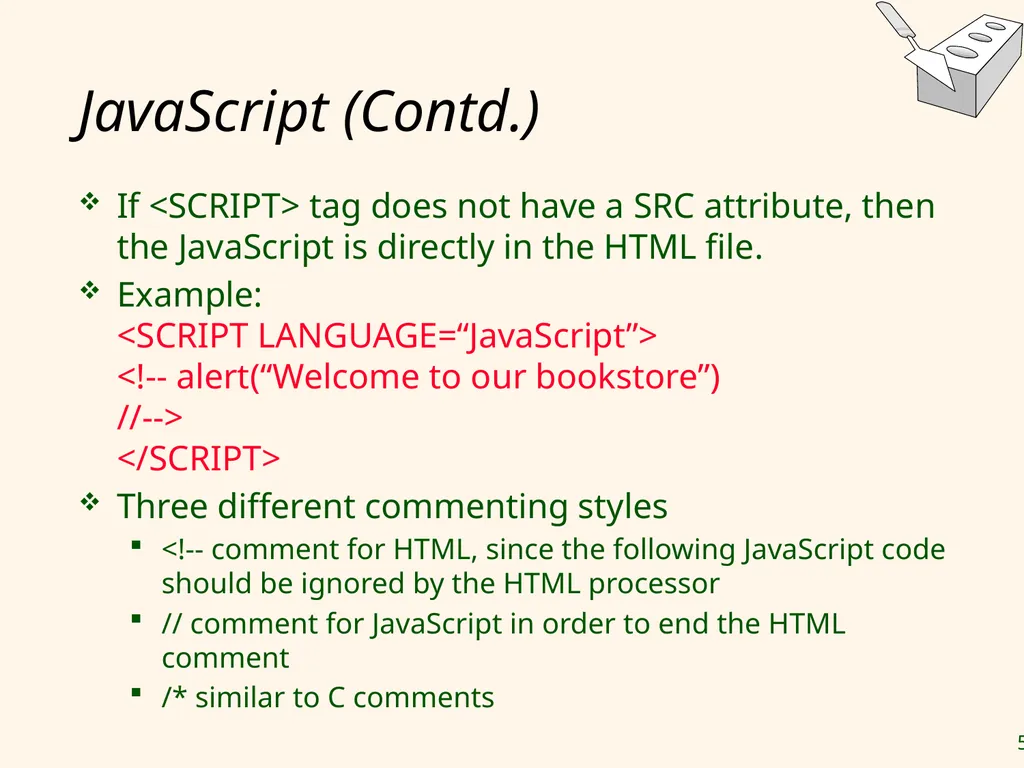
JavaScript (Contd.) If <SCRIPT> tag does not have a SRC attribute, then the JavaScript is directly in the HTML file.
Example: <SCRIPT LANGUAGE=“JavaScript”> <!-- alert(“Welcome to our bookstore”) //--> </SCRIPT>
Three different commenting styles
<!-- comment for HTML, since the following JavaScript code should be ignored by the HTML processor
// comment for JavaScript in order to end the HTML comment
/* similar to C comments<br>
Example: <SCRIPT LANGUAGE=“JavaScript”> <!-- alert(“Welcome to our bookstore”) //--> </SCRIPT>
Three different commenting styles
<!-- comment for HTML, since the following JavaScript code should be ignored by the HTML processor
// comment for JavaScript in order to end the HTML comment
/* similar to C comments<br>
54
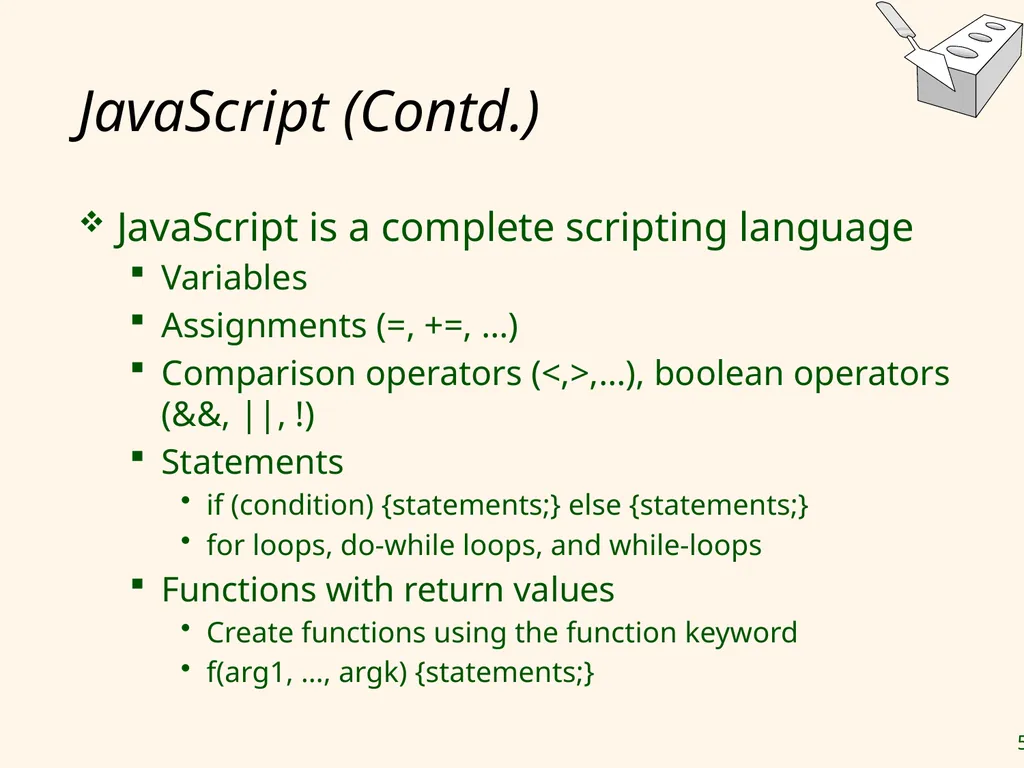
JavaScript (Contd.) JavaScript is a complete scripting language
Variables
Assignments (=, +=, …)
Comparison operators (<,>,…), boolean operators (&&, ||, !)
Statements
if (condition) {statements;} else {statements;}
for loops, do-while loops, and while-loops
Functions with return values
Create functions using the function keyword
f(arg1, …, argk) {statements;}<br>
Variables
Assignments (=, +=, …)
Comparison operators (<,>,…), boolean operators (&&, ||, !)
Statements
if (condition) {statements;} else {statements;}
for loops, do-while loops, and while-loops
Functions with return values
Create functions using the function keyword
f(arg1, …, argk) {statements;}<br>
55
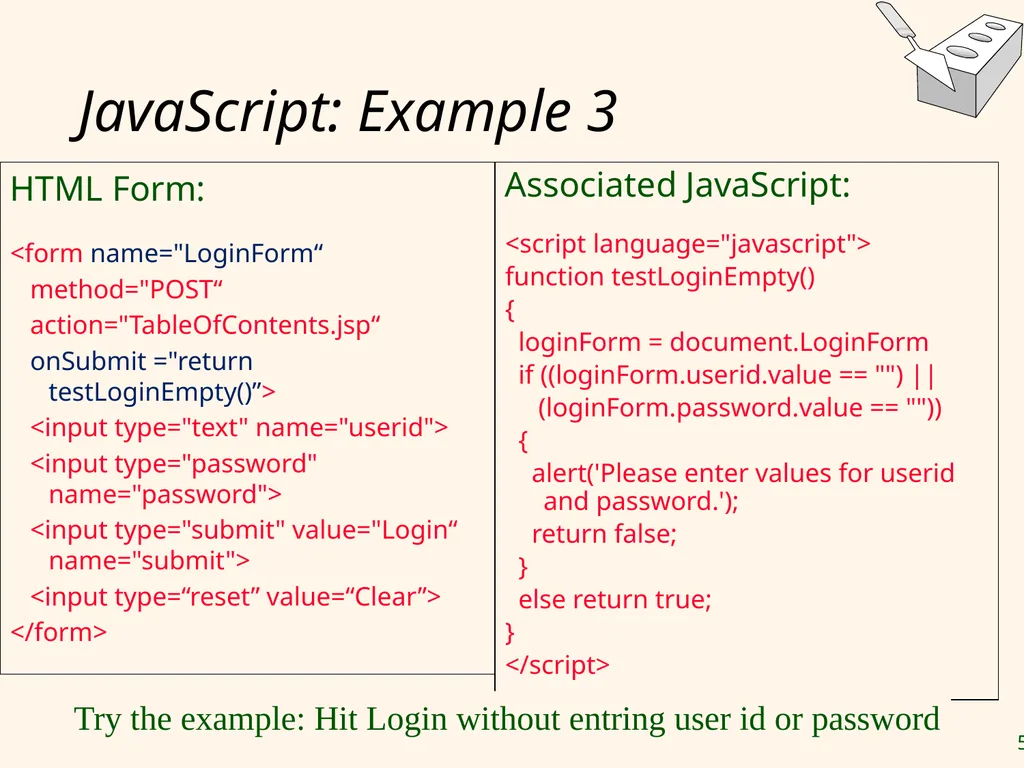
JavaScript: Example 3 HTML Form:
<form name="LoginForm“
method="POST“
action="TableOfContents.jsp“
onSubmit ="return testLoginEmpty()”>
<input type="text" name="userid">
<input type="password" name="password">
<input type="submit" value="Login“ name="submit">
<input type=“reset” value=“Clear”>
</form> Associated JavaScript:
<script language="javascript">
function testLoginEmpty()
{
loginForm = document.LoginForm
if ((loginForm.userid.value == "") ||
(loginForm.password.value == ""))
{
alert('Please enter values for userid and password.');
return false;
}
else return true;
}
</script> Try the example: Hit Login without entring user id or password<br>
<form name="LoginForm“
method="POST“
action="TableOfContents.jsp“
onSubmit ="return testLoginEmpty()”>
<input type="text" name="userid">
<input type="password" name="password">
<input type="submit" value="Login“ name="submit">
<input type=“reset” value=“Clear”>
</form> Associated JavaScript:
<script language="javascript">
function testLoginEmpty()
{
loginForm = document.LoginForm
if ((loginForm.userid.value == "") ||
(loginForm.password.value == ""))
{
alert('Please enter values for userid and password.');
return false;
}
else return true;
}
</script> Try the example: Hit Login without entring user id or password<br>
56
StyleSheet<br>
57
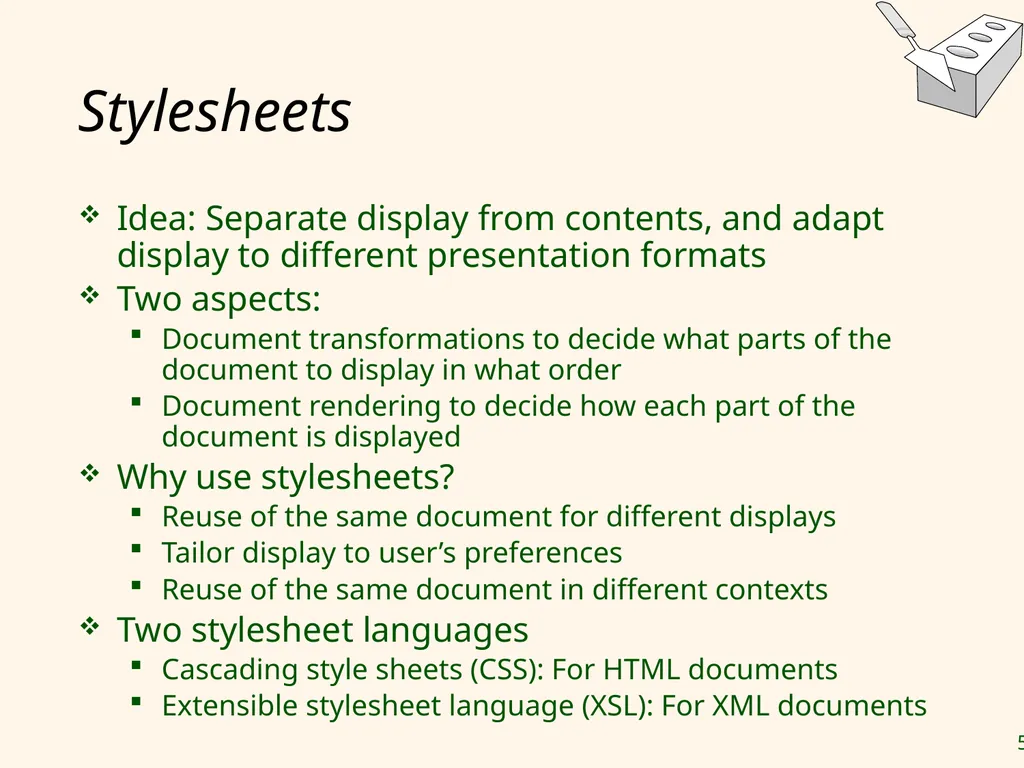
Stylesheets Idea: Separate display from contents, and adapt display to different presentation formats
Two aspects:
Document transformations to decide what parts of the document to display in what order
Document rendering to decide how each part of the document is displayed
Why use stylesheets?
Reuse of the same document for different displays
Tailor display to user’s preferences
Reuse of the same document in different contexts
Two stylesheet languages
Cascading style sheets (CSS): For HTML documents
Extensible stylesheet language (XSL): For XML documents<br>
Two aspects:
Document transformations to decide what parts of the document to display in what order
Document rendering to decide how each part of the document is displayed
Why use stylesheets?
Reuse of the same document for different displays
Tailor display to user’s preferences
Reuse of the same document in different contexts
Two stylesheet languages
Cascading style sheets (CSS): For HTML documents
Extensible stylesheet language (XSL): For XML documents<br>
58
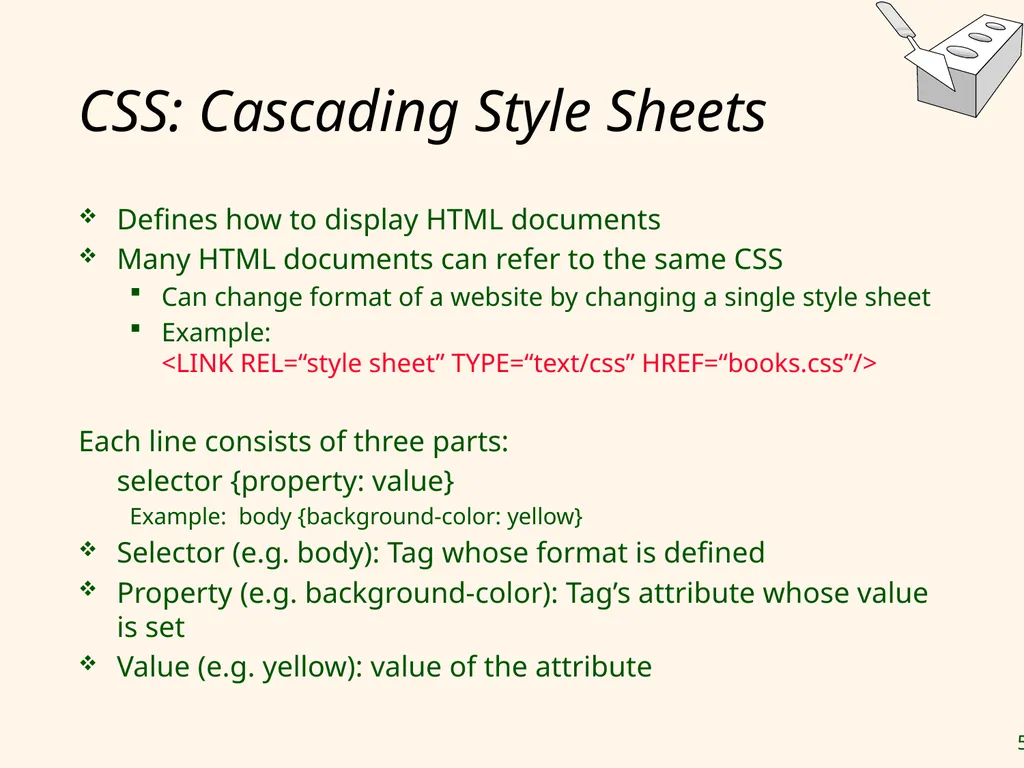
CSS: Cascading Style Sheets Defines how to display HTML documents
Many HTML documents can refer to the same CSS
Can change format of a website by changing a single style sheet
Example: <LINK REL=“style sheet” TYPE=“text/css” HREF=“books.css”/>
Each line consists of three parts:
selector {property: value}
Example: body {background-color: yellow}
Selector (e.g. body): Tag whose format is defined
Property (e.g. background-color): Tag’s attribute whose value is set
Value (e.g. yellow): value of the attribute<br>
Many HTML documents can refer to the same CSS
Can change format of a website by changing a single style sheet
Example: <LINK REL=“style sheet” TYPE=“text/css” HREF=“books.css”/>
Each line consists of three parts:
selector {property: value}
Example: body {background-color: yellow}
Selector (e.g. body): Tag whose format is defined
Property (e.g. background-color): Tag’s attribute whose value is set
Value (e.g. yellow): value of the attribute<br>
59
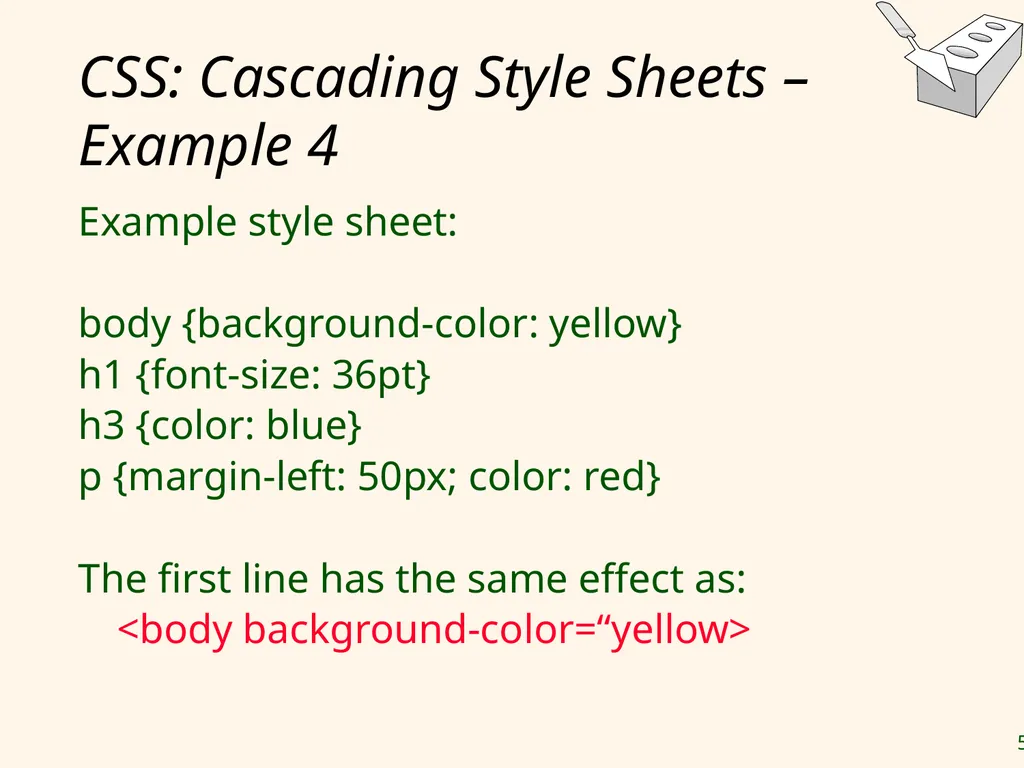
CSS: Cascading Style Sheets – Example 4 Example style sheet:
body {background-color: yellow}
h1 {font-size: 36pt}
h3 {color: blue}
p {margin-left: 50px; color: red}
The first line has the same effect as:
<body background-color=“yellow><br>
body {background-color: yellow}
h1 {font-size: 36pt}
h3 {color: blue}
p {margin-left: 50px; color: red}
The first line has the same effect as:
<body background-color=“yellow><br>
60
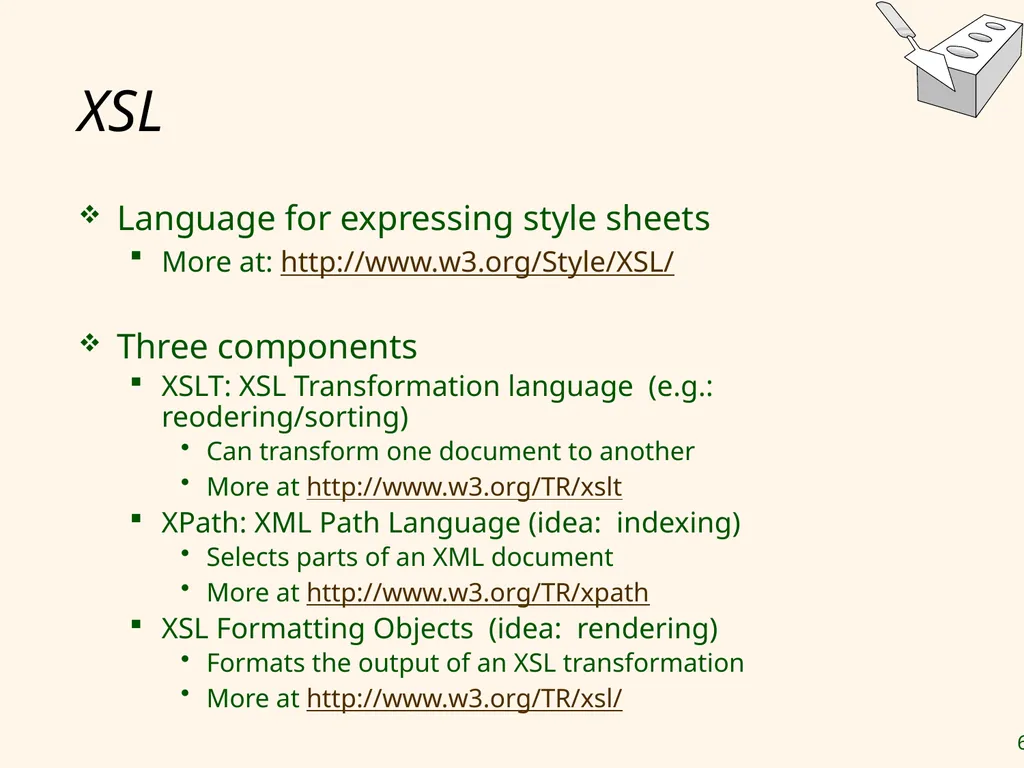
XSL Language for expressing style sheets
More at: http://www.w3.org/Style/XSL/
Three components
XSLT: XSL Transformation language (e.g.: reodering/sorting)
Can transform one document to another
More at http://www.w3.org/TR/xslt
XPath: XML Path Language (idea: indexing)
Selects parts of an XML document
More at http://www.w3.org/TR/xpath
XSL Formatting Objects (idea: rendering)
Formats the output of an XSL transformation
More at http://www.w3.org/TR/xsl/<br>
More at: http://www.w3.org/Style/XSL/
Three components
XSLT: XSL Transformation language (e.g.: reodering/sorting)
Can transform one document to another
More at http://www.w3.org/TR/xslt
XPath: XML Path Language (idea: indexing)
Selects parts of an XML document
More at http://www.w3.org/TR/xpath
XSL Formatting Objects (idea: rendering)
Formats the output of an XSL transformation
More at http://www.w3.org/TR/xsl/<br>
61
Lecture Overview Internet Concepts
Web data formats
HTML, XML, DTDs
Introduction to three-tier architectures
The presentation layer
HTML forms; HTTP Get and POST, URL encoding; Javascript; Stylesheets. XSLT
The middle tier
CGI, application servers, Servlets, JavaServerPages, passing arguments, maintaining state (cookies)<br>
Web data formats
HTML, XML, DTDs
Introduction to three-tier architectures
The presentation layer
HTML forms; HTTP Get and POST, URL encoding; Javascript; Stylesheets. XSLT
The middle tier
CGI, application servers, Servlets, JavaServerPages, passing arguments, maintaining state (cookies)<br>
62
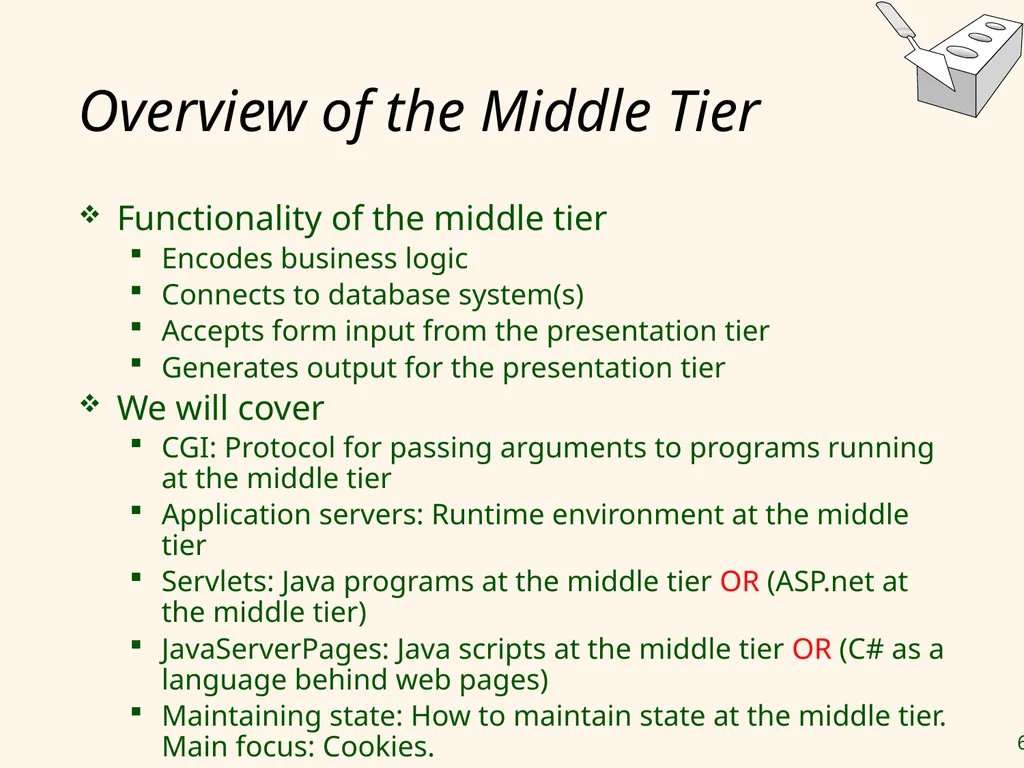
Overview of the Middle Tier Functionality of the middle tier
Encodes business logic
Connects to database system(s)
Accepts form input from the presentation tier
Generates output for the presentation tier
We will cover
CGI: Protocol for passing arguments to programs running at the middle tier
Application servers: Runtime environment at the middle tier
Servlets: Java programs at the middle tier OR (ASP.net at the middle tier)
JavaServerPages: Java scripts at the middle tier OR (C# as a language behind web pages)
Maintaining state: How to maintain state at the middle tier. Main focus: Cookies.<br>
Encodes business logic
Connects to database system(s)
Accepts form input from the presentation tier
Generates output for the presentation tier
We will cover
CGI: Protocol for passing arguments to programs running at the middle tier
Application servers: Runtime environment at the middle tier
Servlets: Java programs at the middle tier OR (ASP.net at the middle tier)
JavaServerPages: Java scripts at the middle tier OR (C# as a language behind web pages)
Maintaining state: How to maintain state at the middle tier. Main focus: Cookies.<br>
63
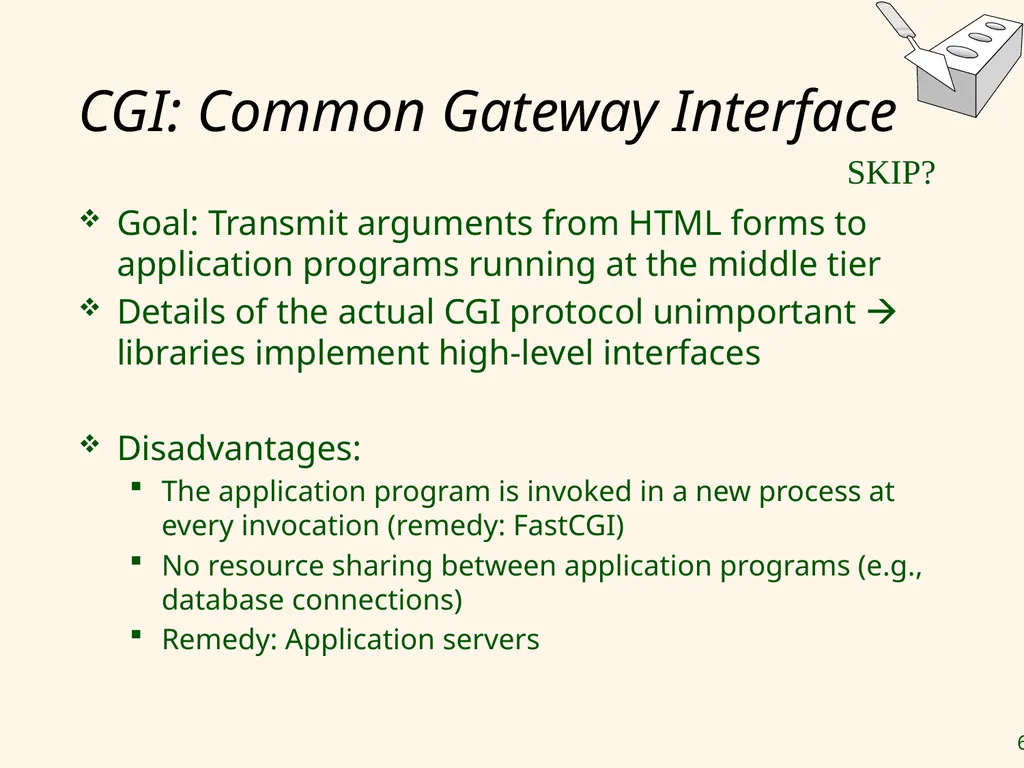
CGI: Common Gateway Interface Goal: Transmit arguments from HTML forms to application programs running at the middle tier
Details of the actual CGI protocol unimportant libraries implement high-level interfaces
Disadvantages:
The application program is invoked in a new process at every invocation (remedy: FastCGI)
No resource sharing between application programs (e.g., database connections)
Remedy: Application servers SKIP?<br>
Details of the actual CGI protocol unimportant libraries implement high-level interfaces
Disadvantages:
The application program is invoked in a new process at every invocation (remedy: FastCGI)
No resource sharing between application programs (e.g., database connections)
Remedy: Application servers SKIP?<br>
64
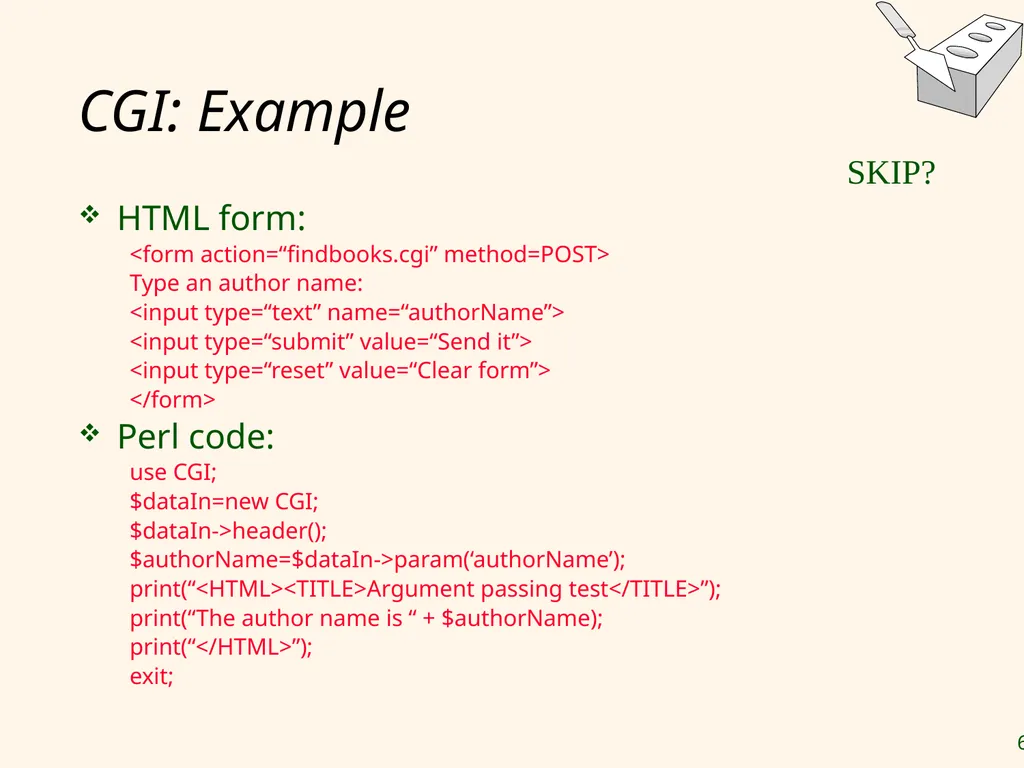
CGI: Example HTML form:
<form action=“findbooks.cgi” method=POST>
Type an author name:
<input type=“text” name=“authorName”>
<input type=“submit” value=“Send it”>
<input type=“reset” value=“Clear form”>
</form>
Perl code:
use CGI;
$dataIn=new CGI;
$dataIn->header();
$authorName=$dataIn->param(‘authorName’);
print(“<HTML><TITLE>Argument passing test</TITLE>”);
print(“The author name is “ + $authorName);
print(“</HTML>”);
exit; SKIP?<br>
<form action=“findbooks.cgi” method=POST>
Type an author name:
<input type=“text” name=“authorName”>
<input type=“submit” value=“Send it”>
<input type=“reset” value=“Clear form”>
</form>
Perl code:
use CGI;
$dataIn=new CGI;
$dataIn->header();
$authorName=$dataIn->param(‘authorName’);
print(“<HTML><TITLE>Argument passing test</TITLE>”);
print(“The author name is “ + $authorName);
print(“</HTML>”);
exit; SKIP?<br>
65
Application Servers (Avoid the overhead of CGI)
Main pool of threads of processes
Manage connections
Enable access to heterogeneous data sources
Other functionality such as APIs for session management<br>
Main pool of threads of processes
Manage connections
Enable access to heterogeneous data sources
Other functionality such as APIs for session management<br>
66
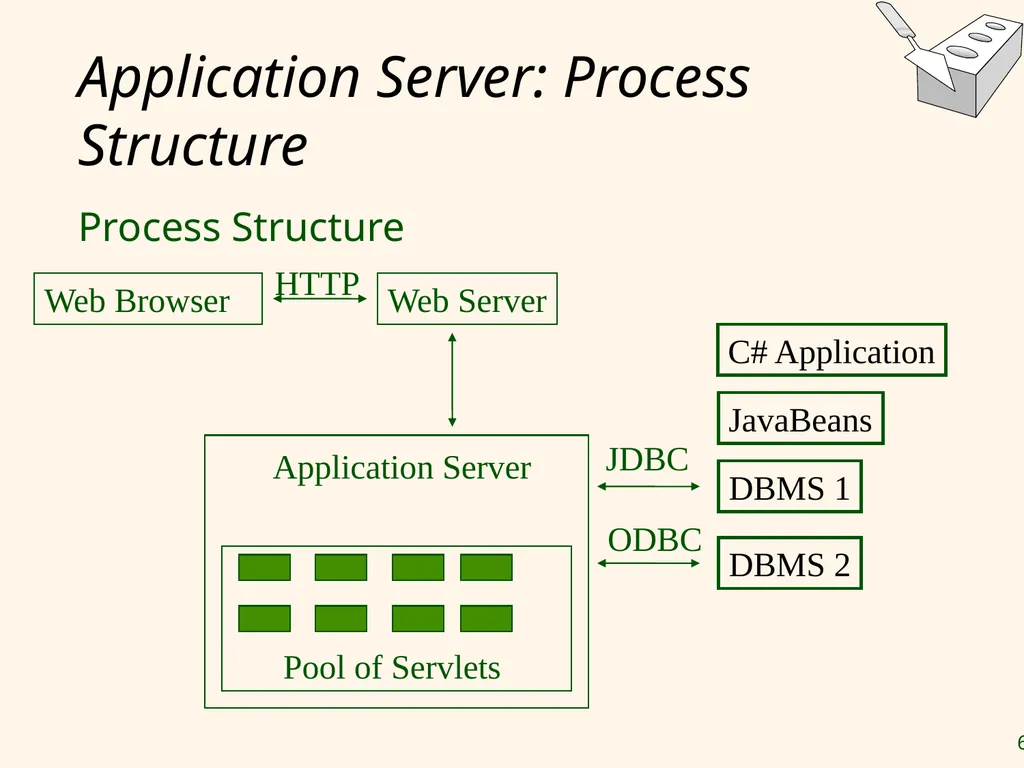
Application Server: Process Structure Process Structure Web Browser Web Server Application Server C# Application JavaBeans DBMS 1 DBMS 2 Pool of Servlets HTTP JDBC ODBC<br>
67
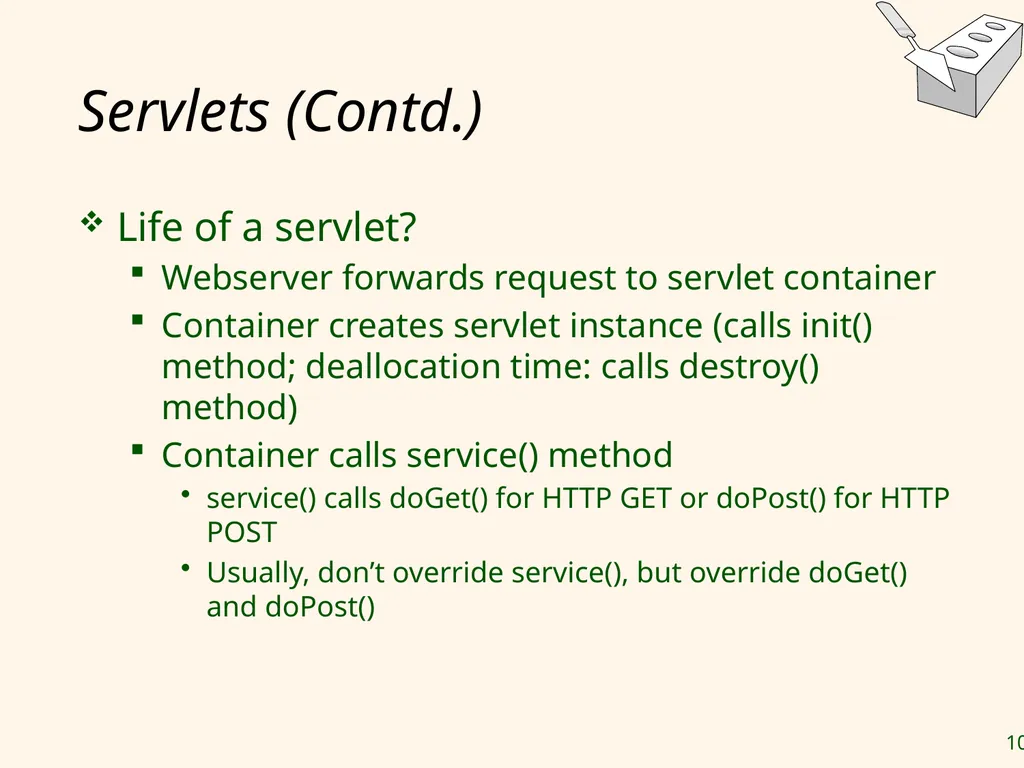
Java Servlets with NetBeans NetBeans is one of the most powerful Java programming IDE
Java web (e.g. Tomcat) server bundled with NetBeans
Java Servlet is the simplest model to build a complete Java J2EE Web Application
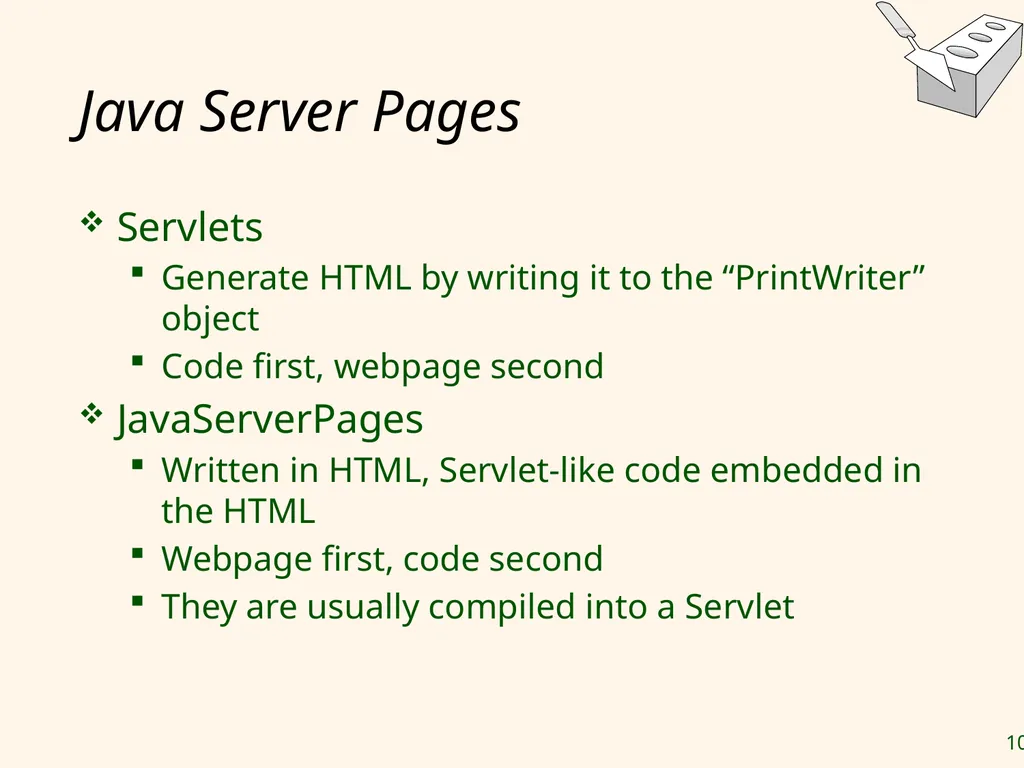
Creating a Java Servlet means that you are required to deal with JSP (JavaServer Pages)
JSP plays as a front-end (what user sees)
Java Servlet is the controller that contains the business logics, complex algorithms, …<br>
Java web (e.g. Tomcat) server bundled with NetBeans
Java Servlet is the simplest model to build a complete Java J2EE Web Application
Creating a Java Servlet means that you are required to deal with JSP (JavaServer Pages)
JSP plays as a front-end (what user sees)
Java Servlet is the controller that contains the business logics, complex algorithms, …<br>
68
Example: Online University Student Registration System The registration page where you fill in your details such as your name, your address, your username and etc are actually a JSP
When data entry is complete, all the information will be sent to Java Servlet for further processing
Java Servlet receives this information:
does the necessary processes such as validations, generating user id, etc.
Interacts with the database to retrieve or store information.
Java Servlet redirects the user to the success page where the user can log in to the system.
If error occurred, the user will be redirected to an error page.<br>
When data entry is complete, all the information will be sent to Java Servlet for further processing
Java Servlet receives this information:
does the necessary processes such as validations, generating user id, etc.
Interacts with the database to retrieve or store information.
Java Servlet redirects the user to the success page where the user can log in to the system.
If error occurred, the user will be redirected to an error page.<br>
69
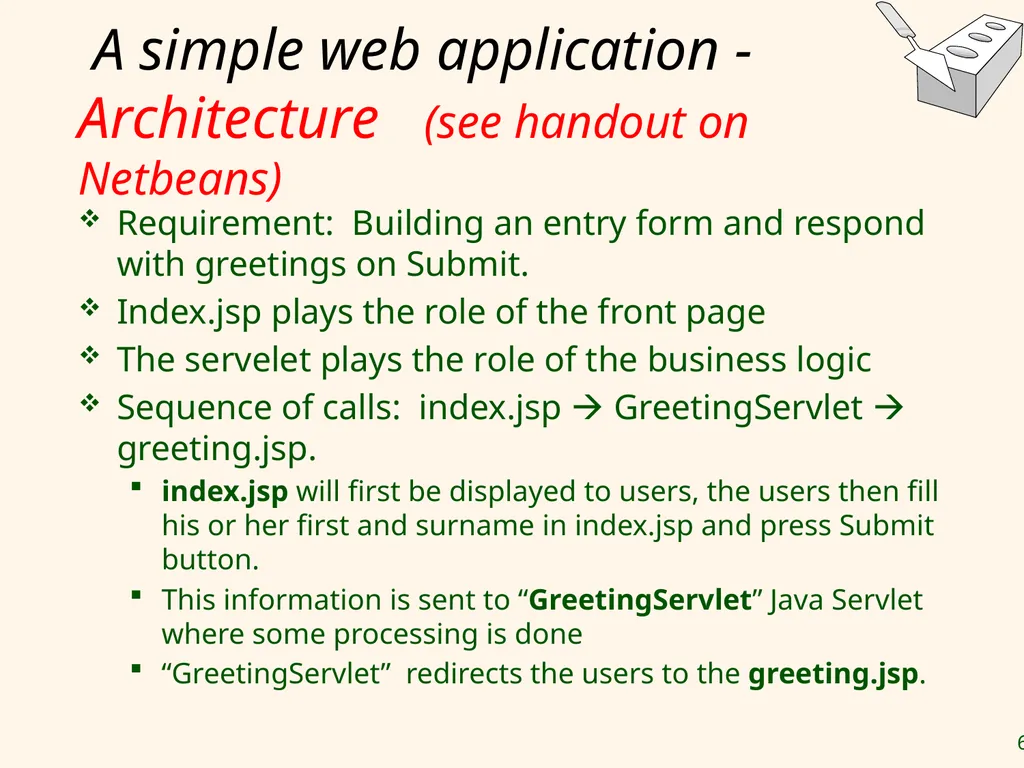
A simple web application - Architecture (see handout on Netbeans) Requirement: Building an entry form and respond with greetings on Submit.
Index.jsp plays the role of the front page
The servelet plays the role of the business logic
Sequence of calls: index.jsp GreetingServlet greeting.jsp.
index.jsp will first be displayed to users, the users then fill his or her first and surname in index.jsp and press Submit button.
This information is sent to “GreetingServlet” Java Servlet where some processing is done
“GreetingServlet” redirects the users to the greeting.jsp.<br>
Index.jsp plays the role of the front page
The servelet plays the role of the business logic
Sequence of calls: index.jsp GreetingServlet greeting.jsp.
index.jsp will first be displayed to users, the users then fill his or her first and surname in index.jsp and press Submit button.
This information is sent to “GreetingServlet” Java Servlet where some processing is done
“GreetingServlet” redirects the users to the greeting.jsp.<br>
70
A simple web application –
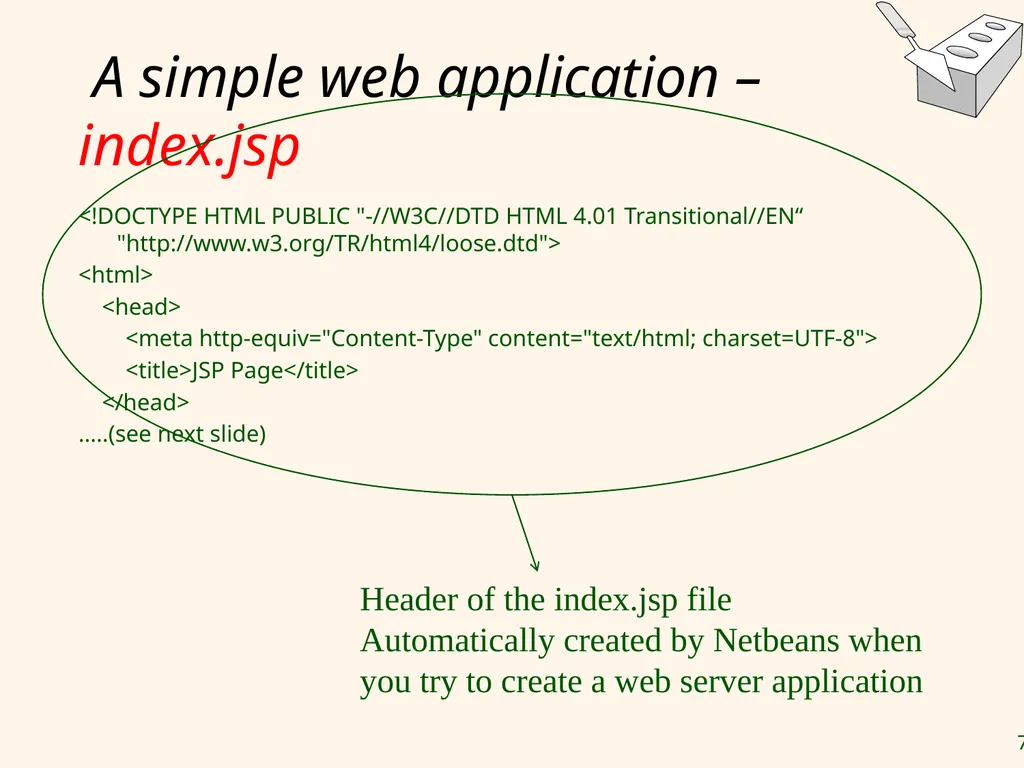
index.jsp <!DOCTYPE HTML PUBLIC "-//W3C//DTD HTML 4.01 Transitional//EN“ "http://www.w3.org/TR/html4/loose.dtd">
<html>
<head>
<meta http-equiv="Content-Type" content="text/html; charset=UTF-8">
<title>JSP Page</title>
</head>
…..(see next slide) Header of the index.jsp file
Automatically created by Netbeans when you try to create a web server application<br>
<html>
<head>
<meta http-equiv="Content-Type" content="text/html; charset=UTF-8">
<title>JSP Page</title>
</head>
…..(see next slide) Header of the index.jsp file
Automatically created by Netbeans when you try to create a web server application<br>
71
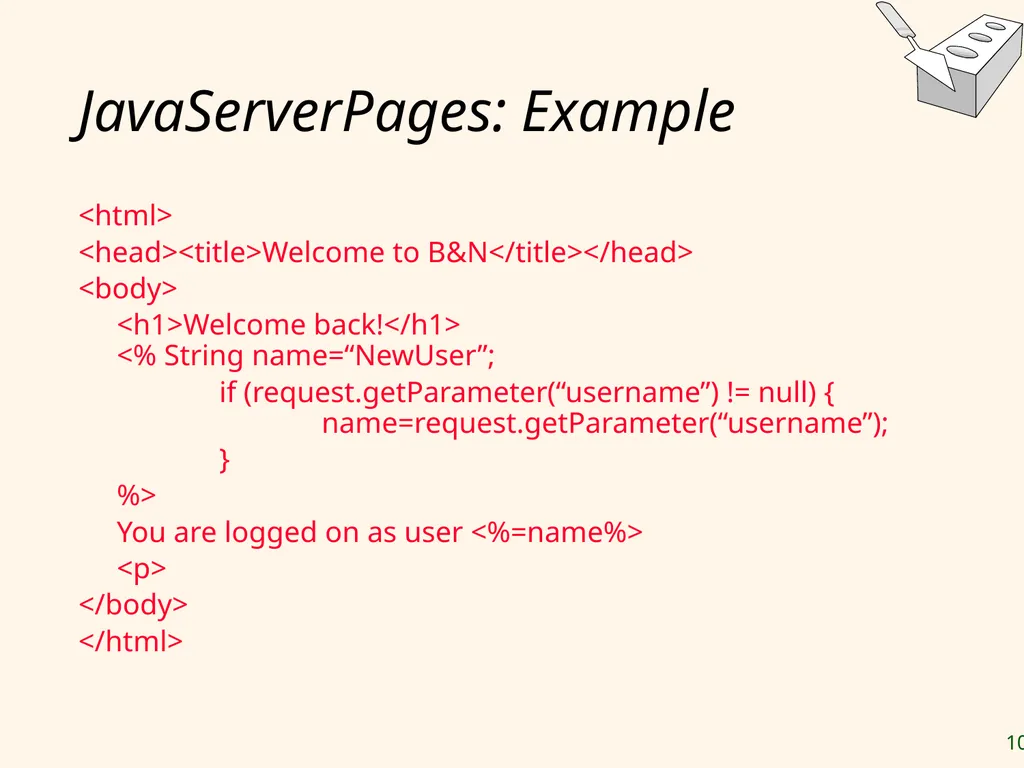
A simple web application –
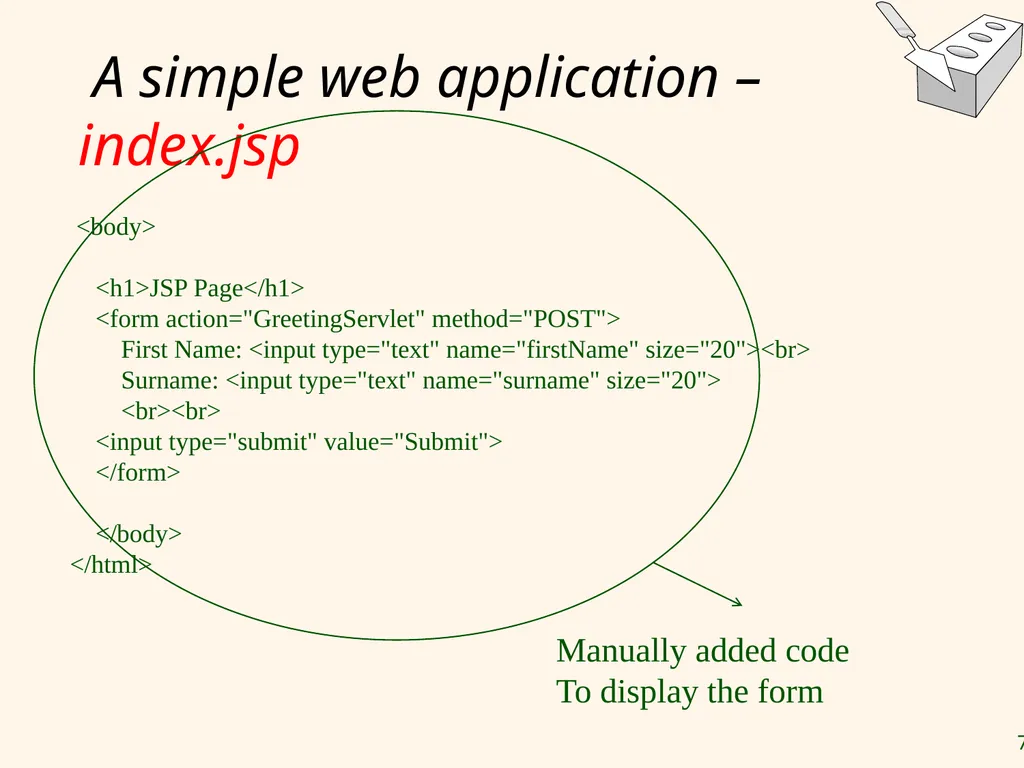
index.jsp <body>
<h1>JSP Page</h1>
<form action="GreetingServlet" method="POST">
First Name: <input type="text" name="firstName" size="20"><br>
Surname: <input type="text" name="surname" size="20">
<br><br>
<input type="submit" value="Submit">
</form>
</body>
</html> Manually added code
To display the form<br>
<h1>JSP Page</h1>
<form action="GreetingServlet" method="POST">
First Name: <input type="text" name="firstName" size="20"><br>
Surname: <input type="text" name="surname" size="20">
<br><br>
<input type="submit" value="Submit">
</form>
</body>
</html> Manually added code
To display the form<br>
72
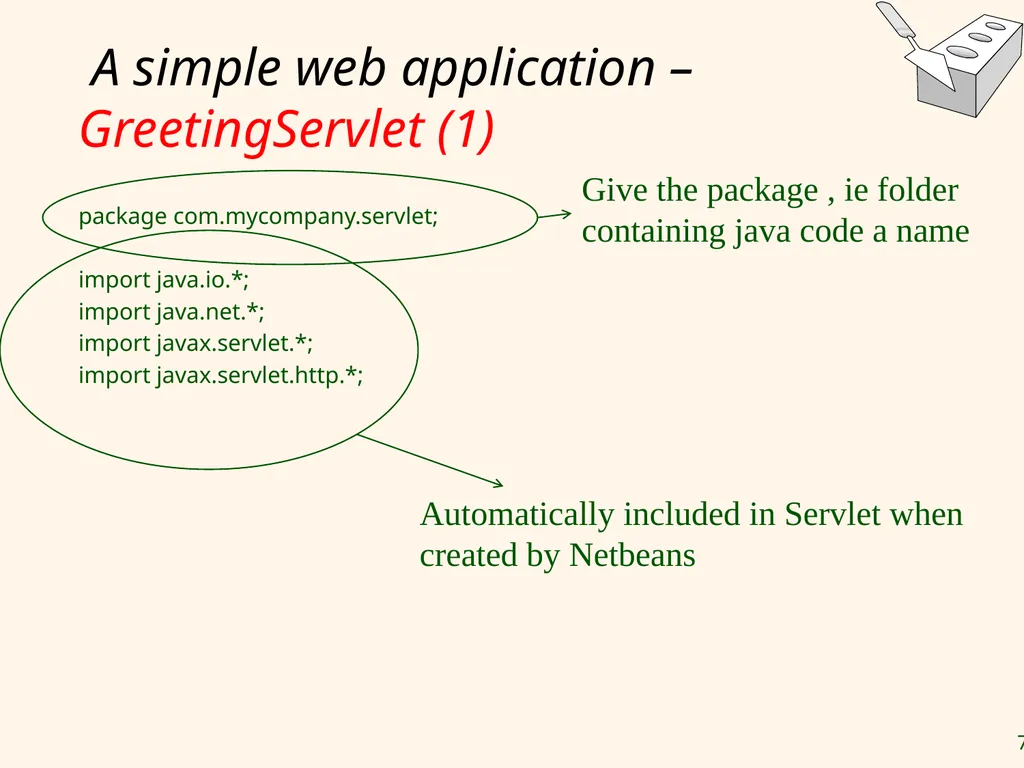
A simple web application – GreetingServlet (1) package com.mycompany.servlet;
import java.io.*;
import java.net.*;
import javax.servlet.*;
import javax.servlet.http.*; Give the package , ie folder containing java code a name Automatically included in Servlet when created by Netbeans<br>
import java.io.*;
import java.net.*;
import javax.servlet.*;
import javax.servlet.http.*; Give the package , ie folder containing java code a name Automatically included in Servlet when created by Netbeans<br>
73
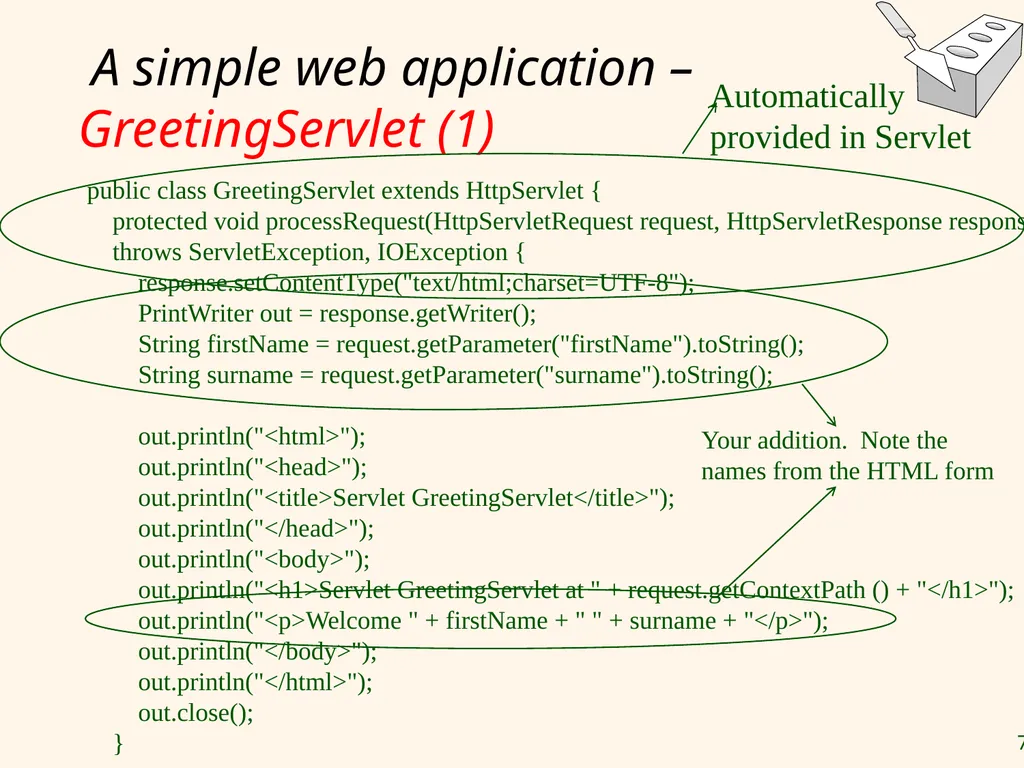
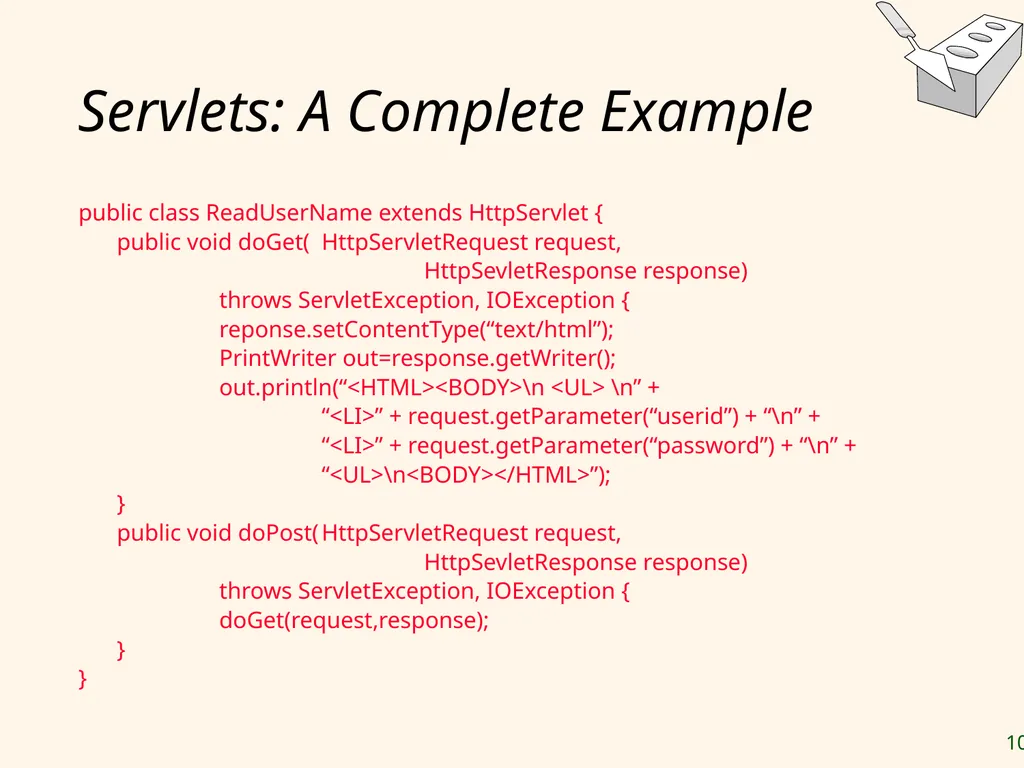
A simple web application – GreetingServlet (1) public class GreetingServlet extends HttpServlet {
protected void processRequest(HttpServletRequest request, HttpServletResponse response)
throws ServletException, IOException {
response.setContentType("text/html;charset=UTF-8");
PrintWriter out = response.getWriter();
String firstName = request.getParameter("firstName").toString();
String surname = request.getParameter("surname").toString();
out.println("<html>");
out.println("<head>");
out.println("<title>Servlet GreetingServlet</title>");
out.println("</head>");
out.println("<body>");
out.println("<h1>Servlet GreetingServlet at " + request.getContextPath () + "</h1>");
out.println("<p>Welcome " + firstName + " " + surname + "</p>");
out.println("</body>");
out.println("</html>");
out.close();
} Automatically provided in Servlet Your addition. Note the names from the HTML form<br>
protected void processRequest(HttpServletRequest request, HttpServletResponse response)
throws ServletException, IOException {
response.setContentType("text/html;charset=UTF-8");
PrintWriter out = response.getWriter();
String firstName = request.getParameter("firstName").toString();
String surname = request.getParameter("surname").toString();
out.println("<html>");
out.println("<head>");
out.println("<title>Servlet GreetingServlet</title>");
out.println("</head>");
out.println("<body>");
out.println("<h1>Servlet GreetingServlet at " + request.getContextPath () + "</h1>");
out.println("<p>Welcome " + firstName + " " + surname + "</p>");
out.println("</body>");
out.println("</html>");
out.close();
} Automatically provided in Servlet Your addition. Note the names from the HTML form<br>
74
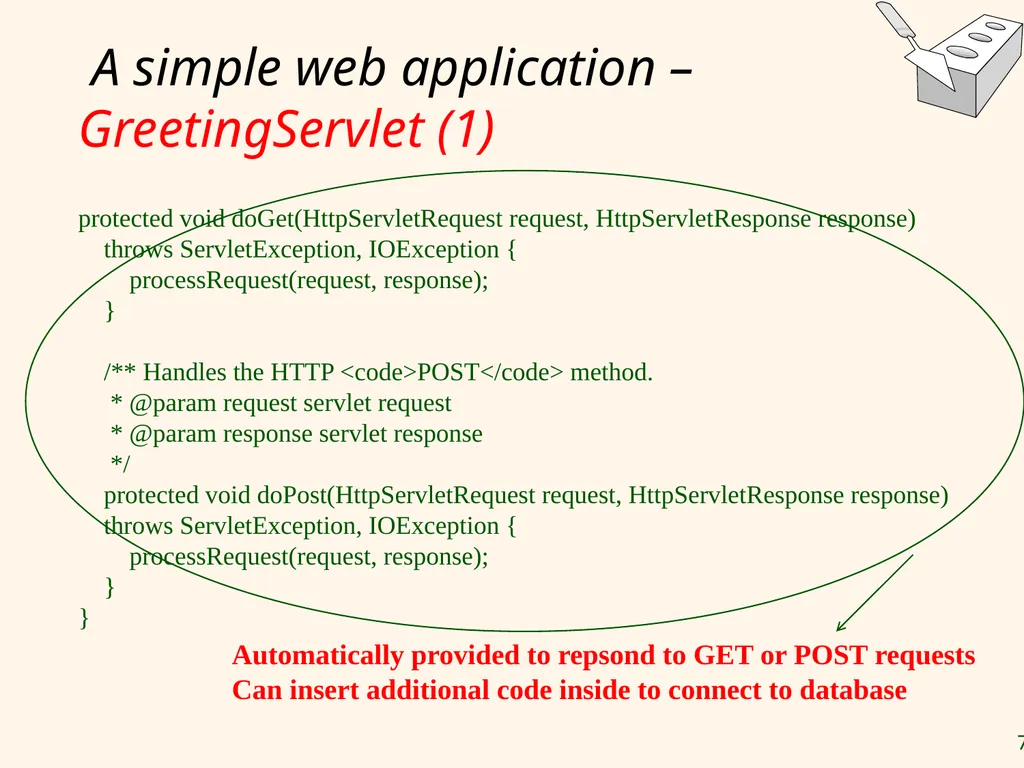
A simple web application – GreetingServlet (1) protected void doGet(HttpServletRequest request, HttpServletResponse response)
throws ServletException, IOException {
processRequest(request, response);
}
/** Handles the HTTP <code>POST</code> method.
* @param request servlet request
* @param response servlet response
*/
protected void doPost(HttpServletRequest request, HttpServletResponse response)
throws ServletException, IOException {
processRequest(request, response);
}
} Automatically provided to repsond to GET or POST requests
Can insert additional code inside to connect to database<br>
throws ServletException, IOException {
processRequest(request, response);
}
/** Handles the HTTP <code>POST</code> method.
* @param request servlet request
* @param response servlet response
*/
protected void doPost(HttpServletRequest request, HttpServletResponse response)
throws ServletException, IOException {
processRequest(request, response);
}
} Automatically provided to repsond to GET or POST requests
Can insert additional code inside to connect to database<br>
75
A simple web application – GreetingServlet (2) Java Servlet that you create must be registered in the web.xml file
Web.xml itself is actually a deployment descriptor.
It contains the necessary configurations for the web application.
Web.xml is not only used for Java Servlet but also for other purposes such as security, parameters and etc.<br>
Web.xml itself is actually a deployment descriptor.
It contains the necessary configurations for the web application.
Web.xml is not only used for Java Servlet but also for other purposes such as security, parameters and etc.<br>
76
GET vs POST GET
has limited length for the information that is submitted but it is easily appended on the last URL of your Java Servlet.
Might pose a security threat
POST
does not have any limitation of the length of information sent and it is hidden from the URL SKIP?<br>
has limited length for the information that is submitted but it is easily appended on the last URL of your Java Servlet.
Might pose a security threat
POST
does not have any limitation of the length of information sent and it is hidden from the URL SKIP?<br>
77
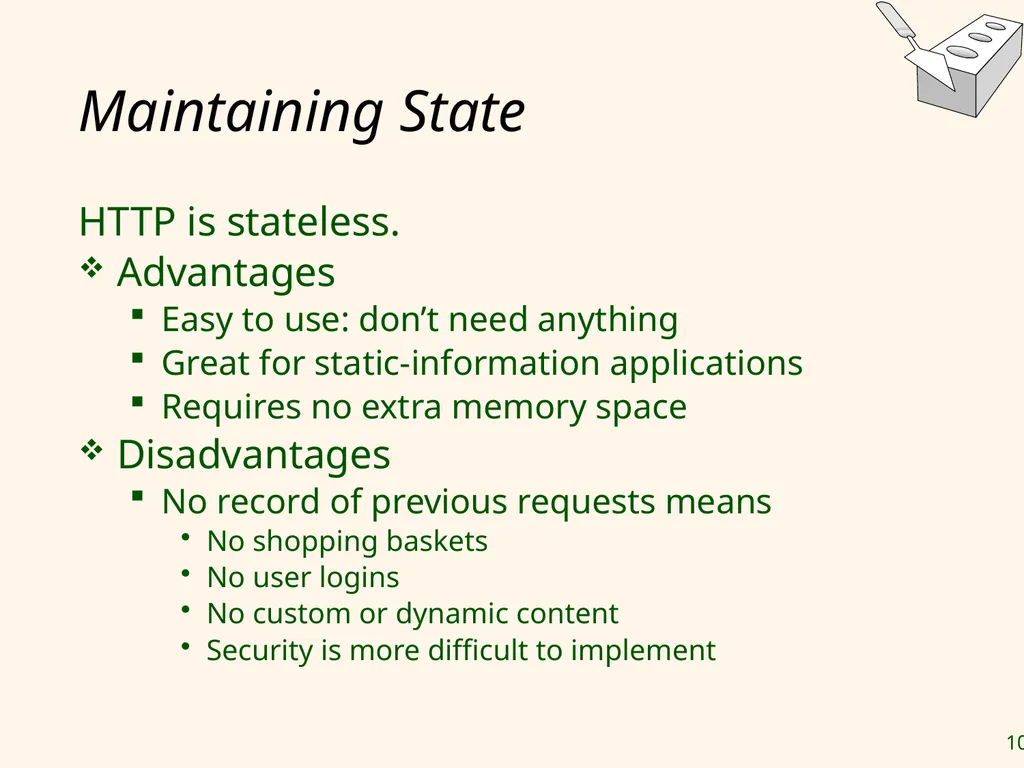
Maintaining State HTTP is stateless.
Advantages
Easy to use: don’t need anything
Great for static-information applications
Requires no extra memory space
Disadvantages
No record of previous requests means
No shopping baskets
No user logins
No custom or dynamic content
Security is more difficult to implement<br>
Advantages
Easy to use: don’t need anything
Great for static-information applications
Requires no extra memory space
Disadvantages
No record of previous requests means
No shopping baskets
No user logins
No custom or dynamic content
Security is more difficult to implement<br>
78
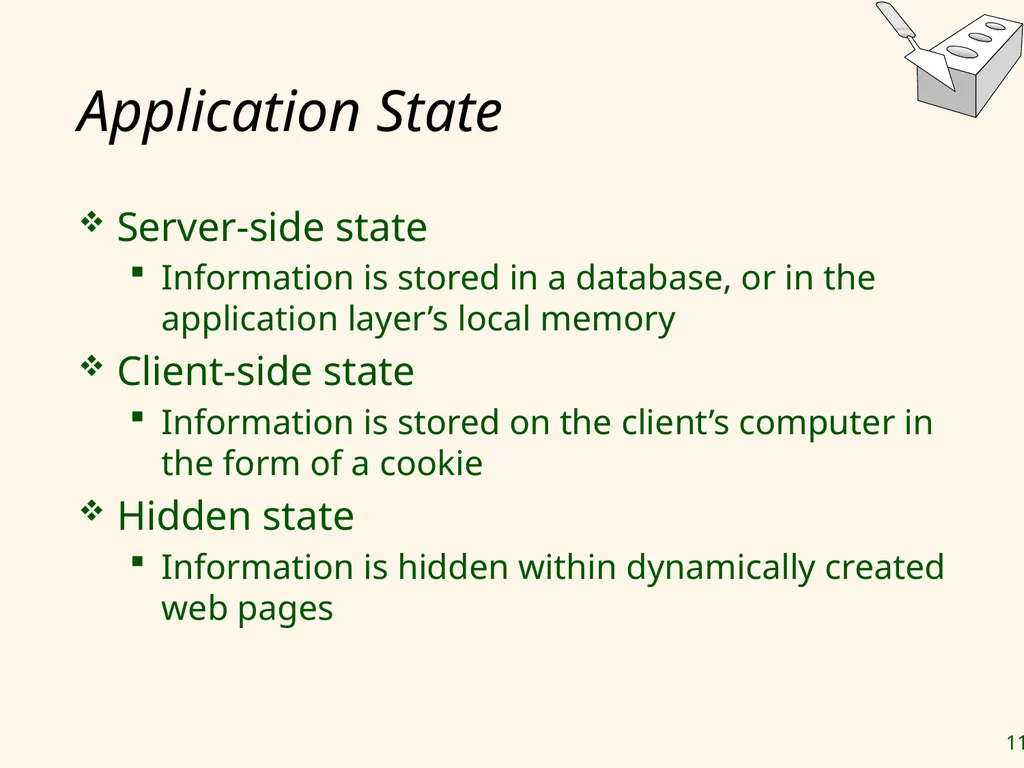
Application State Server-side state (middle tier)
Client-side state (presentation tier) Explain concept in rest of foils without going into details.
Maybe briefly show how a cookie is created in servlet and how it gets checked.<br>
Client-side state (presentation tier) Explain concept in rest of foils without going into details.
Maybe briefly show how a cookie is created in servlet and how it gets checked.<br>
79
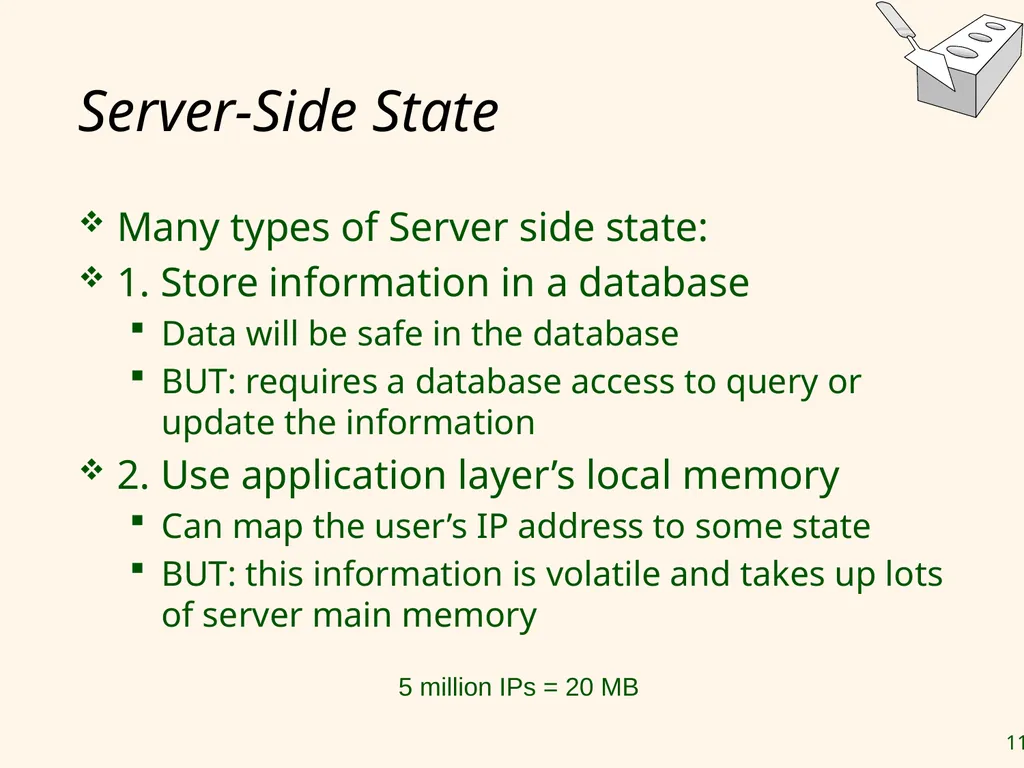
Application State – middle tier Server-side state (middle tier)
Information is stored in:
The database (might result in a bottleneck)
The application layer’s local memory (information is volatile)
Local files (compromise between the first two approaches)
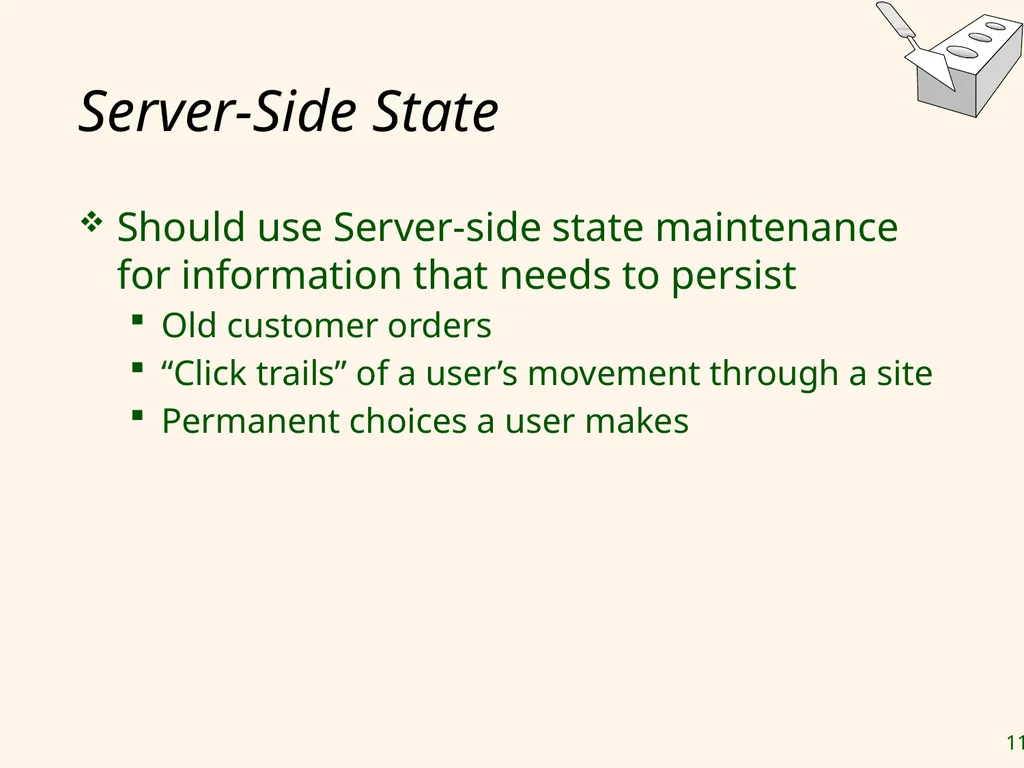
Only use server-side state maintenance for information that needs to persist
Old customer orders
user’s movement through a site
Permanent choices a user makes SKIP?<br>
Information is stored in:
The database (might result in a bottleneck)
The application layer’s local memory (information is volatile)
Local files (compromise between the first two approaches)
Only use server-side state maintenance for information that needs to persist
Old customer orders
user’s movement through a site
Permanent choices a user makes SKIP?<br>
80
Application State – presentation tier Client-side state
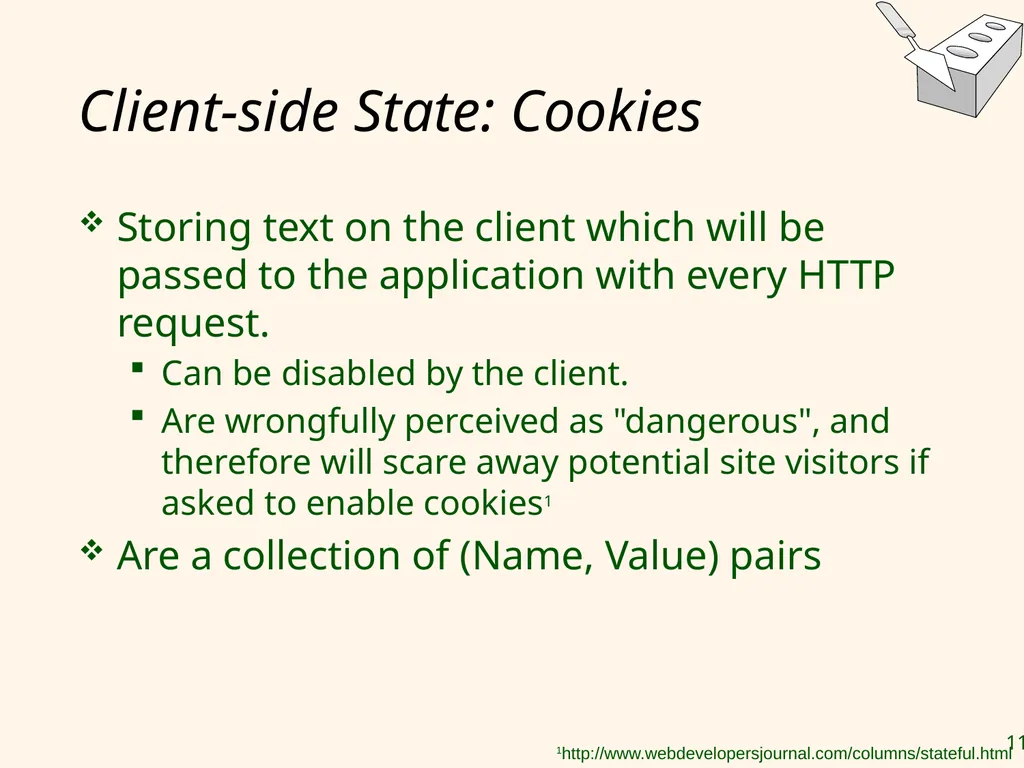
Cookies:
Information is stored on the client’s computer in the form of a cookie.
When a user accesses a Server, the server creates a unique (Name, Value) pair and send it back to the user along with the user’s information (login, preference, …)
Every time the user accesses the Server again, the user’s information are passed to the server
Hidden state
Information is hidden within dynamically created web pages SKIP?<br>
Cookies:
Information is stored on the client’s computer in the form of a cookie.
When a user accesses a Server, the server creates a unique (Name, Value) pair and send it back to the user along with the user’s information (login, preference, …)
Every time the user accesses the Server again, the user’s information are passed to the server
Hidden state
Information is hidden within dynamically created web pages SKIP?<br>
81
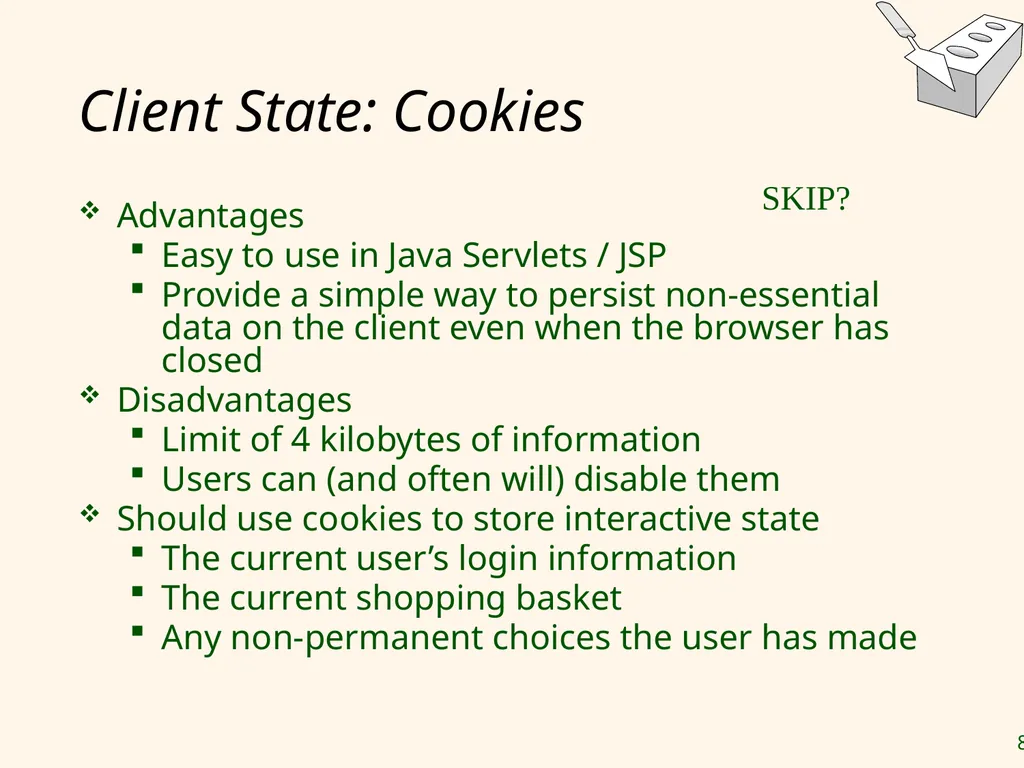
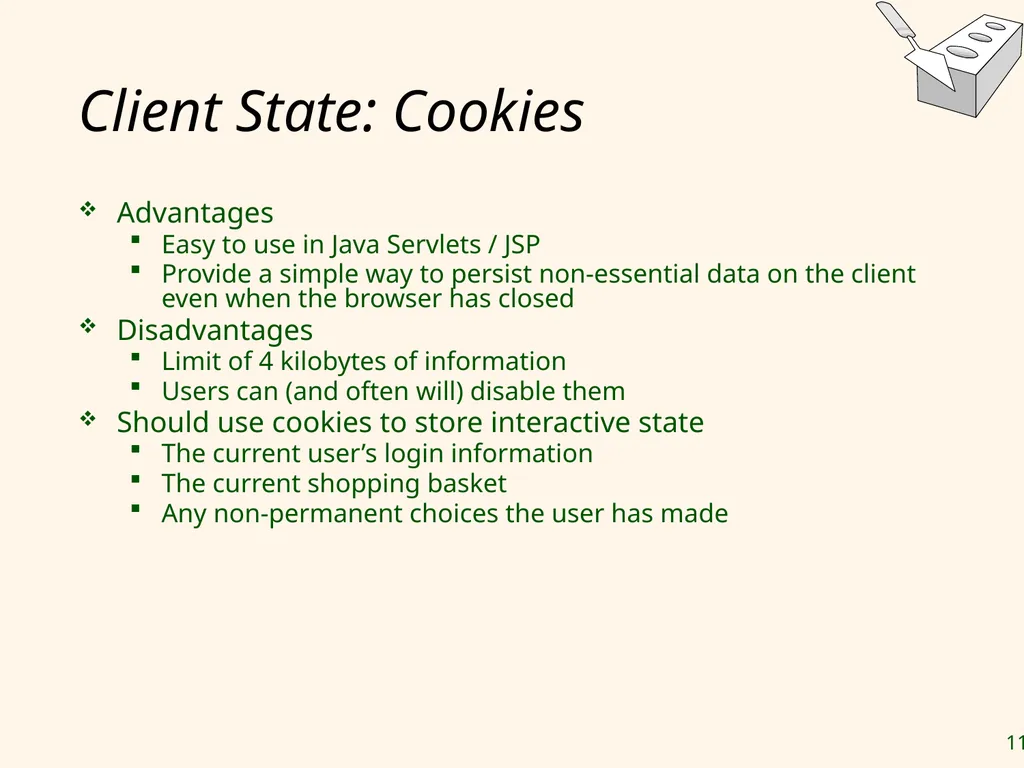
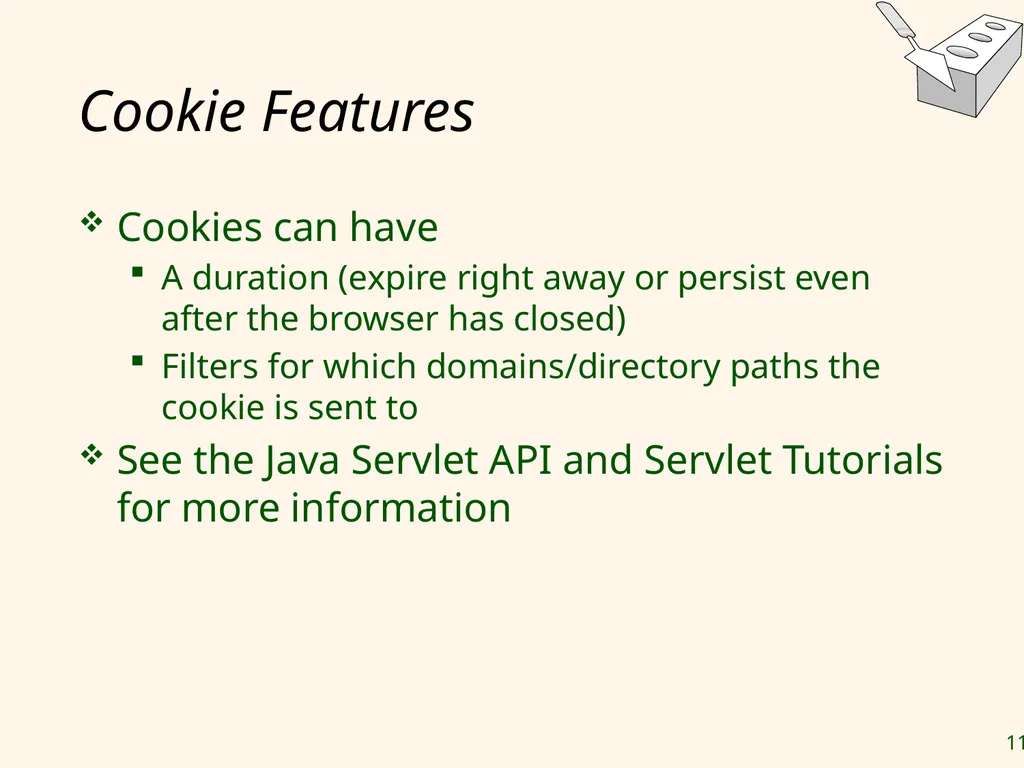
Client State: Cookies Advantages
Easy to use in Java Servlets / JSP
Provide a simple way to persist non-essential data on the client even when the browser has closed
Disadvantages
Limit of 4 kilobytes of information
Users can (and often will) disable them
Should use cookies to store interactive state
The current user’s login information
The current shopping basket
Any non-permanent choices the user has made SKIP?<br>
Easy to use in Java Servlets / JSP
Provide a simple way to persist non-essential data on the client even when the browser has closed
Disadvantages
Limit of 4 kilobytes of information
Users can (and often will) disable them
Should use cookies to store interactive state
The current user’s login information
The current shopping basket
Any non-permanent choices the user has made SKIP?<br>
82
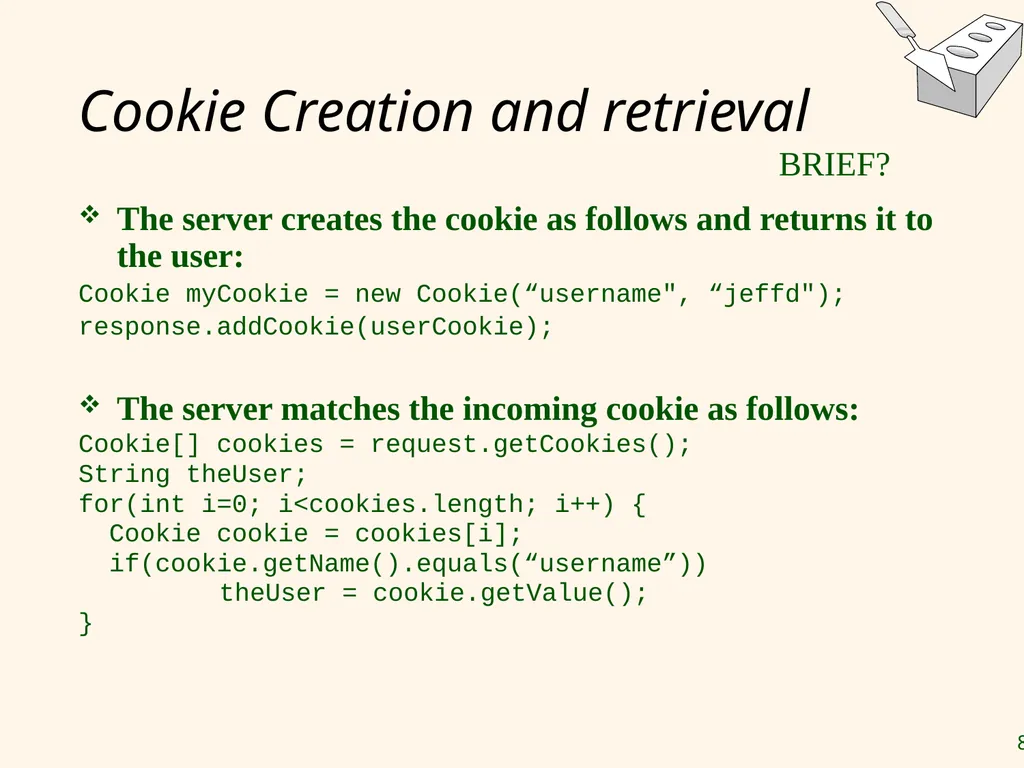
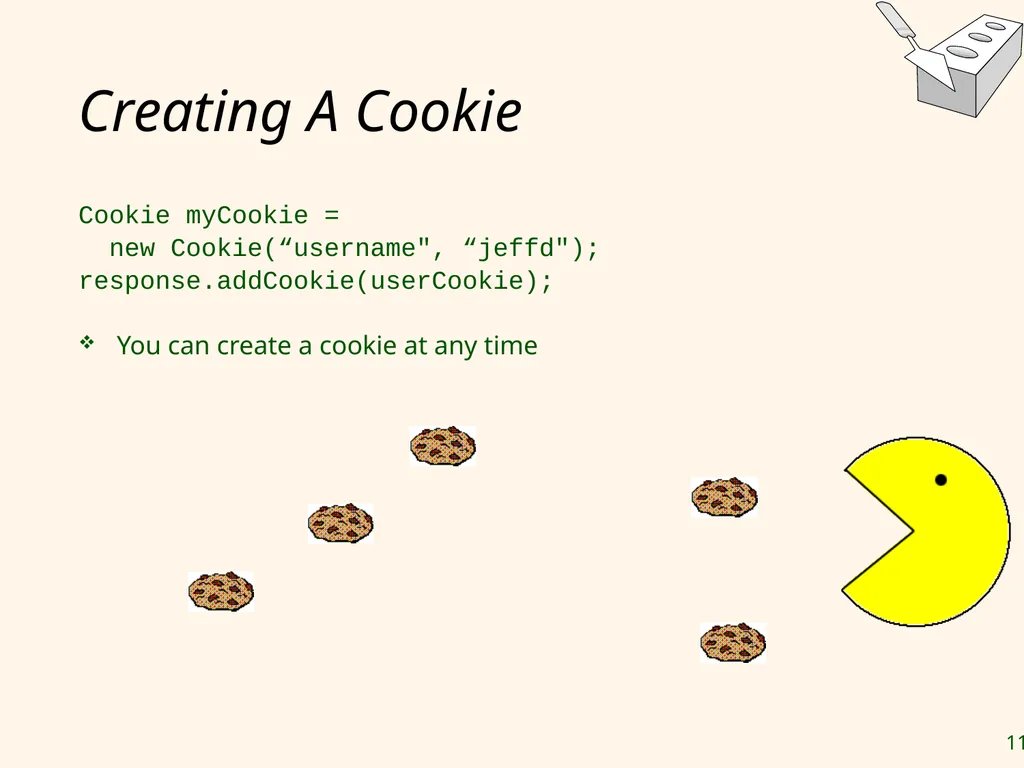
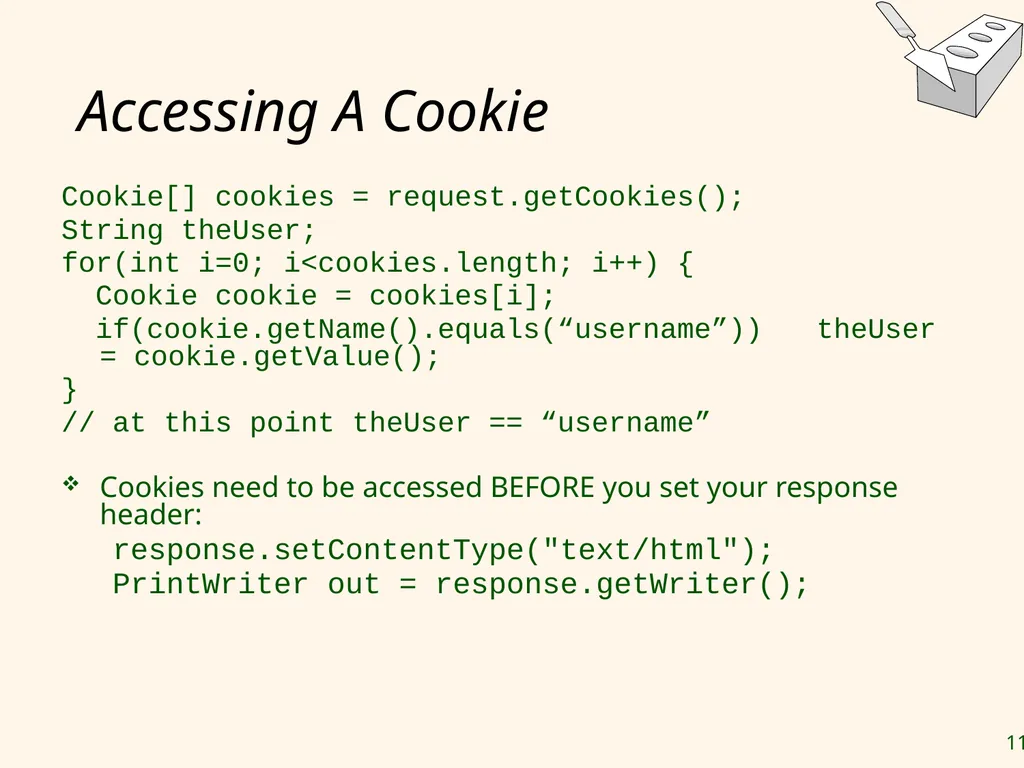
Cookie Creation and retrieval The server creates the cookie as follows and returns it to the user:
Cookie myCookie = new Cookie(“username", “jeffd");
response.addCookie(userCookie);
The server matches the incoming cookie as follows:
Cookie[] cookies = request.getCookies();
String theUser;
for(int i=0; i<cookies.length; i++) {
Cookie cookie = cookies[i];
if(cookie.getName().equals(“username”))
theUser = cookie.getValue();
} BRIEF?<br>
Cookie myCookie = new Cookie(“username", “jeffd");
response.addCookie(userCookie);
The server matches the incoming cookie as follows:
Cookie[] cookies = request.getCookies();
String theUser;
for(int i=0; i<cookies.length; i++) {
Cookie cookie = cookies[i];
if(cookie.getName().equals(“username”))
theUser = cookie.getValue();
} BRIEF?<br>
83
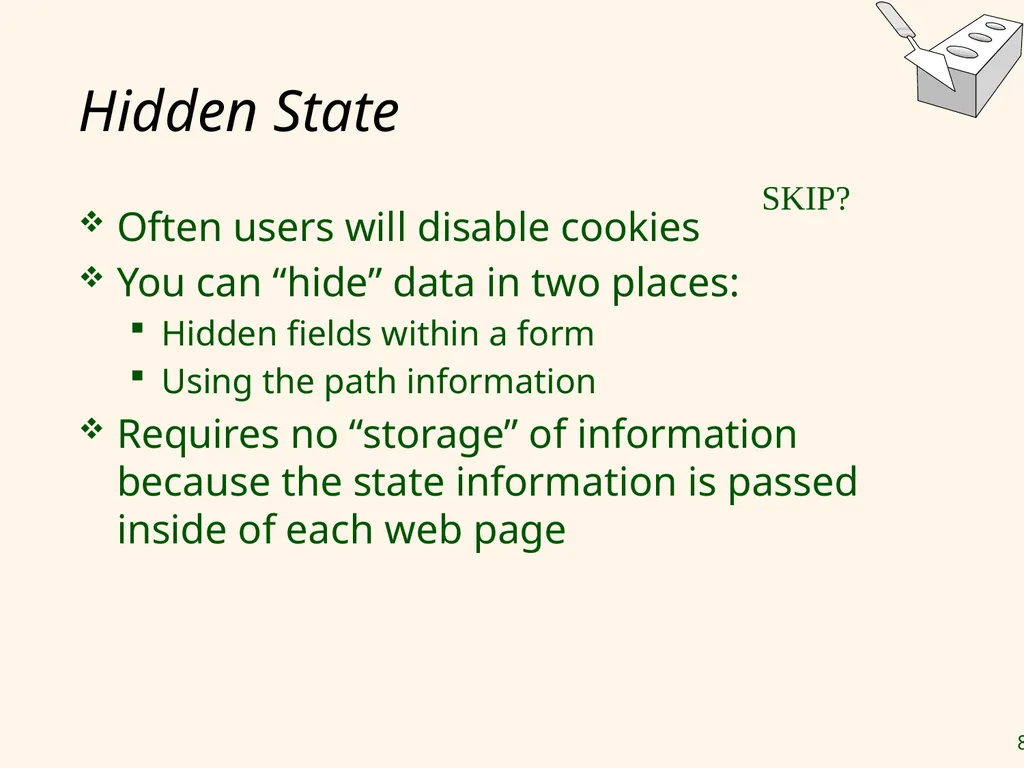
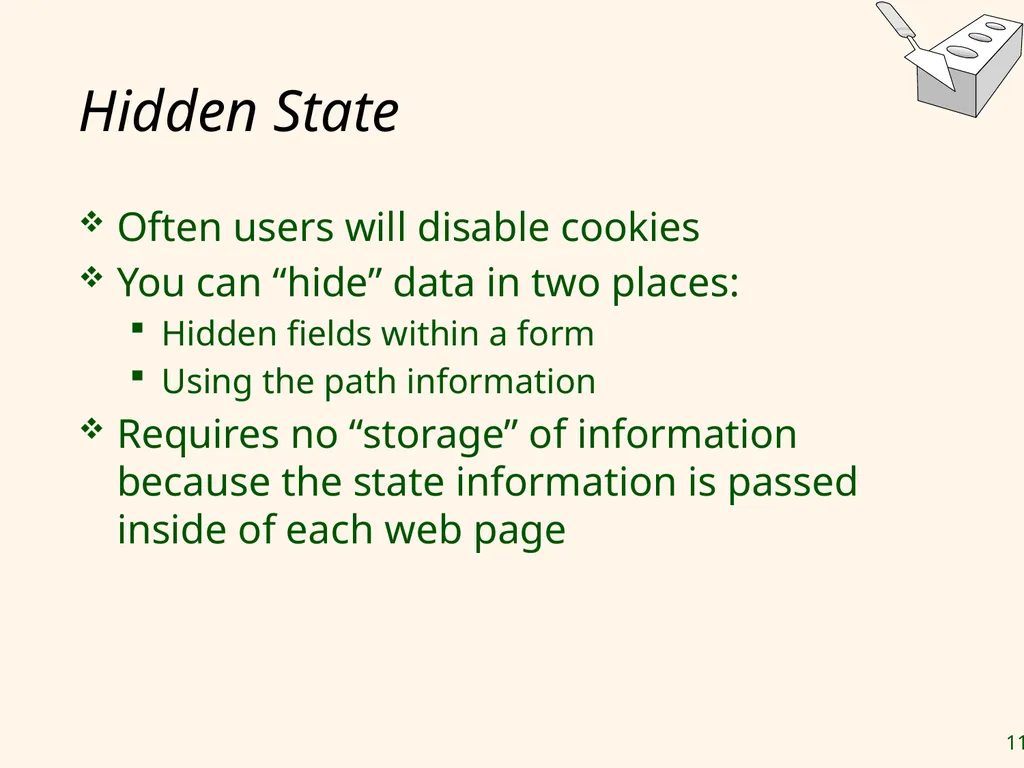
Hidden State Often users will disable cookies
You can “hide” data in two places:
Hidden fields within a form
Using the path information
Requires no “storage” of information because the state information is passed inside of each web page SKIP?<br>
You can “hide” data in two places:
Hidden fields within a form
Using the path information
Requires no “storage” of information because the state information is passed inside of each web page SKIP?<br>
84
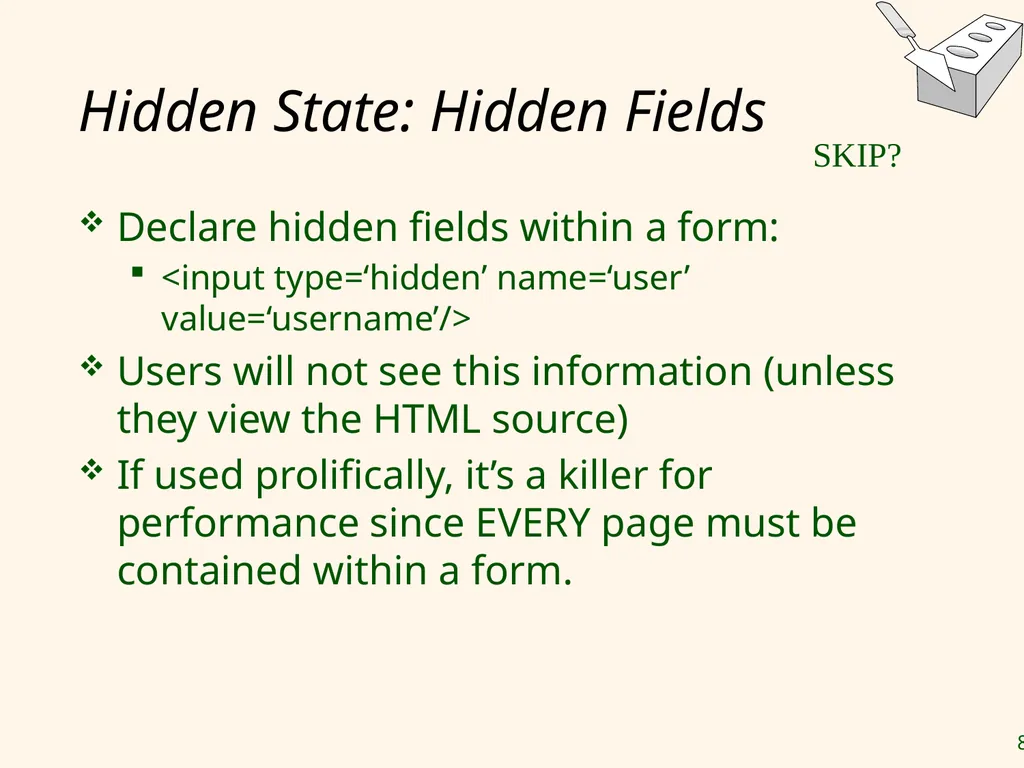
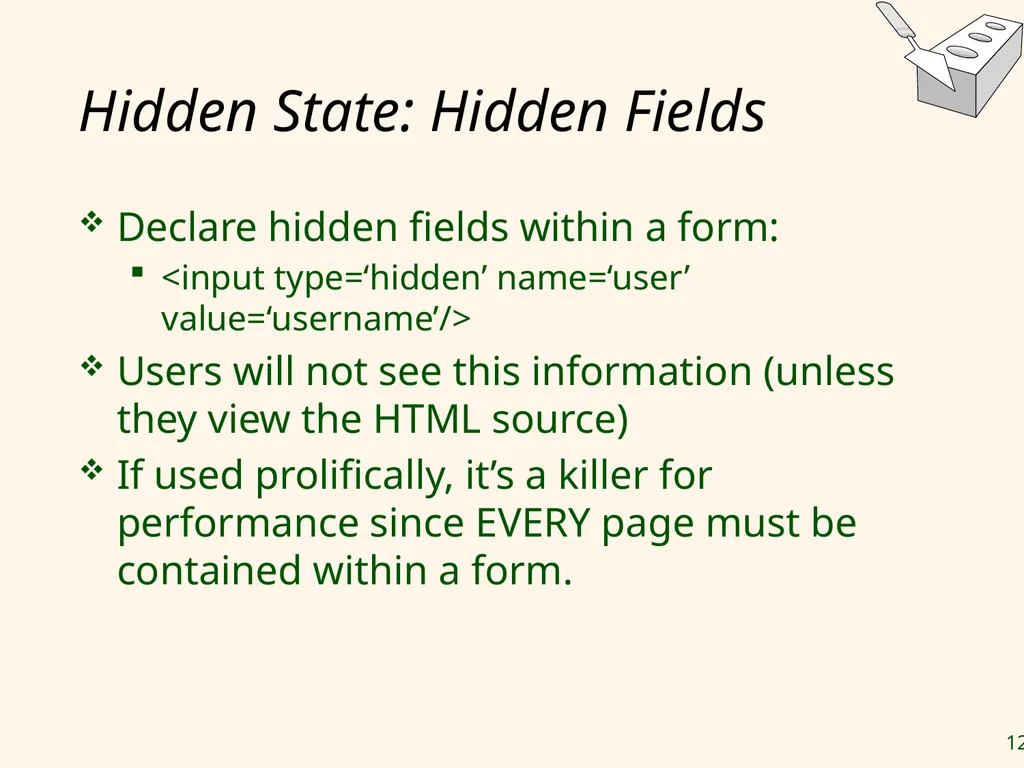
Hidden State: Hidden Fields Declare hidden fields within a form:
<input type=‘hidden’ name=‘user’ value=‘username’/>
Users will not see this information (unless they view the HTML source)
If used prolifically, it’s a killer for performance since EVERY page must be contained within a form. SKIP?<br>
<input type=‘hidden’ name=‘user’ value=‘username’/>
Users will not see this information (unless they view the HTML source)
If used prolifically, it’s a killer for performance since EVERY page must be contained within a form. SKIP?<br>
85
Hidden State: Path Information Path information is stored in the URL request:
http://server.com/index.htm?user=jeffd
Can separate ‘fields’ with an & character:
index.htm?user=jeffd&preference=pepsi
There are mechanisms to parse this field in Java. Check out the javax.servlet.http.HttpUtils parserQueryString() method. SKIP?<br>
http://server.com/index.htm?user=jeffd
Can separate ‘fields’ with an & character:
index.htm?user=jeffd&preference=pepsi
There are mechanisms to parse this field in Java. Check out the javax.servlet.http.HttpUtils parserQueryString() method. SKIP?<br>
86
Multiple state methods Typically all methods of state maintenance are used:
User logs in and this information is stored in a cookie
User issues a query which is stored in the path information
User places an item in a shopping basket cookie
User purchases items and credit-card information is stored/retrieved from a database
User leaves a click-stream which is kept in a log on the web server (which can later be analyzed) SKIP?<br>
User logs in and this information is stored in a cookie
User issues a query which is stored in the path information
User places an item in a shopping basket cookie
User purchases items and credit-card information is stored/retrieved from a database
User leaves a click-stream which is kept in a log on the web server (which can later be analyzed) SKIP?<br>
87
Summary We covered:
Internet Concepts (URIs, HTTP)
Web data formats
HTML, XML, DTDs
Three-tier architectures
The presentation layer
HTML forms; HTTP Get and POST, URL encoding; Javascript; Stylesheets. XSLT
The middle tier
application servers, Servlets, JavaServerPages, passing arguments, maintaining state (cookies)<br>
Internet Concepts (URIs, HTTP)
Web data formats
HTML, XML, DTDs
Three-tier architectures
The presentation layer
HTML forms; HTTP Get and POST, URL encoding; Javascript; Stylesheets. XSLT
The middle tier
application servers, Servlets, JavaServerPages, passing arguments, maintaining state (cookies)<br>
88
Backup<br>
89
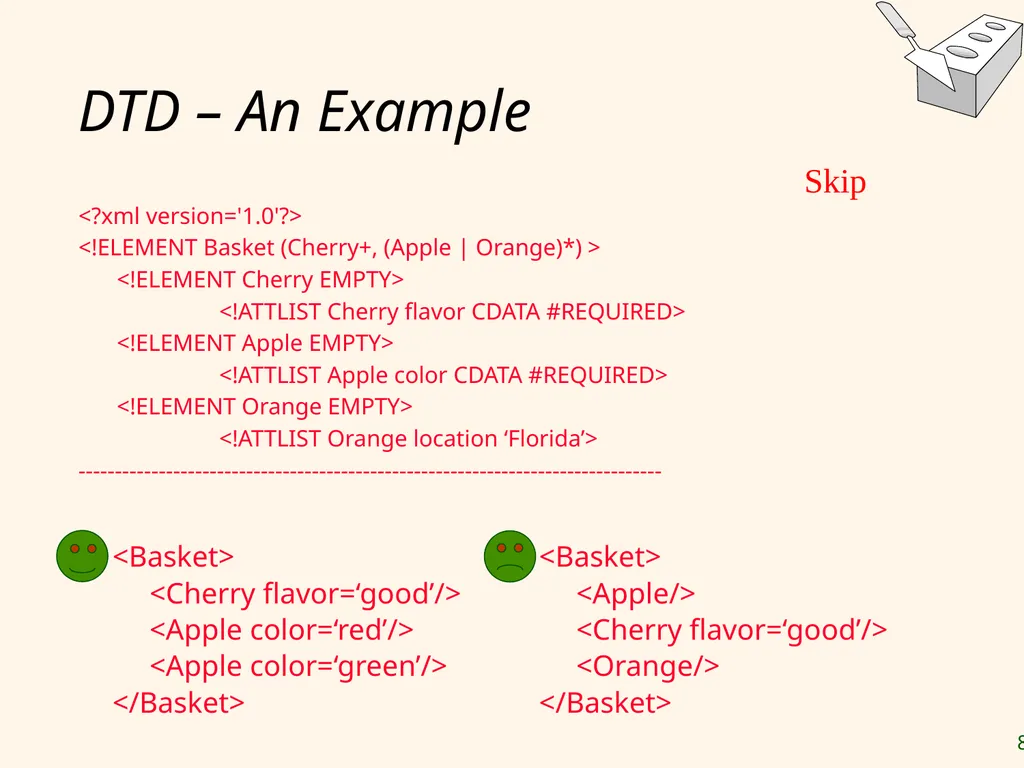
DTD – An Example <?xml version='1.0'?>
<!ELEMENT Basket (Cherry+, (Apple | Orange)*) >
<!ELEMENT Cherry EMPTY>
<!ATTLIST Cherry flavor CDATA #REQUIRED>
<!ELEMENT Apple EMPTY>
<!ATTLIST Apple color CDATA #REQUIRED>
<!ELEMENT Orange EMPTY>
<!ATTLIST Orange location ‘Florida’>
-------------------------------------------------------------------------------- <Basket>
<Apple/>
<Cherry flavor=‘good’/>
<Orange/>
</Basket> <Basket>
<Cherry flavor=‘good’/>
<Apple color=‘red’/>
<Apple color=‘green’/>
</Basket> Skip<br>
<!ELEMENT Basket (Cherry+, (Apple | Orange)*) >
<!ELEMENT Cherry EMPTY>
<!ATTLIST Cherry flavor CDATA #REQUIRED>
<!ELEMENT Apple EMPTY>
<!ATTLIST Apple color CDATA #REQUIRED>
<!ELEMENT Orange EMPTY>
<!ATTLIST Orange location ‘Florida’>
-------------------------------------------------------------------------------- <Basket>
<Apple/>
<Cherry flavor=‘good’/>
<Orange/>
</Basket> <Basket>
<Cherry flavor=‘good’/>
<Apple color=‘red’/>
<Apple color=‘green’/>
</Basket> Skip<br>
90
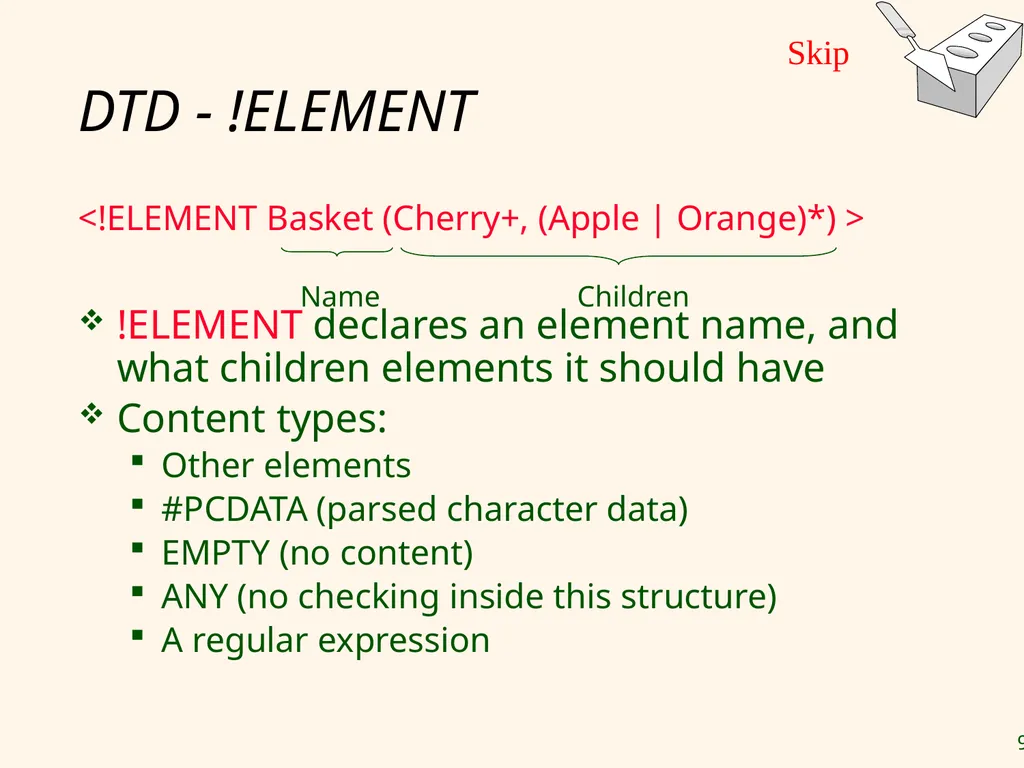
DTD - !ELEMENT <!ELEMENT Basket (Cherry+, (Apple | Orange)*) >
!ELEMENT declares an element name, and what children elements it should have
Content types:
Other elements
#PCDATA (parsed character data)
EMPTY (no content)
ANY (no checking inside this structure)
A regular expression Name Children Skip<br>
!ELEMENT declares an element name, and what children elements it should have
Content types:
Other elements
#PCDATA (parsed character data)
EMPTY (no content)
ANY (no checking inside this structure)
A regular expression Name Children Skip<br>
91
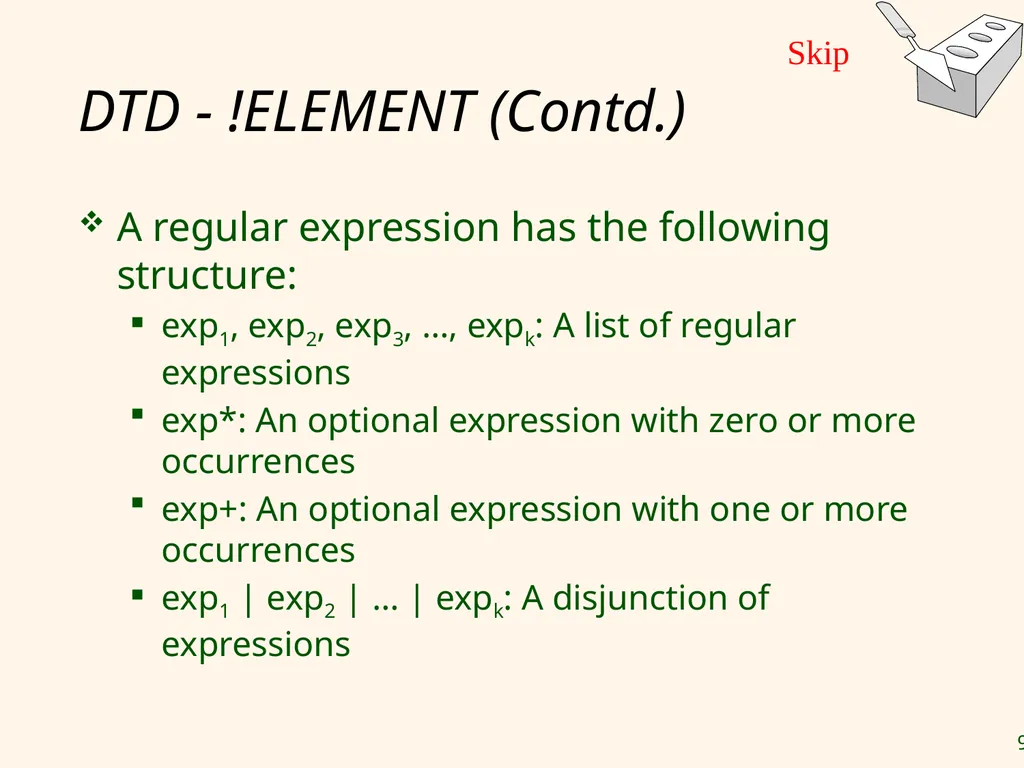
DTD - !ELEMENT (Contd.) A regular expression has the following structure:
exp1, exp2, exp3, …, expk: A list of regular expressions
exp*: An optional expression with zero or more occurrences
exp+: An optional expression with one or more occurrences
exp1 | exp2 | … | expk: A disjunction of expressions Skip<br>
exp1, exp2, exp3, …, expk: A list of regular expressions
exp*: An optional expression with zero or more occurrences
exp+: An optional expression with one or more occurrences
exp1 | exp2 | … | expk: A disjunction of expressions Skip<br>
92
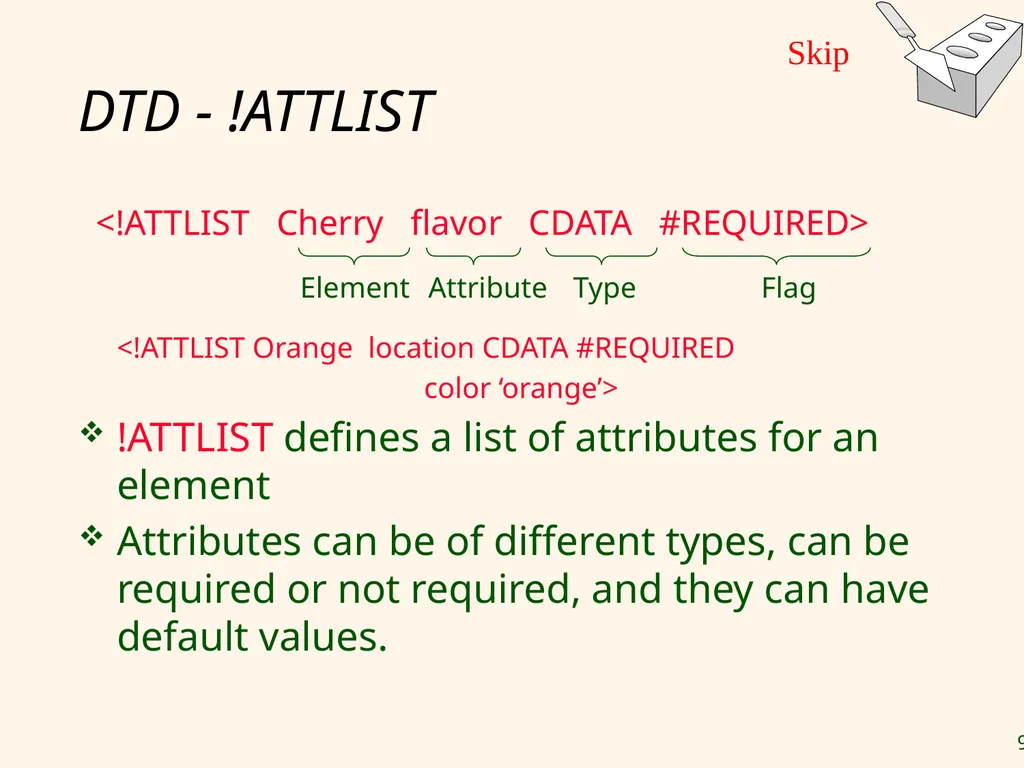
DTD - !ATTLIST <!ATTLIST Cherry flavor CDATA #REQUIRED>
<!ATTLIST Orange location CDATA #REQUIRED
color ‘orange’>
!ATTLIST defines a list of attributes for an element
Attributes can be of different types, can be required or not required, and they can have default values. Element Attribute Type Flag Skip<br>
<!ATTLIST Orange location CDATA #REQUIRED
color ‘orange’>
!ATTLIST defines a list of attributes for an element
Attributes can be of different types, can be required or not required, and they can have default values. Element Attribute Type Flag Skip<br>
93
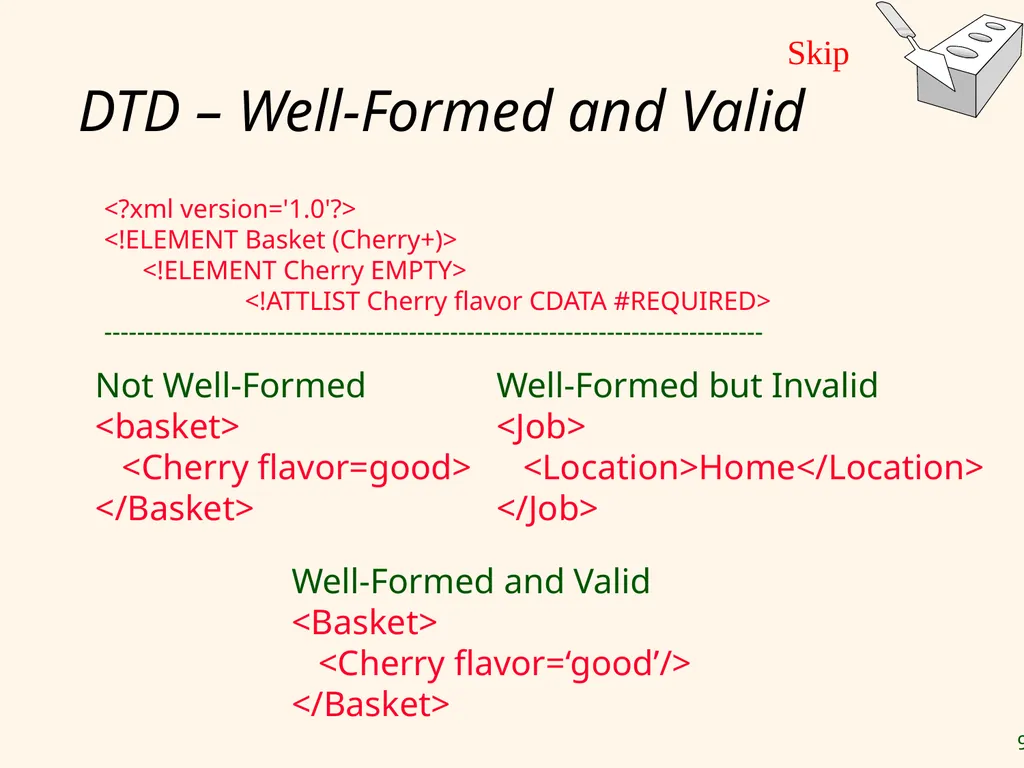
DTD – Well-Formed and Valid <?xml version='1.0'?>
<!ELEMENT Basket (Cherry+)>
<!ELEMENT Cherry EMPTY>
<!ATTLIST Cherry flavor CDATA #REQUIRED>
-------------------------------------------------------------------------------- Well-Formed and Valid
<Basket>
<Cherry flavor=‘good’/>
</Basket> Not Well-Formed
<basket>
<Cherry flavor=good>
</Basket> Well-Formed but Invalid
<Job>
<Location>Home</Location>
</Job> Skip<br>
<!ELEMENT Basket (Cherry+)>
<!ELEMENT Cherry EMPTY>
<!ATTLIST Cherry flavor CDATA #REQUIRED>
-------------------------------------------------------------------------------- Well-Formed and Valid
<Basket>
<Cherry flavor=‘good’/>
</Basket> Not Well-Formed
<basket>
<Cherry flavor=good>
</Basket> Well-Formed but Invalid
<Job>
<Location>Home</Location>
</Job> Skip<br>
94
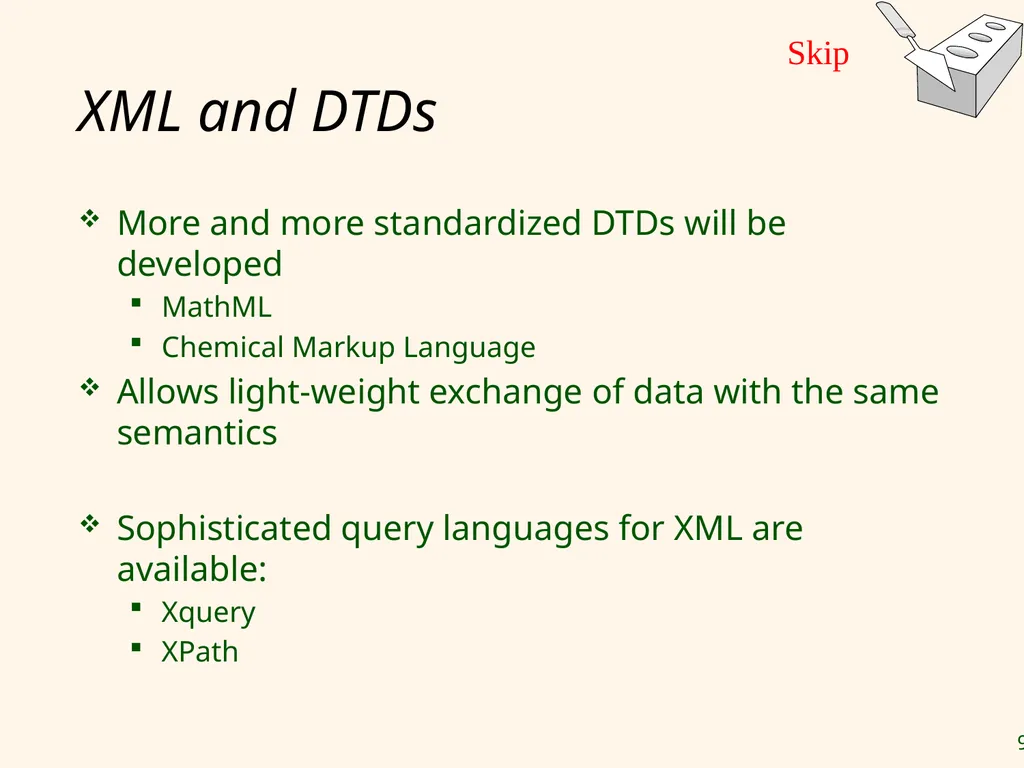
XML and DTDs More and more standardized DTDs will be developed
MathML
Chemical Markup Language
Allows light-weight exchange of data with the same semantics
Sophisticated query languages for XML are available:
Xquery
XPath Skip<br>
MathML
Chemical Markup Language
Allows light-weight exchange of data with the same semantics
Sophisticated query languages for XML are available:
Xquery
XPath Skip<br>
95
The following slides can replace the discussion about Servlets<br>
96
Active Server Pages ASP.net ASP.NET is a part of the Microsoft .NET framework, and a powerful tool for creating dynamic and interactive web pages.
ASP.NET is an entirely new technology for server-side scripting. It was written from the ground up and is not backward compatible with classic ASP, an old technology.
ASP.NET is a program that runs inside IIS (Internet Information Services) which is Microsoft's Internet server
IIS comes as a free component with Windows servers
IIS is also a part of Windows 2000 and UP.<br>
ASP.NET is an entirely new technology for server-side scripting. It was written from the ground up and is not backward compatible with classic ASP, an old technology.
ASP.NET is a program that runs inside IIS (Internet Information Services) which is Microsoft's Internet server
IIS comes as a free component with Windows servers
IIS is also a part of Windows 2000 and UP.<br>
97
ASP.net (continued) What is an ASP.NET File?
An ASP.NET file is just the same as an HTML file
An ASP.NET file can contain HTML, XML, and scripts
Scripts in an ASP.NET file are executed on the server
An ASP.NET file has the file extension ".aspx"
How Does ASP.NET Work?
When a browser requests an HTML file, the server returns the file
When a browser requests an ASP.NET file, IIS passes the request to the ASP.NET engine on the server
The ASP.NET engine reads the file, line by line, and executes the scripts in the file
Finally, the ASP.NET file is returned to the browser as plain HTML<br>
An ASP.NET file is just the same as an HTML file
An ASP.NET file can contain HTML, XML, and scripts
Scripts in an ASP.NET file are executed on the server
An ASP.NET file has the file extension ".aspx"
How Does ASP.NET Work?
When a browser requests an HTML file, the server returns the file
When a browser requests an ASP.NET file, IIS passes the request to the ASP.NET engine on the server
The ASP.NET engine reads the file, line by line, and executes the scripts in the file
Finally, the ASP.NET file is returned to the browser as plain HTML<br>
98
The Microsoft .NET Framework The .NET Framework is an environment for building, deploying, and running Web applications and Web Services.
The .NET Framework consists of 3 main parts:
Programming languages: C# (What we will use), Visual Basic (VB .NET), and J# (Pronounced J sharp, Microsoft Java)
Server and client technologies: ASP .NET mainly, plus more advanced technologies including Windows desktop solutions, Compact Framework (PDA / Mobile solutions), and ADO.net for database connectivity.
Development environments: Visual Studio .NET (we are currently using) and Visual Web Developer<br>
The .NET Framework consists of 3 main parts:
Programming languages: C# (What we will use), Visual Basic (VB .NET), and J# (Pronounced J sharp, Microsoft Java)
Server and client technologies: ASP .NET mainly, plus more advanced technologies including Windows desktop solutions, Compact Framework (PDA / Mobile solutions), and ADO.net for database connectivity.
Development environments: Visual Studio .NET (we are currently using) and Visual Web Developer<br>
99
ASP.NET Controls ASP.NET contains a large set of HTML controls. Almost all HTML elements on a page can be defined as ASP.NET control objects that can be controlled by scripts.
ASP.NET also contains a new set of object-oriented input controls, like programmable list-boxes and validation controls.
ASP.NET supports form-based user authentication, cookie management, and automatic redirecting of unauthorized logins.<br>
ASP.NET also contains a new set of object-oriented input controls, like programmable list-boxes and validation controls.
ASP.NET supports form-based user authentication, cookie management, and automatic redirecting of unauthorized logins.<br>
100
ASP.net Classic Example <html>
<body bgcolor="yellow">
<center>
<h2>Hello Students!</h2>
<p><%Response.Write(now())%></p>
</center>
</body>
</html>
The code inside the <% --%> tags is executed on the server.
Response.Write is ASP code for writing something to the HTML output stream.
Now() is a function returning the servers current date and time.<br>
The code inside the <% --%> tags is executed on the server.
Response.Write is ASP code for writing something to the HTML output stream.
Now() is a function returning the servers current date and time.<br>
101
ASP.net Visual Example Choose new web site in Visual studio, select C#
ToolBox rich in many different controls
Drag and drop control, modify properties
Automatic generation of html code
Add C# programming to web page or control
Add C# Programming Events to page or control (i.e button click, exit text box, load page…)
Add more web pages, and needed navigation between them<br>
ToolBox rich in many different controls
Drag and drop control, modify properties
Automatic generation of html code
Add C# programming to web page or control
Add C# Programming Events to page or control (i.e button click, exit text box, load page…)
Add more web pages, and needed navigation between them<br>
102
ASP.net with SQL Advanced ADO.NET software components that can be used by programmers to access data and data services.
Easy Connection with Microsoft Database Products (Access, SQL Server) and Oracle through wizards
Direct retrieval of datasets using ODBC connection.<br>
Easy Connection with Microsoft Database Products (Access, SQL Server) and Oracle through wizards
Direct retrieval of datasets using ODBC connection.<br>
103
Middle Tier – Old Material<br>
104
Servlets Java Servlets: Java code that runs on the middle tier
Platform independent
Complete Java API available, including JDBC
Example:
import java.io.*;
import java.servlet.*;
import java.servlet.http.*;
public class ServetTemplate extends HttpServlet {
public void doGet(HTTPServletRequest request, HTTPServletResponse response) throws ServletExpection, IOException { PrintWriter out=response.getWriter();
out.println(“Hello World”);
}
}<br>
Platform independent
Complete Java API available, including JDBC
Example:
import java.io.*;
import java.servlet.*;
import java.servlet.http.*;
public class ServetTemplate extends HttpServlet {
public void doGet(HTTPServletRequest request, HTTPServletResponse response) throws ServletExpection, IOException { PrintWriter out=response.getWriter();
out.println(“Hello World”);
}
}<br>
105
Servlets (Contd.) Life of a servlet?
Webserver forwards request to servlet container
Container creates servlet instance (calls init() method; deallocation time: calls destroy() method)
Container calls service() method
service() calls doGet() for HTTP GET or doPost() for HTTP POST
Usually, don’t override service(), but override doGet() and doPost()<br>
Webserver forwards request to servlet container
Container creates servlet instance (calls init() method; deallocation time: calls destroy() method)
Container calls service() method
service() calls doGet() for HTTP GET or doPost() for HTTP POST
Usually, don’t override service(), but override doGet() and doPost()<br>
106
Servlets: A Complete Example public class ReadUserName extends HttpServlet {
public void doGet( HttpServletRequest request,
HttpSevletResponse response)
throws ServletException, IOException {
reponse.setContentType(“text/html”);
PrintWriter out=response.getWriter();
out.println(“<HTML><BODY>\n <UL> \n” +
“<LI>” + request.getParameter(“userid”) + “\n” +
“<LI>” + request.getParameter(“password”) + “\n” +
“<UL>\n<BODY></HTML>”);
}
public void doPost( HttpServletRequest request,
HttpSevletResponse response)
throws ServletException, IOException {
doGet(request,response);
}
}<br>
public void doGet( HttpServletRequest request,
HttpSevletResponse response)
throws ServletException, IOException {
reponse.setContentType(“text/html”);
PrintWriter out=response.getWriter();
out.println(“<HTML><BODY>\n <UL> \n” +
“<LI>” + request.getParameter(“userid”) + “\n” +
“<LI>” + request.getParameter(“password”) + “\n” +
“<UL>\n<BODY></HTML>”);
}
public void doPost( HttpServletRequest request,
HttpSevletResponse response)
throws ServletException, IOException {
doGet(request,response);
}
}<br>
107
Java Server Pages Servlets
Generate HTML by writing it to the “PrintWriter” object
Code first, webpage second
JavaServerPages
Written in HTML, Servlet-like code embedded in the HTML
Webpage first, code second
They are usually compiled into a Servlet<br>
Generate HTML by writing it to the “PrintWriter” object
Code first, webpage second
JavaServerPages
Written in HTML, Servlet-like code embedded in the HTML
Webpage first, code second
They are usually compiled into a Servlet<br>
108
JavaServerPages: Example <html>
<head><title>Welcome to B&N</title></head>
<body>
<h1>Welcome back!</h1> <% String name=“NewUser”;
if (request.getParameter(“username”) != null) { name=request.getParameter(“username”);
}
%>
You are logged on as user <%=name%>
<p>
</body>
</html><br>
<head><title>Welcome to B&N</title></head>
<body>
<h1>Welcome back!</h1> <% String name=“NewUser”;
if (request.getParameter(“username”) != null) { name=request.getParameter(“username”);
}
%>
You are logged on as user <%=name%>
<p>
</body>
</html><br>
109
Maintaining State HTTP is stateless.
Advantages
Easy to use: don’t need anything
Great for static-information applications
Requires no extra memory space
Disadvantages
No record of previous requests means
No shopping baskets
No user logins
No custom or dynamic content
Security is more difficult to implement<br>
Advantages
Easy to use: don’t need anything
Great for static-information applications
Requires no extra memory space
Disadvantages
No record of previous requests means
No shopping baskets
No user logins
No custom or dynamic content
Security is more difficult to implement<br>
110
Application State Server-side state
Information is stored in a database, or in the application layer’s local memory
Client-side state
Information is stored on the client’s computer in the form of a cookie
Hidden state
Information is hidden within dynamically created web pages<br>
Information is stored in a database, or in the application layer’s local memory
Client-side state
Information is stored on the client’s computer in the form of a cookie
Hidden state
Information is hidden within dynamically created web pages<br>
111
Application State So many kinds of state…
…how will I choose?<br>
…how will I choose?<br>
112
Server-Side State Many types of Server side state:
1. Store information in a database
Data will be safe in the database
BUT: requires a database access to query or update the information
2. Use application layer’s local memory
Can map the user’s IP address to some state
BUT: this information is volatile and takes up lots of server main memory 5 million IPs = 20 MB<br>
1. Store information in a database
Data will be safe in the database
BUT: requires a database access to query or update the information
2. Use application layer’s local memory
Can map the user’s IP address to some state
BUT: this information is volatile and takes up lots of server main memory 5 million IPs = 20 MB<br>
113
Server-Side State Should use Server-side state maintenance for information that needs to persist
Old customer orders
“Click trails” of a user’s movement through a site
Permanent choices a user makes<br>
Old customer orders
“Click trails” of a user’s movement through a site
Permanent choices a user makes<br>
114
Client-side State: Cookies Storing text on the client which will be passed to the application with every HTTP request.
Can be disabled by the client.
Are wrongfully perceived as "dangerous", and therefore will scare away potential site visitors if asked to enable cookies1
Are a collection of (Name, Value) pairs 1http://www.webdevelopersjournal.com/columns/stateful.html<br>
Can be disabled by the client.
Are wrongfully perceived as "dangerous", and therefore will scare away potential site visitors if asked to enable cookies1
Are a collection of (Name, Value) pairs 1http://www.webdevelopersjournal.com/columns/stateful.html<br>
115
Client State: Cookies Advantages
Easy to use in Java Servlets / JSP
Provide a simple way to persist non-essential data on the client even when the browser has closed
Disadvantages
Limit of 4 kilobytes of information
Users can (and often will) disable them
Should use cookies to store interactive state
The current user’s login information
The current shopping basket
Any non-permanent choices the user has made<br>
Easy to use in Java Servlets / JSP
Provide a simple way to persist non-essential data on the client even when the browser has closed
Disadvantages
Limit of 4 kilobytes of information
Users can (and often will) disable them
Should use cookies to store interactive state
The current user’s login information
The current shopping basket
Any non-permanent choices the user has made<br>
116
Creating A Cookie Cookie myCookie =
new Cookie(“username", “jeffd");
response.addCookie(userCookie);
You can create a cookie at any time<br>
new Cookie(“username", “jeffd");
response.addCookie(userCookie);
You can create a cookie at any time<br>
117
Accessing A Cookie Cookie[] cookies = request.getCookies();
String theUser;
for(int i=0; i<cookies.length; i++) {
Cookie cookie = cookies[i];
if(cookie.getName().equals(“username”)) theUser = cookie.getValue();
}
// at this point theUser == “username”
Cookies need to be accessed BEFORE you set your response header:
response.setContentType("text/html");
PrintWriter out = response.getWriter();<br>
String theUser;
for(int i=0; i<cookies.length; i++) {
Cookie cookie = cookies[i];
if(cookie.getName().equals(“username”)) theUser = cookie.getValue();
}
// at this point theUser == “username”
Cookies need to be accessed BEFORE you set your response header:
response.setContentType("text/html");
PrintWriter out = response.getWriter();<br>
118
Cookie Features Cookies can have
A duration (expire right away or persist even after the browser has closed)
Filters for which domains/directory paths the cookie is sent to
See the Java Servlet API and Servlet Tutorials for more information<br>
A duration (expire right away or persist even after the browser has closed)
Filters for which domains/directory paths the cookie is sent to
See the Java Servlet API and Servlet Tutorials for more information<br>
119
Hidden State Often users will disable cookies
You can “hide” data in two places:
Hidden fields within a form
Using the path information
Requires no “storage” of information because the state information is passed inside of each web page<br>
You can “hide” data in two places:
Hidden fields within a form
Using the path information
Requires no “storage” of information because the state information is passed inside of each web page<br>
120
Hidden State: Hidden Fields Declare hidden fields within a form:
<input type=‘hidden’ name=‘user’ value=‘username’/>
Users will not see this information (unless they view the HTML source)
If used prolifically, it’s a killer for performance since EVERY page must be contained within a form.<br>
<input type=‘hidden’ name=‘user’ value=‘username’/>
Users will not see this information (unless they view the HTML source)
If used prolifically, it’s a killer for performance since EVERY page must be contained within a form.<br>
121
Hidden State: Path Information Path information is stored in the URL request:
http://server.com/index.htm?user=jeffd
Can separate ‘fields’ with an & character:
index.htm?user=jeffd&preference=pepsi
There are mechanisms to parse this field in Java. Check out the javax.servlet.http.HttpUtils parserQueryString() method.<br>
http://server.com/index.htm?user=jeffd
Can separate ‘fields’ with an & character:
index.htm?user=jeffd&preference=pepsi
There are mechanisms to parse this field in Java. Check out the javax.servlet.http.HttpUtils parserQueryString() method.<br>
122
Multiple state methods Typically all methods of state maintenance are used:
User logs in and this information is stored in a cookie
User issues a query which is stored in the path information
User places an item in a shopping basket cookie
User purchases items and credit-card information is stored/retrieved from a database
User leaves a click-stream which is kept in a log on the web server (which can later be analyzed)<br>
User logs in and this information is stored in a cookie
User issues a query which is stored in the path information
User places an item in a shopping basket cookie
User purchases items and credit-card information is stored/retrieved from a database
User leaves a click-stream which is kept in a log on the web server (which can later be analyzed)<br>
123
Summary We covered:
Internet Concepts (URIs, HTTP)
Web data formats
HTML, XML, DTDs
Three-tier architectures
The presentation layer
HTML forms; HTTP Get and POST, URL encoding; Javascript; Stylesheets. XSLT
The middle tier
CGI, application servers, Servlets, JavaServerPages, passing arguments, maintaining state (cookies)<br>
Internet Concepts (URIs, HTTP)
Web data formats
HTML, XML, DTDs
Three-tier architectures
The presentation layer
HTML forms; HTTP Get and POST, URL encoding; Javascript; Stylesheets. XSLT
The middle tier
CGI, application servers, Servlets, JavaServerPages, passing arguments, maintaining state (cookies)<br>