04
<Date> Note: This title slide layout only for use when presenting a business case or update on strategic expansions. The image at the top has been made available for photos or renderings of expansion locations and buildings.<br>
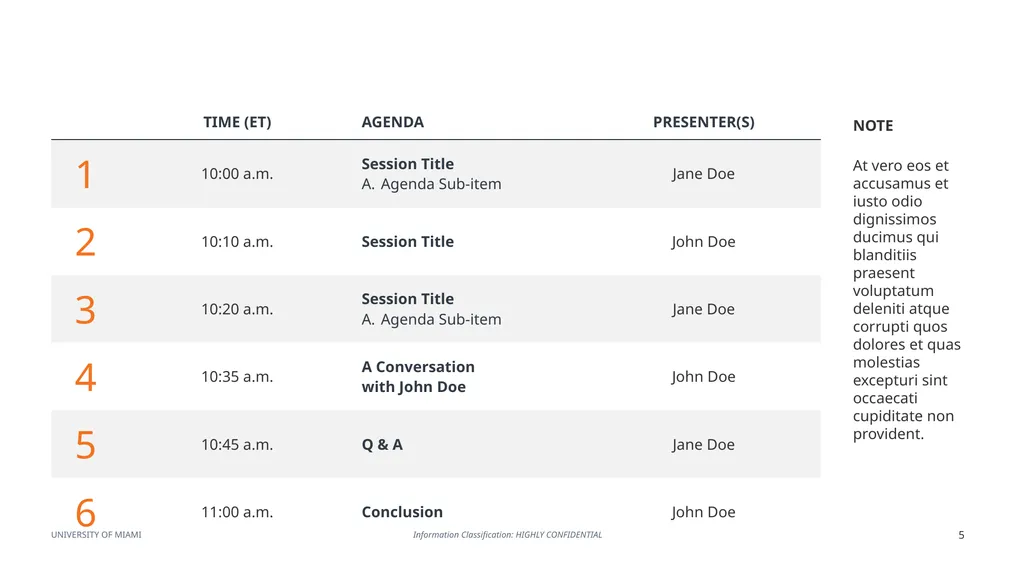
05
NOTE At vero eos et accusamus et iusto odio dignissimos ducimus qui blanditiis praesent voluptatum deleniti atque corrupti quos dolores et quas molestias excepturi sint occaecati cupiditate non provident.<br>
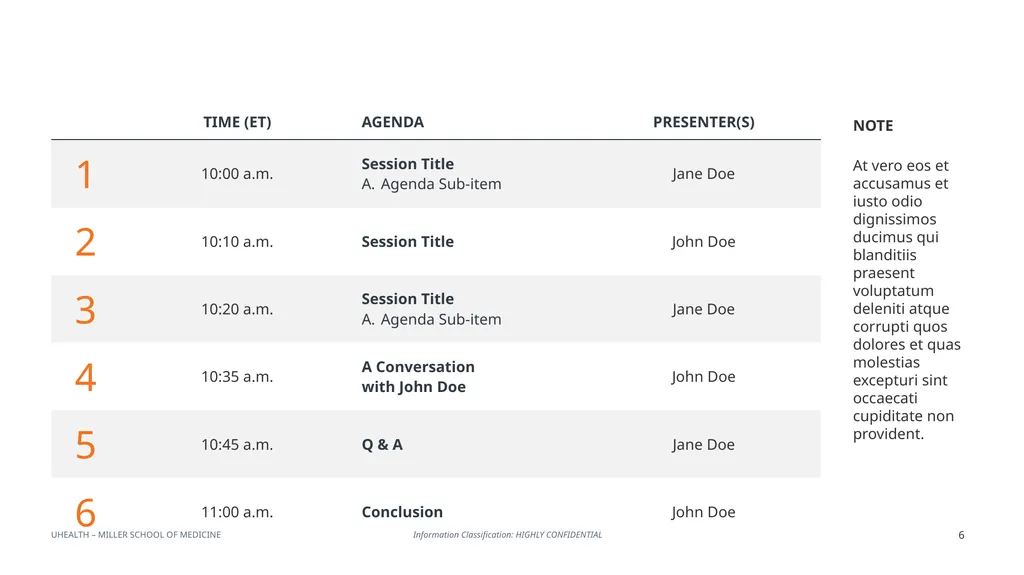
06
NOTE At vero eos et accusamus et iusto odio dignissimos ducimus qui blanditiis praesent voluptatum deleniti atque corrupti quos dolores et quas molestias excepturi sint occaecati cupiditate non provident.<br>
07
PRESENTATION�MATERIALS Note: This divider slide can be used to delineate between read only materials and the slides that will be used for the presentation at the meeting (i.e., visual aids, etc.). The default text should be “PRESENTATION MATERIALS” or “READ ONLY”.<br>
08
Reason for/Purpose of presentation
Regular, periodic update
Regulatory requirement
Other
Key Takeaways
Describe, in brief, 3-5 focal items for the directors’ consideration
Include the “business case”/rationale for the transaction, matter, action requested
Do not use the summary as an index/agenda for the materials that follow
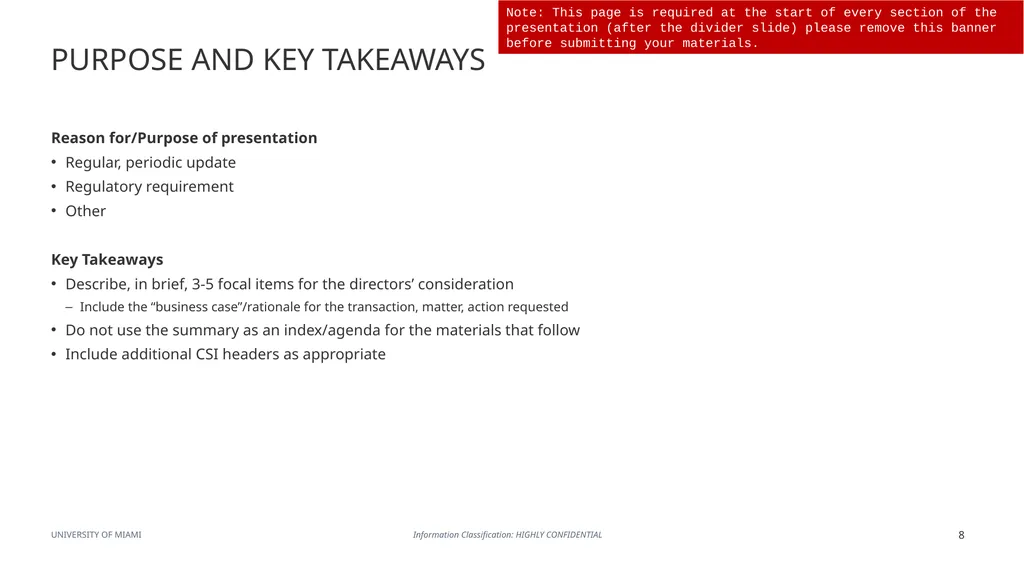
Include additional CSI headers as appropriate PURPOSE AND KEY TAKEAWAYS Note: This page is required at the start of every section of the presentation (after the divider slide) please remove this banner before submitting your materials.<br>
09
PURPOSE AND KEY TAKEAWAYS Reason for/Purpose of presentation
Regular, periodic update
Regulatory requirement
Other
Key Takeaways
Describe, in brief, 3-5 focal items for the directors’ consideration
Include the “business case”/rationale for the transaction, matter, action requested
Do not use the summary as an index/agenda for the materials that follow
Include additional CSI headers as appropriate Note: This page is required at the start of every section of the presentation (after the divider slide) please remove this banner before submitting your materials.<br>
11
To facilitate the directors’ preparation for the meeting, provide information within this section that should be taken �as ‘read’ by the directors
The background, pre-read materials should be complete and coherent as a standalone document, and focus clearly �on the information the board needs to be prepared for discussion at the meeting and make decisions
NOTE – please clearly label all materials in this section as ‘Read Only’ READ ONLY - <TITLE><br>
12
READ ONLY - <TITLE> To facilitate the directors’ preparation for the meeting, provide information within this section that should be taken �as ‘read’ by the directors
The background, pre-read materials should be complete and coherent as a standalone document, and focus clearly �on the information the board needs to be prepared for discussion at the meeting and make decisions
NOTE – please clearly label all materials in this section as ‘Read Only’<br>
13
Note: All supporting materials, reference data or other information that does not form the focal points for the audience’s attention should be included in the appendix. Please use this cover page in preparing the appendix materials.<br>
14
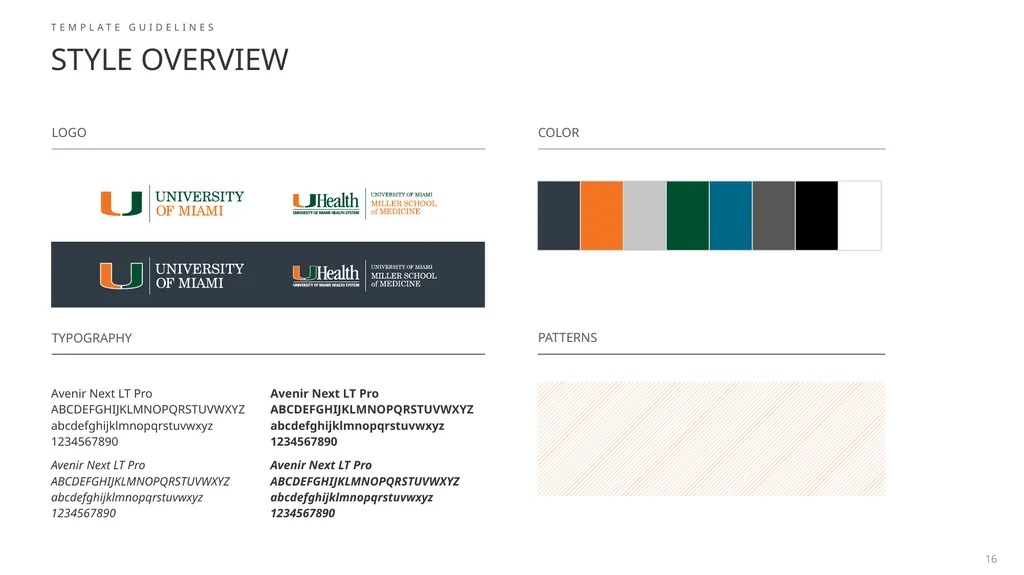
STYLE OVERVIEW TEMPLATE GUIDELINES 16 LOGO COLOR PATTERNS TYPOGRAPHY<br>
15
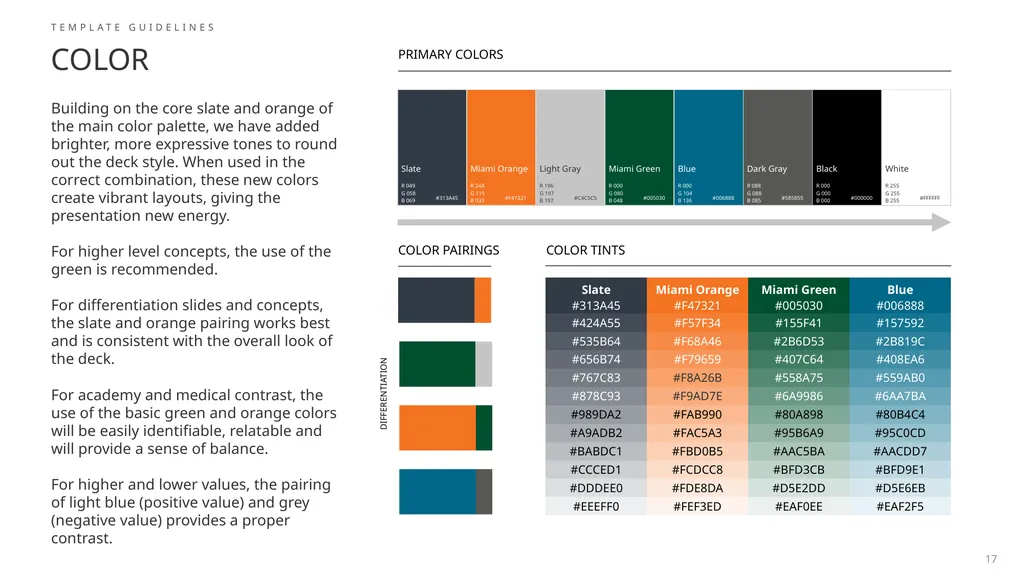
COLOR TEMPLATE GUIDELINES Building on the core slate and orange of the main color palette, we have added brighter, more expressive tones to round out the deck style. When used in the correct combination, these new colors create vibrant layouts, giving the presentation new energy.
For higher level concepts, the use of the green is recommended.
For differentiation slides and concepts, the slate and orange pairing works best and is consistent with the overall look of the deck.
For academy and medical contrast, the use of the basic green and orange colors will be easily identifiable, relatable and will provide a sense of balance.
For higher and lower values, the pairing of light blue (positive value) and grey (negative value) provides a proper contrast. PRIMARY COLORS COLOR PAIRINGS COLOR TINTS DIFFERENTIATION 17<br>
16
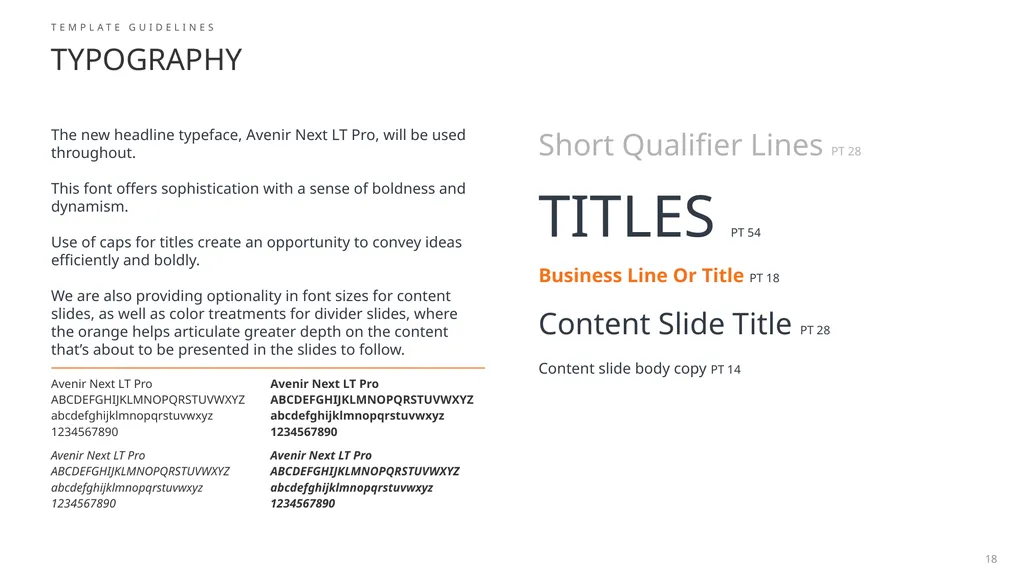
TYPOGRAPHY TEMPLATE GUIDELINES TITLES PT 54 Business Line Or Title PT 18 Content Slide Title PT 28 Content slide body copy PT 14 The new headline typeface, Avenir Next LT Pro, will be used throughout. �
This font offers sophistication with a sense of boldness and dynamism. �
Use of caps for titles create an opportunity to convey ideas efficiently and boldly. �
We are also providing optionality in font sizes for content slides, as well as color treatments for divider slides, where the orange helps articulate greater depth on the content that’s about to be presented in the slides to follow. Short Qualifier Lines PT 28 18<br>
17
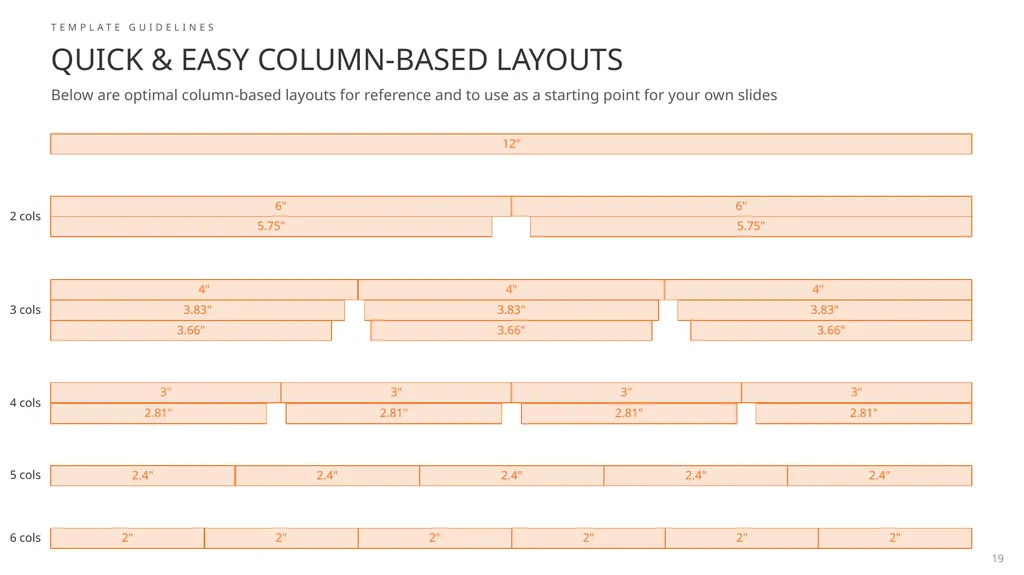
Quick & Easy Column-Based Layouts Below are optimal column-based layouts for reference and to use as a starting point for your own slides TEMPLATE GUIDELINES 2" 2" 2" 2" 6 cols 2.4" 2.4" 2.4" 5 cols 3" 3" 2.81" 2.81" 4 cols 3.66" 3.83" 4" 3 cols 2" 2.4" 3" 2.81" 3.66" 3.83" 4" 6" 5.75" 12” 2" 2.4" 3" 2.81" 3.66" 3.83" 4" 6" 5.75" 2 cols 19<br>
18
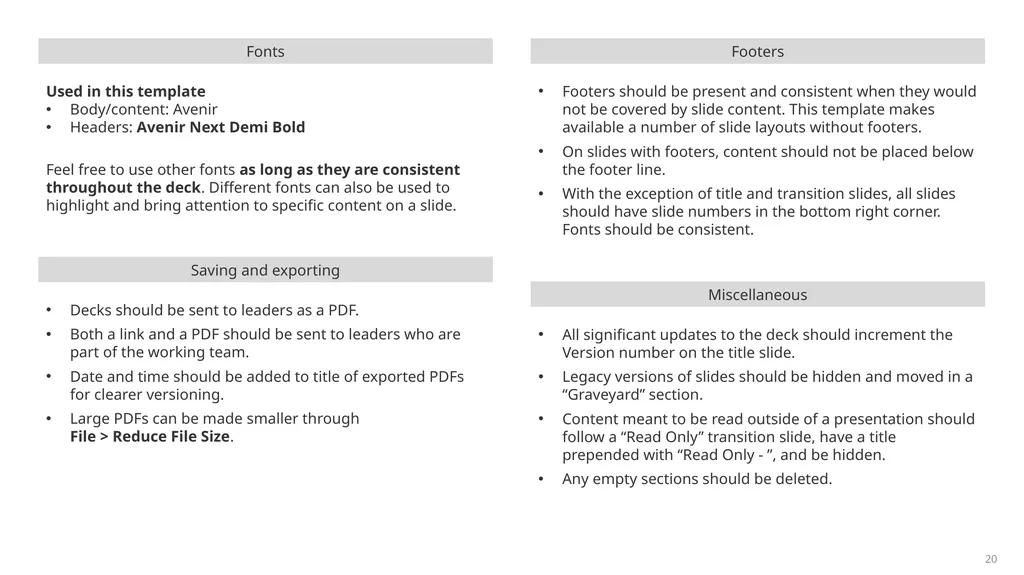
Fonts Used in this template
Body/content: Avenir
Headers: Avenir Next Demi Bold
Feel free to use other fonts as long as they are consistent throughout the deck. Different fonts can also be used to highlight and bring attention to specific content on a slide. Footers Footers should be present and consistent when they would not be covered by slide content. This template makes available a number of slide layouts without footers.
On slides with footers, content should not be placed below the footer line.
With the exception of title and transition slides, all slides should have slide numbers in the bottom right corner. Fonts should be consistent. 20<br>
19
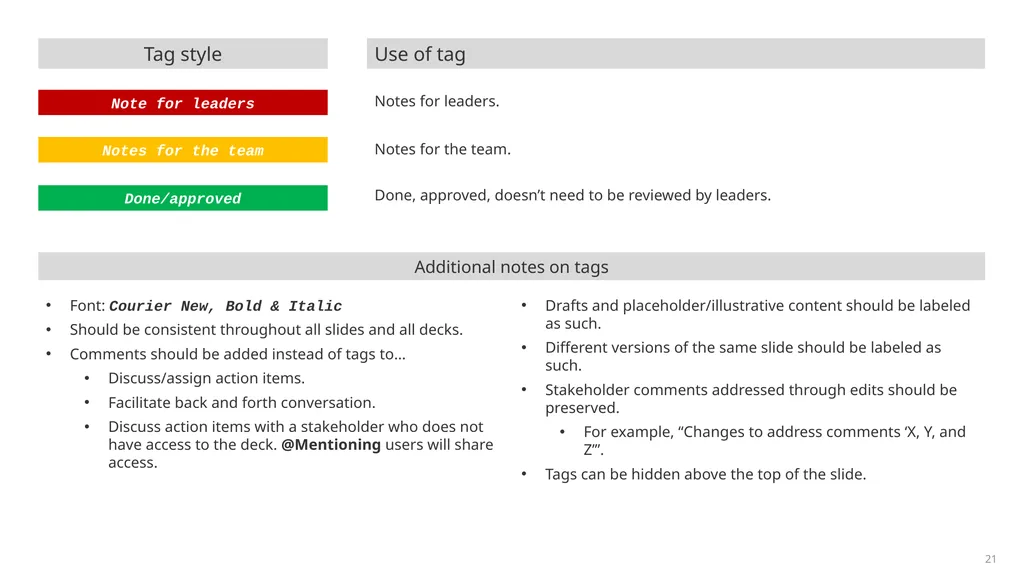
Done/approved Done, approved, doesn’t need to be reviewed by leaders. Notes for the team Notes for the team. Note for leaders Notes for leaders. Tag style Use of tag Additional notes on tags Font: Courier New, Bold & Italic
Should be consistent throughout all slides and all decks.
Comments should be added instead of tags to…
Discuss/assign action items.
Facilitate back and forth conversation.
Discuss action items with a stakeholder who does not have access to the deck. @Mentioning users will share access.
Drafts and placeholder/illustrative content should be labeled as such.
Different versions of the same slide should be labeled as such.
Stakeholder comments addressed through edits should be preserved.
For example, “Changes to address comments ‘X, Y, and Z’”.
Tags can be hidden above the top of the slide. 21<br>