
Debugging Ruth Anderson UW CSE 160 Autumn 2022 1
FD
Published · 21 slides · 0 views

1 / 1
Description
Debugging Ruth Anderson UW CSE 160 Autumn 2022 1 Example: Write a function Write a function that will return the set of a users friends with a particular user removed from that set. 2 The problem What you want your program to do What your
Related Topics
Share
Embed code
Download this presentation From Below
"Debugging Ruth Anderson UW CSE 160 Autumn 2022 1" is the property of its rightful owner. Permission is granted to download and print the materials on this website for personal, non-commercial use only, and to display it on your personal computer provided you do not modify the materials and that you retain all copyright notices contained in the materials. By downloading content from our website, you accept the terms of this agreement.
Presentation Transcript
01
Debugging Ruth Anderson
UW CSE 160
Autumn 2022 1<br>
UW CSE 160
Autumn 2022 1<br>
02
Example: Write a function Write a function that will return the set of a user’s friends with a particular user removed from that set. 2<br>
03
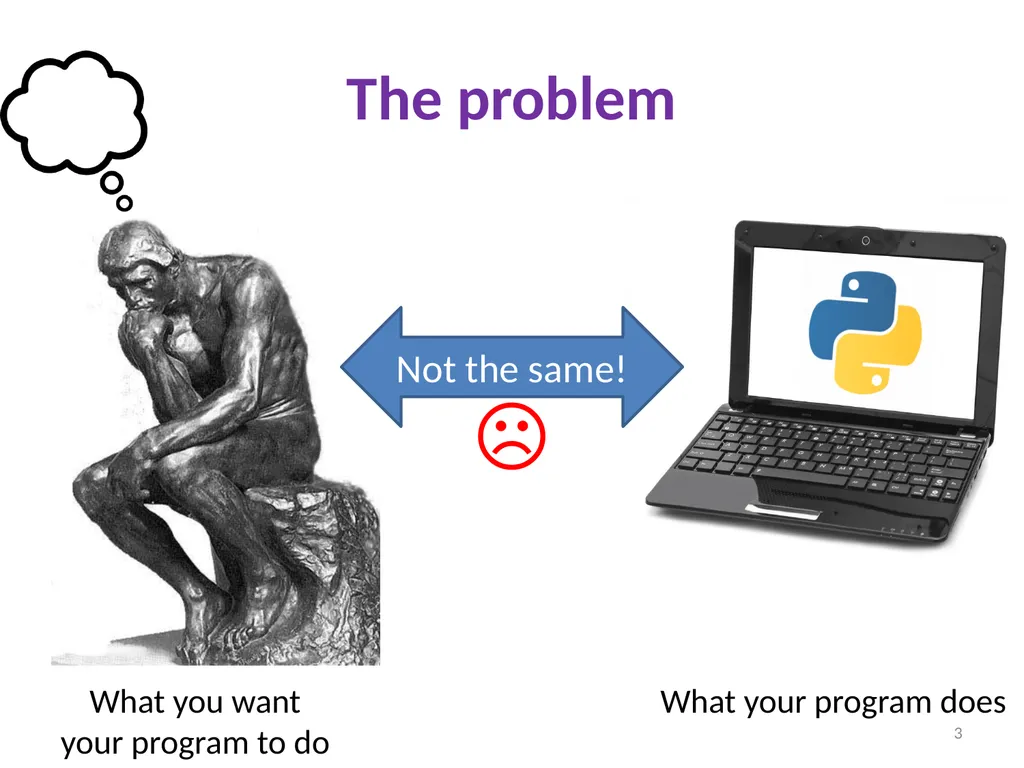
The problem What you want
your program to do What your program does Not the same! ☹ 3<br>
04
Debugging tools Python error message
assert
print
Python interpreter
Python Tutor (http://pythontutor.com)
Python debugger
Best tool: 4<br>
assert
Python interpreter
Python Tutor (http://pythontutor.com)
Python debugger
Best tool: 4<br>
05
Two key ideas The scientific method
Divide and conquer
If you master those, you will find debugging easy, and possibly enjoyable 5<br>
Divide and conquer
If you master those, you will find debugging easy, and possibly enjoyable 5<br>
06
The scientific method Create a hypothesis
Design an experiment to test that hypothesis
Ensure that it yields insight
Understand the result of your experiment
If you don’t understand, then possibly suspend your main line of work to understand that
Tips:
Be systematic
Never do anything if you don't have a reason
Don’t just flail
Random guessing is likely to dig you into a deeper hole
Don’t make assumptions (verify them) 6<br>
Design an experiment to test that hypothesis
Ensure that it yields insight
Understand the result of your experiment
If you don’t understand, then possibly suspend your main line of work to understand that
Tips:
Be systematic
Never do anything if you don't have a reason
Don’t just flail
Random guessing is likely to dig you into a deeper hole
Don’t make assumptions (verify them) 6<br>
07
Example experiments An alternate implementation of a function
Run all your test cases afterward
A new, simpler test case
Examples: smaller input, or test a function in isolation
Can help you understand the reason for a failure 7<br>
Run all your test cases afterward
A new, simpler test case
Examples: smaller input, or test a function in isolation
Can help you understand the reason for a failure 7<br>
08
Your scientific notebook Record everything you do
Specific inputs and outputs (both expected and actual)
Specific versions of the program
If you get stuck, you can return to something that works
You can write multiple implementations of a function
What you have already tried
What you are in the middle of doing now
This may look like a stack!
What you are sure of, and why
Your notebook also helps if you need to get help or reproduce your results 8<br>
Specific inputs and outputs (both expected and actual)
Specific versions of the program
If you get stuck, you can return to something that works
You can write multiple implementations of a function
What you have already tried
What you are in the middle of doing now
This may look like a stack!
What you are sure of, and why
Your notebook also helps if you need to get help or reproduce your results 8<br>
09
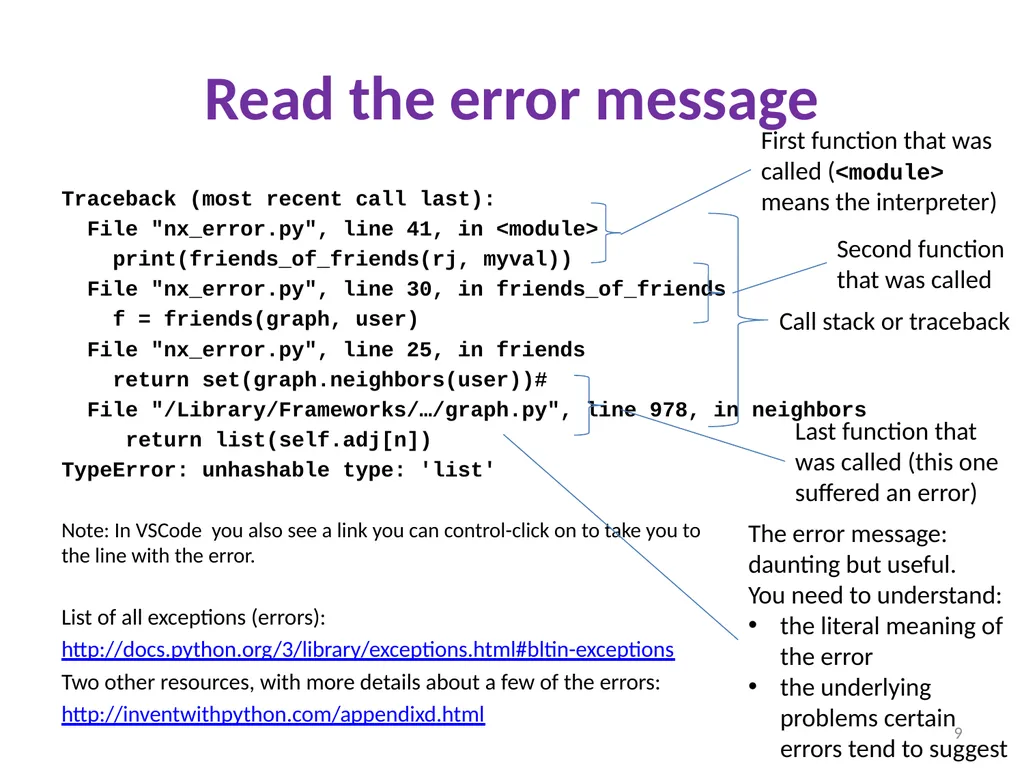
Read the error message Traceback (most recent call last):
File "nx_error.py", line 41, in <module>
print(friends_of_friends(rj, myval))
File "nx_error.py", line 30, in friends_of_friends
f = friends(graph, user)
File "nx_error.py", line 25, in friends
return set(graph.neighbors(user))#
File "/Library/Frameworks/…/graph.py", line 978, in neighbors
return list(self.adj[n])
TypeError: unhashable type: 'list'
Note: In VSCode you also see a link you can control-click on to take you to the line with the error.
List of all exceptions (errors):
http://docs.python.org/3/library/exceptions.html#bltin-exceptions
Two other resources, with more details about a few of the errors:
http://inventwithpython.com/appendixd.html Call stack or traceback First function that was called (<module> means the interpreter) Second function that was called Last function that was called (this one suffered an error) The error message: daunting but useful. You need to understand:
the literal meaning of the error
the underlying problems certain errors tend to suggest 9<br>
File "nx_error.py", line 41, in <module>
print(friends_of_friends(rj, myval))
File "nx_error.py", line 30, in friends_of_friends
f = friends(graph, user)
File "nx_error.py", line 25, in friends
return set(graph.neighbors(user))#
File "/Library/Frameworks/…/graph.py", line 978, in neighbors
return list(self.adj[n])
TypeError: unhashable type: 'list'
Note: In VSCode you also see a link you can control-click on to take you to the line with the error.
List of all exceptions (errors):
http://docs.python.org/3/library/exceptions.html#bltin-exceptions
Two other resources, with more details about a few of the errors:
http://inventwithpython.com/appendixd.html Call stack or traceback First function that was called (<module> means the interpreter) Second function that was called Last function that was called (this one suffered an error) The error message: daunting but useful. You need to understand:
the literal meaning of the error
the underlying problems certain errors tend to suggest 9<br>
10
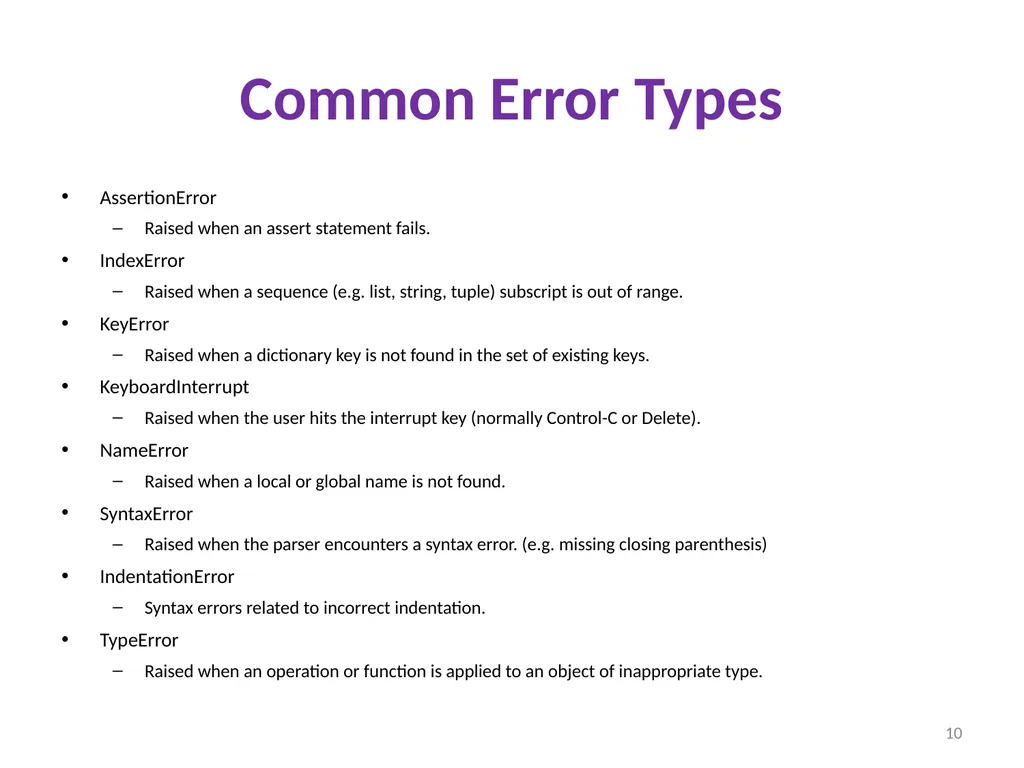
Common Error Types AssertionError
Raised when an assert statement fails.
IndexError
Raised when a sequence (e.g. list, string, tuple) subscript is out of range.
KeyError
Raised when a dictionary key is not found in the set of existing keys.
KeyboardInterrupt
Raised when the user hits the interrupt key (normally Control-C or Delete).
NameError
Raised when a local or global name is not found.
SyntaxError
Raised when the parser encounters a syntax error. (e.g. missing closing parenthesis)
IndentationError
Syntax errors related to incorrect indentation.
TypeError
Raised when an operation or function is applied to an object of inappropriate type. 10<br>
Raised when an assert statement fails.
IndexError
Raised when a sequence (e.g. list, string, tuple) subscript is out of range.
KeyError
Raised when a dictionary key is not found in the set of existing keys.
KeyboardInterrupt
Raised when the user hits the interrupt key (normally Control-C or Delete).
NameError
Raised when a local or global name is not found.
SyntaxError
Raised when the parser encounters a syntax error. (e.g. missing closing parenthesis)
IndentationError
Syntax errors related to incorrect indentation.
TypeError
Raised when an operation or function is applied to an object of inappropriate type. 10<br>
11
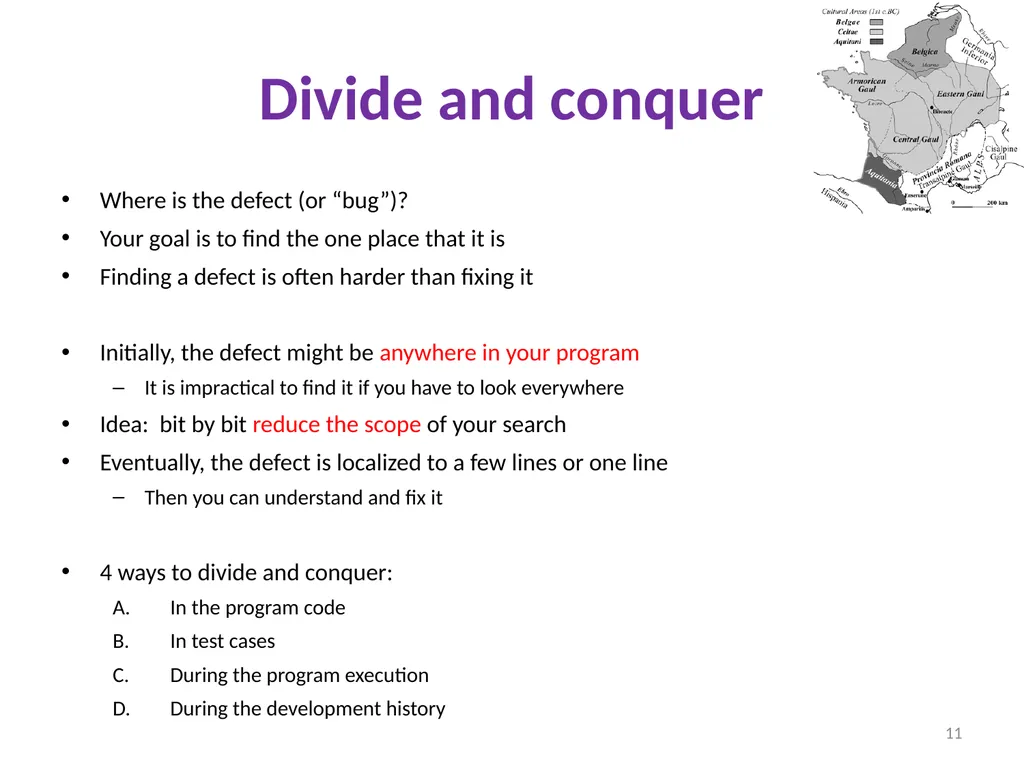
Divide and conquer Where is the defect (or “bug”)?
Your goal is to find the one place that it is
Finding a defect is often harder than fixing it
Initially, the defect might be anywhere in your program
It is impractical to find it if you have to look everywhere
Idea: bit by bit reduce the scope of your search
Eventually, the defect is localized to a few lines or one line
Then you can understand and fix it
4 ways to divide and conquer:
In the program code
In test cases
During the program execution
During the development history 11<br>
Your goal is to find the one place that it is
Finding a defect is often harder than fixing it
Initially, the defect might be anywhere in your program
It is impractical to find it if you have to look everywhere
Idea: bit by bit reduce the scope of your search
Eventually, the defect is localized to a few lines or one line
Then you can understand and fix it
4 ways to divide and conquer:
In the program code
In test cases
During the program execution
During the development history 11<br>
12
A. Divide & conquer in the program code Localize the defect to part of the program
e.g., one function, or one part of a function
Code that isn’t executed cannot contain the defect
3 approaches:
Test one function at a time
Add assertions or print statements
The defect is executed before the failing assertion (and maybe after a succeeding assertion)
Split complex expressions into simpler ones
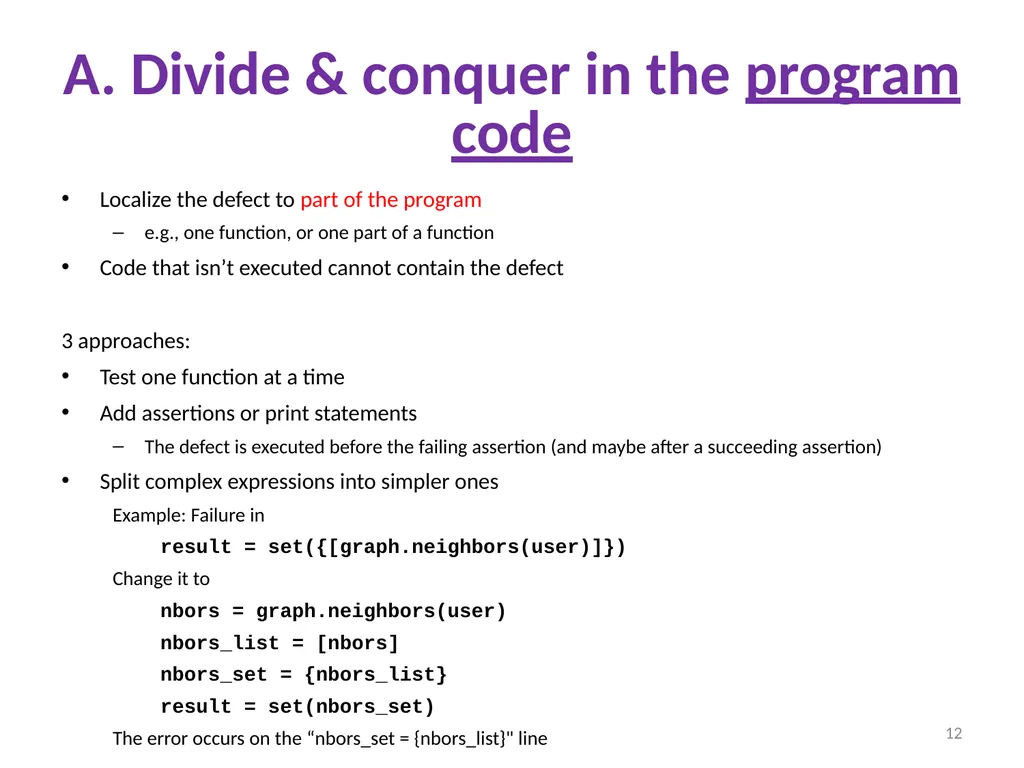
Example: Failure in
result = set({[graph.neighbors(user)]})
Change it to
nbors = graph.neighbors(user)
nbors_list = [nbors]
nbors_set = {nbors_list}
result = set(nbors_set)
The error occurs on the “nbors_set = {nbors_list}" line 12<br>
e.g., one function, or one part of a function
Code that isn’t executed cannot contain the defect
3 approaches:
Test one function at a time
Add assertions or print statements
The defect is executed before the failing assertion (and maybe after a succeeding assertion)
Split complex expressions into simpler ones
Example: Failure in
result = set({[graph.neighbors(user)]})
Change it to
nbors = graph.neighbors(user)
nbors_list = [nbors]
nbors_set = {nbors_list}
result = set(nbors_set)
The error occurs on the “nbors_set = {nbors_list}" line 12<br>
13
B. Divide & conquer in test cases Your program fails when run on some large input
It’s hard to comprehend the error message
The log of print statement output is overwhelming
Try a smaller input
Choose an input with some but not all characteristics of the large input
Example: duplicates, zeroes in data, … 13<br>
It’s hard to comprehend the error message
The log of print statement output is overwhelming
Try a smaller input
Choose an input with some but not all characteristics of the large input
Example: duplicates, zeroes in data, … 13<br>
14
C. Divide & conquer in execution time
via print (or “logging”) statements A sequence of print statements is a record of the execution of your program
The print statements let you see and search multiple moments in time
Print statements are a useful technique, in moderation
Be disciplined
Too much output is overwhelming rather than informative
Remember the scientific method: have a reason (a hypothesis to be tested) for each print statement 14<br>
The print statements let you see and search multiple moments in time
Print statements are a useful technique, in moderation
Be disciplined
Too much output is overwhelming rather than informative
Remember the scientific method: have a reason (a hypothesis to be tested) for each print statement 14<br>
15
D. Divide & conquer
in development history The code used to work (for some test case)
The code now fails
The defect is related to some line you changed
This is useful only if you kept a version of the code that worked (use good names!)
This is most useful if you have made few changes
Moral: test often!
Fewer lines to compare
You remember what you were thinking/doing recently 15<br>
The code now fails
The defect is related to some line you changed
This is useful only if you kept a version of the code that worked (use good names!)
This is most useful if you have made few changes
Moral: test often!
Fewer lines to compare
You remember what you were thinking/doing recently 15<br>
16
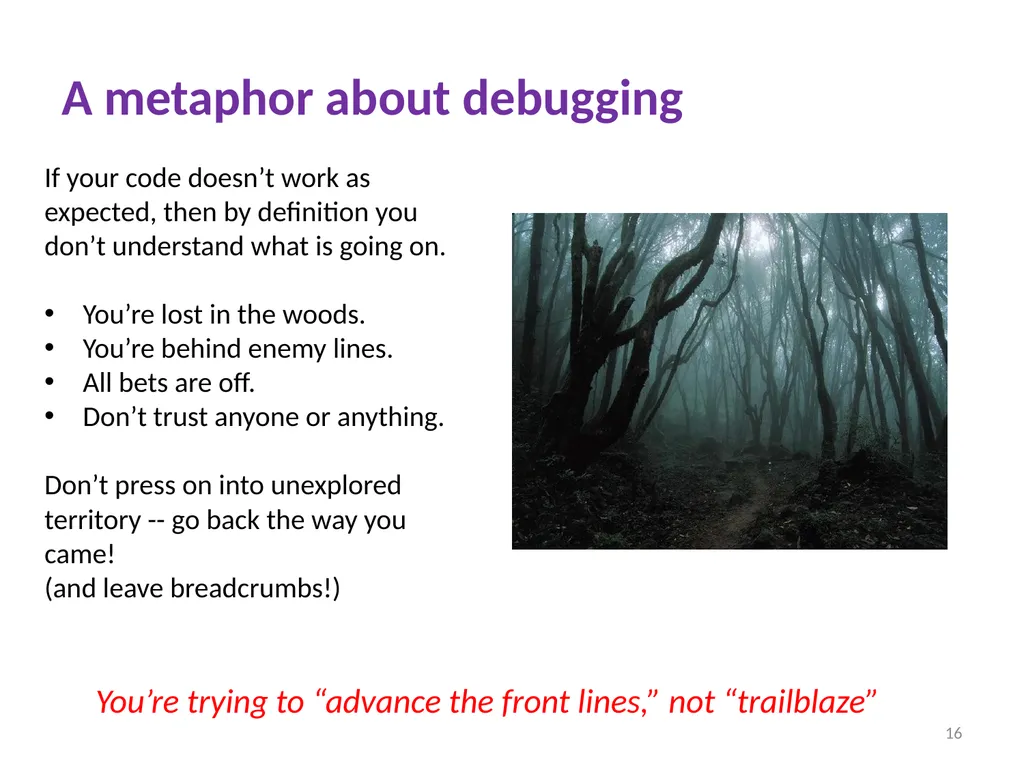
A metaphor about debugging If your code doesn’t work as expected, then by definition you don’t understand what is going on.
You’re lost in the woods.
You’re behind enemy lines.
All bets are off.
Don’t trust anyone or anything.
Don’t press on into unexplored territory -- go back the way you came!
(and leave breadcrumbs!) You’re trying to “advance the front lines,” not “trailblaze” 16<br>
You’re lost in the woods.
You’re behind enemy lines.
All bets are off.
Don’t trust anyone or anything.
Don’t press on into unexplored territory -- go back the way you came!
(and leave breadcrumbs!) You’re trying to “advance the front lines,” not “trailblaze” 16<br>
17
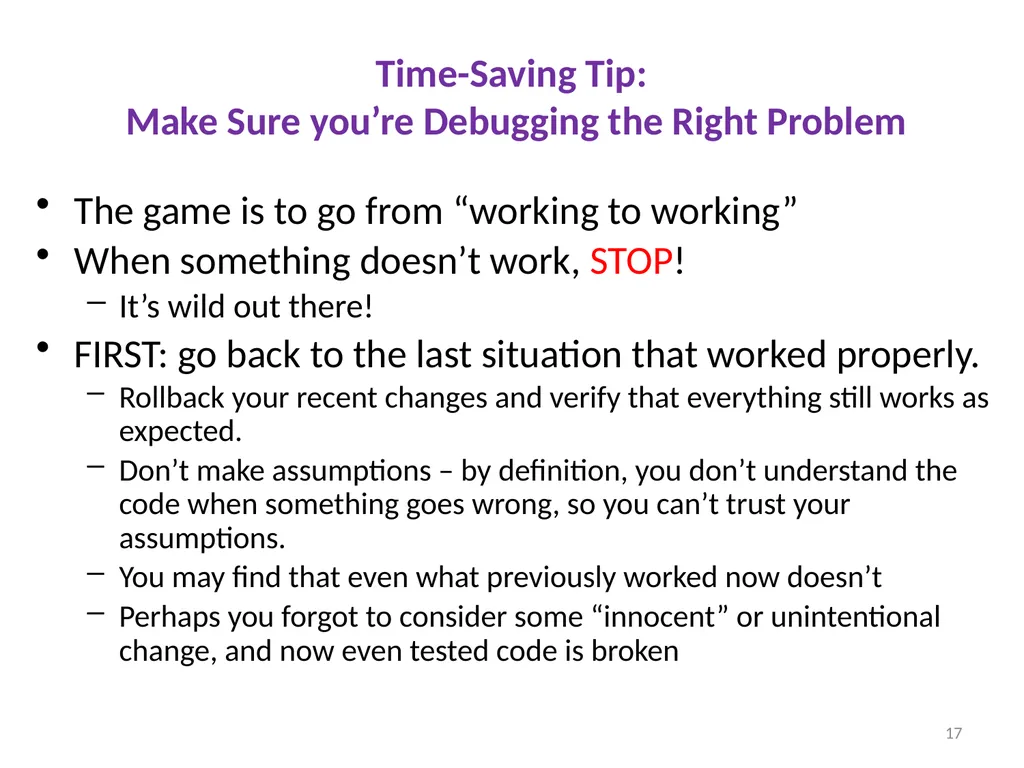
Time-Saving Tip:
Make Sure you’re Debugging the Right Problem The game is to go from “working to working”
When something doesn’t work, STOP!
It’s wild out there!
FIRST: go back to the last situation that worked properly.
Rollback your recent changes and verify that everything still works as expected.
Don’t make assumptions – by definition, you don’t understand the code when something goes wrong, so you can’t trust your assumptions.
You may find that even what previously worked now doesn’t
Perhaps you forgot to consider some “innocent” or unintentional change, and now even tested code is broken 17<br>
When something doesn’t work, STOP!
It’s wild out there!
FIRST: go back to the last situation that worked properly.
Rollback your recent changes and verify that everything still works as expected.
Don’t make assumptions – by definition, you don’t understand the code when something goes wrong, so you can’t trust your assumptions.
You may find that even what previously worked now doesn’t
Perhaps you forgot to consider some “innocent” or unintentional change, and now even tested code is broken 17<br>
18
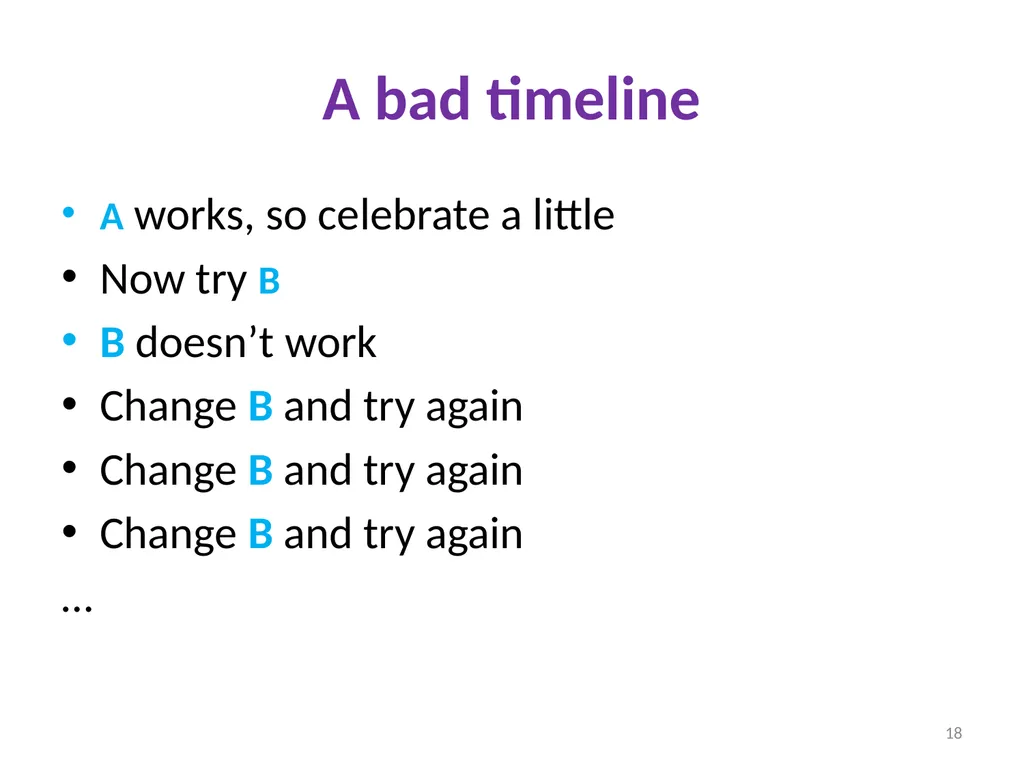
A bad timeline A works, so celebrate a little
Now try B
B doesn’t work
Change B and try again
Change B and try again
Change B and try again
… 18<br>
Now try B
B doesn’t work
Change B and try again
Change B and try again
Change B and try again
… 18<br>
19
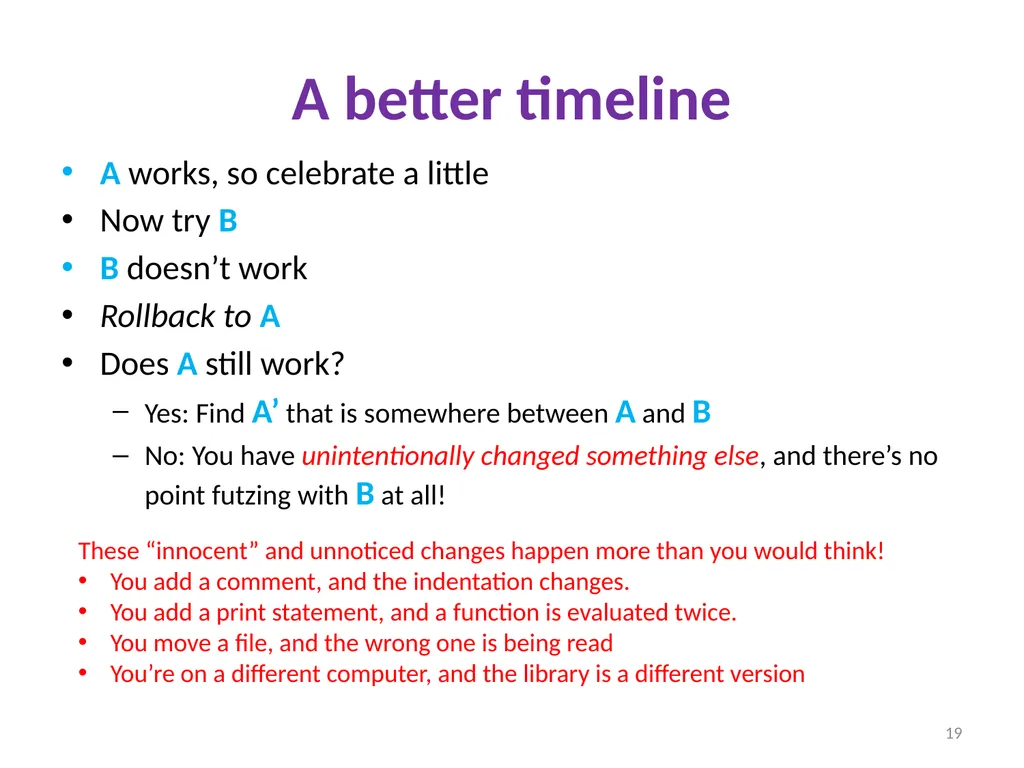
A better timeline A works, so celebrate a little
Now try B
B doesn’t work
Rollback to A
Does A still work?
Yes: Find A’ that is somewhere between A and B
No: You have unintentionally changed something else, and there’s no point futzing with B at all! These “innocent” and unnoticed changes happen more than you would think!
You add a comment, and the indentation changes.
You add a print statement, and a function is evaluated twice.
You move a file, and the wrong one is being read
You’re on a different computer, and the library is a different version 19<br>
Now try B
B doesn’t work
Rollback to A
Does A still work?
Yes: Find A’ that is somewhere between A and B
No: You have unintentionally changed something else, and there’s no point futzing with B at all! These “innocent” and unnoticed changes happen more than you would think!
You add a comment, and the indentation changes.
You add a print statement, and a function is evaluated twice.
You move a file, and the wrong one is being read
You’re on a different computer, and the library is a different version 19<br>
20
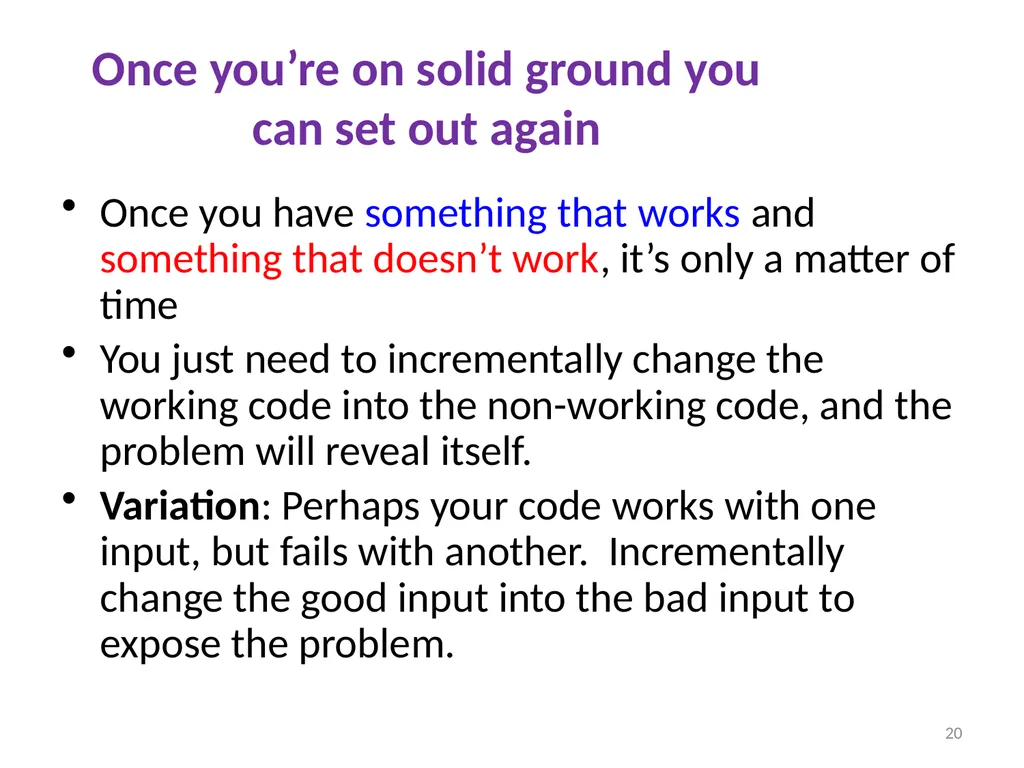
Once you’re on solid ground you can set out again Once you have something that works and something that doesn’t work, it’s only a matter of time
You just need to incrementally change the working code into the non-working code, and the problem will reveal itself.
Variation: Perhaps your code works with one input, but fails with another. Incrementally change the good input into the bad input to expose the problem. 20<br>
You just need to incrementally change the working code into the non-working code, and the problem will reveal itself.
Variation: Perhaps your code works with one input, but fails with another. Incrementally change the good input into the bad input to expose the problem. 20<br>
21
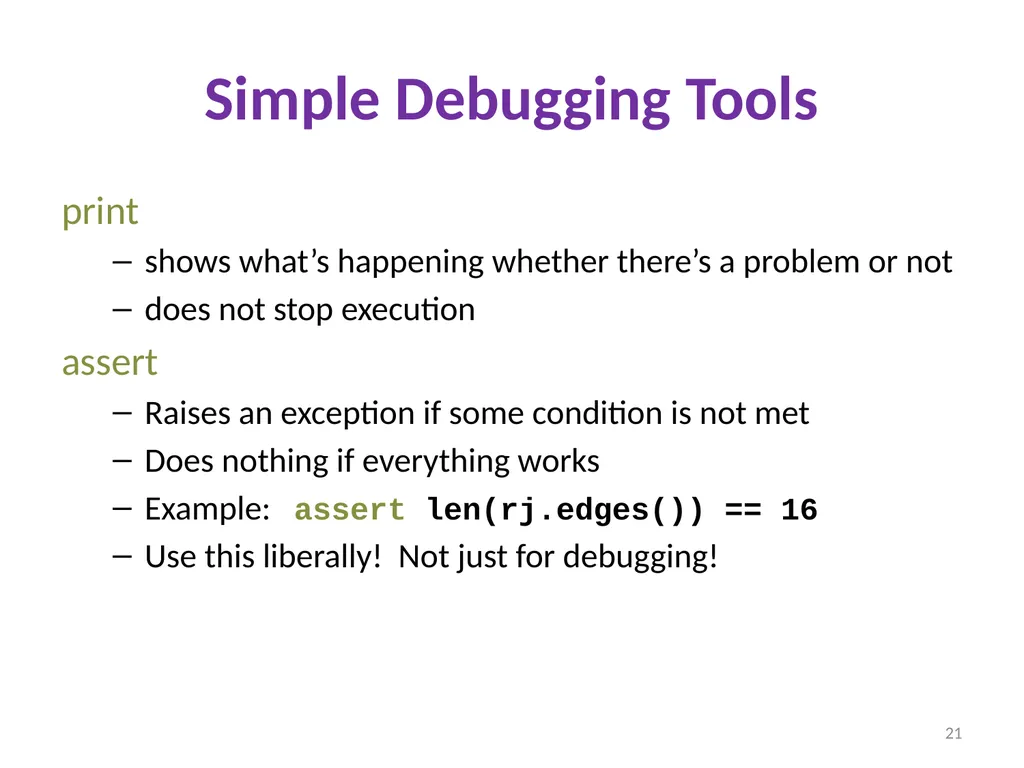
Simple Debugging Tools print
shows what’s happening whether there’s a problem or not
does not stop execution
assert
Raises an exception if some condition is not met
Does nothing if everything works
Example: assert len(rj.edges()) == 16
Use this liberally! Not just for debugging! 21<br>
shows what’s happening whether there’s a problem or not
does not stop execution
assert
Raises an exception if some condition is not met
Does nothing if everything works
Example: assert len(rj.edges()) == 16
Use this liberally! Not just for debugging! 21<br>