Defensive Programming Defensive Programming Good programming practices that protect you from your own programming mistakes, as well as those of others Assertions Parameter Checking Assertions As we program, we make many assumptions about
"Defensive Programming Defensive Programming Good" is the property of its rightful owner. Permission is granted to
download and print the materials on this website for personal, non-commercial use only, and to display it
on your personal computer provided you do not modify the materials and that you retain all copyright
notices contained in the materials. By downloading content from our website, you accept the terms of this
agreement.
Presentation Transcript
01
Defensive Programming<br>
02
Defensive Programming Good programming practices that protect you from your own programming mistakes, as well as those of others
Assertions
Parameter Checking<br>
03
Assertions As we program, we make many assumptions about the state of the program at each point in the code
A variable's value is in a particular range
A file exists, is writable, is open, etc.
Some data is sorted
A network connection to another machine was successfully opened
…
The correctness of our program depends on the validity of our assumptions
Faulty assumptions result in buggy, unreliable code<br>
04
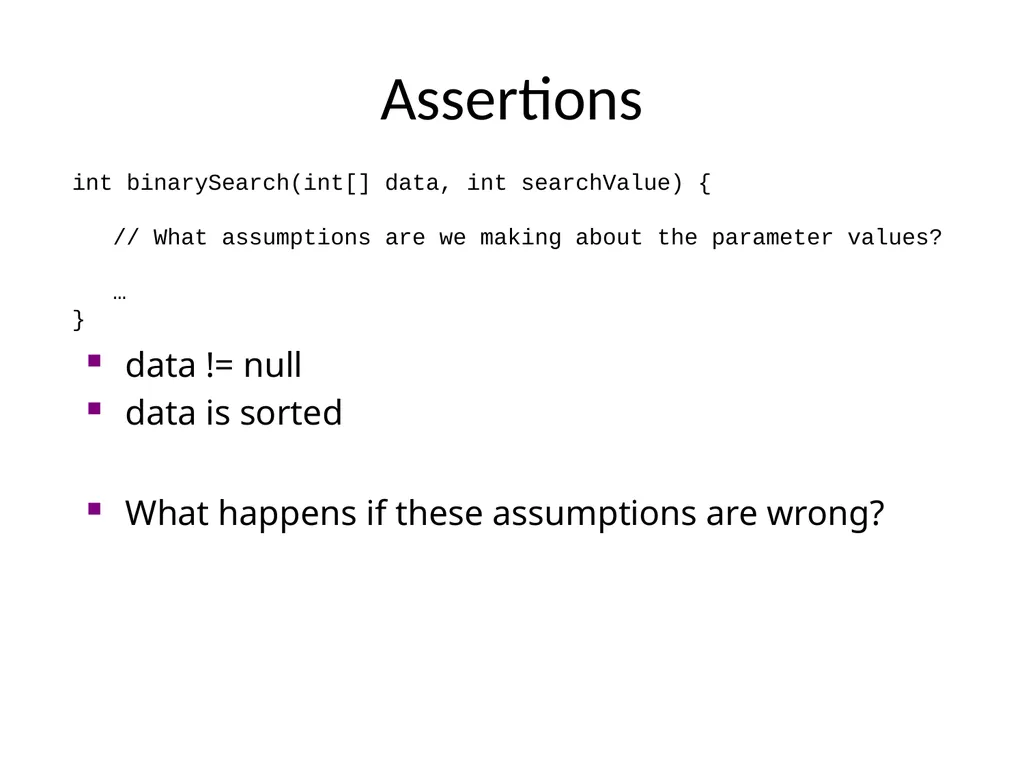
Assertions int binarySearch(int[] data, int searchValue) {
// What assumptions are we making about the parameter values?
…
} data != null
data is sorted What happens if these assumptions are wrong?<br>
05
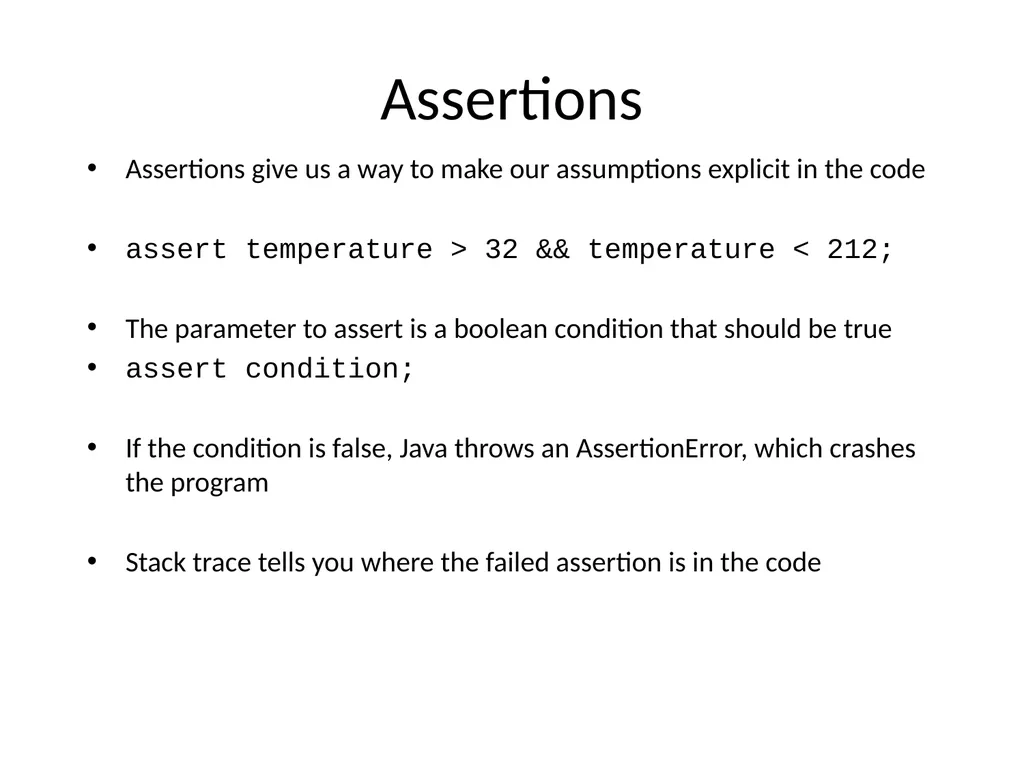
Assertions Assertions give us a way to make our assumptions explicit in the code
assert temperature > 32 && temperature < 212;
The parameter to assert is a boolean condition that should be true
assert condition;
If the condition is false, Java throws an AssertionError, which crashes the program
Stack trace tells you where the failed assertion is in the code<br>
06
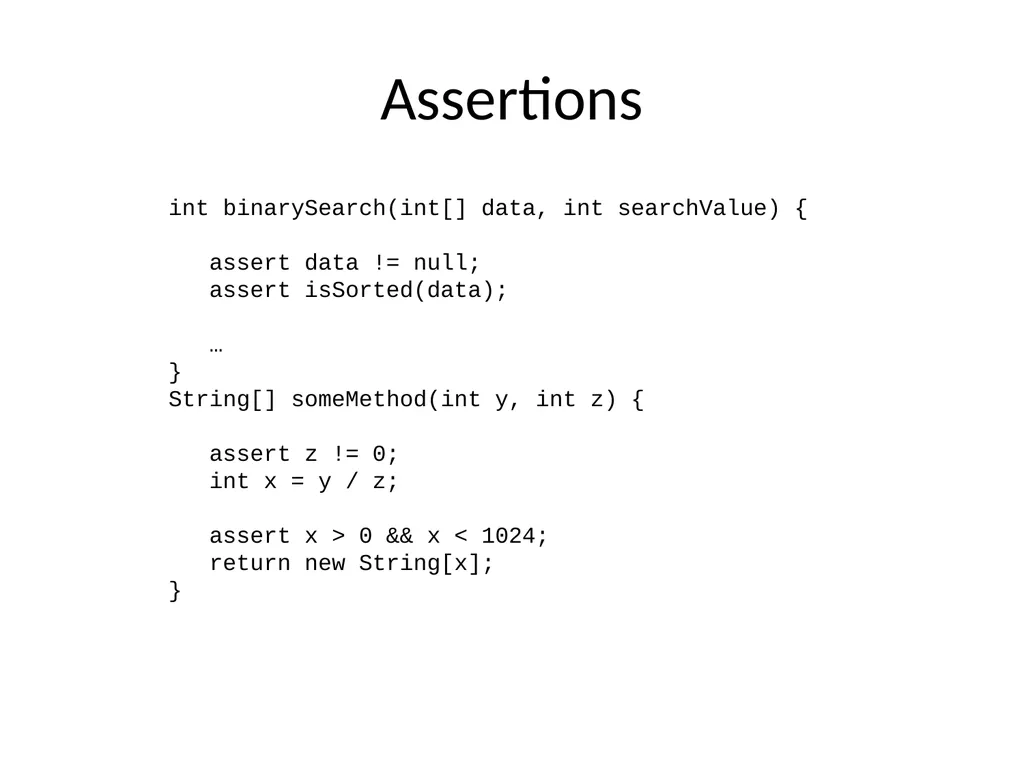
Assertions int binarySearch(int[] data, int searchValue) {
assert data != null;
assert isSorted(data);
…
}
String[] someMethod(int y, int z) {
assert z != 0;
int x = y / z;
assert x > 0 && x < 1024;
return new String[x];
}<br>
07
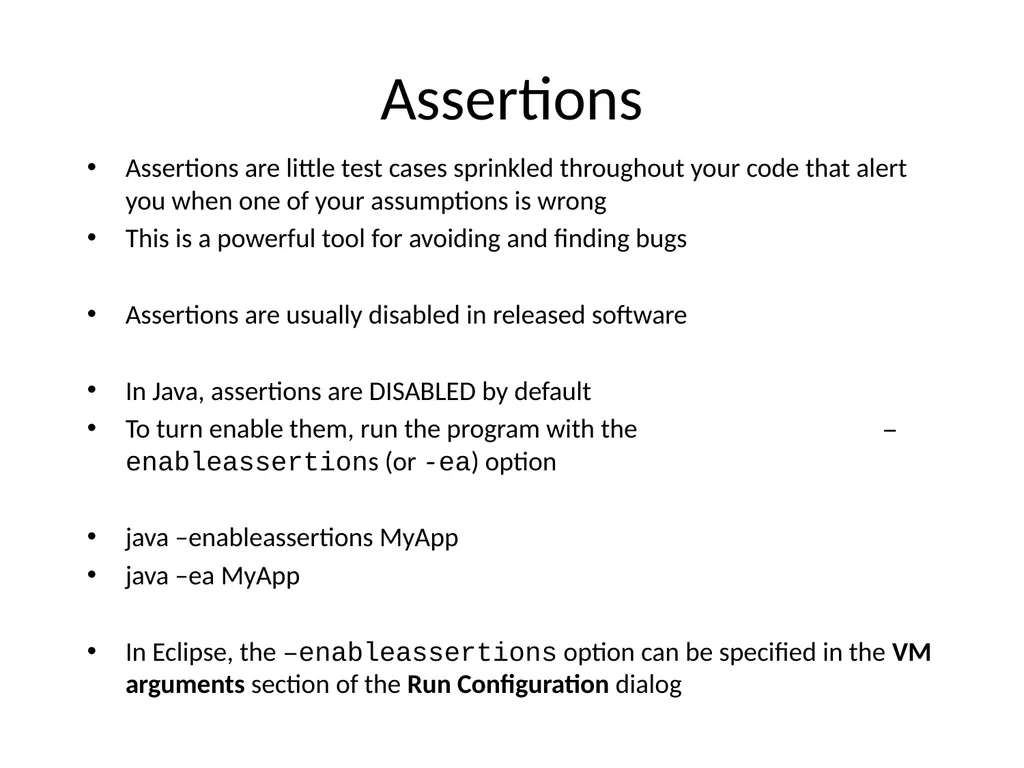
Assertions Assertions are little test cases sprinkled throughout your code that alert you when one of your assumptions is wrong
This is a powerful tool for avoiding and finding bugs
Assertions are usually disabled in released software
In Java, assertions are DISABLED by default
To turn enable them, run the program with the –enableassertions (or -ea) option
java –enableassertions MyApp
java –ea MyApp
In Eclipse, the –enableassertions option can be specified in the VM arguments section of the Run Configuration dialog<br>
08
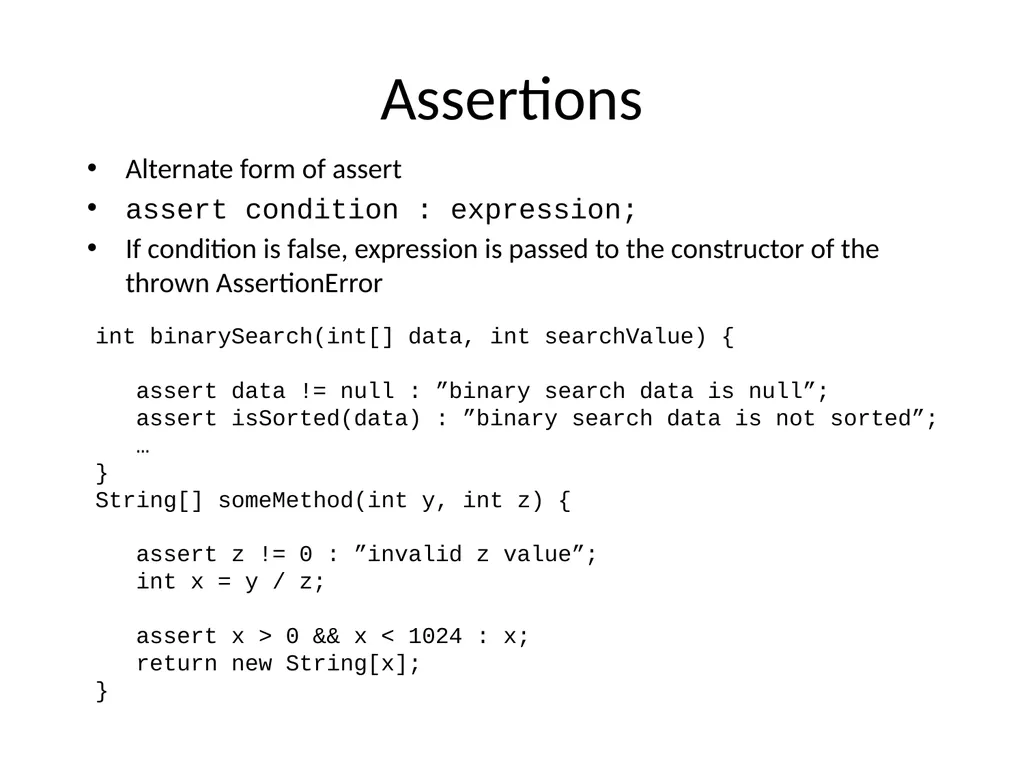
Assertions Alternate form of assert
assert condition : expression;
If condition is false, expression is passed to the constructor of the thrown AssertionError int binarySearch(int[] data, int searchValue) {
assert data != null : ”binary search data is null”;
assert isSorted(data) : ”binary search data is not sorted”;
…
}
String[] someMethod(int y, int z) {
assert z != 0 : ”invalid z value”;
int x = y / z;
assert x > 0 && x < 1024 : x;
return new String[x];
}<br>
09
Assertions If one of my assumptions is wrong, shouldn't I throw an exception?
No. You should fix the bug, not throw an exception.<br>
10
Parameter Checking Another important defensive programming technique is "parameter checking"
A method or function should always check its input parameters to ensure that they are valid
If they are invalid, it should indicate that an error has occurred rather than proceeding
This prevents errors from propagating through the code before they are detected
By detecting the error close to the place in the code where it originally occurred, debugging is greatly simplified<br>
11
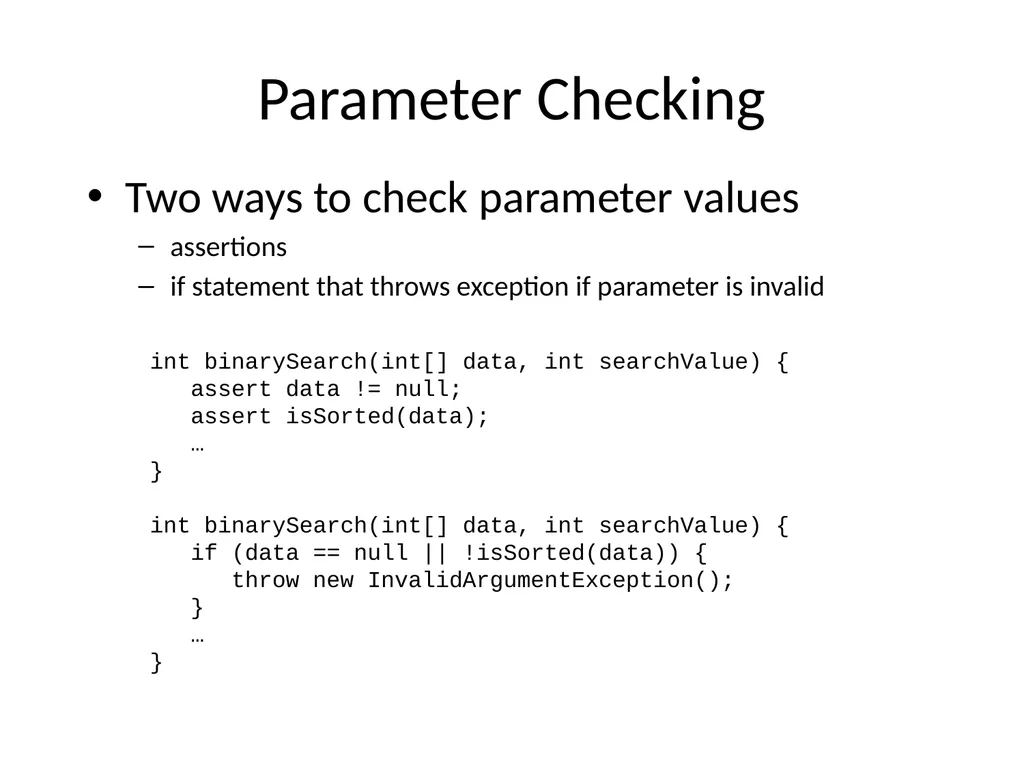
Parameter Checking Two ways to check parameter values
assertions
if statement that throws exception if parameter is invalid int binarySearch(int[] data, int searchValue) {
assert data != null;
assert isSorted(data);
…
}
int binarySearch(int[] data, int searchValue) {
if (data == null || !isSorted(data)) {
throw new InvalidArgumentException();
}
…
}<br>
12
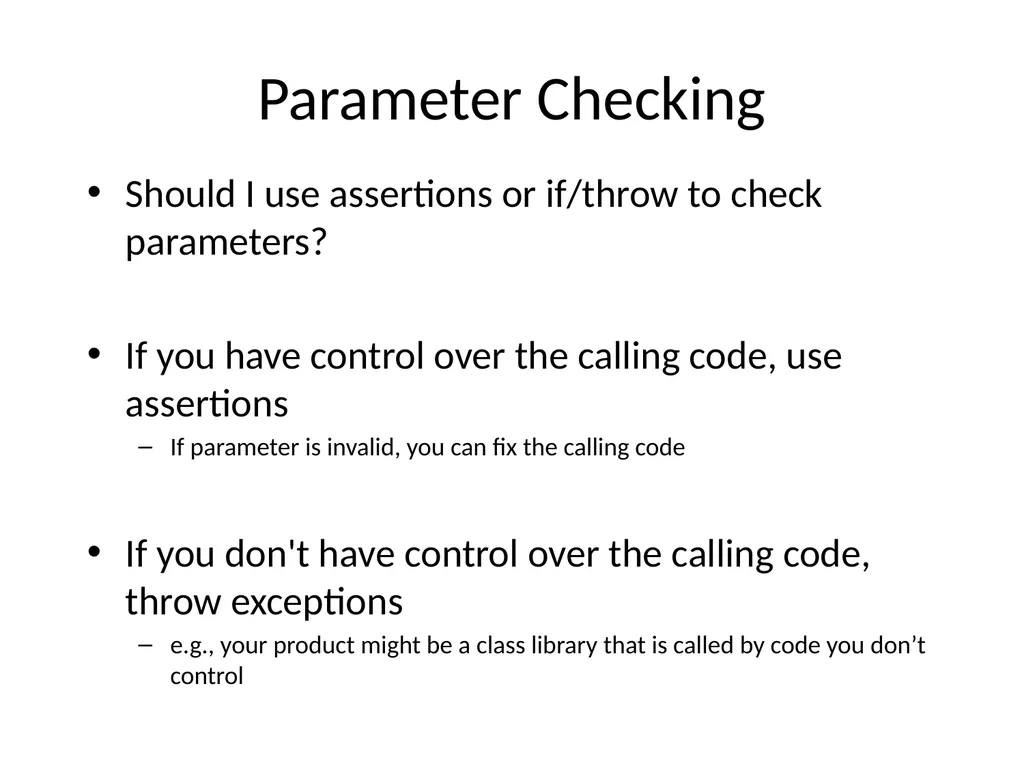
Parameter Checking Should I use assertions or if/throw to check parameters?
If you have control over the calling code, use assertions
If parameter is invalid, you can fix the calling code
If you don't have control over the calling code, throw exceptions
e.g., your product might be a class library that is called by code you don’t control<br>