
Dictionaries A dictionary is mutable and is
SB
Published · 31 slides · 0 views
1 / 1
Description
Dictionaries A dictionary is mutable and is another container type that can store any number of Python objects, including other container types. Dictionaries consist of pairs (called items) of keys and their corresponding values. Python
Related Topics
Share
Embed code
Download this presentation From Below
"Dictionaries A dictionary is mutable and is" is the property of its rightful owner. Permission is granted to download and print the materials on this website for personal, non-commercial use only, and to display it on your personal computer provided you do not modify the materials and that you retain all copyright notices contained in the materials. By downloading content from our website, you accept the terms of this agreement.
Presentation Transcript
01
Dictionaries<br>
02
A dictionary is mutable and is another container type that can store any
number of Python objects, including other container types.
Dictionaries consist of pairs (called items) of keys and their corresponding
values.
Python dictionaries are also known as associative arrays or hash tables.
Key Concepts
Key: A unique identifier for an item in the dictionary. It can be a string, number, or tuple (as long as it is immutable).
Value: The data associated with the key. Values can be of any type, including lists, dictionaries, or custom objects.
In Python, dictionary keys have always been required to be immutable, regardless of the version. This means types like strings, numbers, and tuples (that contain only immutable elements) can be used as keys, while mutable types like lists and dictionaries cannot be used as keys.
Why Use Dictionaries?
Dictionaries are useful for:
Fast lookups: You can quickly retrieve a value using its key.
Flexible data structures: You can store various data types and complex data relationships.<br>
number of Python objects, including other container types.
Dictionaries consist of pairs (called items) of keys and their corresponding
values.
Python dictionaries are also known as associative arrays or hash tables.
Key Concepts
Key: A unique identifier for an item in the dictionary. It can be a string, number, or tuple (as long as it is immutable).
Value: The data associated with the key. Values can be of any type, including lists, dictionaries, or custom objects.
In Python, dictionary keys have always been required to be immutable, regardless of the version. This means types like strings, numbers, and tuples (that contain only immutable elements) can be used as keys, while mutable types like lists and dictionaries cannot be used as keys.
Why Use Dictionaries?
Dictionaries are useful for:
Fast lookups: You can quickly retrieve a value using its key.
Flexible data structures: You can store various data types and complex data relationships.<br>
03
Creating Dictionary:
It is a collection of an unordered set of key:value pairs which are enclosed
in curly braces. The key value pairs are seperated by commas.
Eg: Alice: 2341
The words to the left of colon are called as keys and the words to the right
of the colon are called as values.
The dictionary is indexed by keys. Dictionary keys are case sensitive.
Syntax: dictionary_name ={key_1:value_1, key_2:value_2,
key_3:value_3….key_n:value_n}
dict={"v":"violet","o":"orange","b":"blue","y":"yellow"}<br>
It is a collection of an unordered set of key:value pairs which are enclosed
in curly braces. The key value pairs are seperated by commas.
Eg: Alice: 2341
The words to the left of colon are called as keys and the words to the right
of the colon are called as values.
The dictionary is indexed by keys. Dictionary keys are case sensitive.
Syntax: dictionary_name ={key_1:value_1, key_2:value_2,
key_3:value_3….key_n:value_n}
dict={"v":"violet","o":"orange","b":"blue","y":"yellow"}<br>
04
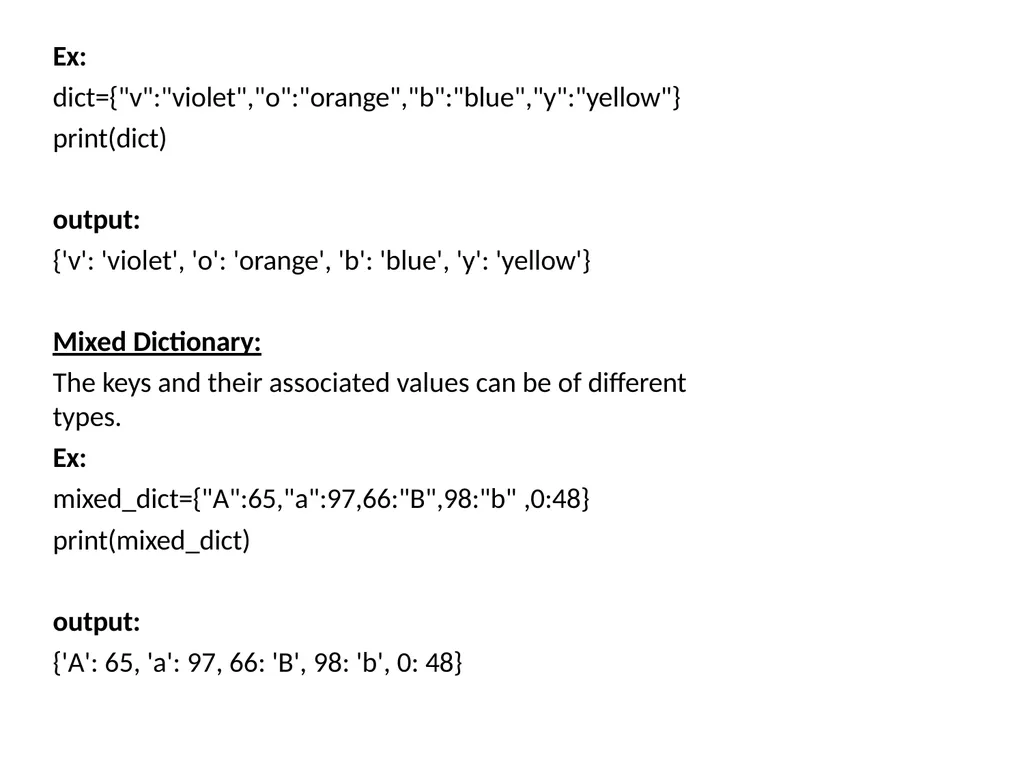
Ex: dict={"v":"violet","o":"orange","b":"blue","y":"yellow"} print(dict)
output:
{'v': 'violet', 'o': 'orange', 'b': 'blue', 'y': 'yellow'}
Mixed Dictionary:
The keys and their associated values can be of different types.
Ex:
mixed_dict={"A":65,"a":97,66:"B",98:"b" ,0:48}
print(mixed_dict)
output:
{'A': 65, 'a': 97, 66: 'B', 98: 'b', 0: 48}<br>
output:
{'v': 'violet', 'o': 'orange', 'b': 'blue', 'y': 'yellow'}
Mixed Dictionary:
The keys and their associated values can be of different types.
Ex:
mixed_dict={"A":65,"a":97,66:"B",98:"b" ,0:48}
print(mixed_dict)
output:
{'A': 65, 'a': 97, 66: 'B', 98: 'b', 0: 48}<br>
05
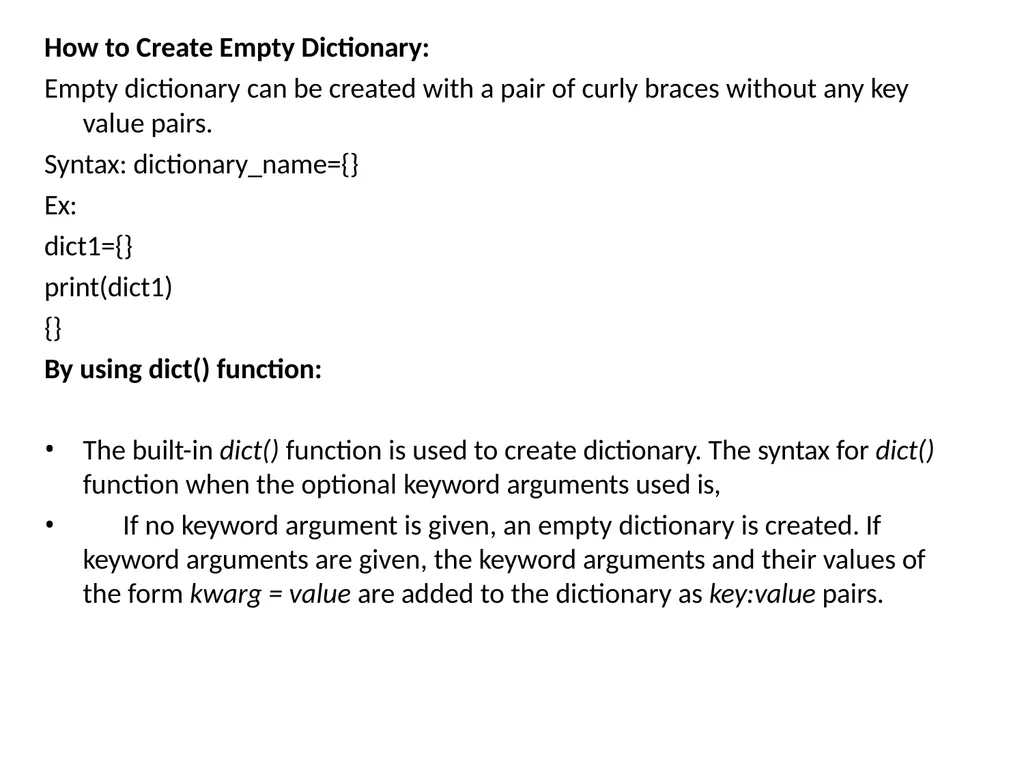
How to Create Empty Dictionary:
Empty dictionary can be created with a pair of curly braces without any key
value pairs.
Syntax: dictionary_name={}
Ex:
dict1={}
print(dict1)
{}
By using dict() function:
The built-in dict() function is used to create dictionary. The syntax for dict()
function when the optional keyword arguments used is,
If no keyword argument is given, an empty dictionary is created. If keyword arguments are given, the keyword arguments and their values of the form kwarg = value are added to the dictionary as key:value pairs.<br>
Empty dictionary can be created with a pair of curly braces without any key
value pairs.
Syntax: dictionary_name={}
Ex:
dict1={}
print(dict1)
{}
By using dict() function:
The built-in dict() function is used to create dictionary. The syntax for dict()
function when the optional keyword arguments used is,
If no keyword argument is given, an empty dictionary is created. If keyword arguments are given, the keyword arguments and their values of the form kwarg = value are added to the dictionary as key:value pairs.<br>
06
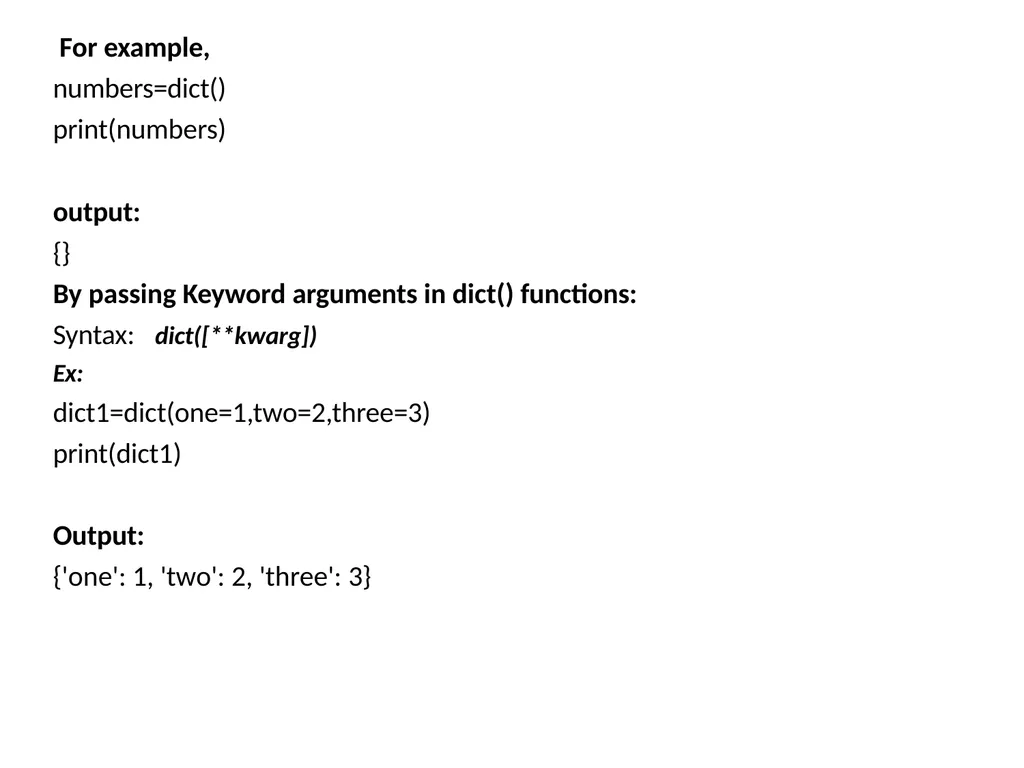
For example, numbers=dict() print(numbers) output:
{}
By passing Keyword arguments in dict() functions: dict([**kwarg]) Syntax:
Ex:
dict1=dict(one=1,two=2,three=3)
print(dict1) Output:
{'one': 1, 'two': 2, 'three': 3}<br>
{}
By passing Keyword arguments in dict() functions: dict([**kwarg]) Syntax:
Ex:
dict1=dict(one=1,two=2,three=3)
print(dict1) Output:
{'one': 1, 'two': 2, 'three': 3}<br>
07
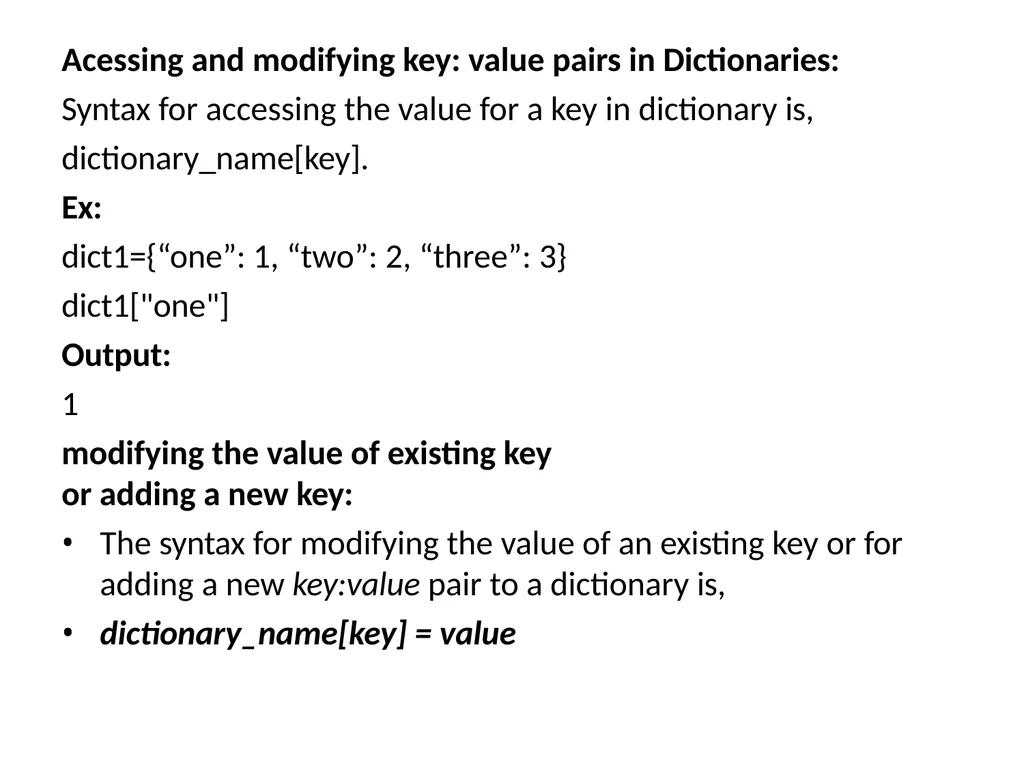
Acessing and modifying key: value pairs in Dictionaries: Syntax for accessing the value for a key in dictionary is, dictionary_name[key].
Ex:
dict1={“one”: 1, “two”: 2, “three”: 3} dict1["one"]
Output:
1
modifying the value of existing key or adding a new key:
The syntax for modifying the value of an existing key or for adding a new key:value pair to a dictionary is,
dictionary_name[key] = value<br>
Ex:
dict1={“one”: 1, “two”: 2, “three”: 3} dict1["one"]
Output:
1
modifying the value of existing key or adding a new key:
The syntax for modifying the value of an existing key or for adding a new key:value pair to a dictionary is,
dictionary_name[key] = value<br>
08
Ex:
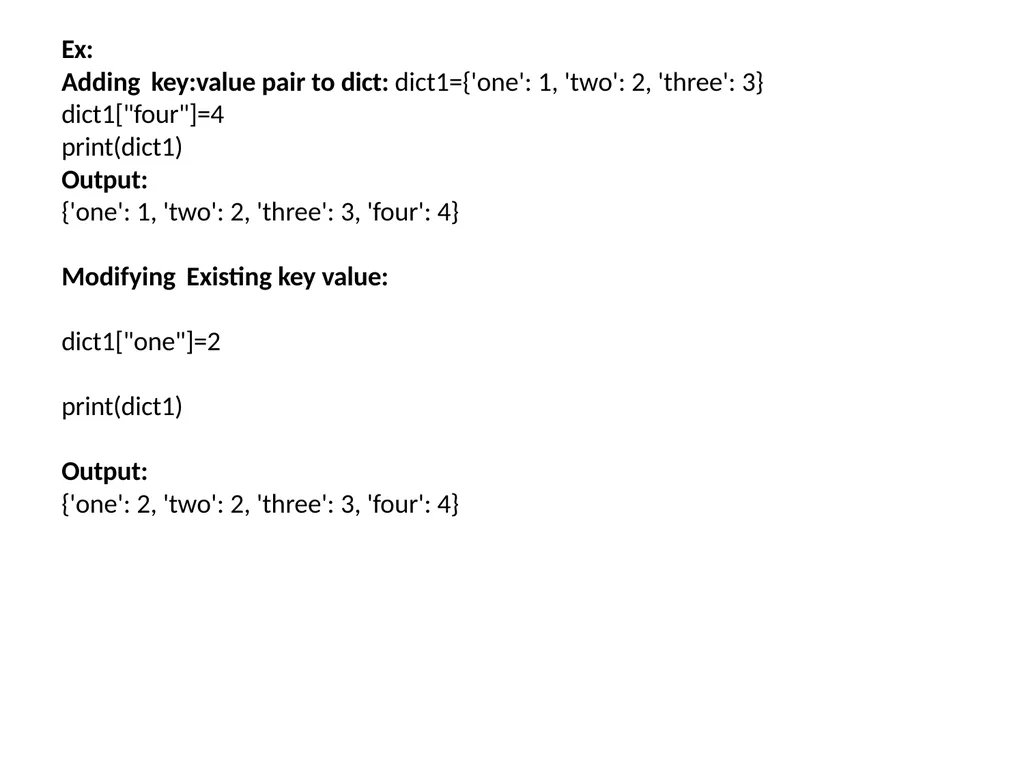
Adding key:value pair to dict: dict1={'one': 1, 'two': 2, 'three': 3} dict1["four"]=4
print(dict1)
Output:
{'one': 1, 'two': 2, 'three': 3, 'four': 4}
Modifying Existing key value:
dict1["one"]=2
print(dict1)
Output:
{'one': 2, 'two': 2, 'three': 3, 'four': 4}<br>
Adding key:value pair to dict: dict1={'one': 1, 'two': 2, 'three': 3} dict1["four"]=4
print(dict1)
Output:
{'one': 1, 'two': 2, 'three': 3, 'four': 4}
Modifying Existing key value:
dict1["one"]=2
print(dict1)
Output:
{'one': 2, 'two': 2, 'three': 3, 'four': 4}<br>
09
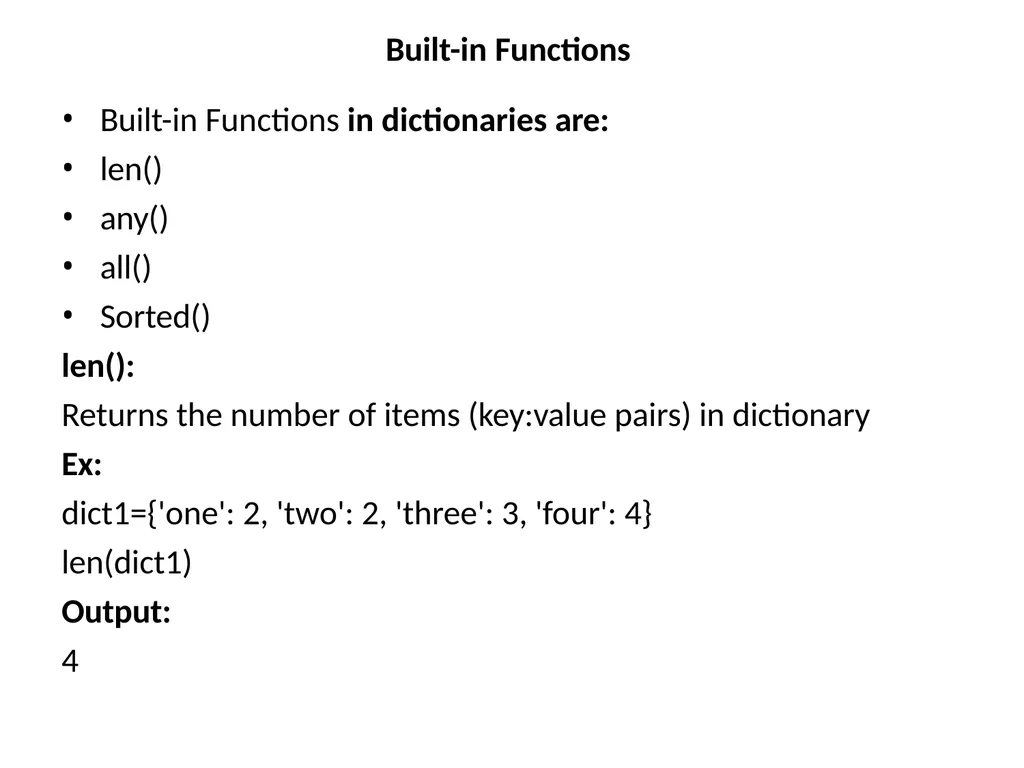
Built-in Functions Built-in Functions in dictionaries are:
len()
any()
all()
Sorted()
len():
Returns the number of items (key:value pairs) in dictionary
Ex:
dict1={'one': 2, 'two': 2, 'three': 3, 'four': 4}
len(dict1) Output: 4<br>
len()
any()
all()
Sorted()
len():
Returns the number of items (key:value pairs) in dictionary
Ex:
dict1={'one': 2, 'two': 2, 'three': 3, 'four': 4}
len(dict1) Output: 4<br>
10
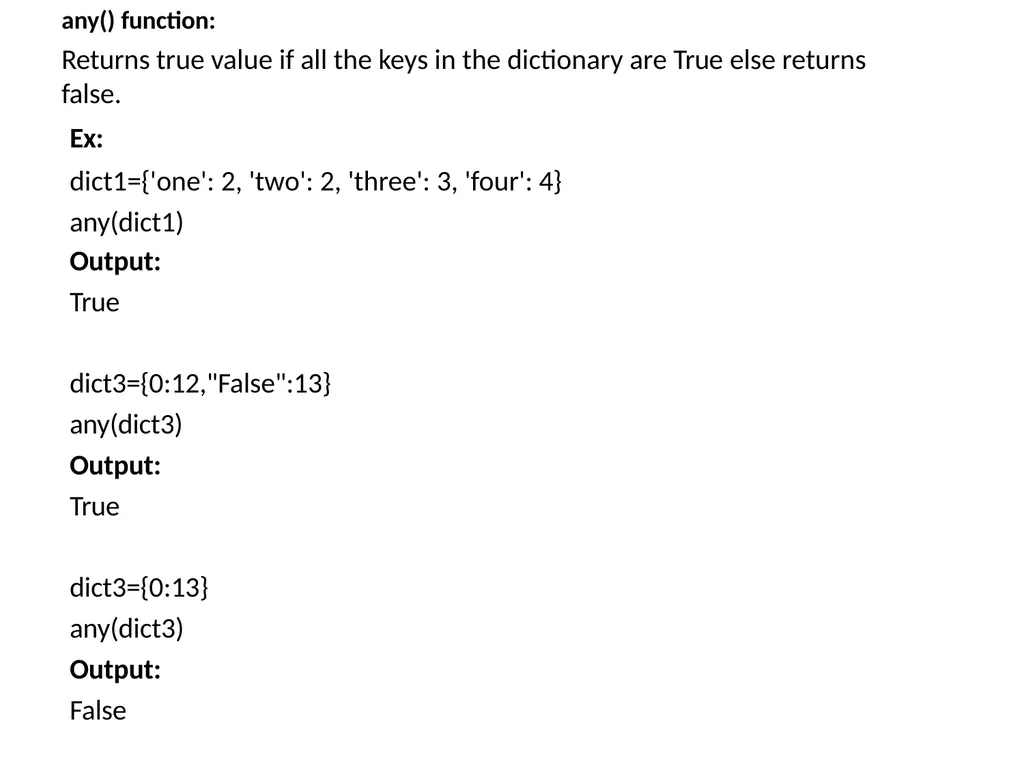
any() function: Returns true value if all the keys in the dictionary are True else returns false. Ex:
dict1={'one': 2, 'two': 2, 'three': 3, 'four': 4} any(dict1)
Output:
True
dict3={0:12,"False":13}
any(dict3) Output: True
dict3={0:13} any(dict3) Output: False<br>
dict1={'one': 2, 'two': 2, 'three': 3, 'four': 4} any(dict1)
Output:
True
dict3={0:12,"False":13}
any(dict3) Output: True
dict3={0:13} any(dict3) Output: False<br>
11
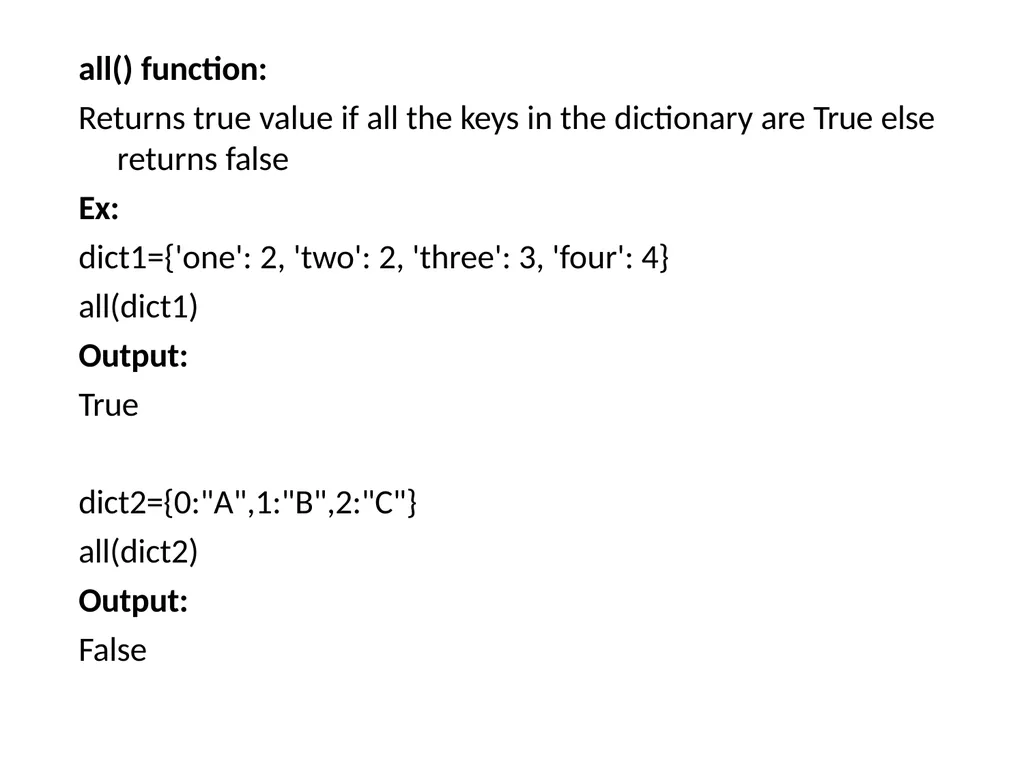
all() function:
Returns true value if all the keys in the dictionary are True else returns false
Ex:
dict1={'one': 2, 'two': 2, 'three': 3, 'four': 4} all(dict1)
Output:
True
dict2={0:"A",1:"B",2:"C"}
all(dict2) Output: False<br>
Returns true value if all the keys in the dictionary are True else returns false
Ex:
dict1={'one': 2, 'two': 2, 'three': 3, 'four': 4} all(dict1)
Output:
True
dict2={0:"A",1:"B",2:"C"}
all(dict2) Output: False<br>
12
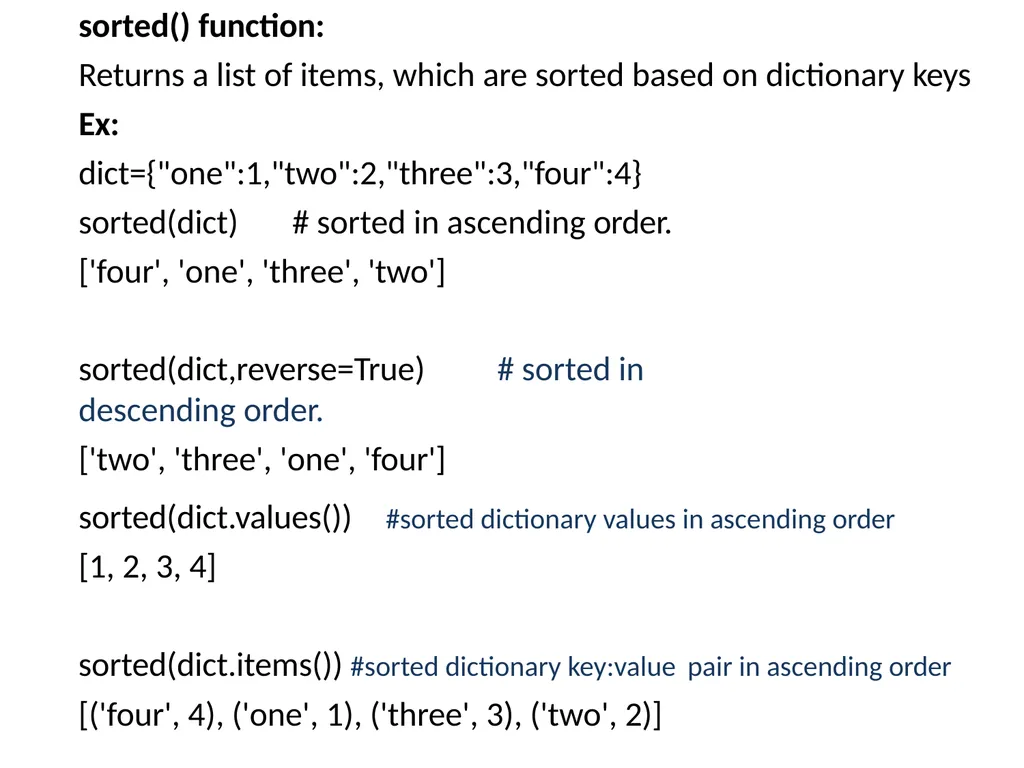
sorted() function:
Returns a list of items, which are sorted based on dictionary keys Ex: dict={"one":1,"two":2,"three":3,"four":4} sorted(dict) # sorted in ascending order. ['four', 'one', 'three', 'two']
sorted(dict,reverse=True) # sorted in descending order.
['two', 'three', 'one', 'four'] sorted(dict.values())
[1, 2, 3, 4] #sorted dictionary values in ascending order sorted(dict.items()) #sorted dictionary key:value pair in ascending order
[('four', 4), ('one', 1), ('three', 3), ('two', 2)]<br>
Returns a list of items, which are sorted based on dictionary keys Ex: dict={"one":1,"two":2,"three":3,"four":4} sorted(dict) # sorted in ascending order. ['four', 'one', 'three', 'two']
sorted(dict,reverse=True) # sorted in descending order.
['two', 'three', 'one', 'four'] sorted(dict.values())
[1, 2, 3, 4] #sorted dictionary values in ascending order sorted(dict.items()) #sorted dictionary key:value pair in ascending order
[('four', 4), ('one', 1), ('three', 3), ('two', 2)]<br>
13
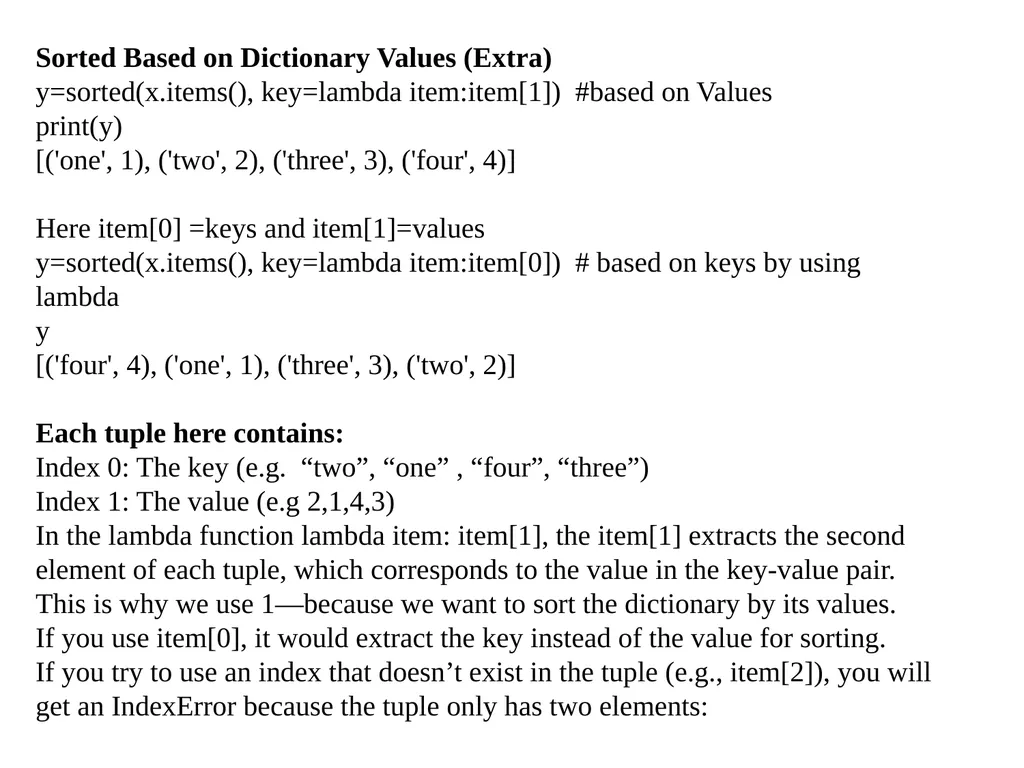
Sorted Based on Dictionary Values (Extra)
y=sorted(x.items(), key=lambda item:item[1]) #based on Values
print(y)
[('one', 1), ('two', 2), ('three', 3), ('four', 4)]
Here item[0] =keys and item[1]=values
y=sorted(x.items(), key=lambda item:item[0]) # based on keys by using lambda
y
[('four', 4), ('one', 1), ('three', 3), ('two', 2)]
Each tuple here contains:
Index 0: The key (e.g. “two”, “one” , “four”, “three”)
Index 1: The value (e.g 2,1,4,3)
In the lambda function lambda item: item[1], the item[1] extracts the second element of each tuple, which corresponds to the value in the key-value pair. This is why we use 1—because we want to sort the dictionary by its values.
If you use item[0], it would extract the key instead of the value for sorting.
If you try to use an index that doesn’t exist in the tuple (e.g., item[2]), you will get an IndexError because the tuple only has two elements:<br>
y=sorted(x.items(), key=lambda item:item[1]) #based on Values
print(y)
[('one', 1), ('two', 2), ('three', 3), ('four', 4)]
Here item[0] =keys and item[1]=values
y=sorted(x.items(), key=lambda item:item[0]) # based on keys by using lambda
y
[('four', 4), ('one', 1), ('three', 3), ('two', 2)]
Each tuple here contains:
Index 0: The key (e.g. “two”, “one” , “four”, “three”)
Index 1: The value (e.g 2,1,4,3)
In the lambda function lambda item: item[1], the item[1] extracts the second element of each tuple, which corresponds to the value in the key-value pair. This is why we use 1—because we want to sort the dictionary by its values.
If you use item[0], it would extract the key instead of the value for sorting.
If you try to use an index that doesn’t exist in the tuple (e.g., item[2]), you will get an IndexError because the tuple only has two elements:<br>
14
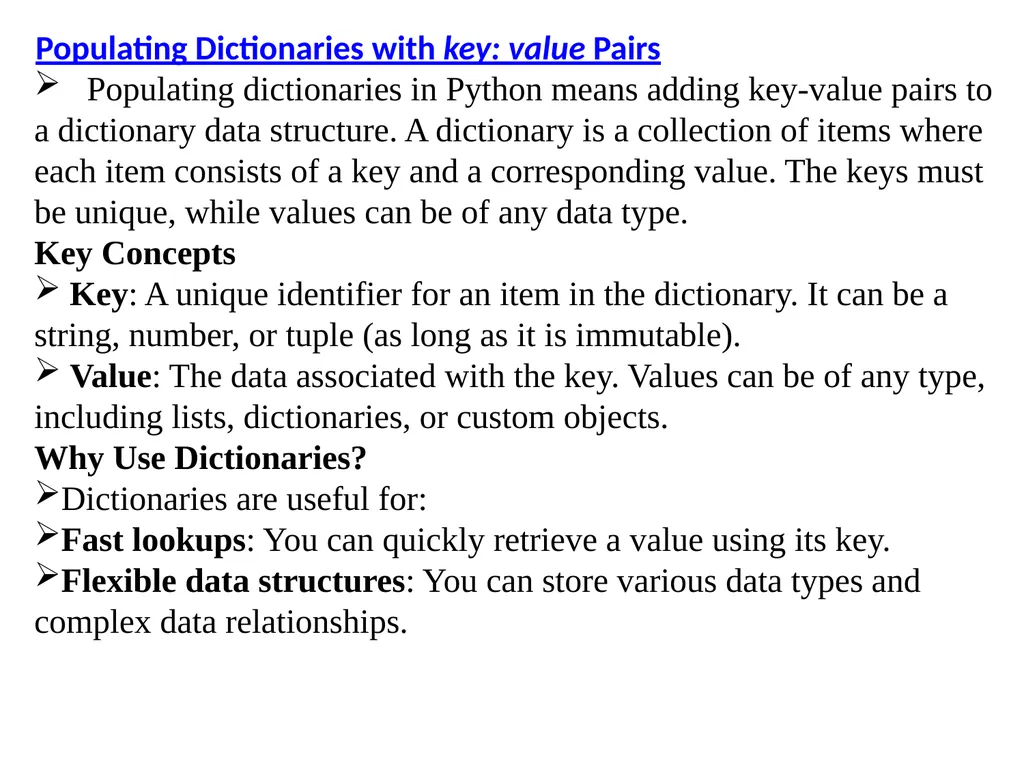
Populating Dictionaries with key: value Pairs
Populating dictionaries in Python means adding key-value pairs to a dictionary data structure. A dictionary is a collection of items where each item consists of a key and a corresponding value. The keys must be unique, while values can be of any data type.
Key Concepts
Key: A unique identifier for an item in the dictionary. It can be a string, number, or tuple (as long as it is immutable).
Value: The data associated with the key. Values can be of any type, including lists, dictionaries, or custom objects.
Why Use Dictionaries?
Dictionaries are useful for:
Fast lookups: You can quickly retrieve a value using its key.
Flexible data structures: You can store various data types and complex data relationships.<br>
Populating dictionaries in Python means adding key-value pairs to a dictionary data structure. A dictionary is a collection of items where each item consists of a key and a corresponding value. The keys must be unique, while values can be of any data type.
Key Concepts
Key: A unique identifier for an item in the dictionary. It can be a string, number, or tuple (as long as it is immutable).
Value: The data associated with the key. Values can be of any type, including lists, dictionaries, or custom objects.
Why Use Dictionaries?
Dictionaries are useful for:
Fast lookups: You can quickly retrieve a value using its key.
Flexible data structures: You can store various data types and complex data relationships.<br>
15
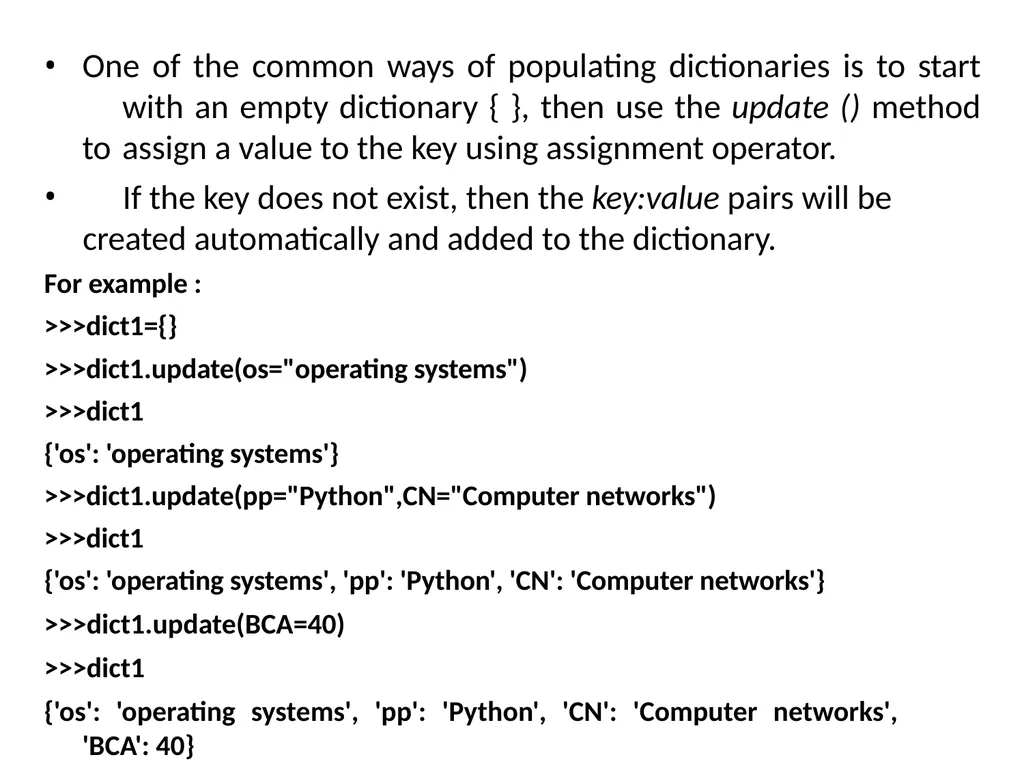
One of the common ways of populating dictionaries is to start with an empty dictionary { }, then use the update () method to assign a value to the key using assignment operator.
If the key does not exist, then the key:value pairs will be created automatically and added to the dictionary.
For example :
>>>dict1={}
>>>dict1.update(os="operating systems")
>>>dict1
{'os': 'operating systems'}
>>>dict1.update(pp="Python",CN="Computer networks")
>>>dict1
{'os': 'operating systems', 'pp': 'Python', 'CN': 'Computer networks'}
>>>dict1.update(BCA=40)
>>>dict1
{'os': 'operating systems', 'pp': 'Python', 'CN': 'Computer networks', 'BCA': 40}<br>
If the key does not exist, then the key:value pairs will be created automatically and added to the dictionary.
For example :
>>>dict1={}
>>>dict1.update(os="operating systems")
>>>dict1
{'os': 'operating systems'}
>>>dict1.update(pp="Python",CN="Computer networks")
>>>dict1
{'os': 'operating systems', 'pp': 'Python', 'CN': 'Computer networks'}
>>>dict1.update(BCA=40)
>>>dict1
{'os': 'operating systems', 'pp': 'Python', 'CN': 'Computer networks', 'BCA': 40}<br>
16
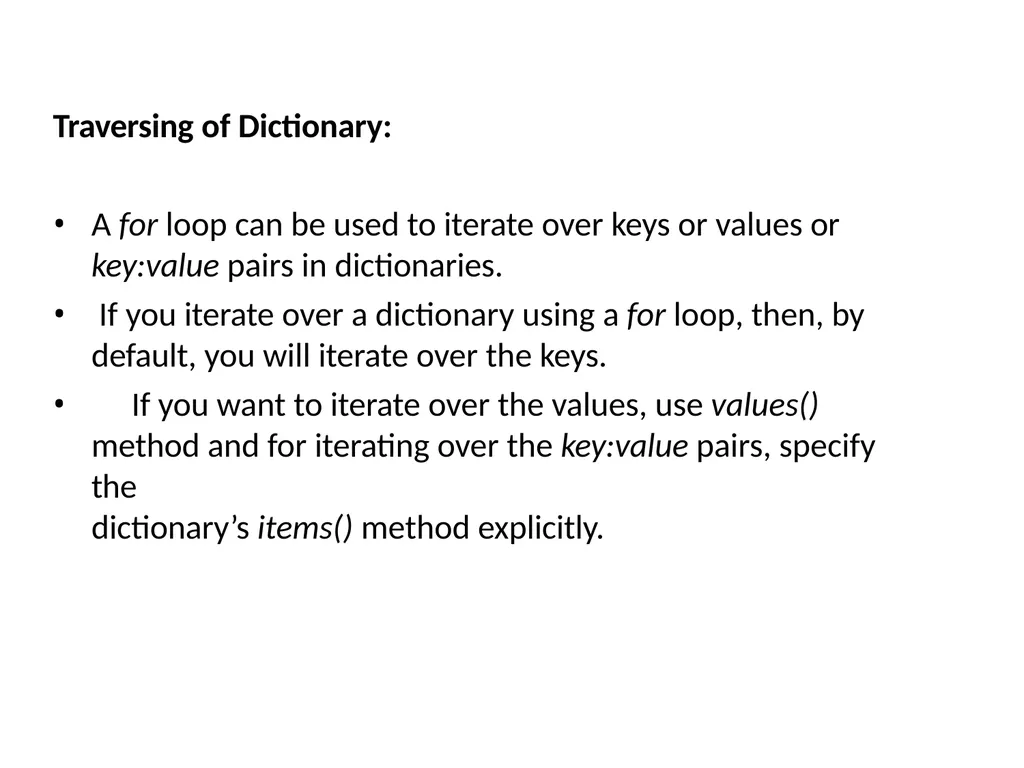
Traversing of Dictionary: A for loop can be used to iterate over keys or values or
key:value pairs in dictionaries.
If you iterate over a dictionary using a for loop, then, by
default, you will iterate over the keys.
If you want to iterate over the values, use values() method and for iterating over the key:value pairs, specify the
dictionary’s items() method explicitly.<br>
key:value pairs in dictionaries.
If you iterate over a dictionary using a for loop, then, by
default, you will iterate over the keys.
If you want to iterate over the values, use values() method and for iterating over the key:value pairs, specify the
dictionary’s items() method explicitly.<br>
17
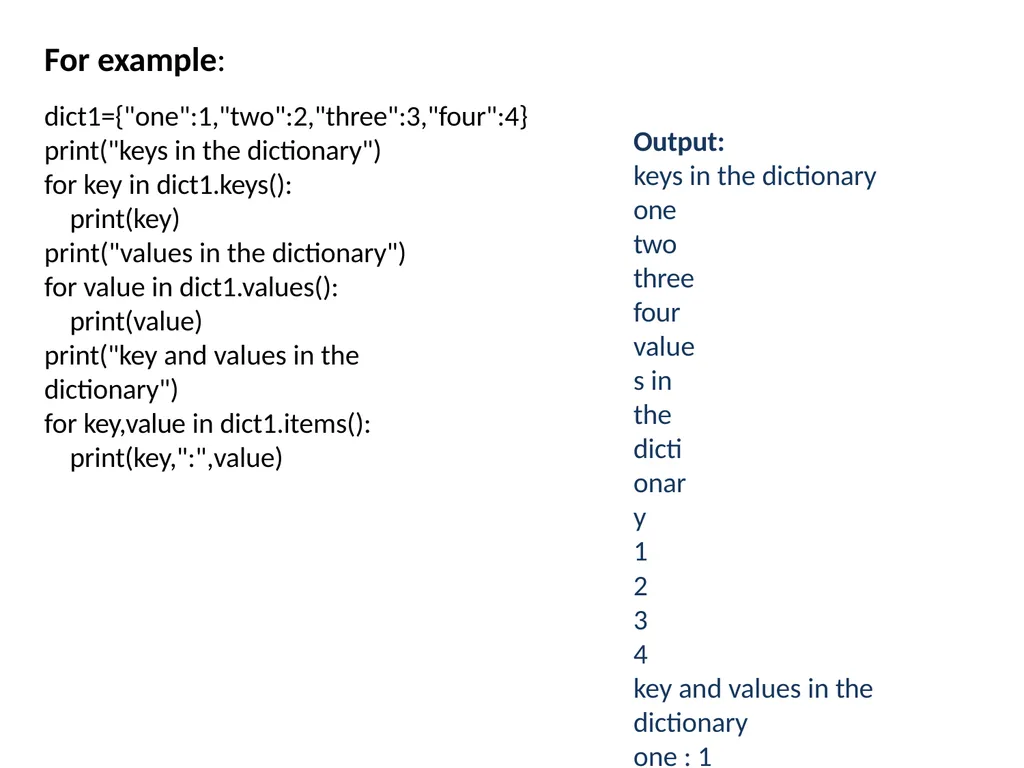
For example: dict1={"one":1,"two":2,"three":3,"four":4}
print("keys in the dictionary")
for key in dict1.keys(): print(key)
print("values in the dictionary") for value in dict1.values():
print(value)
print("key and values in the dictionary")
for key,value in dict1.items():
print(key,":",value) Output:
keys in the dictionary one
two three four
values in the dictionary
1
2
3
4
key and values in the dictionary
one : 1
two : 2
three : 3
four : 4<br>
print("keys in the dictionary")
for key in dict1.keys(): print(key)
print("values in the dictionary") for value in dict1.values():
print(value)
print("key and values in the dictionary")
for key,value in dict1.items():
print(key,":",value) Output:
keys in the dictionary one
two three four
values in the dictionary
1
2
3
4
key and values in the dictionary
one : 1
two : 2
three : 3
four : 4<br>
18
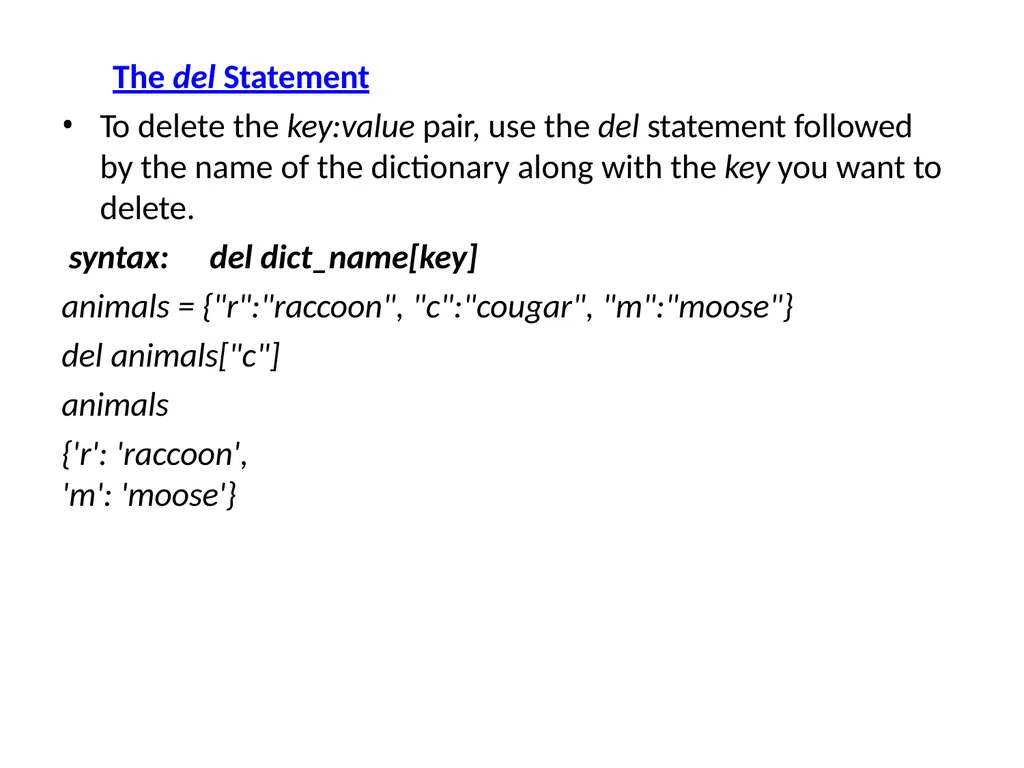
The del Statement
To delete the key:value pair, use the del statement followed by the name of the dictionary along with the key you want to delete.
syntax: del dict_name[key]
animals = {"r":"raccoon", "c":"cougar", "m":"moose"}
del animals["c"] animals
{'r': 'raccoon', 'm': 'moose'}<br>
To delete the key:value pair, use the del statement followed by the name of the dictionary along with the key you want to delete.
syntax: del dict_name[key]
animals = {"r":"raccoon", "c":"cougar", "m":"moose"}
del animals["c"] animals
{'r': 'raccoon', 'm': 'moose'}<br>
19
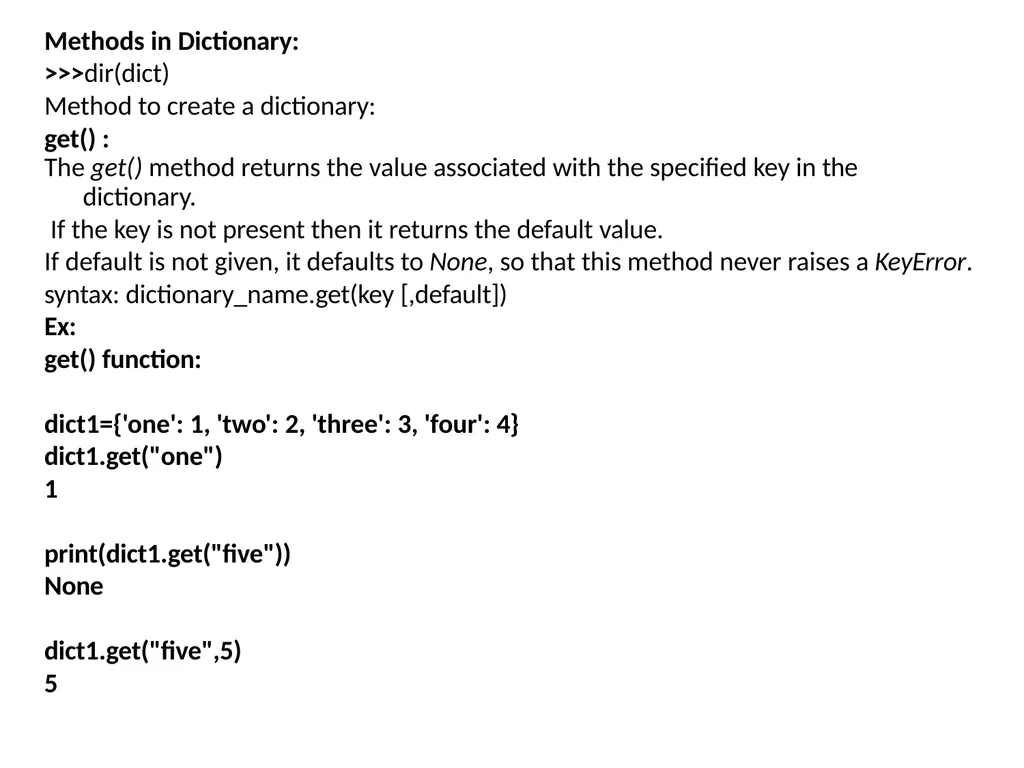
Methods in Dictionary:
>>>dir(dict)
Method to create a dictionary:
get() :
The get() method returns the value associated with the specified key in the
dictionary.
If the key is not present then it returns the default value.
If default is not given, it defaults to None, so that this method never raises a KeyError. syntax: dictionary_name.get(key [,default])
Ex:
get() function:
dict1={'one': 1, 'two': 2, 'three': 3, 'four': 4}
dict1.get("one")
1
print(dict1.get("five")) None
dict1.get("five",5)
5<br>
>>>dir(dict)
Method to create a dictionary:
get() :
The get() method returns the value associated with the specified key in the
dictionary.
If the key is not present then it returns the default value.
If default is not given, it defaults to None, so that this method never raises a KeyError. syntax: dictionary_name.get(key [,default])
Ex:
get() function:
dict1={'one': 1, 'two': 2, 'three': 3, 'four': 4}
dict1.get("one")
1
print(dict1.get("five")) None
dict1.get("five",5)
5<br>
20
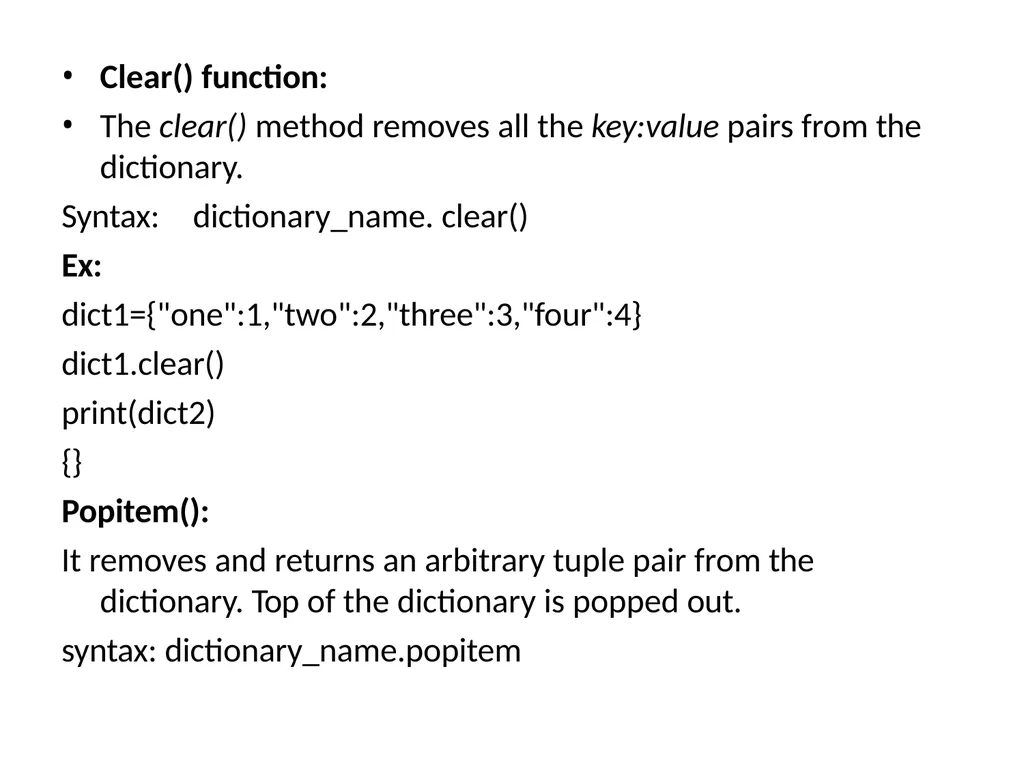
Clear() function:
The clear() method removes all the key:value pairs from the dictionary.
Syntax: dictionary_name. clear()
Ex: dict1={"one":1,"two":2,"three":3,"four":4} dict1.clear()
print(dict2)
{}
Popitem():
It removes and returns an arbitrary tuple pair from the dictionary. Top of the dictionary is popped out.
syntax: dictionary_name.popitem<br>
The clear() method removes all the key:value pairs from the dictionary.
Syntax: dictionary_name. clear()
Ex: dict1={"one":1,"two":2,"three":3,"four":4} dict1.clear()
print(dict2)
{}
Popitem():
It removes and returns an arbitrary tuple pair from the dictionary. Top of the dictionary is popped out.
syntax: dictionary_name.popitem<br>
21
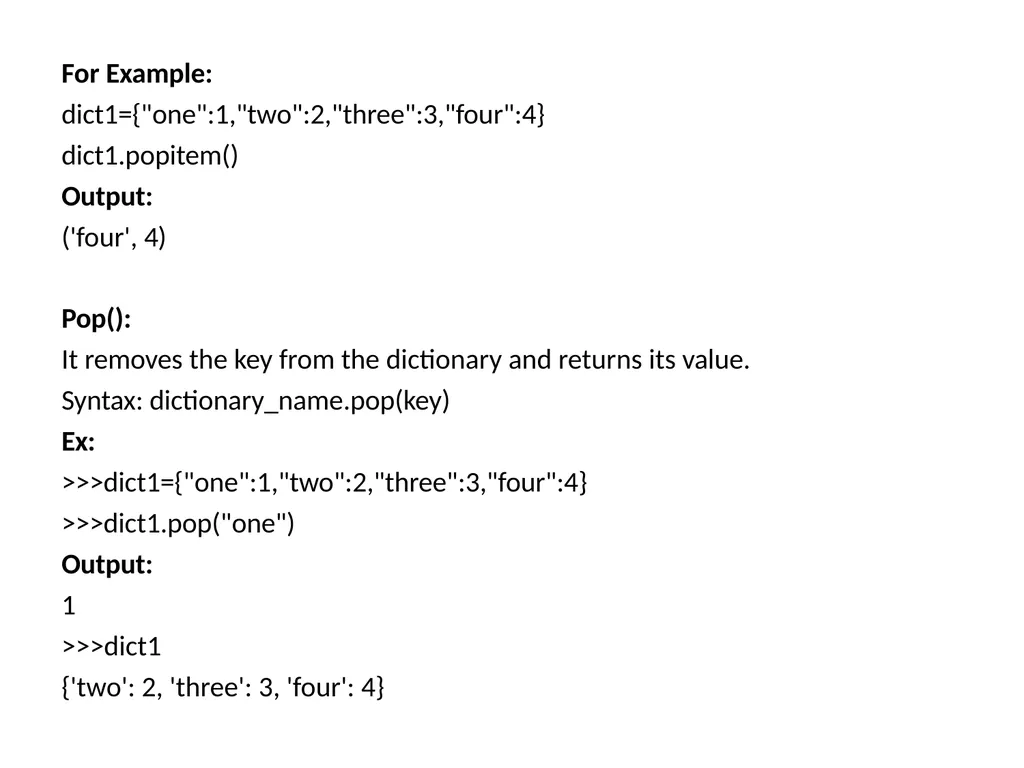
For Example: dict1={"one":1,"two":2,"three":3,"four":4} dict1.popitem()
Output:
('four', 4)
Pop():
It removes the key from the dictionary and returns its value. Syntax: dictionary_name.pop(key)
Ex:
>>>dict1={"one":1,"two":2,"three":3,"four":4}
>>>dict1.pop("one")
Output:
1
>>>dict1
{'two': 2, 'three': 3, 'four': 4}<br>
Output:
('four', 4)
Pop():
It removes the key from the dictionary and returns its value. Syntax: dictionary_name.pop(key)
Ex:
>>>dict1={"one":1,"two":2,"three":3,"four":4}
>>>dict1.pop("one")
Output:
1
>>>dict1
{'two': 2, 'three': 3, 'four': 4}<br>
22
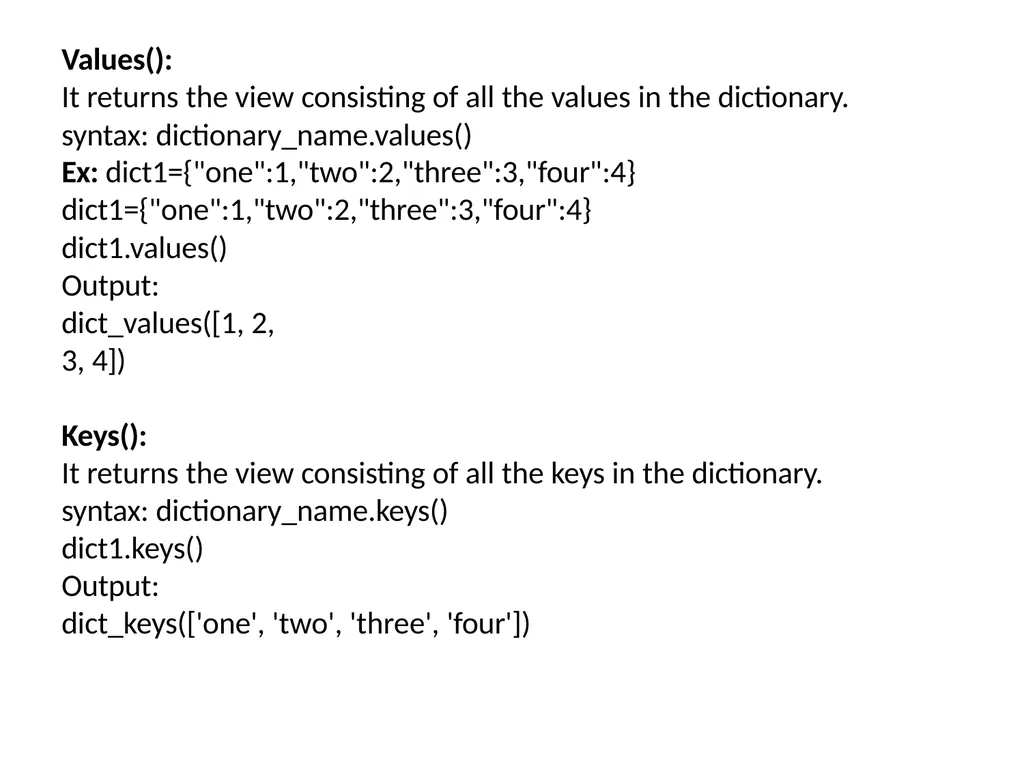
Values():
It returns the view consisting of all the values in the dictionary.
syntax: dictionary_name.values()
Ex: dict1={"one":1,"two":2,"three":3,"four":4}
dict1={"one":1,"two":2,"three":3,"four":4}
dict1.values() Output:
dict_values([1, 2, 3, 4])
Keys():
It returns the view consisting of all the keys in the dictionary. syntax: dictionary_name.keys()
dict1.keys()
Output:
dict_keys(['one', 'two', 'three', 'four'])<br>
It returns the view consisting of all the values in the dictionary.
syntax: dictionary_name.values()
Ex: dict1={"one":1,"two":2,"three":3,"four":4}
dict1={"one":1,"two":2,"three":3,"four":4}
dict1.values() Output:
dict_values([1, 2, 3, 4])
Keys():
It returns the view consisting of all the keys in the dictionary. syntax: dictionary_name.keys()
dict1.keys()
Output:
dict_keys(['one', 'two', 'three', 'four'])<br>
23
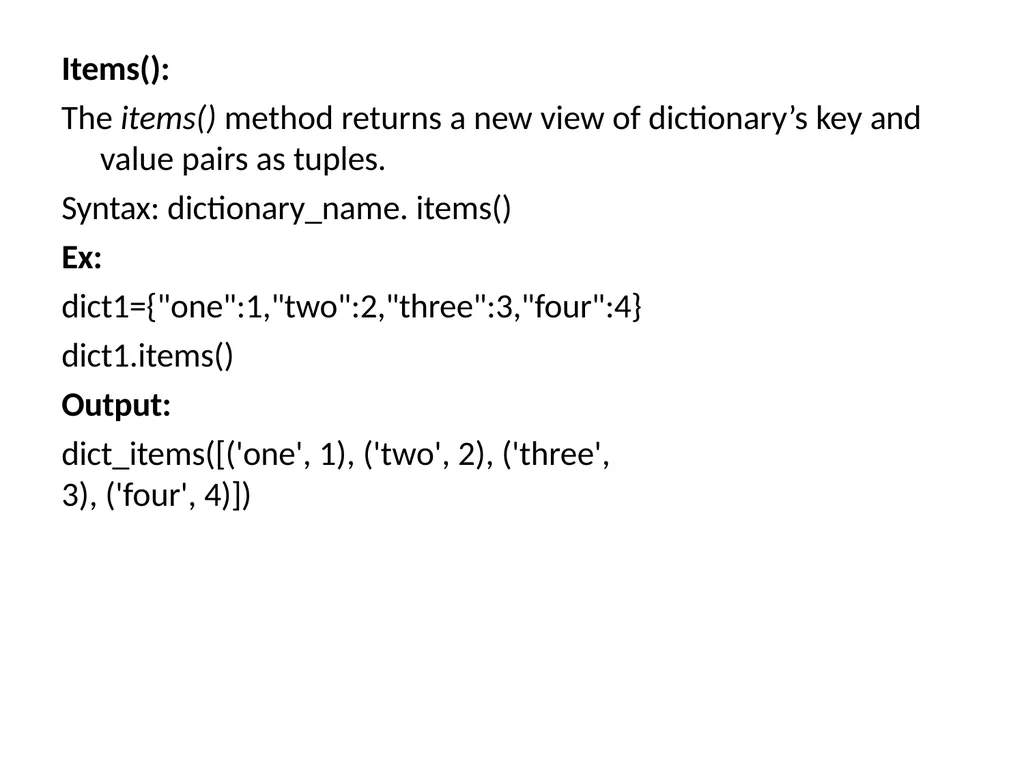
Items():
The items() method returns a new view of dictionary’s key and value pairs as tuples.
Syntax: dictionary_name. items()
Ex: dict1={"one":1,"two":2,"three":3,"four":4} dict1.items()
Output:
dict_items([('one', 1), ('two', 2), ('three', 3), ('four', 4)])<br>
The items() method returns a new view of dictionary’s key and value pairs as tuples.
Syntax: dictionary_name. items()
Ex: dict1={"one":1,"two":2,"three":3,"four":4} dict1.items()
Output:
dict_items([('one', 1), ('two', 2), ('three', 3), ('four', 4)])<br>
24
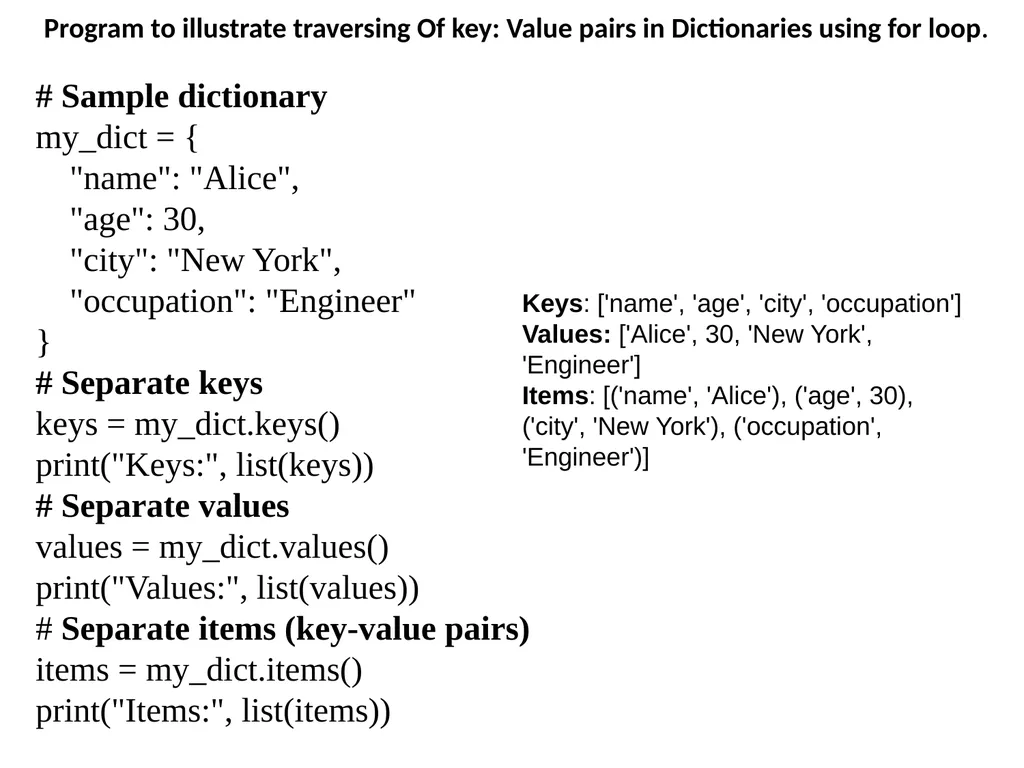
Program to illustrate traversing Of key: Value pairs in Dictionaries using for loop. # Sample dictionary
my_dict = {
"name": "Alice",
"age": 30,
"city": "New York",
"occupation": "Engineer"
}
# Separate keys
keys = my_dict.keys()
print("Keys:", list(keys))
# Separate values
values = my_dict.values()
print("Values:", list(values))
# Separate items (key-value pairs)
items = my_dict.items()
print("Items:", list(items)) Keys: ['name', 'age', 'city', 'occupation']
Values: ['Alice', 30, 'New York', 'Engineer']
Items: [('name', 'Alice'), ('age', 30), ('city', 'New York'), ('occupation', 'Engineer')]<br>
my_dict = {
"name": "Alice",
"age": 30,
"city": "New York",
"occupation": "Engineer"
}
# Separate keys
keys = my_dict.keys()
print("Keys:", list(keys))
# Separate values
values = my_dict.values()
print("Values:", list(values))
# Separate items (key-value pairs)
items = my_dict.items()
print("Items:", list(items)) Keys: ['name', 'age', 'city', 'occupation']
Values: ['Alice', 30, 'New York', 'Engineer']
Items: [('name', 'Alice'), ('age', 30), ('city', 'New York'), ('occupation', 'Engineer')]<br>
25
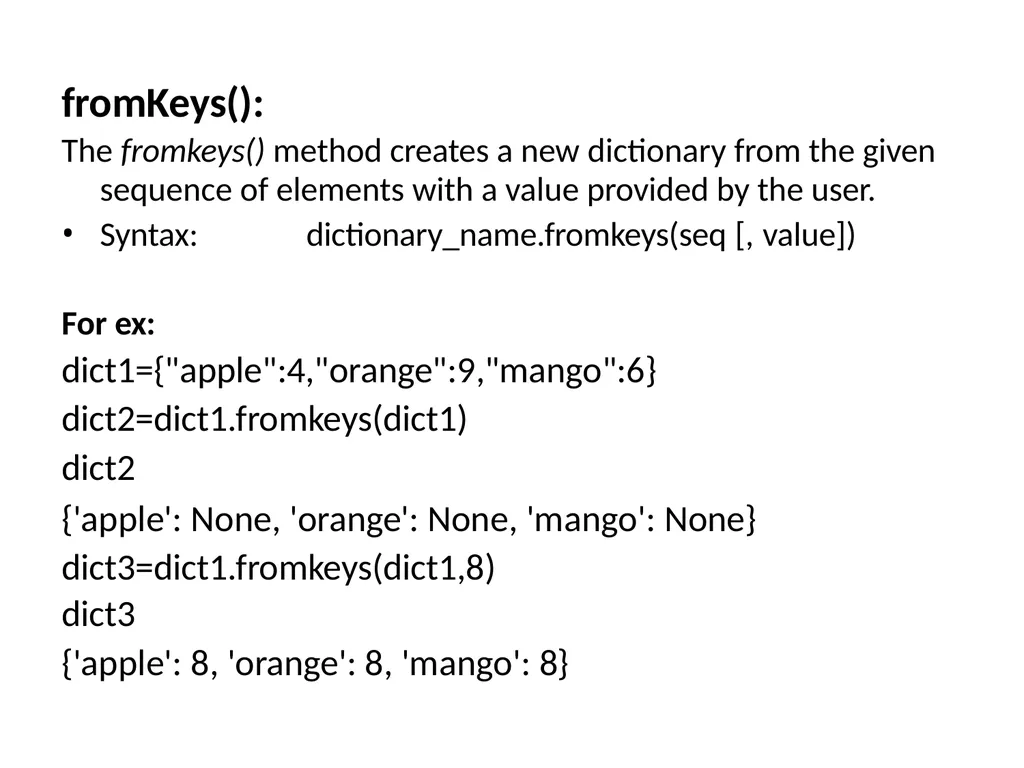
fromKeys(): The fromkeys() method creates a new dictionary from the given
sequence of elements with a value provided by the user.
Syntax: dictionary_name.fromkeys(seq [, value])
For ex: dict1={"apple":4,"orange":9,"mango":6} dict2=dict1.fromkeys(dict1)
dict2
{'apple': None, 'orange': None, 'mango': None} dict3=dict1.fromkeys(dict1,8)
dict3
{'apple': 8, 'orange': 8, 'mango': 8}<br>
sequence of elements with a value provided by the user.
Syntax: dictionary_name.fromkeys(seq [, value])
For ex: dict1={"apple":4,"orange":9,"mango":6} dict2=dict1.fromkeys(dict1)
dict2
{'apple': None, 'orange': None, 'mango': None} dict3=dict1.fromkeys(dict1,8)
dict3
{'apple': 8, 'orange': 8, 'mango': 8}<br>
26
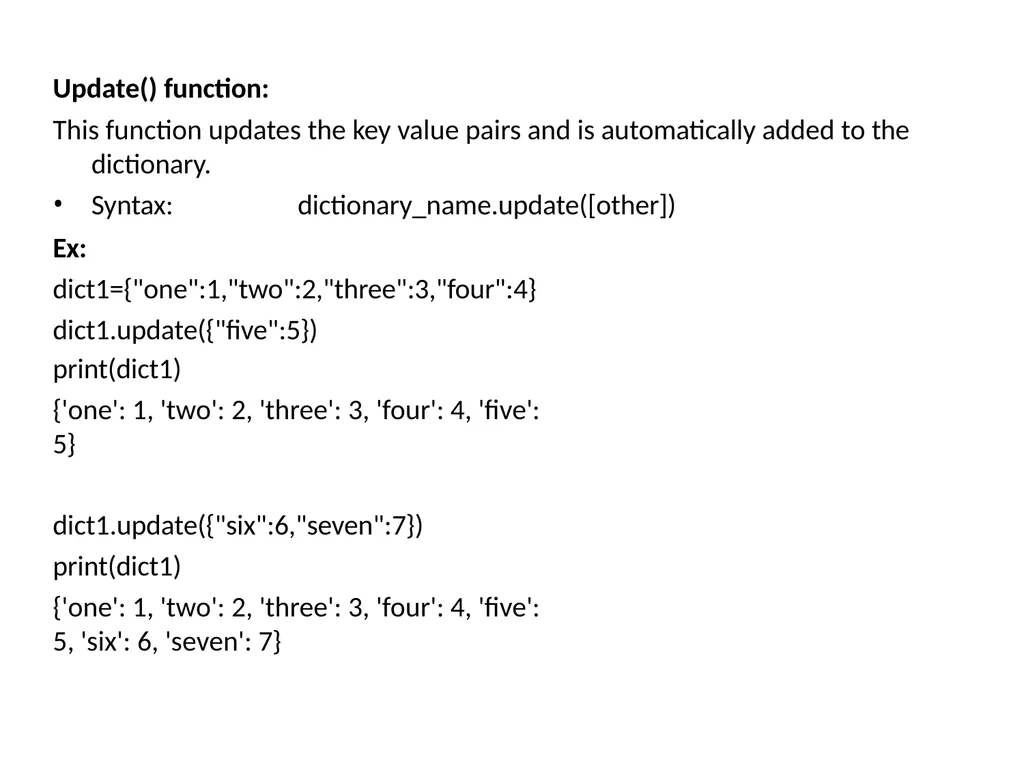
Update() function:
This function updates the key value pairs and is automatically added to the
dictionary.
Syntax: dictionary_name.update([other])
Ex: dict1={"one":1,"two":2,"three":3,"four":4} dict1.update({"five":5})
print(dict1)
{'one': 1, 'two': 2, 'three': 3, 'four': 4, 'five': 5}
dict1.update({"six":6,"seven":7})
print(dict1)
{'one': 1, 'two': 2, 'three': 3, 'four': 4, 'five': 5, 'six': 6, 'seven': 7}<br>
This function updates the key value pairs and is automatically added to the
dictionary.
Syntax: dictionary_name.update([other])
Ex: dict1={"one":1,"two":2,"three":3,"four":4} dict1.update({"five":5})
print(dict1)
{'one': 1, 'two': 2, 'three': 3, 'four': 4, 'five': 5}
dict1.update({"six":6,"seven":7})
print(dict1)
{'one': 1, 'two': 2, 'three': 3, 'four': 4, 'five': 5, 'six': 6, 'seven': 7}<br>
27
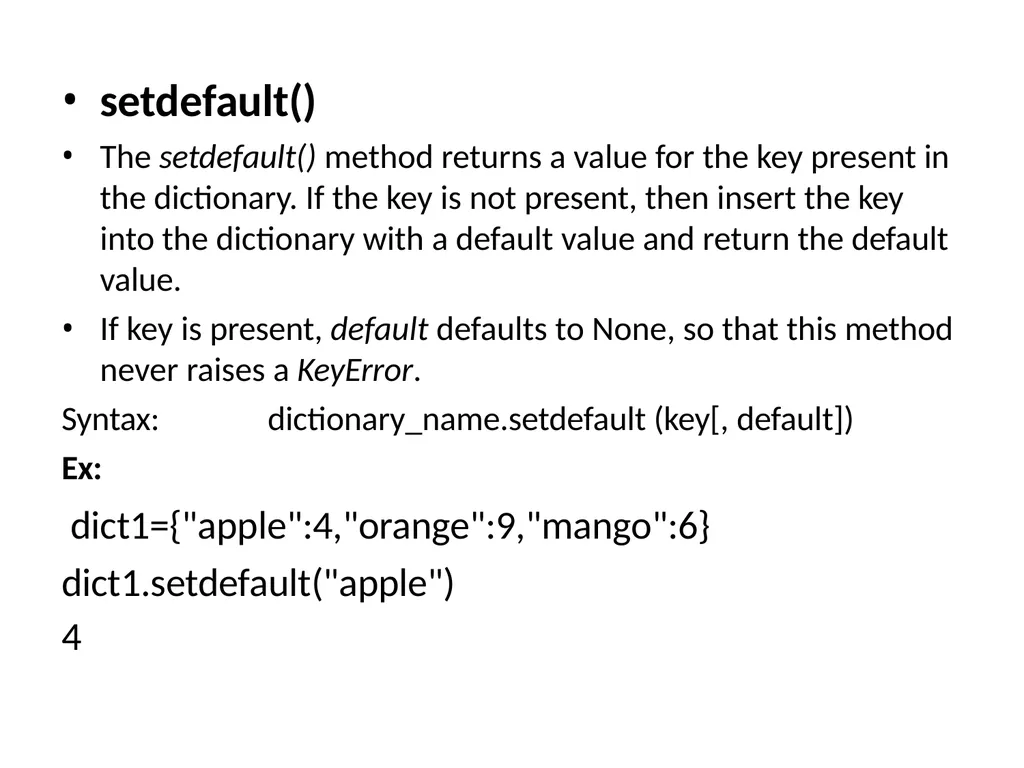
setdefault()
The setdefault() method returns a value for the key present in the dictionary. If the key is not present, then insert the key into the dictionary with a default value and return the default value.
If key is present, default defaults to None, so that this method never raises a KeyError.
Syntax: dictionary_name.setdefault (key[, default])
Ex:
dict1={"apple":4,"orange":9,"mango":6} dict1.setdefault("apple")
4<br>
The setdefault() method returns a value for the key present in the dictionary. If the key is not present, then insert the key into the dictionary with a default value and return the default value.
If key is present, default defaults to None, so that this method never raises a KeyError.
Syntax: dictionary_name.setdefault (key[, default])
Ex:
dict1={"apple":4,"orange":9,"mango":6} dict1.setdefault("apple")
4<br>
28
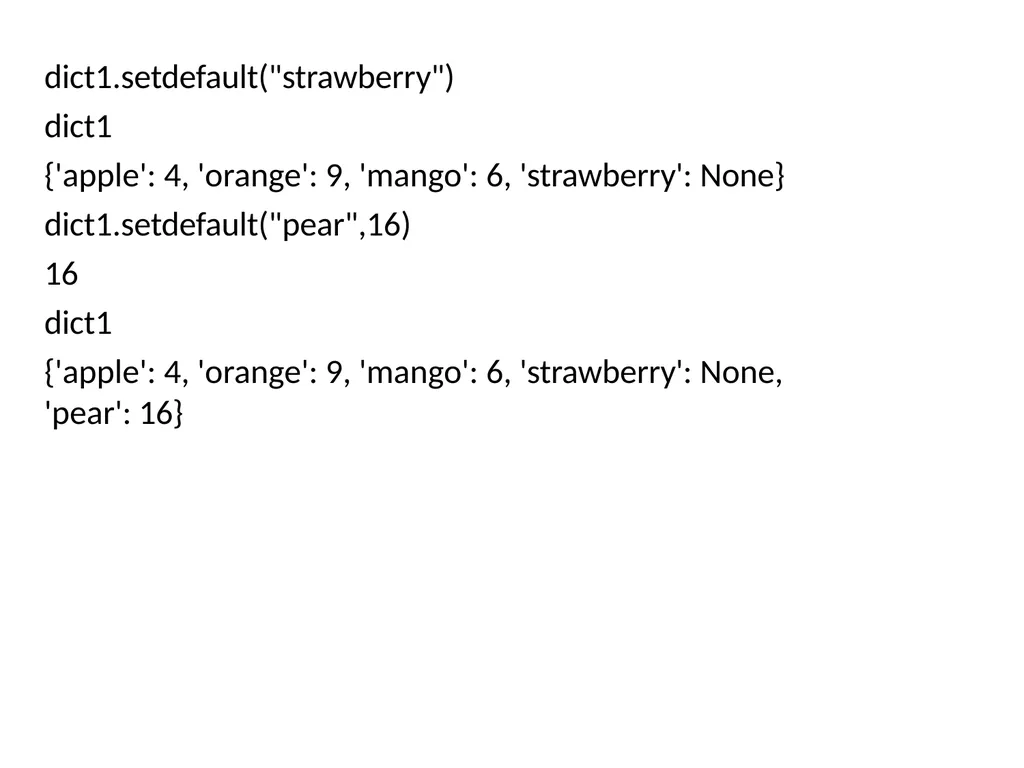
dict1.setdefault("strawberry")
dict1
{'apple': 4, 'orange': 9, 'mango': 6, 'strawberry': None} dict1.setdefault("pear",16)
16
dict1
{'apple': 4, 'orange': 9, 'mango': 6, 'strawberry': None, 'pear': 16}<br>
dict1
{'apple': 4, 'orange': 9, 'mango': 6, 'strawberry': None} dict1.setdefault("pear",16)
16
dict1
{'apple': 4, 'orange': 9, 'mango': 6, 'strawberry': None, 'pear': 16}<br>
29
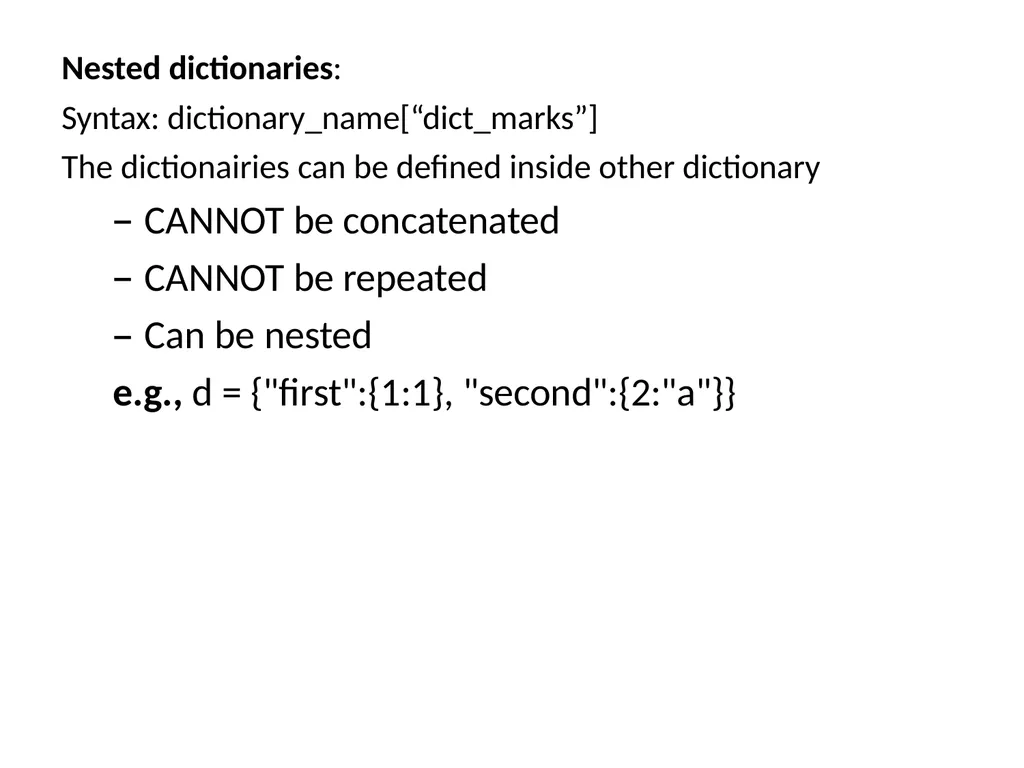
Nested dictionaries:
Syntax: dictionary_name[“dict_marks”]
The dictionairies can be defined inside other dictionary
CANNOT be concatenated
CANNOT be repeated
Can be nested
e.g., d = {"first":{1:1}, "second":{2:"a"}}<br>
Syntax: dictionary_name[“dict_marks”]
The dictionairies can be defined inside other dictionary
CANNOT be concatenated
CANNOT be repeated
Can be nested
e.g., d = {"first":{1:1}, "second":{2:"a"}}<br>
30
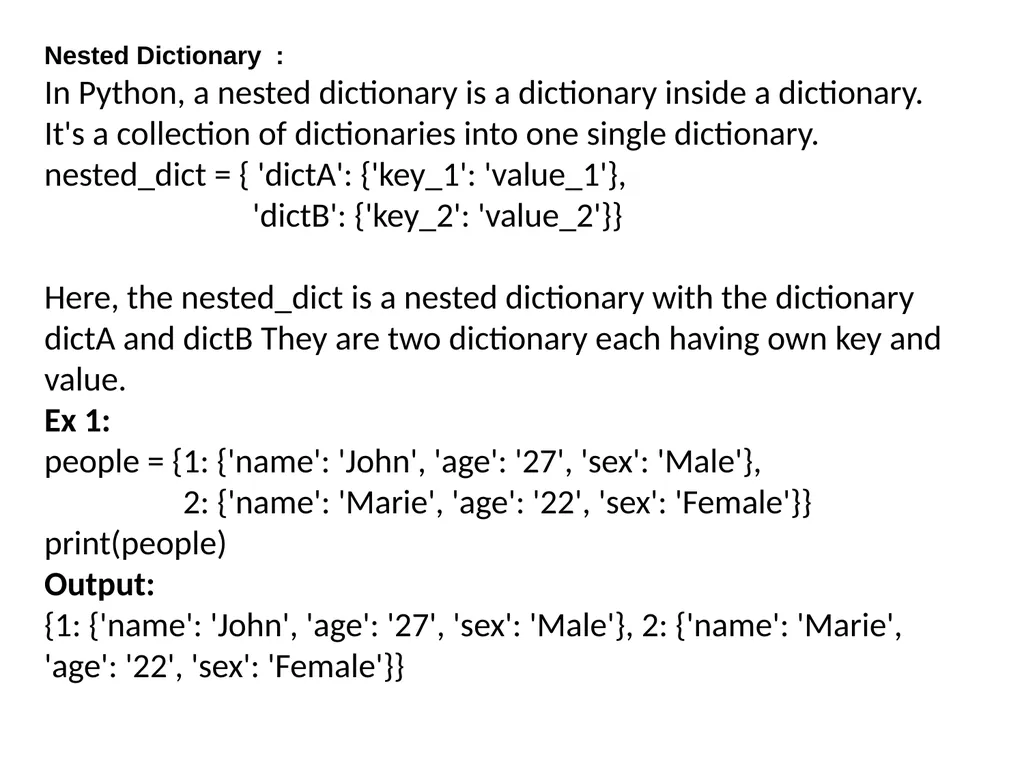
Nested Dictionary :
In Python, a nested dictionary is a dictionary inside a dictionary. It's a collection of dictionaries into one single dictionary.
nested_dict = { 'dictA': {'key_1': 'value_1'},
'dictB': {'key_2': 'value_2'}}
Here, the nested_dict is a nested dictionary with the dictionary dictA and dictB They are two dictionary each having own key and value.
Ex 1:
people = {1: {'name': 'John', 'age': '27', 'sex': 'Male'},
2: {'name': 'Marie', 'age': '22', 'sex': 'Female'}}
print(people)
Output:
{1: {'name': 'John', 'age': '27', 'sex': 'Male'}, 2: {'name': 'Marie', 'age': '22', 'sex': 'Female'}}<br>
In Python, a nested dictionary is a dictionary inside a dictionary. It's a collection of dictionaries into one single dictionary.
nested_dict = { 'dictA': {'key_1': 'value_1'},
'dictB': {'key_2': 'value_2'}}
Here, the nested_dict is a nested dictionary with the dictionary dictA and dictB They are two dictionary each having own key and value.
Ex 1:
people = {1: {'name': 'John', 'age': '27', 'sex': 'Male'},
2: {'name': 'Marie', 'age': '22', 'sex': 'Female'}}
print(people)
Output:
{1: {'name': 'John', 'age': '27', 'sex': 'Male'}, 2: {'name': 'Marie', 'age': '22', 'sex': 'Female'}}<br>
31
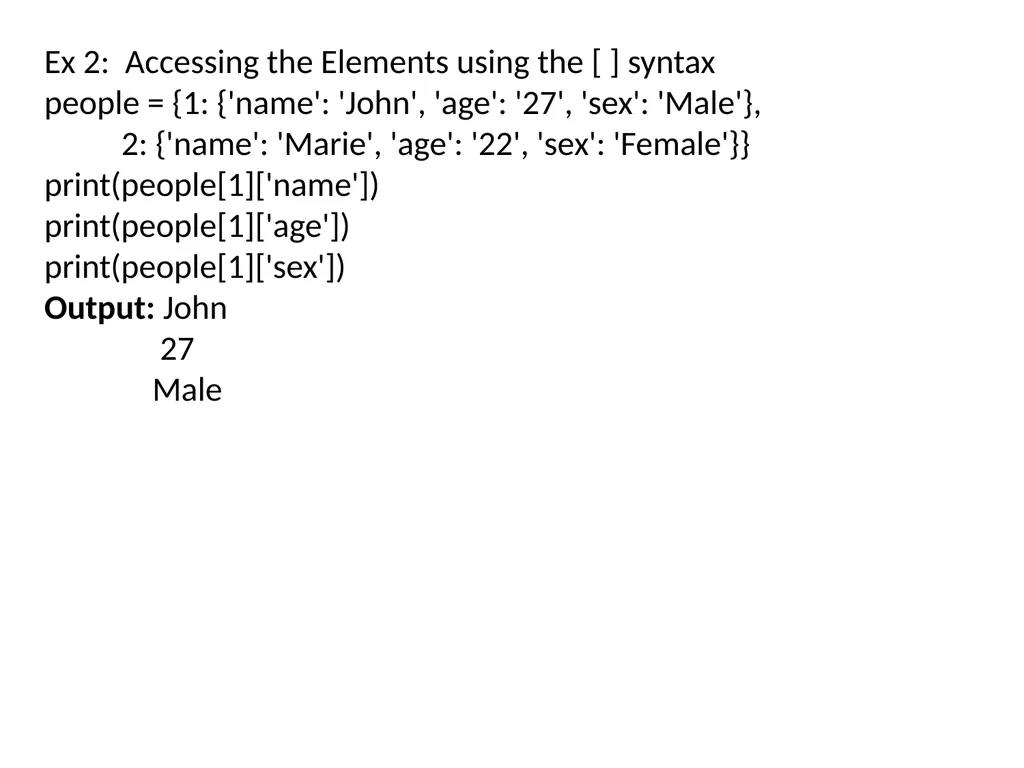
Ex 2: Accessing the Elements using the [ ] syntax
people = {1: {'name': 'John', 'age': '27', 'sex': 'Male'},
2: {'name': 'Marie', 'age': '22', 'sex': 'Female'}}
print(people[1]['name'])
print(people[1]['age'])
print(people[1]['sex'])
Output: John
27
Male<br>
people = {1: {'name': 'John', 'age': '27', 'sex': 'Male'},
2: {'name': 'Marie', 'age': '22', 'sex': 'Female'}}
print(people[1]['name'])
print(people[1]['age'])
print(people[1]['sex'])
Output: John
27
Male<br>