Directions for this Template Use the Slide Master to make universal changes to the presentation, including inserting your organizations logo and the appropriate protective marking (e.g., FOUO) View tab Slide Master Replace
"Directions for this Template Use the Slide Master" is the property of its rightful owner. Permission is granted to
download and print the materials on this website for personal, non-commercial use only, and to display it
on your personal computer provided you do not modify the materials and that you retain all copyright
notices contained in the materials. By downloading content from our website, you accept the terms of this
agreement.
Presentation Transcript
01
Directions for this Template Use the Slide Master to make universal changes to the presentation, including inserting your organization’s logo and the appropriate protective marking (e.g., FOUO)
“View” tab > “Slide Master”
Replace placeholders indicated by yellow highlighted brackets [ ] with information specific to your workshop
Delete any slides that are not relevant for your workshop, including this slide.
Font size should not be smaller than 20 pt 1<br>
02
Player Brief Exercise Name
[Date]<br>
03
Welcome and Introductions [Name]
[Title (e.g., Exercise Director or Lead Planner)]
[Jurisdiction/Organization] 3<br>
04
Administrative Remarks Safety and emergency information
Restrooms
Cell phone etiquette
Breaks and lunch 4<br>
05
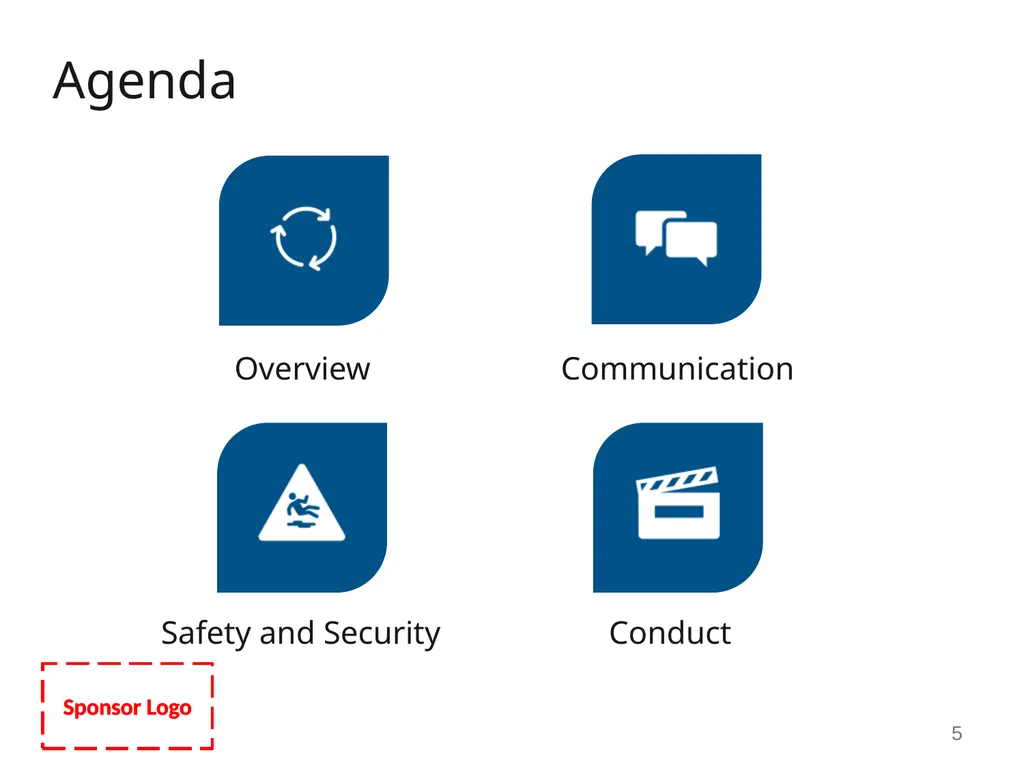
Agenda 5<br>
06
Exercise Overview [General description] 6<br>
07
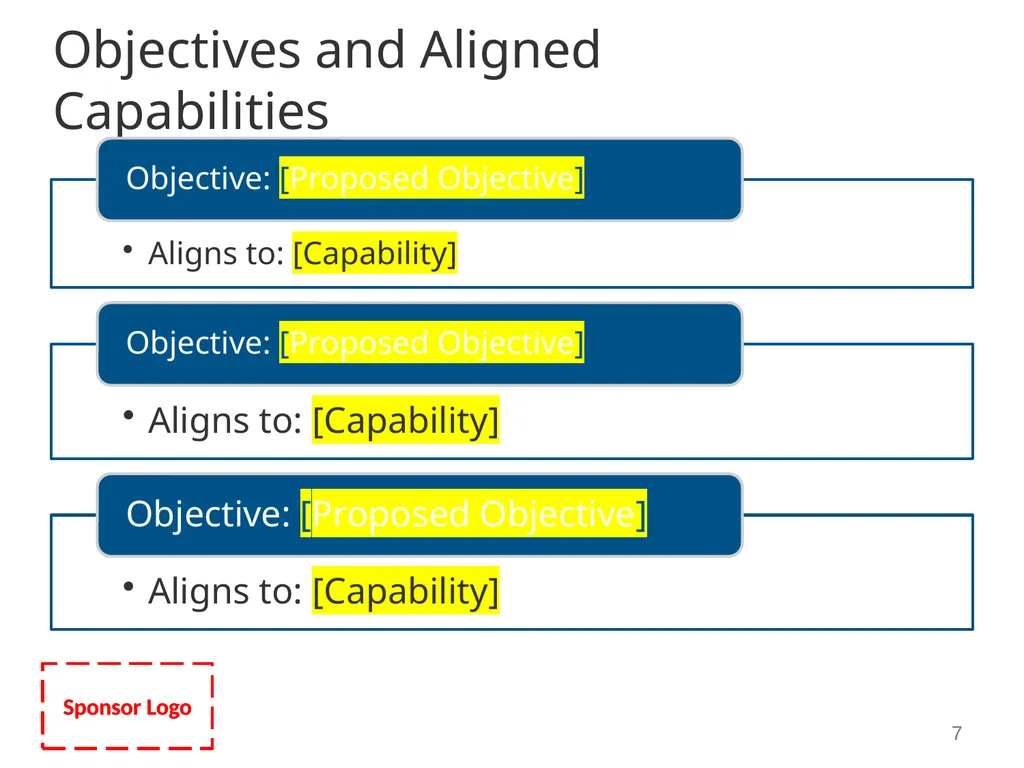
Objectives and Aligned Capabilities 7<br>
08
Exercise Assumptions The exercise will be conducted in a no-fault learning environment wherein systems and processes, not individuals, will be evaluated
The exercise scenario is plausible, and results occur as they are presented
Exercise simulation will be realistic and plausible, and will contain sufficient detail from which players can respond
Participating agencies may need to balance exercise play with real-world emergencies
Real-world emergencies take priority
[Others as needed] 8<br>
09
Exercise Artificialities Exercise communication and coordination is limited to participating exercise organizations, venues, and the Simulation Cell (SimCell)
Only communication methods listed in the Communications Directory are available for players to use during the exercise
[Simulated organizations/jurisdictions, venues or agencies]
[Actor interactions]
[Others as needed] 9<br>
10
Player Communications All exercise communications begin and end with the statement: [“This is an exercise”]
Any communications intended for non-playing jurisdictions/organizations are directed to the Simulation Cell (SimCell)
In the event of a real emergency, say [“This is a Real-World Emergency”]
[Communication procedures] 10<br>
11
Safety and Security Safety is EVERYONE’S concern
Safety concerns override exercise execution
Be aware of your environment and all activities
Actual emergencies will be identified by the phrase [“Real-World Emergency”]
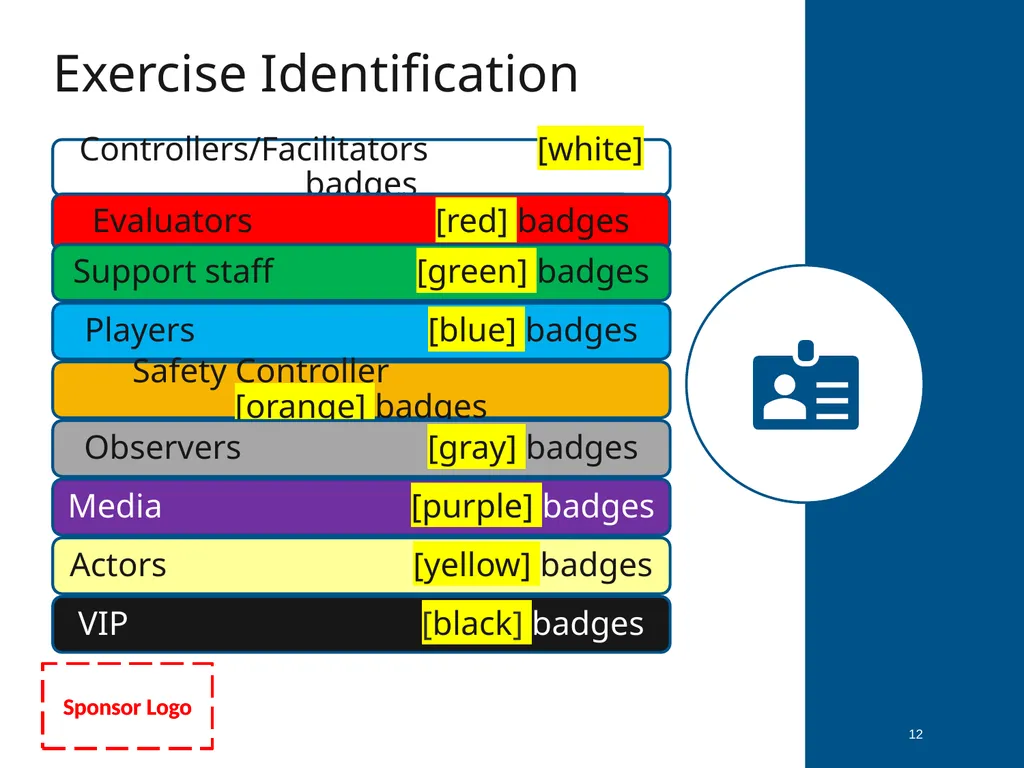
[Badges and/or hats/vests] identify authorized persons
Unauthorized persons are to be escorted out of the exercise play area
[Real-world medical treatment area]
[Security procedures] 11<br>
12
Exercise Identification 12<br>
13
Weapons Policy [Description of weapons policy as needed] 13<br>
14
Observer/Media/VIP Guidelines Observers will be escorted
Observers should not interfere with play
Media personnel should not talk to players
[Designated sections for observers]
[Others, as needed] 14<br>
15
Exercise Play 15<br>
16
Exercise Conduct [Description of exercise initiation and location(s) as appropriate]
There may be follow-up exercise injects
Subsequent player actions are self-directed
Scenario timeline is [constant] 16<br>
17
Player Roles During Exercise Conduct operations as normally as possible
Follow safety guidelines
Wear your exercise identification 17<br>
18
Player Roles After Exercise Participate in the Hotwash
Complete and submit your Participant Feedback Form
Provide copies of all logs, notes, and other documentation to the controllers
[Others as needed] 18<br>
19
Exercise Scenario [Ground Truth, Background, and current conditions needed prior to STARTEX] 19<br>