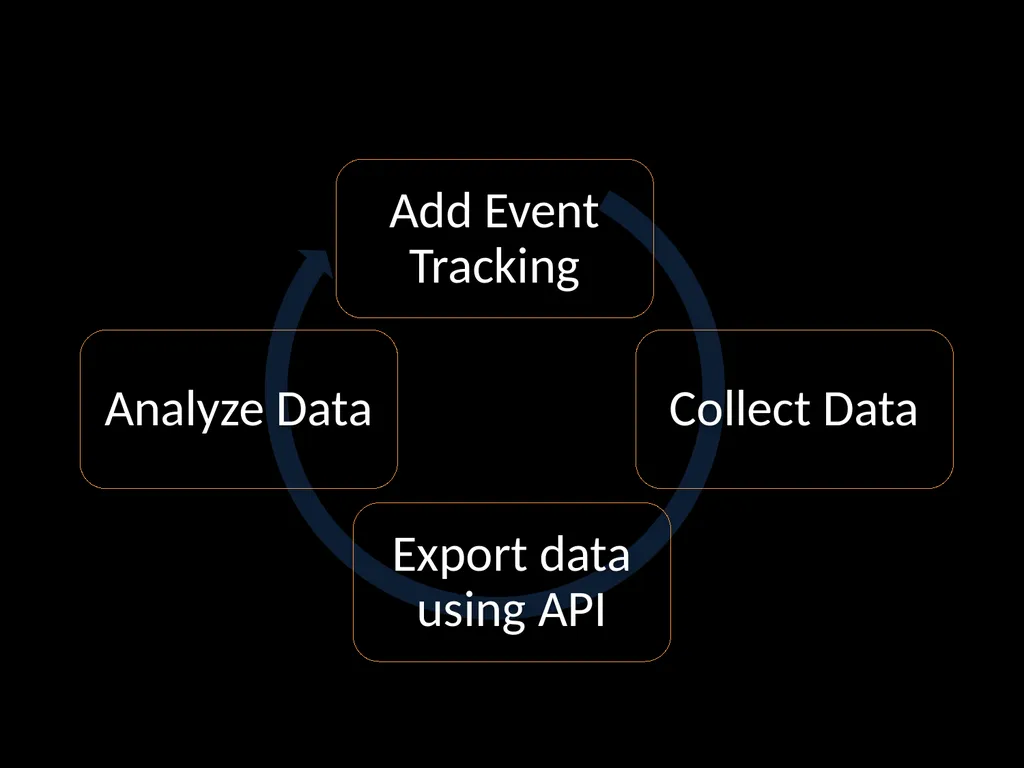
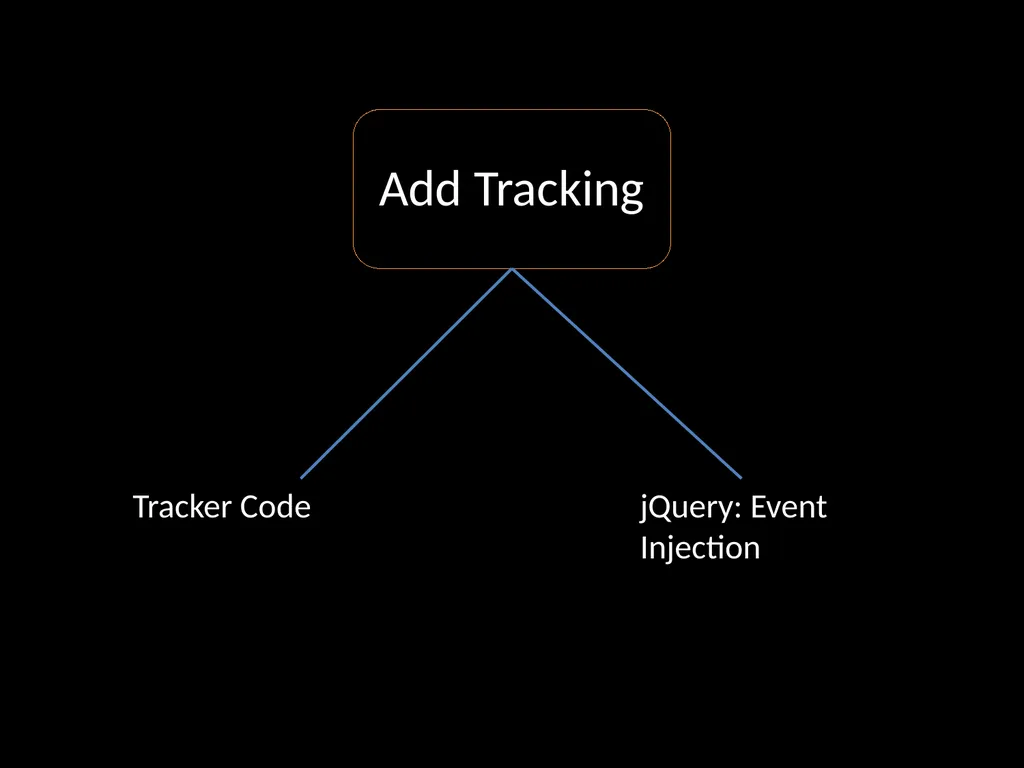
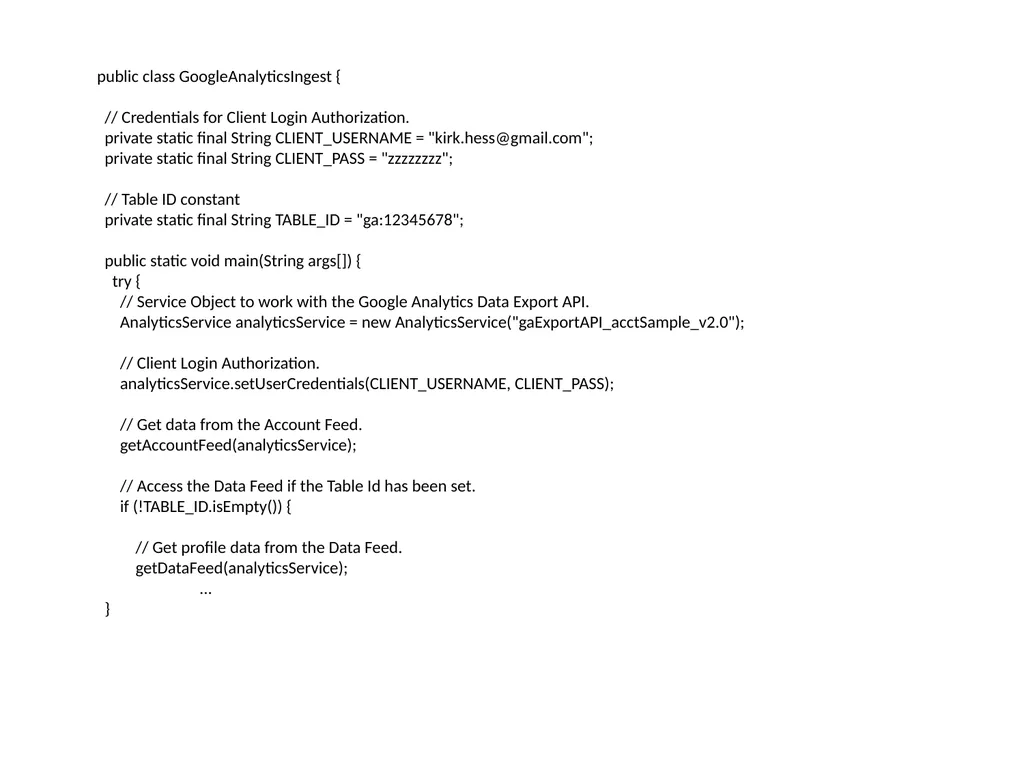
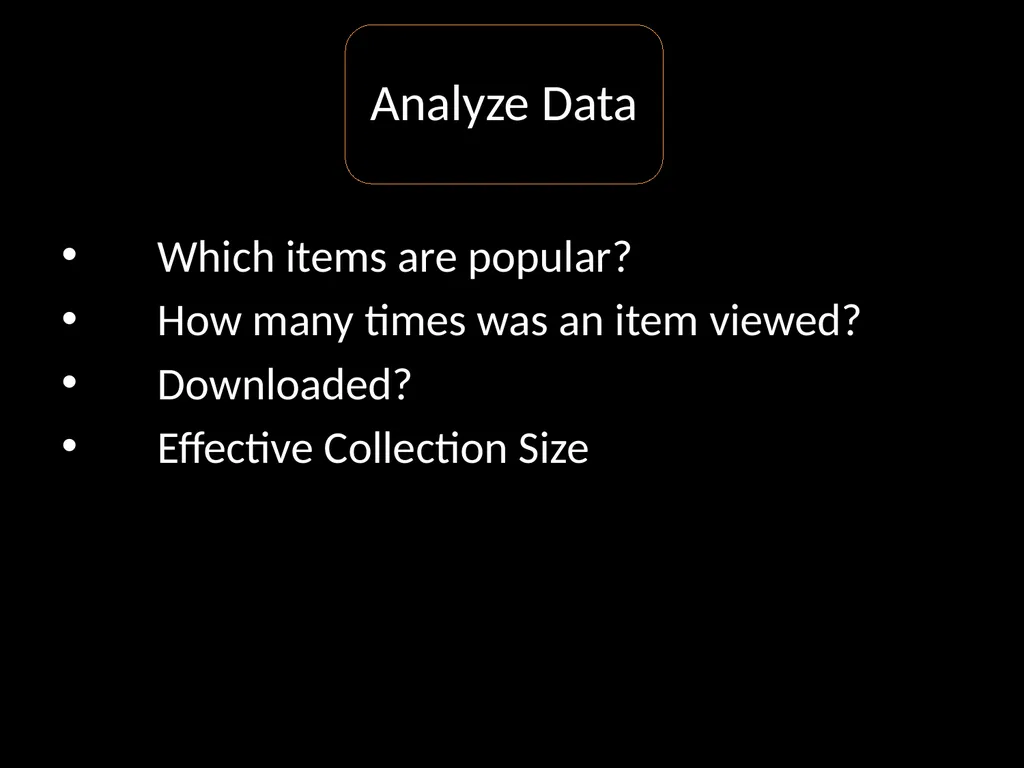
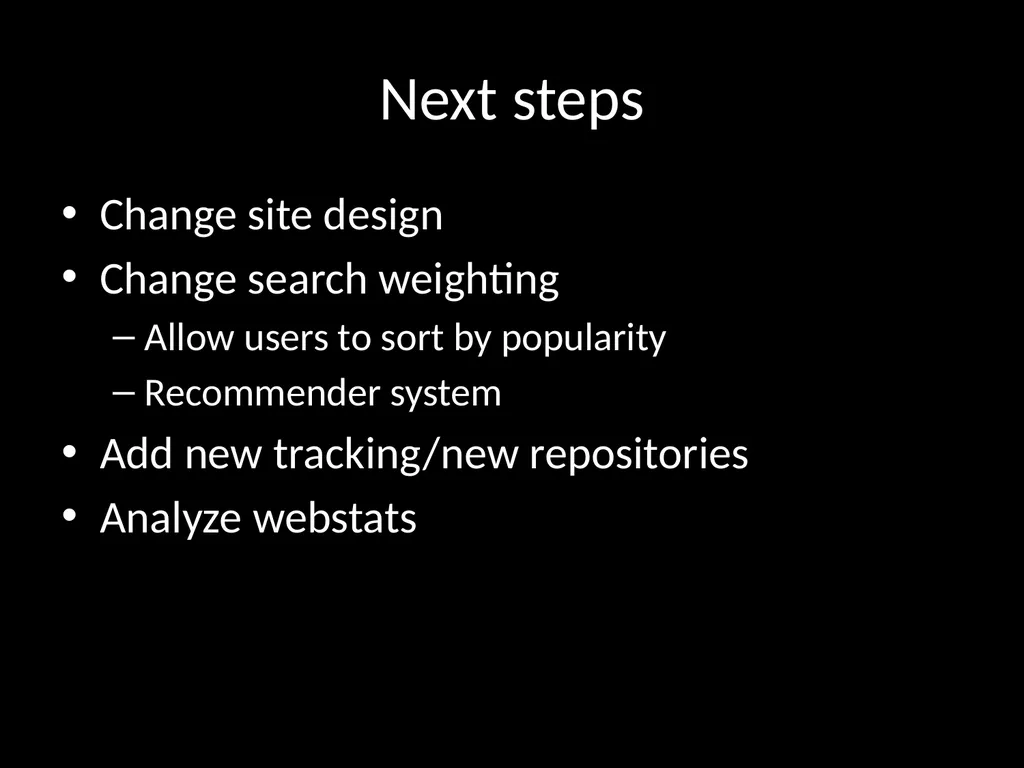
Examples: Tracking code \nslide6. jQuery:\nPush event code on to any links\nhttps://github.com/kirkhess/Google-Analytics-Event-Analysis \nslide9. Google Analytics Interface Heat Map\nContent Drill Down\nVisitor Flow\nEvents \nslide11. Google Analytics API \nJava or Javascript\nExport any field into a database for further analysis \nslide12. public class GoogleAnalyticsIngest {\n\n // Credentials for Client Login Authorization.\n private static final String CLIENT_USERNAME = \"kirk.hess@gmail.com\";\n private static final String CLIENT_PASS = \"zzzzzzzz\";\n\n // Table ID constant\n private static final String TABLE_ID = \"ga:12345678\";\n\n public static void main(String args[]) {\n try {\n // Service Object to work with the Google Analytics Data Export API.\n AnalyticsService analyticsService = new AnalyticsService(\"gaExportAPI_acctSample_v2.0\");\n\n // Client Login Authorization.\n analyticsService.setUserCredentials(CLIENT_USERNAME, CLIENT_PASS);\n\n // Get data from the Account Feed.\n getAccountFeed(analyticsService);\n\n // Access the Data Feed if the Table Id has been set.\n if (!TABLE_ID.isEmpty()) {\n\n // Get profile data from the Data Feed.\n getDataFeed(analyticsService); \n\t...\n } \nslide13. Which items are popular?\nHow many times was an item viewed?\nDownloaded?\nEffective Collection Size \nslide14. 19th Century British Novels Collection:\u000bEvents 7808 Most items are never used \nslide15. Next steps Change site design\nChange search weighting\nAllow users to sort by popularity\nRecommender system\nAdd new tracking/new repositories\nAnalyze webstats \nslide16. Code: \u000bhttps://github.com/kirkhess/Google-Analytics-Event-Analysis "
}
Discovering Digital Library User Behavior with Google Analytics Kirk Hess University of Illinois Urbana-Champaign Why Google Analytics? http:google.comanalytics JavaScript-based Small tracking image (visible via Firebug) mostly users
"Discovering Digital Library User Behavior with" is the property of its rightful owner. Permission is granted to
download and print the materials on this website for personal, non-commercial use only, and to display it
on your personal computer provided you do not modify the materials and that you retain all copyright
notices contained in the materials. By downloading content from our website, you accept the terms of this
agreement.
Presentation Transcript
01
Discovering Digital Library User Behavior with Google Analytics Kirk Hess
University of Illinois Urbana-Champaign<br>
02
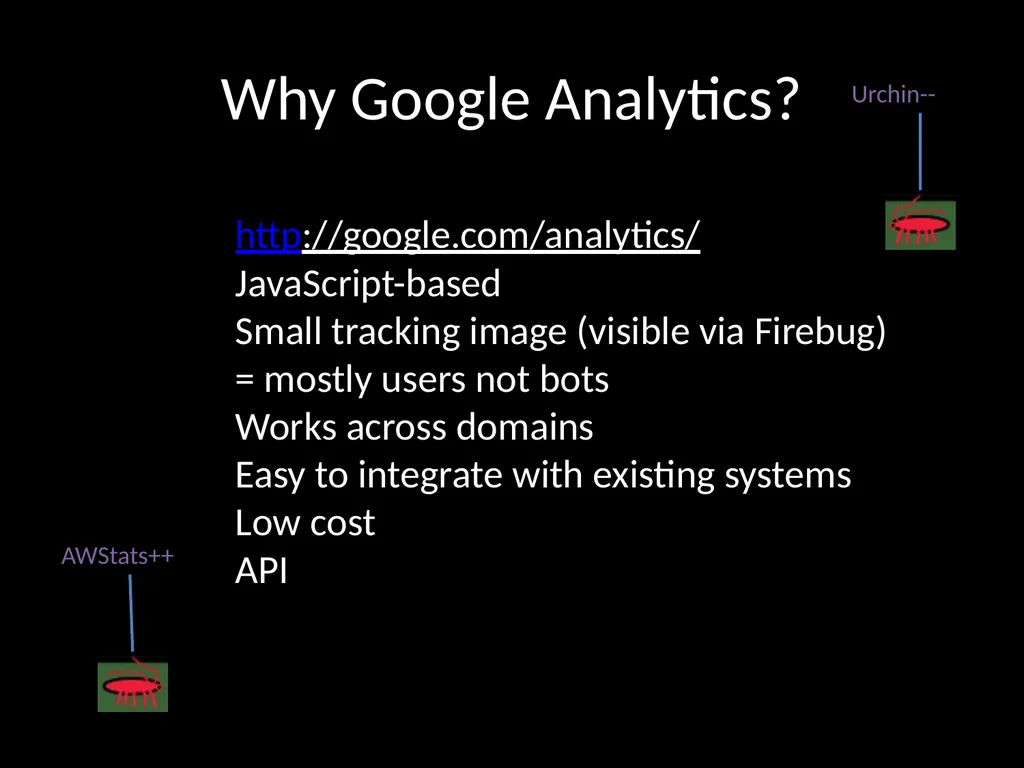
Why Google Analytics? http://google.com/analytics/
JavaScript-based
Small tracking image (visible via Firebug)
= mostly users not bots
Works across domains
Easy to integrate with existing systems
Low cost
API<br>
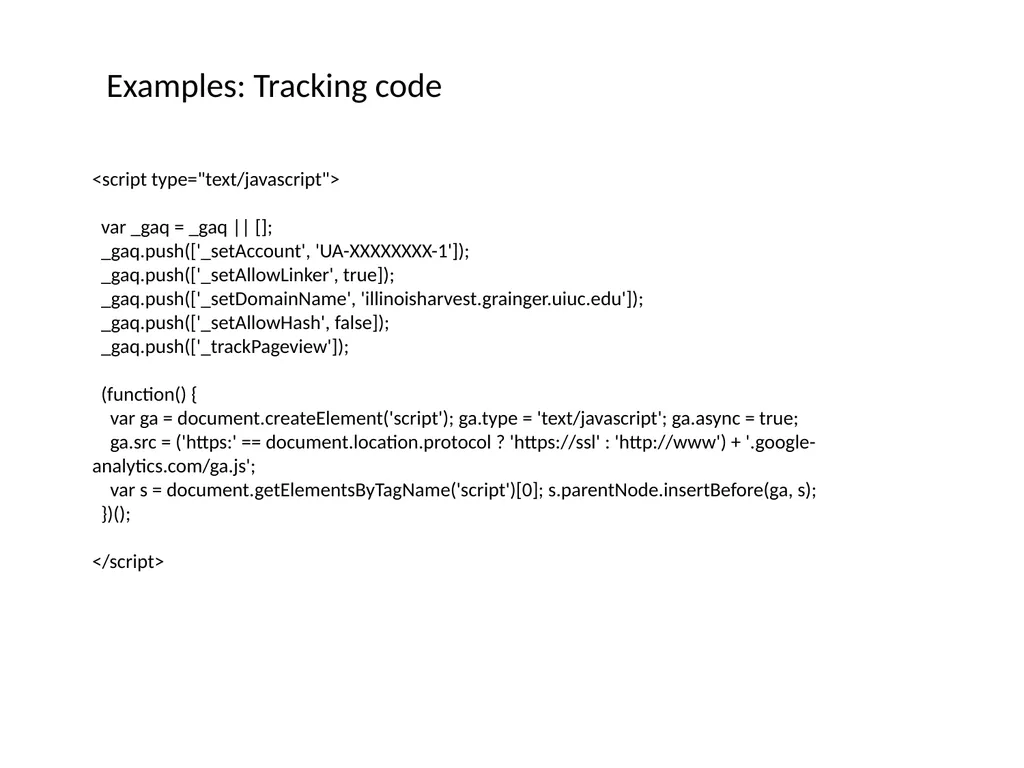
(function() {
var ga = document.createElement('script'); ga.type = 'text/javascript'; ga.async = true;
ga.src = ('https:' == document.location.protocol ? 'https://ssl' : 'http://www') + '.google-analytics.com/ga.js';
var s = document.getElementsByTagName('script')[0]; s.parentNode.insertBefore(ga, s);
})();
</script> Examples: Tracking code<br>
05
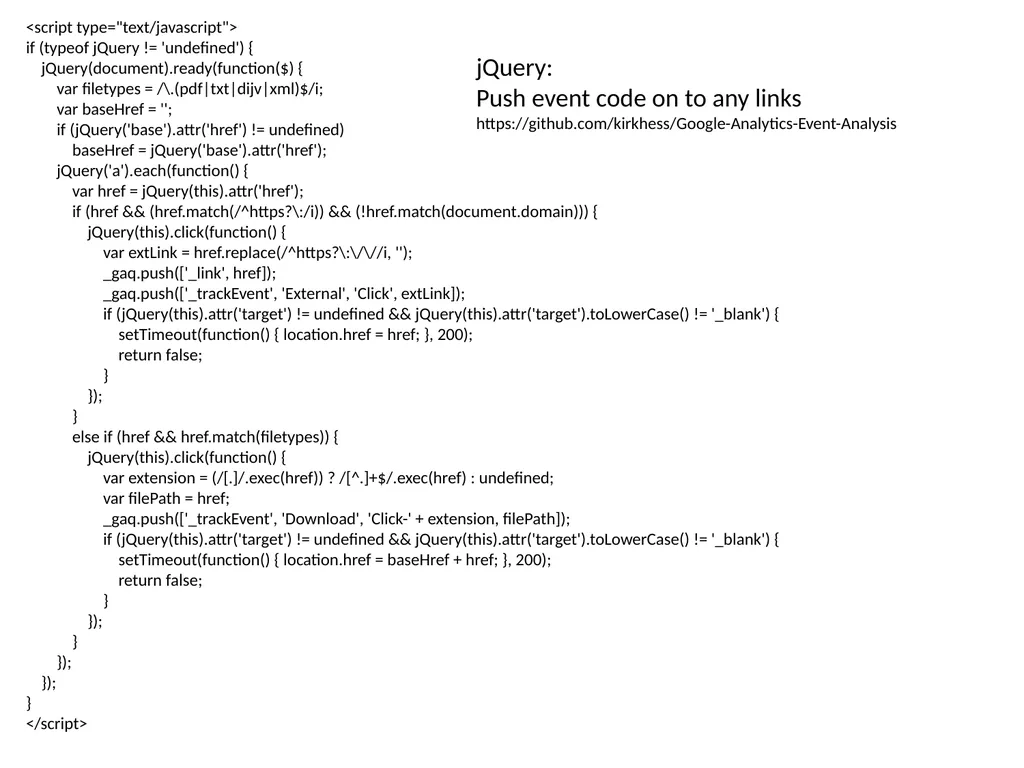
<script type="text/javascript">
if (typeof jQuery != 'undefined') {
jQuery(document).ready(function($) {
var filetypes = /\.(pdf|txt|dijv|xml)$/i;
var baseHref = '';
if (jQuery('base').attr('href') != undefined)
baseHref = jQuery('base').attr('href');
jQuery('a').each(function() {
var href = jQuery(this).attr('href');
if (href && (href.match(/^https?\:/i)) && (!href.match(document.domain))) {
jQuery(this).click(function() {
var extLink = href.replace(/^https?\:\/\//i, '');
_gaq.push(['_link', href]);
_gaq.push(['_trackEvent', 'External', 'Click', extLink]);
if (jQuery(this).attr('target') != undefined && jQuery(this).attr('target').toLowerCase() != '_blank') {
setTimeout(function() { location.href = href; }, 200);
return false;
}
});
}
else if (href && href.match(filetypes)) {
jQuery(this).click(function() {
var extension = (/[.]/.exec(href)) ? /[^.]+$/.exec(href) : undefined;
var filePath = href;
_gaq.push(['_trackEvent', 'Download', 'Click-' + extension, filePath]);
if (jQuery(this).attr('target') != undefined && jQuery(this).attr('target').toLowerCase() != '_blank') {
setTimeout(function() { location.href = baseHref + href; }, 200);
return false;
}
});
}
});
});
}
</script> jQuery:
Push event code on to any links
https://github.com/kirkhess/Google-Analytics-Event-Analysis<br>
06
Google Analytics Interface Heat Map
Content Drill Down
Visitor Flow
Events<br>
07
Google Analytics API
Java or Javascript
Export any field into a database for further analysis<br>
08
public class GoogleAnalyticsIngest {
// Credentials for Client Login Authorization.
private static final String CLIENT_USERNAME = "kirk.hess@gmail.com";
private static final String CLIENT_PASS = "zzzzzzzz";
// Table ID constant
private static final String TABLE_ID = "ga:12345678";
public static void main(String args[]) {
try {
// Service Object to work with the Google Analytics Data Export API.
AnalyticsService analyticsService = new AnalyticsService("gaExportAPI_acctSample_v2.0");
// Get data from the Account Feed.
getAccountFeed(analyticsService);
// Access the Data Feed if the Table Id has been set.
if (!TABLE_ID.isEmpty()) {
// Get profile data from the Data Feed.
getDataFeed(analyticsService);
...
}<br>
09
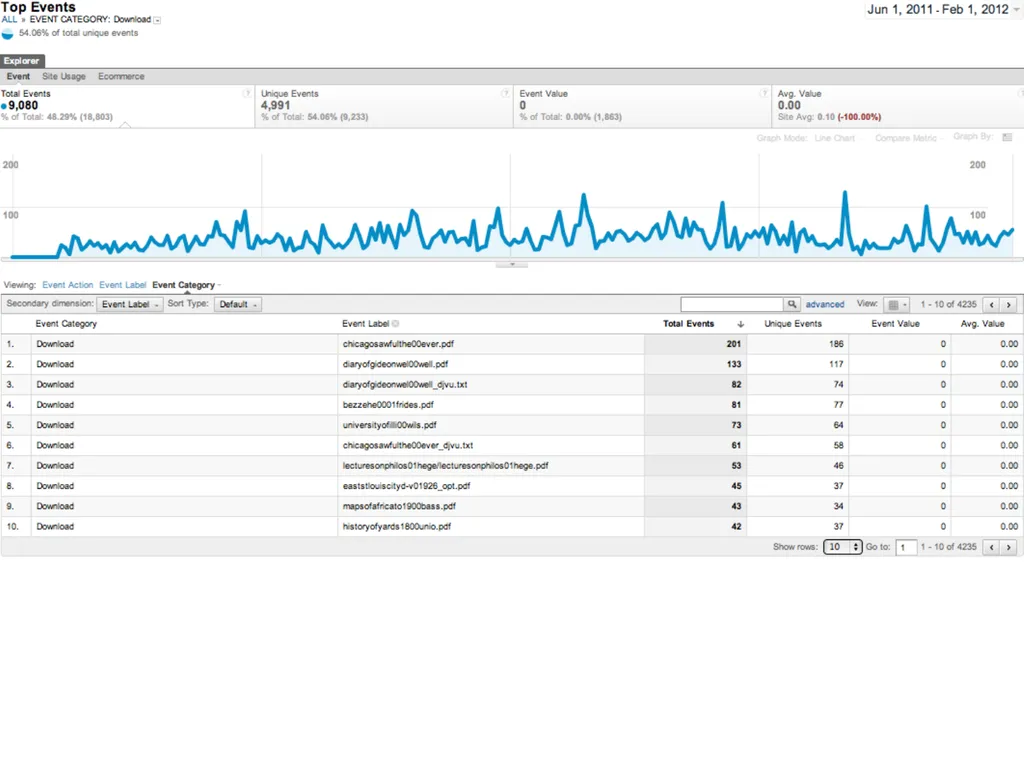
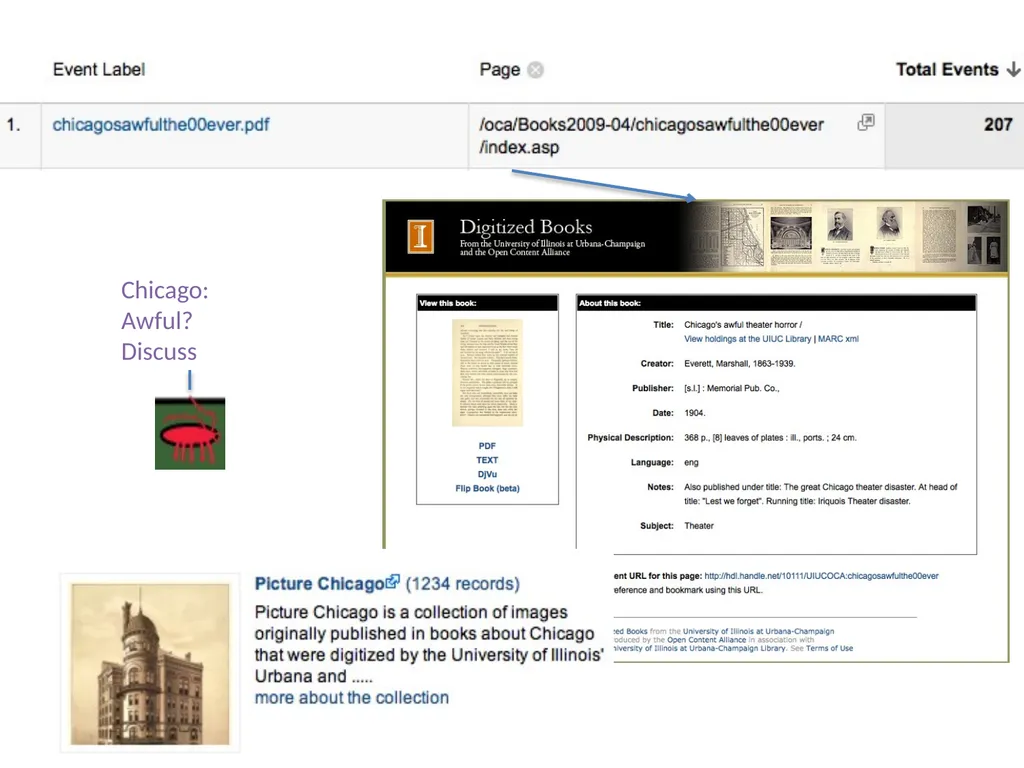
Which items are popular?
How many times was an item viewed?
Downloaded?
Effective Collection Size<br>
10
19th Century British Novels Collection: Events 7808 Most items are never used<br>
11
Next steps Change site design
Change search weighting
Allow users to sort by popularity
Recommender system
Add new tracking/new repositories
Analyze webstats<br>