
eLearning Collaboration and Assessment Ann
Description: eLearning Collaboration and Assessment Ann Musgrove and Page Jerzak Instructional Design musgrovefau.edu 297-1003 pjerzakfau.edu 297-3981 Collaborative Learning What is Collaborative Learning (CL)? Why does CL help learners? How is CL
Related Topics
Download Presentation
"eLearning Collaboration and Assessment Ann" is the property of its rightful owner. Permission is granted to download and print the materials on this website for personal, non-commercial use only, and to display it on your personal computer provided you do not modify the materials and that you retain all copyright notices contained in the materials. By downloading content from our website, you accept the terms of this agreement.
Presentation Transcript
slide1. eLearning Collaboration
and Assessment Ann Musgrove and Page Jerzak
Instructional Design
musgrove@fau.edu 297-1003
pjerzak@fau.edu 297-3981<br>
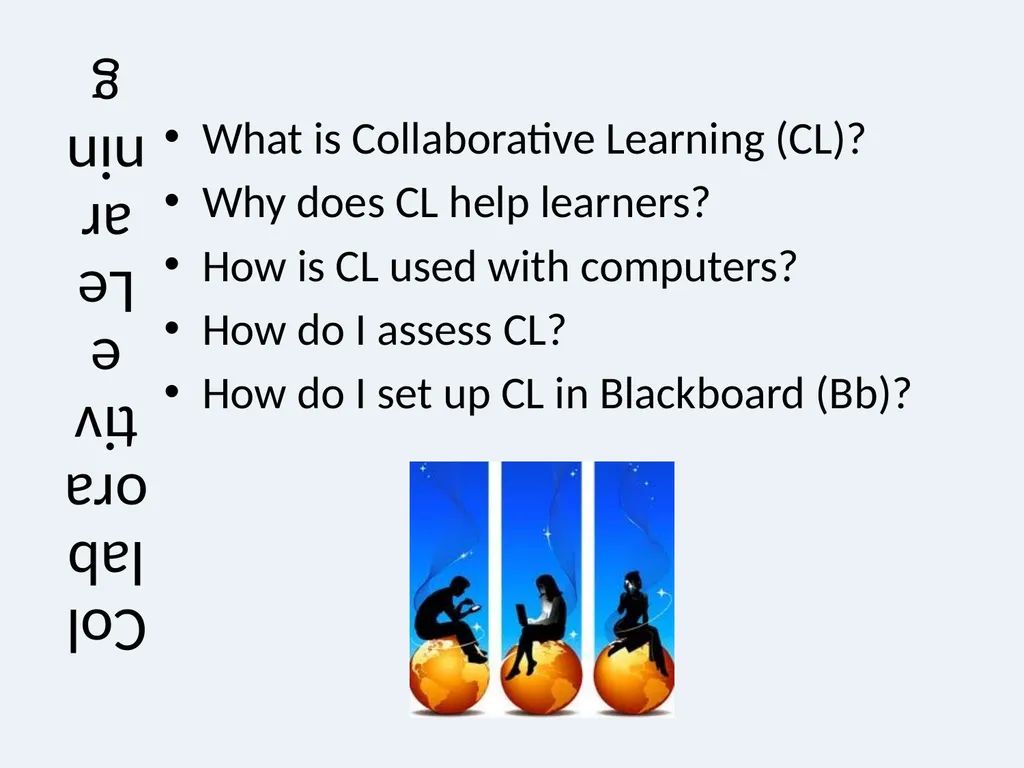
slide2. Collaborative Learning What is Collaborative Learning (CL)?
Why does CL help learners?
How is CL used with computers?
How do I assess CL?
How do I set up CL in Blackboard (Bb)?<br>
slide3. What is Collaborative Learning? Collaborative learning is an educational approach to teaching and learning that involves groups of learners working together to solve a problem, complete a task, or create a product.
Collaborative learning is based on the idea that learning is a naturally social act in which the participants talk among themselves. It is through the talk that learning occurs. (National Institute for Science Education)<br>
slide4. Why does CL help learners? Reduce the feeling of isolation that can come with elearning.
If elearning courses provide learners with effective interaction, they possess all the benefits that a course could possibly have – flexibility, convenience, and quality (Chang, 2009)<br>
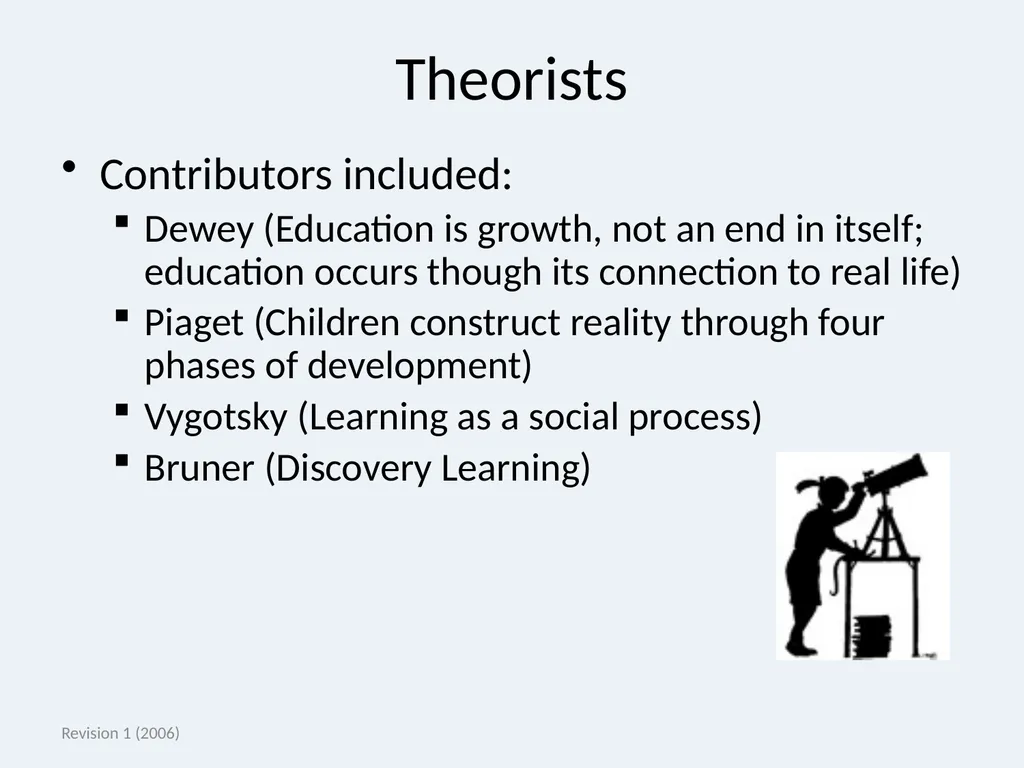
slide5. Revision 1 (2006) Theorists Contributors included:
Dewey (Education is growth, not an end in itself; education occurs though its connection to real life)
Piaget (Children construct reality through four phases of development)
Vygotsky (Learning as a social process)
Bruner (Discovery Learning)<br>
slide6. Web-based Communication Synchronous Vs. Asynchronous Many students don’t have a schedule that affords them the opportunity for face-to-face classes.
Many studies indicate that online student achievement is comparable to F2F classes.
Some studies indicate that students learn more in online classes with some synchronous components. (Sitzmann, Ely & Wisher, 2004)<br>
slide7. Assessment Refreshment Assessment: Measuring information / skills acquisition and interactions
Evaluation: Judgment of learning and collaboration
Throughout the presentation, we will concentrate on the different types of assessment and how they can be applied to collaborative learning and online communication.<br>
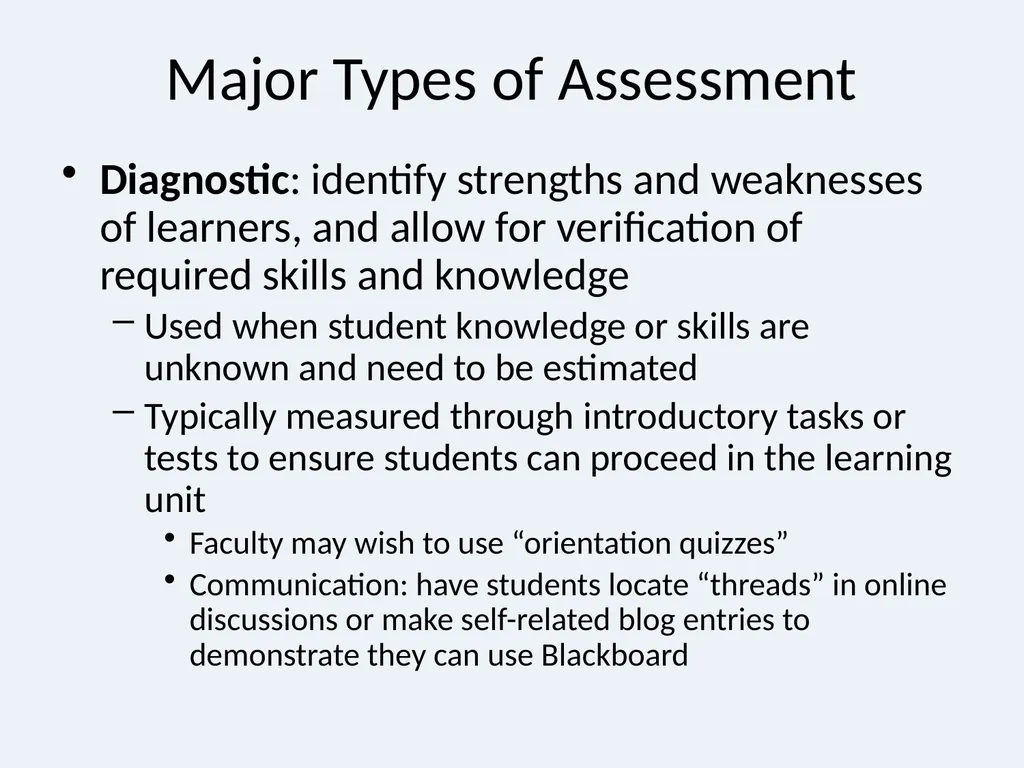
slide8. Major Types of Assessment Diagnostic: identify strengths and weaknesses of learners, and allow for verification of required skills and knowledge
Used when student knowledge or skills are unknown and need to be estimated
Typically measured through introductory tasks or tests to ensure students can proceed in the learning unit
Faculty may wish to use “orientation quizzes”
Communication: have students locate “threads” in online discussions or make self-related blog entries to demonstrate they can use Blackboard<br>
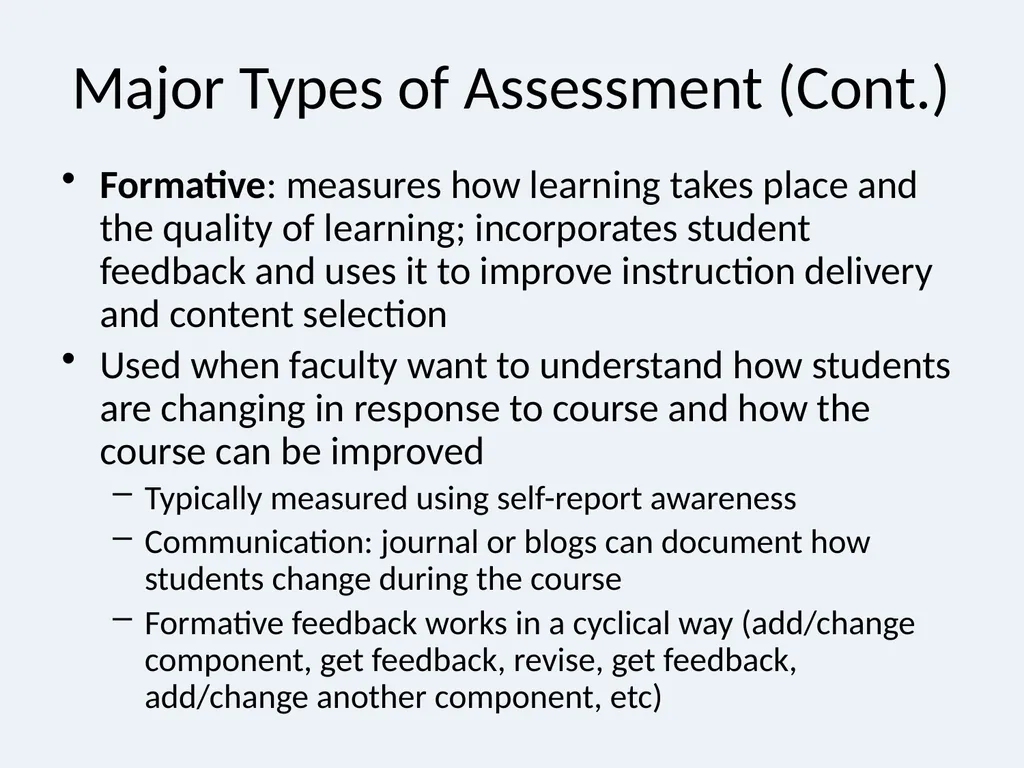
slide9. Major Types of Assessment (Cont.) Formative: measures how learning takes place and the quality of learning; incorporates student feedback and uses it to improve instruction delivery and content selection
Used when faculty want to understand how students are changing in response to course and how the course can be improved
Typically measured using self-report awareness
Communication: journal or blogs can document how students change during the course
Formative feedback works in a cyclical way (add/change component, get feedback, revise, get feedback, add/change another component, etc)<br>
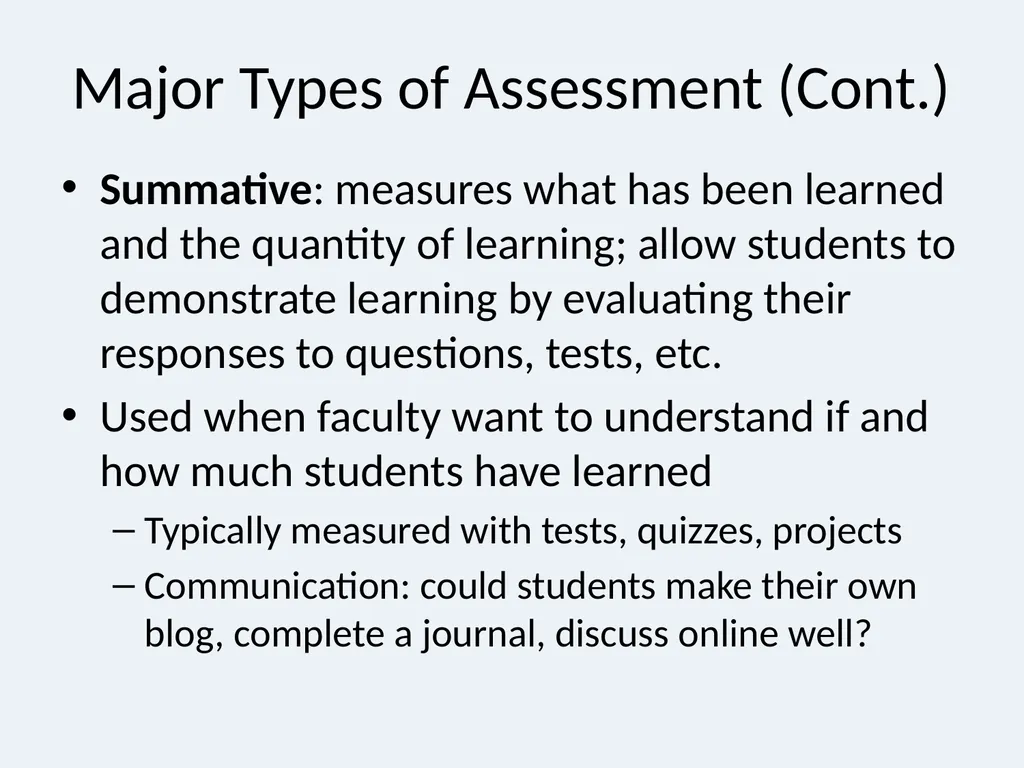
slide10. Major Types of Assessment (Cont.) Summative: measures what has been learned and the quantity of learning; allow students to demonstrate learning by evaluating their responses to questions, tests, etc.
Used when faculty want to understand if and how much students have learned
Typically measured with tests, quizzes, projects
Communication: could students make their own blog, complete a journal, discuss online well?<br>
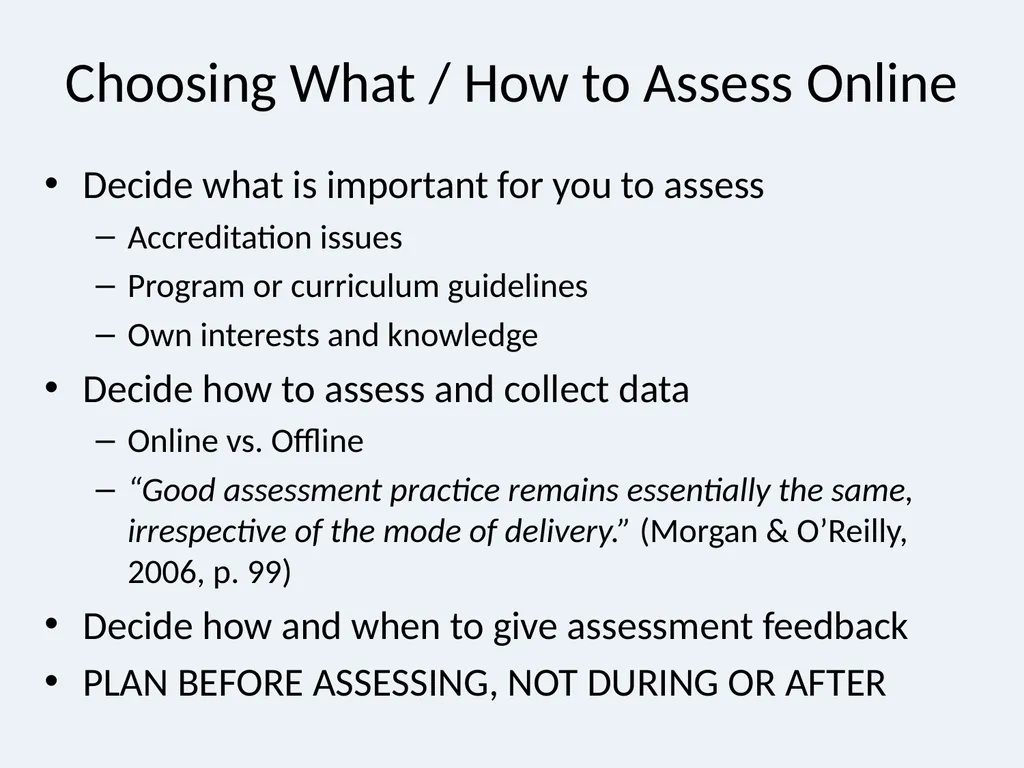
slide11. Choosing What / How to Assess Online Decide what is important for you to assess
Accreditation issues
Program or curriculum guidelines
Own interests and knowledge
Decide how to assess and collect data
Online vs. Offline
“Good assessment practice remains essentially the same, irrespective of the mode of delivery.” (Morgan & O’Reilly, 2006, p. 99)
Decide how and when to give assessment feedback
PLAN BEFORE ASSESSING, NOT DURING OR AFTER<br>
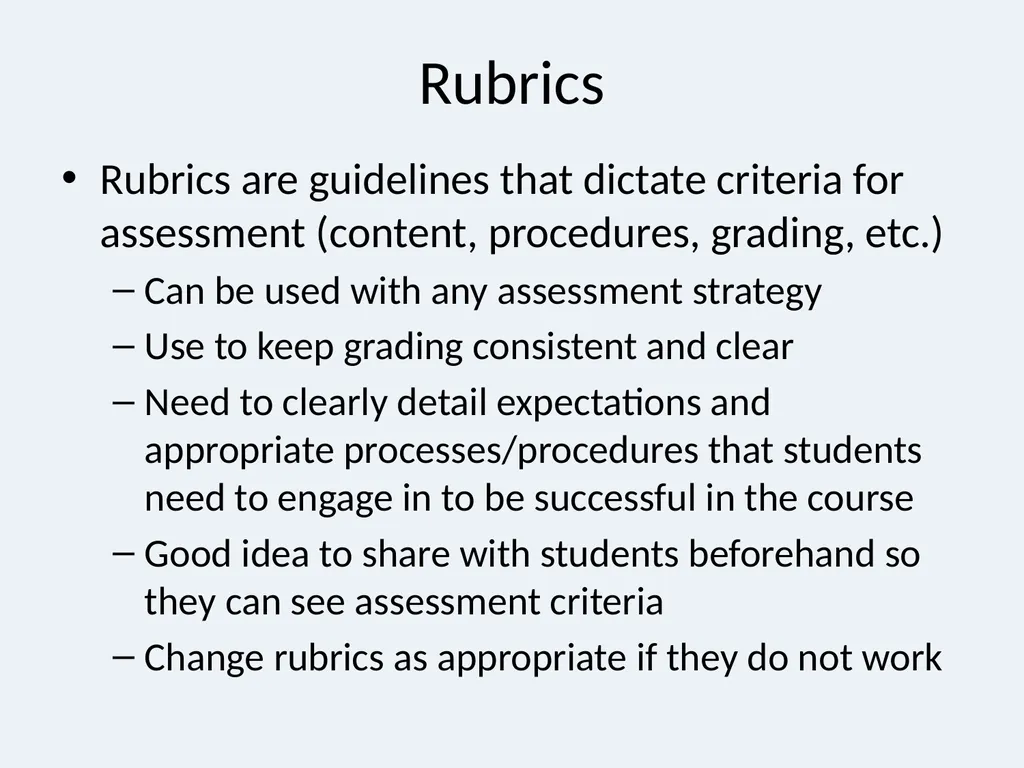
slide12. Rubrics Rubrics are guidelines that dictate criteria for assessment (content, procedures, grading, etc.)
Can be used with any assessment strategy
Use to keep grading consistent and clear
Need to clearly detail expectations and appropriate processes/procedures that students need to engage in to be successful in the course
Good idea to share with students beforehand so they can see assessment criteria
Change rubrics as appropriate if they do not work<br>
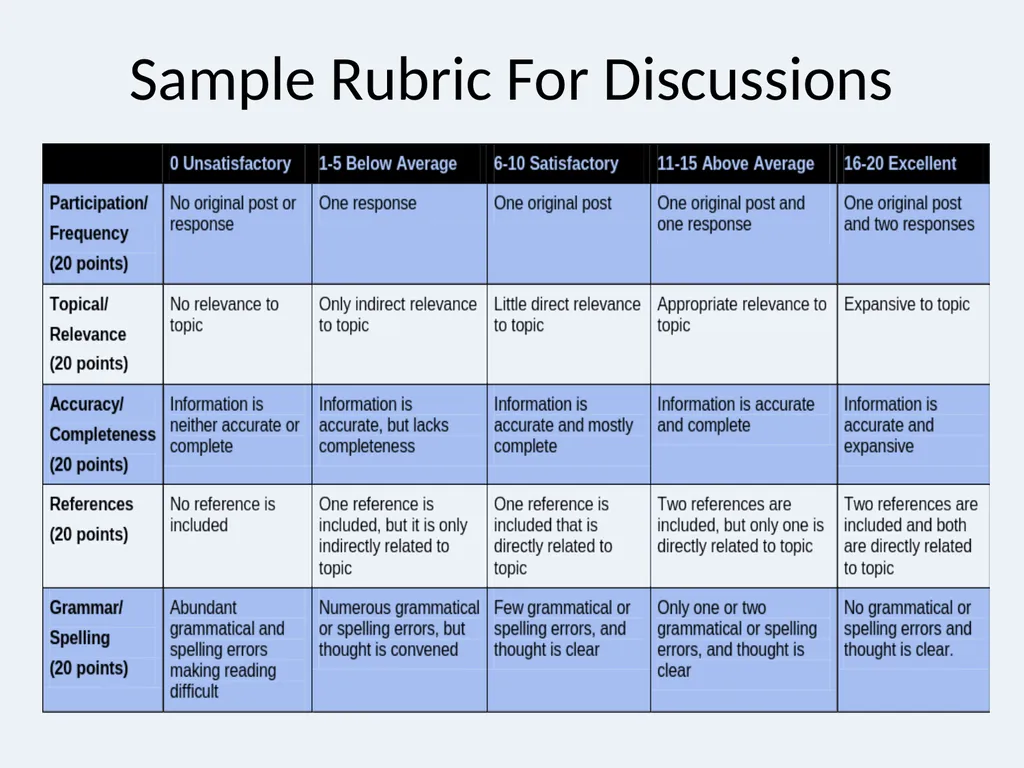
slide13. Sample Rubric For Discussions<br>
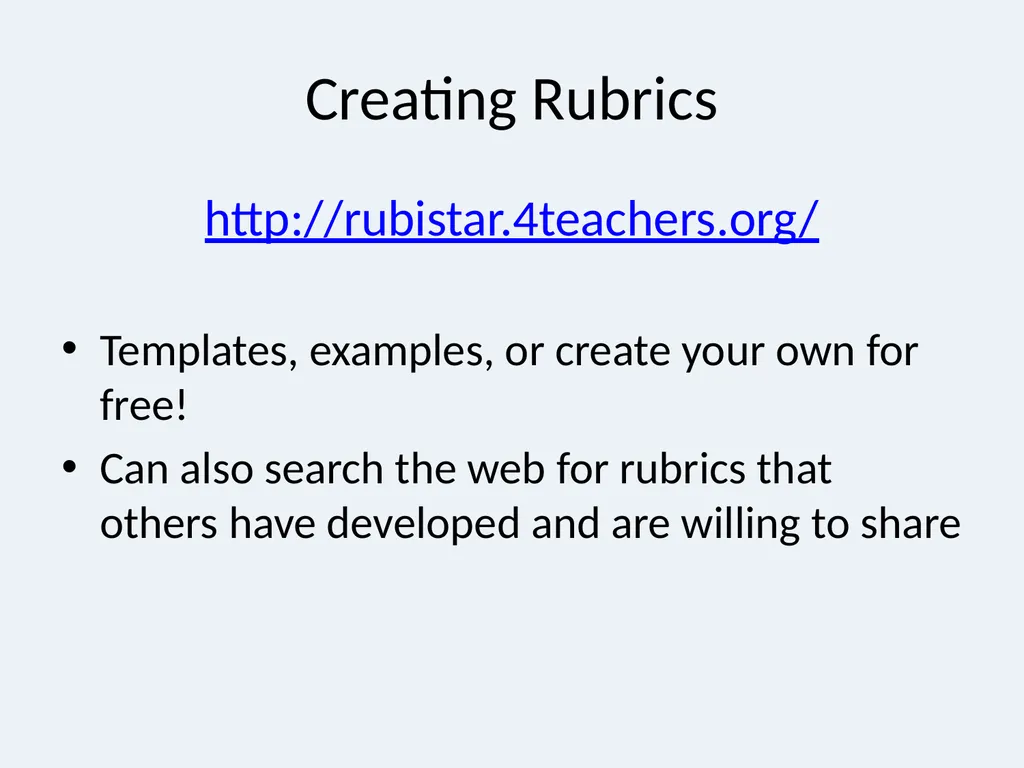
slide14. Creating Rubrics http://rubistar.4teachers.org/
Templates, examples, or create your own for free!
Can also search the web for rubrics that others have developed and are willing to share<br>
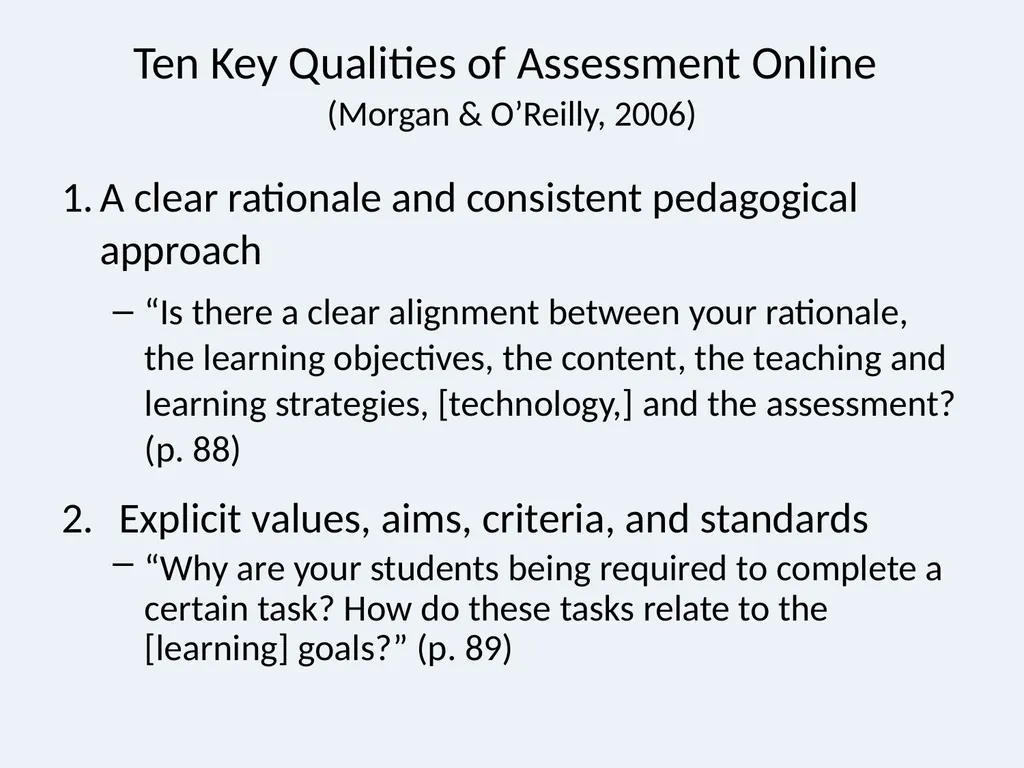
slide15. Ten Key Qualities of Assessment Online (Morgan & O’Reilly, 2006) A clear rationale and consistent pedagogical approach
“Is there a clear alignment between your rationale, the learning objectives, the content, the teaching and learning strategies, [technology,] and the assessment? (p. 88)
Explicit values, aims, criteria, and standards
“Why are your students being required to complete a certain task? How do these tasks relate to the [learning] goals?” (p. 89)<br>
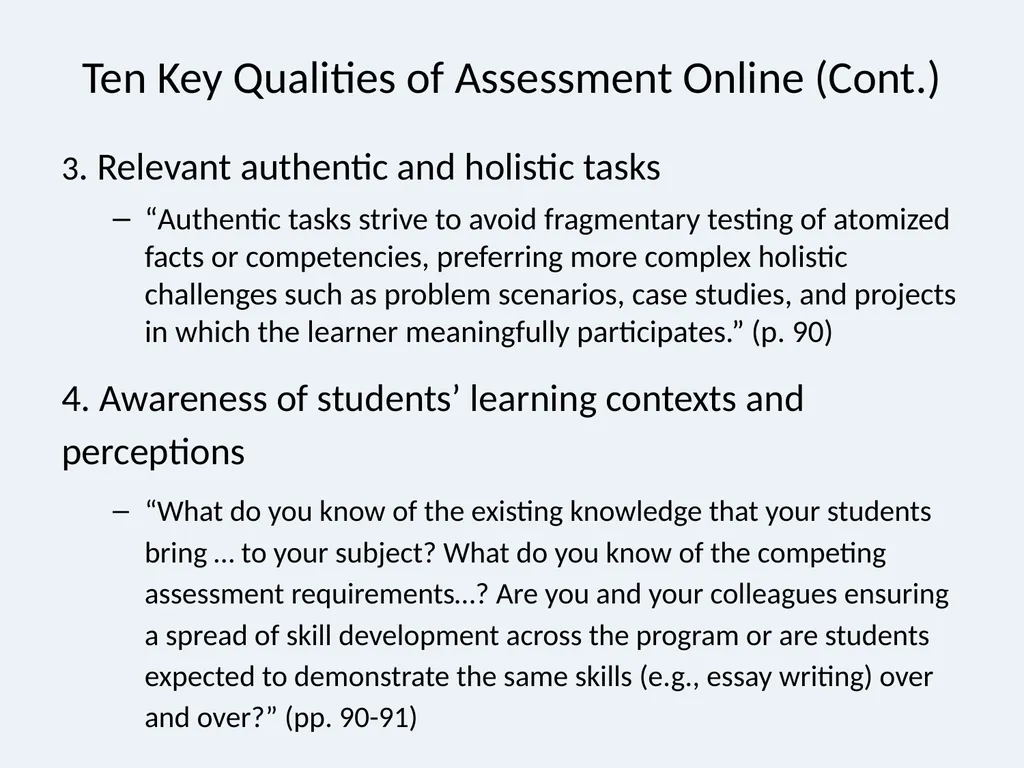
slide16. Ten Key Qualities of Assessment Online (Cont.) 3. Relevant authentic and holistic tasks
“Authentic tasks strive to avoid fragmentary testing of atomized facts or competencies, preferring more complex holistic challenges such as problem scenarios, case studies, and projects in which the learner meaningfully participates.” (p. 90)
4. Awareness of students’ learning contexts and perceptions
“What do you know of the existing knowledge that your students bring … to your subject? What do you know of the competing assessment requirements…? Are you and your colleagues ensuring a spread of skill development across the program or are students expected to demonstrate the same skills (e.g., essay writing) over and over?” (pp. 90-91)<br>
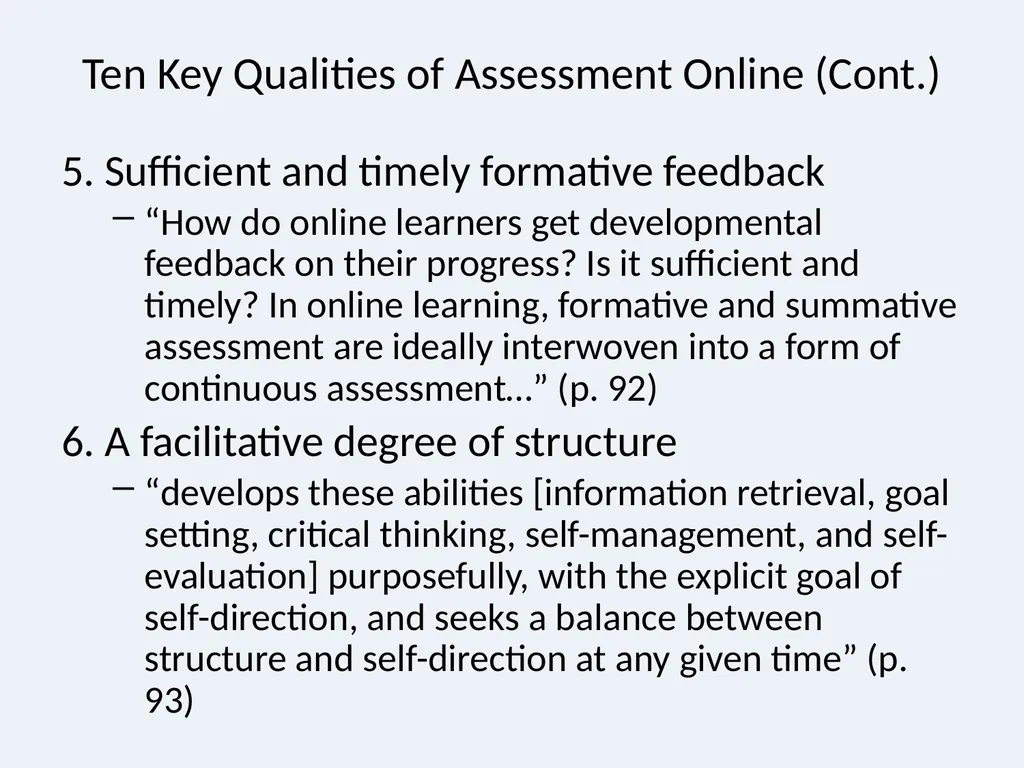
slide17. Ten Key Qualities of Assessment Online (Cont.) 5. Sufficient and timely formative feedback
“How do online learners get developmental feedback on their progress? Is it sufficient and timely? In online learning, formative and summative assessment are ideally interwoven into a form of continuous assessment…” (p. 92)
6. A facilitative degree of structure
“develops these abilities [information retrieval, goal setting, critical thinking, self-management, and self-evaluation] purposefully, with the explicit goal of self-direction, and seeks a balance between structure and self-direction at any given time” (p. 93)<br>
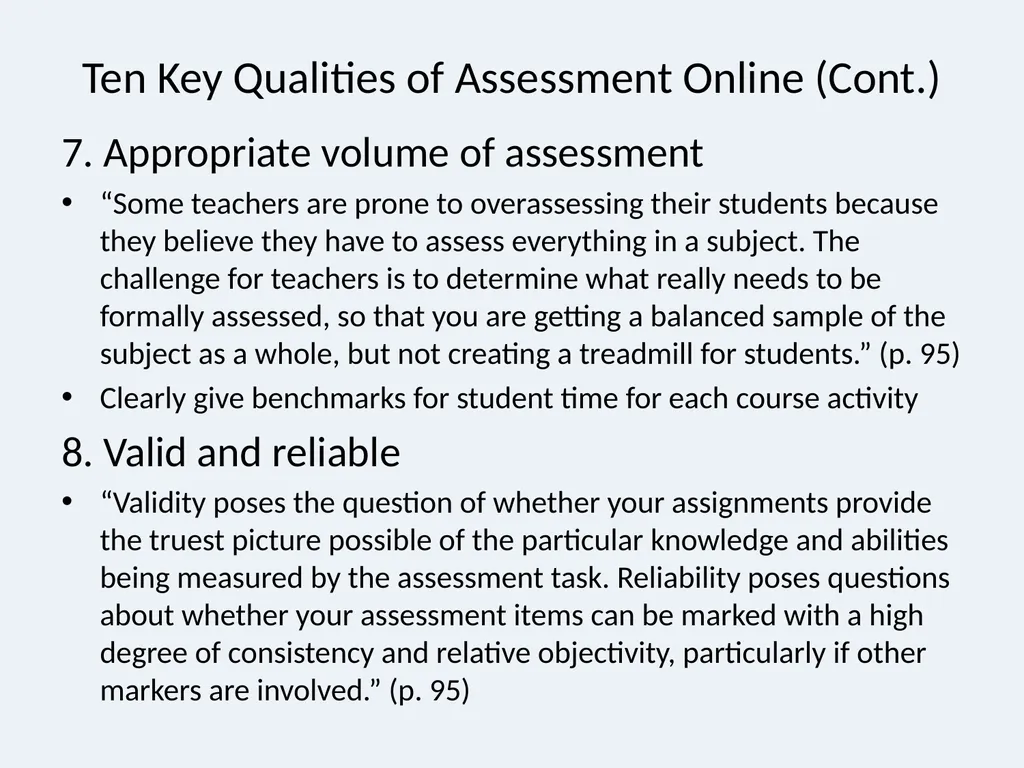
slide18. Ten Key Qualities of Assessment Online (Cont.) 7. Appropriate volume of assessment
“Some teachers are prone to overassessing their students because they believe they have to assess everything in a subject. The challenge for teachers is to determine what really needs to be formally assessed, so that you are getting a balanced sample of the subject as a whole, but not creating a treadmill for students.” (p. 95)
Clearly give benchmarks for student time for each course activity
8. Valid and reliable
“Validity poses the question of whether your assignments provide the truest picture possible of the particular knowledge and abilities being measured by the assessment task. Reliability poses questions about whether your assessment items can be marked with a high degree of consistency and relative objectivity, particularly if other markers are involved.” (p. 95)<br>
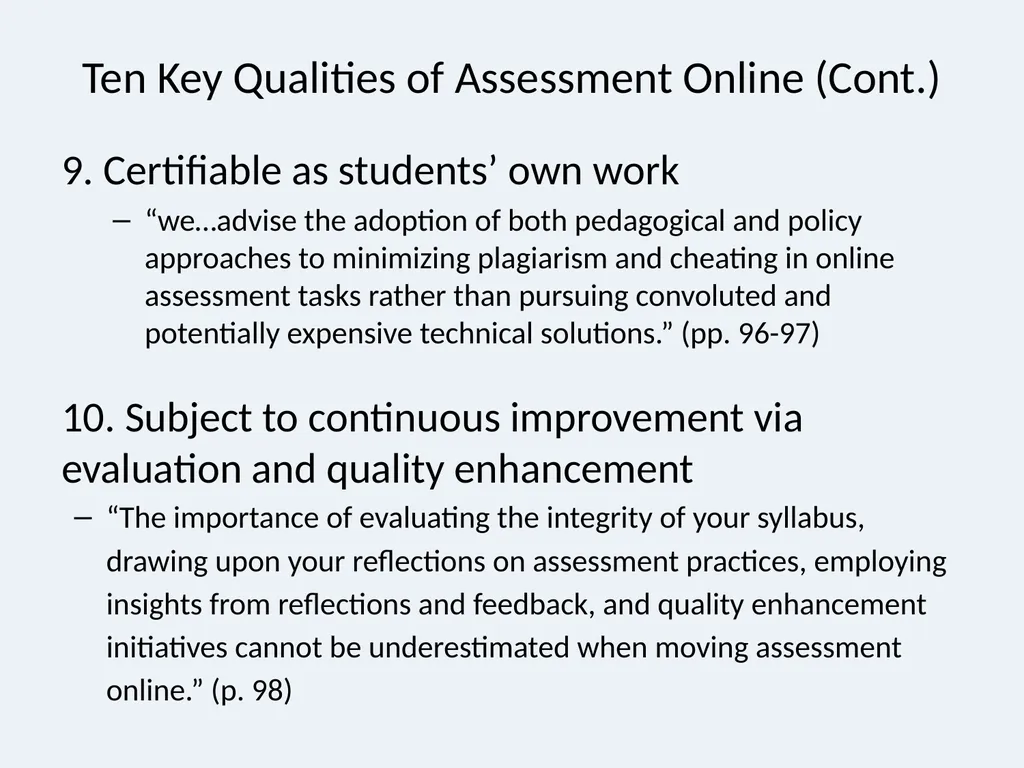
slide19. Ten Key Qualities of Assessment Online (Cont.) 9. Certifiable as students’ own work
“we…advise the adoption of both pedagogical and policy approaches to minimizing plagiarism and cheating in online assessment tasks rather than pursuing convoluted and potentially expensive technical solutions.” (pp. 96-97)
10. Subject to continuous improvement via evaluation and quality enhancement
“The importance of evaluating the integrity of your syllabus, drawing upon your reflections on assessment practices, employing insights from reflections and feedback, and quality enhancement initiatives cannot be underestimated when moving assessment online.” (p. 98)<br>
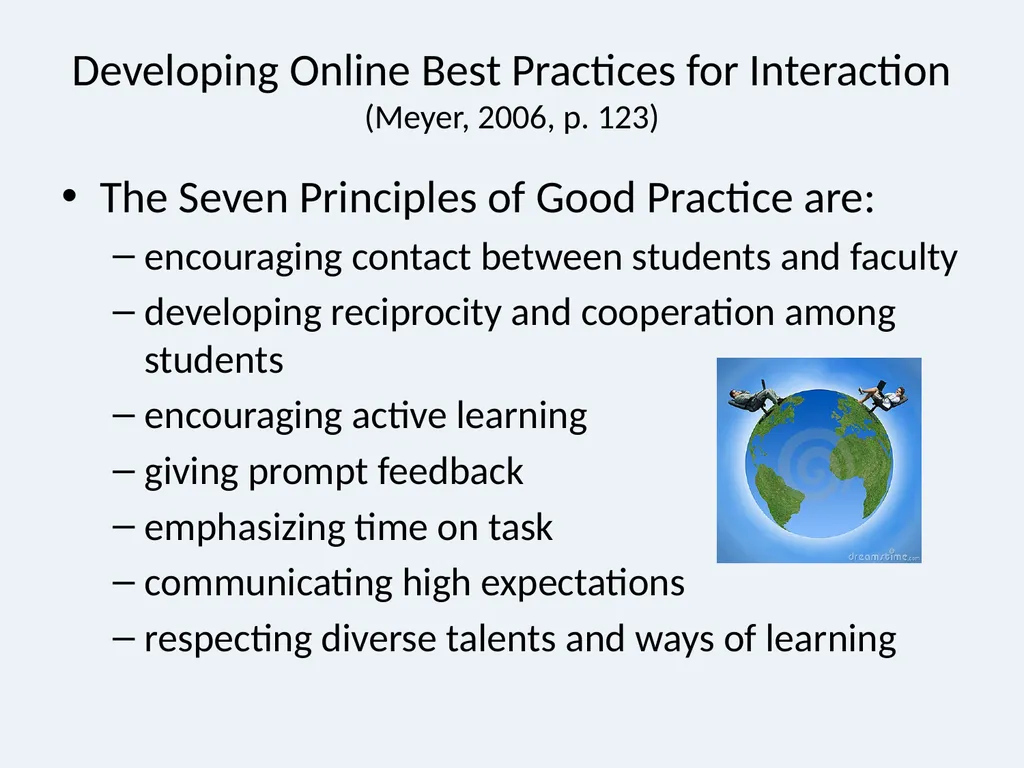
slide20. Developing Online Best Practices for Interaction (Meyer, 2006, p. 123) The Seven Principles of Good Practice are:
encouraging contact between students and faculty
developing reciprocity and cooperation among students
encouraging active learning
giving prompt feedback
emphasizing time on task
communicating high expectations
respecting diverse talents and ways of learning<br>
slide21. More Issues in Planning Online Assessment Students’ Technological Abilities
Need to ensure students know how to use technology so they spend time on learning
Faculty can choose to assess on
the information / content students provide
how students interact with each other and/or faculty
or some combination of both.
Select basis of assessment before course begins and clearly explain this to students.
Students cannot meet faculty expectations if they do not know what they are.<br>
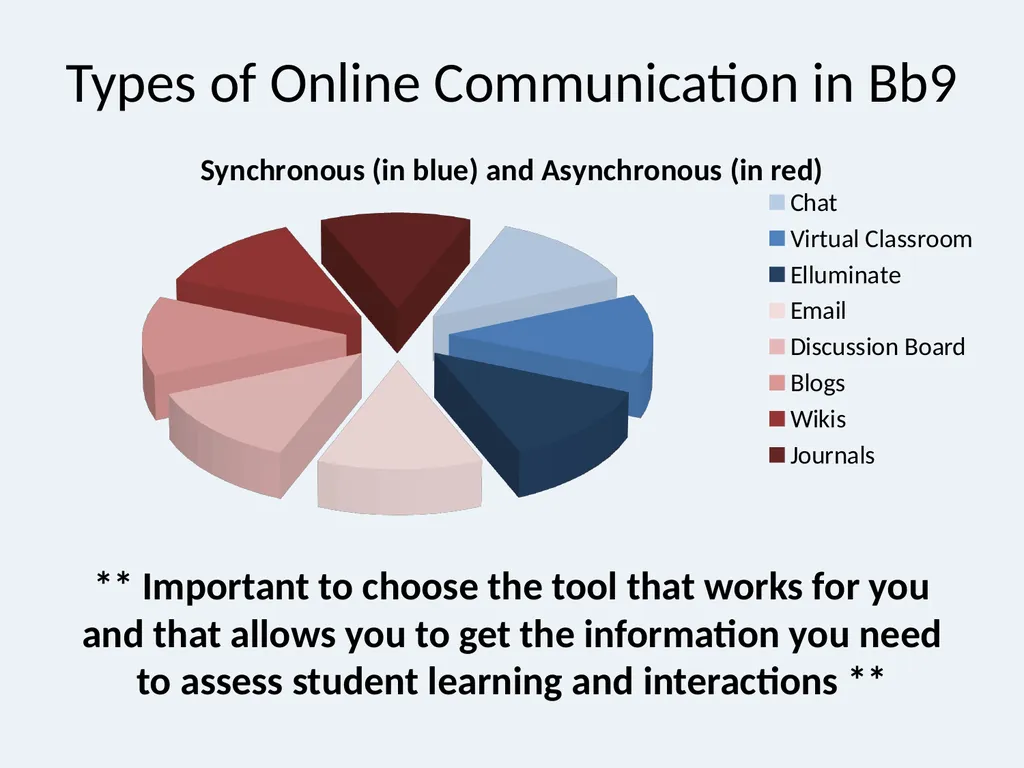
slide22. Types of Online Communication in Bb9 ** Important to choose the tool that works for you and that allows you to get the information you need to assess student learning and interactions **<br>
slide23. Design Recommendations Be clear in your syllabus if the class is online or a blended hybrid. If you require online synchronous classes state the times dates and equipment needed for participation in your syllabus. Make this information available to students during registration. Consider a “practice” session with the students early in the class to avoid frustration and confusion.
Don’t assume your students are power users of technology; make sure they have resources to learn about Bb tools.
http://www.fau.edu/irm/blackboard/bb9_student.php<br>
slide24. Consider Netiquette http://www.fau.edu/irm/about/netiquette.php
Tone can be easily misinterpreted. Instructor must monitor communication to ensure civility.
Faculty should set minimum & maximum limits for all communication.
Email Best Practices
Only for personal communication – all class questions direct to the discussion board.<br>
slide25. Best Practices for Online Discussions (Meyer, 2006, p. 126) “It matters how the instructor sets up the discussion”
“It matters what the purpose of evaluation is”
“It matters how and at what level an online discussion is initiated”
“It matters how the instructor interacts in the discussion”
“It matters what rubric or framework is used”
“More rubrics or frameworks are needed”<br>
slide26. Best Practices Cont. Responsibility of online instructor to nudge and encourage the construction knowledge (just like in a face to face classroom) (Christopher, Thomas & Tallent-Rennels, 2004).
Asking open-ended questions and encouraging students to reply with more personal thought to ensure that the dialogue is interactive rather than just a one-way instruction communication (Chang, 2009).
Consider using MindMeister for collaboration
www.mindmeister.com<br>
slide27. Best Practices – even more! Schedule a quiet time when other projects in the course are time consuming.
Be aware of cultural patterns as well differences in personal styles in discussion. Make it clear if participation is required and when it is due.
Don’t force personal experiences, instead try something like “Can you relate this to your own experiences or one you heard or read about?”
Create a discussion area for “Questions, Comments & Concerns” for the instructor and students to answer questions about assignments or Bb issues.
Consider adding a “guest” to bring in new information.<br>
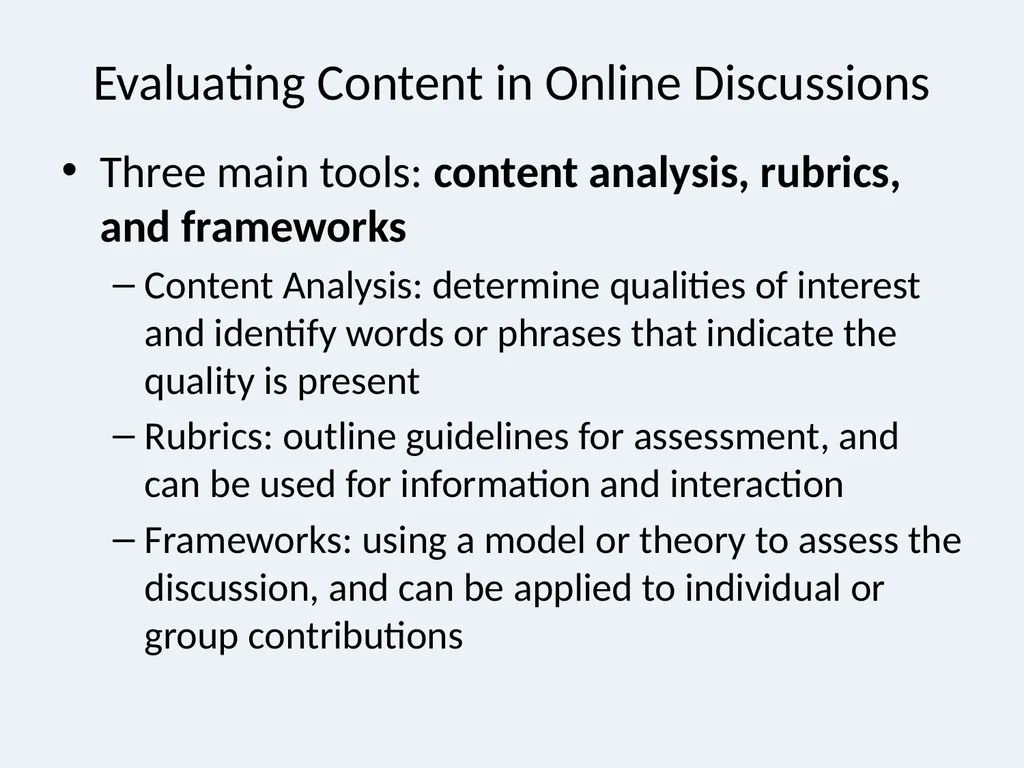
slide28. Evaluating Content in Online Discussions Three main tools: content analysis, rubrics, and frameworks
Content Analysis: determine qualities of interest and identify words or phrases that indicate the quality is present
Rubrics: outline guidelines for assessment, and can be used for information and interaction
Frameworks: using a model or theory to assess the discussion, and can be applied to individual or group contributions<br>
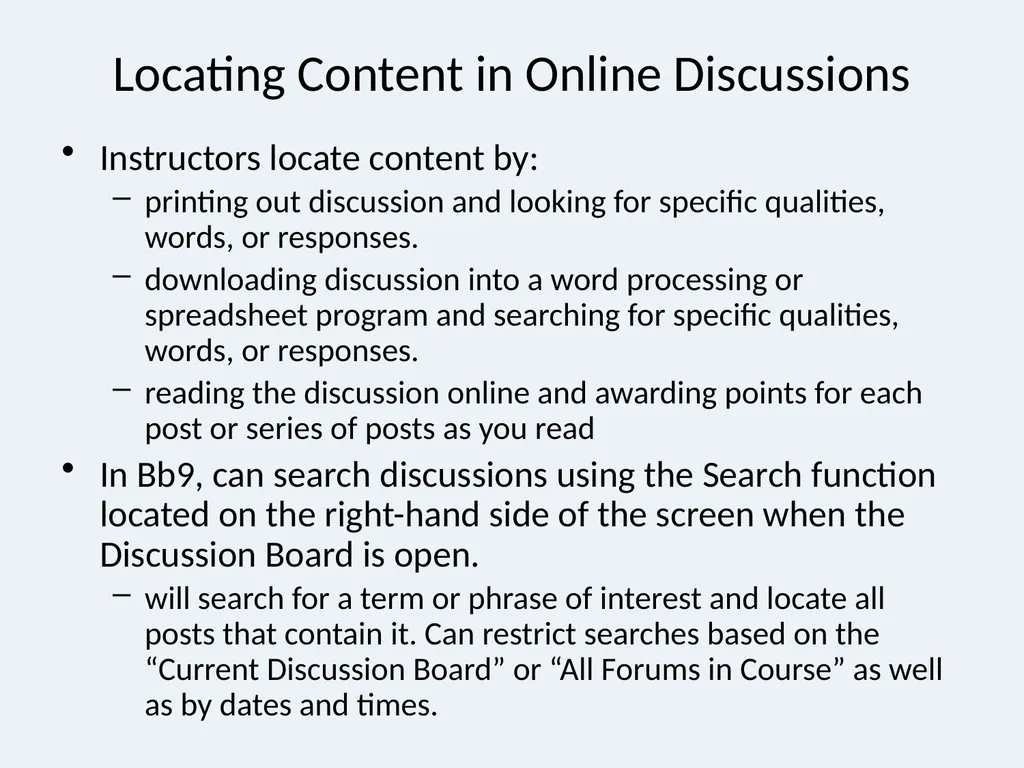
slide29. Locating Content in Online Discussions Instructors locate content by:
printing out discussion and looking for specific qualities, words, or responses.
downloading discussion into a word processing or spreadsheet program and searching for specific qualities, words, or responses.
reading the discussion online and awarding points for each post or series of posts as you read
In Bb9, can search discussions using the Search function located on the right-hand side of the screen when the Discussion Board is open.
will search for a term or phrase of interest and locate all posts that contain it. Can restrict searches based on the “Current Discussion Board” or “All Forums in Course” as well as by dates and times.<br>
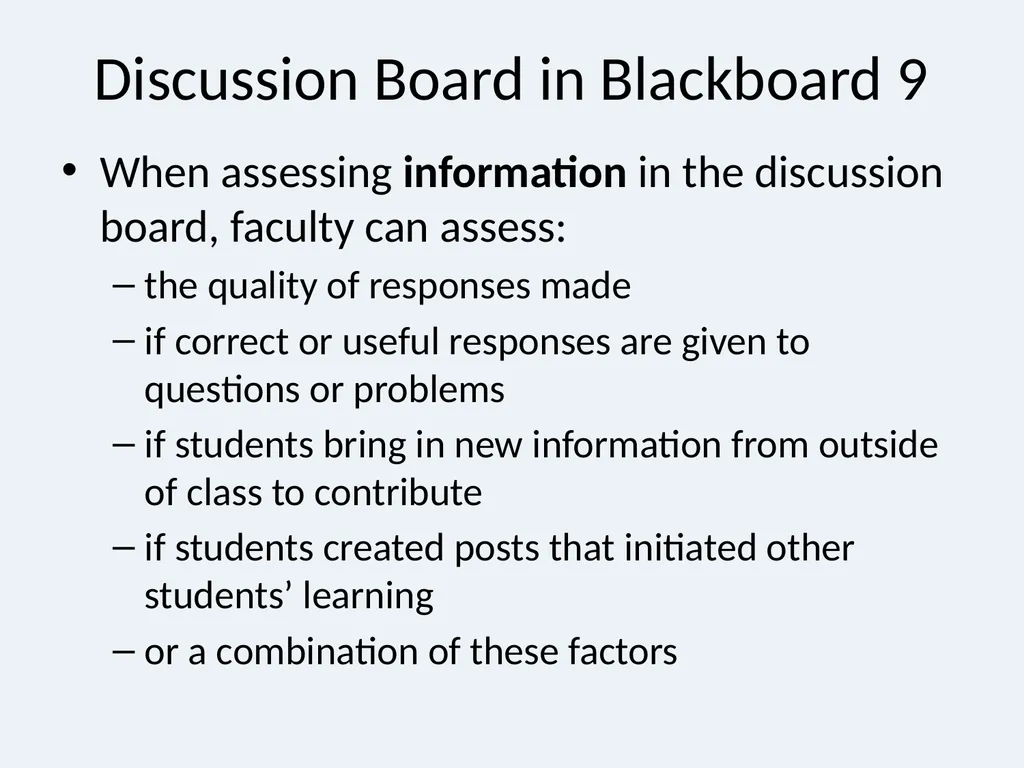
slide30. Discussion Board in Blackboard 9 When assessing information in the discussion board, faculty can assess:
the quality of responses made
if correct or useful responses are given to questions or problems
if students bring in new information from outside of class to contribute
if students created posts that initiated other students’ learning
or a combination of these factors<br>
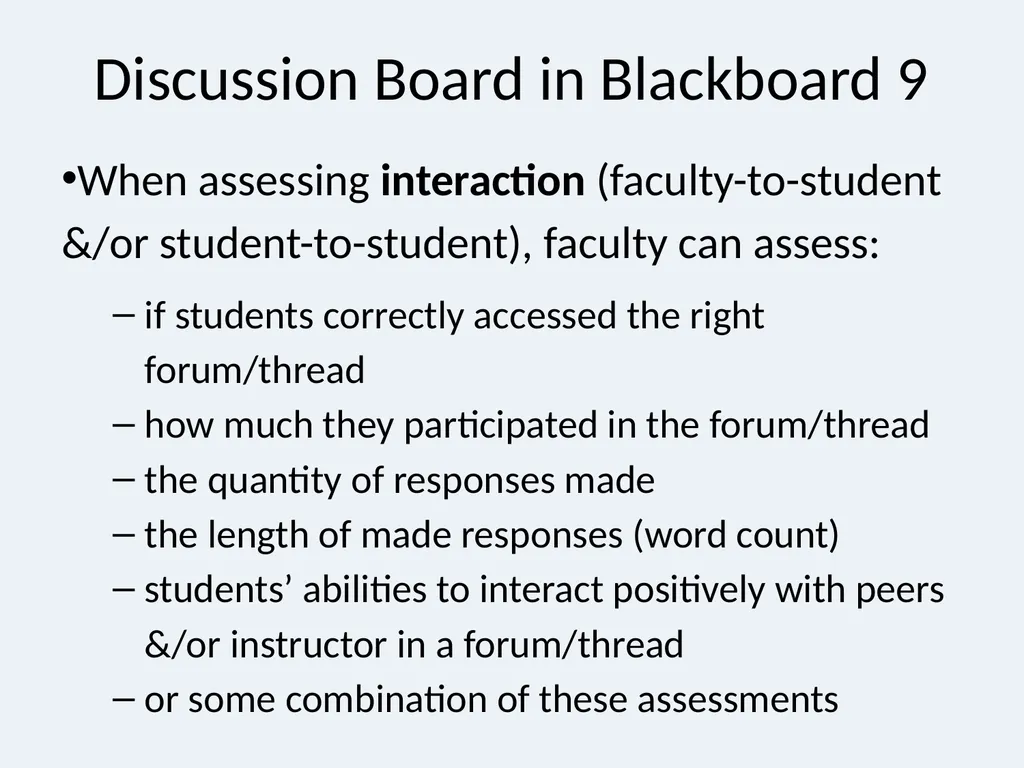
slide31. When assessing interaction (faculty-to-student &/or student-to-student), faculty can assess:
if students correctly accessed the right forum/thread
how much they participated in the forum/thread
the quantity of responses made
the length of made responses (word count)
students’ abilities to interact positively with peers &/or instructor in a forum/thread
or some combination of these assessments Discussion Board in Blackboard 9<br>
slide32. Blogs in Blackboard 9 Blog data: right-hand side of main blog screen.
Blog posts can be viewed in subsections:
About this Blog: based on entries, comments, and type
View Entries by: view by course member
Index: view by post title and dates
If the Blog is graded, then grades can be issued for each course member.
Other blogs can be used outside of Bb9 if the faculty member decides they are of better use
Free Blog web sites -Eblogger<br>
slide33. Individual Blogs Only the owner of the Blog is able to post Blog Entries. All other users enrolled in the Course are able to view and add Comments.
Example- A student posts ongoing reactions to topics as the course progresses for class to use
Can have the student create an ongoing resource for other students to use as the course progresses.<br>
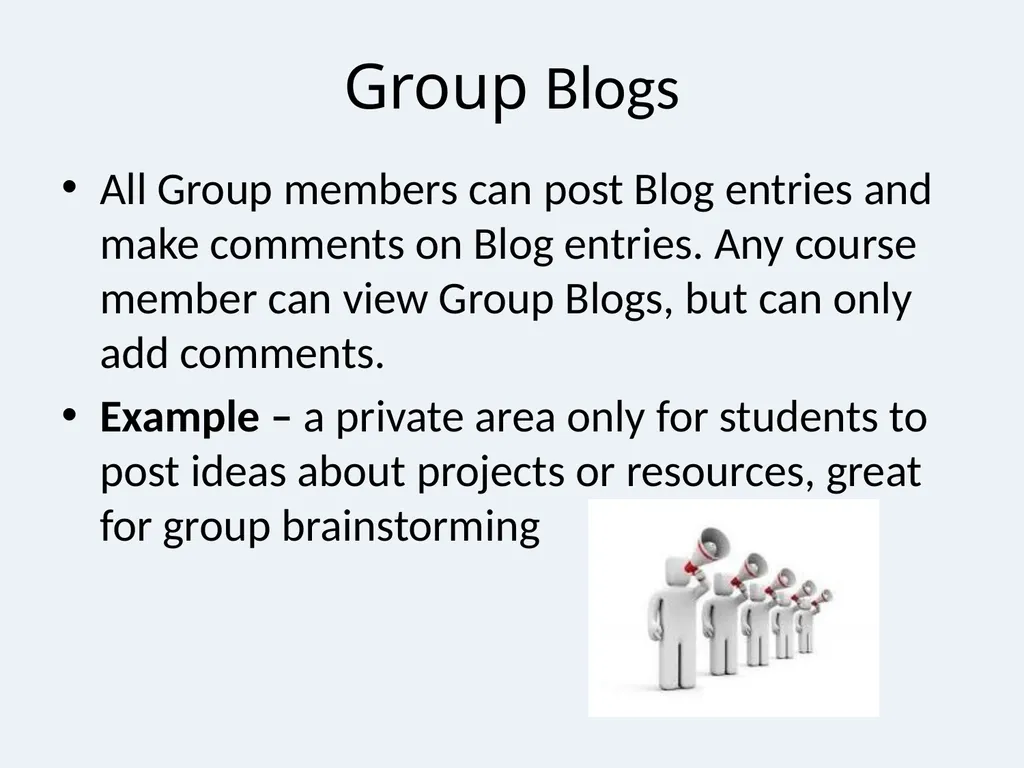
slide34. Group Blogs All Group members can post Blog entries and make comments on Blog entries. Any course member can view Group Blogs, but can only add comments.
Example – a private area only for students to post ideas about projects or resources, great for group brainstorming<br>
slide35. Course Blogs Instructors are able to post Blog Entries. All enrolled users can post Comments to Blog Entries.
Examples – Use for student reactions to topics, ask students to post examples to show understanding of topic<br>
slide36. Assessing Blogs Blogs can be assessed in a number of ways:
quantity of comments made (if a specific number is needed to receive a grade)
reading of posts and comments (if a specific number of these are expected to be read)
length (word count) of comments
quality of comments (does it show real understanding? Is it well thought out?)
amount of self-change in comments (do comments show reflection, and use substantial and authentic reactions to it)
some combination of any of these assessments<br>
slide37. Chat and Virtual Classroom Assessment in Bb9 Use these tools for real-time discussion in a virtual classroom, chat, or even for office hours
Must record them for later viewing and assessment by:
if students accessed the right collaboration session
how much they participated in the session
the quantity of responses made
the quality of responses made
the length of made responses (word count)
if students could answer posed questions or problems during the session
students’ abilities to interact positively with peers and with the instructor
some combination of these assessments<br>
slide38. Journal Assessment in Bb9 Generally only available to faculty; can assess by:
how often students posted their own journal entries
how they responded to faculty comments to their entries
if correct or useful responses are made to questions or problems
if students bring in new information from outside of class
quantity of responses made
quality of responses made
length of made responses (word count)
students’ abilities to write about and perform a change based on self-reflection
some combination of these assessments
can theoretically assess interactions with other students by students’ responses—but this is less concrete<br>
slide39. Journals and Privacy Although Journals can be shared, they are generally a tool for use between faculty and student.
FERPA rules apply to the interactions. So be careful if you ask students to share their journals which each other.<br>
slide40. Wikis (Hawaiian word for fast) Wikis are used to create a collaborative space within the course where all students can view, contribute, and edit content.
Wikis can also be used as a resource for students to view information and content relevant to their courses.<br>
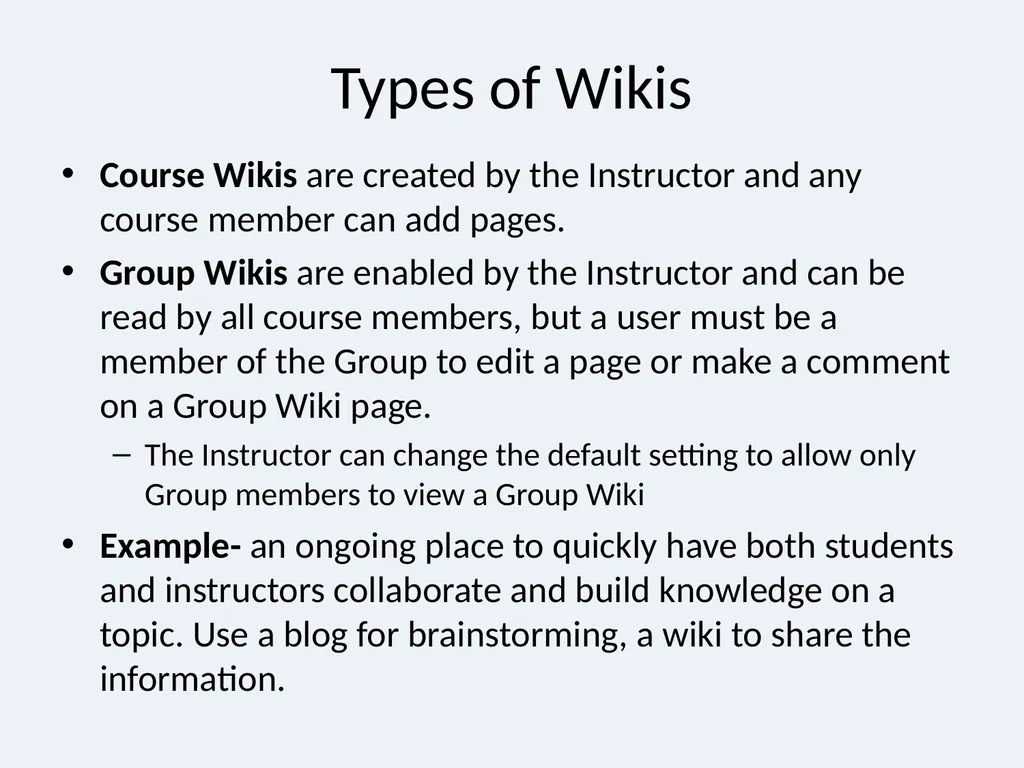
slide41. Types of Wikis Course Wikis are created by the Instructor and any course member can add pages.
Group Wikis are enabled by the Instructor and can be read by all course members, but a user must be a member of the Group to edit a page or make a comment on a Group Wiki page.
The Instructor can change the default setting to allow only Group members to view a Group Wiki
Example- an ongoing place to quickly have both students and instructors collaborate and build knowledge on a topic. Use a blog for brainstorming, a wiki to share the information.<br>
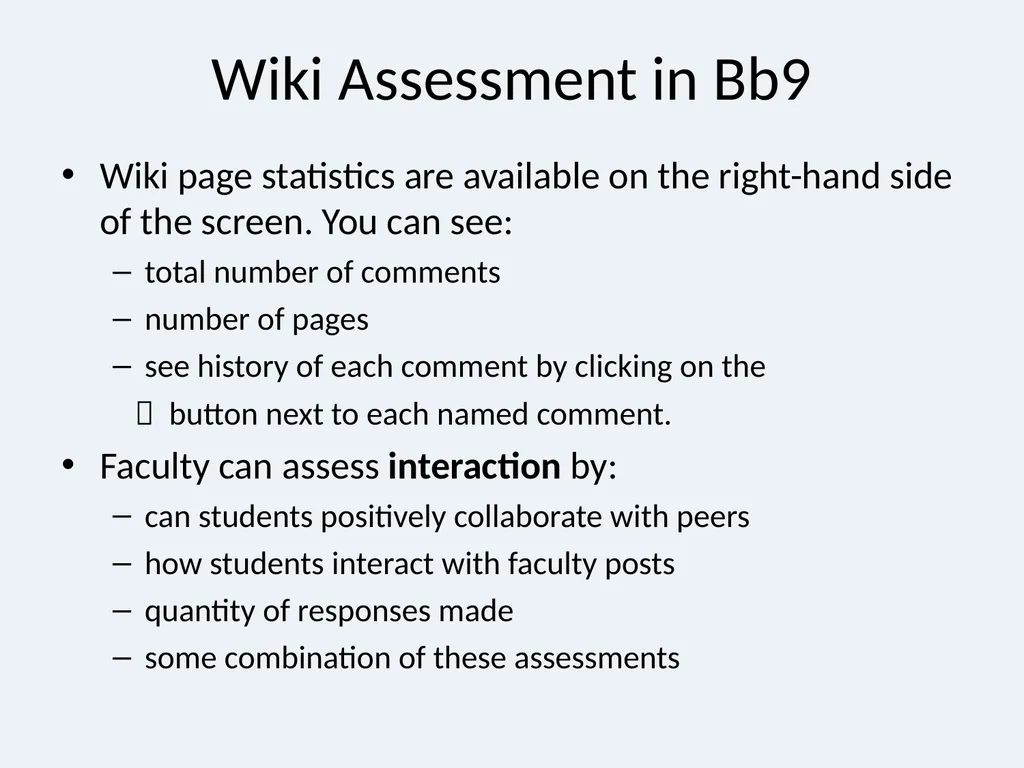
slide42. Wiki Assessment in Bb9 Wiki page statistics are available on the right-hand side of the screen. You can see:
total number of comments
number of pages
see history of each comment by clicking on the
button next to each named comment.
Faculty can assess interaction by:
can students positively collaborate with peers
how students interact with faculty posts
quantity of responses made
some combination of these assessments<br>
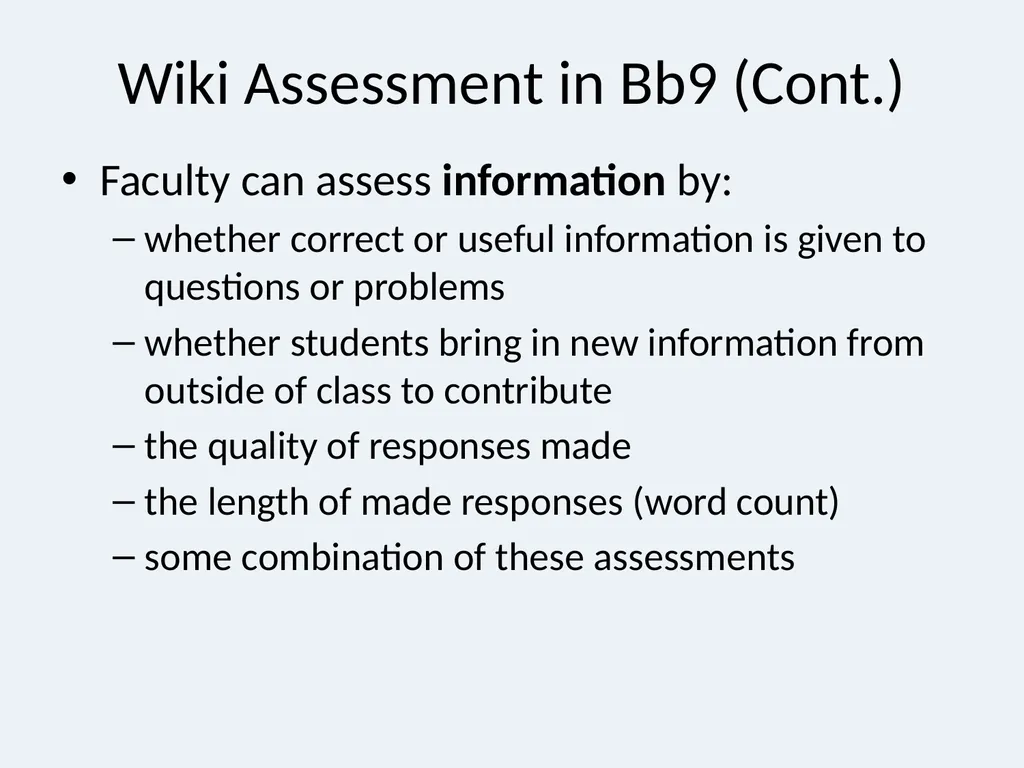
slide43. Wiki Assessment in Bb9 (Cont.) Faculty can assess information by:
whether correct or useful information is given to questions or problems
whether students bring in new information from outside of class to contribute
the quality of responses made
the length of made responses (word count)
some combination of these assessments<br>
slide44. Survey Assessment in BB9 Surveys are response-based and faculty written; can be used to assess information
Formative: Students can judge their progress through course and self-development
Summative: Students can answer questions (pretest and posttest; non-graded test) about information known before, during, or after course
ex: ask questions about important things they learned in the course or things they wished they had known
Easy option that allows for direct feedback during the course<br>
slide45. Peer Assessment using Bb9 Students can comment about other students’ contributions to online collaboration
Students often contribute to each others’ progress and learning
Faculty need to make sure that students are clear about:
how to read and critique posts and comments
how to respond appropriately
how to issue “grades”
rubrics are recommended here<br>
slide46. Pulling it all together Collaborative learning can be effective and meaningful if it is well-planned and well-executed.
The right tool needs to be chosen in order to get the information and interaction you want.
Assessing can happen for information, interaction, or both. Use your objectives and goals to choose the right options for you and your program.<br>
slide47. Contact Instructional Design for assistance! idesign@fau.edu We are happy to assist you with:
designing instruction, curriculum, and programs
planning and revising assessment
research—especially concerning instruction
technology—finding it, learning it, and implementing it in your courses and programs<br>
Instructional Design
musgrove@fau.edu 297-1003
pjerzak@fau.edu 297-3981<br>
slide2. Collaborative Learning What is Collaborative Learning (CL)?
Why does CL help learners?
How is CL used with computers?
How do I assess CL?
How do I set up CL in Blackboard (Bb)?<br>
slide3. What is Collaborative Learning? Collaborative learning is an educational approach to teaching and learning that involves groups of learners working together to solve a problem, complete a task, or create a product.
Collaborative learning is based on the idea that learning is a naturally social act in which the participants talk among themselves. It is through the talk that learning occurs. (National Institute for Science Education)<br>
slide4. Why does CL help learners? Reduce the feeling of isolation that can come with elearning.
If elearning courses provide learners with effective interaction, they possess all the benefits that a course could possibly have – flexibility, convenience, and quality (Chang, 2009)<br>
slide5. Revision 1 (2006) Theorists Contributors included:
Dewey (Education is growth, not an end in itself; education occurs though its connection to real life)
Piaget (Children construct reality through four phases of development)
Vygotsky (Learning as a social process)
Bruner (Discovery Learning)<br>
slide6. Web-based Communication Synchronous Vs. Asynchronous Many students don’t have a schedule that affords them the opportunity for face-to-face classes.
Many studies indicate that online student achievement is comparable to F2F classes.
Some studies indicate that students learn more in online classes with some synchronous components. (Sitzmann, Ely & Wisher, 2004)<br>
slide7. Assessment Refreshment Assessment: Measuring information / skills acquisition and interactions
Evaluation: Judgment of learning and collaboration
Throughout the presentation, we will concentrate on the different types of assessment and how they can be applied to collaborative learning and online communication.<br>
slide8. Major Types of Assessment Diagnostic: identify strengths and weaknesses of learners, and allow for verification of required skills and knowledge
Used when student knowledge or skills are unknown and need to be estimated
Typically measured through introductory tasks or tests to ensure students can proceed in the learning unit
Faculty may wish to use “orientation quizzes”
Communication: have students locate “threads” in online discussions or make self-related blog entries to demonstrate they can use Blackboard<br>
slide9. Major Types of Assessment (Cont.) Formative: measures how learning takes place and the quality of learning; incorporates student feedback and uses it to improve instruction delivery and content selection
Used when faculty want to understand how students are changing in response to course and how the course can be improved
Typically measured using self-report awareness
Communication: journal or blogs can document how students change during the course
Formative feedback works in a cyclical way (add/change component, get feedback, revise, get feedback, add/change another component, etc)<br>
slide10. Major Types of Assessment (Cont.) Summative: measures what has been learned and the quantity of learning; allow students to demonstrate learning by evaluating their responses to questions, tests, etc.
Used when faculty want to understand if and how much students have learned
Typically measured with tests, quizzes, projects
Communication: could students make their own blog, complete a journal, discuss online well?<br>
slide11. Choosing What / How to Assess Online Decide what is important for you to assess
Accreditation issues
Program or curriculum guidelines
Own interests and knowledge
Decide how to assess and collect data
Online vs. Offline
“Good assessment practice remains essentially the same, irrespective of the mode of delivery.” (Morgan & O’Reilly, 2006, p. 99)
Decide how and when to give assessment feedback
PLAN BEFORE ASSESSING, NOT DURING OR AFTER<br>
slide12. Rubrics Rubrics are guidelines that dictate criteria for assessment (content, procedures, grading, etc.)
Can be used with any assessment strategy
Use to keep grading consistent and clear
Need to clearly detail expectations and appropriate processes/procedures that students need to engage in to be successful in the course
Good idea to share with students beforehand so they can see assessment criteria
Change rubrics as appropriate if they do not work<br>
slide13. Sample Rubric For Discussions<br>
slide14. Creating Rubrics http://rubistar.4teachers.org/
Templates, examples, or create your own for free!
Can also search the web for rubrics that others have developed and are willing to share<br>
slide15. Ten Key Qualities of Assessment Online (Morgan & O’Reilly, 2006) A clear rationale and consistent pedagogical approach
“Is there a clear alignment between your rationale, the learning objectives, the content, the teaching and learning strategies, [technology,] and the assessment? (p. 88)
Explicit values, aims, criteria, and standards
“Why are your students being required to complete a certain task? How do these tasks relate to the [learning] goals?” (p. 89)<br>
slide16. Ten Key Qualities of Assessment Online (Cont.) 3. Relevant authentic and holistic tasks
“Authentic tasks strive to avoid fragmentary testing of atomized facts or competencies, preferring more complex holistic challenges such as problem scenarios, case studies, and projects in which the learner meaningfully participates.” (p. 90)
4. Awareness of students’ learning contexts and perceptions
“What do you know of the existing knowledge that your students bring … to your subject? What do you know of the competing assessment requirements…? Are you and your colleagues ensuring a spread of skill development across the program or are students expected to demonstrate the same skills (e.g., essay writing) over and over?” (pp. 90-91)<br>
slide17. Ten Key Qualities of Assessment Online (Cont.) 5. Sufficient and timely formative feedback
“How do online learners get developmental feedback on their progress? Is it sufficient and timely? In online learning, formative and summative assessment are ideally interwoven into a form of continuous assessment…” (p. 92)
6. A facilitative degree of structure
“develops these abilities [information retrieval, goal setting, critical thinking, self-management, and self-evaluation] purposefully, with the explicit goal of self-direction, and seeks a balance between structure and self-direction at any given time” (p. 93)<br>
slide18. Ten Key Qualities of Assessment Online (Cont.) 7. Appropriate volume of assessment
“Some teachers are prone to overassessing their students because they believe they have to assess everything in a subject. The challenge for teachers is to determine what really needs to be formally assessed, so that you are getting a balanced sample of the subject as a whole, but not creating a treadmill for students.” (p. 95)
Clearly give benchmarks for student time for each course activity
8. Valid and reliable
“Validity poses the question of whether your assignments provide the truest picture possible of the particular knowledge and abilities being measured by the assessment task. Reliability poses questions about whether your assessment items can be marked with a high degree of consistency and relative objectivity, particularly if other markers are involved.” (p. 95)<br>
slide19. Ten Key Qualities of Assessment Online (Cont.) 9. Certifiable as students’ own work
“we…advise the adoption of both pedagogical and policy approaches to minimizing plagiarism and cheating in online assessment tasks rather than pursuing convoluted and potentially expensive technical solutions.” (pp. 96-97)
10. Subject to continuous improvement via evaluation and quality enhancement
“The importance of evaluating the integrity of your syllabus, drawing upon your reflections on assessment practices, employing insights from reflections and feedback, and quality enhancement initiatives cannot be underestimated when moving assessment online.” (p. 98)<br>
slide20. Developing Online Best Practices for Interaction (Meyer, 2006, p. 123) The Seven Principles of Good Practice are:
encouraging contact between students and faculty
developing reciprocity and cooperation among students
encouraging active learning
giving prompt feedback
emphasizing time on task
communicating high expectations
respecting diverse talents and ways of learning<br>
slide21. More Issues in Planning Online Assessment Students’ Technological Abilities
Need to ensure students know how to use technology so they spend time on learning
Faculty can choose to assess on
the information / content students provide
how students interact with each other and/or faculty
or some combination of both.
Select basis of assessment before course begins and clearly explain this to students.
Students cannot meet faculty expectations if they do not know what they are.<br>
slide22. Types of Online Communication in Bb9 ** Important to choose the tool that works for you and that allows you to get the information you need to assess student learning and interactions **<br>
slide23. Design Recommendations Be clear in your syllabus if the class is online or a blended hybrid. If you require online synchronous classes state the times dates and equipment needed for participation in your syllabus. Make this information available to students during registration. Consider a “practice” session with the students early in the class to avoid frustration and confusion.
Don’t assume your students are power users of technology; make sure they have resources to learn about Bb tools.
http://www.fau.edu/irm/blackboard/bb9_student.php<br>
slide24. Consider Netiquette http://www.fau.edu/irm/about/netiquette.php
Tone can be easily misinterpreted. Instructor must monitor communication to ensure civility.
Faculty should set minimum & maximum limits for all communication.
Email Best Practices
Only for personal communication – all class questions direct to the discussion board.<br>
slide25. Best Practices for Online Discussions (Meyer, 2006, p. 126) “It matters how the instructor sets up the discussion”
“It matters what the purpose of evaluation is”
“It matters how and at what level an online discussion is initiated”
“It matters how the instructor interacts in the discussion”
“It matters what rubric or framework is used”
“More rubrics or frameworks are needed”<br>
slide26. Best Practices Cont. Responsibility of online instructor to nudge and encourage the construction knowledge (just like in a face to face classroom) (Christopher, Thomas & Tallent-Rennels, 2004).
Asking open-ended questions and encouraging students to reply with more personal thought to ensure that the dialogue is interactive rather than just a one-way instruction communication (Chang, 2009).
Consider using MindMeister for collaboration
www.mindmeister.com<br>
slide27. Best Practices – even more! Schedule a quiet time when other projects in the course are time consuming.
Be aware of cultural patterns as well differences in personal styles in discussion. Make it clear if participation is required and when it is due.
Don’t force personal experiences, instead try something like “Can you relate this to your own experiences or one you heard or read about?”
Create a discussion area for “Questions, Comments & Concerns” for the instructor and students to answer questions about assignments or Bb issues.
Consider adding a “guest” to bring in new information.<br>
slide28. Evaluating Content in Online Discussions Three main tools: content analysis, rubrics, and frameworks
Content Analysis: determine qualities of interest and identify words or phrases that indicate the quality is present
Rubrics: outline guidelines for assessment, and can be used for information and interaction
Frameworks: using a model or theory to assess the discussion, and can be applied to individual or group contributions<br>
slide29. Locating Content in Online Discussions Instructors locate content by:
printing out discussion and looking for specific qualities, words, or responses.
downloading discussion into a word processing or spreadsheet program and searching for specific qualities, words, or responses.
reading the discussion online and awarding points for each post or series of posts as you read
In Bb9, can search discussions using the Search function located on the right-hand side of the screen when the Discussion Board is open.
will search for a term or phrase of interest and locate all posts that contain it. Can restrict searches based on the “Current Discussion Board” or “All Forums in Course” as well as by dates and times.<br>
slide30. Discussion Board in Blackboard 9 When assessing information in the discussion board, faculty can assess:
the quality of responses made
if correct or useful responses are given to questions or problems
if students bring in new information from outside of class to contribute
if students created posts that initiated other students’ learning
or a combination of these factors<br>
slide31. When assessing interaction (faculty-to-student &/or student-to-student), faculty can assess:
if students correctly accessed the right forum/thread
how much they participated in the forum/thread
the quantity of responses made
the length of made responses (word count)
students’ abilities to interact positively with peers &/or instructor in a forum/thread
or some combination of these assessments Discussion Board in Blackboard 9<br>
slide32. Blogs in Blackboard 9 Blog data: right-hand side of main blog screen.
Blog posts can be viewed in subsections:
About this Blog: based on entries, comments, and type
View Entries by: view by course member
Index: view by post title and dates
If the Blog is graded, then grades can be issued for each course member.
Other blogs can be used outside of Bb9 if the faculty member decides they are of better use
Free Blog web sites -Eblogger<br>
slide33. Individual Blogs Only the owner of the Blog is able to post Blog Entries. All other users enrolled in the Course are able to view and add Comments.
Example- A student posts ongoing reactions to topics as the course progresses for class to use
Can have the student create an ongoing resource for other students to use as the course progresses.<br>
slide34. Group Blogs All Group members can post Blog entries and make comments on Blog entries. Any course member can view Group Blogs, but can only add comments.
Example – a private area only for students to post ideas about projects or resources, great for group brainstorming<br>
slide35. Course Blogs Instructors are able to post Blog Entries. All enrolled users can post Comments to Blog Entries.
Examples – Use for student reactions to topics, ask students to post examples to show understanding of topic<br>
slide36. Assessing Blogs Blogs can be assessed in a number of ways:
quantity of comments made (if a specific number is needed to receive a grade)
reading of posts and comments (if a specific number of these are expected to be read)
length (word count) of comments
quality of comments (does it show real understanding? Is it well thought out?)
amount of self-change in comments (do comments show reflection, and use substantial and authentic reactions to it)
some combination of any of these assessments<br>
slide37. Chat and Virtual Classroom Assessment in Bb9 Use these tools for real-time discussion in a virtual classroom, chat, or even for office hours
Must record them for later viewing and assessment by:
if students accessed the right collaboration session
how much they participated in the session
the quantity of responses made
the quality of responses made
the length of made responses (word count)
if students could answer posed questions or problems during the session
students’ abilities to interact positively with peers and with the instructor
some combination of these assessments<br>
slide38. Journal Assessment in Bb9 Generally only available to faculty; can assess by:
how often students posted their own journal entries
how they responded to faculty comments to their entries
if correct or useful responses are made to questions or problems
if students bring in new information from outside of class
quantity of responses made
quality of responses made
length of made responses (word count)
students’ abilities to write about and perform a change based on self-reflection
some combination of these assessments
can theoretically assess interactions with other students by students’ responses—but this is less concrete<br>
slide39. Journals and Privacy Although Journals can be shared, they are generally a tool for use between faculty and student.
FERPA rules apply to the interactions. So be careful if you ask students to share their journals which each other.<br>
slide40. Wikis (Hawaiian word for fast) Wikis are used to create a collaborative space within the course where all students can view, contribute, and edit content.
Wikis can also be used as a resource for students to view information and content relevant to their courses.<br>
slide41. Types of Wikis Course Wikis are created by the Instructor and any course member can add pages.
Group Wikis are enabled by the Instructor and can be read by all course members, but a user must be a member of the Group to edit a page or make a comment on a Group Wiki page.
The Instructor can change the default setting to allow only Group members to view a Group Wiki
Example- an ongoing place to quickly have both students and instructors collaborate and build knowledge on a topic. Use a blog for brainstorming, a wiki to share the information.<br>
slide42. Wiki Assessment in Bb9 Wiki page statistics are available on the right-hand side of the screen. You can see:
total number of comments
number of pages
see history of each comment by clicking on the
button next to each named comment.
Faculty can assess interaction by:
can students positively collaborate with peers
how students interact with faculty posts
quantity of responses made
some combination of these assessments<br>
slide43. Wiki Assessment in Bb9 (Cont.) Faculty can assess information by:
whether correct or useful information is given to questions or problems
whether students bring in new information from outside of class to contribute
the quality of responses made
the length of made responses (word count)
some combination of these assessments<br>
slide44. Survey Assessment in BB9 Surveys are response-based and faculty written; can be used to assess information
Formative: Students can judge their progress through course and self-development
Summative: Students can answer questions (pretest and posttest; non-graded test) about information known before, during, or after course
ex: ask questions about important things they learned in the course or things they wished they had known
Easy option that allows for direct feedback during the course<br>
slide45. Peer Assessment using Bb9 Students can comment about other students’ contributions to online collaboration
Students often contribute to each others’ progress and learning
Faculty need to make sure that students are clear about:
how to read and critique posts and comments
how to respond appropriately
how to issue “grades”
rubrics are recommended here<br>
slide46. Pulling it all together Collaborative learning can be effective and meaningful if it is well-planned and well-executed.
The right tool needs to be chosen in order to get the information and interaction you want.
Assessing can happen for information, interaction, or both. Use your objectives and goals to choose the right options for you and your program.<br>
slide47. Contact Instructional Design for assistance! idesign@fau.edu We are happy to assist you with:
designing instruction, curriculum, and programs
planning and revising assessment
research—especially concerning instruction
technology—finding it, learning it, and implementing it in your courses and programs<br>