
Fundamentals of Information Technology Chapter 1
SN
Published · 38 slides · 0 views

1 / 1
Description
Fundamentals of Information Technology Chapter 1 Computer Basics Computer A computer is an electronic device, operating under the control of instructions stored in its own memory that can accept data (input), process the data according to
Related Topics
Share
Embed code
Download this presentation From Below
"Fundamentals of Information Technology Chapter 1" is the property of its rightful owner. Permission is granted to download and print the materials on this website for personal, non-commercial use only, and to display it on your personal computer provided you do not modify the materials and that you retain all copyright notices contained in the materials. By downloading content from our website, you accept the terms of this agreement.
Presentation Transcript
01
Fundamentals of Information Technology Chapter 1
Computer Basics<br>
Computer Basics<br>
02
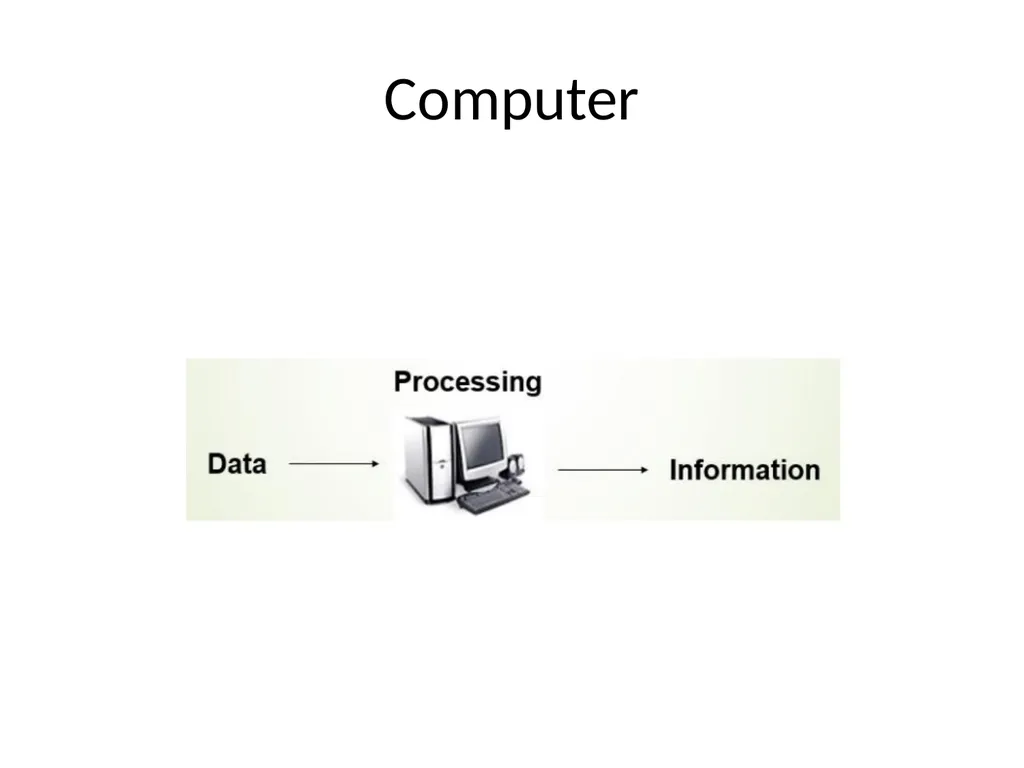
Computer A computer is an electronic device, operating under the control of instructions stored in its own memory that can accept data (input), process the data according to specified rules, produce information (output), and store the information for future use<br>
03
Computer<br>
04
Functionalities of a computer: Takes data as input
Stores data in memory and use them when required
Process the data and convert into useful information
Generates the output<br>
Stores data in memory and use them when required
Process the data and convert into useful information
Generates the output<br>
05
Characteristics of Computer Speed
Accuracy
diligence
storage capability
Versatility
Reliability<br>
Accuracy
diligence
storage capability
Versatility
Reliability<br>
06
A brief overview of these characteristics are Speed:
The computer can process data very fast, at the rate of millions of instructions per second.
Some calculations that would have taken hours and days to complete otherwise, can be completed in a few seconds using the computer.
For example, calculation and generation of salary slips of thousands of employees of an organization, weather forecasting that requires analysis of a large amount of data related to temperature, pressure and humidity of various places, etc.<br>
The computer can process data very fast, at the rate of millions of instructions per second.
Some calculations that would have taken hours and days to complete otherwise, can be completed in a few seconds using the computer.
For example, calculation and generation of salary slips of thousands of employees of an organization, weather forecasting that requires analysis of a large amount of data related to temperature, pressure and humidity of various places, etc.<br>
07
Accuracy Computer provides a high degree of accuracy.
For example, the computer can accurately give the result of division of any two numbers up to 10 decimal places.<br>
For example, the computer can accurately give the result of division of any two numbers up to 10 decimal places.<br>
08
Storage Capability Large volumes of data and information can be stored in the computer and also retrieved whenever required.
A limited amount of data can be stored, temporarily, in the primary memory.
Secondary storage devices like floppy disk and compact disk can store a large amount of data permanently.<br>
A limited amount of data can be stored, temporarily, in the primary memory.
Secondary storage devices like floppy disk and compact disk can store a large amount of data permanently.<br>
09
Diligence When used for a longer period of time, the computer does not get tired or fatigued.
It can perform long and complex calculations with the same speed and accuracy from the start till the end<br>
It can perform long and complex calculations with the same speed and accuracy from the start till the end<br>
10
Versatility Computer is versatile in nature.
It can perform different types of tasks with the same ease.
At one moment you can use the computer to prepare a letter document and in the next moment you may play music or print a document.<br>
It can perform different types of tasks with the same ease.
At one moment you can use the computer to prepare a letter document and in the next moment you may play music or print a document.<br>
11
Reliability Computers can carry out same type of work repeatedly without throwing up errors due to tiredness or boredom, which are very common among humans.<br>
12
Advantages of Using Computer Computers can do the same task repetitively with same accuracy.
Computers do not get tired or bored.
Computers can take up routine tasks while releasing human resource for more intelligent functions<br>
Computers do not get tired or bored.
Computers can take up routine tasks while releasing human resource for more intelligent functions<br>
13
Limitations of computer Computer can only perform tasks that it has been programmed to do.
10 Computer cannot do any work without instructions from the user.
It executes instructions as specified by the user and does not take its own decisions<br>
10 Computer cannot do any work without instructions from the user.
It executes instructions as specified by the user and does not take its own decisions<br>
14
Types of computers The four basic types of computers are as under:
Supercomputer.
Mainframe Computer.
Minicomputer.
Microcomputer.<br>
Supercomputer.
Mainframe Computer.
Minicomputer.
Microcomputer.<br>
15
Super computers : The super computers are the most high performing system.
A supercomputer is a computer with a high level of performance compared to a general-purpose computer.
The actual Performance of a supercomputer is measured in FLOPS instead of MIPS.<br>
A supercomputer is a computer with a high level of performance compared to a general-purpose computer.
The actual Performance of a supercomputer is measured in FLOPS instead of MIPS.<br>
16
Supercomputers actually play an important role in the field of computation, and are used for intensive computation tasks in various fields, including quantum mechanics, weather forecasting, climate research, oil and gas exploration, molecular modeling, and physical simulations.
Eg: PARAM, jaguar, roadrunner.<br>
17
Mainframe computers : These are commonly called as big iron, they are usually used by big organisations for bulk data processing .
most of these mainframe architectures were established in 1960s, the research and development worked continuously over the years and the mainframes of today are far more better than the earlier ones, in size, capacity and efficiency. Eg: IBM z Series, System z9 and System z10 servers.<br>
most of these mainframe architectures were established in 1960s, the research and development worked continuously over the years and the mainframes of today are far more better than the earlier ones, in size, capacity and efficiency. Eg: IBM z Series, System z9 and System z10 servers.<br>
18
Mini computers These computers came into the market in mid 1960s and were sold at a much cheaper price than the main frames,
They were actually designed for control, instrumentation, human interaction, and communication switching as distinct from calculation and record keeping, later they became very popular for personal uses with evolution.
Eg: Personal Laptop, PC etc.<br>
They were actually designed for control, instrumentation, human interaction, and communication switching as distinct from calculation and record keeping, later they became very popular for personal uses with evolution.
Eg: Personal Laptop, PC etc.<br>
19
Micro computers : A microcomputer is a small, relatively inexpensive computer with a microprocessor as its CPU.
It includes a microprocessor, memory, and minimal I/O circuitry mounted on a single printed circuit board.
The previous to these computers, mainframes and minicomputers, were comparatively much larger, hard to maintain and more expensive.
They actually formed the foundation for present day microcomputers and smart gadgets that we use in day to day life. Eg: Tablets, Smartwatches.<br>
It includes a microprocessor, memory, and minimal I/O circuitry mounted on a single printed circuit board.
The previous to these computers, mainframes and minicomputers, were comparatively much larger, hard to maintain and more expensive.
They actually formed the foundation for present day microcomputers and smart gadgets that we use in day to day life. Eg: Tablets, Smartwatches.<br>
20
Generations of Computer First Generation: Vacuum Tubes (19)
Second Generation: Transistors (1959-1965)
Third Generation: Integrated Circuits (1965-1971)
Fourth Generation: Microprocessors (1971-1980)
Fifth Generation: (1980- onward)<br>
Second Generation: Transistors (1959-1965)
Third Generation: Integrated Circuits (1965-1971)
Fourth Generation: Microprocessors (1971-1980)
Fifth Generation: (1980- onward)<br>
21
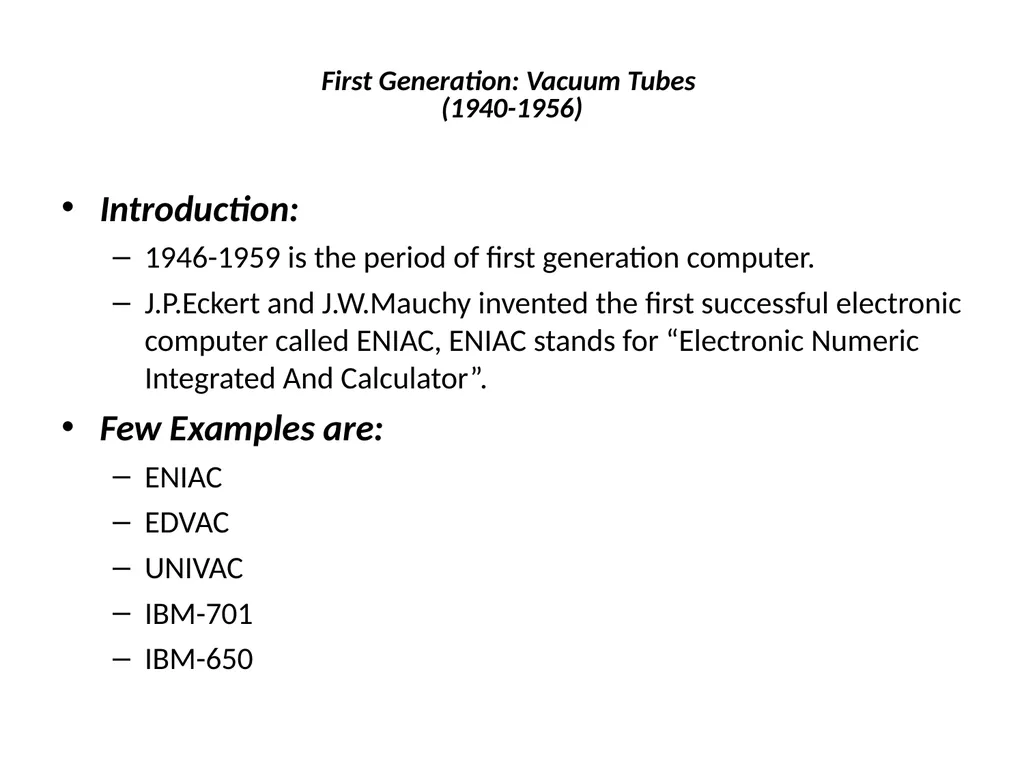
First Generation: Vacuum Tubes
(1940-1956) Introduction:
1946-1959 is the period of first generation computer.
J.P.Eckert and J.W.Mauchy invented the first successful electronic computer called ENIAC, ENIAC stands for “Electronic Numeric Integrated And Calculator”.
Few Examples are:
ENIAC
EDVAC
UNIVAC
IBM-701
IBM-650<br>
1946-1959 is the period of first generation computer.
J.P.Eckert and J.W.Mauchy invented the first successful electronic computer called ENIAC, ENIAC stands for “Electronic Numeric Integrated And Calculator”.
Few Examples are:
ENIAC
EDVAC
UNIVAC
IBM-701
IBM-650<br>
22
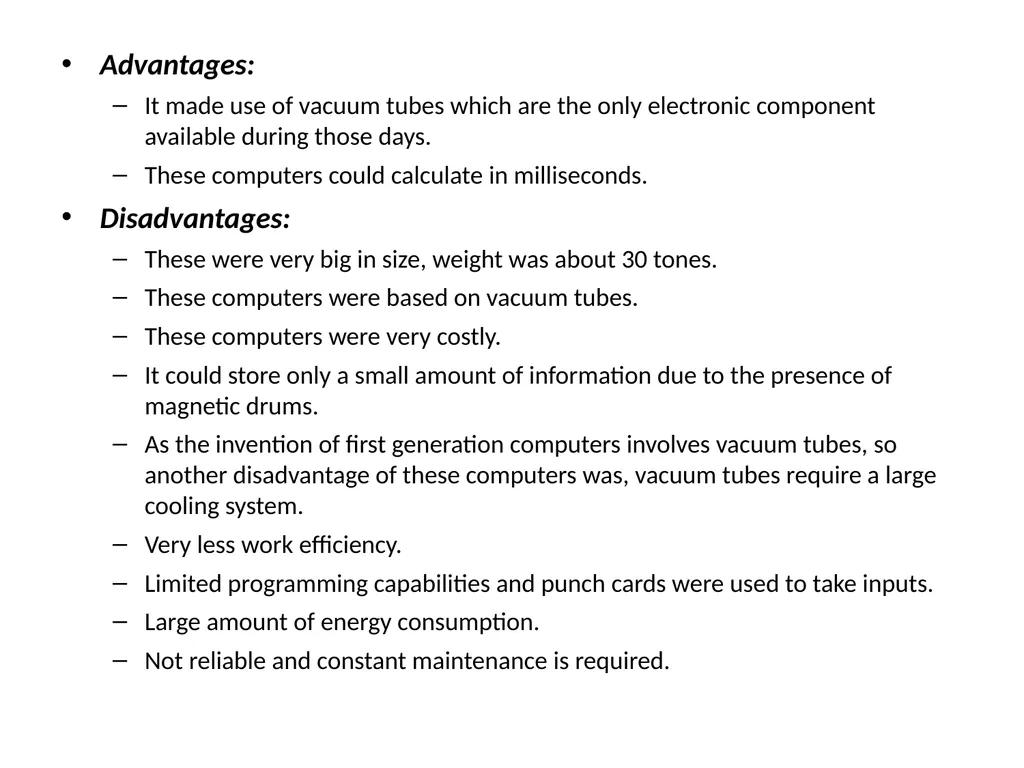
Advantages:
It made use of vacuum tubes which are the only electronic component available during those days.
These computers could calculate in milliseconds.
Disadvantages:
These were very big in size, weight was about 30 tones.
These computers were based on vacuum tubes.
These computers were very costly.
It could store only a small amount of information due to the presence of magnetic drums.
As the invention of first generation computers involves vacuum tubes, so another disadvantage of these computers was, vacuum tubes require a large cooling system.
Very less work efficiency.
Limited programming capabilities and punch cards were used to take inputs.
Large amount of energy consumption.
Not reliable and constant maintenance is required.<br>
It made use of vacuum tubes which are the only electronic component available during those days.
These computers could calculate in milliseconds.
Disadvantages:
These were very big in size, weight was about 30 tones.
These computers were based on vacuum tubes.
These computers were very costly.
It could store only a small amount of information due to the presence of magnetic drums.
As the invention of first generation computers involves vacuum tubes, so another disadvantage of these computers was, vacuum tubes require a large cooling system.
Very less work efficiency.
Limited programming capabilities and punch cards were used to take inputs.
Large amount of energy consumption.
Not reliable and constant maintenance is required.<br>
23
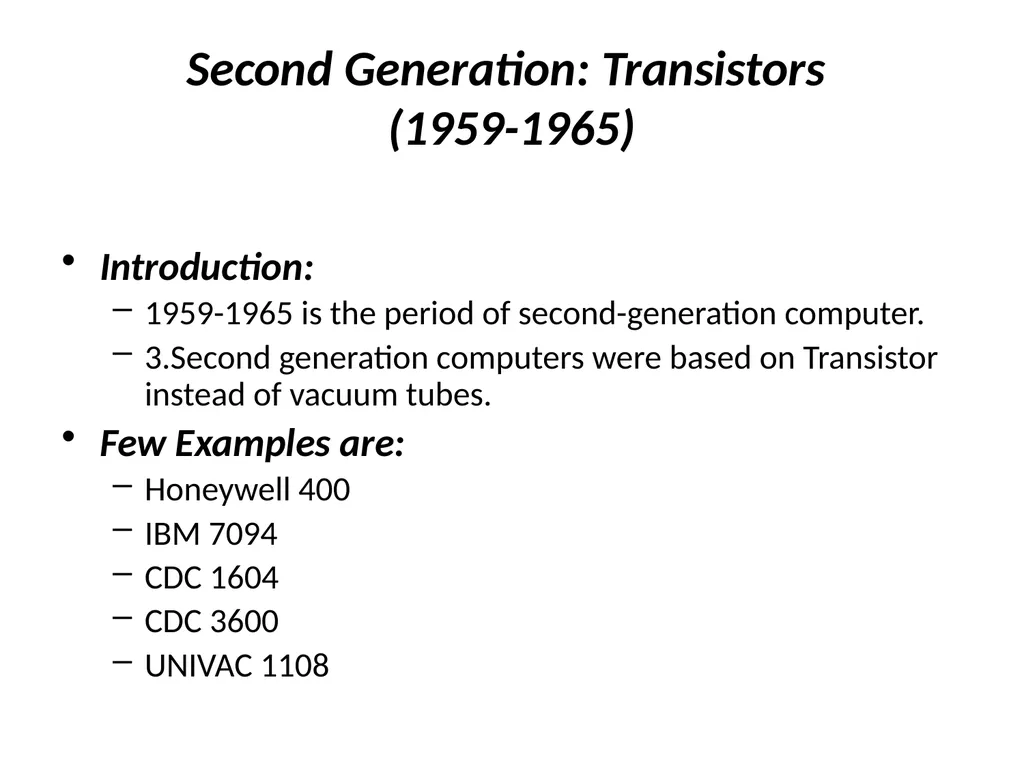
Second Generation: Transistors
(1959-1965) Introduction:
1959-1965 is the period of second-generation computer.
3.Second generation computers were based on Transistor instead of vacuum tubes.
Few Examples are:
Honeywell 400
IBM 7094
CDC 1604
CDC 3600
UNIVAC 1108<br>
1959-1965 is the period of second-generation computer.
3.Second generation computers were based on Transistor instead of vacuum tubes.
Few Examples are:
Honeywell 400
IBM 7094
CDC 1604
CDC 3600
UNIVAC 1108<br>
24
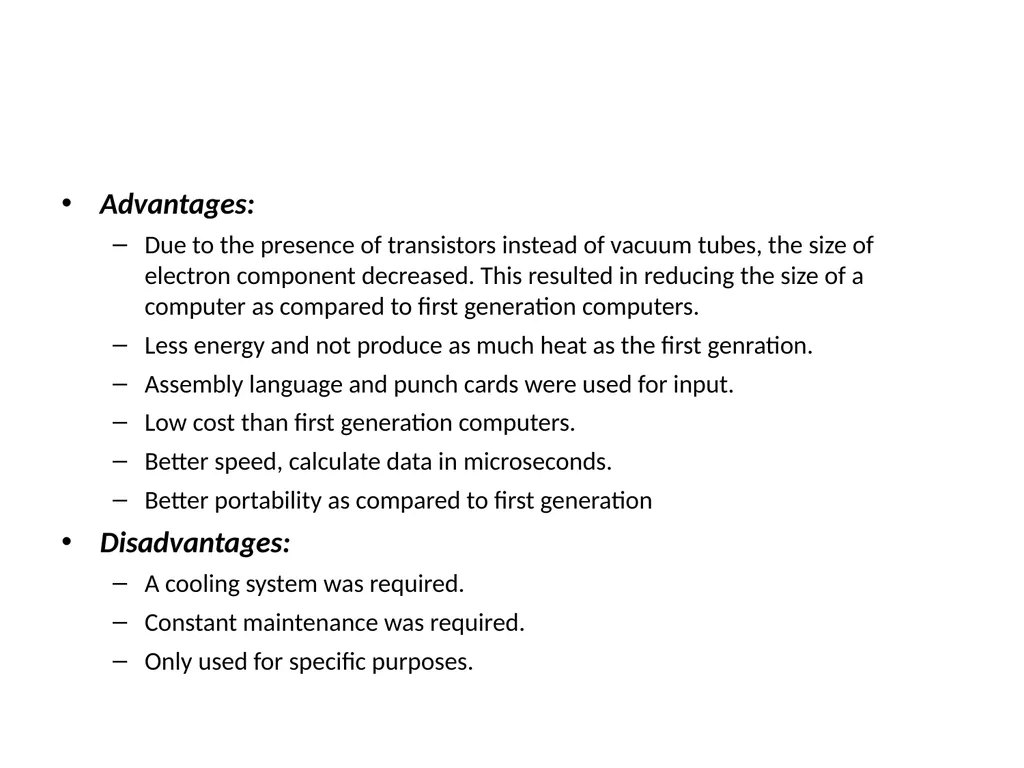
Advantages:
Due to the presence of transistors instead of vacuum tubes, the size of electron component decreased. This resulted in reducing the size of a computer as compared to first generation computers.
Less energy and not produce as much heat as the first genration.
Assembly language and punch cards were used for input.
Low cost than first generation computers.
Better speed, calculate data in microseconds.
Better portability as compared to first generation
Disadvantages:
A cooling system was required.
Constant maintenance was required.
Only used for specific purposes.<br>
Due to the presence of transistors instead of vacuum tubes, the size of electron component decreased. This resulted in reducing the size of a computer as compared to first generation computers.
Less energy and not produce as much heat as the first genration.
Assembly language and punch cards were used for input.
Low cost than first generation computers.
Better speed, calculate data in microseconds.
Better portability as compared to first generation
Disadvantages:
A cooling system was required.
Constant maintenance was required.
Only used for specific purposes.<br>
25
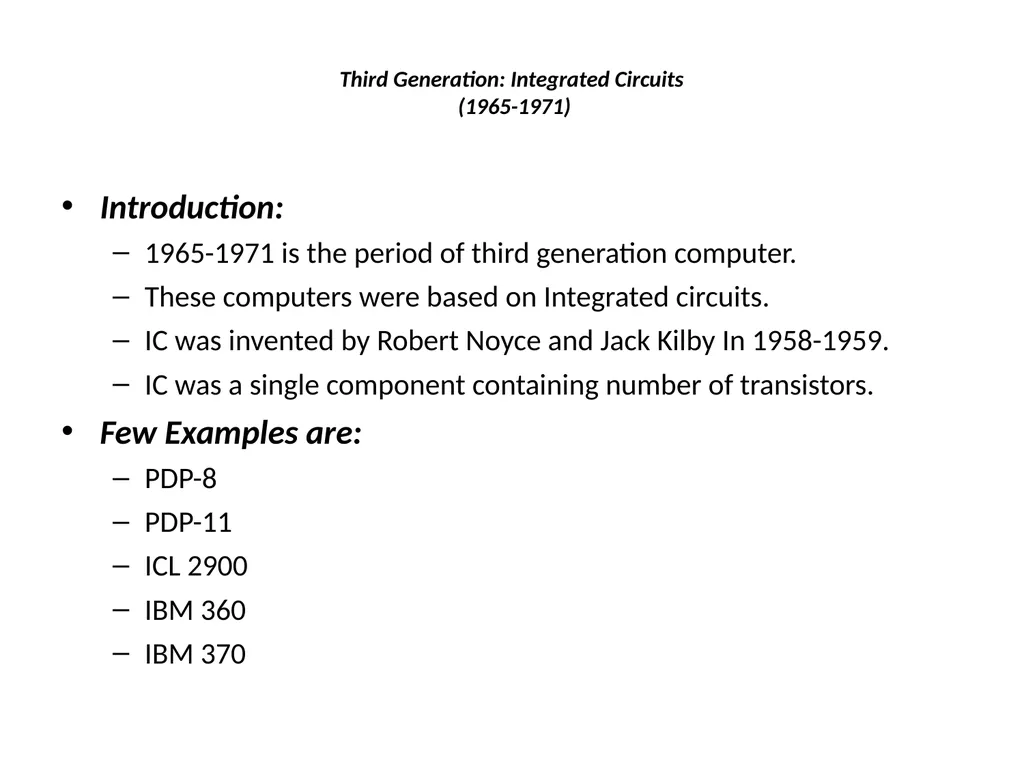
Third Generation: Integrated Circuits
(1965-1971) Introduction:
1965-1971 is the period of third generation computer.
These computers were based on Integrated circuits.
IC was invented by Robert Noyce and Jack Kilby In 1958-1959.
IC was a single component containing number of transistors.
Few Examples are:
PDP-8
PDP-11
ICL 2900
IBM 360
IBM 370<br>
1965-1971 is the period of third generation computer.
These computers were based on Integrated circuits.
IC was invented by Robert Noyce and Jack Kilby In 1958-1959.
IC was a single component containing number of transistors.
Few Examples are:
PDP-8
PDP-11
ICL 2900
IBM 360
IBM 370<br>
26
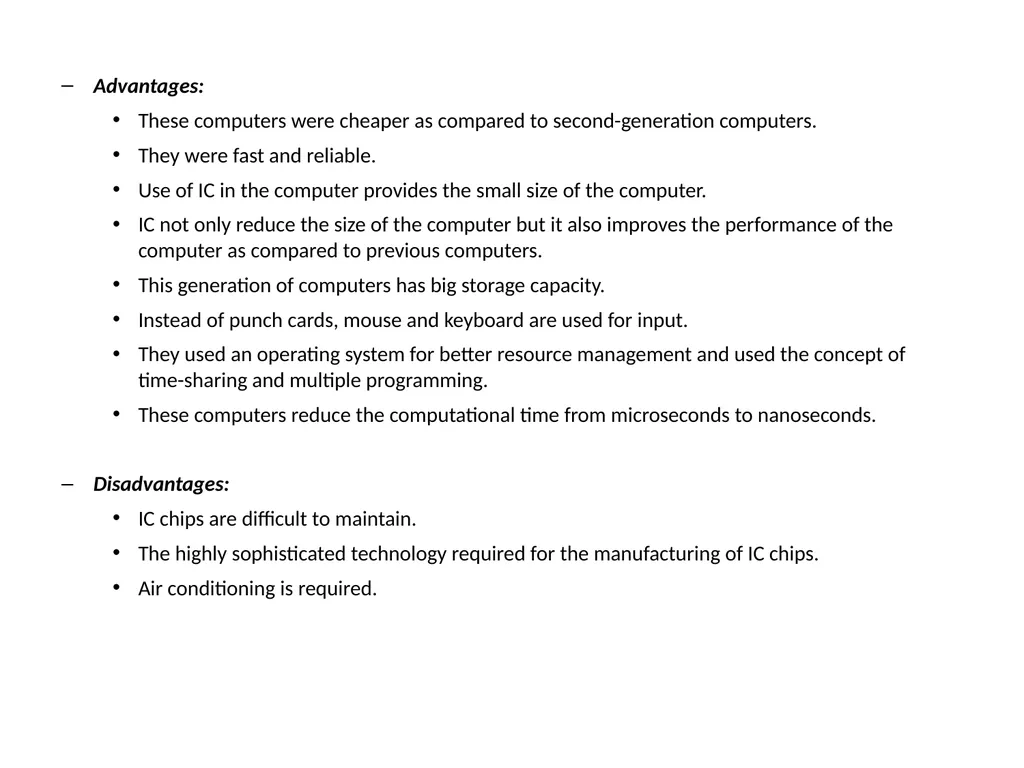
Advantages:
These computers were cheaper as compared to second-generation computers.
They were fast and reliable.
Use of IC in the computer provides the small size of the computer.
IC not only reduce the size of the computer but it also improves the performance of the computer as compared to previous computers.
This generation of computers has big storage capacity.
Instead of punch cards, mouse and keyboard are used for input.
They used an operating system for better resource management and used the concept of time-sharing and multiple programming.
These computers reduce the computational time from microseconds to nanoseconds.
Disadvantages:
IC chips are difficult to maintain.
The highly sophisticated technology required for the manufacturing of IC chips.
Air conditioning is required.<br>
These computers were cheaper as compared to second-generation computers.
They were fast and reliable.
Use of IC in the computer provides the small size of the computer.
IC not only reduce the size of the computer but it also improves the performance of the computer as compared to previous computers.
This generation of computers has big storage capacity.
Instead of punch cards, mouse and keyboard are used for input.
They used an operating system for better resource management and used the concept of time-sharing and multiple programming.
These computers reduce the computational time from microseconds to nanoseconds.
Disadvantages:
IC chips are difficult to maintain.
The highly sophisticated technology required for the manufacturing of IC chips.
Air conditioning is required.<br>
27
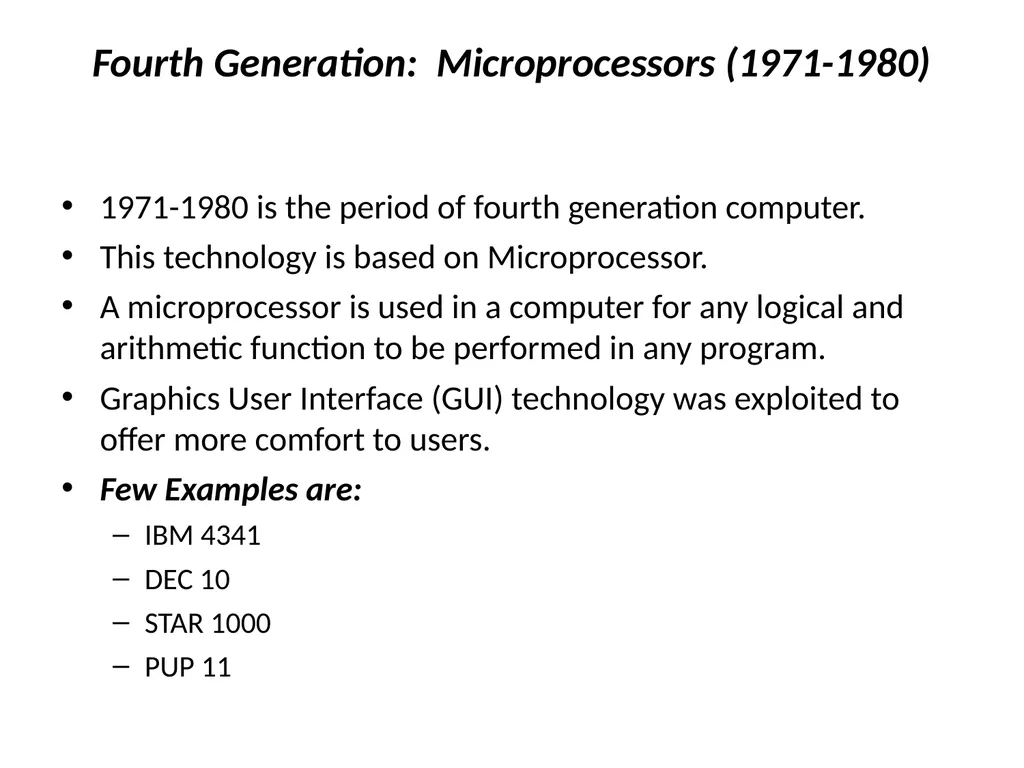
Fourth Generation: Microprocessors (1971-1980) 1971-1980 is the period of fourth generation computer.
This technology is based on Microprocessor.
A microprocessor is used in a computer for any logical and arithmetic function to be performed in any program.
Graphics User Interface (GUI) technology was exploited to offer more comfort to users.
Few Examples are:
IBM 4341
DEC 10
STAR 1000
PUP 11<br>
This technology is based on Microprocessor.
A microprocessor is used in a computer for any logical and arithmetic function to be performed in any program.
Graphics User Interface (GUI) technology was exploited to offer more comfort to users.
Few Examples are:
IBM 4341
DEC 10
STAR 1000
PUP 11<br>
28
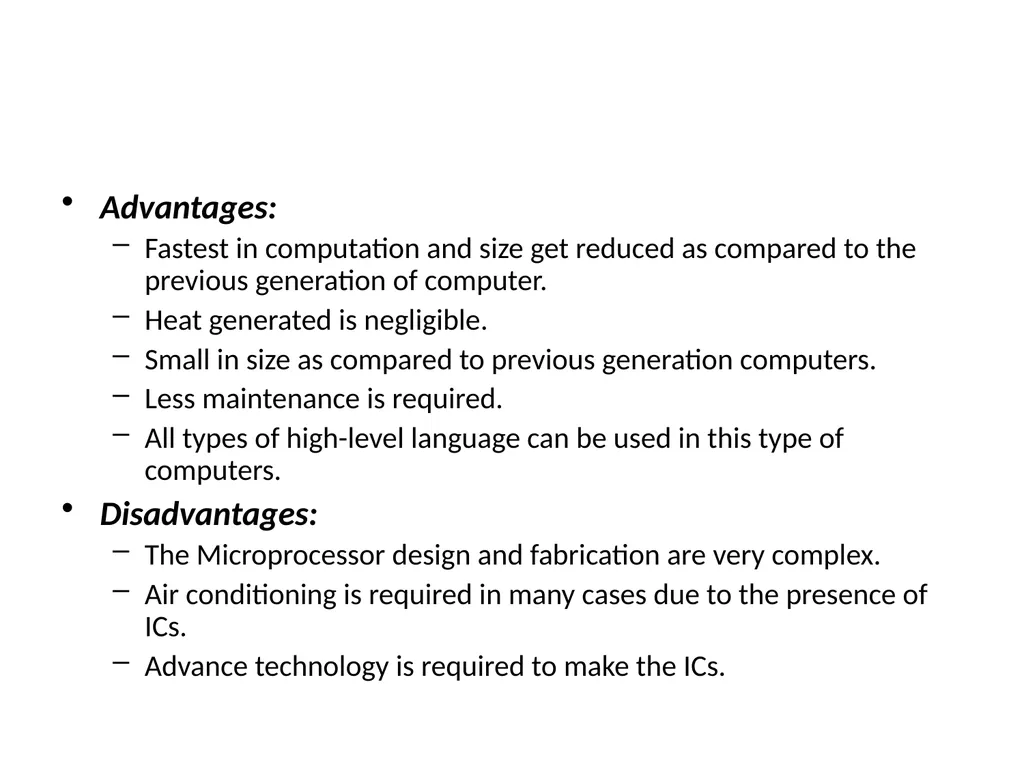
Advantages:
Fastest in computation and size get reduced as compared to the previous generation of computer.
Heat generated is negligible.
Small in size as compared to previous generation computers.
Less maintenance is required.
All types of high-level language can be used in this type of computers.
Disadvantages:
The Microprocessor design and fabrication are very complex.
Air conditioning is required in many cases due to the presence of ICs.
Advance technology is required to make the ICs.<br>
Fastest in computation and size get reduced as compared to the previous generation of computer.
Heat generated is negligible.
Small in size as compared to previous generation computers.
Less maintenance is required.
All types of high-level language can be used in this type of computers.
Disadvantages:
The Microprocessor design and fabrication are very complex.
Air conditioning is required in many cases due to the presence of ICs.
Advance technology is required to make the ICs.<br>
29
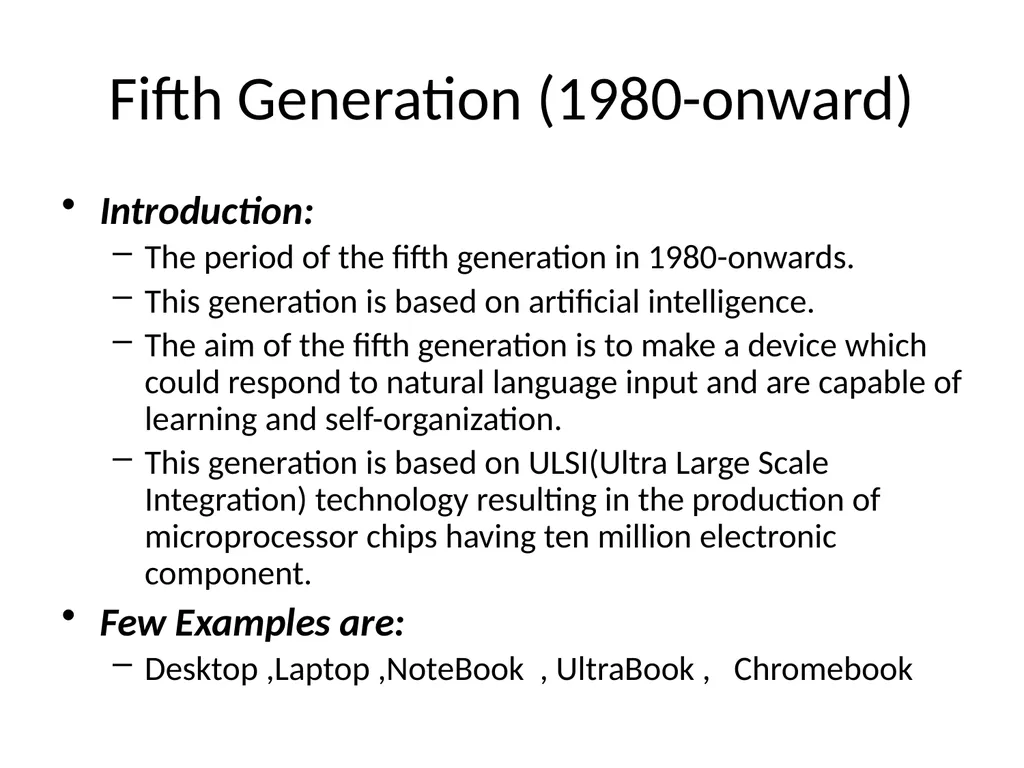
Fifth Generation (1980-onward) Introduction:
The period of the fifth generation in 1980-onwards.
This generation is based on artificial intelligence.
The aim of the fifth generation is to make a device which could respond to natural language input and are capable of learning and self-organization.
This generation is based on ULSI(Ultra Large Scale Integration) technology resulting in the production of microprocessor chips having ten million electronic component.
Few Examples are:
Desktop ,Laptop ,NoteBook , UltraBook , Chromebook<br>
The period of the fifth generation in 1980-onwards.
This generation is based on artificial intelligence.
The aim of the fifth generation is to make a device which could respond to natural language input and are capable of learning and self-organization.
This generation is based on ULSI(Ultra Large Scale Integration) technology resulting in the production of microprocessor chips having ten million electronic component.
Few Examples are:
Desktop ,Laptop ,NoteBook , UltraBook , Chromebook<br>
30
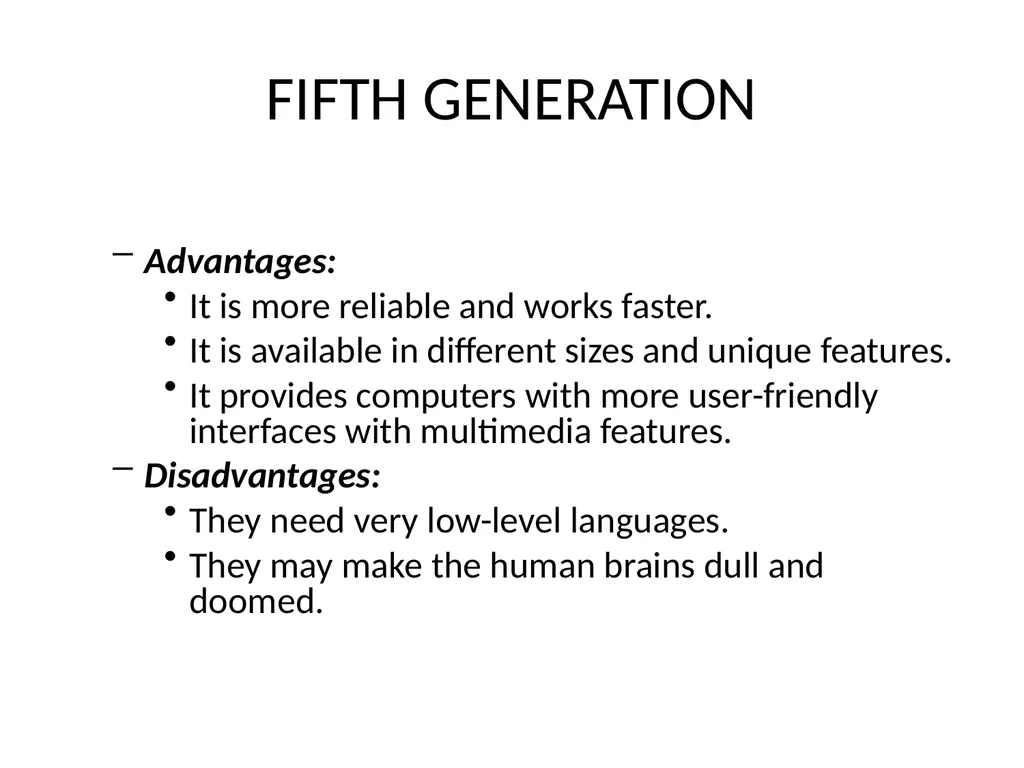
FIFTH GENERATION Advantages:
It is more reliable and works faster.
It is available in different sizes and unique features.
It provides computers with more user-friendly interfaces with multimedia features.
Disadvantages:
They need very low-level languages.
They may make the human brains dull and doomed.<br>
It is more reliable and works faster.
It is available in different sizes and unique features.
It provides computers with more user-friendly interfaces with multimedia features.
Disadvantages:
They need very low-level languages.
They may make the human brains dull and doomed.<br>
31
Applications of Computer Business
Communication
Banking
Education
Healthcare
Military
Government<br>
Communication
Banking
Education
Healthcare
Military
Government<br>
32
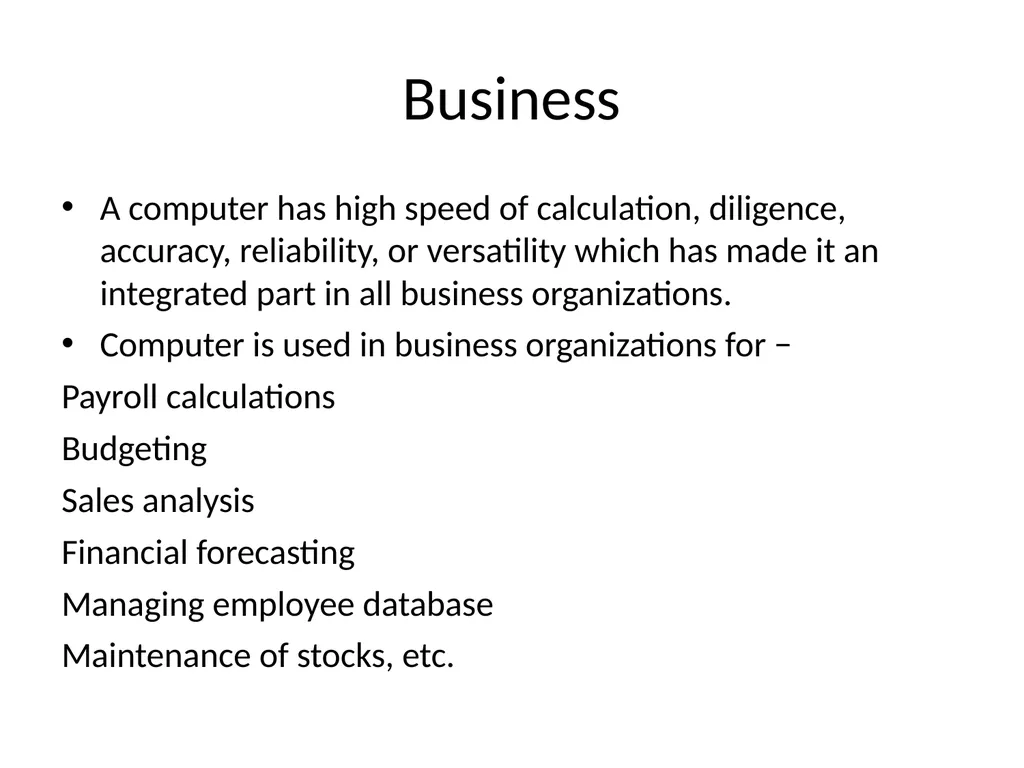
Business A computer has high speed of calculation, diligence, accuracy, reliability, or versatility which has made it an integrated part in all business organizations.
Computer is used in business organizations for −
Payroll calculations
Budgeting
Sales analysis
Financial forecasting
Managing employee database
Maintenance of stocks, etc.<br>
Computer is used in business organizations for −
Payroll calculations
Budgeting
Sales analysis
Financial forecasting
Managing employee database
Maintenance of stocks, etc.<br>
33
Communication Communication is a way to convey a message, an idea, a picture, or speech that is received and understood clearly and correctly by the person for whom it is meant.
Some main areas in this category are −
E-mail
Chatting
Usenet
FTP
Telnet
Video-conferencing<br>
Some main areas in this category are −
Chatting
Usenet
FTP
Telnet
Video-conferencing<br>
34
Banking Today, banking is almost totally dependent on computers.
Banks provide the following facilities −
Online accounting facility, which includes checking current balance, making deposits and overdrafts, checking interest charges, shares, and trustee records.
ATM machines which are completely automated are making it even easier for customers to deal with banks.<br>
Banks provide the following facilities −
Online accounting facility, which includes checking current balance, making deposits and overdrafts, checking interest charges, shares, and trustee records.
ATM machines which are completely automated are making it even easier for customers to deal with banks.<br>
35
Education The computer helps in providing a lot of facilities in the education system.
The computer provides a tool in the education system known as CBE (Computer Based Education).
CBE involves control, delivery, and evaluation of learning.
Computer education is rapidly increasing the graph of number of computer students.
There are a number of methods in which educational institutions can use a computer to educate the students.
It is used to prepare a database about performance of a student and analysis is carried out on this basis.<br>
The computer provides a tool in the education system known as CBE (Computer Based Education).
CBE involves control, delivery, and evaluation of learning.
Computer education is rapidly increasing the graph of number of computer students.
There are a number of methods in which educational institutions can use a computer to educate the students.
It is used to prepare a database about performance of a student and analysis is carried out on this basis.<br>
36
Healthcare Computers have become an important part in hospitals, labs, and dispensaries.
They are being used in hospitals to keep the record of patients and medicines.
It is also used in scanning and diagnosing different diseases. ECG, EEG, ultrasounds and CT scans, etc. are also done by computerized machines.<br>
They are being used in hospitals to keep the record of patients and medicines.
It is also used in scanning and diagnosing different diseases. ECG, EEG, ultrasounds and CT scans, etc. are also done by computerized machines.<br>
37
Military Computers are largely used in defence. Modern tanks, missiles, weapons, etc. Military also employs computerized control systems.
Some military areas where a computer has been used are −
Missile Control
Military Communication
Military Operation and Planning
Smart Weapons<br>
Some military areas where a computer has been used are −
Missile Control
Military Communication
Military Operation and Planning
Smart Weapons<br>
38
Government Computers play an important role in government services.
Some major fields in this category are −
Budgets
Sales tax department
Income tax department
Computation of male/female ratio
Computerization of voters lists
Computerization of PAN card
Weather forecasting<br>
Some major fields in this category are −
Budgets
Sales tax department
Income tax department
Computation of male/female ratio
Computerization of voters lists
Computerization of PAN card
Weather forecasting<br>