
Hackety Hack! Written by Krystal Salerno Presented

Description: Hackety Hack! Written by Krystal Salerno Presented by What is Hackety Hack? Hackety Hack is a cool Ruby-based program that makes it really easy and fun to learn coding! You can get it at home and work on it too!
Related Topics
Download Presentation
"Hackety Hack! Written by Krystal Salerno Presented" is the property of its rightful owner. Permission is granted to download and print the materials on this website for personal, non-commercial use only, and to display it on your personal computer provided you do not modify the materials and that you retain all copyright notices contained in the materials. By downloading content from our website, you accept the terms of this agreement.
Presentation Transcript
slide1. Hackety Hack! Written by
Krystal Salerno
Presented by
_______________<br>
slide2. What is Hackety Hack? Hackety Hack is a cool Ruby-based program that makes it really easy and fun to learn coding!
You can get it at home and work on it too!
www.hackety.com<br>
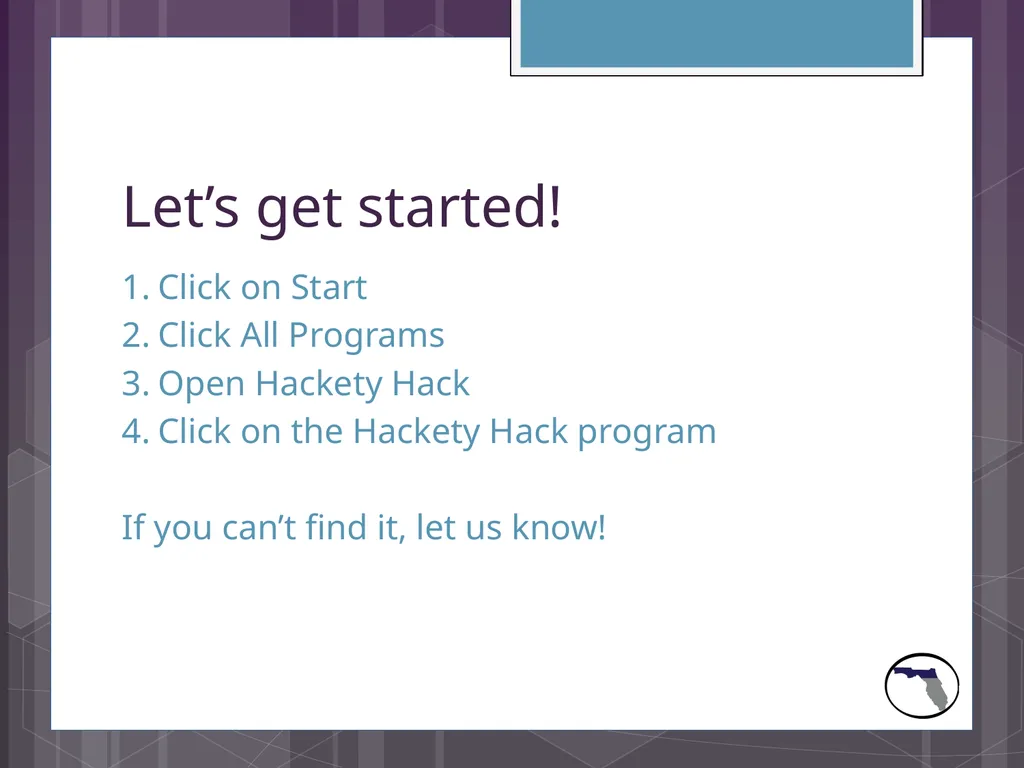
slide3. Let’s get started! Click on Start
Click All Programs
Open Hackety Hack
Click on the Hackety Hack program
If you can’t find it, let us know!<br>
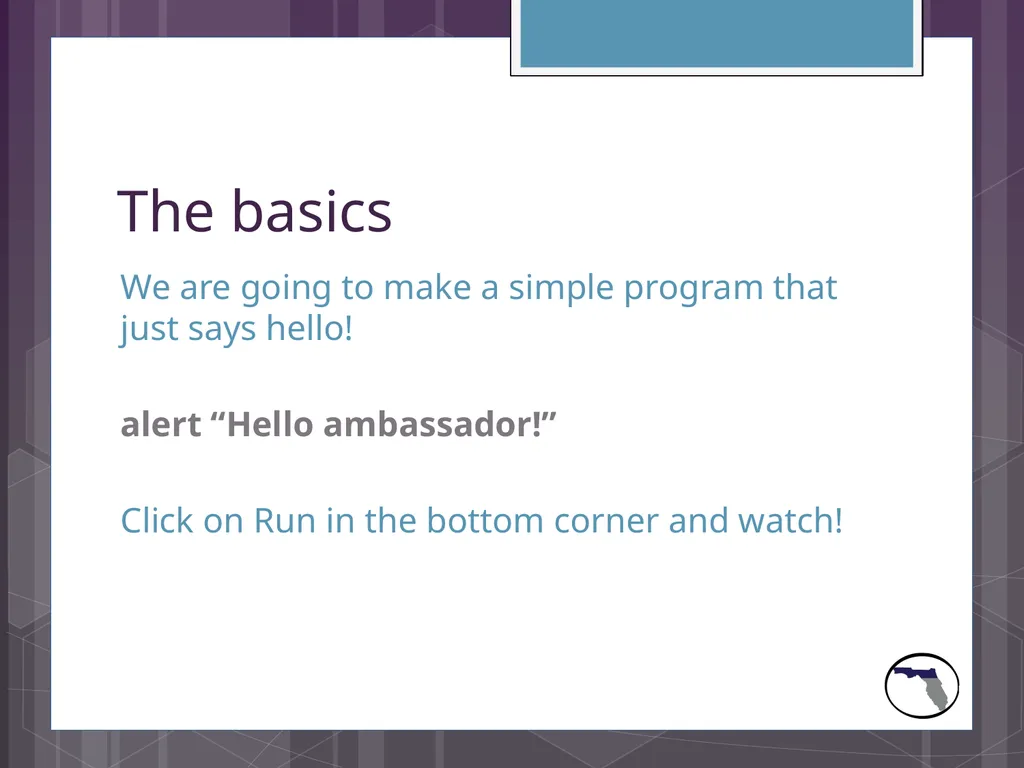
slide4. The basics We are going to make a simple program that just says hello!
alert “Hello ambassador!”
Click on Run in the bottom corner and watch!<br>
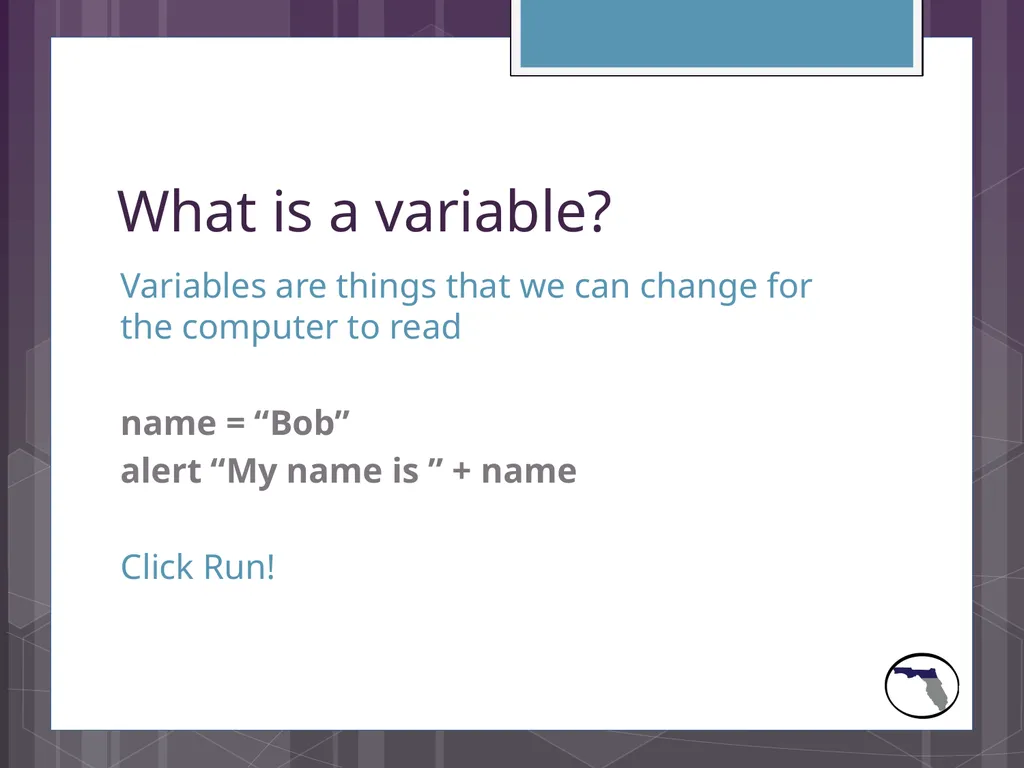
slide5. What is a variable? Variables are things that we can change for the computer to read
name = “Bob”
alert “My name is ” + name
Click Run!<br>
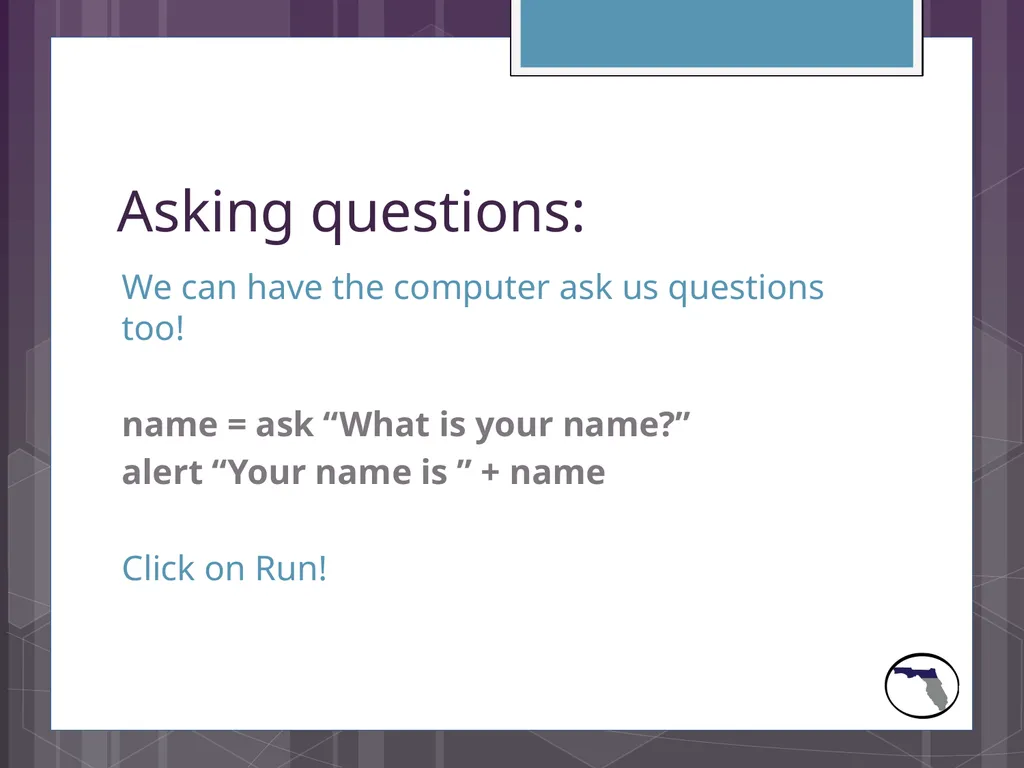
slide6. Asking questions: We can have the computer ask us questions too!
name = ask “What is your name?”
alert “Your name is ” + name
Click on Run!<br>
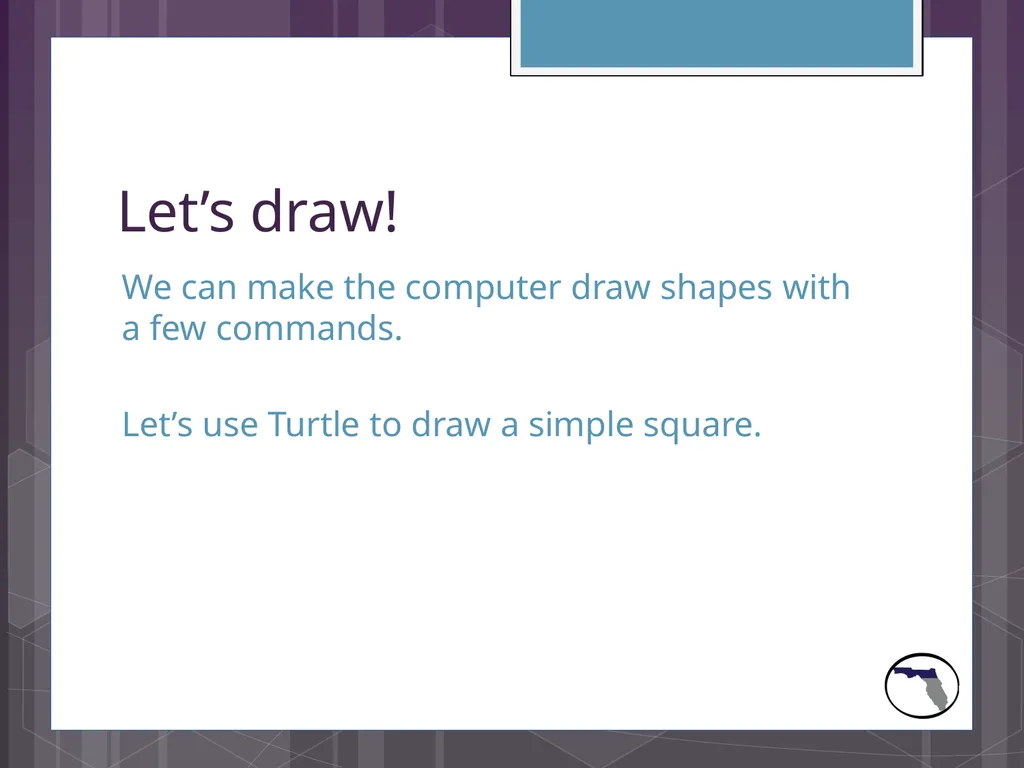
slide7. Let’s draw! We can make the computer draw shapes with a few commands.
Let’s use Turtle to draw a simple square.<br>
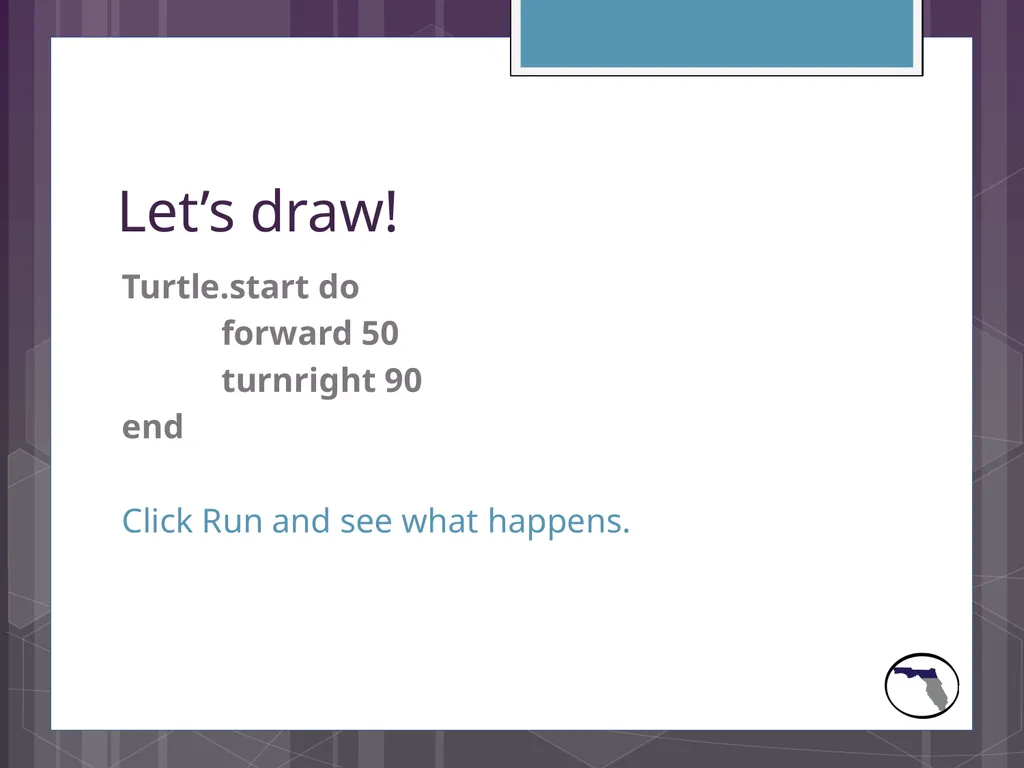
slide8. Let’s draw! Turtle.start do
forward 50
turnright 90
end
Click Run and see what happens.<br>
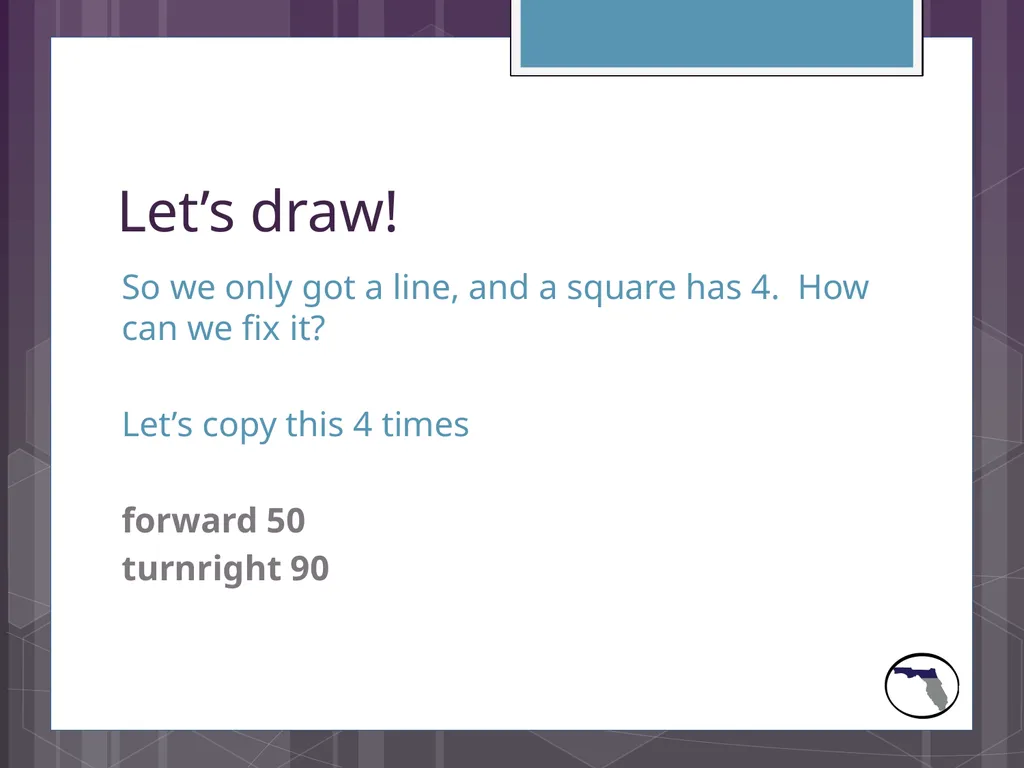
slide9. Let’s draw! So we only got a line, and a square has 4. How can we fix it?
Let’s copy this 4 times
forward 50
turnright 90<br>
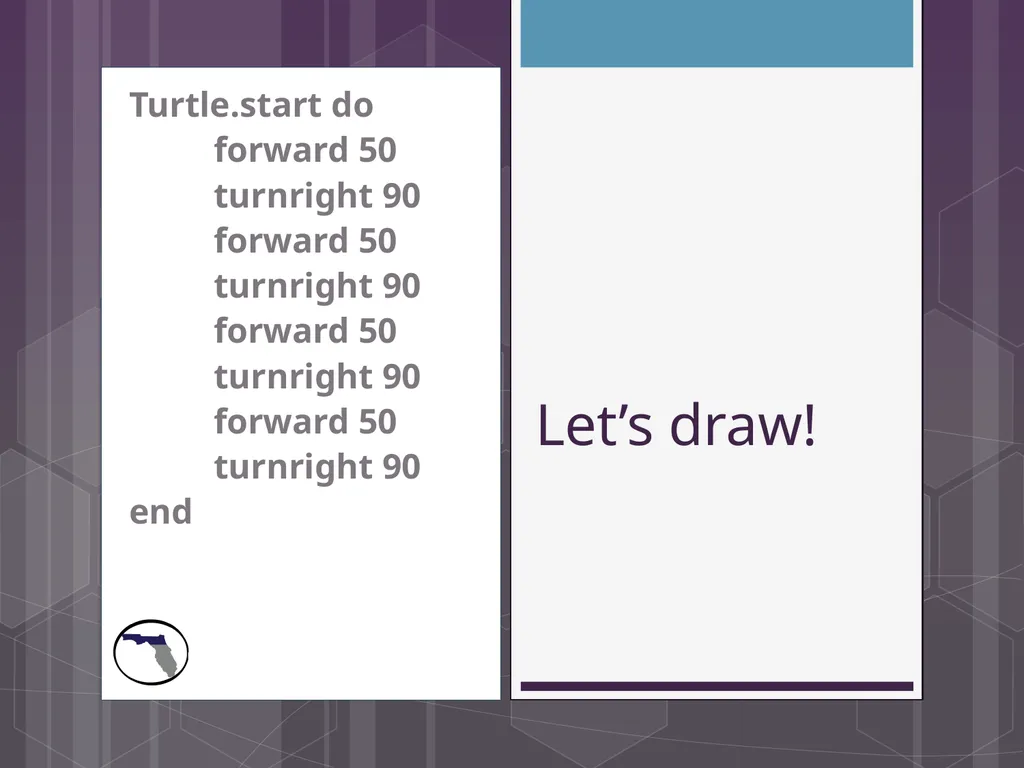
slide10. Let’s draw! Turtle.start do
forward 50
turnright 90
forward 50
turnright 90
forward 50
turnright 90
forward 50
turnright 90
end<br>
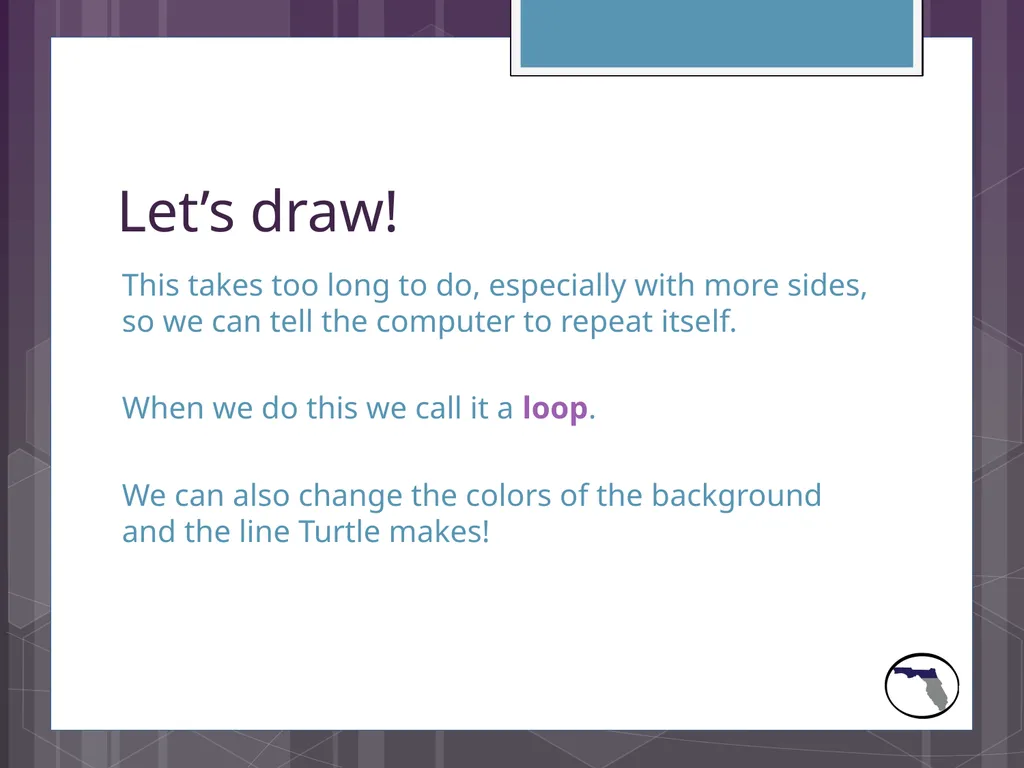
slide11. Let’s draw! This takes too long to do, especially with more sides, so we can tell the computer to repeat itself.
When we do this we call it a loop.
We can also change the colors of the background and the line Turtle makes!<br>
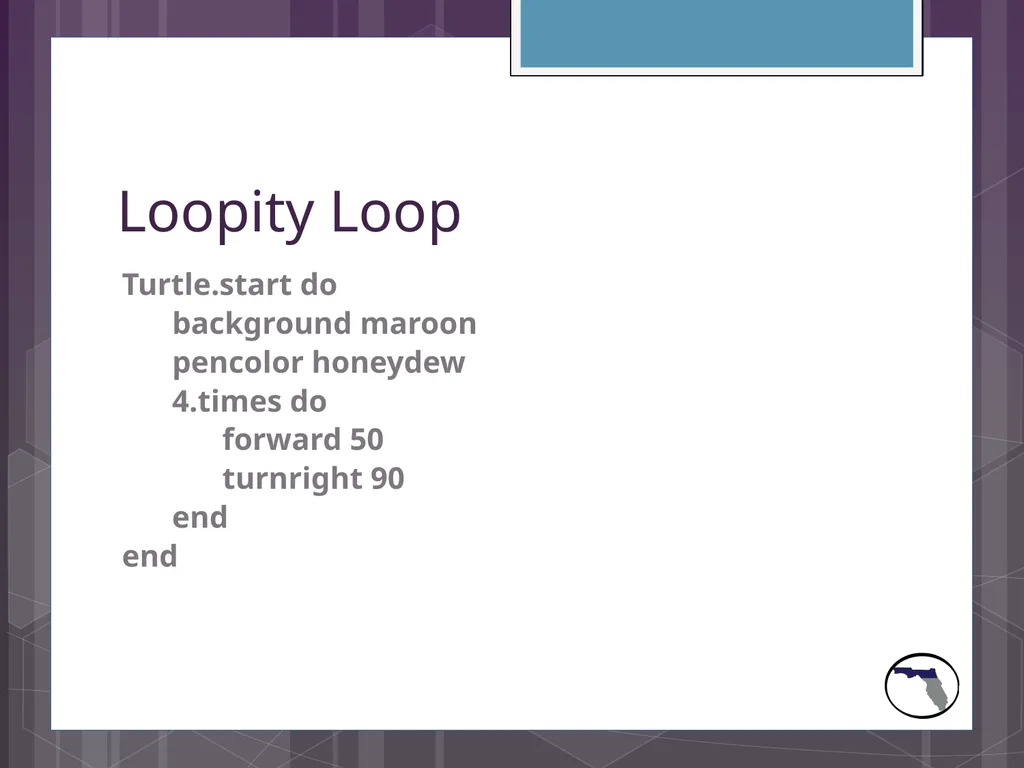
slide12. Loopity Loop Turtle.start do
background maroon
pencolor honeydew
4.times do
forward 50
turnright 90
end
end<br>
slide13. Loopity Loop See how much nicer that makes it!
Let’s play with the numbers we have after forward and turnright and see what happens.<br>
slide14. Strings and Integers Who knows what the difference between
“1000”
and
1000
is?<br>
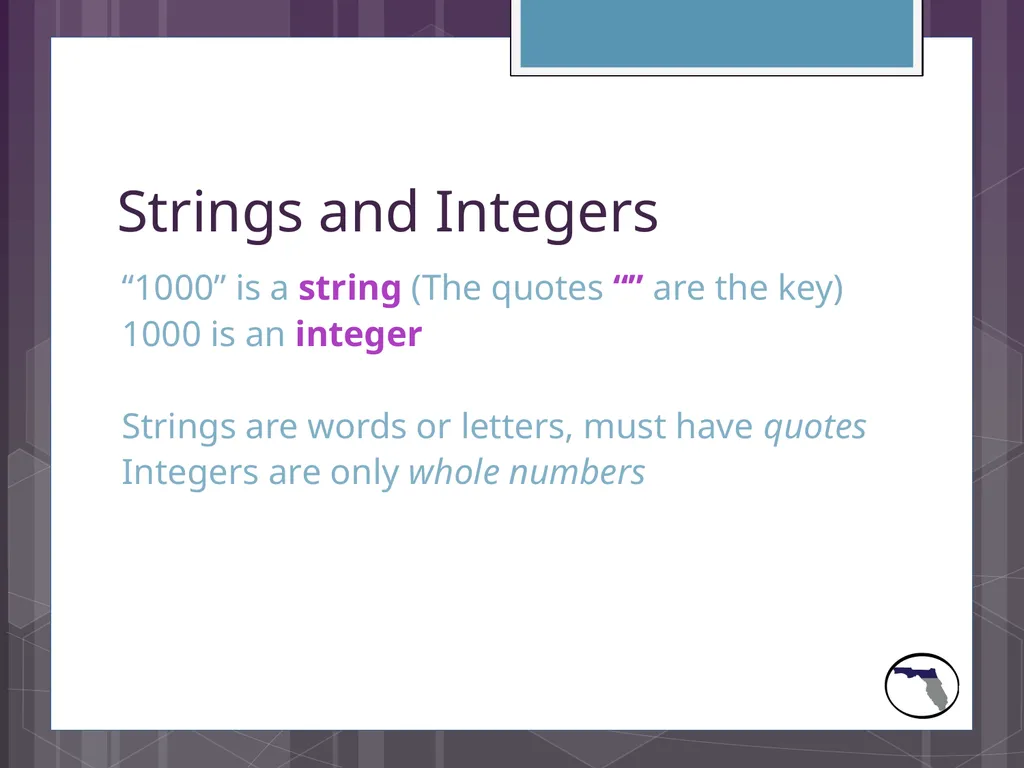
slide15. Strings and Integers “1000” is a string (The quotes “” are the key)
1000 is an integer
Strings are words or letters, must have quotes
Integers are only whole numbers<br>
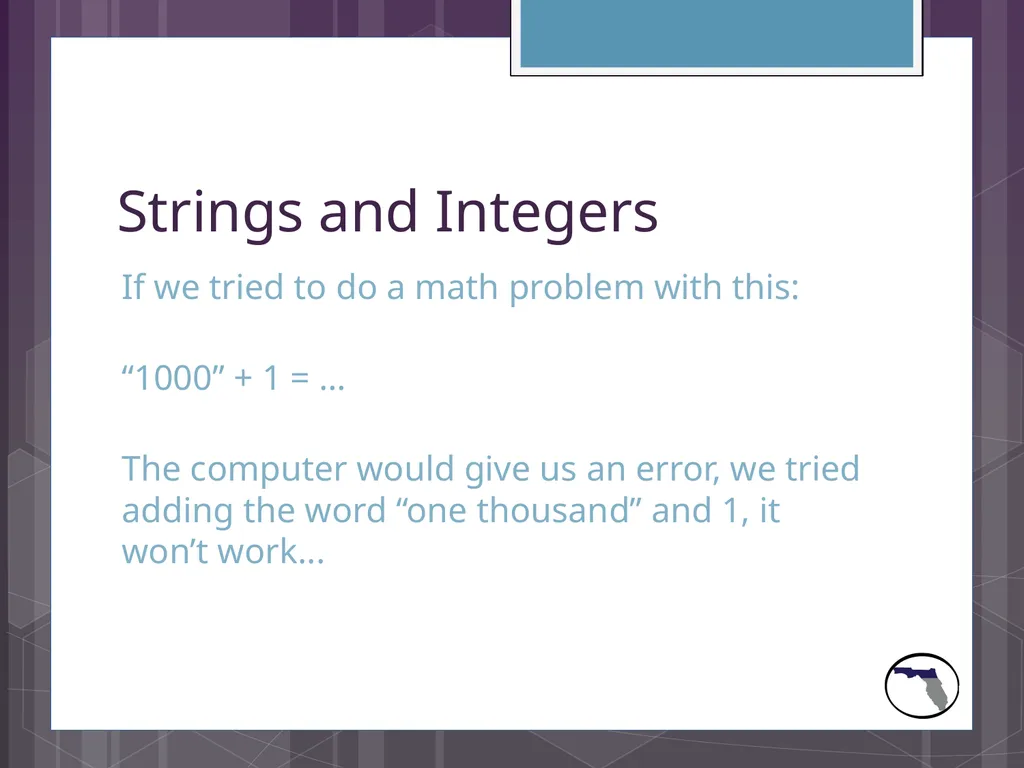
slide16. Strings and Integers If we tried to do a math problem with this:
“1000” + 1 = …
The computer would give us an error, we tried adding the word “one thousand” and 1, it won’t work...<br>
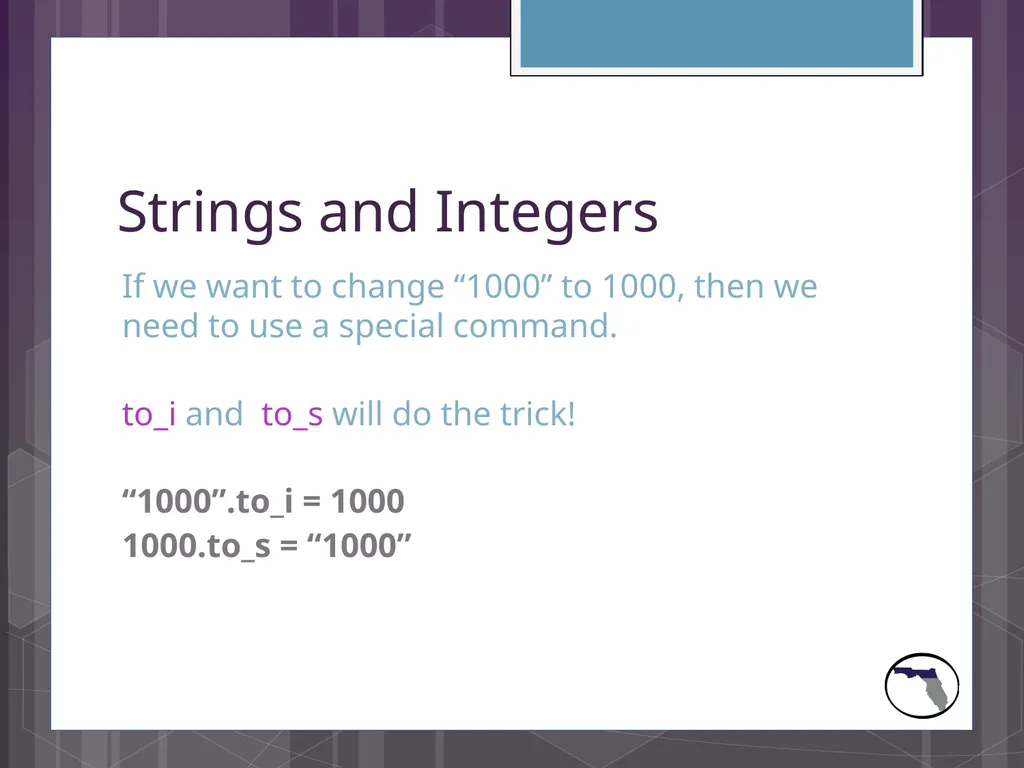
slide17. Strings and Integers If we want to change “1000” to 1000, then we need to use a special command.
to_i and to_s will do the trick!
“1000”.to_i = 1000
1000.to_s = “1000”<br>
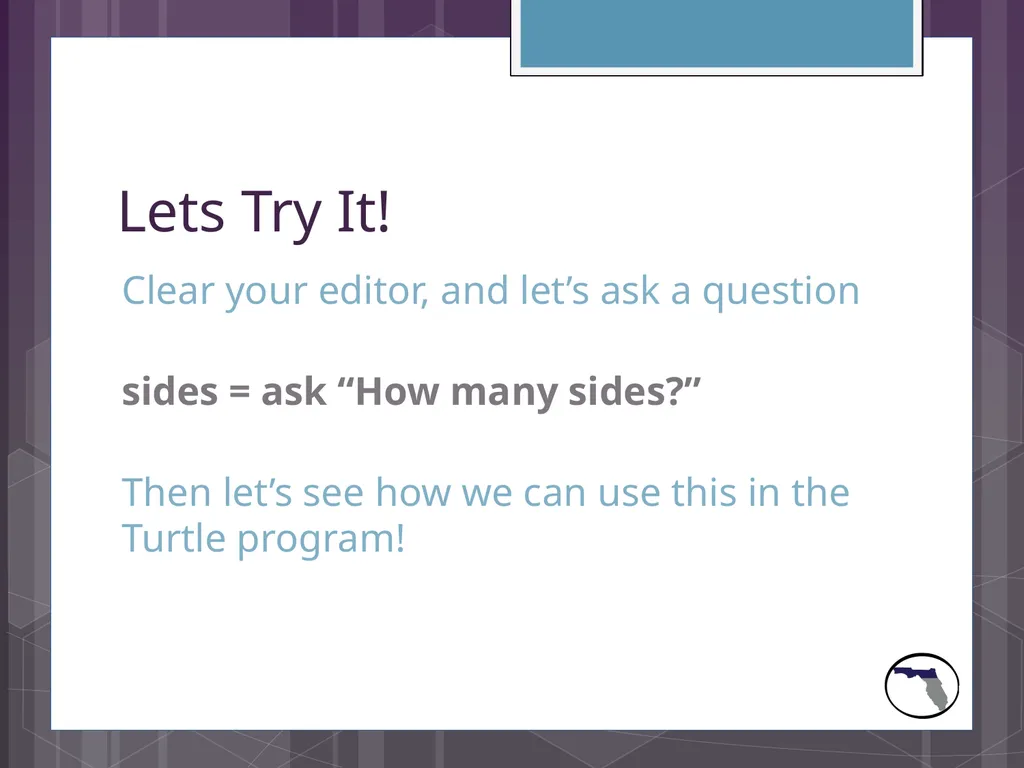
slide18. Lets Try It! Clear your editor, and let’s ask a question
sides = ask “How many sides?”
Then let’s see how we can use this in the Turtle program!<br>
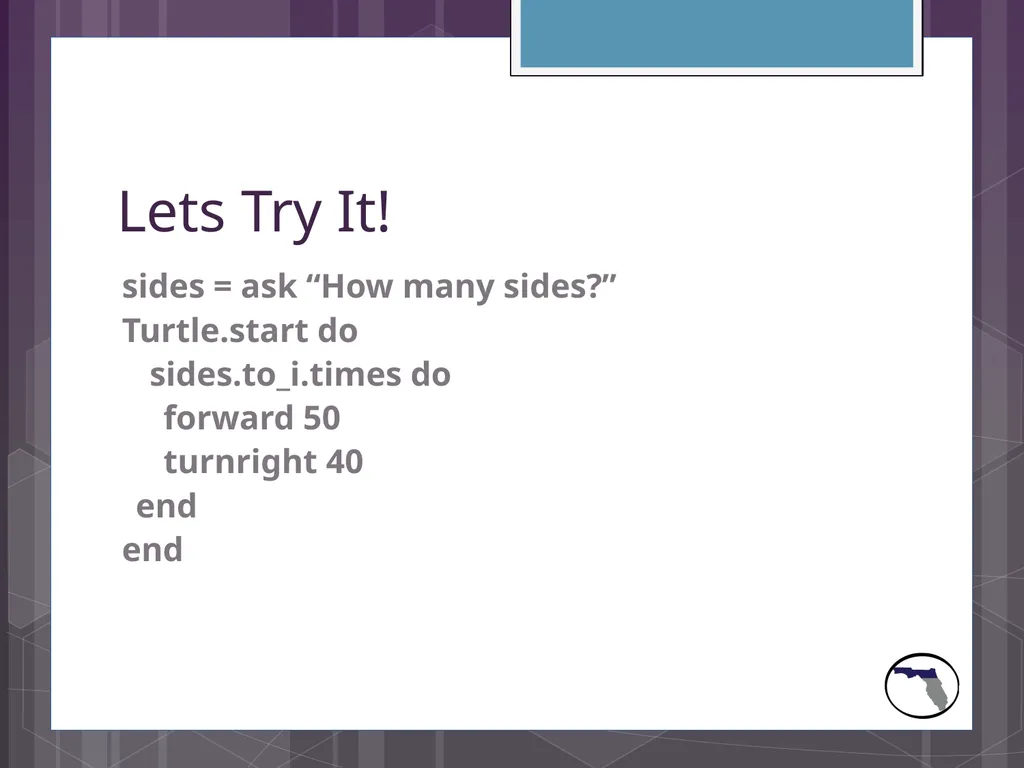
slide19. Lets Try It! sides = ask “How many sides?”
Turtle.start do
sides.to_i.times do
forward 50
turnright 40
end
end<br>
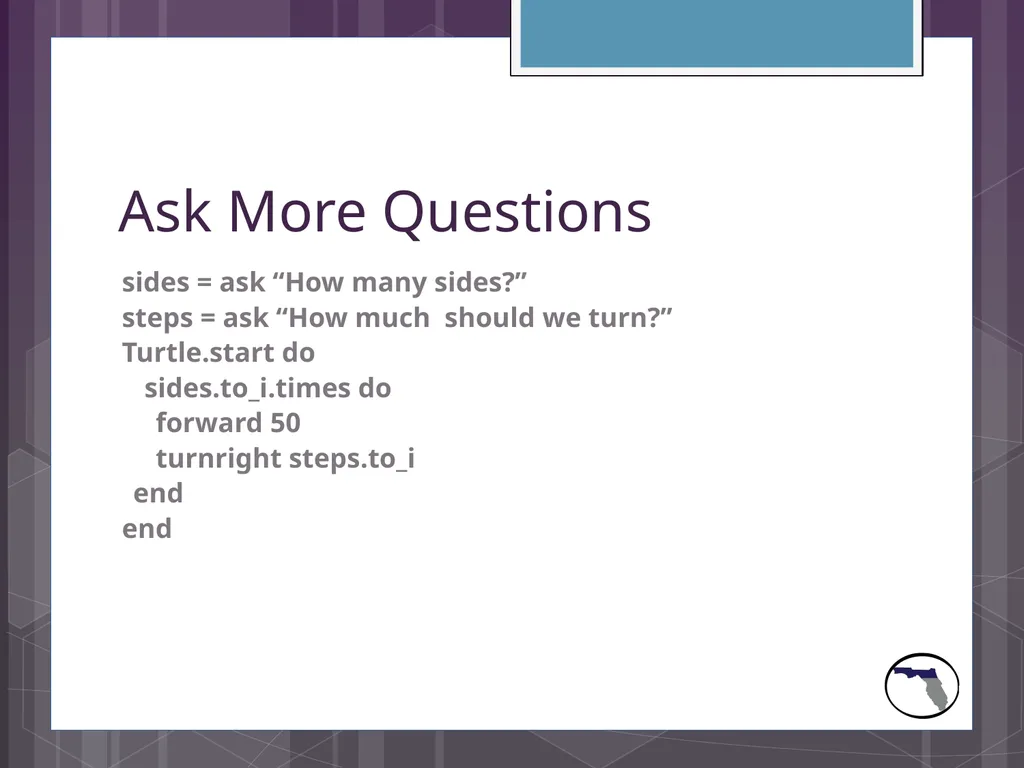
slide20. Ask More Questions sides = ask “How many sides?”
steps = ask “How much should we turn?”
Turtle.start do
sides.to_i.times do
forward 50
turnright steps.to_i
end
end<br>
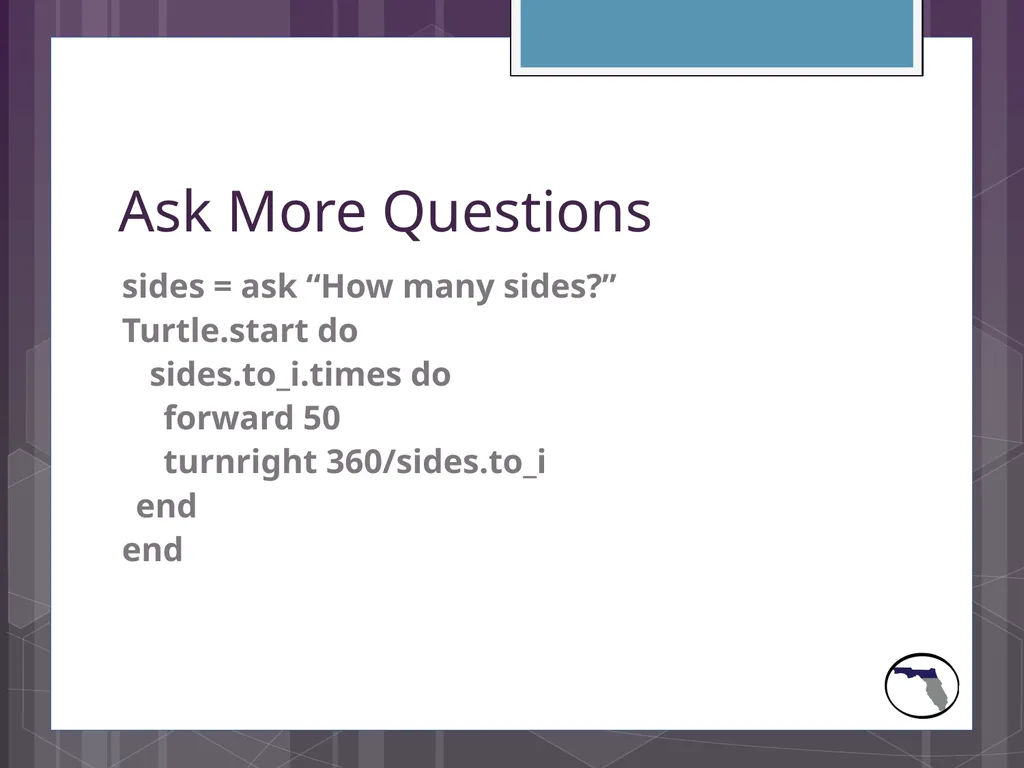
slide21. Ask More Questions sides = ask “How many sides?”
Turtle.start do
sides.to_i.times do
forward 50
turnright 360/sides.to_i
end
end<br>
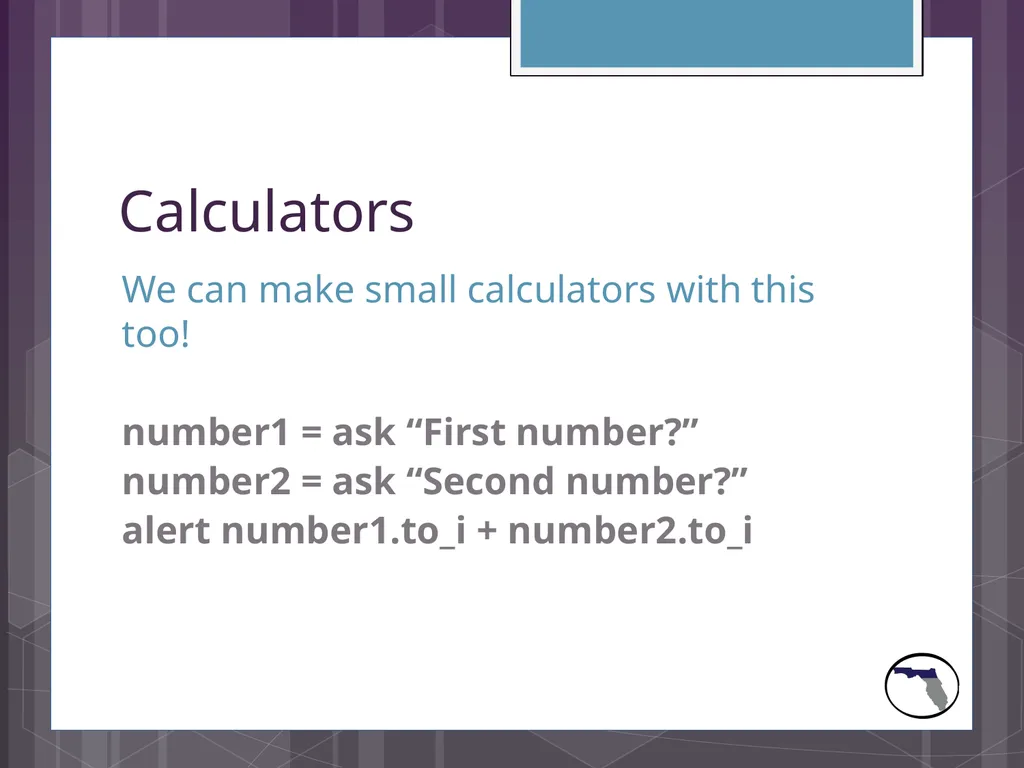
slide22. Calculators We can make small calculators with this too!
number1 = ask “First number?”
number2 = ask “Second number?”
alert number1.to_i + number2.to_i<br>
slide23. Follow us on Social Media! #FITC
& visit fitc.cci.fsu.edu /FITCAlliance @FITCAlliance @FITC_Alliance FITC Group<br>
Presented by
_______________<br>
slide2. What is Hackety Hack? Hackety Hack is a cool Ruby-based program that makes it really easy and fun to learn coding!
You can get it at home and work on it too!
www.hackety.com<br>
slide3. Let’s get started! Click on Start
Click All Programs
Open Hackety Hack
Click on the Hackety Hack program
If you can’t find it, let us know!<br>
slide4. The basics We are going to make a simple program that just says hello!
alert “Hello ambassador!”
Click on Run in the bottom corner and watch!<br>
slide5. What is a variable? Variables are things that we can change for the computer to read
name = “Bob”
alert “My name is ” + name
Click Run!<br>
slide6. Asking questions: We can have the computer ask us questions too!
name = ask “What is your name?”
alert “Your name is ” + name
Click on Run!<br>
slide7. Let’s draw! We can make the computer draw shapes with a few commands.
Let’s use Turtle to draw a simple square.<br>
slide8. Let’s draw! Turtle.start do
forward 50
turnright 90
end
Click Run and see what happens.<br>
slide9. Let’s draw! So we only got a line, and a square has 4. How can we fix it?
Let’s copy this 4 times
forward 50
turnright 90<br>
slide10. Let’s draw! Turtle.start do
forward 50
turnright 90
forward 50
turnright 90
forward 50
turnright 90
forward 50
turnright 90
end<br>
slide11. Let’s draw! This takes too long to do, especially with more sides, so we can tell the computer to repeat itself.
When we do this we call it a loop.
We can also change the colors of the background and the line Turtle makes!<br>
slide12. Loopity Loop Turtle.start do
background maroon
pencolor honeydew
4.times do
forward 50
turnright 90
end
end<br>
slide13. Loopity Loop See how much nicer that makes it!
Let’s play with the numbers we have after forward and turnright and see what happens.<br>
slide14. Strings and Integers Who knows what the difference between
“1000”
and
1000
is?<br>
slide15. Strings and Integers “1000” is a string (The quotes “” are the key)
1000 is an integer
Strings are words or letters, must have quotes
Integers are only whole numbers<br>
slide16. Strings and Integers If we tried to do a math problem with this:
“1000” + 1 = …
The computer would give us an error, we tried adding the word “one thousand” and 1, it won’t work...<br>
slide17. Strings and Integers If we want to change “1000” to 1000, then we need to use a special command.
to_i and to_s will do the trick!
“1000”.to_i = 1000
1000.to_s = “1000”<br>
slide18. Lets Try It! Clear your editor, and let’s ask a question
sides = ask “How many sides?”
Then let’s see how we can use this in the Turtle program!<br>
slide19. Lets Try It! sides = ask “How many sides?”
Turtle.start do
sides.to_i.times do
forward 50
turnright 40
end
end<br>
slide20. Ask More Questions sides = ask “How many sides?”
steps = ask “How much should we turn?”
Turtle.start do
sides.to_i.times do
forward 50
turnright steps.to_i
end
end<br>
slide21. Ask More Questions sides = ask “How many sides?”
Turtle.start do
sides.to_i.times do
forward 50
turnright 360/sides.to_i
end
end<br>
slide22. Calculators We can make small calculators with this too!
number1 = ask “First number?”
number2 = ask “Second number?”
alert number1.to_i + number2.to_i<br>
slide23. Follow us on Social Media! #FITC
& visit fitc.cci.fsu.edu /FITCAlliance @FITCAlliance @FITC_Alliance FITC Group<br>