
HIPAA/HITECH Privacy and Security Student Training
A
Published · 90 slides · 0 views

1 / 1








Description
HIPAAHITECH Privacy and Security Student Training Academic Year 2014-2015 Introduction Welcome to HIPAAHITECH Privacy and Security training. As you may know, all health care organizations are required to comply with HIPAAHITECH Privacy
Related Topics
Share
Embed code
Download this presentation From Below
"HIPAA/HITECH Privacy and Security Student Training" is the property of its rightful owner. Permission is granted to download and print the materials on this website for personal, non-commercial use only, and to display it on your personal computer provided you do not modify the materials and that you retain all copyright notices contained in the materials. By downloading content from our website, you accept the terms of this agreement.
Presentation Transcript
01
HIPAA/HITECH Privacy and Security Student Training
Academic Year 2014-2015<br>
Academic Year 2014-2015<br>
02
Introduction Welcome to HIPAA/HITECH Privacy and Security training.
As you may know, all health care organizations are required to comply with HIPAA/HITECH Privacy and Security Regulations. These regulations have undergone several updates, the latest of which were enacted in 2013. As UConn Health School of Medicine, School of Dental Medicine, and graduate students you most likely will have access to patients’ confidential health information and, therefore, are required to complete HIPAA/HITECH education.
Thank you for completing this important training. Continuation in your educational program is contingent upon completion of this training.<br>
As you may know, all health care organizations are required to comply with HIPAA/HITECH Privacy and Security Regulations. These regulations have undergone several updates, the latest of which were enacted in 2013. As UConn Health School of Medicine, School of Dental Medicine, and graduate students you most likely will have access to patients’ confidential health information and, therefore, are required to complete HIPAA/HITECH education.
Thank you for completing this important training. Continuation in your educational program is contingent upon completion of this training.<br>
03
When it comes to privacy and accountability, people always demand the former for themselves and the latter for everyone else.
David Brinkley<br>
04
UConn Health’s Confidentiality Policy “All individuals are expected to be professional and maintain confidentiality at all times, whether dealing with actual records, projects, or conversations….”
“All individuals having access to confidential information are bound by strict ethical and legal restrictions…..”
Refer to UCHC policy # 2002-43 Confidentiality<br>
“All individuals having access to confidential information are bound by strict ethical and legal restrictions…..”
Refer to UCHC policy # 2002-43 Confidentiality<br>
05
What types of information must UCHC protect? Medical/Dental/Behavioral Health-related patient information
Research data requiring protections (clinical trials, patient survey responses, etc.) as required by the NIH.
Student information.
Employee human resources and financial information.
Any information about employees, students, patients, Board Members, etc. which includes Social Security numbers.
Financial information
IDs and/or Passwords for access to UConn Health computing resources.
Other confidential or sensitive UConn Health information not in the public domain.<br>
Research data requiring protections (clinical trials, patient survey responses, etc.) as required by the NIH.
Student information.
Employee human resources and financial information.
Any information about employees, students, patients, Board Members, etc. which includes Social Security numbers.
Financial information
IDs and/or Passwords for access to UConn Health computing resources.
Other confidential or sensitive UConn Health information not in the public domain.<br>
06
HIPAA/HITECH
Privacy and Security<br>
07
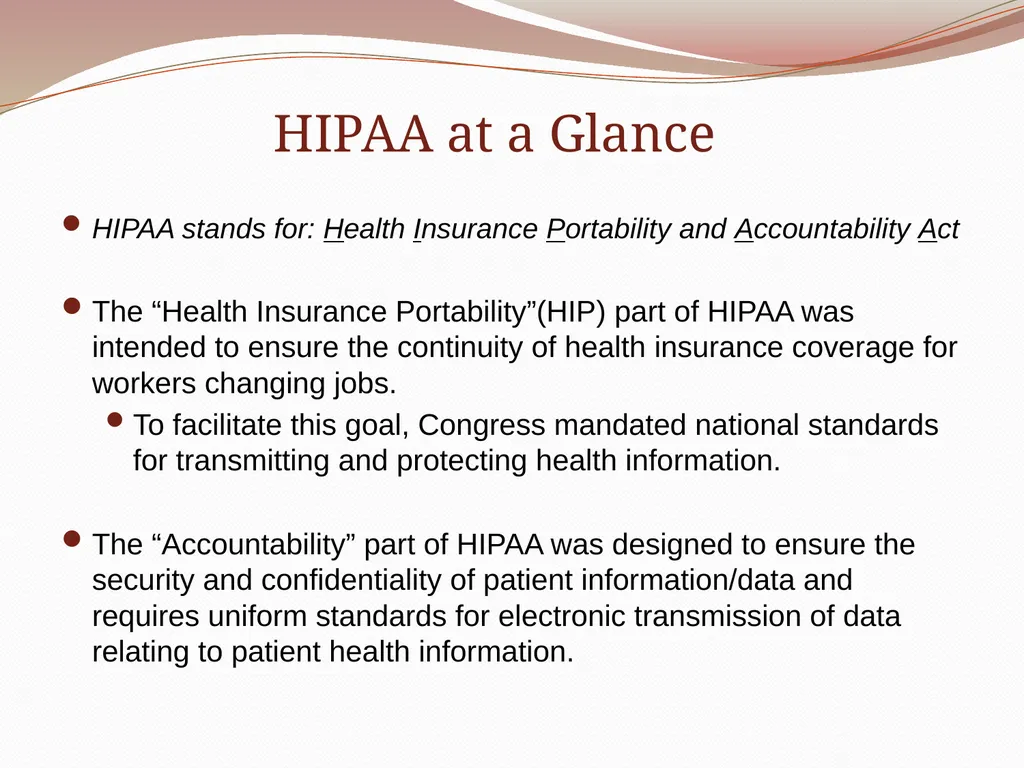
HIPAA at a Glance HIPAA stands for: Health Insurance Portability and Accountability Act
The “Health Insurance Portability”(HIP) part of HIPAA was intended to ensure the continuity of health insurance coverage for workers changing jobs.
To facilitate this goal, Congress mandated national standards for transmitting and protecting health information.
The “Accountability” part of HIPAA was designed to ensure the security and confidentiality of patient information/data and requires uniform standards for electronic transmission of data relating to patient health information.<br>
The “Health Insurance Portability”(HIP) part of HIPAA was intended to ensure the continuity of health insurance coverage for workers changing jobs.
To facilitate this goal, Congress mandated national standards for transmitting and protecting health information.
The “Accountability” part of HIPAA was designed to ensure the security and confidentiality of patient information/data and requires uniform standards for electronic transmission of data relating to patient health information.<br>
08
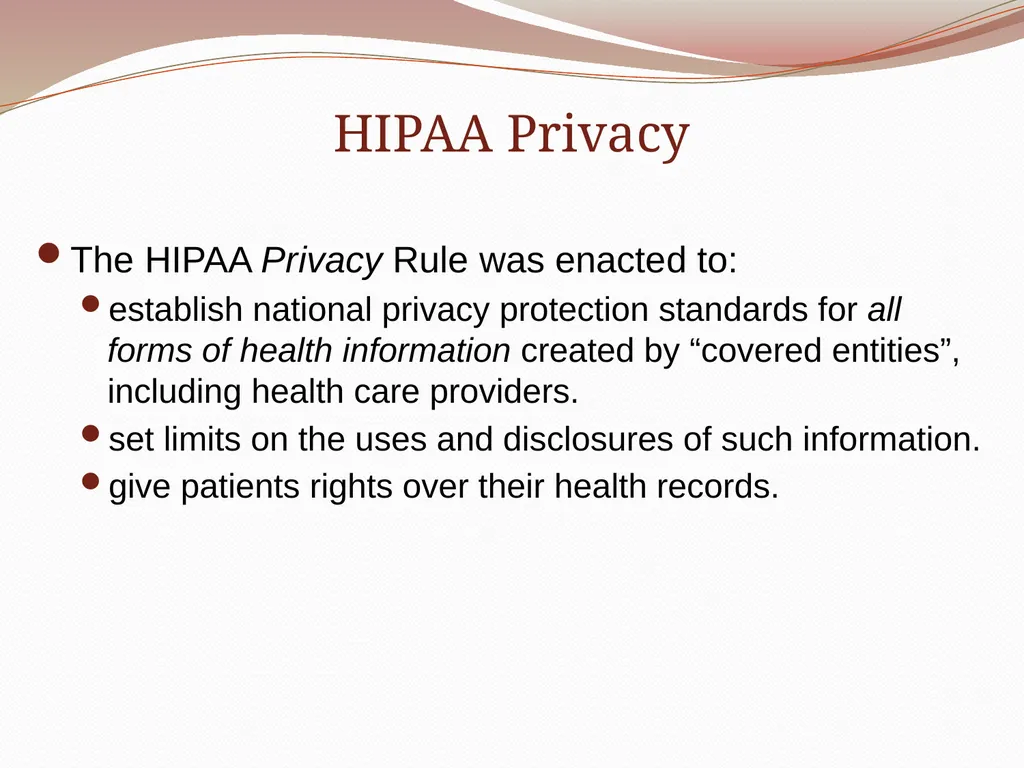
HIPAA Privacy The HIPAA Privacy Rule was enacted to:
establish national privacy protection standards for all forms of health information created by “covered entities”, including health care providers.
set limits on the uses and disclosures of such information.
give patients rights over their health records.<br>
establish national privacy protection standards for all forms of health information created by “covered entities”, including health care providers.
set limits on the uses and disclosures of such information.
give patients rights over their health records.<br>
09
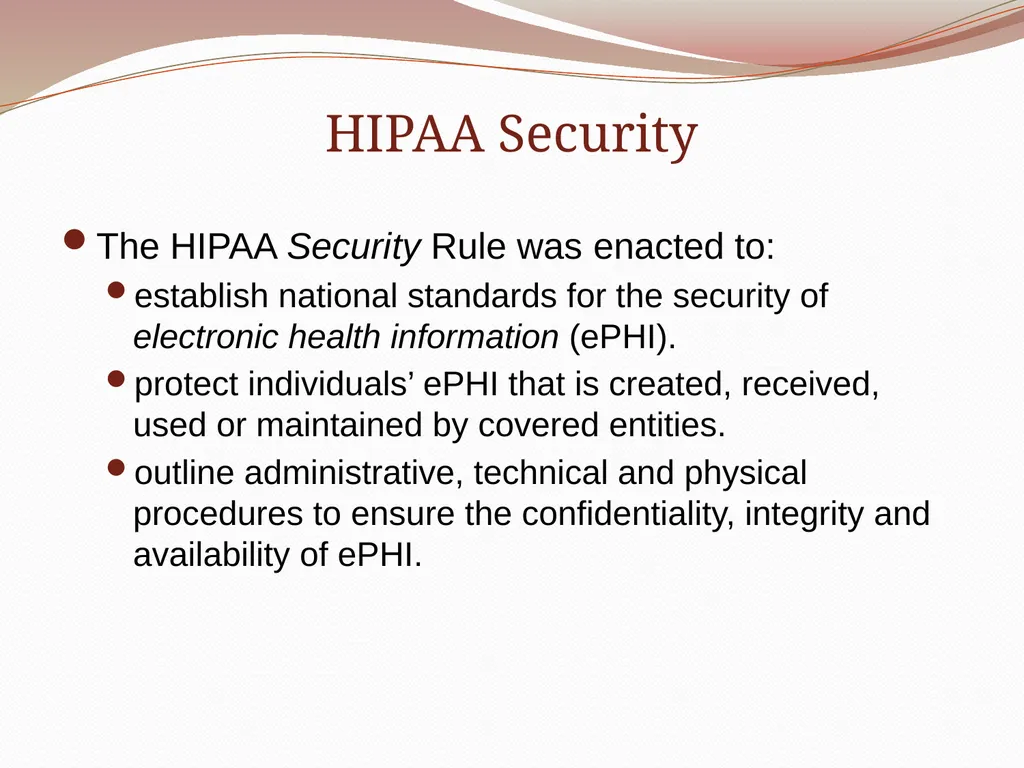
HIPAA Security The HIPAA Security Rule was enacted to:
establish national standards for the security of electronic health information (ePHI).
protect individuals’ ePHI that is created, received, used or maintained by covered entities.
outline administrative, technical and physical procedures to ensure the confidentiality, integrity and availability of ePHI.<br>
establish national standards for the security of electronic health information (ePHI).
protect individuals’ ePHI that is created, received, used or maintained by covered entities.
outline administrative, technical and physical procedures to ensure the confidentiality, integrity and availability of ePHI.<br>
10
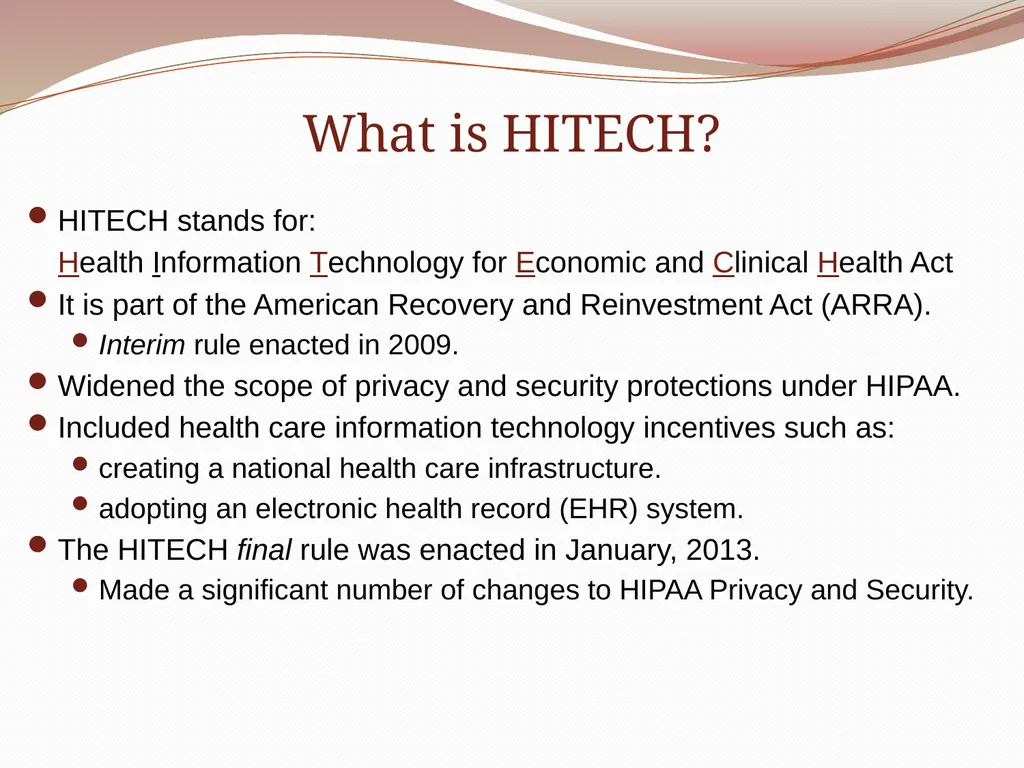
What is HITECH? HITECH stands for:
Health Information Technology for Economic and Clinical Health Act
It is part of the American Recovery and Reinvestment Act (ARRA).
Interim rule enacted in 2009.
Widened the scope of privacy and security protections under HIPAA.
Included health care information technology incentives such as:
creating a national health care infrastructure.
adopting an electronic health record (EHR) system.
The HITECH final rule was enacted in January, 2013.
Made a significant number of changes to HIPAA Privacy and Security.<br>
Health Information Technology for Economic and Clinical Health Act
It is part of the American Recovery and Reinvestment Act (ARRA).
Interim rule enacted in 2009.
Widened the scope of privacy and security protections under HIPAA.
Included health care information technology incentives such as:
creating a national health care infrastructure.
adopting an electronic health record (EHR) system.
The HITECH final rule was enacted in January, 2013.
Made a significant number of changes to HIPAA Privacy and Security.<br>
11
We’ve Come a Long Way…..Maybe Electronic data transmission is a double edged sword.
More technology = increased vulnerability of personal information.
As technology changes we have to do more to protect that information.
The confidential information we come in contact with everyday is only as safe as our weakest link.<br>
More technology = increased vulnerability of personal information.
As technology changes we have to do more to protect that information.
The confidential information we come in contact with everyday is only as safe as our weakest link.<br>
12
What is Protected Health Information (PHI)? Any type of individually identifiable health information in any format including:
Paper or other media
Verbal
Photographed or duplicated
Electronically maintained and/or transmitted<br>
Paper or other media
Verbal
Photographed or duplicated
Electronically maintained and/or transmitted<br>
13
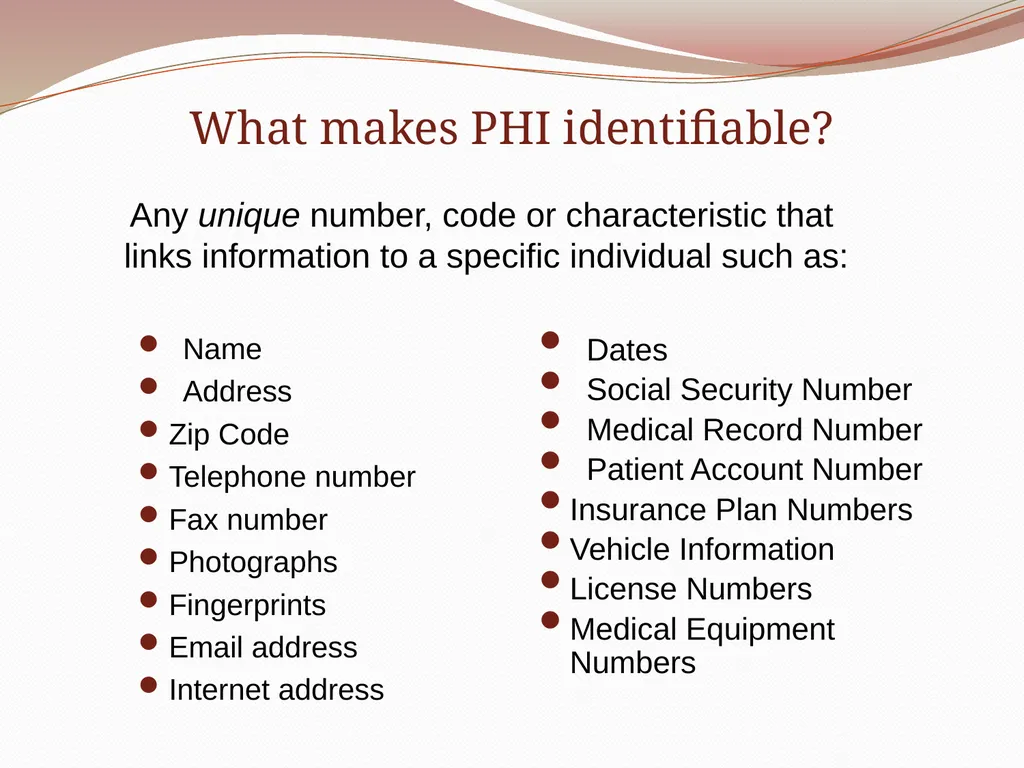
What makes PHI identifiable? Name
Address
Zip Code
Telephone number
Fax number
Photographs
Fingerprints
Email address
Internet address Dates
Social Security Number
Medical Record Number
Patient Account Number
Insurance Plan Numbers
Vehicle Information
License Numbers
Medical Equipment Numbers Any unique number, code or characteristic that
links information to a specific individual such as:<br>
Address
Zip Code
Telephone number
Fax number
Photographs
Fingerprints
Email address
Internet address Dates
Social Security Number
Medical Record Number
Patient Account Number
Insurance Plan Numbers
Vehicle Information
License Numbers
Medical Equipment Numbers Any unique number, code or characteristic that
links information to a specific individual such as:<br>
14
What is “de-identified” information? Information in which specific pieces (identifiers) have been removed so that it cannot be linked to any individual or be re-identified.
If patient information is de-identified it is not considered PHI and is not protected under the HIPAA privacy regulations.
Refer to UCHC Policy # 2003-29:
Creation, Use and Disclosure of De-identified PHI<br>
If patient information is de-identified it is not considered PHI and is not protected under the HIPAA privacy regulations.
Refer to UCHC Policy # 2003-29:
Creation, Use and Disclosure of De-identified PHI<br>
15
Which of the following is not considered Protected Health Information (PHI) under HIPAA:
A. An EKG report for a participant in a human subject research study.
B. A discharge summary for a John Dempsey Hospital patient.
C. A photo used for medical student education showing only a wound on the hand of an unidentified patient.
D. A patient invoice that includes a listing of diagnostic lab tests completed. Knowledge Check<br>
A. An EKG report for a participant in a human subject research study.
B. A discharge summary for a John Dempsey Hospital patient.
C. A photo used for medical student education showing only a wound on the hand of an unidentified patient.
D. A patient invoice that includes a listing of diagnostic lab tests completed. Knowledge Check<br>
16
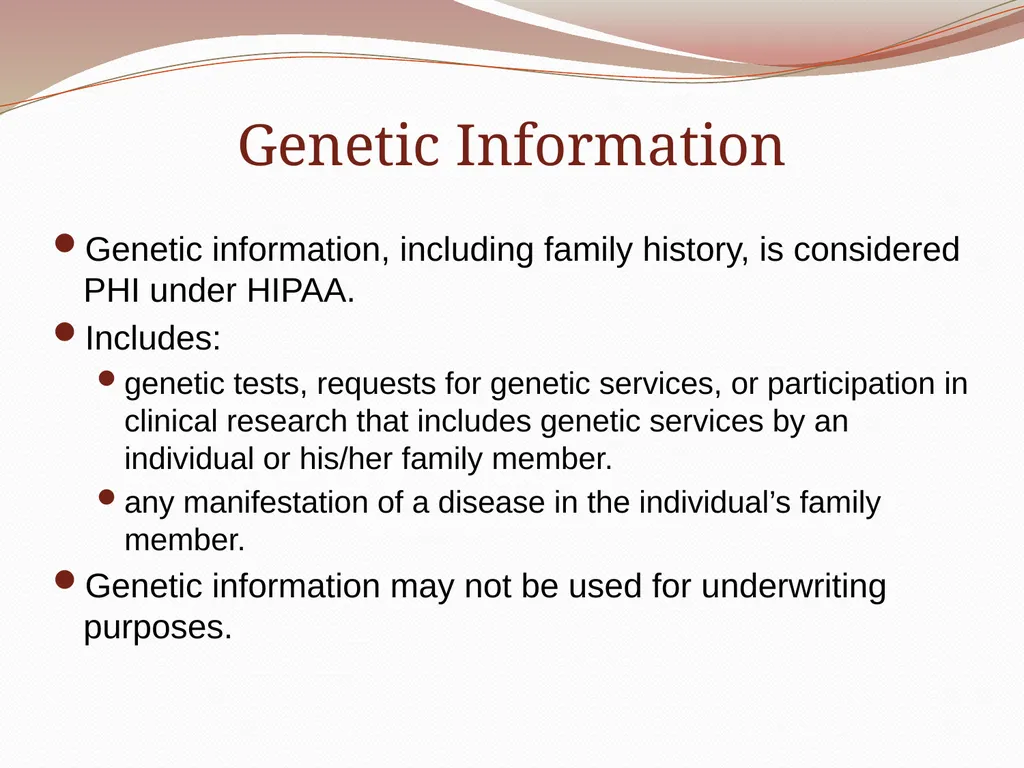
Genetic Information Genetic information, including family history, is considered PHI under HIPAA.
Includes:
genetic tests, requests for genetic services, or participation in clinical research that includes genetic services by an individual or his/her family member.
any manifestation of a disease in the individual’s family member.
Genetic information may not be used for underwriting purposes.<br>
Includes:
genetic tests, requests for genetic services, or participation in clinical research that includes genetic services by an individual or his/her family member.
any manifestation of a disease in the individual’s family member.
Genetic information may not be used for underwriting purposes.<br>
17
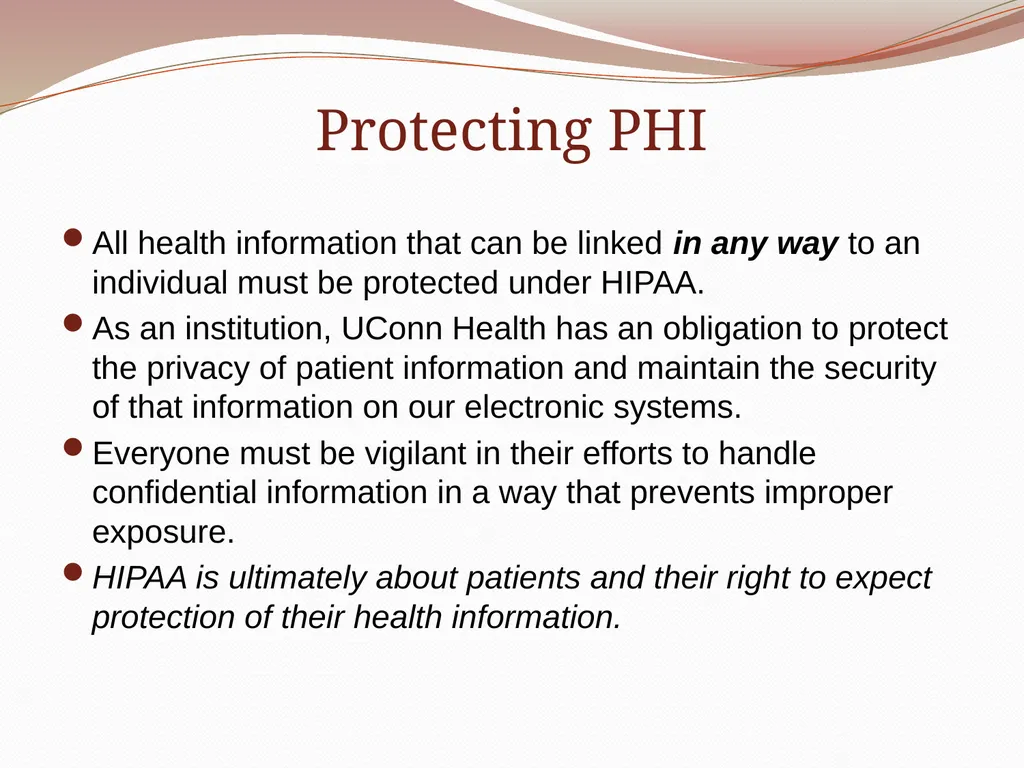
Protecting PHI All health information that can be linked in any way to an individual must be protected under HIPAA.
As an institution, UConn Health has an obligation to protect the privacy of patient information and maintain the security of that information on our electronic systems.
Everyone must be vigilant in their efforts to handle confidential information in a way that prevents improper exposure.
HIPAA is ultimately about patients and their right to expect protection of their health information.<br>
As an institution, UConn Health has an obligation to protect the privacy of patient information and maintain the security of that information on our electronic systems.
Everyone must be vigilant in their efforts to handle confidential information in a way that prevents improper exposure.
HIPAA is ultimately about patients and their right to expect protection of their health information.<br>
18
Patient Rights under HIPAA<br>
19
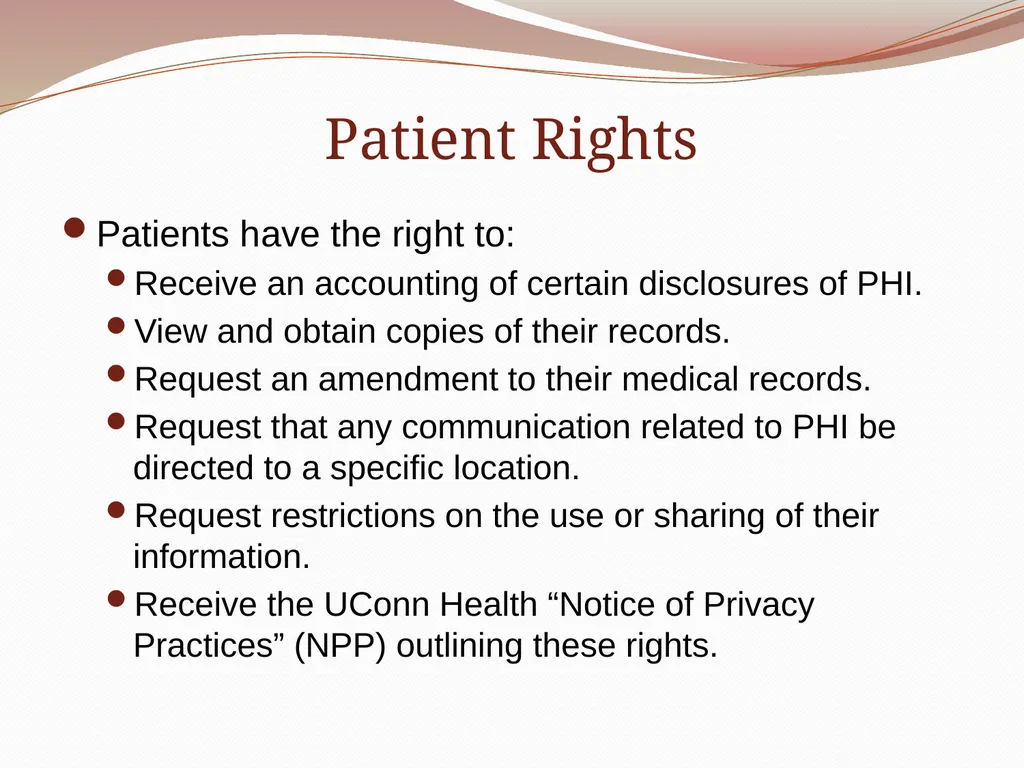
Patient Rights Patients have the right to:
Receive an accounting of certain disclosures of PHI.
View and obtain copies of their records.
Request an amendment to their medical records.
Request that any communication related to PHI be directed to a specific location.
Request restrictions on the use or sharing of their information.
Receive the UConn Health “Notice of Privacy Practices” (NPP) outlining these rights.<br>
Receive an accounting of certain disclosures of PHI.
View and obtain copies of their records.
Request an amendment to their medical records.
Request that any communication related to PHI be directed to a specific location.
Request restrictions on the use or sharing of their information.
Receive the UConn Health “Notice of Privacy Practices” (NPP) outlining these rights.<br>
20
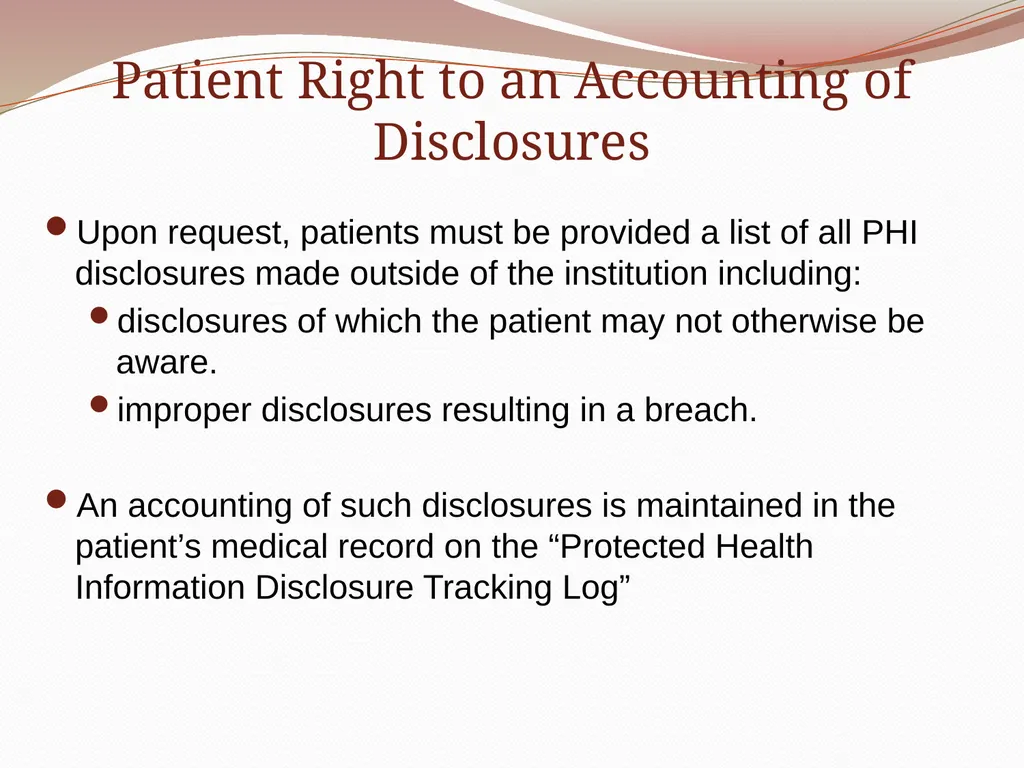
Patient Right to an Accounting of Disclosures Upon request, patients must be provided a list of all PHI disclosures made outside of the institution including:
disclosures of which the patient may not otherwise be aware.
improper disclosures resulting in a breach.
An accounting of such disclosures is maintained in the patient’s medical record on the “Protected Health Information Disclosure Tracking Log”<br>
disclosures of which the patient may not otherwise be aware.
improper disclosures resulting in a breach.
An accounting of such disclosures is maintained in the patient’s medical record on the “Protected Health Information Disclosure Tracking Log”<br>
21
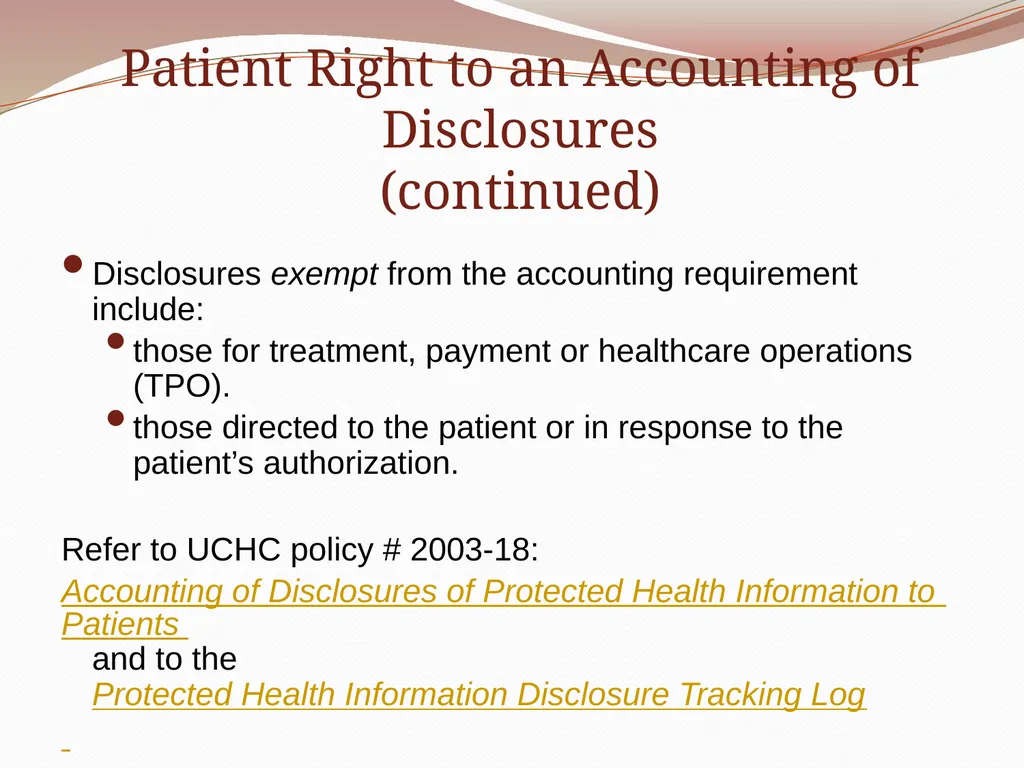
Patient Right to an Accounting of Disclosures
(continued) Disclosures exempt from the accounting requirement include:
those for treatment, payment or healthcare operations (TPO).
those directed to the patient or in response to the patient’s authorization.
Refer to UCHC policy # 2003-18:
Accounting of Disclosures of Protected Health Information to Patients and to the Protected Health Information Disclosure Tracking Log<br>
those for treatment, payment or healthcare operations (TPO).
those directed to the patient or in response to the patient’s authorization.
Refer to UCHC policy # 2003-18:
Accounting of Disclosures of Protected Health Information to Patients and to the Protected Health Information Disclosure Tracking Log<br>
22
Any access, use or disclosure of a patient’s PHI that is determined to be a breach must be logged on the “Protected Health Information Disclosure Tracking Log”.
True False Knowledge Check<br>
True False Knowledge Check<br>
23
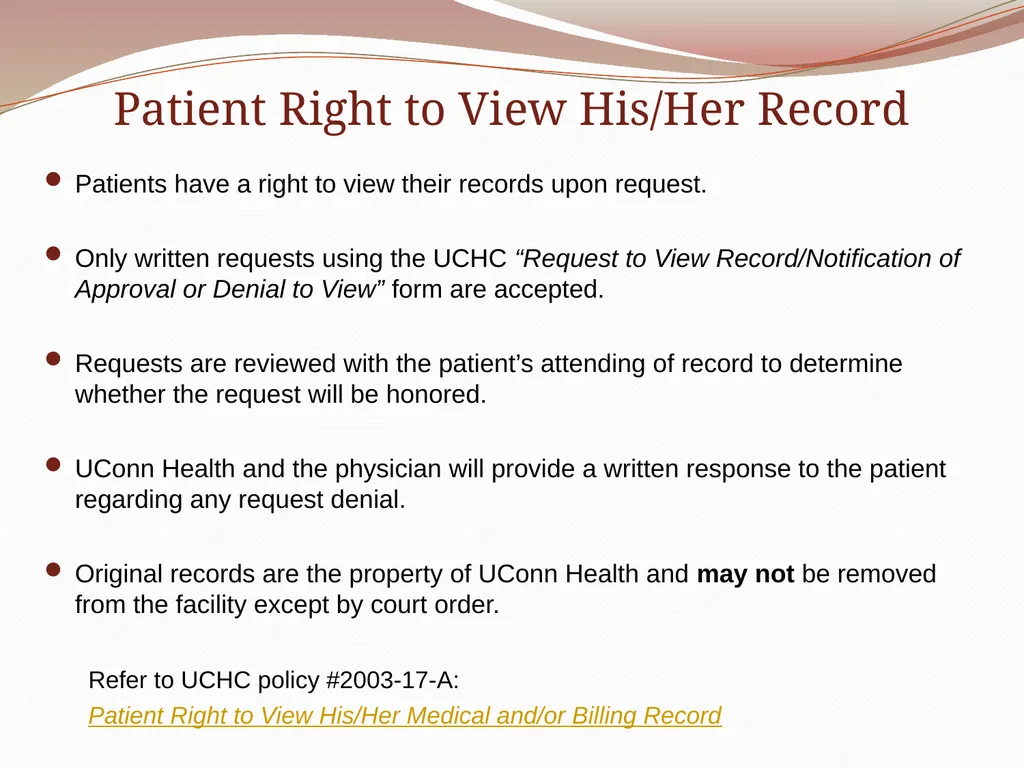
Patient Right to View His/Her Record Patients have a right to view their records upon request.
Only written requests using the UCHC “Request to View Record/Notification of Approval or Denial to View” form are accepted.
Requests are reviewed with the patient’s attending of record to determine whether the request will be honored.
UConn Health and the physician will provide a written response to the patient regarding any request denial.
Original records are the property of UConn Health and may not be removed from the facility except by court order.
Refer to UCHC policy #2003-17-A:
Patient Right to View His/Her Medical and/or Billing Record<br>
Only written requests using the UCHC “Request to View Record/Notification of Approval or Denial to View” form are accepted.
Requests are reviewed with the patient’s attending of record to determine whether the request will be honored.
UConn Health and the physician will provide a written response to the patient regarding any request denial.
Original records are the property of UConn Health and may not be removed from the facility except by court order.
Refer to UCHC policy #2003-17-A:
Patient Right to View His/Her Medical and/or Billing Record<br>
24
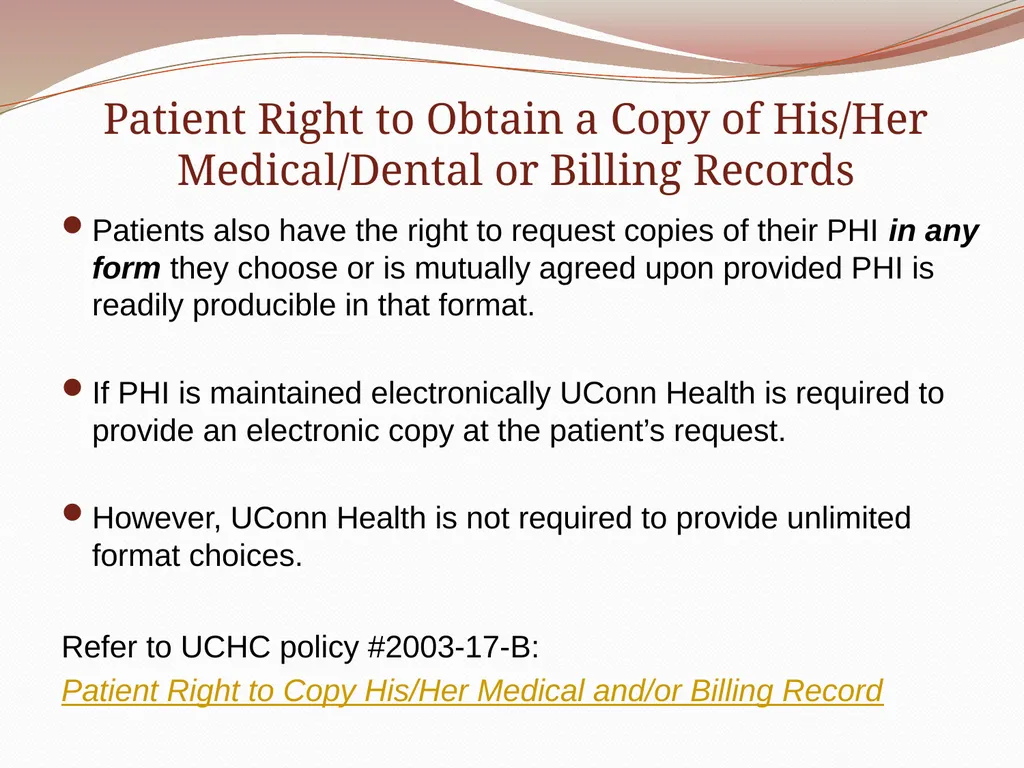
Patient Right to Obtain a Copy of His/Her Medical/Dental or Billing Records Patients also have the right to request copies of their PHI in any form they choose or is mutually agreed upon provided PHI is readily producible in that format.
If PHI is maintained electronically UConn Health is required to provide an electronic copy at the patient’s request.
However, UConn Health is not required to provide unlimited format choices.
Refer to UCHC policy #2003-17-B:
Patient Right to Copy His/Her Medical and/or Billing Record<br>
If PHI is maintained electronically UConn Health is required to provide an electronic copy at the patient’s request.
However, UConn Health is not required to provide unlimited format choices.
Refer to UCHC policy #2003-17-B:
Patient Right to Copy His/Her Medical and/or Billing Record<br>
25
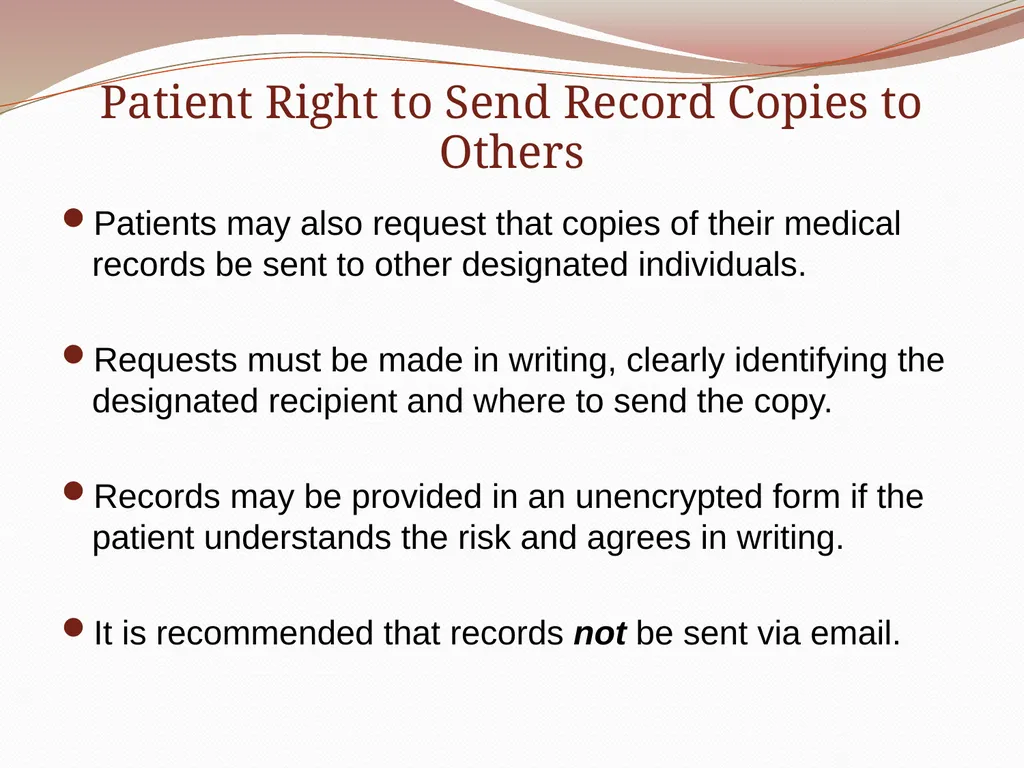
Patient Right to Send Record Copies to Others Patients may also request that copies of their medical records be sent to other designated individuals.
Requests must be made in writing, clearly identifying the designated recipient and where to send the copy.
Records may be provided in an unencrypted form if the patient understands the risk and agrees in writing.
It is recommended that records not be sent via email.<br>
Requests must be made in writing, clearly identifying the designated recipient and where to send the copy.
Records may be provided in an unencrypted form if the patient understands the risk and agrees in writing.
It is recommended that records not be sent via email.<br>
26
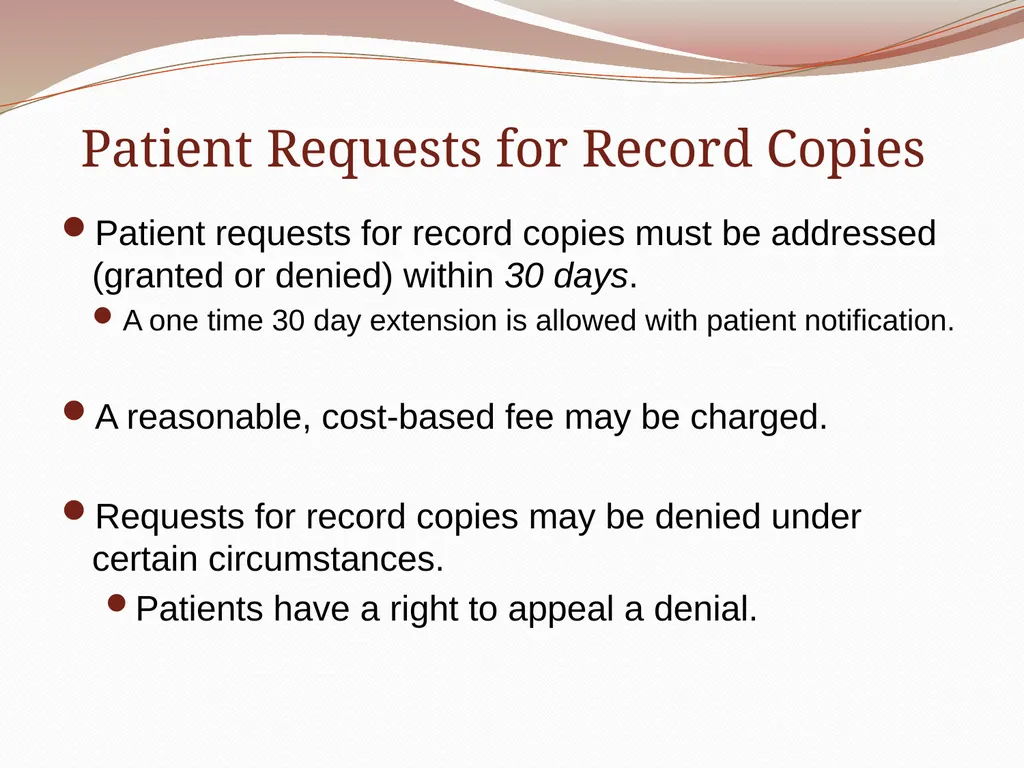
Patient Requests for Record Copies Patient requests for record copies must be addressed (granted or denied) within 30 days.
A one time 30 day extension is allowed with patient notification.
A reasonable, cost-based fee may be charged.
Requests for record copies may be denied under certain circumstances.
Patients have a right to appeal a denial.<br>
A one time 30 day extension is allowed with patient notification.
A reasonable, cost-based fee may be charged.
Requests for record copies may be denied under certain circumstances.
Patients have a right to appeal a denial.<br>
27
Patient Right to Amend His/Her Medical Record Patients can request corrections be made to any inaccurate or incomplete information in their medical, research, or billing records.
Only written requests are accepted.
A request to amend may be denied.
The patient may write a disagreement to which UConn Health may write a rebuttal.
Copies of all such documentation are maintained in the patient’s record.
Refer to UCHC policy #2003-17-C:
Patient Right to Amend Their Medical and/or Billing Record and Request for Amendment of Health Information form.<br>
Only written requests are accepted.
A request to amend may be denied.
The patient may write a disagreement to which UConn Health may write a rebuttal.
Copies of all such documentation are maintained in the patient’s record.
Refer to UCHC policy #2003-17-C:
Patient Right to Amend Their Medical and/or Billing Record and Request for Amendment of Health Information form.<br>
28
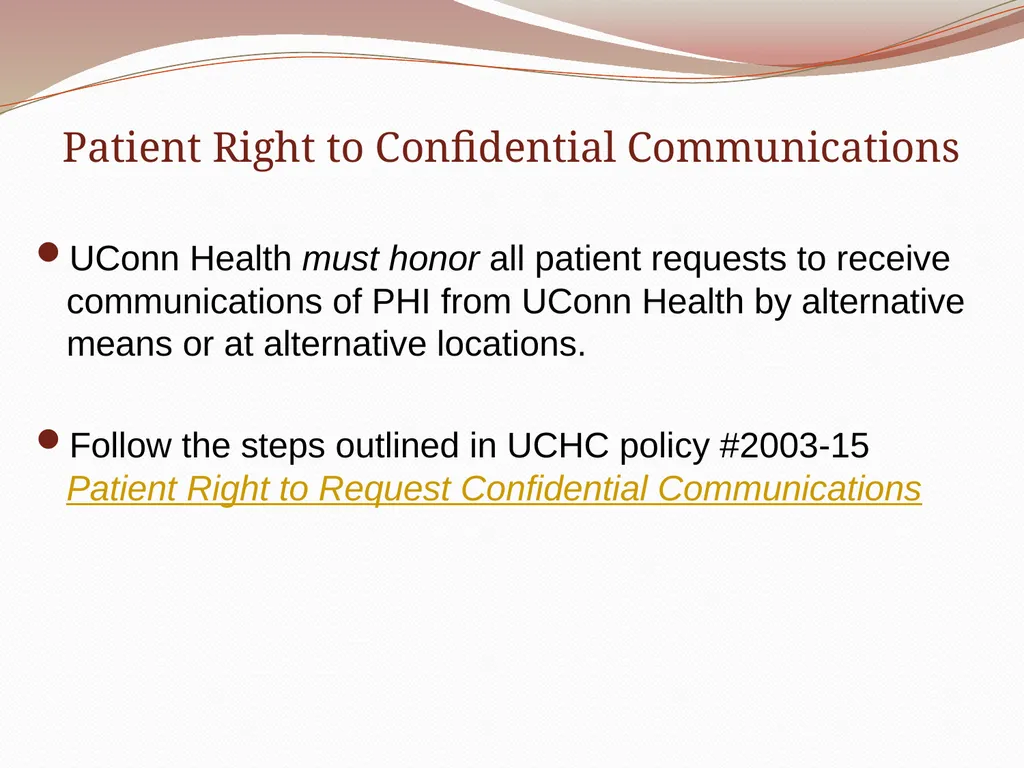
Patient Right to Confidential Communications UConn Health must honor all patient requests to receive communications of PHI from UConn Health by alternative means or at alternative locations.
Follow the steps outlined in UCHC policy #2003-15 Patient Right to Request Confidential Communications<br>
Follow the steps outlined in UCHC policy #2003-15 Patient Right to Request Confidential Communications<br>
29
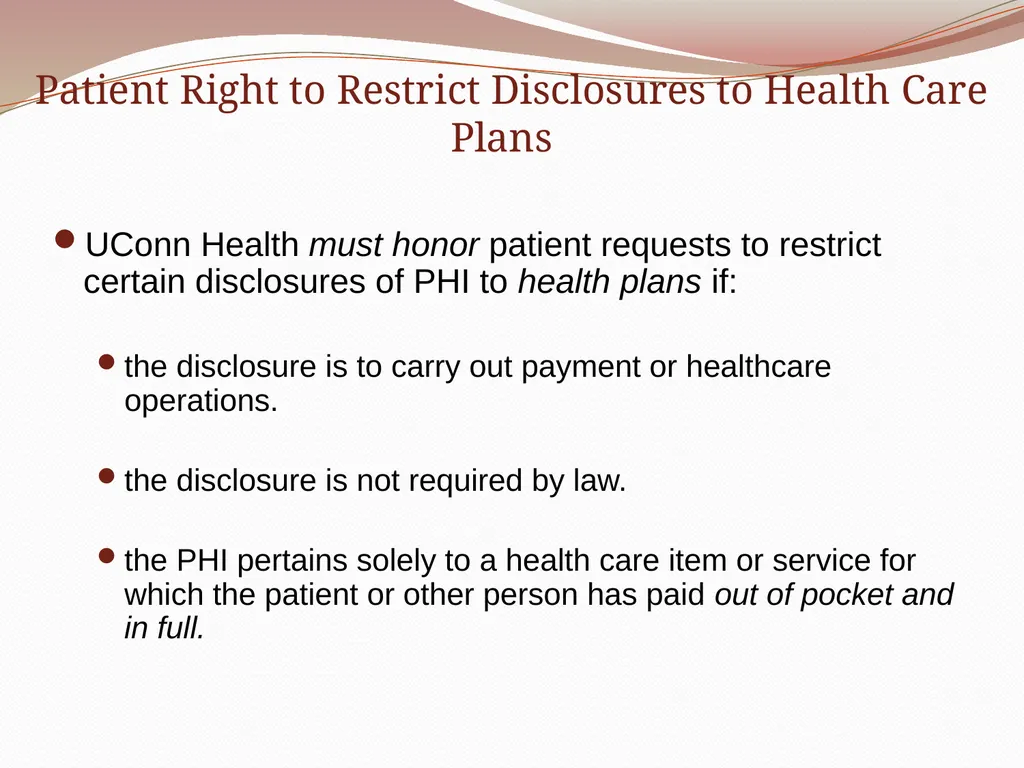
Patient Right to Restrict Disclosures to Health Care Plans UConn Health must honor patient requests to restrict certain disclosures of PHI to health plans if:
the disclosure is to carry out payment or healthcare operations.
the disclosure is not required by law.
the PHI pertains solely to a health care item or service for which the patient or other person has paid out of pocket and in full.<br>
the disclosure is to carry out payment or healthcare operations.
the disclosure is not required by law.
the PHI pertains solely to a health care item or service for which the patient or other person has paid out of pocket and in full.<br>
30
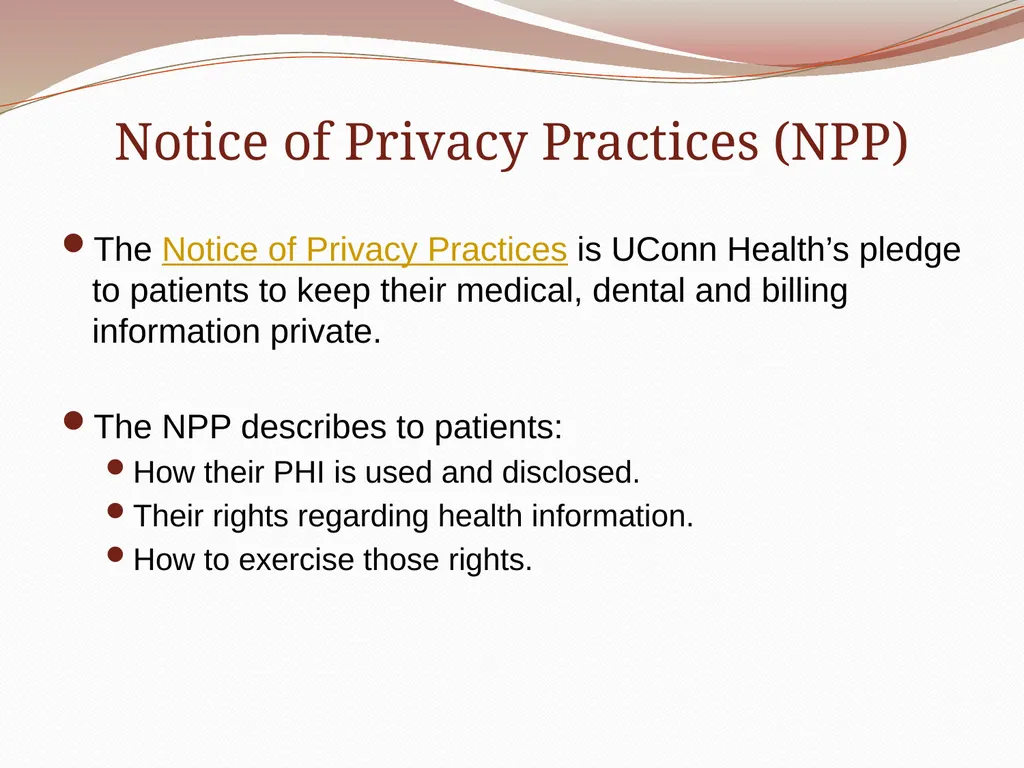
Notice of Privacy Practices (NPP) The Notice of Privacy Practices is UConn Health’s pledge to patients to keep their medical, dental and billing information private.
The NPP describes to patients:
How their PHI is used and disclosed.
Their rights regarding health information.
How to exercise those rights.<br>
The NPP describes to patients:
How their PHI is used and disclosed.
Their rights regarding health information.
How to exercise those rights.<br>
31
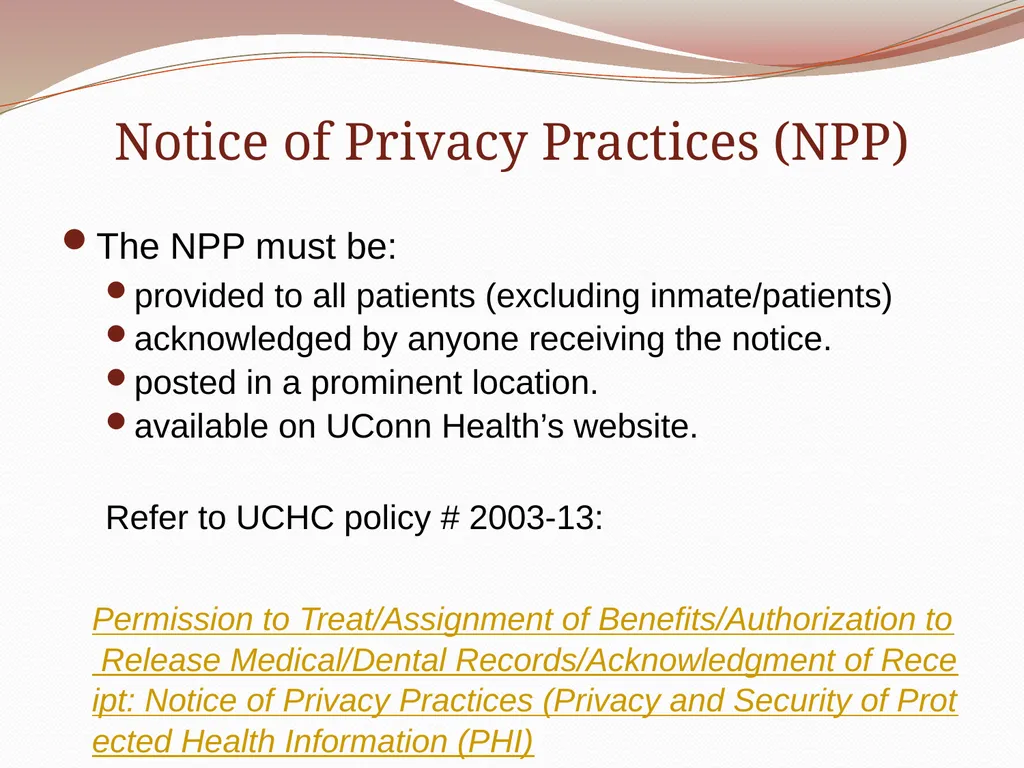
Notice of Privacy Practices (NPP) The NPP must be:
provided to all patients (excluding inmate/patients)
acknowledged by anyone receiving the notice.
posted in a prominent location.
available on UConn Health’s website.
Refer to UCHC policy # 2003-13:
Permission to Treat/Assignment of Benefits/Authorization to Release Medical/Dental Records/Acknowledgment of Receipt: Notice of Privacy Practices (Privacy and Security of Protected Health Information (PHI)<br>
provided to all patients (excluding inmate/patients)
acknowledged by anyone receiving the notice.
posted in a prominent location.
available on UConn Health’s website.
Refer to UCHC policy # 2003-13:
Permission to Treat/Assignment of Benefits/Authorization to Release Medical/Dental Records/Acknowledgment of Receipt: Notice of Privacy Practices (Privacy and Security of Protected Health Information (PHI)<br>
32
Patient Authorizations
Regarding Their PHI<br>
33
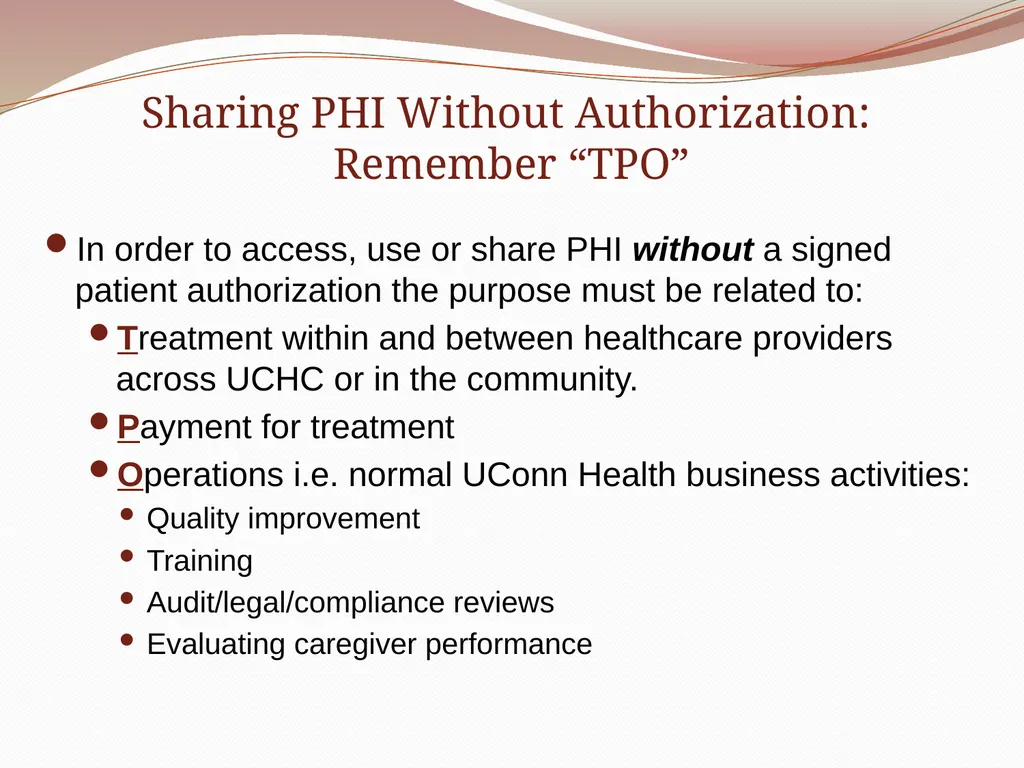
Sharing PHI Without Authorization:
Remember “TPO” In order to access, use or share PHI without a signed patient authorization the purpose must be related to:
Treatment within and between healthcare providers across UCHC or in the community.
Payment for treatment
Operations i.e. normal UConn Health business activities:
Quality improvement
Training
Audit/legal/compliance reviews
Evaluating caregiver performance<br>
Treatment within and between healthcare providers across UCHC or in the community.
Payment for treatment
Operations i.e. normal UConn Health business activities:
Quality improvement
Training
Audit/legal/compliance reviews
Evaluating caregiver performance<br>
34
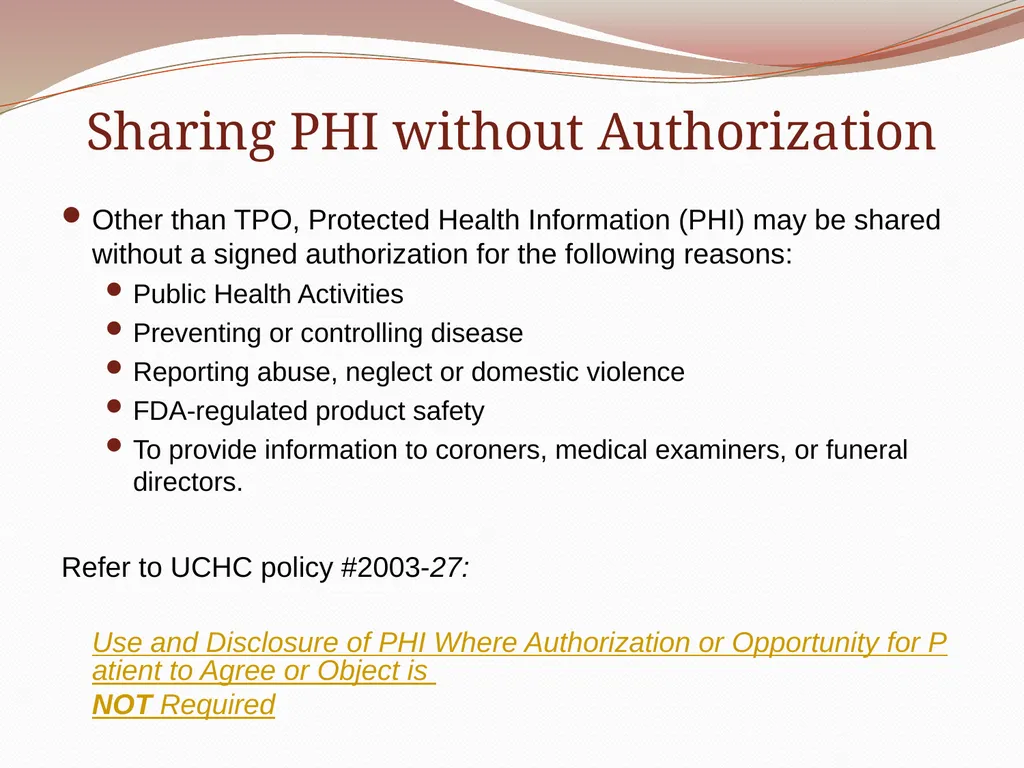
Sharing PHI without Authorization Other than TPO, Protected Health Information (PHI) may be shared without a signed authorization for the following reasons:
Public Health Activities
Preventing or controlling disease
Reporting abuse, neglect or domestic violence
FDA-regulated product safety
To provide information to coroners, medical examiners, or funeral directors.
Refer to UCHC policy #2003-27:
Use and Disclosure of PHI Where Authorization or Opportunity for Patient to Agree or Object is NOT Required<br>
Public Health Activities
Preventing or controlling disease
Reporting abuse, neglect or domestic violence
FDA-regulated product safety
To provide information to coroners, medical examiners, or funeral directors.
Refer to UCHC policy #2003-27:
Use and Disclosure of PHI Where Authorization or Opportunity for Patient to Agree or Object is NOT Required<br>
35
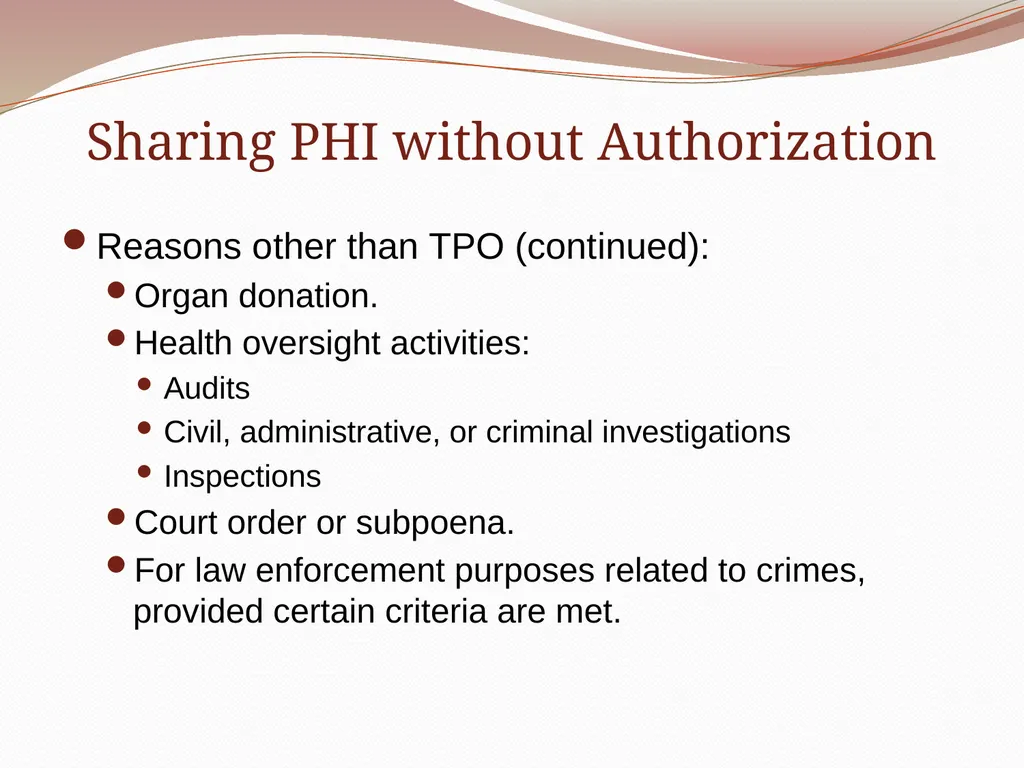
Sharing PHI without Authorization Reasons other than TPO (continued):
Organ donation.
Health oversight activities:
Audits
Civil, administrative, or criminal investigations
Inspections
Court order or subpoena.
For law enforcement purposes related to crimes, provided certain criteria are met.<br>
Organ donation.
Health oversight activities:
Audits
Civil, administrative, or criminal investigations
Inspections
Court order or subpoena.
For law enforcement purposes related to crimes, provided certain criteria are met.<br>
36
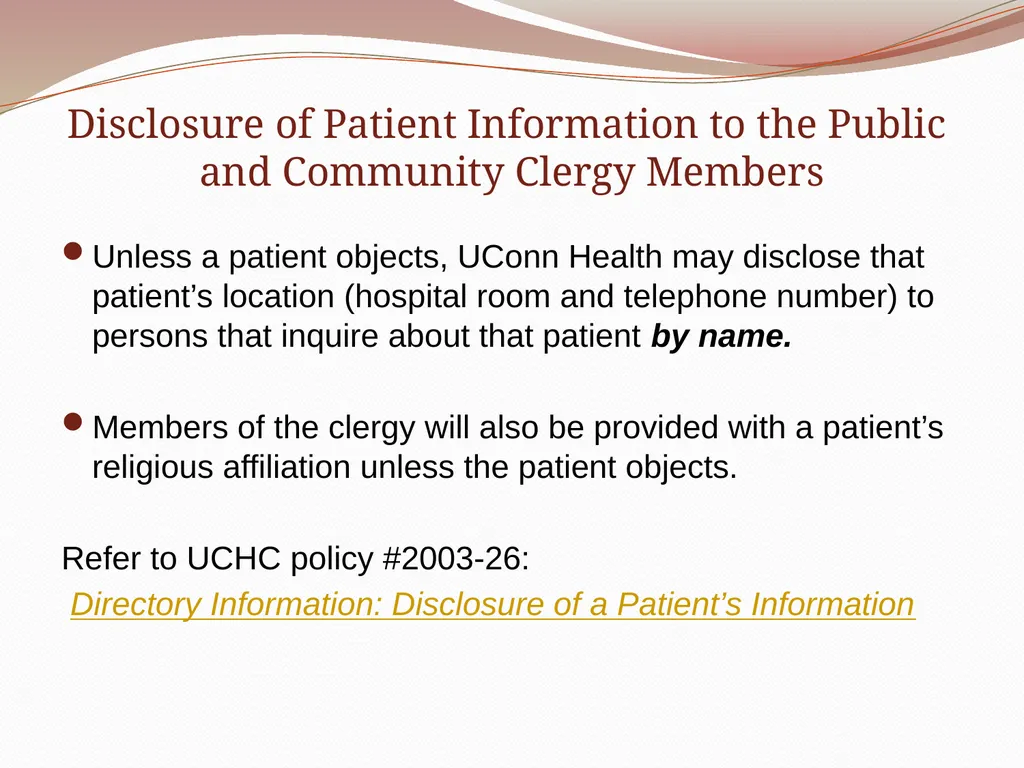
Disclosure of Patient Information to the Public
and Community Clergy Members Unless a patient objects, UConn Health may disclose that patient’s location (hospital room and telephone number) to persons that inquire about that patient by name.
Members of the clergy will also be provided with a patient’s religious affiliation unless the patient objects.
Refer to UCHC policy #2003-26:
Directory Information: Disclosure of a Patient’s Information<br>
Members of the clergy will also be provided with a patient’s religious affiliation unless the patient objects.
Refer to UCHC policy #2003-26:
Directory Information: Disclosure of a Patient’s Information<br>
37
Communicating with a Patient’s Family and Friends PHI should never be shared with a patient’s family member, friend or others involved in a patient’s care unless the patient has given permission to do so.
A patient can indicate during a discussion with caregivers that a particular person may be included in that discussion of medical and/or financial information.
If a patient is unable to communicate his/her wishes for any reason, UConn Health may determine whether a particular disclosure is in the best interest of the patient.
Refer to policy # 2003-25:
Use and Disclosure Involving Family and Friends<br>
A patient can indicate during a discussion with caregivers that a particular person may be included in that discussion of medical and/or financial information.
If a patient is unable to communicate his/her wishes for any reason, UConn Health may determine whether a particular disclosure is in the best interest of the patient.
Refer to policy # 2003-25:
Use and Disclosure Involving Family and Friends<br>
38
Knowledge Check Maria is a dental student and has assisted with a procedure in the dental surgery center. The patient’s neighbor has arrived to give the patient a ride home after the procedure and is waiting with the patient. Maria needs to review some information with the patient related to the procedure and follow-up recommendations but she isn’t sure if the patient has given permission to communicate with her neighbor. What should she do?
Review the information privately with the neighbor first since she is taking the patient home.
Review the information with the patient and neighbor together since the patient must approve if the neighbor is in the room.
Ask the patient’s permission to review the information in front of her neighbor.
Discharge the patient and plan to review the information during her next clinic appointment.<br>
Review the information privately with the neighbor first since she is taking the patient home.
Review the information with the patient and neighbor together since the patient must approve if the neighbor is in the room.
Ask the patient’s permission to review the information in front of her neighbor.
Discharge the patient and plan to review the information during her next clinic appointment.<br>
39
Disclosures Regarding Decedents Care providers may disclose PHI to a family member or person who was involved in the care of a deceased patient unless otherwise expressed by the decedent while he or she was alive.
Use your knowledge or best judgment regarding disclosure.
HIPAA will no longer apply to individuals deceased more than 50 years.<br>
Use your knowledge or best judgment regarding disclosure.
HIPAA will no longer apply to individuals deceased more than 50 years.<br>
40
When is a patient authorization required? In general, if the reason for access, use, or disclosure of information is not related to “TPO” you must have a signed patient authorization.
Never access, use or disclose PHI without a patient’s consent, if indicated.
Refer to UCHC policy # 2003-16:
Authorization for Release of Information and associated authorization form.<br>
Never access, use or disclose PHI without a patient’s consent, if indicated.
Refer to UCHC policy # 2003-16:
Authorization for Release of Information and associated authorization form.<br>
41
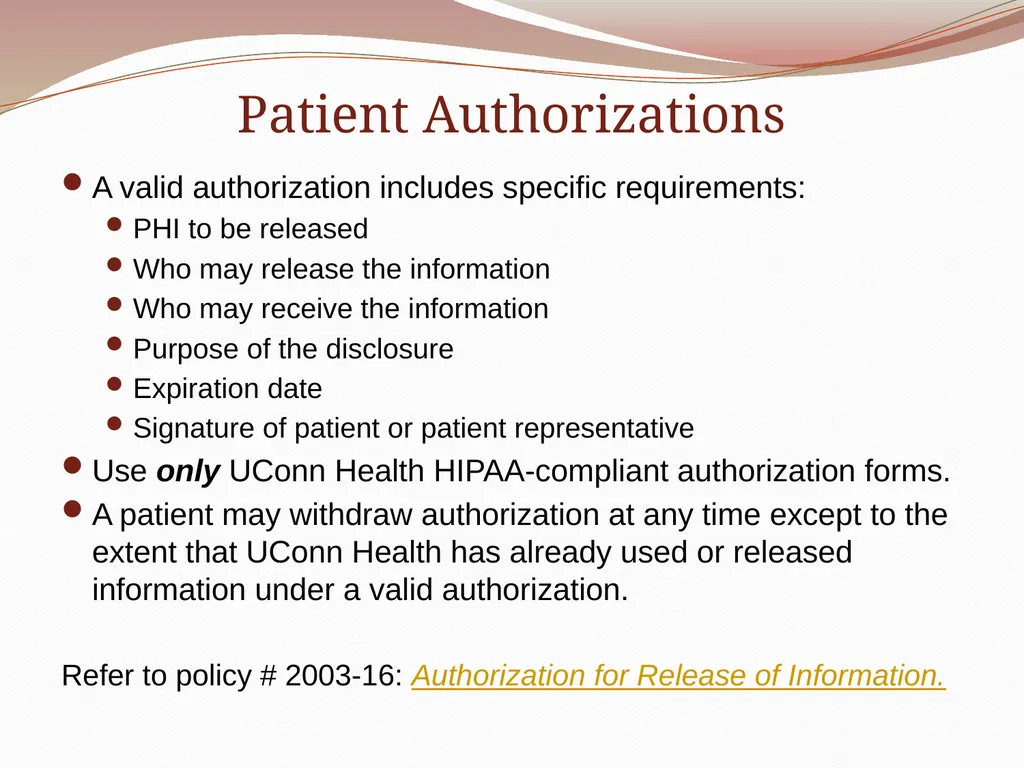
Patient Authorizations A valid authorization includes specific requirements:
PHI to be released
Who may release the information
Who may receive the information
Purpose of the disclosure
Expiration date
Signature of patient or patient representative
Use only UConn Health HIPAA-compliant authorization forms.
A patient may withdraw authorization at any time except to the extent that UConn Health has already used or released information under a valid authorization.
Refer to policy # 2003-16: Authorization for Release of Information.<br>
PHI to be released
Who may release the information
Who may receive the information
Purpose of the disclosure
Expiration date
Signature of patient or patient representative
Use only UConn Health HIPAA-compliant authorization forms.
A patient may withdraw authorization at any time except to the extent that UConn Health has already used or released information under a valid authorization.
Refer to policy # 2003-16: Authorization for Release of Information.<br>
42
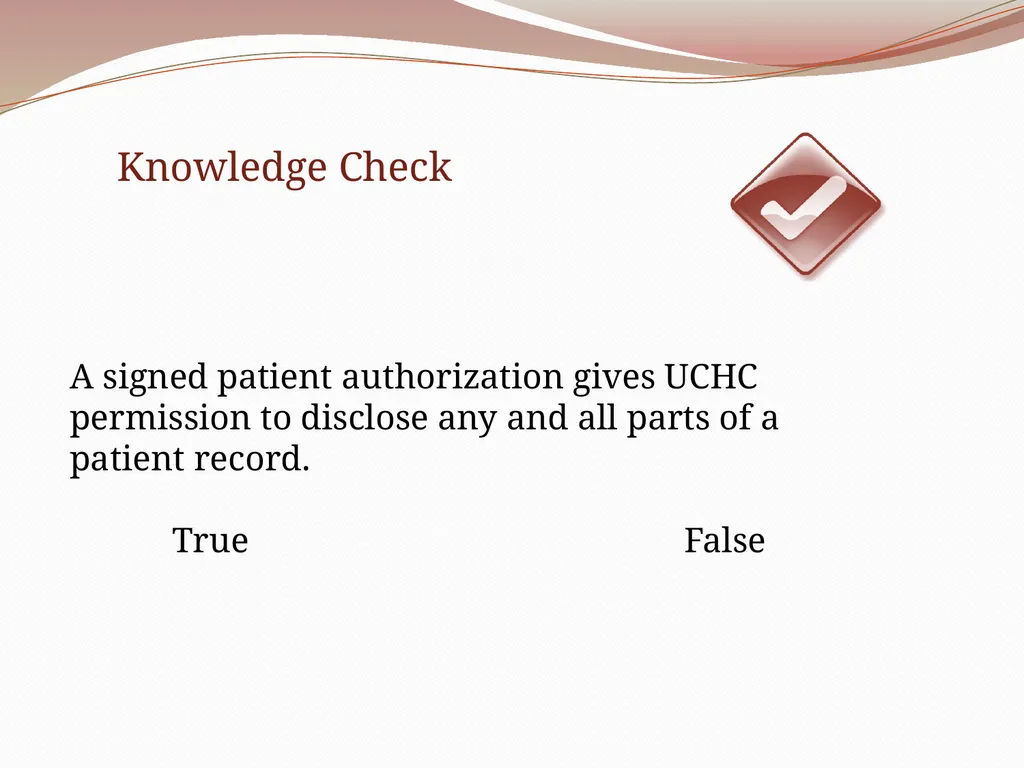
A signed patient authorization gives UCHC permission to disclose any and all parts of a patient record.
True False Knowledge Check<br>
True False Knowledge Check<br>
43
Protecting Confidential
Patient Information<br>
44
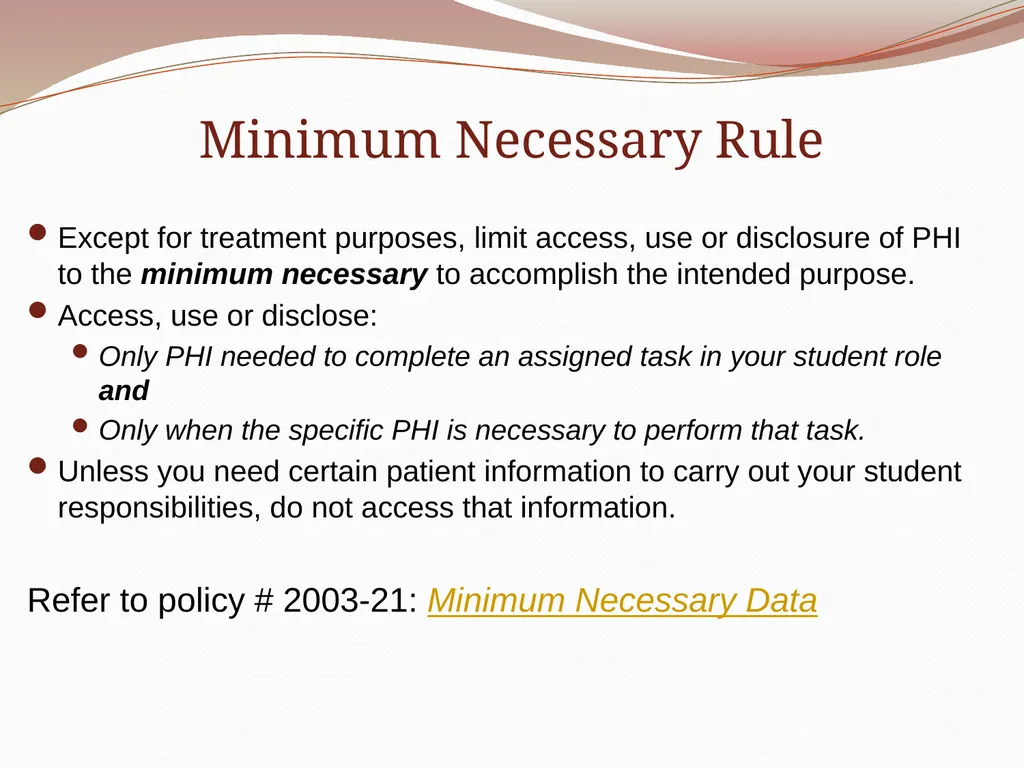
Minimum Necessary Rule Except for treatment purposes, limit access, use or disclosure of PHI to the minimum necessary to accomplish the intended purpose.
Access, use or disclose:
Only PHI needed to complete an assigned task in your student role and
Only when the specific PHI is necessary to perform that task.
Unless you need certain patient information to carry out your student responsibilities, do not access that information.
Refer to policy # 2003-21: Minimum Necessary Data<br>
Access, use or disclose:
Only PHI needed to complete an assigned task in your student role and
Only when the specific PHI is necessary to perform that task.
Unless you need certain patient information to carry out your student responsibilities, do not access that information.
Refer to policy # 2003-21: Minimum Necessary Data<br>
45
Students’ friends and family: Access and Disclosure Unless required for a specific treatment-related task, students may not:
Access family’s or friends’ information, even if they ask you to do so.
Access supervisors’ or other residents’/students’ information, even if they ask you to do so.
Students may not disclose patient information to anyone that is not authorized to have the PHI including:
Family
Friends/neighbors
Fellow students
UConn Health policy prohibits students who are also patients from accessing their own medical information for personal reasons.<br>
Access family’s or friends’ information, even if they ask you to do so.
Access supervisors’ or other residents’/students’ information, even if they ask you to do so.
Students may not disclose patient information to anyone that is not authorized to have the PHI including:
Family
Friends/neighbors
Fellow students
UConn Health policy prohibits students who are also patients from accessing their own medical information for personal reasons.<br>
46
Verifying Information Requests Before sharing any PHI, UConn Health must verify:
The identity of the individual requesting the information.
That this individual has the right to obtain the information requested.
If a patient calls to obtain information about him/herself, UConn Health will verify the individual’s identity using information available in the Patient Registration system.
In the event that an individual’s identity and/or legal authority cannot be verified, UConn Health staff members will not disclose the PHI and will report the request to their immediate supervisor.
Refer to policy # 2003-20:
Verification of Individuals or Entities Requesting Disclosure of Protected Health Information<br>
The identity of the individual requesting the information.
That this individual has the right to obtain the information requested.
If a patient calls to obtain information about him/herself, UConn Health will verify the individual’s identity using information available in the Patient Registration system.
In the event that an individual’s identity and/or legal authority cannot be verified, UConn Health staff members will not disclose the PHI and will report the request to their immediate supervisor.
Refer to policy # 2003-20:
Verification of Individuals or Entities Requesting Disclosure of Protected Health Information<br>
47
Verbal Exchanges Involving PHI Discuss PHI only with those that have a “need to know” for specific assigned job functions.
Be aware of your surroundings when discussing patient information.
Move to a private area if needed.
Avoid discussions involving PHI in areas where you may be overheard such as cafeterias, hallways, elevators, patient waiting rooms etc.<br>
Be aware of your surroundings when discussing patient information.
Move to a private area if needed.
Avoid discussions involving PHI in areas where you may be overheard such as cafeterias, hallways, elevators, patient waiting rooms etc.<br>
48
While eating lunch in the cafeteria, you overhear a group of students and residents discussing a patient they saw on rounds that morning. You hear them reviewing the patient’s diagnosis, prognosis and treatment plan. You notice other employees as well as visitors at nearby tables.
What should you do?
Move to another table so you won’t hear the discussion.
Stare at the group in hopes that they get the message to end their conversation.
Politely remind them that they should not discuss patients in a public area.
Sit down and join them since the discussion sounds really interesting. Knowledge Check<br>
What should you do?
Move to another table so you won’t hear the discussion.
Stare at the group in hopes that they get the message to end their conversation.
Politely remind them that they should not discuss patients in a public area.
Sit down and join them since the discussion sounds really interesting. Knowledge Check<br>
49
Telephone/Voicemail/Answering Machine
Disclosure of PHI Never leave information containing PHI over the phone with someone other than the patient.
Leave only generic information on voicemail or answering machines.
Never leave any PHI, including indication of the services being performed or the service provider.
Refer to UCHC policy # 2003-24: Telephone/Voicemail/Answering Machine Disclosure of PHI<br>
Leave only generic information on voicemail or answering machines.
Never leave any PHI, including indication of the services being performed or the service provider.
Refer to UCHC policy # 2003-24: Telephone/Voicemail/Answering Machine Disclosure of PHI<br>
50
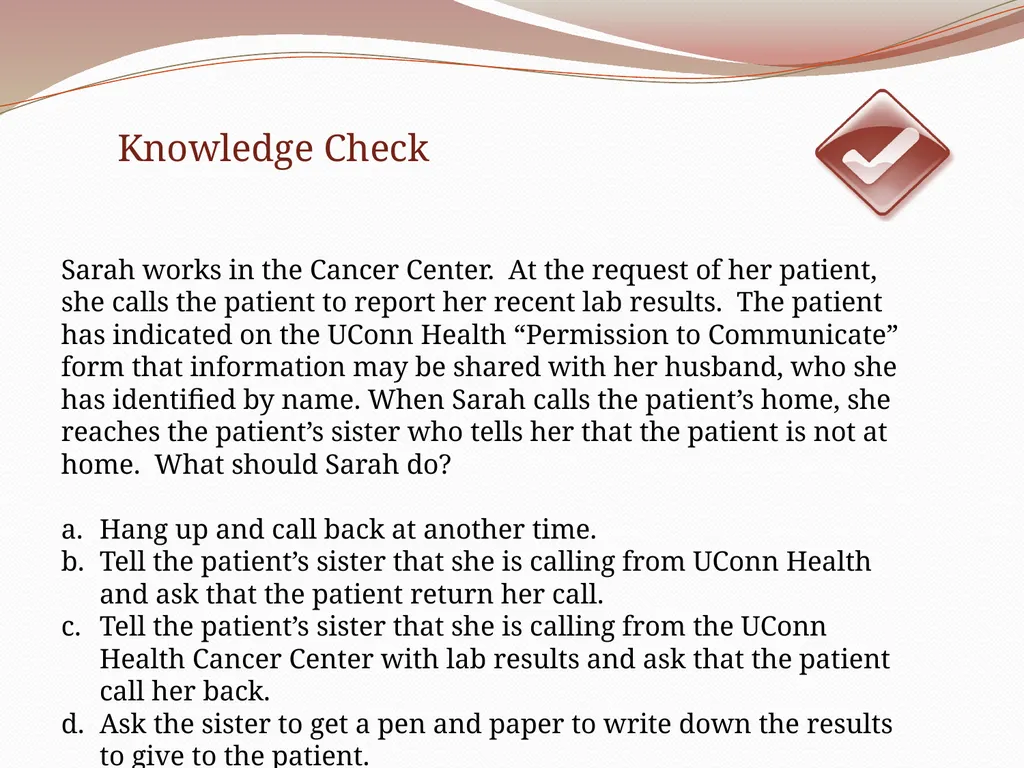
Sarah works in the Cancer Center. At the request of her patient, she calls the patient to report her recent lab results. The patient has indicated on the UConn Health “Permission to Communicate” form that information may be shared with her husband, who she has identified by name. When Sarah calls the patient’s home, she reaches the patient’s sister who tells her that the patient is not at home. What should Sarah do?
Hang up and call back at another time.
Tell the patient’s sister that she is calling from UConn Health and ask that the patient return her call.
Tell the patient’s sister that she is calling from the UConn Health Cancer Center with lab results and ask that the patient call her back.
Ask the sister to get a pen and paper to write down the results to give to the patient. Knowledge Check<br>
Hang up and call back at another time.
Tell the patient’s sister that she is calling from UConn Health and ask that the patient return her call.
Tell the patient’s sister that she is calling from the UConn Health Cancer Center with lab results and ask that the patient call her back.
Ask the sister to get a pen and paper to write down the results to give to the patient. Knowledge Check<br>
51
Managing Written PHI Documents containing PHI must be:
Turned face down when not in use.
Kept locked in an office, file cabinet or other storage location.
Check printers, fax machines and copiers after using to ensure that no papers are left behind.
Never remove paper documents containing PHI from any facility.<br>
Turned face down when not in use.
Kept locked in an office, file cabinet or other storage location.
Check printers, fax machines and copiers after using to ensure that no papers are left behind.
Never remove paper documents containing PHI from any facility.<br>
52
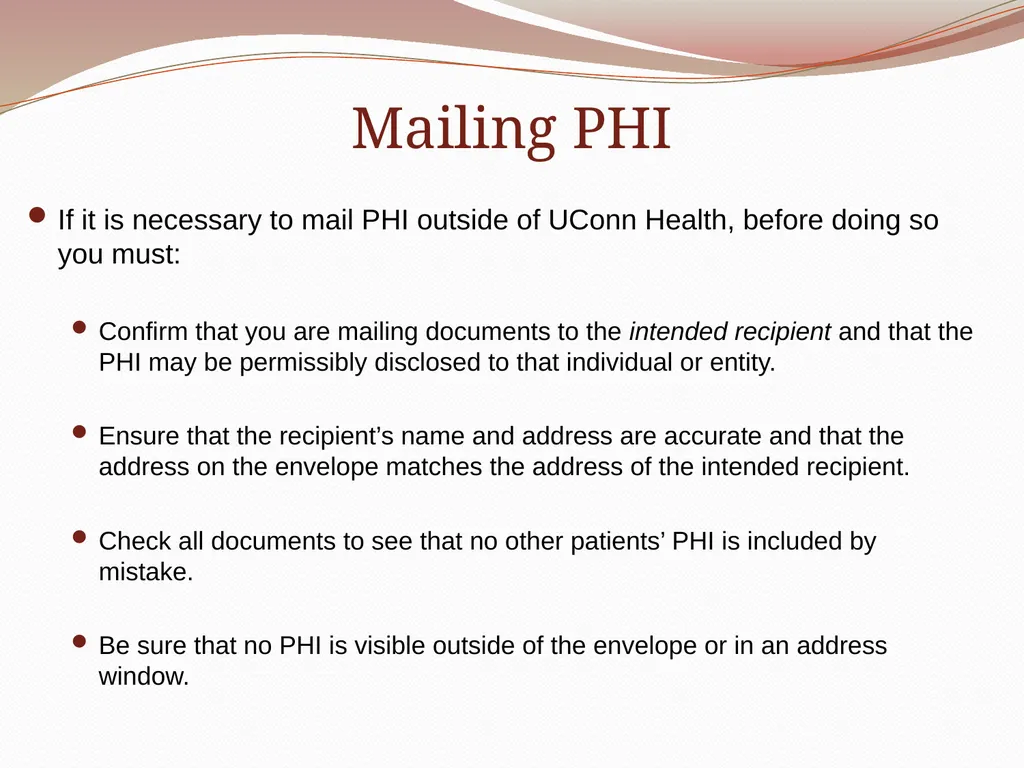
Mailing PHI If it is necessary to mail PHI outside of UConn Health, before doing so you must:
Confirm that you are mailing documents to the intended recipient and that the PHI may be permissibly disclosed to that individual or entity.
Ensure that the recipient’s name and address are accurate and that the address on the envelope matches the address of the intended recipient.
Check all documents to see that no other patients’ PHI is included by mistake.
Be sure that no PHI is visible outside of the envelope or in an address window.<br>
Confirm that you are mailing documents to the intended recipient and that the PHI may be permissibly disclosed to that individual or entity.
Ensure that the recipient’s name and address are accurate and that the address on the envelope matches the address of the intended recipient.
Check all documents to see that no other patients’ PHI is included by mistake.
Be sure that no PHI is visible outside of the envelope or in an address window.<br>
53
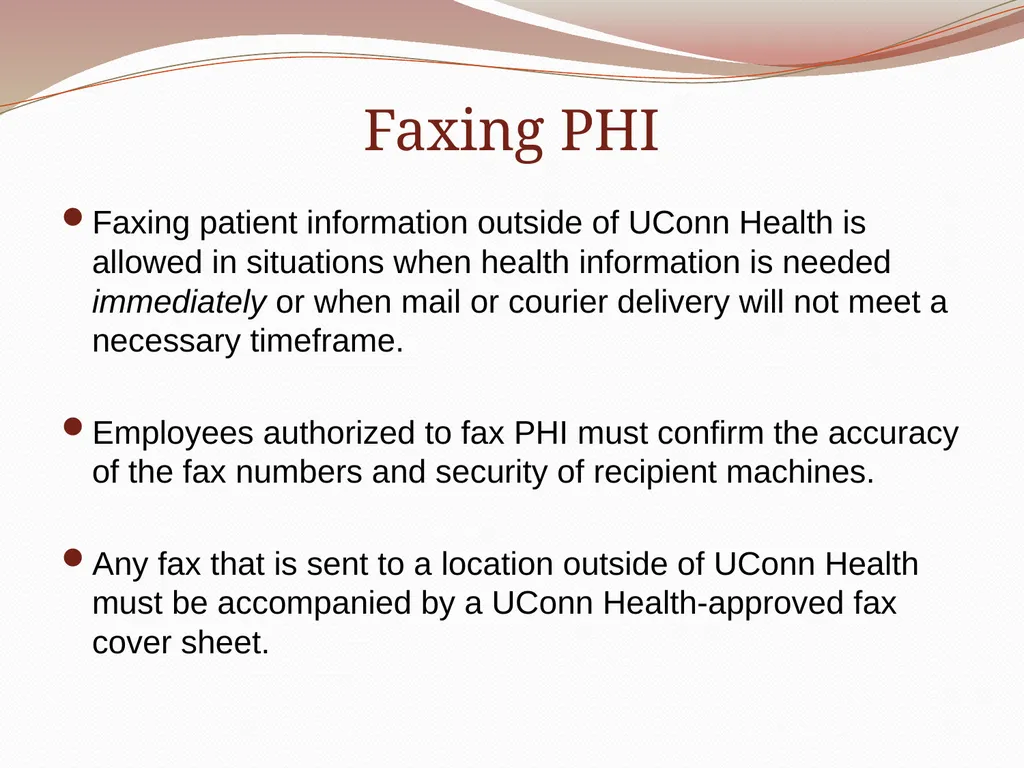
Faxing PHI Faxing patient information outside of UConn Health is allowed in situations when health information is needed immediately or when mail or courier delivery will not meet a necessary timeframe.
Employees authorized to fax PHI must confirm the accuracy of the fax numbers and security of recipient machines.
Any fax that is sent to a location outside of UConn Health must be accompanied by a UConn Health-approved fax cover sheet.<br>
Employees authorized to fax PHI must confirm the accuracy of the fax numbers and security of recipient machines.
Any fax that is sent to a location outside of UConn Health must be accompanied by a UConn Health-approved fax cover sheet.<br>
54
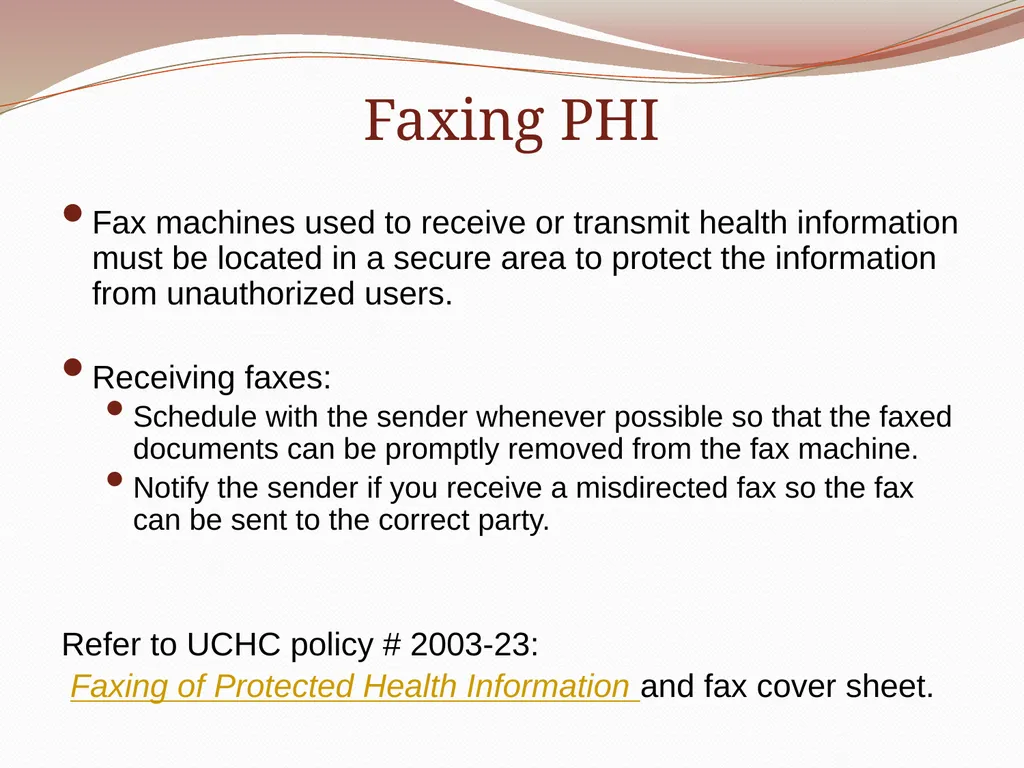
Faxing PHI Fax machines used to receive or transmit health information must be located in a secure area to protect the information from unauthorized users.
Receiving faxes:
Schedule with the sender whenever possible so that the faxed documents can be promptly removed from the fax machine.
Notify the sender if you receive a misdirected fax so the fax can be sent to the correct party.
Refer to UCHC policy # 2003-23:
Faxing of Protected Health Information and fax cover sheet.<br>
Receiving faxes:
Schedule with the sender whenever possible so that the faxed documents can be promptly removed from the fax machine.
Notify the sender if you receive a misdirected fax so the fax can be sent to the correct party.
Refer to UCHC policy # 2003-23:
Faxing of Protected Health Information and fax cover sheet.<br>
55
Disposal of Paper Containing PHI Dispose of documents with PHI (faxes, printed emails, informal notes or copies of patient notes) either by tearing them up or placing in secured shredder bins.
Never dispose of documents containing PHI in a trash or recycle receptacle or in a publicly accessible area.
Copies of PHI used for case presentations or other academic requirements must be destroyed in a confidential manner.
Refer to policy # 2008-01:
Disposal of Documents/Materials Containing PHI and Receipt, Tracking and Disposal of Equipment and Electronic Media Containing Electronic Protected Health Information.<br>
Never dispose of documents containing PHI in a trash or recycle receptacle or in a publicly accessible area.
Copies of PHI used for case presentations or other academic requirements must be destroyed in a confidential manner.
Refer to policy # 2008-01:
Disposal of Documents/Materials Containing PHI and Receipt, Tracking and Disposal of Equipment and Electronic Media Containing Electronic Protected Health Information.<br>
56
Managing Electronic Information
You can't hold firewalls and intrusion detection systems accountable. You can only hold people accountable.
Daryl White<br>
57
Acceptable Use of UConn Health’s
Information Technology Resources UConn Health workforce members are responsible for the appropriate use and security of ePHI when using any IT resource.
Using IT resources that are unauthorized or that could disrupt operations or compromise security is prohibited.
Refer to policy # 2011-02:
UCHC Information Security: Acceptable Use<br>
Using IT resources that are unauthorized or that could disrupt operations or compromise security is prohibited.
Refer to policy # 2011-02:
UCHC Information Security: Acceptable Use<br>
58
Data Authentication and Physical Safeguards To protect from unauthorized access, IT resources must be physically secured.
Never leave computers or laptops unattended or unsecured in public areas.
Where feasible, authentication to systems or devices containing ePHI must:
Include a unique logon or password.
Be encrypted.
Refer to policy # 2011-01:
UCHC Information Security: Data Authentication, Physical Safeguards<br>
Never leave computers or laptops unattended or unsecured in public areas.
Where feasible, authentication to systems or devices containing ePHI must:
Include a unique logon or password.
Be encrypted.
Refer to policy # 2011-01:
UCHC Information Security: Data Authentication, Physical Safeguards<br>
59
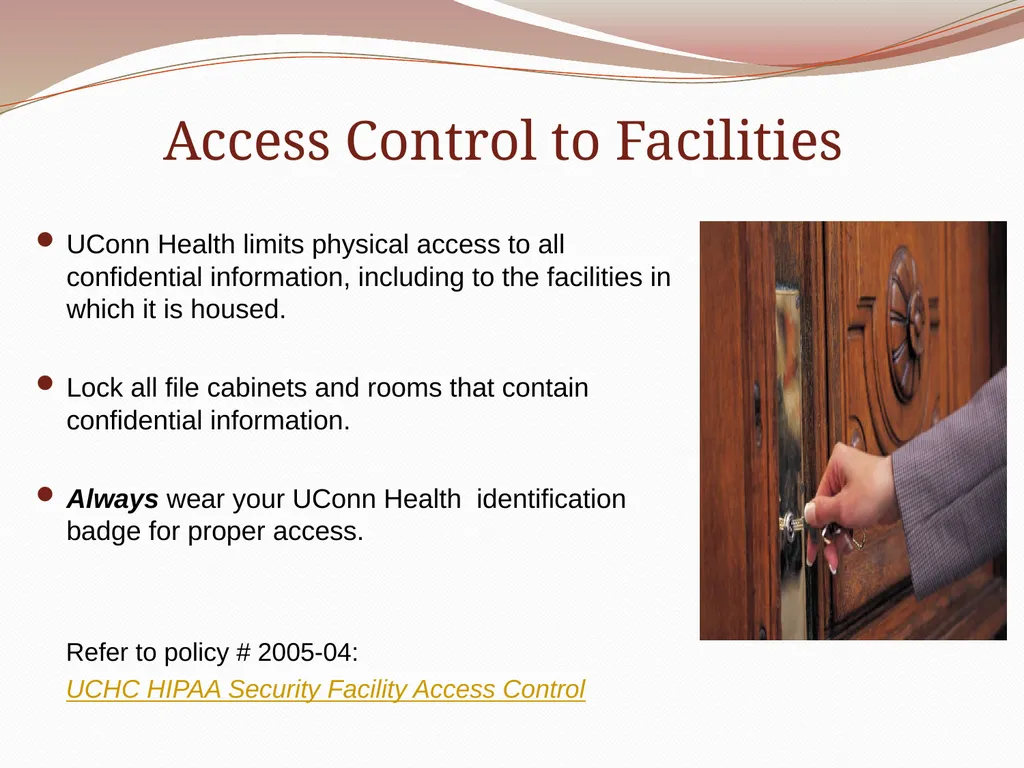
Access Control to Facilities UConn Health limits physical access to all confidential information, including to the facilities in which it is housed.
Lock all file cabinets and rooms that contain confidential information.
Always wear your UConn Health identification badge for proper access.
Refer to policy # 2005-04:
UCHC HIPAA Security Facility Access Control<br>
Lock all file cabinets and rooms that contain confidential information.
Always wear your UConn Health identification badge for proper access.
Refer to policy # 2005-04:
UCHC HIPAA Security Facility Access Control<br>
60
Virus Protection All computer equipment connected to the UConn Health network must:
have UConn Health approved, updated anti-virus protection software installed.
remain current with the manufacturer’s operating system’s security software updates.
Refer to policy # 2005-10:
UCHC HIPAA Security Virus Protection Policy<br>
have UConn Health approved, updated anti-virus protection software installed.
remain current with the manufacturer’s operating system’s security software updates.
Refer to policy # 2005-10:
UCHC HIPAA Security Virus Protection Policy<br>
61
Mobile Computing Devices (MCD) MCDs include:
UConn Health laptop computers
Smartphones
Tablet devices
USB storage devices
Confidential data may not be stored on UConn Health or non-UConn Health MCDs unless:
Only information needed for a particular function is stored.
Information is stored only for the time period needed to perform that function.
The device is encrypted by UConn Health IT.
Data is protected from unauthorized access and disclosure.<br>
UConn Health laptop computers
Smartphones
Tablet devices
USB storage devices
Confidential data may not be stored on UConn Health or non-UConn Health MCDs unless:
Only information needed for a particular function is stored.
Information is stored only for the time period needed to perform that function.
The device is encrypted by UConn Health IT.
Data is protected from unauthorized access and disclosure.<br>
62
Bring Your Own Device (BYOD) Users will be granted the authority to configure their personally-owned MCDs to access UConn Health’s electronic information.
Personally-owned MCDs must be registered and secured at UConn Health’s BYOD website.
Additional information about BYOD can be found at http://its.uchc.edu/Help/BYOD.aspx
Refer to policy # 2008-03:
Mobile Computing Device (MCD) Security<br>
Personally-owned MCDs must be registered and secured at UConn Health’s BYOD website.
Additional information about BYOD can be found at http://its.uchc.edu/Help/BYOD.aspx
Refer to policy # 2008-03:
Mobile Computing Device (MCD) Security<br>
63
Disposing of Electronic Confidential Information Secure methods must be used to dispose of electronic data and output.
Prior to the removal or sale of any electronic storage media/devices, contact the UConn Health Materials Management Department to remove all UConn Health information, including PHI, residing on the devices.
Never leave computers/laptops or other devices unattended when planning disposal.
Refer to policy # 2008-01:
Disposal of Documents/Materials Containing PHI and Receipt, Tracking and Disposal of Equipment and Electronic Media Containing Electronic Protected Health Information.<br>
Prior to the removal or sale of any electronic storage media/devices, contact the UConn Health Materials Management Department to remove all UConn Health information, including PHI, residing on the devices.
Never leave computers/laptops or other devices unattended when planning disposal.
Refer to policy # 2008-01:
Disposal of Documents/Materials Containing PHI and Receipt, Tracking and Disposal of Equipment and Electronic Media Containing Electronic Protected Health Information.<br>
64
Electronic Systems Access Control Access to UConn Health’s information systems is granted only to appropriately identified, validated and authorized individuals.
Users must each have a unique login and password.
Memorize your password and do not share your account information (username/password), password creation or password changes.
Do not log in to your computer to allow a fellow student to work under your username or request that another student do the same for you.<br>
Users must each have a unique login and password.
Memorize your password and do not share your account information (username/password), password creation or password changes.
Do not log in to your computer to allow a fellow student to work under your username or request that another student do the same for you.<br>
65
Bert and Ernie are medical students and friends that are each completing a rotation in the Internal Medicine Clinic. Ernie runs into a problem with his username and password and finds that he cannot log onto the computer to write his patient note. To save time, he asks to borrow Bert’s username and password until he has a moment to contact the IT Helpdesk.
What should Bert do?
Give Ernie his username and password to log on.
Offer to log on himself to allow Ernie to write his note.
Explain to Ernie that UConn Health policy does not allow him to share his username and password.
Get another student to log on and let Ernie complete his note. Knowledge Check<br>
What should Bert do?
Give Ernie his username and password to log on.
Offer to log on himself to allow Ernie to write his note.
Explain to Ernie that UConn Health policy does not allow him to share his username and password.
Get another student to log on and let Ernie complete his note. Knowledge Check<br>
66
Electronic Systems Access Control Ensure that all laptops are encrypted as required by UConn Health policy.
Always log off your computer or use a screen saver after using a shared computer or when your computer is left unattended.
You may be held responsible for improper access by another individual under your username and password.
Refer to policy # 2011-03:
UCHC Information Security: Systems Access Control<br>
Always log off your computer or use a screen saver after using a shared computer or when your computer is left unattended.
You may be held responsible for improper access by another individual under your username and password.
Refer to policy # 2011-03:
UCHC Information Security: Systems Access Control<br>
67
Electronic PHI (ePHI) ePHI is Protected Health Information stored on electronic systems or transmitted through electronic means.
Includes personal information stored on:
Personal Computers with internal hard drives.
Removable storage devices such as:
USB memory sticks/keys
CDs/DVDs
Disks
Back-up tapes
External hard drives
Mobile Devices
Electronic transmission is data exchanged via the network, including wireless and DSL/cable home network connections.<br>
Includes personal information stored on:
Personal Computers with internal hard drives.
Removable storage devices such as:
USB memory sticks/keys
CDs/DVDs
Disks
Back-up tapes
External hard drives
Mobile Devices
Electronic transmission is data exchanged via the network, including wireless and DSL/cable home network connections.<br>
68
Electronic PHI (ePHI) ePHI also includes patient information located on any UConn Health electronic information management system including:
IDX
LCR
eHIMS
NextGen
IBEX
Others<br>
IDX
LCR
eHIMS
NextGen
IBEX
Others<br>
69
Monitoring of Electronic Patient Information Systems Access to patient records is logged by each UConn Health system.
Audit logs are reviewed to ensure information is accessed only on a “need to know” basis.
If you do not have a legitimate educational purpose for accessing a patient’s PHI you are not allowed to view that information.<br>
Audit logs are reviewed to ensure information is accessed only on a “need to know” basis.
If you do not have a legitimate educational purpose for accessing a patient’s PHI you are not allowed to view that information.<br>
70
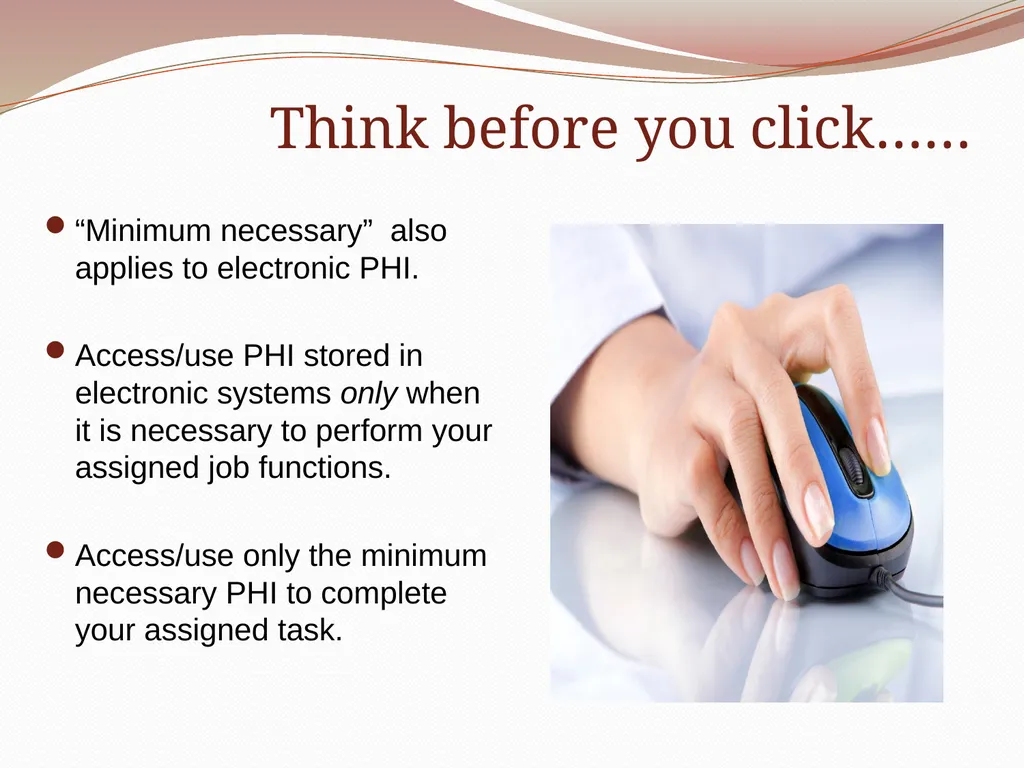
Think before you click…… “Minimum necessary” also applies to electronic PHI.
Access/use PHI stored in electronic systems only when it is necessary to perform your assigned job functions.
Access/use only the minimum necessary PHI to complete your assigned task.<br>
Access/use PHI stored in electronic systems only when it is necessary to perform your assigned job functions.
Access/use only the minimum necessary PHI to complete your assigned task.<br>
71
Jack, a medical student, is searching in an electronic system for the record of a patient. The patient happens to have the same last name as a fellow student, Jill. During his search he sees Jill’s name on the list of patients and notes that she has a medical record in the system. Jack is curious about Jill’s medical information so he looks and finds that she recently had surgery.
Did Jack do the right thing?
Since Jack “inadvertently” discovered that Jill is a patient, it’s OK to view her record.
Jack may view Jill’s medical record, but he shouldn’t tell her that he knows she had surgery.
Because Jill is a student, she cannot expect her information to be kept private. Anyone with access to a patient information system is allowed to access her record.
Jack may not access any patient’s record, unless the reason is specifically related to his student responsibilities. Knowledge Check<br>
Did Jack do the right thing?
Since Jack “inadvertently” discovered that Jill is a patient, it’s OK to view her record.
Jack may view Jill’s medical record, but he shouldn’t tell her that he knows she had surgery.
Because Jill is a student, she cannot expect her information to be kept private. Anyone with access to a patient information system is allowed to access her record.
Jack may not access any patient’s record, unless the reason is specifically related to his student responsibilities. Knowledge Check<br>
72
Patient Portals Several patient portals are in use or under development across UConn Health including John Dempsey Hospital, University Medical Group and School of Dental Medicine clinics.
The primary purpose of a patient portal is to:
Allow patients to view, download or print to certain parts of their medical records such as lab results and medications.
Increase communication between patients and providers.
Enable patients to be more involved in their treatment.
Improve patient/provider partnerships in the delivery of care.<br>
The primary purpose of a patient portal is to:
Allow patients to view, download or print to certain parts of their medical records such as lab results and medications.
Increase communication between patients and providers.
Enable patients to be more involved in their treatment.
Improve patient/provider partnerships in the delivery of care.<br>
73
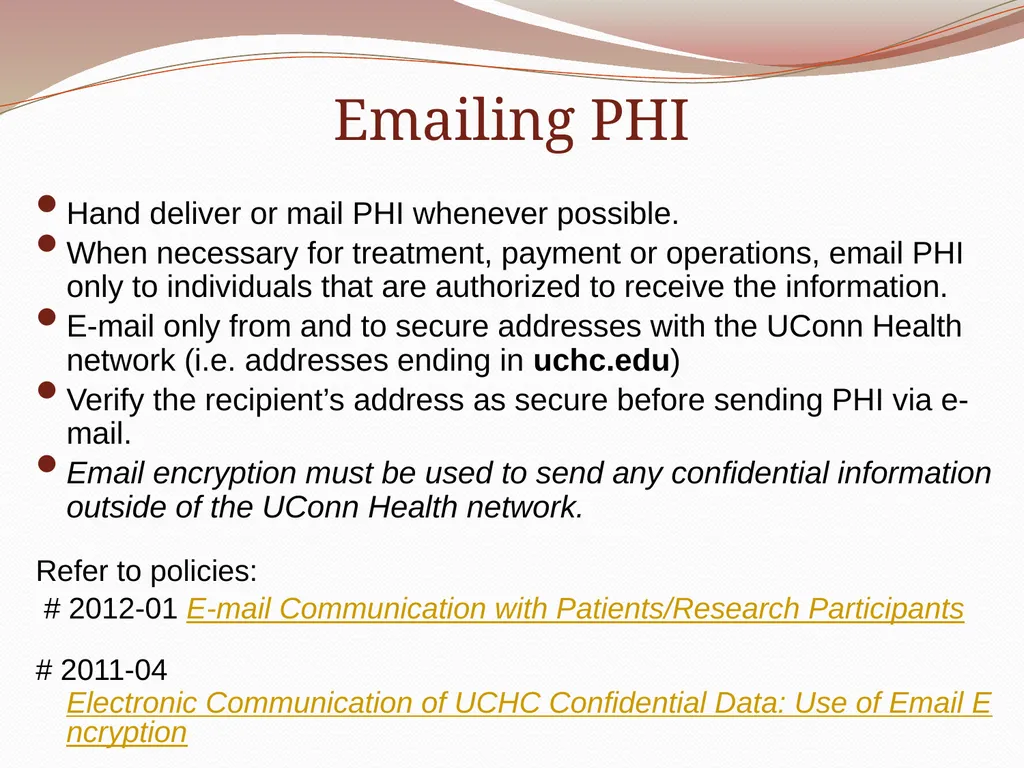
Emailing PHI Hand deliver or mail PHI whenever possible.
When necessary for treatment, payment or operations, email PHI only to individuals that are authorized to receive the information.
E-mail only from and to secure addresses with the UConn Health network (i.e. addresses ending in uchc.edu)
Verify the recipient’s address as secure before sending PHI via e-mail.
Email encryption must be used to send any confidential information outside of the UConn Health network.
Refer to policies:
# 2012-01 E-mail Communication with Patients/Research Participants
# 2011-04 Electronic Communication of UCHC Confidential Data: Use of Email Encryption<br>
When necessary for treatment, payment or operations, email PHI only to individuals that are authorized to receive the information.
E-mail only from and to secure addresses with the UConn Health network (i.e. addresses ending in uchc.edu)
Verify the recipient’s address as secure before sending PHI via e-mail.
Email encryption must be used to send any confidential information outside of the UConn Health network.
Refer to policies:
# 2012-01 E-mail Communication with Patients/Research Participants
# 2011-04 Electronic Communication of UCHC Confidential Data: Use of Email Encryption<br>
74
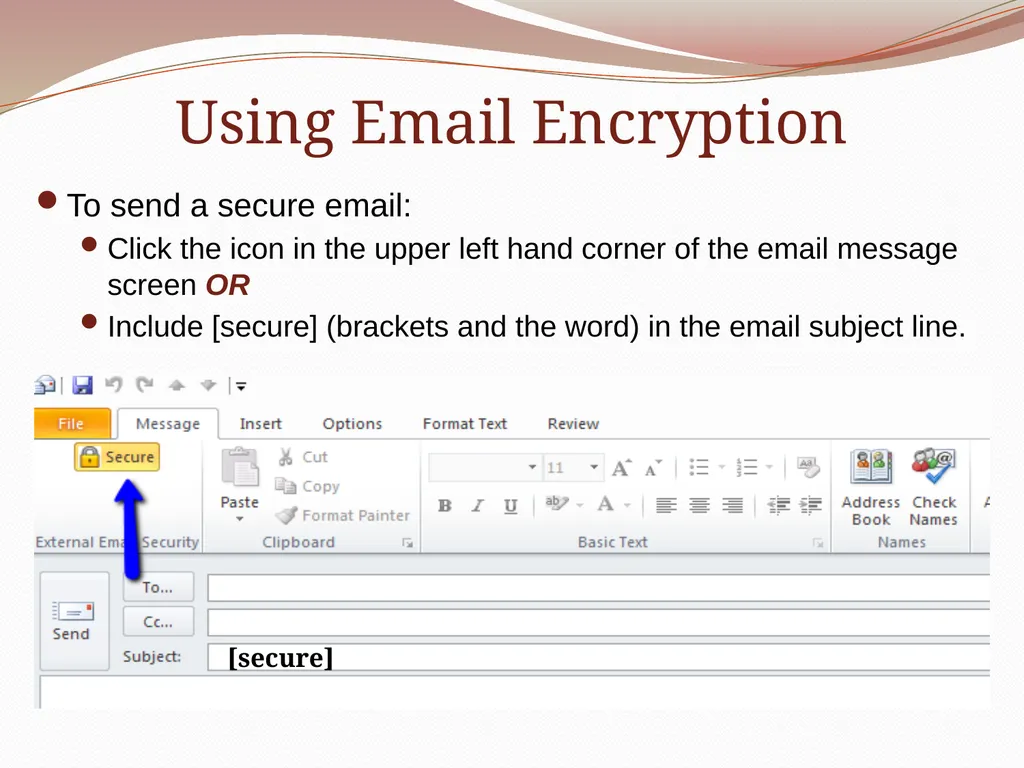
Using Email Encryption To send a secure email:
Click the icon in the upper left hand corner of the email message screen OR
Include [secure] (brackets and the word) in the email subject line. [secure]<br>
Click the icon in the upper left hand corner of the email message screen OR
Include [secure] (brackets and the word) in the email subject line. [secure]<br>
75
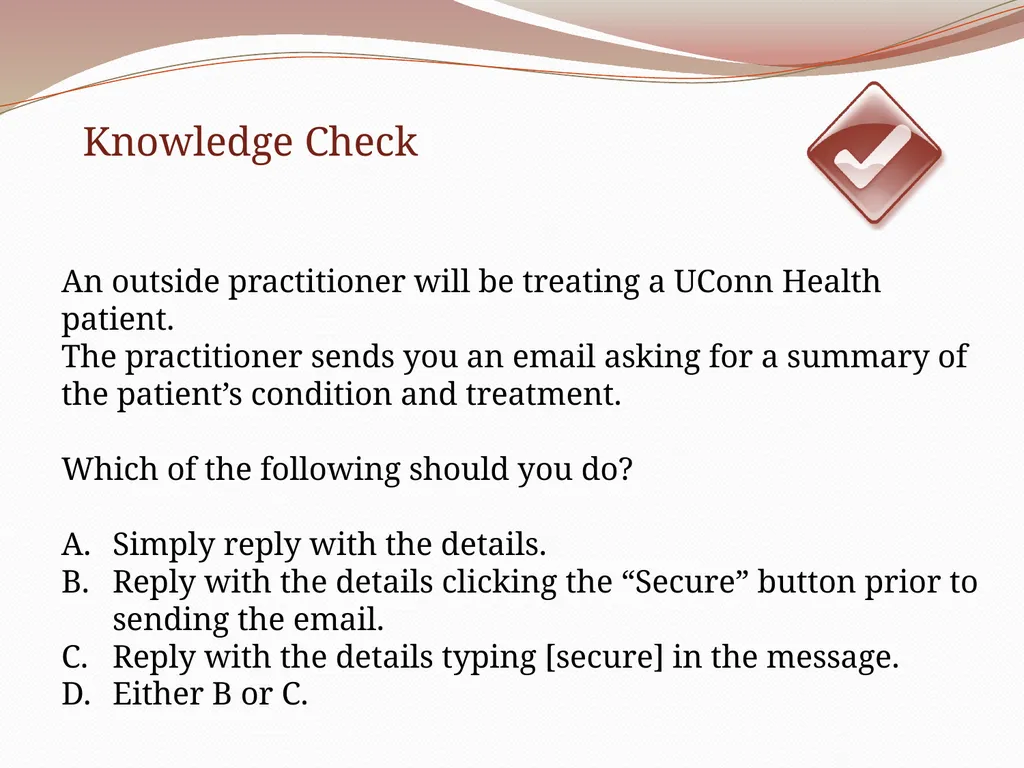
An outside practitioner will be treating a UConn Health patient.
The practitioner sends you an email asking for a summary of the patient’s condition and treatment.
Which of the following should you do?
Simply reply with the details.
Reply with the details clicking the “Secure” button prior to sending the email.
Reply with the details typing [secure] in the message.
Either B or C. Knowledge Check<br>
The practitioner sends you an email asking for a summary of the patient’s condition and treatment.
Which of the following should you do?
Simply reply with the details.
Reply with the details clicking the “Secure” button prior to sending the email.
Reply with the details typing [secure] in the message.
Either B or C. Knowledge Check<br>
76
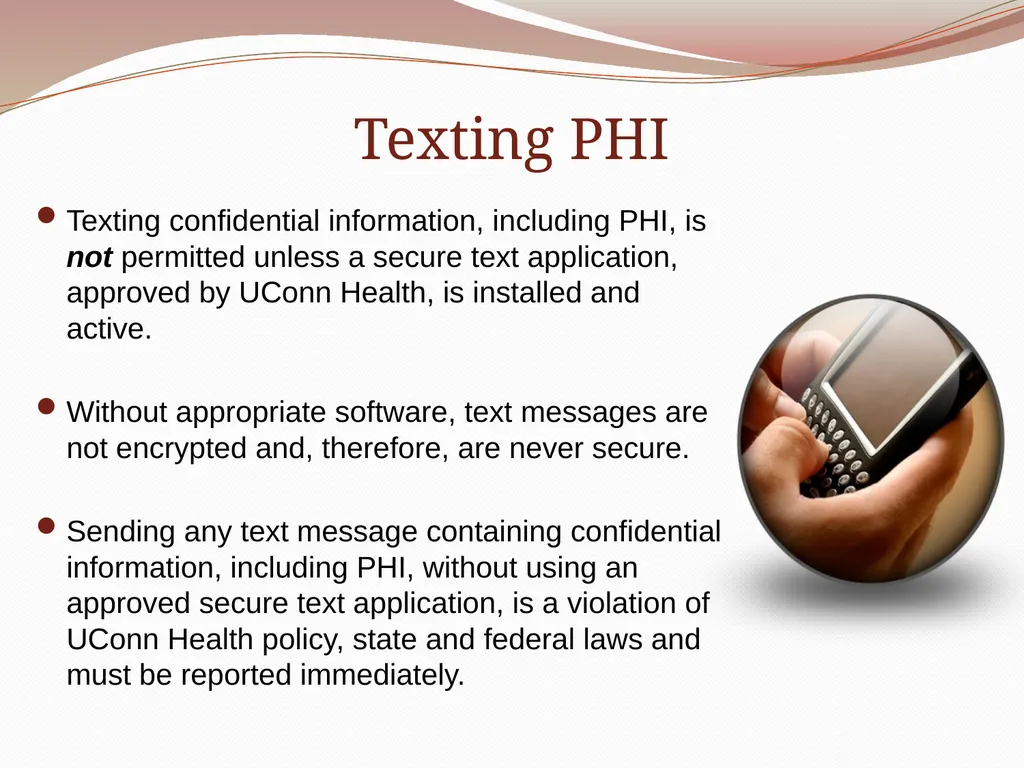
Texting PHI Texting confidential information, including PHI, is not permitted unless a secure text application, approved by UConn Health, is installed and active.
Without appropriate software, text messages are not encrypted and, therefore, are never secure.
Sending any text message containing confidential information, including PHI, without using an approved secure text application, is a violation of UConn Health policy, state and federal laws and must be reported immediately.<br>
Without appropriate software, text messages are not encrypted and, therefore, are never secure.
Sending any text message containing confidential information, including PHI, without using an approved secure text application, is a violation of UConn Health policy, state and federal laws and must be reported immediately.<br>
77
Social Media PHI or other confidential information should never be shared on social media sites.
Any medical/dental information that is posted must be completely de-identified.
Although you may think information has been de-identified, it may be possible to identify an individual, even with minimal information.<br>
Any medical/dental information that is posted must be completely de-identified.
Although you may think information has been de-identified, it may be possible to identify an individual, even with minimal information.<br>
78
Knowledge Check Dennis is a medical student who recently assisted in treating a patient
in the UConn Health Emergency Department (ED) that had been involved in a serious car accident. The accident was reported on the local news and on the front page of several newspapers. Dennis can’t wait to tell his friends about his ED experience so he posts details about the accident, the patient’s injuries and a picture he took with his cell phone on his Facebook page. He is careful not to disclose the patient’s name or to expose the patient’s face but assumes it is OK to share other information including the patient’s age, sex and town he lives in.
Did Dennis breach this patient’s confidentiality.
Yes No<br>
in the UConn Health Emergency Department (ED) that had been involved in a serious car accident. The accident was reported on the local news and on the front page of several newspapers. Dennis can’t wait to tell his friends about his ED experience so he posts details about the accident, the patient’s injuries and a picture he took with his cell phone on his Facebook page. He is careful not to disclose the patient’s name or to expose the patient’s face but assumes it is OK to share other information including the patient’s age, sex and town he lives in.
Did Dennis breach this patient’s confidentiality.
Yes No<br>
79
Managing Breaches of PHI<br>
80
Breaches A breach is defined as any improper access, acquisition, use or disclosure of PHI that compromises the security or privacy of the information unless it can be proven that the risk of compromise to the information is low.
Includes situations in which more than the minimum necessary PHI is involved.
All potential breaches are evaluated by UConn Health and may result in notifying the affected patient(s) and the Federal Office for Civil Rights (OCR).
OCR may investigate any breach that is reported.<br>
Includes situations in which more than the minimum necessary PHI is involved.
All potential breaches are evaluated by UConn Health and may result in notifying the affected patient(s) and the Federal Office for Civil Rights (OCR).
OCR may investigate any breach that is reported.<br>
81
Managing Breaches Known or suspected breaches must be acted upon without delay to assess the situation and mitigate risk.
There are strict timeframes for notifying:
Affected patient(s)
Office for Civil Rights
If you know or suspect that a breach has occurred, report the incident to your preceptor or a UConn Health department manager immediately.
The Privacy and/or Security Office will be notified and provide guidance.<br>
There are strict timeframes for notifying:
Affected patient(s)
Office for Civil Rights
If you know or suspect that a breach has occurred, report the incident to your preceptor or a UConn Health department manager immediately.
The Privacy and/or Security Office will be notified and provide guidance.<br>
82
Examples of Breaches that Have
Occurred at UConn Health Paper:
Lab requisitions, test results or other confidential communication mailed to the incorrect patient.
Discharge paperwork handed to the wrong patient.
Paperwork containing PHI left in public areas (cafeteria, rest rooms, parking lots).
Verbal:
Discussing a patient’s medical information in a public area.
Discussing a patient’s medical information in front of others without the patient’s permission to communicate.<br>
Lab requisitions, test results or other confidential communication mailed to the incorrect patient.
Discharge paperwork handed to the wrong patient.
Paperwork containing PHI left in public areas (cafeteria, rest rooms, parking lots).
Verbal:
Discussing a patient’s medical information in a public area.
Discussing a patient’s medical information in front of others without the patient’s permission to communicate.<br>
83
Examples of Breaches that Have
Occurred at UConn Health Electronic
Accessing patient information for purposes that are not related to job functions, educational responsibilities and/or assigned tasks including the PHI of:
co-workers
family members
friends
VIPs.
Lost unencrypted laptops or other mobile devices containing PHI.
Texting PHI without appropriate security safeguards in place.
Computer screens with PHI visible to unauthorized individuals.<br>
Accessing patient information for purposes that are not related to job functions, educational responsibilities and/or assigned tasks including the PHI of:
co-workers
family members
friends
VIPs.
Lost unencrypted laptops or other mobile devices containing PHI.
Texting PHI without appropriate security safeguards in place.
Computer screens with PHI visible to unauthorized individuals.<br>
84
Tips for Preventing Breaches Keep track of documents containing PHI (don’t leave papers unattended, avoid taking documents into the cafeteria or restroom).
Keep private conversations private if PHI is being discussed (you never know who may overhear).
Never text PHI without using appropriate software.
Do not share PHI via social media.<br>
Keep private conversations private if PHI is being discussed (you never know who may overhear).
Never text PHI without using appropriate software.
Do not share PHI via social media.<br>
85
Tips for Preventing Breaches Obtain a patient’s permission before involving others in discussions that include PHI.
Do not access or use patient information that is not related to your student responsibilities.
Never disclose PHI to anyone that is not authorized to have the information.
Encrypt all electronic equipment that may contain PHI.<br>
Do not access or use patient information that is not related to your student responsibilities.
Never disclose PHI to anyone that is not authorized to have the information.
Encrypt all electronic equipment that may contain PHI.<br>
86
Patient Complaints Regarding Breaches of PHI Patients who have any concerns related to the privacy or security of their PHI may:
contact the UConn Health Patient Relations Department.
file a complaint with the U.S. Department of Health and Human Services, Office for Civil Rights.
Refer to UCHC Policy #2003-19:
Patient Complaint Regarding Use and Disclosure of PHI<br>
contact the UConn Health Patient Relations Department.
file a complaint with the U.S. Department of Health and Human Services, Office for Civil Rights.
Refer to UCHC Policy #2003-19:
Patient Complaint Regarding Use and Disclosure of PHI<br>
87
UConn Health Policies Please review UConn Health’s Confidentiality Policy at:
http://www.policies.uchc.edu/policies/policy_2002_43.pdf
All HIPAA Privacy and Security policies are located at:
http://www.policies.uchc.edu/area/hipaa_privacy.html
http://www.policies.uchc.edu/area/hipaa_security.html<br>
http://www.policies.uchc.edu/policies/policy_2002_43.pdf
All HIPAA Privacy and Security policies are located at:
http://www.policies.uchc.edu/area/hipaa_privacy.html
http://www.policies.uchc.edu/area/hipaa_security.html<br>
88
UConn Health Contacts For Privacy questions or to report Privacy violations contact:
Iris Mauriello, Privacy Officer
860-679-3501
mauriello@uchc.edu
For Security questions or to report Security violations contact:
Jon Carroll, Information Security Officer
860-679-3528
jcarroll@uchc.edu
You may also report any Privacy or Security concern anonymously through UConn Health REPORTLINE: 1-888-685-2637<br>
Iris Mauriello, Privacy Officer
860-679-3501
mauriello@uchc.edu
For Security questions or to report Security violations contact:
Jon Carroll, Information Security Officer
860-679-3528
jcarroll@uchc.edu
You may also report any Privacy or Security concern anonymously through UConn Health REPORTLINE: 1-888-685-2637<br>
89
Thank you for completing the HIPAA/HITECH
Privacy and Security training.
Please complete the training acknowledgment on the next slide.<br>
90
Training Acknowledgment I have completed this “HIPAA/HITECH Privacy and Security” training.
I agree to abide by UConn Health’s Confidentiality and HIPAA Privacy and Security policies.
I have been informed where to obtain additional information on HIPAA Privacy and Security.
I acknowledge my obligation to report a HIPAA Privacy or Security concern.
Yes<br>
I agree to abide by UConn Health’s Confidentiality and HIPAA Privacy and Security policies.
I have been informed where to obtain additional information on HIPAA Privacy and Security.
I acknowledge my obligation to report a HIPAA Privacy or Security concern.
Yes<br>