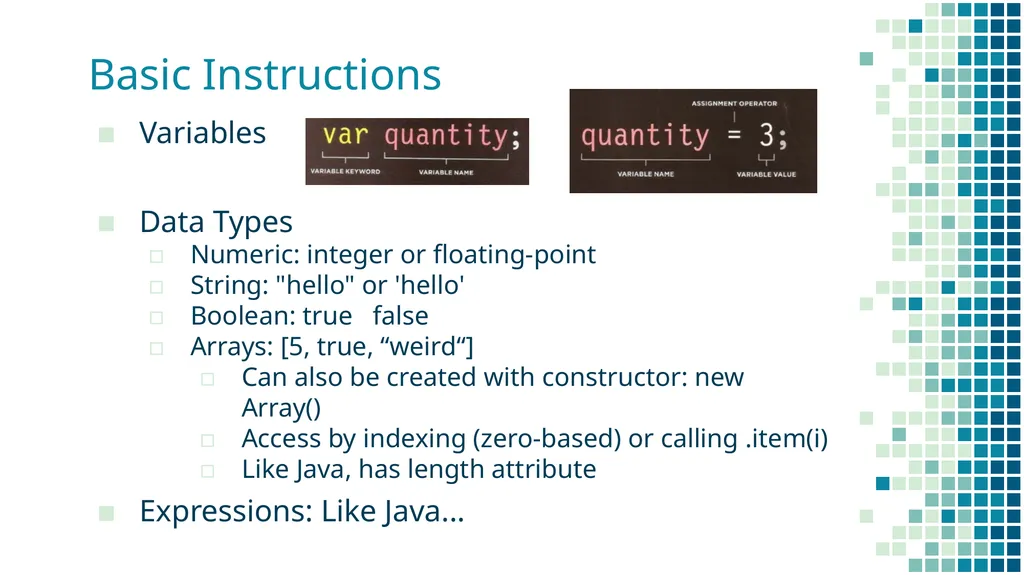
\nslide18. Basic Instructions Variables\n\nData Types\nNumeric: integer or floating-point\nString: \"hello\" or 'hello'\nBoolean: true false\nArrays: [5, true, “weird“]\nCan also be created with constructor: new Array()\nAccess by indexing (zero-based) or calling .item(i)\nLike Java, has length attribute\nExpressions: Like Java... "
}
Introduction to JavaScript COMP 3700 With thanks to Rob McMahon, Fang Tang, and Jon Duckett History 1994: Netscape Communications creates Netscape Navigator browser, most popular browser of the 90s Biggest weakness of early web was static
"Introduction to JavaScript COMP 3700 With thanks" is the property of its rightful owner. Permission is granted to
download and print the materials on this website for personal, non-commercial use only, and to display it
on your personal computer provided you do not modify the materials and that you retain all copyright
notices contained in the materials. By downloading content from our website, you accept the terms of this
agreement.
Presentation Transcript
01
Introduction to JavaScript COMP 3700
With thanks to Rob McMahon, Fang Tang, and Jon Duckett<br>
02
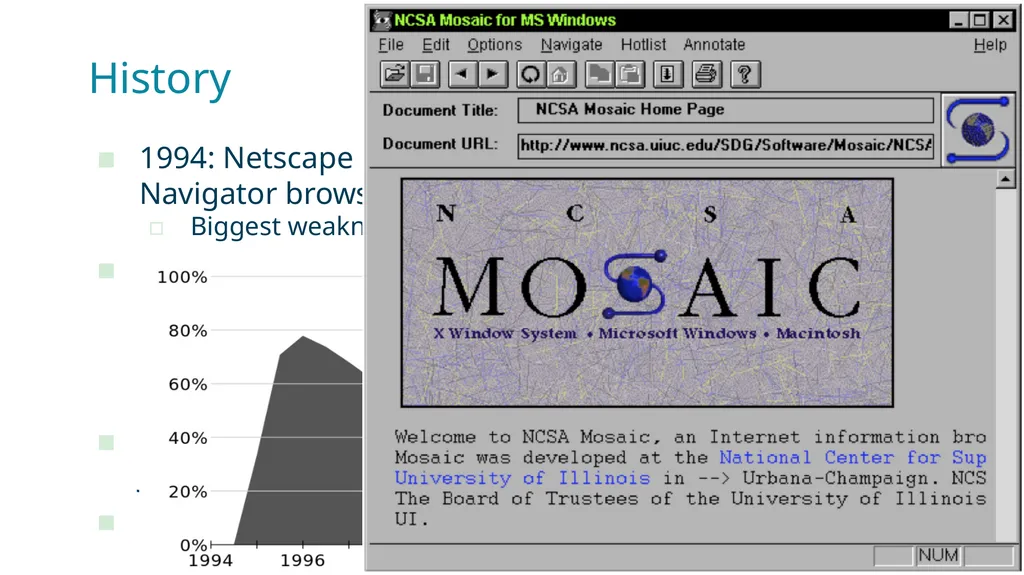
History 1994: Netscape Communications creates Netscape Navigator browser, most popular browser of the 90s
Biggest weakness of early web was static pages
1995: Netscape directs Brendan Eich to develop a scripting language for dynamic content
Initially called Mocha
Then renamed LiveScript
Then renamed JavaScript
1996: Microsoft acts like Microsoft and releases JScript
1997: JavaScript submitted to ECMA for standardization
ECMAScript (but everyone still calls it JavaScript)<br>
03
JavaScript Interpreted, weakly & dynamic typed, multiparadigm
Surface similarities to Java, but many differences
Supported by all web browsers with JS interpreters
Many frameworks extend the capabilities of vanilla JS
Object-Oriented, sort of…
Classes aren’t normally used to contain objects, functions are
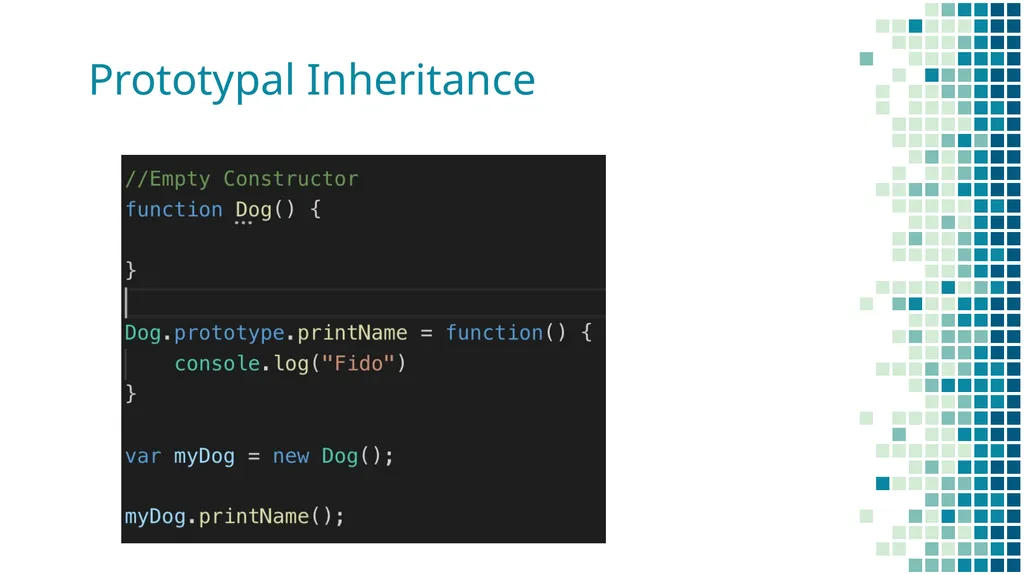
Prototypal Inheritance – a hidden property for all objects
A constructor makes an object linked to its own prototype.
Properties are linked, not copied when using class inheritance / objects<br>
04
Prototypal Inheritance<br>
05
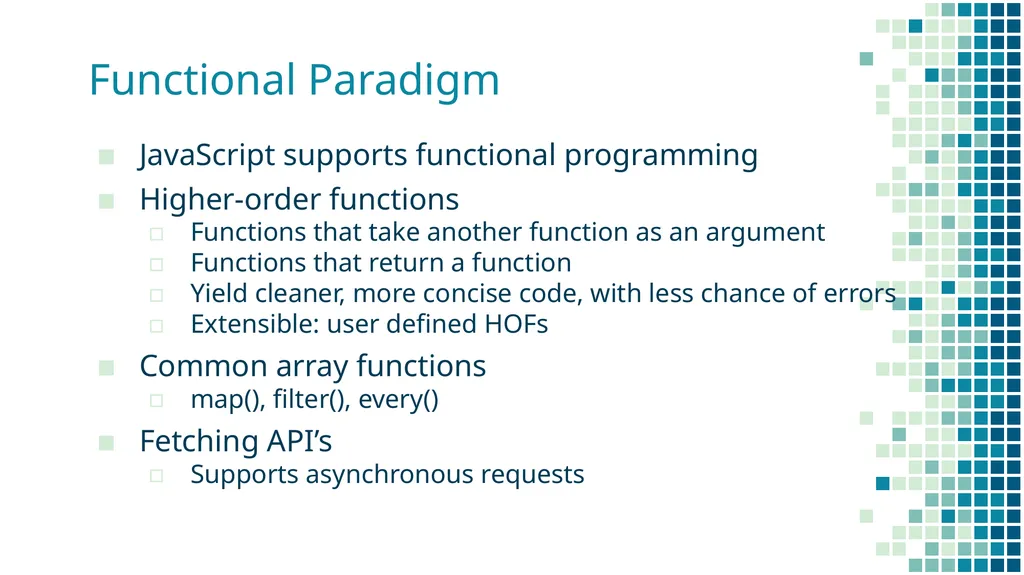
Functional Paradigm JavaScript supports functional programming
Higher-order functions
Functions that take another function as an argument
Functions that return a function
Yield cleaner, more concise code, with less chance of errors
Extensible: user defined HOFs
Common array functions
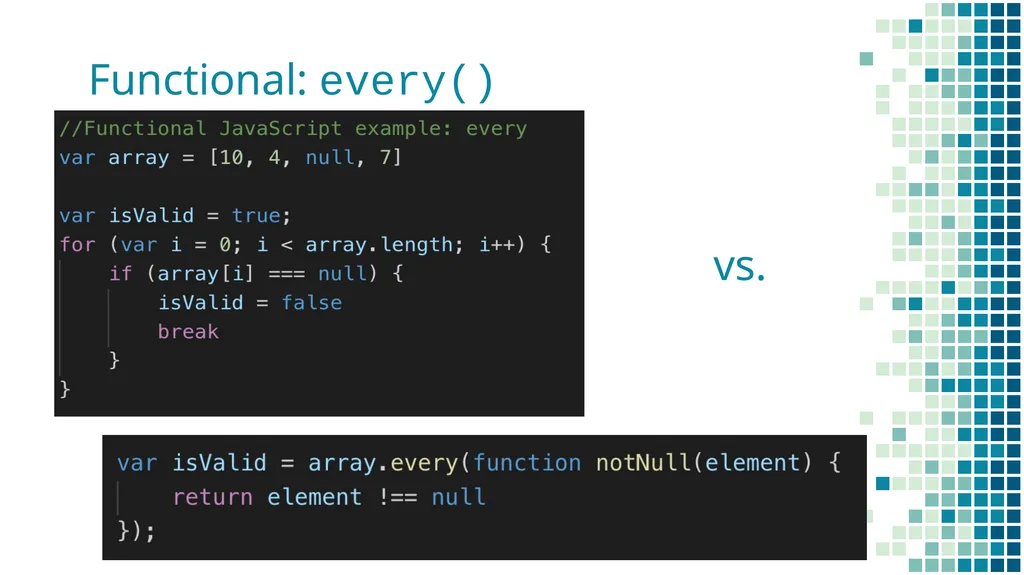
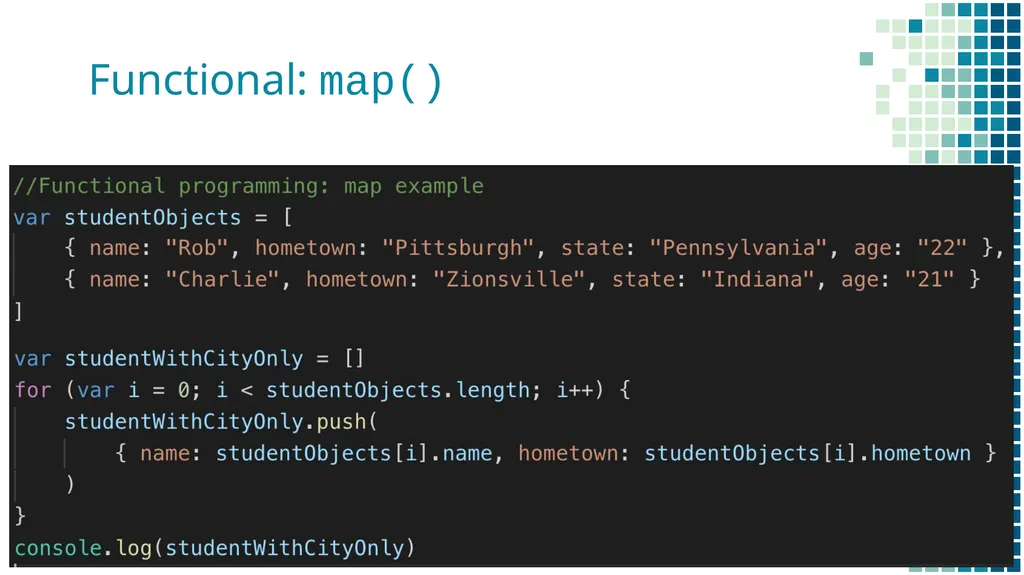
map(), filter(), every()
Fetching API’s
Supports asynchronous requests<br>
06
Functional: every() vs.<br>
07
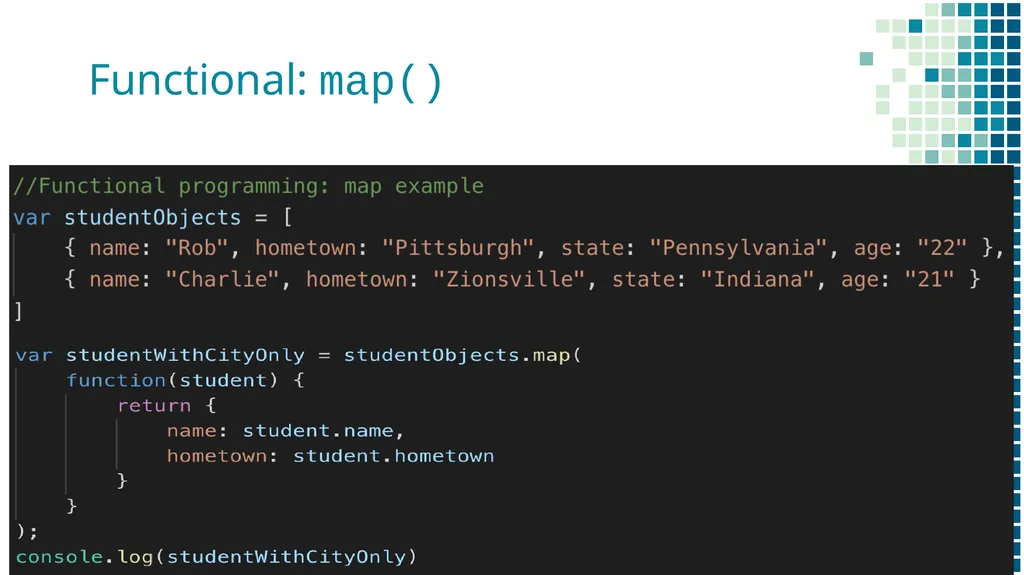
Functional: map()<br>
08
Functional: map()<br>
09
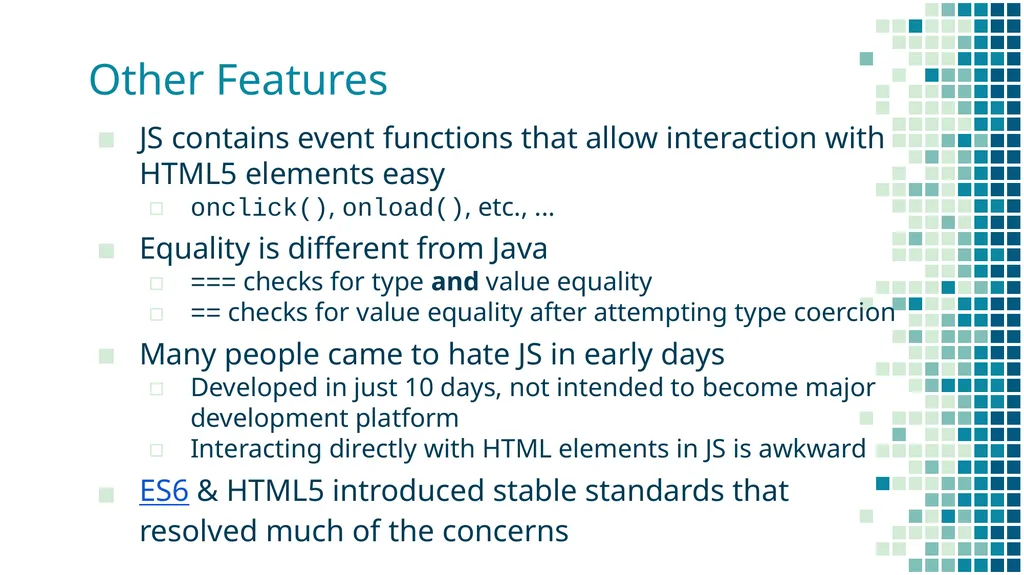
Other Features JS contains event functions that allow interaction with HTML5 elements easy
onclick(), onload(), etc., ...
Equality is different from Java
=== checks for type and value equality
== checks for value equality after attempting type coercion
Many people came to hate JS in early days
Developed in just 10 days, not intended to become major development platform
Interacting directly with HTML elements in JS is awkward
ES6 & HTML5 introduced stable standards that resolved much of the concerns<br>
10
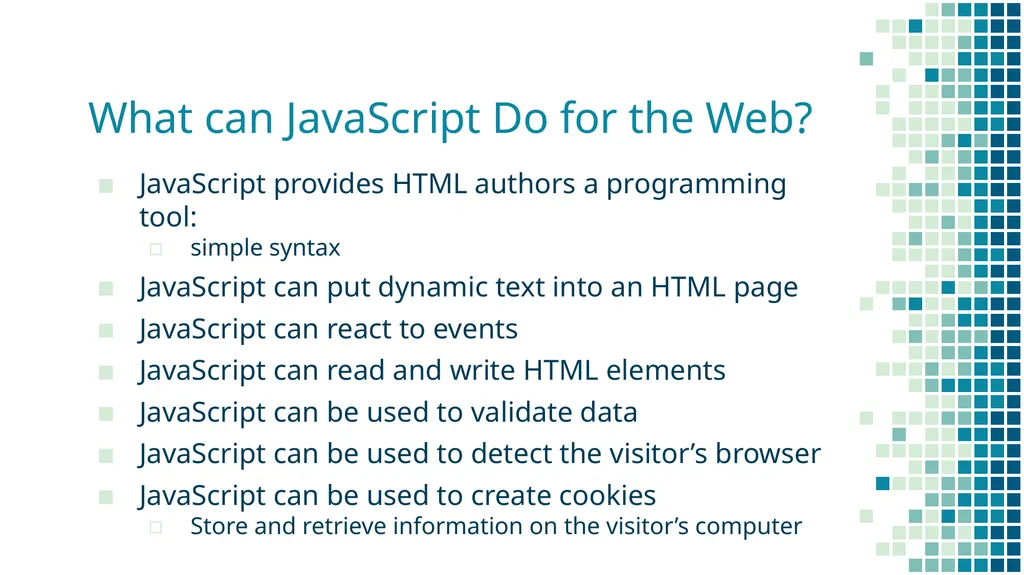
What can JavaScript Do for the Web? JavaScript provides HTML authors a programming tool:
simple syntax
JavaScript can put dynamic text into an HTML page
JavaScript can react to events
JavaScript can read and write HTML elements
JavaScript can be used to validate data
JavaScript can be used to detect the visitor’s browser
JavaScript can be used to create cookies
Store and retrieve information on the visitor’s computer<br>
11
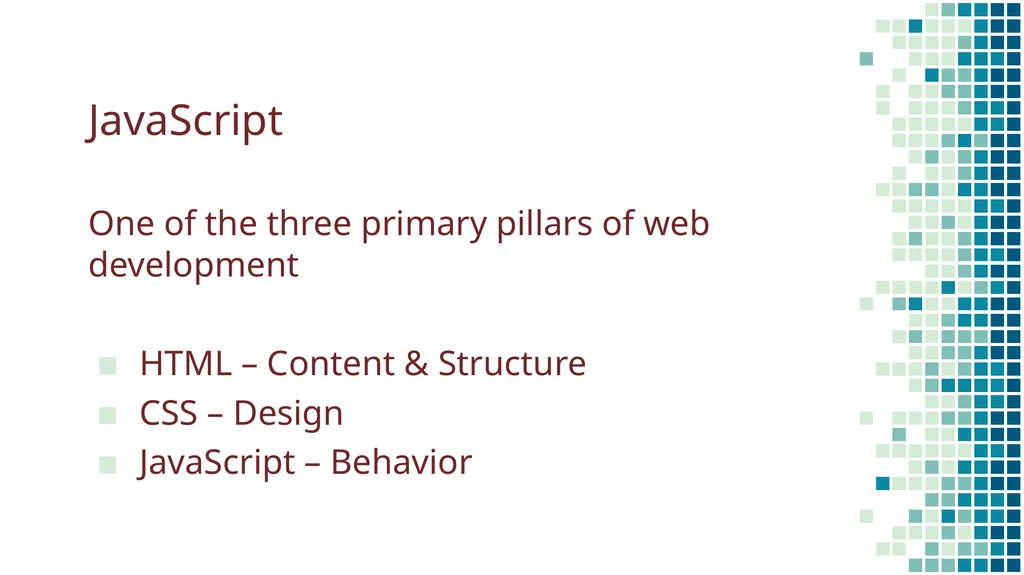
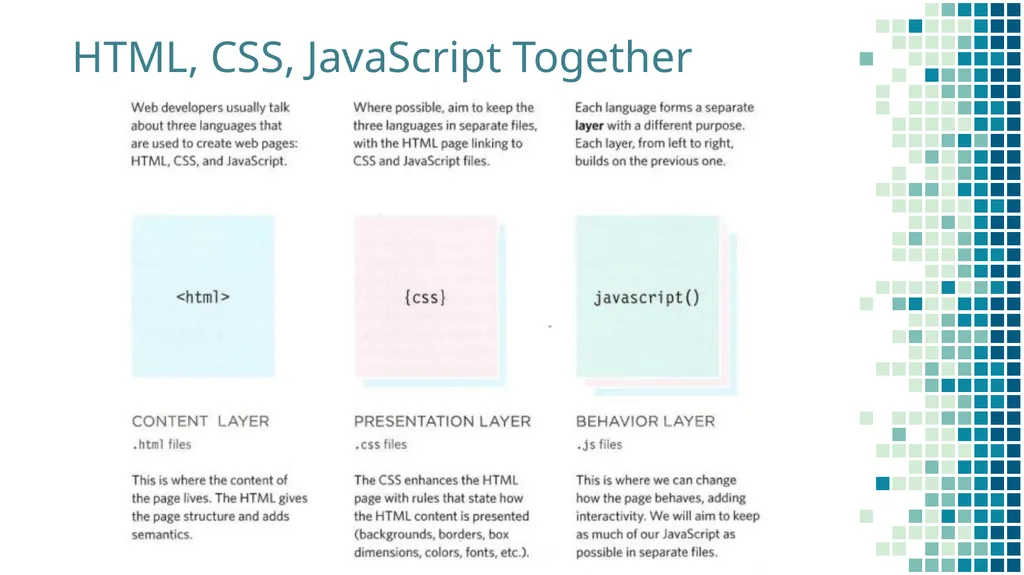
JavaScript One of the three primary pillars of web development
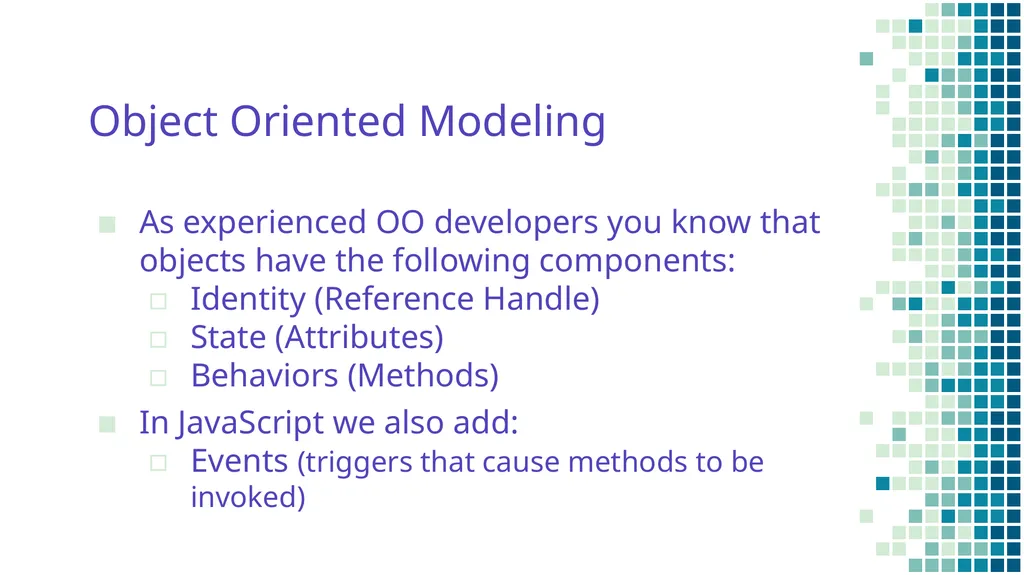
Object Oriented Modeling As experienced OO developers you know that objects have the following components:
Identity (Reference Handle)
State (Attributes)
Behaviors (Methods)
In JavaScript we also add:
Events (triggers that cause methods to be invoked)<br>
14
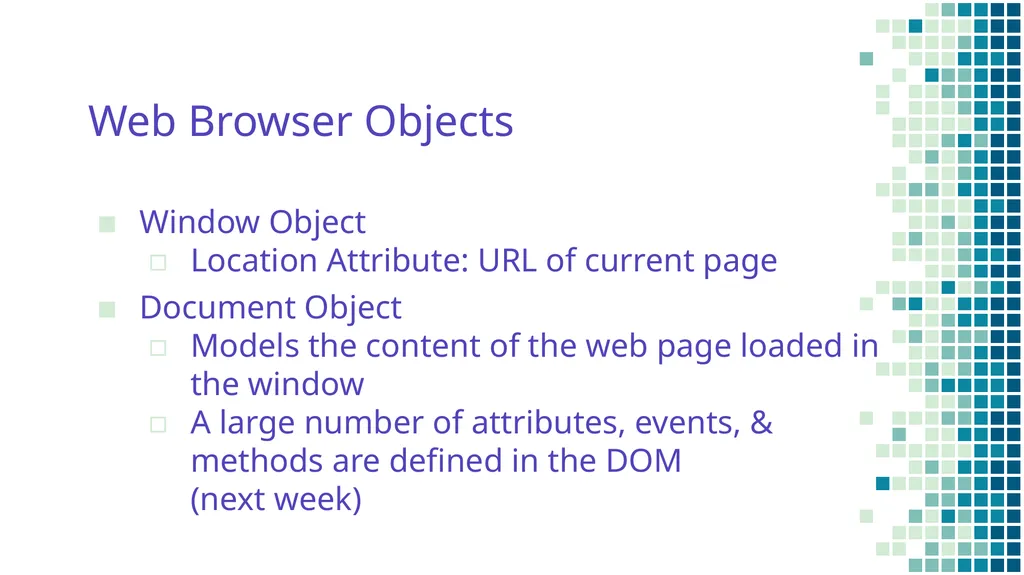
Web Browser Objects Window Object
Location Attribute: URL of current page
Document Object
Models the content of the web page loaded in the window
A large number of attributes, events, & methods are defined in the DOM (next week)<br>
15
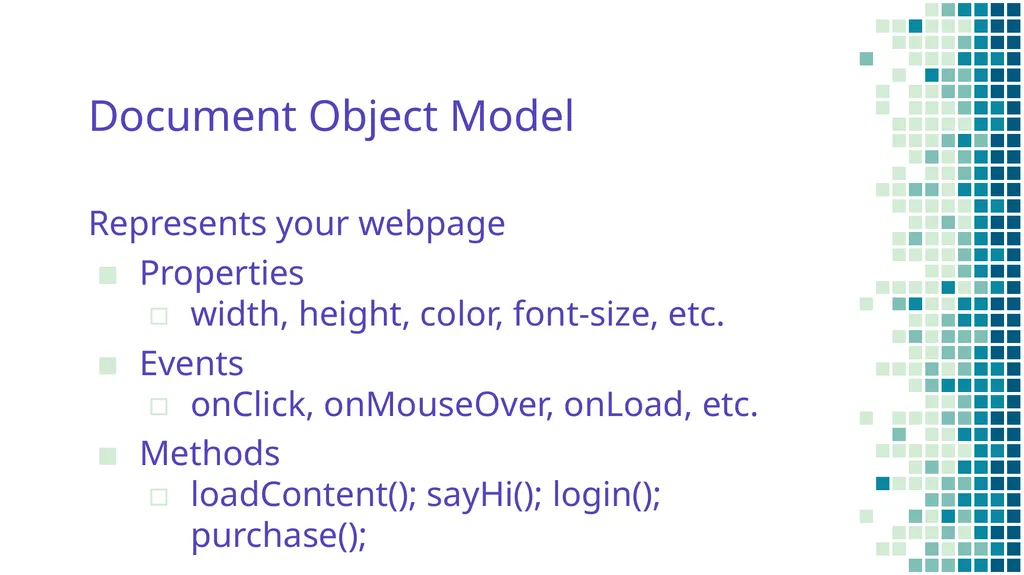
Document Object Model Represents your webpage
Properties
width, height, color, font-size, etc.
Events
onClick, onMouseOver, onLoad, etc.
Methods
loadContent(); sayHi(); login(); purchase();<br>
Data Types
Numeric: integer or floating-point
String: "hello" or 'hello'
Boolean: true false
Arrays: [5, true, “weird“]
Can also be created with constructor: new Array()
Access by indexing (zero-based) or calling .item(i)
Like Java, has length attribute
Expressions: Like Java...<br>