04
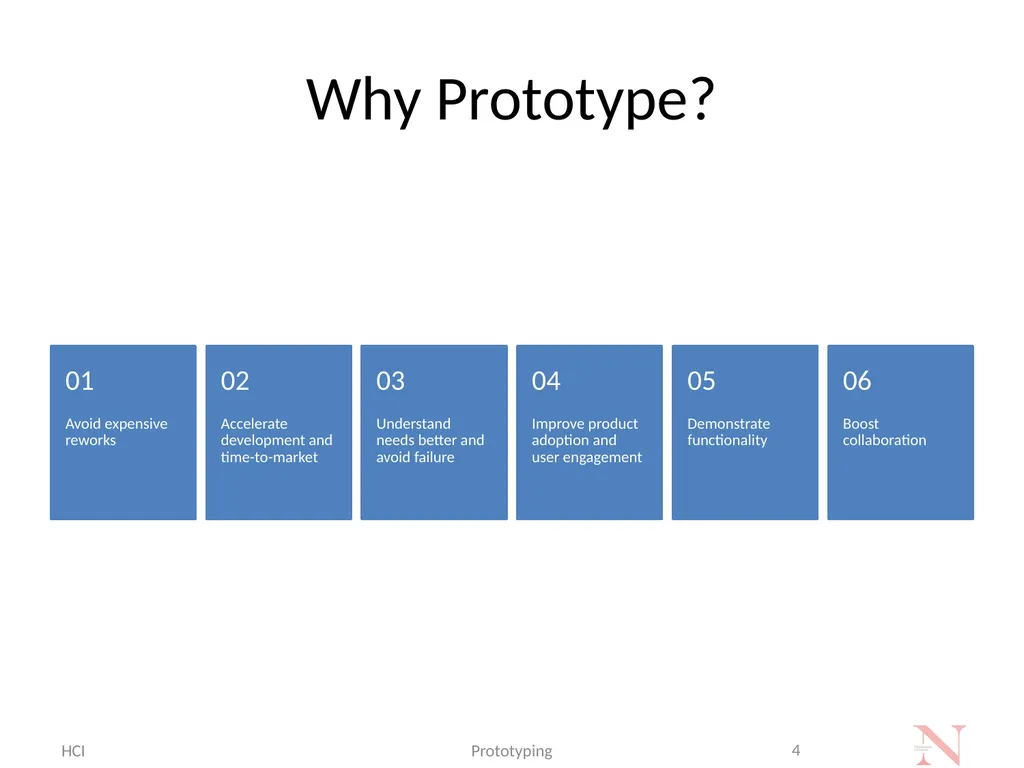
Why Prototype? HCI Prototyping 4<br>
05
What is a Prototype? Prototypes are a close replica of what a product will look like, usually without code.
Prototypes incorporate most of the final user interface design and implement the interactions that the finished product will support.
Prototypes are not a deliverable but a work product. HCI Prototyping 5<br>
06
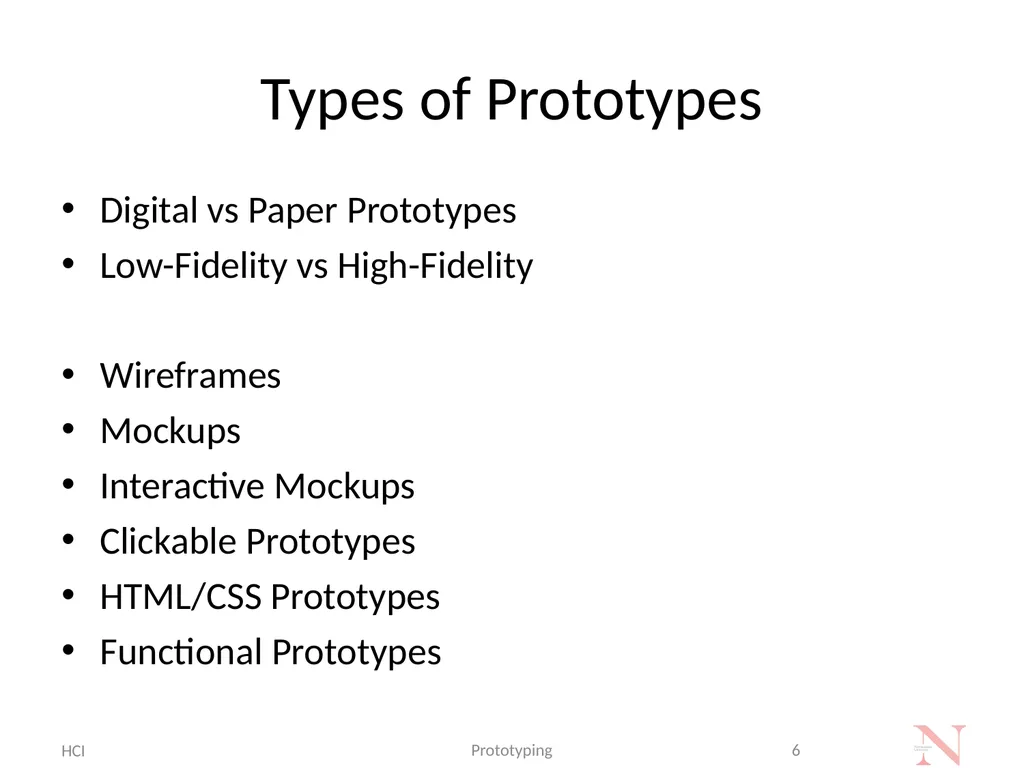
Types of Prototypes Digital vs Paper Prototypes
Low-Fidelity vs High-Fidelity
Wireframes
Mockups
Interactive Mockups
Clickable Prototypes
HTML/CSS Prototypes
Functional Prototypes HCI Prototyping 6<br>
07
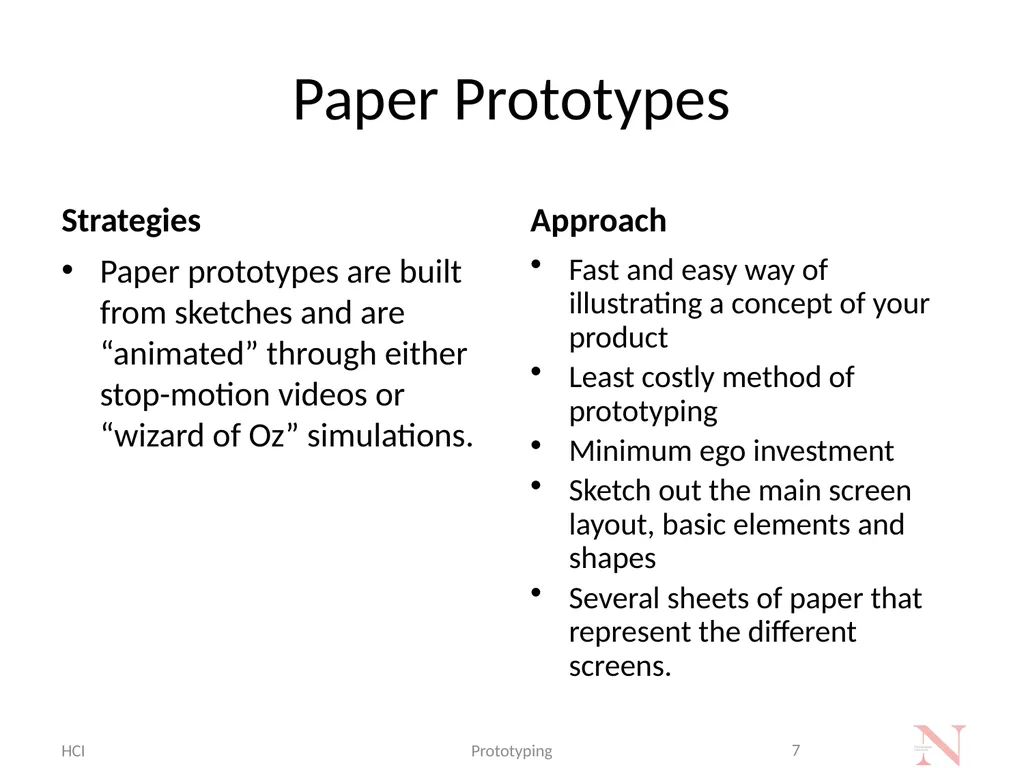
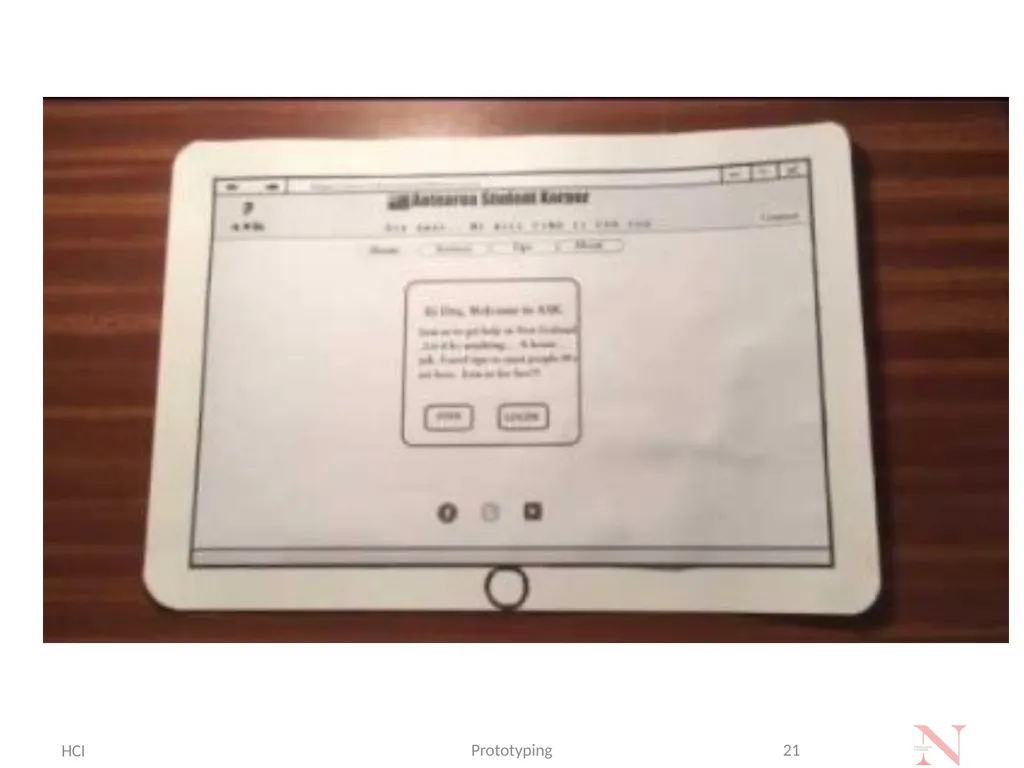
Paper Prototypes Strategies Paper prototypes are built from sketches and are “animated” through either stop-motion videos or “wizard of Oz” simulations. Approach Fast and easy way of illustrating a concept of your product
Least costly method of prototyping
Minimum ego investment
Sketch out the main screen layout, basic elements and shapes
Several sheets of paper that represent the different screens. HCI Prototyping 7<br>
08
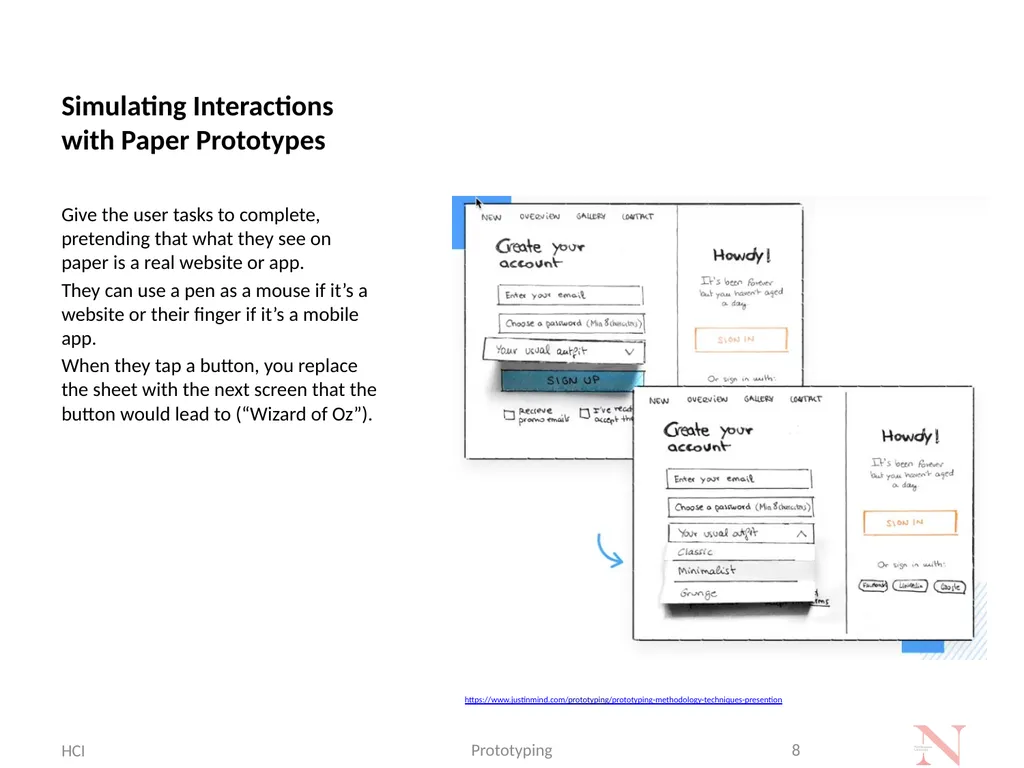
Simulating Interactions with Paper Prototypes Give the user tasks to complete, pretending that what they see on paper is a real website or app.
They can use a pen as a mouse if it’s a website or their finger if it’s a mobile app.
When they tap a button, you replace the sheet with the next screen that the button would lead to (“Wizard of Oz”). HCI Prototyping 8 https://www.justinmind.com/prototyping/prototyping-methodology-techniques-presention<br>
09
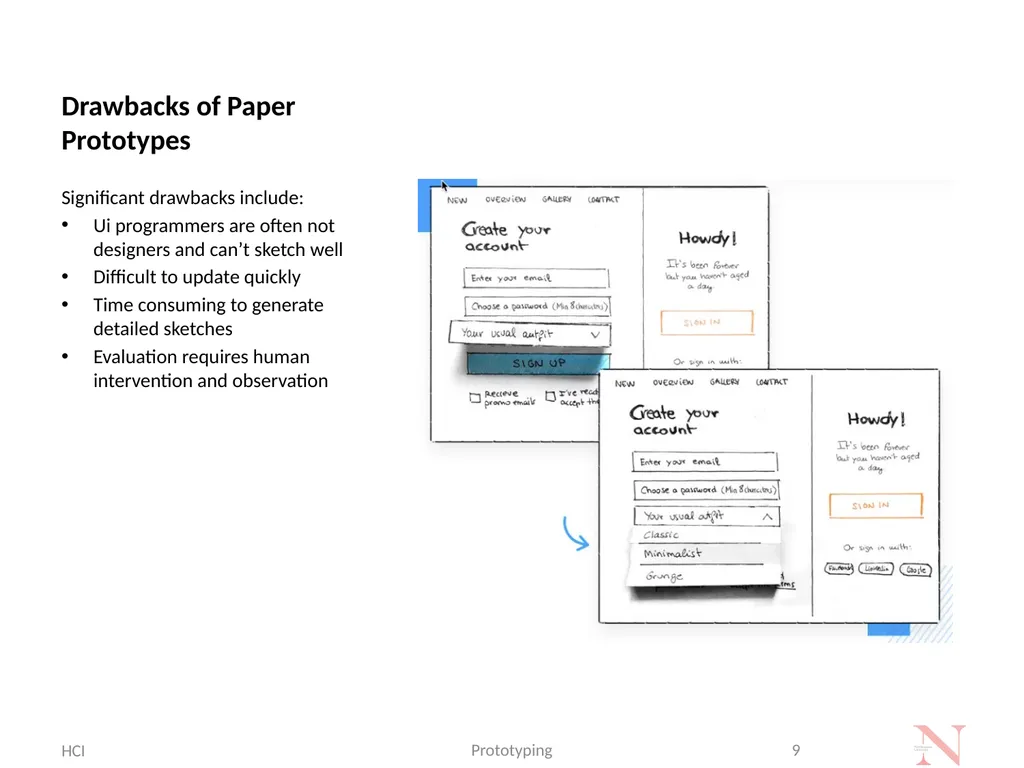
Drawbacks of Paper Prototypes Significant drawbacks include:
Ui programmers are often not designers and can’t sketch well
Difficult to update quickly
Time consuming to generate detailed sketches
Evaluation requires human intervention and observation HCI Prototyping 9<br>
10
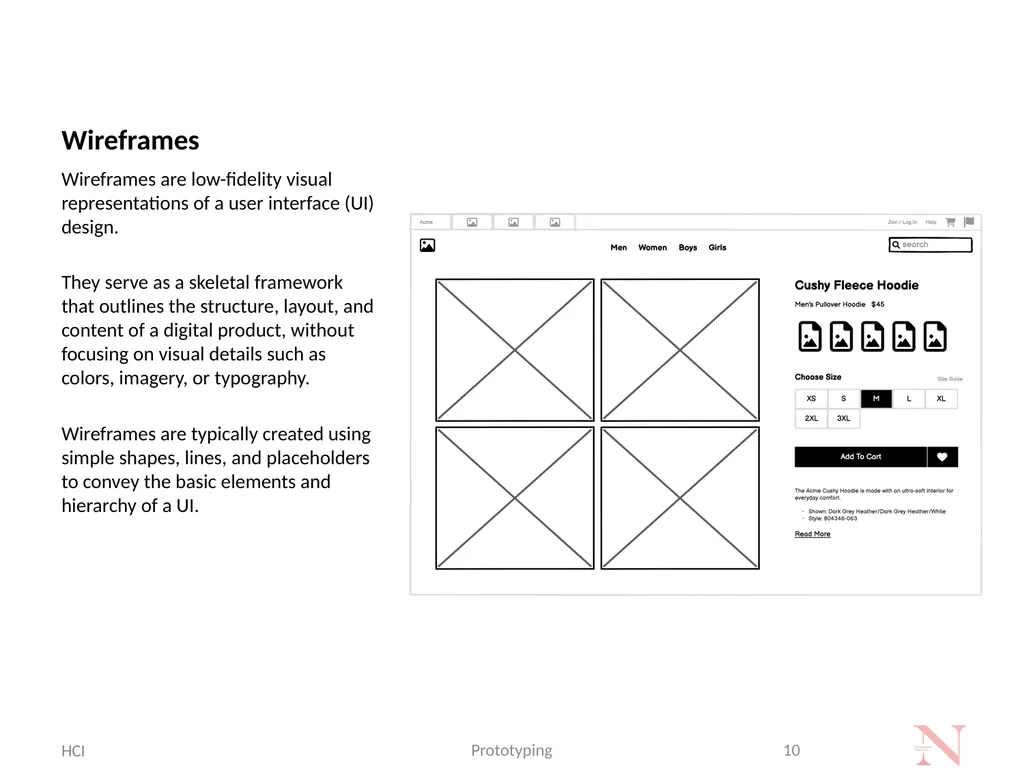
Wireframes Wireframes are low-fidelity visual representations of a user interface (UI) design.
They serve as a skeletal framework that outlines the structure, layout, and content of a digital product, without focusing on visual details such as colors, imagery, or typography.
Wireframes are typically created using simple shapes, lines, and placeholders to convey the basic elements and hierarchy of a UI. HCI Prototyping 10<br>
11
Low-Fidelity Prototypes Paper prototypes, along with wireframes, are sketches and are a form of low-fidelity prototypes
However, low-fidelity prototypes focus on:
Screen layouts and simple element outlines
Sizing, spacing, positioning
Basic clickability / selection and navigation between screens�
Goal of low-fidelity prototyping: ��Conceptualize the basic functionality without distractions HCI Prototyping 11<br>
12
Information Architecture Key concern: how do we organize the information into pages and how do we organize the pages into a hierarchy?
Strategy:
Card Sorting HCI Prototyping 12<br>
13
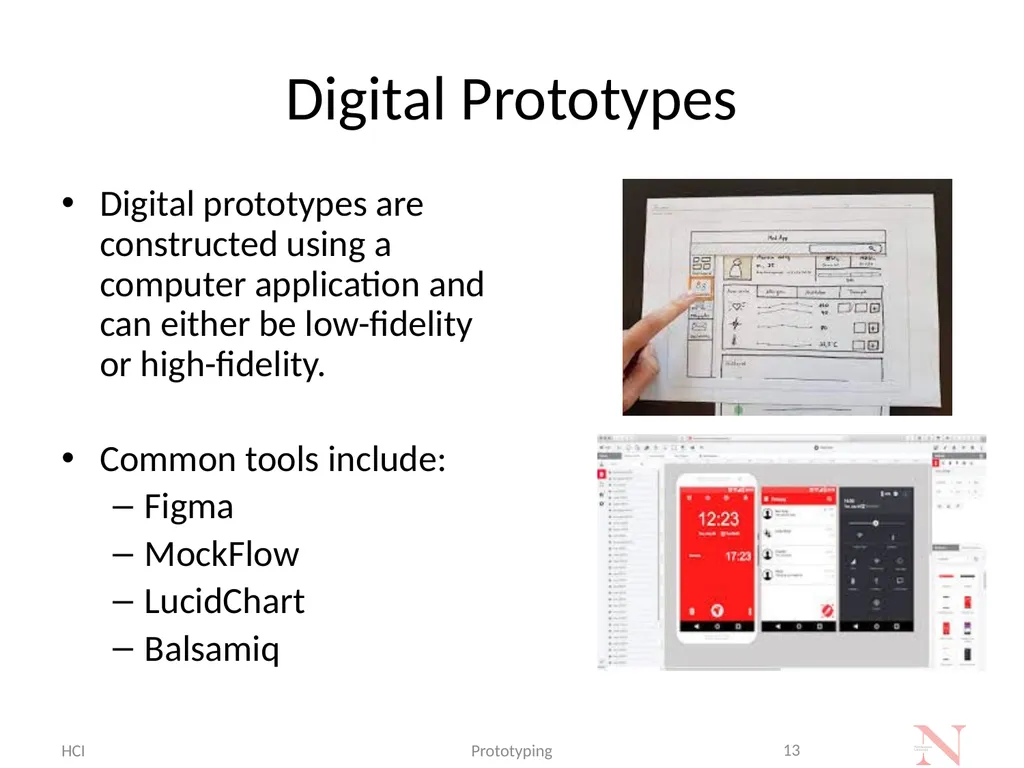
Digital Prototypes Digital prototypes are constructed using a computer application and can either be low-fidelity or high-fidelity.
Common tools include:
Figma
MockFlow
LucidChart
Balsamiq HCI Prototyping 13<br>
14
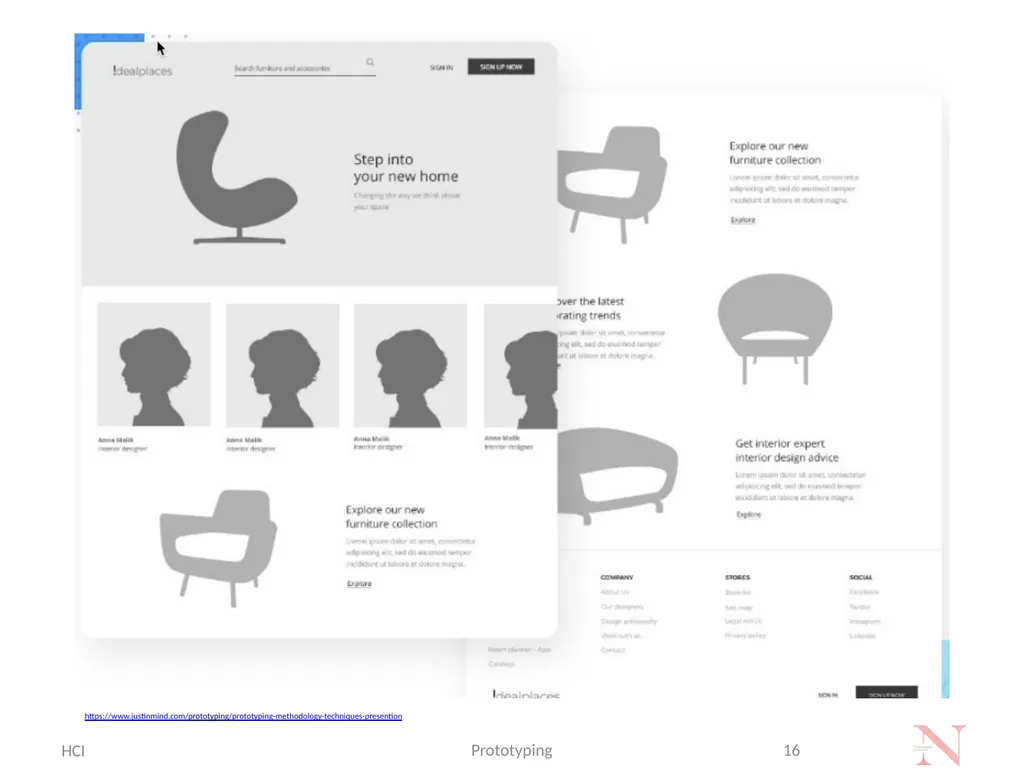
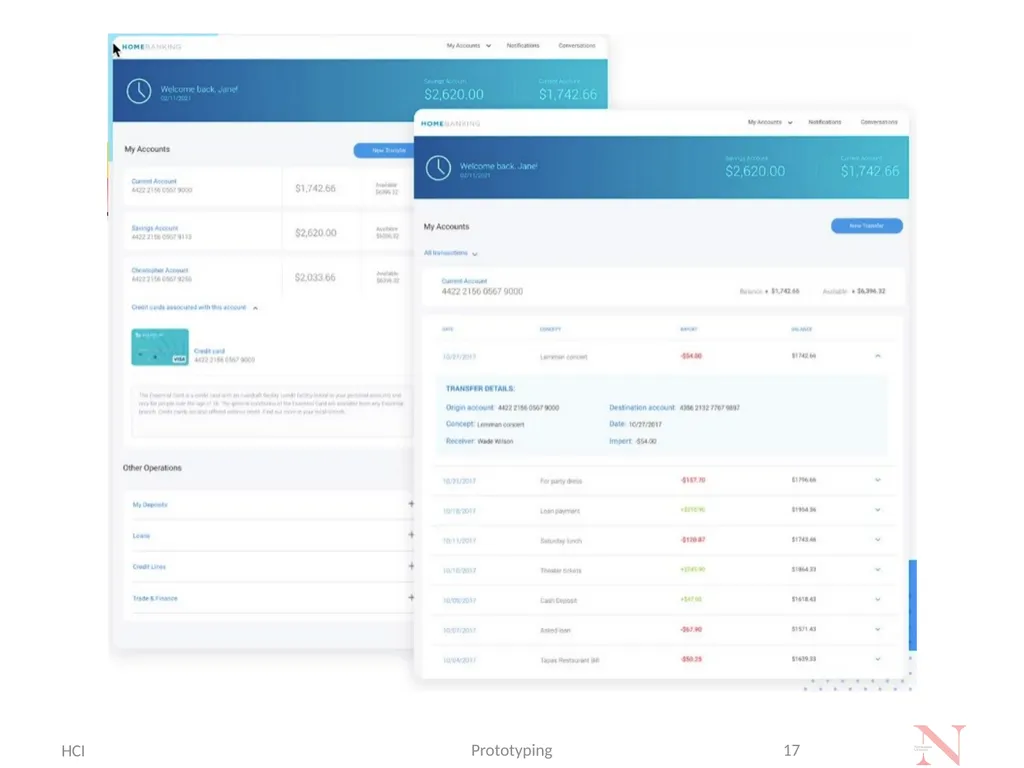
High-Fidelity Prototypes Close to actual design of finished product
Contains information layouts, spacing, element positioning and navigation of the low-fidelity prototype
More details:
interactive, e.g., functional navigation
advanced UI elements
actual content and sample data
visualizations, tables, grids, images HCI Prototyping 14<br>
15
High-Fidelity Prototypes Basic navigation has gone through further iterations and features advanced interactions, e.g.:
page scrolling
mouse over buttons for a website prototype
icons changing color when tapped on app
colors, fonts, shading
high-definition images and real content
functioning data visualizations HCI Prototyping 15<br>
16
HCI Prototyping 16 https://www.justinmind.com/prototyping/prototyping-methodology-techniques-presention<br>
17
HCI Prototyping 17<br>
18
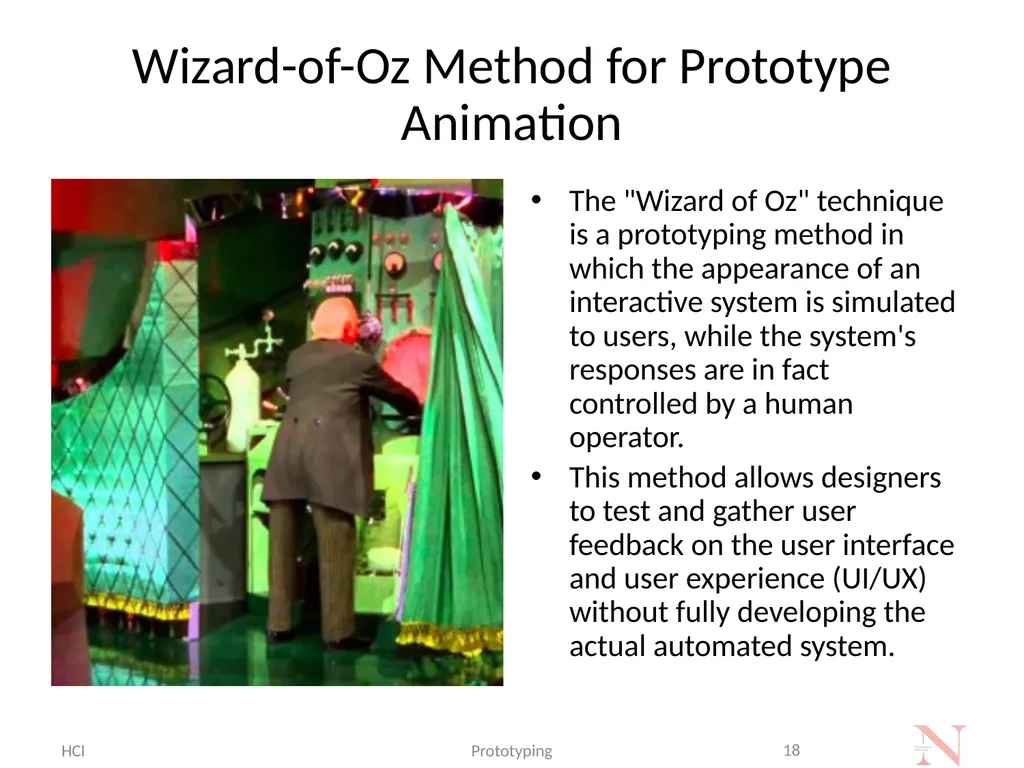
Wizard-of-Oz Method for Prototype Animation The "Wizard of Oz" technique is a prototyping method in which the appearance of an interactive system is simulated to users, while the system's responses are in fact controlled by a human operator.
This method allows designers to test and gather user feedback on the user interface and user experience (UI/UX) without fully developing the actual automated system. HCI Prototyping 18<br>
19
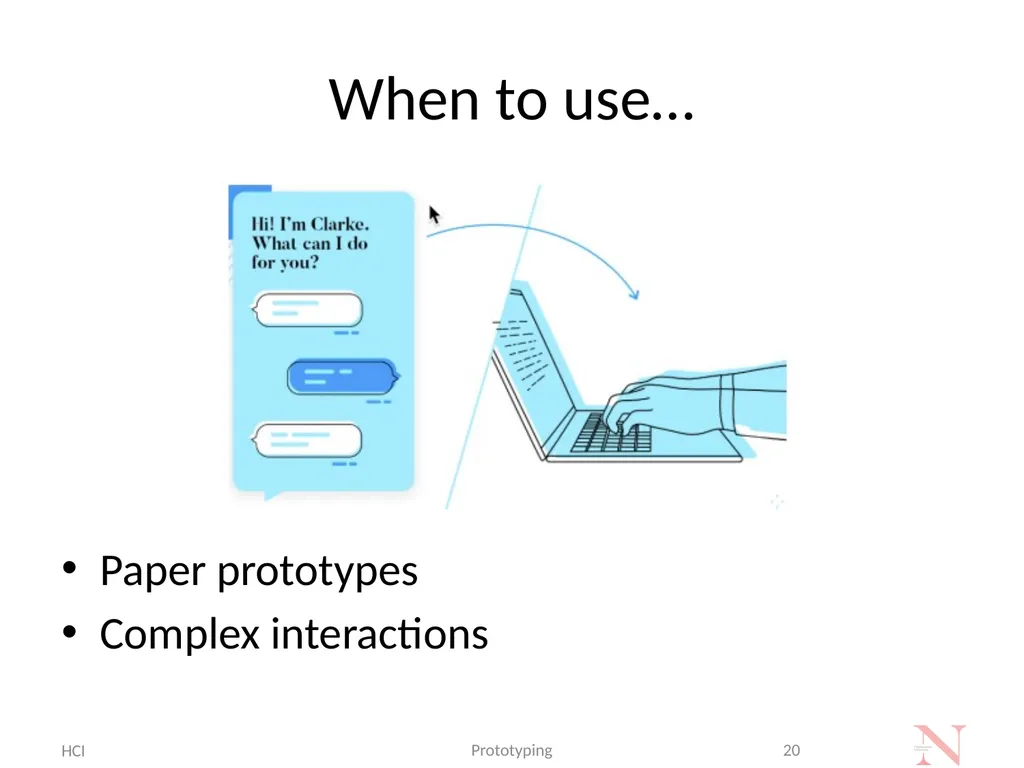
Why do we need WoOz? Useful when there are complex interactions or functionality that may be difficult to test in a prototype without backend development.
Wizard-of-Oz prototyping refers to a scenario where the user interacts with a prototype, but a human (out of sight) responds through another computer to control what the user sees next. HCI Prototyping 19<br>
20
When to use… Paper prototypes
Complex interactions HCI Prototyping 20<br>
21
HCI Prototyping 21<br>
22
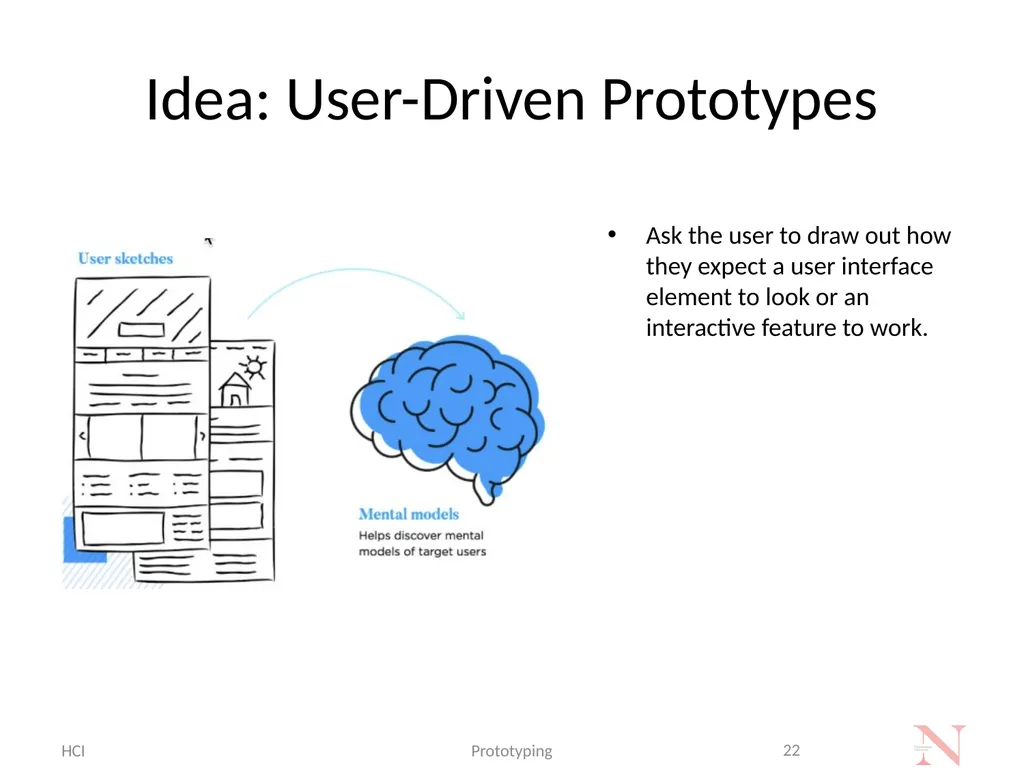
Idea: User-Driven Prototypes Ask the user to draw out how they expect a user interface element to look or an interactive feature to work. HCI Prototyping 22<br>
23
Prototyping Tools Prototyping tools allow the developer to quickly develop screens, reports, and forms to give end users the “look and feel” of the information system.
By presenting a prototype to the end users early, the developer can gain valuable feedback and additional support for the project…usability testing. HCI Prototyping 23 Figma
InVision Studio
Adobe XD
Webflow
Axure RP
Origami Studio
JustInMind
Sketch
Fluid UI
Framer
Marvel
Proto.io
Principle
Balsamiq
LucidChart<br>
24
Summary, Review, & Questions… HCI Prototyping 24<br>