
IoT application archicture with node.js Robert
Description: IoT application archicture with node.js Robert Cohn August 1, 2014 Application Architecture Components function Device: connect to physical world Microcontroller: behavior Sensors: switch, knob, temp, video, mic Actuators: led, speaker,
Related Topics
Download Presentation
"IoT application archicture with node.js Robert" is the property of its rightful owner. Permission is granted to download and print the materials on this website for personal, non-commercial use only, and to display it on your personal computer provided you do not modify the materials and that you retain all copyright notices contained in the materials. By downloading content from our website, you accept the terms of this agreement.
Presentation Transcript
slide1. IoT application archicture with node.js Robert Cohn
August 1, 2014<br>
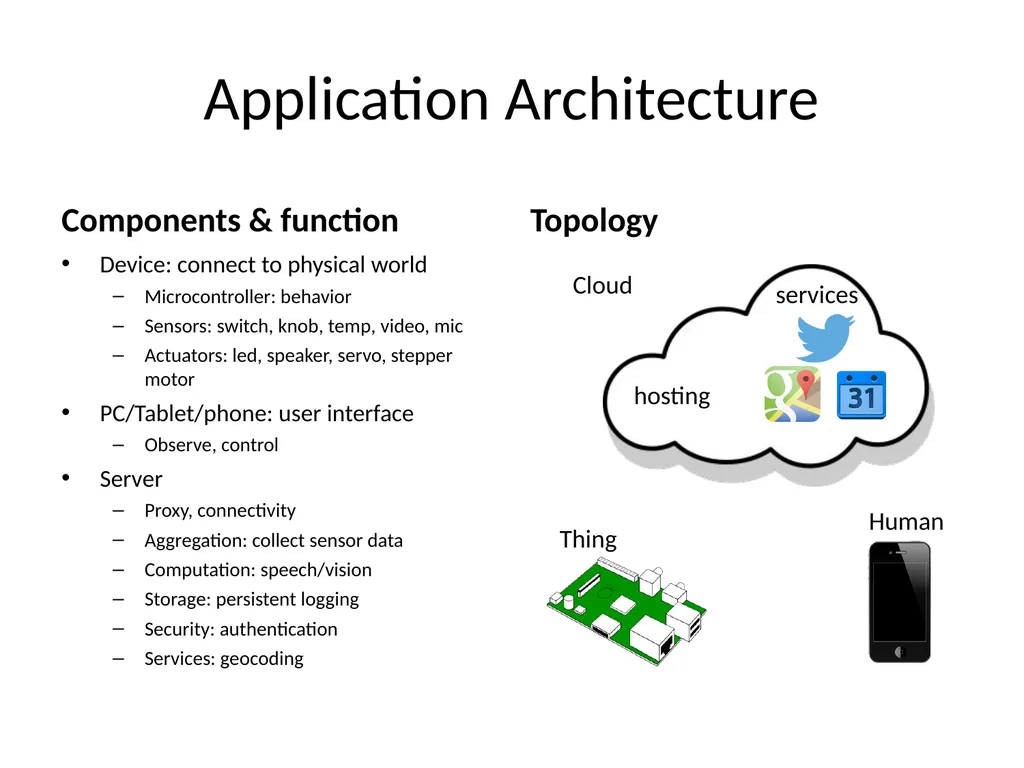
slide2. Application Architecture Components & function Device: connect to physical world
Microcontroller: behavior
Sensors: switch, knob, temp, video, mic
Actuators: led, speaker, servo, stepper motor
PC/Tablet/phone: user interface
Observe, control
Server
Proxy, connectivity
Aggregation: collect sensor data
Computation: speech/vision
Storage: persistent logging
Security: authentication
Services: geocoding Topology services hosting Thing Human Cloud<br>
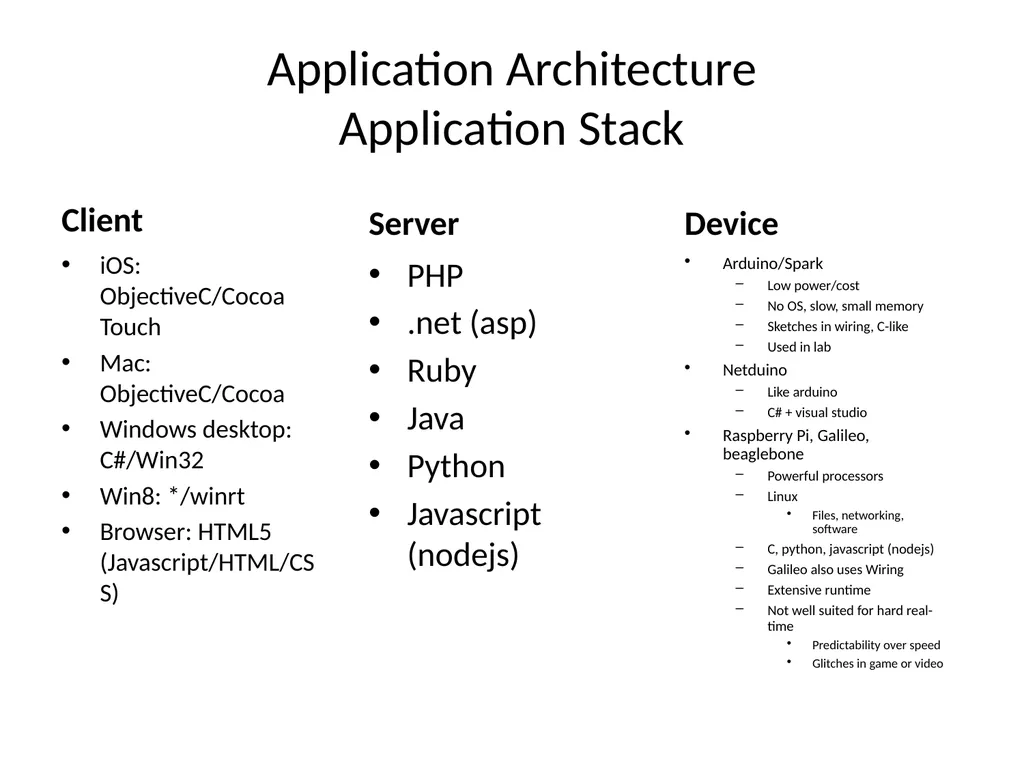
slide3. Application Architecture Application Stack Client iOS: ObjectiveC/Cocoa Touch
Mac: ObjectiveC/Cocoa
Windows desktop: C#/Win32
Win8: */winrt
Browser: HTML5 (Javascript/HTML/CSS) Server PHP
.net (asp)
Ruby
Java
Python
Javascript (nodejs) Device Arduino/Spark
Low power/cost
No OS, slow, small memory
Sketches in wiring, C-like
Used in lab
Netduino
Like arduino
C# + visual studio
Raspberry Pi, Galileo, beaglebone
Powerful processors
Linux
Files, networking, software
C, python, javascript (nodejs)
Galileo also uses Wiring
Extensive runtime
Not well suited for hard real-time
Predictability over speed
Glitches in game or video<br>
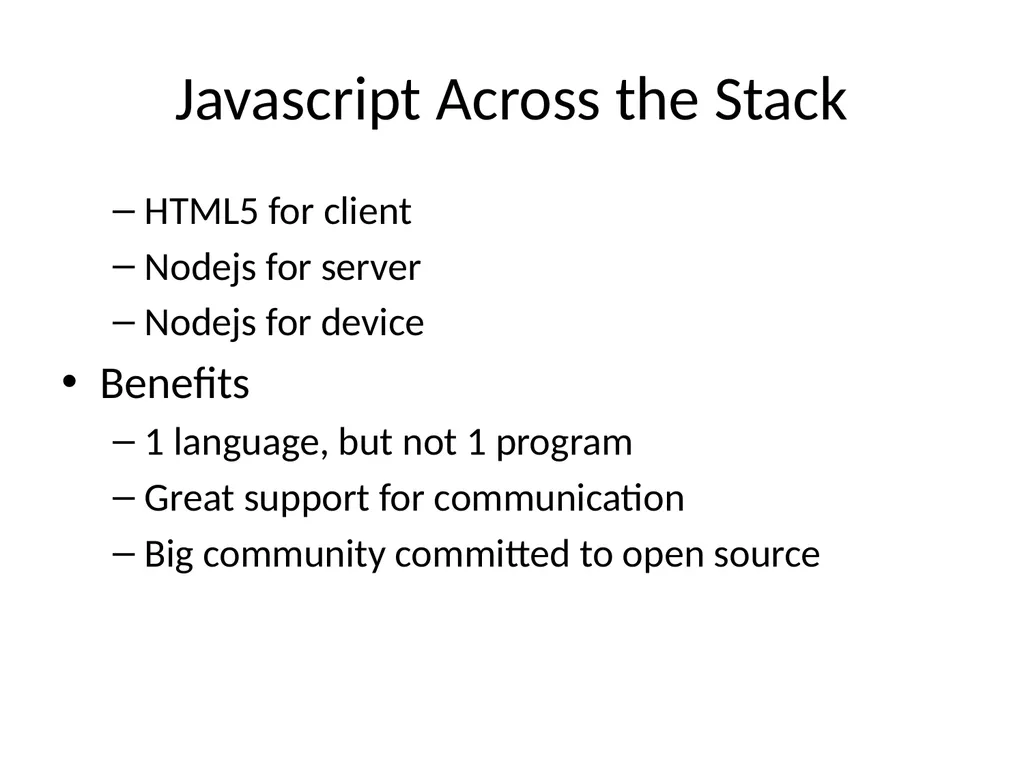
slide4. Javascript Across the Stack HTML5 for client
Nodejs for server
Nodejs for device
Benefits
1 language, but not 1 program
Great support for communication
Big community committed to open source<br>
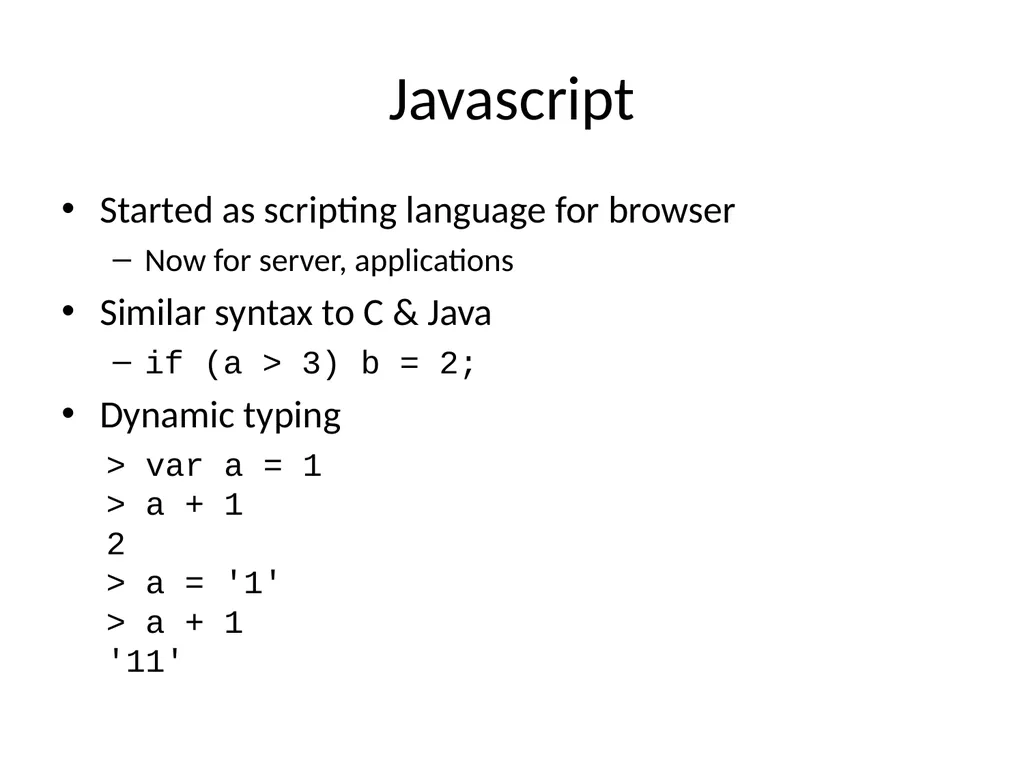
slide5. Javascript Started as scripting language for browser
Now for server, applications
Similar syntax to C & Java
if (a > 3) b = 2;
Dynamic typing
> var a = 1 > a + 1 2 > a = '1' > a + 1 '11'<br>
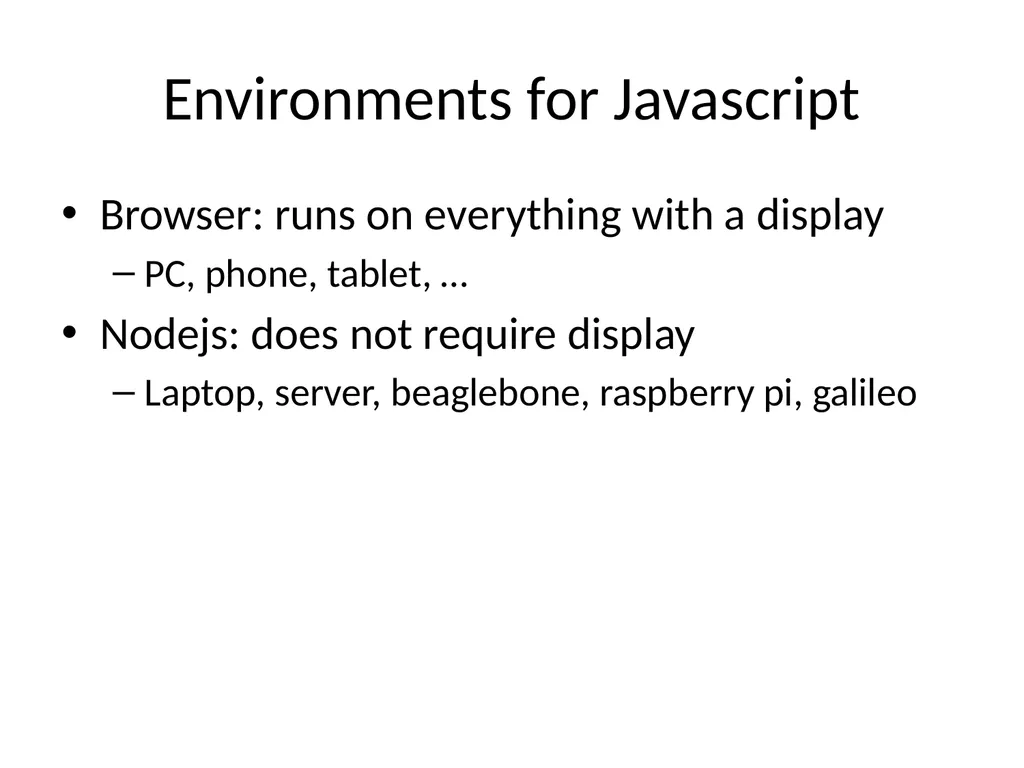
slide6. Environments for Javascript Browser: runs on everything with a display
PC, phone, tablet, …
Nodejs: does not require display
Laptop, server, beaglebone, raspberry pi, galileo<br>
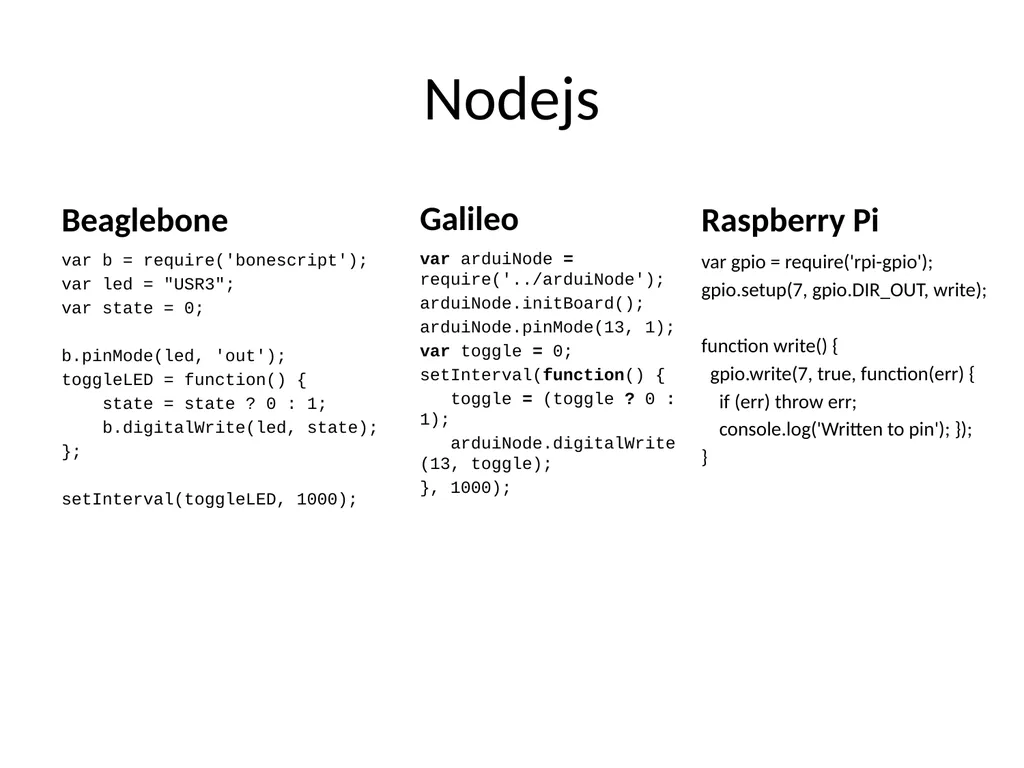
slide7. Nodejs Beaglebone var b = require('bonescript');
var led = "USR3";
var state = 0;
b.pinMode(led, 'out');
toggleLED = function() {
state = state ? 0 : 1;
b.digitalWrite(led, state);
};
setInterval(toggleLED, 1000); Galileo var arduiNode = require('../arduiNode');
arduiNode.initBoard();
arduiNode.pinMode(13, 1);
var toggle = 0;
setInterval(function() {
toggle = (toggle ? 0 : 1);
arduiNode.digitalWrite(13, toggle);
}, 1000); Raspberry Pi var gpio = require('rpi-gpio');
gpio.setup(7, gpio.DIR_OUT, write);
function write() {
gpio.write(7, true, function(err) {
if (err) throw err;
console.log('Written to pin'); });
}<br>
slide8. Javascript Runtime Minimal built-in
Usually need to include 3rd party libraries
Browser
bower for package management
Jquery, underscorejs
Nodejs
NPM for package management
Expressjs: web server middleware
Fs-extra: more complete filesystem<br>
slide9. JS Debugging Debugging Chrome Dev Tools
very powerful html, css, & JS debugger
use for nodejs & browser apps
safari, IE have similar tools<br>
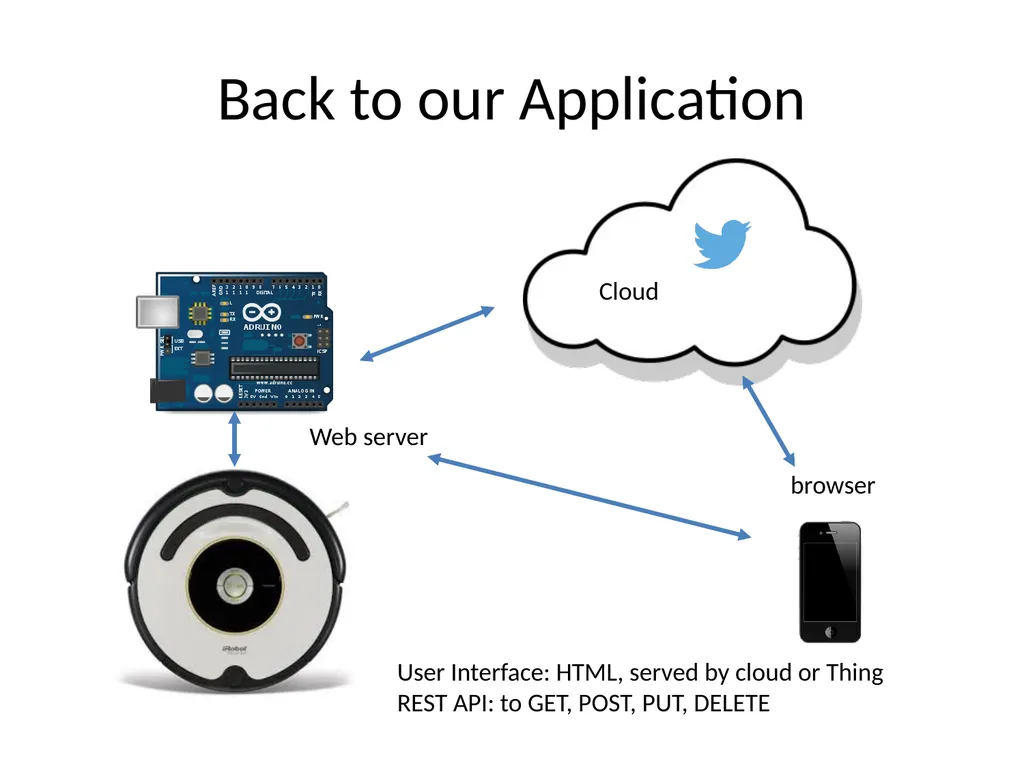
slide10. Back to our Application browser Web server Cloud User Interface: HTML, served by cloud or Thing
REST API: to GET, POST, PUT, DELETE<br>
slide11. NodeJS/Express NodeJS has infrastructure to write a web server
Receive HTTP requests, send response
Express: node package, middleware that makes it easy to make a server
Serve static assets: HTML, JS, CSS, PNG, …
REST API
Parse URLs, Route requests, render HTML templates, set MIME types<br>
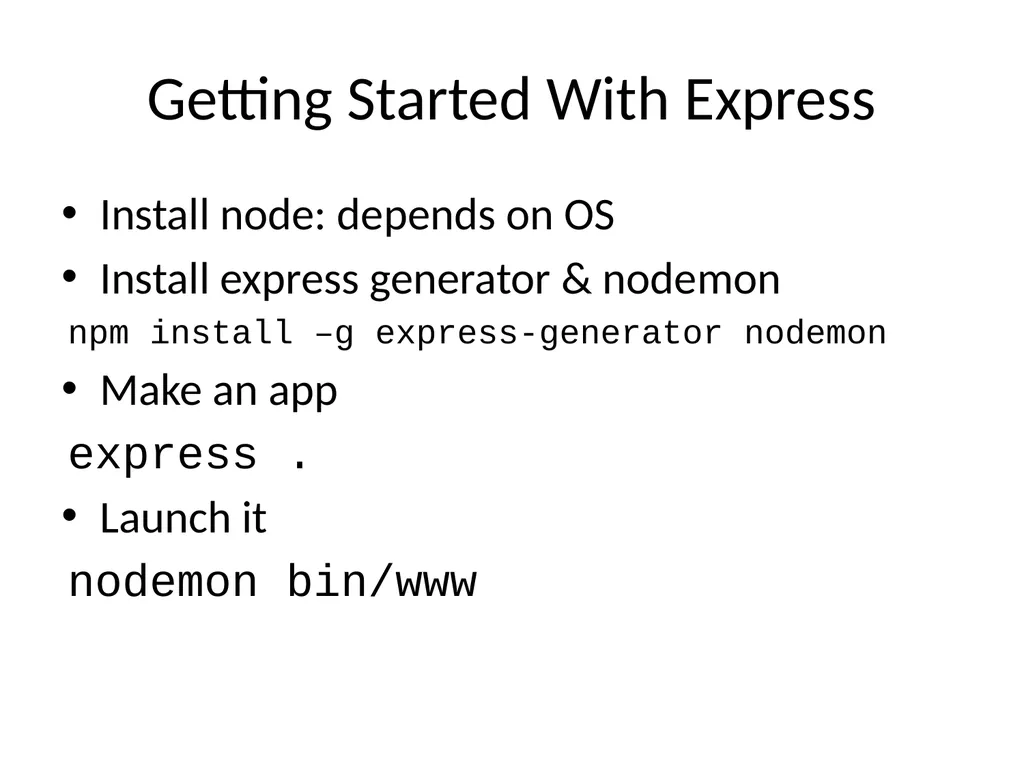
slide12. Getting Started With Express Install node: depends on OS
Install express generator & nodemon
npm install –g express-generator nodemon
Make an app
express .
Launch it
nodemon bin/www<br>
slide13. Demo Serving HTML
Add an API<br>
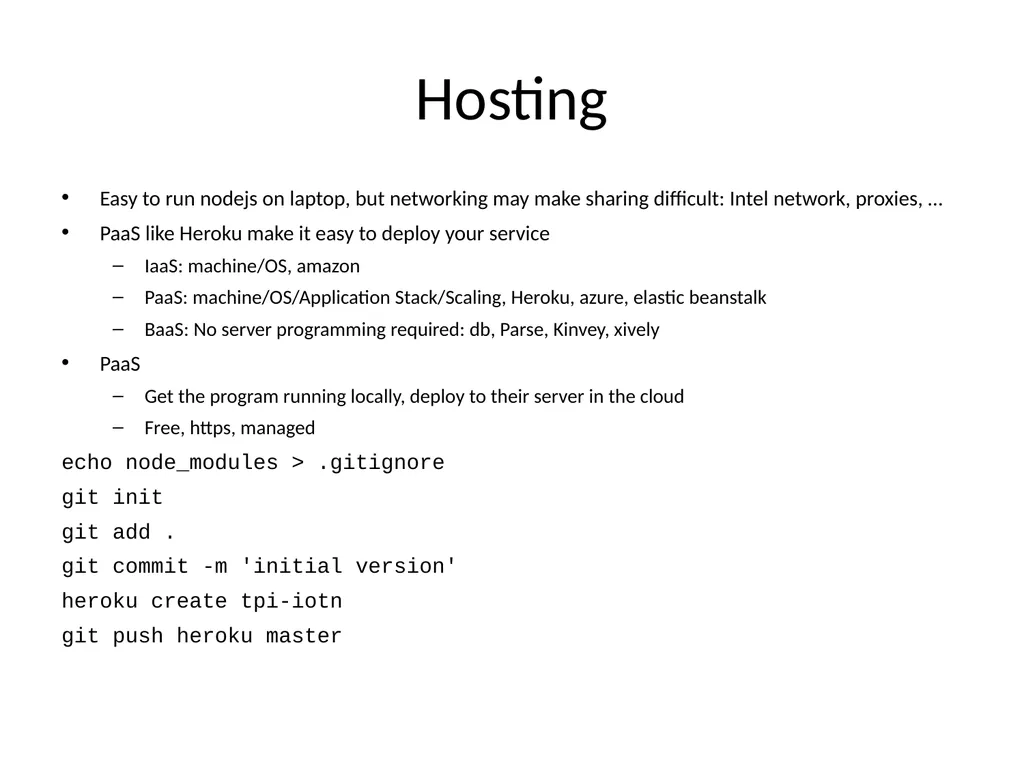
slide14. Hosting Easy to run nodejs on laptop, but networking may make sharing difficult: Intel network, proxies, …
PaaS like Heroku make it easy to deploy your service
IaaS: machine/OS, amazon
PaaS: machine/OS/Application Stack/Scaling, Heroku, azure, elastic beanstalk
BaaS: No server programming required: db, Parse, Kinvey, xively
PaaS
Get the program running locally, deploy to their server in the cloud
Free, https, managed
echo node_modules > .gitignore
git init
git add .
git commit -m 'initial version'
heroku create tpi-iotn
git push heroku master<br>
August 1, 2014<br>
slide2. Application Architecture Components & function Device: connect to physical world
Microcontroller: behavior
Sensors: switch, knob, temp, video, mic
Actuators: led, speaker, servo, stepper motor
PC/Tablet/phone: user interface
Observe, control
Server
Proxy, connectivity
Aggregation: collect sensor data
Computation: speech/vision
Storage: persistent logging
Security: authentication
Services: geocoding Topology services hosting Thing Human Cloud<br>
slide3. Application Architecture Application Stack Client iOS: ObjectiveC/Cocoa Touch
Mac: ObjectiveC/Cocoa
Windows desktop: C#/Win32
Win8: */winrt
Browser: HTML5 (Javascript/HTML/CSS) Server PHP
.net (asp)
Ruby
Java
Python
Javascript (nodejs) Device Arduino/Spark
Low power/cost
No OS, slow, small memory
Sketches in wiring, C-like
Used in lab
Netduino
Like arduino
C# + visual studio
Raspberry Pi, Galileo, beaglebone
Powerful processors
Linux
Files, networking, software
C, python, javascript (nodejs)
Galileo also uses Wiring
Extensive runtime
Not well suited for hard real-time
Predictability over speed
Glitches in game or video<br>
slide4. Javascript Across the Stack HTML5 for client
Nodejs for server
Nodejs for device
Benefits
1 language, but not 1 program
Great support for communication
Big community committed to open source<br>
slide5. Javascript Started as scripting language for browser
Now for server, applications
Similar syntax to C & Java
if (a > 3) b = 2;
Dynamic typing
> var a = 1 > a + 1 2 > a = '1' > a + 1 '11'<br>
slide6. Environments for Javascript Browser: runs on everything with a display
PC, phone, tablet, …
Nodejs: does not require display
Laptop, server, beaglebone, raspberry pi, galileo<br>
slide7. Nodejs Beaglebone var b = require('bonescript');
var led = "USR3";
var state = 0;
b.pinMode(led, 'out');
toggleLED = function() {
state = state ? 0 : 1;
b.digitalWrite(led, state);
};
setInterval(toggleLED, 1000); Galileo var arduiNode = require('../arduiNode');
arduiNode.initBoard();
arduiNode.pinMode(13, 1);
var toggle = 0;
setInterval(function() {
toggle = (toggle ? 0 : 1);
arduiNode.digitalWrite(13, toggle);
}, 1000); Raspberry Pi var gpio = require('rpi-gpio');
gpio.setup(7, gpio.DIR_OUT, write);
function write() {
gpio.write(7, true, function(err) {
if (err) throw err;
console.log('Written to pin'); });
}<br>
slide8. Javascript Runtime Minimal built-in
Usually need to include 3rd party libraries
Browser
bower for package management
Jquery, underscorejs
Nodejs
NPM for package management
Expressjs: web server middleware
Fs-extra: more complete filesystem<br>
slide9. JS Debugging Debugging Chrome Dev Tools
very powerful html, css, & JS debugger
use for nodejs & browser apps
safari, IE have similar tools<br>
slide10. Back to our Application browser Web server Cloud User Interface: HTML, served by cloud or Thing
REST API: to GET, POST, PUT, DELETE<br>
slide11. NodeJS/Express NodeJS has infrastructure to write a web server
Receive HTTP requests, send response
Express: node package, middleware that makes it easy to make a server
Serve static assets: HTML, JS, CSS, PNG, …
REST API
Parse URLs, Route requests, render HTML templates, set MIME types<br>
slide12. Getting Started With Express Install node: depends on OS
Install express generator & nodemon
npm install –g express-generator nodemon
Make an app
express .
Launch it
nodemon bin/www<br>
slide13. Demo Serving HTML
Add an API<br>
slide14. Hosting Easy to run nodejs on laptop, but networking may make sharing difficult: Intel network, proxies, …
PaaS like Heroku make it easy to deploy your service
IaaS: machine/OS, amazon
PaaS: machine/OS/Application Stack/Scaling, Heroku, azure, elastic beanstalk
BaaS: No server programming required: db, Parse, Kinvey, xively
PaaS
Get the program running locally, deploy to their server in the cloud
Free, https, managed
echo node_modules > .gitignore
git init
git add .
git commit -m 'initial version'
heroku create tpi-iotn
git push heroku master<br>