JSON-LD component in AEM Theme Management Committee September 16, 2020 Principal Publisher 2 2 JSON-LD is a notation language used to add structured data to web pages. It is used by search engines to understand what the content is about
"JSON-LD component in AEM Theme Management" is the property of its rightful owner. Permission is granted to
download and print the materials on this website for personal, non-commercial use only, and to display it
on your personal computer provided you do not modify the materials and that you retain all copyright
notices contained in the materials. By downloading content from our website, you accept the terms of this
agreement.
Presentation Transcript
01
JSON-LD component in AEM Theme Management Committee
September 16, 2020
Principal Publisher<br>
02
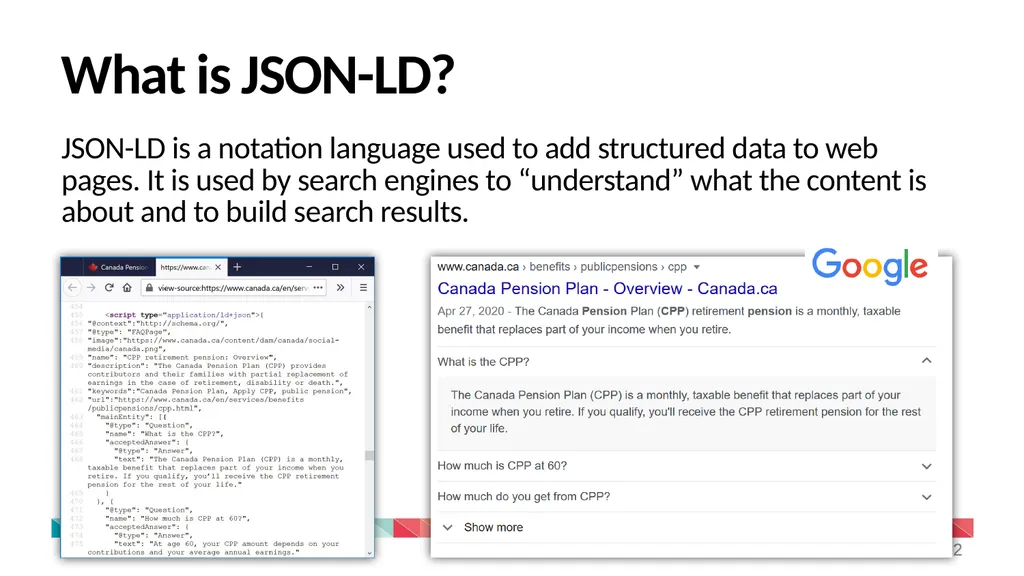
2 2 JSON-LD is a notation language used to add structured data to web pages. It is used by search engines to “understand” what the content is about and to build search results. What is JSON-LD?<br>
03
3 3 AEM does not allow the <script> tag in components (required to add JSON-LD)
Replaces the hacks used as temporary solutions
Makes it easier for institutions to explore with JSON-LD and learn more on how structured data can improve search results Why a new component?<br>
04
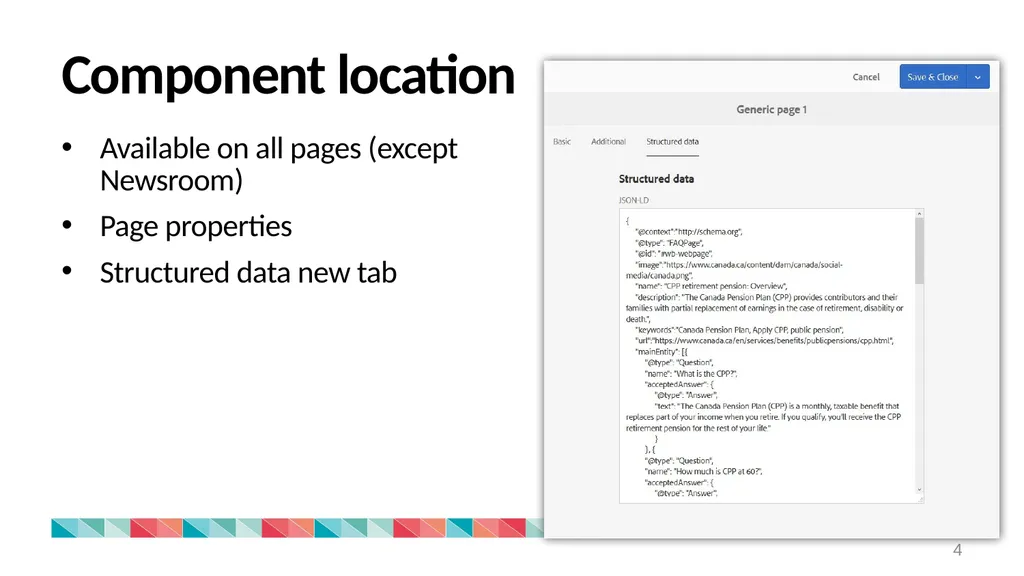
Component location 4 Available on all pages (except Newsroom)
Page properties
Structured data new tab<br>
05
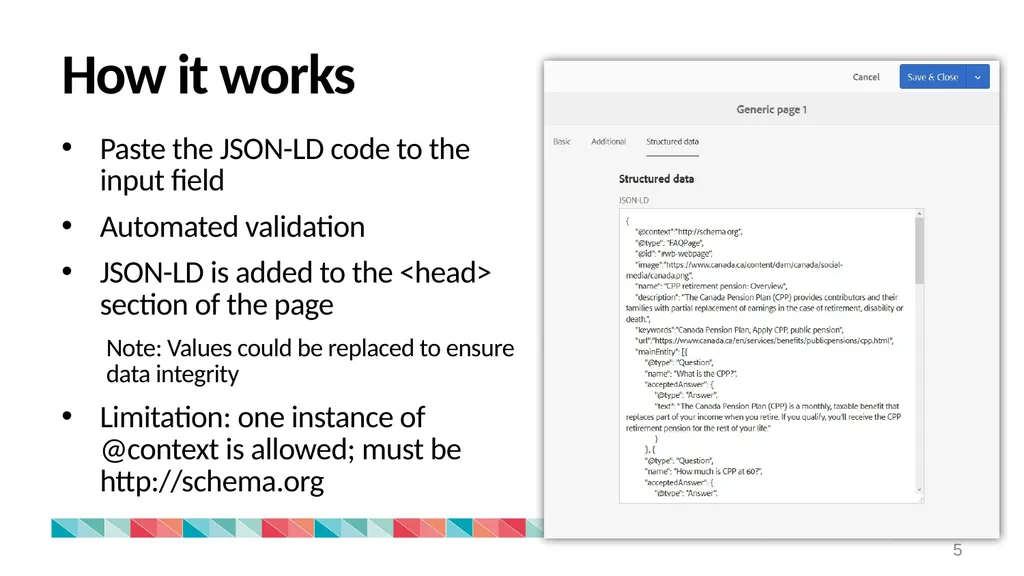
How it works 5 Paste the JSON-LD code to the input field
Automated validation
JSON-LD is added to the <head> section of the page
Note: Values could be replaced to ensure data integrity
Limitation: one instance of @context is allowed; must be http://schema.org<br>
06
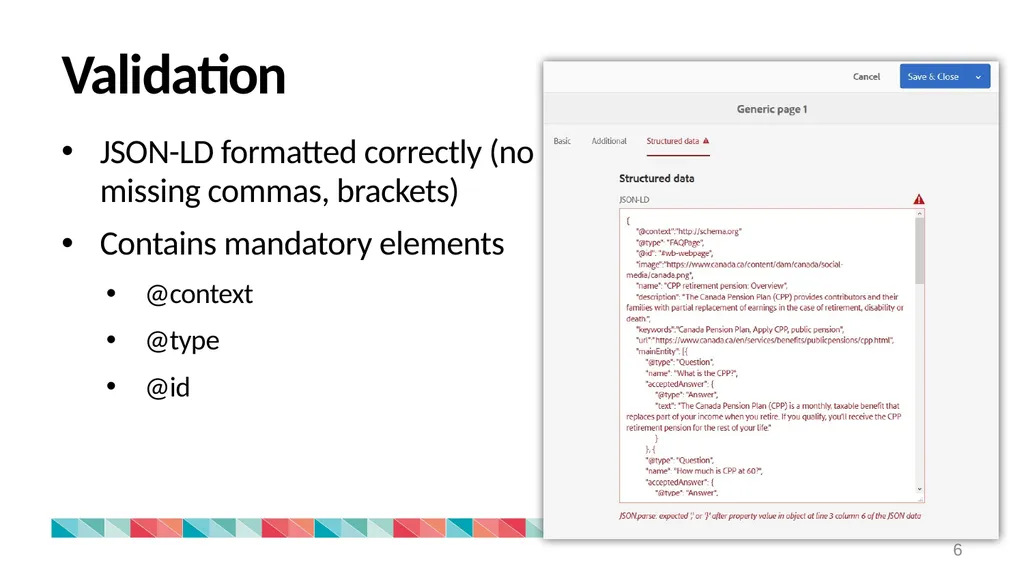
Validation 6 JSON-LD formatted correctly (no missing commas, brackets)
Contains mandatory elements
@context
@type
@id<br>
07
Data integrity 7 On Canada.ca, structured data is also added via WET templates using another notation language called RDFa, with the schema.org vocabulary.
To ensure the integrity of the data, it is important that values assigned using RDFa and JSON-LD do not contradict each other but are written to be complementary.<br>
08
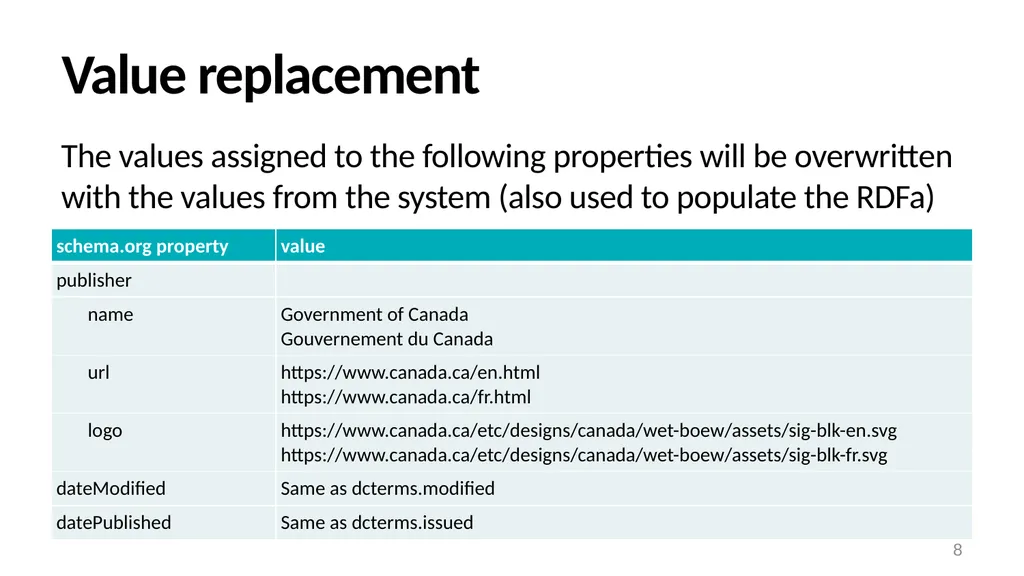
Value replacement 8 The values assigned to the following properties will be overwritten with the values from the system (also used to populate the RDFa)<br>
09
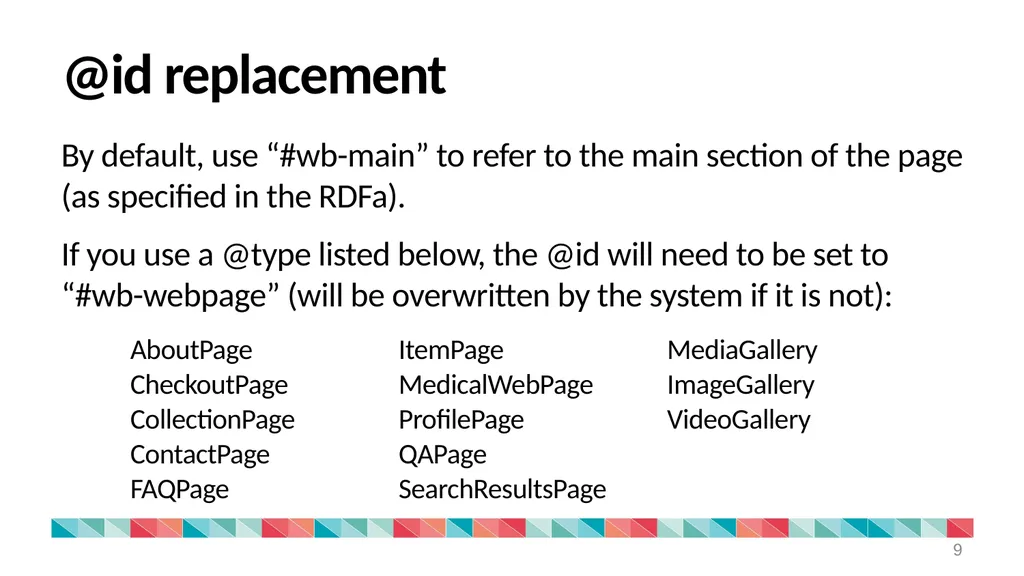
@id replacement 9 By default, use “#wb-main” to refer to the main section of the page (as specified in the RDFa).
If you use a @type listed below, the @id will need to be set to “#wb-webpage” (will be overwritten by the system if it is not):<br>
10
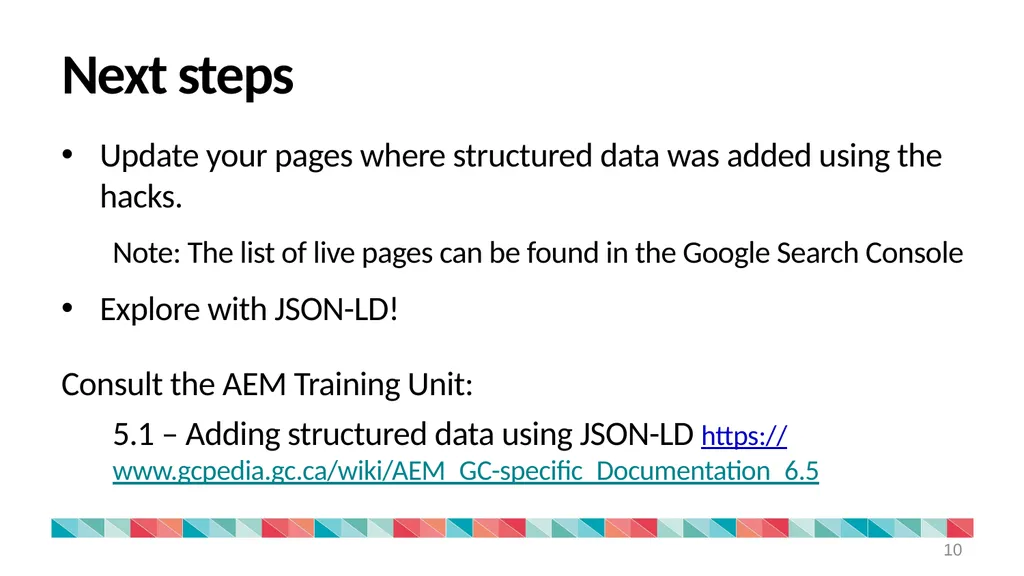
Next steps 10 Update your pages where structured data was added using the hacks.
Note: The list of live pages can be found in the Google Search Console
Explore with JSON-LD!
Consult the AEM Training Unit:
5.1 – Adding structured data using JSON-LD https://www.gcpedia.gc.ca/wiki/AEM_GC-specific_Documentation_6.5<br>
11
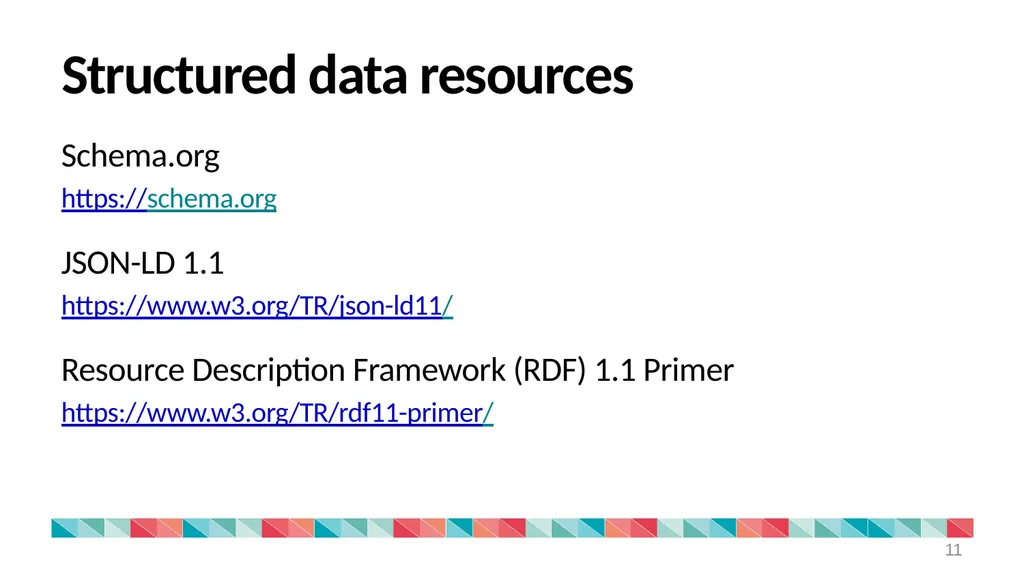
Structured data resources 11 Schema.org
https://schema.org
JSON-LD 1.1
https://www.w3.org/TR/json-ld11/
Resource Description Framework (RDF) 1.1 Primer
https://www.w3.org/TR/rdf11-primer/<br>
12
12 Questions and comments Submit a request via the Principal Publisher Service Desk
http://requestform.portal.gc.ca/tickets.html<br>