Keep Your Computer Clean Sue Kayton October 2015 Keep the computer physically clean Install only the programs you need Minimize the number of startup programs Turn off the computer when not in use Dont yank or pull on cords Physical care
"Keep Your Computer Clean Sue Kayton October 2015" is the property of its rightful owner. Permission is granted to
download and print the materials on this website for personal, non-commercial use only, and to display it
on your personal computer provided you do not modify the materials and that you retain all copyright
notices contained in the materials. By downloading content from our website, you accept the terms of this
agreement.
Presentation Transcript
01
Keep Your Computer Clean Sue Kayton
October 2015<br>
02
Keep the computer physically clean
Install only the programs you need
Minimize the number of startup programs
Turn off the computer when not in use
Don’t yank or pull on cords Physical care of computer<br>
03
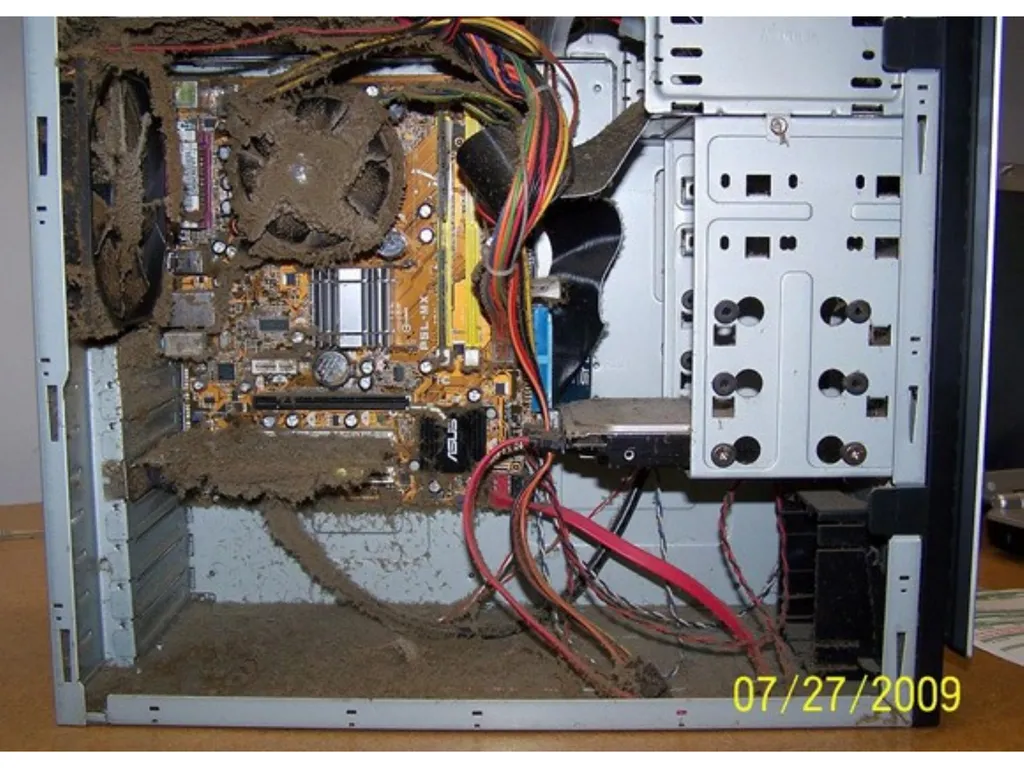
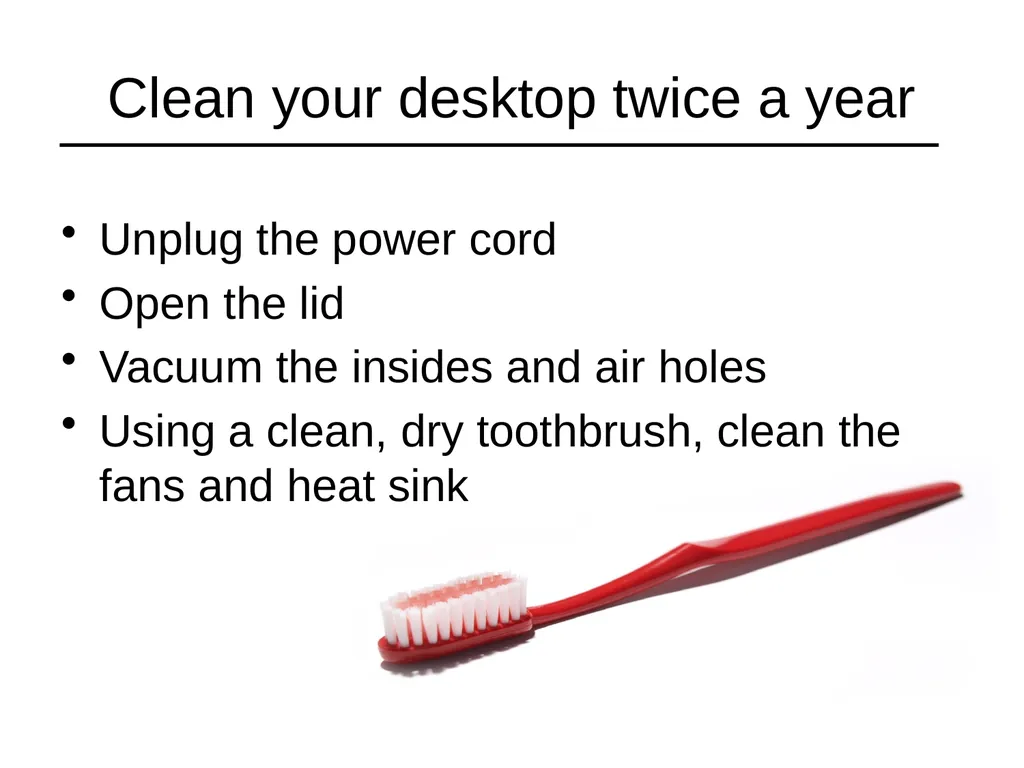
Clean your desktop twice a year Unplug the power cord
Open the lid
Vacuum the insides and air holes
Using a clean, dry toothbrush, clean the fans and heat sink<br>
04
Choosing Passwords Don’t use dictionary words
Mix of letters, numbers and special characters
Some providers require at least one upper case and one lower case letter
Write them down! Write clearly
Distinguish number 1 from letter l
Distinguish letter O from number 0
Distinguish upper case from lower case<br>
05
Password managers Controversial but NOT recommended
Doesn’t protect against theft
Single weakest link
Not practical away from home
You can still forget your password
What’s the point?<br>
06
Why is my computer so slow? Why does it freeze?<br>
07
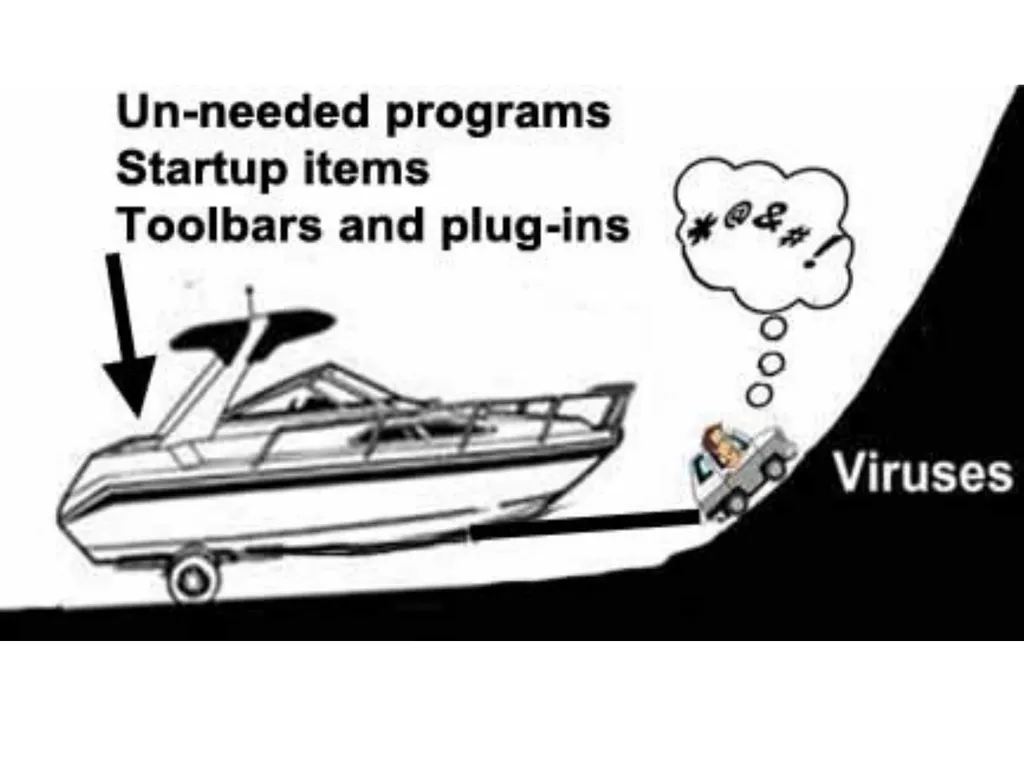
Want a free yacht?<br>
08
There’s a catch<br>
09
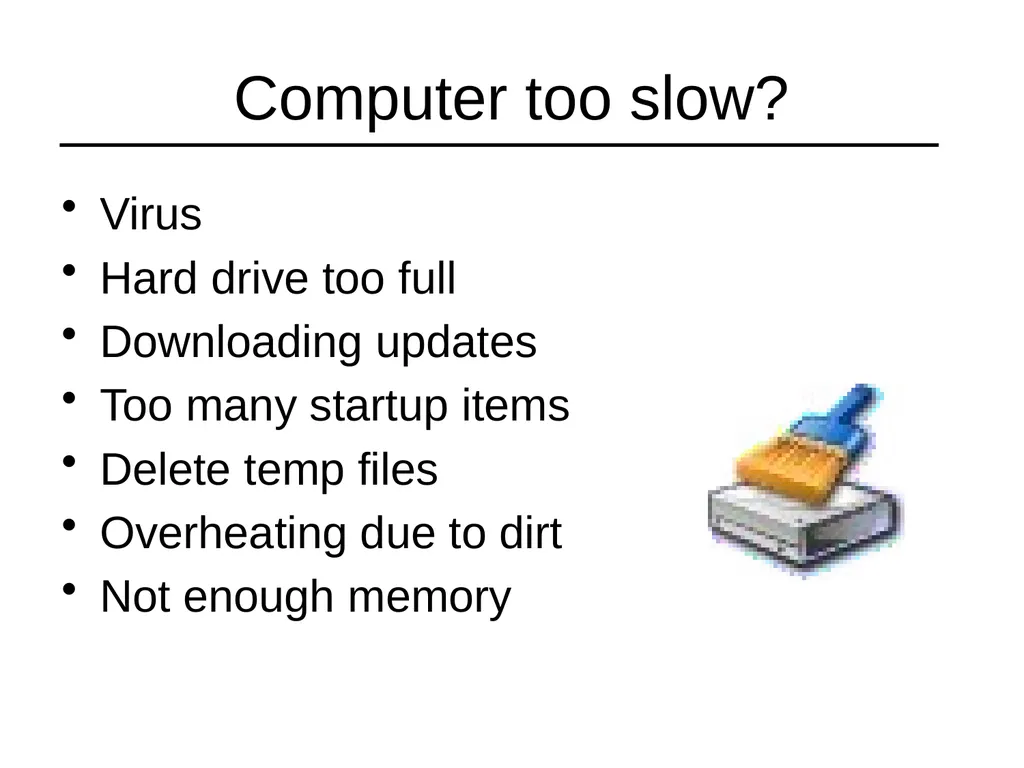
Computer too slow? Virus
Hard drive too full
Downloading updates
Too many startup items
Delete temp files
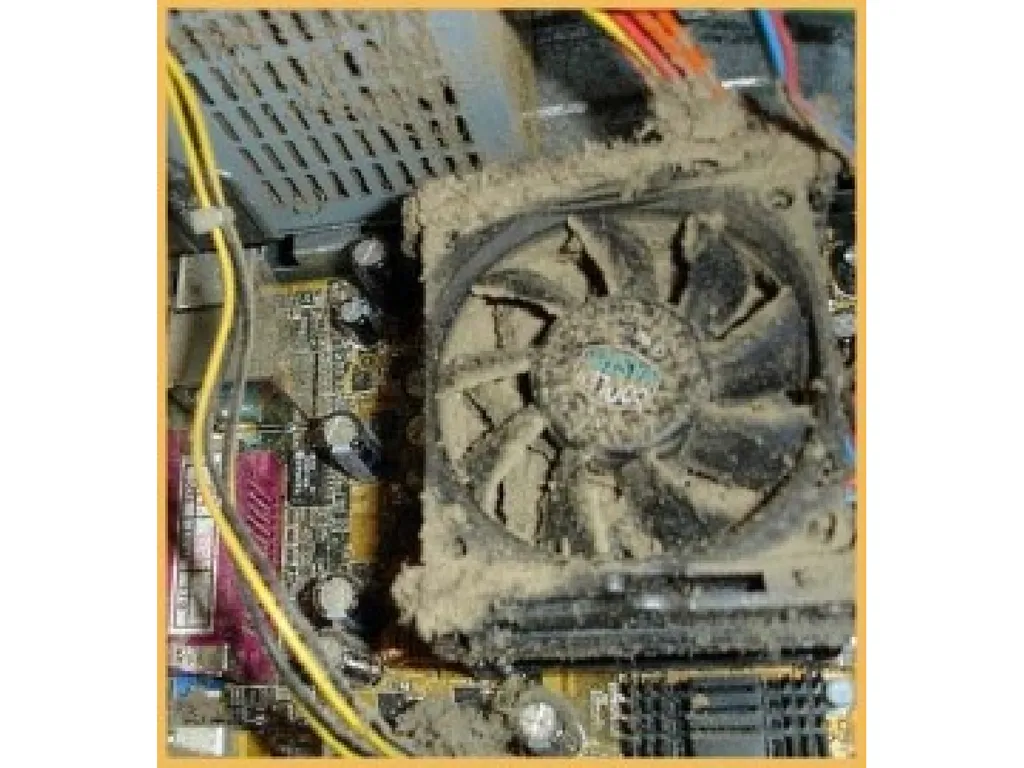
Overheating due to dirt
Not enough memory<br>
10
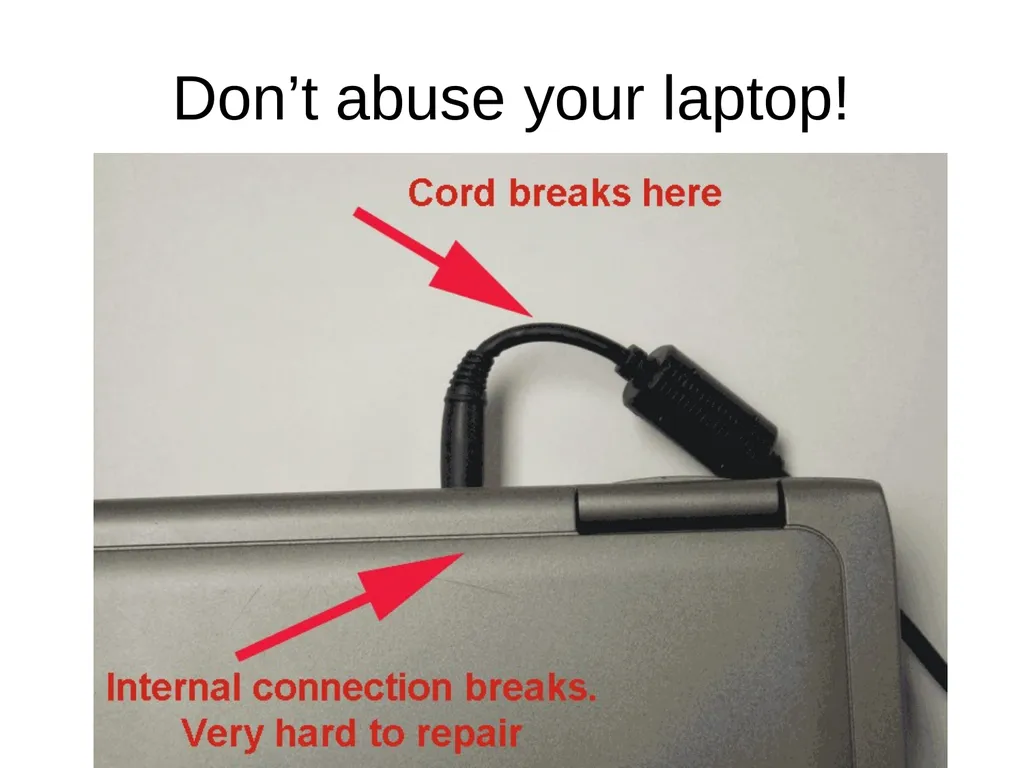
Don’t abuse your laptop!<br>
11
Other laptop precautions Turn off when not being used.
Prop up so air can circulate underneath
Don’t use on soft surface if it has bottom vent holes
Keep food and drink away
Remove CDs and DVDs from drive when not in use<br>
12
Viruses and Malware<br>
13
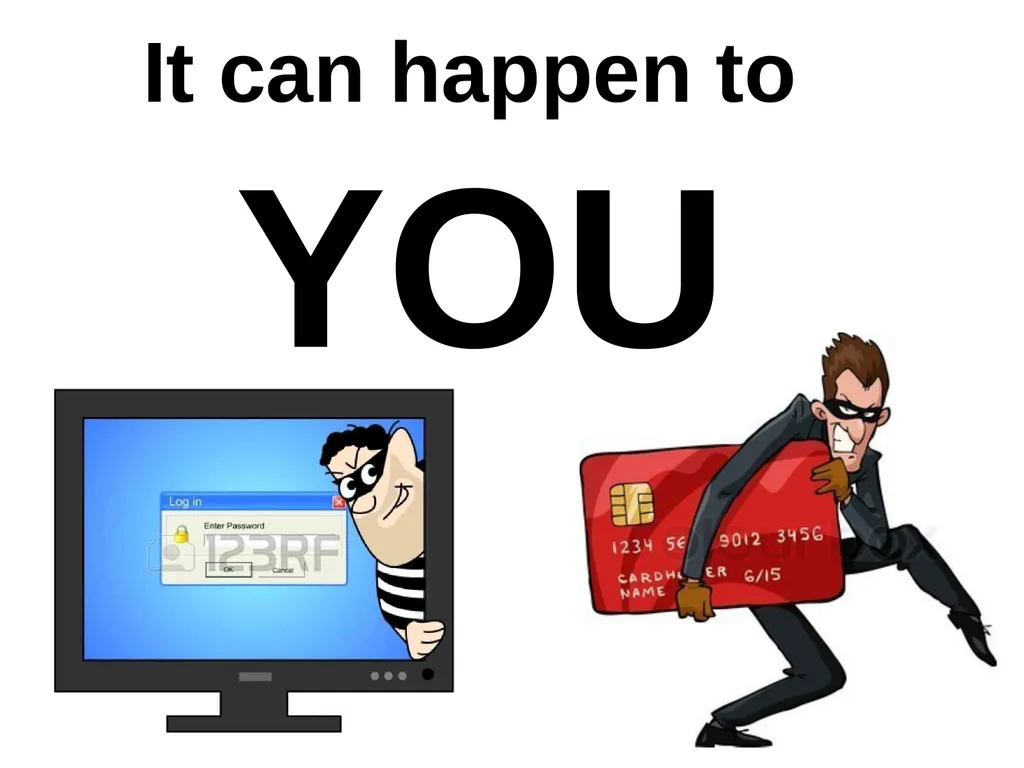
It can happen to YOU<br>
14
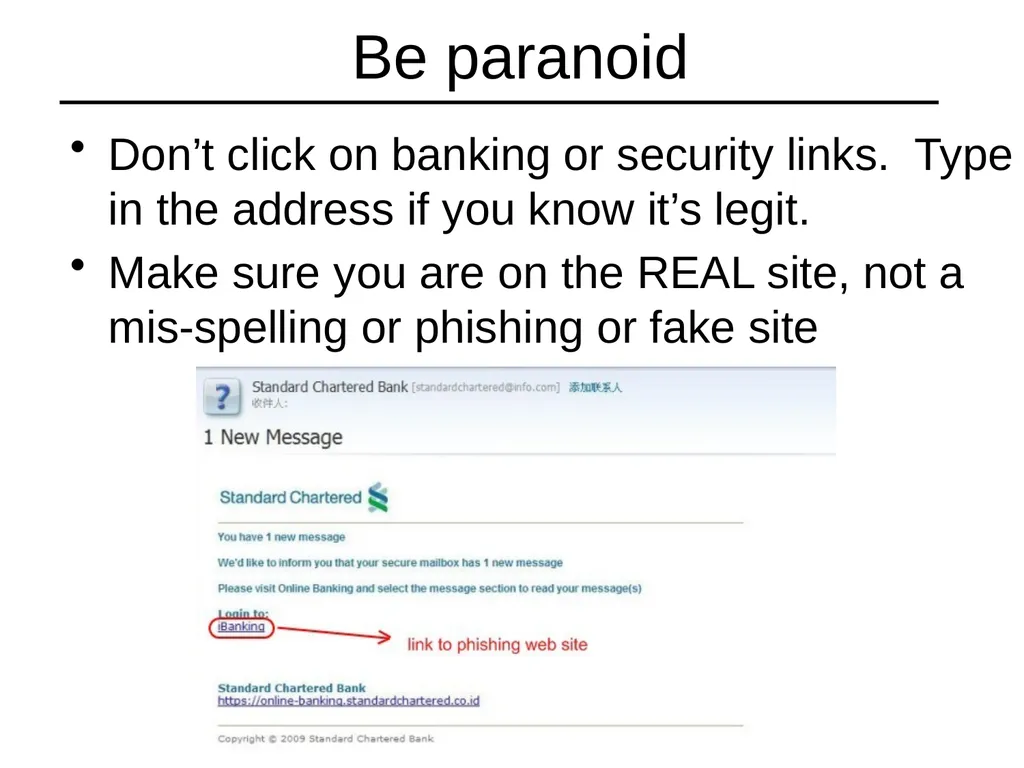
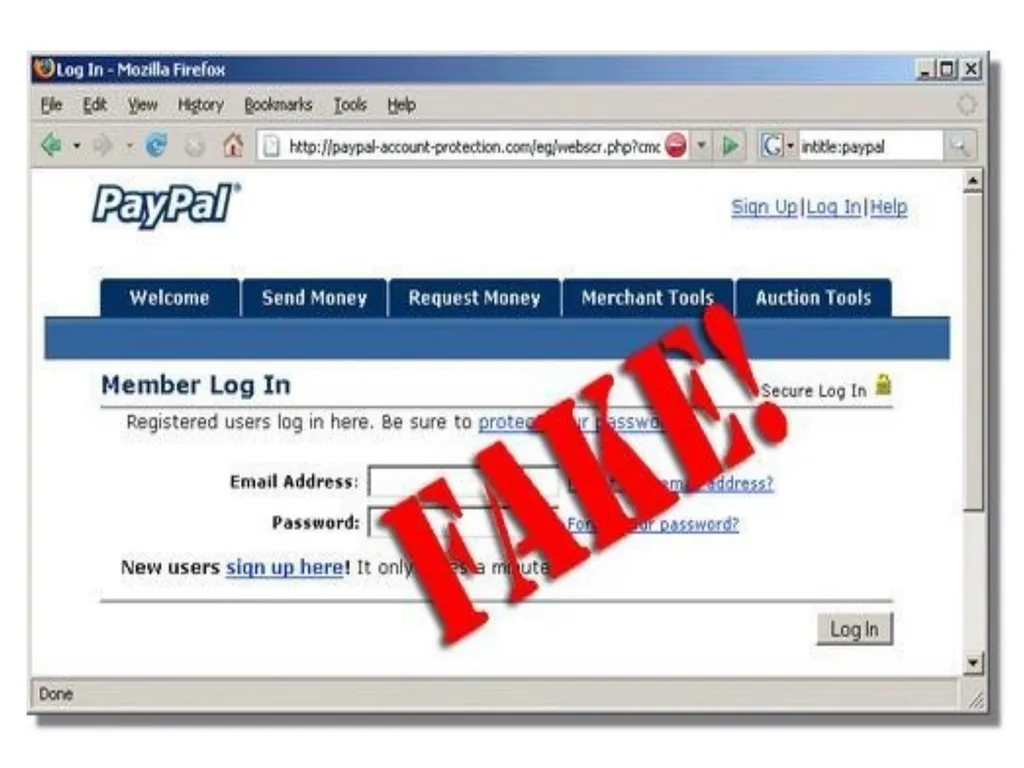
Be paranoid Don’t click on banking or security links. Type in the address if you know it’s legit.
Make sure you are on the REAL site, not a mis-spelling or phishing or fake site<br>
15
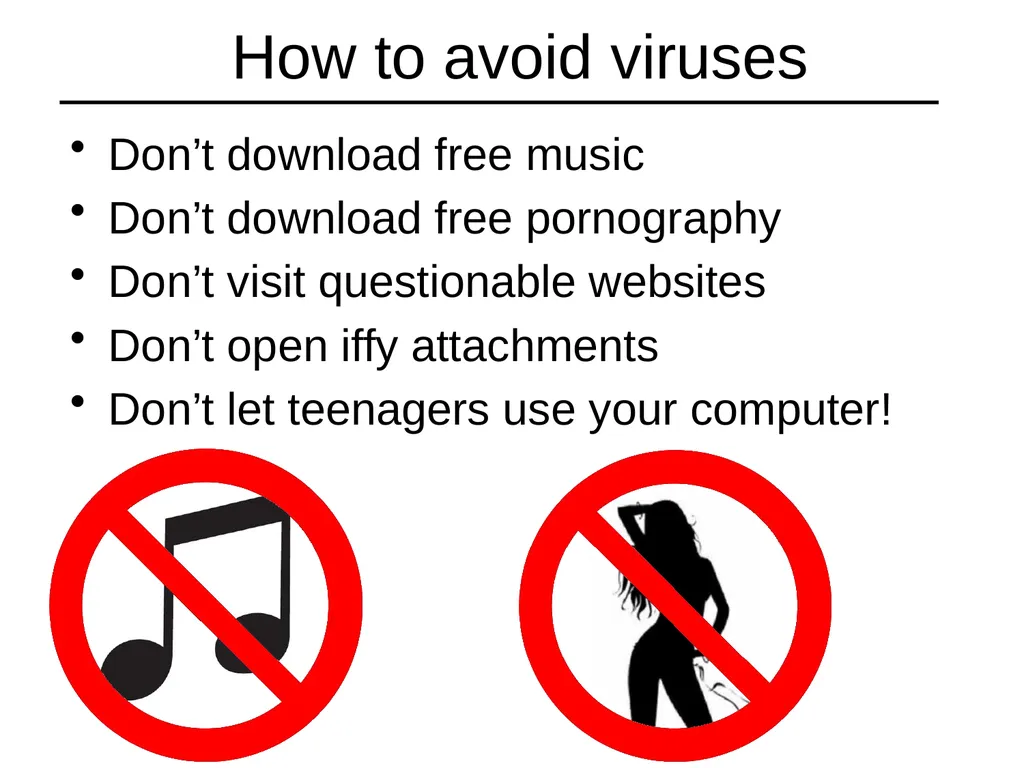
How to avoid viruses Don’t download free music
Don’t download free pornography
Don’t visit questionable websites
Don’t open iffy attachments
Don’t let teenagers use your computer!<br>
16
Real anti-virus programs Recommended
Norton Anti-Virus
McAfee Anti-Virus Plus
Kaspersky Anti-Virus
Symantec Anti-Virus or Endpoint Protection
AVG Anti-Virus Free 2014
Microsoft Defender or Security Essentials
Not recommended
Suites or full protection packages, AVG paid, Panda, Trend, Avira, Avast<br>
17
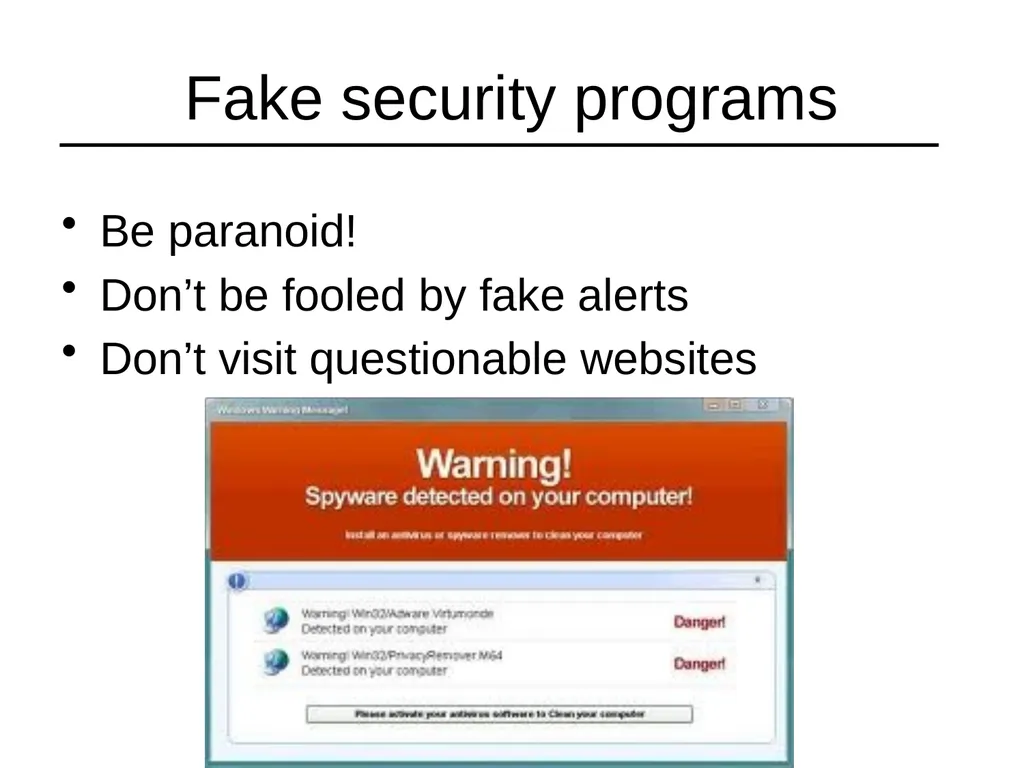
Fake security programs Be paranoid!
Don’t be fooled by fake alerts
Don’t visit questionable websites<br>
18
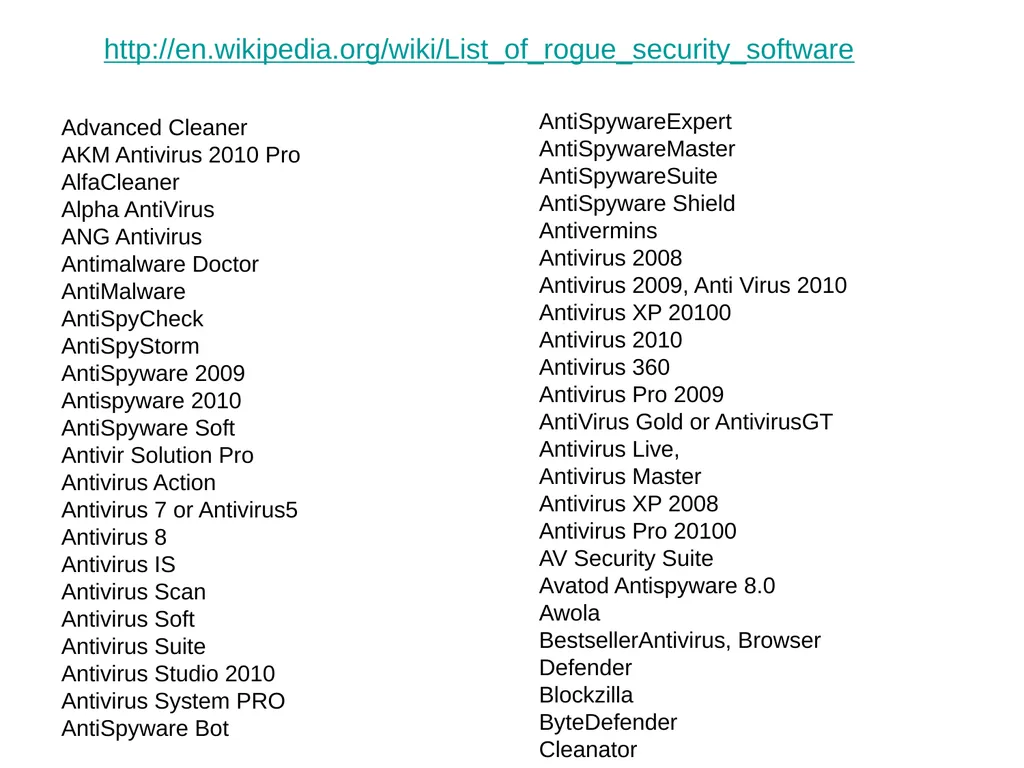
Advanced Cleaner
AKM Antivirus 2010 Pro
AlfaCleaner
Alpha AntiVirus
ANG Antivirus
Antimalware Doctor
AntiMalware
AntiSpyCheck
AntiSpyStorm
AntiSpyware 2009
Antispyware 2010
AntiSpyware Soft
Antivir Solution Pro
Antivirus Action
Antivirus 7 or Antivirus5
Antivirus 8
Antivirus IS
Antivirus Scan
Antivirus Soft
Antivirus Suite
Antivirus Studio 2010
Antivirus System PRO
AntiSpyware Bot AntiSpywareExpert
AntiSpywareMaster
AntiSpywareSuite
AntiSpyware Shield
Antivermins
Antivirus 2008
Antivirus 2009, Anti Virus 2010
Antivirus XP 20100
Antivirus 2010
Antivirus 360
Antivirus Pro 2009
AntiVirus Gold or AntivirusGT
Antivirus Live,
Antivirus Master
Antivirus XP 2008
Antivirus Pro 20100
AV Security Suite
Avatod Antispyware 8.0
Awola
BestsellerAntivirus, Browser Defender
Blockzilla
ByteDefender
Cleanator http://en.wikipedia.org/wiki/List_of_rogue_security_software<br>
19
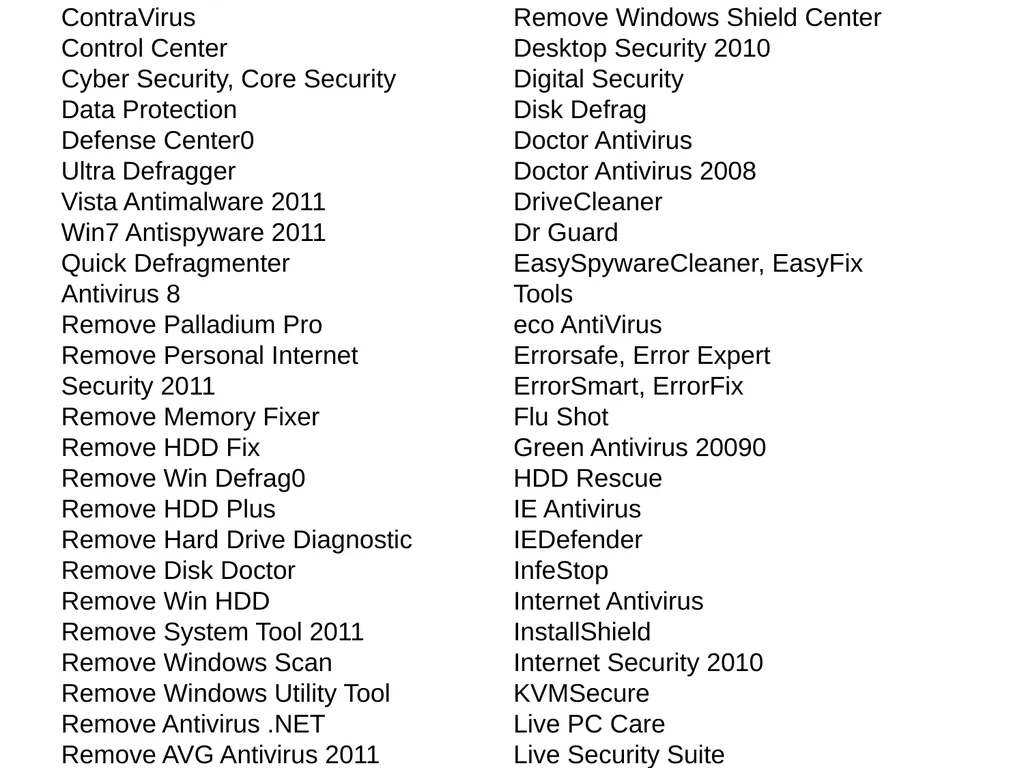
ContraVirus
Control Center
Cyber Security, Core Security
Data Protection
Defense Center0
Ultra Defragger
Vista Antimalware 2011
Win7 Antispyware 2011
Quick Defragmenter
Antivirus 8
Remove Palladium Pro
Remove Personal Internet Security 2011
Remove Memory Fixer
Remove HDD Fix
Remove Win Defrag0
Remove HDD Plus
Remove Hard Drive Diagnostic
Remove Disk Doctor
Remove Win HDD
Remove System Tool 2011
Remove Windows Scan
Remove Windows Utility Tool
Remove Antivirus .NET
Remove AVG Antivirus 2011 Remove Windows Shield Center
Desktop Security 2010
Digital Security
Disk Defrag
Doctor Antivirus
Doctor Antivirus 2008
DriveCleaner
Dr Guard
EasySpywareCleaner, EasyFix Tools
eco AntiVirus
Errorsafe, Error Expert
ErrorSmart, ErrorFix
Flu Shot
Green Antivirus 20090
HDD Rescue
IE Antivirus
IEDefender
InfeStop
Internet Antivirus
InstallShield
Internet Security 2010
KVMSecure
Live PC Care
Live Security Suite<br>
20
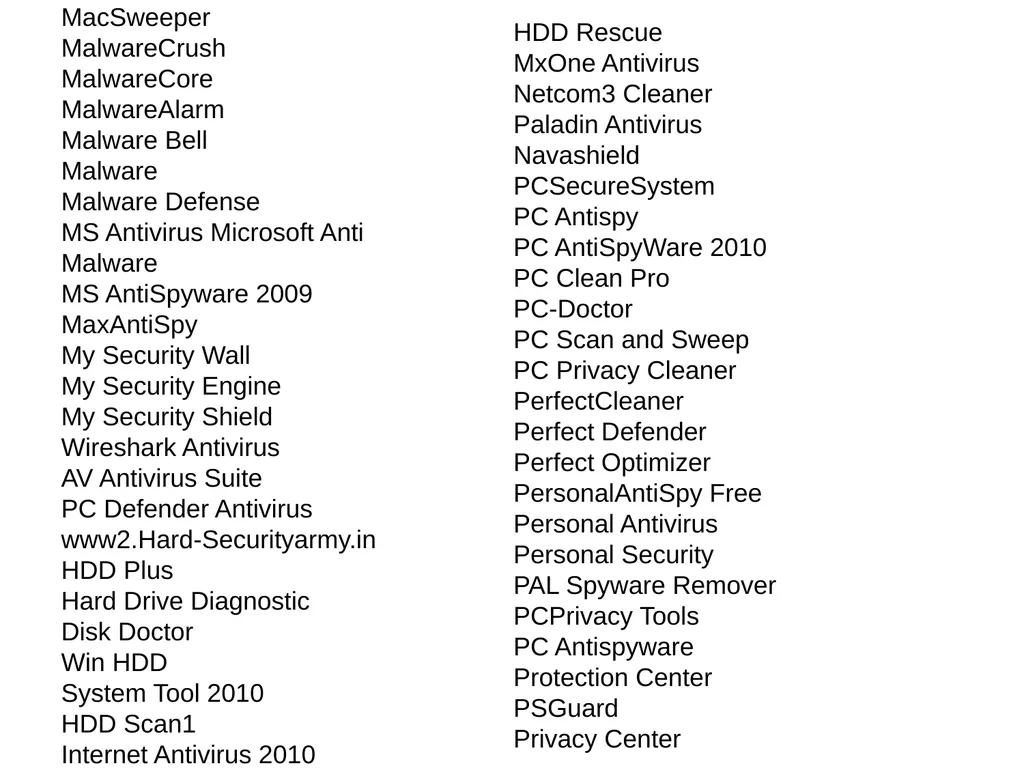
MacSweeper
MalwareCrush
MalwareCore
MalwareAlarm
Malware Bell
Malware
Malware Defense
MS Antivirus Microsoft Anti Malware
MS AntiSpyware 2009
MaxAntiSpy
My Security Wall
My Security Engine
My Security Shield
Wireshark Antivirus
AV Antivirus Suite
PC Defender Antivirus
www2.Hard-Securityarmy.in
HDD Plus
Hard Drive Diagnostic
Disk Doctor
Win HDD
System Tool 2010
HDD Scan1
Internet Antivirus 2010 HDD Rescue
MxOne Antivirus
Netcom3 Cleaner
Paladin Antivirus
Navashield
PCSecureSystem
PC Antispy
PC AntiSpyWare 2010
PC Clean Pro
PC-Doctor
PC Scan and Sweep
PC Privacy Cleaner
PerfectCleaner
Perfect Defender
Perfect Optimizer
PersonalAntiSpy Free
Personal Antivirus
Personal Security
PAL Spyware Remover
PCPrivacy Tools
PC Antispyware
Protection Center
PSGuard
Privacy Center<br>
21
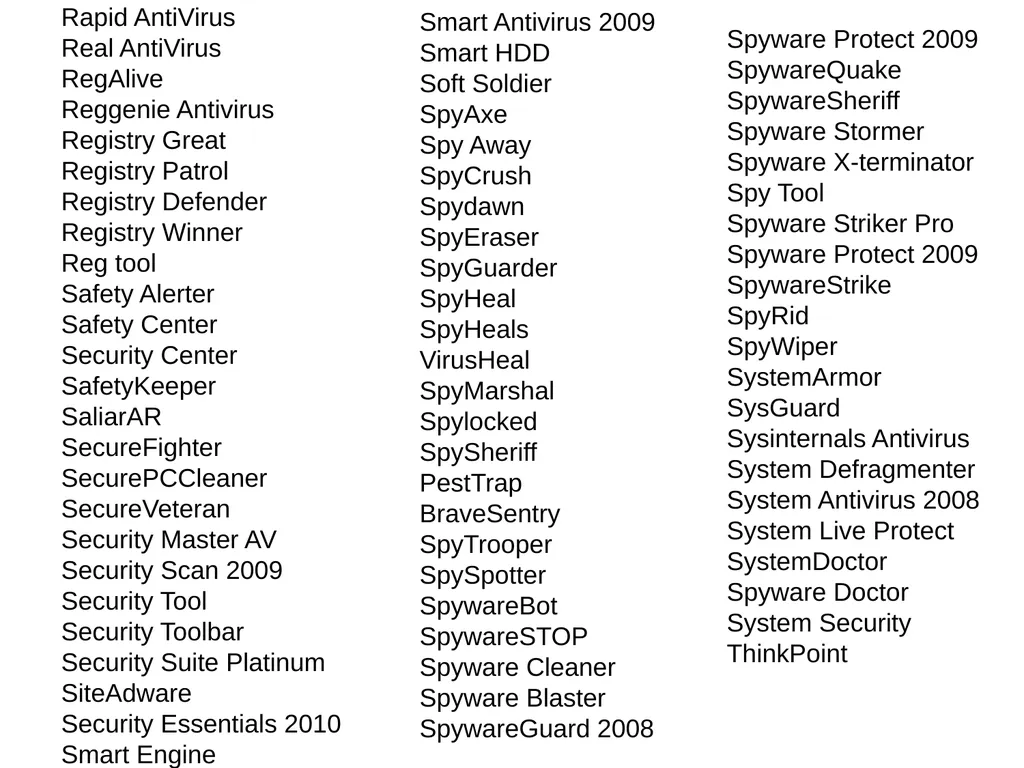
Rapid AntiVirus
Real AntiVirus
RegAlive
Reggenie Antivirus
Registry Great
Registry Patrol
Registry Defender
Registry Winner
Reg tool
Safety Alerter
Safety Center
Security Center
SafetyKeeper
SaliarAR
SecureFighter
SecurePCCleaner
SecureVeteran
Security Master AV
Security Scan 2009
Security Tool
Security Toolbar
Security Suite Platinum
SiteAdware
Security Essentials 2010
Smart Engine Spyware Protect 2009
SpywareQuake
SpywareSheriff
Spyware Stormer
Spyware X-terminator
Spy Tool
Spyware Striker Pro
Spyware Protect 2009
SpywareStrike
SpyRid
SpyWiper
SystemArmor
SysGuard
Sysinternals Antivirus
System Defragmenter
System Antivirus 2008
System Live Protect
SystemDoctor
Spyware Doctor
System Security
ThinkPoint Smart Antivirus 2009
Smart HDD
Soft Soldier
SpyAxe
Spy Away
SpyCrush
Spydawn
SpyEraser
SpyGuarder
SpyHeal
SpyHeals
VirusHeal
SpyMarshal
Spylocked
SpySheriff
PestTrap
BraveSentry
SpyTrooper
SpySpotter
SpywareBot
SpywareSTOP
Spyware Cleaner
Spyware Blaster
SpywareGuard 2008<br>
22
Parental control software K-9 BlueCoat is free
Control hours of internet use
Control types of internet access
www.k9webprotection.com<br>
23
Keep Your Computer Clean Sue Kayton
October 2015<br>