04
Where do I get LaTeX? Easiest Method: Use online LaTeX editor Overleaf.
https://www.overleaf.com
Overleaf is free for our purposes. Upgraded monthly plans allow collaboration with more than one person and a few additional features, but you will not need that for this project.
Note: If you ever used Sharelatex, it has merged with Overleaf.
If you choose to create your document using offline tools, you will need both a LaTeX client and a LaTeX Compiler.
You are on your own for installation and support.<br>
05
Finding an IEEE class file First, what is a class file?
A class file is a set of document specifications such as formatting information, font styles, etc.
For this assignment, download and unzip:
http://people.ucsc.edu/~gmoulds/latex_185.zip<br>
06
Using the IEEE class file and template After you unzip “latex_185.zip”, it should create the folder “latex_185”
Contains files:
IEEEtran.cls (class file)
latex_185_moulds_g.tex (.tex starting template)
latex_185_moulds_g.tex (sample PDF)
latex_sample_packages.tex (packages .tex file)
slug.pdf (sample image file)
Titration_Plot.pdf (sample data for graph)
CMPE185_LaTeX_Requirements.pdf (requirement list)<br>
07
Saving and Submitting Once you open the .tex file, rename your file:
latex_185_last name_first initial.tex
With your Rough and Final Drafts, submit a pdf of the final tutorial, your .tex file, and the titration image file to Canvas.
Peer editors only need to evaluate the pdf file.<br>
08
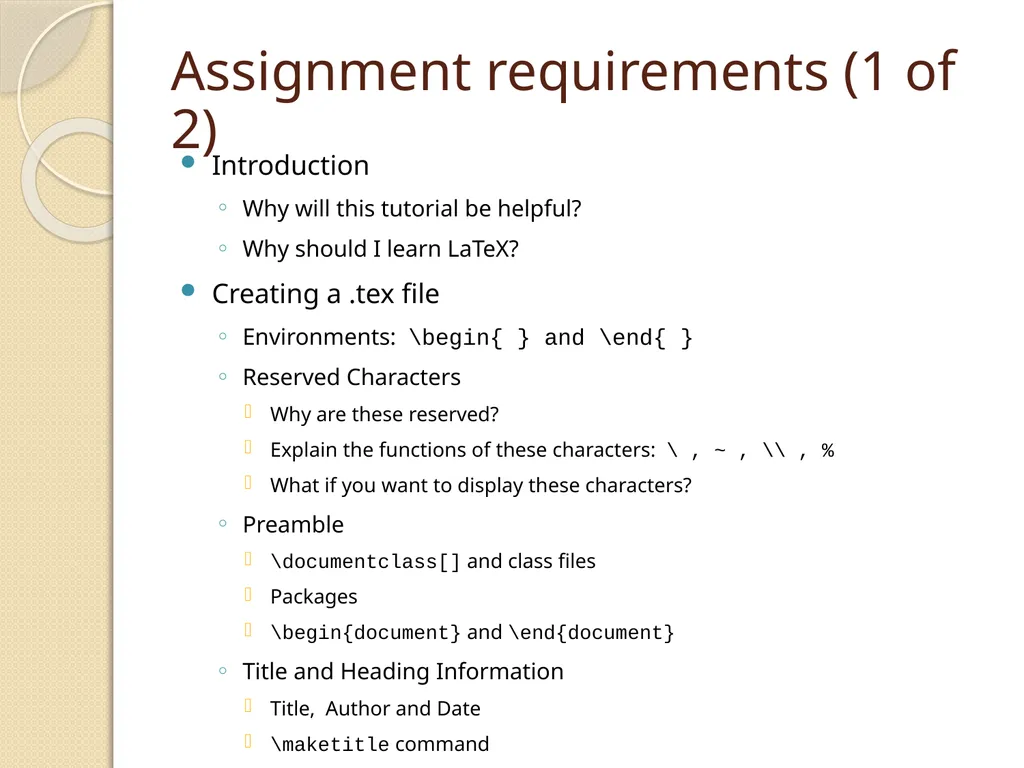
Assignment requirements (1 of 2) Introduction
Why will this tutorial be helpful?
Why should I learn LaTeX?
Creating a .tex file
Environments: \begin{ } and \end{ }
Reserved Characters
Why are these reserved?
Explain the functions of these characters: \ , ~ , \\ , %
What if you want to display these characters?
Preamble
\documentclass[] and class files
Packages
\begin{document} and \end{document}
Title and Heading Information
Title, Author and Date
\maketitle command<br>
09
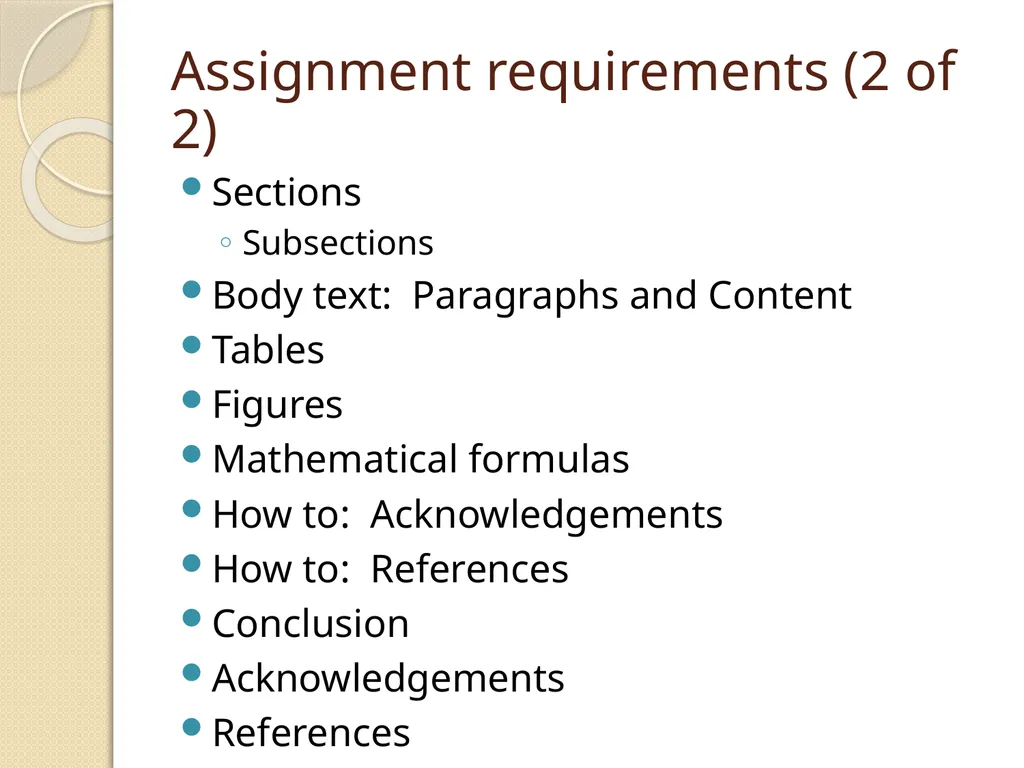
Assignment requirements (2 of 2) Sections
Subsections
Body text: Paragraphs and Content
Tables
Figures
Mathematical formulas
How to: Acknowledgements
How to: References
Conclusion
Acknowledgements
References<br>
10
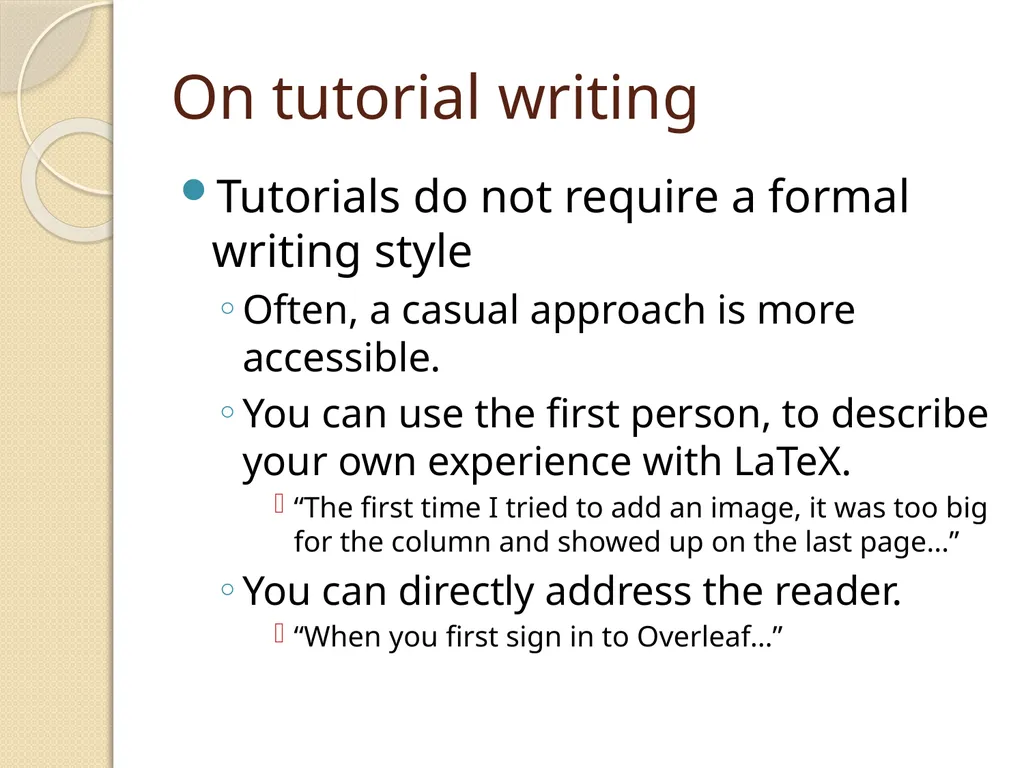
On tutorial writing Tutorials do not require a formal writing style
Often, a casual approach is more accessible.
You can use the first person, to describe your own experience with LaTeX.
“The first time I tried to add an image, it was too big for the column and showed up on the last page…”
You can directly address the reader.
“When you first sign in to Overleaf…”<br>
11
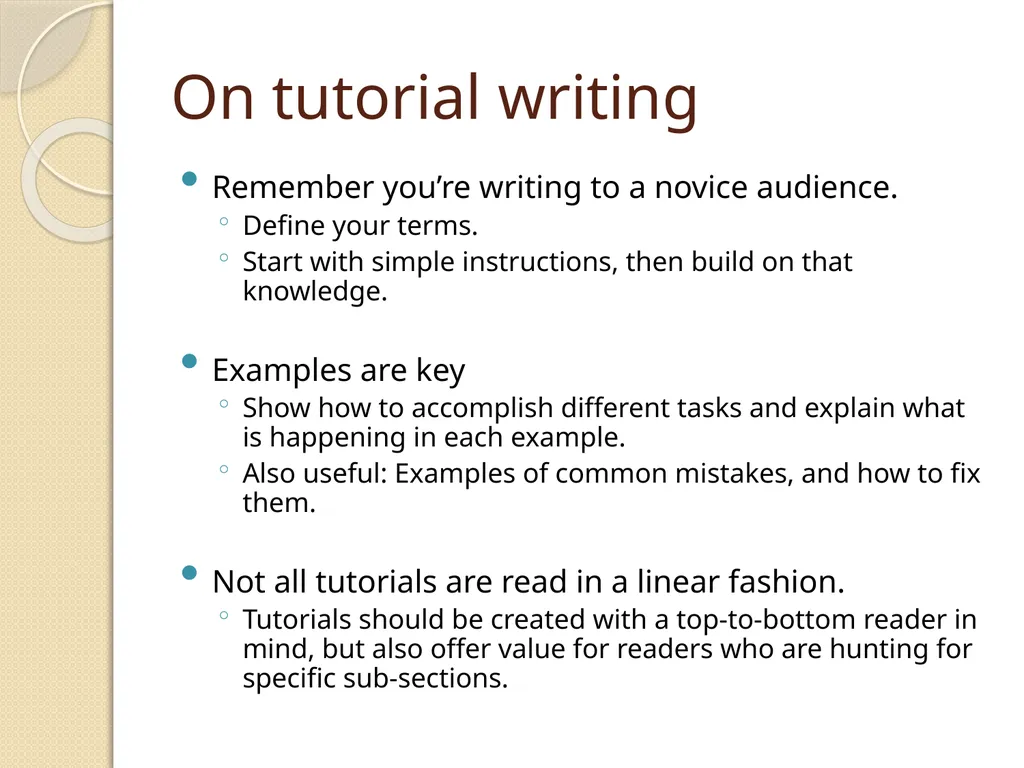
On tutorial writing Remember you’re writing to a novice audience.
Define your terms.
Start with simple instructions, then build on that knowledge.
Examples are key
Show how to accomplish different tasks and explain what is happening in each example.
Also useful: Examples of common mistakes, and how to fix them.
Not all tutorials are read in a linear fashion.
Tutorials should be created with a top-to-bottom reader in mind, but also offer value for readers who are hunting for specific sub-sections.<br>
12
Creating Objectives in your Tutorial This isn’t a strict requirement of tutorials, but people often learn better when they’re working towards a specific goal.
“Let’s write a simple 1-3 page class paper in LaTeX, using section headings, figures, tables…”
You can even build a narrative story:
“You’ve already written a 3-page report to send to your PI tomorrow, but she suddenly asks you to write it up in LaTeX. What do you do? Where do you start?”
This can make your tutorial more linear, but that may be a worthwhile trade-off.<br>
13
Common problems to avoid Provide a meaningful introduction, considering your audience’s perspective.
Use your own words, do not copy from the sample template.
Be sure to include all the requirements, but don’t treat the requirements list as an outline.
You have to meet these requirements, but not necessarily in the same order.<br>
14
Table Section Explain the difference between
\begin{table} and \begin{tabular}
Explain the following characters/symbols:
l, c, r, | (vertical bar), \hline, \\
Explain how to enter content.
Use an example table showing how to create a table at least 2 columns wide and 3 rows long.<br>
15
Figure Section Create a graph using the titration lab data found in the “Titration_Plot.pdf” file from the zip folder.
You can plot the data in any medium: Microsoft Excel, MATLAB, or even LaTeX.
Explain how you included the graph into your tutorial.<br>
16
Figure section (continued) Explain \includegraphics[ ]{ }
Include a meaningful caption, explaining the data presented.
What conclusions can be made?
Don’t just state the obvious.
Why is the image notable?<br>
17
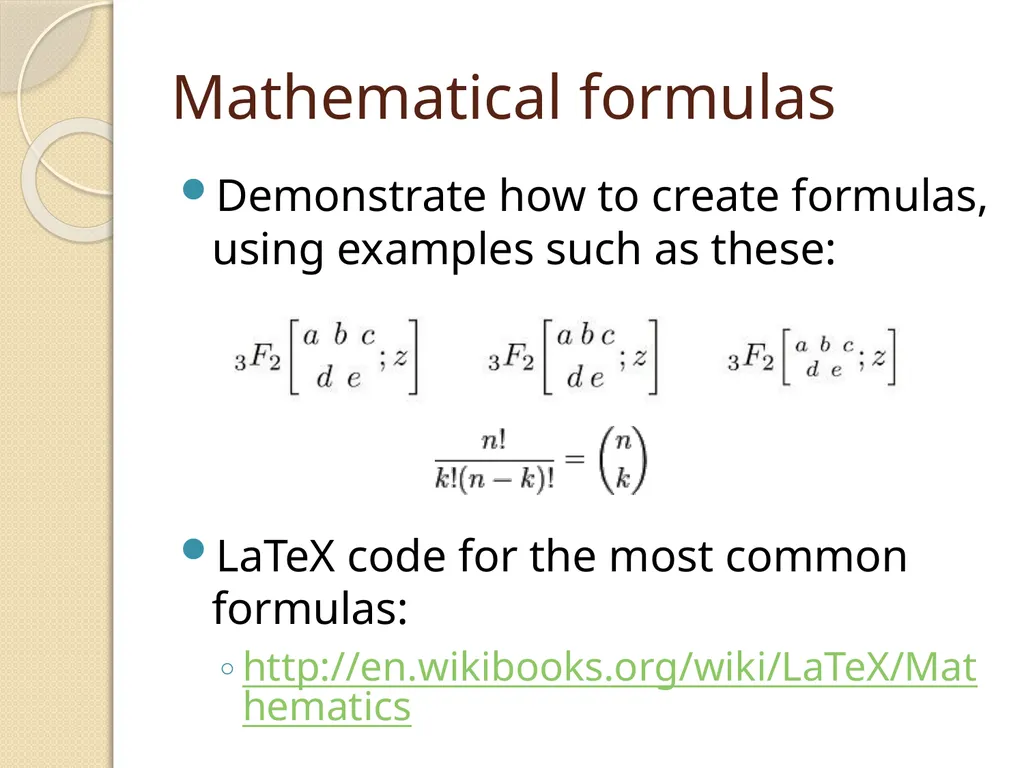
Mathematical formulas Demonstrate how to create formulas, using examples such as these:
LaTeX code for the most common formulas:
http://en.wikibooks.org/wiki/LaTeX/Mathematics<br>
18
Mathematical formulas (continued) Demonstrate:
Equation environments (in-line vs. display)
Symbols (example: “\delta” ∆ )
Fractions
Superscript and Subscript<br>
19
How to: References Demonstrate how to set up the thebibliography environment
Explain how to include each bibitem
Explain the following commands:
\label
\ref
\cite
Note: It will be helpful to use a previous figure as an example for \label and \ref<br>
20
How to: Acknowledgements Demonstrate how to include this section.
Note: this is different from including your own Acknowledgements section
What is this section for?<br>
21
Acknowledgements and References For acknowledgements, thank anyone who personally helped you with this assignment.
If you read a general tutorial or watched an instructional YouTube video on LaTeX, but didn’t specifically reference it, thank the creators.
If you received help from a current CMPE 185 student, let us know.
Anything you do specifically reference should, of course, be cited and included in the References section.<br>