Learning to Program in Python Concept 2 Basic IO - Turtle Graphics Learning Intentions From this lesson the students will be able to: Create 2 or more instances of a turtle Make turtles draw patterns Understand terms such as Module, Import,
"Learning to Program in Python Concept 2 Basic IO -" is the property of its rightful owner. Permission is granted to
download and print the materials on this website for personal, non-commercial use only, and to display it
on your personal computer provided you do not modify the materials and that you retain all copyright
notices contained in the materials. By downloading content from our website, you accept the terms of this
agreement.
Presentation Transcript
01
Learning to Program in Python Concept 2
Basic IO - Turtle Graphics<br>
02
Learning Intentions From this lesson the students will be able to:
Create 2 or more instances of a turtle
Make turtles draw patterns
Understand terms such as Module, Import, Class, Object, Attributes.<br>
03
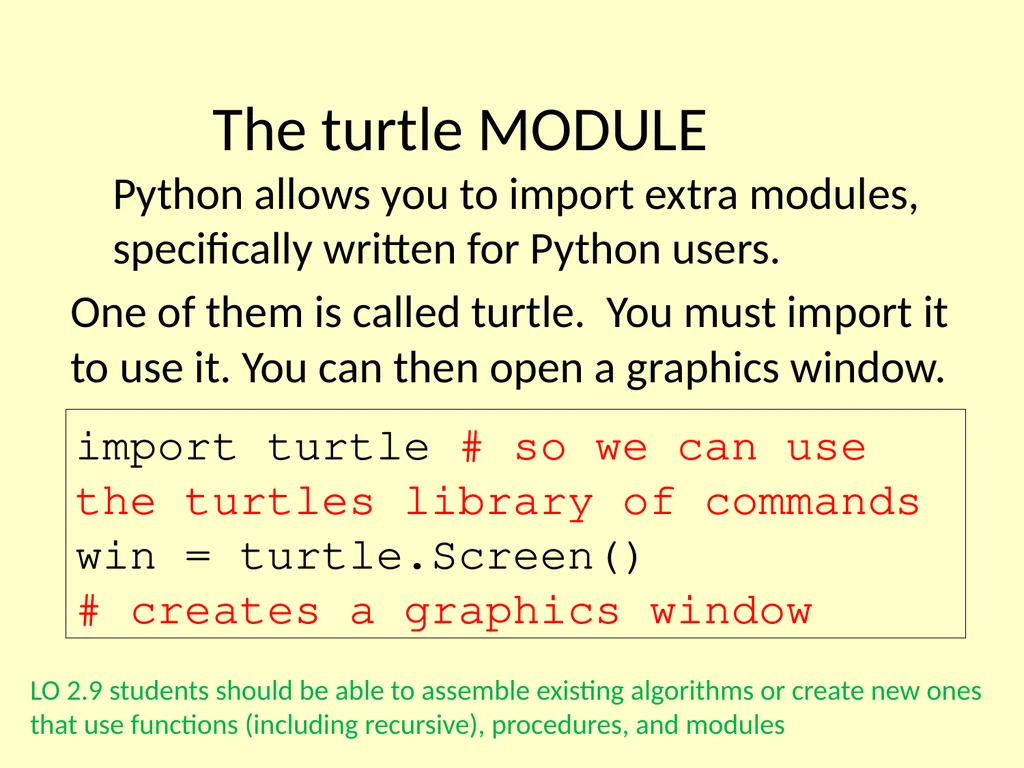
The turtle MODULE Python allows you to import extra modules, specifically written for Python users. One of them is called turtle. You must import it to use it. You can then open a graphics window. import turtle # so we can use the turtles library of commands
win = turtle.Screen()
# creates a graphics window LO 2.9 students should be able to assemble existing algorithms or create new ones that use functions (including recursive), procedures, and modules<br>
04
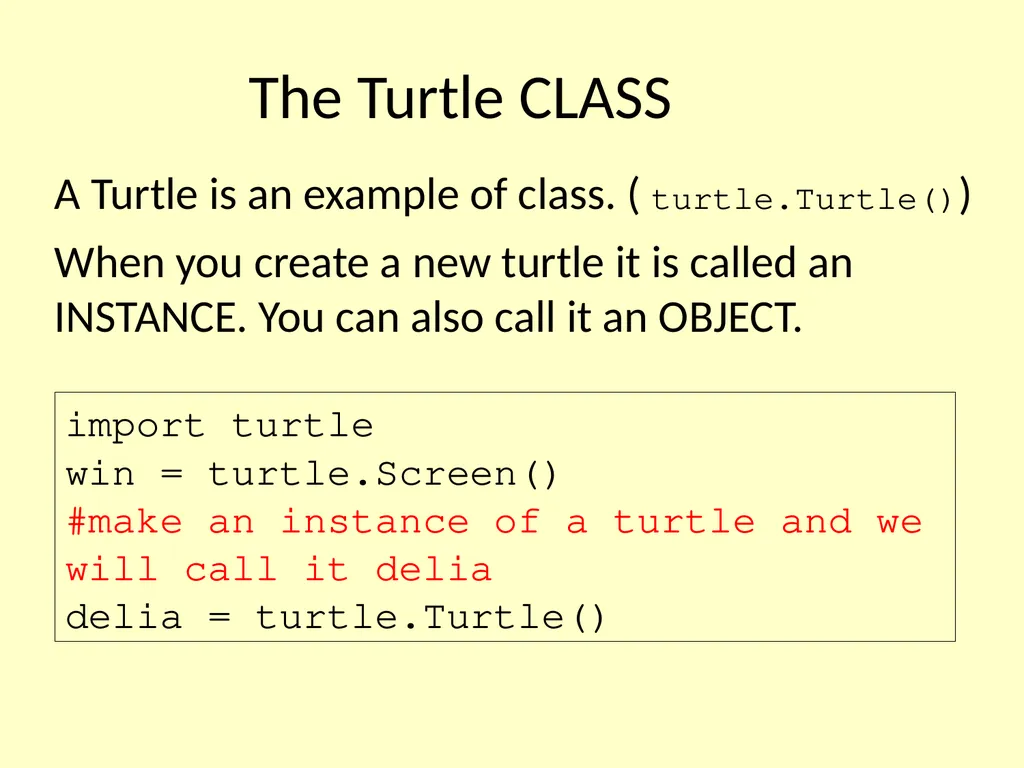
The Turtle CLASS A Turtle is an example of class. ( turtle.Turtle()) When you create a new turtle it is called an INSTANCE. You can also call it an OBJECT. import turtle
win = turtle.Screen()
#make an instance of a turtle and we will call it delia
delia = turtle.Turtle()<br>
05
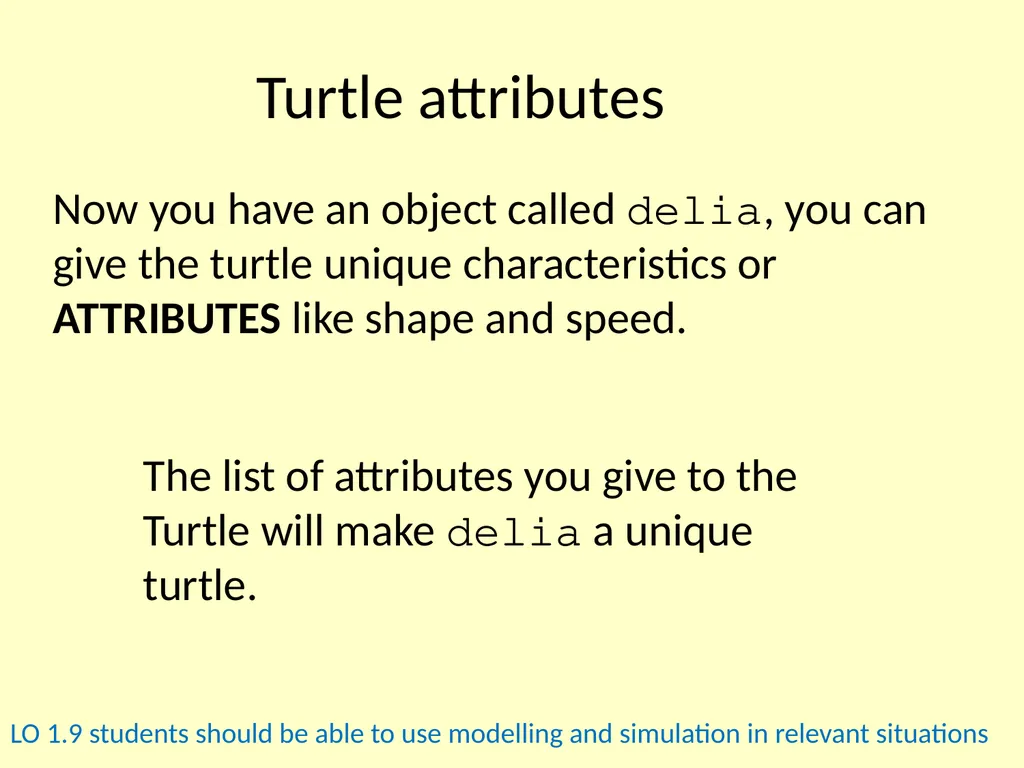
Turtle attributes Now you have an object called delia, you can give the turtle unique characteristics or ATTRIBUTES like shape and speed. The list of attributes you give to the Turtle will make delia a unique turtle. LO 1.9 students should be able to use modelling and simulation in relevant situations<br>
06
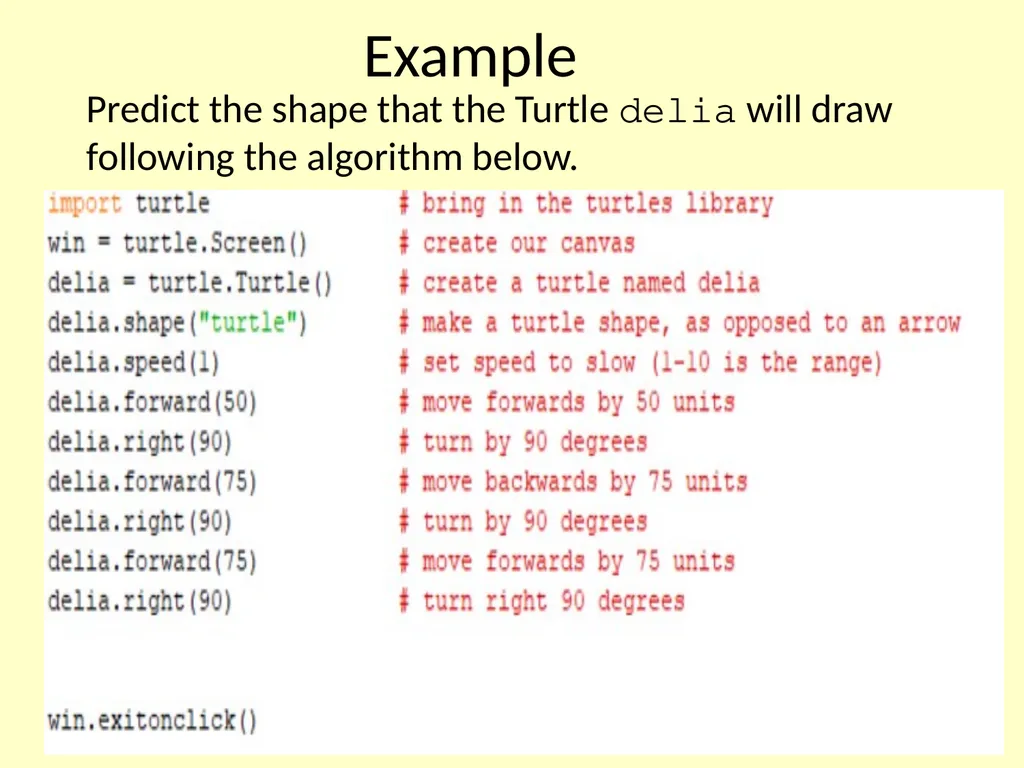
Example Predict the shape that the Turtle delia will draw following the algorithm below.<br>
07
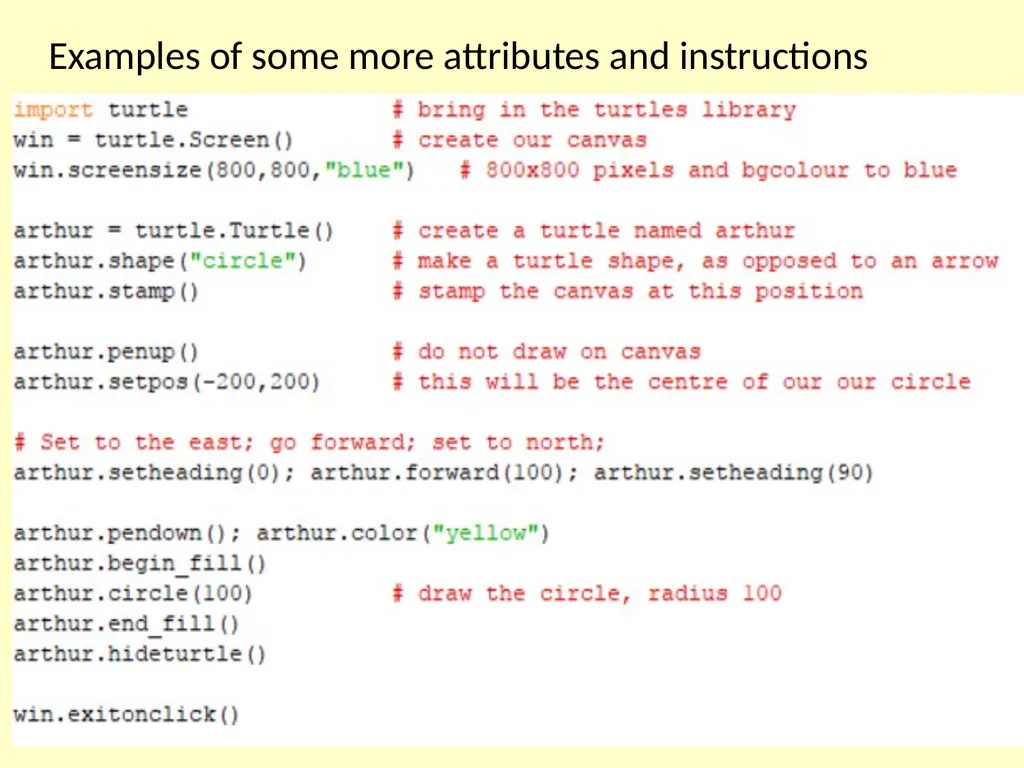
Examples of some more attributes and instructions<br>
08
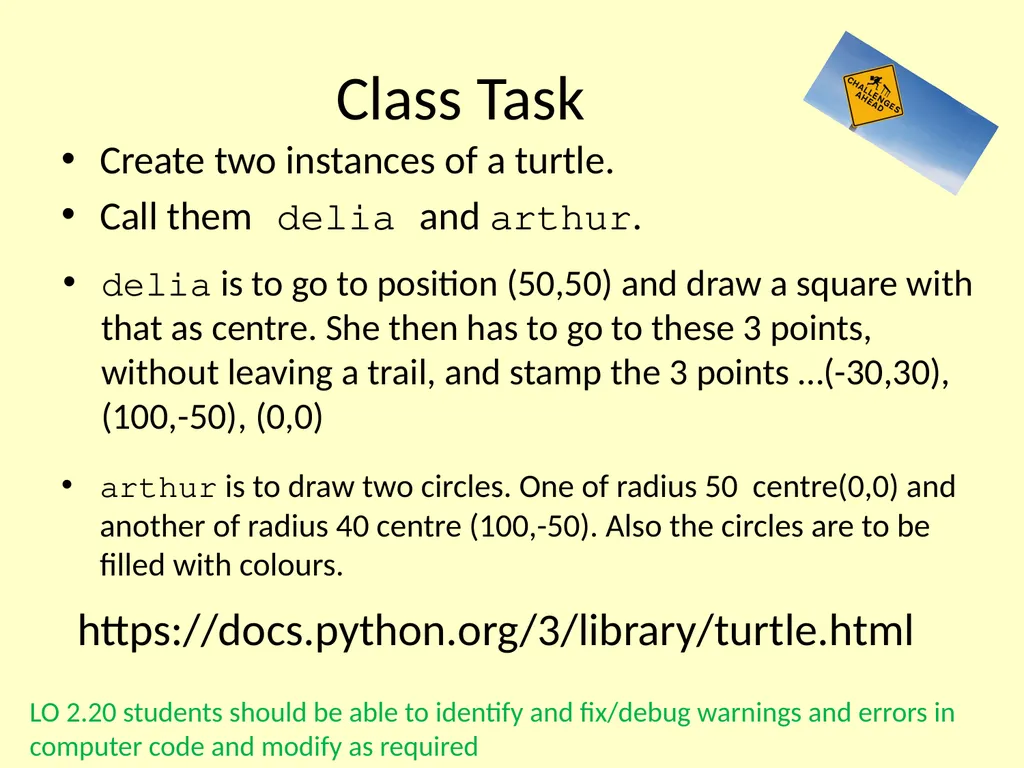
Class Task Create two instances of a turtle.
Call them delia and arthur. https://docs.python.org/3/library/turtle.html delia is to go to position (50,50) and draw a square with that as centre. She then has to go to these 3 points, without leaving a trail, and stamp the 3 points …(-30,30), (100,-50), (0,0) arthur is to draw two circles. One of radius 50 centre(0,0) and another of radius 40 centre (100,-50). Also the circles are to be filled with colours. LO 2.20 students should be able to identify and fix/debug warnings and errors in computer code and modify as required<br>
09
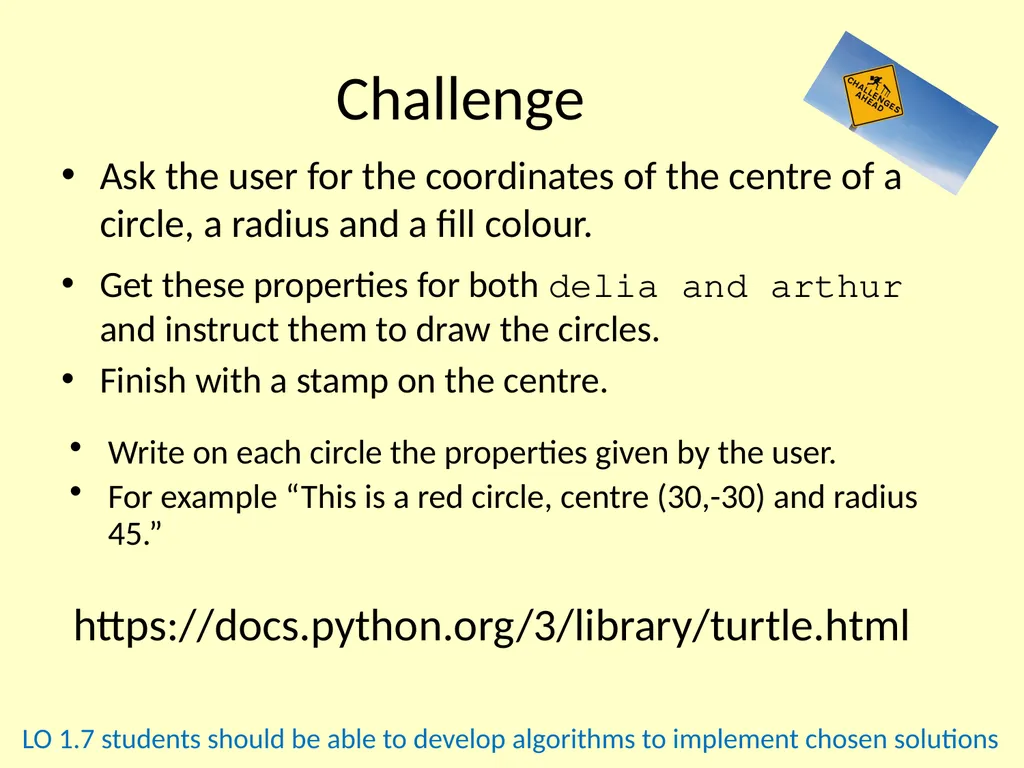
Challenge Ask the user for the coordinates of the centre of a circle, a radius and a fill colour. https://docs.python.org/3/library/turtle.html Get these properties for both delia and arthur and instruct them to draw the circles.
Finish with a stamp on the centre. Write on each circle the properties given by the user.
For example “This is a red circle, centre (30,-30) and radius 45.” LO 1.7 students should be able to develop algorithms to implement chosen solutions<br>
10
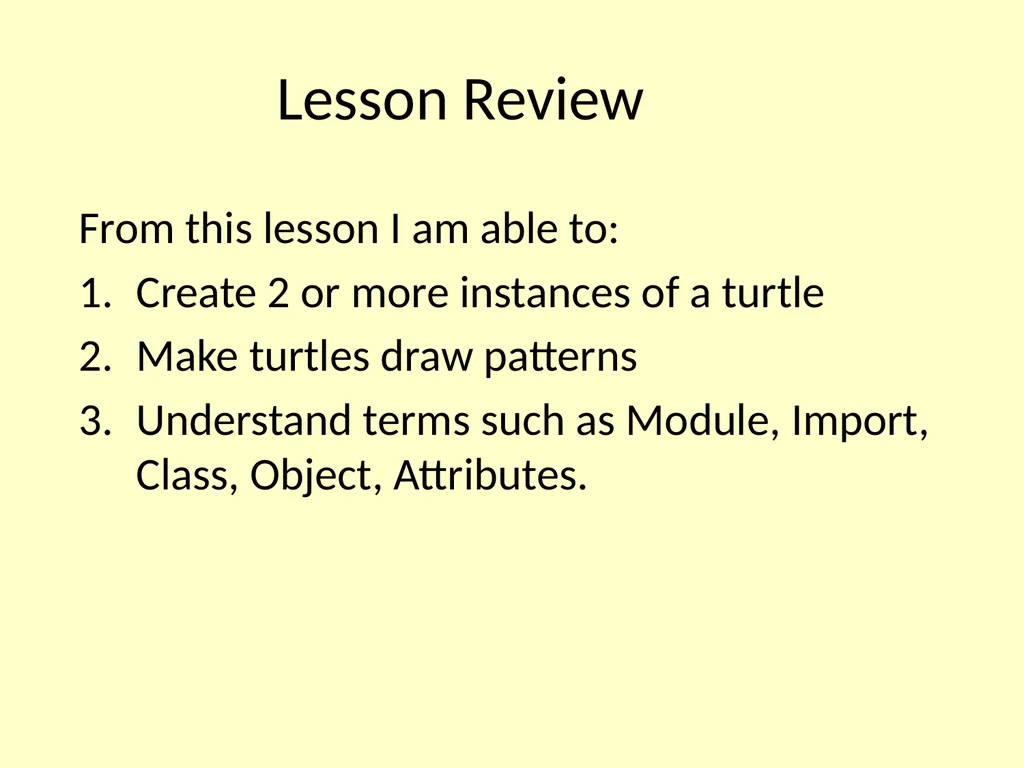
Lesson Review From this lesson I am able to:
Create 2 or more instances of a turtle
Make turtles draw patterns
Understand terms such as Module, Import, Class, Object, Attributes.<br>