Lecture Title Course Presenter name; credentials; date www.usask.ca Slides below have tipsadvice to improve your PowerPoint Feel free to hide them (right click hide slide), delete, or simply put them after your conclusionsummary
"Lecture Title & Course # Presenter name;" is the property of its rightful owner. Permission is granted to
download and print the materials on this website for personal, non-commercial use only, and to display it
on your personal computer provided you do not modify the materials and that you retain all copyright
notices contained in the materials. By downloading content from our website, you accept the terms of this
agreement.
Presentation Transcript
01
Lecture Title & Course # Presenter name; credentials; date www.usask.ca<br>
02
Slides below have tips/advice to improve your PowerPoint Feel free to hide them (right click – “hide slide”), delete, or simply put them after your conclusion/summary<br>
03
Diversity and Inclusivity Please keep the following in mind:
Land acknowledgement https://teaching.usask.ca/curriculum/indigenous_voices/land-acknowledgements/module.php
Language
Analogies, idioms, acronyms
Avoid if possible or include definitions when necessary
Avoid phrases that suggest victimhood
Images
Ensure diverse representation in photos
Cases
Include diversity
Avoid stereotyping<br>
04
Diversity and Inclusivity Ethnicity
How can you be inclusive? How will your students identify and see themselves in the content?
Gender
Use gender neutral terms (i.e. people, y’all, team, etc.)
Share pronouns (she/her; he/him; they/them; etc.)
Ask people how they would like to be identified<br>
05
Introductions Ensure you introduce yourself!
Things to consider:
Pronouns
Background
How you see the world
Start to build relationship with students
Example:<br>
06
Choose your Font Choose a font that is easily read by all students
Arial, Calibri, or other SANS fonts are most easily read
Use a font size of 28-32 so the words are easily read by all students in the class<br>
07
Keep the Look Simple Keep the background white and the font black
This allows the presentation to be easily read by all students
Colored backgrounds do not work for the students who print the slides for note taking and studying<br>
08
Keep the Look Simple Some students are color blind or have difficulty distinguishing different colors
Black text on a white background can be seen by everyone
Don’t crowd the slide with lots of text<br>
09
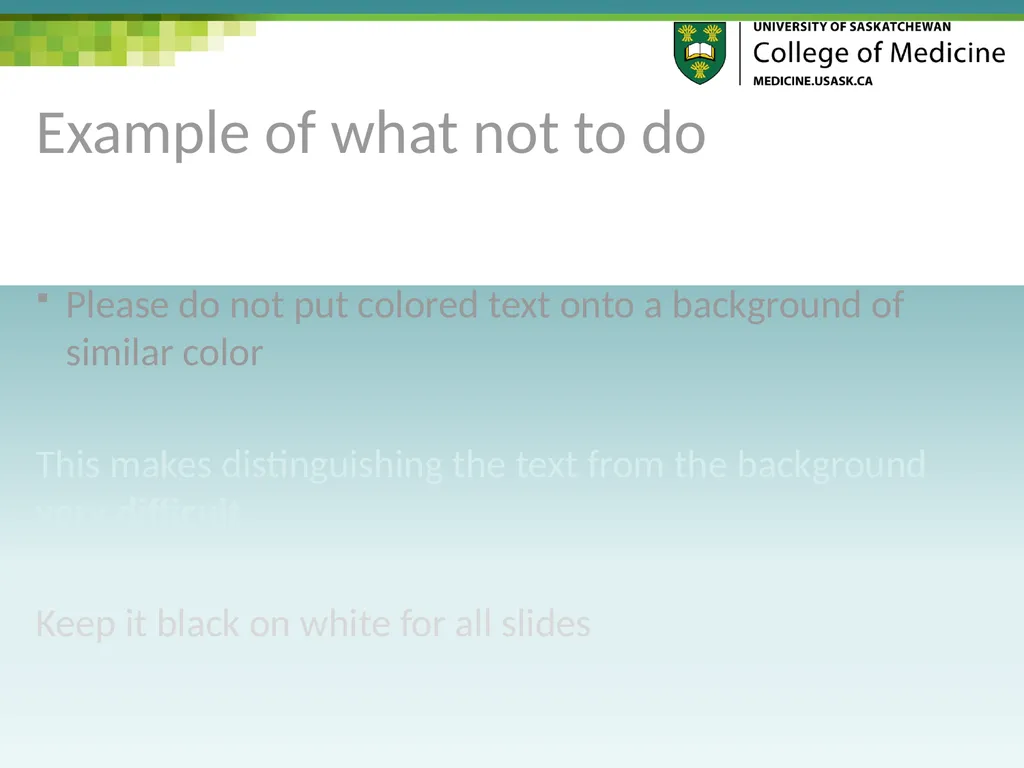
Example of what not to do Please do not put colored text onto a background of similar color
This makes distinguishing the text from the background very difficult
Keep it black on white for all slides<br>
10
Conflict of Interest Declaration I do not have an affiliation (financial or otherwise) with a pharmaceutical, medical device or communications organization.
OR
Relationships with Commercial Interests:
Grants/Research Support
Speakers Bureau/Honoraria
Consulting Fees
Other
If experimental or 'off-label-indication' treatments are discussed with students during teaching sessions please identify them as such.<br>
11
Objectives List the session objectives that are attached to the session on One45
These objectives are what need to be taught in your session
The exam questions need to come from what is taught and must link back to the objectives<br>
12
Do you need a handout? PowerPoint is designed as an aide to conveying information, not the means of conveying it
Consider the 5x5 suggestion (~5 bullet points with ~5 words per point)
Use PowerPoint to address large overreaching content
Handouts are a better means to convey specifics of content.<br>
13
Pace your lecture No more than one slide per minute of lecture time
Remember each hour of lecture is actually only 50 minutes of time with the students<br>
14
Use Pictures Consider including pictures, diagrams, or other representations that help students understand the concepts you are presenting
How can you visually convey the message?<br>
15
Pictures and Diagrams Need to have the explanations and labels with them to be meaningful
So students understand why the picture is used in the context of the lecture<br>
16
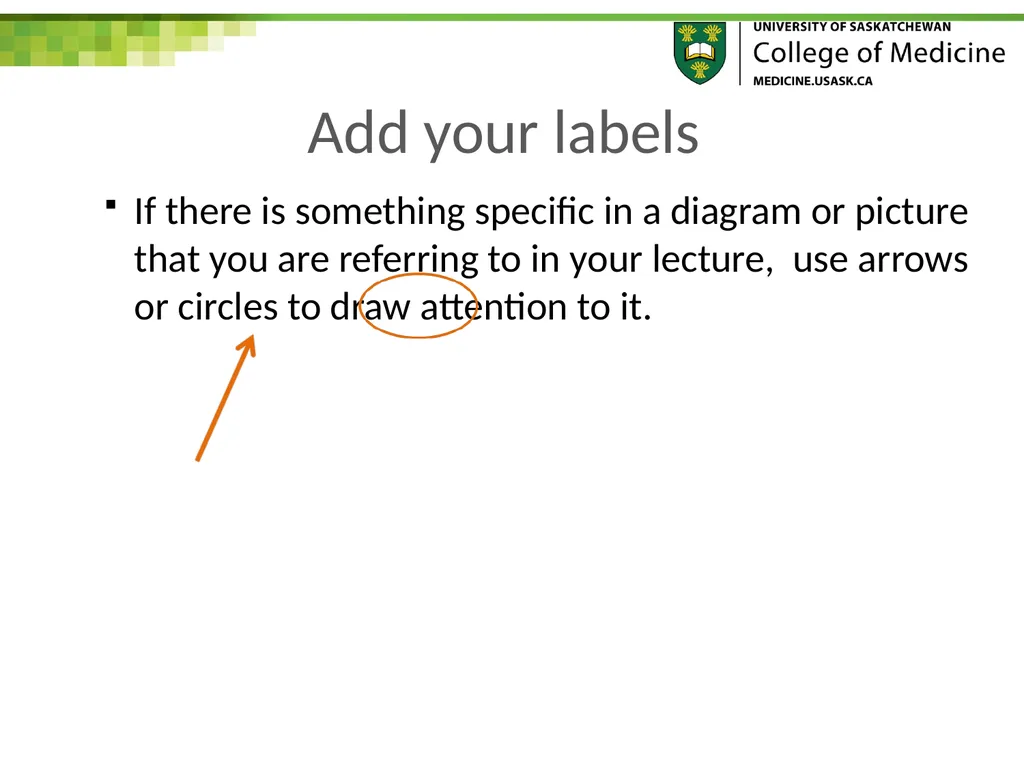
Add your labels If there is something specific in a diagram or picture that you are referring to in your lecture, use arrows or circles to draw attention to it.<br>
17
Ask questions An essential active learning strategy:
Keeps learners engaged & involved
Ensures that learners are following along
Encourages thinking – especially higher order questions beyond memorization<br>
18
Cite your sources Please use the International Committee of Medical Journal Editors (ICMJE) citation format
Examples of this citation format are available at www.nlm.nih.gov/bsd/uniform_requirements.html<br>
19
Copyright questions? Copyrighted images (with source cited) can be shared for educational purposes under copyright law U of S copyright info<br>
20
Choices for presentations If you want to exclude certain images from your posted PowerPoint, please submit a separate version (minus those images) for posting<br>
21
Spell out the acronyms The first time you use an acronym in your presentation, spell it out
On the last page of your presentation, spell out the full name of each acronym you used during your presentation
Examples
UGME – undergraduate medical education
CoM – College of Medicine<br>
22
Closure Don’t forget to have a summary slide emphasizing main ideas, pearls, or take home points
Use your objectives as a guide
Consider first asking learners some questions to ensure they have internalized the important points<br>
23
Save your work The students use the notes area below the slides to type their notes during lectures
Please save your work as a power point file so the students can use the file for their note taking
Submit your PowerPoint to the course admin 5 working days before your presentation<br>
24
Thank you for taking the time to make your presentation student-friendly
If you have any questions about the template or preparing your PowerPoint presentation, please contact your module director.<br>