Lesson 2: Protecting your devices Ground rules We will listen when others are speaking. We can pass if we need to. We will respect other points of view. We will be open and honest but not discuss our own lives or others personal lives.
Related Topics
Share
Embed code
Download this presentation From Below
"Lesson 2: Protecting your devices Ground rules We" is the property of its rightful owner. Permission is granted to
download and print the materials on this website for personal, non-commercial use only, and to display it
on your personal computer provided you do not modify the materials and that you retain all copyright
notices contained in the materials. By downloading content from our website, you accept the terms of this
agreement.
Presentation Transcript
01
Lesson 2: Protecting your devices<br>
02
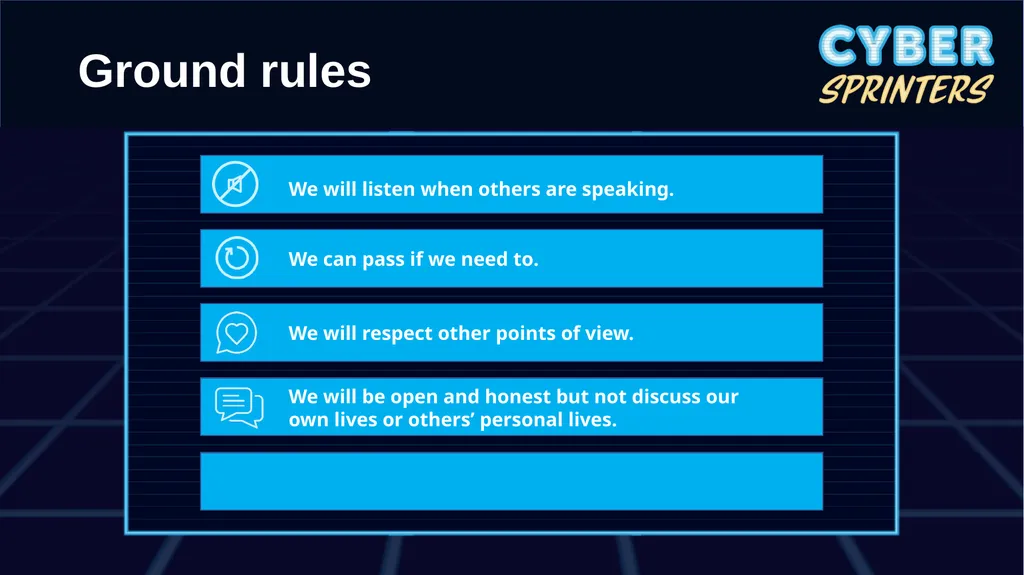
Ground rules We will listen when others are speaking. We can pass if we need to. We will respect other points of view. We will be open and honest but not discuss our own lives or others’ personal lives.<br>
03
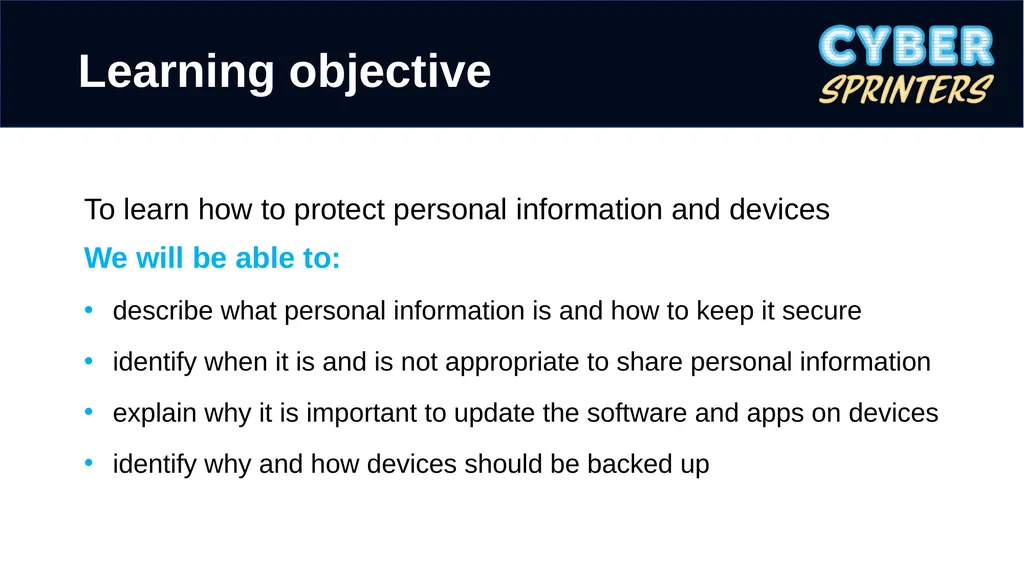
Learning objective To learn how to protect personal information and devices
We will be able to:
describe what personal information is and how to keep it secure
identify when it is and is not appropriate to share personal information
explain why it is important to update the software and apps on devices
identify why and how devices should be backed up<br>
04
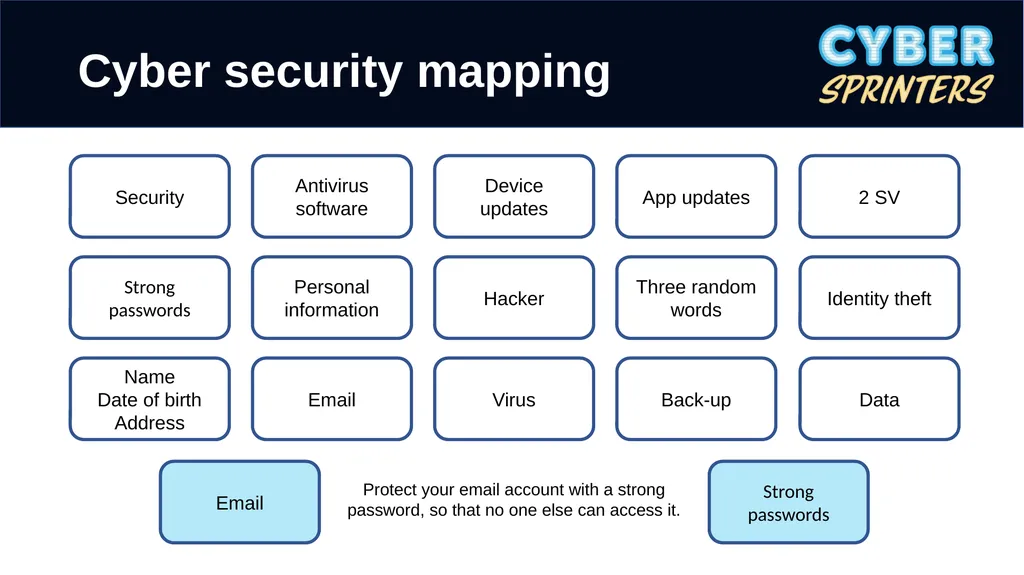
Cyber security mapping Security Strong passwords Name
Date of birth
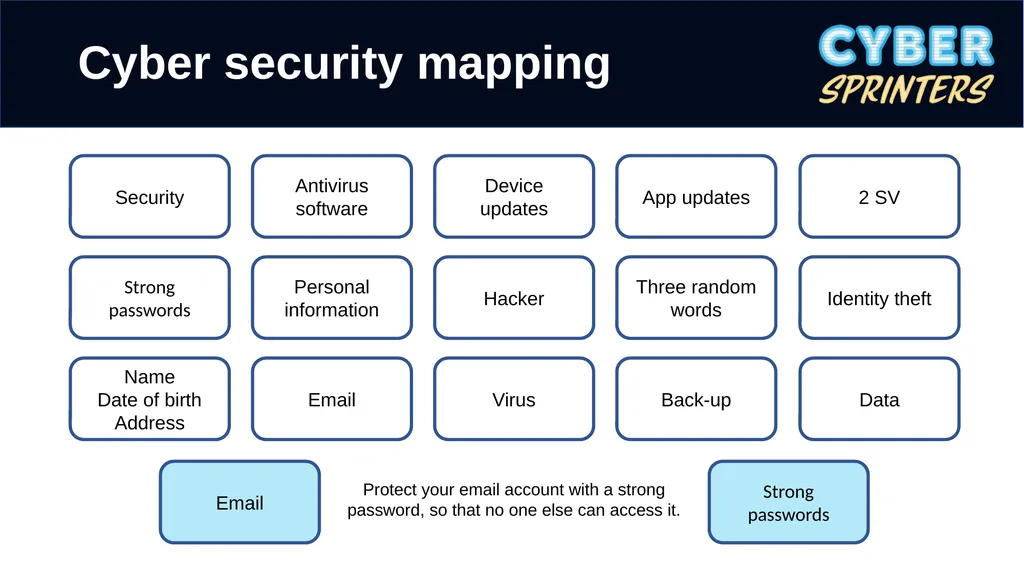
Address Antivirus software Personal information Email Device updates Hacker Virus App updates Three random words Back-up 2 SV Identity theft Data Email Strong passwords Protect your email account with a strong password, so that no one else can access it.<br>
05
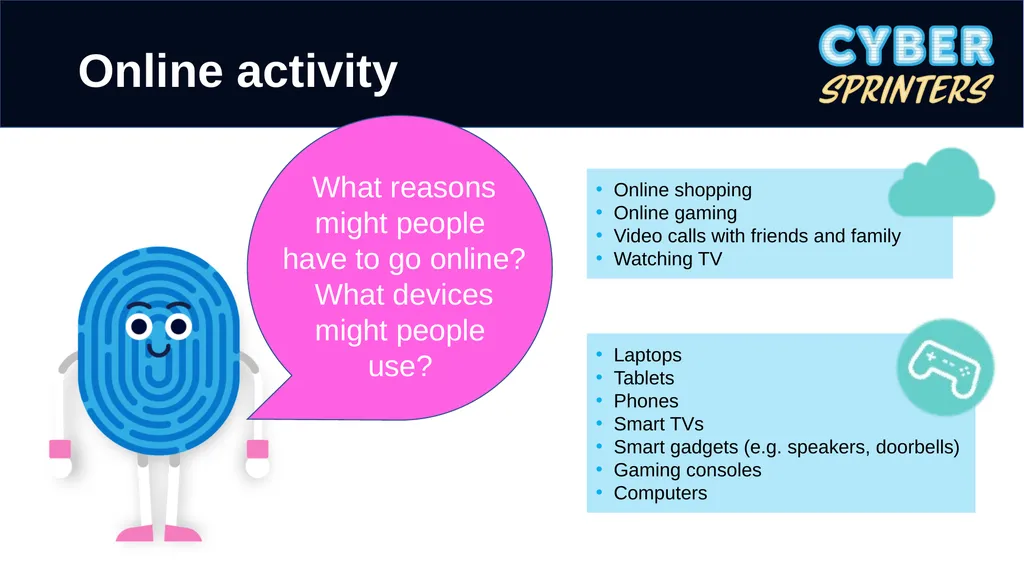
Online activity Online shopping
Online gaming
Video calls with friends and family
Watching TV Laptops
Tablets
Phones
Smart TVs
Smart gadgets (e.g. speakers, doorbells)
Gaming consoles
Computers What reasons might people have to go online?
What devices might people use?<br>
06
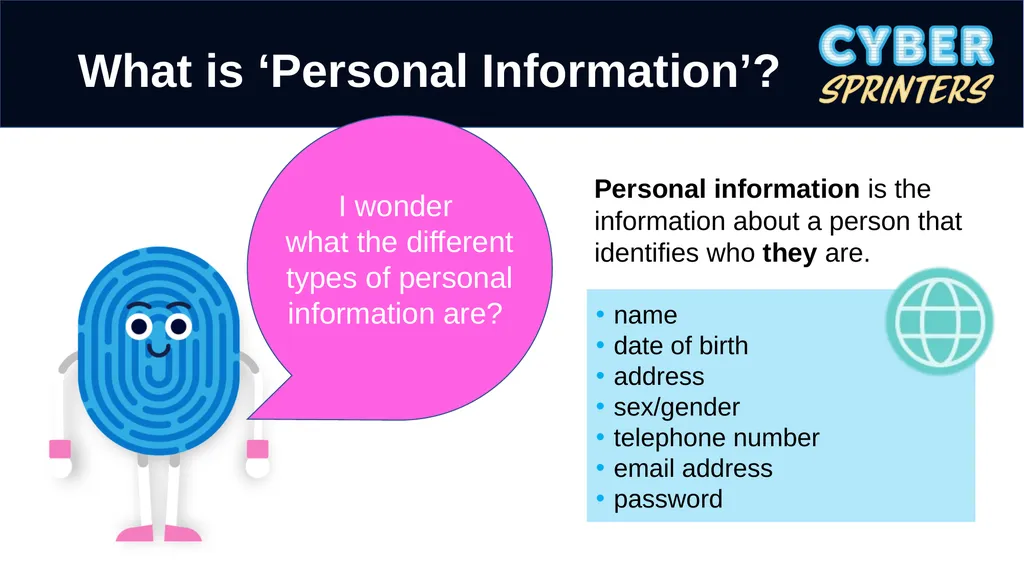
What is ‘Personal Information’? name
date of birth
address
sex/gender
telephone number
email address
password I wonder what the different types of personal information are? Personal information is the information about a person that identifies who they are.<br>
07
When might someone be asked to provide personal information? Setting up a bank account
Creating a gaming account
Creating a social media account
Signing up for an email account
Signing up for a music service
Signing up for video service (NowTV, Netflix, Disney)<br>
08
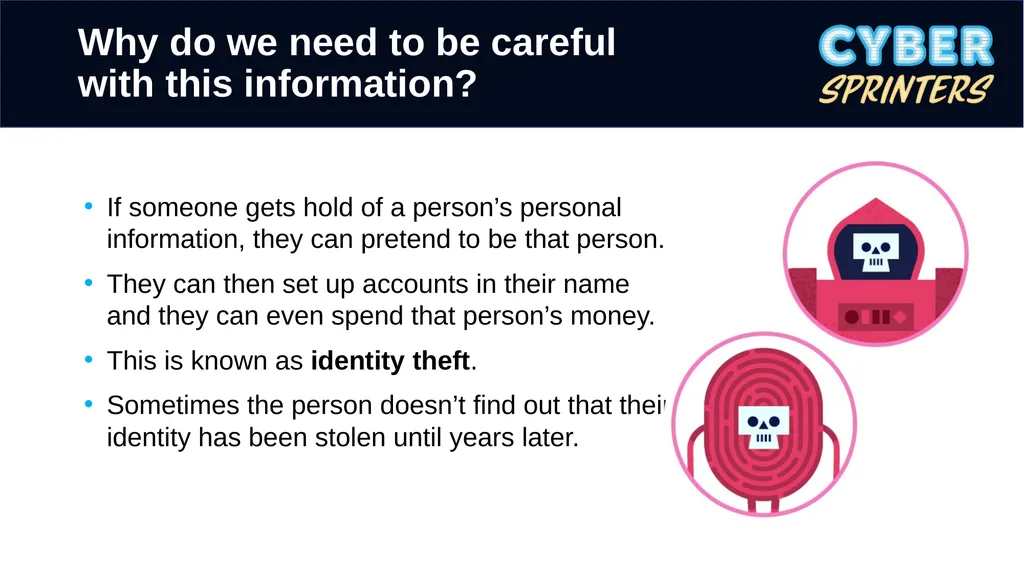
Why do we need to be careful with this information? If someone gets hold of a person’s personal information, they can pretend to be that person.
They can then set up accounts in their name and they can even spend that person’s money.
This is known as identity theft.
Sometimes the person doesn’t find out that their identity has been stolen until years later.<br>
09
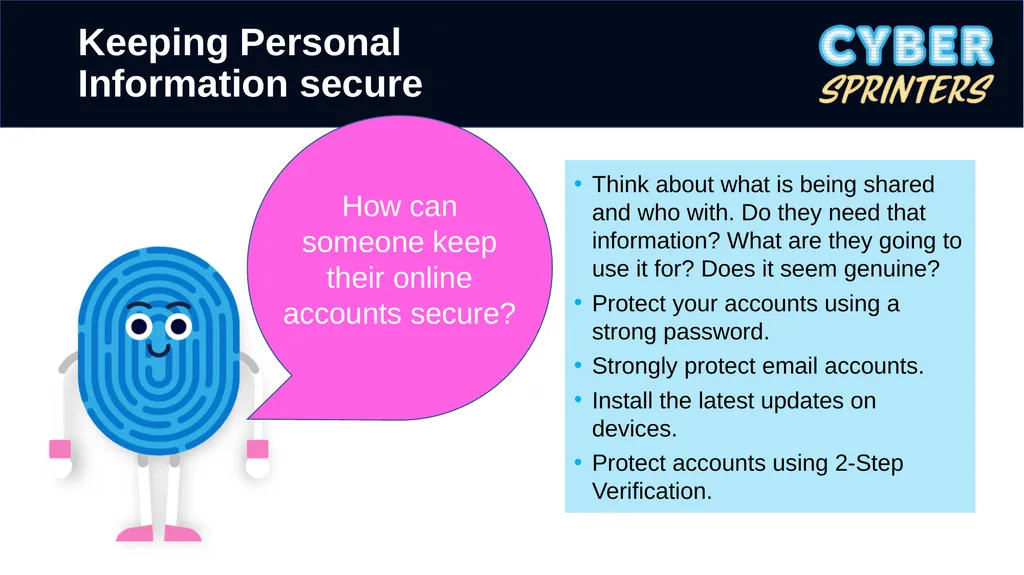
Keeping Personal Information secure Think about what is being shared and who with. Do they need that information? What are they going to use it for? Does it seem genuine?
Protect your accounts using a strong password.
Strongly protect email accounts.
Install the latest updates on devices.
Protect accounts using 2-Step Verification. How can someone keep their online accounts secure?<br>
10
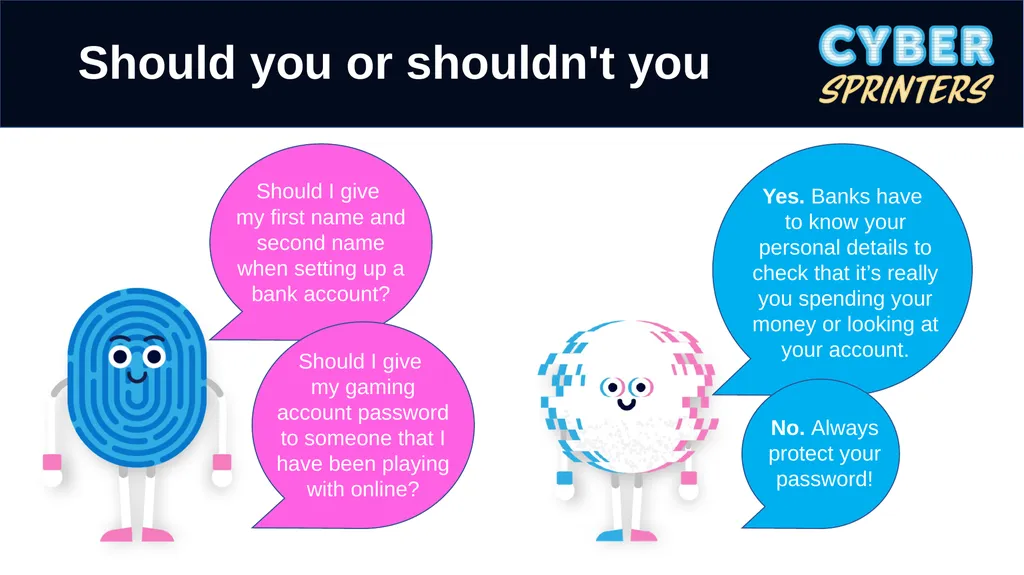
Should you or shouldn't you Yes. Banks have to know your personal details to check that it’s really you spending your money or looking at your account.<br>
11
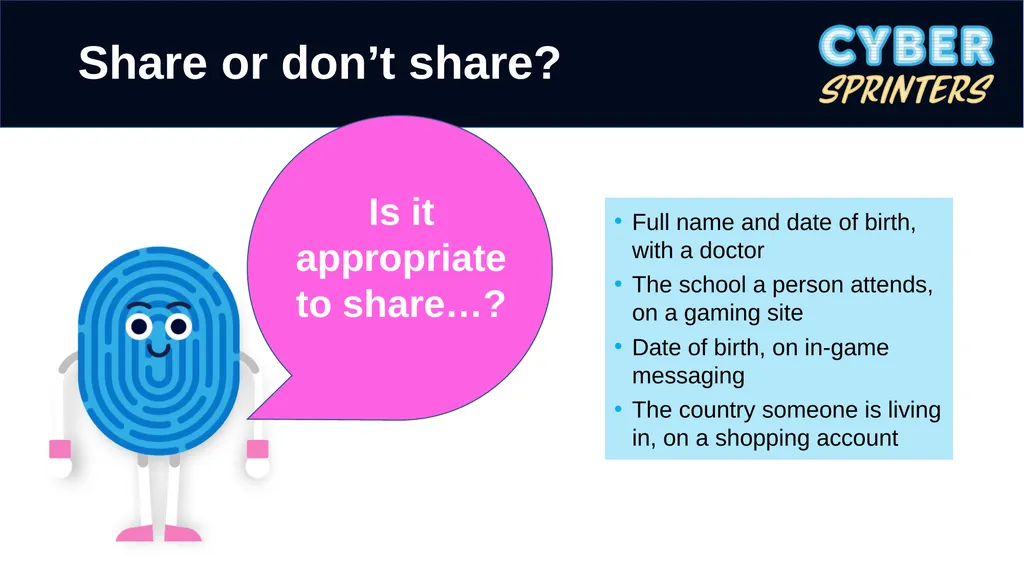
Full name and date of birth, with a doctor
The school a person attends, on a gaming site
Date of birth, on in-game messaging
The country someone is living in, on a shopping account Is it appropriate to share…? Share or don’t share?<br>
12
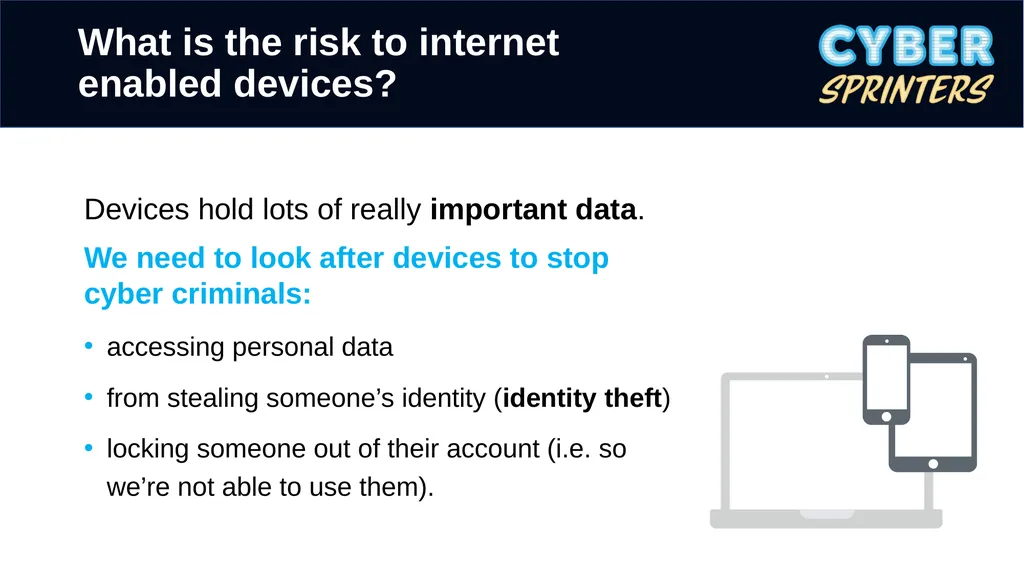
What is the risk to internet enabled devices? Devices hold lots of really important data.
We need to look after devices to stop cyber criminals:
accessing personal data
from stealing someone’s identity (identity theft)
locking someone out of their account (i.e. so we’re not able to use them).<br>
13
Phones/tablets/devices often ask us to ‘apply updates’. Updates are installed on devices to improve performance or to increase its security.
Updates can come from:
the manufacturers of a device
the app developers
Some devices and software need to be updated manually.
There might be an option to turn on automatic updates. What does ‘applying updates’ mean? Applying updates<br>
14
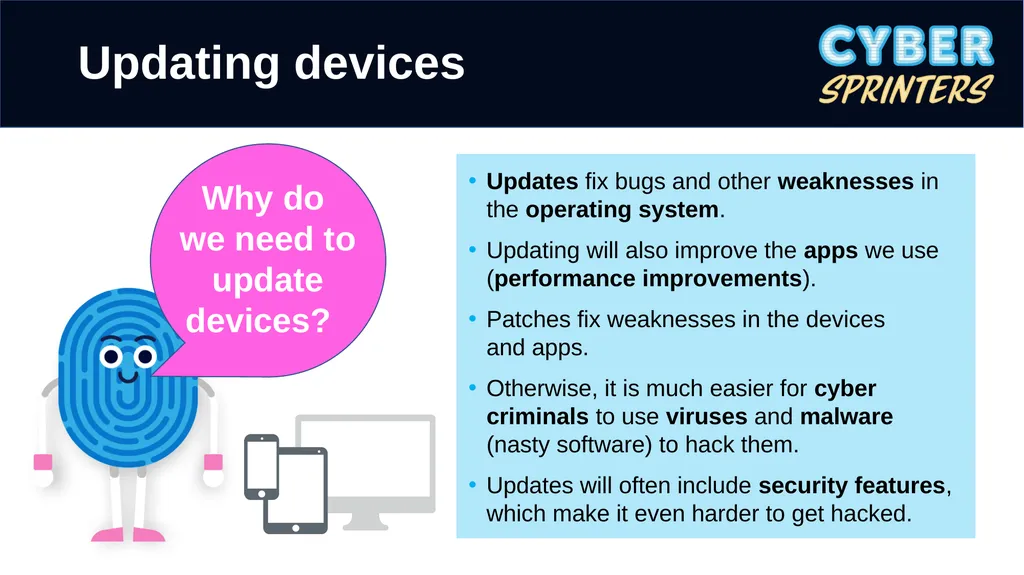
Updates fix bugs and other weaknesses in the operating system.
Updating will also improve the apps we use (performance improvements).
Patches fix weaknesses in the devices and apps.
Otherwise, it is much easier for cyber criminals to use viruses and malware (nasty software) to hack them.
Updates will often include security features, which make it even harder to get hacked. Updating devices<br>
15
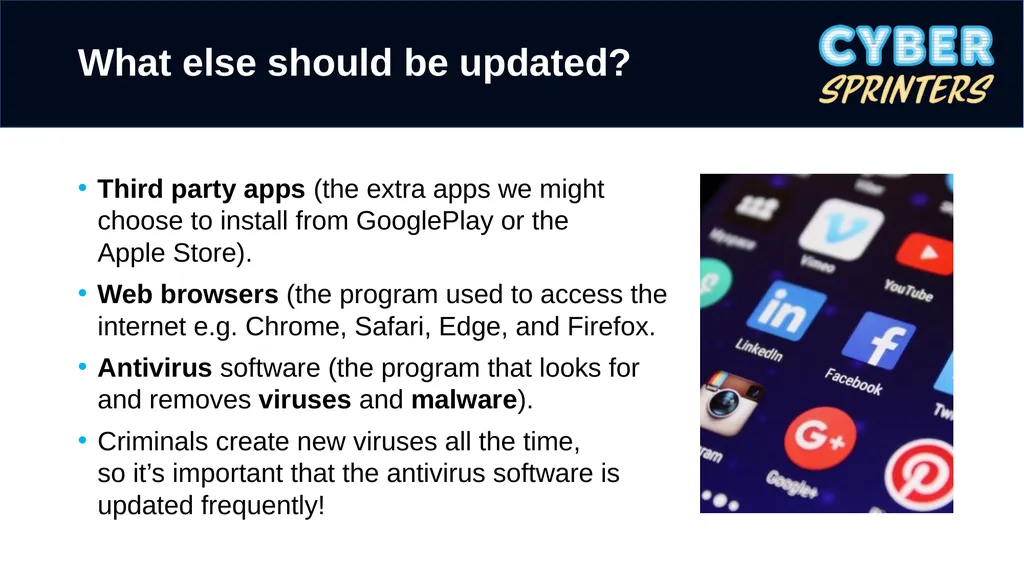
What else should be updated? Third party apps (the extra apps we might choose to install from GooglePlay or the Apple Store).
Web browsers (the program used to access the internet e.g. Chrome, Safari, Edge, and Firefox.
Antivirus software (the program that looks for and removes viruses and malware).
Criminals create new viruses all the time, so it’s important that the antivirus software is updated frequently!<br>
16
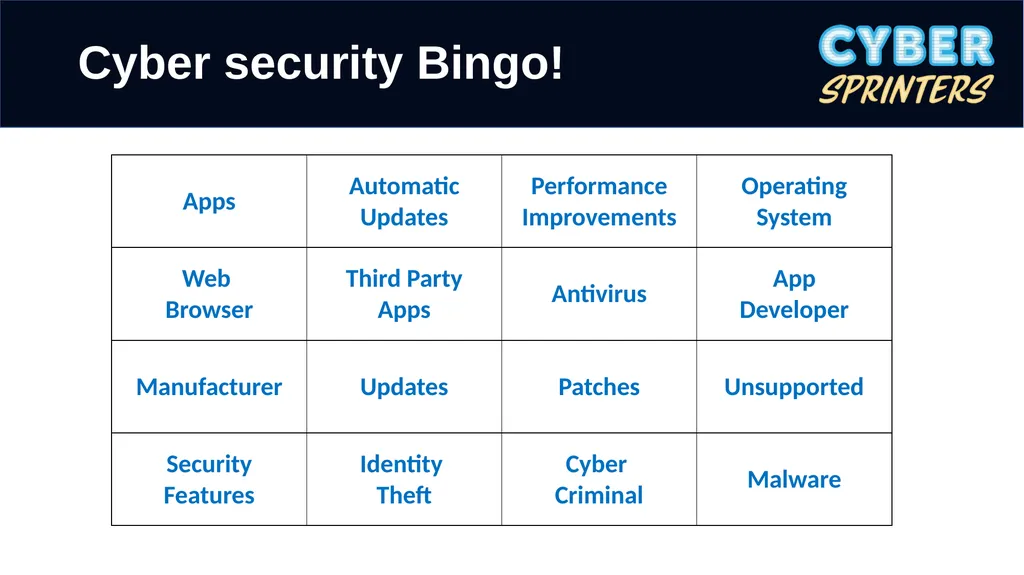
Cyber security Bingo!<br>
17
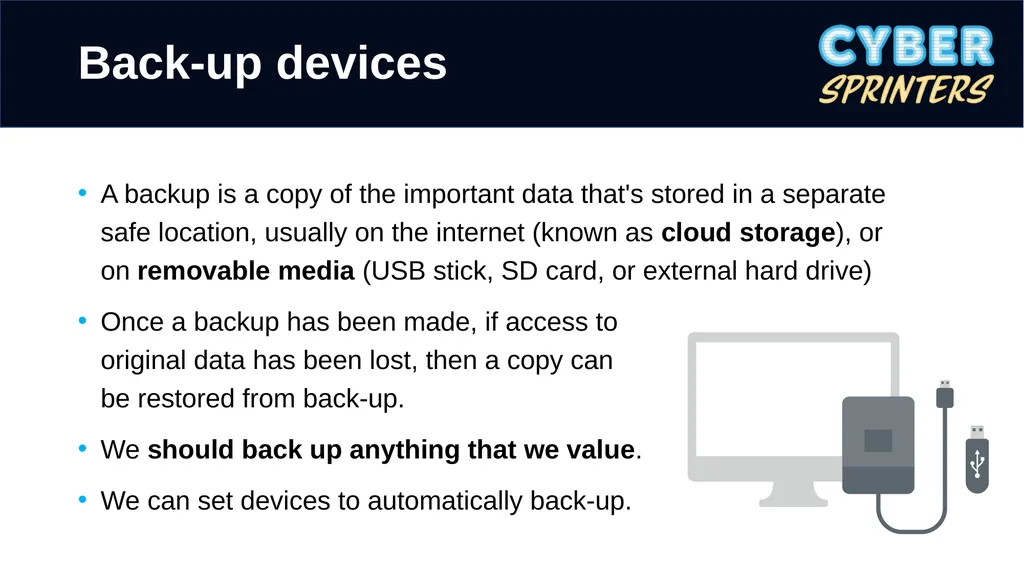
A backup is a copy of the important data that's stored in a separate safe location, usually on the internet (known as cloud storage), or on removable media (USB stick, SD card, or external hard drive)
Once a backup has been made, if access to original data has been lost, then a copy can be restored from back-up.
We should back up anything that we value.
We can set devices to automatically back-up. Back-up devices<br>
18
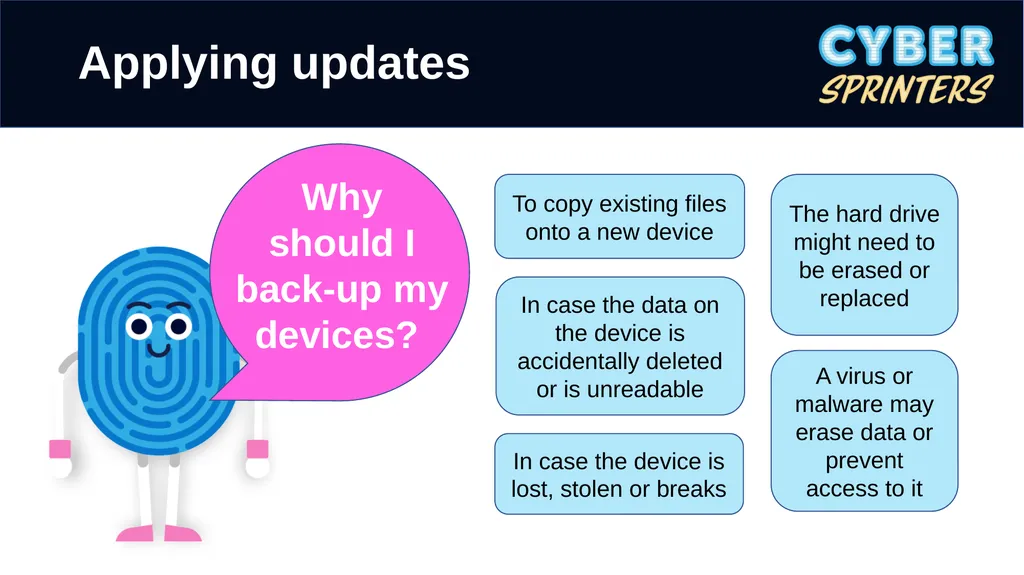
Applying updates To copy existing files onto a new device In case the device is lost, stolen or breaks In case the data on the device is accidentally deleted or is unreadable A virus or malware may erase data or prevent access to it The hard drive might need to be erased or replaced<br>
19
Security Strong passwords Name
Date of birth
Address Antivirus software Personal information Email Device updates Hacker Virus App updates Three random words Back-up 2 SV Identity theft Data Email Strong passwords Protect your email account with a strong password, so that no one else can access it. Cyber security mapping<br>