Line Drawing Algorithms CS 602 How does computer draw line? Screen made of pixels High-level language specifies line System must color pixels DDA Algorithm Start with starting and ending coordinates of the line: (x0, y0) and (x1, y1) Color
"Line Drawing Algorithms CS 602 How does computer" is the property of its rightful owner. Permission is granted to
download and print the materials on this website for personal, non-commercial use only, and to display it
on your personal computer provided you do not modify the materials and that you retain all copyright
notices contained in the materials. By downloading content from our website, you accept the terms of this
agreement.
Presentation Transcript
01
Line Drawing Algorithms CS 602<br>
02
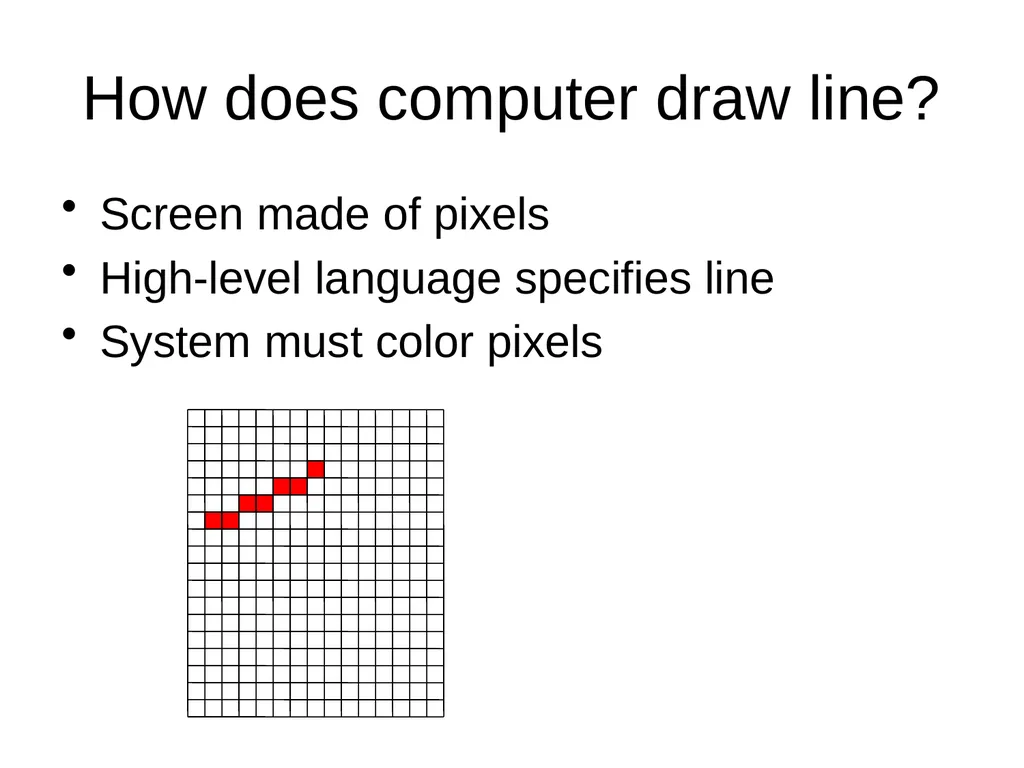
How does computer draw line? Screen made of pixels
High-level language specifies line
System must color pixels<br>
03
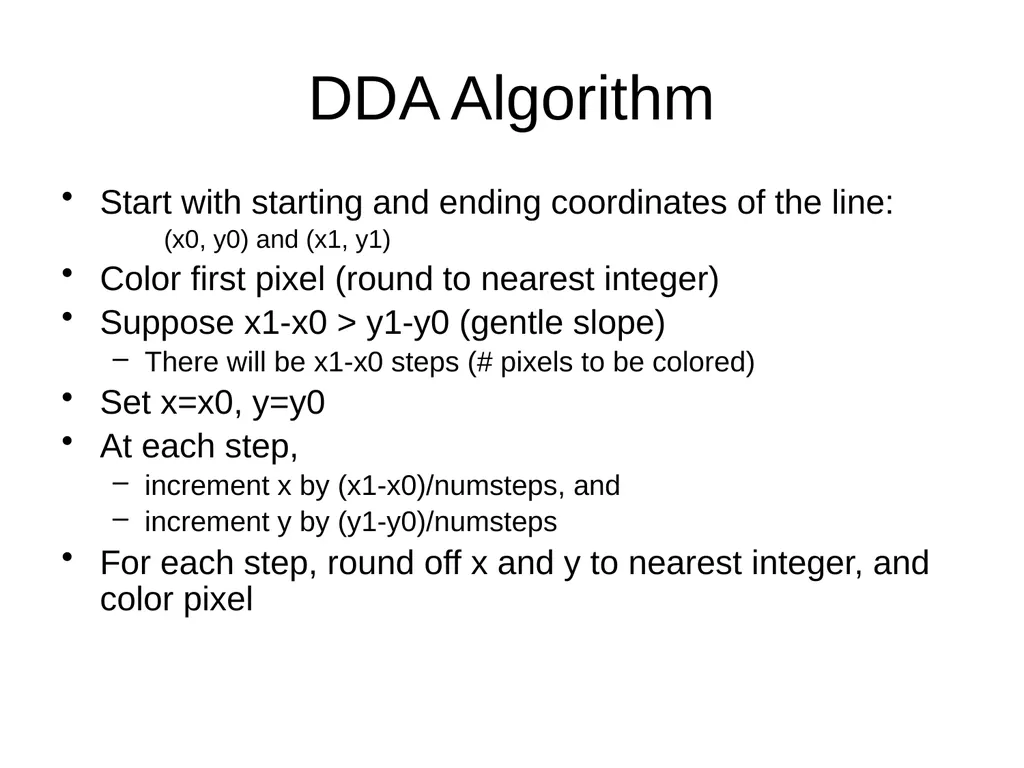
DDA Algorithm Start with starting and ending coordinates of the line:
(x0, y0) and (x1, y1)
Color first pixel (round to nearest integer)
Suppose x1-x0 > y1-y0 (gentle slope)
There will be x1-x0 steps (# pixels to be colored)
Set x=x0, y=y0
At each step,
increment x by (x1-x0)/numsteps, and
increment y by (y1-y0)/numsteps
For each step, round off x and y to nearest integer, and color pixel<br>
04
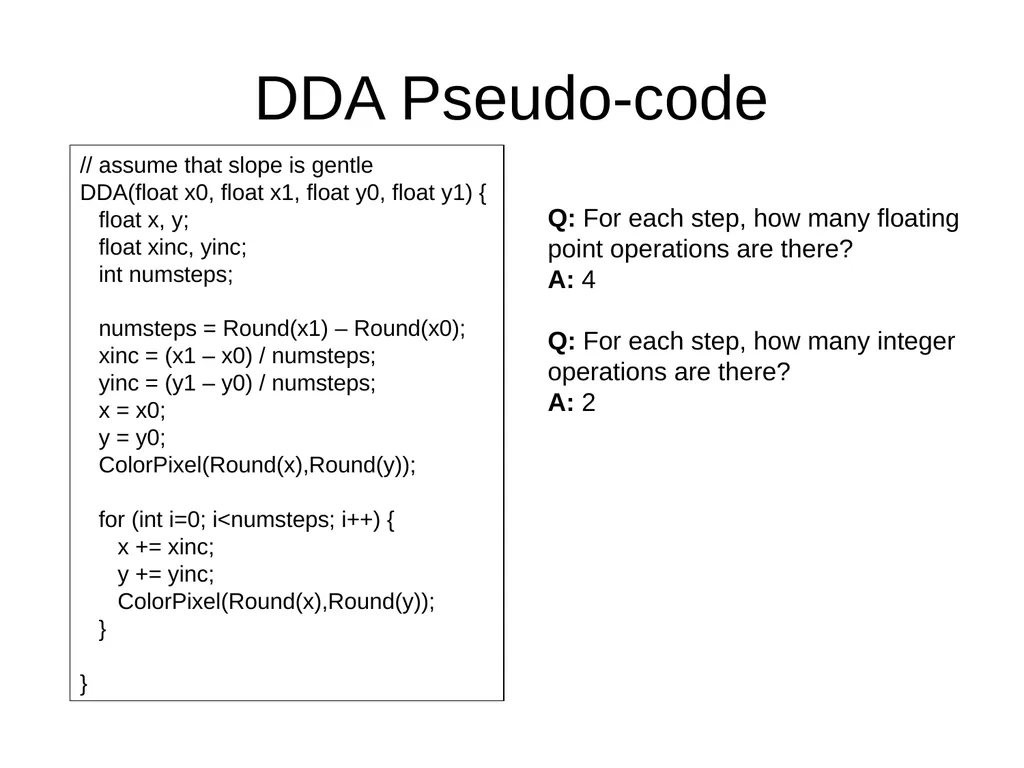
DDA Pseudo-code // assume that slope is gentle
DDA(float x0, float x1, float y0, float y1) {
float x, y;
float xinc, yinc;
int numsteps;
for (int i=0; i<numsteps; i++) {
x += xinc;
y += yinc;
ColorPixel(Round(x),Round(y));
}
} Q: For each step, how many floating point operations are there?
A: 4
Q: For each step, how many integer operations are there?
A: 2<br>
05
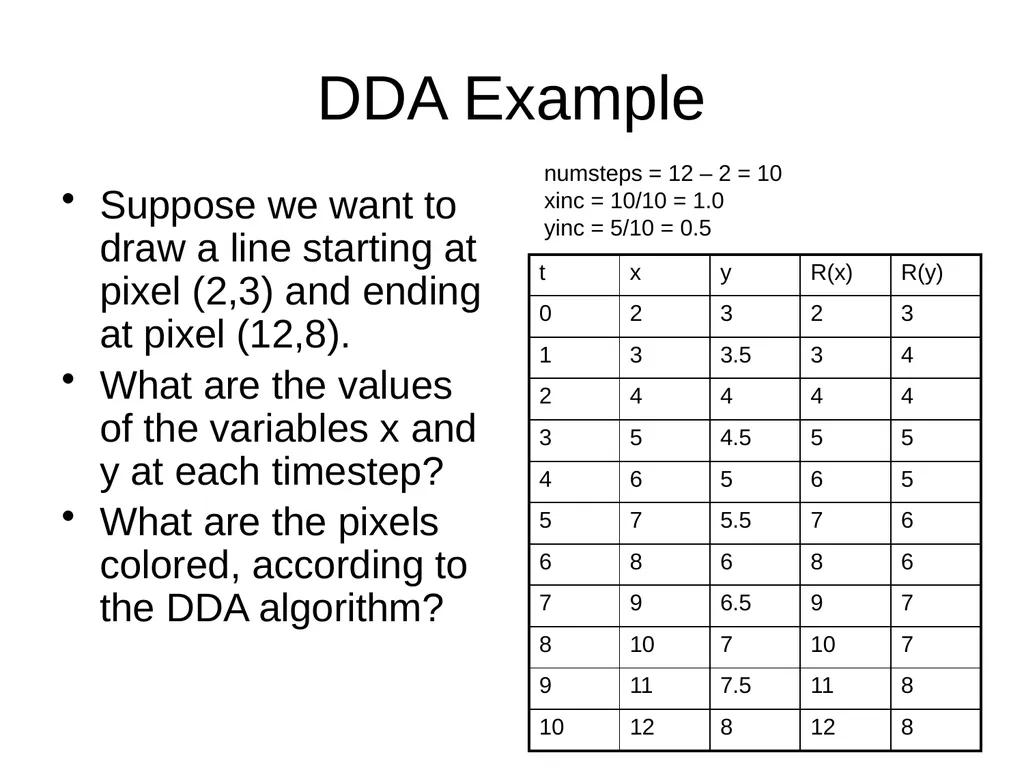
DDA Example Suppose we want to draw a line starting at pixel (2,3) and ending at pixel (12,8).
What are the values of the variables x and y at each timestep?
What are the pixels colored, according to the DDA algorithm? numsteps = 12 – 2 = 10
xinc = 10/10 = 1.0
yinc = 5/10 = 0.5<br>
06
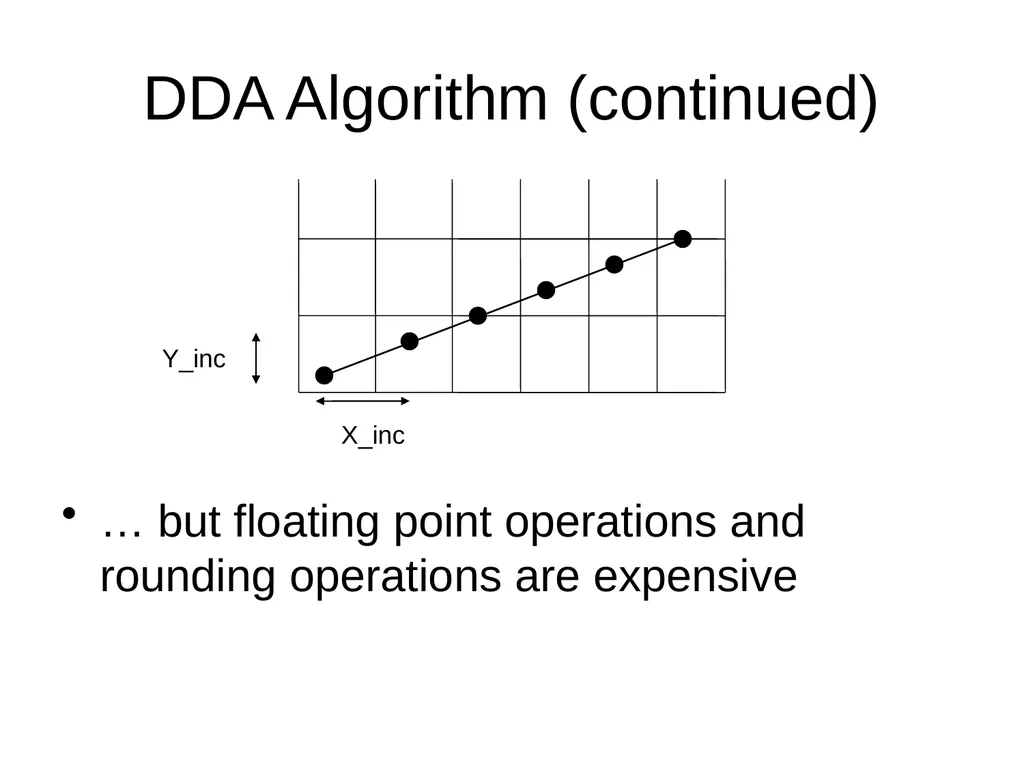
DDA Algorithm (continued) … but floating point operations and rounding operations are expensive Y_inc X_inc<br>
07
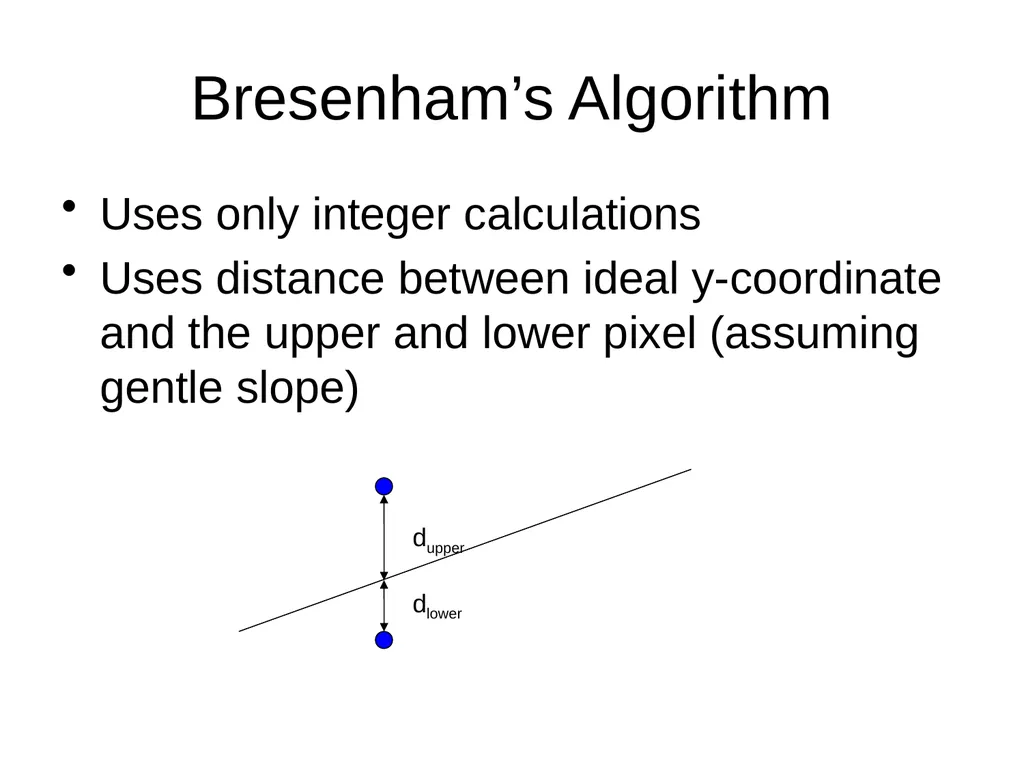
Bresenham’s Algorithm Uses only integer calculations
Uses distance between ideal y-coordinate and the upper and lower pixel (assuming gentle slope) dupper dlower<br>
08
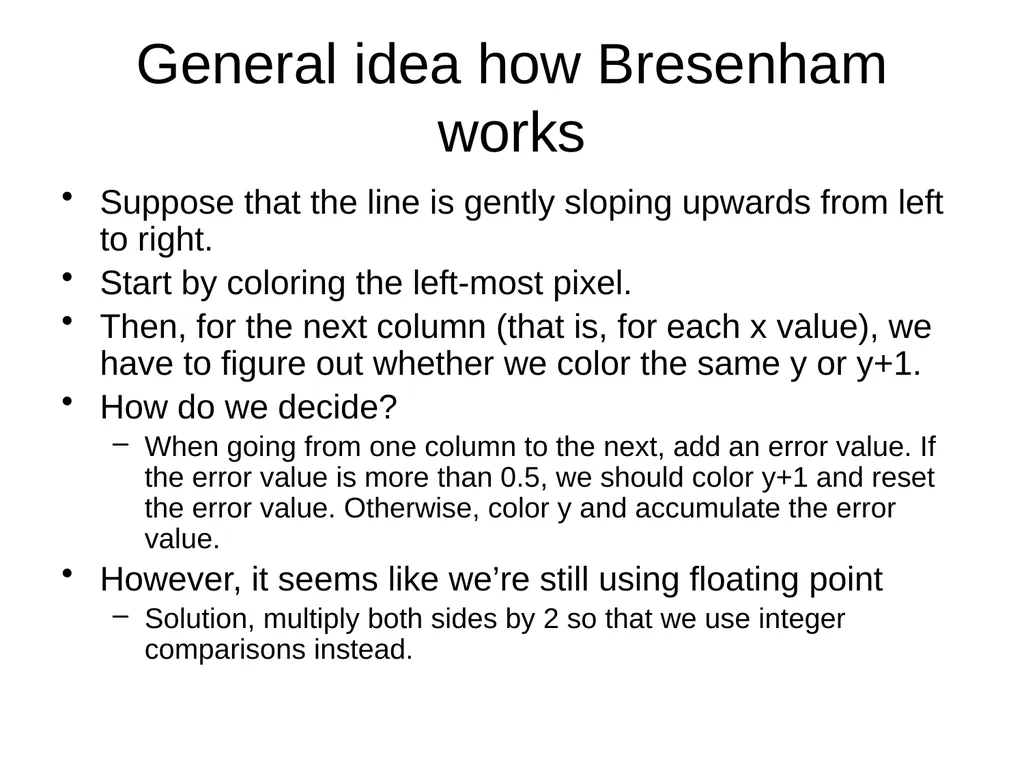
General idea how Bresenham works Suppose that the line is gently sloping upwards from left to right.
Start by coloring the left-most pixel.
Then, for the next column (that is, for each x value), we have to figure out whether we color the same y or y+1.
How do we decide?
When going from one column to the next, add an error value. If the error value is more than 0.5, we should color y+1 and reset the error value. Otherwise, color y and accumulate the error value.
However, it seems like we’re still using floating point
Solution, multiply both sides by 2 so that we use integer comparisons instead.<br>
09
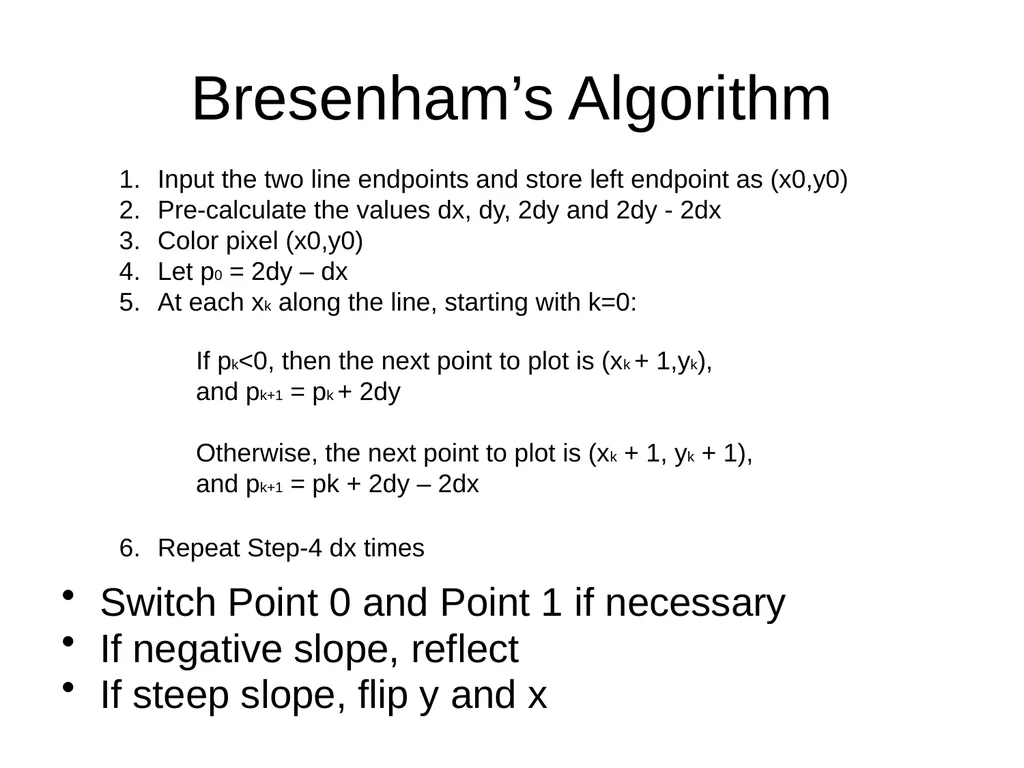
Bresenham’s Algorithm Switch Point 0 and Point 1 if necessary
If negative slope, reflect
If steep slope, flip y and x Input the two line endpoints and store left endpoint as (x0,y0)
Pre-calculate the values dx, dy, 2dy and 2dy - 2dx
Color pixel (x0,y0)
Let p0 = 2dy – dx
At each xk along the line, starting with k=0:
Repeat Step-4 dx times If pk<0, then the next point to plot is (xk + 1,yk),
and pk+1 = pk + 2dy
Otherwise, the next point to plot is (xk + 1, yk + 1),
and pk+1 = pk + 2dy – 2dx<br>
10
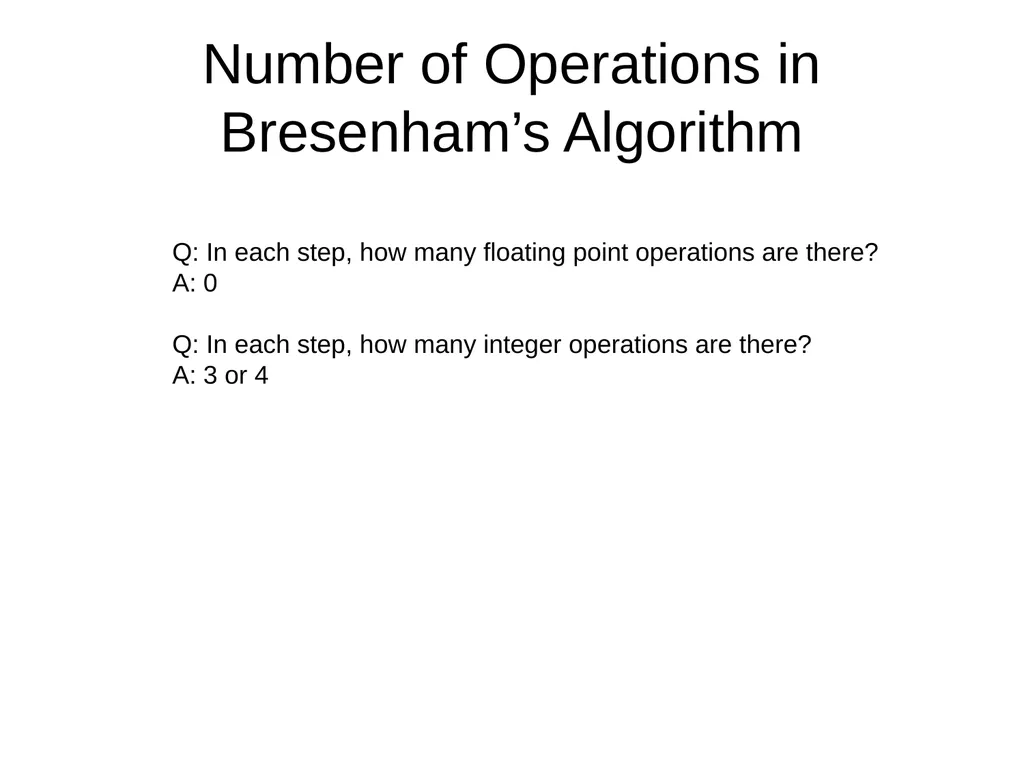
Number of Operations in Bresenham’s Algorithm Q: In each step, how many floating point operations are there?
A: 0
Q: In each step, how many integer operations are there?
A: 3 or 4<br>
11
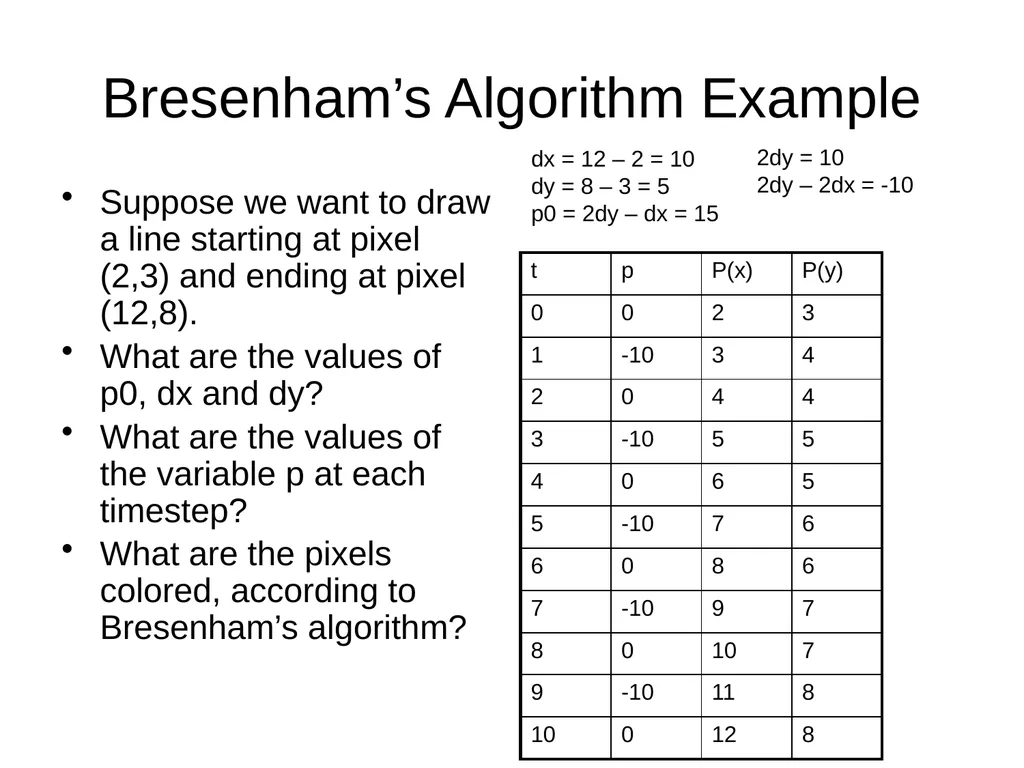
Bresenham’s Algorithm Example Suppose we want to draw a line starting at pixel (2,3) and ending at pixel (12,8).
What are the values of p0, dx and dy?
What are the values of the variable p at each timestep?
What are the pixels colored, according to Bresenham’s algorithm? dx = 12 – 2 = 10
dy = 8 – 3 = 5
p0 = 2dy – dx = 15 2dy = 10
2dy – 2dx = -10<br>