
LINUX TO INTRO APPENDIX: Nebiat Fikru GPEN,CCNA
YM
Published · 73 slides · 0 views

1 / 1

Description
LINUX TO INTRO APPENDIX: Nebiat Fikru GPEN,CCNA CSIT,AMU July, 2015 1 Intro to Linux for Hackers Workshop Linux is very powerful, but is also very complex Still, even with little exposure to Linux, you can fully participate in the hacker
Related Topics
Share
Embed code
Download this presentation From Below
"LINUX TO INTRO APPENDIX: Nebiat Fikru GPEN,CCNA" is the property of its rightful owner. Permission is granted to download and print the materials on this website for personal, non-commercial use only, and to display it on your personal computer provided you do not modify the materials and that you retain all copyright notices contained in the materials. By downloading content from our website, you accept the terms of this agreement.
Presentation Transcript
01
LINUX TO INTRO APPENDIX: Nebiat Fikru
GPEN,CCNA
CSIT,AMU
July, 2015 1<br>
GPEN,CCNA
CSIT,AMU
July, 2015 1<br>
02
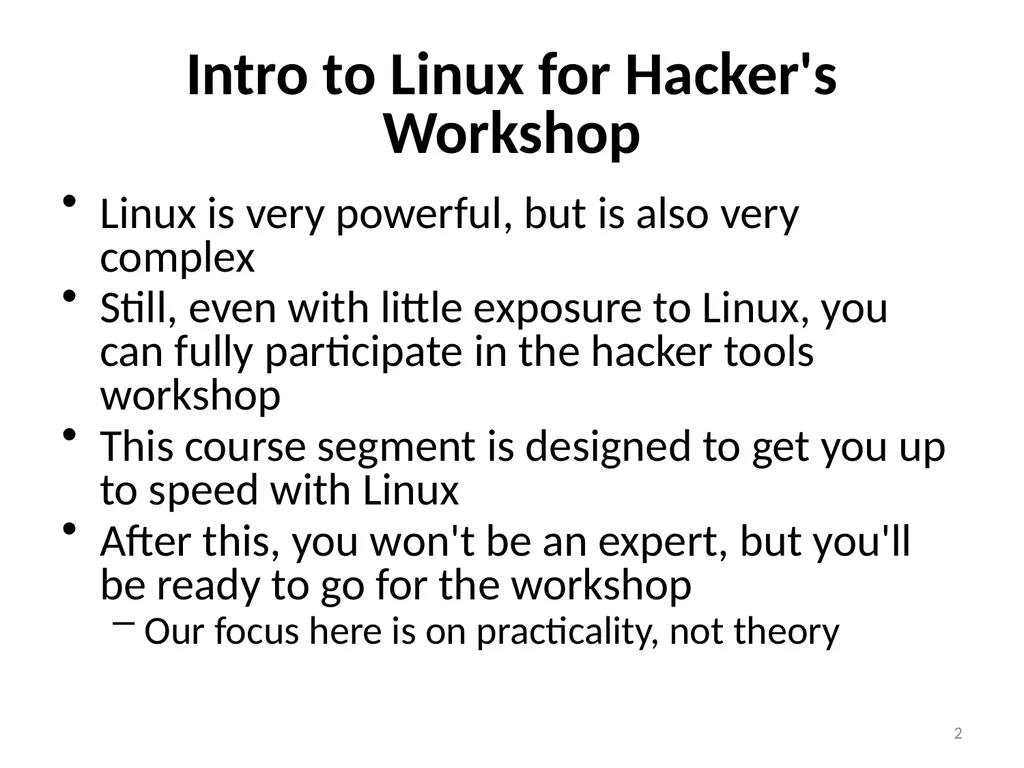
Intro to Linux for Hacker's Workshop Linux is very powerful, but is also very complex
Still, even with little exposure to Linux, you can fully participate in the hacker tools workshop
This course segment is designed to get you up to speed with Linux
After this, you won't be an expert, but you'll be ready to go for the workshop
Our focus here is on practicality, not theory 2<br>
Still, even with little exposure to Linux, you can fully participate in the hacker tools workshop
This course segment is designed to get you up to speed with Linux
After this, you won't be an expert, but you'll be ready to go for the workshop
Our focus here is on practicality, not theory 2<br>
03
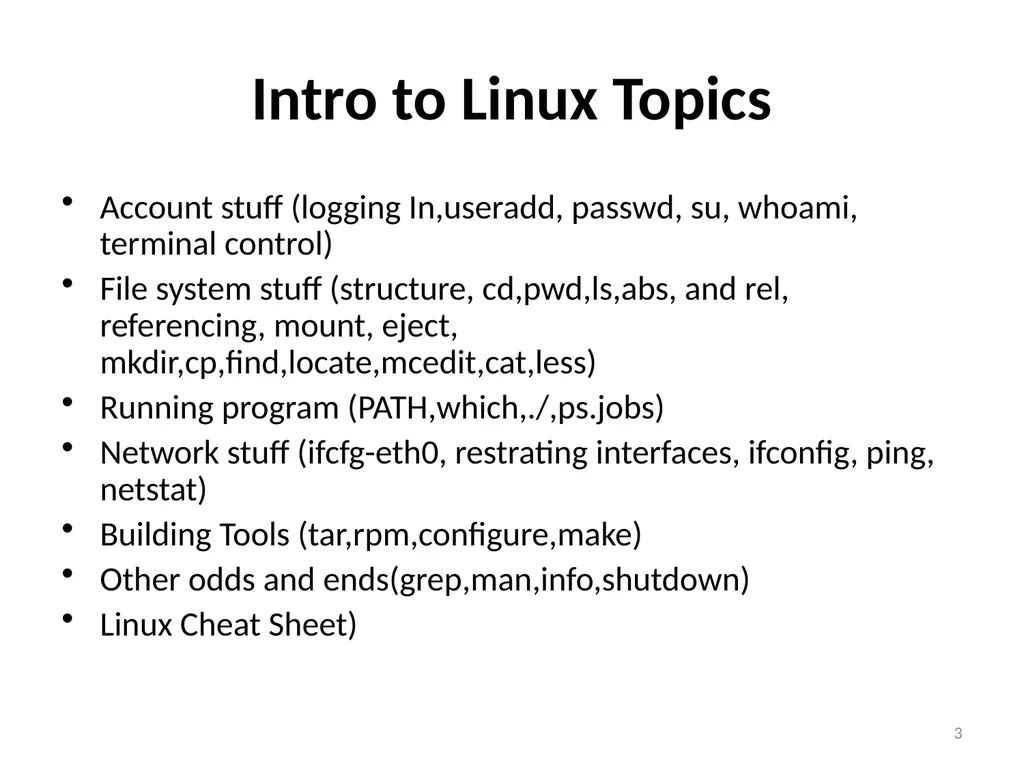
Intro to Linux Topics Account stuff (logging In,useradd, passwd, su, whoami, terminal control)
File system stuff (structure, cd,pwd,ls,abs, and rel, referencing, mount, eject, mkdir,cp,find,locate,mcedit,cat,less)
Running program (PATH,which,./,ps.jobs)
Network stuff (ifcfg-eth0, restrating interfaces, ifconfig, ping, netstat)
Building Tools (tar,rpm,configure,make)
Other odds and ends(grep,man,info,shutdown)
Linux Cheat Sheet) 3<br>
File system stuff (structure, cd,pwd,ls,abs, and rel, referencing, mount, eject, mkdir,cp,find,locate,mcedit,cat,less)
Running program (PATH,which,./,ps.jobs)
Network stuff (ifcfg-eth0, restrating interfaces, ifconfig, ping, netstat)
Building Tools (tar,rpm,configure,make)
Other odds and ends(grep,man,info,shutdown)
Linux Cheat Sheet) 3<br>
04
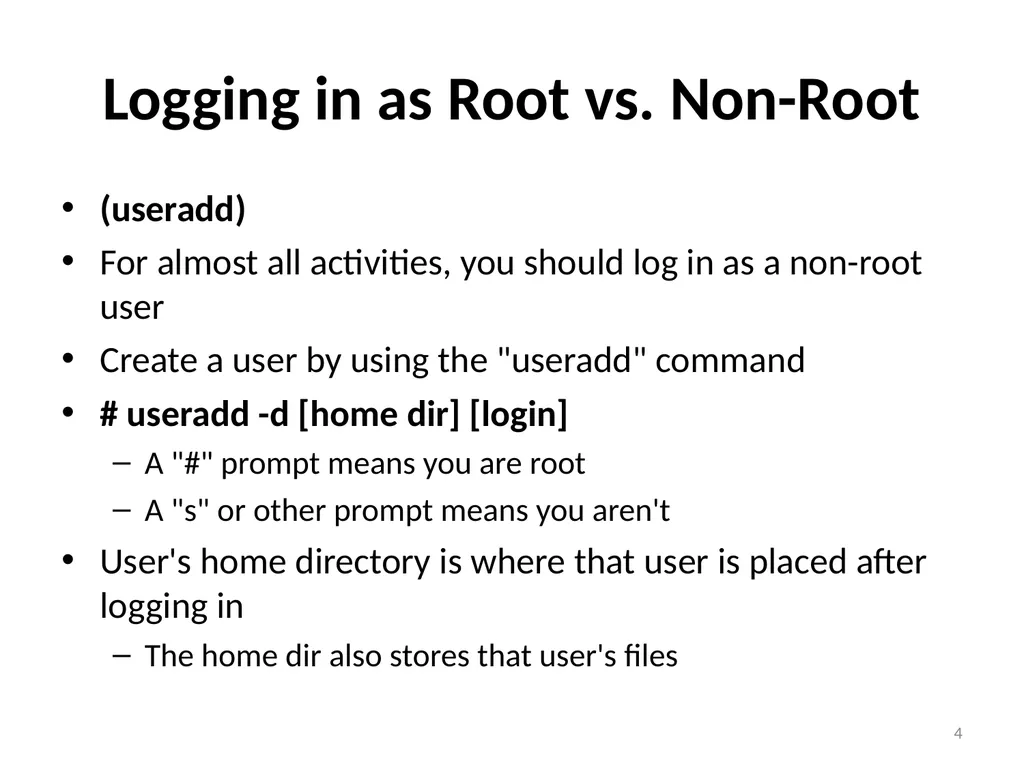
Logging in as Root vs. Non-Root (useradd)
For almost all activities, you should log in as a non-root user
Create a user by using the "useradd" command
# useradd -d [home dir] [login]
A "#" prompt means you are root
A "s" or other prompt means you aren't
User's home directory is where that user is placed after logging in
The home dir also stores that user's files 4<br>
For almost all activities, you should log in as a non-root user
Create a user by using the "useradd" command
# useradd -d [home dir] [login]
A "#" prompt means you are root
A "s" or other prompt means you aren't
User's home directory is where that user is placed after logging in
The home dir also stores that user's files 4<br>
05
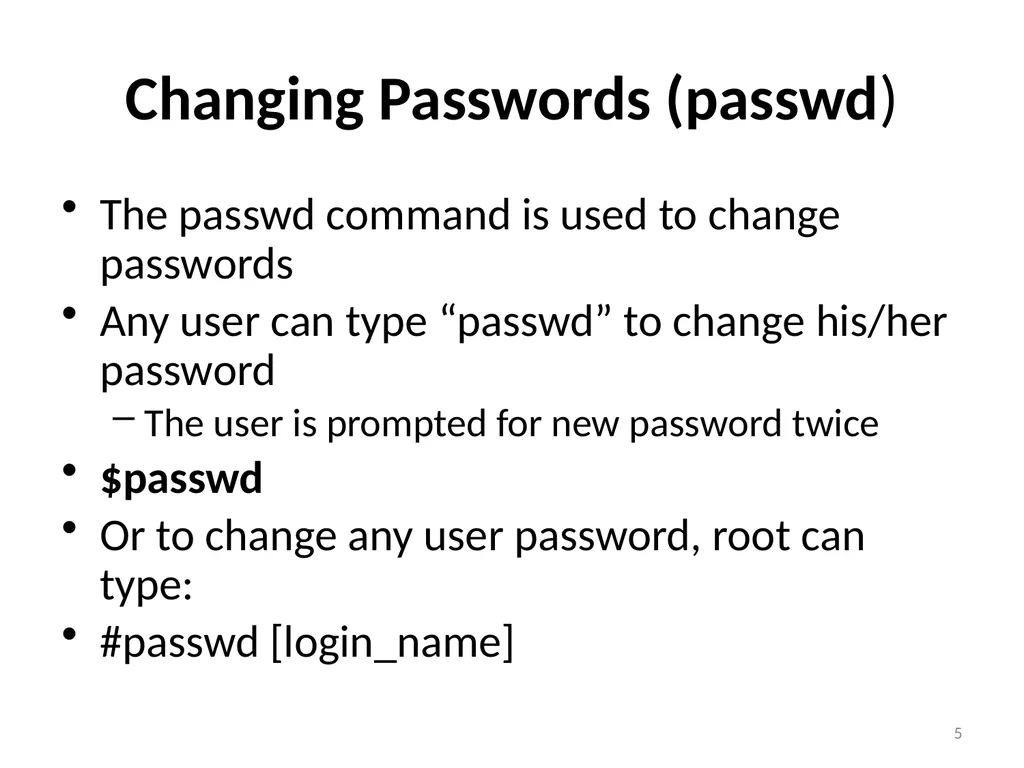
Changing Passwords (passwd) The passwd command is used to change passwords
Any user can type “passwd” to change his/her password
The user is prompted for new password twice
$passwd
Or to change any user password, root can type:
#passwd [login_name] 5<br>
Any user can type “passwd” to change his/her password
The user is prompted for new password twice
$passwd
Or to change any user password, root can type:
#passwd [login_name] 5<br>
06
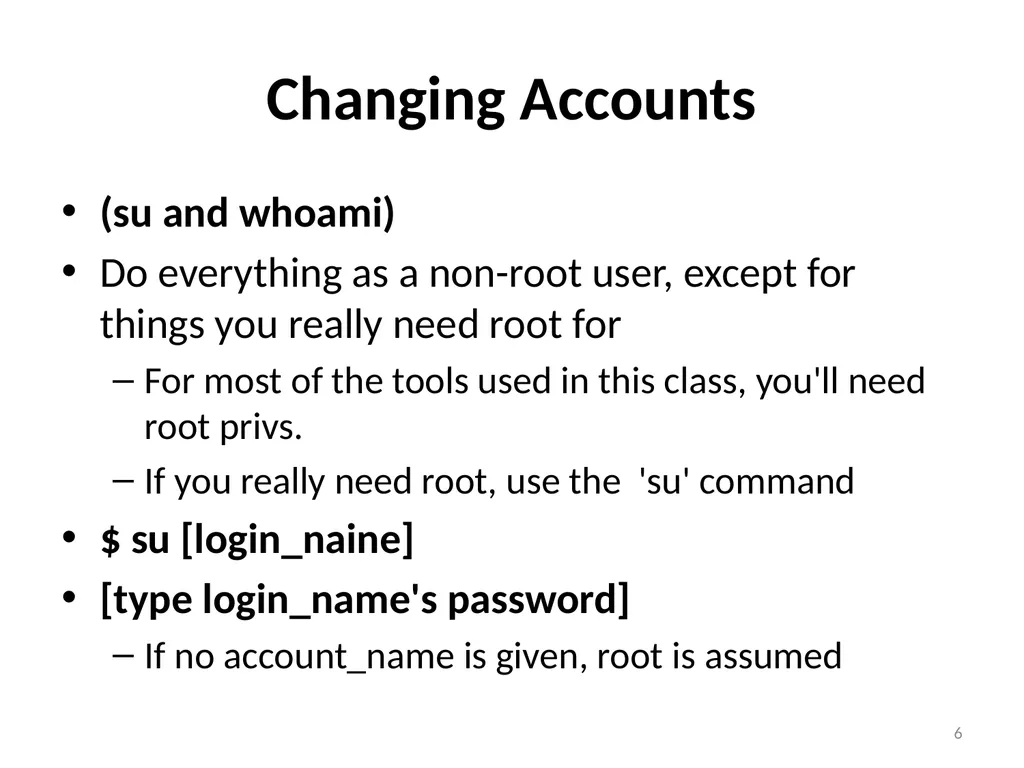
Changing Accounts (su and whoami)
Do everything as a non-root user, except for things you really need root for
For most of the tools used in this class, you'll need root privs.
If you really need root, use the 'su' command
$ su [login_naine]
[type login_name's password]
If no account_name is given, root is assumed 6<br>
Do everything as a non-root user, except for things you really need root for
For most of the tools used in this class, you'll need root privs.
If you really need root, use the 'su' command
$ su [login_naine]
[type login_name's password]
If no account_name is given, root is assumed 6<br>
07
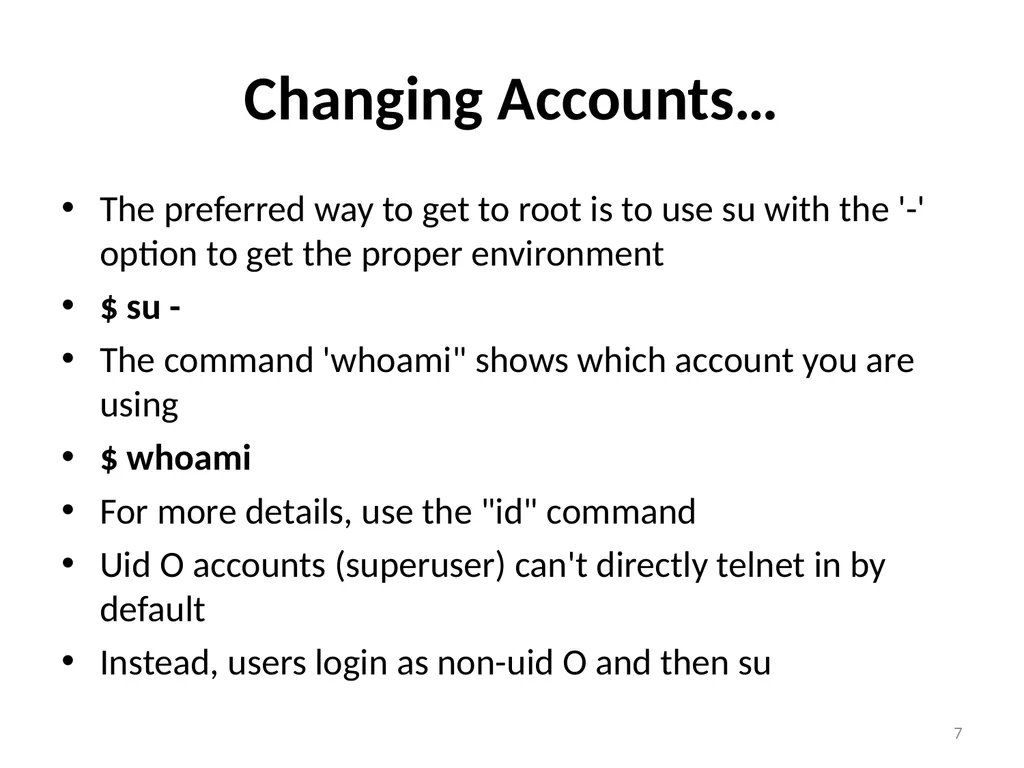
Changing Accounts… The preferred way to get to root is to use su with the '-' option to get the proper environment
$ su -
The command 'whoami" shows which account you are using
$ whoami
For more details, use the "id" command
Uid O accounts (superuser) can't directly telnet in by default
Instead, users login as non-uid O and then su 7<br>
$ su -
The command 'whoami" shows which account you are using
$ whoami
For more details, use the "id" command
Uid O accounts (superuser) can't directly telnet in by default
Instead, users login as non-uid O and then su 7<br>
08
Key Pen Testing Terms Linux File System Structure
The top of the file system is called /
A bunch of things are under slash 8<br>
The top of the file system is called /
A bunch of things are under slash 8<br>
09
Key Pen Testing Terms… Vulnerability
Vulnerability is some flaw in our environment that a malicious attacker could use to cause damage in your organization.
Vulnerabilities could exist in numerous areas in our environments, including our system design, business operations, installed software, and network configurations.
Risk
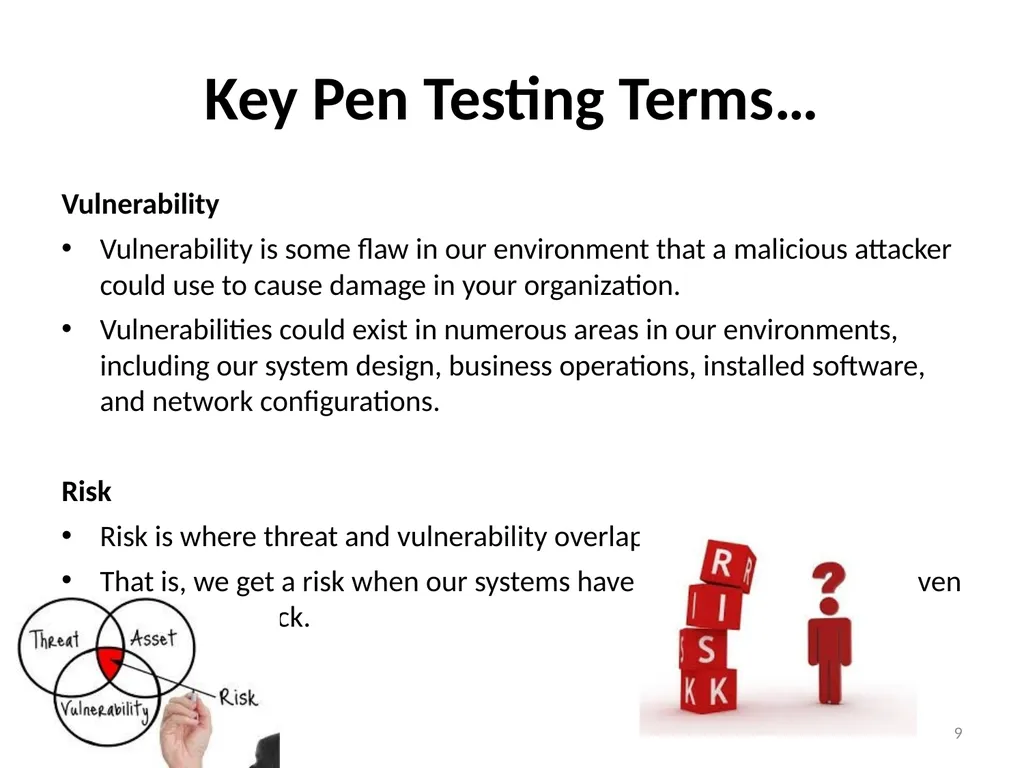
Risk is where threat and vulnerability overlap.
That is, we get a risk when our systems have a vulnerability that a given threat can attack. 9<br>
Vulnerability is some flaw in our environment that a malicious attacker could use to cause damage in your organization.
Vulnerabilities could exist in numerous areas in our environments, including our system design, business operations, installed software, and network configurations.
Risk
Risk is where threat and vulnerability overlap.
That is, we get a risk when our systems have a vulnerability that a given threat can attack. 9<br>
10
Key Pen Testing Terms… Exploit
An exploit is the way or tool by which an attacker uses a vulnerability to cause damage to the target system.
The exploit could be a package of code which creates packets that overflow a buffer in software running on the target, which is also known as buffer overflows.
Alternatively, the exploit could be a social engineering scheme whereby the bad guy talks a user, preferably an employee into revealing sensitive information, such as a password, over the phone.
As security professional, we have to work hard to minimize this risk by minimizing vulnerabilities and blocking threats 10<br>
An exploit is the way or tool by which an attacker uses a vulnerability to cause damage to the target system.
The exploit could be a package of code which creates packets that overflow a buffer in software running on the target, which is also known as buffer overflows.
Alternatively, the exploit could be a social engineering scheme whereby the bad guy talks a user, preferably an employee into revealing sensitive information, such as a password, over the phone.
As security professional, we have to work hard to minimize this risk by minimizing vulnerabilities and blocking threats 10<br>
11
Key Pen Testing Terms… We have to model the activities of real world threats to discover vulnerabilities
Then, through controlled exploitation, we attempt to determine the business risk connected with these flaws and vulnerabilities
…and then recommend appropriate defenses.
These recommendations must benefit our target organization. If we do this properly, then the security and protection of our target organization will greatly improve. 11<br>
Then, through controlled exploitation, we attempt to determine the business risk connected with these flaws and vulnerabilities
…and then recommend appropriate defenses.
These recommendations must benefit our target organization. If we do this properly, then the security and protection of our target organization will greatly improve. 11<br>
12
Types of Attack Active vs. Passive
Attack- violates the confidentiality, integrity, availability, and authentication of target environment
Active Attack
Manipulates target system or information, violates availability or integrity
Can also impact authentication & confidentiality
Examples: installing backdoor, altering configuration to start a service, manipulate packet flow to sniff 12<br>
Attack- violates the confidentiality, integrity, availability, and authentication of target environment
Active Attack
Manipulates target system or information, violates availability or integrity
Can also impact authentication & confidentiality
Examples: installing backdoor, altering configuration to start a service, manipulate packet flow to sniff 12<br>
13
Types of Attack … Passive Attack
Does not modify target instead, intercepts information
Tends to focus on violating confidentiality
Examples: passively sniffing packets that are being sent to a machine already controlled by the attacker 13<br>
Does not modify target instead, intercepts information
Tends to focus on violating confidentiality
Examples: passively sniffing packets that are being sent to a machine already controlled by the attacker 13<br>
14
Types of Attack … Inside vs. Outside
Inside Attack
Launched from within a target network
Typically launched by an insider employee, contractor, etc.),who may be trusted
Sometimes launched by outsider who gains physical access by walking into a building or getting wireless access
Outside Attack
Launched from outside of physical bounds of a network 14<br>
Inside Attack
Launched from within a target network
Typically launched by an insider employee, contractor, etc.),who may be trusted
Sometimes launched by outsider who gains physical access by walking into a building or getting wireless access
Outside Attack
Launched from outside of physical bounds of a network 14<br>
15
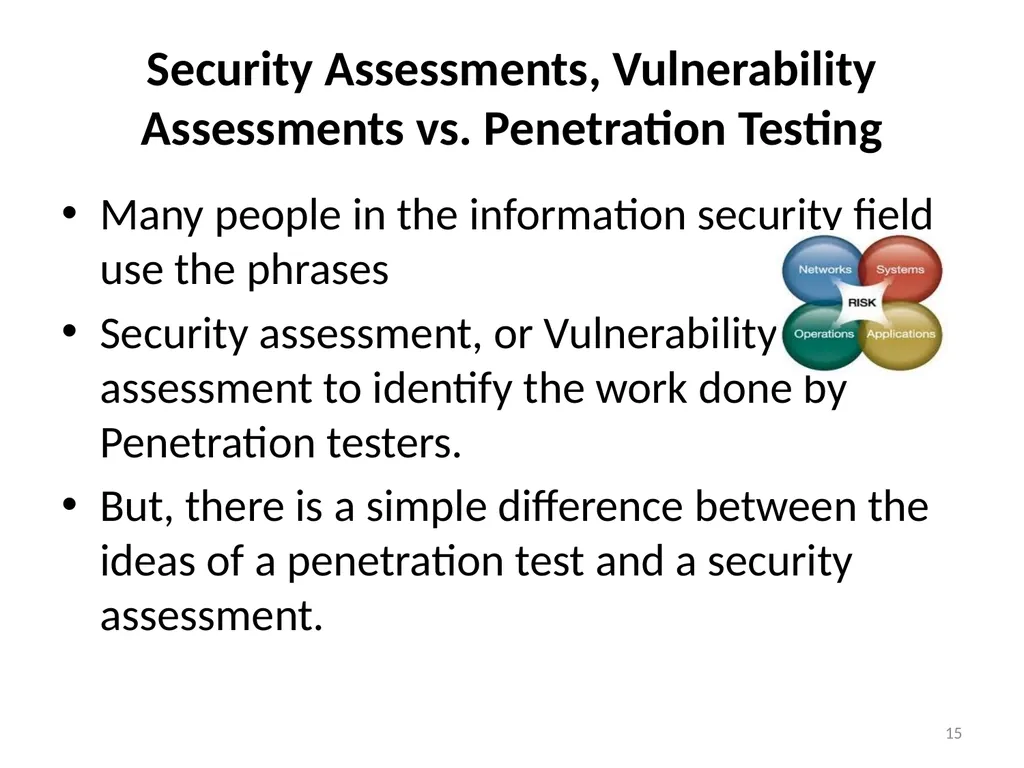
Security Assessments, Vulnerability Assessments vs. Penetration Testing Many people in the information security field use the phrases
Security assessment, or Vulnerability assessment to identify the work done by Penetration testers.
But, there is a simple difference between the ideas of a penetration test and a security assessment. 15<br>
Security assessment, or Vulnerability assessment to identify the work done by Penetration testers.
But, there is a simple difference between the ideas of a penetration test and a security assessment. 15<br>
16
Ethical Hacking Definition Hacking (traditional): Manipulating technology to make it do something that it is not designed to do
Hacking(sinister):Breaking into computers and network systems without permission
Ethical Hacking: Using computer attack techniques to find Security flaws with the permission of the target owner and with the goal of improving the target's security 16<br>
Hacking(sinister):Breaking into computers and network systems without permission
Ethical Hacking: Using computer attack techniques to find Security flaws with the permission of the target owner and with the goal of improving the target's security 16<br>
17
Penetration Testing Penetration testing is the act of attacking an information system to probe security flaws with the permission of the owners of the target system and the purpose of improving the target’s security.
To prevent a thief think like a thief
The actual goal of pen test: compromising target systems and getting access to information 17<br>
To prevent a thief think like a thief
The actual goal of pen test: compromising target systems and getting access to information 17<br>
18
Security Assessments Also called "vulnerability assessments"
For some people, terms used interchangeably:
Security assessment = vulnerability assessment = penetration testing
But there are some differences...
Penetration Testing - focus is on getting in or stealing data
Security/Vulnerability Assessment- focus is on finding Security vulnerabilities, which may or may not be used to get in or steal data
Penetration testing often is intended to go deeper and focus on technical issues
Assessments are broader, and often include explicit policy and procedure review 18<br>
For some people, terms used interchangeably:
Security assessment = vulnerability assessment = penetration testing
But there are some differences...
Penetration Testing - focus is on getting in or stealing data
Security/Vulnerability Assessment- focus is on finding Security vulnerabilities, which may or may not be used to get in or steal data
Penetration testing often is intended to go deeper and focus on technical issues
Assessments are broader, and often include explicit policy and procedure review 18<br>
19
Security Audits Audit implies testing against a rigorous set of standards
Almost always done with detailed checklists
While some people have created for penetration testing and security assessments, they tend not to have the depth and rigor of an audit 19<br>
Almost always done with detailed checklists
While some people have created for penetration testing and security assessments, they tend not to have the depth and rigor of an audit 19<br>
20
Why Penetration Testing? To find vulnerabilities and exploits in the target environment before the bad guys do
To help to make a point to executives about the need for actions or resources
Finding and exploiting flaws in an actual penetration test often offers more real-world proof of the need for action than other methods of vulnerability finding
Some controversy about the value of penetration testing 20<br>
To help to make a point to executives about the need for actions or resources
Finding and exploiting flaws in an actual penetration test often offers more real-world proof of the need for action than other methods of vulnerability finding
Some controversy about the value of penetration testing 20<br>
21
Addressing Discovered Vulnerabilities Not all discovered vulnerabilities will be addressed
However, information security is ultimately about managing risk
That's why we need to present our findings in business terms ( We'll discuss reporting later) 21<br>
However, information security is ultimately about managing risk
That's why we need to present our findings in business terms ( We'll discuss reporting later) 21<br>
22
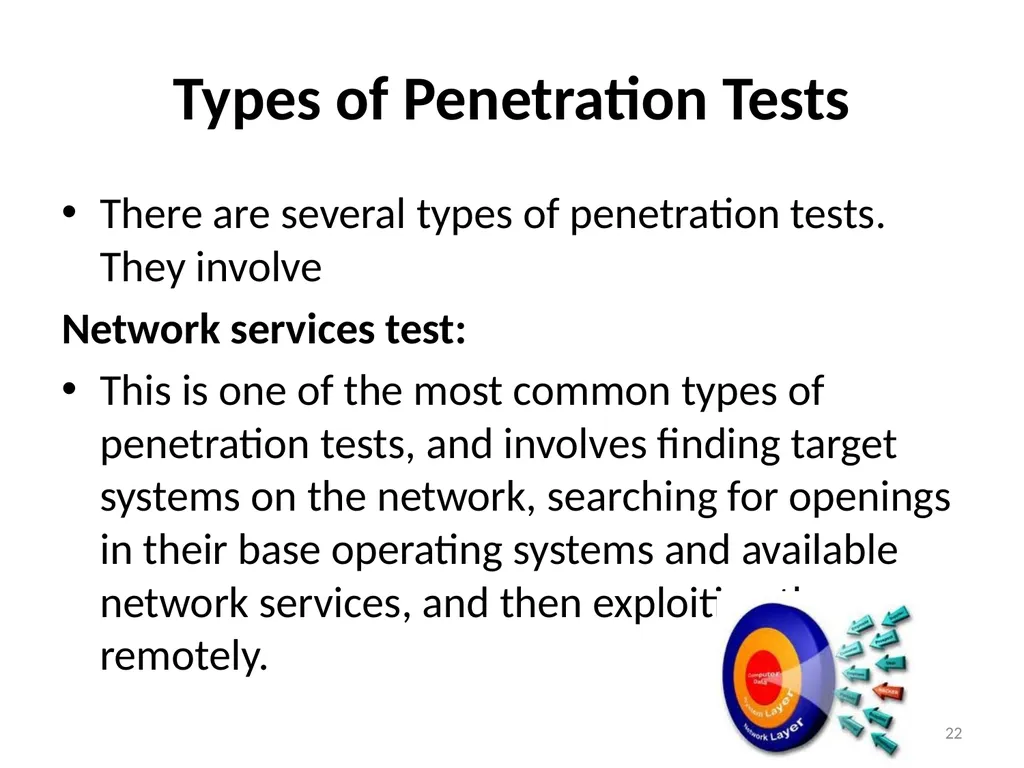
Types of Penetration Tests There are several types of penetration tests. They involve
Network services test:
This is one of the most common types of penetration tests, and involves finding target systems on the network, searching for openings in their base operating systems and available network services, and then exploiting them remotely. 22<br>
Network services test:
This is one of the most common types of penetration tests, and involves finding target systems on the network, searching for openings in their base operating systems and available network services, and then exploiting them remotely. 22<br>
23
Types of Penetration Tests… Some of these network service penetration tests take place remotely across the Internet, targeting the organization’s perimeter networks.
Others are launched locally, from the target’s own business facilities, to assess the security of their internal network or the DMZ from within, seeing what kinds of vulnerabilities an internal user could learn. 23<br>
Others are launched locally, from the target’s own business facilities, to assess the security of their internal network or the DMZ from within, seeing what kinds of vulnerabilities an internal user could learn. 23<br>
24
Types of Penetration Tests… Client-side test
This kind of penetration test is intended to find vulnerabilities in and exploit client-side software, such as web browsers, media players, document editing programs, etc.
Web application test:
These penetration tests look for security vulnerabilities in the web-based applications and programs deployed and installed on the target environment. 24<br>
This kind of penetration test is intended to find vulnerabilities in and exploit client-side software, such as web browsers, media players, document editing programs, etc.
Web application test:
These penetration tests look for security vulnerabilities in the web-based applications and programs deployed and installed on the target environment. 24<br>
25
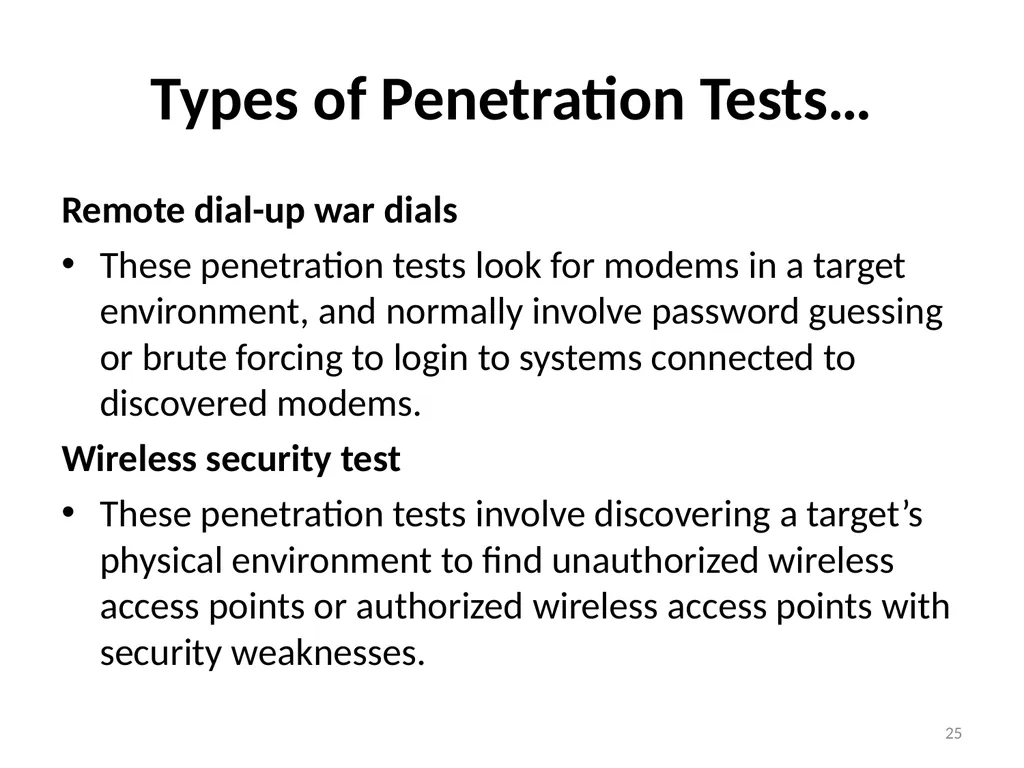
Types of Penetration Tests… Remote dial-up war dials
These penetration tests look for modems in a target environment, and normally involve password guessing or brute forcing to login to systems connected to discovered modems.
Wireless security test
These penetration tests involve discovering a target’s physical environment to find unauthorized wireless access points or authorized wireless access points with security weaknesses. 25<br>
These penetration tests look for modems in a target environment, and normally involve password guessing or brute forcing to login to systems connected to discovered modems.
Wireless security test
These penetration tests involve discovering a target’s physical environment to find unauthorized wireless access points or authorized wireless access points with security weaknesses. 25<br>
26
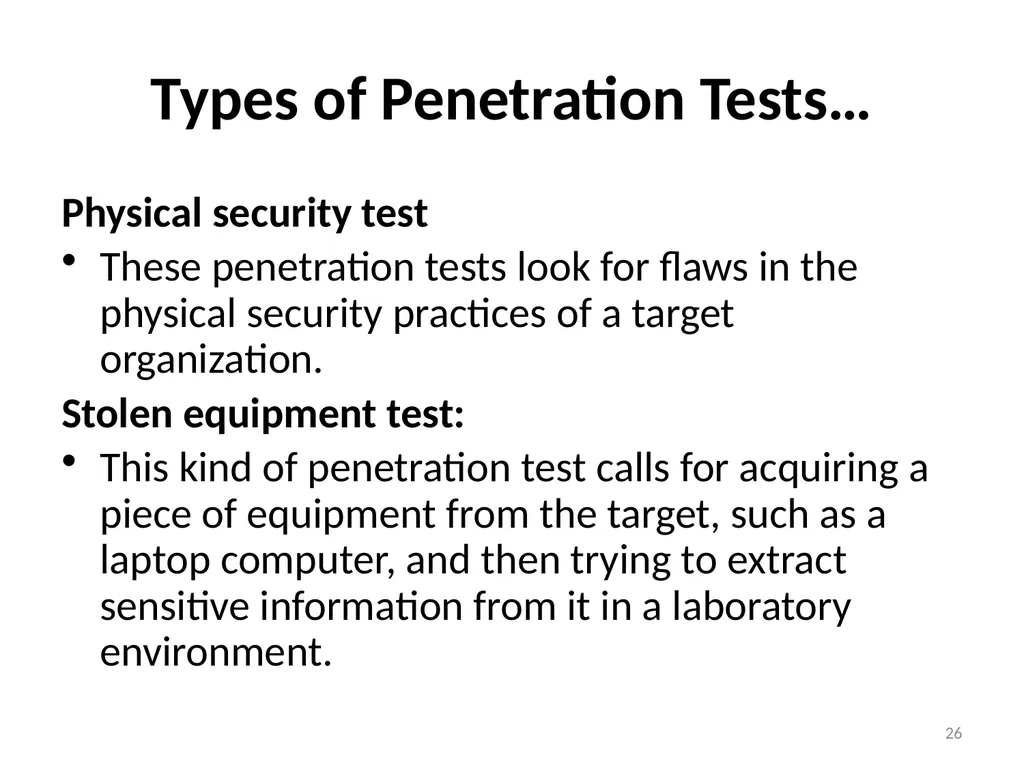
Types of Penetration Tests… Physical security test
These penetration tests look for flaws in the physical security practices of a target organization.
Stolen equipment test:
This kind of penetration test calls for acquiring a piece of equipment from the target, such as a laptop computer, and then trying to extract sensitive information from it in a laboratory environment. 26<br>
These penetration tests look for flaws in the physical security practices of a target organization.
Stolen equipment test:
This kind of penetration test calls for acquiring a piece of equipment from the target, such as a laptop computer, and then trying to extract sensitive information from it in a laboratory environment. 26<br>
27
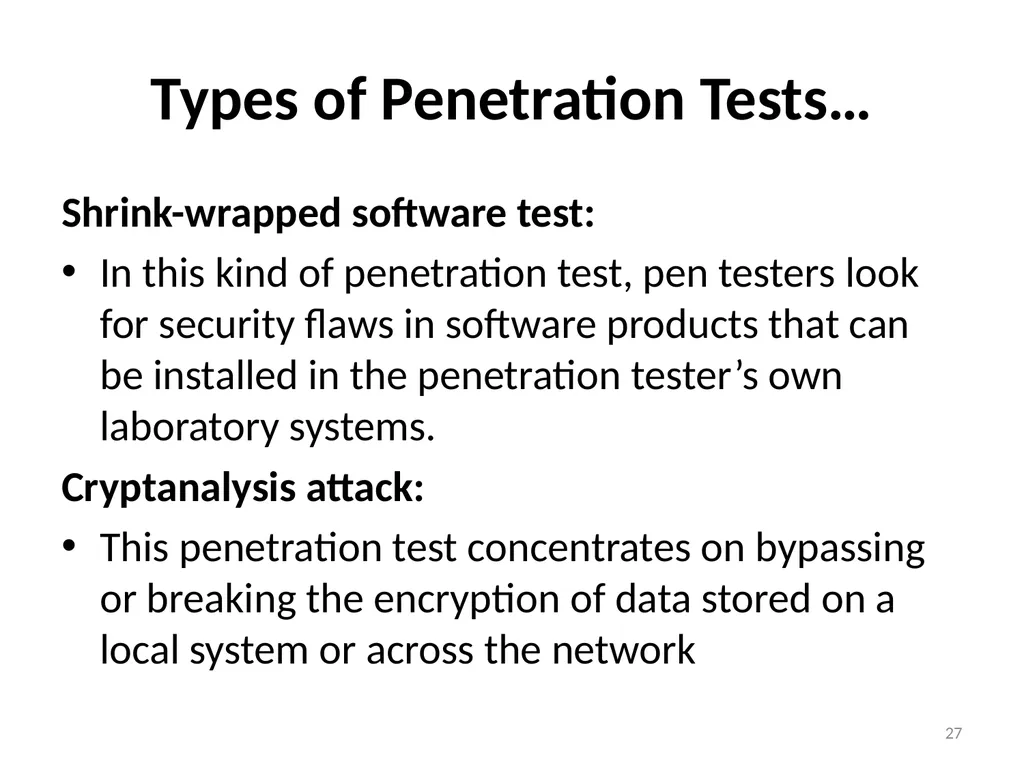
Types of Penetration Tests… Shrink-wrapped software test:
In this kind of penetration test, pen testers look for security flaws in software products that can be installed in the penetration tester’s own laboratory systems.
Cryptanalysis attack:
This penetration test concentrates on bypassing or breaking the encryption of data stored on a local system or across the network 27<br>
In this kind of penetration test, pen testers look for security flaws in software products that can be installed in the penetration tester’s own laboratory systems.
Cryptanalysis attack:
This penetration test concentrates on bypassing or breaking the encryption of data stored on a local system or across the network 27<br>
28
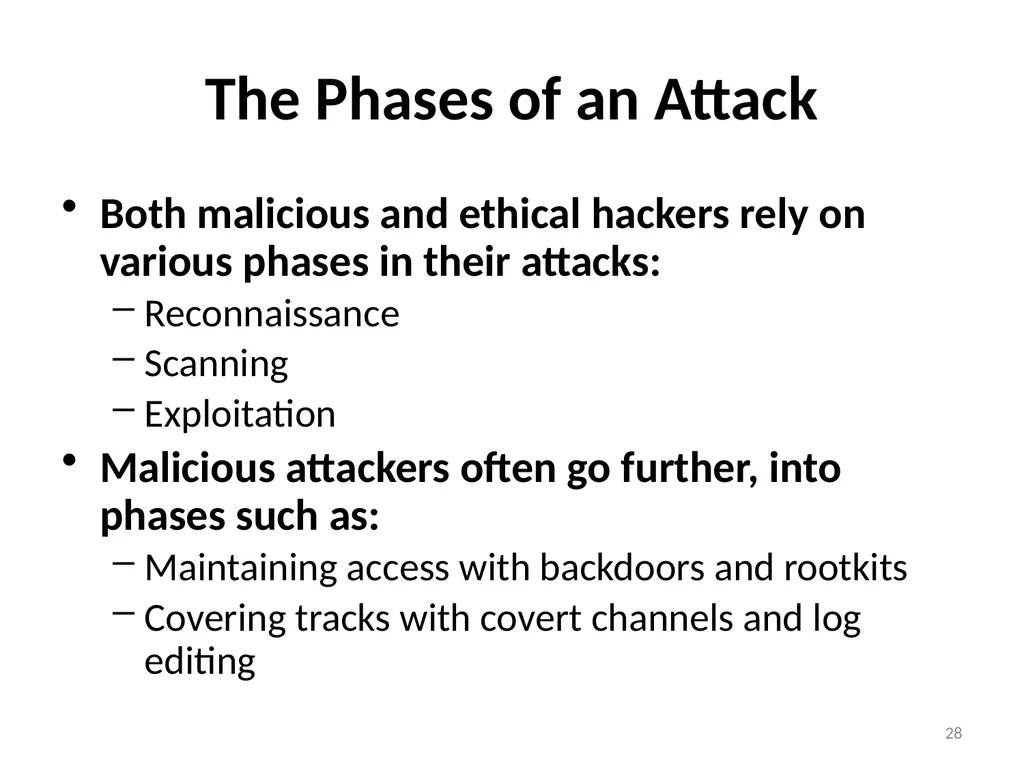
The Phases of an Attack Both malicious and ethical hackers rely on various phases in their attacks:
Reconnaissance
Scanning
Exploitation
Malicious attackers often go further, into phases such as:
Maintaining access with backdoors and rootkits
Covering tracks with covert channels and log editing 28<br>
Reconnaissance
Scanning
Exploitation
Malicious attackers often go further, into phases such as:
Maintaining access with backdoors and rootkits
Covering tracks with covert channels and log editing 28<br>
29
Limitations of Penetration Testing Penetration testing cannot find all vulnerabilities in a target environment.
There are limitations based on the resources and restrictions of a test:
Limitations of scope
Limitations of time
Limitations on access of penetration testers
Limitations on methods of penetration testers 29<br>
Limitations of scope
Limitations of time
Limitations on access of penetration testers
Limitations on methods of penetration testers 29<br>
30
Limitations of Penetration Testing Additional limitations
Limitations of skills of penetration testers
Limitations of imaginations of penetration Testers Limitations of known exploits
Most of penetration testers do not write their own exploits
These limitations can be overcomed by having a highly skilled and experienced set of penetration testers 30<br>
Limitations of skills of penetration testers
Limitations of imaginations of penetration Testers Limitations of known exploits
Most of penetration testers do not write their own exploits
These limitations can be overcomed by having a highly skilled and experienced set of penetration testers 30<br>
31
Other Approaches to Find Security Vulnerabilities Configuration review
Architecture review
Can help determine whether defense-in-depth is applied
Interviews with target environment personnel
Detailed audits : checklists for systematic analysis of focused security issues 31<br>
Architecture review
Can help determine whether defense-in-depth is applied
Interviews with target environment personnel
Detailed audits : checklists for systematic analysis of focused security issues 31<br>
32
The Benefits of other Approaches Config review, arch review, interviews, and audits could be more comprehensive and systematic than penetration testing
Each views the enterprise from a different perspective
Such activities have less likelihood of crashing a target 32<br>
Each views the enterprise from a different perspective
Such activities have less likelihood of crashing a target 32<br>
33
The Benefits of other Approaches… So Why Pen Testing?
“Where the meets road the rubber"
What would actual attacker see?
Provide an excellent view of the actual security state of an environment as well as the organization security state
Highlight what a real-world bad guy might see if he or she targeted the given organization.
Deeper than most audits. Penetration tests engagements also discover subtle flaws that other methods cannot easily discover.
unique impact on the time resources of the target organization 33<br>
“Where the meets road the rubber"
What would actual attacker see?
Provide an excellent view of the actual security state of an environment as well as the organization security state
Highlight what a real-world bad guy might see if he or she targeted the given organization.
Deeper than most audits. Penetration tests engagements also discover subtle flaws that other methods cannot easily discover.
unique impact on the time resources of the target organization 33<br>
34
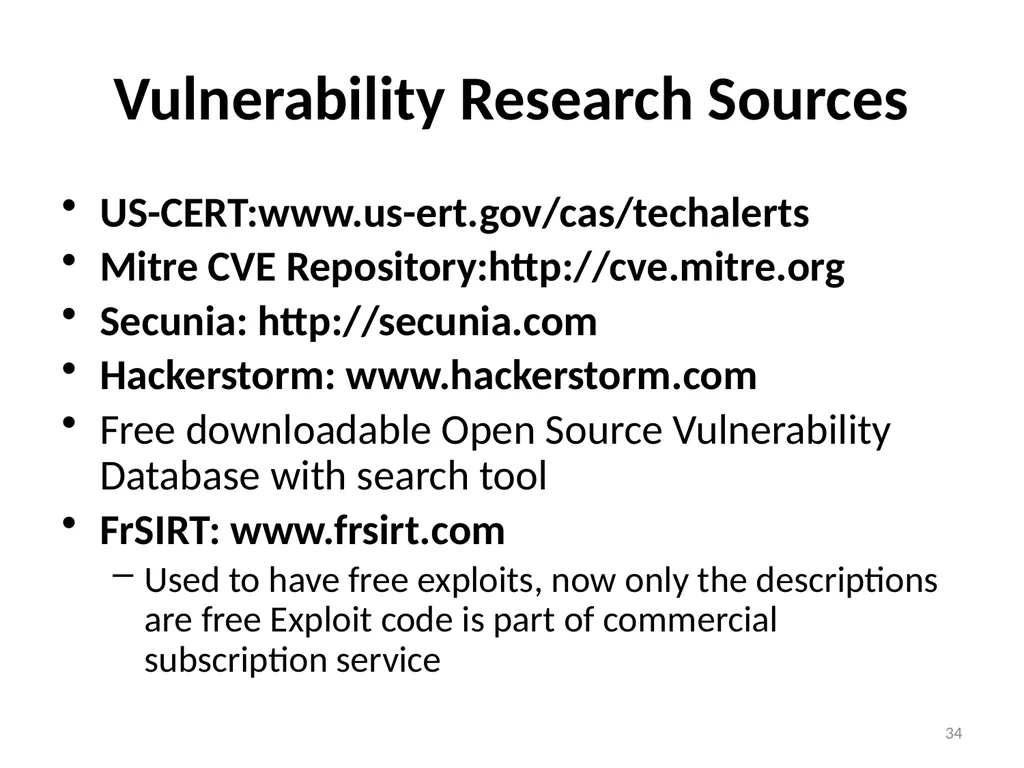
Vulnerability Research Sources US-CERT:www.us-ert.gov/cas/techalerts
Mitre CVE Repository:http://cve.mitre.org
Secunia: http://secunia.com
Hackerstorm: www.hackerstorm.com
Free downloadable Open Source Vulnerability Database with search tool
FrSIRT: www.frsirt.com
Used to have free exploits, now only the descriptions are free Exploit code is part of commercial subscription service 34<br>
Mitre CVE Repository:http://cve.mitre.org
Secunia: http://secunia.com
Hackerstorm: www.hackerstorm.com
Free downloadable Open Source Vulnerability Database with search tool
FrSIRT: www.frsirt.com
Used to have free exploits, now only the descriptions are free Exploit code is part of commercial subscription service 34<br>
35
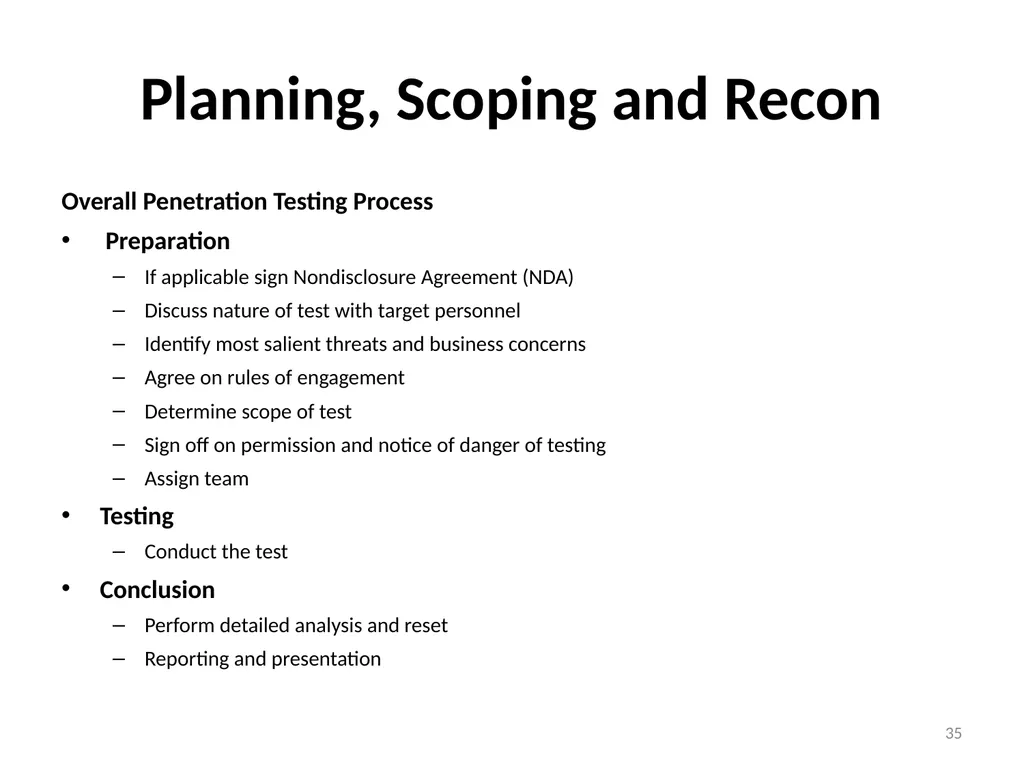
Planning, Scoping and Recon Overall Penetration Testing Process
Preparation
If applicable sign Nondisclosure Agreement (NDA)
Discuss nature of test with target personnel
Identify most salient threats and business concerns
Agree on rules of engagement
Determine scope of test
Sign off on permission and notice of danger of testing
Assign team
Testing
Conduct the test
Conclusion
Perform detailed analysis and reset
Reporting and presentation 35<br>
Preparation
If applicable sign Nondisclosure Agreement (NDA)
Discuss nature of test with target personnel
Identify most salient threats and business concerns
Agree on rules of engagement
Determine scope of test
Sign off on permission and notice of danger of testing
Assign team
Testing
Conduct the test
Conclusion
Perform detailed analysis and reset
Reporting and presentation 35<br>
36
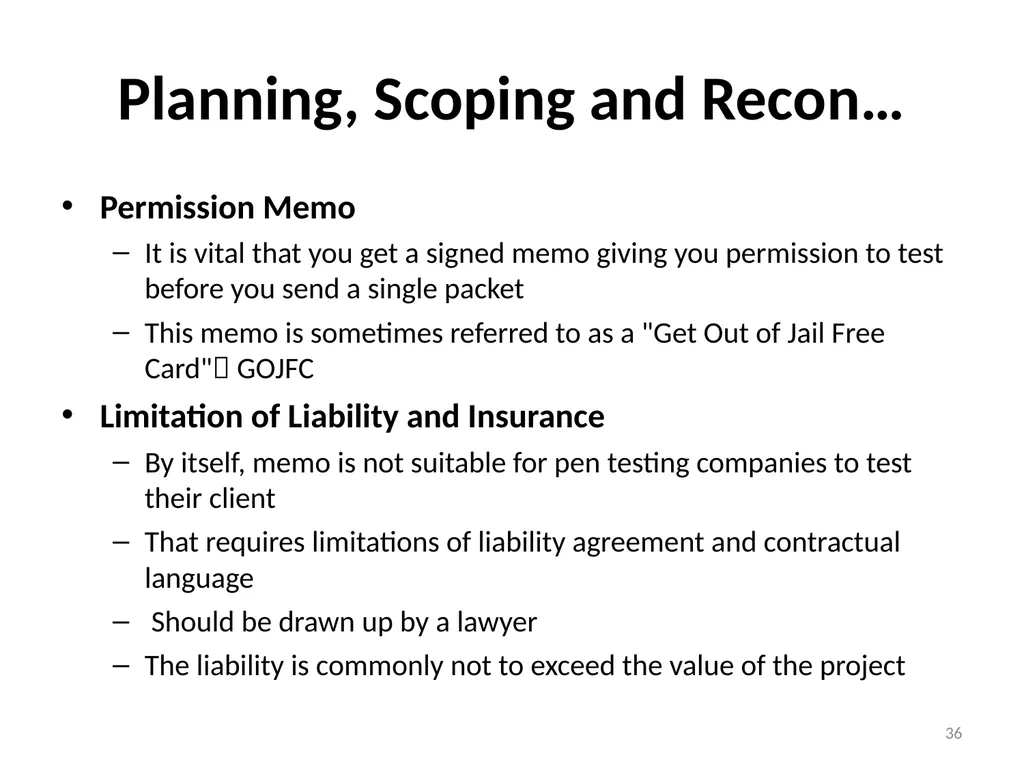
Planning, Scoping and Recon… Permission Memo
It is vital that you get a signed memo giving you permission to test before you send a single packet
This memo is sometimes referred to as a "Get Out of Jail Free Card" GOJFC
Limitation of Liability and Insurance
By itself, memo is not suitable for pen testing companies to test their client
That requires limitations of liability agreement and contractual language
Should be drawn up by a lawyer
The liability is commonly not to exceed the value of the project 36<br>
It is vital that you get a signed memo giving you permission to test before you send a single packet
This memo is sometimes referred to as a "Get Out of Jail Free Card" GOJFC
Limitation of Liability and Insurance
By itself, memo is not suitable for pen testing companies to test their client
That requires limitations of liability agreement and contractual language
Should be drawn up by a lawyer
The liability is commonly not to exceed the value of the project 36<br>
37
Planning, Scoping and Recon… Rules of Engagement vs. Project Scope
The rules of Engagement and project scope must be defined in advance
But, these are separate documents
Which comes first?
“A chicken and the Egg “problem
Whatever you are more comfortable with comes first
But, setting the scope first helps to define the Rules of Engagement 37<br>
The rules of Engagement and project scope must be defined in advance
But, these are separate documents
Which comes first?
“A chicken and the Egg “problem
Whatever you are more comfortable with comes first
But, setting the scope first helps to define the Rules of Engagement 37<br>
38
Rules of Engagement If you don't have solid Rules of Engagement, you may encounter some nasty issues
At a minimum, you’ll get low value from your penetration test, wasting time and money
Calls from business units angry with you
Calls from other companies angry with you
Calls from service providers or other third party companies (web hosting...) angry with you
Lawsuits?
Plan carefully in advance
Rules of Engagement define how the test will run
The Rules of Engagement should be 1 to 2 pages long, and address each of the following issues 38<br>
At a minimum, you’ll get low value from your penetration test, wasting time and money
Calls from business units angry with you
Calls from other companies angry with you
Calls from service providers or other third party companies (web hosting...) angry with you
Lawsuits?
Plan carefully in advance
Rules of Engagement define how the test will run
The Rules of Engagement should be 1 to 2 pages long, and address each of the following issues 38<br>
39
Rules of Engagement… Contact Information
Make sure the testing team and the target organization explicitly exchange emergency contact information
Include name, mobile phone number, and in all contact lists
Both sides must be available 24X7 during the test duration
Keep them close by during entire test
Penetration testing team may notice erratic behavior or a crash in a target system,
Or, penetration testing might discover evidence of a previous intrusion 39<br>
Make sure the testing team and the target organization explicitly exchange emergency contact information
Include name, mobile phone number, and in all contact lists
Both sides must be available 24X7 during the test duration
Keep them close by during entire test
Penetration testing team may notice erratic behavior or a crash in a target system,
Or, penetration testing might discover evidence of a previous intrusion 39<br>
40
Rules of Engagement… Debriefing Daily
Schedule a daily debriefing conference call
At the beginning or end of the day (half-hour long)
If daily schedule is too onerous, try twice per week during testing interval
It ensures everyone is on the same page…
Discuss the following issues:
What the team has done and is in the process of doing
Any significant issues discovered so far
Whether target personnel have detected the test yet 40<br>
Schedule a daily debriefing conference call
At the beginning or end of the day (half-hour long)
If daily schedule is too onerous, try twice per week during testing interval
It ensures everyone is on the same page…
Discuss the following issues:
What the team has done and is in the process of doing
Any significant issues discovered so far
Whether target personnel have detected the test yet 40<br>
41
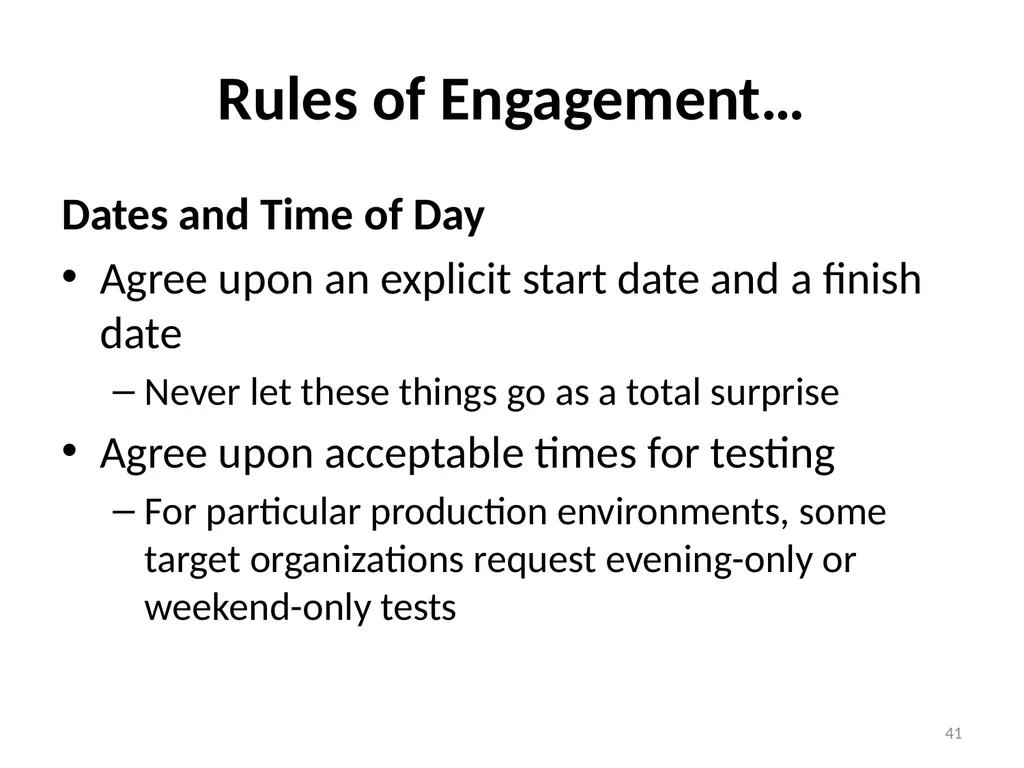
Rules of Engagement… Dates and Time of Day
Agree upon an explicit start date and a finish date
Never let these things go as a total surprise
Agree upon acceptable times for testing
For particular production environments, some target organizations request evening-only or weekend-only tests 41<br>
Agree upon an explicit start date and a finish date
Never let these things go as a total surprise
Agree upon acceptable times for testing
For particular production environments, some target organizations request evening-only or weekend-only tests 41<br>
42
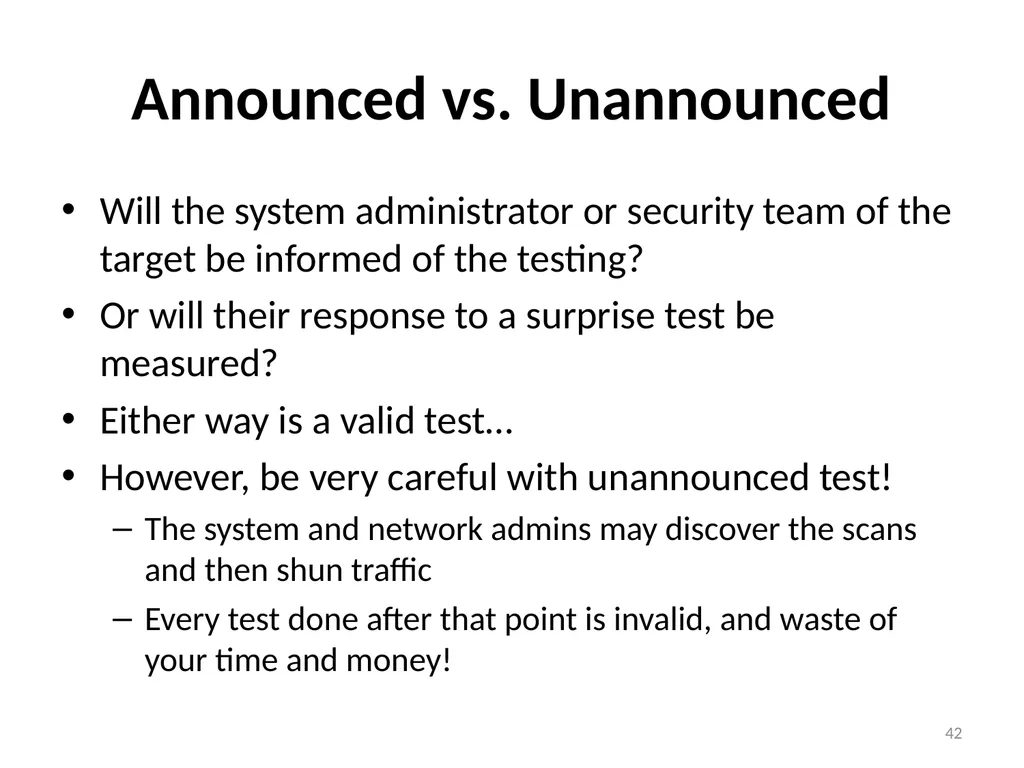
Announced vs. Unannounced Will the system administrator or security team of the target be informed of the testing?
Or will their response to a surprise test be measured?
Either way is a valid test…
However, be very careful with unannounced test!
The system and network admins may discover the scans and then shun traffic
Every test done after that point is invalid, and waste of your time and money! 42<br>
Or will their response to a surprise test be measured?
Either way is a valid test…
However, be very careful with unannounced test!
The system and network admins may discover the scans and then shun traffic
Every test done after that point is invalid, and waste of your time and money! 42<br>
43
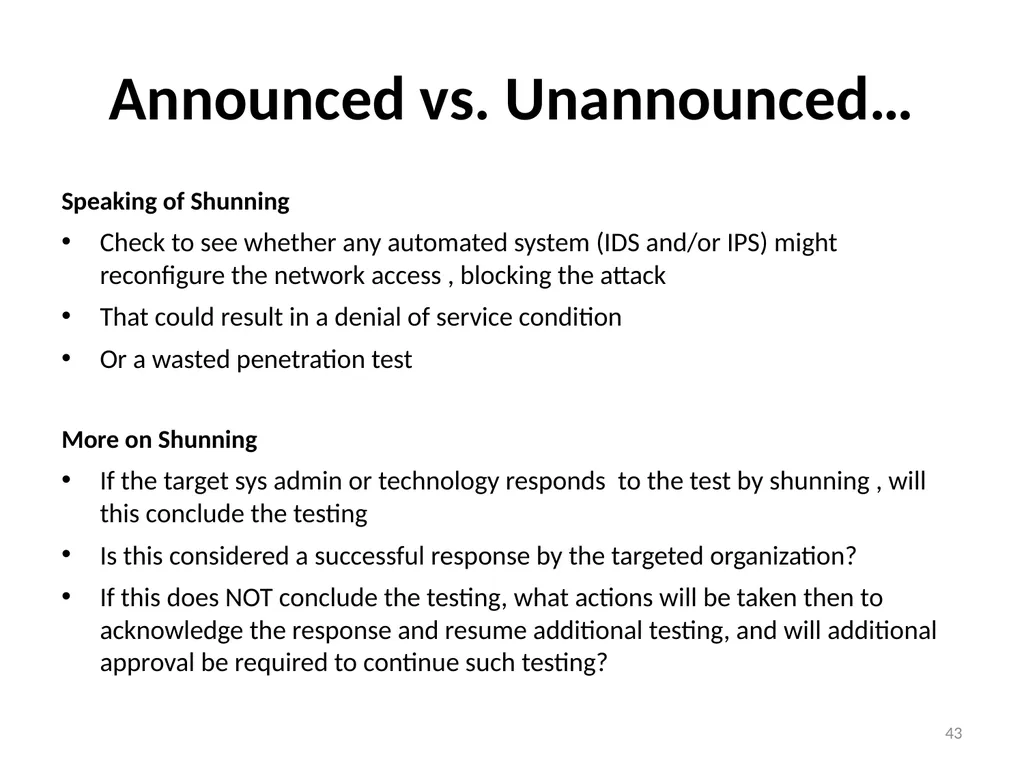
Announced vs. Unannounced… Speaking of Shunning
Check to see whether any automated system (IDS and/or IPS) might reconfigure the network access , blocking the attack
That could result in a denial of service condition
Or a wasted penetration test
More on Shunning
If the target sys admin or technology responds to the test by shunning , will this conclude the testing
Is this considered a successful response by the targeted organization?
If this does NOT conclude the testing, what actions will be taken then to acknowledge the response and resume additional testing, and will additional approval be required to continue such testing? 43<br>
Check to see whether any automated system (IDS and/or IPS) might reconfigure the network access , blocking the attack
That could result in a denial of service condition
Or a wasted penetration test
More on Shunning
If the target sys admin or technology responds to the test by shunning , will this conclude the testing
Is this considered a successful response by the targeted organization?
If this does NOT conclude the testing, what actions will be taken then to acknowledge the response and resume additional testing, and will additional approval be required to continue such testing? 43<br>
44
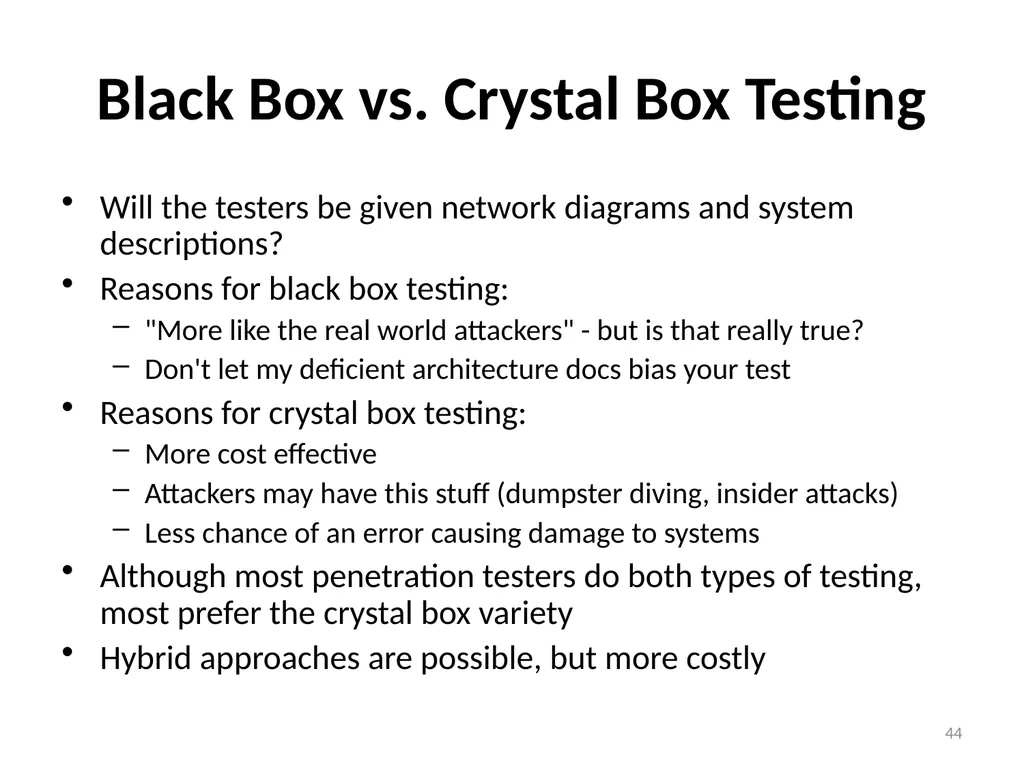
Black Box vs. Crystal Box Testing Will the testers be given network diagrams and system descriptions?
Reasons for black box testing:
"More like the real world attackers" - but is that really true?
Don't let my deficient architecture docs bias your test
Reasons for crystal box testing:
More cost effective
Attackers may have this stuff (dumpster diving, insider attacks)
Less chance of an error causing damage to systems
Although most penetration testers do both types of testing, most prefer the crystal box variety
Hybrid approaches are possible, but more costly 44<br>
Reasons for black box testing:
"More like the real world attackers" - but is that really true?
Don't let my deficient architecture docs bias your test
Reasons for crystal box testing:
More cost effective
Attackers may have this stuff (dumpster diving, insider attacks)
Less chance of an error causing damage to systems
Although most penetration testers do both types of testing, most prefer the crystal box variety
Hybrid approaches are possible, but more costly 44<br>
45
Black Box vs. Crystal Box Testing… Viewing Data on Compromised Systems
If the testing team successfully compromised a target host, what limits should there be on viewing data on the host?
The recommendation is prohibiting user information from viewing
There could be personal or customer information , viewing of such data could violate privacy regulation 45<br>
If the testing team successfully compromised a target host, what limits should there be on viewing data on the host?
The recommendation is prohibiting user information from viewing
There could be personal or customer information , viewing of such data could violate privacy regulation 45<br>
46
Finalizing Pen Test Planning You really should agree on all of these issues before you start
Document your agreement and have everyone signoff
Target Organization
Head of the team
Possibly the individual testers themselves
Good set of Rules of Engagement makes your testing more thorough and valuable 46<br>
Document your agreement and have everyone signoff
Target Organization
Head of the team
Possibly the individual testers themselves
Good set of Rules of Engagement makes your testing more thorough and valuable 46<br>
47
Scoping –what are the concerns? Ask the target organization: what are your biggest security concerns?
Disclosure of sensitive information
Interruption of production processing
Embarrassment due to defacement of website
Compromising of a machine to use as a jump-off point for deeper penetration
… 47<br>
Disclosure of sensitive information
Interruption of production processing
Embarrassment due to defacement of website
Compromising of a machine to use as a jump-off point for deeper penetration
… 47<br>
48
Scoping Ask the target organization: what are your biggest security concerns?
Disclosure of sensitive information
Interruption of production processing
Embarrassment due to defacement of website
Compromising of a machine to use as a jump-off point for deeper penetration
… 48<br>
Disclosure of sensitive information
Interruption of production processing
Embarrassment due to defacement of website
Compromising of a machine to use as a jump-off point for deeper penetration
… 48<br>
49
Scoping… Avoiding Scope Creep
Discuss threats, risks, and already-known vulnerabilities
This is a kind of brainstorming session
Discuss how to best test these areas of concern
Be careful to keep focused
We don't want scope creep
If there is no focus, suggest the test include the low-hanging fruit to start 49<br>
Discuss threats, risks, and already-known vulnerabilities
This is a kind of brainstorming session
Discuss how to best test these areas of concern
Be careful to keep focused
We don't want scope creep
If there is no focus, suggest the test include the low-hanging fruit to start 49<br>
50
Scoping… Setting the Scope-what to test?
Establish a clear and explicit scope for the test
What is to be tested?
Specific domain names
Network address ranges
Individual hosts
Particular applications
What should be explicitly avoided?
Document these in advance … and check when additional items are discovered before attacking them 50<br>
Establish a clear and explicit scope for the test
What is to be tested?
Specific domain names
Network address ranges
Individual hosts
Particular applications
What should be explicitly avoided?
Document these in advance … and check when additional items are discovered before attacking them 50<br>
51
Scoping… Scope of Test - Third Parties
Make sure to get explicit (written) permission to test the equipment of any third parties
ISPs (routers, switches, mail, servers, DNS servers, etc...)
Web hosting companies
Possibly a single web server housing dozens of companies' web sites
Others 51<br>
Make sure to get explicit (written) permission to test the equipment of any third parties
ISPs (routers, switches, mail, servers, DNS servers, etc...)
Web hosting companies
Possibly a single web server housing dozens of companies' web sites
Others 51<br>
52
Scoping… How should the target systems be tested?
Ping sweep of network ranges
Port scan of target hosts
Vulnerability scan of targets
Penetration into targets
Give me shell or give me death
Application-level manipulation
Client-side Java/ActiveX reverse engineering
Physical penetration attempts
Social engineering of people (more on this later...) 52<br>
Ping sweep of network ranges
Port scan of target hosts
Vulnerability scan of targets
Penetration into targets
Give me shell or give me death
Application-level manipulation
Client-side Java/ActiveX reverse engineering
Physical penetration attempts
Social engineering of people (more on this later...) 52<br>
53
Testing Client-Side Systems Most penetration tests focus on servers
An increasing avenue of attack in the real world involves clients... desktops and laptops
Can the penetration testing team attack browsers by causing users to surf to the penetration testing team's own sites?
Numerous browser holes found on a regular basis
Can the penetration testing team send e-mail to users to exploit their e-mail readers and/or test their response to evil attachments?
Starts to border on social engineering 53<br>
An increasing avenue of attack in the real world involves clients... desktops and laptops
Can the penetration testing team attack browsers by causing users to surf to the penetration testing team's own sites?
Numerous browser holes found on a regular basis
Can the penetration testing team send e-mail to users to exploit their e-mail readers and/or test their response to evil attachments?
Starts to border on social engineering 53<br>
54
Social Engineering Tests or Not? Should you incorporate social engineering as part of your penetration testing regimen?
Controversial topic! You decide:
"No, Don't Do It" argument:
Manipulating employees as part of a test could undermine the trust that InfoSec pros require!
People could get fired
"Yes, Do It" argument:
How will you know unless you measure it?
The most effective way of measuring your employees' responses is to evaluate them under fire 54<br>
Controversial topic! You decide:
"No, Don't Do It" argument:
Manipulating employees as part of a test could undermine the trust that InfoSec pros require!
People could get fired
"Yes, Do It" argument:
How will you know unless you measure it?
The most effective way of measuring your employees' responses is to evaluate them under fire 54<br>
55
Denial of Service Denial of Service checks
Some merely check version numbers to see if you might be vulnerable
Others explicitly try to kill the service and then check to see if it's dead
Be explicit:
Dangerous Denial of Service checks specifically forbidden for the test... OR
Dangerous Denial of Service is allowed, because we’d rather find out that were vulnerable under controlled circumstances 55<br>
Some merely check version numbers to see if you might be vulnerable
Others explicitly try to kill the service and then check to see if it's dead
Be explicit:
Dangerous Denial of Service checks specifically forbidden for the test... OR
Dangerous Denial of Service is allowed, because we’d rather find out that were vulnerable under controlled circumstances 55<br>
56
“Dangerous” Exploits Beyond explicit Denial of Service checks, there are other “dangerous” checks that run exploits that could cause a system or service to crash 56<br>
57
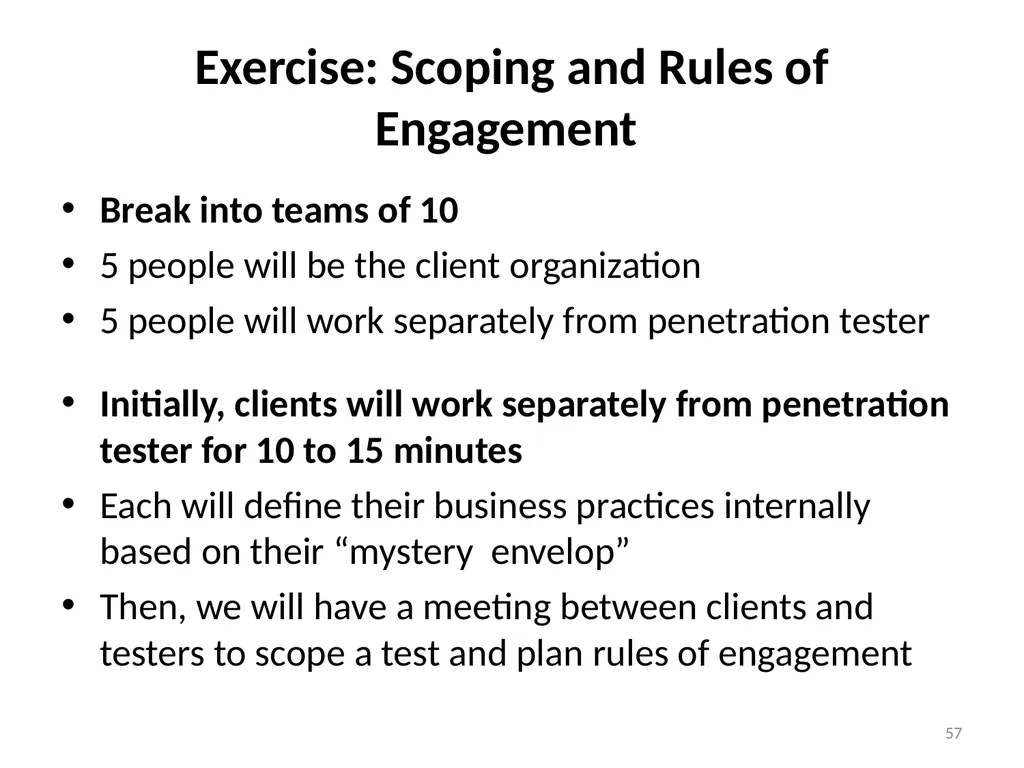
Exercise: Scoping and Rules of Engagement Break into teams of 10
5 people will be the client organization
5 people will work separately from penetration tester
Initially, clients will work separately from penetration tester for 10 to 15 minutes
Each will define their business practices internally based on their “mystery envelop”
Then, we will have a meeting between clients and testers to scope a test and plan rules of engagement 57<br>
5 people will be the client organization
5 people will work separately from penetration tester
Initially, clients will work separately from penetration tester for 10 to 15 minutes
Each will define their business practices internally based on their “mystery envelop”
Then, we will have a meeting between clients and testers to scope a test and plan rules of engagement 57<br>
58
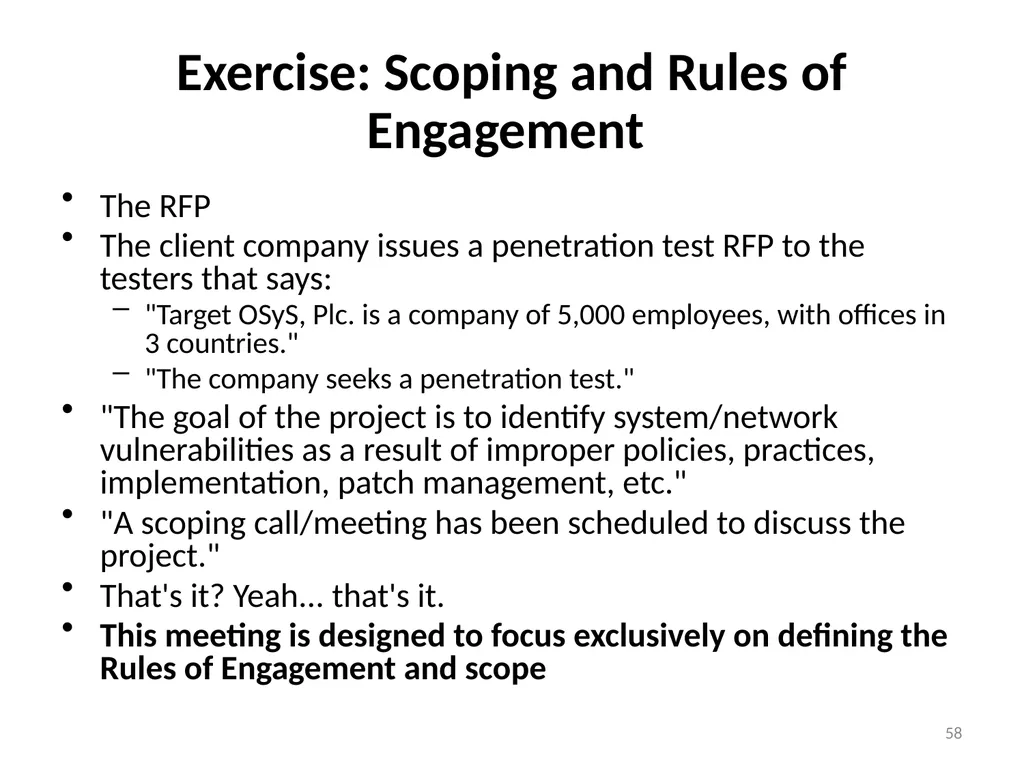
Exercise: Scoping and Rules of Engagement The RFP
The client company issues a penetration test RFP to the testers that says:
"Target OSyS, Plc. is a company of 5,000 employees, with offices in 3 countries."
"The company seeks a penetration test."
"The goal of the project is to identify system/network vulnerabilities as a result of improper policies, practices, implementation, patch management, etc."
"A scoping call/meeting has been scheduled to discuss the project."
That's it? Yeah... that's it.
This meeting is designed to focus exclusively on defining the Rules of Engagement and scope 58<br>
The client company issues a penetration test RFP to the testers that says:
"Target OSyS, Plc. is a company of 5,000 employees, with offices in 3 countries."
"The company seeks a penetration test."
"The goal of the project is to identify system/network vulnerabilities as a result of improper policies, practices, implementation, patch management, etc."
"A scoping call/meeting has been scheduled to discuss the project."
That's it? Yeah... that's it.
This meeting is designed to focus exclusively on defining the Rules of Engagement and scope 58<br>
59
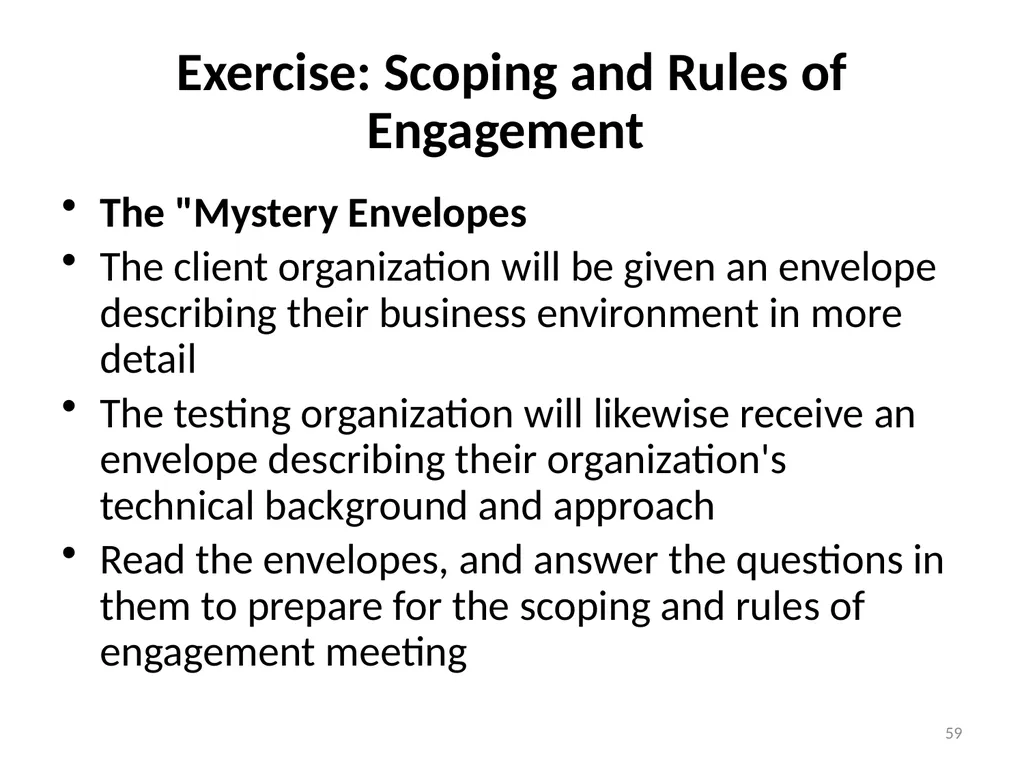
Exercise: Scoping and Rules of Engagement The "Mystery Envelopes
The client organization will be given an envelope describing their business environment in more detail
The testing organization will likewise receive an envelope describing their organization's technical background and approach
Read the envelopes, and answer the questions in them to prepare for the scoping and rules of engagement meeting 59<br>
The client organization will be given an envelope describing their business environment in more detail
The testing organization will likewise receive an envelope describing their organization's technical background and approach
Read the envelopes, and answer the questions in them to prepare for the scoping and rules of engagement meeting 59<br>
60
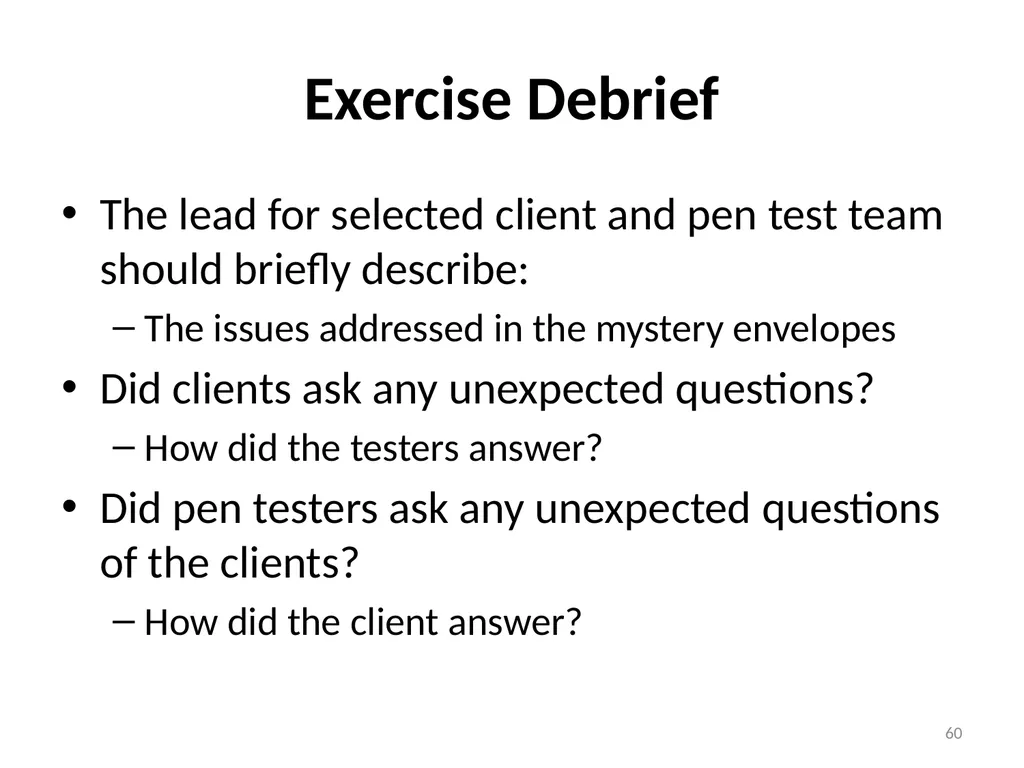
Exercise Debrief The lead for selected client and pen test team should briefly describe:
The issues addressed in the mystery envelopes
Did clients ask any unexpected questions?
How did the testers answer?
Did pen testers ask any unexpected questions of the clients?
How did the client answer? 60<br>
The issues addressed in the mystery envelopes
Did clients ask any unexpected questions?
How did the testers answer?
Did pen testers ask any unexpected questions of the clients?
How did the client answer? 60<br>
61
RECON…… 61<br>
62
Always Create a Report For third-party tests by penetration testing companies, the report is your leave-behind
Two or three years from now, it is really the only evidence of the work you did
The report may be used for a very long time
So, focus on quality
For in-house tests, you may think that a report is unimportant
it is recommended that you create a report
Convince management of its importance to show that you've exercised due diligence in securing your network 62<br>
Two or three years from now, it is really the only evidence of the work you did
The report may be used for a very long time
So, focus on quality
For in-house tests, you may think that a report is unimportant
it is recommended that you create a report
Convince management of its importance to show that you've exercised due diligence in securing your network 62<br>
63
Always Create a Report… Don't Just Regurgitate Scan Results
Don’t cut and paste results from vulnerability scanner output
Instead , review results and help interpret in light of the business of the target organization
What do these vulnerabilities really mean to the business?
How should fixes be prioritized?
Adjust High, Medium, and low risk findings 63<br>
Don’t cut and paste results from vulnerability scanner output
Instead , review results and help interpret in light of the business of the target organization
What do these vulnerabilities really mean to the business?
How should fixes be prioritized?
Adjust High, Medium, and low risk findings 63<br>
64
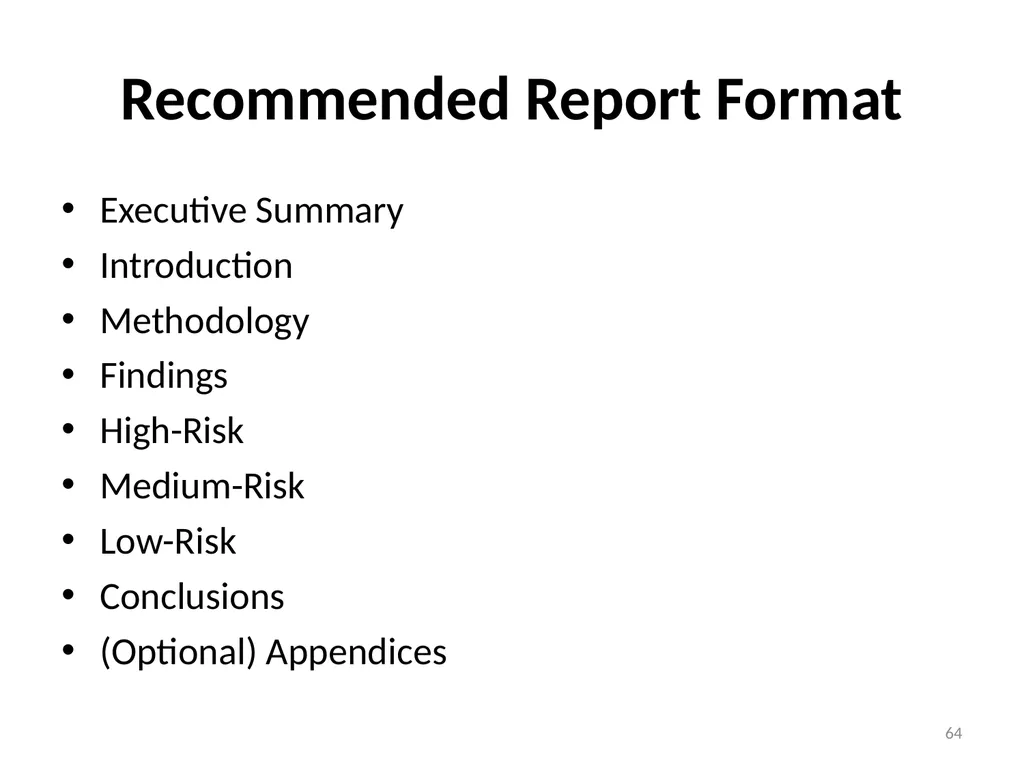
Recommended Report Format Executive Summary
Introduction
Methodology
Findings
High-Risk
Medium-Risk
Low-Risk
Conclusions
(Optional) Appendices 64<br>
Introduction
Methodology
Findings
High-Risk
Medium-Risk
Low-Risk
Conclusions
(Optional) Appendices 64<br>
65
Other web-based whois sources http://news.netcraft.com
www.samspade.org
www.geektools.com
www.whois.net
www.whois.domaintools.com
www.selfseo.com/find_ip_address_of_a_website.php 65<br>
www.samspade.org
www.geektools.com
www.whois.net
www.whois.domaintools.com
www.selfseo.com/find_ip_address_of_a_website.php 65<br>
66
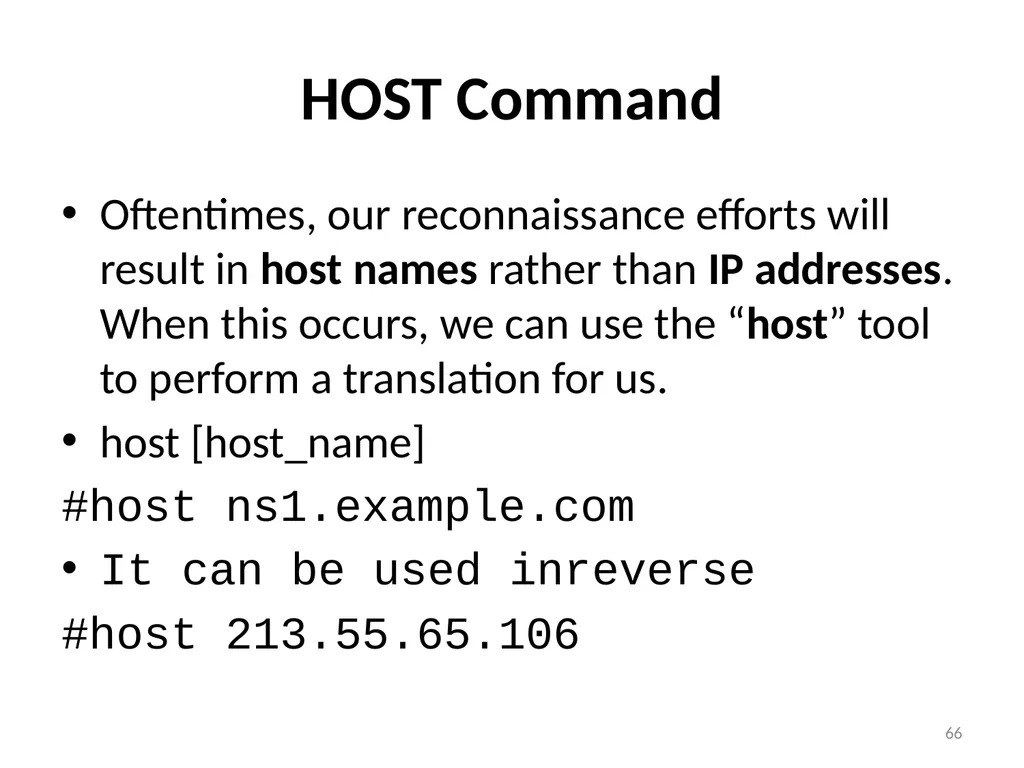
HOST Command Oftentimes, our reconnaissance efforts will result in host names rather than IP addresses. When this occurs, we can use the “host” tool to perform a translation for us.
host [host_name]
#host ns1.example.com
It can be used inreverse
#host 213.55.65.106 66<br>
host [host_name]
#host ns1.example.com
It can be used inreverse
#host 213.55.65.106 66<br>
67
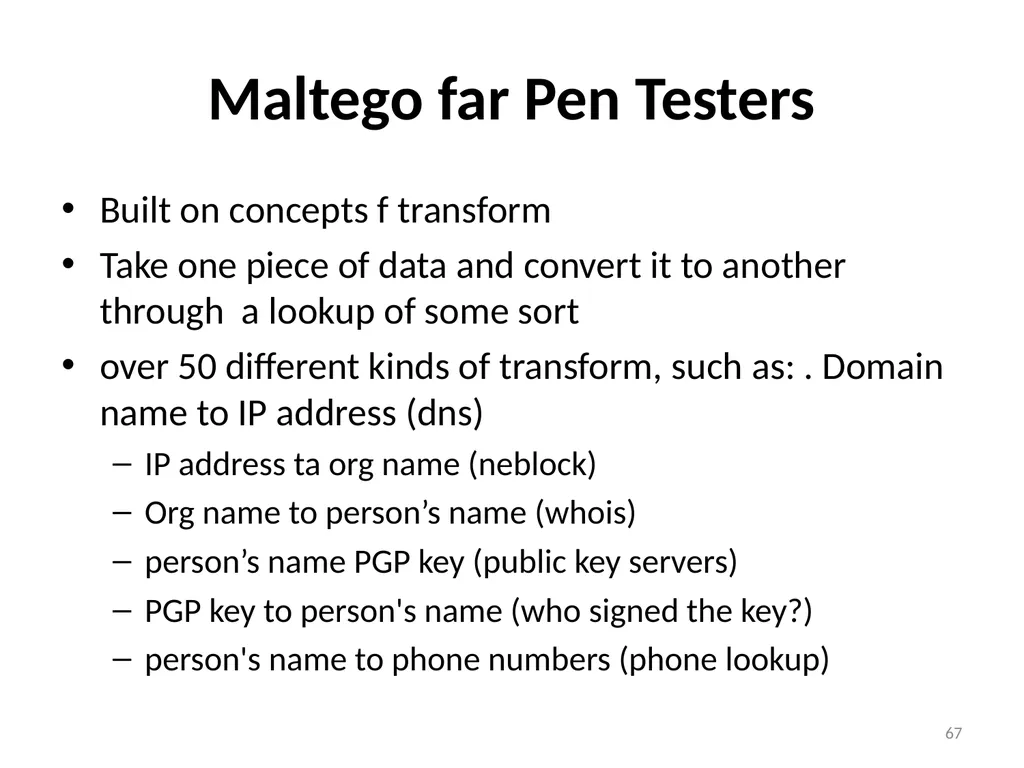
Maltego far Pen Testers Built on concepts f transform
Take one piece of data and convert it to another through a lookup of some sort
over 50 different kinds of transform, such as: . Domain name to IP address (dns)
IP address ta org name (neblock)
Org name to person’s name (whois)
person’s name PGP key (public key servers)
PGP key to person's name (who signed the key?)
person's name to phone numbers (phone lookup) 67<br>
Take one piece of data and convert it to another through a lookup of some sort
over 50 different kinds of transform, such as: . Domain name to IP address (dns)
IP address ta org name (neblock)
Org name to person’s name (whois)
person’s name PGP key (public key servers)
PGP key to person's name (who signed the key?)
person's name to phone numbers (phone lookup) 67<br>
68
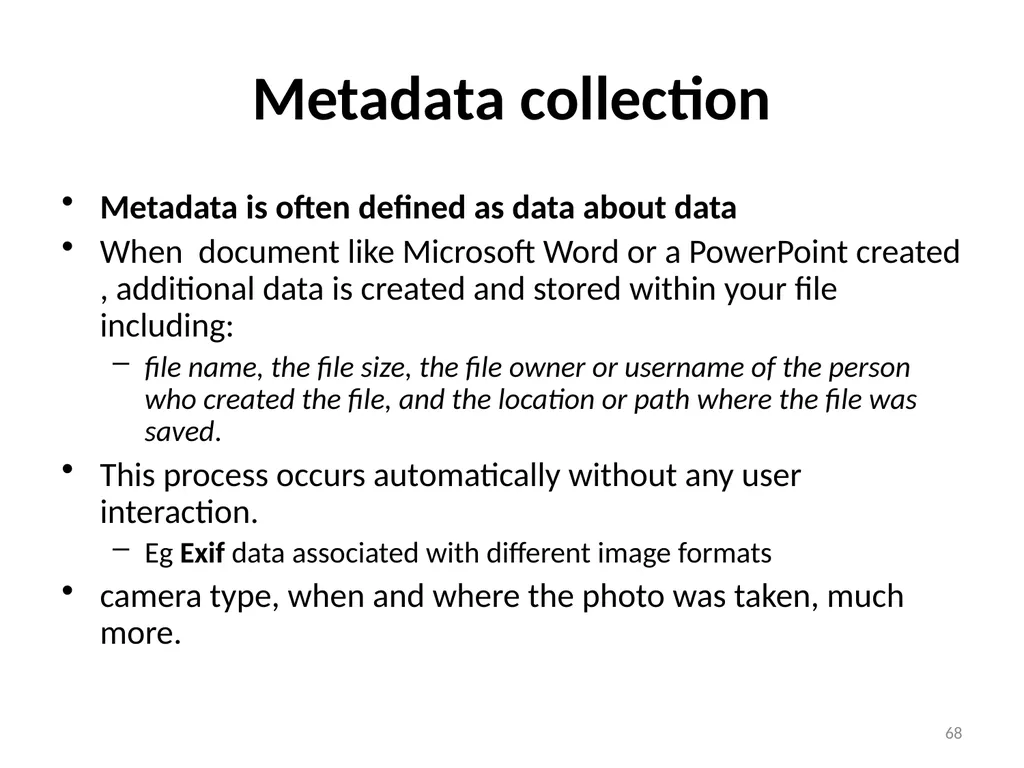
Metadata collection Metadata is often defined as data about data
When document like Microsoft Word or a PowerPoint created , additional data is created and stored within your file including:
file name, the file size, the file owner or username of the person who created the file, and the location or path where the file was saved.
This process occurs automatically without any user interaction.
Eg Exif data associated with different image formats
camera type, when and where the photo was taken, much more. 68<br>
When document like Microsoft Word or a PowerPoint created , additional data is created and stored within your file including:
file name, the file size, the file owner or username of the person who created the file, and the location or path where the file was saved.
This process occurs automatically without any user interaction.
Eg Exif data associated with different image formats
camera type, when and where the photo was taken, much more. 68<br>
69
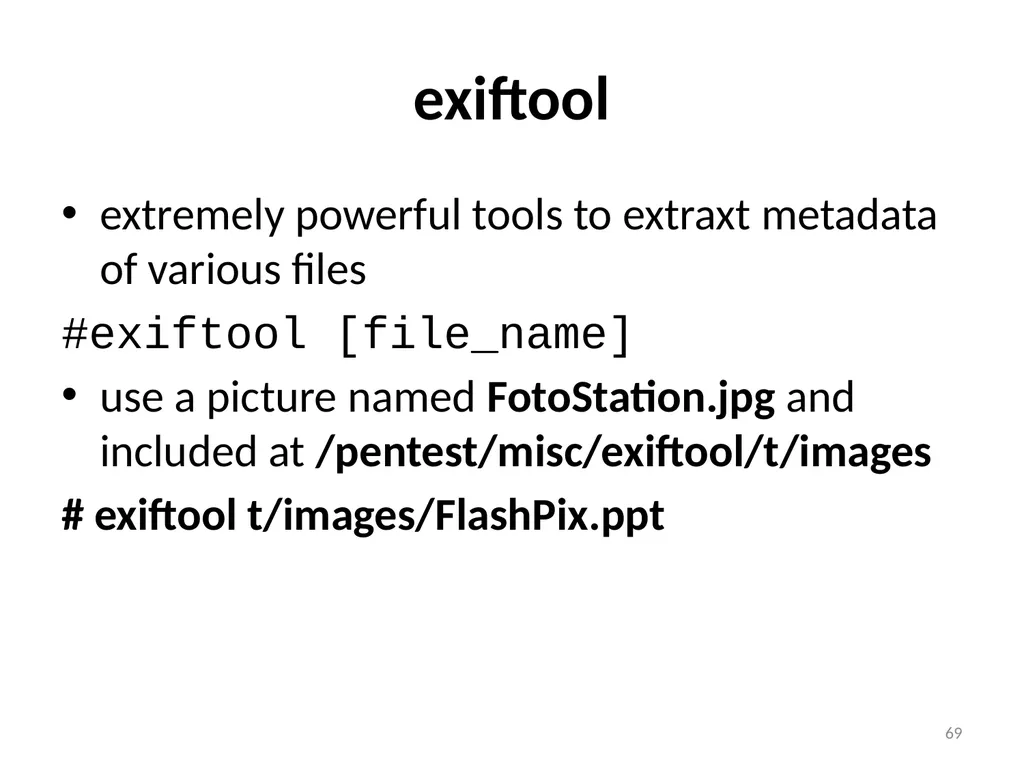
exiftool extremely powerful tools to extraxt metadata of various files
#exiftool [file_name]
use a picture named FotoStation.jpg and included at /pentest/misc/exiftool/t/images
# exiftool t/images/FlashPix.ppt 69<br>
#exiftool [file_name]
use a picture named FotoStation.jpg and included at /pentest/misc/exiftool/t/images
# exiftool t/images/FlashPix.ppt 69<br>
70
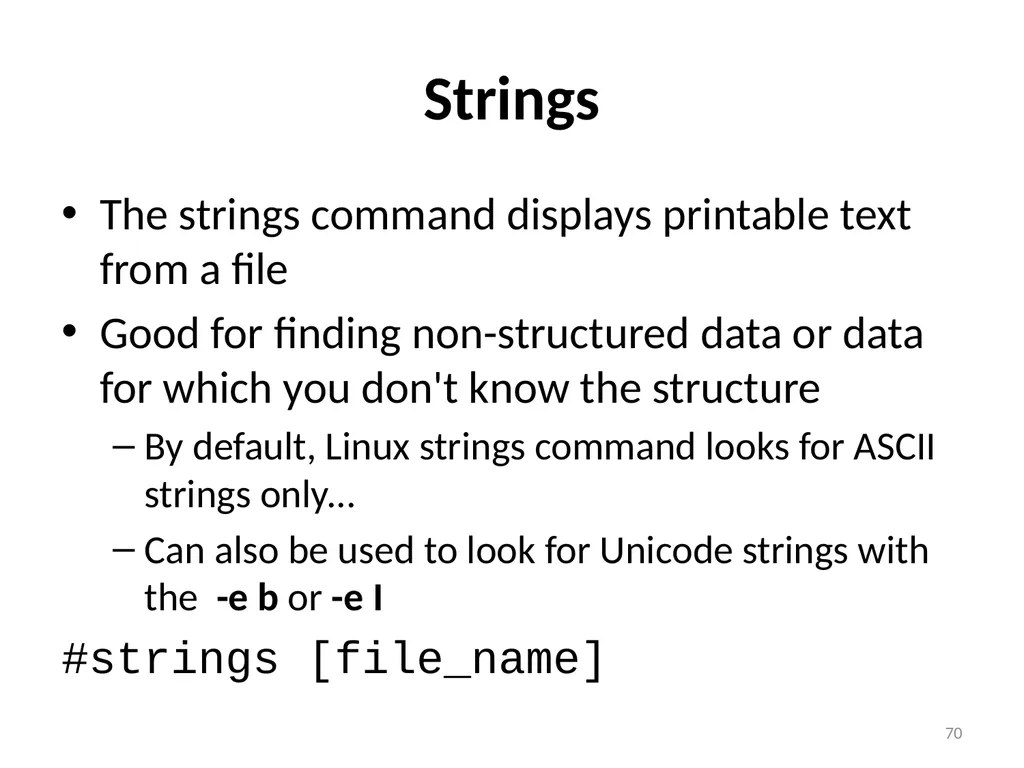
Strings The strings command displays printable text from a file
Good for finding non-structured data or data for which you don't know the structure
By default, Linux strings command looks for ASCII strings only...
Can also be used to look for Unicode strings with the -e b or -e I
#strings [file_name] 70<br>
Good for finding non-structured data or data for which you don't know the structure
By default, Linux strings command looks for ASCII strings only...
Can also be used to look for Unicode strings with the -e b or -e I
#strings [file_name] 70<br>
71
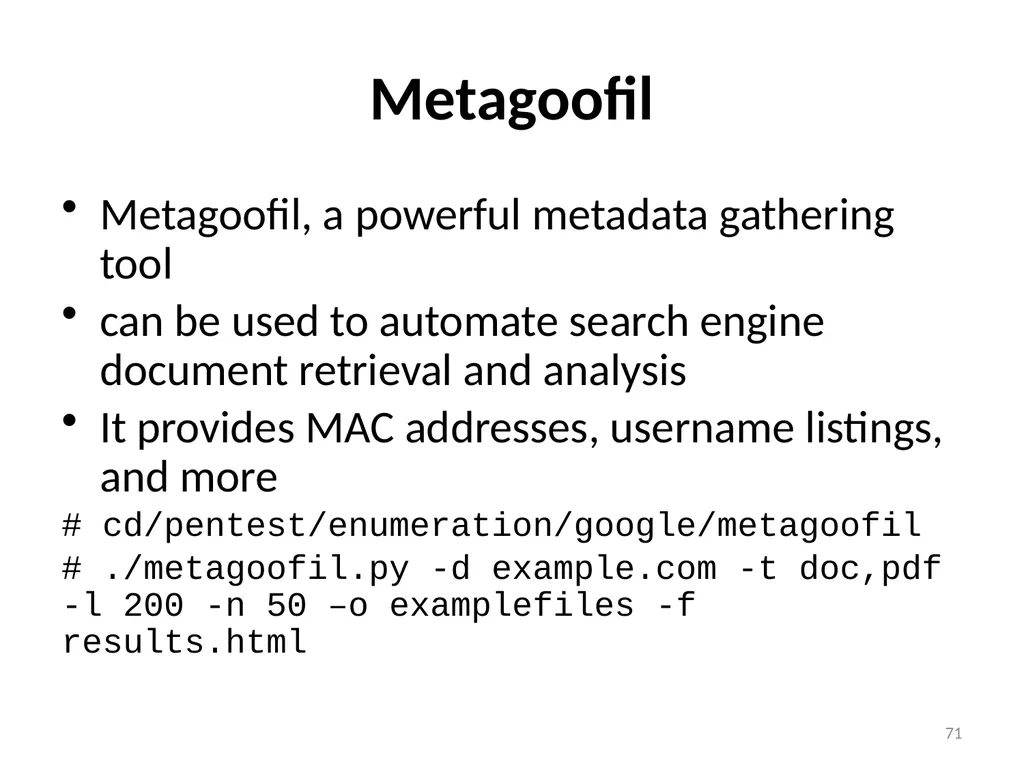
Metagoofil Metagoofil, a powerful metadata gathering tool
can be used to automate search engine document retrieval and analysis
It provides MAC addresses, username listings, and more
# cd/pentest/enumeration/google/metagoofil
# ./metagoofil.py -d example.com -t doc,pdf -l 200 -n 50 –o examplefiles -f results.html 71<br>
can be used to automate search engine document retrieval and analysis
It provides MAC addresses, username listings, and more
# cd/pentest/enumeration/google/metagoofil
# ./metagoofil.py -d example.com -t doc,pdf -l 200 -n 50 –o examplefiles -f results.html 71<br>
72
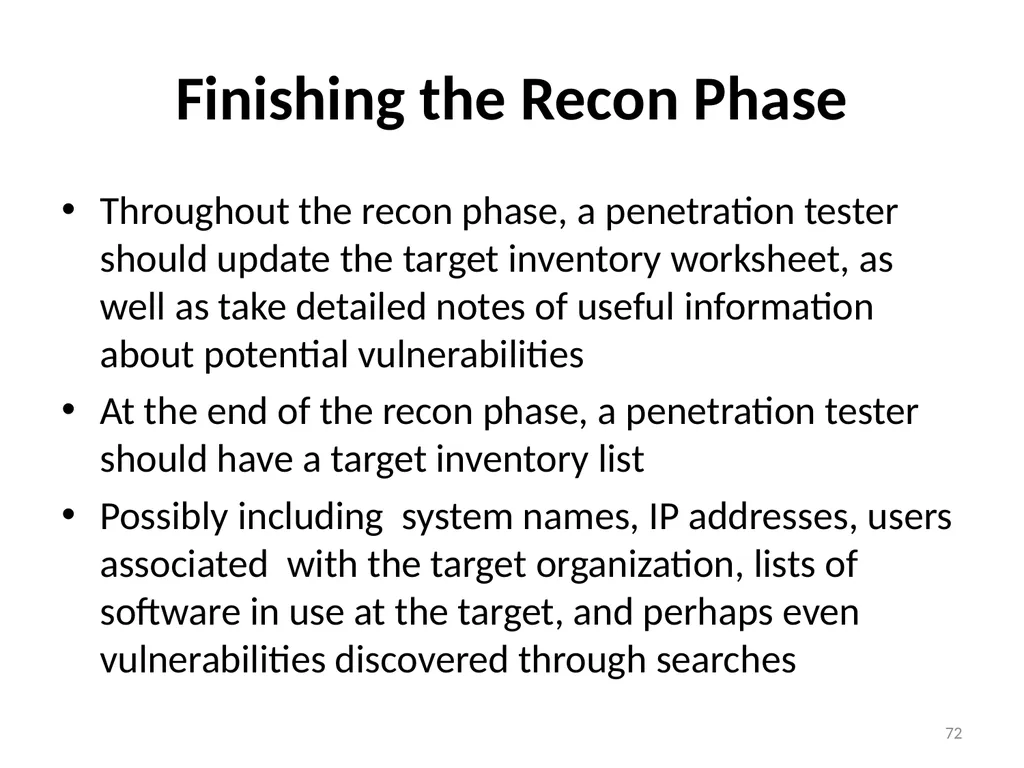
Finishing the Recon Phase Throughout the recon phase, a penetration tester should update the target inventory worksheet, as well as take detailed notes of useful information about potential vulnerabilities
At the end of the recon phase, a penetration tester should have a target inventory list
Possibly including system names, IP addresses, users associated with the target organization, lists of software in use at the target, and perhaps even vulnerabilities discovered through searches 72<br>
At the end of the recon phase, a penetration tester should have a target inventory list
Possibly including system names, IP addresses, users associated with the target organization, lists of software in use at the target, and perhaps even vulnerabilities discovered through searches 72<br>
73
Recon Exercise 73<br>