04
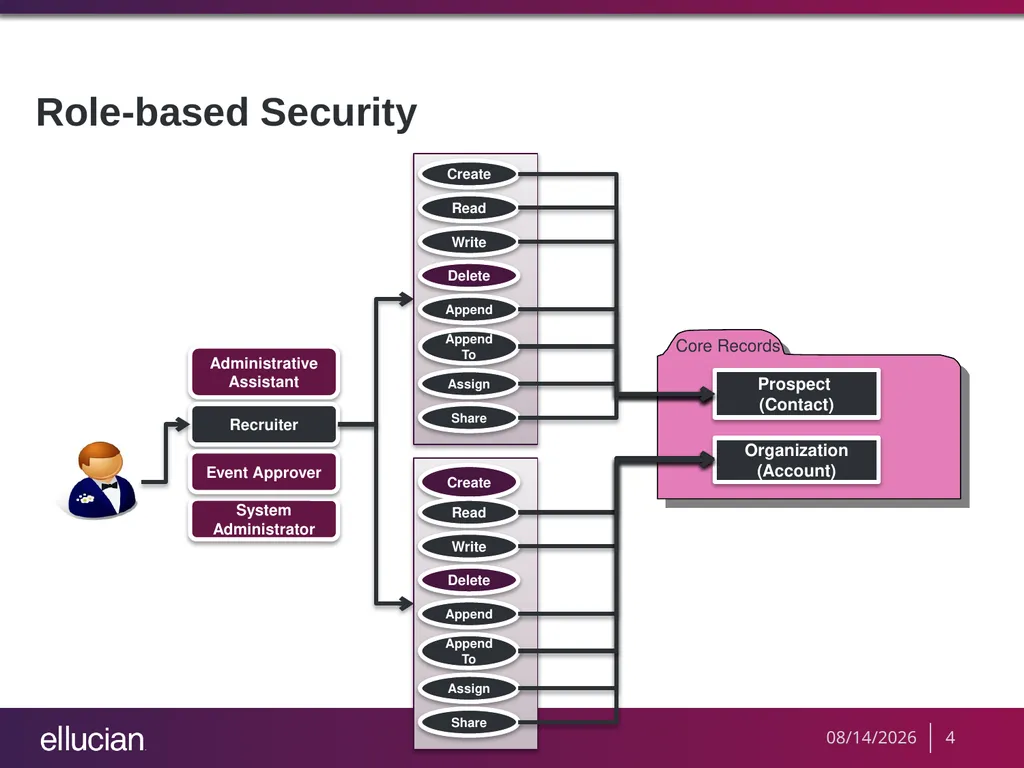
Role-based Security 8/19/2013 4<br>
05
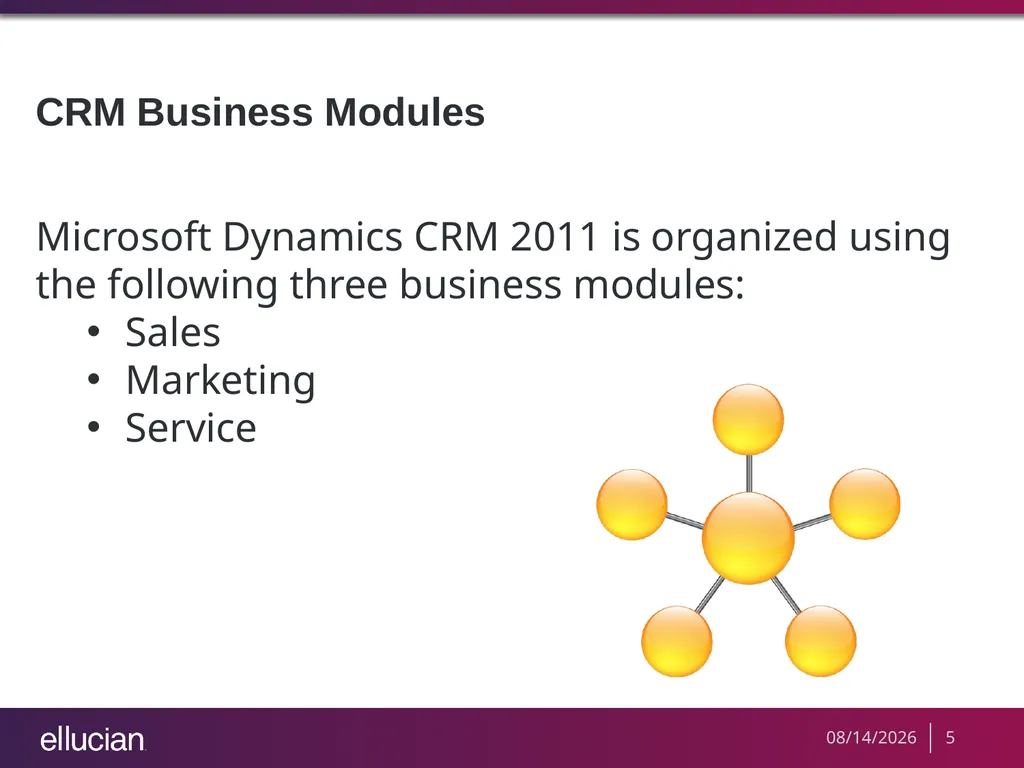
CRM Business Modules Microsoft Dynamics CRM 2011 is organized using the following three business modules:
Sales
Marketing
Service 8/19/2013 5<br>
06
Role A role contains privileges that delineate a set of actions that can be performed on a specific entity.
All users need to be assigned to one or more predefined or custom roles. 8/19/2013 6<br>
07
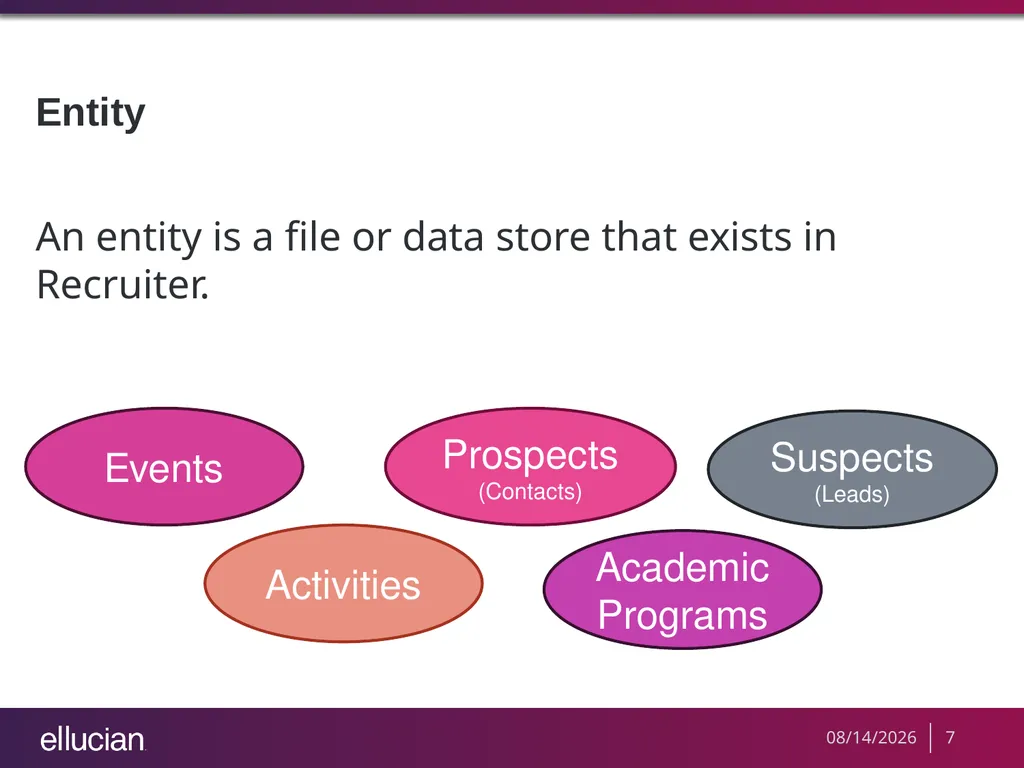
Entity An entity is a file or data store that exists in Recruiter. Activities Events Prospects (Contacts) Academic Programs Suspects (Leads) 8/19/2013 7<br>
08
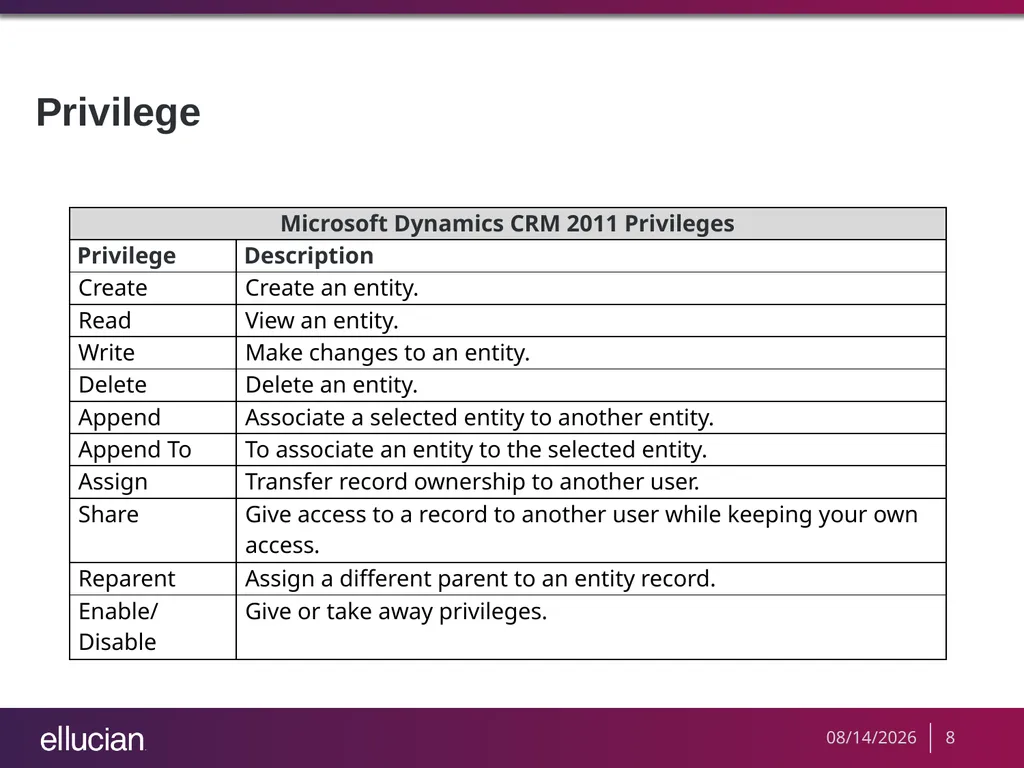
Privilege 8/19/2013 8<br>
09
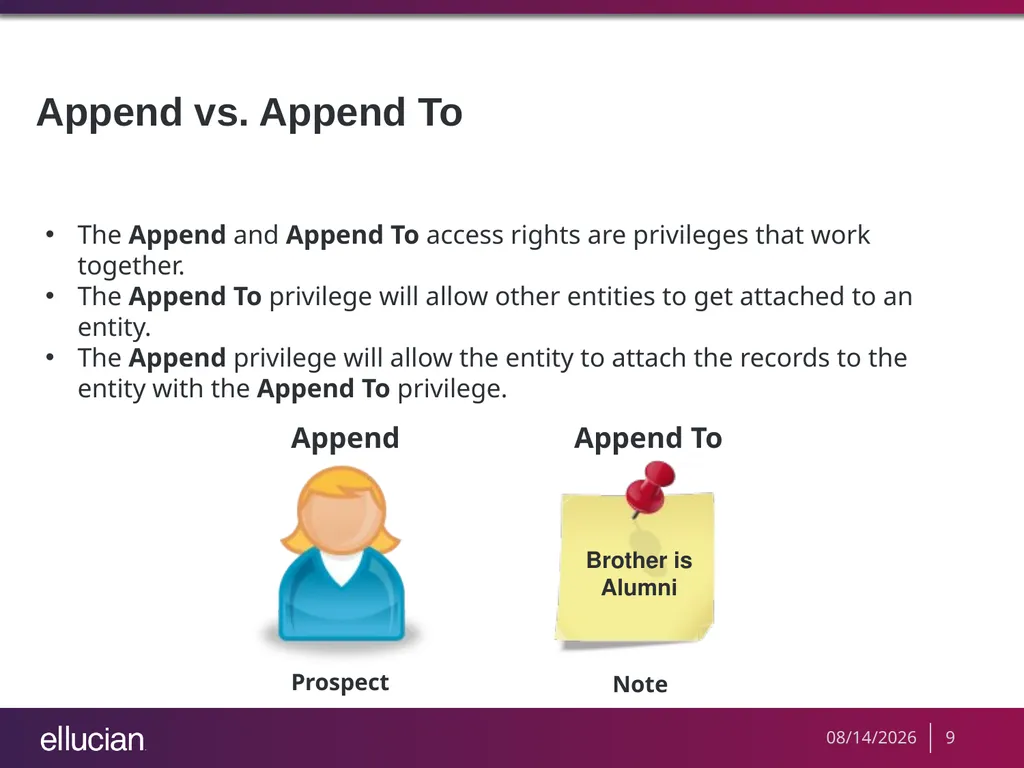
Append vs. Append To The Append and Append To access rights are privileges that work together.
The Append To privilege will allow other entities to get attached to an entity.
The Append privilege will allow the entity to attach the records to the entity with the Append To privilege. Prospect Append Append To Note 8/19/2013 9<br>
10
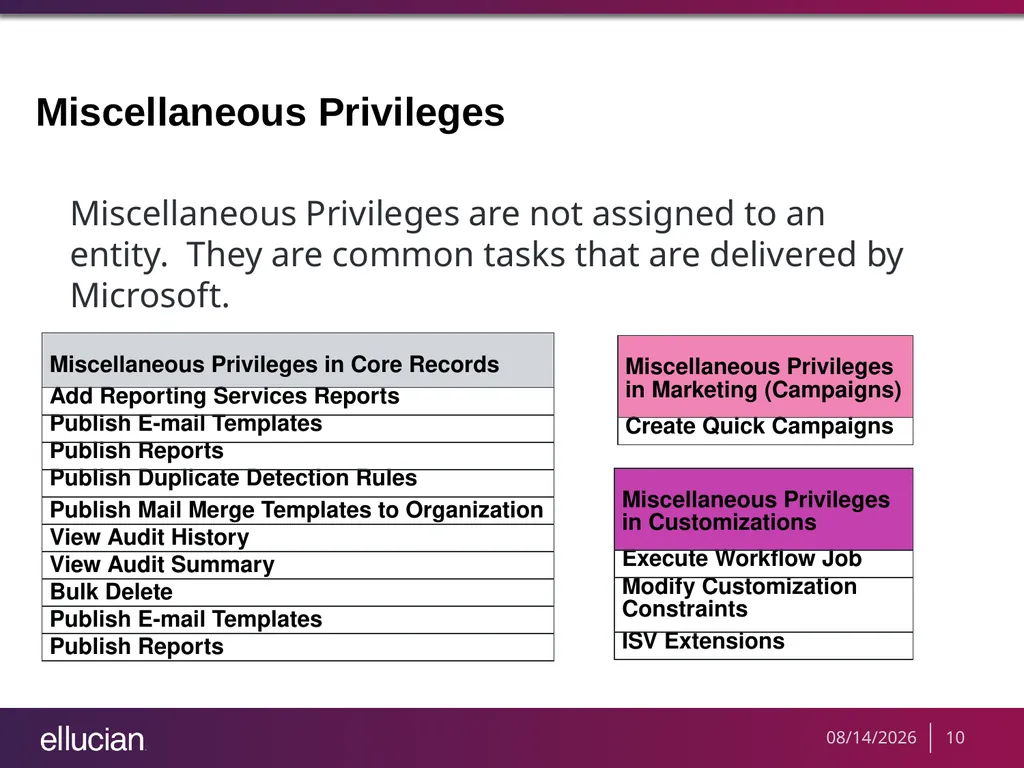
Miscellaneous Privileges Miscellaneous Privileges are not assigned to an entity. They are common tasks that are delivered by Microsoft. 8/19/2013 10<br>
11
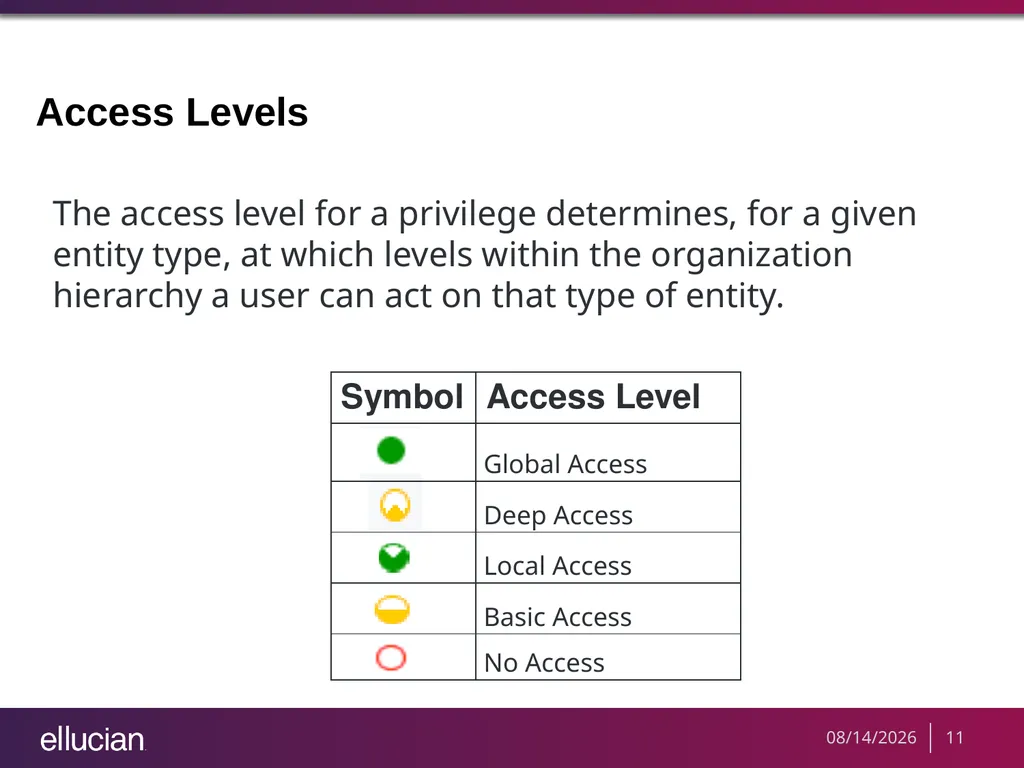
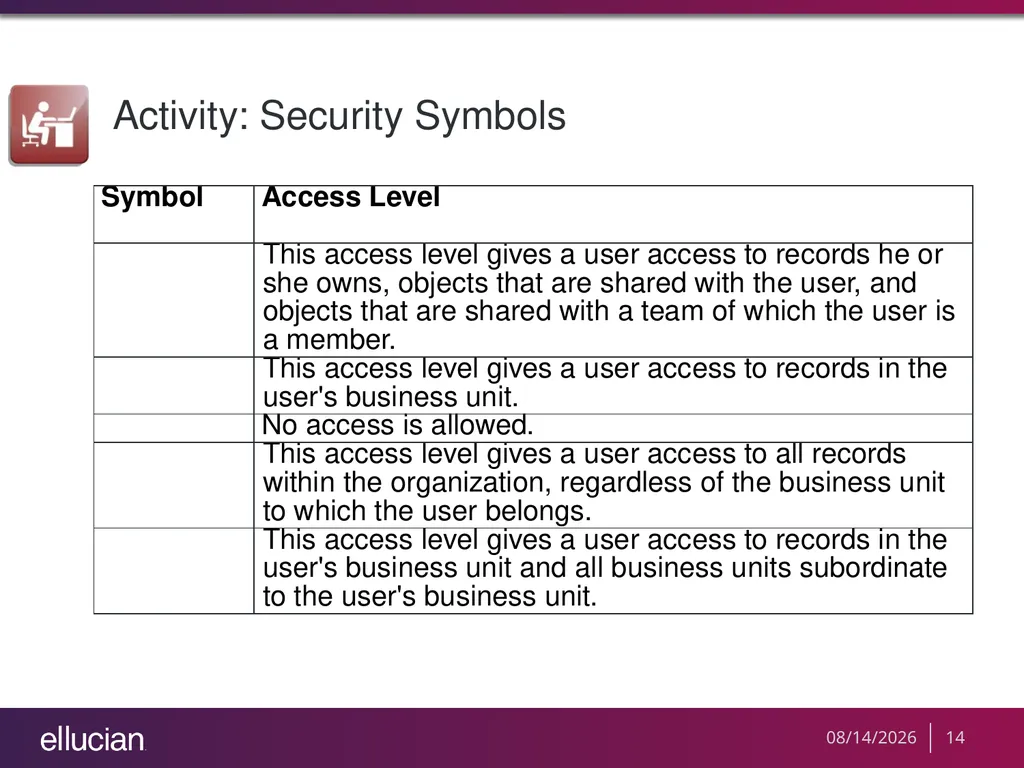
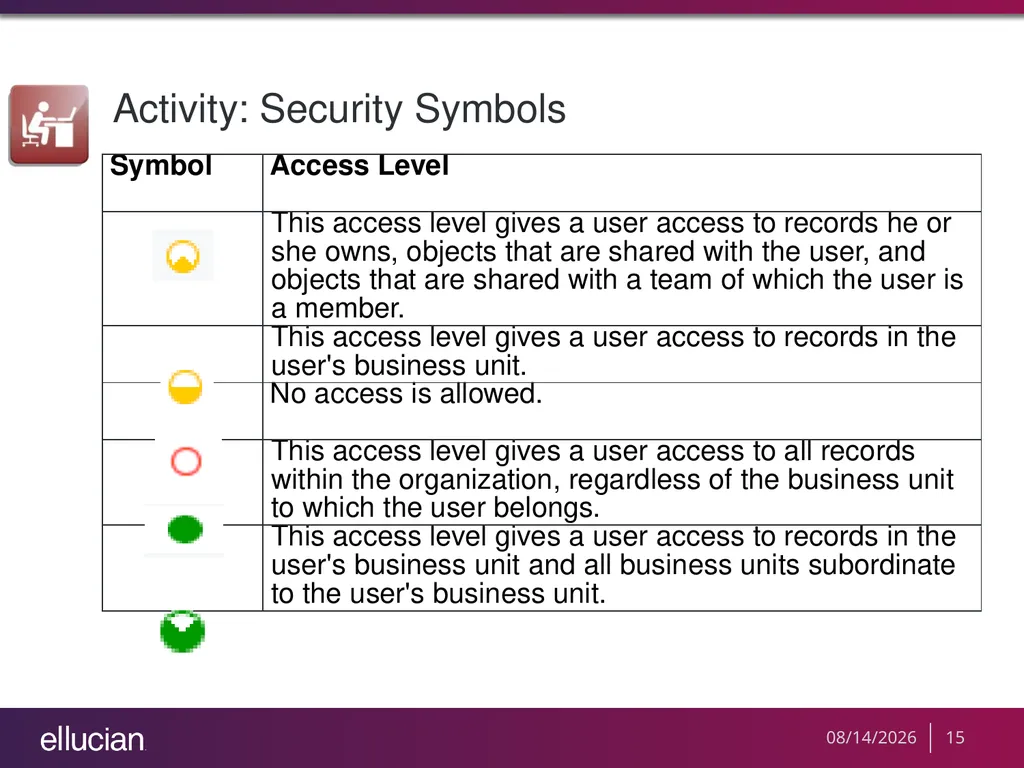
Access Levels The access level for a privilege determines, for a given entity type, at which levels within the organization hierarchy a user can act on that type of entity. 8/19/2013 11<br>
12
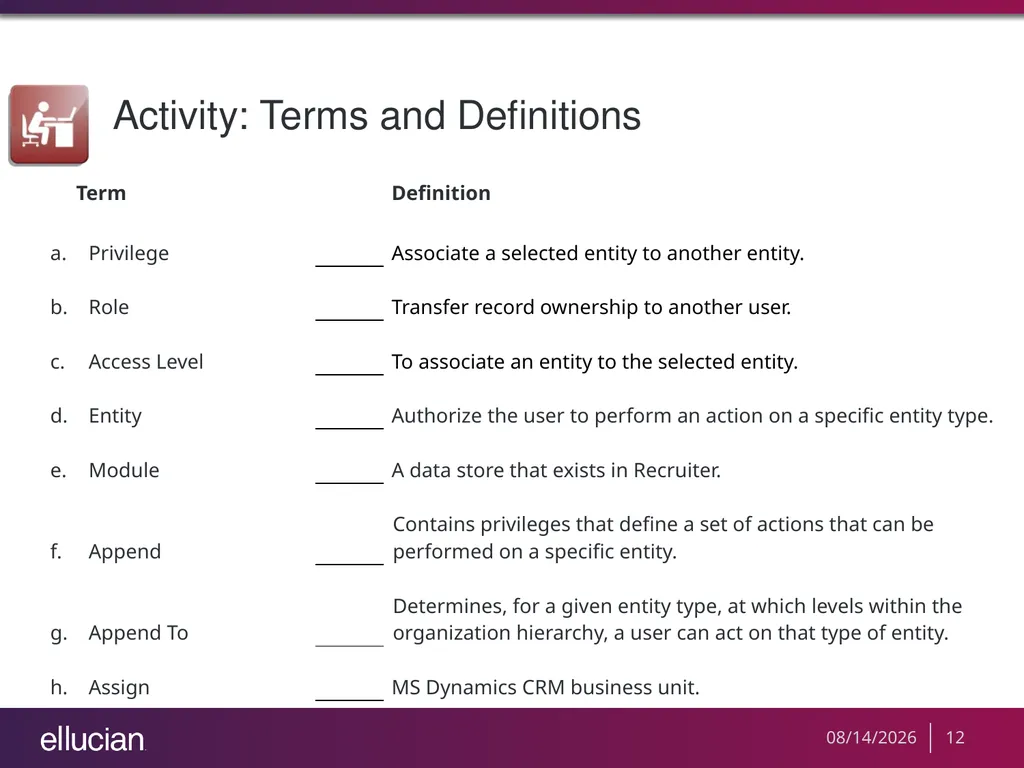
Activity: Terms and Definitions 8/19/2013 12<br>
13
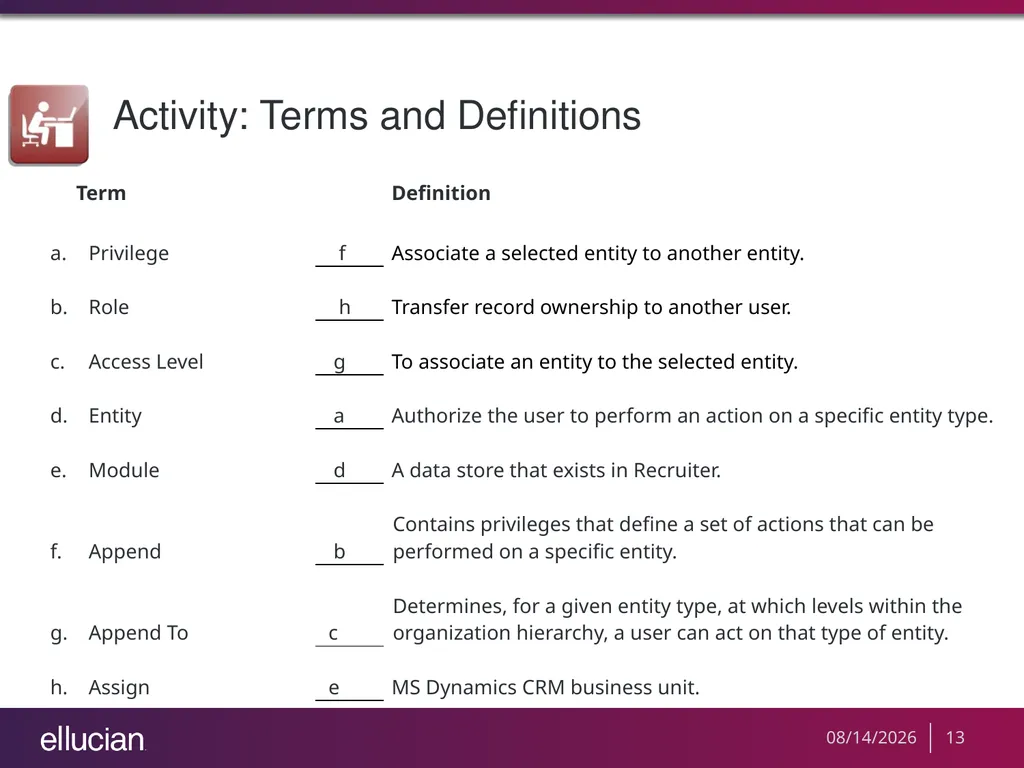
Activity: Terms and Definitions 8/19/2013 13<br>
14
Activity: Security Symbols 8/19/2013 14<br>
15
Activity: Security Symbols 8/19/2013 15<br>
16
CRM Security Roles There are several roles delivered with Microsoft Dynamics CRM. We encourage you to use the following with Recruiter:
System Administrator
System Customizer 8/19/2013 16<br>
17
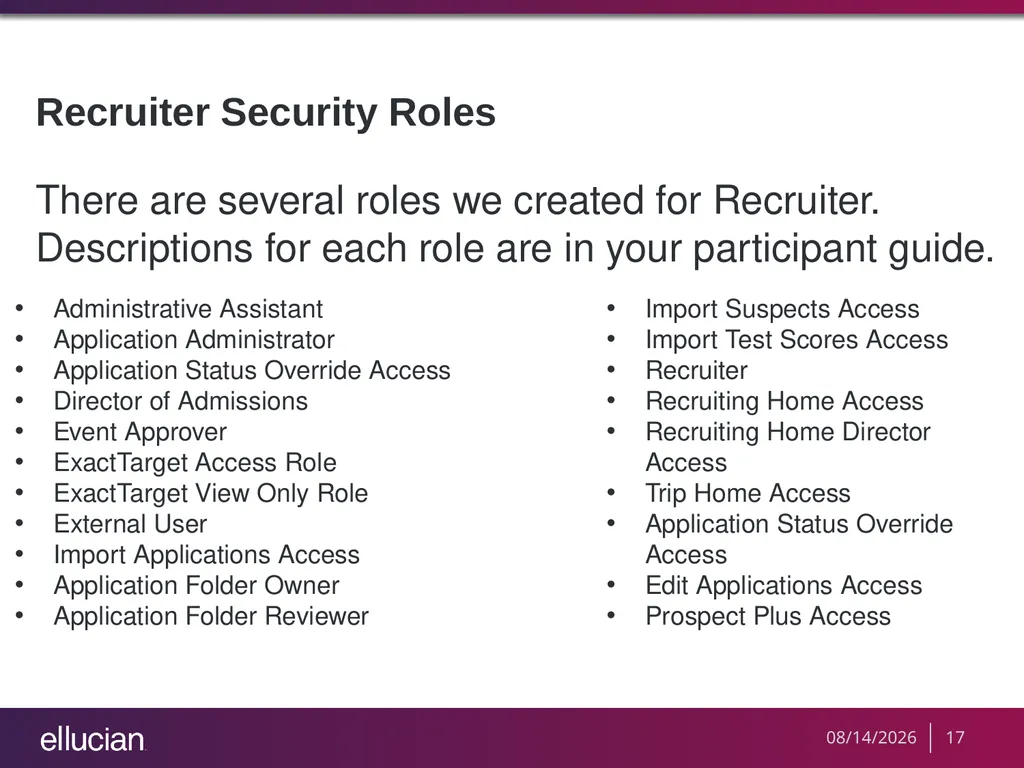
Recruiter Security Roles There are several roles we created for Recruiter. Descriptions for each role are in your participant guide. Import Suspects Access
Import Test Scores Access
Recruiter
Recruiting Home Access
Recruiting Home Director Access
Trip Home Access
Application Status Override Access
Edit Applications Access
Prospect Plus Access Administrative Assistant
Application Administrator
Application Status Override Access
Director of Admissions
Event Approver
ExactTarget Access Role
ExactTarget View Only Role
External User
Import Applications Access
Application Folder Owner
Application Folder Reviewer 8/19/2013 17<br>
18
Entities Available in Recruiter Not all of the entities listed under the CRM Business Module tabs are available in Recruiter. The table in your participant guide lists these entities and whether they are available in Recruiter. 8/19/2013 18<br>
19
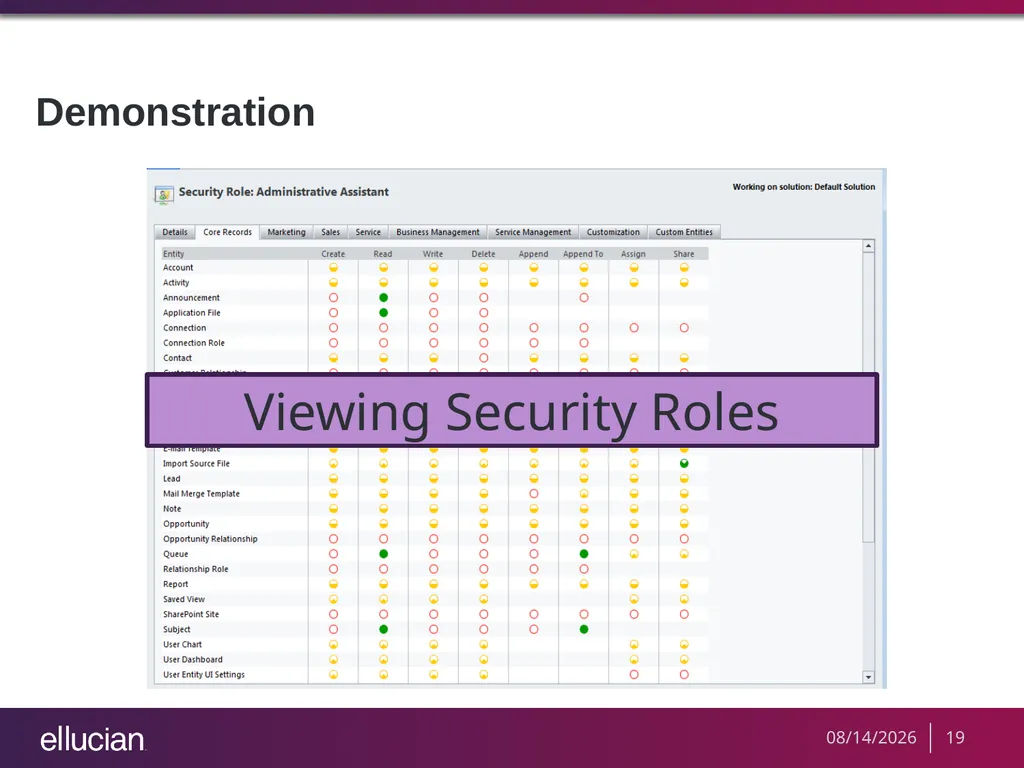
Demonstration Viewing Security Roles 8/19/2013 19<br>
20
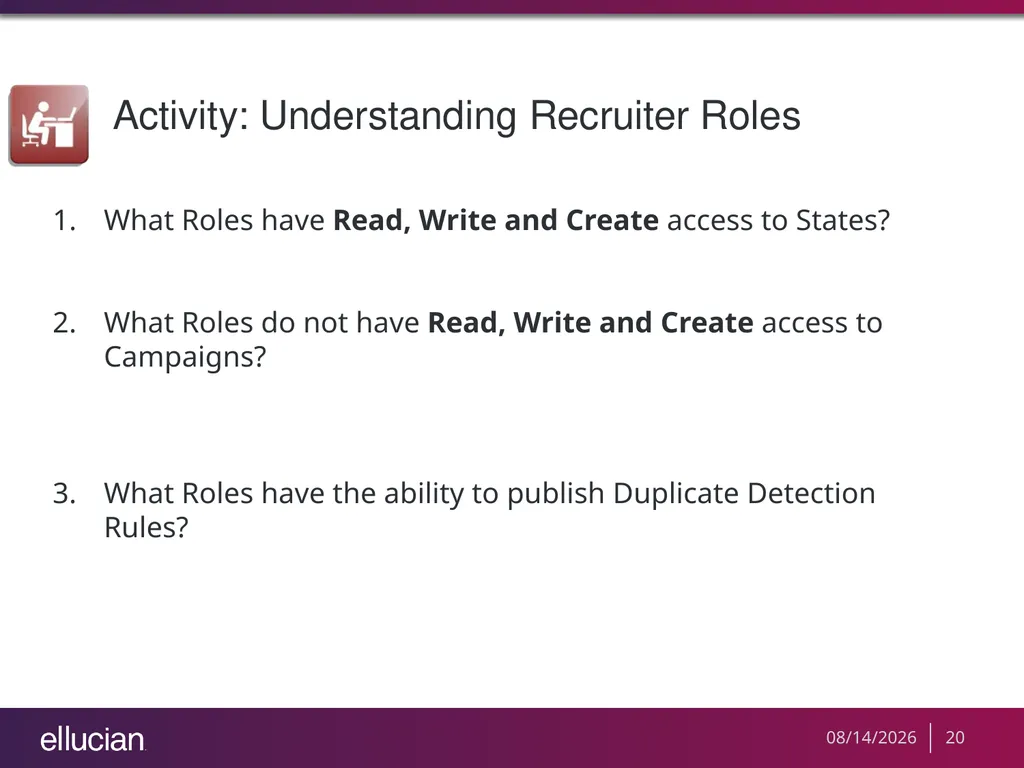
Activity: Understanding Recruiter Roles What Roles have Read, Write and Create access to States?
What Roles do not have Read, Write and Create access to Campaigns?
What Roles have the ability to publish Duplicate Detection Rules? 8/19/2013 20<br>
21
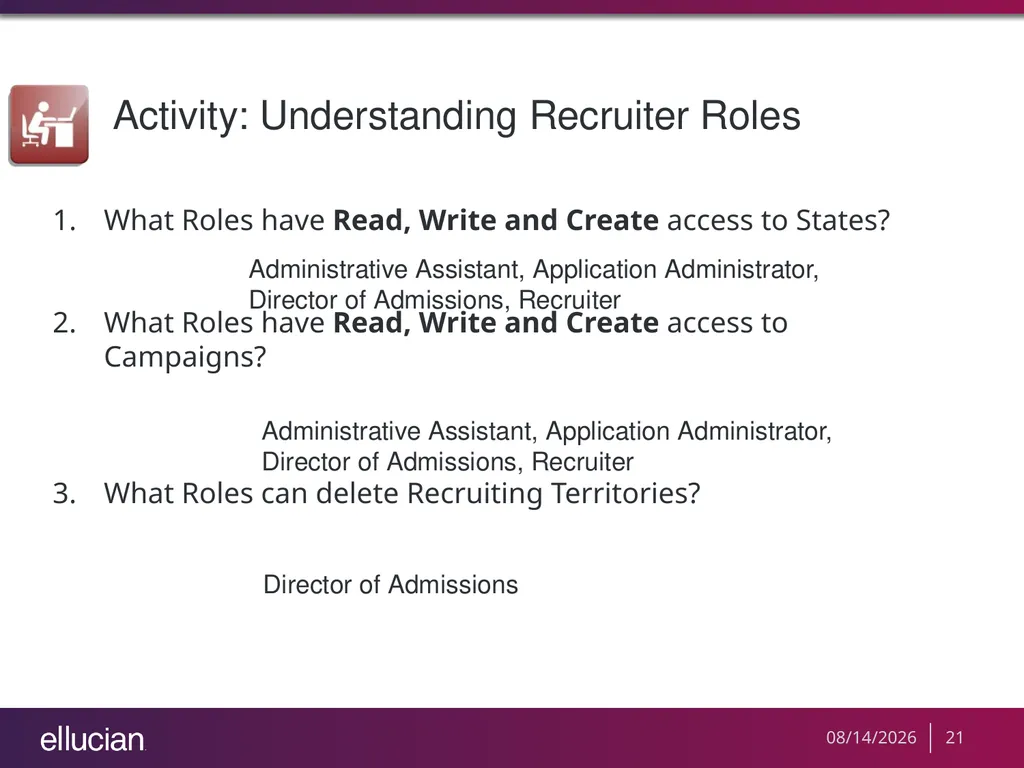
Activity: Understanding Recruiter Roles What Roles have Read, Write and Create access to States?
What Roles have Read, Write and Create access to Campaigns?
What Roles can delete Recruiting Territories? Administrative Assistant, Application Administrator, Director of Admissions, Recruiter Administrative Assistant, Application Administrator, Director of Admissions, Recruiter Director of Admissions 8/19/2013 21<br>
22
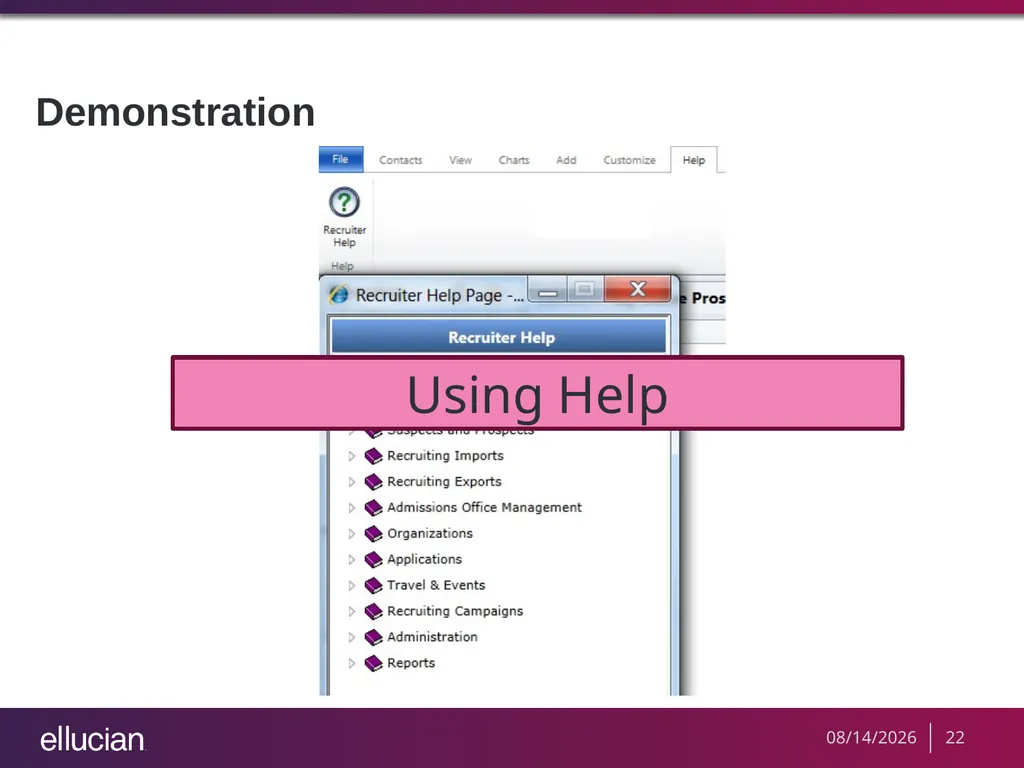
Demonstration Using Help 8/19/2013 22<br>
23
Activity: Roles at Your Institution Open the Recruiter – Requirements (Decision) Workbook, and list three individuals at your institution.
Review the Recruiter Security Roles section of this guide and the Recruiter application and assign these individuals roles that match the tasks that they perform at your institution. 8/19/2013 23<br>
24
Key Points Recruiter uses Ellucian Recruiter’s security roles to assign privileges to end users. End users are assigned roles that have privileges that alter entities in Recruiter.
There are several entities that have been created for Recruiter under the Custom Entities tab. The remaining entities exist under MS CRM Business Modules.
The privileges assigned to each role are cumulative. As you assign more roles, you are adding more access. If there’s a conflict, the least restrictive privileges will prevail. 8/19/2013 24<br>
25
Key Points Miscellaneous Privileges are common tasks that delivered by Microsoft for each CRM business module. They are not assigned to a specific entity.
The access level for a privilege determines, for a given entity type, at which levels within the organization hierarchy a user can act on that type of entity.
The only MS CRM role we encourage you to use is System Administrator. 8/19/2013 25<br>
26
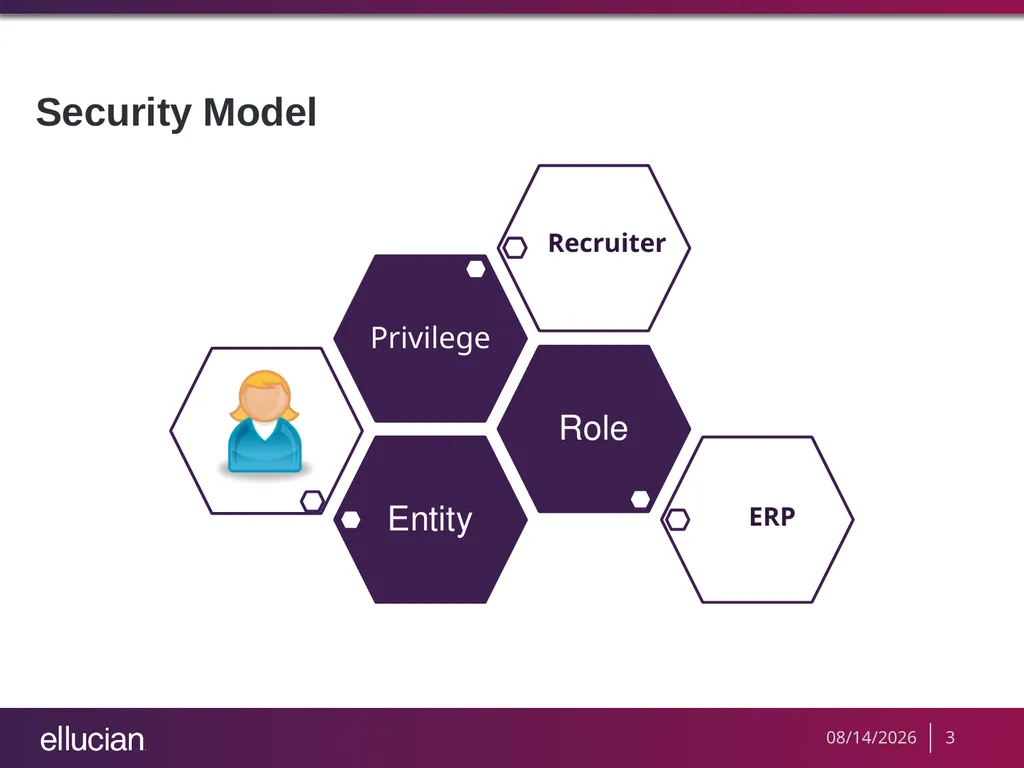
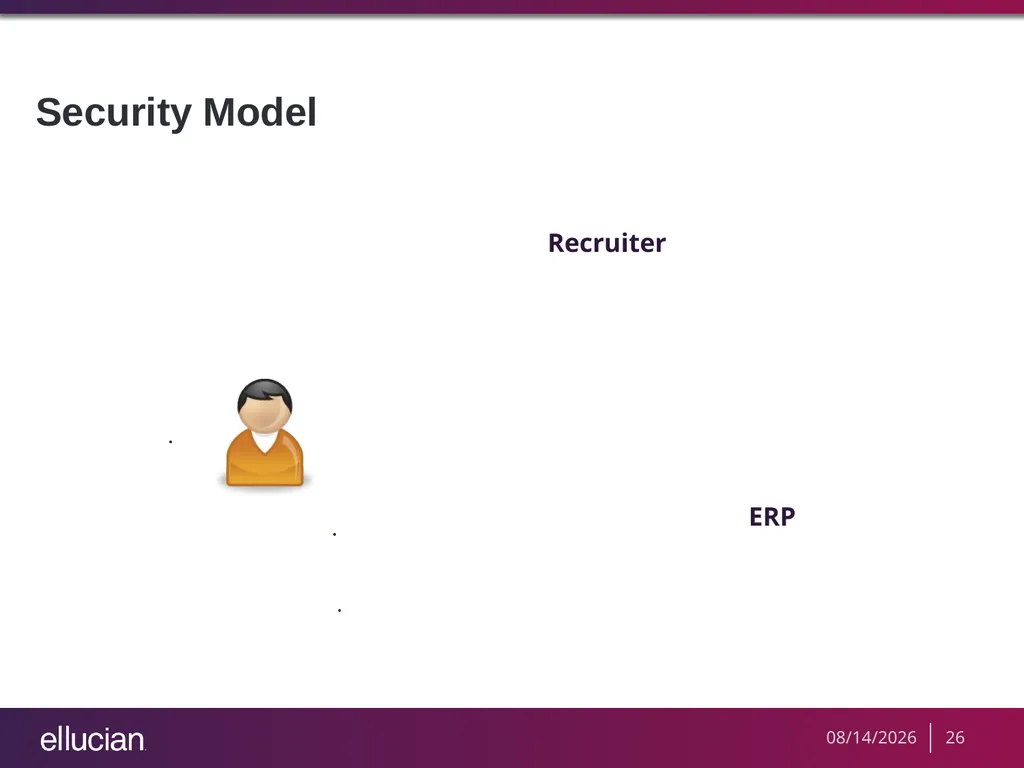
Security Model Recruiter ERP 8/19/2013 26<br>
27
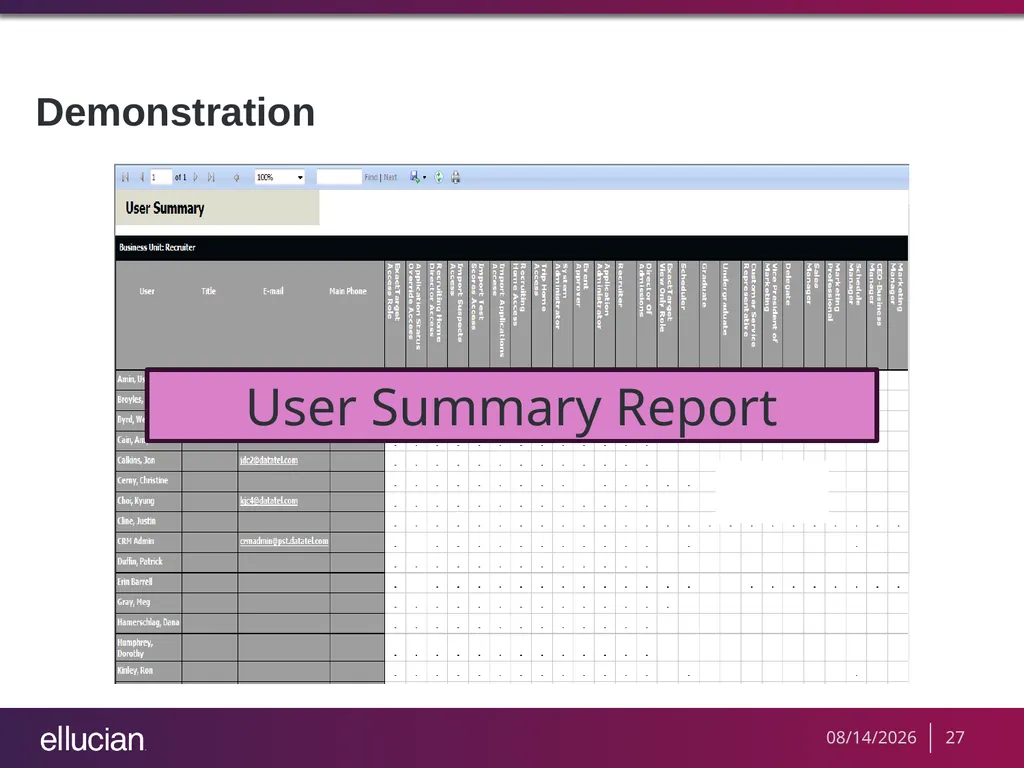
Demonstration User Summary Report 8/19/2013 27<br>
28
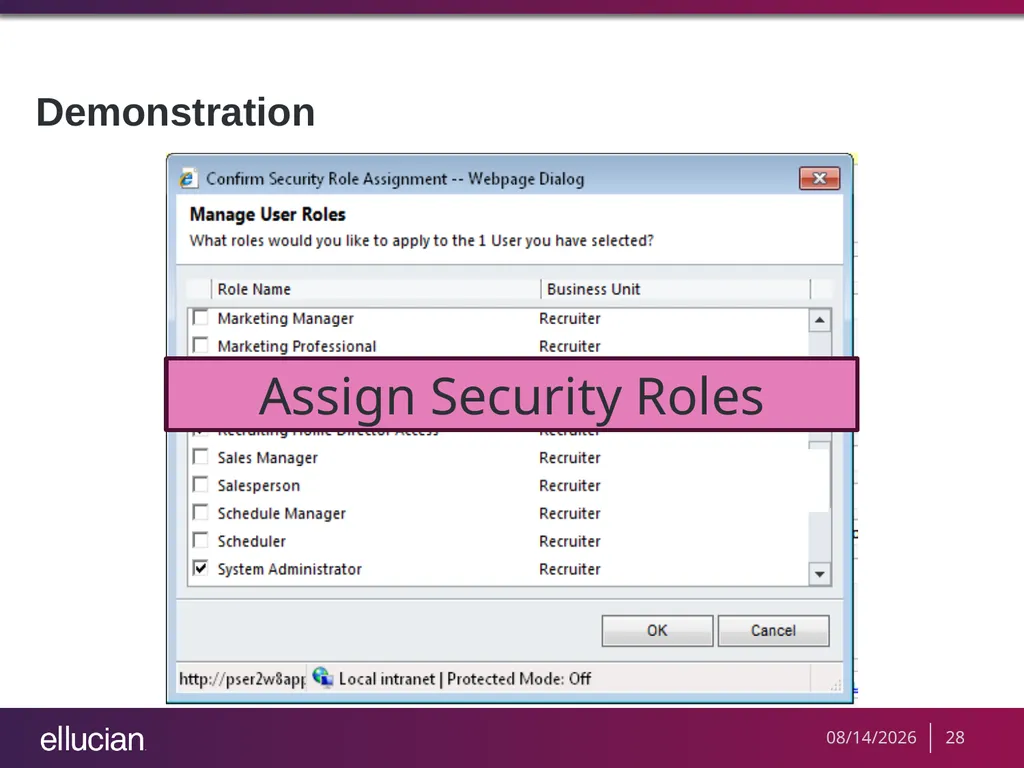
Demonstration Assign Security Roles 8/19/2013 28<br>
29
Activity: Assigning Roles Run the User Summary Report.
Assign a new role to at least three users and write in your participant guide. 8/19/2013 29<br>
30
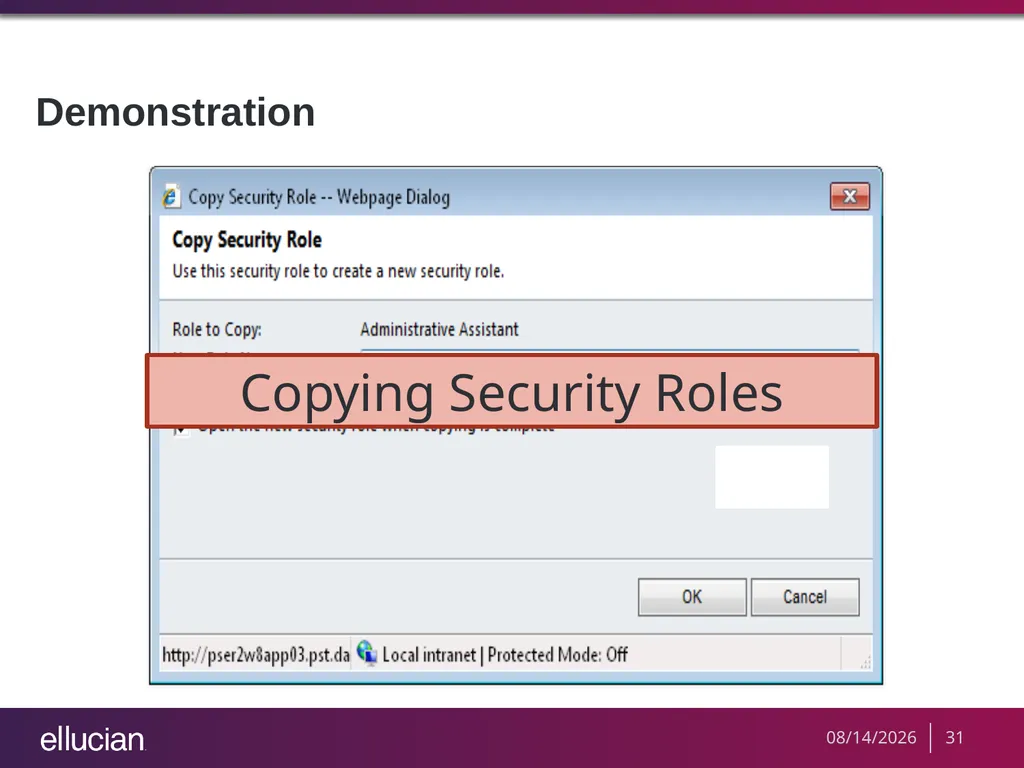
Copying Security Roles If a Recruiter security role or combination of security roles does not meet your needs, we recommend that you copy an existing role and customize it to meet your needs. When you rename a role you have copied, use your client number to identify it as a custom role.
You should NEVER modify Ellucian delivered roles. You can copy existing roles and then edit the copies or create new roles from an unmanaged solution. 8/19/2013 30<br>
31
Demonstration Copying Security Roles 8/19/2013 31<br>
32
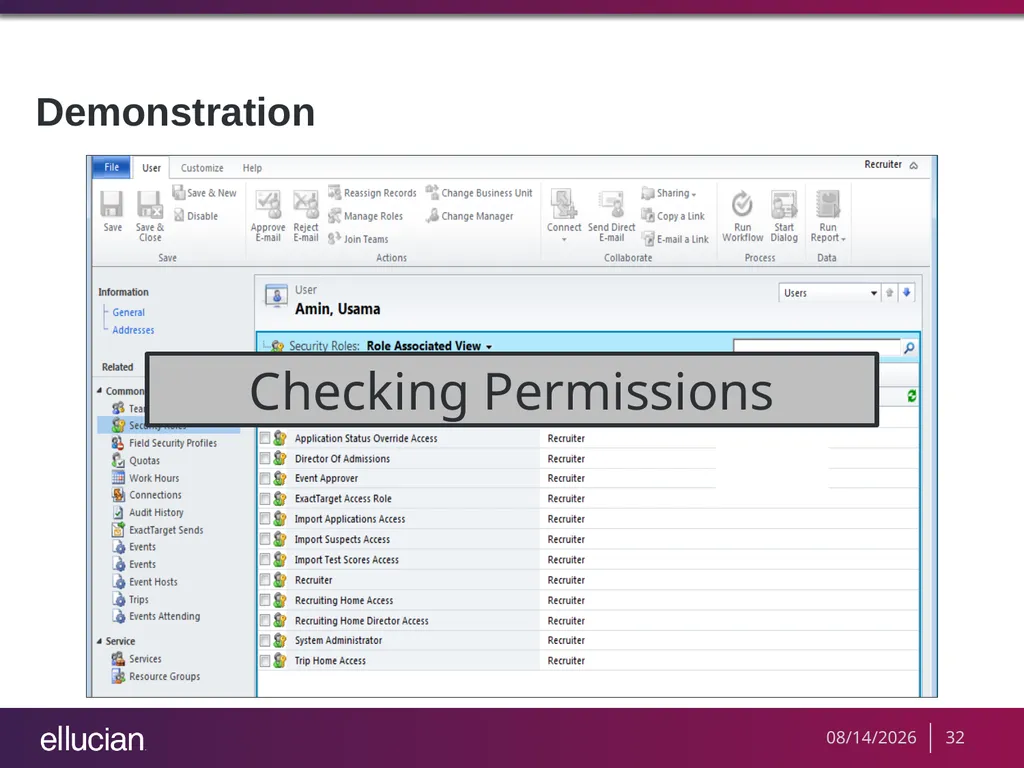
Demonstration Checking Permissions 8/19/2013 32<br>
33
Activity: Assigning Roles Find an existing security role which you would like to alter permissions.
Do not use the Director of Admissions for this exercise.
Copy the role and rename it using your client ID.
Edit the role to create territories.
Check the permissions. 8/19/2013 33<br>
34
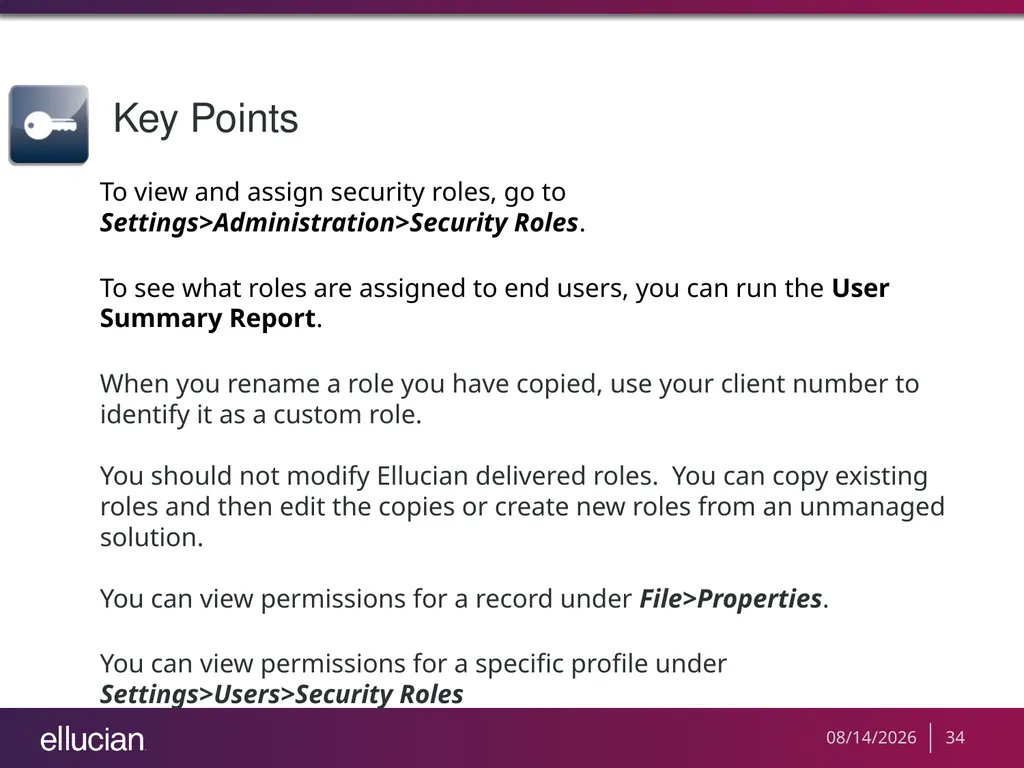
Key Points To view and assign security roles, go to Settings>Administration>Security Roles.
To see what roles are assigned to end users, you can run the User Summary Report.
When you rename a role you have copied, use your client number to identify it as a custom role.
You should not modify Ellucian delivered roles. You can copy existing roles and then edit the copies or create new roles from an unmanaged solution.
You can view permissions for a record under File>Properties.
You can view permissions for a specific profile under Settings>Users>Security Roles 8/19/2013 34<br>
35
Next Steps Evaluate your security needs
Explore Recruiter’s help section
In Recruiter Test or Training, Practice copying roles and modify these
If you have any questions or concerns, please don't hesitate to contact Ellucian at services@ellucian.com 8/19/2013 35<br>
36
Questions and Answers<br>
37
Thank you for your participation<br>