
MPT Web Design Week 3: Introduction to Javascript
Description: MPT Web Design Week 3: Introduction to Javascript What will we do in this class? Extend the functionality of our webpages! We will look at the basics of JavaScript Syntax DOM Model What it can do Why we would we use it Javascript Is there
Related Topics
Download Presentation
"MPT Web Design Week 3: Introduction to Javascript" is the property of its rightful owner. Permission is granted to download and print the materials on this website for personal, non-commercial use only, and to display it on your personal computer provided you do not modify the materials and that you retain all copyright notices contained in the materials. By downloading content from our website, you accept the terms of this agreement.
Presentation Transcript
slide1. MPT Web Design Week 3: Introduction to Javascript<br>
slide2. What will we do in this class? Extend the functionality of our webpages!
We will look at the basics of JavaScript
Syntax
DOM Model
What it can do
Why we would we use it<br>
slide3. Javascript<br>
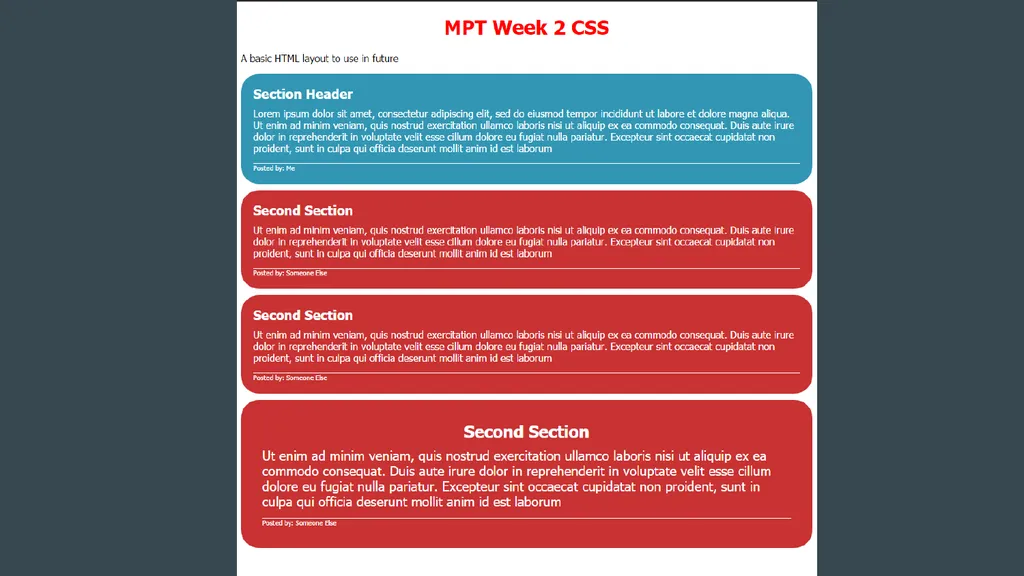
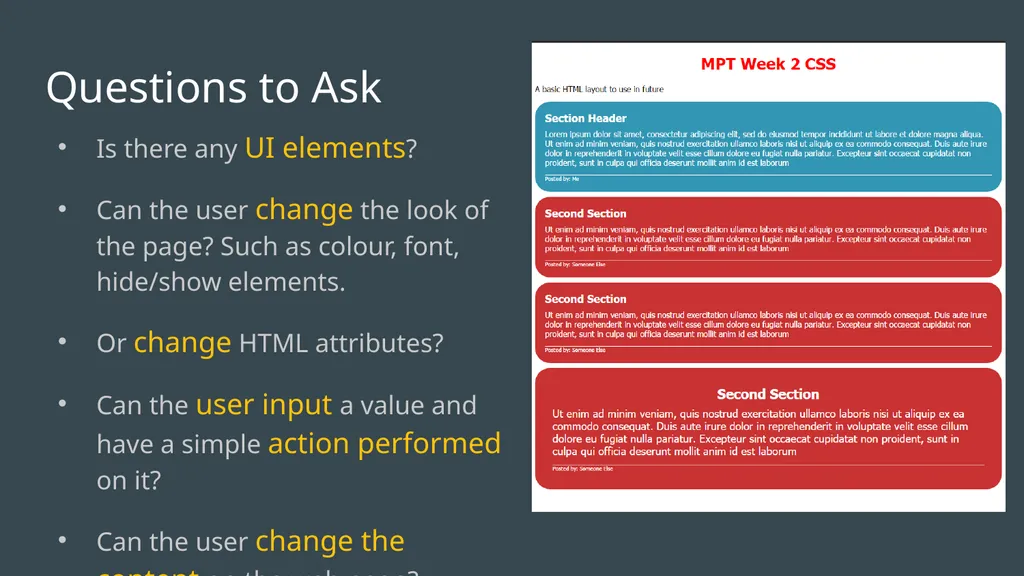
slide5. Is there any UI elements?
Can the user change the look of the page? Such as colour, font, hide/show elements.
Or change HTML attributes?
Can the user input a value and have a simple action performed on it?
Can the user change the content on the web page? Questions to Ask<br>
slide6. No Short Answer<br>
slide7. Our web pages so far have not had any UI elements and did not allow for any sort of interactivity.
We will use JavaScript to extend this functionality Long Answer<br>
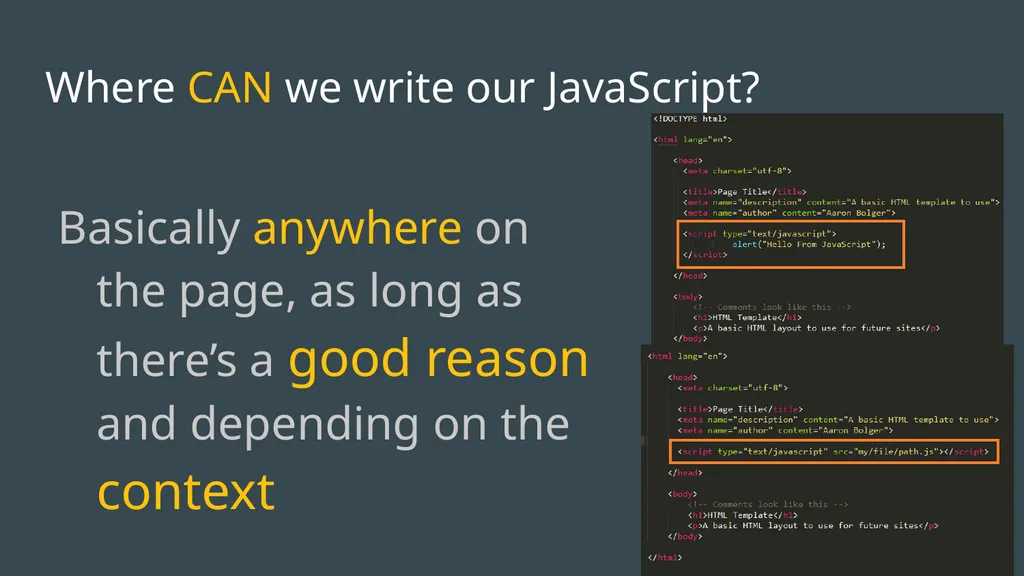
slide8. Where CAN we write our JavaScript? Basically anywhere on the page, as long as there’s a good reason and depending on the context<br>
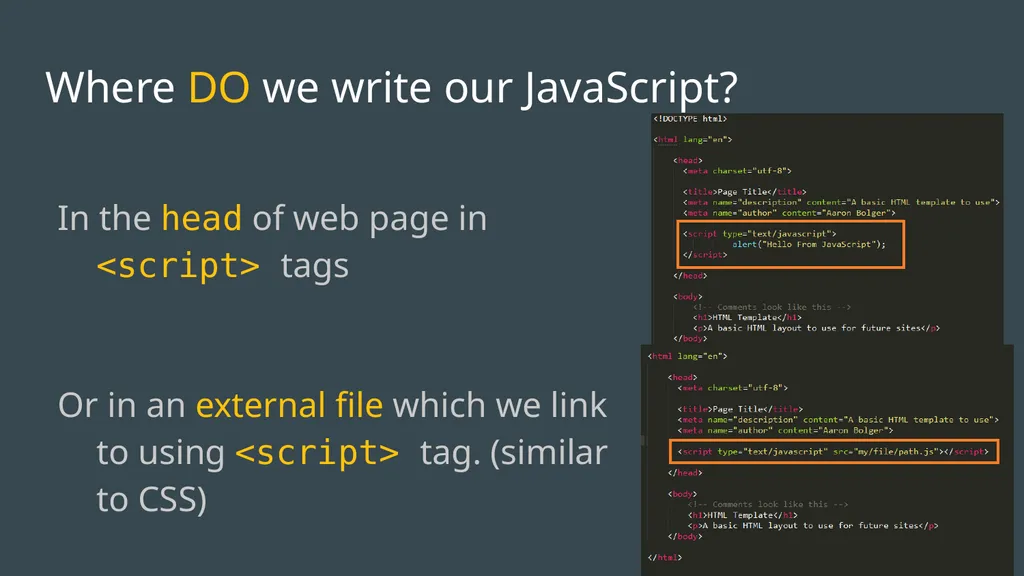
slide9. Where DO we write our JavaScript? In the head of web page in <script> tags
Or in an external file which we link to using <script> tag. (similar to CSS)<br>
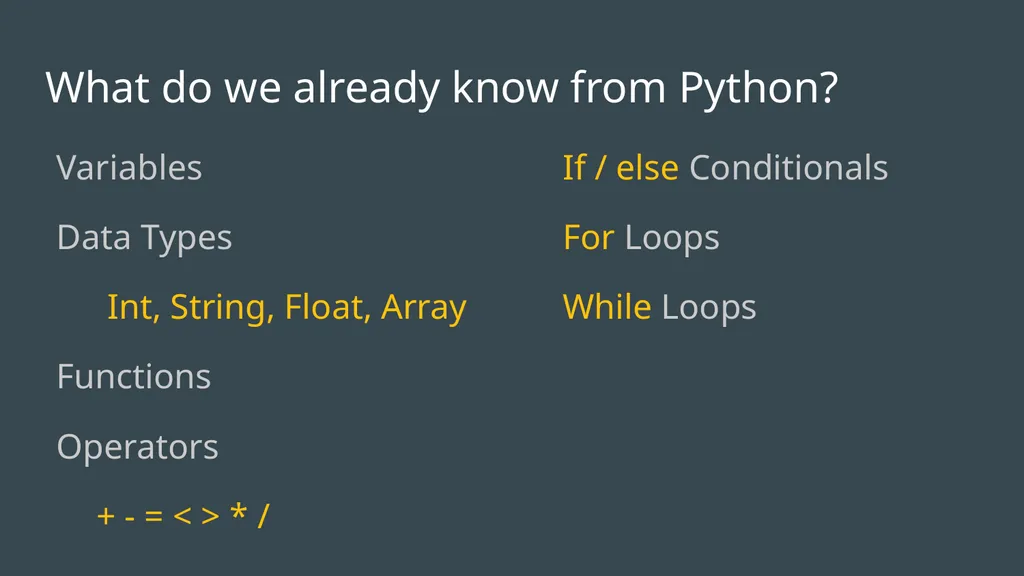
slide10. What do we already know from Python? Variables
Data Types
Int, String, Float, Array
Functions
Operators
+ - = < > * / If / else Conditionals
For Loops
While Loops<br>
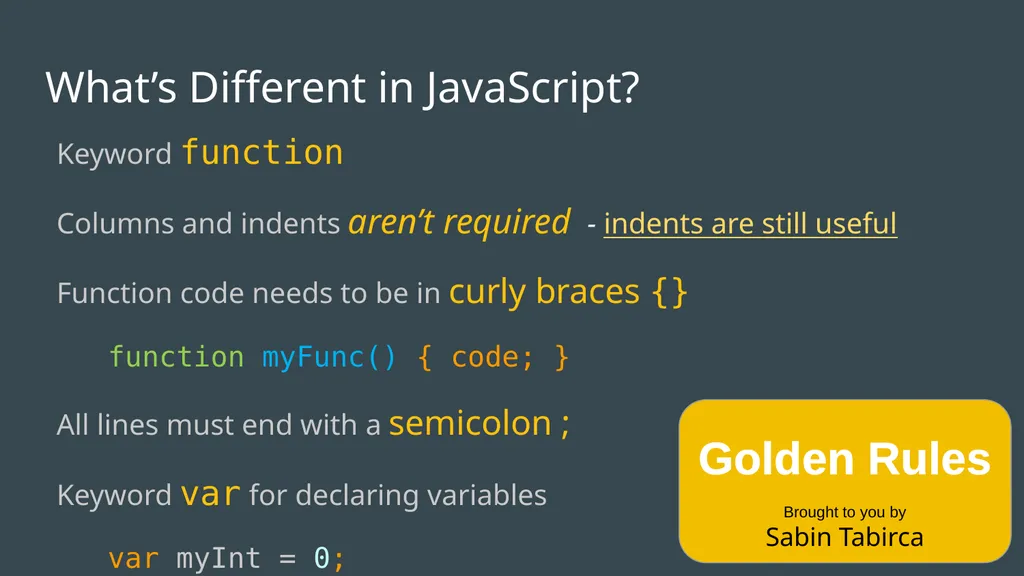
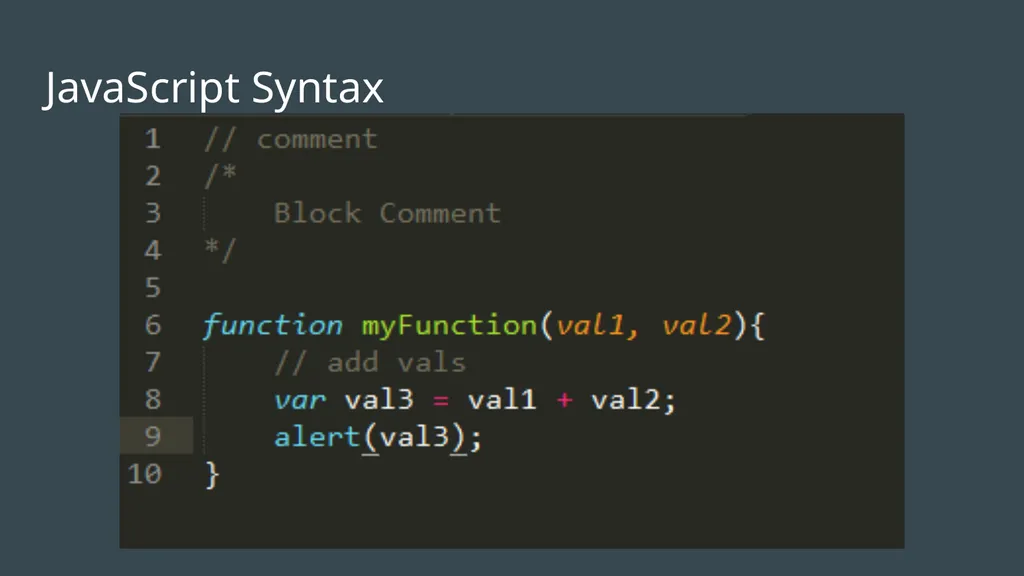
slide11. What’s Different in JavaScript? Keyword function
Columns and indents aren’t required - indents are still useful
Function code needs to be in curly braces {}
function myFunc() { code; }
All lines must end with a semicolon ;
Keyword var for declaring variables
var myInt = 0;
var myString = “Hello World”;
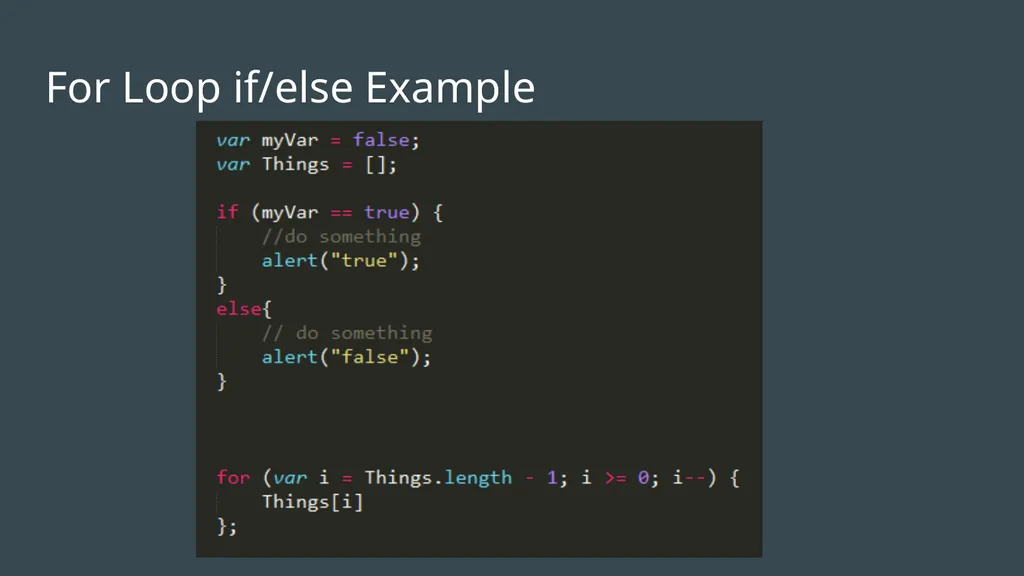
Note Structure of For Loop Golden Rules
Brought to you by
Sabin Tabirca<br>
slide12. JavaScript Syntax<br>
slide13. For Loop if/else Example<br>
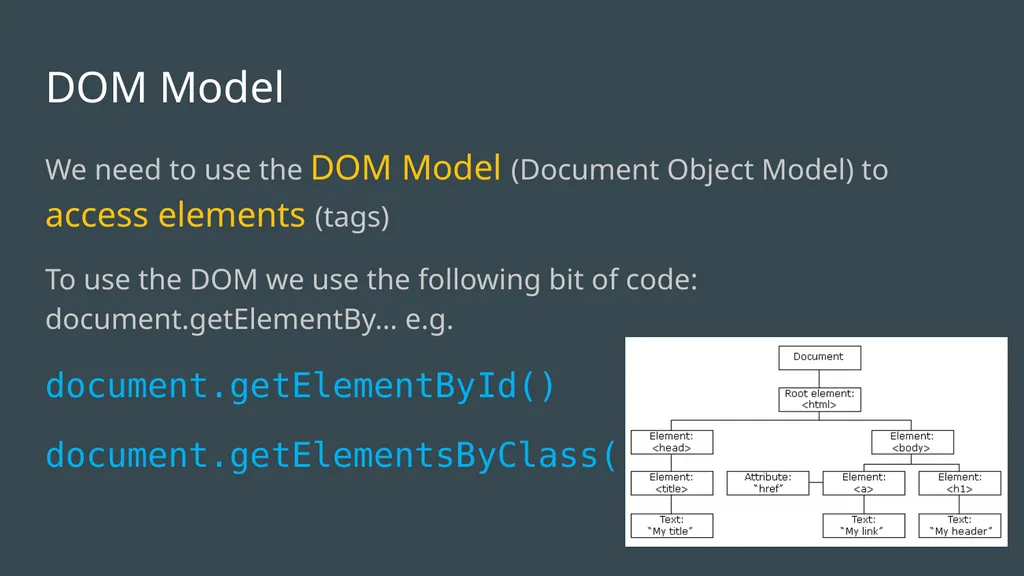
slide14. DOM Model We need to use the DOM Model (Document Object Model) to access elements (tags)
To use the DOM we use the following bit of code: document.getElementBy… e.g.
document.getElementById()
document.getElementsByClass()<br>
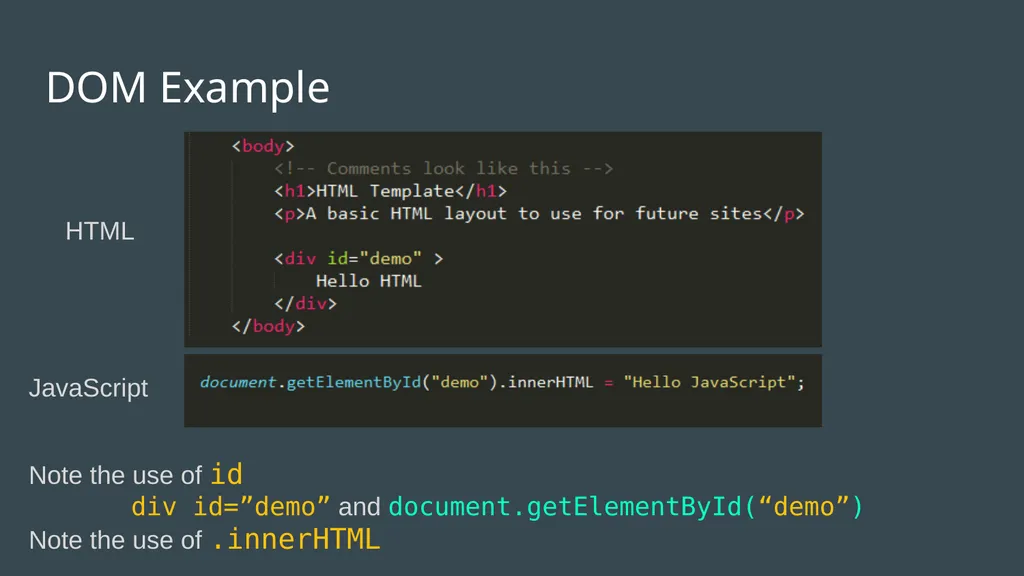
slide15. DOM Example HTML JavaScript Note the use of id
div id=”demo” and document.getElementById(“demo”)
Note the use of .innerHTML<br>
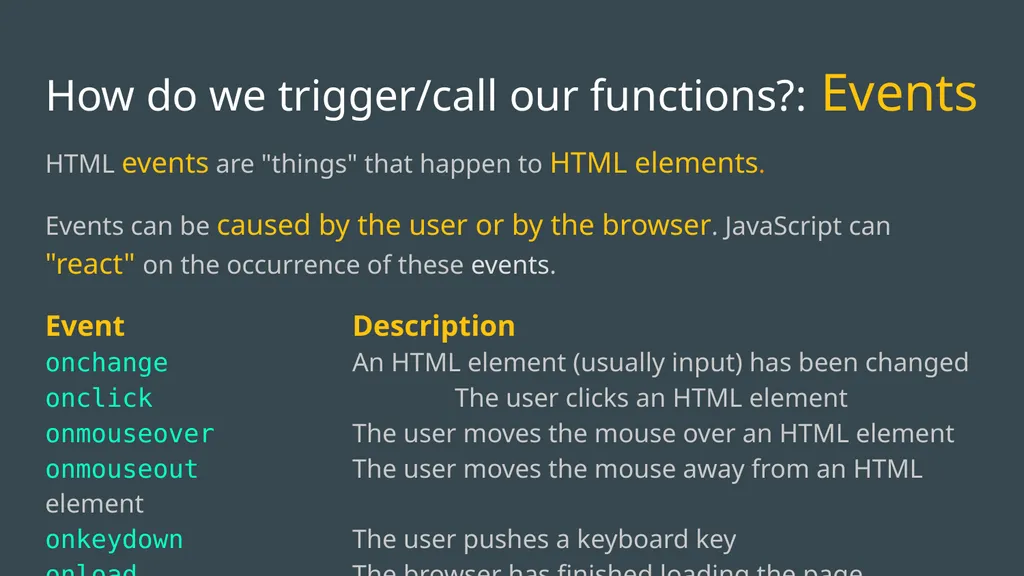
slide16. How do we trigger/call our functions?: Events HTML events are "things" that happen to HTML elements.
Events can be caused by the user or by the browser. JavaScript can "react" on the occurrence of these events.
Event Description onchange An HTML element (usually input) has been changed onclick The user clicks an HTML element onmouseover The user moves the mouse over an HTML element onmouseout The user moves the mouse away from an HTML element onkeydown The user pushes a keyboard key onload The browser has finished loading the page<br>
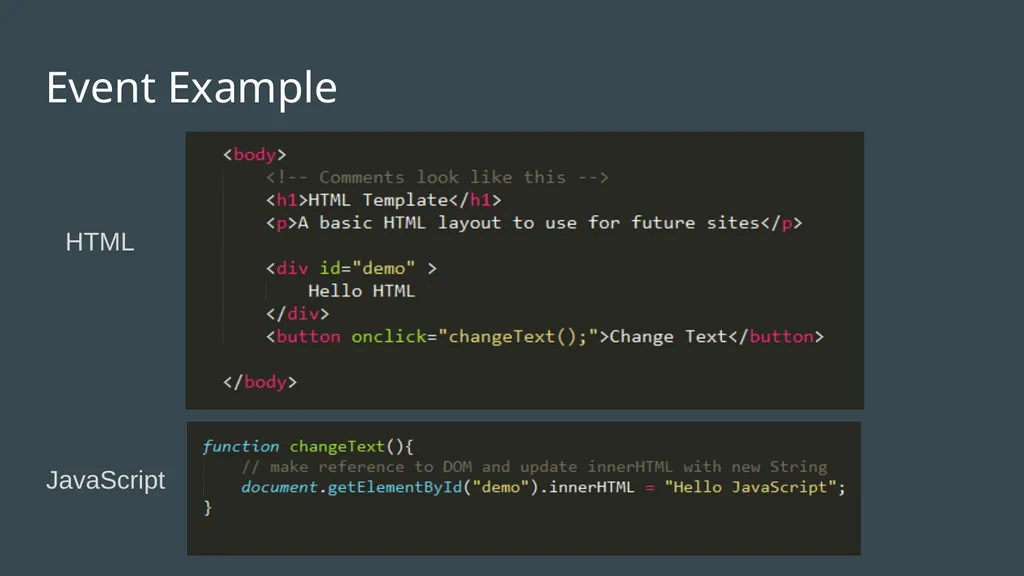
slide17. Event Example HTML JavaScript<br>
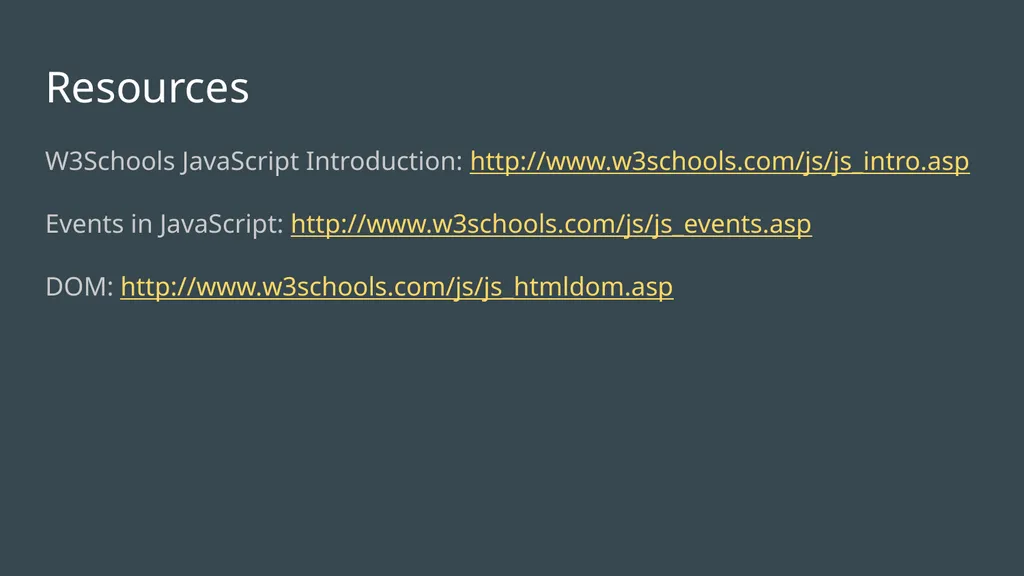
slide18. Resources W3Schools JavaScript Introduction: http://www.w3schools.com/js/js_intro.asp
Events in JavaScript: http://www.w3schools.com/js/js_events.asp
DOM: http://www.w3schools.com/js/js_htmldom.asp<br>
slide2. What will we do in this class? Extend the functionality of our webpages!
We will look at the basics of JavaScript
Syntax
DOM Model
What it can do
Why we would we use it<br>
slide3. Javascript<br>
slide5. Is there any UI elements?
Can the user change the look of the page? Such as colour, font, hide/show elements.
Or change HTML attributes?
Can the user input a value and have a simple action performed on it?
Can the user change the content on the web page? Questions to Ask<br>
slide6. No Short Answer<br>
slide7. Our web pages so far have not had any UI elements and did not allow for any sort of interactivity.
We will use JavaScript to extend this functionality Long Answer<br>
slide8. Where CAN we write our JavaScript? Basically anywhere on the page, as long as there’s a good reason and depending on the context<br>
slide9. Where DO we write our JavaScript? In the head of web page in <script> tags
Or in an external file which we link to using <script> tag. (similar to CSS)<br>
slide10. What do we already know from Python? Variables
Data Types
Int, String, Float, Array
Functions
Operators
+ - = < > * / If / else Conditionals
For Loops
While Loops<br>
slide11. What’s Different in JavaScript? Keyword function
Columns and indents aren’t required - indents are still useful
Function code needs to be in curly braces {}
function myFunc() { code; }
All lines must end with a semicolon ;
Keyword var for declaring variables
var myInt = 0;
var myString = “Hello World”;
Note Structure of For Loop Golden Rules
Brought to you by
Sabin Tabirca<br>
slide12. JavaScript Syntax<br>
slide13. For Loop if/else Example<br>
slide14. DOM Model We need to use the DOM Model (Document Object Model) to access elements (tags)
To use the DOM we use the following bit of code: document.getElementBy… e.g.
document.getElementById()
document.getElementsByClass()<br>
slide15. DOM Example HTML JavaScript Note the use of id
div id=”demo” and document.getElementById(“demo”)
Note the use of .innerHTML<br>
slide16. How do we trigger/call our functions?: Events HTML events are "things" that happen to HTML elements.
Events can be caused by the user or by the browser. JavaScript can "react" on the occurrence of these events.
Event Description onchange An HTML element (usually input) has been changed onclick The user clicks an HTML element onmouseover The user moves the mouse over an HTML element onmouseout The user moves the mouse away from an HTML element onkeydown The user pushes a keyboard key onload The browser has finished loading the page<br>
slide17. Event Example HTML JavaScript<br>
slide18. Resources W3Schools JavaScript Introduction: http://www.w3schools.com/js/js_intro.asp
Events in JavaScript: http://www.w3schools.com/js/js_events.asp
DOM: http://www.w3schools.com/js/js_htmldom.asp<br>