Network Design and Optimization Python Introduction Dr. Greg Bernstein Grotto Networking www.grotto-networking.com Python: The Working Dog of Programming Languages Lucy with her reward chew toy after finding me hiding in a closet during
"Network Design and Optimization Python" is the property of its rightful owner. Permission is granted to
download and print the materials on this website for personal, non-commercial use only, and to display it
on your personal computer provided you do not modify the materials and that you retain all copyright
notices contained in the materials. By downloading content from our website, you accept the terms of this
agreement.
Presentation Transcript
01
Network Design and Optimization Python Introduction Dr. Greg Bernstein
Grotto Networking www.grotto-networking.com<br>
02
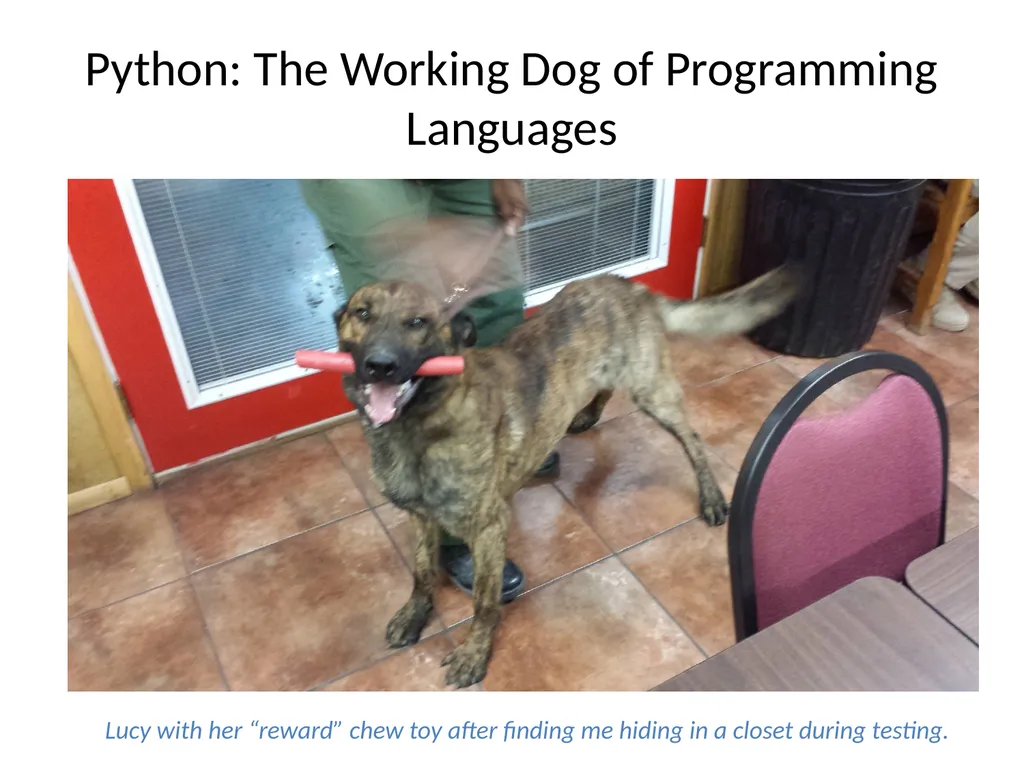
Python: The Working Dog of Programming Languages Lucy with her “reward” chew toy after finding me hiding in a closet during testing.<br>
03
Why Python? Works well with Others (languages)
Relatively easy access to vast open source numerical and scientific libraries
Interactive and Object Oriented
Quick for testing out new ideas
Good for more complicated stuff too
Well used in Data Communication, Scientific, and Web Development communities
OpenStack, Mininet, PoX (cloud & SDN)
Numpy, SciPy, NetworkX, Pandas, Astropy, Sage (Math & Science)
Flask, Django, Pyramid, Tornado (Web)
Open Source!<br>
04
Bare bones or a Distribution? You can get Language and Standard Library
directly from https://www.python.org/
Then add external libraries
Issue: this can get a bit tricky on Windows and Macs
For ease of getting started there are scientific "Python distributions" available for no cost via the web. We will use Python version 2.7 due to its compatibility with numerical packages such as Numpy, Matplotlib, SciPy, NetworkX, SimPy, etc...
Anaconda (Windows, Mac, Linux) https://store.continuum.io/cshop/anaconda/
Python(x,y) (Windows) https://code.google.com/p/pythonxy/
Enthought Canopy Express https://www.enthought.com/products/epd/free/<br>
05
Getting Started Resources Python Tutorial
http://docs.python.org/2/tutorial/index.html
Building Skills in Python
Free PDF, Aimed at experienced programmers, Recommended
http://www.itmaybeahack.com/book/python-2.6/latex/BuildingSkillsinPython.pdf
Lectures on Scientific Computing with Python
http://nbviewer.ipython.org/github/jrjohansson/scientific-python-lectures/tree/master/
Uses IPython notebooks. Covers basics, numpy, matplotlib, and more…
Code Academy
http://www.codecademy.com/tracks/python<br>
06
Editors and IDEs I Use Geany Editor
http://www.geany.org/
Recognizes Python classes, Functions, variables; syntax highlighting, zoom; Cross platform: Linux, Windows, Mac
Notepad++
http://notepad-plus-plus.org/
Fast, Windows only, syntax highlighting, zoom, doesn’t recognize Python functions, classes, variables
PyCharm (full IDE)
http://www.jetbrains.com/pycharm/
Free and professional editions
Your favorites?<br>
07
Python Shells Plain Python shell
Can just type “python” at a command prompt to start and interactive shell
IPython http://ipython.org/
A much improved command line shell
Great Qt based graphical shell (I use this all the time)
Full on Browser based notebook interface. Include nice text, code, and graphics together.
Included with Anaconda, PythonXY, and Enthought distributions and available separately<br>
08
Other Tools I Use Google Python Style Guide
http://google-styleguide.googlecode.com/svn/trunk/pyguide.html
Version Control: Git
I’ve got a slide deck on using Git locally for single person projects.
Documentation Generators (Python)?
Doxygen
Originally aimed at C++, But can now do python, but in a C++ kind of way. Easy to use.
Sphinx
Used for much Python documentation. A bit tougher to use but very pretty documentation.<br>
09
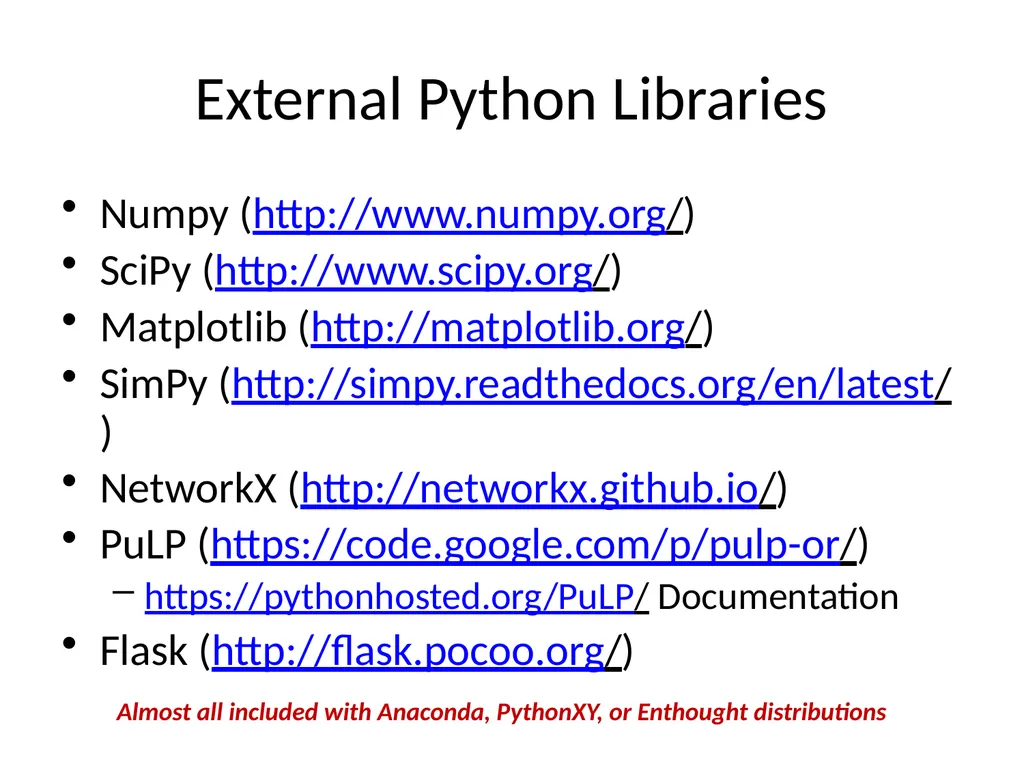
External Python Libraries Numpy (http://www.numpy.org/)
SciPy (http://www.scipy.org/)
Matplotlib (http://matplotlib.org/)
SimPy (http://simpy.readthedocs.org/en/latest/)
NetworkX (http://networkx.github.io/)
PuLP (https://code.google.com/p/pulp-or/)
https://pythonhosted.org/PuLP/ Documentation
Flask (http://flask.pocoo.org/) Almost all included with Anaconda, PythonXY, or Enthought distributions<br>
10
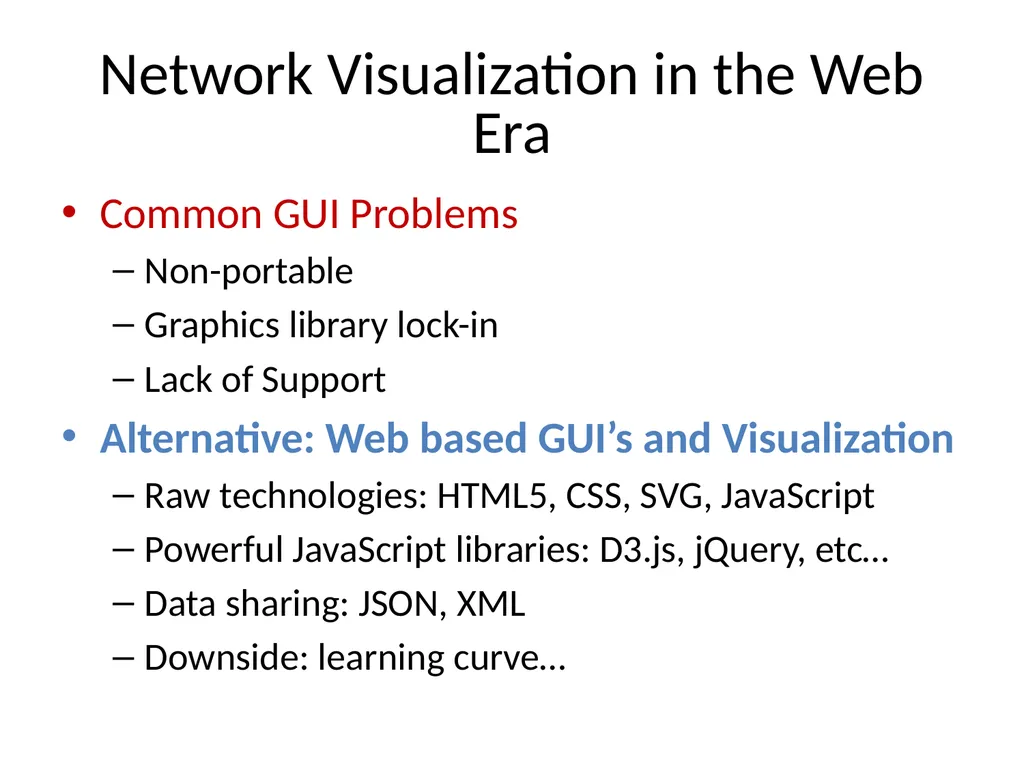
Network Visualization in the Web Era Common GUI Problems
Non-portable
Graphics library lock-in
Lack of Support
Alternative: Web based GUI’s and Visualization
Raw technologies: HTML5, CSS, SVG, JavaScript
Powerful JavaScript libraries: D3.js, jQuery, etc…
Data sharing: JSON, XML
Downside: learning curve…<br>
11
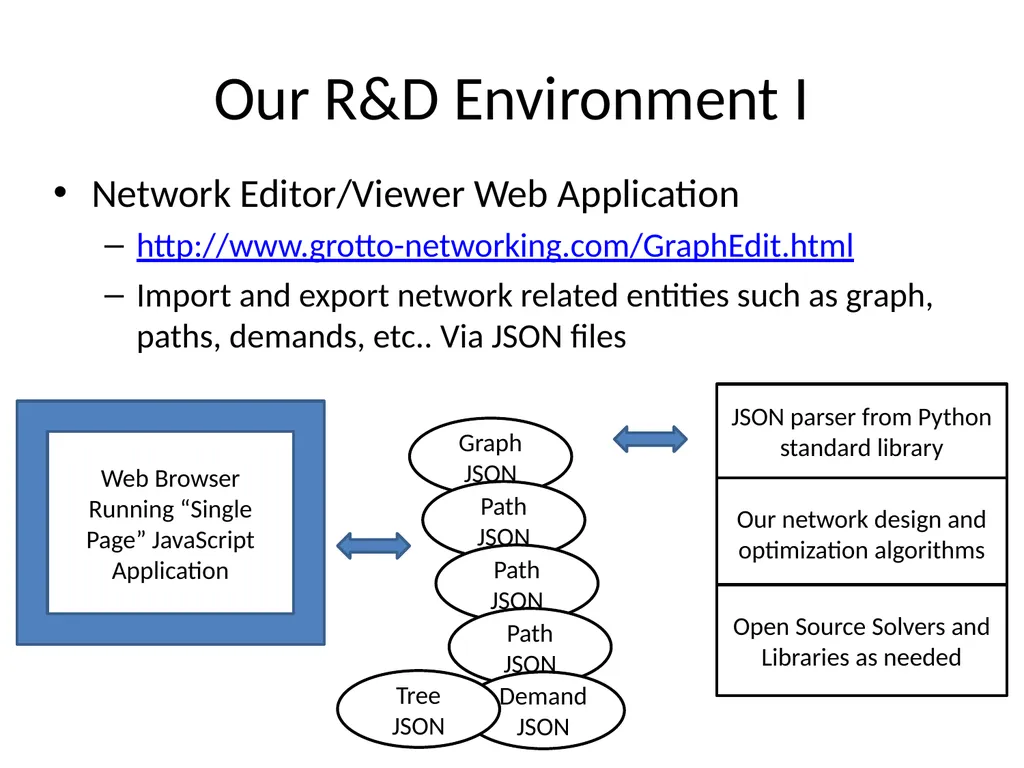
Our R&D Environment I Network Editor/Viewer Web Application
http://www.grotto-networking.com/GraphEdit.html
Import and export network related entities such as graph, paths, demands, etc.. Via JSON files Web Browser
Running “Single Page” JavaScript Application JSON parser from Python standard library Our network design and optimization algorithms Open Source Solvers and Libraries as needed Graph JSON Path JSON Path JSON Path JSON DemandJSON Tree JSON<br>
12
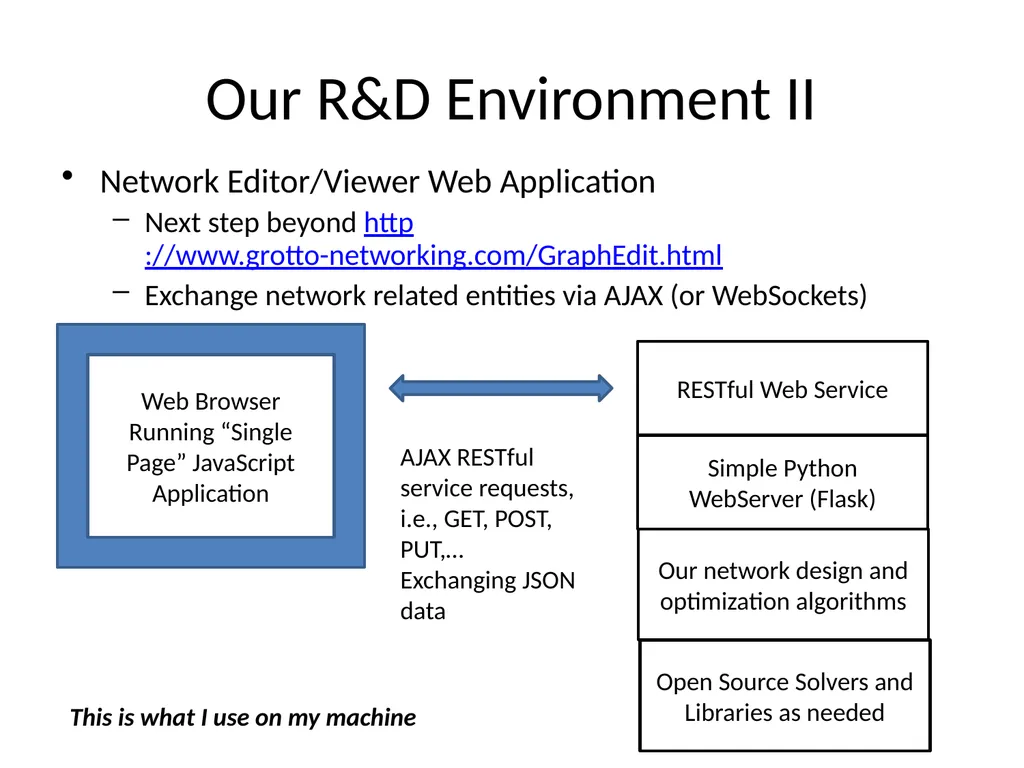
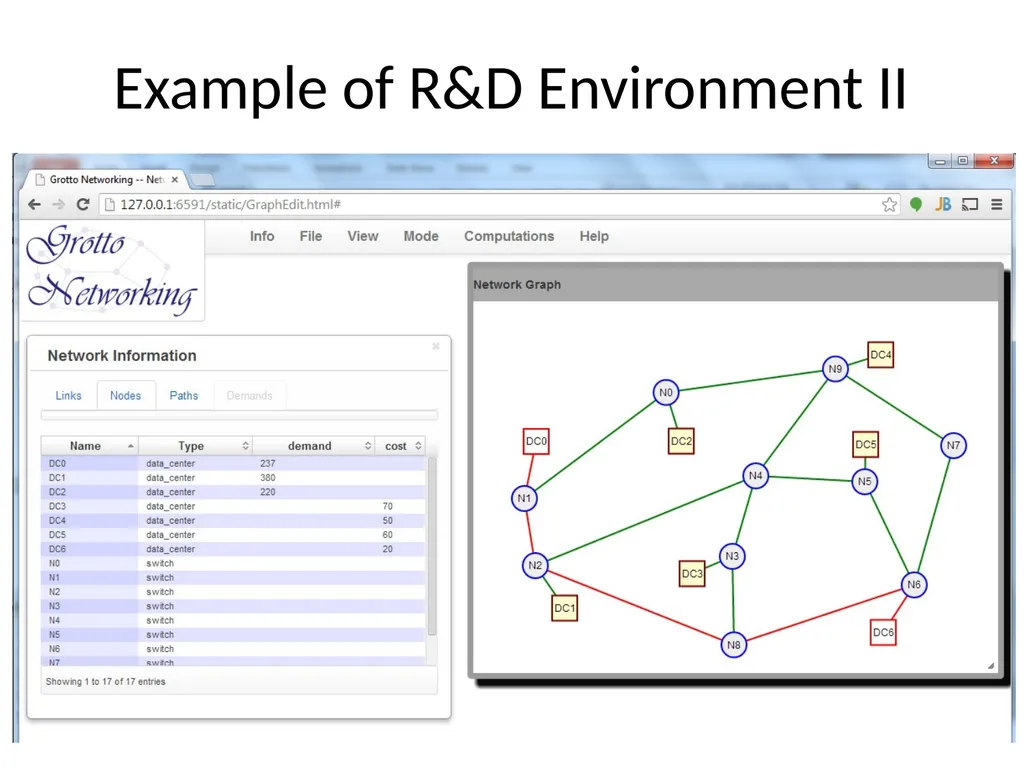
Our R&D Environment II Network Editor/Viewer Web Application
Next step beyond http://www.grotto-networking.com/GraphEdit.html
Exchange network related entities via AJAX (or WebSockets) Web Browser
Running “Single Page” JavaScript Application RESTful Web Service Simple Python WebServer (Flask) Our network design and optimization algorithms Open Source Solvers and Libraries as needed AJAX RESTful service requests, i.e., GET, POST, PUT,…
Exchanging JSON data This is what I use on my machine<br>