04
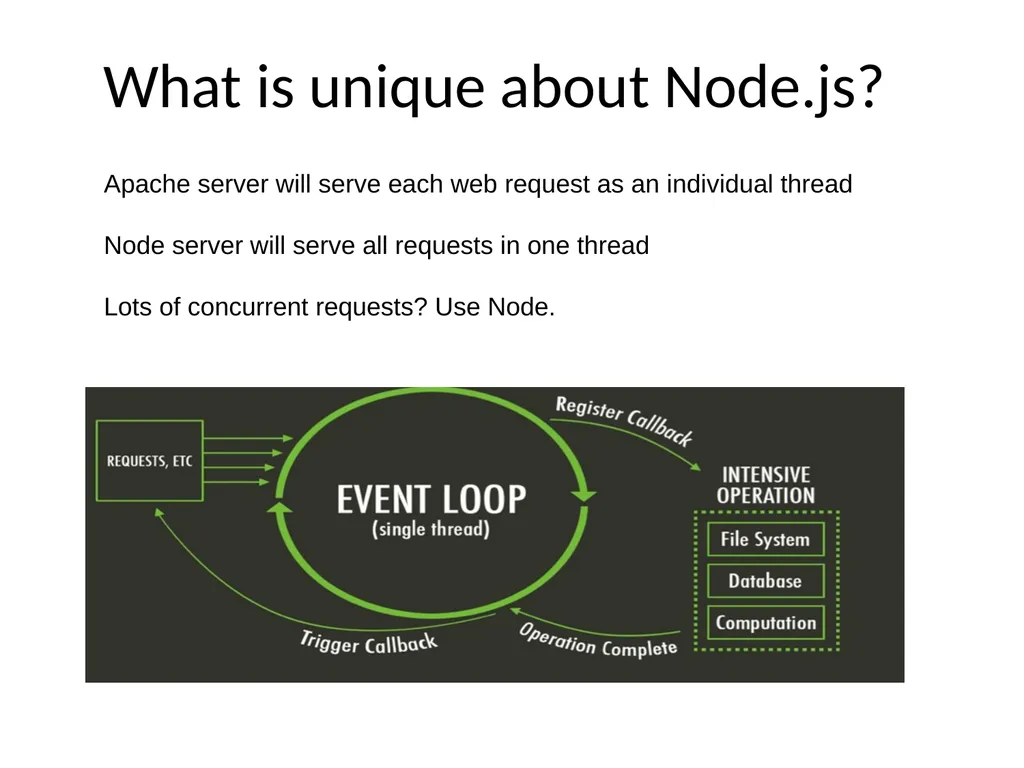
What is unique about Node.js? Apache server will serve each web request as an individual thread
Node server will serve all requests in one thread
Lots of concurrent requests? Use Node.<br>
05
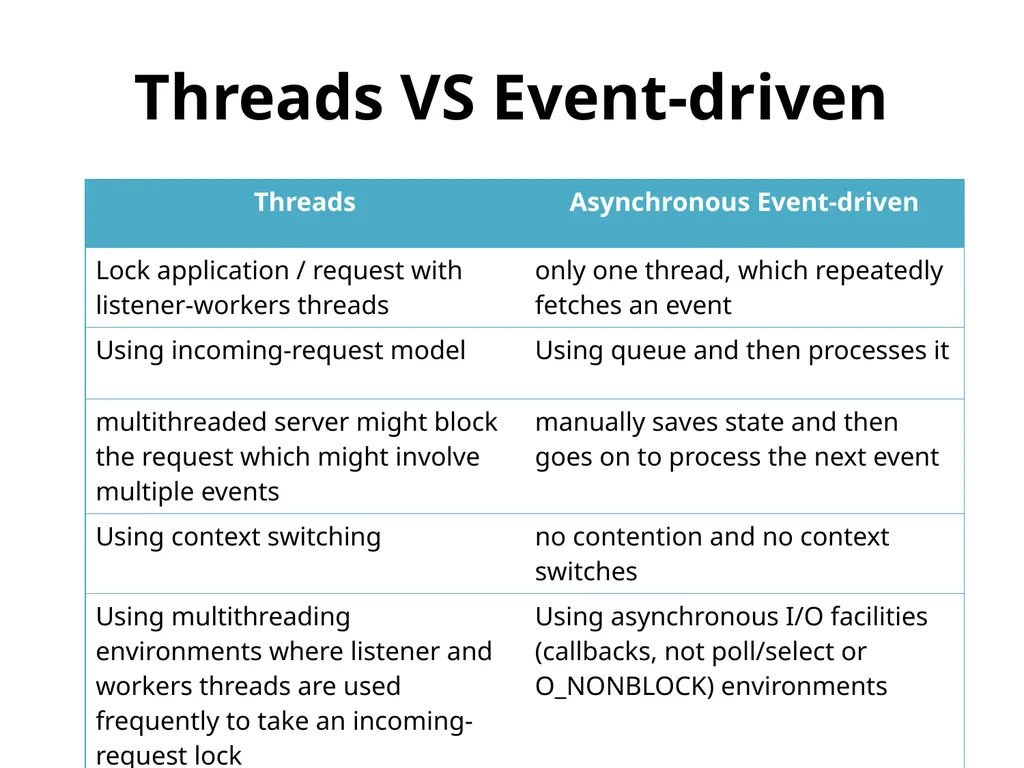
Threads VS Event-driven<br>
06
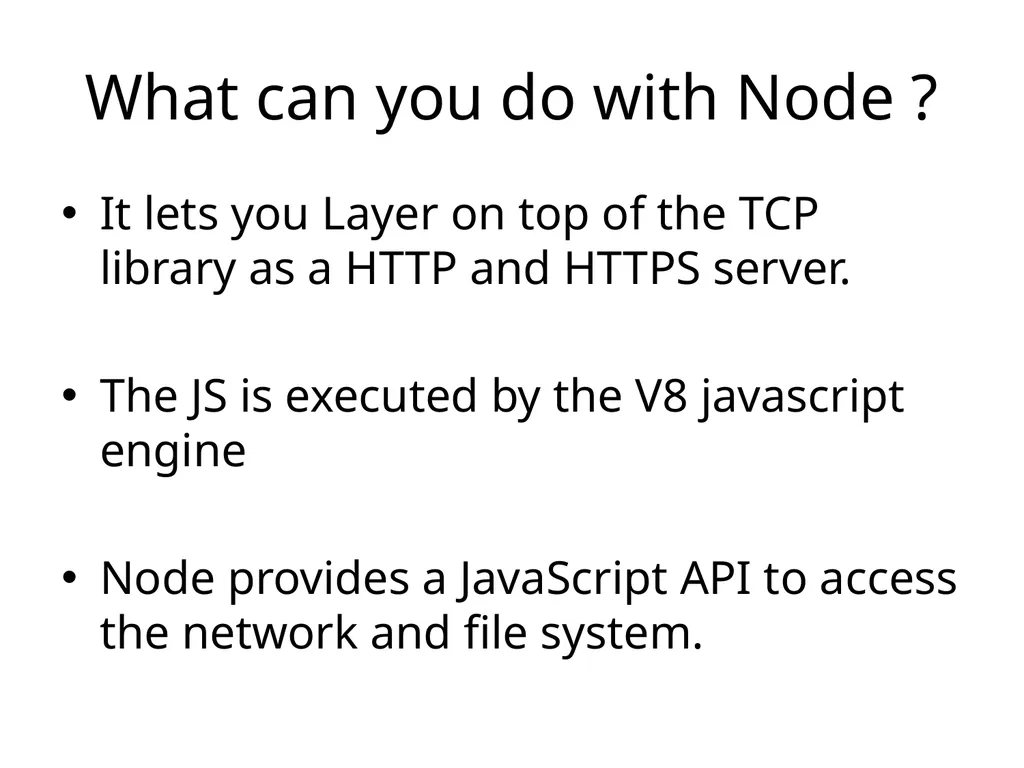
What can you do with Node ? It lets you Layer on top of the TCP library as a HTTP and HTTPS server.
The JS is executed by the V8 javascript engine
Node provides a JavaScript API to access the network and file system.<br>
07
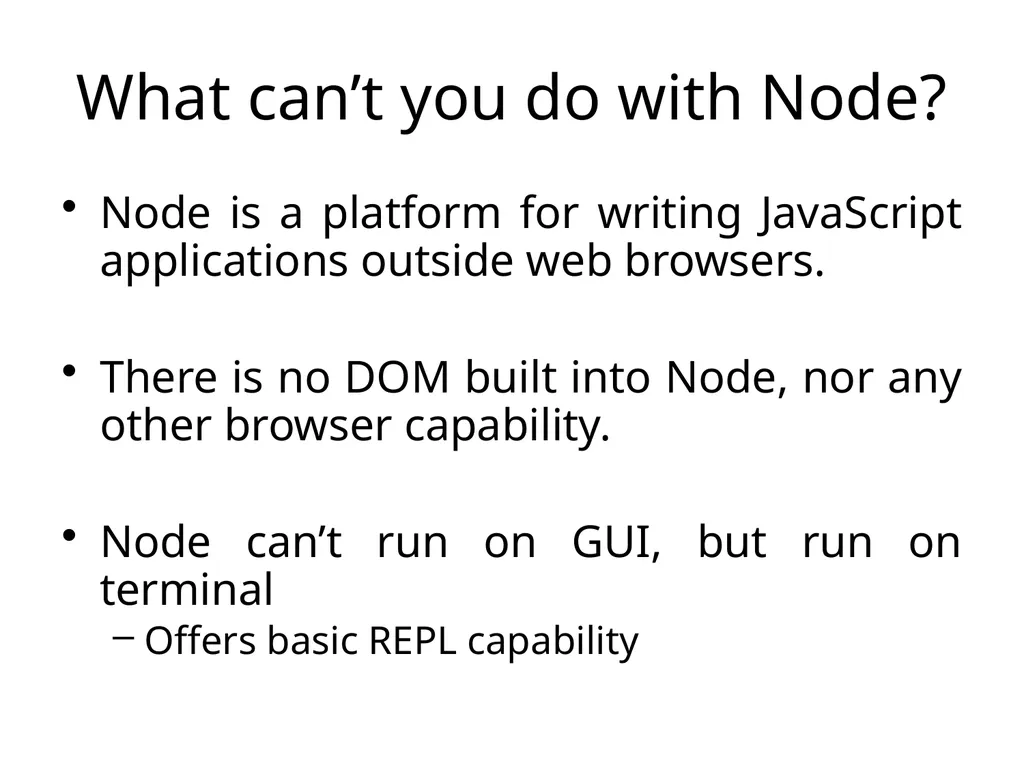
What can’t you do with Node? Node is a platform for writing JavaScript applications outside web browsers.
There is no DOM built into Node, nor any other browser capability.
Node can’t run on GUI, but run on terminal
Offers basic REPL capability<br>
08
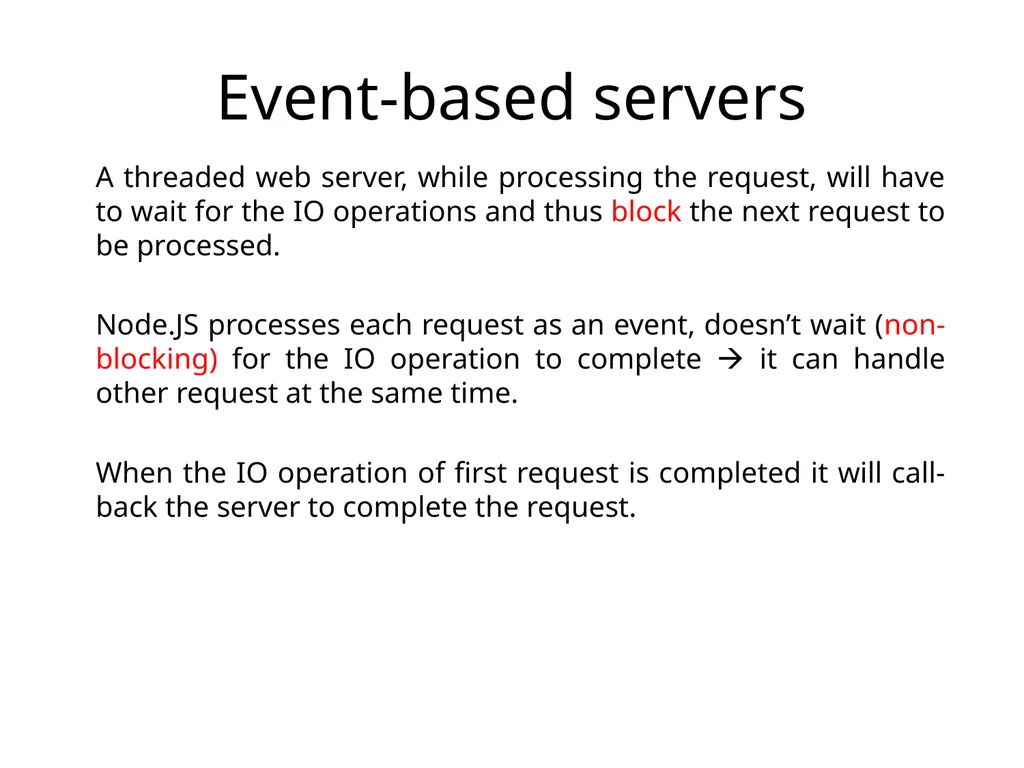
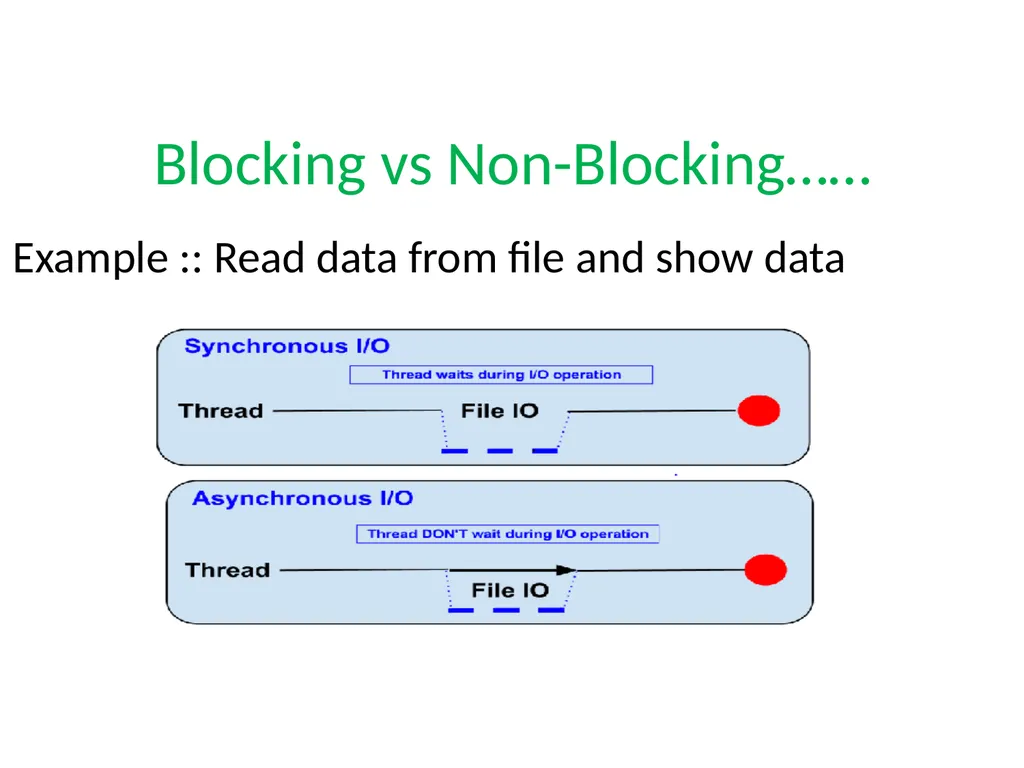
Event-based servers A threaded web server, while processing the request, will have to wait for the IO operations and thus block the next request to be processed.
Node.JS processes each request as an event, doesn’t wait (non-blocking) for the IO operation to complete it can handle other request at the same time.
When the IO operation of first request is completed it will call-back the server to complete the request.<br>
09
Blocking vs Non-Blocking…… Example :: Read data from file and show data<br>
10
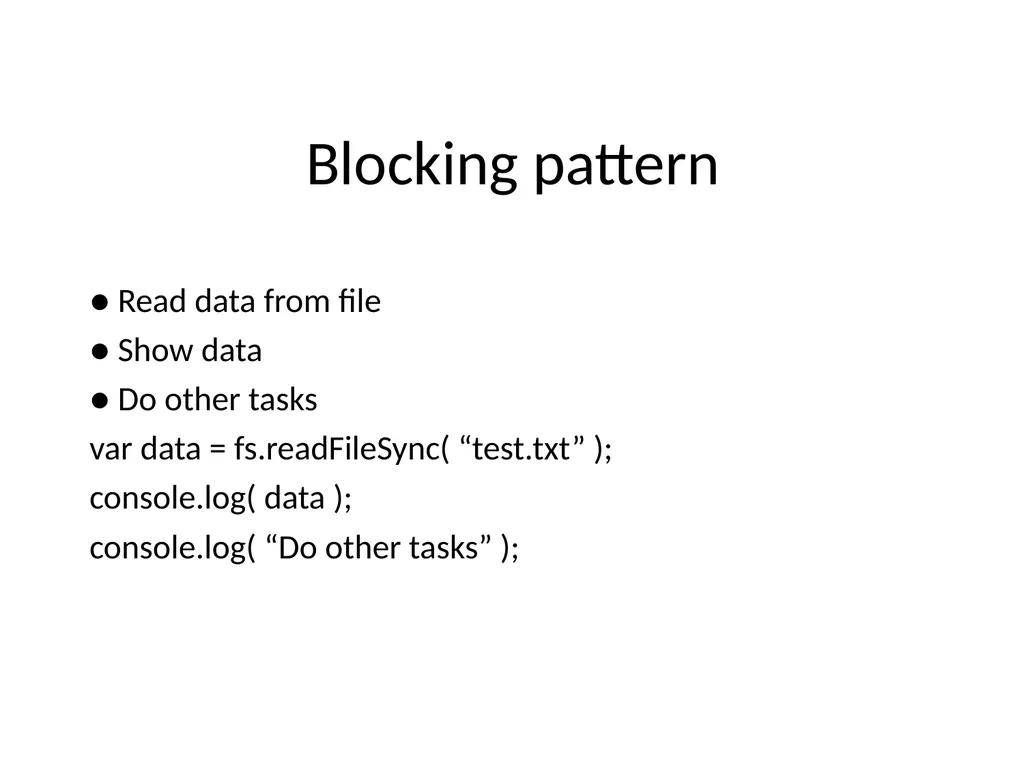
Blocking pattern ● Read data from file
● Show data
● Do other tasks
var data = fs.readFileSync( “test.txt” );
console.log( data );
console.log( “Do other tasks” );<br>
11
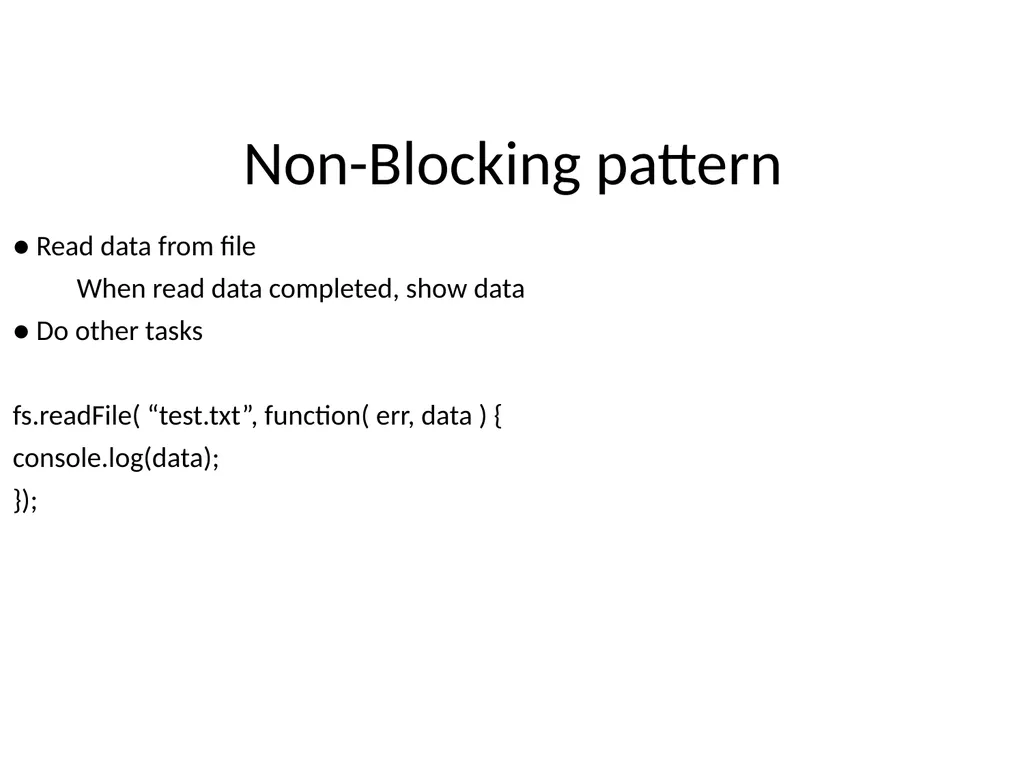
Non-Blocking pattern ● Read data from file
When read data completed, show data
● Do other tasks
fs.readFile( “test.txt”, function( err, data ) {
console.log(data);
});<br>
12
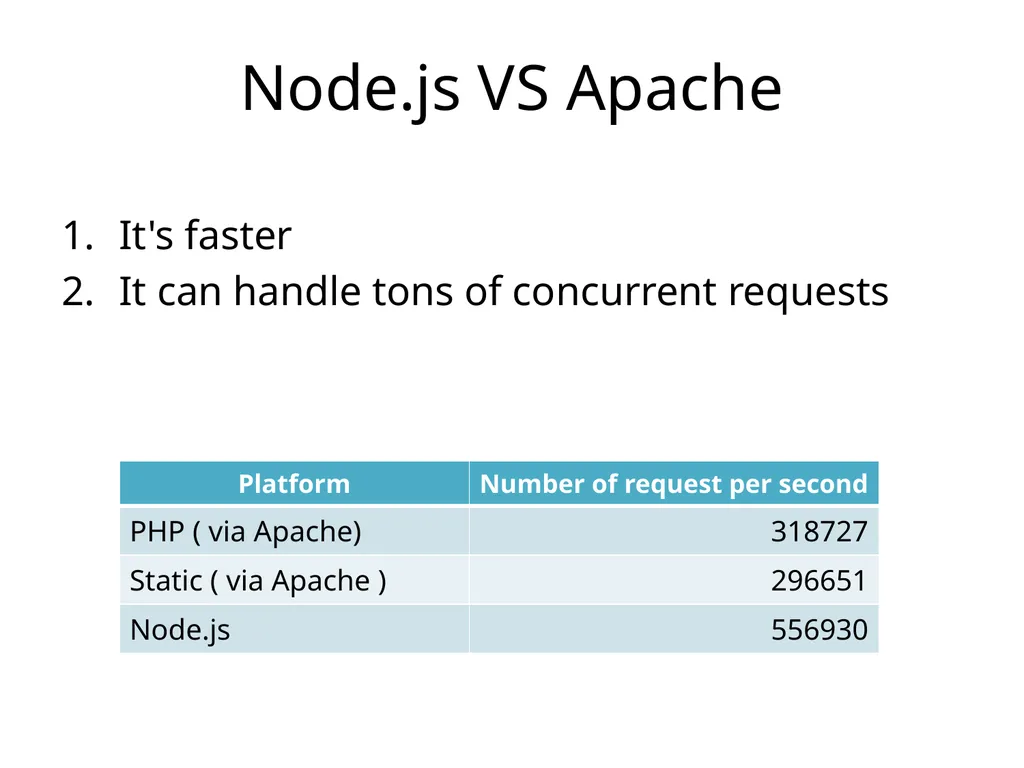
Node.js VS Apache It's faster
It can handle tons of concurrent requests<br>
13
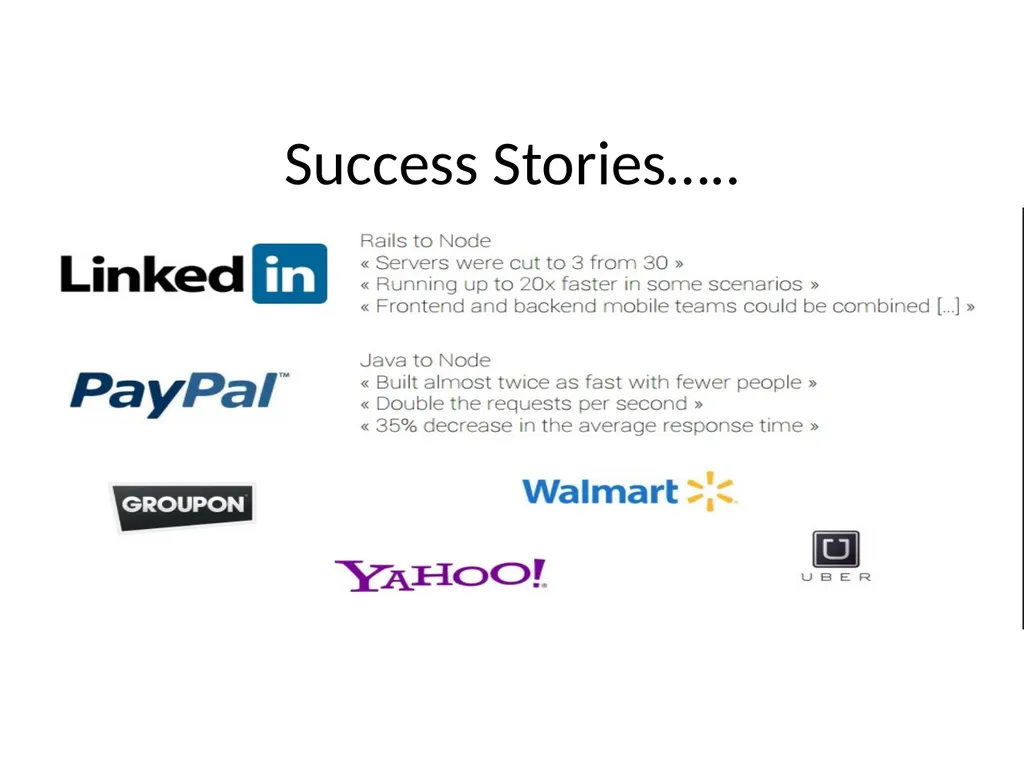
Success Stories…..<br>
14
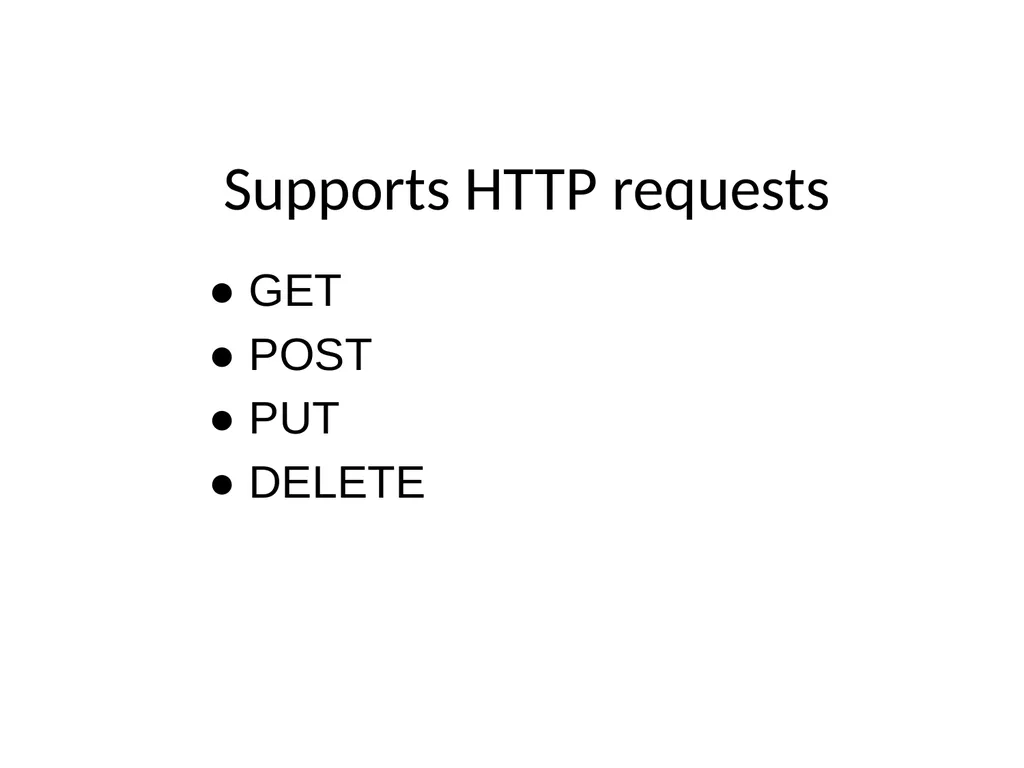
● GET
● POST
● PUT
● DELETE Supports HTTP requests<br>
15
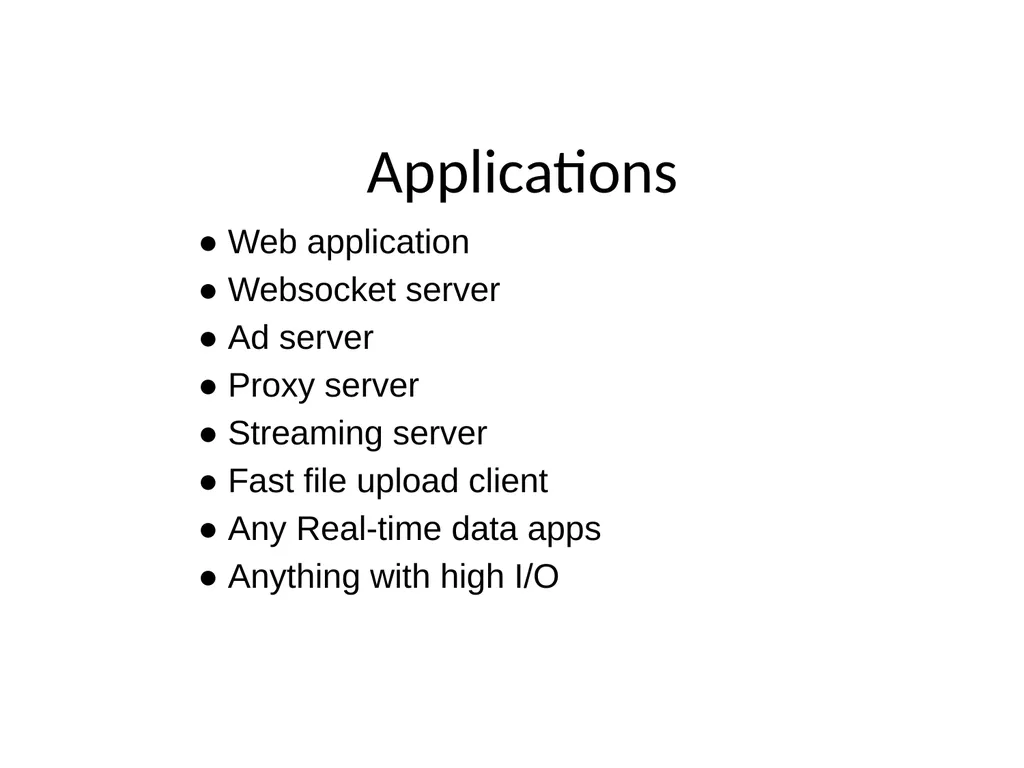
● Web application
● Websocket server
● Ad server
● Proxy server
● Streaming server
● Fast file upload client
● Any Real-time data apps
● Anything with high I/O Applications<br>
16
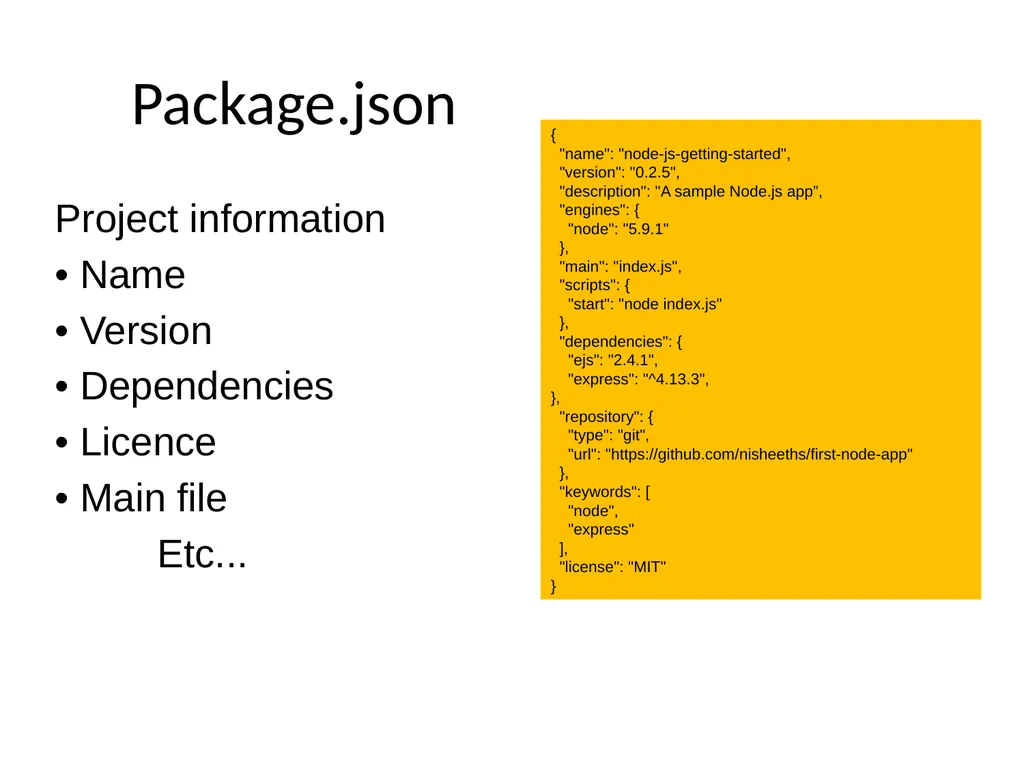
Project information
• Name
• Version
• Dependencies
• Licence
• Main file
Etc... Package.json {
"name": "node-js-getting-started",
"version": "0.2.5",
"description": "A sample Node.js app”,
"engines": {
"node": "5.9.1"
},
"main": "index.js",
"scripts": {
"start": "node index.js"
},
"dependencies": {
"ejs": "2.4.1",
"express": "^4.13.3",
},
"repository": {
"type": "git",
"url": "https://github.com/nisheeths/first-node-app"
},
"keywords": [
"node",
"express"
],
"license": "MIT"
}<br>
17
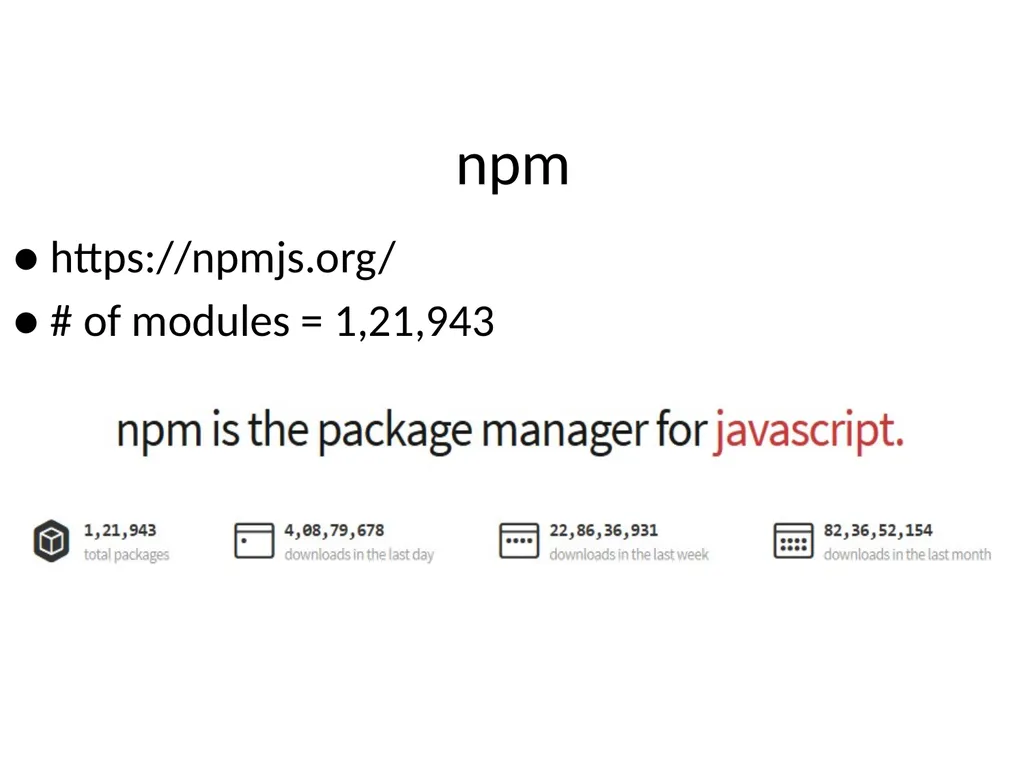
npm ● https://npmjs.org/
● # of modules = 1,21,943<br>
18
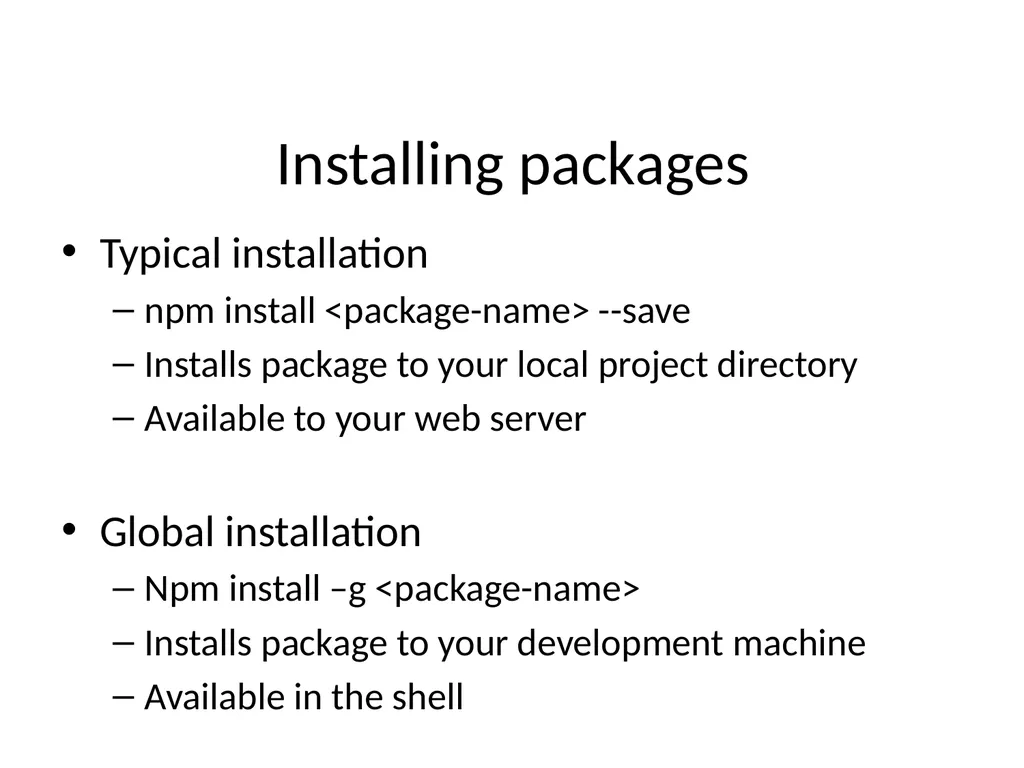
Installing packages Typical installation
npm install <package-name> --save
Installs package to your local project directory
Available to your web server
Global installation
Npm install –g <package-name>
Installs package to your development machine
Available in the shell<br>
19
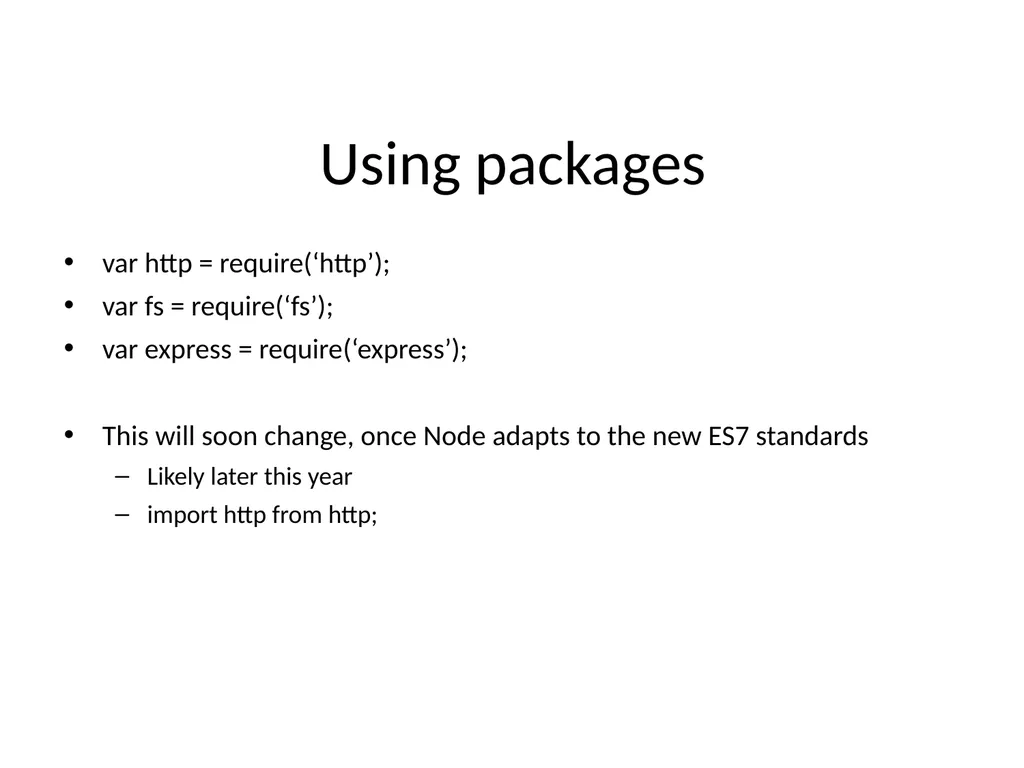
Using packages var http = require(‘http’);
var fs = require(‘fs’);
var express = require(‘express’);
This will soon change, once Node adapts to the new ES7 standards
Likely later this year
import http from http;<br>
20
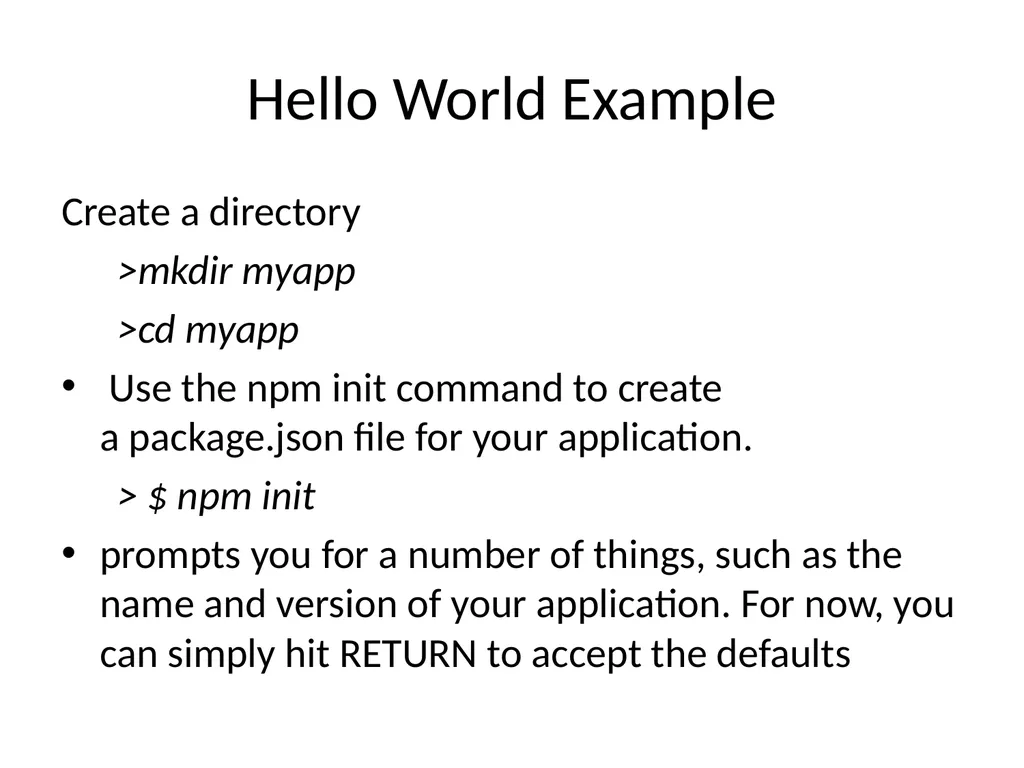
Hello World Example Create a directory
>mkdir myapp
>cd myapp
Use the npm init command to create a package.json file for your application.
> $ npm init
prompts you for a number of things, such as the name and version of your application. For now, you can simply hit RETURN to accept the defaults<br>
21
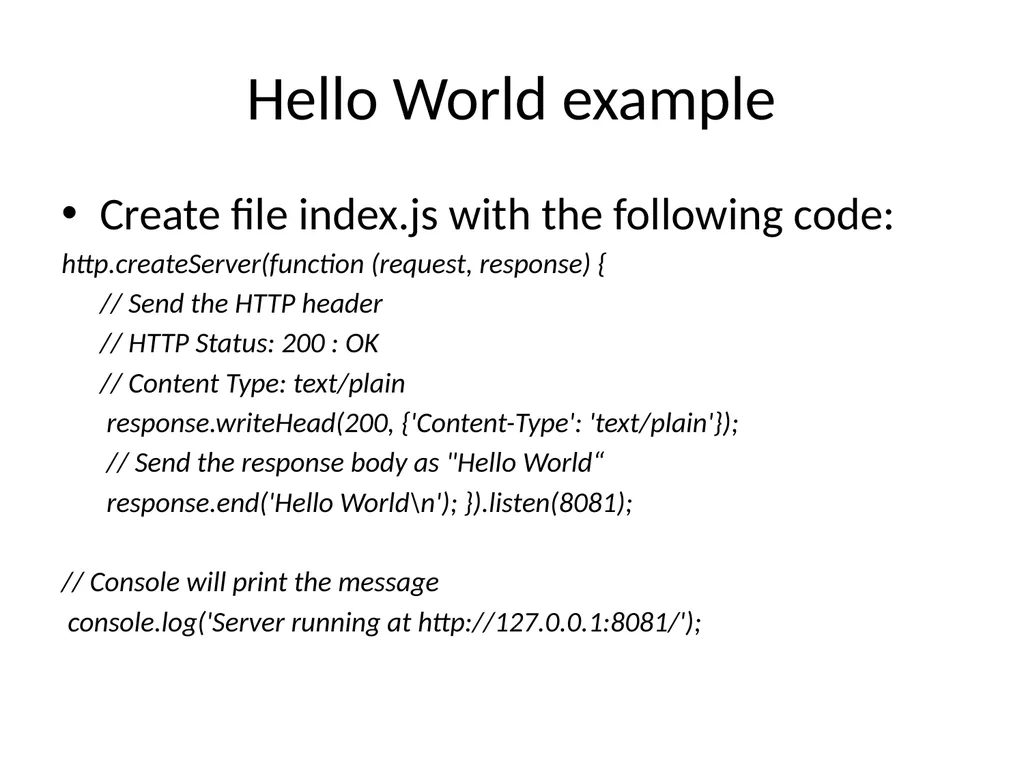
Hello World example Create file index.js with the following code:
http.createServer(function (request, response) {
// Send the HTTP header
// HTTP Status: 200 : OK
// Content Type: text/plain
response.writeHead(200, {'Content-Type': 'text/plain'});
// Send the response body as "Hello World“
response.end('Hello World\n'); }).listen(8081);
// Console will print the message
console.log('Server running at http://127.0.0.1:8081/');<br>
22
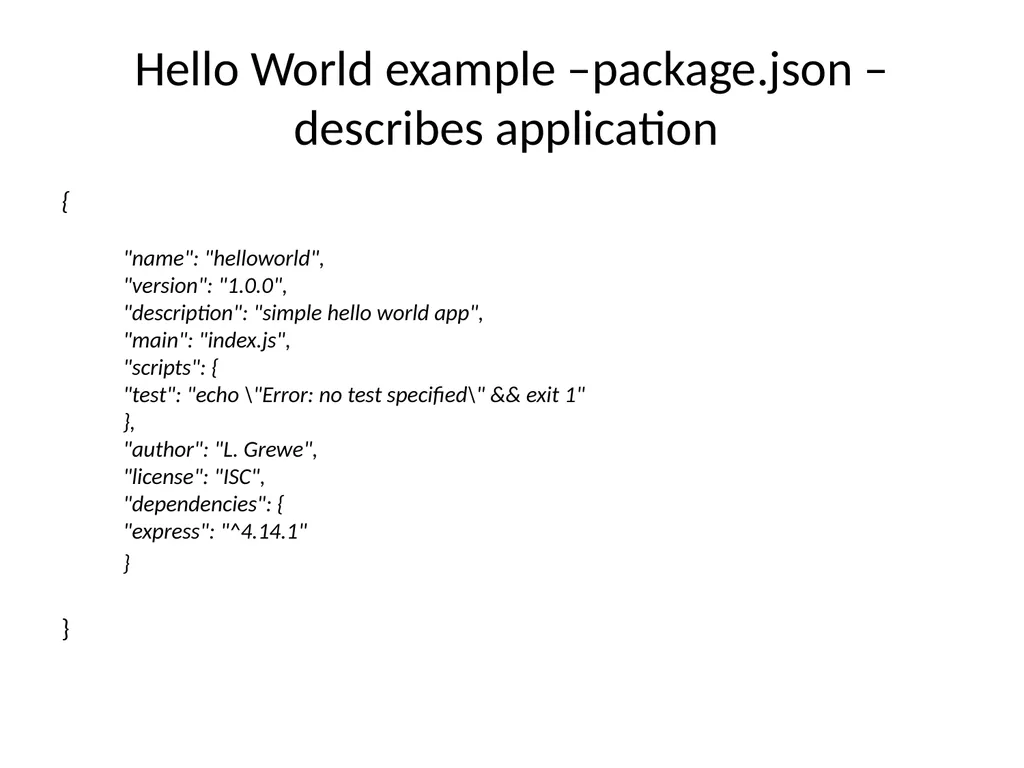
Hello World example –package.json – describes application {
�"name": "helloworld",�"version": "1.0.0",�"description": "simple hello world app",�"main": "index.js",�"scripts": {�"test": "echo \"Error: no test specified\" && exit 1"�},�"author": "L. Grewe",�"license": "ISC",�"dependencies": {�"express": "^4.14.1"
}
�}<br>
23
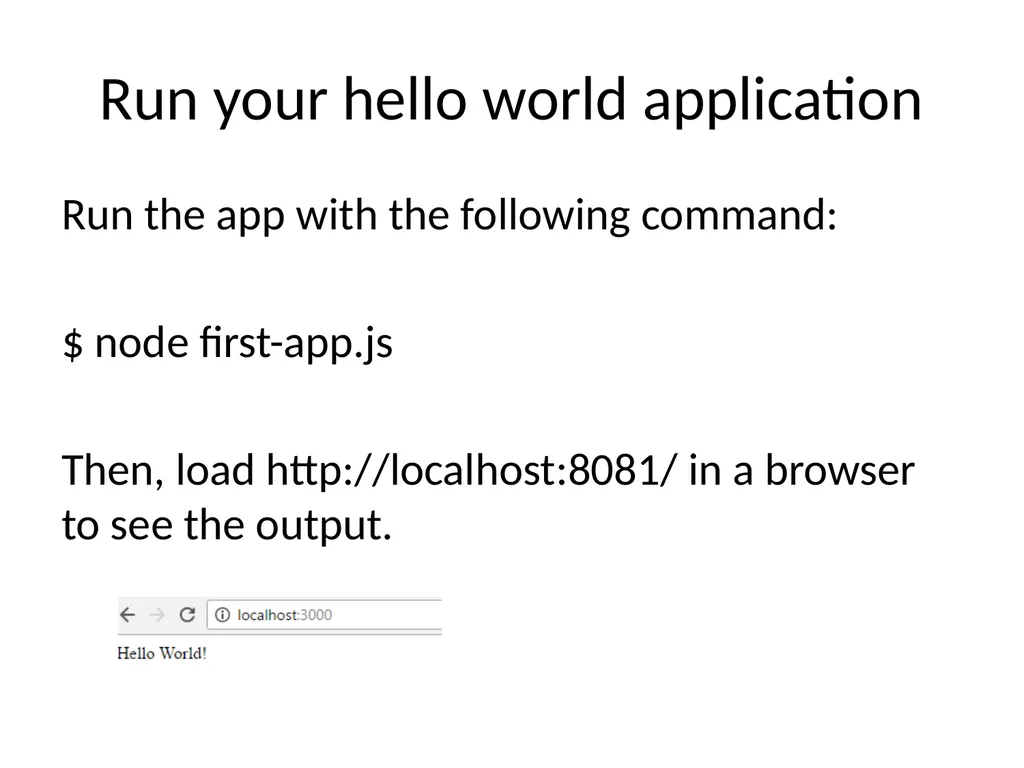
Run your hello world application Run the app with the following command:
$ node first-app.js
Then, load http://localhost:8081/ in a browser to see the output.<br>
24
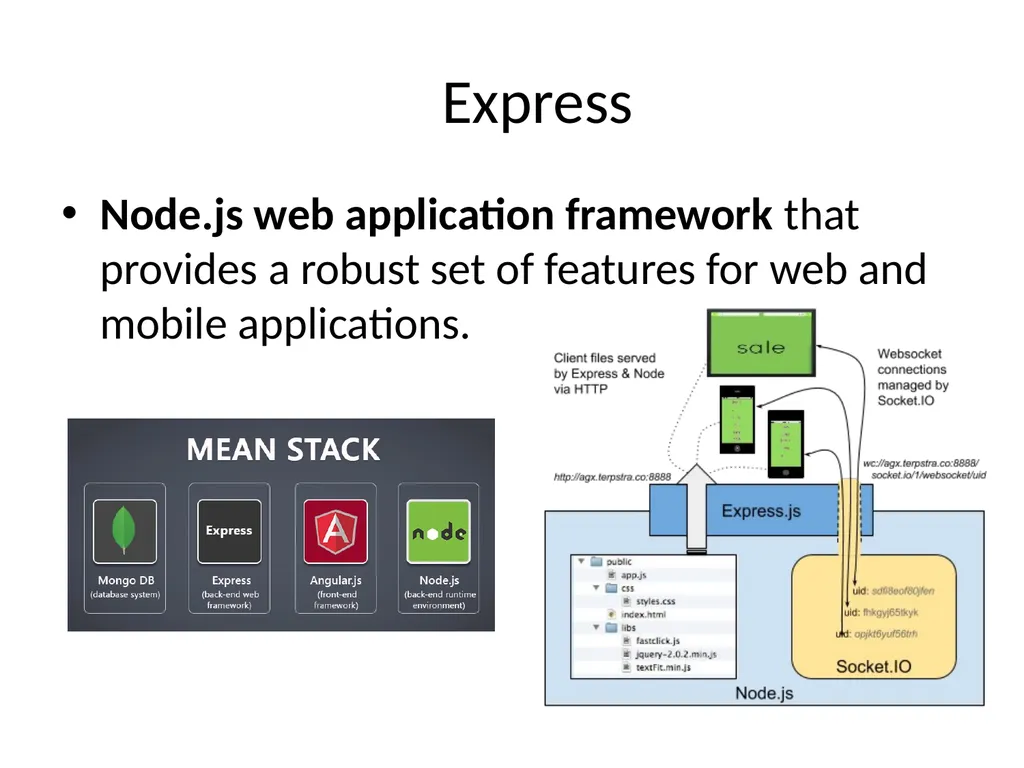
Express Node.js web application framework that provides a robust set of features for web and mobile applications.<br>
25
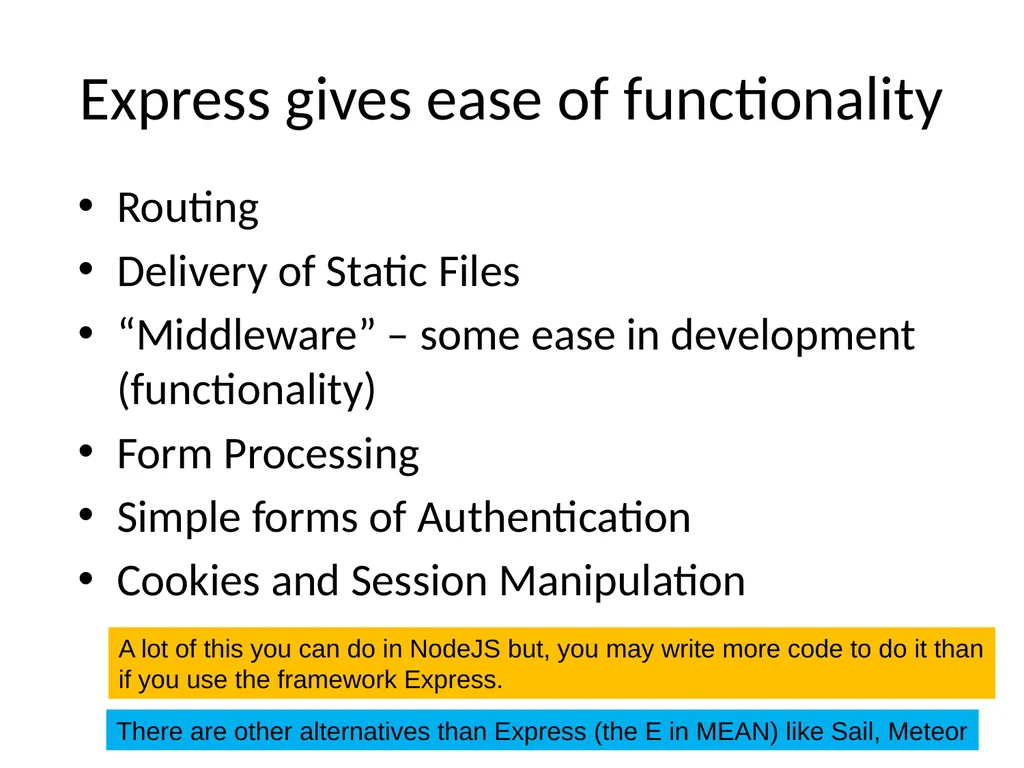
Express gives ease of functionality Routing
Delivery of Static Files
“Middleware” – some ease in development (functionality)
Form Processing
Simple forms of Authentication
Cookies and Session Manipulation A lot of this you can do in NodeJS but, you may write more code to do it than�if you use the framework Express. There are other alternatives than Express (the E in MEAN) like Sail, Meteor<br>
26
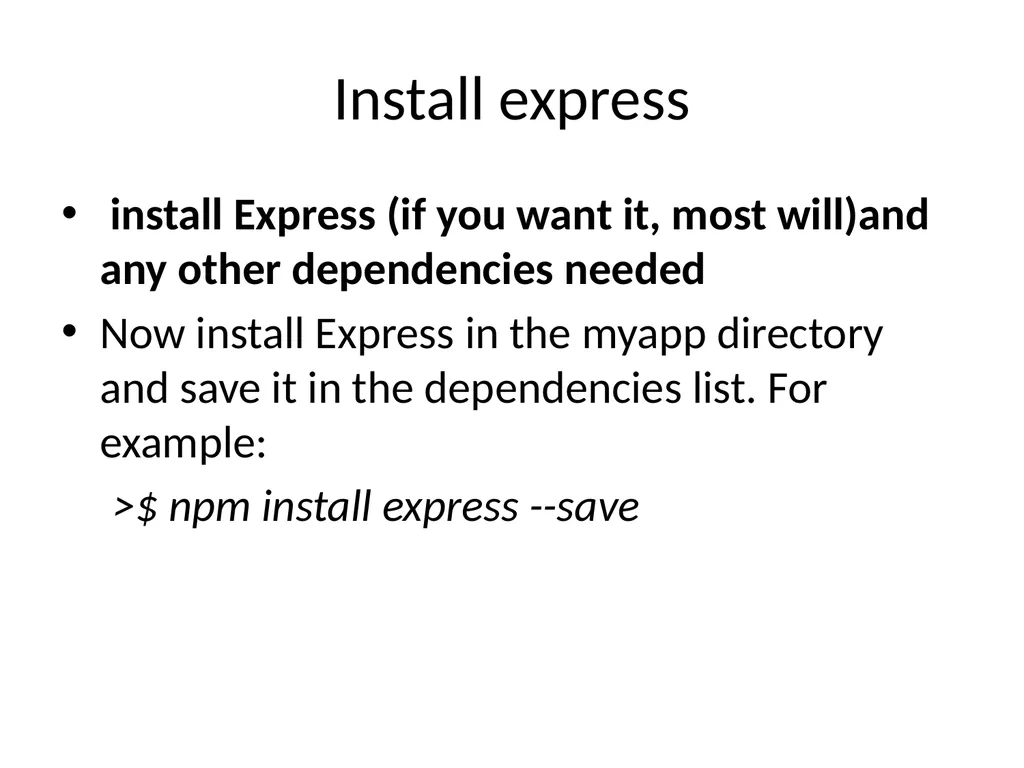
Install express install Express (if you want it, most will)and any other dependencies needed
Now install Express in the myapp directory and save it in the dependencies list. For example:
>$ npm install express --save<br>
27
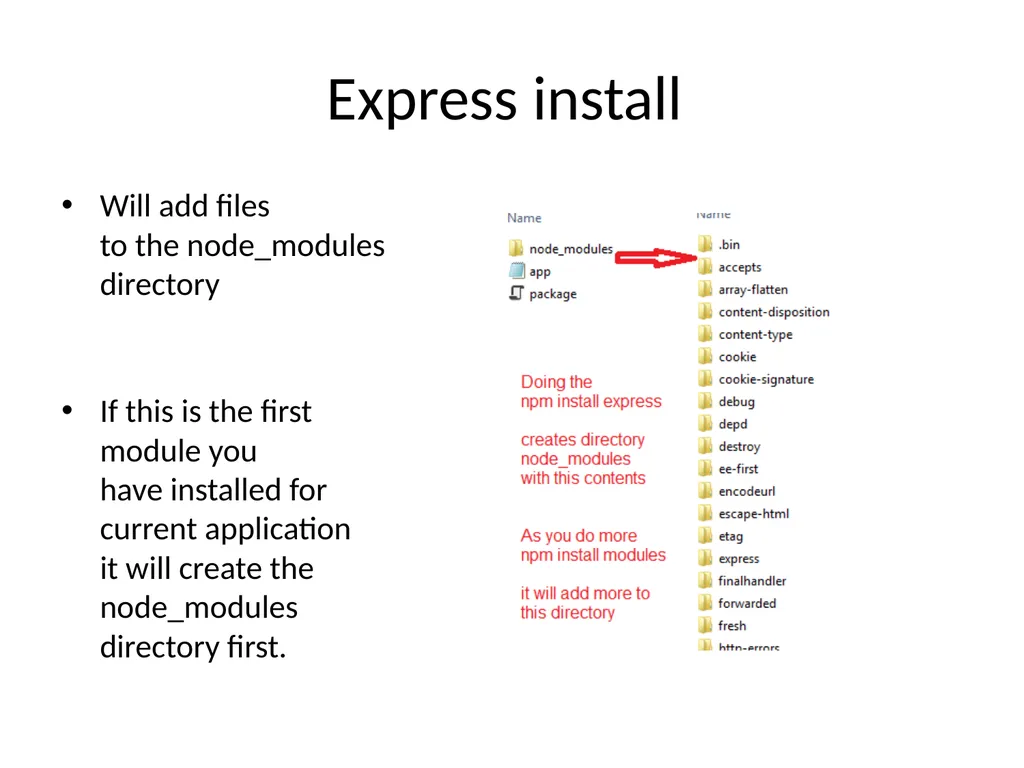
Express install Will add files�to the node_modules�directory��
If this is the first�module you�have installed for�current application�it will create the �node_modules �directory first.<br>
28
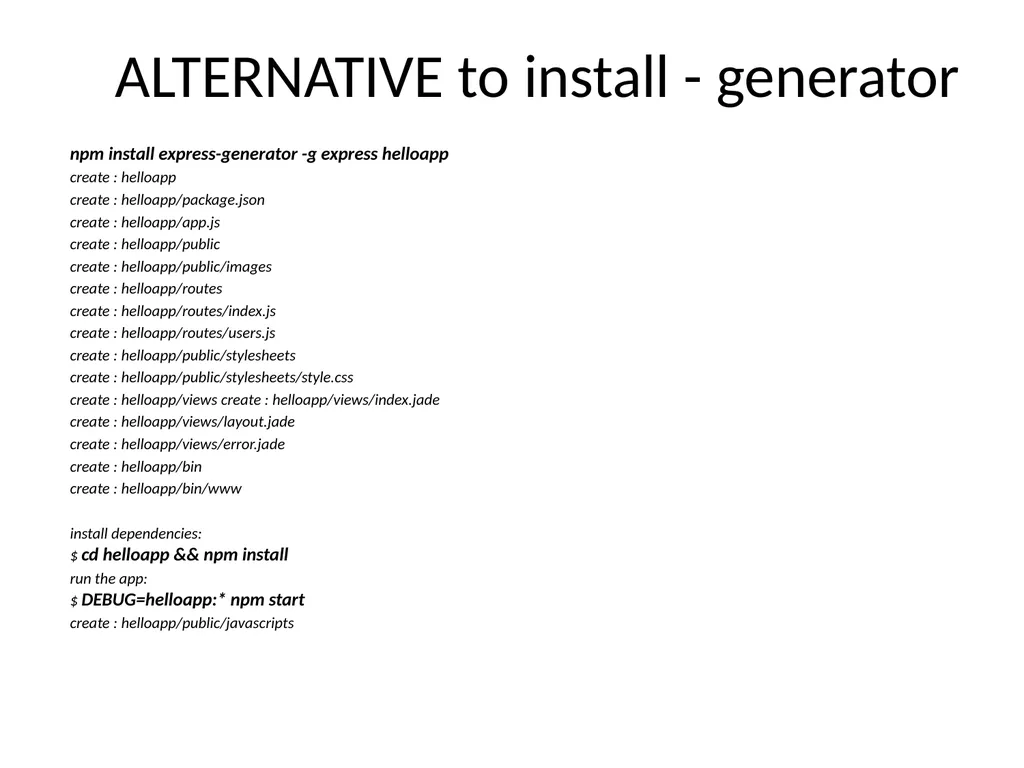
ALTERNATIVE to install - generator npm install express-generator -g express helloapp
create : helloapp
create : helloapp/package.json
create : helloapp/app.js
create : helloapp/public
create : helloapp/public/images
create : helloapp/routes
create : helloapp/routes/index.js
create : helloapp/routes/users.js
create : helloapp/public/stylesheets
create : helloapp/public/stylesheets/style.css
create : helloapp/views create : helloapp/views/index.jade
create : helloapp/views/layout.jade
create : helloapp/views/error.jade
create : helloapp/bin
create : helloapp/bin/www
install dependencies:�$ cd helloapp && npm install
run the app:�$ DEBUG=helloapp:* npm start
create : helloapp/public/javascripts<br>
29
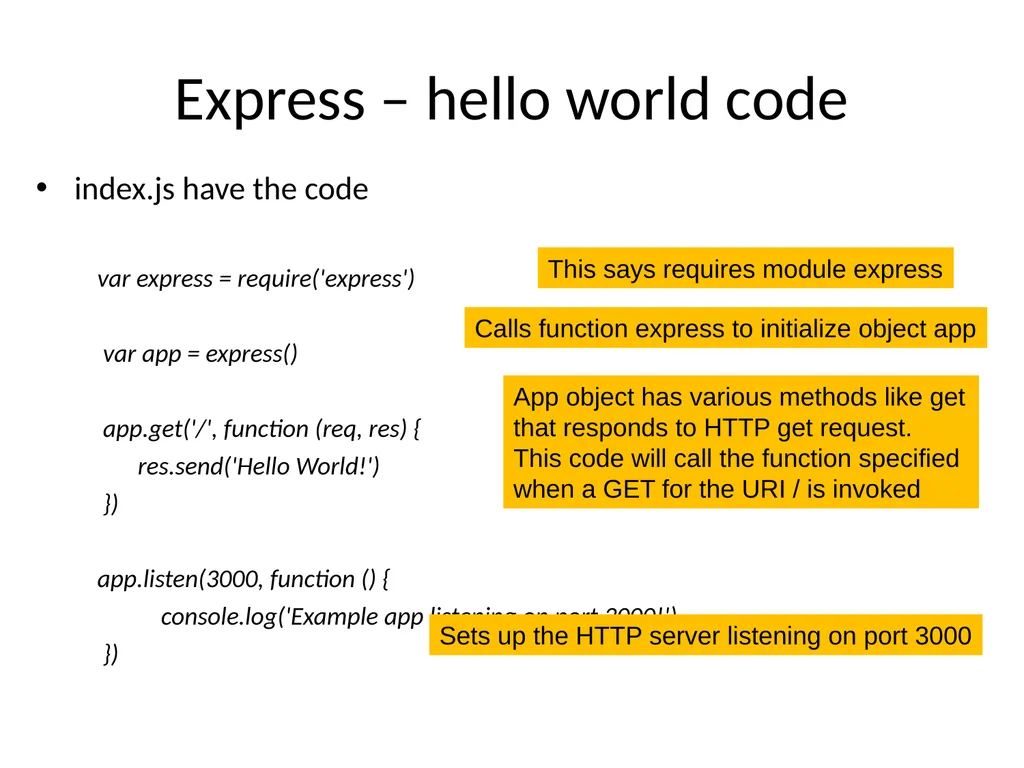
Express – hello world code index.js have the code
var express = require('express')
var app = express()
app.get('/', function (req, res) {
res.send('Hello World!')
})
app.listen(3000, function () {
console.log('Example app listening on port 3000!')
}) This says requires module express Calls function express to initialize object app App object has various methods like get�that responds to HTTP get request.
This code will call the function specified when a GET for the URI / is invoked Sets up the HTTP server listening on port 3000<br>
30
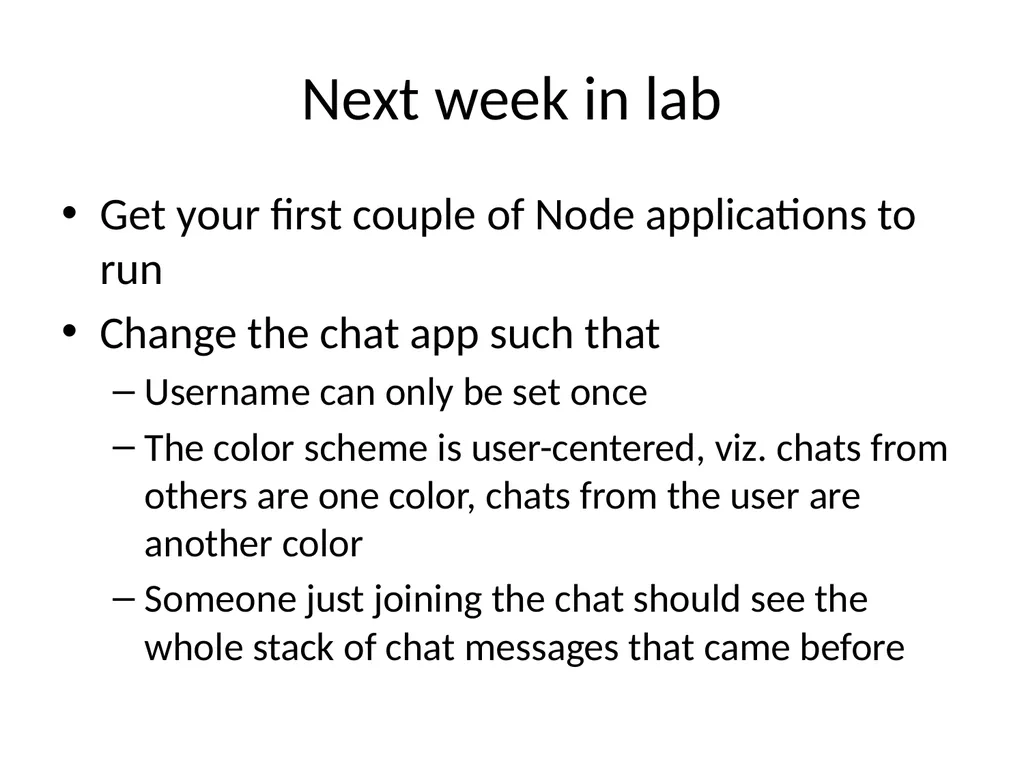
Next week in lab Get your first couple of Node applications to run
Change the chat app such that
Username can only be set once
The color scheme is user-centered, viz. chats from others are one color, chats from the user are another color
Someone just joining the chat should see the whole stack of chat messages that came before<br>
31
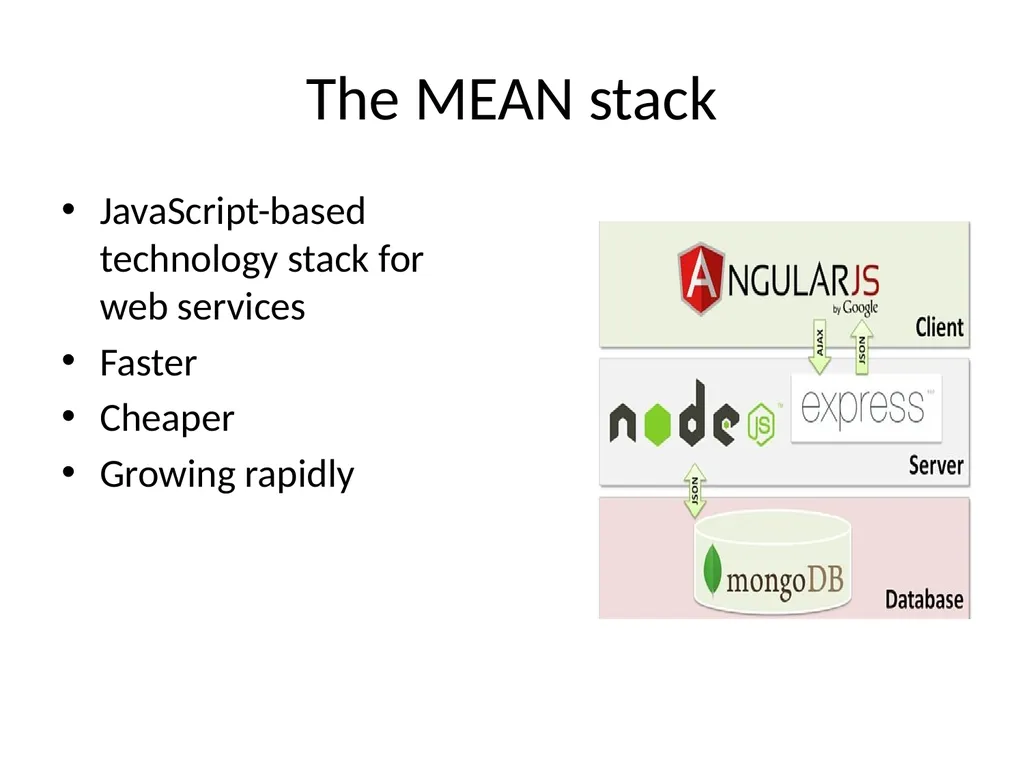
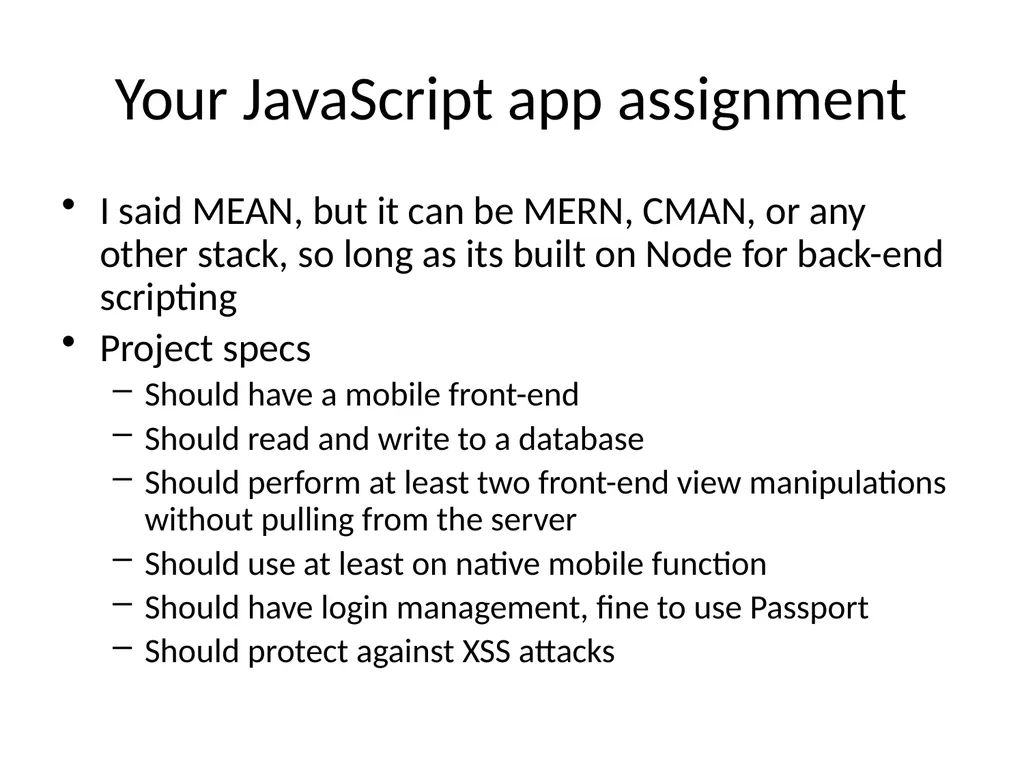
Your JavaScript app assignment I said MEAN, but it can be MERN, CMAN, or any other stack, so long as its built on Node for back-end scripting
Project specs
Should have a mobile front-end
Should read and write to a database
Should perform at least two front-end view manipulations without pulling from the server
Should use at least on native mobile function
Should have login management, fine to use Passport
Should protect against XSS attacks<br>
32
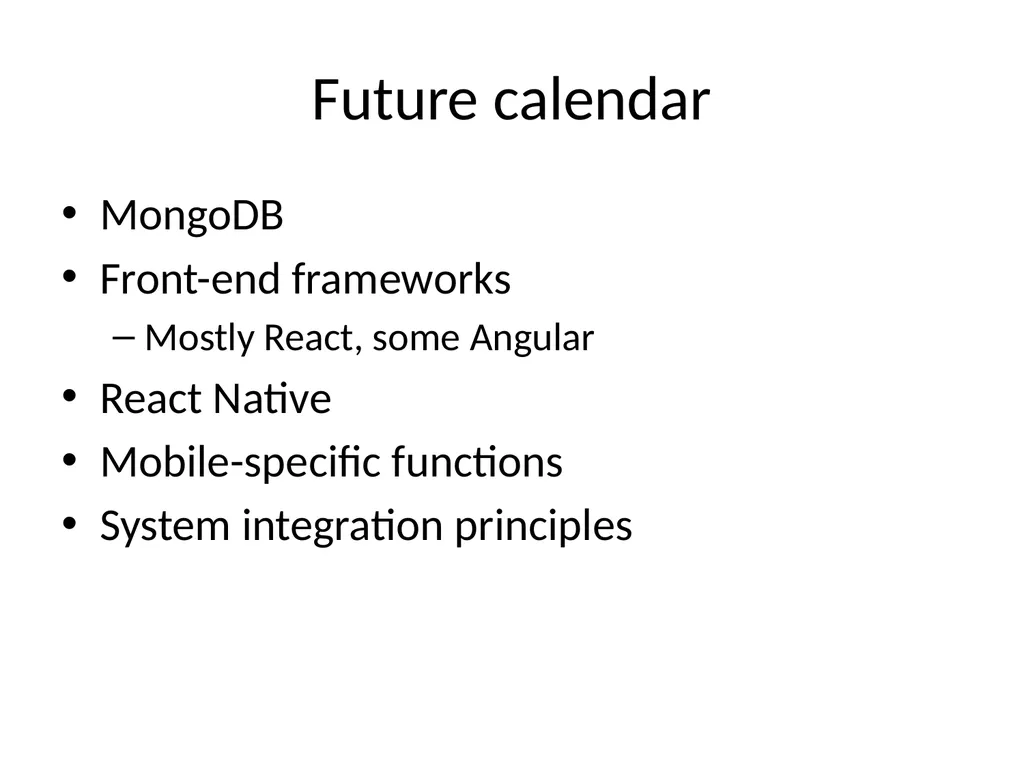
Future calendar MongoDB
Front-end frameworks
Mostly React, some Angular
React Native
Mobile-specific functions
System integration principles<br>