Overview: GMAS Billing agreements October 10, 2019 Office for Sponsored Programs Marc Todesco Associate Director of Research Finance, OSP Tracey Westervelt Director of Research Finance, OSP And Kristie Froman, Associate Director of
"Overview: GMAS Billing agreements October 10, 2019" is the property of its rightful owner. Permission is granted to
download and print the materials on this website for personal, non-commercial use only, and to display it
on your personal computer provided you do not modify the materials and that you retain all copyright
notices contained in the materials. By downloading content from our website, you accept the terms of this
agreement.
Presentation Transcript
01
Overview:
GMAS Billing agreements
October 10, 2019 Office for Sponsored Programs Marc Todesco – Associate Director of Research Finance, OSP
Tracey Westervelt – Director of Research Finance, OSP
And
Kristie Froman, Associate Director of Research Policy, Compliance and Cost Analysis, HSPH ORA
Melissa Korf, Director of Grants and Contracts Administration, HMS ORA
Colleen Shanahan, Manager of Grants and Contracts Operations, OSP 1<br>
02
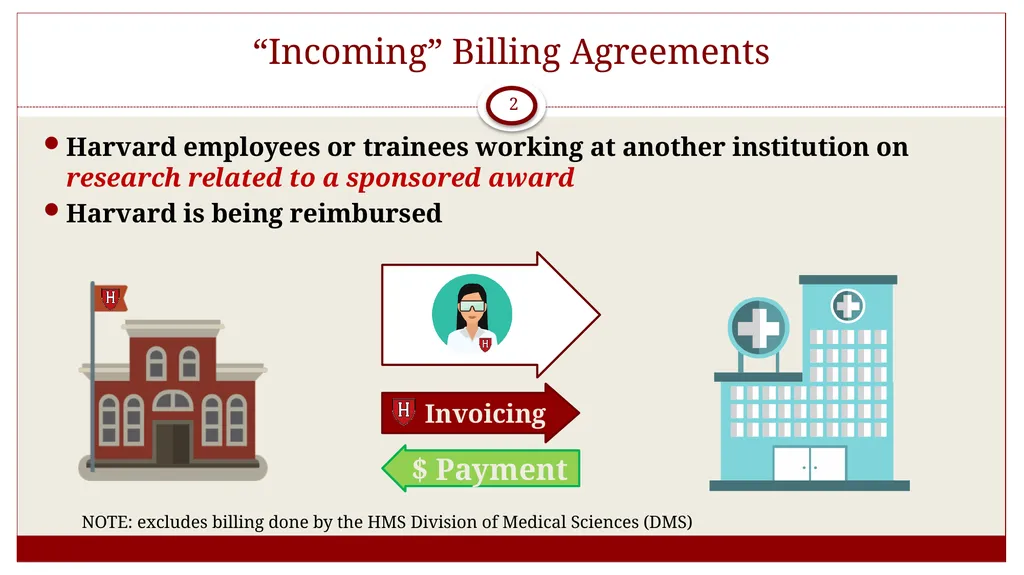
“Incoming” Billing Agreements 2 $ Payment Harvard employees or trainees working at another institution on research related to a sponsored award
Harvard is being reimbursed NOTE: excludes billing done by the HMS Division of Medical Sciences (DMS)<br>
03
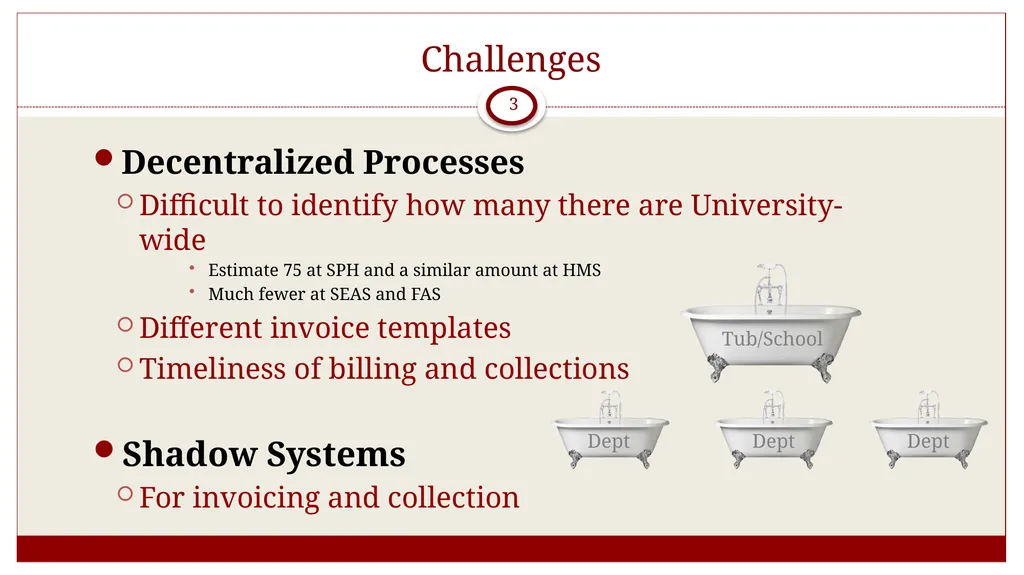
Challenges 3 Decentralized Processes
Difficult to identify how many there are University-wide
Estimate 75 at SPH and a similar amount at HMS
Much fewer at SEAS and FAS
Different invoice templates
Timeliness of billing and collections
Shadow Systems
For invoicing and collection<br>
04
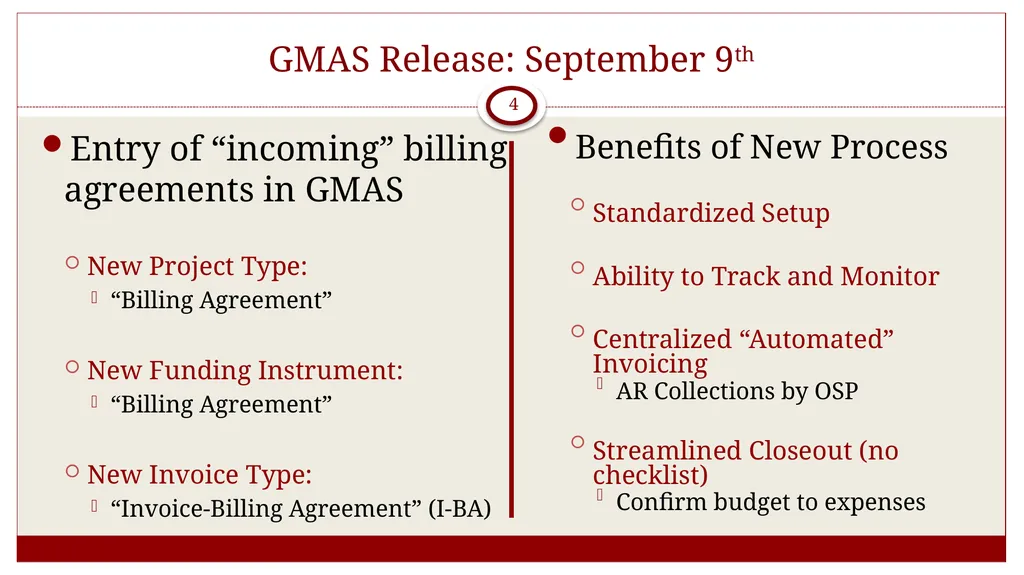
GMAS Release: September 9th 4 Entry of “incoming” billing agreements in GMAS
New Project Type:
“Billing Agreement”
New Funding Instrument:
“Billing Agreement”
New Invoice Type:
“Invoice-Billing Agreement” (I-BA) Benefits of New Process
Standardized Setup
Ability to Track and Monitor
Centralized “Automated” Invoicing
AR Collections by OSP
Streamlined Closeout (no checklist)
Confirm budget to expenses<br>
05
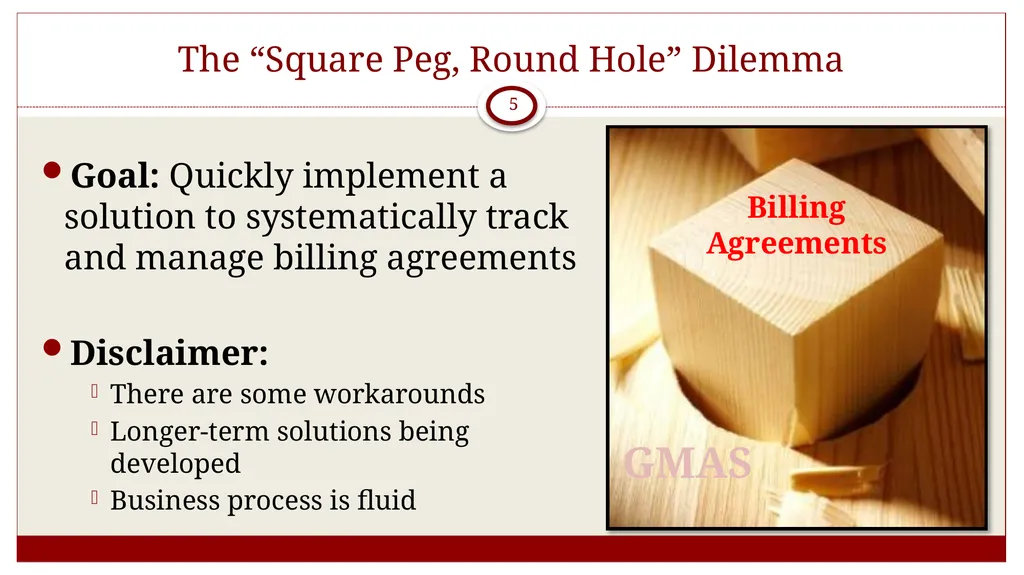
The “Square Peg, Round Hole” Dilemma 5 Goal: Quickly implement a solution to systematically track and manage billing agreements
Disclaimer:
There are some workarounds
Longer-term solutions being developed
Business process is fluid Billing Agreements GMAS<br>
06
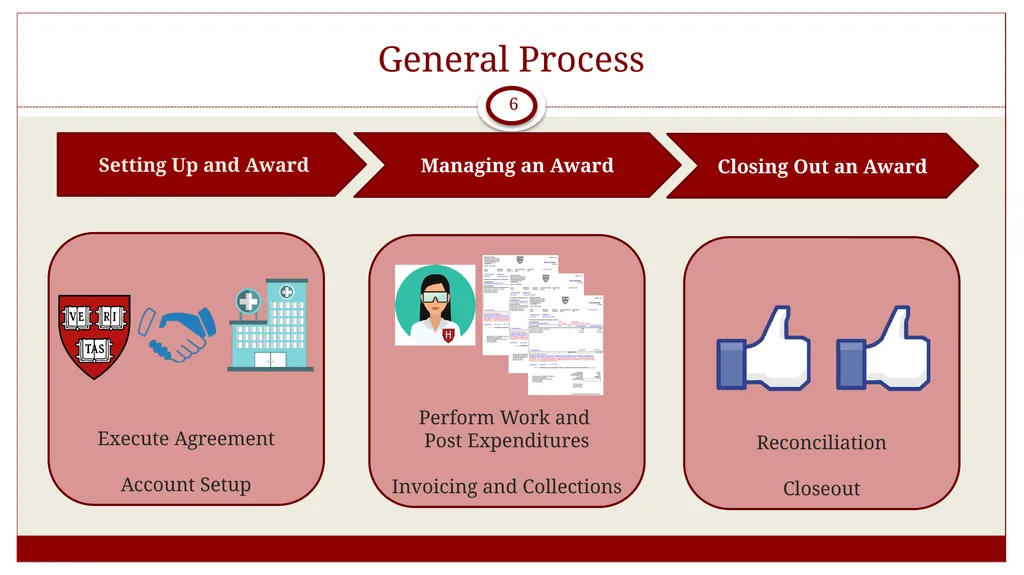
Reconciliation
Closeout Perform Work and
Post Expenditures
Invoicing and Collections Execute Agreement
Account Setup General Process 6 Setting Up and Award Managing an Award Closing Out an Award<br>
07
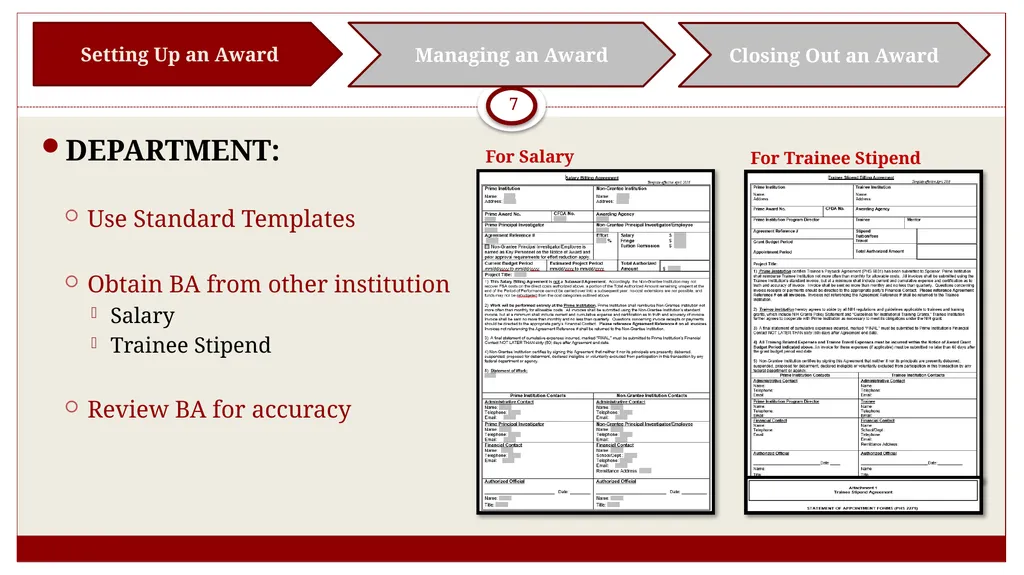
7 DEPARTMENT:
Use Standard Templates
Obtain BA from other institution
Salary
Trainee Stipend
Review BA for accuracy Setting Up an Award Managing an Award Closing Out an Award For Salary For Trainee Stipend<br>
08
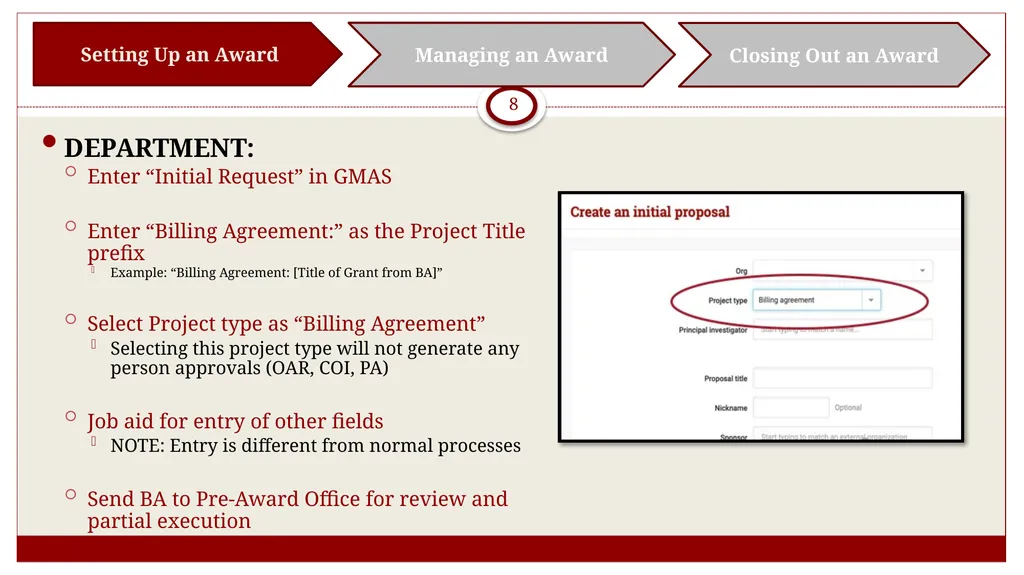
8 DEPARTMENT:
Enter “Initial Request” in GMAS
Enter “Billing Agreement:” as the Project Title prefix
Example: “Billing Agreement: [Title of Grant from BA]”
Select Project type as “Billing Agreement”
Selecting this project type will not generate any person approvals (OAR, COI, PA)
Job aid for entry of other fields
NOTE: Entry is different from normal processes
Send BA to Pre-Award Office for review and partial execution Setting Up an Award Managing an Award Closing Out an Award<br>
09
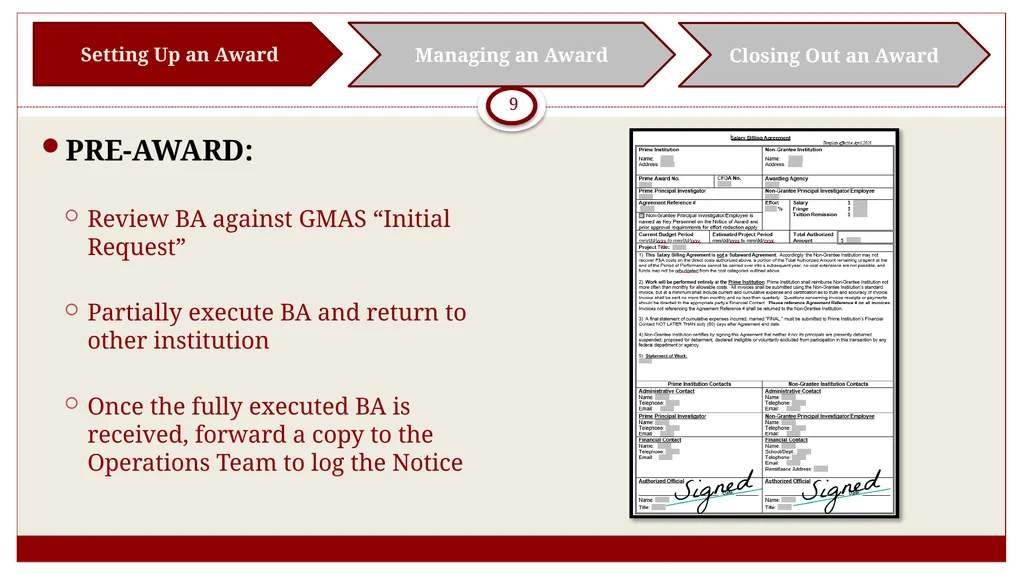
9 PRE-AWARD:
Review BA against GMAS “Initial Request”
Partially execute BA and return to other institution
Once the fully executed BA is received, forward a copy to the Operations Team to log the Notice Setting Up an Award Managing an Award Closing Out an Award<br>
10
10 OPERATIONS TEAM:
Log the Notice
PRE-AWARD:
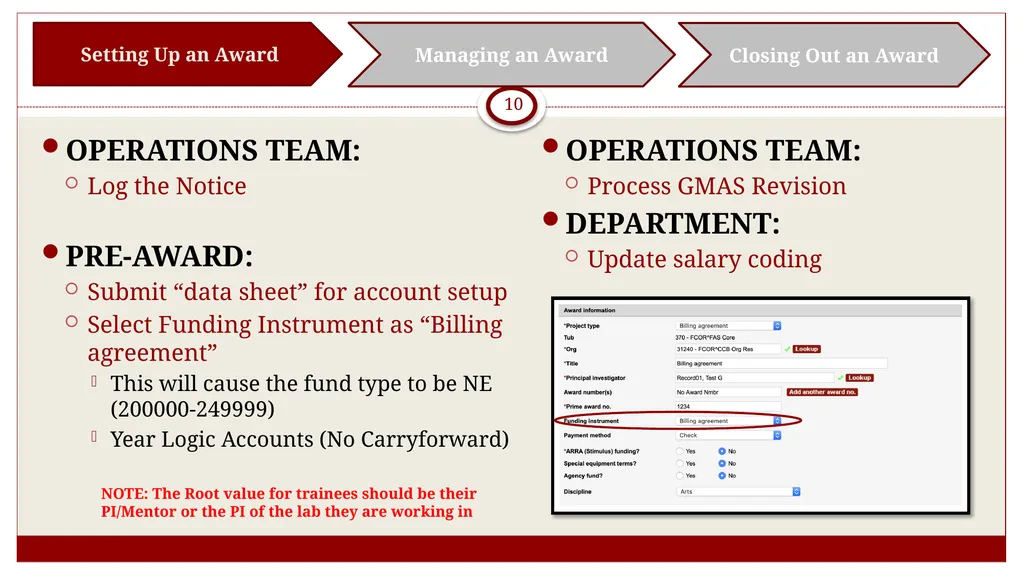
Submit “data sheet” for account setup
Select Funding Instrument as “Billing agreement”
This will cause the fund type to be NE (200000-249999)
Year Logic Accounts (No Carryforward) Setting Up an Award Managing an Award Closing Out an Award OPERATIONS TEAM:
Process GMAS Revision
DEPARTMENT:
Update salary coding NOTE: The Root value for trainees should be their PI/Mentor or the PI of the lab they are working in<br>
11
11 DEPARTMENT:
Review and reconcile accounts on a monthly basis
Spending within budget categories of billing agreement
Monitor spending Setting Up an Award Managing an Award Closing Out an Award<br>
12
12 OSP RESEARCH FINANCE
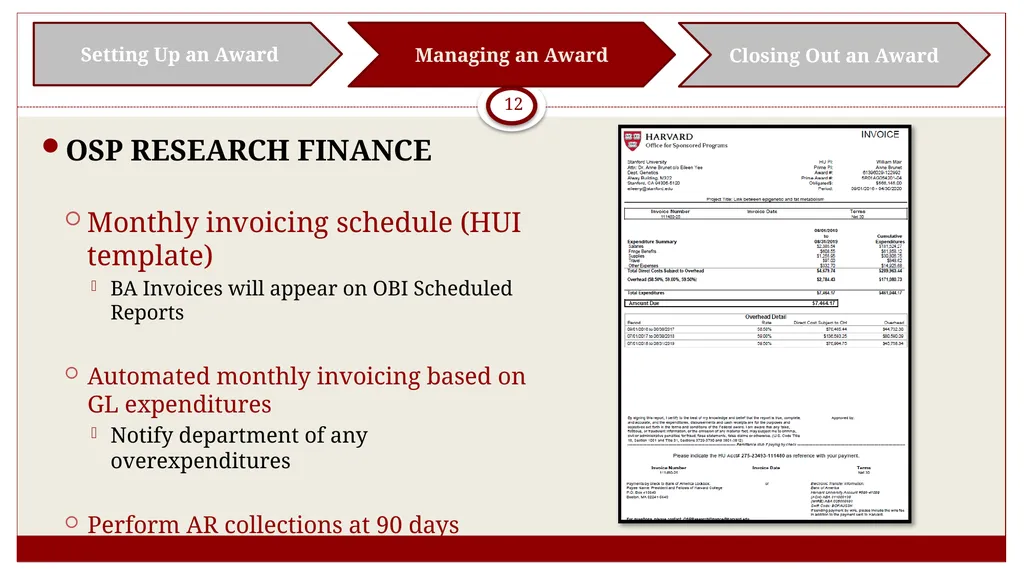
Monthly invoicing schedule (HUI template)
BA Invoices will appear on OBI Scheduled Reports
Automated monthly invoicing based on GL expenditures
Notify department of any overexpenditures
Perform AR collections at 90 days Setting Up an Award Managing an Award Closing Out an Award<br>
13
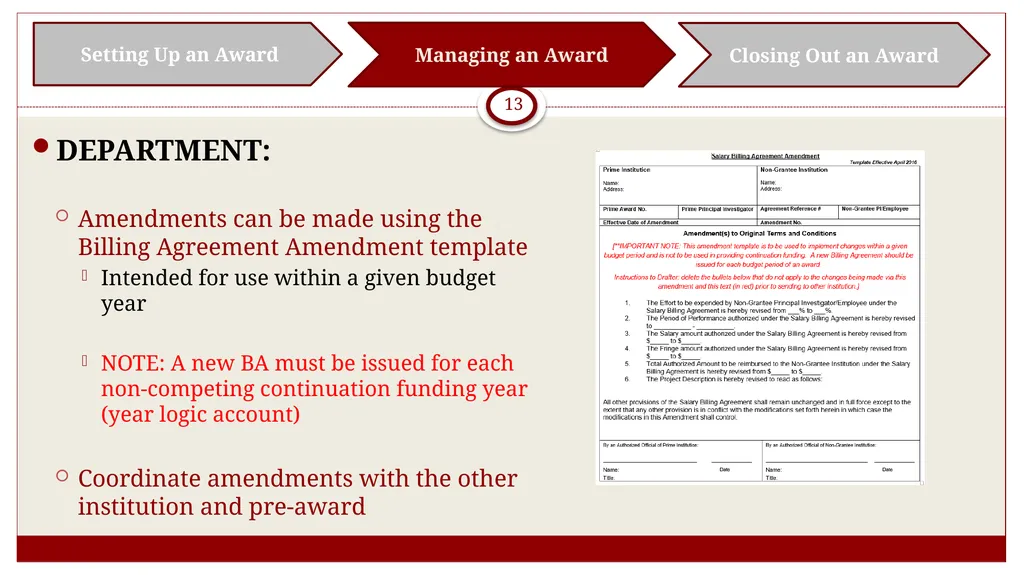
13 DEPARTMENT:
Amendments can be made using the Billing Agreement Amendment template
Intended for use within a given budget year
NOTE: A new BA must be issued for each non-competing continuation funding year (year logic account)
Coordinate amendments with the other institution and pre-award Setting Up an Award Managing an Award Closing Out an Award<br>
14
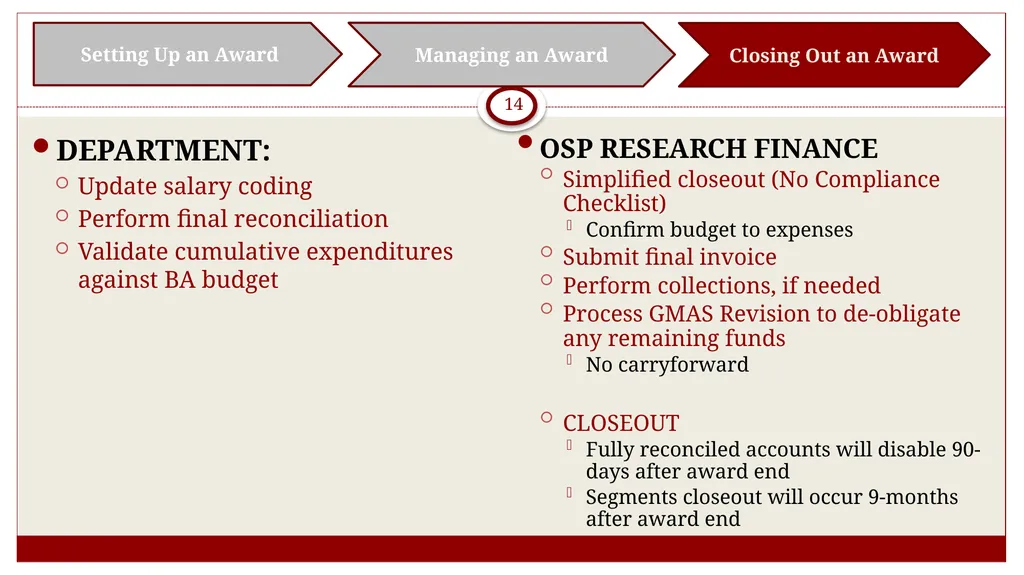
14 DEPARTMENT:
Update salary coding
Perform final reconciliation
Validate cumulative expenditures against BA budget Setting Up an Award Managing an Award Closing Out an Award OSP RESEARCH FINANCE
Simplified closeout (No Compliance Checklist)
Confirm budget to expenses
Submit final invoice
Perform collections, if needed
Process GMAS Revision to de-obligate any remaining funds
No carryforward
CLOSEOUT
Fully reconciled accounts will disable 90-days after award end
Segments closeout will occur 9-months after award end<br>
15
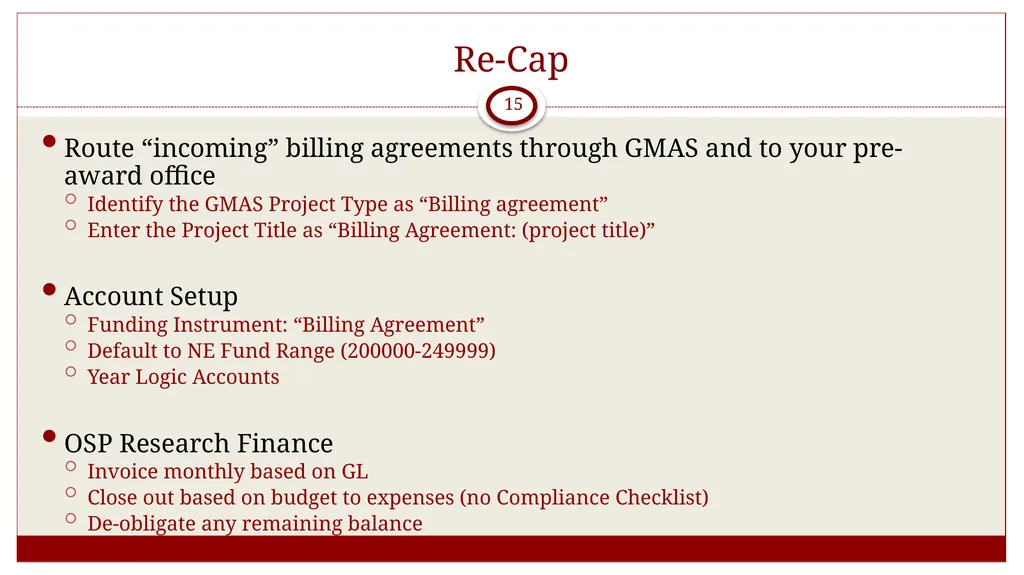
Re-Cap 15 Route “incoming” billing agreements through GMAS and to your pre-award office
Identify the GMAS Project Type as “Billing agreement”
Enter the Project Title as “Billing Agreement: (project title)”
Account Setup
Funding Instrument: “Billing Agreement”
Default to NE Fund Range (200000-249999)
Year Logic Accounts
OSP Research Finance
Invoice monthly based on GL
Close out based on budget to expenses (no Compliance Checklist)
De-obligate any remaining balance<br>
16
Contacts 16 Business Process Documentation – being finalized for distribution
For pre-award questions and feedback:
HMS: melissa_korf@hms.harvard.edu
HSPH: kfroman@hsph.harvard.edu
UAT: colleen_shanahan@harvard.edu
For billing and collection questions and feedback:
marc_todesco@harvard.edu or rebecca_looman@harvard.edu<br>