Presentation Template: Version August 2024 Presentation Template: Version August 2024 3 4 5 6 7 8 Edit your slides down to the essentials. Images should have space to breathe. Use images, rather than text, to simplify complex ideas. Include
"Presentation Template: Version August 2024" is the property of its rightful owner. Permission is granted to
download and print the materials on this website for personal, non-commercial use only, and to display it
on your personal computer provided you do not modify the materials and that you retain all copyright
notices contained in the materials. By downloading content from our website, you accept the terms of this
agreement.
Presentation Transcript
01
Presentation Template: Version August 2024<br>
02
Presentation Template: Version August 2024<br>
03
3<br>
04
4<br>
05
5<br>
06
6<br>
07
7<br>
08
8<br>
09
Edit your slides down to the essentials.
Images should have space to breathe.
Use images, rather than text, to simplify complex ideas.
Include only one idea per slide.
Create an outline first.
Slide titles should be concise. Don’t do this Don’t overfill your slides.
Don’t overlap the logo with content.
Don’t use colors that are not in the FEMA color theme.
Don’t use non FEMA fonts.
Don’t make text too small. Do this 9 Presentation design do’s and don’ts<br>
10
10<br>
11
11 This is an example of a two-line header, if needed. We recommend keeping headlines to one line.<br>
12
This is a bullet
This is a bullet
Second bullet
Third bullet
This is a bullet Add image here 12 This is another title here<br>
13
13 View tab – select “Slide Master”
Select corner of image and grab blue overlay. Slide over to see image.
Right click image select “Change Picture”, select “From a File, select “Image, Open”
size new image to fit in the given frame.
Select corner of blue overlay and place blue overlay back over entire image.
Close Master View located in top ribbon.
Do not type while in Master Slides, exit the Master Slides view then type text. Change out Placeholder Image<br>
14
Background image is a place holder only, read slide #00 to change out
These are bullets This is a subtitle These are bullets
These are bullets
These are bullets This is a subtitle 14 This is a title<br>
15
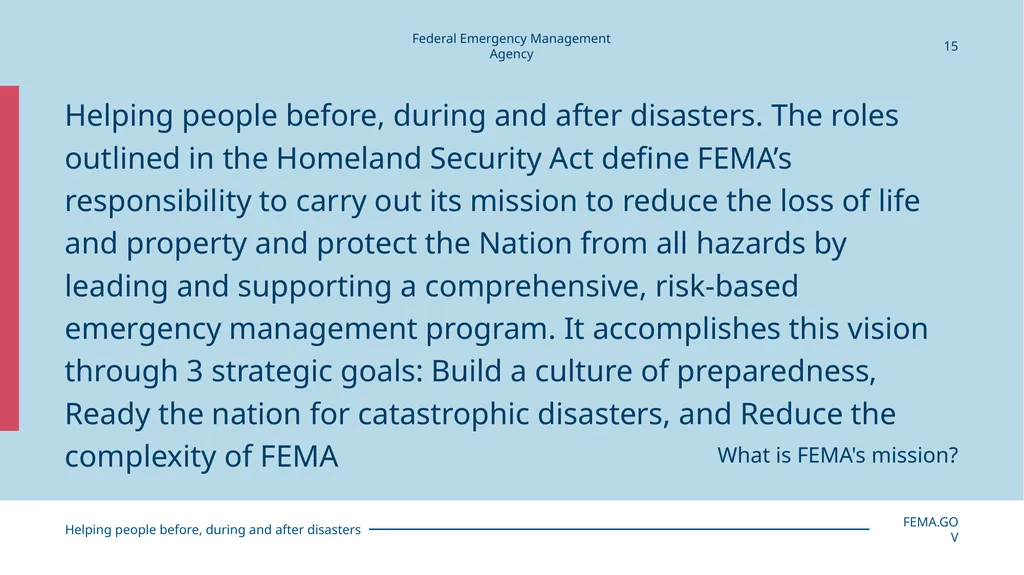
15 Helping people before, during and after disasters. The roles outlined in the Homeland Security Act define FEMA’s responsibility to carry out its mission to reduce the loss of life and property and protect the Nation from all hazards by leading and supporting a comprehensive, risk-based emergency management program. It accomplishes this vision through 3 strategic goals: Build a culture of preparedness, Ready the nation for catastrophic disasters, and Reduce the complexity of FEMA What is FEMA's mission?<br>
16
16<br>
17
17<br>
18
18<br>
19
19<br>
20
Primary color palette The primary color palette is blue and black, including mid-tones and tints and a thoughtful use of whitespace.<br>
21
Helpful Resources Branding Guidance Page
Request Forms
Templates
Graphics & Icons
Email Signatures
Logo standards
Design Guide
Writing Guide<br>
22
Use a minimum amount of DHS colors per chart, monochrome is best when using multiple colors. Be sure to be 508 compliant with color dependency. 22<br>
23
Use a minimum amount of DHS colors per chart, monochrome is best when using multiple colors. Be sure to be 508 compliant with color dependency. 23 This is an example of a pie chart with description<br>
24
Use a minimum amount of DHS colors per chart, monochrome is best when using multiple colors. Be sure to be 508 compliant with color dependency. 24 This is an example of a pie chart with description<br>
25
25 Chart title goes here Subtitle in needed goes here<br>
26
How to use icons 26 An icon should never stand alone. It should always appear with descriptive text.
An icon size should never be larger than 1 inch.
Icons should always be one color.
Icon should either be filled or outlined and never use both in the same presentation.<br>
27
First and Last Name
Title
Email.address@fema.dhs.gov 27 First and Last Name
Title
Email.address@fema.dhs.gov First and Last Name
Title
Email.address@fema.dhs.gov<br>
28
First and Last Name
Title
Email.address@fema.dhs.gov<br>