Principles of IT Basic Webpage Design Vocabulary
Description: Principles of IT Basic Webpage Design Vocabulary Anchor Internal links within a webpage that allow the user to jump to other areas of the page. Copyright The legal right granted to an author, composer, playwright, publisher, or
Related Topics
Download Presentation
"Principles of IT Basic Webpage Design Vocabulary" is the property of its rightful owner. Permission is granted to download and print the materials on this website for personal, non-commercial use only, and to display it on your personal computer provided you do not modify the materials and that you retain all copyright notices contained in the materials. By downloading content from our website, you accept the terms of this agreement.
Presentation Transcript
slide1. Principles of IT
Basic Webpage Design
Vocabulary<br>
slide3. Anchor Internal links within a webpage that allow the user to “jump to” other areas of the page.<br>
slide4. Copyright The legal right granted to an author, composer, playwright, publisher, or distributor to exclusive publication, production, sale, or distribution of a literary, musical, dramatic, or artistic work.<br>
slide5. External A link to another webpage or website.<br>
slide6. HTML Editor A software application for creating webpages using the HTML markup language or a WYSIWYG interface.<br>
slide7. Layout A rough sketch outlining the layout and components of a webpage or website.<br>
slide8. Web page A document on the World Wide Web consisting of an HTML file and any related files for scripts and graphics, and often hyperlinked to other documents on the Web.<br>
slide9. Web Page Designer Someone who creates well-organized and eye-pleasing pages with text, graphics, and color to convey a message to the viewer.<br>
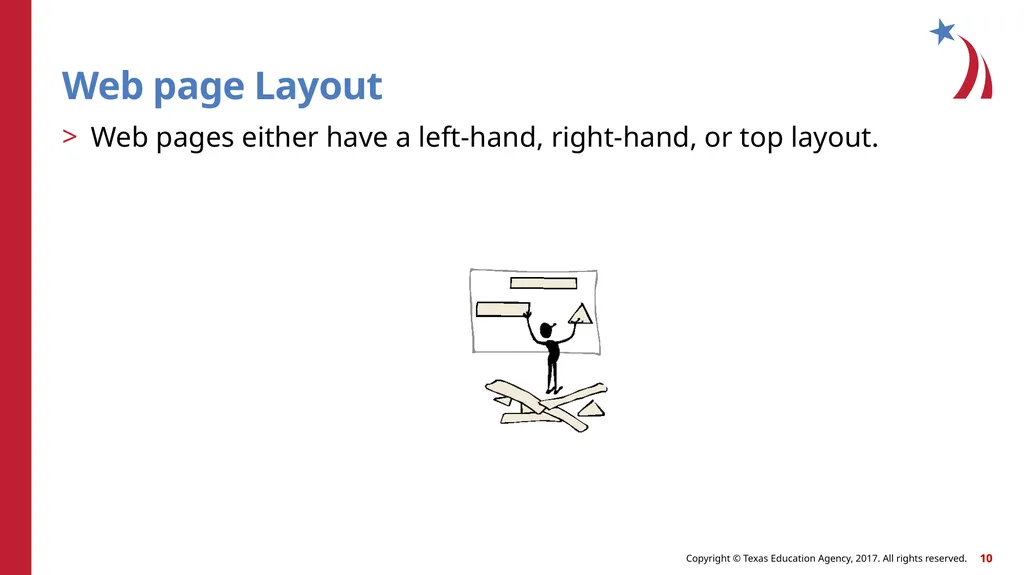
slide10. Web page Layout Web pages either have a left-hand, right-hand, or top layout.<br>
slide11. Website A set of interconnected webpages usually including a homepage, generally located on the same server, and prepared and maintained as a collection of information by a person, group, or organization.<br>
slide12. WYSIWYG “What you see is what you get” editing that is a graphical interface for the HTML language.<br>
Basic Webpage Design
Vocabulary<br>
slide3. Anchor Internal links within a webpage that allow the user to “jump to” other areas of the page.<br>
slide4. Copyright The legal right granted to an author, composer, playwright, publisher, or distributor to exclusive publication, production, sale, or distribution of a literary, musical, dramatic, or artistic work.<br>
slide5. External A link to another webpage or website.<br>
slide6. HTML Editor A software application for creating webpages using the HTML markup language or a WYSIWYG interface.<br>
slide7. Layout A rough sketch outlining the layout and components of a webpage or website.<br>
slide8. Web page A document on the World Wide Web consisting of an HTML file and any related files for scripts and graphics, and often hyperlinked to other documents on the Web.<br>
slide9. Web Page Designer Someone who creates well-organized and eye-pleasing pages with text, graphics, and color to convey a message to the viewer.<br>
slide10. Web page Layout Web pages either have a left-hand, right-hand, or top layout.<br>
slide11. Website A set of interconnected webpages usually including a homepage, generally located on the same server, and prepared and maintained as a collection of information by a person, group, or organization.<br>
slide12. WYSIWYG “What you see is what you get” editing that is a graphical interface for the HTML language.<br>