Protecting Children Online Child Guidance Internet-A World of Opportunities How People Spend Their Time Online (click on link) Parental and Caregivers Concerns about Online Safety Inappropriate conduct Inappropriate contact Inappropriate
Related Topics
Share
Embed code
Download this presentation From Below
"Protecting Children Online Child Guidance" is the property of its rightful owner. Permission is granted to
download and print the materials on this website for personal, non-commercial use only, and to display it
on your personal computer provided you do not modify the materials and that you retain all copyright
notices contained in the materials. By downloading content from our website, you accept the terms of this
agreement.
Presentation Transcript
01
Protecting Children Online Child Guidance<br>
02
Internet-A World of Opportunities How People Spend Their Time Online (click on link)<br>
03
Parental and Caregivers Concerns about Online Safety Inappropriate conduct
Inappropriate contact
Inappropriate content<br>
04
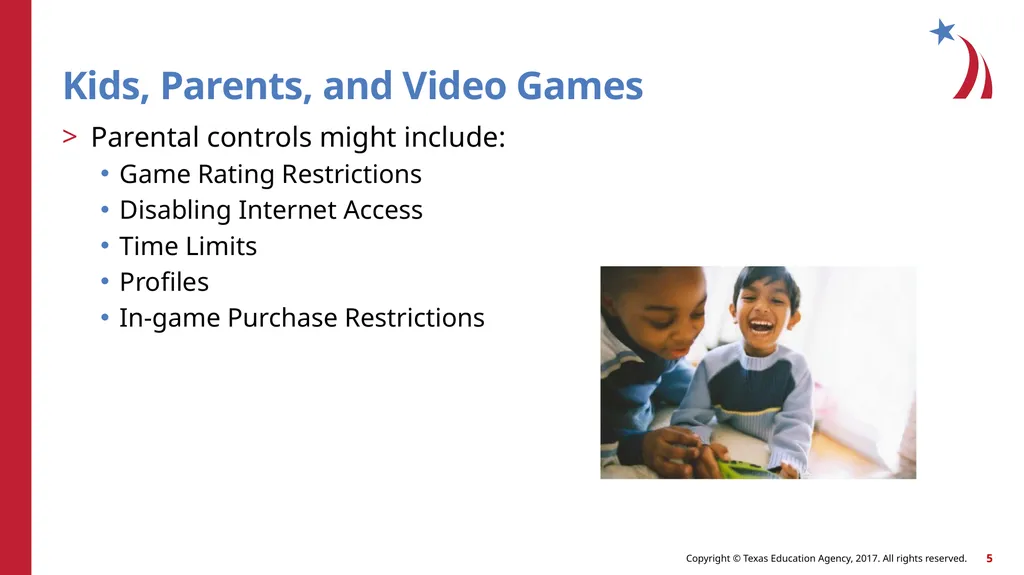
Kids, Parents, and Video Games Parental controls might include:
Game Rating Restrictions
Disabling Internet Access
Time Limits
Profiles
In-game Purchase Restrictions<br>
05
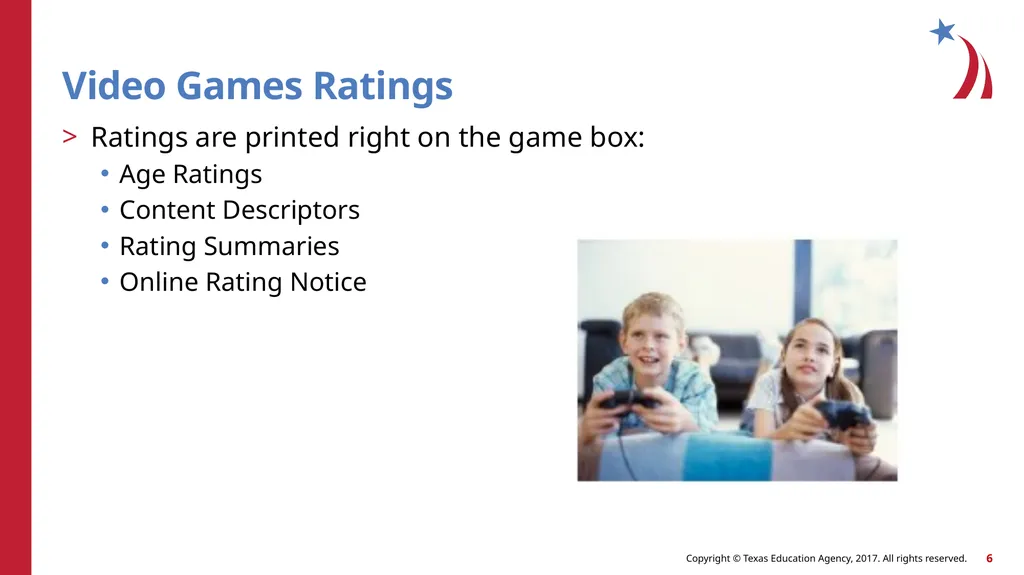
Video Games Ratings Ratings are printed right on the game box:
Age Ratings
Content Descriptors
Rating Summaries
Online Rating Notice<br>
06
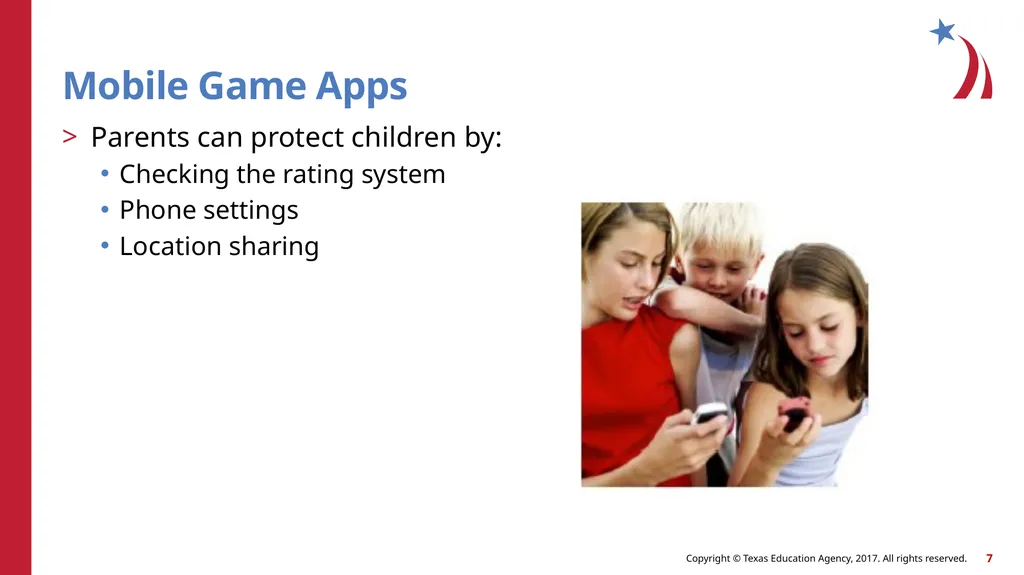
Mobile Game Apps Parents can protect children by:
Checking the rating system
Phone settings
Location sharing<br>
07
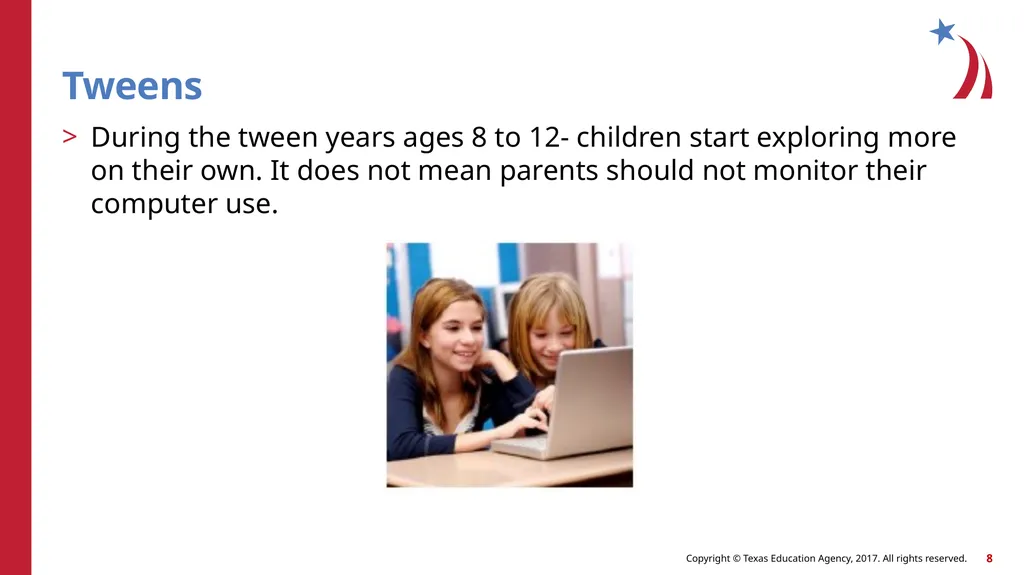
Tweens During the tween years ages 8 to 12- children start exploring more on their own. It does not mean parents should not monitor their computer use.<br>
08
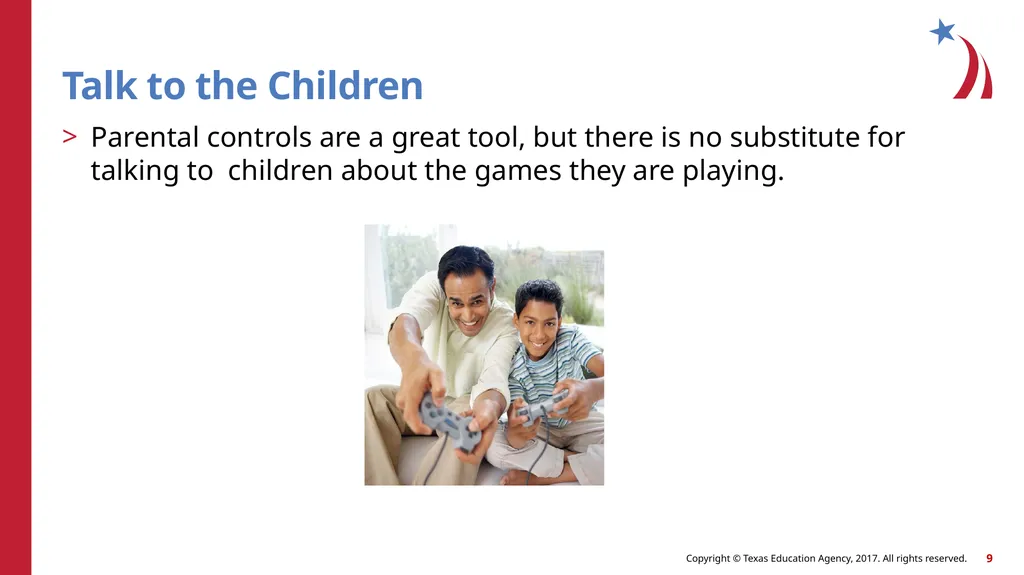
Talk to the Children Parental controls are a great tool, but there is no substitute for talking to children about the games they are playing.<br>
09
Child Identity Theft Warning Signs:
Receive bills or notices for products or services you did not purchase or incur, including medical care
Turned down for government benefits because the benefits are being paid to another account using your child’s social security number
Receive notice from the IRS saying the child didn’t pay taxes on income or that the child’s social security number was used on another tax return<br>
10
Check for a Credit Report Contact each of the three nationwide credit reporting companies:
Equifax: 1-800-525-6285
Experian: 1-888-397-3742
TransUnion: childidtheft@transunion.com<br>
11
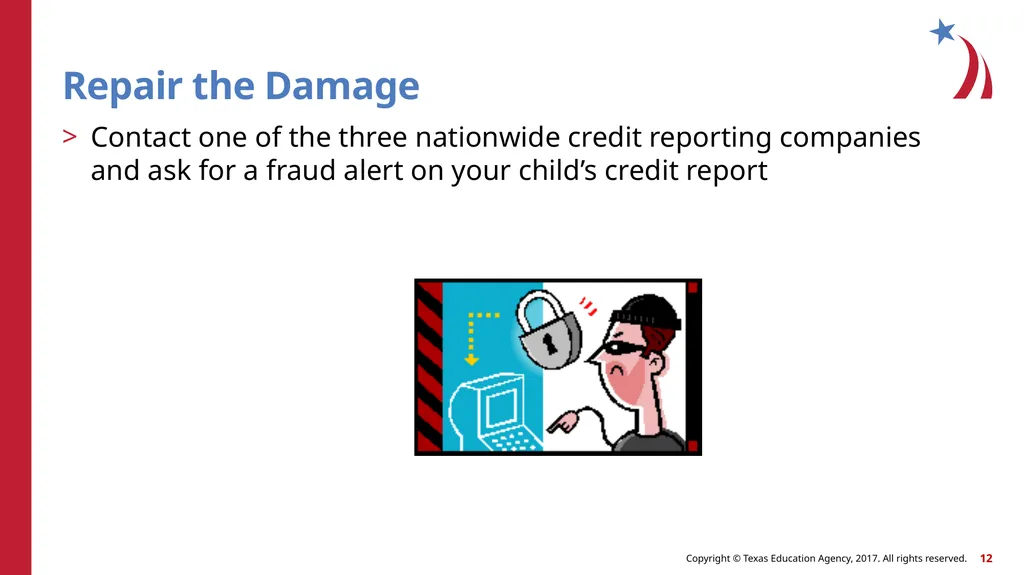
Repair the Damage Contact one of the three nationwide credit reporting companies and ask for a fraud alert on your child’s credit report<br>
12
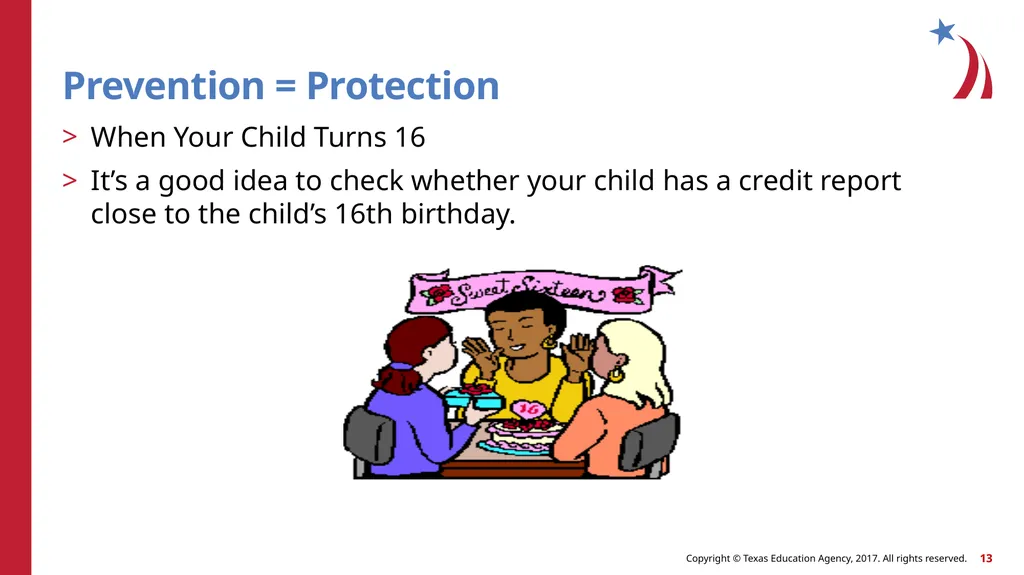
Prevention = Protection When Your Child Turns 16
It’s a good idea to check whether your child has a credit report close to the child’s 16th birthday.<br>
13
Protecting Our Children Online Protecting Our Children Online (click on link)<br>
14
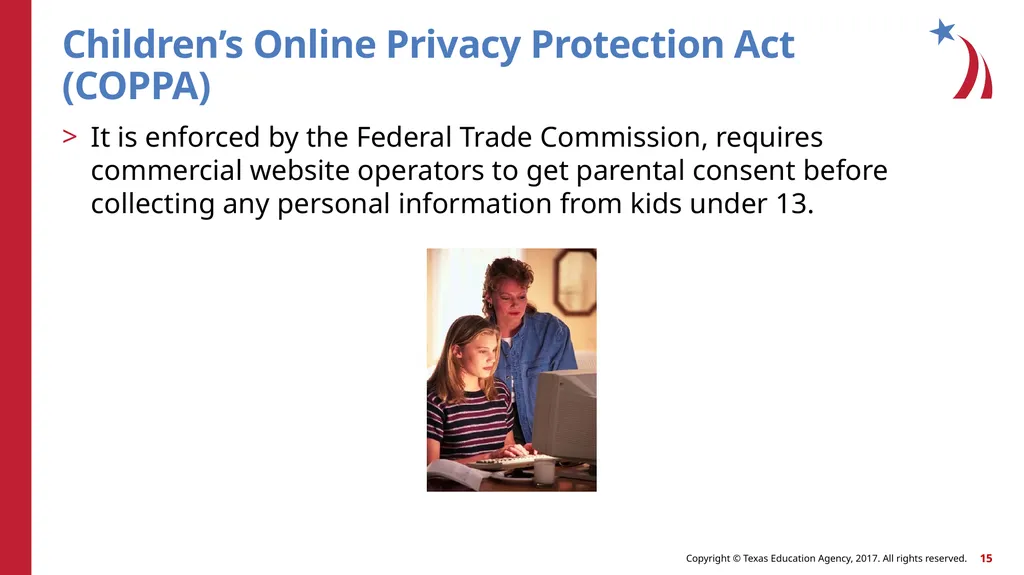
Children’s Online Privacy Protection Act (COPPA) It is enforced by the Federal Trade Commission, requires commercial website operators to get parental consent before collecting any personal information from kids under 13.<br>
15
Kids’ Privacy Check out sites your kids visit
Review the privacy policy
Ask questions<br>
16
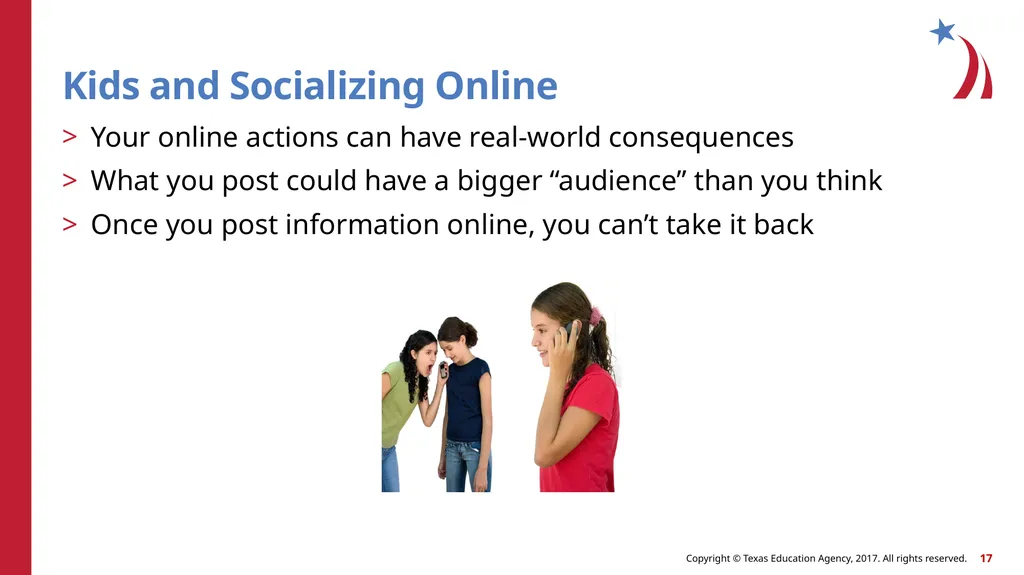
Kids and Socializing Online Your online actions can have real-world consequences
What you post could have a bigger “audience” than you think
Once you post information online, you can’t take it back<br>
17
Share with Care (click on link)
Heads Up: Stop. Click. Think (click on link)<br>
18
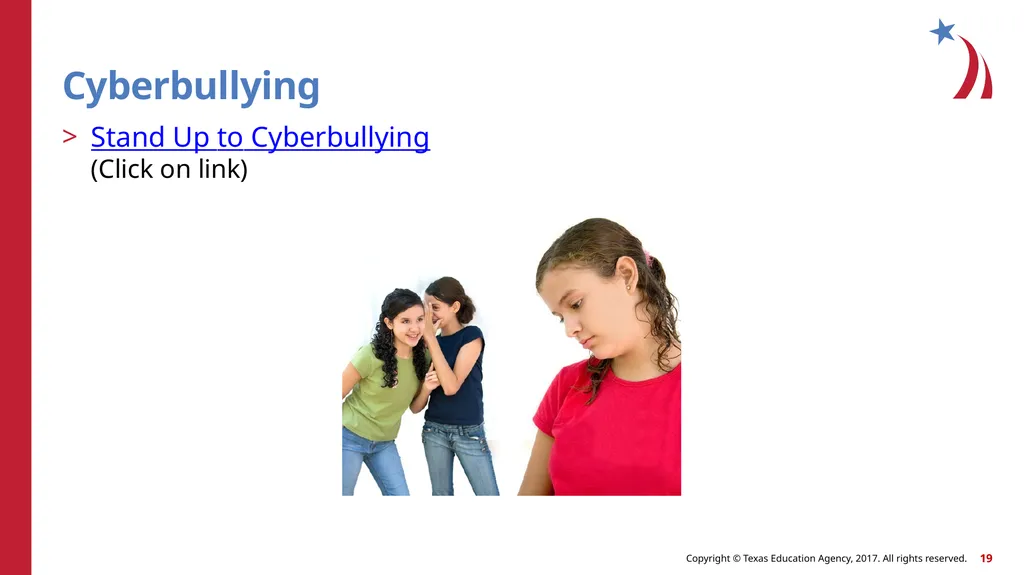
Cyberbullying Stand Up to Cyberbullying (Click on link)<br>
19
Cyberbullying Quiz Cyberbullying Quiz I
Cyberbullying Quiz II<br>
20
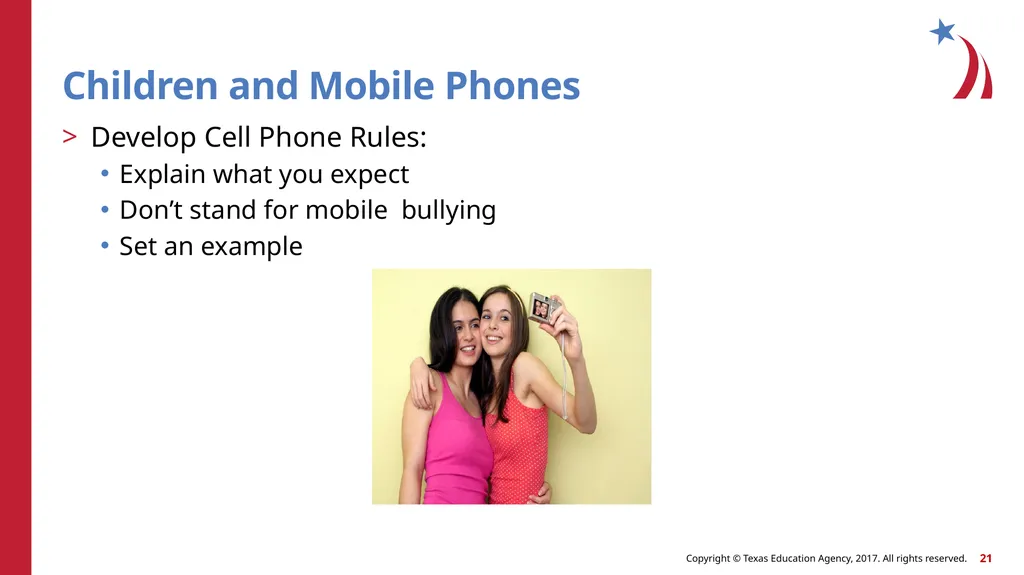
Children and Mobile Phones Develop Cell Phone Rules:
Explain what you expect
Don’t stand for mobile bullying
Set an example<br>
21
Children: Texting and Sexting DON’T DO IT!!<br>
22
Protecting Your Personal Information Onguard Online Media Game (Click on link)<br>
23
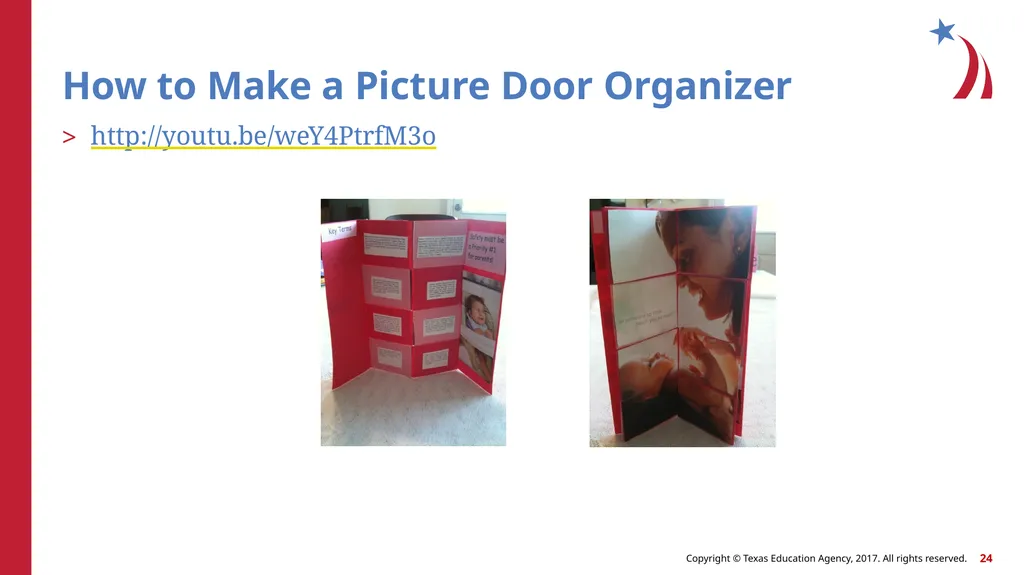
How to Make a Picture Door Organizer http://youtu.be/weY4PtrfM3o<br>
24
References and Resources Websites:
Cyberbullying Research Center Facts About Cyberbullying Quiz http://www.cyberbullying.us/quiz.php?QUIZNUM=1
How to Protect Kids’ Privacy Online: A Guide for Teachers Whether playing, shopping, studying or just surfing, today’s kids are taking advantage of all that the web has to offer. But when it comes to their personal information, who’s in charge? http://www.ftc.gov/bcp/edu/pubs/consumer/tech/tec10.shtm
Net Cetera: Chatting with Kids About Being Online This guide will help you offer the people in your community information about protecting kids online. http://www.ftc.gov/bcp/edu/pubs/consumer/tech/tec04.pdf
OnGuard Online: Protect Kids Online Kids have lots of opportunities for socializing online, but they come with certain risks. Parents can help reduce these risks by talking to kids about making safe, responsible decisions. http://www.onguardonline.gov/
Protecting Our Kids Online
A cybersecurity expert talks about child safety online http://news.yahoo.com/video/protecting-kids-online-080000343.html
STOP Cyberbullying: Are You a Cyberbully?
Take the quiz to find if you, too, are part of the cyberbullying problem! http://www.stopcyberbullying.org/tweens/are_you_a_cyberbully.html
YouTube™:
Heads Up: Stop. Think. Click
When you're online, take a second to stop and think before you click. To learn more about thinking before you click visit http://onguardonline.gov/articles/0033-heads http://youtu.be/zdqVLeg6C9s
Share with Care
What you post online could have an impact on people in the real world. To learn more about how your online actions can have real-world consequences visit http://onguardonline.gov/articles/0033a-share-care http://youtu.be/m_JB9mA_O3c
Stand Up to Cyberbullying
You can help stop cyberbullies by standing up for yourself or someone else. To learn more about cyberbullying visit: http://onguardonline.gov/articles/0028- cyberbullying
http://youtu.be/lN2fuKPDzHA<br>
25
References and Resources Websites:
Protecting Our Kids Online A cybersecurity expert talks about child safety online http://news.yahoo.com/video/protecting-kids-online-080000343.html
STOP Cyberbullying: Are You a Cyberbully? Take the quiz to find if you, too, are part of the cyberbullying problem! http://www.stopcyberbullying.org/tweens/are_you_a_cyberbully.html
YouTube:
Heads Up: Stop. Think. Click When you're online, take a second to stop and think before you click. To learn more about thinking before you click visit http://onguardonline.gov/articles/0033-heads http://youtu.be/zdqVLeg6C9s<br>
26
References and Resources YouTube:
Share with Care What you post online could have an impact on people in the real world. To learn more about how your online actions can have real-world consequences visit http://onguardonline.gov/articles/0033a-share-care http://youtu.be/m_JB9mA_O3c
Stand Up to Cyberbullying You can help stop cyberbullies by standing up for yourself or someone else. To learn more about cyberbullying visit: http://onguardonline.gov/articles/0028- cyberbullying http://youtu.be/lN2fuKPDzHA<br>