Python Programming III B.Sc IT Introduction Python is a general purpose, dynamic, highlevel and interpreted programming language. It supports ObjectOriented programming approach to develop applications. It is simple and easy to learn and
"Python Programming III B.Sc IT Introduction Python" is the property of its rightful owner. Permission is granted to
download and print the materials on this website for personal, non-commercial use only, and to display it
on your personal computer provided you do not modify the materials and that you retain all copyright
notices contained in the materials. By downloading content from our website, you accept the terms of this
agreement.
Presentation Transcript
01
Python Programming III B.Sc IT<br>
02
Introduction Python is a general purpose, dynamic, highlevel and interpreted programming language.
It supports ObjectOriented programming approach to develop applications.
It is simple and easy to learn and provides lots of high-level data structures.
Python is easy to learn yet powerful and versatile scripting language which makes it attractive for Application Development.<br>
03
Introduction cont.. Python's syntax and dynamic typing with its interpreted nature, makes it an ideal language for scripting and rapid application development.
Python supports multiple programming pattern, including object oriented, imperative and functional or procedural programming styles.
Python is not intended to work on special area such as web programming.
That is why it is known as multipurpose because it can be used with web, enterprise, 3D CAD etc,.<br>
04
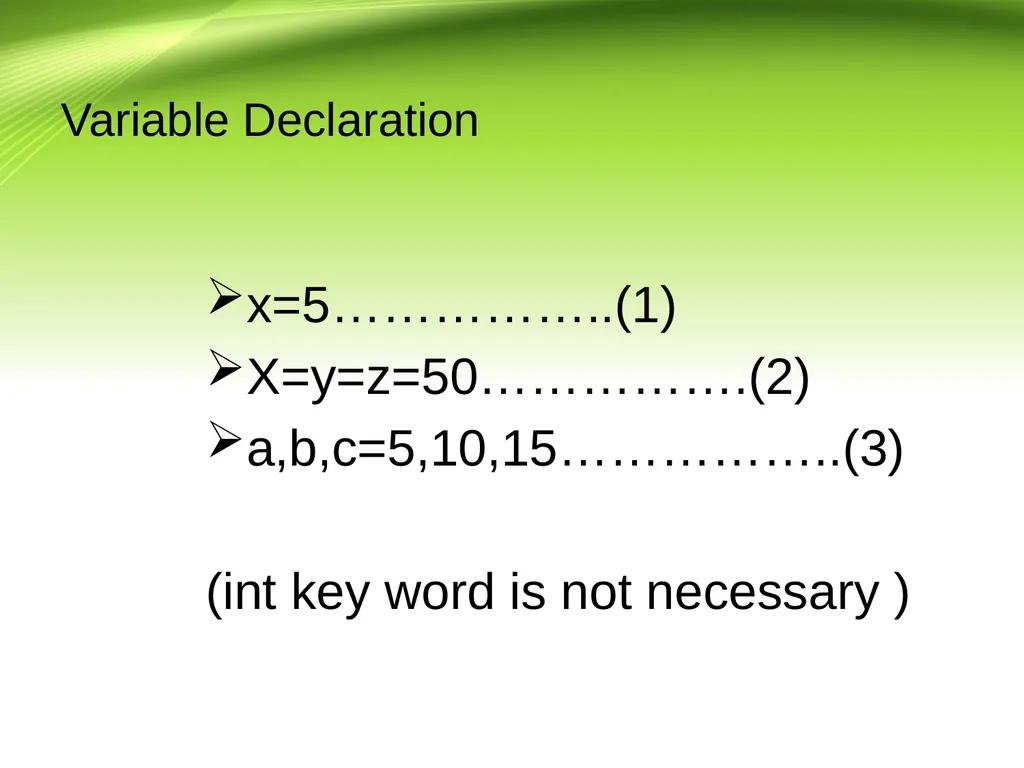
Introduction cont.. We don't need to use data types to declare variable because it is dynamically typed so we can write
a=10 directly instead int a=10
Python makes the development and debugging fast because there is no compilation step included in python development and edit-test-debug cycle is very fast<br>
05
Python Features 1)Easy to Learn and Use Python is easy to learn and use. It is developer-friendly and high level programming language.
2)Expressive Language Python language is more expressive means that it is more understandable and readable.
3)InterpretedLanguage Python is an interpreted language i.e. interpreter executes the code line by line at a time. This makes debugging easy and thus suitable for beginners.
4)Cross-platform Language Python can run equally on different platforms such as Windows, Linux, Unix and Macintosh etc. So, we can say that Python is a portable language.<br>
06
Python Features 5) Free and Open Source Python language is freely available at offical web address. The source-code is also available. Therefore it is open source.
6)Object-Oriented Language Python supports object oriented language and concepts of classes and objects come into existence.
7)Extensible It implies that other languages such as C/C++ can be used to compile the code and thus it can be used further in our python code.<br>
07
Python Features 8)Large Standard Library Python has a large and broad library and provides rich set of module and functions for rapid application development.
9)GUI Programming Support Graphical user interfaces can be developed using Python.
10)Integrated It can be easily integrated with languages like C, C++, JAVA etc.<br>
08
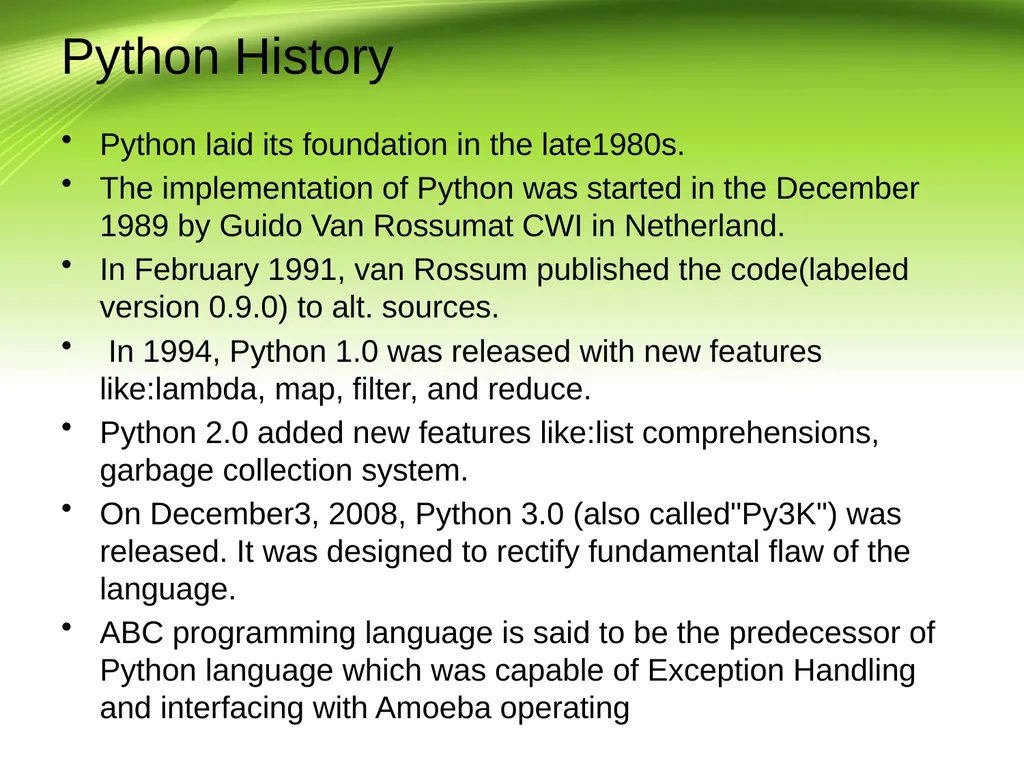
Python History Python laid its foundation in the late1980s.
The implementation of Python was started in the December 1989 by Guido Van Rossumat CWI in Netherland.
In February 1991, van Rossum published the code(labeled version 0.9.0) to alt. sources.
In 1994, Python 1.0 was released with new features like:lambda, map, filter, and reduce.
Python 2.0 added new features like:list comprehensions, garbage collection system.
On December3, 2008, Python 3.0 (also called"Py3K") was released. It was designed to rectify fundamental flaw of the language.
ABC programming language is said to be the predecessor of Python language which was capable of Exception Handling and interfacing with Amoeba operating<br>
09
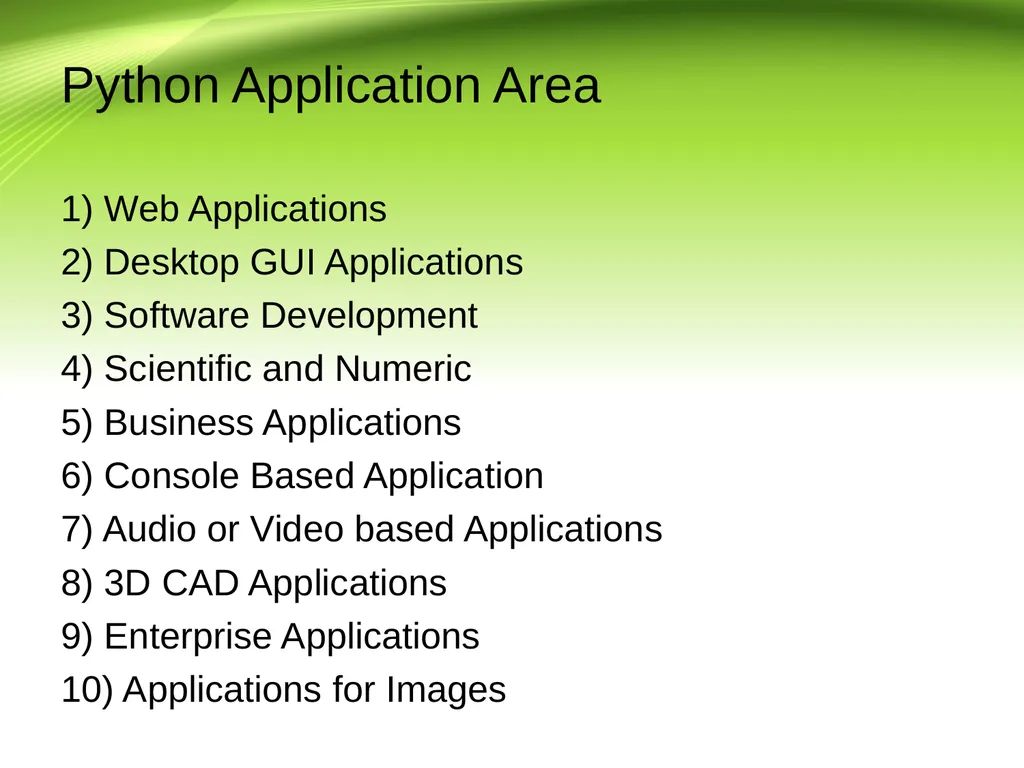
Python Application Area 1) Web Applications
2) Desktop GUI Applications
3) Software Development
4) Scientific and Numeric
5) Business Applications
6) Console Based Application
7) Audio or Video based Applications
8) 3D CAD Applications
9) Enterprise Applications
10) Applications for Images<br>
10
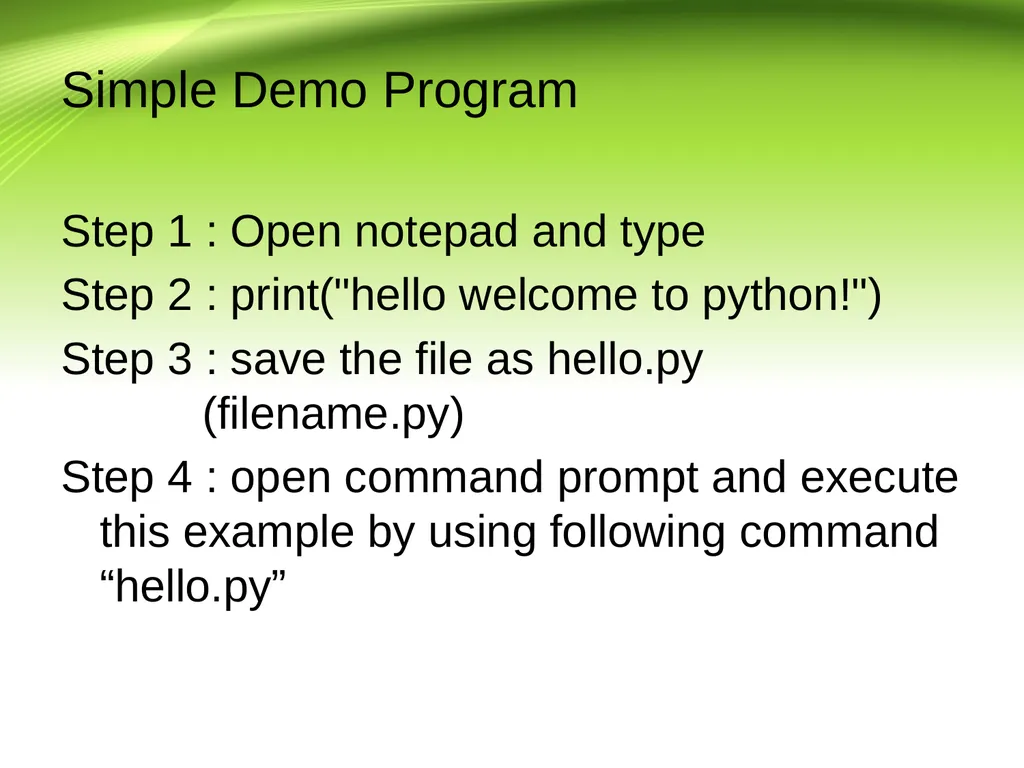
Simple Demo Program Step 1 : Open notepad and type
Step 2 : print("hello welcome to python!")
Step 3 : save the file as hello.py (filename.py)
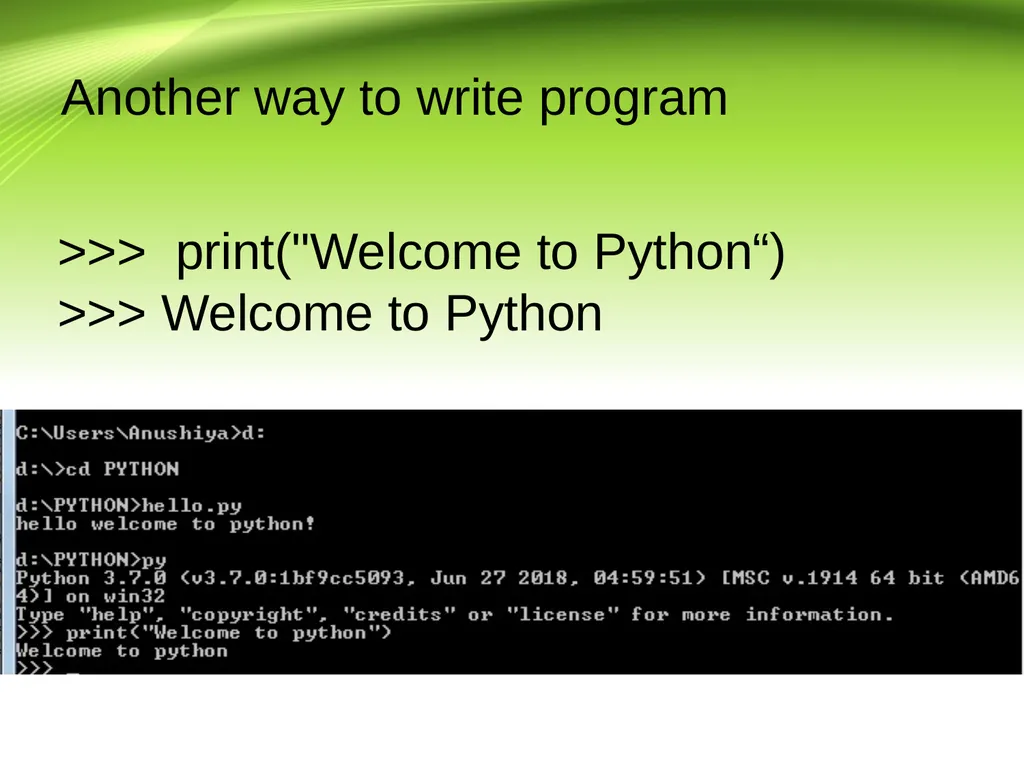
Step 4 : open command prompt and execute this example by using following command “hello.py”<br>
11
Another way to write program >>> print("Welcome to Python“)
>>> Welcome to Python<br>