SMALL BUSINESS Protecting your business from
Description: SMALL BUSINESS Protecting your business from Scams, Cyber Threats Financial Fraud PRESENTED BY: FRAUD PREVENTION SEMINAR Why Small Businesses Are Targeted Top Fraud Threats to Small Businesses Financial Fraud Payments Security Insider
Related Topics
Download Presentation
"SMALL BUSINESS Protecting your business from" is the property of its rightful owner. Permission is granted to download and print the materials on this website for personal, non-commercial use only, and to display it on your personal computer provided you do not modify the materials and that you retain all copyright notices contained in the materials. By downloading content from our website, you accept the terms of this agreement.
Presentation Transcript
slide1. SMALL BUSINESS Protecting your business from Scams,
Cyber Threats & Financial Fraud PRESENTED BY: FRAUD PREVENTION SEMINAR<br>
slide2. Why Small Businesses Are Targeted
Top Fraud Threats to Small Businesses
Financial Fraud & Payments Security
Insider Fraud – Employees & Vendors
Support Resources<br>
slide3. Small businesses lose billions annually to fraud.
Limited resources make them attractive to scammers.
Lack of cybersecurity awareness increases vulnerability.
Employees often juggle multiple roles, making fraud detection harder. WHY SMALL BUSINESSES ARE TARGETED<br>
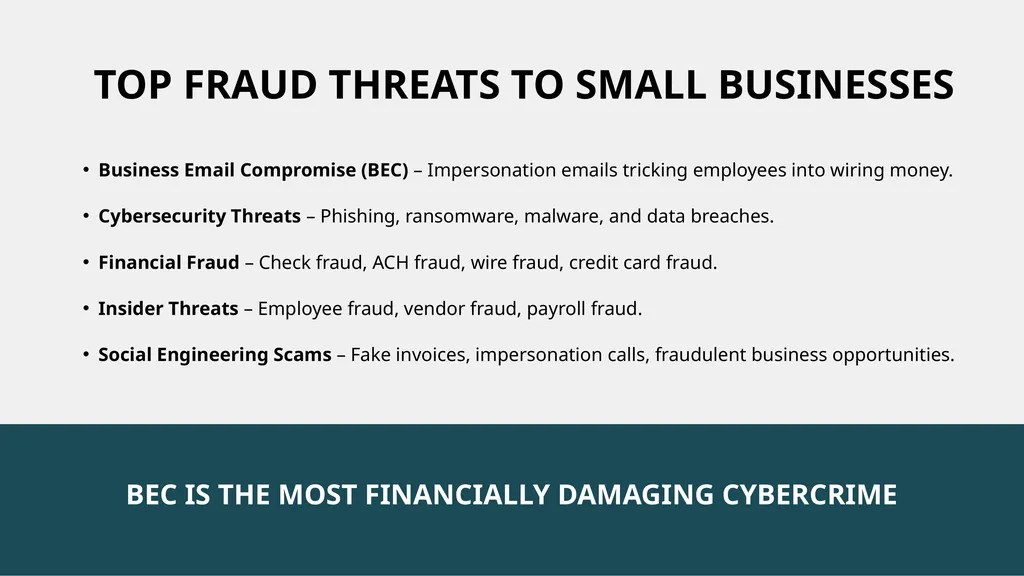
slide4. Business Email Compromise (BEC) – Impersonation emails tricking employees into wiring money.
Cybersecurity Threats – Phishing, ransomware, malware, and data breaches.
Financial Fraud – Check fraud, ACH fraud, wire fraud, credit card fraud.
Insider Threats – Employee fraud, vendor fraud, payroll fraud.
Social Engineering Scams – Fake invoices, impersonation calls, fraudulent business opportunities. TOP FRAUD THREATS TO SMALL BUSINESSES<br>
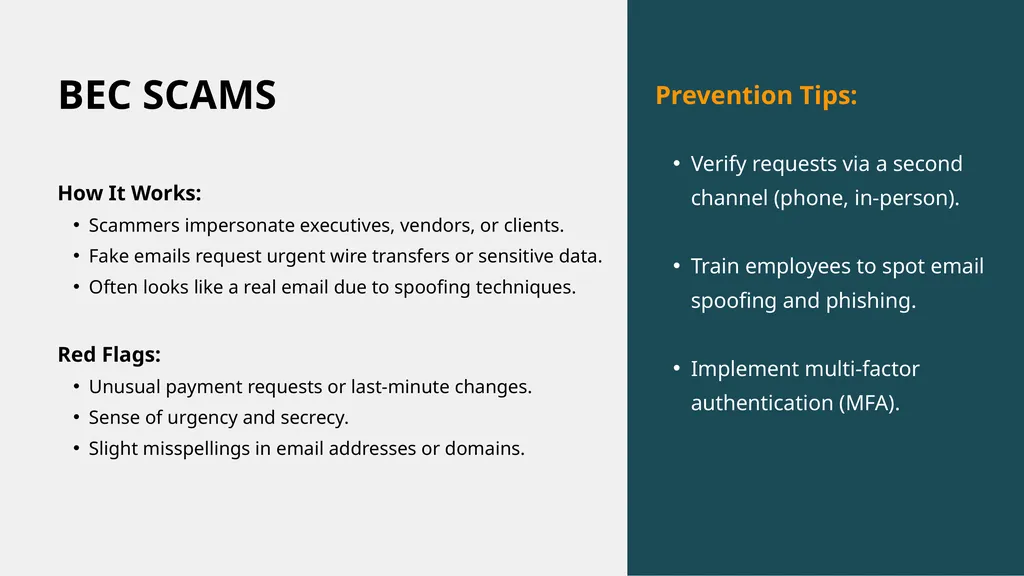
slide5. BEC SCAMS How It Works:
Scammers impersonate executives, vendors, or clients.
Fake emails request urgent wire transfers or sensitive data.
Often looks like a real email due to spoofing techniques.
Red Flags:
Unusual payment requests or last-minute changes.
Sense of urgency and secrecy.
Slight misspellings in email addresses or domains. Prevention Tips:
Verify requests via a second channel (phone, in-person).
Train employees to spot email spoofing and phishing.
Implement multi-factor authentication (MFA).<br>
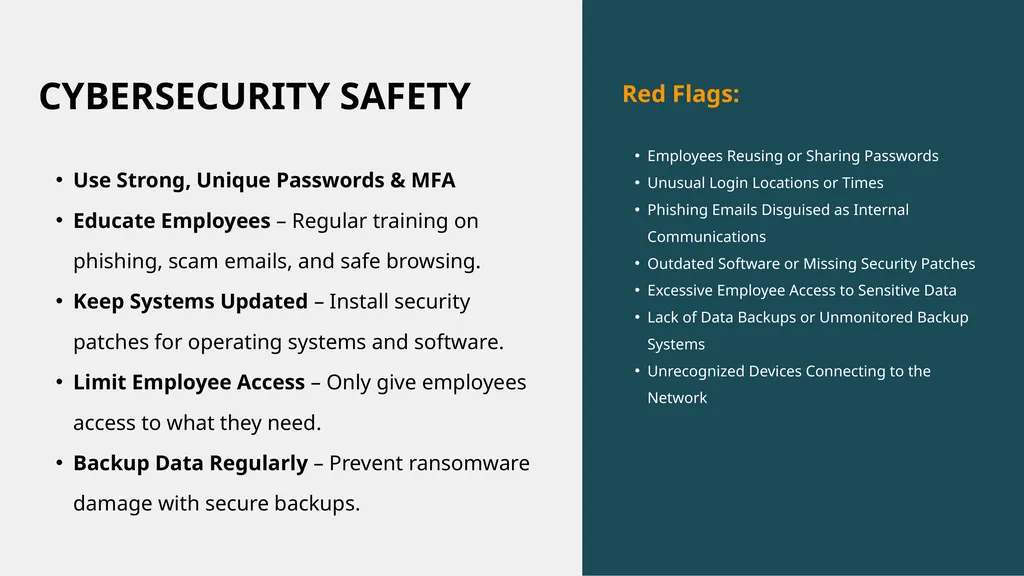
slide6. CYBERSECURITY SAFETY Use Strong, Unique Passwords & MFA
Educate Employees – Regular training on phishing, scam emails, and safe browsing.
Keep Systems Updated – Install security patches for operating systems and software.
Limit Employee Access – Only give employees access to what they need.
Backup Data Regularly – Prevent ransomware damage with secure backups. Red Flags:
Employees Reusing or Sharing Passwords
Unusual Login Locations or Times
Phishing Emails Disguised as Internal Communications
Outdated Software or Missing Security Patches
Excessive Employee Access to Sensitive Data
Lack of Data Backups or Unmonitored Backup Systems
Unrecognized Devices Connecting to the Network<br>
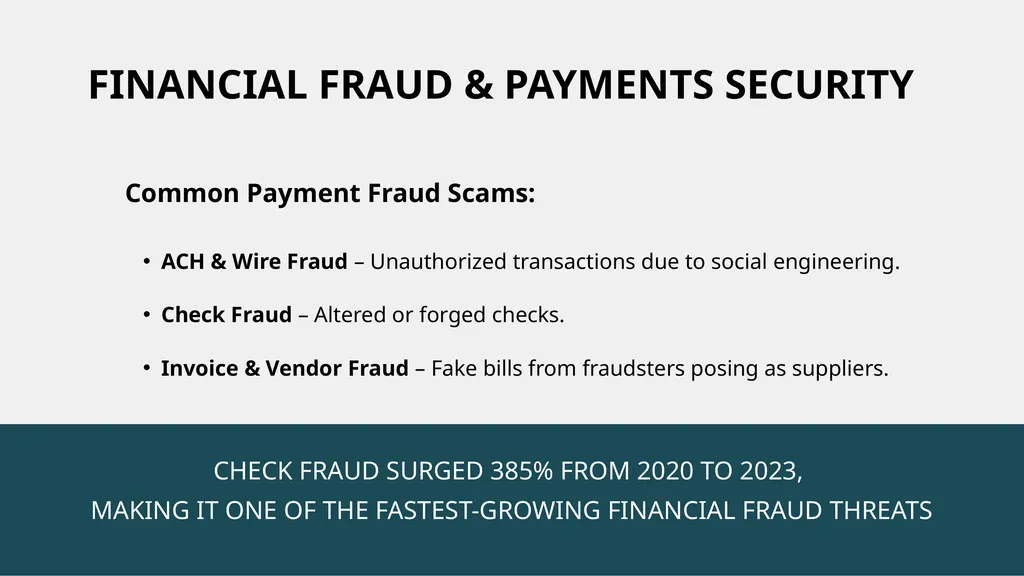
slide7. ACH & Wire Fraud – Unauthorized transactions due to social engineering.
Check Fraud – Altered or forged checks.
Invoice & Vendor Fraud – Fake bills from fraudsters posing as suppliers. FINANCIAL FRAUD & PAYMENTS SECURITY Common Payment Fraud Scams:<br>
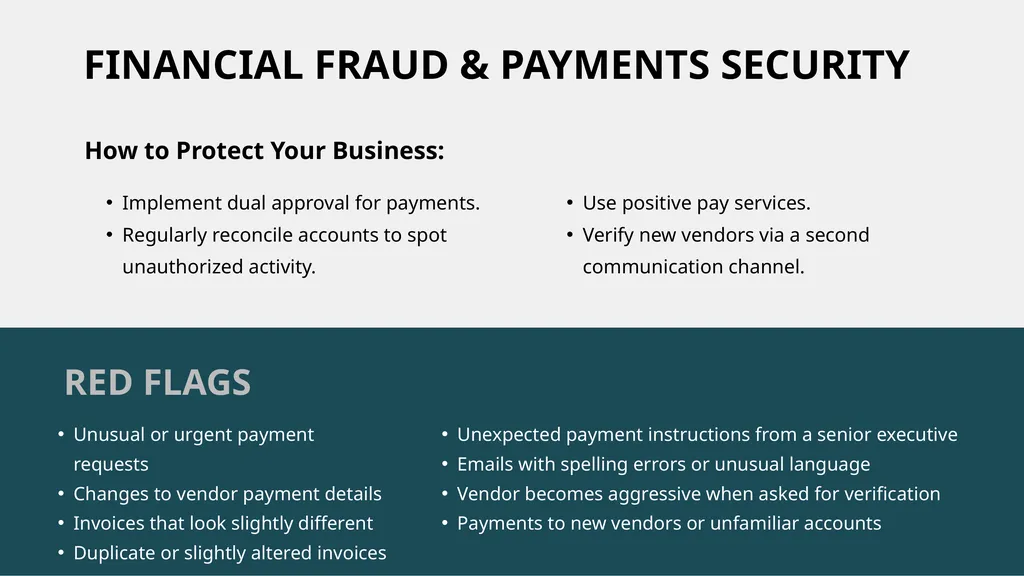
slide8. FINANCIAL FRAUD & PAYMENTS SECURITY Implement dual approval for payments.
Regularly reconcile accounts to spot unauthorized activity. Unexpected payment instructions from a senior executive
Emails with spelling errors or unusual language
Vendor becomes aggressive when asked for verification
Payments to new vendors or unfamiliar accounts Unusual or urgent payment requests
Changes to vendor payment details
Invoices that look slightly different
Duplicate or slightly altered invoices RED FLAGS How to Protect Your Business: Use positive pay services.
Verify new vendors via a second communication channel.<br>
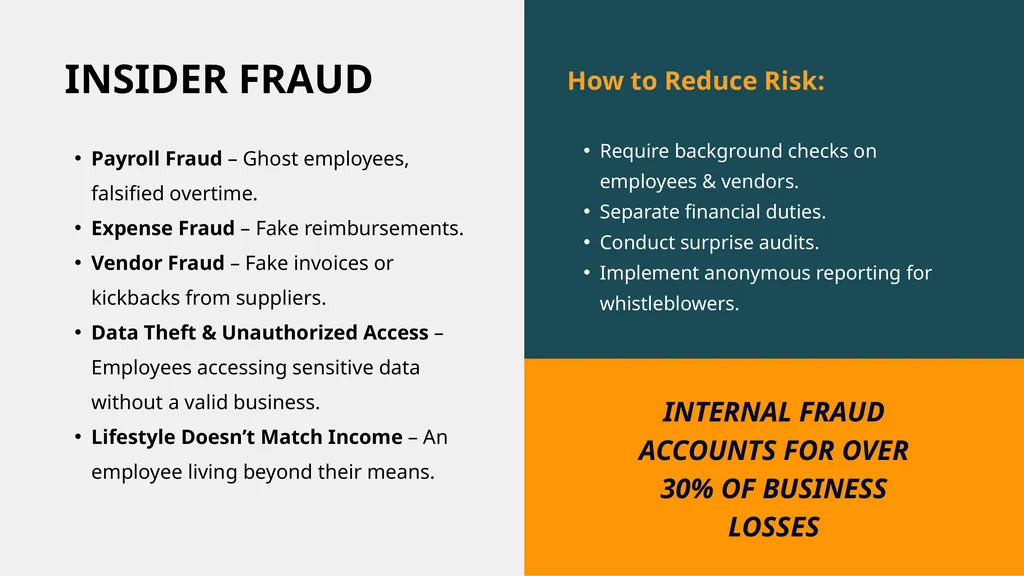
slide9. Payroll Fraud – Ghost employees, falsified overtime.
Expense Fraud – Fake reimbursements.
Vendor Fraud – Fake invoices or kickbacks from suppliers.
Data Theft & Unauthorized Access – Employees accessing sensitive data without a valid business.
Lifestyle Doesn’t Match Income – An employee living beyond their means. INSIDER FRAUD How to Reduce Risk:
Require background checks on employees & vendors.
Separate financial duties.
Conduct surprise audits.
Implement anonymous reporting for whistleblowers. INTERNAL FRAUD ACCOUNTS FOR OVER 30% OF BUSINESS LOSSES<br>
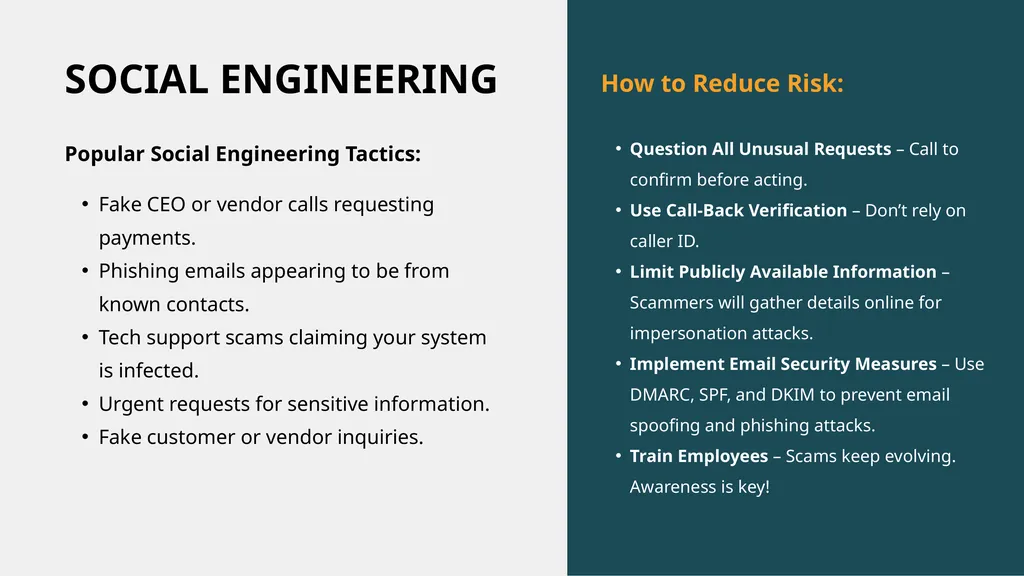
slide10. SOCIAL ENGINEERING How to Reduce Risk:
Question All Unusual Requests – Call to confirm before acting.
Use Call-Back Verification – Don’t rely on caller ID.
Limit Publicly Available Information – Scammers will gather details online for impersonation attacks.
Implement Email Security Measures – Use DMARC, SPF, and DKIM to prevent email spoofing and phishing attacks.
Train Employees – Scams keep evolving. Awareness is key! Fake CEO or vendor calls requesting payments.
Phishing emails appearing to be from known contacts.
Tech support scams claiming your system is infected.
Urgent requests for sensitive information.
Fake customer or vendor inquiries. Popular Social Engineering Tactics:<br>
slide11. Educate employees on phishing & fraud tactics.
Enable multi-factor authentication (MFA) for accounts.
Implement internal controls for financial transactions.
Regularly review bank statements & financial records.
Use secure payment methods & account monitoring.
Establish a cybersecurity policy for employees.
Keep software updated & back up data frequently.<br>
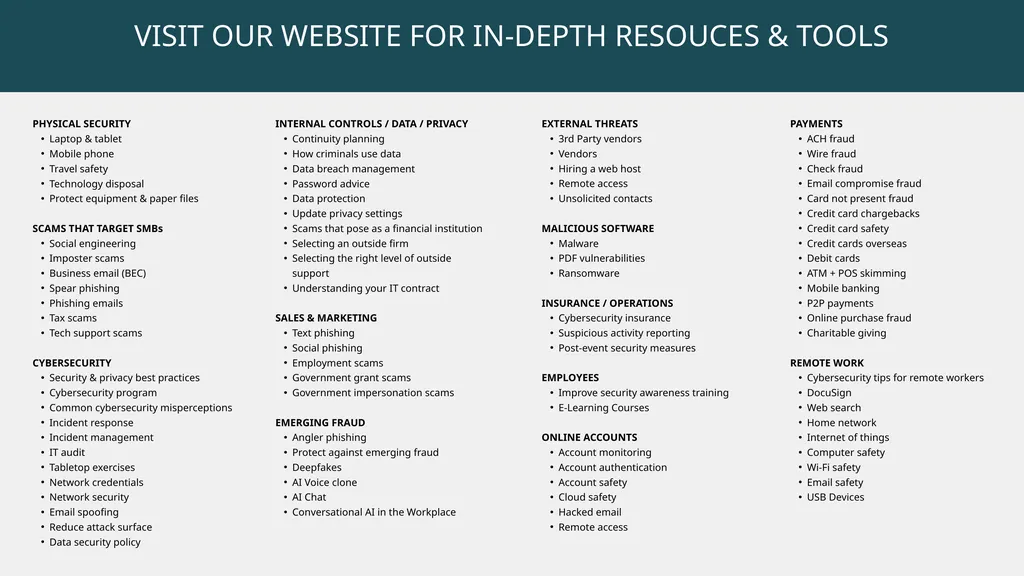
slide12. PHYSICAL SECURITY
Laptop & tablet
Mobile phone
Travel safety
Technology disposal
Protect equipment & paper files
SCAMS THAT TARGET SMBs
Social engineering
Imposter scams
Business email (BEC)
Spear phishing
Phishing emails
Tax scams
Tech support scams
CYBERSECURITY
Security & privacy best practices
Cybersecurity program
Common cybersecurity misperceptions
Incident response
Incident management
IT audit
Tabletop exercises
Network credentials
Network security
Email spoofing
Reduce attack surface
Data security policy INTERNAL CONTROLS / DATA / PRIVACY
Continuity planning
How criminals use data
Data breach management
Password advice
Data protection
Update privacy settings
Scams that pose as a financial institution
Selecting an outside firm
Selecting the right level of outside support
Understanding your IT contract
SALES & MARKETING
Text phishing
Social phishing
Employment scams
Government grant scams
Government impersonation scams
EMERGING FRAUD
Angler phishing
Protect against emerging fraud
Deepfakes
AI Voice clone
AI Chat
Conversational AI in the Workplace EXTERNAL THREATS
3rd Party vendors
Vendors
Hiring a web host
Remote access
Unsolicited contacts
MALICIOUS SOFTWARE
Malware
PDF vulnerabilities
Ransomware
INSURANCE / OPERATIONS
Cybersecurity insurance
Suspicious activity reporting
Post-event security measures
EMPLOYEES
Improve security awareness training
E-Learning Courses
ONLINE ACCOUNTS
Account monitoring
Account authentication
Account safety
Cloud safety
Hacked email
Remote access PAYMENTS
ACH fraud
Wire fraud
Check fraud
Email compromise fraud
Card not present fraud
Credit card chargebacks
Credit card safety
Credit cards overseas
Debit cards
ATM + POS skimming
Mobile banking
P2P payments
Online purchase fraud
Charitable giving
REMOTE WORK
Cybersecurity tips for remote workers
DocuSign
Web search
Home network
Internet of things
Computer safety
Wi-Fi safety
Email safety
USB Devices<br>

Cyber Threats & Financial Fraud PRESENTED BY: FRAUD PREVENTION SEMINAR<br>
slide2. Why Small Businesses Are Targeted
Top Fraud Threats to Small Businesses
Financial Fraud & Payments Security
Insider Fraud – Employees & Vendors
Support Resources<br>
slide3. Small businesses lose billions annually to fraud.
Limited resources make them attractive to scammers.
Lack of cybersecurity awareness increases vulnerability.
Employees often juggle multiple roles, making fraud detection harder. WHY SMALL BUSINESSES ARE TARGETED<br>
slide4. Business Email Compromise (BEC) – Impersonation emails tricking employees into wiring money.
Cybersecurity Threats – Phishing, ransomware, malware, and data breaches.
Financial Fraud – Check fraud, ACH fraud, wire fraud, credit card fraud.
Insider Threats – Employee fraud, vendor fraud, payroll fraud.
Social Engineering Scams – Fake invoices, impersonation calls, fraudulent business opportunities. TOP FRAUD THREATS TO SMALL BUSINESSES<br>
slide5. BEC SCAMS How It Works:
Scammers impersonate executives, vendors, or clients.
Fake emails request urgent wire transfers or sensitive data.
Often looks like a real email due to spoofing techniques.
Red Flags:
Unusual payment requests or last-minute changes.
Sense of urgency and secrecy.
Slight misspellings in email addresses or domains. Prevention Tips:
Verify requests via a second channel (phone, in-person).
Train employees to spot email spoofing and phishing.
Implement multi-factor authentication (MFA).<br>
slide6. CYBERSECURITY SAFETY Use Strong, Unique Passwords & MFA
Educate Employees – Regular training on phishing, scam emails, and safe browsing.
Keep Systems Updated – Install security patches for operating systems and software.
Limit Employee Access – Only give employees access to what they need.
Backup Data Regularly – Prevent ransomware damage with secure backups. Red Flags:
Employees Reusing or Sharing Passwords
Unusual Login Locations or Times
Phishing Emails Disguised as Internal Communications
Outdated Software or Missing Security Patches
Excessive Employee Access to Sensitive Data
Lack of Data Backups or Unmonitored Backup Systems
Unrecognized Devices Connecting to the Network<br>
slide7. ACH & Wire Fraud – Unauthorized transactions due to social engineering.
Check Fraud – Altered or forged checks.
Invoice & Vendor Fraud – Fake bills from fraudsters posing as suppliers. FINANCIAL FRAUD & PAYMENTS SECURITY Common Payment Fraud Scams:<br>
slide8. FINANCIAL FRAUD & PAYMENTS SECURITY Implement dual approval for payments.
Regularly reconcile accounts to spot unauthorized activity. Unexpected payment instructions from a senior executive
Emails with spelling errors or unusual language
Vendor becomes aggressive when asked for verification
Payments to new vendors or unfamiliar accounts Unusual or urgent payment requests
Changes to vendor payment details
Invoices that look slightly different
Duplicate or slightly altered invoices RED FLAGS How to Protect Your Business: Use positive pay services.
Verify new vendors via a second communication channel.<br>
slide9. Payroll Fraud – Ghost employees, falsified overtime.
Expense Fraud – Fake reimbursements.
Vendor Fraud – Fake invoices or kickbacks from suppliers.
Data Theft & Unauthorized Access – Employees accessing sensitive data without a valid business.
Lifestyle Doesn’t Match Income – An employee living beyond their means. INSIDER FRAUD How to Reduce Risk:
Require background checks on employees & vendors.
Separate financial duties.
Conduct surprise audits.
Implement anonymous reporting for whistleblowers. INTERNAL FRAUD ACCOUNTS FOR OVER 30% OF BUSINESS LOSSES<br>
slide10. SOCIAL ENGINEERING How to Reduce Risk:
Question All Unusual Requests – Call to confirm before acting.
Use Call-Back Verification – Don’t rely on caller ID.
Limit Publicly Available Information – Scammers will gather details online for impersonation attacks.
Implement Email Security Measures – Use DMARC, SPF, and DKIM to prevent email spoofing and phishing attacks.
Train Employees – Scams keep evolving. Awareness is key! Fake CEO or vendor calls requesting payments.
Phishing emails appearing to be from known contacts.
Tech support scams claiming your system is infected.
Urgent requests for sensitive information.
Fake customer or vendor inquiries. Popular Social Engineering Tactics:<br>
slide11. Educate employees on phishing & fraud tactics.
Enable multi-factor authentication (MFA) for accounts.
Implement internal controls for financial transactions.
Regularly review bank statements & financial records.
Use secure payment methods & account monitoring.
Establish a cybersecurity policy for employees.
Keep software updated & back up data frequently.<br>
slide12. PHYSICAL SECURITY
Laptop & tablet
Mobile phone
Travel safety
Technology disposal
Protect equipment & paper files
SCAMS THAT TARGET SMBs
Social engineering
Imposter scams
Business email (BEC)
Spear phishing
Phishing emails
Tax scams
Tech support scams
CYBERSECURITY
Security & privacy best practices
Cybersecurity program
Common cybersecurity misperceptions
Incident response
Incident management
IT audit
Tabletop exercises
Network credentials
Network security
Email spoofing
Reduce attack surface
Data security policy INTERNAL CONTROLS / DATA / PRIVACY
Continuity planning
How criminals use data
Data breach management
Password advice
Data protection
Update privacy settings
Scams that pose as a financial institution
Selecting an outside firm
Selecting the right level of outside support
Understanding your IT contract
SALES & MARKETING
Text phishing
Social phishing
Employment scams
Government grant scams
Government impersonation scams
EMERGING FRAUD
Angler phishing
Protect against emerging fraud
Deepfakes
AI Voice clone
AI Chat
Conversational AI in the Workplace EXTERNAL THREATS
3rd Party vendors
Vendors
Hiring a web host
Remote access
Unsolicited contacts
MALICIOUS SOFTWARE
Malware
PDF vulnerabilities
Ransomware
INSURANCE / OPERATIONS
Cybersecurity insurance
Suspicious activity reporting
Post-event security measures
EMPLOYEES
Improve security awareness training
E-Learning Courses
ONLINE ACCOUNTS
Account monitoring
Account authentication
Account safety
Cloud safety
Hacked email
Remote access PAYMENTS
ACH fraud
Wire fraud
Check fraud
Email compromise fraud
Card not present fraud
Credit card chargebacks
Credit card safety
Credit cards overseas
Debit cards
ATM + POS skimming
Mobile banking
P2P payments
Online purchase fraud
Charitable giving
REMOTE WORK
Cybersecurity tips for remote workers
DocuSign
Web search
Home network
Internet of things
Computer safety
Wi-Fi safety
Email safety
USB Devices<br>