
Statements, Properties, and Operations Estimated

Published  . 0 views
↓ Download
Statements, Properties, and Operations Estimated
1 / 1
Statements, Properties, and Operations Estimated - slide 1 of 12 Statements, Properties, and Operations Estimated - slide 2 of 12 Statements, Properties, and Operations Estimated - slide 3 of 12 Statements, Properties, and Operations Estimated - slide 4 of 12 Statements, Properties, and Operations Estimated - slide 5 of 12 Statements, Properties, and Operations Estimated - slide 6 of 12 Statements, Properties, and Operations Estimated - slide 7 of 12 Statements, Properties, and Operations Estimated - slide 8 of 12 Statements, Properties, and Operations Estimated - slide 9 of 12 Statements, Properties, and Operations Estimated - slide 10 of 12 Statements, Properties, and Operations Estimated - slide 11 of 12 Statements, Properties, and Operations Estimated - slide 12 of 12
Description: Statements, Properties, and Operations Estimated time to complete this lesson: 1 hour Statements in Small Basic programs. Properties of the TextWindow object. Operations of the TextWindow object. Statements, Properties, and Operations

Related Topics

Download Presentation

"Statements, Properties, and Operations Estimated" is the property of its rightful owner. Permission is granted to download and print the materials on this website for personal, non-commercial use only, and to display it on your personal computer provided you do not modify the materials and that you retain all copyright notices contained in the materials. By downloading content from our website, you accept the terms of this agreement.

Presentation Transcript

slide1. Statements, Properties, and Operations Estimated time to complete this lesson: 1 hour<br>
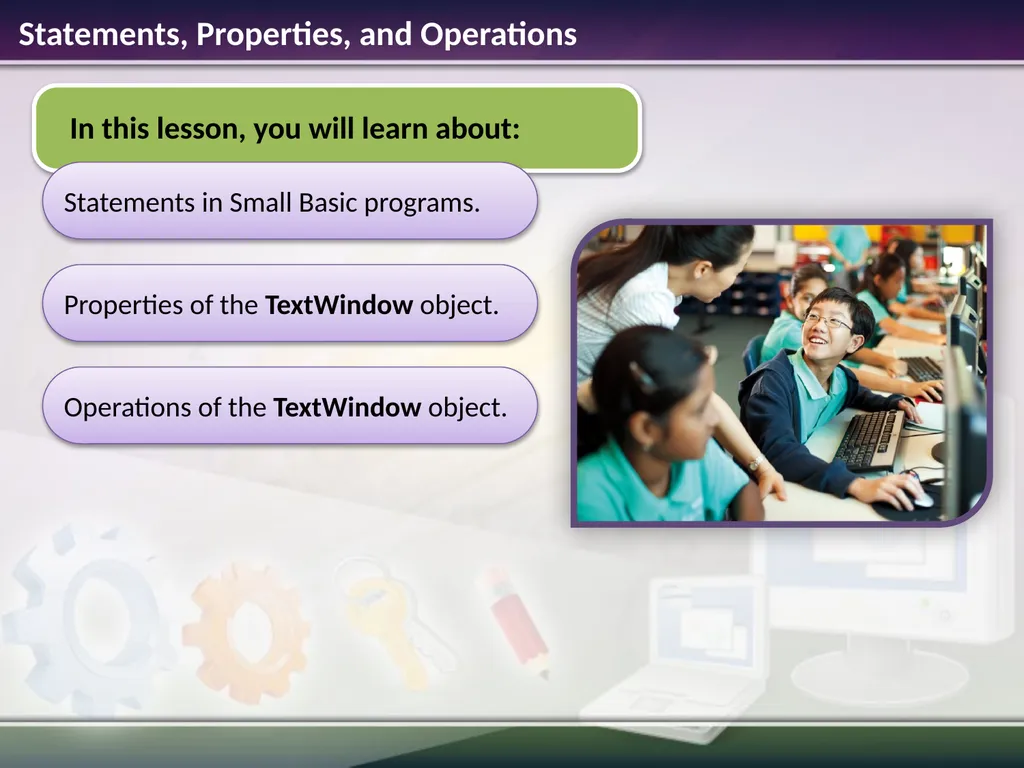
slide2. Statements in Small Basic programs. Properties of the TextWindow object. Operations of the TextWindow object. Statements, Properties, and Operations<br>
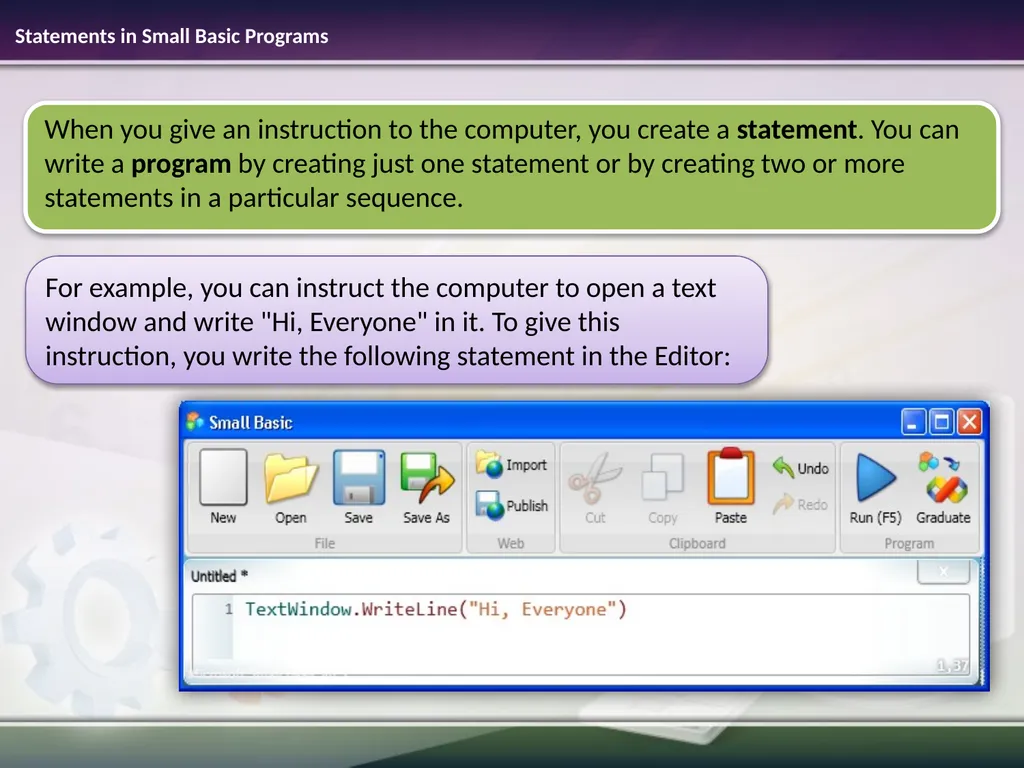
slide3. Statements in Small Basic Programs For example, you can instruct the computer to open a text window and write "Hi, Everyone" in it. To give this instruction, you write the following statement in the Editor:<br>
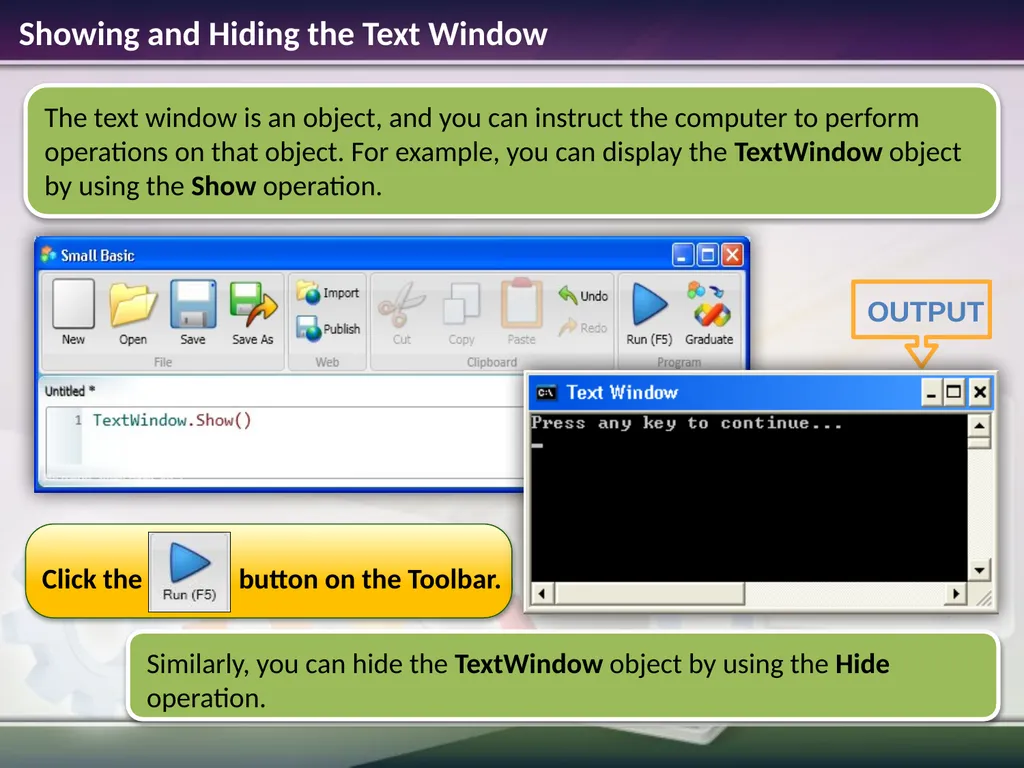
slide4. Showing and Hiding the Text Window<br>
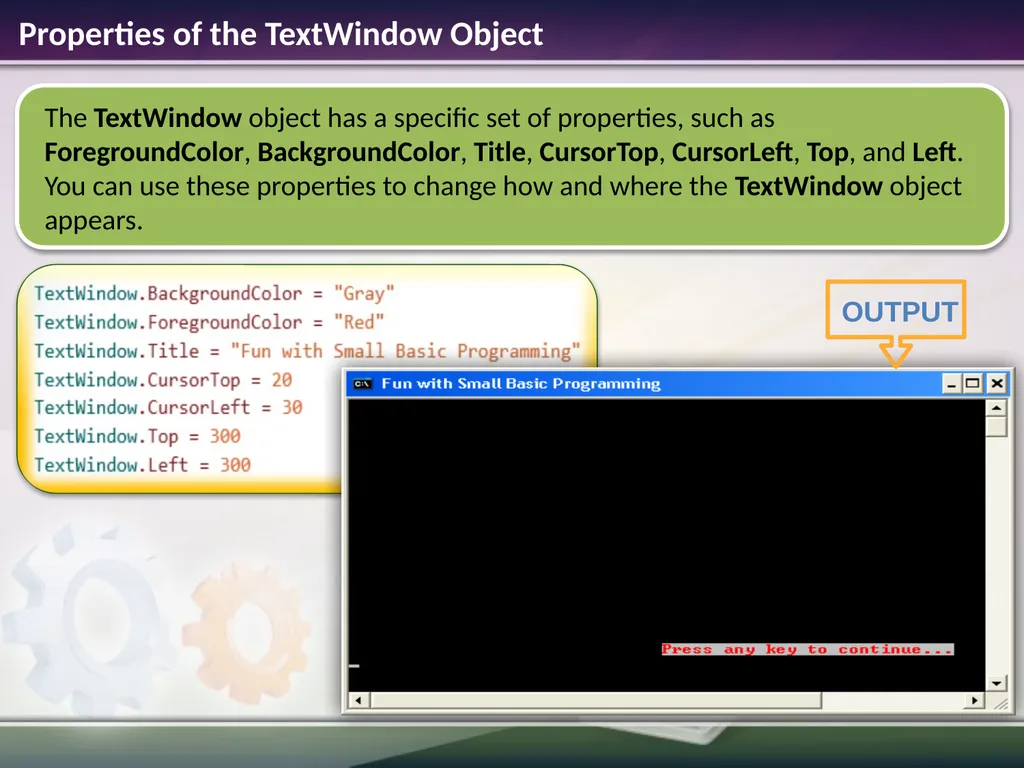
slide5. Properties of the TextWindow Object<br>
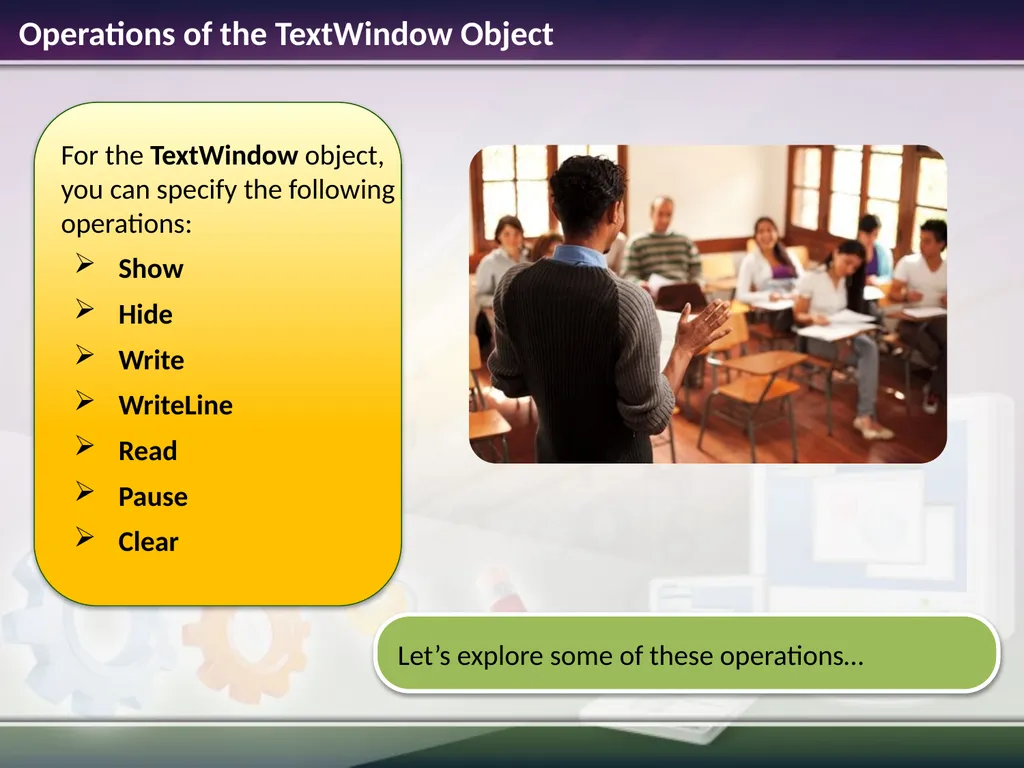
slide6. Operations of the TextWindow Object<br>
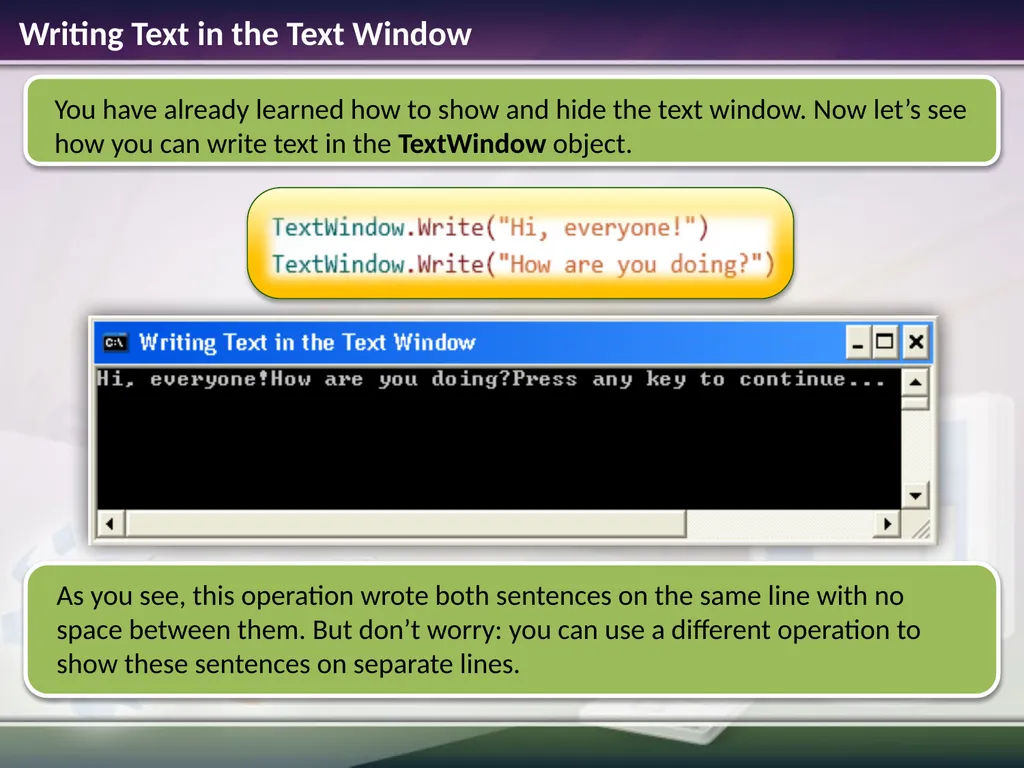
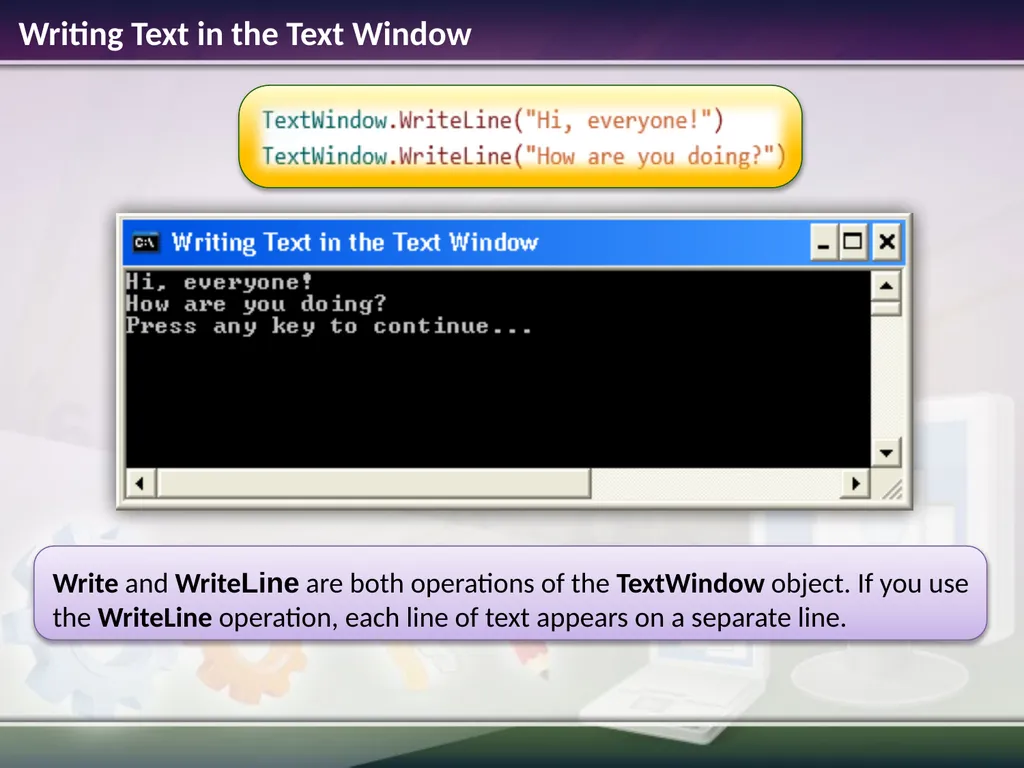
slide7. Writing Text in the Text Window<br>
slide8. Writing Text in the Text Window<br>
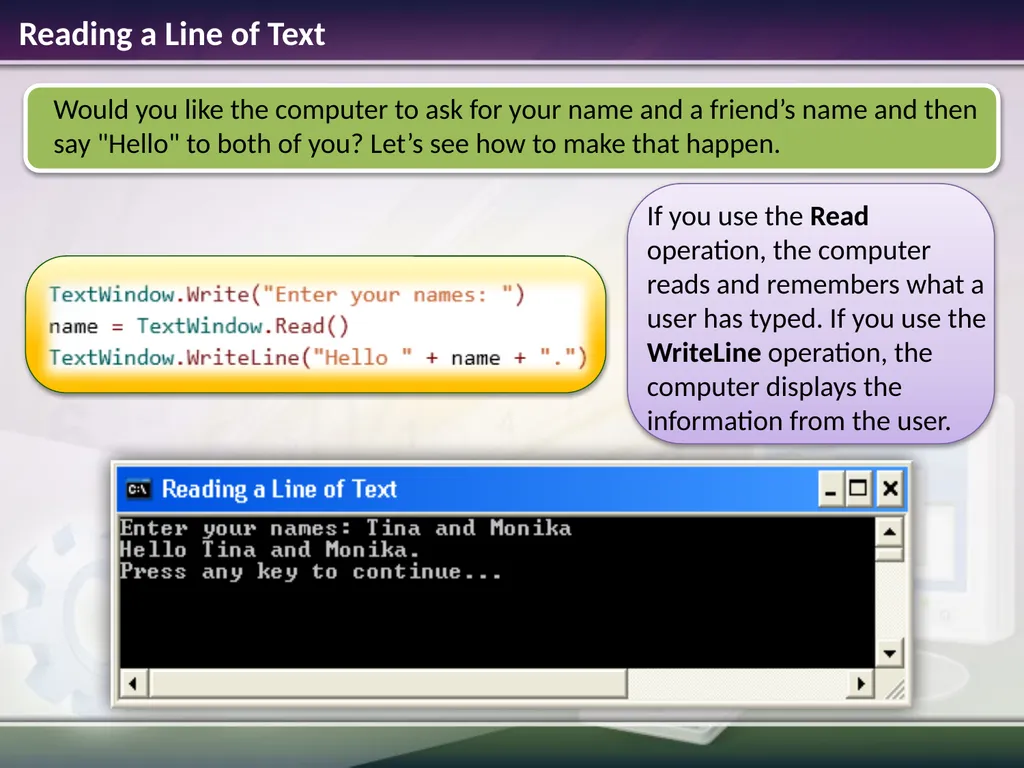
slide9. Reading a Line of Text<br>
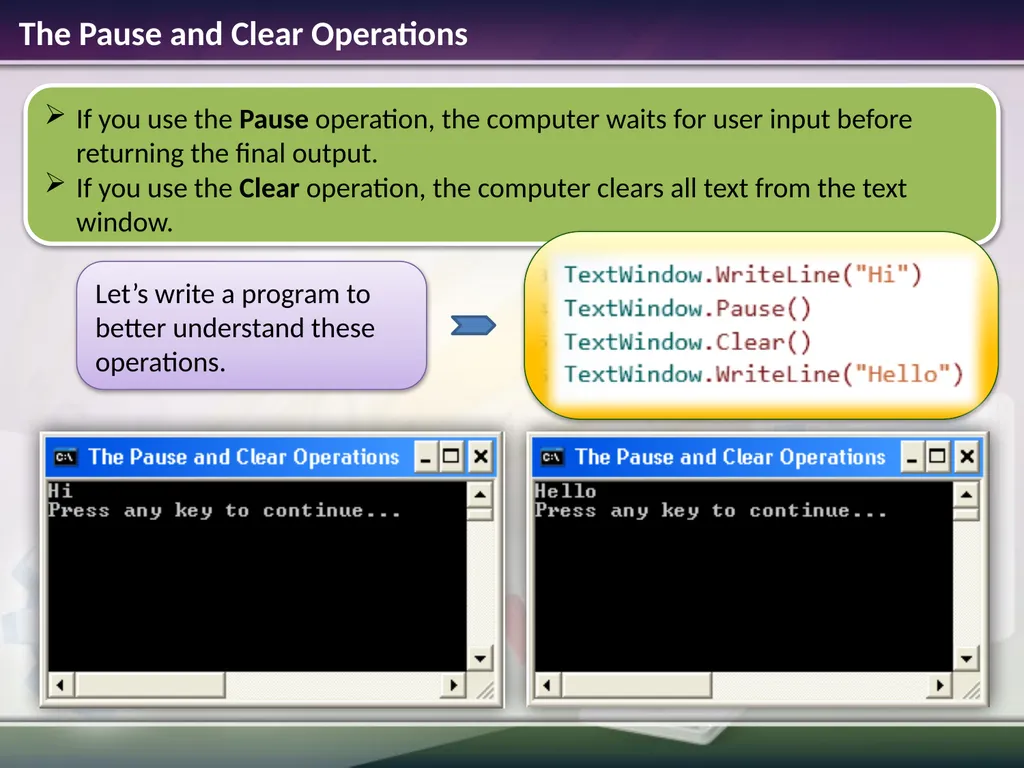
slide10. The Pause and Clear Operations<br>
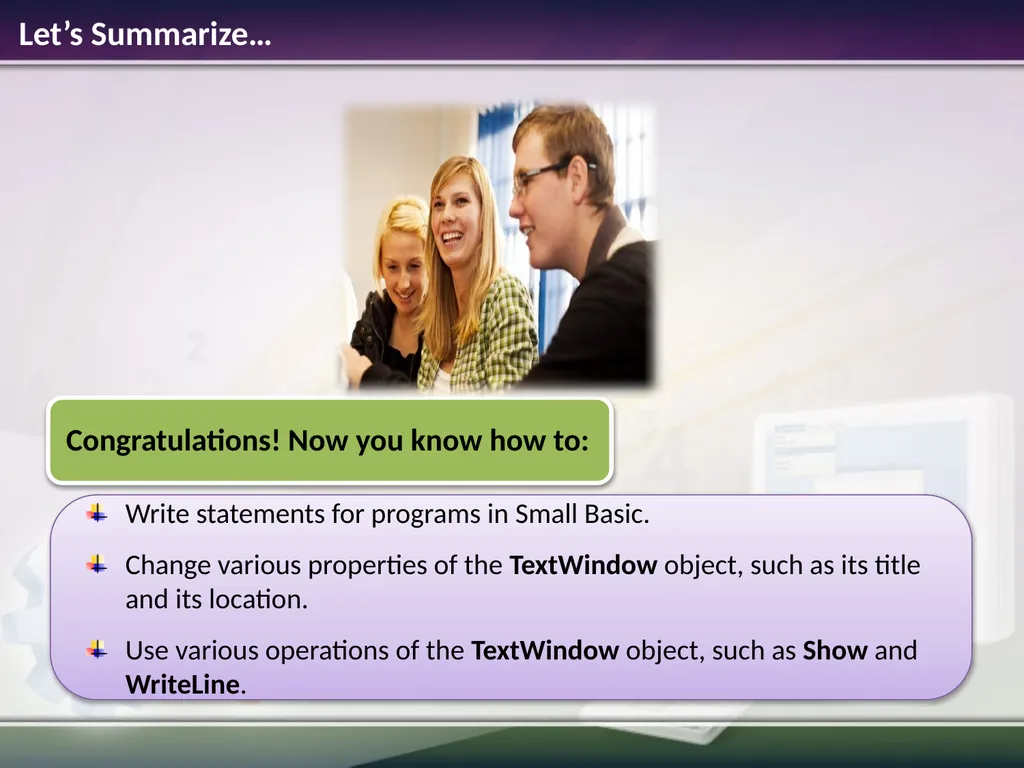
slide11. Write statements for programs in Small Basic.
Change various properties of the TextWindow object, such as its title and its location.
Use various operations of the TextWindow object, such as Show and WriteLine. Let’s Summarize…<br>
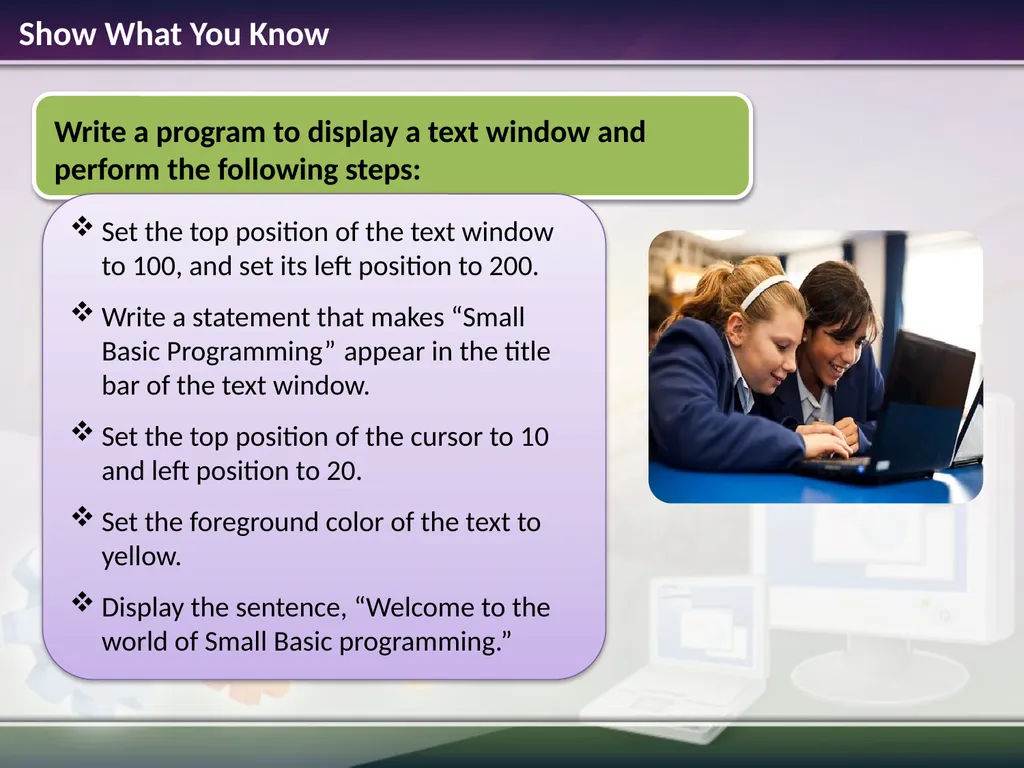
slide12. Show What You Know<br>