Supporting Your Team with Documentation Custom Support Documents For Your Unique Design Billy G. Woody II Training Team Lead Omni CMS Modern Campus Agenda Planning Developing Implementation Planning What roles in Omni CMS do you want to
"Supporting Your Team with Documentation Custom" is the property of its rightful owner. Permission is granted to
download and print the materials on this website for personal, non-commercial use only, and to display it
on your personal computer provided you do not modify the materials and that you retain all copyright
notices contained in the materials. By downloading content from our website, you accept the terms of this
agreement.
Presentation Transcript
01
Supporting Your Team with Documentation Custom Support Documents For Your Unique Design Billy G. Woody II
Training Team Lead Omni CMS
Modern Campus<br>
02
Agenda Planning
Developing
Implementation<br>
03
Planning What roles in Omni CMS do you want to target for training?
Who will be filling those roles?<br>
04
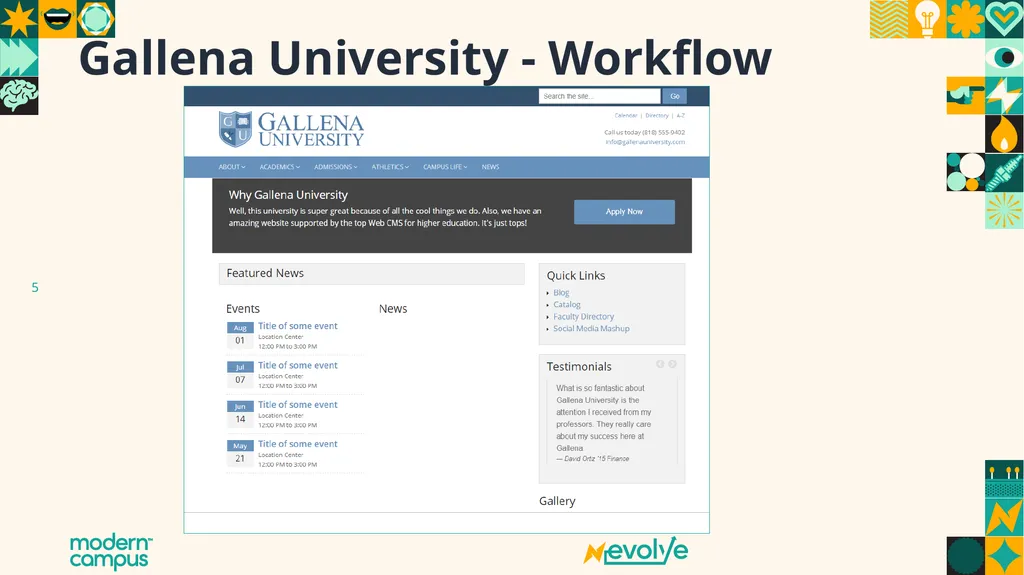
Gallena University - Workflow<br>
05
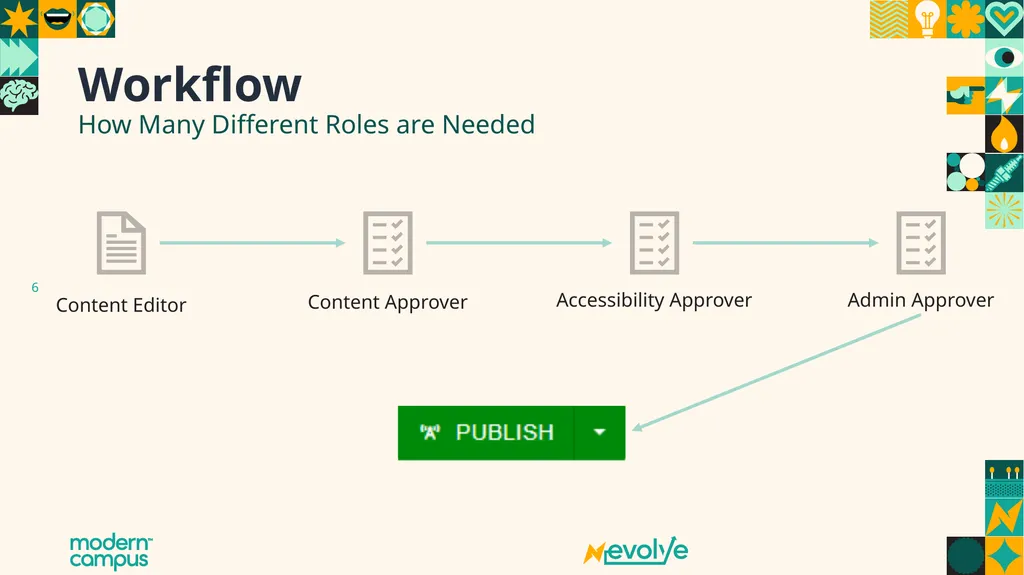
Workflow Content Approver Accessibility Approver Admin Approver Content Editor How Many Different Roles are Needed<br>
06
Workflow – Your Turn How Many Different Roles are Needed Write down your existing workflow if you have one
Else, jot down what an ideal workflow may be for your institution<br>
07
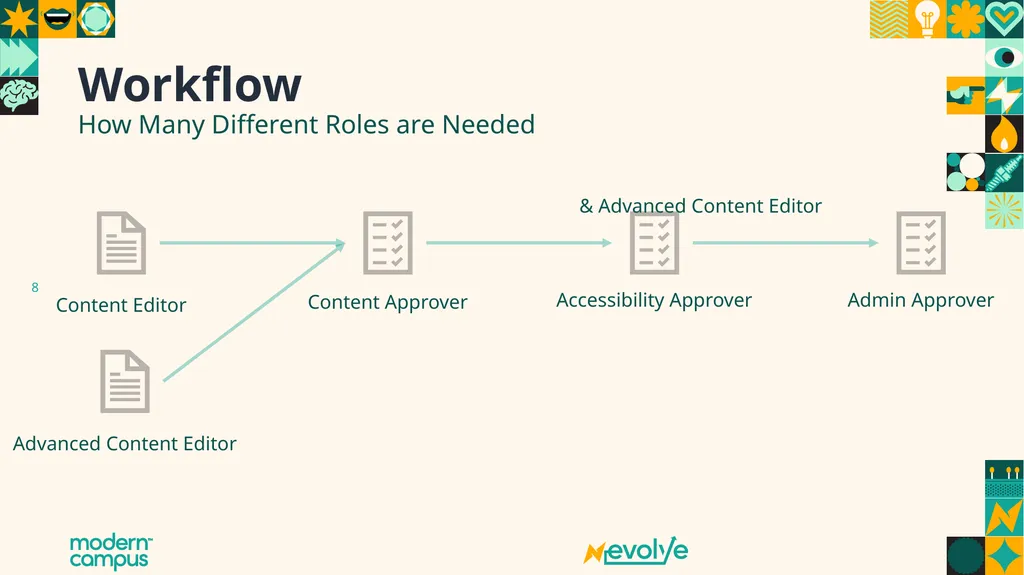
Workflow Content Approver Accessibility Approver Admin Approver Content Editor How Many Different Roles are Needed & Advanced Content Editor Advanced Content Editor<br>
08
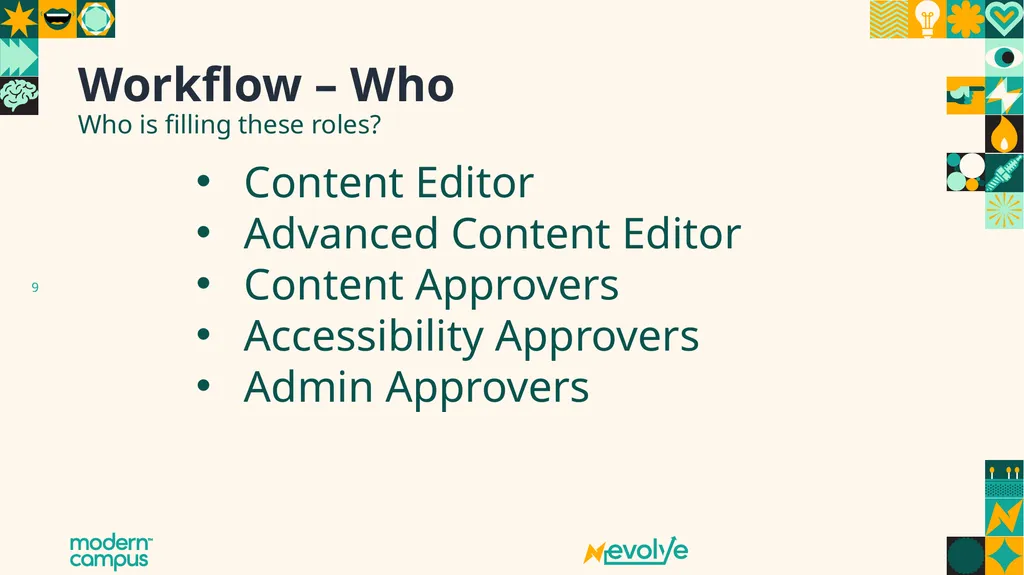
Workflow – Who Who is filling these roles? Content Editor
Advanced Content Editor
Content Approvers
Accessibility Approvers
Admin Approvers<br>
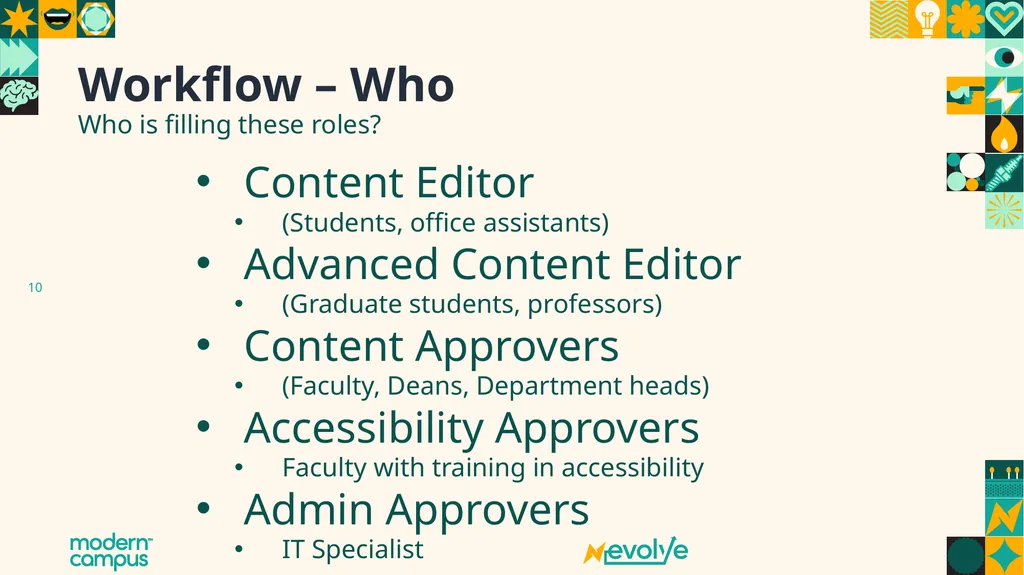
09
Workflow – Who Who is filling these roles? Content Editor
(Students, office assistants)
Advanced Content Editor
(Graduate students, professors)
Content Approvers
(Faculty, Deans, Department heads)
Accessibility Approvers
Faculty with training in accessibility
Admin Approvers
IT Specialist<br>
10
Developing the Roles<br>
11
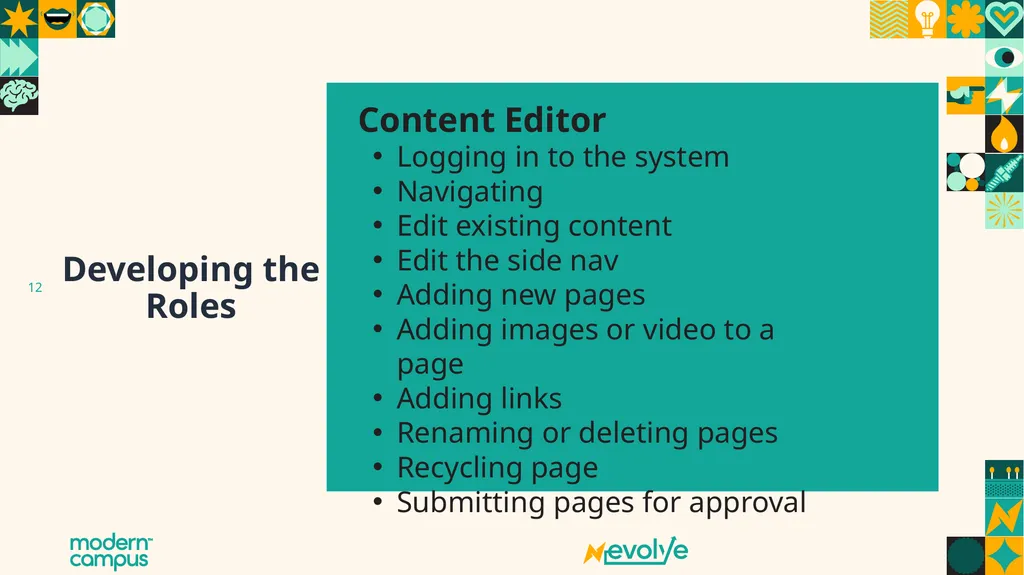
Developing the Roles Content Editor Logging in to the system
Navigating
Edit existing content
Edit the side nav
Adding new pages
Adding images or video to a page
Adding links
Renaming or deleting pages
Recycling page
Submitting pages for approval<br>
12
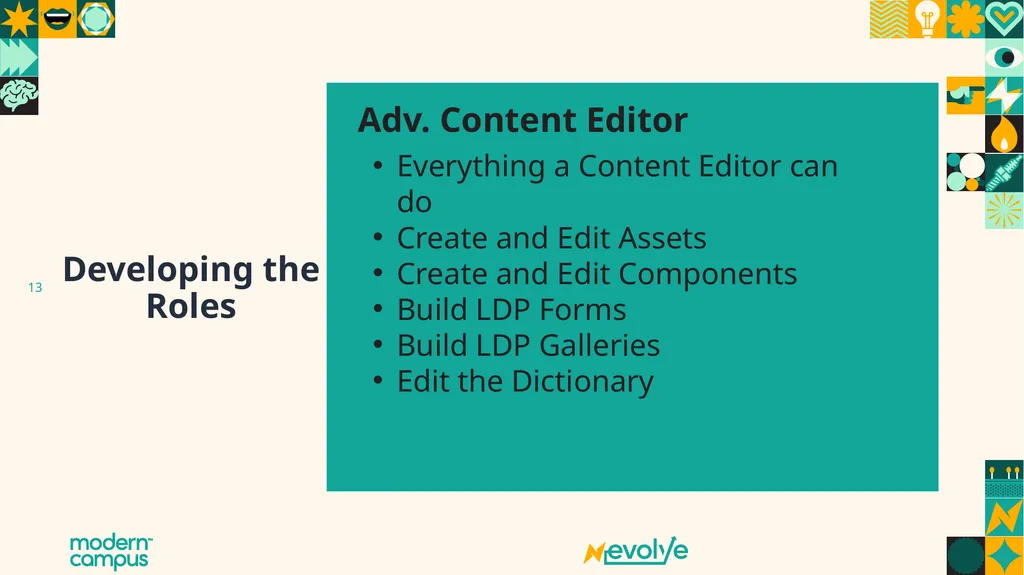
Developing the Roles Adv. Content Editor Everything a Content Editor can do
Create and Edit Assets
Create and Edit Components
Build LDP Forms
Build LDP Galleries
Edit the Dictionary<br>
13
Developing the Roles Content Approver Review pages for approval
Approve and submit pages
Decline and return pages for editing
Revert pages to previous versions
Make simple edits to a page<br>
14
Developing the Roles Accessibility Approver Review pages for accessibility issues
Know differences between known, likely, and potential problems
Create and edit exceptions
Decline and return pages
Fixing potential problems
Forward java script concerns to admins
Reverting Pages<br>
15
Developing the Roles Admin Approver Publish Pages
Decline and Revert pages
Add or Edit users
Remove users
Unlock users
Change Passwords<br>
16
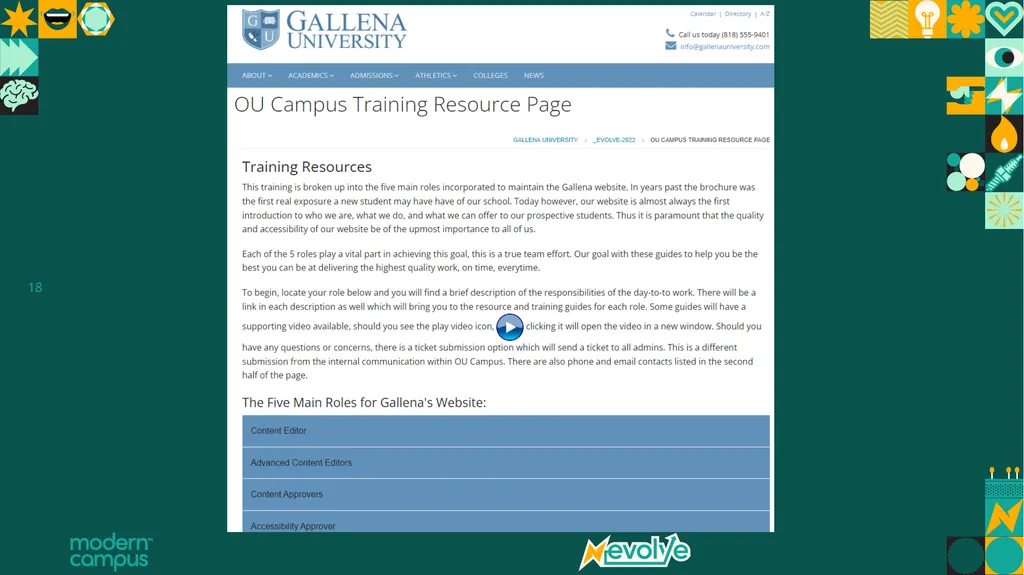
Implementing Supportive web pages
Videos
Tutorials
PDF Files
Add On Short cuts
Help Request form<br>
17
Thank You!<br>
18
Icons for use
Copy and paste these into your presentation as needed<br>