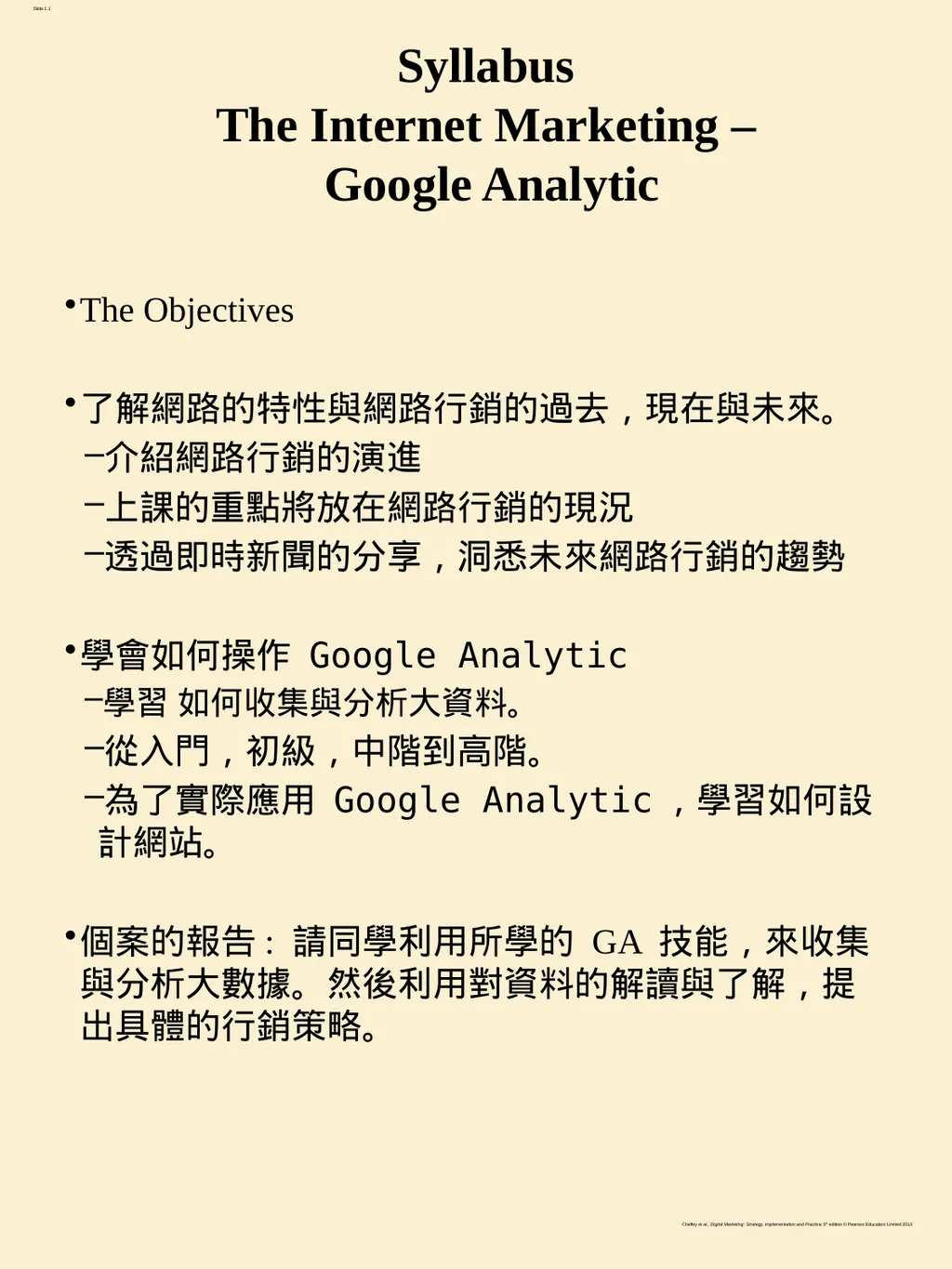
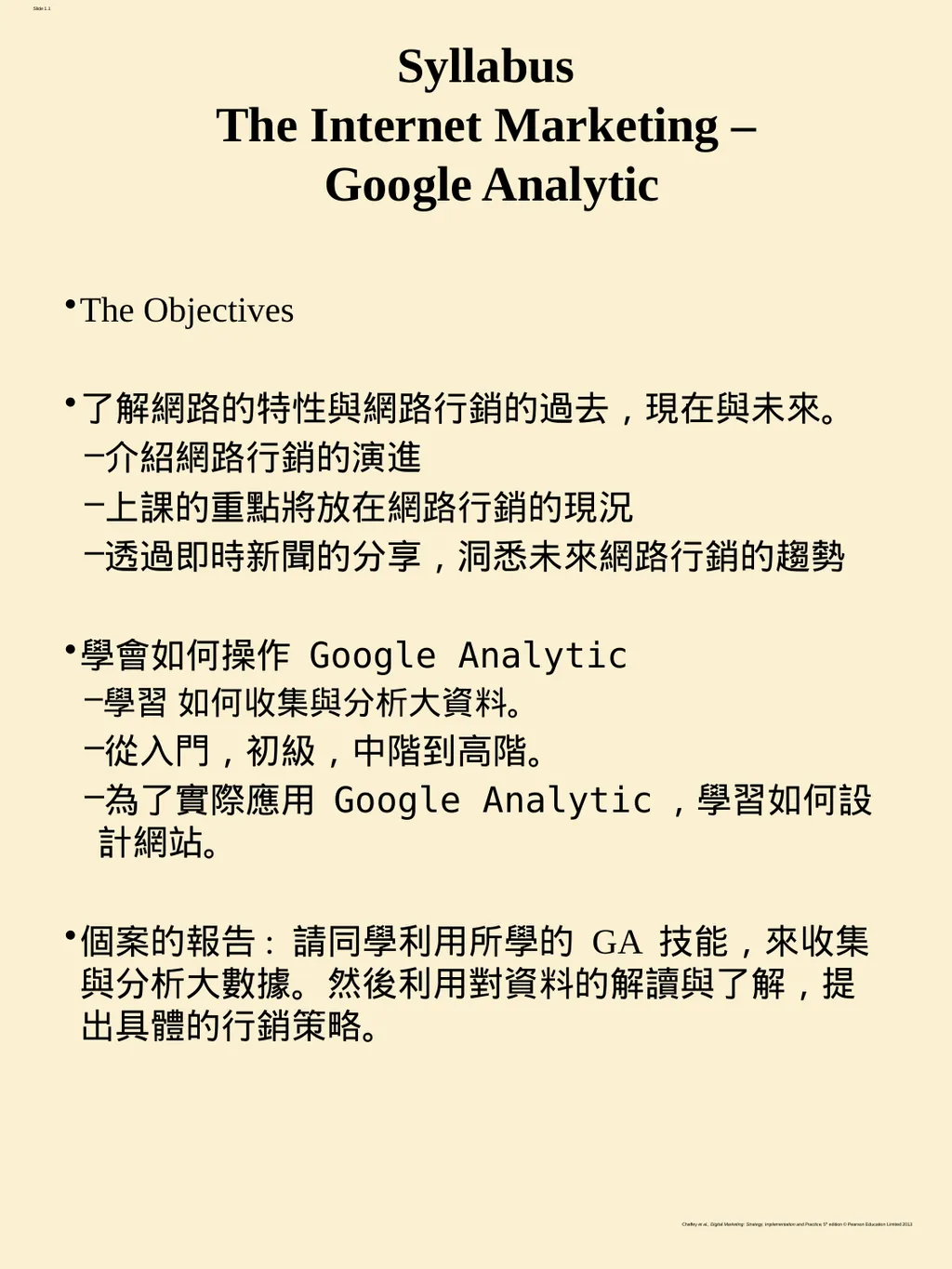
Syllabus The Internet Marketing Google Analytic The Objectives 了解網路的特性與網路行銷的過去現在與未來 介紹網路行銷的演進 上課的重點將放在網路行銷的現況 透過即時新聞的分享洞悉未來網路行銷的趨勢 學會如何操作 Google Analytic 學習 如何收集與分析大資料 從入門初級中階到高階 為了實際應用 Google Analytic學習如何設計網站 個案的報告: 請同學利用所學的 GA
"Syllabus The Internet Marketing – Google Analytic" is the property of its rightful owner. Permission is granted to
download and print the materials on this website for personal, non-commercial use only, and to display it
on your personal computer provided you do not modify the materials and that you retain all copyright
notices contained in the materials. By downloading content from our website, you accept the terms of this
agreement.
Presentation Transcript
01
Syllabus The Internet Marketing – Google Analytic The Objectives
學會如何操作 Google Analytic
學習 如何收集與分析大資料。
從入門,初級,中階到高階。
為了實際應用 Google Analytic,學習如何設計網站。
個案的報告: 請同學利用所學的 GA 技能,來收集與分析大數據。然後利用對資料的解讀與了解,提出具體的行銷策略。<br>
02
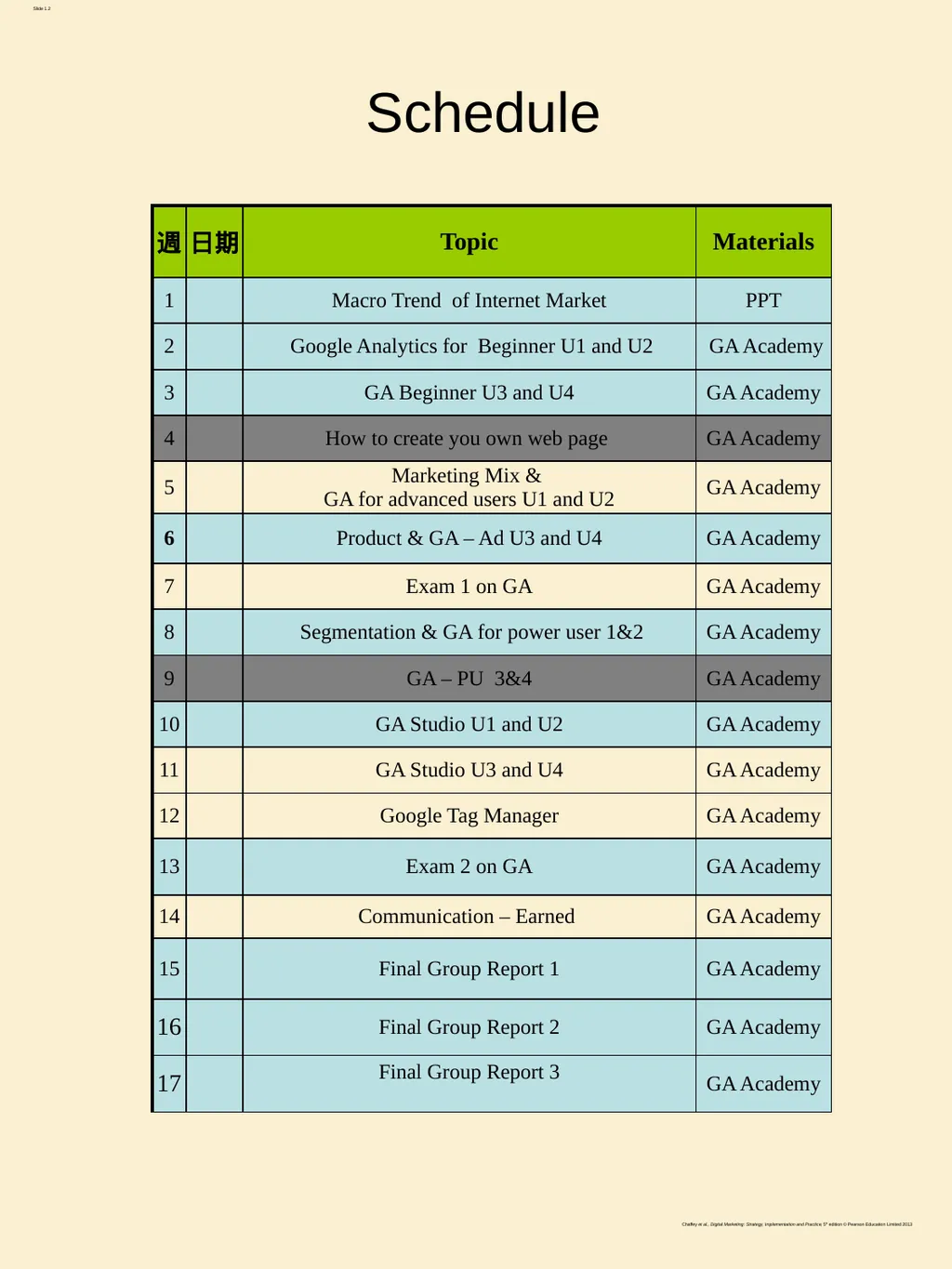
Schedule<br>
03
Grading (1/2) Two Exams (50%). Each exam includes two parts – computer and paper questions. Best of the two exams will be your grade.
Final Presentation (20%).<br>
04
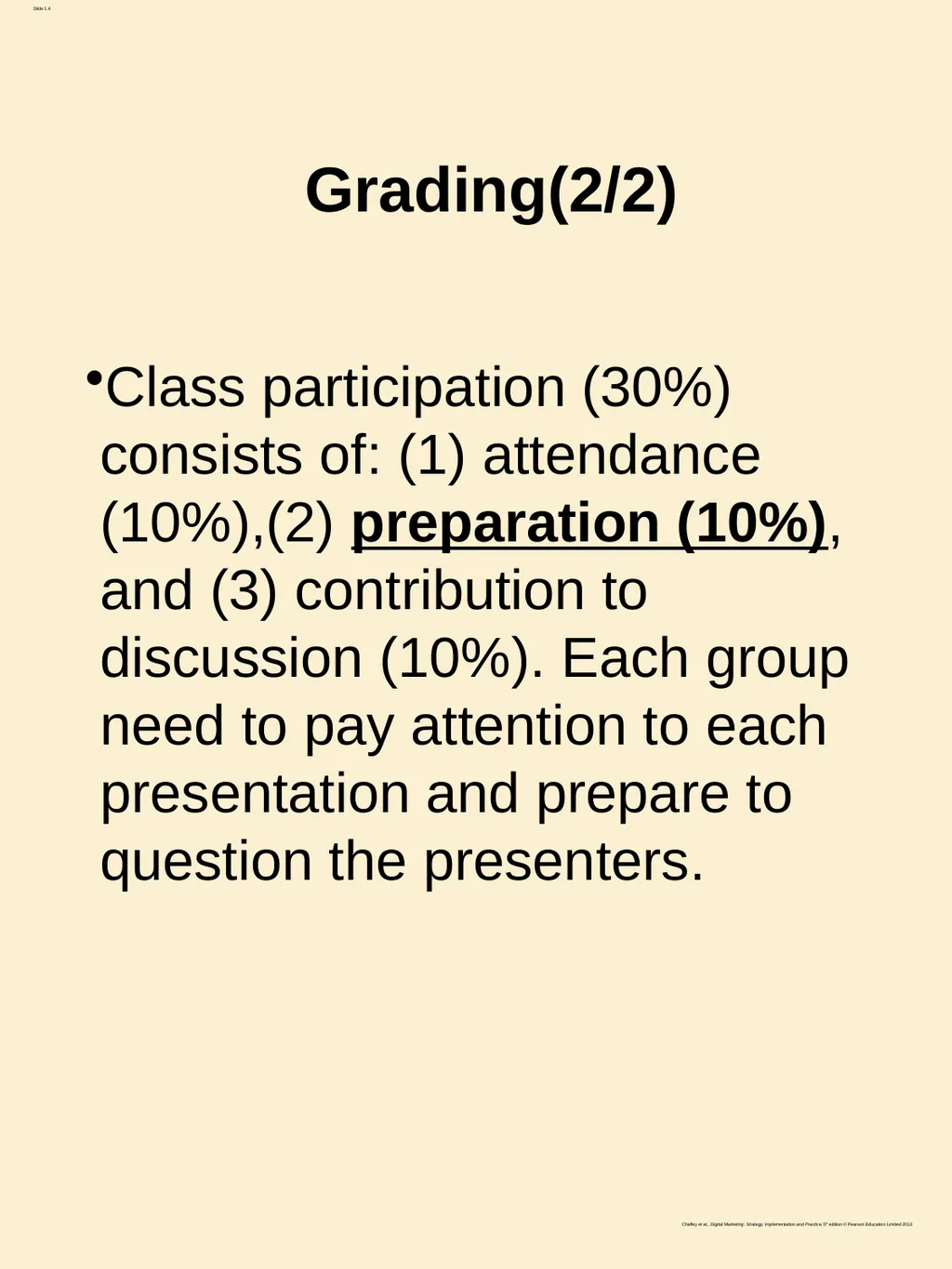
Grading(2/2) Class participation (30%) consists of: (1) attendance (10%),(2) preparation (10%), and (3) contribution to discussion (10%). Each group need to pay attention to each presentation and prepare to question the presenters.<br>
05
The Final Assignment: Marketing Strategies proposal Each group need to utilize Google Analytics to analyze the data and present your marketing strategies to increase the profit of the company.
The presenting group need to upload your PPT to Class Facebook. For example, if you are going to present on 3/24, your PPT need to be upload by 3/17
The responsibilities of the other groups is to challenge the arguments made by the presenting group. The group that fails to provide satisfying answers is subject to penalty.<br>
06
Marketing Strategies proposal in details Based on lessons from GA for power uses, please propose marketing strategies to improve the profit of an online retailer. Your proposal should comprise three parts: problems identification, problems solving strategies and the conclusions. The following questions may provide some clues for your proposal.
1. Based on the data collected from GA, describe the current problems with this online retailer? For example,
A low converting rate
Ineffective traffic sources
Channels with low actionability rates
Ineffective email campaigns
Low site engagement rate
Outdated KPIs.
Low product purchases rate
High drop out rates during checkout process.
2. What changes do you propose to solve the current problems?
How do you plan to increase your converting rate
To Improve site engagement
To customize your channels to increase actionability
To make your email campaign more effective
To drive more product purchases?
To reduce the number of customers dropping out of your checkout process
3. Conclusions
Q & A (5 to 7 minutes ); Each group is required to ask at least two questions.
Approximate time for your presentation 25 – 30 minutes<br>
07
I. Google Analytics for Beginners Google Analytics for Beginners shows new users how to create an account, implement tracking code, and set up data filters.
You'll learn how to navigate the Google Analytics interface and reports, and set up dashboards and shortcuts.
The course will also demonstrate how to analyze basic Audience, Acquisition, and Behavior reports, and set up goals and campaign tracking. 7<br>
08
I. Google Analytics for Beginners Unit 1: Introducing Google Analytics
Lesson 1: Why digital analytics?
Lesson 2: How Google Analytics works
Lesson 3: Google Analytics setup
Lesson 4: How to set up views with filters
Unit 2: The Google Analytics Interface
Lesson 1: Navigating Google Analytics
Lesson 2: Understanding overview reports
Lesson 3: Understanding full reports
Lesson 4: How to share reports
Lesson 5: How to set up dashboards and shortcuts 8<br>
09
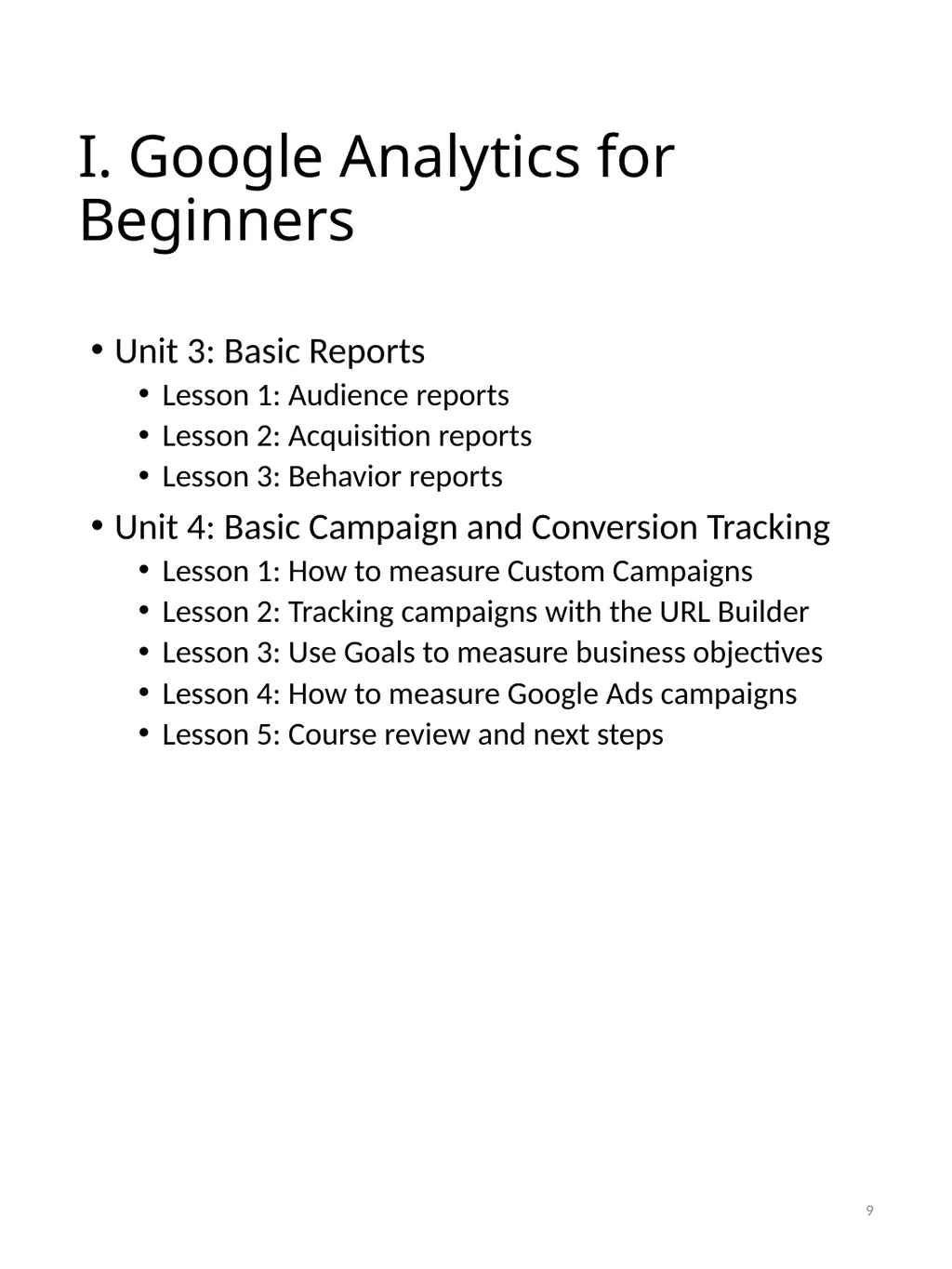
I. Google Analytics for Beginners Unit 3: Basic Reports
Lesson 1: Audience reports
Lesson 2: Acquisition reports
Lesson 3: Behavior reports
Unit 4: Basic Campaign and Conversion Tracking
Lesson 1: How to measure Custom Campaigns
Lesson 2: Tracking campaigns with the URL Builder
Lesson 3: Use Goals to measure business objectives
Lesson 4: How to measure Google Ads campaigns
Lesson 5: Course review and next steps 9<br>
10
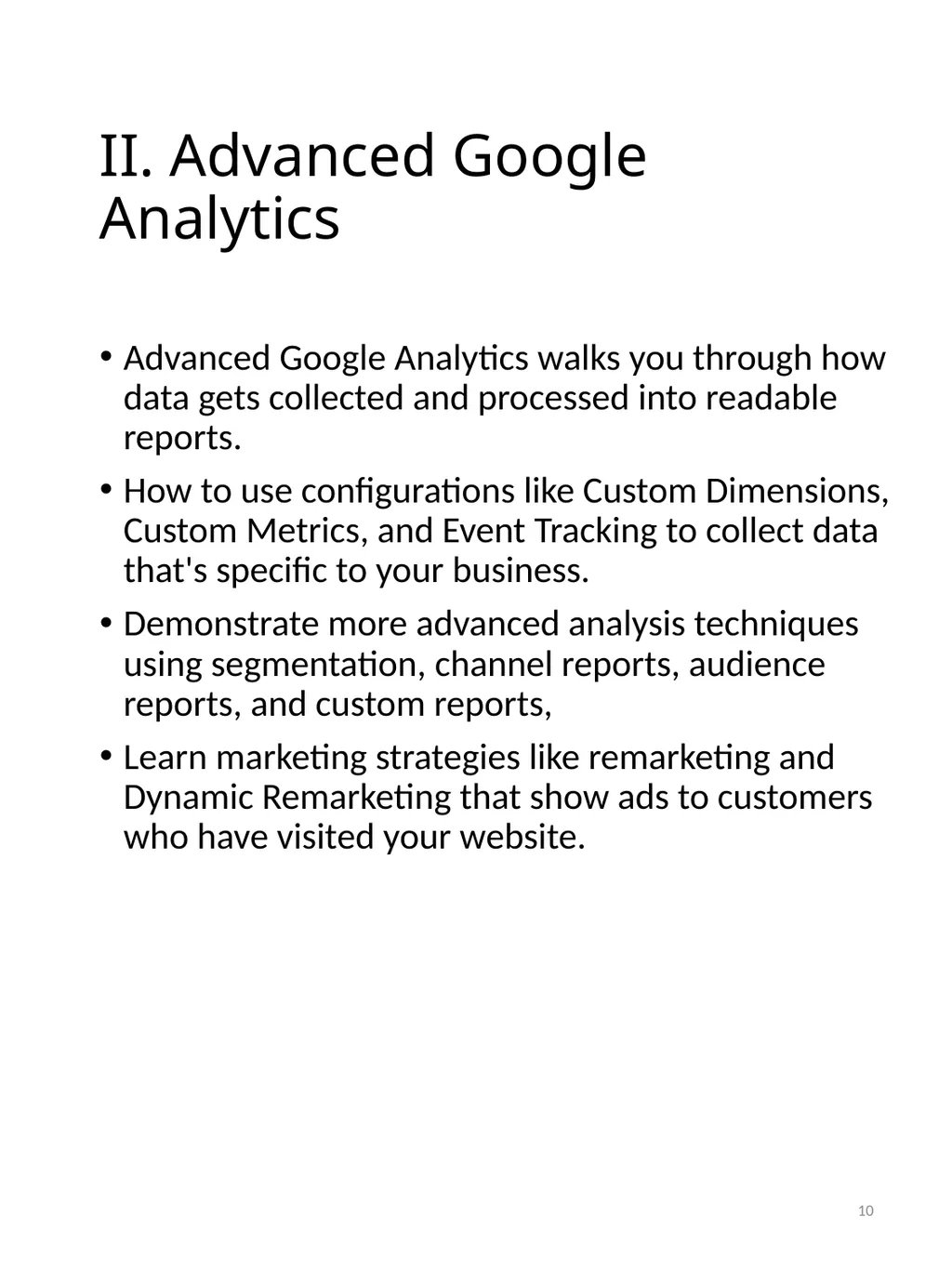
II. Advanced Google Analytics Advanced Google Analytics walks you through how data gets collected and processed into readable reports.
How to use configurations like Custom Dimensions, Custom Metrics, and Event Tracking to collect data that's specific to your business.
Demonstrate more advanced analysis techniques using segmentation, channel reports, audience reports, and custom reports,
Learn marketing strategies like remarketing and Dynamic Remarketing that show ads to customers who have visited your website. 10<br>
11
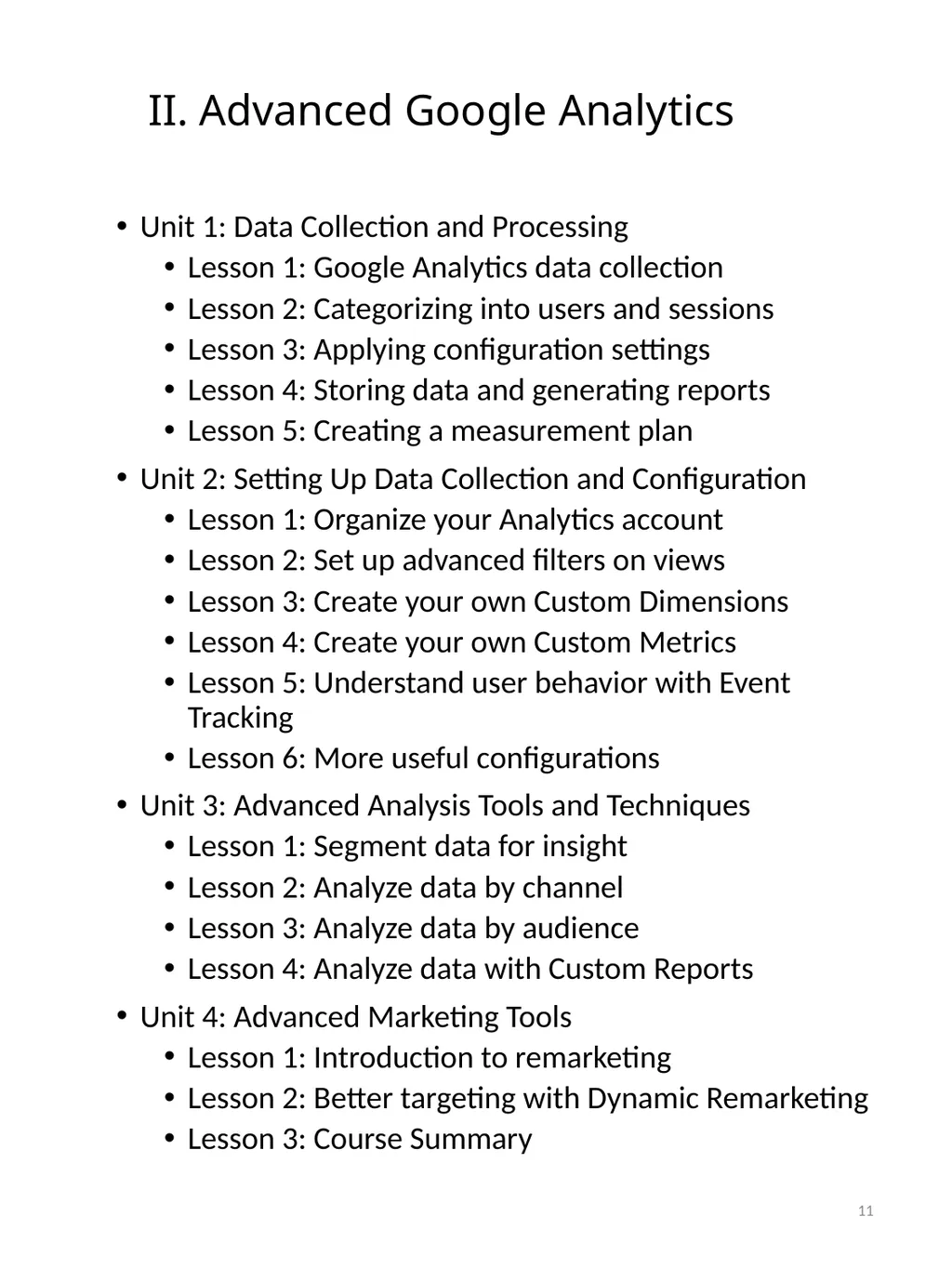
II. Advanced Google Analytics Unit 1: Data Collection and Processing
Lesson 1: Google Analytics data collection
Lesson 2: Categorizing into users and sessions
Lesson 3: Applying configuration settings
Lesson 4: Storing data and generating reports
Lesson 5: Creating a measurement plan
Unit 2: Setting Up Data Collection and Configuration
Lesson 1: Organize your Analytics account
Lesson 2: Set up advanced filters on views
Lesson 3: Create your own Custom Dimensions
Lesson 4: Create your own Custom Metrics
Lesson 5: Understand user behavior with Event Tracking
Lesson 6: More useful configurations
Unit 3: Advanced Analysis Tools and Techniques
Lesson 1: Segment data for insight
Lesson 2: Analyze data by channel
Lesson 3: Analyze data by audience
Lesson 4: Analyze data with Custom Reports
Unit 4: Advanced Marketing Tools
Lesson 1: Introduction to remarketing
Lesson 2: Better targeting with Dynamic Remarketing
Lesson 3: Course Summary 11<br>
12
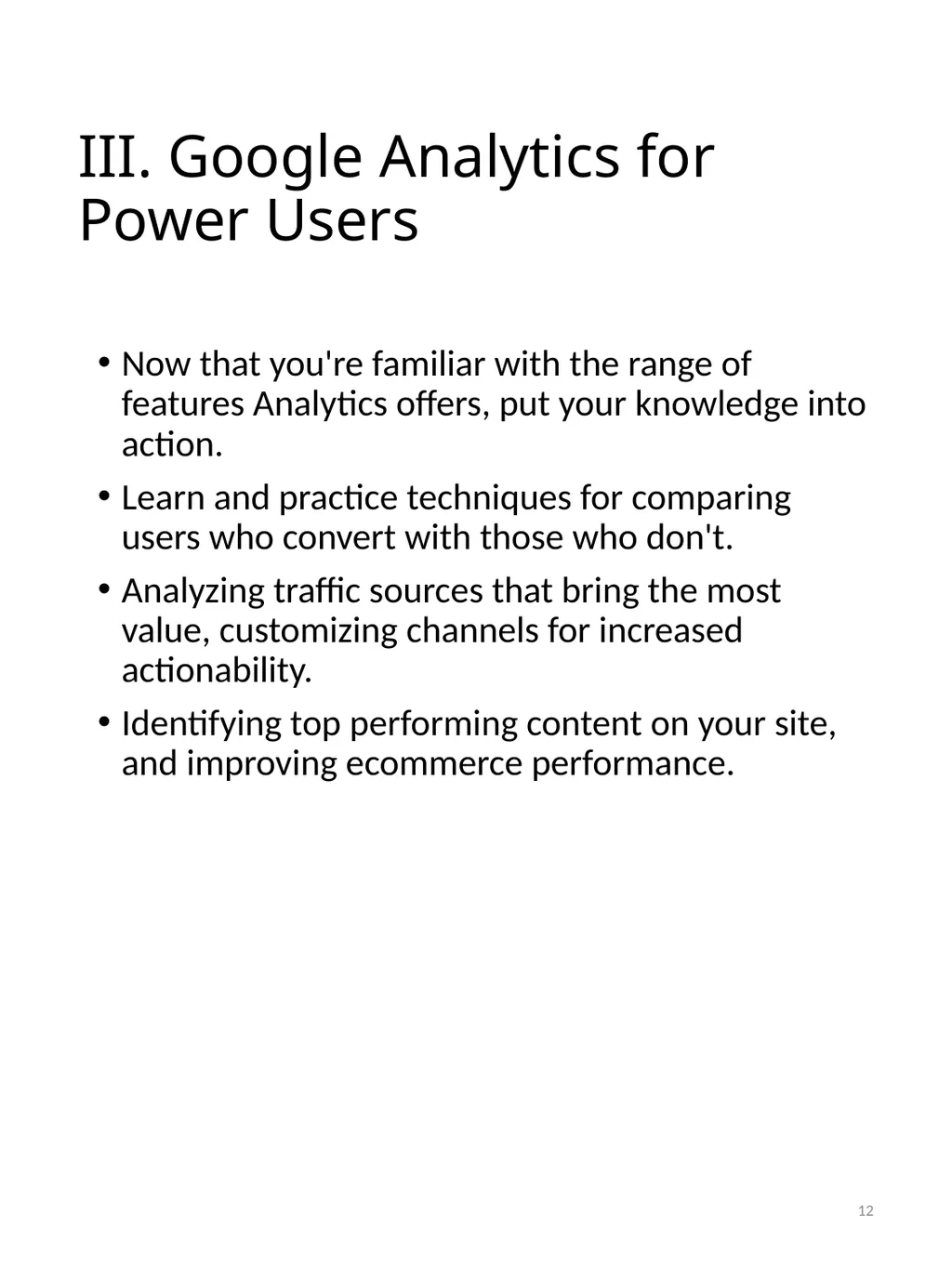
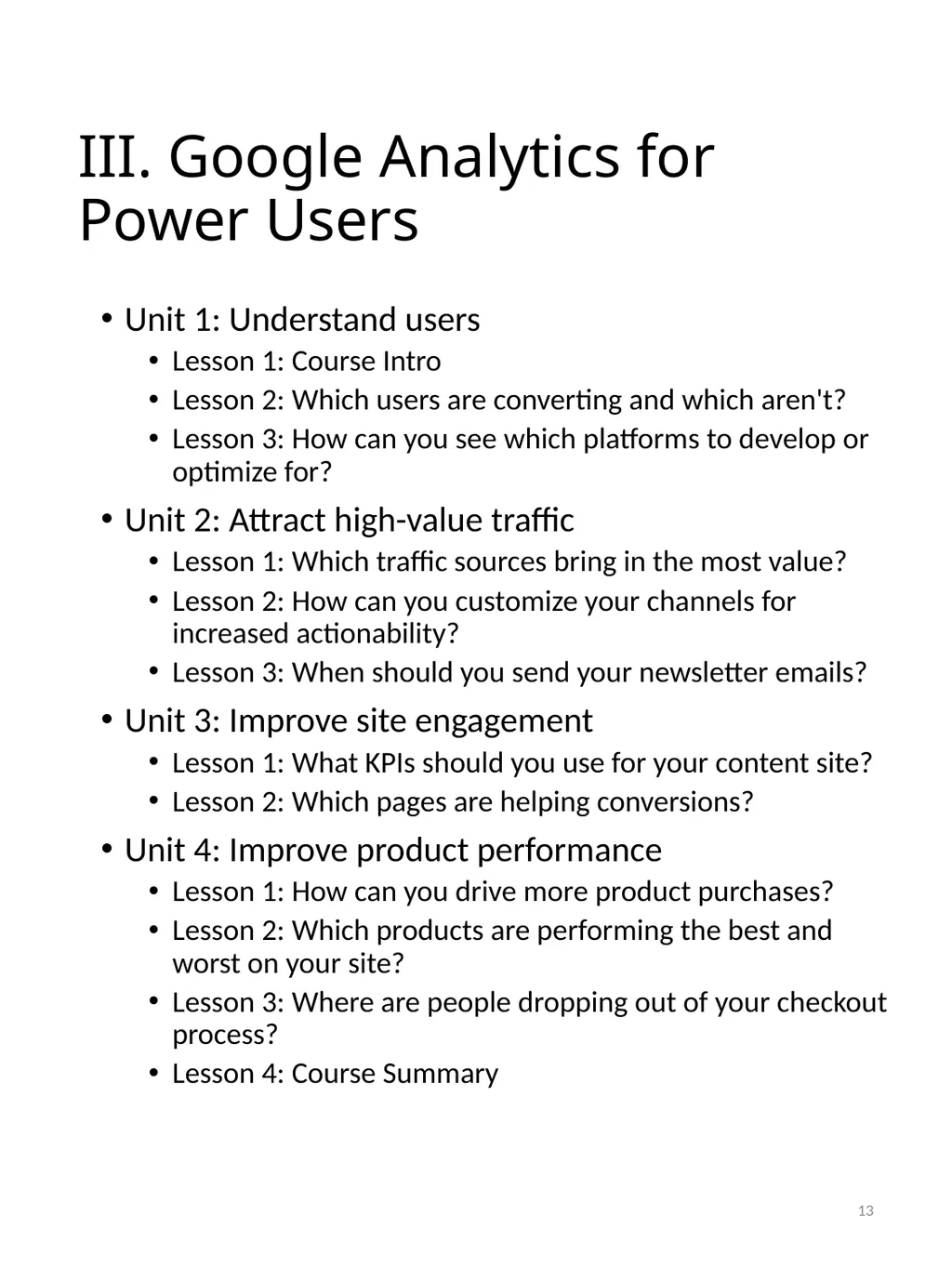
III. Google Analytics for Power Users Now that you're familiar with the range of features Analytics offers, put your knowledge into action.
Learn and practice techniques for comparing users who convert with those who don't.
Analyzing traffic sources that bring the most value, customizing channels for increased actionability.
Identifying top performing content on your site, and improving ecommerce performance. 12<br>
13
III. Google Analytics for Power Users Unit 1: Understand users
Lesson 1: Course Intro
Lesson 2: Which users are converting and which aren't?
Lesson 3: How can you see which platforms to develop or optimize for?
Unit 2: Attract high-value traffic
Lesson 1: Which traffic sources bring in the most value?
Lesson 2: How can you customize your channels for increased actionability?
Lesson 3: When should you send your newsletter emails?
Unit 3: Improve site engagement
Lesson 1: What KPIs should you use for your content site?
Lesson 2: Which pages are helping conversions?
Unit 4: Improve product performance
Lesson 1: How can you drive more product purchases?
Lesson 2: Which products are performing the best and worst on your site?
Lesson 3: Where are people dropping out of your checkout process?
Lesson 4: Course Summary 13<br>
14
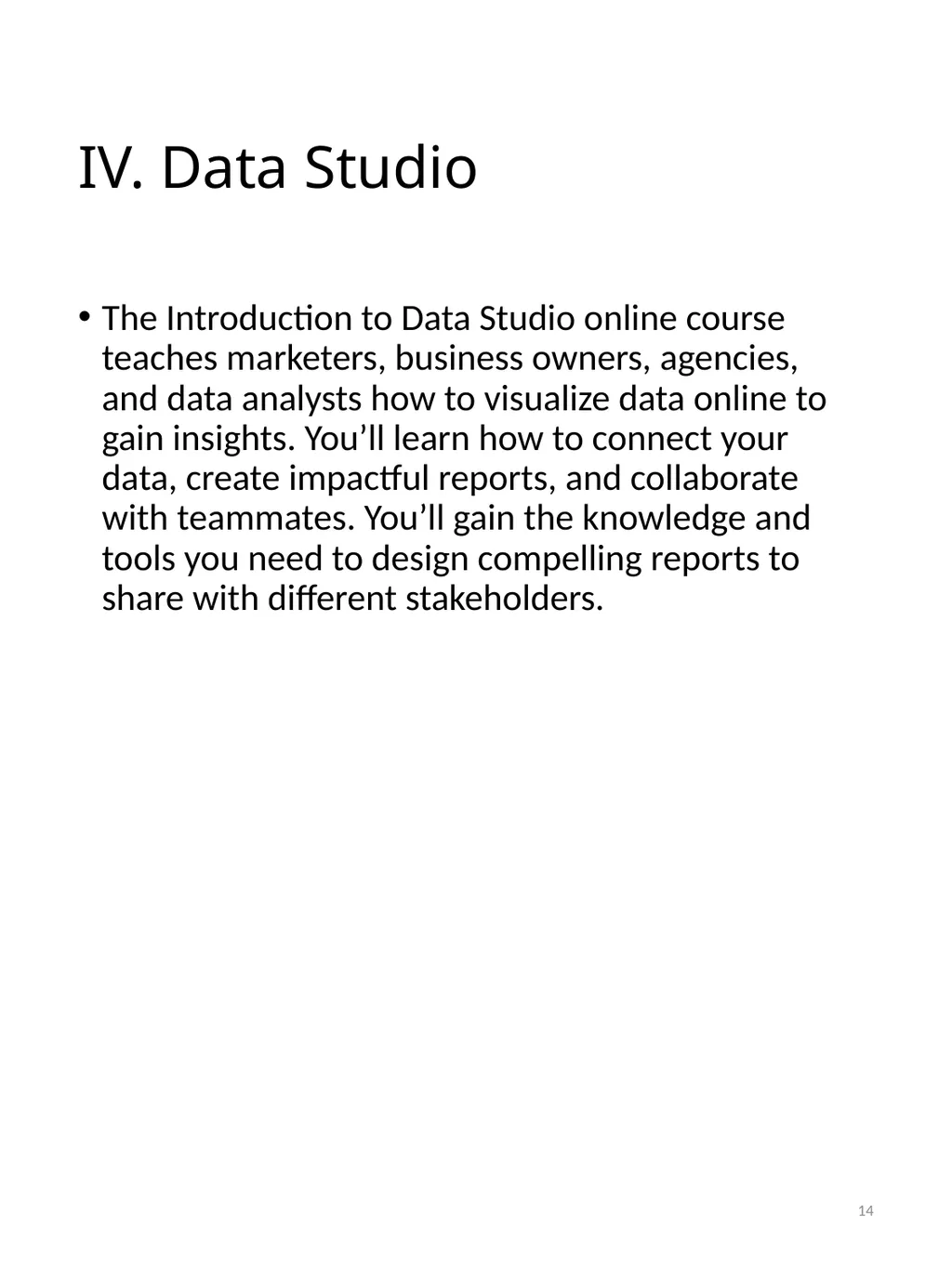
IV. Data Studio The Introduction to Data Studio online course teaches marketers, business owners, agencies, and data analysts how to visualize data online to gain insights. You’ll learn how to connect your data, create impactful reports, and collaborate with teammates. You’ll gain the knowledge and tools you need to design compelling reports to share with different stakeholders. 14<br>
15
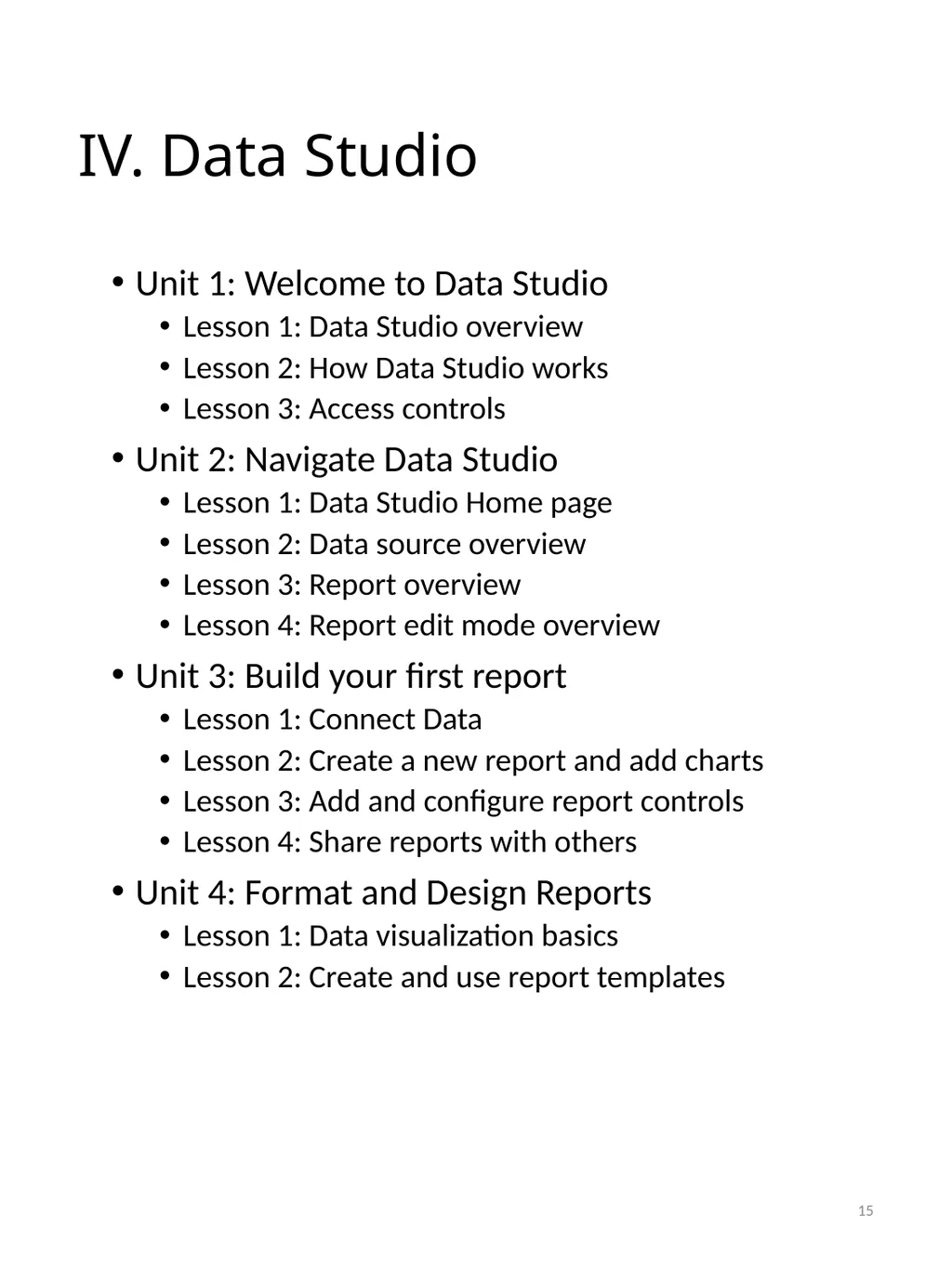
IV. Data Studio Unit 1: Welcome to Data Studio
Lesson 1: Data Studio overview
Lesson 2: How Data Studio works
Lesson 3: Access controls
Unit 2: Navigate Data Studio
Lesson 1: Data Studio Home page
Lesson 2: Data source overview
Lesson 3: Report overview
Lesson 4: Report edit mode overview
Unit 3: Build your first report
Lesson 1: Connect Data
Lesson 2: Create a new report and add charts
Lesson 3: Add and configure report controls
Lesson 4: Share reports with others
Unit 4: Format and Design Reports
Lesson 1: Data visualization basics
Lesson 2: Create and use report templates 15<br>