TCP Performance and Diagnostics: Optimizing for High Performance Networks Chris Rapier Pittsburgh Supercomputing Center rapierpsc.edu CANS 16 September 2014 The Scientific Workflow and HPNs Collaboration requires optimized reliable
"TCP Performance and Diagnostics: Optimizing for" is the property of its rightful owner. Permission is granted to
download and print the materials on this website for personal, non-commercial use only, and to display it
on your personal computer provided you do not modify the materials and that you retain all copyright
notices contained in the materials. By downloading content from our website, you accept the terms of this
agreement.
Presentation Transcript
01
TCP Performance and Diagnostics: Optimizing for High Performance Networks Chris Rapier
Pittsburgh Supercomputing Center rapier@psc.edu CANS
16 September 2014<br>
02
The Scientific Workflow and HPNs Collaboration requires optimized reliable networks
The scientific work flow often depends on the transfer of massive data sets
E.g. 1000 Genomes Public Data set is 232TB
Data sets will continue to grow in size
Transferring those data sets to and from compute nodes is critical
Failures in the network can delay the workflow by days if not longer<br>
03
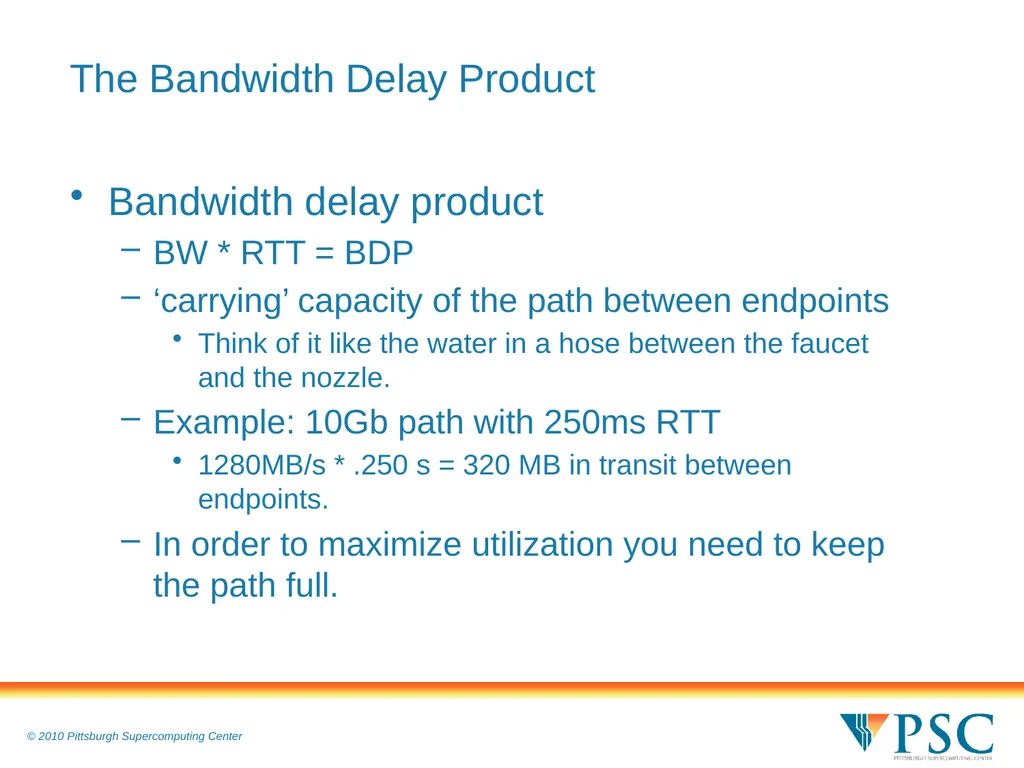
The Bandwidth Delay Product Bandwidth delay product
BW * RTT = BDP
‘carrying’ capacity of the path between endpoints
Think of it like the water in a hose between the faucet and the nozzle.
Example: 10Gb path with 250ms RTT
1280MB/s * .250 s = 320 MB in transit between endpoints.
In order to maximize utilization you need to keep the path full.<br>
04
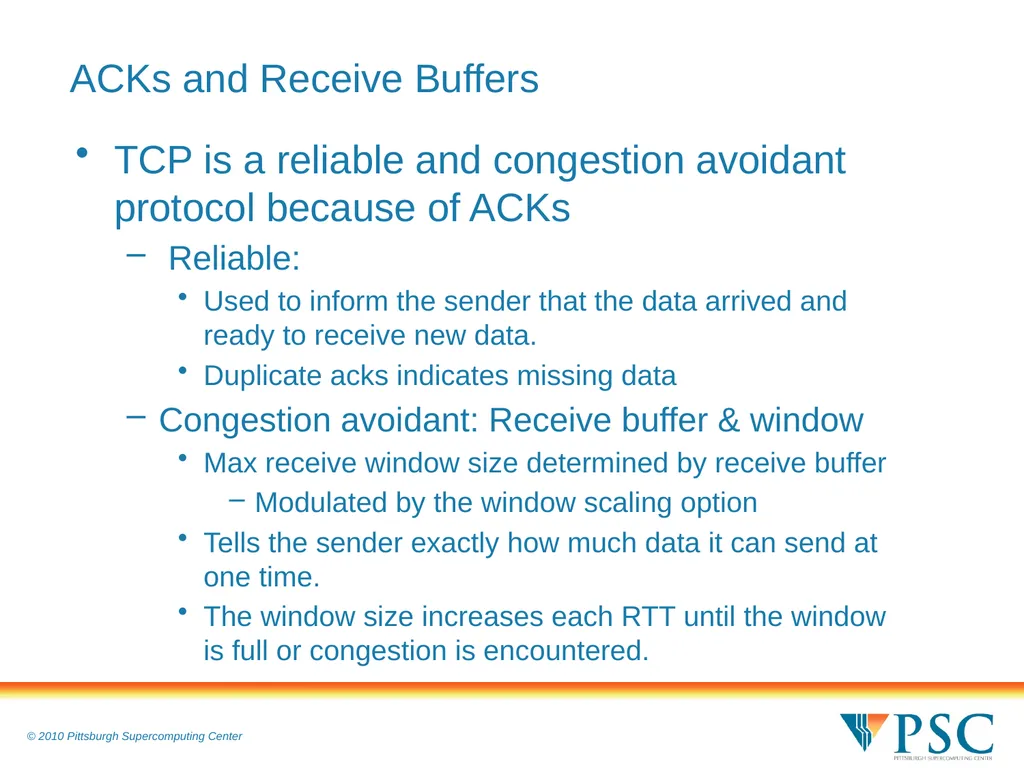
ACKs and Receive Buffers TCP is a reliable and congestion avoidant protocol because of ACKs
Reliable:
Used to inform the sender that the data arrived and ready to receive new data.
Duplicate acks indicates missing data
Congestion avoidant: Receive buffer & window
Max receive window size determined by receive buffer
Modulated by the window scaling option
Tells the sender exactly how much data it can send at one time.
The window size increases each RTT until the window is full or congestion is encountered.<br>
05
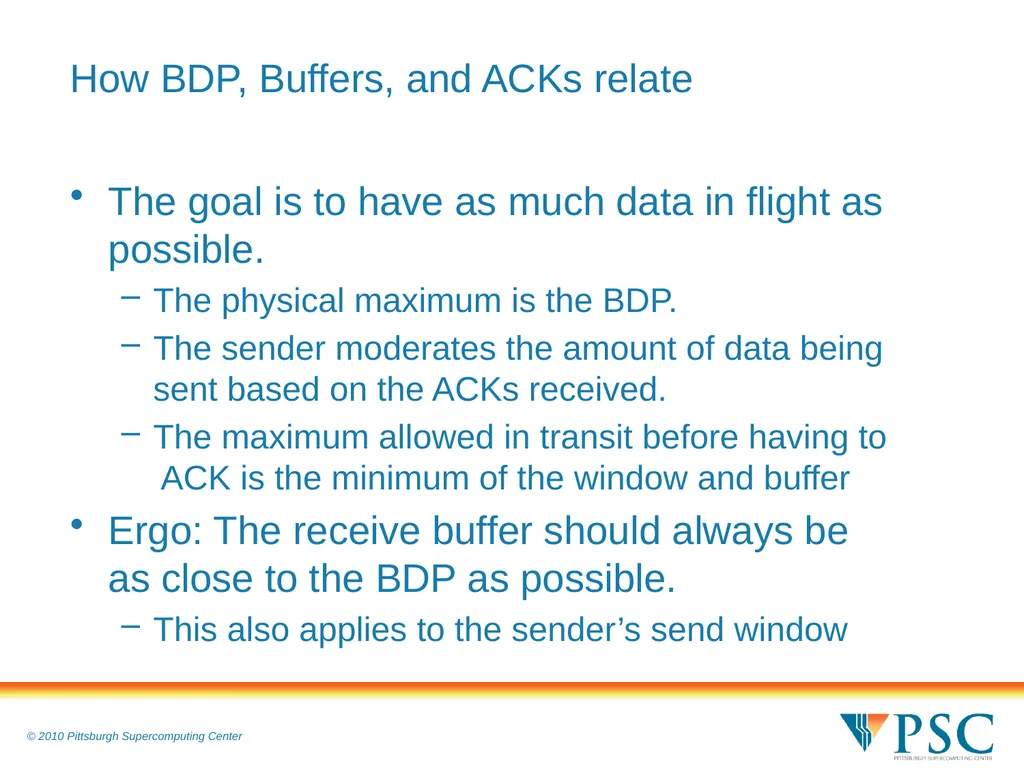
How BDP, Buffers, and ACKs relate The goal is to have as much data in flight as possible.
The physical maximum is the BDP.
The sender moderates the amount of data being sent based on the ACKs received.
The maximum allowed in transit before having to ACK is the minimum of the window and buffer
Ergo: The receive buffer should always be as close to the BDP as possible.
This also applies to the sender’s send window<br>
06
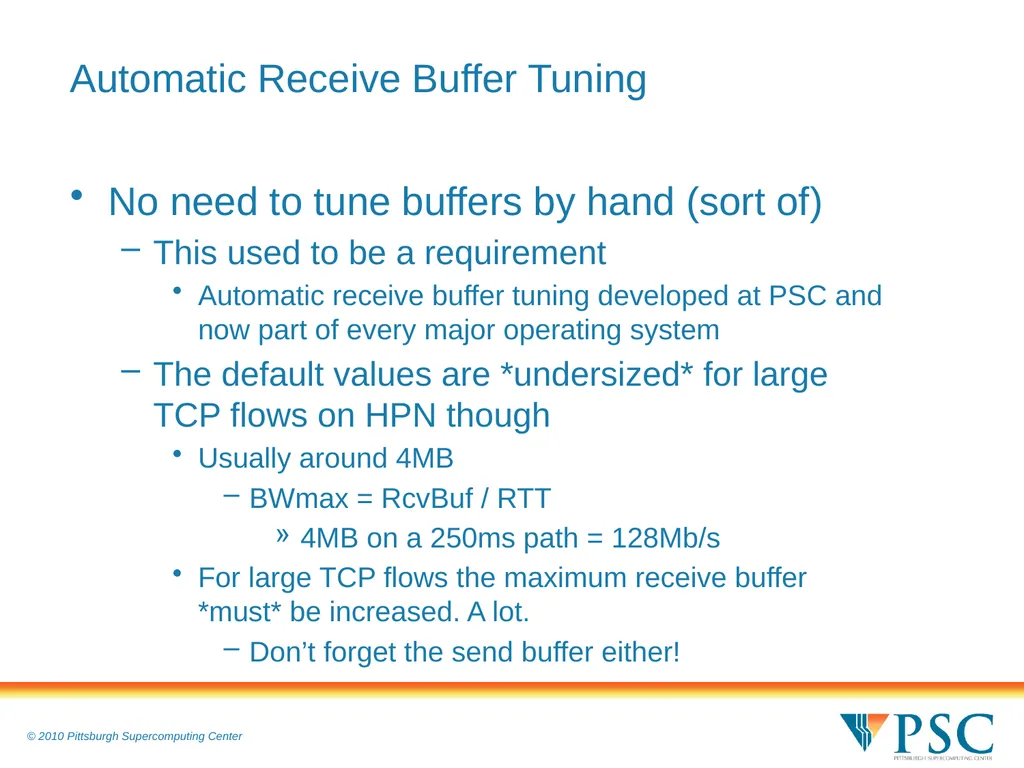
Automatic Receive Buffer Tuning No need to tune buffers by hand (sort of)
This used to be a requirement
Automatic receive buffer tuning developed at PSC and now part of every major operating system
The default values are *undersized* for large TCP flows on HPN though
Usually around 4MB
BWmax = RcvBuf / RTT
4MB on a 250ms path = 128Mb/s
For large TCP flows the maximum receive buffer *must* be increased. A lot.
Don’t forget the send buffer either!<br>
07
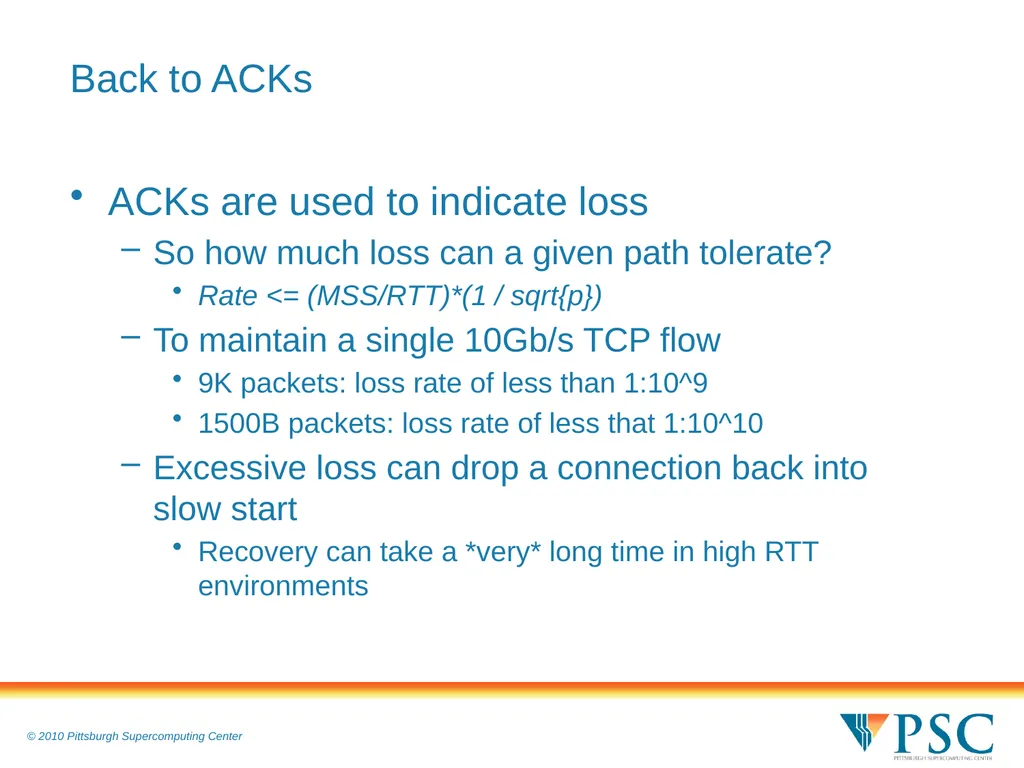
Back to ACKs ACKs are used to indicate loss
So how much loss can a given path tolerate?
Rate <= (MSS/RTT)*(1 / sqrt{p})
To maintain a single 10Gb/s TCP flow
9K packets: loss rate of less than 1:10^9
1500B packets: loss rate of less that 1:10^10
Excessive loss can drop a connection back into slow start
Recovery can take a *very* long time in high RTT environments<br>
08
How to avoid loss You can’t. Loss is unavoidable.
You can learn to live with it though
More advanced congestion control algorithms make a difference
Stop using Reno (especially if you have older installations)
Default for Linux is now CUBIC
Other algorithms may be more effective (HTCP, Fast TCP, etc) so be sure to test them on your network.
If using Linux update your kernel
Proportional Rate Reduction ensures the window size is set as close as possible to SSThresh after loss. In a lossy network PRR provides a 10% improvement in average latency and recovery timeout reduced by 5%. That’s a win.<br>
09
Other Options Don’t use a single high bandwidth stream
Multiple parallel streams provide insurance against loss without extreme tuning
A 1Gb/s connection is roughly 100 times less sensitive to loss.
In the event of loss recovery is significantly faster
Use alternative protocols
UDP-based Data Transfer Protocol
A reliable UDP protocol designed for use in high performance environments.
Optional in GridFTP<br>
10
The Impact of IPv6 on Performance IPv6 is part of the HPN environment
Fortunately, it should have little impact on network performance:
Assuming that your average packet size is more than 256 bytes.
IPv6 increases the header size to 60 bytes. In a 9k packet this is 0.66% of the datagram as opposed to 4% in IPv4.
As packet sizes decrease it has more impact but not until the 256 byte threshold.
And that the path is IPv6 end to end
And, of course, application performance is dependent on the underlying code.
Mostly a DNS issue though
NB: It doesn’t fix any of the problems with TCP<br>
11
Infrastructure Considerations Firewalls, Deep Packet Inspection, and other middleboxes can destroy performance
Use a Science DMZ if at all possible
You have to know what is happening
Not just in your network but along the path as a whole
Internal: SNMP, NetFlow, logs, Web10G
External: perfSonar is a key tool
limited to synthetic benchmarks within the infrastructure<br>
12
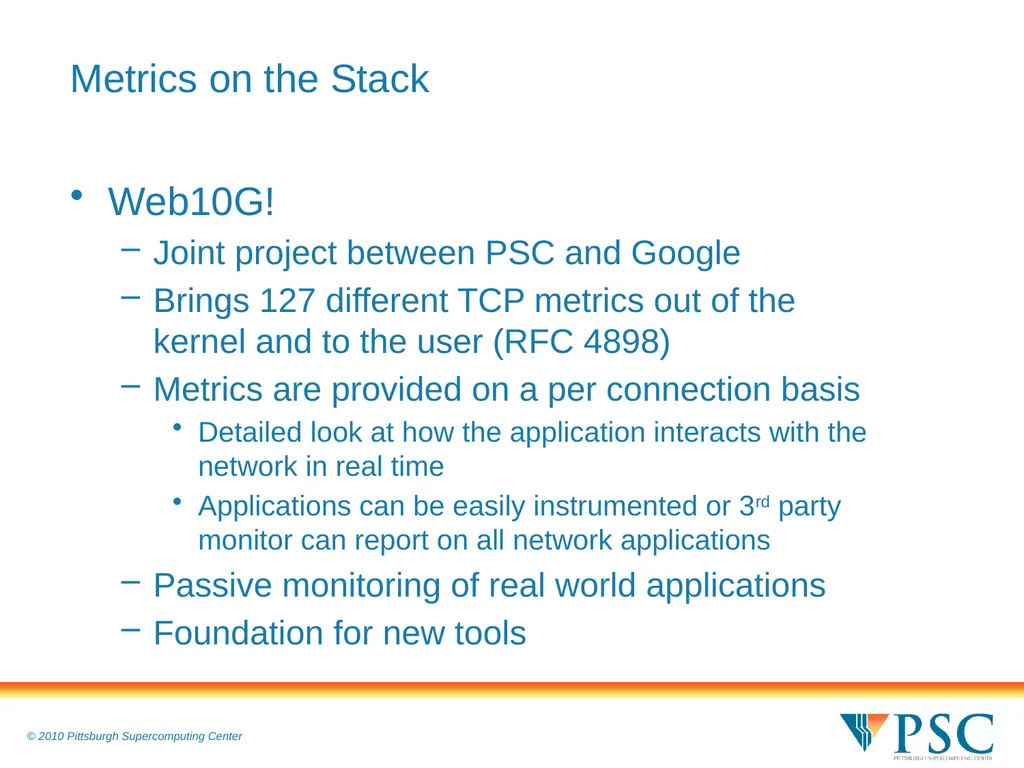
Metrics on the Stack Web10G!
Joint project between PSC and Google
Brings 127 different TCP metrics out of the kernel and to the user (RFC 4898)
Metrics are provided on a per connection basis
Detailed look at how the application interacts with the network in real time
Applications can be easily instrumented or 3rd party monitor can report on all network applications
Passive monitoring of real world applications
Foundation for new tools<br>
13
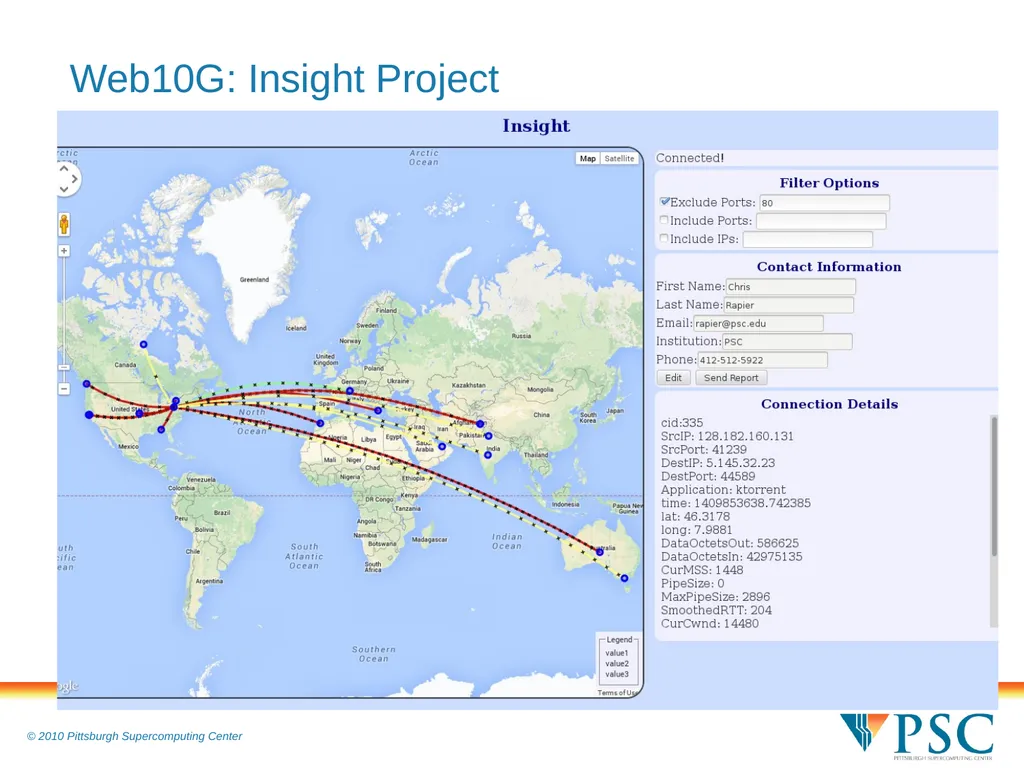
Web10G: Insight Project<br>
14
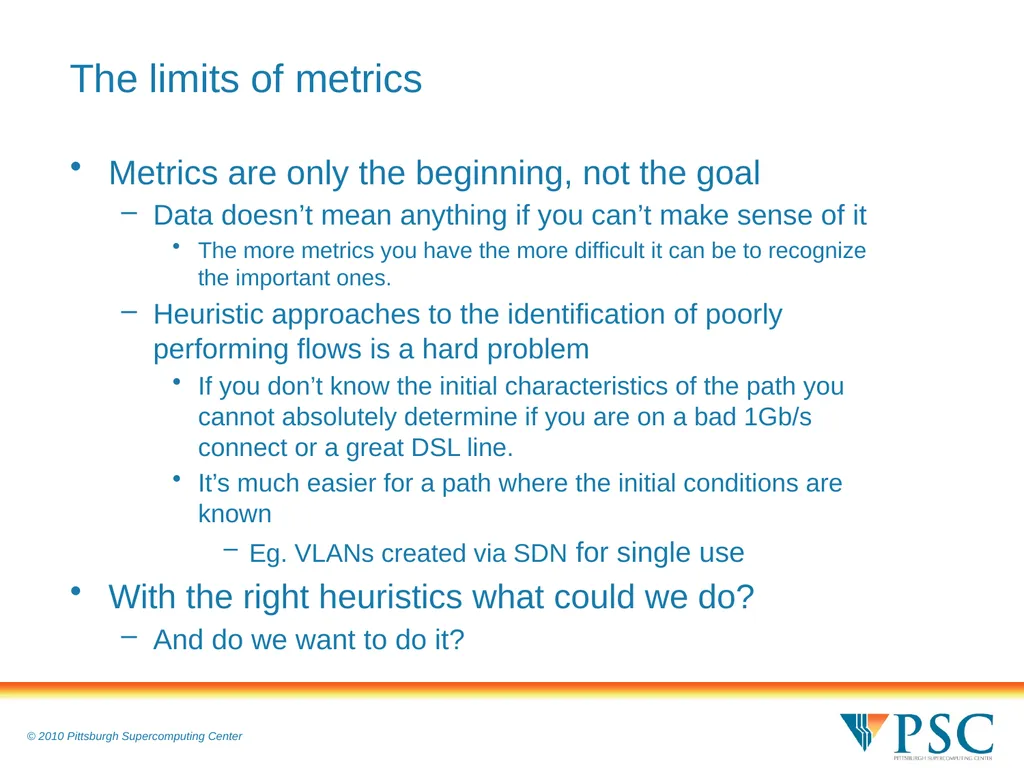
The limits of metrics Metrics are only the beginning, not the goal
Data doesn’t mean anything if you can’t make sense of it
The more metrics you have the more difficult it can be to recognize the important ones.
Heuristic approaches to the identification of poorly performing flows is a hard problem
If you don’t know the initial characteristics of the path you cannot absolutely determine if you are on a bad 1Gb/s connect or a great DSL line.
It’s much easier for a path where the initial conditions are known
Eg. VLANs created via SDN for single use
With the right heuristics what could we do?
And do we want to do it?<br>
15
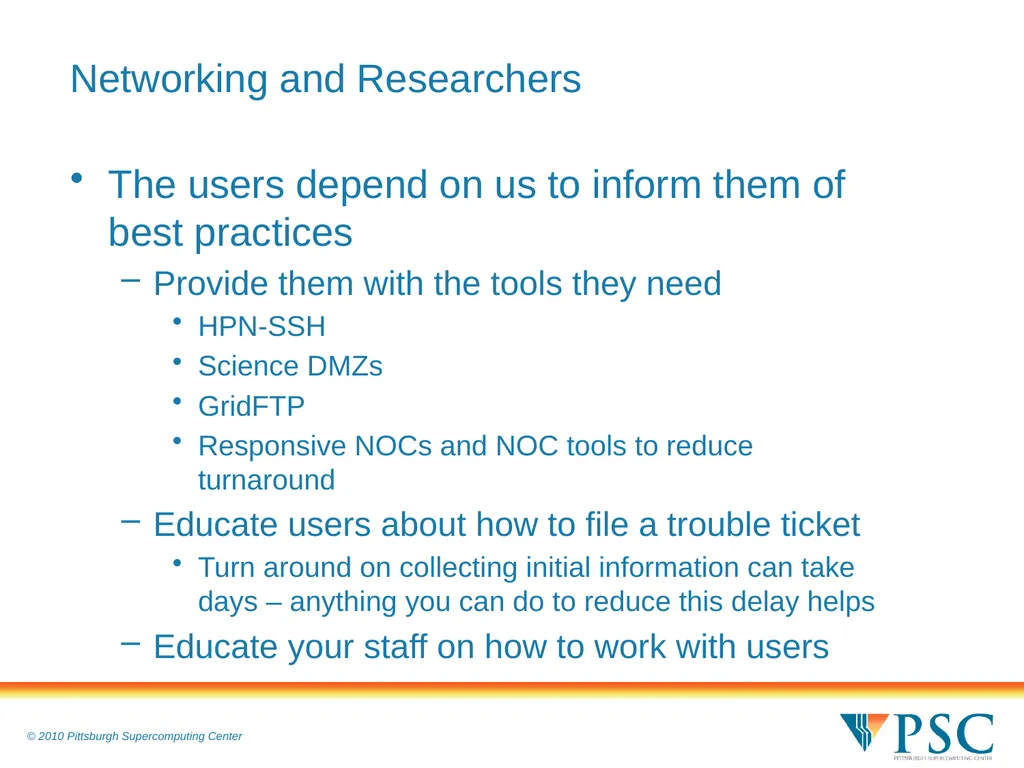
Networking and Researchers The users depend on us to inform them of best practices
Provide them with the tools they need
HPN-SSH
Science DMZs
GridFTP
Responsive NOCs and NOC tools to reduce turnaround
Educate users about how to file a trouble ticket
Turn around on collecting initial information can take days – anything you can do to reduce this delay helps
Educate your staff on how to work with users<br>
16
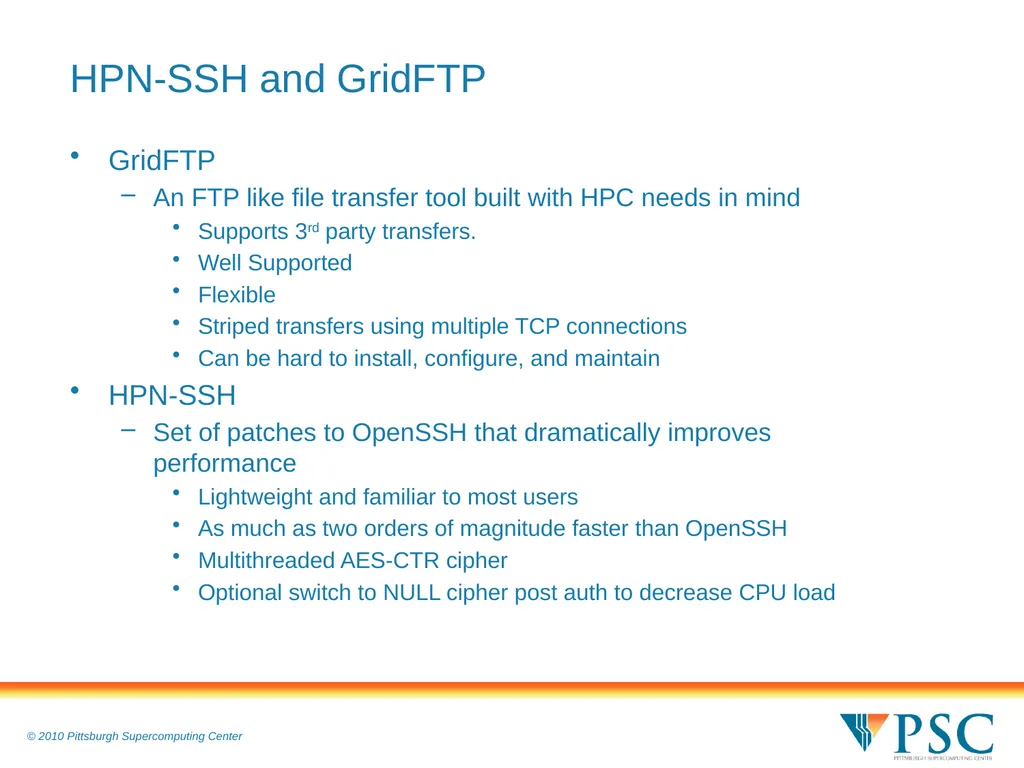
HPN-SSH and GridFTP GridFTP
An FTP like file transfer tool built with HPC needs in mind
Supports 3rd party transfers.
Well Supported
Flexible
Striped transfers using multiple TCP connections
Can be hard to install, configure, and maintain
HPN-SSH
Set of patches to OpenSSH that dramatically improves performance
Lightweight and familiar to most users
As much as two orders of magnitude faster than OpenSSH
Multithreaded AES-CTR cipher
Optional switch to NULL cipher post auth to decrease CPU load<br>
17
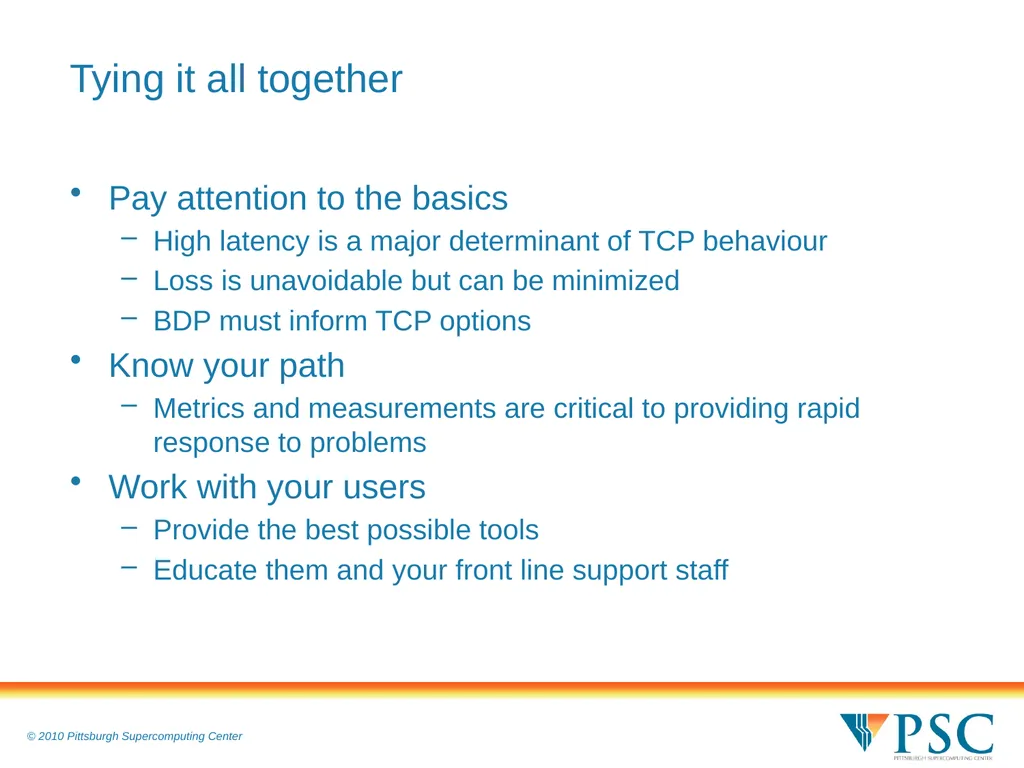
Tying it all together Pay attention to the basics
High latency is a major determinant of TCP behaviour
Loss is unavoidable but can be minimized
BDP must inform TCP options
Know your path
Metrics and measurements are critical to providing rapid response to problems
Work with your users
Provide the best possible tools
Educate them and your front line support staff<br>