
Teaching online relationships (primary), online
PC
Published · 104 slides · 0 views

1 / 1
Description
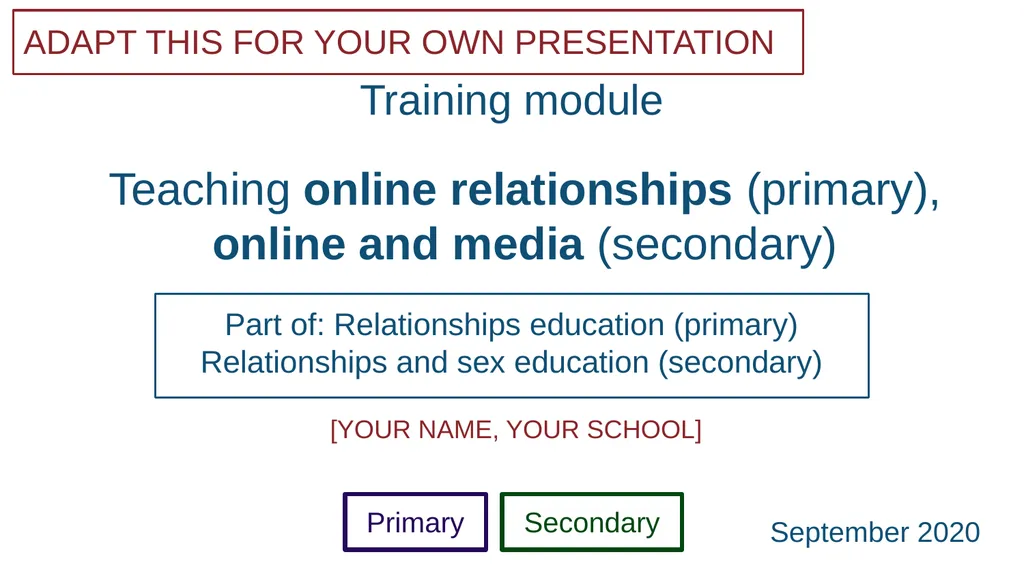
Teaching online relationships (primary), online and media (secondary) ADAPT THIS FOR YOUR OWN PRESENTATION Training module Part of: Relationships education (primary) Relationships and sex education (secondary) YOUR NAME, YOUR SCHOOL
Related Topics
Share
Embed code
Download this presentation From Below
"Teaching online relationships (primary), online" is the property of its rightful owner. Permission is granted to download and print the materials on this website for personal, non-commercial use only, and to display it on your personal computer provided you do not modify the materials and that you retain all copyright notices contained in the materials. By downloading content from our website, you accept the terms of this agreement.
Presentation Transcript
01
Teaching online relationships (primary), online and media (secondary) ADAPT THIS FOR YOUR OWN PRESENTATION Training module Part of: Relationships education (primary)
Relationships and sex education (secondary) [YOUR NAME, YOUR SCHOOL] Primary Secondary September 2020<br>
02
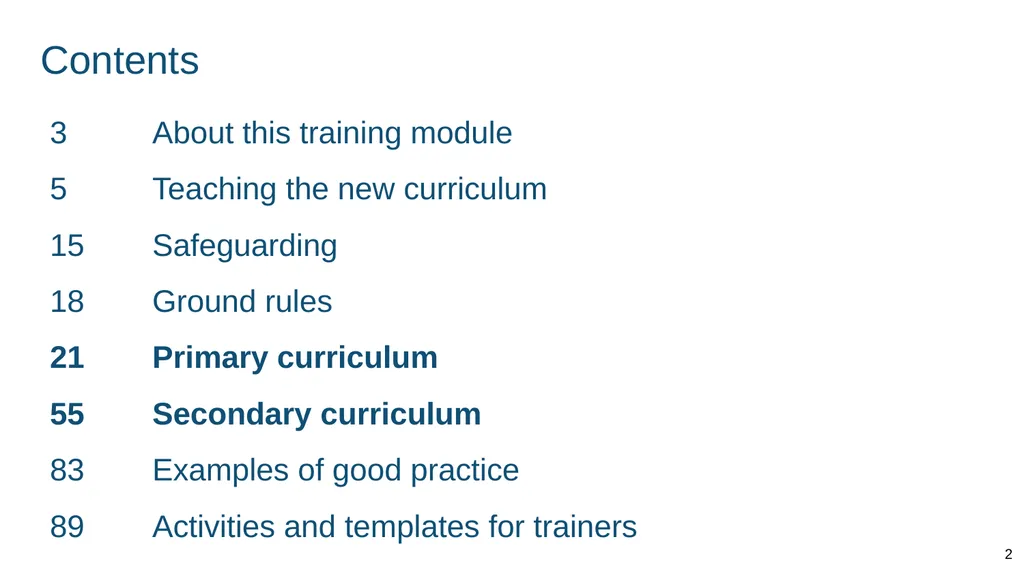
Contents 2 3 About this training module
5 Teaching the new curriculum
15 Safeguarding
18 Ground rules
21 Primary curriculum
55 Secondary curriculum
83 Examples of good practice
89 Activities and templates for trainers<br>
5 Teaching the new curriculum
15 Safeguarding
18 Ground rules
21 Primary curriculum
55 Secondary curriculum
83 Examples of good practice
89 Activities and templates for trainers<br>
03
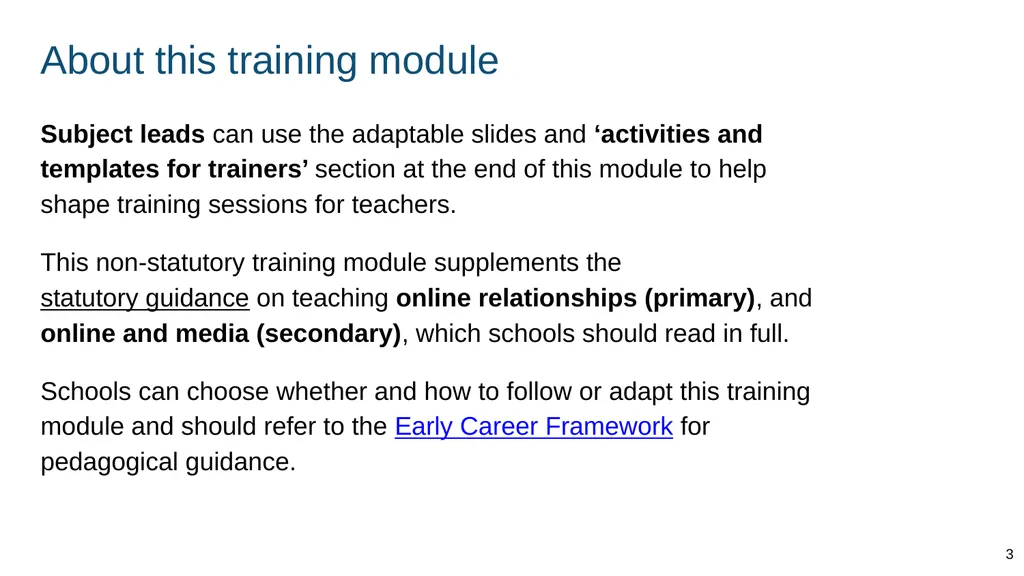
About this training module Subject leads can use the adaptable slides and ‘activities and templates for trainers’ section at the end of this module to help shape training sessions for teachers.
This non-statutory training module supplements the statutory guidance on teaching online relationships (primary), and online and media (secondary), which schools should read in full.
Schools can choose whether and how to follow or adapt this training module and should refer to the Early Career Framework for pedagogical guidance. 3<br>
This non-statutory training module supplements the statutory guidance on teaching online relationships (primary), and online and media (secondary), which schools should read in full.
Schools can choose whether and how to follow or adapt this training module and should refer to the Early Career Framework for pedagogical guidance. 3<br>
04
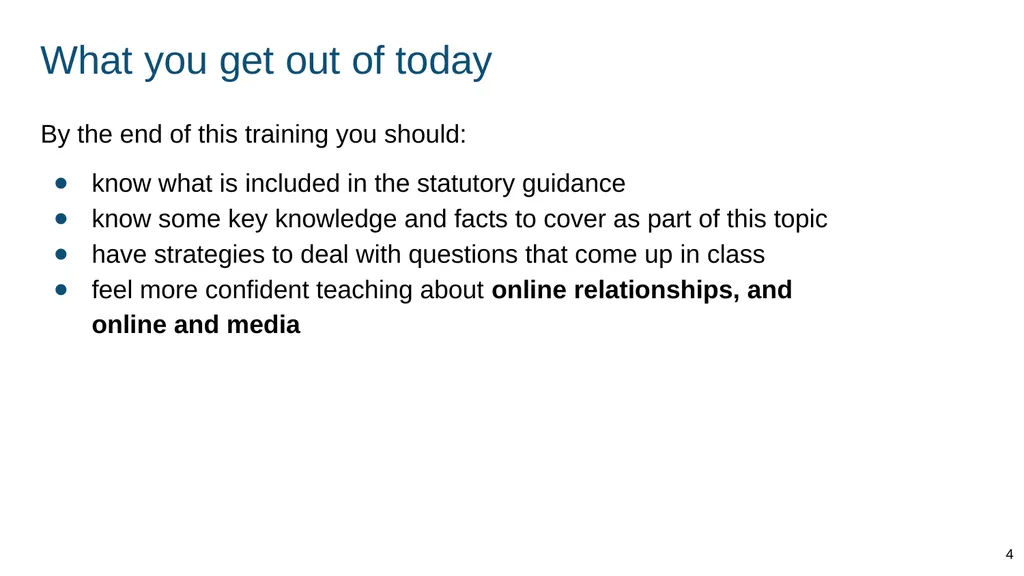
What you get out of today By the end of this training you should:
know what is included in the statutory guidance
know some key knowledge and facts to cover as part of this topic
have strategies to deal with questions that come up in class
feel more confident teaching about online relationships, and online and media 4<br>
know what is included in the statutory guidance
know some key knowledge and facts to cover as part of this topic
have strategies to deal with questions that come up in class
feel more confident teaching about online relationships, and online and media 4<br>
05
Teaching the new curriculum 5<br>
06
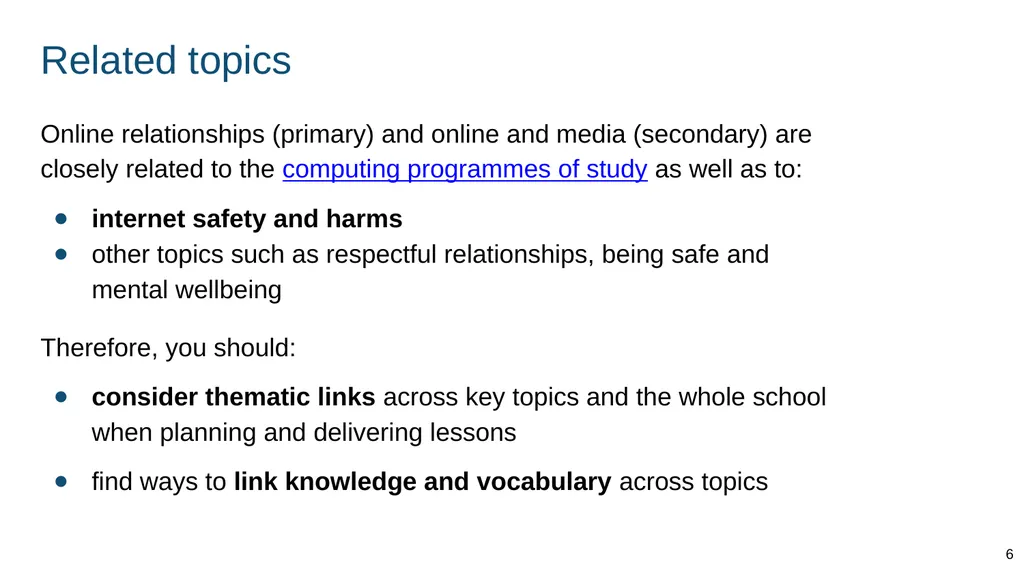
Related topics Online relationships (primary) and online and media (secondary) are closely related to the computing programmes of study as well as to:
internet safety and harms
other topics such as respectful relationships, being safe and mental wellbeing
Therefore, you should:
consider thematic links across key topics and the whole school when planning and delivering lessons
find ways to link knowledge and vocabulary across topics 6<br>
internet safety and harms
other topics such as respectful relationships, being safe and mental wellbeing
Therefore, you should:
consider thematic links across key topics and the whole school when planning and delivering lessons
find ways to link knowledge and vocabulary across topics 6<br>
07
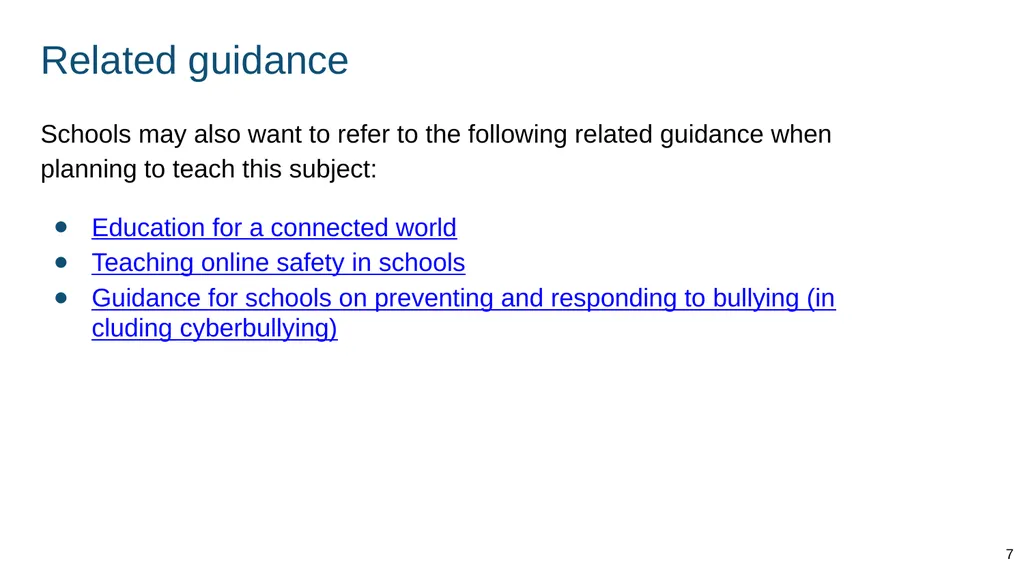
Related guidance Schools may also want to refer to the following related guidance when planning to teach this subject:
Education for a connected world
Teaching online safety in schools
Guidance for schools on preventing and responding to bullying (including cyberbullying) 7<br>
Education for a connected world
Teaching online safety in schools
Guidance for schools on preventing and responding to bullying (including cyberbullying) 7<br>
08
‘Online’ support at [school name] Our leads
[Names, contact details - e.g. IT lead]
Our policies
[Add details - e.g. school policy on PSHE, training opportunities]
Specialist support [Add details - e.g. providers school already works with]
Other information
[Add resources] 8<br>
[Names, contact details - e.g. IT lead]
Our policies
[Add details - e.g. school policy on PSHE, training opportunities]
Specialist support [Add details - e.g. providers school already works with]
Other information
[Add resources] 8<br>
09
‘Online’ teaching at [school name] Ways in which we already teach about [online relationships / online and media] at our school:
[add details]
[add details]
[add details] 9<br>
[add details]
[add details]
[add details] 9<br>
10
Role of the internet in pupils’ lives From September 2020 schools must have regard to the new statutory guidance for teaching about online relationships. The guidance explains the significant role the internet plays in pupils’ lives. STATUTORY GUIDANCE
Today’s children and young people are growing up in an increasingly complex world and living their lives seamlessly on and offline. This presents many positive and exciting opportunities, but also challenges and risks. In this environment, children and young people need to know how to be safe and healthy… (p4) 10<br>
11
Primary and secondary teaching Some slides in this training have a Primary or Secondary label to indicate that the material is usually first introduced in that phase. STATUTORY GUIDANCE
Schools have flexibility to design and plan age-appropriate subject content. (p31) Using your knowledge of your pupils and school community you can:
introduce secondary content in primary with pupils who need it and are ready
teach the primary content in early secondary lessons to pupils who need to build knowledge before secondary content is taught 11<br>
introduce secondary content in primary with pupils who need it and are ready
teach the primary content in early secondary lessons to pupils who need to build knowledge before secondary content is taught 11<br>
12
LGBT needs and inclusion Primary schools are enabled and encouraged to cover LGBT (lesbian, gay, bisexual and transgender) content if they consider it age appropriate to do so. Secondary schools should include LGBT content.
When doing so, schools should ensure:
LGBT-relevant knowledge and examples are included throughout programmes of study (not one-off teaching)
inclusive language is used, considering how individual pupils may relate to particular topics 12<br>
When doing so, schools should ensure:
LGBT-relevant knowledge and examples are included throughout programmes of study (not one-off teaching)
inclusive language is used, considering how individual pupils may relate to particular topics 12<br>
13
Pupils with SEND You will need to plan lessons to allow all pupils to access and practise the core knowledge, using your expertise as you normally would.
You might want to link lesson outcomes with statutory ‘preparing for adulthood’ outcomes for those with an education, health and care (EHC) plan. (See SEND code of practice, section 8.) STATUTORY GUIDANCE
In special schools and for some SEND pupils in mainstream schools there may be a need to tailor content and teaching to meet the specific needs of pupils at different developmental stages. As with all teaching for these subjects, schools should ensure that their teaching is sensitive, age-appropriate, developmentally appropriate and delivered with reference to the law. (p15) 13<br>
You might want to link lesson outcomes with statutory ‘preparing for adulthood’ outcomes for those with an education, health and care (EHC) plan. (See SEND code of practice, section 8.) STATUTORY GUIDANCE
In special schools and for some SEND pupils in mainstream schools there may be a need to tailor content and teaching to meet the specific needs of pupils at different developmental stages. As with all teaching for these subjects, schools should ensure that their teaching is sensitive, age-appropriate, developmentally appropriate and delivered with reference to the law. (p15) 13<br>
14
References to the law The references to the law in this module are given as a teacher resource if needed. They are not exhaustive.
Teachers are not expected to be able to teach the details of the law or to be able to answer complex questions that may come up about the law. 14<br>
Teachers are not expected to be able to teach the details of the law or to be able to answer complex questions that may come up about the law. 14<br>
15
Safeguarding 15<br>
16
Safeguarding Pupils may be affected by issues discussed in lessons.
Let your designated safeguarding lead or deputy and any other relevant staff, such as pastoral leads, know what you are teaching. This will enable them to identify and speak to relevant pupils, especially those who they know may have been directly impacted by issues covered in the lessons and those with adverse childhood experiences.
Teachers may need to deal with disclosures or concerns (e.g. of abuse or offending behaviour) in a way that safeguards pupils in line with school policies, especially the child protection policy. 16<br>
Let your designated safeguarding lead or deputy and any other relevant staff, such as pastoral leads, know what you are teaching. This will enable them to identify and speak to relevant pupils, especially those who they know may have been directly impacted by issues covered in the lessons and those with adverse childhood experiences.
Teachers may need to deal with disclosures or concerns (e.g. of abuse or offending behaviour) in a way that safeguards pupils in line with school policies, especially the child protection policy. 16<br>
17
Trusted adults Within this module we have used the term trusted adult.
A trusted adult will generally be someone who children feel comfortable to turn to for help. Obvious examples include family members, teachers and doctors.
It will be important when teaching this topic, and any other relevant topics, that teachers explore this concept. Pupils should be comfortable and capable of identifying who their trusted adults could be and, importantly, know it is always acceptable to have more than one trusted adult to speak to if for any reason they are uncomfortable or unhappy. 17<br>
A trusted adult will generally be someone who children feel comfortable to turn to for help. Obvious examples include family members, teachers and doctors.
It will be important when teaching this topic, and any other relevant topics, that teachers explore this concept. Pupils should be comfortable and capable of identifying who their trusted adults could be and, importantly, know it is always acceptable to have more than one trusted adult to speak to if for any reason they are uncomfortable or unhappy. 17<br>
18
Ground rules 18<br>
19
Create class ground rules Clear class ground rules can help when teaching about sensitive topics. They also support confidentiality and safeguarding of pupils.
Good practice is for ground rules to be:
discussed and understood by all
clear and practical
modelled by the teacher
followed consistently and enforced
updated when needed
visible in lessons (for example, posters) 19<br>
Good practice is for ground rules to be:
discussed and understood by all
clear and practical
modelled by the teacher
followed consistently and enforced
updated when needed
visible in lessons (for example, posters) 19<br>
20
Example ground rules Respect privacy. We can discuss examples but do not use names or descriptions that identify anyone, including ourselves.
Listen to others. It is okay to disagree with each other, but we should listen properly before making assumptions or deciding how to respond. When disagreeing, challenge the statement not the person.
No judgement. We can explore beliefs and misunderstandings about a topic without fear of being judged.
Choose level of participation. Everyone has the right to choose not to answer a question or join discussion. We never put anyone ‘on the spot’ (no personal questions or pressure to answer). 20<br>
Listen to others. It is okay to disagree with each other, but we should listen properly before making assumptions or deciding how to respond. When disagreeing, challenge the statement not the person.
No judgement. We can explore beliefs and misunderstandings about a topic without fear of being judged.
Choose level of participation. Everyone has the right to choose not to answer a question or join discussion. We never put anyone ‘on the spot’ (no personal questions or pressure to answer). 20<br>
21
Primary curriculum 21<br>
22
Online behaviour 22<br>
23
Understanding the online world Primary Begin teaching by recognising that online interactions are an important and often hugely positive aspect of our lives.
Alongside this, teachers should empower pupils to recognise the potential risks of online relationships and content and explain some of the strategies we can use to stay safe online.
Teachers should note that the separate topic internet safety and harms (health curriculum) also includes content on issues such as rationing time online and age-restricted sites and media, including gambling. STATUTORY GUIDANCE Know that people sometimes behave differently online, including by pretending to be someone they are not. 23<br>
Alongside this, teachers should empower pupils to recognise the potential risks of online relationships and content and explain some of the strategies we can use to stay safe online.
Teachers should note that the separate topic internet safety and harms (health curriculum) also includes content on issues such as rationing time online and age-restricted sites and media, including gambling. STATUTORY GUIDANCE Know that people sometimes behave differently online, including by pretending to be someone they are not. 23<br>
24
How people behave online Primary Teach pupils that people sometimes behave differently online. This could include saying or doing things that they would not do offline.
Reasons for this can include:
people feeling more (or less) confident or comfortable than they are offline - e.g. starting a conversation with someone unknown online
being unknown to others online or even ‘anonymous’ (sometimes makes people behave irresponsibly)
games, social sites and other online contexts that encourage people to behave in different ways STATUTORY GUIDANCE Know that people sometimes behave differently online, including by pretending to be someone they are not. 24<br>
Reasons for this can include:
people feeling more (or less) confident or comfortable than they are offline - e.g. starting a conversation with someone unknown online
being unknown to others online or even ‘anonymous’ (sometimes makes people behave irresponsibly)
games, social sites and other online contexts that encourage people to behave in different ways STATUTORY GUIDANCE Know that people sometimes behave differently online, including by pretending to be someone they are not. 24<br>
25
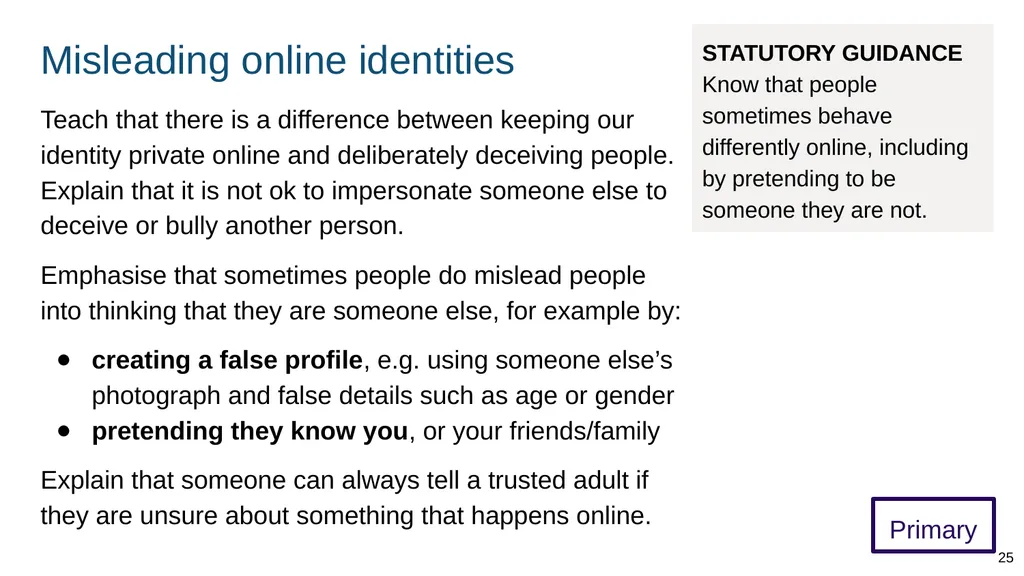
Misleading online identities Primary Teach that there is a difference between keeping our identity private online and deliberately deceiving people. Explain that it is not ok to impersonate someone else to deceive or bully another person.
Emphasise that sometimes people do mislead people into thinking that they are someone else, for example by:
creating a false profile, e.g. using someone else’s photograph and false details such as age or gender
pretending they know you, or your friends/family
Explain that someone can always tell a trusted adult if they are unsure about something that happens online. 25 STATUTORY GUIDANCE Know that people sometimes behave differently online, including by pretending to be someone they are not.<br>
Emphasise that sometimes people do mislead people into thinking that they are someone else, for example by:
creating a false profile, e.g. using someone else’s photograph and false details such as age or gender
pretending they know you, or your friends/family
Explain that someone can always tell a trusted adult if they are unsure about something that happens online. 25 STATUTORY GUIDANCE Know that people sometimes behave differently online, including by pretending to be someone they are not.<br>
26
Respect and communication 26<br>
27
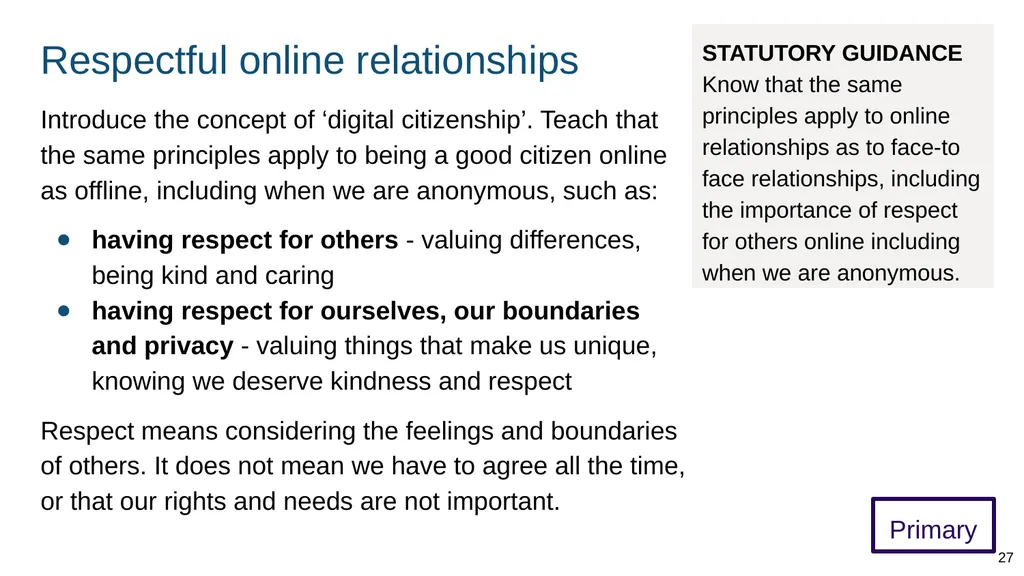
Respectful online relationships Primary Introduce the concept of ‘digital citizenship’. Teach that the same principles apply to being a good citizen online as offline, including when we are anonymous, such as:
having respect for others - valuing differences, being kind and caring
having respect for ourselves, our boundaries and privacy - valuing things that make us unique, knowing we deserve kindness and respect
Respect means considering the feelings and boundaries of others. It does not mean we have to agree all the time, or that our rights and needs are not important. 27 STATUTORY GUIDANCE Know that the same principles apply to online relationships as to face-to face relationships, including the importance of respect for others online including when we are anonymous.<br>
having respect for others - valuing differences, being kind and caring
having respect for ourselves, our boundaries and privacy - valuing things that make us unique, knowing we deserve kindness and respect
Respect means considering the feelings and boundaries of others. It does not mean we have to agree all the time, or that our rights and needs are not important. 27 STATUTORY GUIDANCE Know that the same principles apply to online relationships as to face-to face relationships, including the importance of respect for others online including when we are anonymous.<br>
28
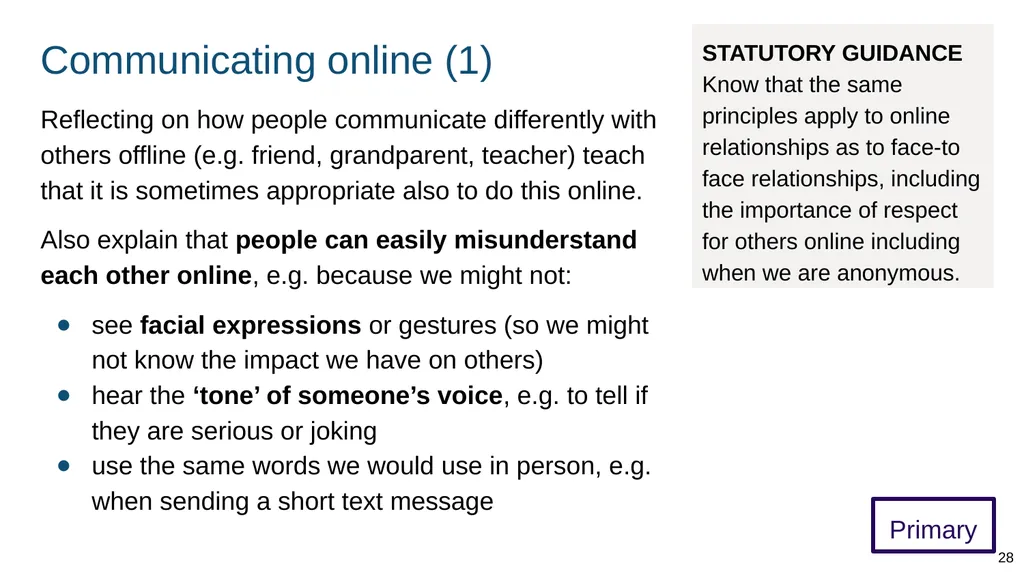
Communicating online (1) Primary Reflecting on how people communicate differently with others offline (e.g. friend, grandparent, teacher) teach that it is sometimes appropriate also to do this online.
Also explain that people can easily misunderstand each other online, e.g. because we might not:
see facial expressions or gestures (so we might not know the impact we have on others)
hear the ‘tone’ of someone’s voice, e.g. to tell if they are serious or joking
use the same words we would use in person, e.g. when sending a short text message 28 STATUTORY GUIDANCE Know that the same principles apply to online relationships as to face-to face relationships, including the importance of respect for others online including when we are anonymous.<br>
Also explain that people can easily misunderstand each other online, e.g. because we might not:
see facial expressions or gestures (so we might not know the impact we have on others)
hear the ‘tone’ of someone’s voice, e.g. to tell if they are serious or joking
use the same words we would use in person, e.g. when sending a short text message 28 STATUTORY GUIDANCE Know that the same principles apply to online relationships as to face-to face relationships, including the importance of respect for others online including when we are anonymous.<br>
29
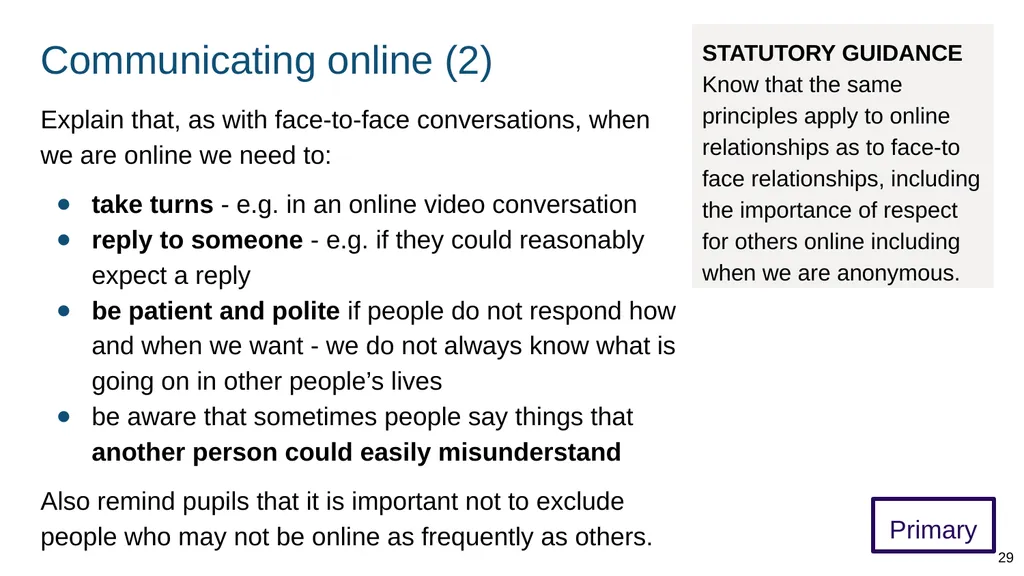
Communicating online (2) Primary Explain that, as with face-to-face conversations, when we are online we need to:
take turns - e.g. in an online video conversation
reply to someone - e.g. if they could reasonably expect a reply
be patient and polite if people do not respond how and when we want - we do not always know what is going on in other people’s lives
be aware that sometimes people say things that another person could easily misunderstand
Also remind pupils that it is important not to exclude people who may not be online as frequently as others. 29 STATUTORY GUIDANCE Know that the same principles apply to online relationships as to face-to face relationships, including the importance of respect for others online including when we are anonymous.<br>
take turns - e.g. in an online video conversation
reply to someone - e.g. if they could reasonably expect a reply
be patient and polite if people do not respond how and when we want - we do not always know what is going on in other people’s lives
be aware that sometimes people say things that another person could easily misunderstand
Also remind pupils that it is important not to exclude people who may not be online as frequently as others. 29 STATUTORY GUIDANCE Know that the same principles apply to online relationships as to face-to face relationships, including the importance of respect for others online including when we are anonymous.<br>
30
Assessing online friendships and sources of information 30<br>
31
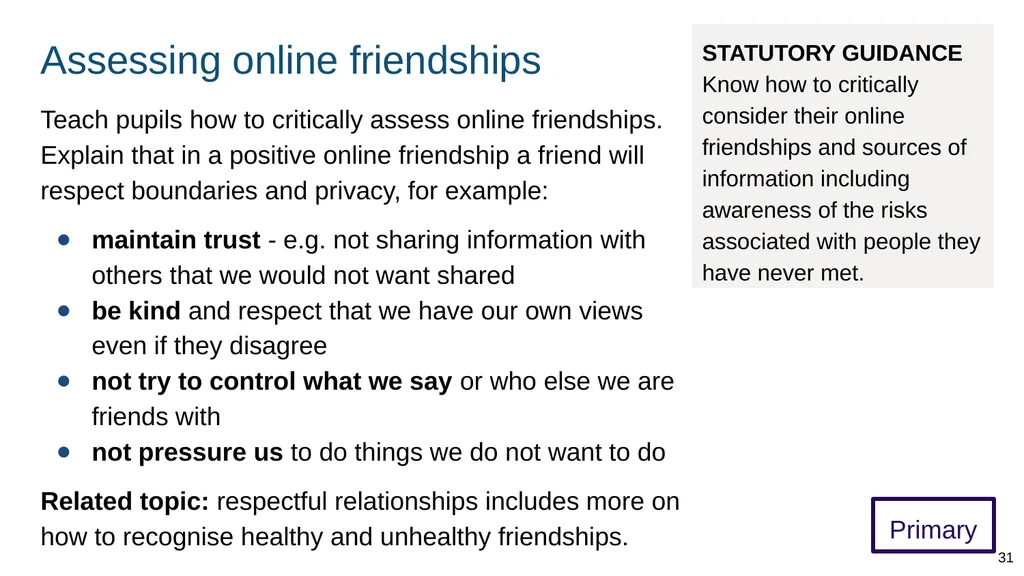
Assessing online friendships Primary Teach pupils how to critically assess online friendships. Explain that in a positive online friendship a friend will respect boundaries and privacy, for example:
maintain trust - e.g. not sharing information with others that we would not want shared
be kind and respect that we have our own views even if they disagree
not try to control what we say or who else we are friends with
not pressure us to do things we do not want to do
Related topic: respectful relationships includes more on how to recognise healthy and unhealthy friendships. 31 STATUTORY GUIDANCE Know how to critically consider their online friendships and sources of information including awareness of the risks associated with people they have never met.<br>
maintain trust - e.g. not sharing information with others that we would not want shared
be kind and respect that we have our own views even if they disagree
not try to control what we say or who else we are friends with
not pressure us to do things we do not want to do
Related topic: respectful relationships includes more on how to recognise healthy and unhealthy friendships. 31 STATUTORY GUIDANCE Know how to critically consider their online friendships and sources of information including awareness of the risks associated with people they have never met.<br>
32
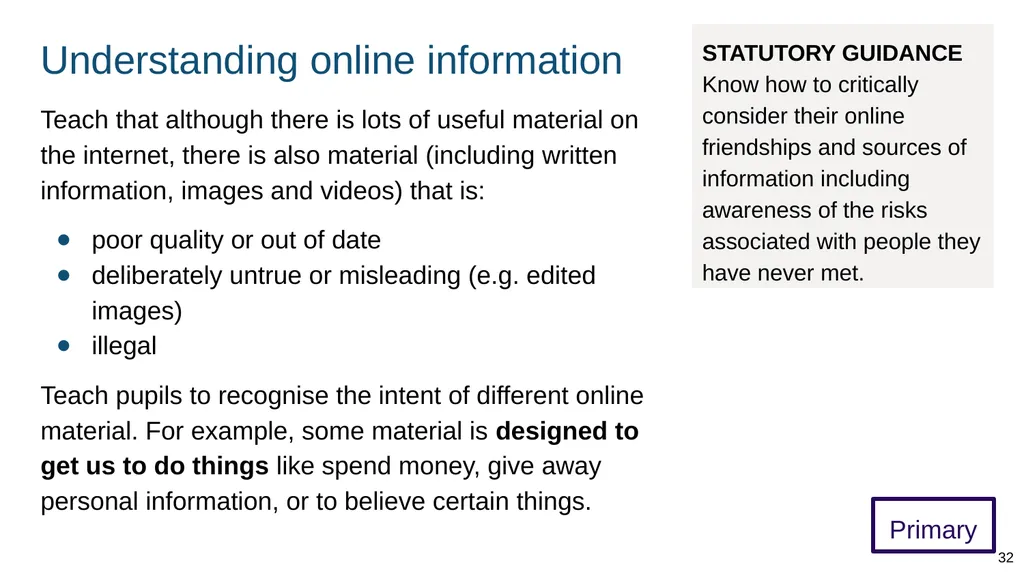
Understanding online information Primary Teach that although there is lots of useful material on the internet, there is also material (including written information, images and videos) that is:
poor quality or out of date
deliberately untrue or misleading (e.g. edited images)
illegal
Teach pupils to recognise the intent of different online material. For example, some material is designed to get us to do things like spend money, give away personal information, or to believe certain things. 32 STATUTORY GUIDANCE Know how to critically consider their online friendships and sources of information including awareness of the risks associated with people they have never met.<br>
poor quality or out of date
deliberately untrue or misleading (e.g. edited images)
illegal
Teach pupils to recognise the intent of different online material. For example, some material is designed to get us to do things like spend money, give away personal information, or to believe certain things. 32 STATUTORY GUIDANCE Know how to critically consider their online friendships and sources of information including awareness of the risks associated with people they have never met.<br>
33
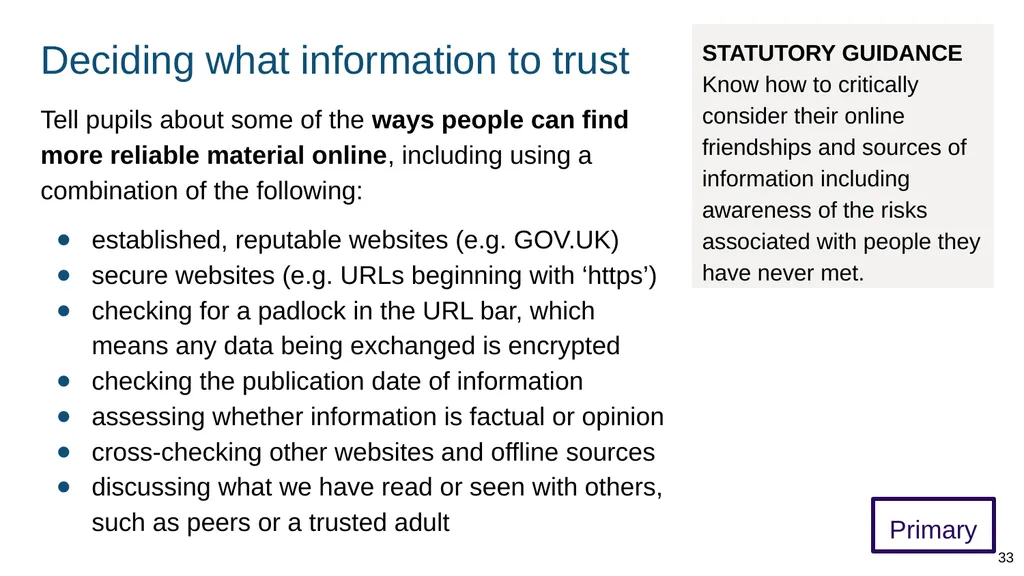
Deciding what information to trust Primary Tell pupils about some of the ways people can find more reliable material online, including using a combination of the following:
established, reputable websites (e.g. GOV.UK)
secure websites (e.g. URLs beginning with ‘https’)
checking for a padlock in the URL bar, which means any data being exchanged is encrypted
checking the publication date of information
assessing whether information is factual or opinion
cross-checking other websites and offline sources
discussing what we have read or seen with others, such as peers or a trusted adult 33 STATUTORY GUIDANCE Know how to critically consider their online friendships and sources of information including awareness of the risks associated with people they have never met.<br>
established, reputable websites (e.g. GOV.UK)
secure websites (e.g. URLs beginning with ‘https’)
checking for a padlock in the URL bar, which means any data being exchanged is encrypted
checking the publication date of information
assessing whether information is factual or opinion
cross-checking other websites and offline sources
discussing what we have read or seen with others, such as peers or a trusted adult 33 STATUTORY GUIDANCE Know how to critically consider their online friendships and sources of information including awareness of the risks associated with people they have never met.<br>
34
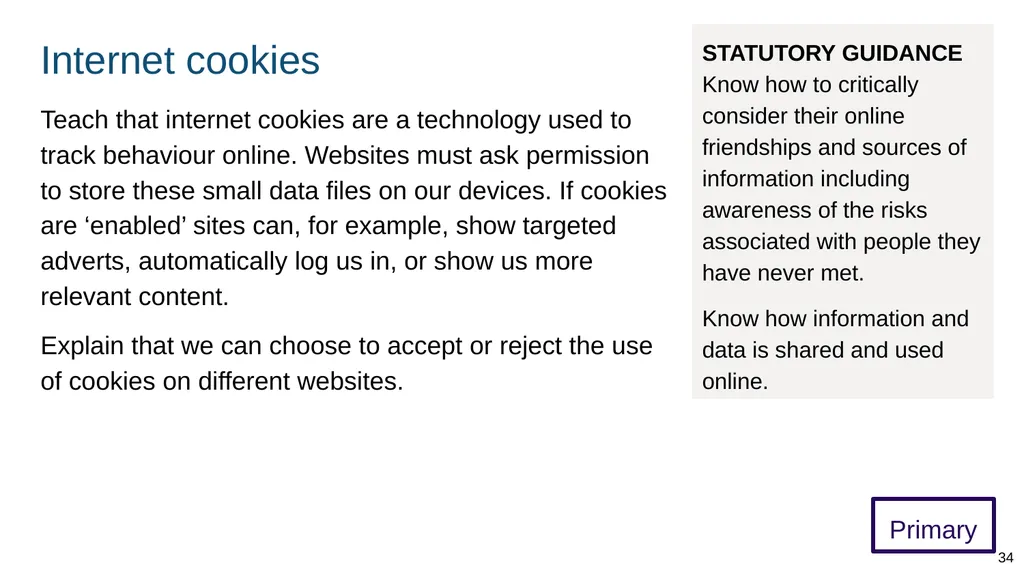
Internet cookies Primary Teach that internet cookies are a technology used to track behaviour online. Websites must ask permission to store these small data files on our devices. If cookies are ‘enabled’ sites can, for example, show targeted adverts, automatically log us in, or show us more relevant content.
Explain that we can choose to accept or reject the use of cookies on different websites. 34 STATUTORY GUIDANCE Know how to critically consider their online friendships and sources of information including awareness of the risks associated with people they have never met.
Know how information and data is shared and used online.<br>
Explain that we can choose to accept or reject the use of cookies on different websites. 34 STATUTORY GUIDANCE Know how to critically consider their online friendships and sources of information including awareness of the risks associated with people they have never met.
Know how information and data is shared and used online.<br>
35
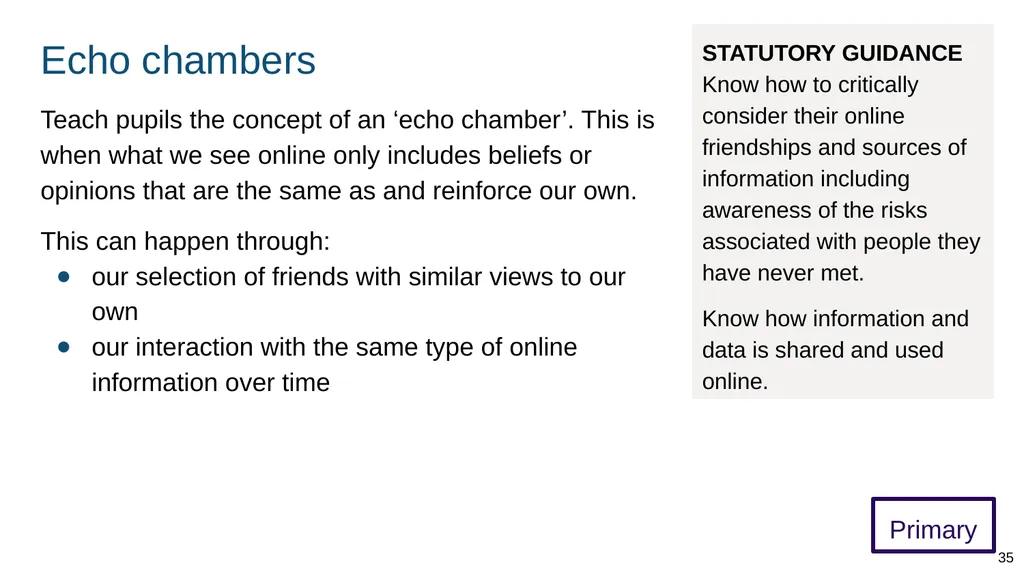
Echo chambers Primary Teach pupils the concept of an ‘echo chamber’. This is when what we see online only includes beliefs or opinions that are the same as and reinforce our own.
This can happen through:
our selection of friends with similar views to our own
our interaction with the same type of online information over time 35 STATUTORY GUIDANCE Know how to critically consider their online friendships and sources of information including awareness of the risks associated with people they have never met.
Know how information and data is shared and used online.<br>
This can happen through:
our selection of friends with similar views to our own
our interaction with the same type of online information over time 35 STATUTORY GUIDANCE Know how to critically consider their online friendships and sources of information including awareness of the risks associated with people they have never met.
Know how information and data is shared and used online.<br>
36
Keeping safe online 36<br>
37
Keeping safe online (1) Primary Explain that there are principles we can use to help recognise risks and keep ourselves and others safe online. These include:
being aware of our boundaries, privacy, and knowing that we have the ability to give and withdraw consent (permission)
paying attention to how we feel particularly if we feel anxious or upset about something or someone, or are obsessing about something seen online
always talking to a trusted adult if we are unsure about something or someone online 37 STATUTORY GUIDANCE Know the rules and principles for keeping safe online, how to recognise risks, harmful content and contact, and how to report them.<br>
being aware of our boundaries, privacy, and knowing that we have the ability to give and withdraw consent (permission)
paying attention to how we feel particularly if we feel anxious or upset about something or someone, or are obsessing about something seen online
always talking to a trusted adult if we are unsure about something or someone online 37 STATUTORY GUIDANCE Know the rules and principles for keeping safe online, how to recognise risks, harmful content and contact, and how to report them.<br>
38
Protecting personal information Primary Teach that personal information can be used in harmful ways, so it is sensible to be very careful about sharing:
contact details, e.g. phone numbers, email
other personal details, e.g. school, daily routine
security information, e.g. password, birthday
personal images (these can contain information that allows people to identify someone e.g. school uniform shown in a photo or on a live camera)
Demonstrate how to use privacy settings on online services, as well as functionality such as blocking users and disabling comments. 38 STATUTORY GUIDANCE Know the rules and principles for keeping safe online, how to recognise risks, harmful content and contact, and how to report them.<br>
contact details, e.g. phone numbers, email
other personal details, e.g. school, daily routine
security information, e.g. password, birthday
personal images (these can contain information that allows people to identify someone e.g. school uniform shown in a photo or on a live camera)
Demonstrate how to use privacy settings on online services, as well as functionality such as blocking users and disabling comments. 38 STATUTORY GUIDANCE Know the rules and principles for keeping safe online, how to recognise risks, harmful content and contact, and how to report them.<br>
39
Harmful online content Primary Ensure pupils know, at an appropriate age, boundaries of acceptability for violent and sexual content (images and words). Teach pupils to tell a trusted adult if they accidentally see or download such content.
Teachers should take care to:
avoid inadvertently drawing attention to the existence of such content
ensure filtering is always in place to minimise the risks in school
Schools can also remind parents about the importance of parental controls for domestic internet access. 39 STATUTORY GUIDANCE Know the rules and principles for keeping safe online, how to recognise risks, harmful content and contact, and how to report them.<br>
Teachers should take care to:
avoid inadvertently drawing attention to the existence of such content
ensure filtering is always in place to minimise the risks in school
Schools can also remind parents about the importance of parental controls for domestic internet access. 39 STATUTORY GUIDANCE Know the rules and principles for keeping safe online, how to recognise risks, harmful content and contact, and how to report them.<br>
40
Helping to avoid harmful content Primary Teach that people can be exposed to harmful content in different ways - e.g. through a message or a link. Ways people can try to avoid harmful content include:
not opening or resharing attachments/links we are not sure about (or asking a trusted adult first)
not opening or replying to messages from unknown people or organisations
not sharing their device camera/webcam with people they do not know (e.g. video chat)
turning off a device or app, or closing a window if we see something harmful 40 STATUTORY GUIDANCE Know the rules and principles for keeping safe online, how to recognise risks, harmful content and contact, and how to report them.<br>
not opening or resharing attachments/links we are not sure about (or asking a trusted adult first)
not opening or replying to messages from unknown people or organisations
not sharing their device camera/webcam with people they do not know (e.g. video chat)
turning off a device or app, or closing a window if we see something harmful 40 STATUTORY GUIDANCE Know the rules and principles for keeping safe online, how to recognise risks, harmful content and contact, and how to report them.<br>
41
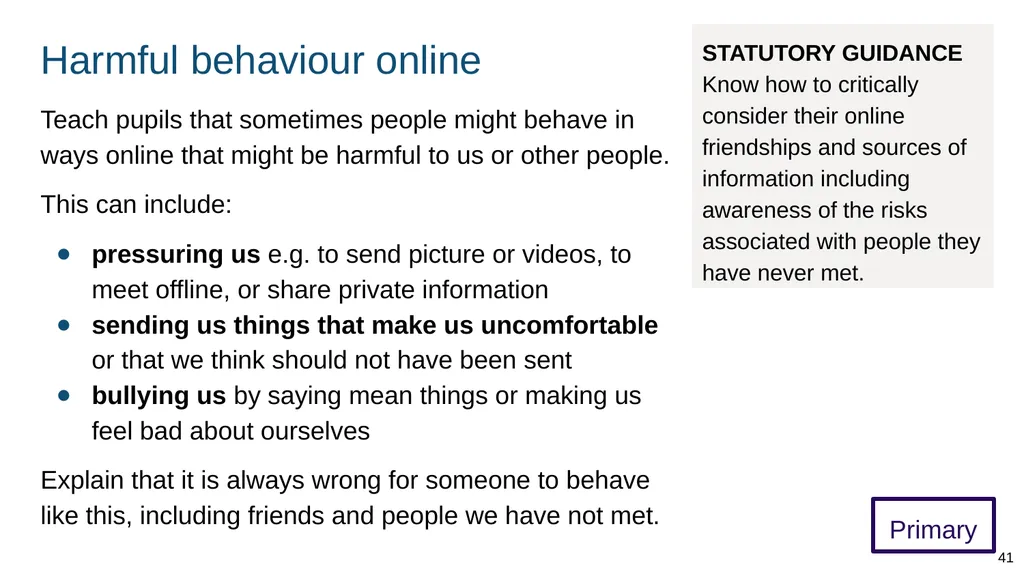
Harmful behaviour online Primary Teach pupils that sometimes people might behave in ways online that might be harmful to us or other people.
This can include:
pressuring us e.g. to send picture or videos, to meet offline, or share private information
sending us things that make us uncomfortable or that we think should not have been sent
bullying us by saying mean things or making us feel bad about ourselves
Explain that it is always wrong for someone to behave like this, including friends and people we have not met. 41 STATUTORY GUIDANCE Know how to critically consider their online friendships and sources of information including awareness of the risks associated with people they have never met.<br>
This can include:
pressuring us e.g. to send picture or videos, to meet offline, or share private information
sending us things that make us uncomfortable or that we think should not have been sent
bullying us by saying mean things or making us feel bad about ourselves
Explain that it is always wrong for someone to behave like this, including friends and people we have not met. 41 STATUTORY GUIDANCE Know how to critically consider their online friendships and sources of information including awareness of the risks associated with people they have never met.<br>
42
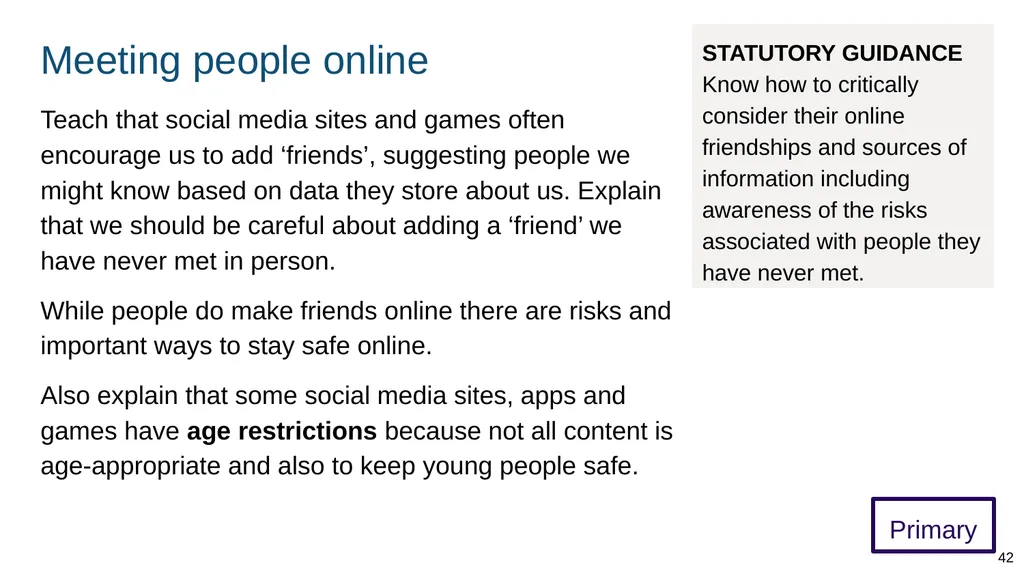
Meeting people online Primary Teach that social media sites and games often encourage us to add ‘friends’, suggesting people we might know based on data they store about us. Explain that we should be careful about adding a ‘friend’ we have never met in person.
While people do make friends online there are risks and important ways to stay safe online.
Also explain that some social media sites, apps and games have age restrictions because not all content is age-appropriate and also to keep young people safe. 42 STATUTORY GUIDANCE Know how to critically consider their online friendships and sources of information including awareness of the risks associated with people they have never met.<br>
While people do make friends online there are risks and important ways to stay safe online.
Also explain that some social media sites, apps and games have age restrictions because not all content is age-appropriate and also to keep young people safe. 42 STATUTORY GUIDANCE Know how to critically consider their online friendships and sources of information including awareness of the risks associated with people they have never met.<br>
43
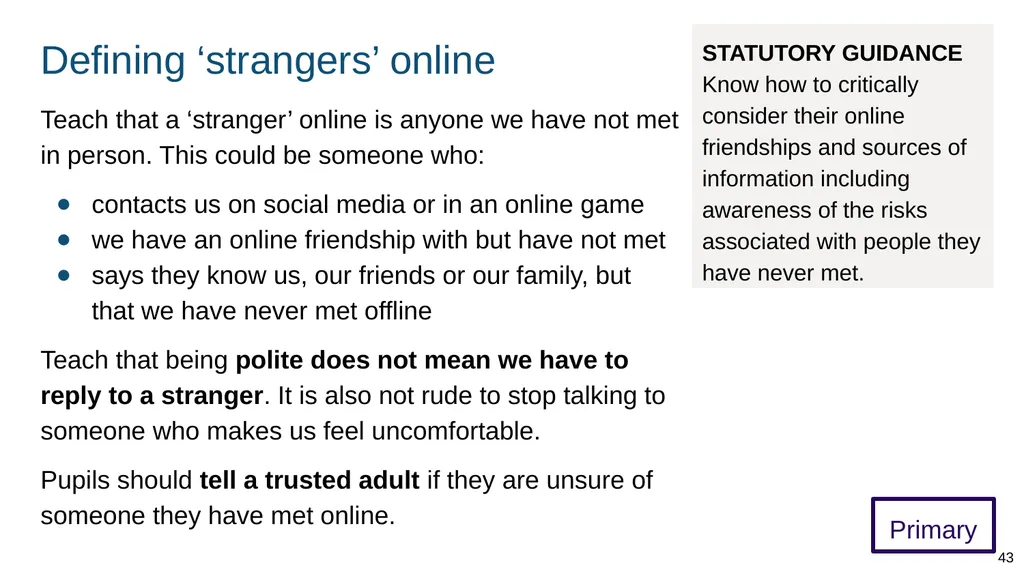
Defining ‘strangers’ online Primary Teach that a ‘stranger’ online is anyone we have not met in person. This could be someone who:
contacts us on social media or in an online game
we have an online friendship with but have not met
says they know us, our friends or our family, but that we have never met offline
Teach that being polite does not mean we have to reply to a stranger. It is also not rude to stop talking to someone who makes us feel uncomfortable.
Pupils should tell a trusted adult if they are unsure of someone they have met online. 43 STATUTORY GUIDANCE Know how to critically consider their online friendships and sources of information including awareness of the risks associated with people they have never met.<br>
contacts us on social media or in an online game
we have an online friendship with but have not met
says they know us, our friends or our family, but that we have never met offline
Teach that being polite does not mean we have to reply to a stranger. It is also not rude to stop talking to someone who makes us feel uncomfortable.
Pupils should tell a trusted adult if they are unsure of someone they have met online. 43 STATUTORY GUIDANCE Know how to critically consider their online friendships and sources of information including awareness of the risks associated with people they have never met.<br>
44
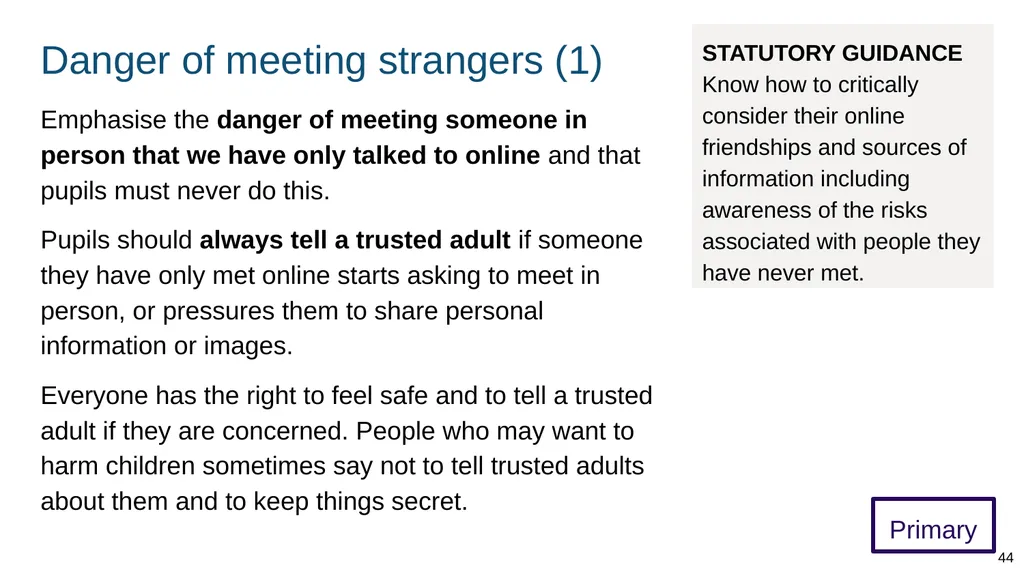
Danger of meeting strangers (1) Primary Emphasise the danger of meeting someone in person that we have only talked to online and that pupils must never do this.
Pupils should always tell a trusted adult if someone they have only met online starts asking to meet in person, or pressures them to share personal information or images.
Everyone has the right to feel safe and to tell a trusted adult if they are concerned. People who may want to harm children sometimes say not to tell trusted adults about them and to keep things secret. 44 STATUTORY GUIDANCE Know how to critically consider their online friendships and sources of information including awareness of the risks associated with people they have never met.<br>
Pupils should always tell a trusted adult if someone they have only met online starts asking to meet in person, or pressures them to share personal information or images.
Everyone has the right to feel safe and to tell a trusted adult if they are concerned. People who may want to harm children sometimes say not to tell trusted adults about them and to keep things secret. 44 STATUTORY GUIDANCE Know how to critically consider their online friendships and sources of information including awareness of the risks associated with people they have never met.<br>
45
Danger of meeting strangers (2) Primary Explain that it is very dangerous to meet someone we have only spoken to online because they:
might not be who they say they are, e.g. they might be older or look very different
might not be someone we can trust
might not be a good person
might say that there will be a group of people or a party but could be lying
This applies even if it is someone we have been chatting to for a long time who we feel like we know. 45 STATUTORY GUIDANCE Know how to critically consider their online friendships and sources of information including awareness of the risks associated with people they have never met.<br>
might not be who they say they are, e.g. they might be older or look very different
might not be someone we can trust
might not be a good person
might say that there will be a group of people or a party but could be lying
This applies even if it is someone we have been chatting to for a long time who we feel like we know. 45 STATUTORY GUIDANCE Know how to critically consider their online friendships and sources of information including awareness of the risks associated with people they have never met.<br>
46
How information is shared (1) Primary Teach older pupils that the internet is a series of connected computers. When data (information and images) is put on social media, for example, it is on the internet and could be viewed by lots of people.
Some websites have ‘privacy settings’ that help to control who sees information we share. These can be useful but may not be 100% effective so we must be careful about what information we put online.
Teach that if other people can see our information and images, they can be taken without our permission, shared with others, and may be impossible to remove. 46 STATUTORY GUIDANCE Know how information and data is shared and used online.<br>
Some websites have ‘privacy settings’ that help to control who sees information we share. These can be useful but may not be 100% effective so we must be careful about what information we put online.
Teach that if other people can see our information and images, they can be taken without our permission, shared with others, and may be impossible to remove. 46 STATUTORY GUIDANCE Know how information and data is shared and used online.<br>
47
How information is shared (2) Primary Explain that we should never share information or images that we do not want others (and potentially many others) to see. (Includes sending on a mobile.)
Although we might just share with one person, they could share the information or image further and in ways that are impossible to control.
It can be very difficult to delete information and images that have been shared. Pupils should speak with a trusted adult if they are concerned that they have shared something inappropriate online or if they are concerned about something they have seen. 47 STATUTORY GUIDANCE Know how information and data is shared and used online.<br>
Although we might just share with one person, they could share the information or image further and in ways that are impossible to control.
It can be very difficult to delete information and images that have been shared. Pupils should speak with a trusted adult if they are concerned that they have shared something inappropriate online or if they are concerned about something they have seen. 47 STATUTORY GUIDANCE Know how information and data is shared and used online.<br>
48
Digital footprint Primary Introduce the concept of a ‘digital footprint’. Explain that this is a record of our online activities, for example:
websites we have visited
social media activity
private comments which others could re-share
Online activities leave a trace that can be seen by others. 48 STATUTORY GUIDANCE Know how information and data is shared and used online.<br>
websites we have visited
social media activity
private comments which others could re-share
Online activities leave a trace that can be seen by others. 48 STATUTORY GUIDANCE Know how information and data is shared and used online.<br>
49
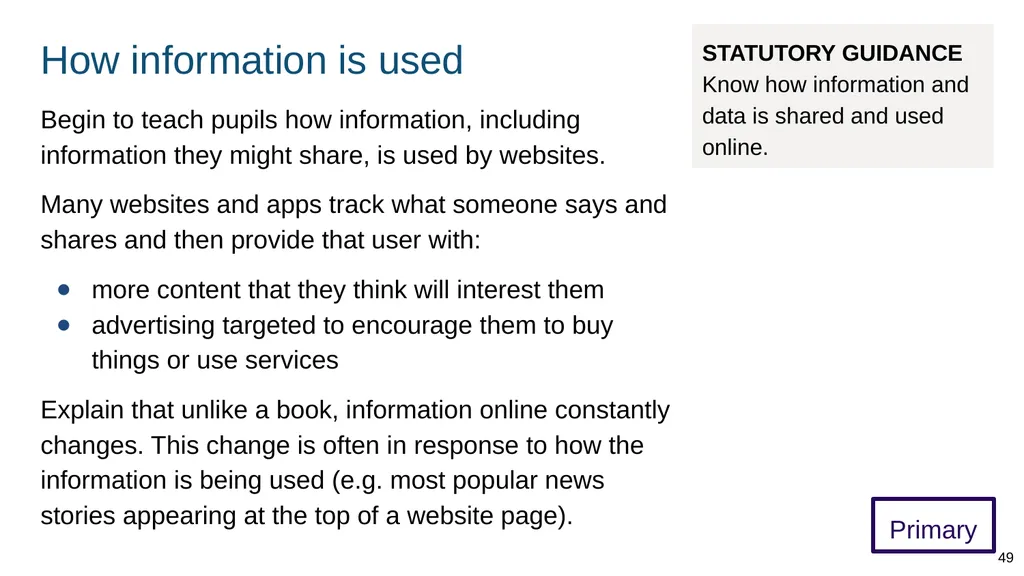
How information is used Primary Begin to teach pupils how information, including information they might share, is used by websites.
Many websites and apps track what someone says and shares and then provide that user with:
more content that they think will interest them
advertising targeted to encourage them to buy things or use services
Explain that unlike a book, information online constantly changes. This change is often in response to how the information is being used (e.g. most popular news stories appearing at the top of a website page). 49 STATUTORY GUIDANCE Know how information and data is shared and used online.<br>
Many websites and apps track what someone says and shares and then provide that user with:
more content that they think will interest them
advertising targeted to encourage them to buy things or use services
Explain that unlike a book, information online constantly changes. This change is often in response to how the information is being used (e.g. most popular news stories appearing at the top of a website page). 49 STATUTORY GUIDANCE Know how information and data is shared and used online.<br>
50
Help with problems online 50<br>
51
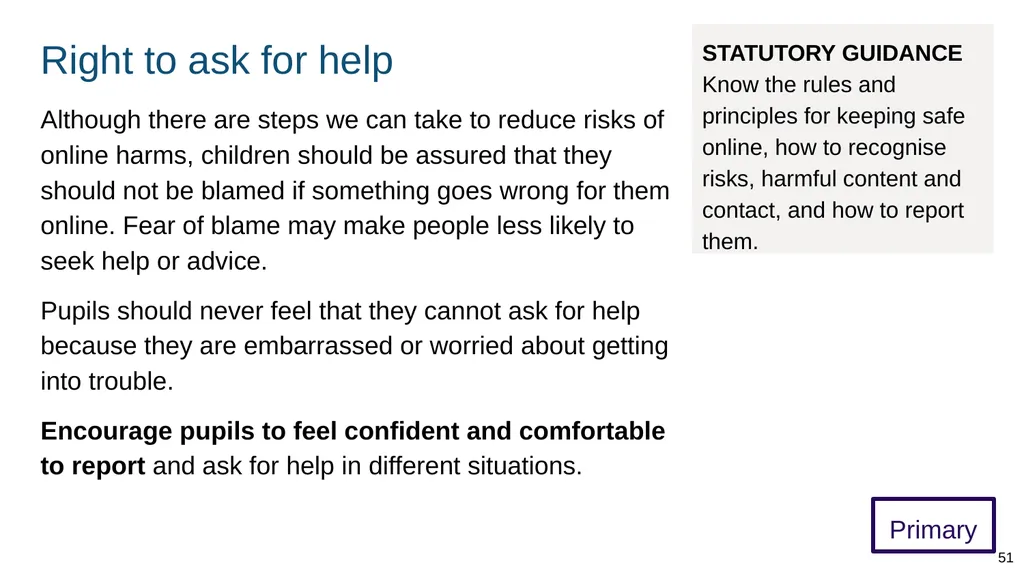
Right to ask for help Primary Although there are steps we can take to reduce risks of online harms, children should be assured that they should not be blamed if something goes wrong for them online. Fear of blame may make people less likely to seek help or advice.
Pupils should never feel that they cannot ask for help because they are embarrassed or worried about getting into trouble.
Encourage pupils to feel confident and comfortable to report and ask for help in different situations. 51 STATUTORY GUIDANCE Know the rules and principles for keeping safe online, how to recognise risks, harmful content and contact, and how to report them.<br>
Pupils should never feel that they cannot ask for help because they are embarrassed or worried about getting into trouble.
Encourage pupils to feel confident and comfortable to report and ask for help in different situations. 51 STATUTORY GUIDANCE Know the rules and principles for keeping safe online, how to recognise risks, harmful content and contact, and how to report them.<br>
52
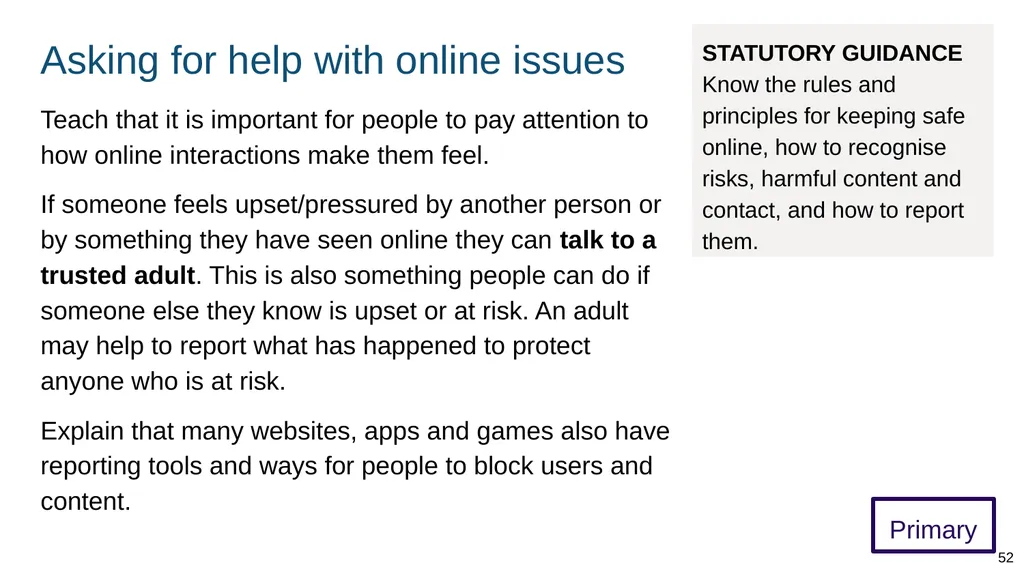
Asking for help with online issues Primary Teach that it is important for people to pay attention to how online interactions make them feel.
If someone feels upset/pressured by another person or by something they have seen online they can talk to a trusted adult. This is also something people can do if someone else they know is upset or at risk. An adult may help to report what has happened to protect anyone who is at risk.
Explain that many websites, apps and games also have reporting tools and ways for people to block users and content. 52 STATUTORY GUIDANCE Know the rules and principles for keeping safe online, how to recognise risks, harmful content and contact, and how to report them.<br>
If someone feels upset/pressured by another person or by something they have seen online they can talk to a trusted adult. This is also something people can do if someone else they know is upset or at risk. An adult may help to report what has happened to protect anyone who is at risk.
Explain that many websites, apps and games also have reporting tools and ways for people to block users and content. 52 STATUTORY GUIDANCE Know the rules and principles for keeping safe online, how to recognise risks, harmful content and contact, and how to report them.<br>
53
Reporting content/conduct (1) Primary Teach that a trusted adult may be able to help to decide where to report content or behaviour.
Explain that harmful material and behaviour online can be reported to different organisations, for example:
online scams can be reported to Crimestoppers
harmful content or conduct (e.g. on social media) can be reported to individual platforms and to Report Harmful Content
criminal content/conduct (e.g. radicalisation material, grooming) can be reported to the police
Childline (0800 1111) can give anonymous advice about online bullying 53 STATUTORY GUIDANCE Know the rules and principles for keeping safe online, how to recognise risks, harmful content and contact, and how to report them.<br>
Explain that harmful material and behaviour online can be reported to different organisations, for example:
online scams can be reported to Crimestoppers
harmful content or conduct (e.g. on social media) can be reported to individual platforms and to Report Harmful Content
criminal content/conduct (e.g. radicalisation material, grooming) can be reported to the police
Childline (0800 1111) can give anonymous advice about online bullying 53 STATUTORY GUIDANCE Know the rules and principles for keeping safe online, how to recognise risks, harmful content and contact, and how to report them.<br>
54
Reporting content/conduct (2) Primary Teach that there are special places to report online sexual abuse of children (e.g. anyone under 18).
If appropriate teach that people can report an online image or video of child sexual abuse by contacting the Internet Watch Foundation. Emphasise that viewing this material is illegal and suspected material should be reported immediately.
If appropriate teach that inappropriate online contact with a child (including having intimate photos taken/shared or asked for) or other concerns to do with online child sexual abuse can be reported to NCA CEOP. 54 STATUTORY GUIDANCE Know the rules and principles for keeping safe online, how to recognise risks, harmful content and contact, and how to report them.<br>
If appropriate teach that people can report an online image or video of child sexual abuse by contacting the Internet Watch Foundation. Emphasise that viewing this material is illegal and suspected material should be reported immediately.
If appropriate teach that inappropriate online contact with a child (including having intimate photos taken/shared or asked for) or other concerns to do with online child sexual abuse can be reported to NCA CEOP. 54 STATUTORY GUIDANCE Know the rules and principles for keeping safe online, how to recognise risks, harmful content and contact, and how to report them.<br>
55
Secondary curriculum 55 STATUTORY GUIDANCE
Schools should continue to develop knowledge on topics specified for primary as required and in addition cover the following content by the end of secondary. (p36)<br>
56
Opportunities and responsibilities 56<br>
57
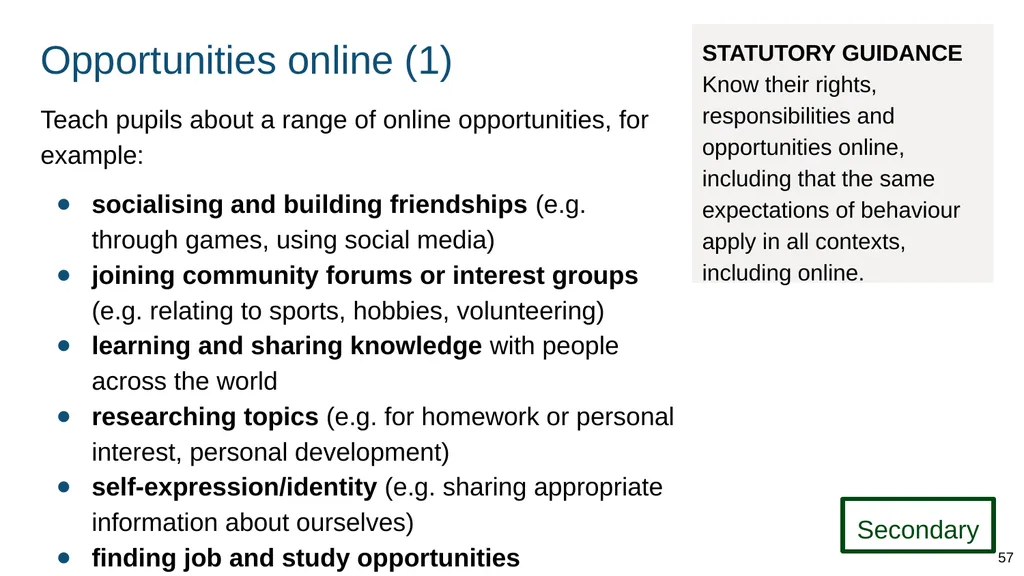
Opportunities online (1) Teach pupils about a range of online opportunities, for example:
socialising and building friendships (e.g. through games, using social media)
joining community forums or interest groups (e.g. relating to sports, hobbies, volunteering)
learning and sharing knowledge with people across the world
researching topics (e.g. for homework or personal interest, personal development)
self-expression/identity (e.g. sharing appropriate information about ourselves)
finding job and study opportunities 57 Secondary STATUTORY GUIDANCE Know their rights, responsibilities and opportunities online, including that the same expectations of behaviour apply in all contexts, including online.<br>
socialising and building friendships (e.g. through games, using social media)
joining community forums or interest groups (e.g. relating to sports, hobbies, volunteering)
learning and sharing knowledge with people across the world
researching topics (e.g. for homework or personal interest, personal development)
self-expression/identity (e.g. sharing appropriate information about ourselves)
finding job and study opportunities 57 Secondary STATUTORY GUIDANCE Know their rights, responsibilities and opportunities online, including that the same expectations of behaviour apply in all contexts, including online.<br>
58
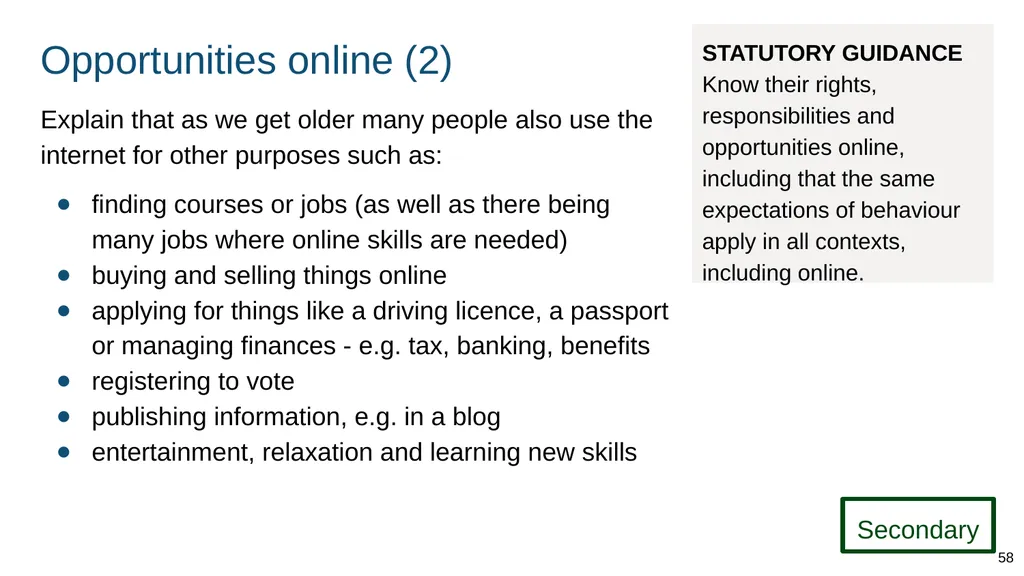
Opportunities online (2) Explain that as we get older many people also use the internet for other purposes such as:
finding courses or jobs (as well as there being many jobs where online skills are needed)
buying and selling things online
applying for things like a driving licence, a passport or managing finances - e.g. tax, banking, benefits
registering to vote
publishing information, e.g. in a blog
entertainment, relaxation and learning new skills STATUTORY GUIDANCE Know their rights, responsibilities and opportunities online, including that the same expectations of behaviour apply in all contexts, including online. Secondary 58<br>
finding courses or jobs (as well as there being many jobs where online skills are needed)
buying and selling things online
applying for things like a driving licence, a passport or managing finances - e.g. tax, banking, benefits
registering to vote
publishing information, e.g. in a blog
entertainment, relaxation and learning new skills STATUTORY GUIDANCE Know their rights, responsibilities and opportunities online, including that the same expectations of behaviour apply in all contexts, including online. Secondary 58<br>
59
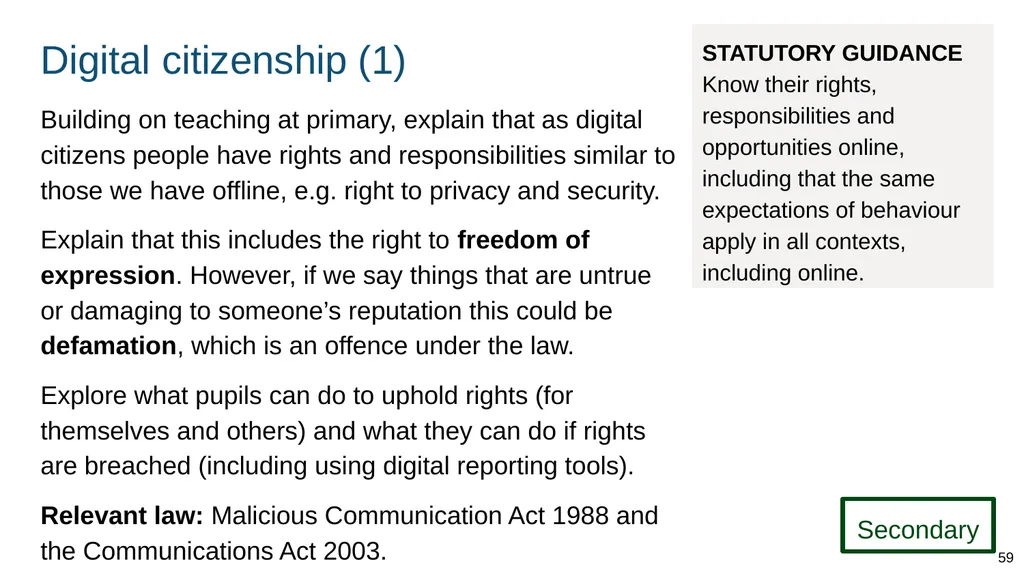
Digital citizenship (1) Building on teaching at primary, explain that as digital citizens people have rights and responsibilities similar to those we have offline, e.g. right to privacy and security.
Explain that this includes the right to freedom of expression. However, if we say things that are untrue or damaging to someone’s reputation this could be defamation, which is an offence under the law.
Explore what pupils can do to uphold rights (for themselves and others) and what they can do if rights are breached (including using digital reporting tools).
Relevant law: Malicious Communication Act 1988 and the Communications Act 2003. STATUTORY GUIDANCE Know their rights, responsibilities and opportunities online, including that the same expectations of behaviour apply in all contexts, including online. Secondary 59<br>
Explain that this includes the right to freedom of expression. However, if we say things that are untrue or damaging to someone’s reputation this could be defamation, which is an offence under the law.
Explore what pupils can do to uphold rights (for themselves and others) and what they can do if rights are breached (including using digital reporting tools).
Relevant law: Malicious Communication Act 1988 and the Communications Act 2003. STATUTORY GUIDANCE Know their rights, responsibilities and opportunities online, including that the same expectations of behaviour apply in all contexts, including online. Secondary 59<br>
60
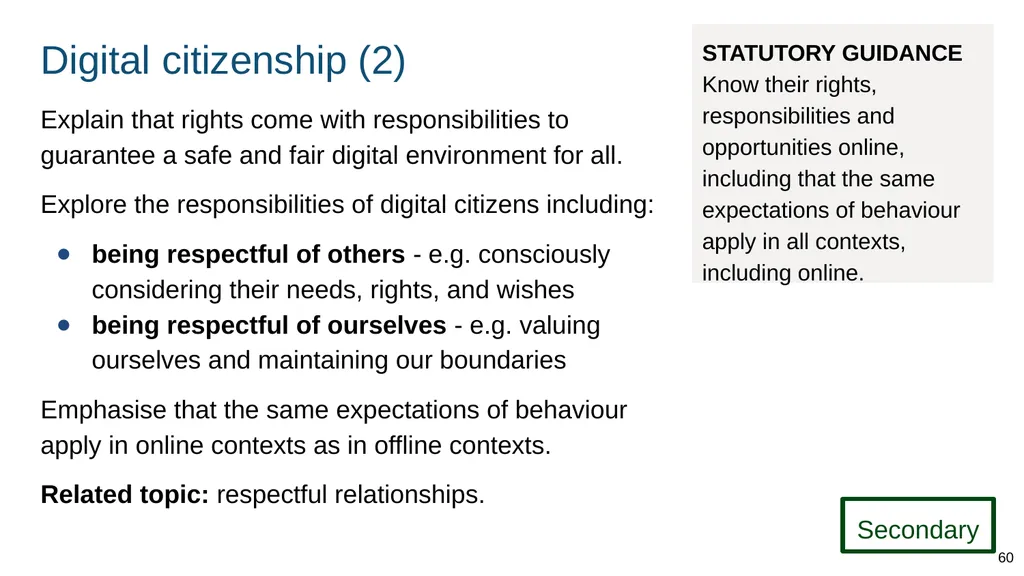
Digital citizenship (2) Explain that rights come with responsibilities to guarantee a safe and fair digital environment for all.
Explore the responsibilities of digital citizens including:
being respectful of others - e.g. consciously considering their needs, rights, and wishes
being respectful of ourselves - e.g. valuing ourselves and maintaining our boundaries
Emphasise that the same expectations of behaviour apply in online contexts as in offline contexts.
Related topic: respectful relationships. STATUTORY GUIDANCE Know their rights, responsibilities and opportunities online, including that the same expectations of behaviour apply in all contexts, including online. Secondary 60<br>
Explore the responsibilities of digital citizens including:
being respectful of others - e.g. consciously considering their needs, rights, and wishes
being respectful of ourselves - e.g. valuing ourselves and maintaining our boundaries
Emphasise that the same expectations of behaviour apply in online contexts as in offline contexts.
Related topic: respectful relationships. STATUTORY GUIDANCE Know their rights, responsibilities and opportunities online, including that the same expectations of behaviour apply in all contexts, including online. Secondary 60<br>
61
Digital footprint (1) Introduce the concept of a ‘digital footprint’. Explain that this is a record of our online activities, for example:
websites we have visited (explain trackers/cookies)
social media activity (e.g. posts and ‘likes’, even private comments which others could re-share)
Online activities leave a trace that can be seen by others (e.g. future employers, scammers, potential friends).
Online activity can also be used by companies to influence our behaviour (e.g. targeted advertising). STATUTORY GUIDANCE Know about online risks, including that any material someone provides to another has the potential to be shared online and the difficulty of removing potentially compromising material placed online. Secondary 61<br>
websites we have visited (explain trackers/cookies)
social media activity (e.g. posts and ‘likes’, even private comments which others could re-share)
Online activities leave a trace that can be seen by others (e.g. future employers, scammers, potential friends).
Online activity can also be used by companies to influence our behaviour (e.g. targeted advertising). STATUTORY GUIDANCE Know about online risks, including that any material someone provides to another has the potential to be shared online and the difficulty of removing potentially compromising material placed online. Secondary 61<br>
62
Rules about online behaviour Explain that many online service providers, e.g. online forums have rules about acceptable and unacceptable behaviour on their sites. These form part of the terms and conditions of using their service.
Explain that if someone violates a site’s terms, they can be stopped from using it and have their content removed. Teach that some violations, such as abusive and threatening behaviour, can also be criminal: ‘social media offences’ (Crown Prosecution Service).
Relevant law: Malicious Communication Act 1988 and the Communications Act 2003. STATUTORY GUIDANCE Know their rights, responsibilities and opportunities online, including that the same expectations of behaviour apply in all contexts, including online. Secondary 62<br>
Explain that if someone violates a site’s terms, they can be stopped from using it and have their content removed. Teach that some violations, such as abusive and threatening behaviour, can also be criminal: ‘social media offences’ (Crown Prosecution Service).
Relevant law: Malicious Communication Act 1988 and the Communications Act 2003. STATUTORY GUIDANCE Know their rights, responsibilities and opportunities online, including that the same expectations of behaviour apply in all contexts, including online. Secondary 62<br>
63
Risks online 63<br>
64
Online risks Teach that along with the many positive opportunities the internet provides, there are some risks associated with being online. These include:
people pretending to be someone they are not
malicious software (such as viruses) being installed on our devices
being exposed to misinformation
being treated in a harmful or abusive way
having private material shared widely
Teach that our wellbeing can also be affected by spending too much time online. STATUTORY GUIDANCE Know about online risks, including that any material someone provides to another has the potential to be shared online and the difficulty of removing potentially compromising material placed online. Secondary 64<br>
people pretending to be someone they are not
malicious software (such as viruses) being installed on our devices
being exposed to misinformation
being treated in a harmful or abusive way
having private material shared widely
Teach that our wellbeing can also be affected by spending too much time online. STATUTORY GUIDANCE Know about online risks, including that any material someone provides to another has the potential to be shared online and the difficulty of removing potentially compromising material placed online. Secondary 64<br>
65
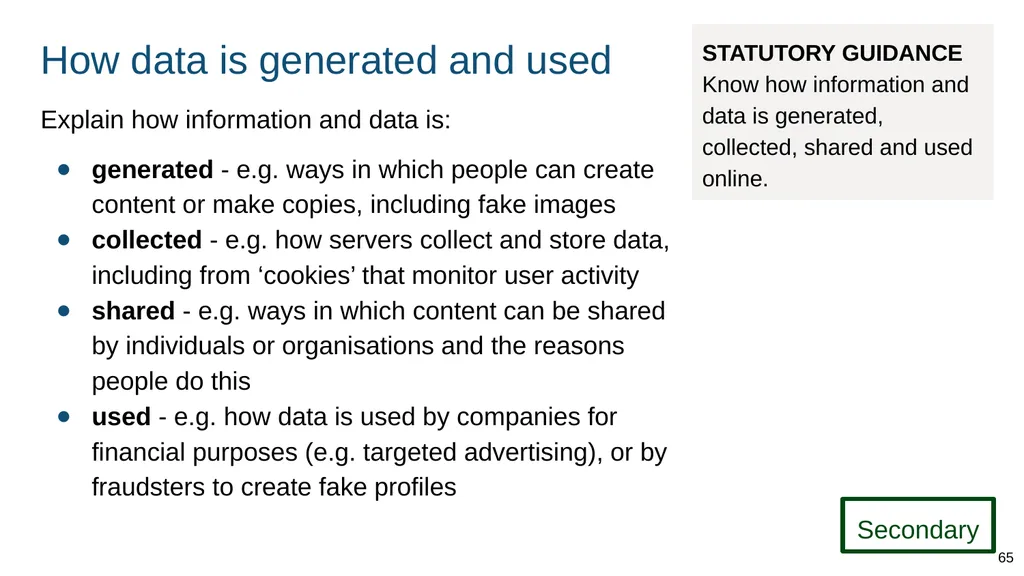
How data is generated and used Explain how information and data is:
generated - e.g. ways in which people can create content or make copies, including fake images
collected - e.g. how servers collect and store data, including from ‘cookies’ that monitor user activity
shared - e.g. ways in which content can be shared by individuals or organisations and the reasons people do this
used - e.g. how data is used by companies for financial purposes (e.g. targeted advertising), or by fraudsters to create fake profiles STATUTORY GUIDANCE Know how information and data is generated, collected, shared and used online. Secondary 65<br>
generated - e.g. ways in which people can create content or make copies, including fake images
collected - e.g. how servers collect and store data, including from ‘cookies’ that monitor user activity
shared - e.g. ways in which content can be shared by individuals or organisations and the reasons people do this
used - e.g. how data is used by companies for financial purposes (e.g. targeted advertising), or by fraudsters to create fake profiles STATUTORY GUIDANCE Know how information and data is generated, collected, shared and used online. Secondary 65<br>
66
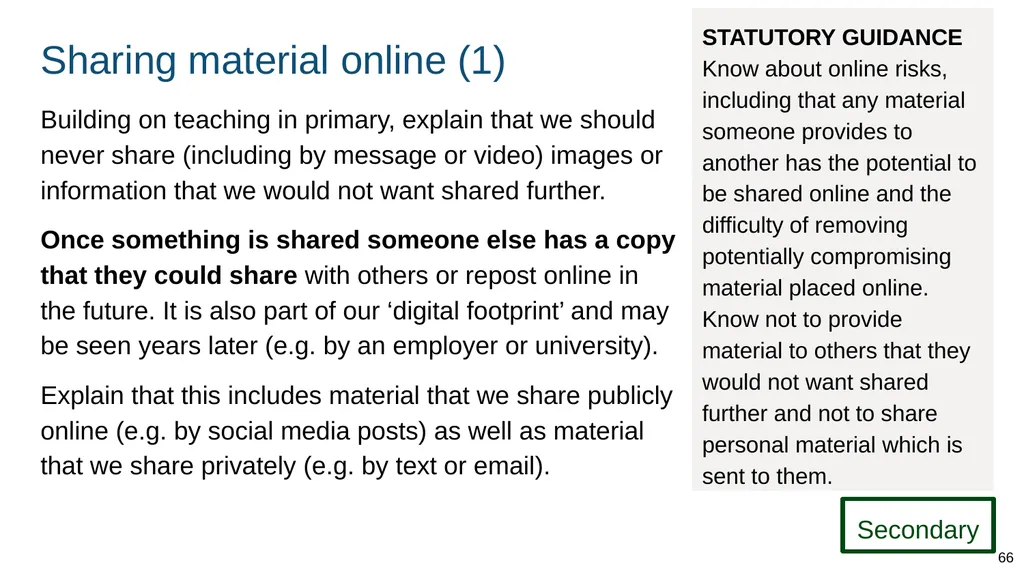
Sharing material online (1) Building on teaching in primary, explain that we should never share (including by message or video) images or information that we would not want shared further.
Once something is shared someone else has a copy that they could share with others or repost online in the future. It is also part of our ‘digital footprint’ and may be seen years later (e.g. by an employer or university).
Explain that this includes material that we share publicly online (e.g. by social media posts) as well as material that we share privately (e.g. by text or email). 66 Secondary STATUTORY GUIDANCE Know about online risks, including that any material someone provides to another has the potential to be shared online and the difficulty of removing potentially compromising material placed online.
Know not to provide material to others that they would not want shared further and not to share personal material which is sent to them.<br>
Once something is shared someone else has a copy that they could share with others or repost online in the future. It is also part of our ‘digital footprint’ and may be seen years later (e.g. by an employer or university).
Explain that this includes material that we share publicly online (e.g. by social media posts) as well as material that we share privately (e.g. by text or email). 66 Secondary STATUTORY GUIDANCE Know about online risks, including that any material someone provides to another has the potential to be shared online and the difficulty of removing potentially compromising material placed online.
Know not to provide material to others that they would not want shared further and not to share personal material which is sent to them.<br>
67
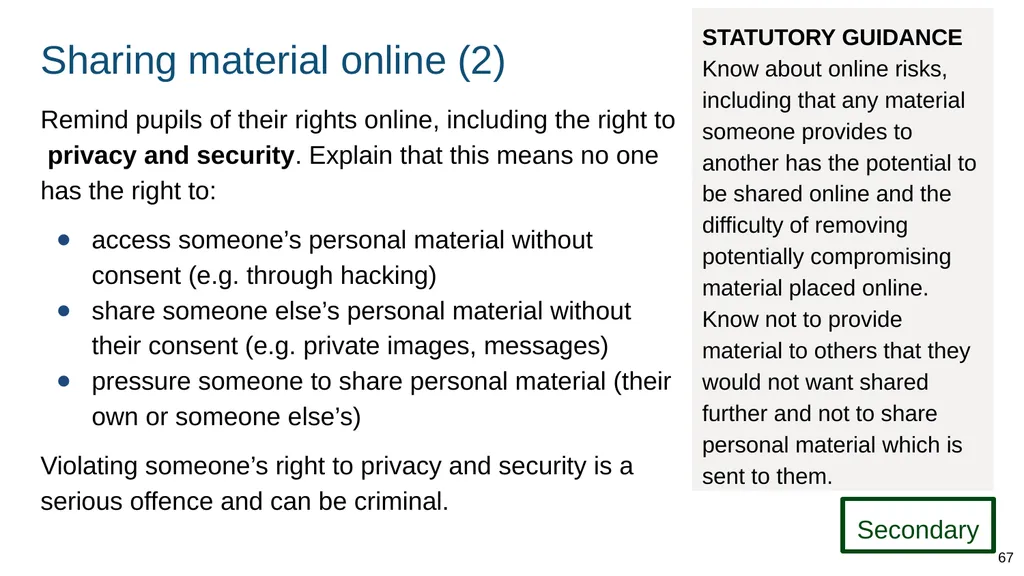
Sharing material online (2) Remind pupils of their rights online, including the right to privacy and security. Explain that this means no one has the right to:
access someone’s personal material without consent (e.g. through hacking)
share someone else’s personal material without their consent (e.g. private images, messages)
pressure someone to share personal material (their own or someone else’s)
Violating someone’s right to privacy and security is a serious offence and can be criminal. 67 Secondary STATUTORY GUIDANCE Know about online risks, including that any material someone provides to another has the potential to be shared online and the difficulty of removing potentially compromising material placed online.
Know not to provide material to others that they would not want shared further and not to share personal material which is sent to them.<br>
access someone’s personal material without consent (e.g. through hacking)
share someone else’s personal material without their consent (e.g. private images, messages)
pressure someone to share personal material (their own or someone else’s)
Violating someone’s right to privacy and security is a serious offence and can be criminal. 67 Secondary STATUTORY GUIDANCE Know about online risks, including that any material someone provides to another has the potential to be shared online and the difficulty of removing potentially compromising material placed online.
Know not to provide material to others that they would not want shared further and not to share personal material which is sent to them.<br>
68
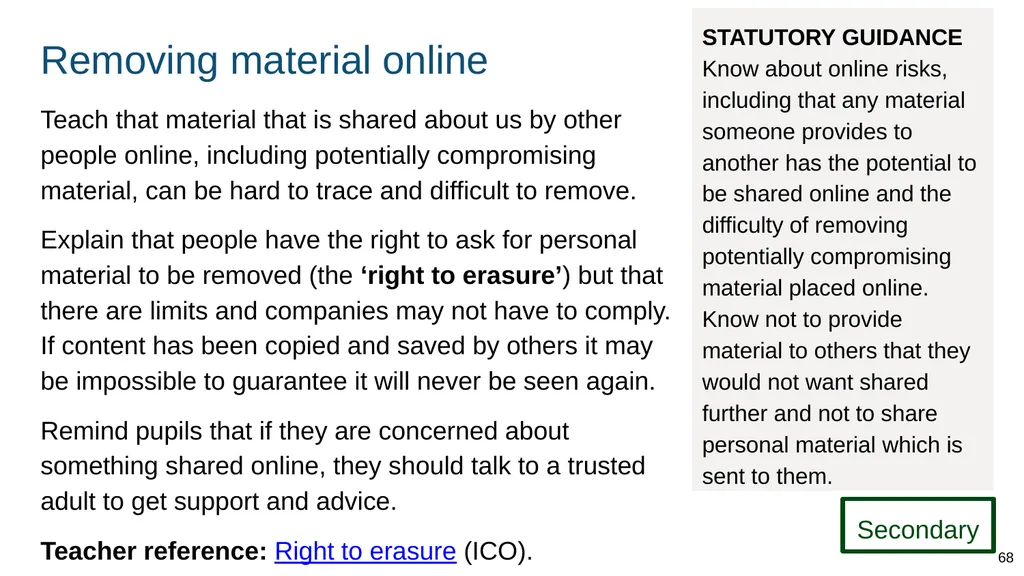
Removing material online Teach that material that is shared about us by other people online, including potentially compromising material, can be hard to trace and difficult to remove.
Explain that people have the right to ask for personal material to be removed (the ‘right to erasure’) but that there are limits and companies may not have to comply. If content has been copied and saved by others it may be impossible to guarantee it will never be seen again.
Remind pupils that if they are concerned about something shared online, they should talk to a trusted adult to get support and advice.
Teacher reference: Right to erasure (ICO). STATUTORY GUIDANCE Know about online risks, including that any material someone provides to another has the potential to be shared online and the difficulty of removing potentially compromising material placed online.
Know not to provide material to others that they would not want shared further and not to share personal material which is sent to them. Secondary 68<br>
Explain that people have the right to ask for personal material to be removed (the ‘right to erasure’) but that there are limits and companies may not have to comply. If content has been copied and saved by others it may be impossible to guarantee it will never be seen again.
Remind pupils that if they are concerned about something shared online, they should talk to a trusted adult to get support and advice.
Teacher reference: Right to erasure (ICO). STATUTORY GUIDANCE Know about online risks, including that any material someone provides to another has the potential to be shared online and the difficulty of removing potentially compromising material placed online.
Know not to provide material to others that they would not want shared further and not to share personal material which is sent to them. Secondary 68<br>
69
Risks of unknown people online (1) Repeat and build on information taught in primary about the risks of interacting with people online who we do not know in our offline life (‘strangers’), including:
sharing personal information (including security information, daily routines)
sharing anything that could ‘compromise’ us (e.g. risk of blackmail over sexual images)
joining online groups that promote extreme views or misinformation
Also teach that people who seek to groom others often try to isolate them from their existing support network.
Reinforce the message that victims are never to blame. STATUTORY GUIDANCE Know about online risks, including that any material someone provides to another has the potential to be shared online and the difficulty of removing potentially compromising material placed online. Secondary 69<br>
sharing personal information (including security information, daily routines)
sharing anything that could ‘compromise’ us (e.g. risk of blackmail over sexual images)
joining online groups that promote extreme views or misinformation
Also teach that people who seek to groom others often try to isolate them from their existing support network.
Reinforce the message that victims are never to blame. STATUTORY GUIDANCE Know about online risks, including that any material someone provides to another has the potential to be shared online and the difficulty of removing potentially compromising material placed online. Secondary 69<br>
70
Risks of unknown people online (2) Teach that it can be dangerous to meet people in person that we have only met online. The risk is even higher if someone:
meets someone they have not met before alone
meets somewhere that is not public and busy
does not tell other people (particularly a trusted adult) where they are going or who they are meeting, or how they can be contacted STATUTORY GUIDANCE Know about online risks, including that any material someone provides to another has the potential to be shared online and the difficulty of removing potentially compromising material placed online. Secondary 70<br>
meets someone they have not met before alone
meets somewhere that is not public and busy
does not tell other people (particularly a trusted adult) where they are going or who they are meeting, or how they can be contacted STATUTORY GUIDANCE Know about online risks, including that any material someone provides to another has the potential to be shared online and the difficulty of removing potentially compromising material placed online. Secondary 70<br>
71
Harmful content 71<br>
72
Impacts of viewing harmful content Explain that viewing pornography and extreme violence online is damaging in many ways. It can:
influence attitudes about what is acceptable, including reinforcing highly damaging stereotypes
cause people to behave in unacceptable ways towards others, e.g. unconsciously imitating
make it harder to form and sustain relationships because expectations of relationships (including of sex) become distorted and sometimes abusive
condone and encourage exploitation of those involved in producing and distributing such content
become a spiral of addiction where people seek ever more extreme forms and need help to stop STATUTORY GUIDANCE Know the impact of viewing harmful content.
Know that specifically sexually explicit material e.g. pornography presents a distorted picture of sexual behaviours, can damage the way people see themselves in relation to others and negatively affect how they behave towards sexual partners. Secondary 72<br>
influence attitudes about what is acceptable, including reinforcing highly damaging stereotypes
cause people to behave in unacceptable ways towards others, e.g. unconsciously imitating
make it harder to form and sustain relationships because expectations of relationships (including of sex) become distorted and sometimes abusive
condone and encourage exploitation of those involved in producing and distributing such content
become a spiral of addiction where people seek ever more extreme forms and need help to stop STATUTORY GUIDANCE Know the impact of viewing harmful content.
Know that specifically sexually explicit material e.g. pornography presents a distorted picture of sexual behaviours, can damage the way people see themselves in relation to others and negatively affect how they behave towards sexual partners. Secondary 72<br>
73
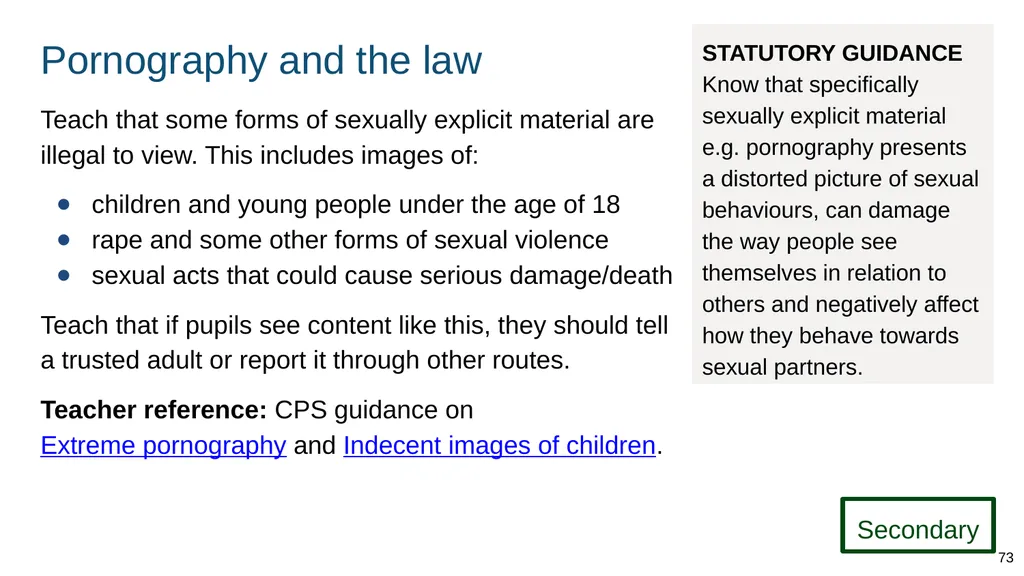
Pornography and the law Teach that some forms of sexually explicit material are illegal to view. This includes images of:
children and young people under the age of 18
rape and some other forms of sexual violence
sexual acts that could cause serious damage/death
Teach that if pupils see content like this, they should tell a trusted adult or report it through other routes.
Teacher reference: CPS guidance on Extreme pornography and Indecent images of children. STATUTORY GUIDANCE Know that specifically sexually explicit material e.g. pornography presents a distorted picture of sexual behaviours, can damage the way people see themselves in relation to others and negatively affect how they behave towards sexual partners. Secondary 73<br>
children and young people under the age of 18
rape and some other forms of sexual violence
sexual acts that could cause serious damage/death
Teach that if pupils see content like this, they should tell a trusted adult or report it through other routes.
Teacher reference: CPS guidance on Extreme pornography and Indecent images of children. STATUTORY GUIDANCE Know that specifically sexually explicit material e.g. pornography presents a distorted picture of sexual behaviours, can damage the way people see themselves in relation to others and negatively affect how they behave towards sexual partners. Secondary 73<br>
74
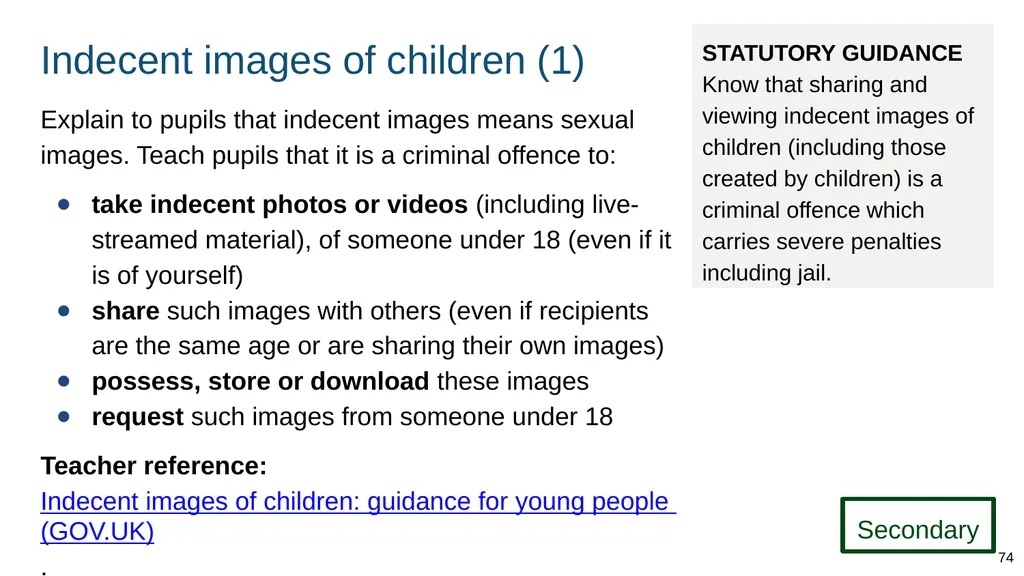
Indecent images of children (1) Explain to pupils that indecent images means sexual images. Teach pupils that it is a criminal offence to:
take indecent photos or videos (including live-streamed material), of someone under 18 (even if it is of yourself)
share such images with others (even if recipients are the same age or are sharing their own images)
possess, store or download these images
request such images from someone under 18
Teacher reference: Indecent images of children: guidance for young people (GOV.UK). STATUTORY GUIDANCE Know that sharing and viewing indecent images of children (including those created by children) is a criminal offence which carries severe penalties including jail. Secondary 74<br>
take indecent photos or videos (including live-streamed material), of someone under 18 (even if it is of yourself)
share such images with others (even if recipients are the same age or are sharing their own images)
possess, store or download these images
request such images from someone under 18
Teacher reference: Indecent images of children: guidance for young people (GOV.UK). STATUTORY GUIDANCE Know that sharing and viewing indecent images of children (including those created by children) is a criminal offence which carries severe penalties including jail. Secondary 74<br>
75
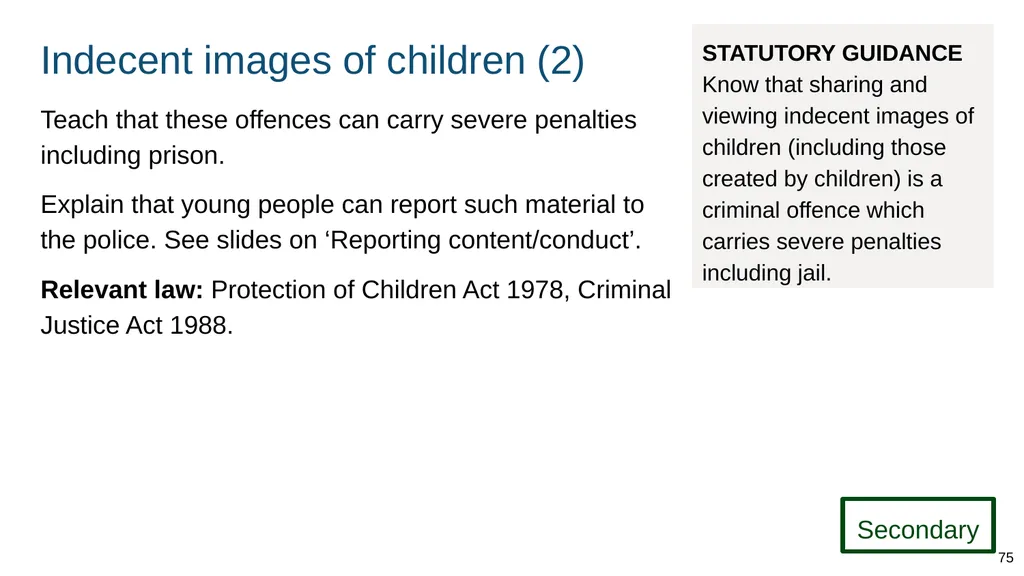
Indecent images of children (2) Teach that these offences can carry severe penalties including prison.
Explain that young people can report such material to the police. See slides on ‘Reporting content/conduct’.
Relevant law: Protection of Children Act 1978, Criminal Justice Act 1988. STATUTORY GUIDANCE Know that sharing and viewing indecent images of children (including those created by children) is a criminal offence which carries severe penalties including jail. Secondary 75<br>
Explain that young people can report such material to the police. See slides on ‘Reporting content/conduct’.
Relevant law: Protection of Children Act 1978, Criminal Justice Act 1988. STATUTORY GUIDANCE Know that sharing and viewing indecent images of children (including those created by children) is a criminal offence which carries severe penalties including jail. Secondary 75<br>
76
Support and reporting 76<br>
77
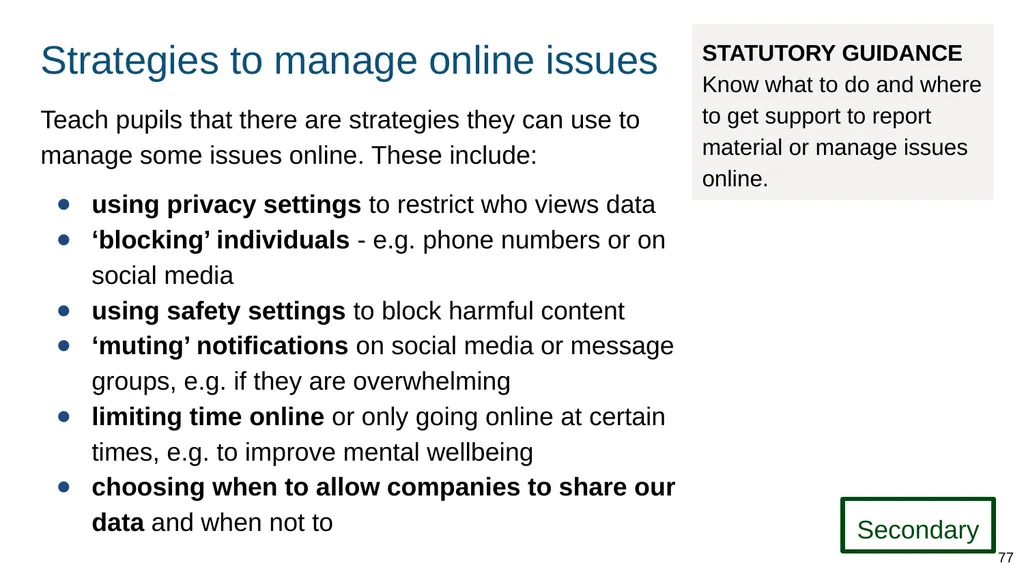
Strategies to manage online issues Teach pupils that there are strategies they can use to manage some issues online. These include:
using privacy settings to restrict who views data
‘blocking’ individuals - e.g. phone numbers or on social media
using safety settings to block harmful content
‘muting’ notifications on social media or message groups, e.g. if they are overwhelming
limiting time online or only going online at certain times, e.g. to improve mental wellbeing
choosing when to allow companies to share our data and when not to STATUTORY GUIDANCE Know what to do and where to get support to report material or manage issues online. Secondary 77<br>
using privacy settings to restrict who views data
‘blocking’ individuals - e.g. phone numbers or on social media
using safety settings to block harmful content
‘muting’ notifications on social media or message groups, e.g. if they are overwhelming
limiting time online or only going online at certain times, e.g. to improve mental wellbeing
choosing when to allow companies to share our data and when not to STATUTORY GUIDANCE Know what to do and where to get support to report material or manage issues online. Secondary 77<br>
78
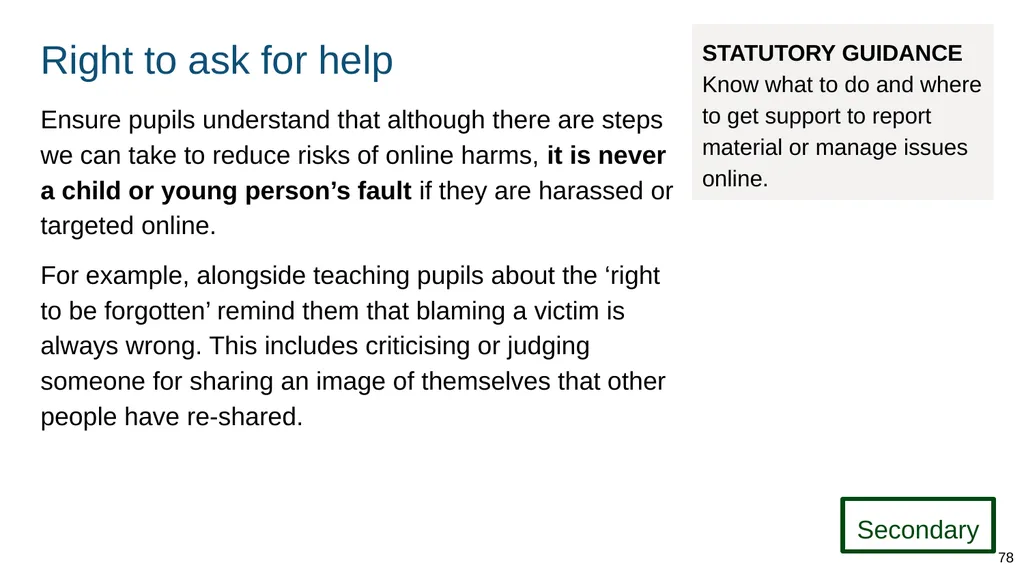
Right to ask for help Ensure pupils understand that although there are steps we can take to reduce risks of online harms, it is never a child or young person’s fault if they are harassed or targeted online.
For example, alongside teaching pupils about the ‘right to be forgotten’ remind them that blaming a victim is always wrong. This includes criticising or judging someone for sharing an image of themselves that other people have re-shared. STATUTORY GUIDANCE Know what to do and where to get support to report material or manage issues online. Secondary 78<br>
For example, alongside teaching pupils about the ‘right to be forgotten’ remind them that blaming a victim is always wrong. This includes criticising or judging someone for sharing an image of themselves that other people have re-shared. STATUTORY GUIDANCE Know what to do and where to get support to report material or manage issues online. Secondary 78<br>
79
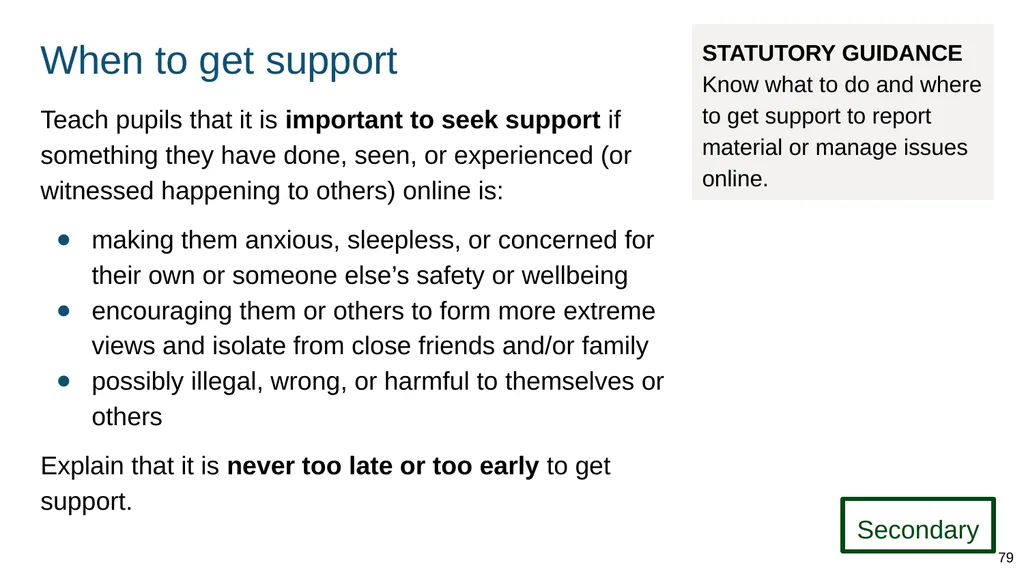
When to get support Teach pupils that it is important to seek support if something they have done, seen, or experienced (or witnessed happening to others) online is:
making them anxious, sleepless, or concerned for their own or someone else’s safety or wellbeing
encouraging them or others to form more extreme views and isolate from close friends and/or family
possibly illegal, wrong, or harmful to themselves or others
Explain that it is never too late or too early to get support. STATUTORY GUIDANCE Know what to do and where to get support to report material or manage issues online. Secondary 79<br>
making them anxious, sleepless, or concerned for their own or someone else’s safety or wellbeing
encouraging them or others to form more extreme views and isolate from close friends and/or family
possibly illegal, wrong, or harmful to themselves or others
Explain that it is never too late or too early to get support. STATUTORY GUIDANCE Know what to do and where to get support to report material or manage issues online. Secondary 79<br>
80
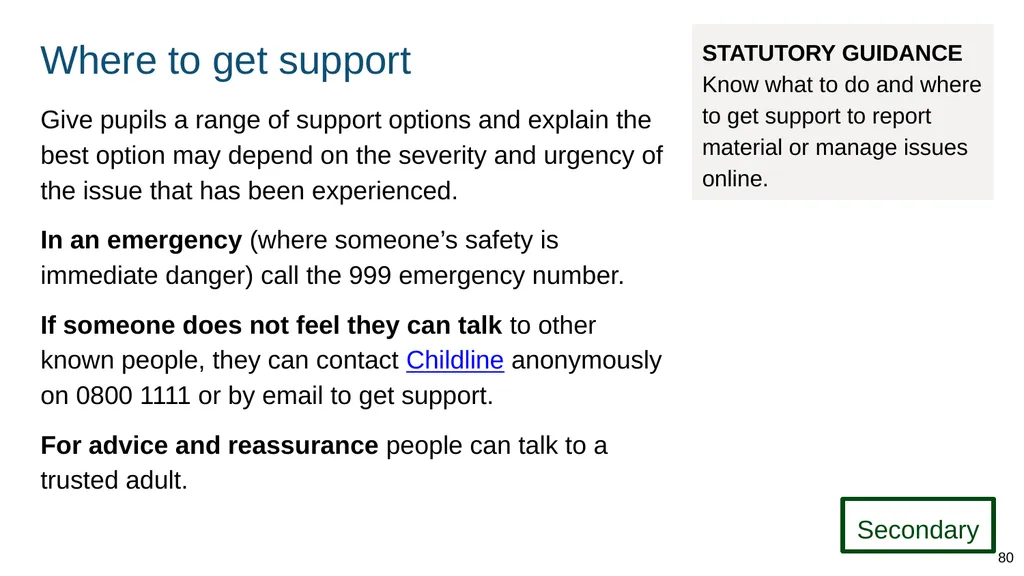
Where to get support Give pupils a range of support options and explain the best option may depend on the severity and urgency of the issue that has been experienced.
In an emergency (where someone’s safety is immediate danger) call the 999 emergency number.
If someone does not feel they can talk to other known people, they can contact Childline anonymously on 0800 1111 or by email to get support.
For advice and reassurance people can talk to a trusted adult. STATUTORY GUIDANCE Know what to do and where to get support to report material or manage issues online. Secondary 80<br>
In an emergency (where someone’s safety is immediate danger) call the 999 emergency number.
If someone does not feel they can talk to other known people, they can contact Childline anonymously on 0800 1111 or by email to get support.
For advice and reassurance people can talk to a trusted adult. STATUTORY GUIDANCE Know what to do and where to get support to report material or manage issues online. Secondary 80<br>
81
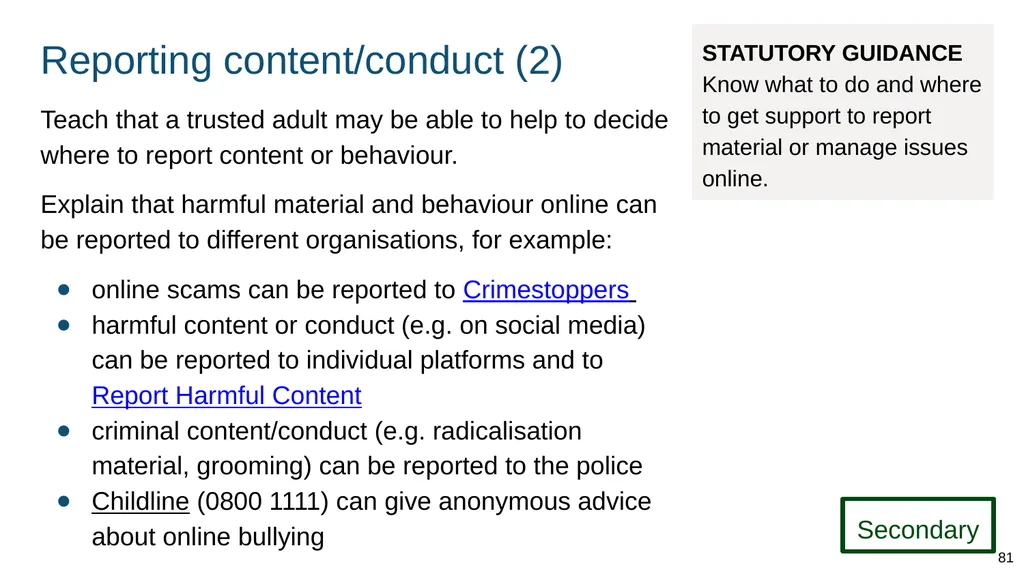
Reporting content/conduct (2) Teach that a trusted adult may be able to help to decide where to report content or behaviour.
Explain that harmful material and behaviour online can be reported to different organisations, for example:
online scams can be reported to Crimestoppers
harmful content or conduct (e.g. on social media) can be reported to individual platforms and to Report Harmful Content
criminal content/conduct (e.g. radicalisation material, grooming) can be reported to the police
Childline (0800 1111) can give anonymous advice about online bullying STATUTORY GUIDANCE Know what to do and where to get support to report material or manage issues online. Secondary 81<br>
Explain that harmful material and behaviour online can be reported to different organisations, for example:
online scams can be reported to Crimestoppers
harmful content or conduct (e.g. on social media) can be reported to individual platforms and to Report Harmful Content
criminal content/conduct (e.g. radicalisation material, grooming) can be reported to the police
Childline (0800 1111) can give anonymous advice about online bullying STATUTORY GUIDANCE Know what to do and where to get support to report material or manage issues online. Secondary 81<br>
82
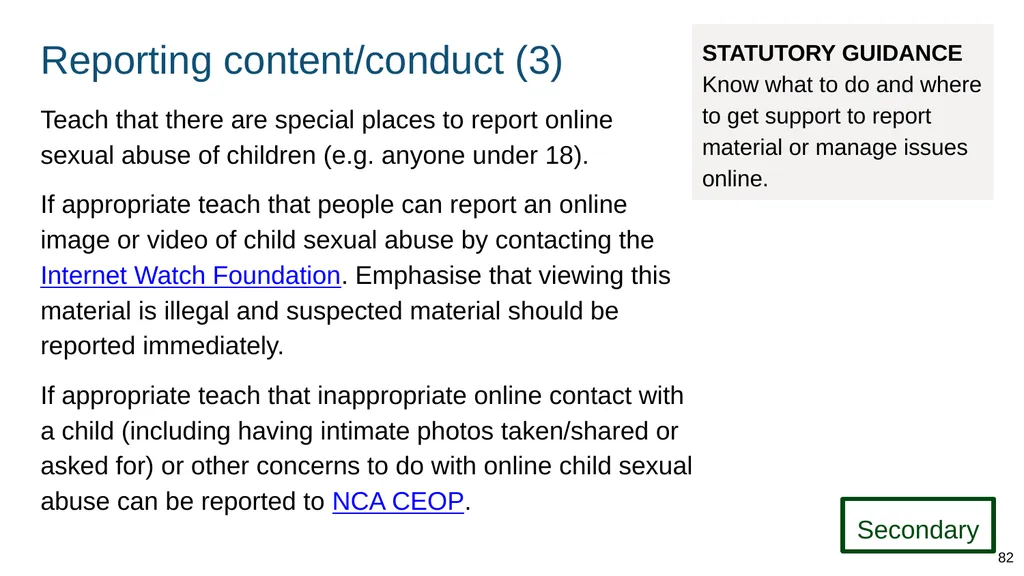
Reporting content/conduct (3) STATUTORY GUIDANCE
Know what to do and where to get support to report material or manage issues online. Teach that there are special places to report online sexual abuse of children (e.g. anyone under 18).
If appropriate teach that people can report an online image or video of child sexual abuse by contacting the Internet Watch Foundation. Emphasise that viewing this material is illegal and suspected material should be reported immediately.
If appropriate teach that inappropriate online contact with a child (including having intimate photos taken/shared or asked for) or other concerns to do with online child sexual abuse can be reported to NCA CEOP. Secondary 82<br>
If appropriate teach that people can report an online image or video of child sexual abuse by contacting the Internet Watch Foundation. Emphasise that viewing this material is illegal and suspected material should be reported immediately.
If appropriate teach that inappropriate online contact with a child (including having intimate photos taken/shared or asked for) or other concerns to do with online child sexual abuse can be reported to NCA CEOP. Secondary 82<br>
83
Examples of good practice 83<br>
84
Good practice The following are just some of the approaches you might consider when preparing to teach about online relationships (primary) and online and media (secondary).
You will need to adapt these approaches to ensure they are age appropriate and developmentally appropriate for your pupils. 84 Good practice<br>
You will need to adapt these approaches to ensure they are age appropriate and developmentally appropriate for your pupils. 84 Good practice<br>
85
Good practice approaches (1) Ensure information is taught at the right time so that pupils are not lacking the knowledge they need to make informed decisions when they encounter issues online.
Embed the school’s own policies on internet use, bullying and personal devices, ensuring pupils and parents are aware of the rules and consequences.
Ensure language and advice de-stigmatises victims of online harms and creates a culture where people feel able to seek help.
Use the concept of ‘digital citizenship’ to explore issues such as rights, responsibilities and the law. Good practice 85<br>
Embed the school’s own policies on internet use, bullying and personal devices, ensuring pupils and parents are aware of the rules and consequences.
Ensure language and advice de-stigmatises victims of online harms and creates a culture where people feel able to seek help.
Use the concept of ‘digital citizenship’ to explore issues such as rights, responsibilities and the law. Good practice 85<br>
86
Good practice approaches (2) Celebrate positive online relationships/activities/achievements, e.g. encouraging pupils to write a blog for the school website or interact with friends or their community.
Embed age-appropriate opportunities for pupils to explore the online world across the curriculum so that they can build skills, knowledge and confidence.
Use scenarios and strategies to help pupils understand how to manage problems online and, when and where to seek help.
Approach discussions on sexually explicit material sensitively, being aware that not all pupils will know about pornography, and that some pupils may have shared sexual images. Good practice 86<br>
Embed age-appropriate opportunities for pupils to explore the online world across the curriculum so that they can build skills, knowledge and confidence.
Use scenarios and strategies to help pupils understand how to manage problems online and, when and where to seek help.
Approach discussions on sexually explicit material sensitively, being aware that not all pupils will know about pornography, and that some pupils may have shared sexual images. Good practice 86<br>
87
Good practice approaches (3) Encourage pupils to think about how their ‘digital footprint’ can be a part of their identity and the ways in which they express themselves in positive ways.
Create opportunities for pupils to reflect on how different interactions online make them feel.
Embed teaching on online safety across the curriculum and encourage conversations about online issues and online lives.
When referring to websites such as those that allow the reporting of content, give pupils demonstrations rather than only providing links.
Celebrate relevant events such as www.saferinternetday.org.uk. Good practice 87<br>
Create opportunities for pupils to reflect on how different interactions online make them feel.
Embed teaching on online safety across the curriculum and encourage conversations about online issues and online lives.
When referring to websites such as those that allow the reporting of content, give pupils demonstrations rather than only providing links.
Celebrate relevant events such as www.saferinternetday.org.uk. Good practice 87<br>
88
Further information Teachers should be familiar with (and where appropriate refer pupils and parents/carers to) the following:
NCA CEOP
Internet Watch Foundation
Thinkuknow
Internet Matters
UK Safer Internet Centre
Revenge Porn Helpline
Report Harmful Content
Childnet Good practice 88<br>
NCA CEOP
Internet Watch Foundation
Thinkuknow
Internet Matters
UK Safer Internet Centre
Revenge Porn Helpline
Report Harmful Content
Childnet Good practice 88<br>
89
Activities and templates for trainers 89<br>
90
About these activities and templates Subject leads can use the following templates and training activities to plan training on teaching the new curriculum topics.
You can:
move slides - e.g. ‘rate your confidence (before training)’ - to the point in the presentation where you want to carry out that activity
delete slides if you are not covering those curriculum elements at this time 90<br>
You can:
move slides - e.g. ‘rate your confidence (before training)’ - to the point in the presentation where you want to carry out that activity
delete slides if you are not covering those curriculum elements at this time 90<br>
91
Training activity:
Rate your confidence 91<br>
Rate your confidence 91<br>
92
Rate your confidence (trainer notes) Ask your colleagues to rate confidence before and after topic training using the slides in this deck.
Before training Ask teachers to think about where they currently fit on the scale.
After training Ask teachers to rate their confidence again and talk about changes. You might want to repeat this activity at later check ins.
If teachers still rate confidence as low, discuss ways you can develop their subject knowledge, offer peer support etc. 92<br>
Before training Ask teachers to think about where they currently fit on the scale.
After training Ask teachers to rate their confidence again and talk about changes. You might want to repeat this activity at later check ins.
If teachers still rate confidence as low, discuss ways you can develop their subject knowledge, offer peer support etc. 92<br>
93
Rate your confidence (before training) How do you feel about teaching this topic? Not confident at all Very confident 93<br>
94
Rate your confidence (after training) How do you feel now? What support/information could help? Not confident at all Very confident 94<br>
95
Training activity:
Dealing with difficult questions 95<br>
Dealing with difficult questions 95<br>
96
Dealing with difficult questions (trainer notes) Use the following slides in your training to help teachers:
share concerns about questions they could be asked by pupils
strategise ways to respond to such questions 96<br>
share concerns about questions they could be asked by pupils
strategise ways to respond to such questions 96<br>
97
Dealing with difficult questions (1) [Prepare ‘difficult’ questions to discuss in training or give teachers a blank version to fill with their own questions] What would you say? What wouldn’t you say? Follow up 97<br>
98
Dealing with difficult questions (2) Pupils may well ask questions because they:
want information
are seeking permission - “Is it OK if I …?”
are trying to shock or get attention
have related personal beliefs
Remember:
don’t feel pressured or that you have to answer straight away
don’t disclose personal information - use third-person examples, say ‘some people...’
seek advice if you need it 98<br>
want information
are seeking permission - “Is it OK if I …?”
are trying to shock or get attention
have related personal beliefs
Remember:
don’t feel pressured or that you have to answer straight away
don’t disclose personal information - use third-person examples, say ‘some people...’
seek advice if you need it 98<br>
99
Training activity:
How will I teach this? 99<br>
How will I teach this? 99<br>
100
How will I teach this? (trainer notes) Use the following slides in your training to help teachers:
begin to plan and resource their lessons
discuss and address any issues they anticipate in the delivery of lessons 100<br>
begin to plan and resource their lessons
discuss and address any issues they anticipate in the delivery of lessons 100<br>
101
How will I teach this? 101<br>
102
Additional slides for structuring training 102<br>
103
Any concerns? ADAPT THIS FOR YOUR OWN PRESENTATION Any questions? What support do you need? 103<br>
104
XX% ADAPT THIS FOR YOUR OWN PRESENTATION [Use this format to present your own key facts and statistics - e.g. from your local authority or own monitoring. Include the source.] 104<br>